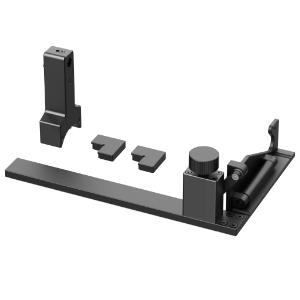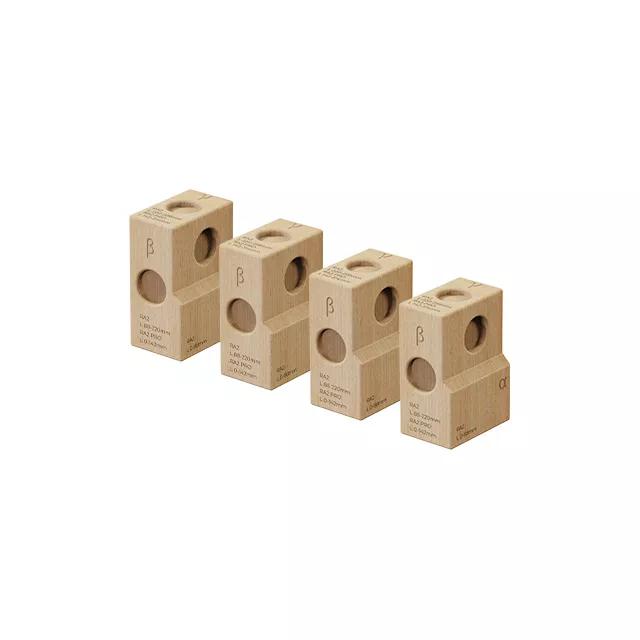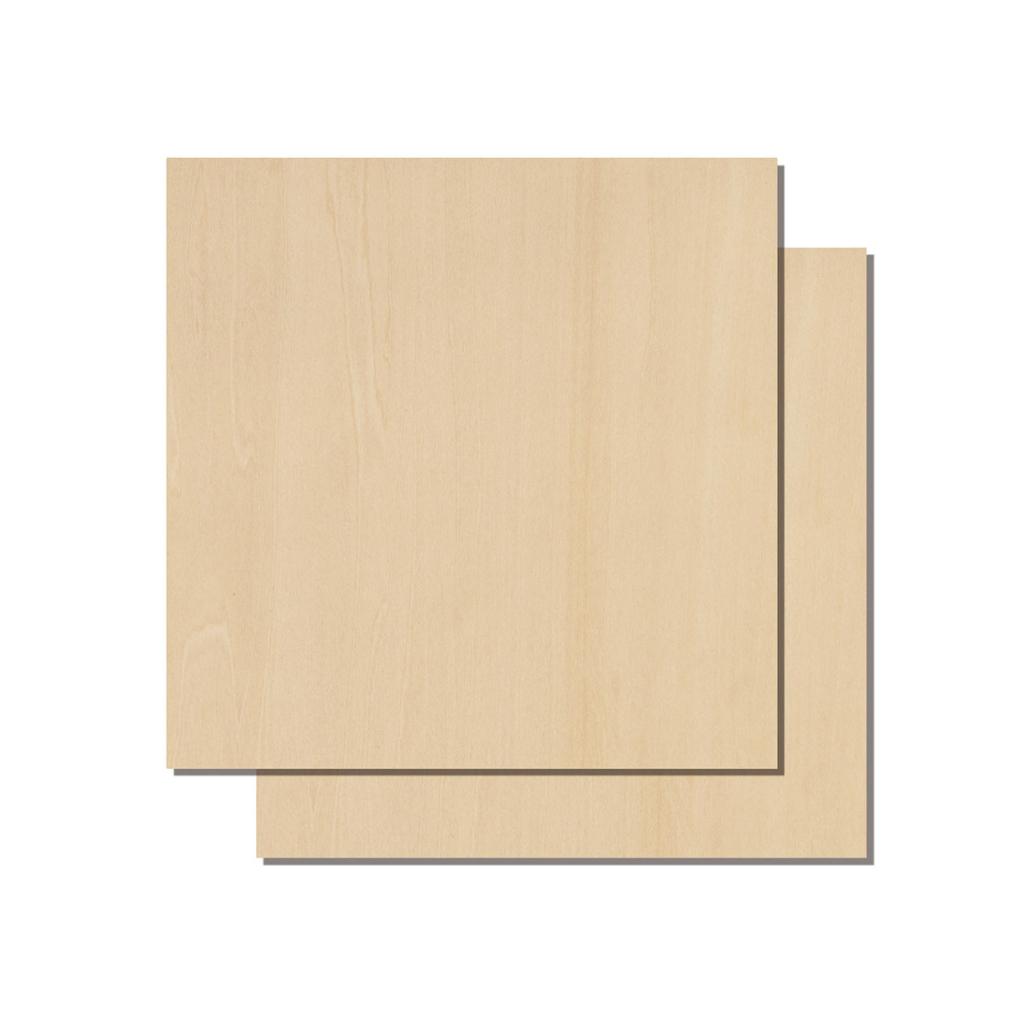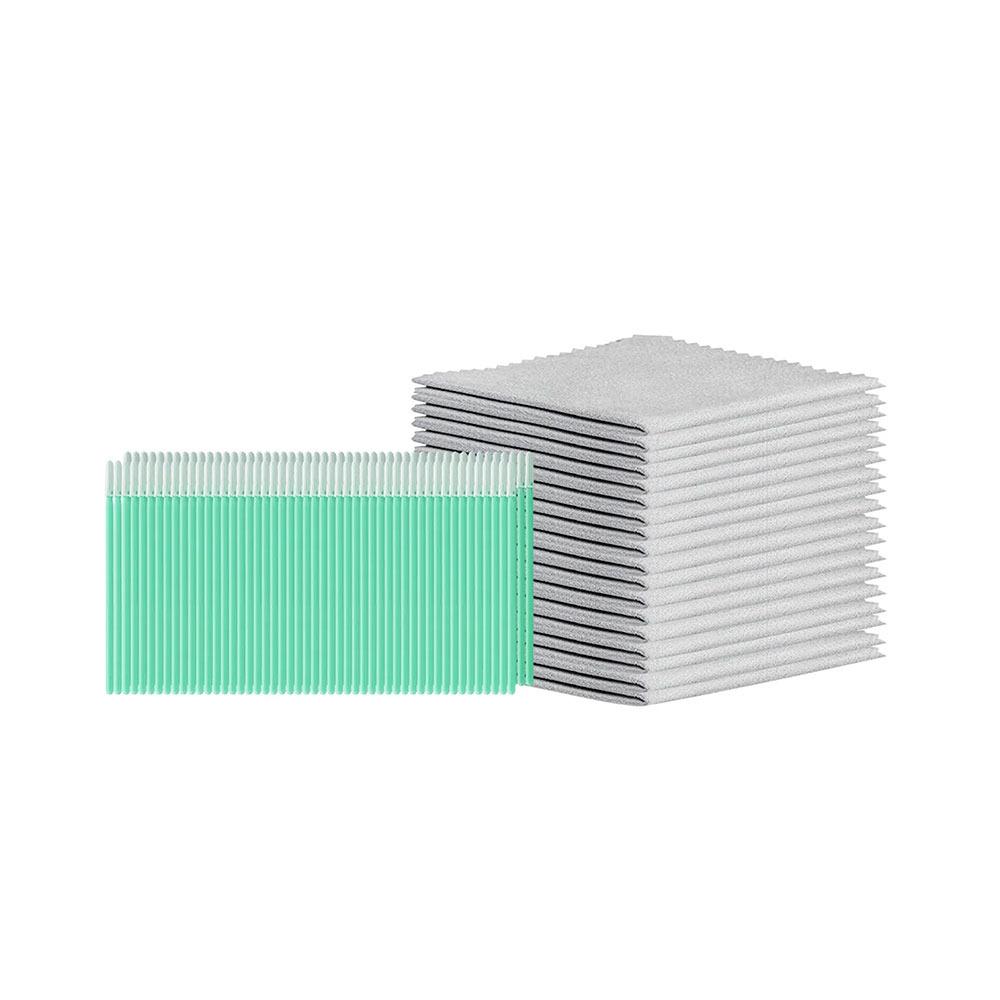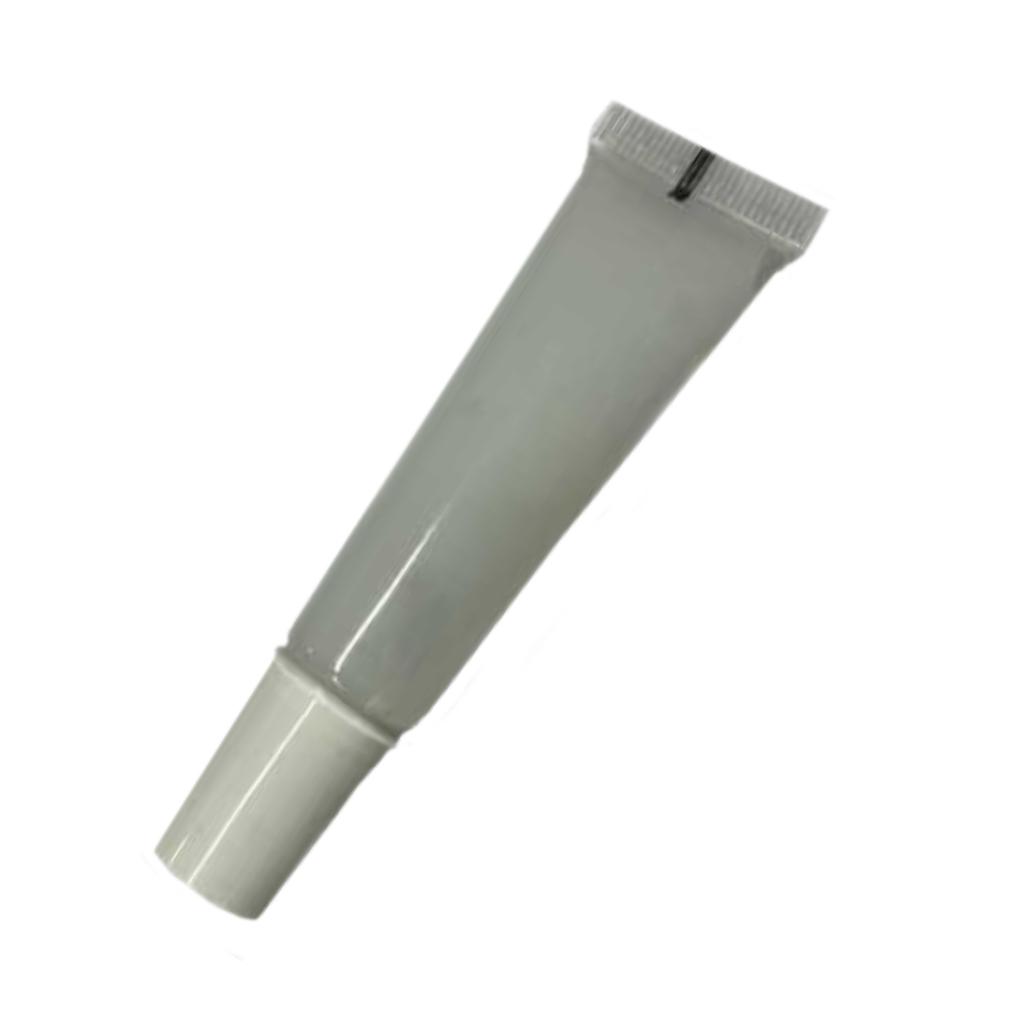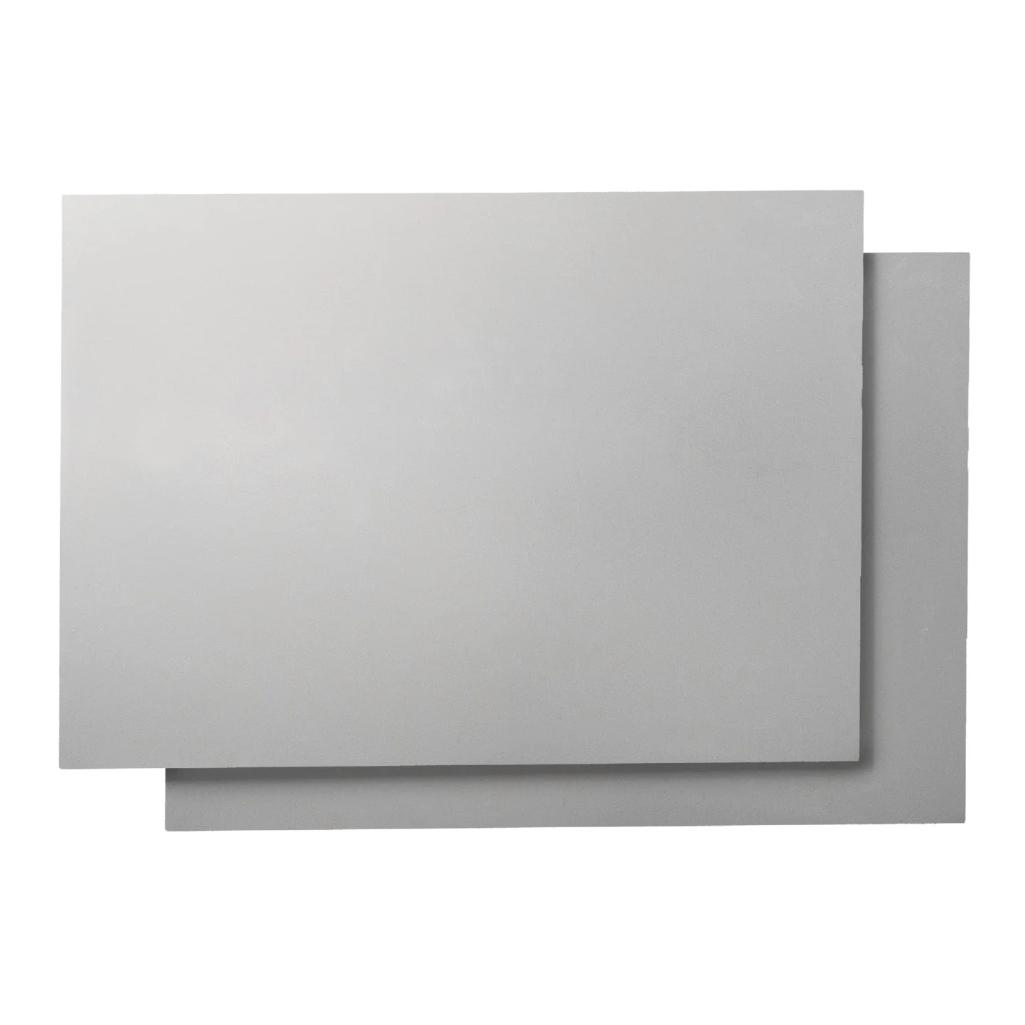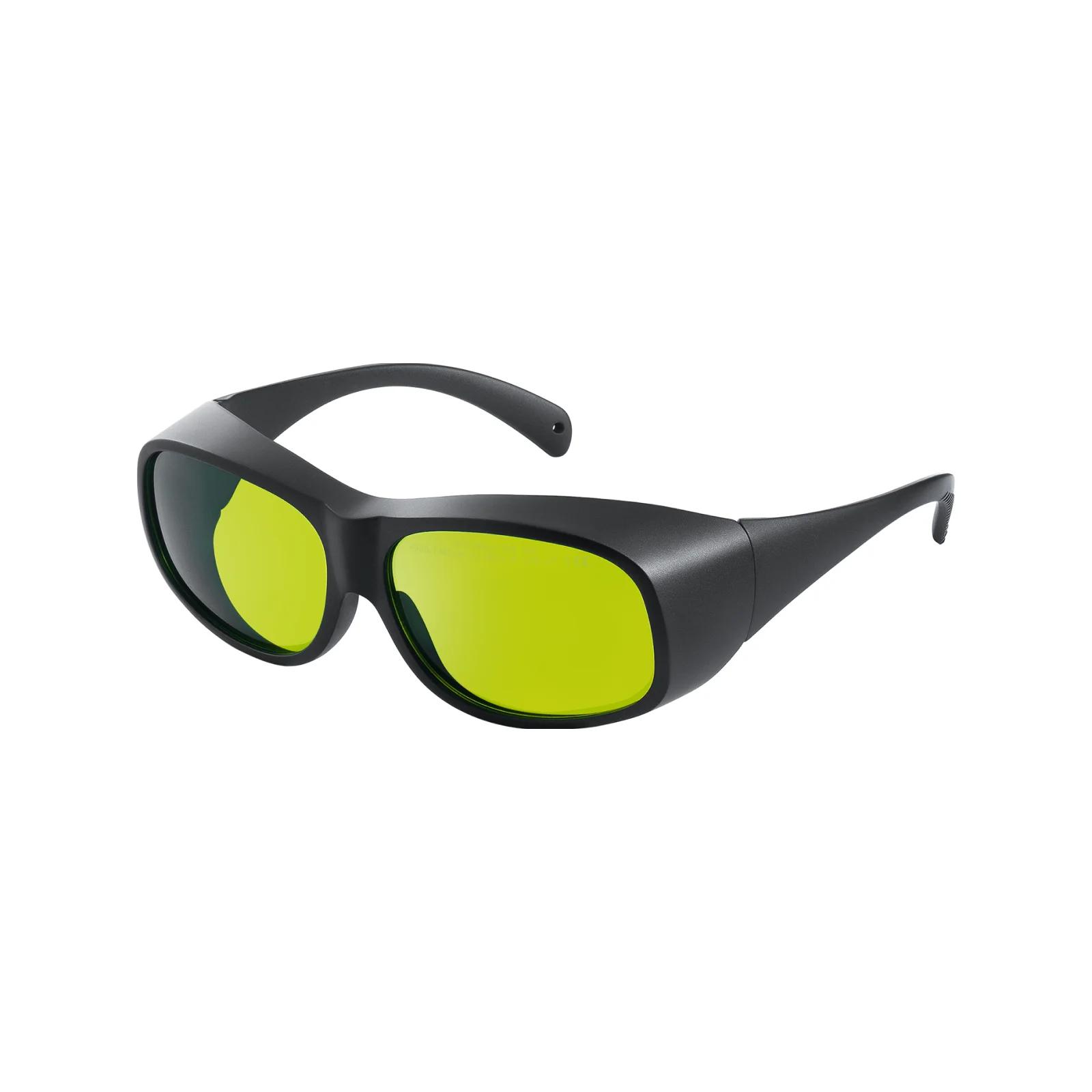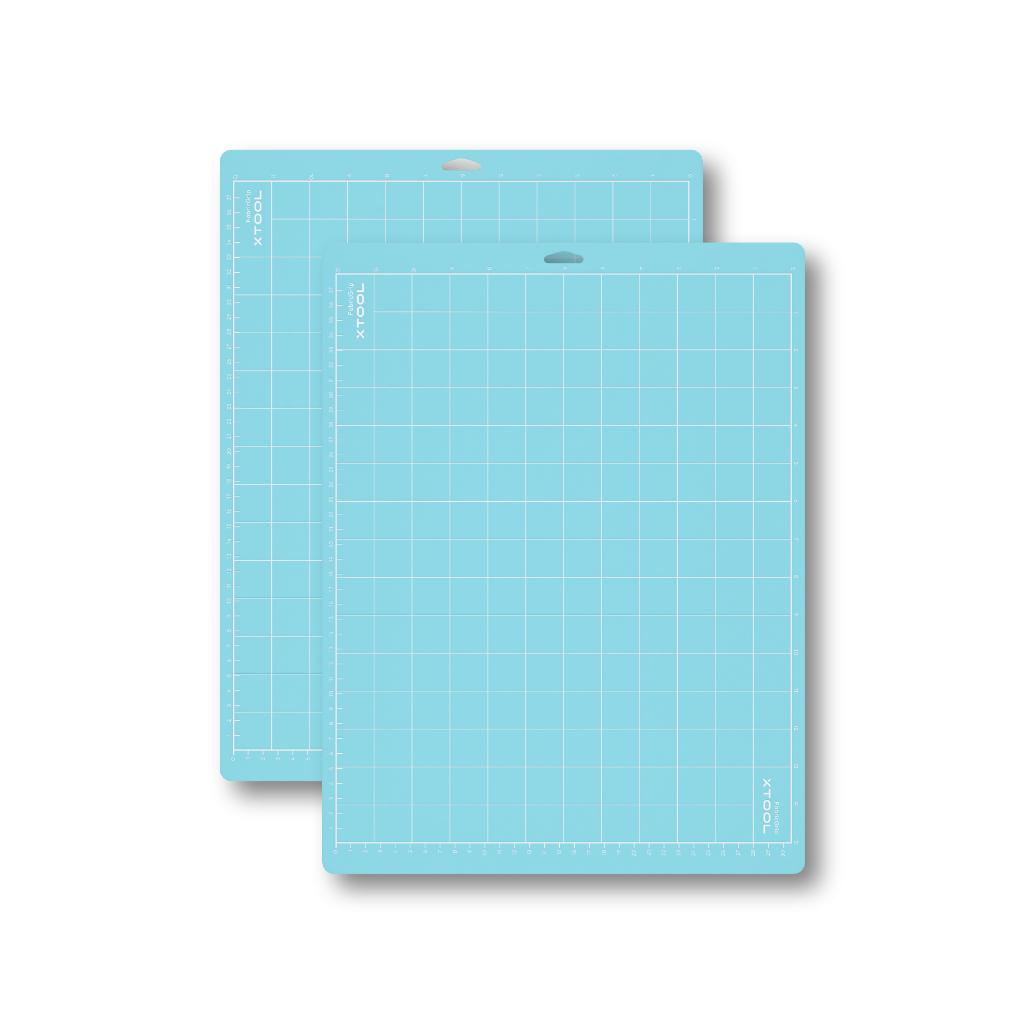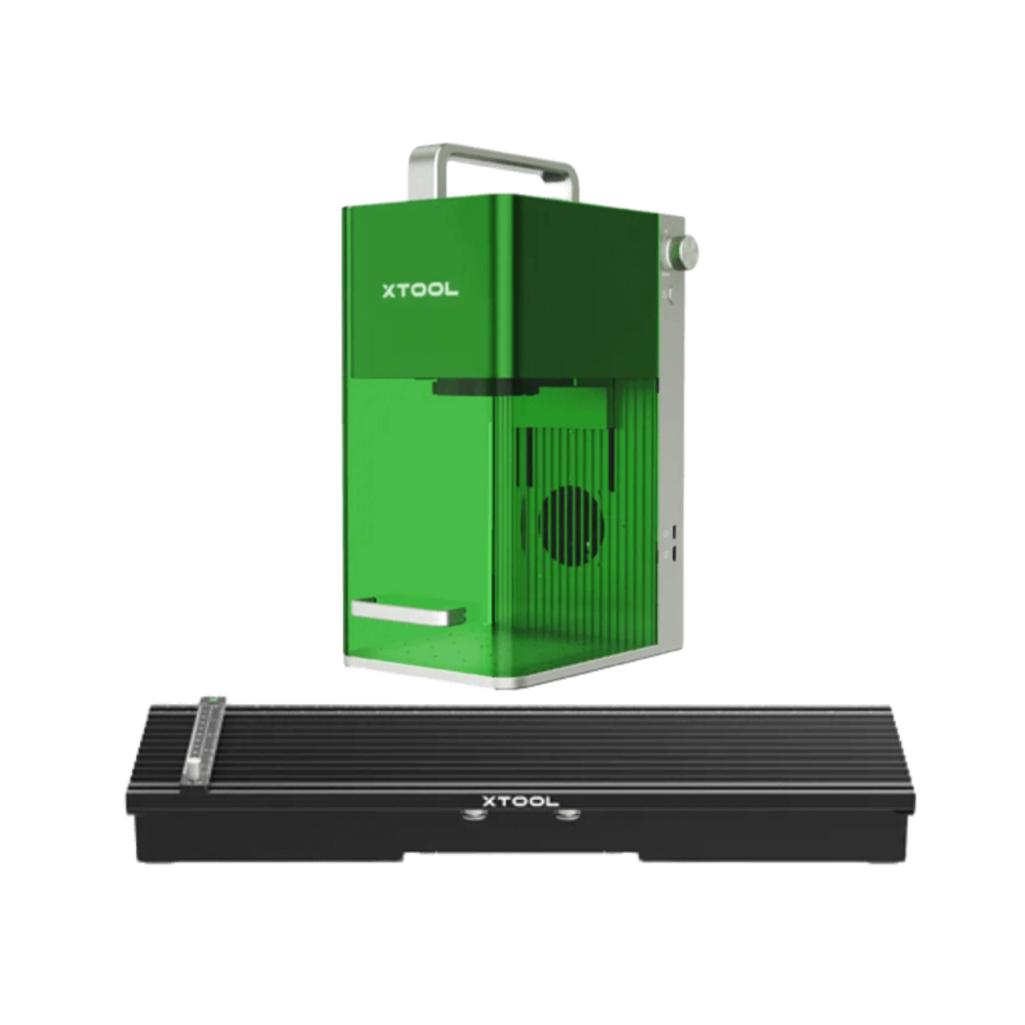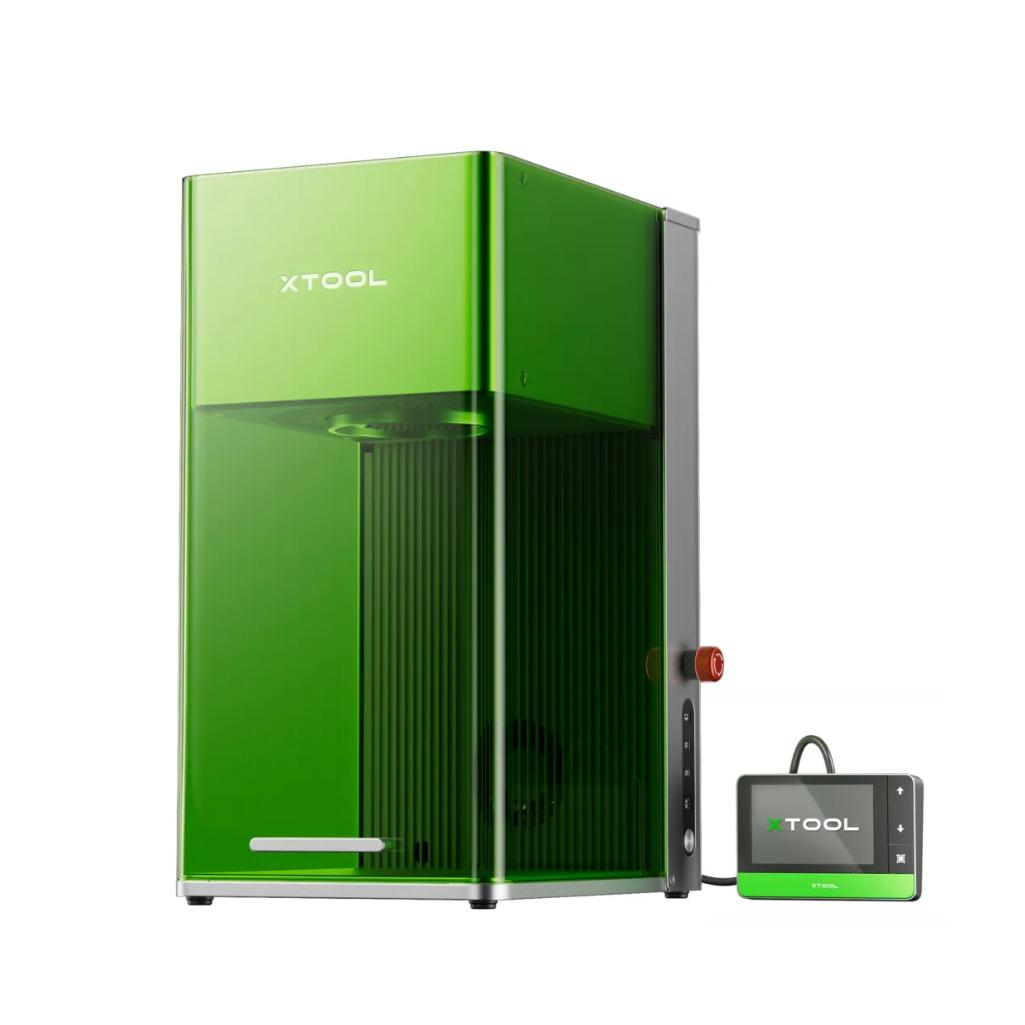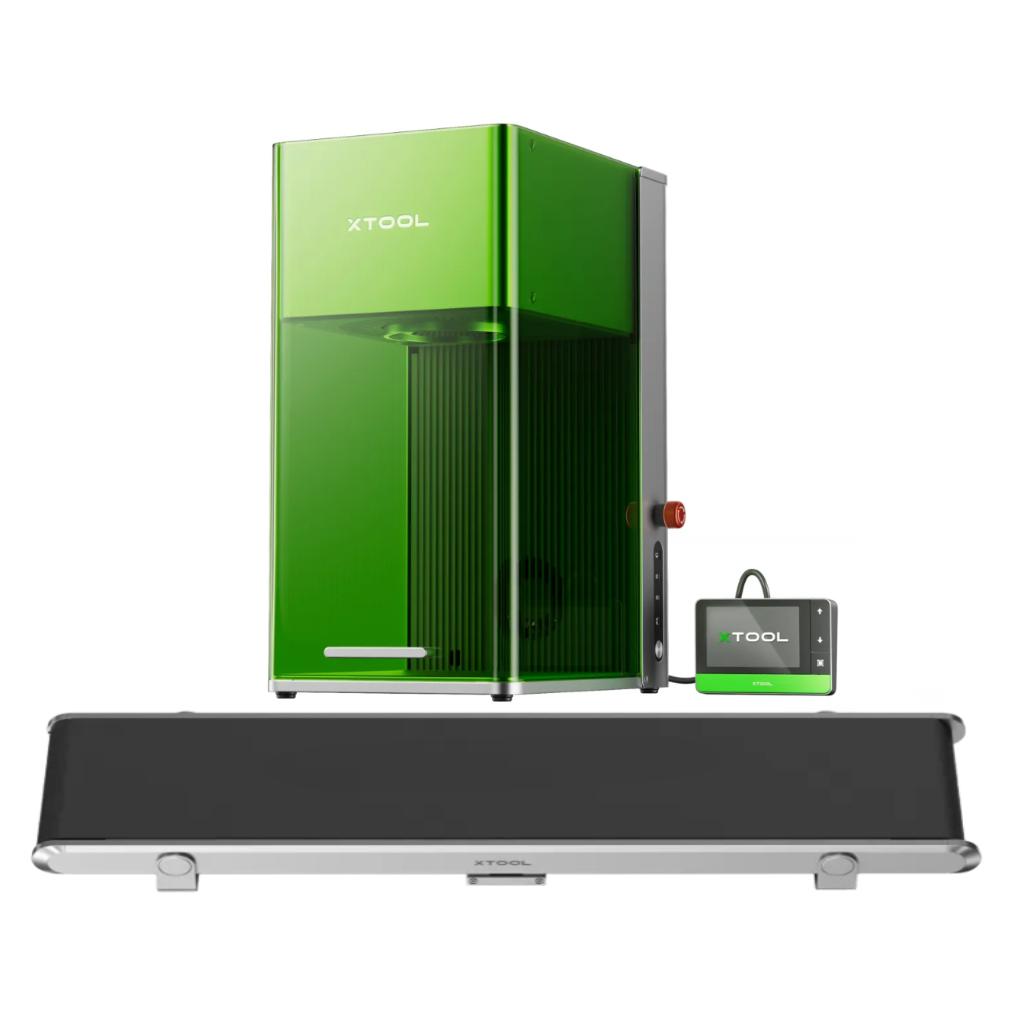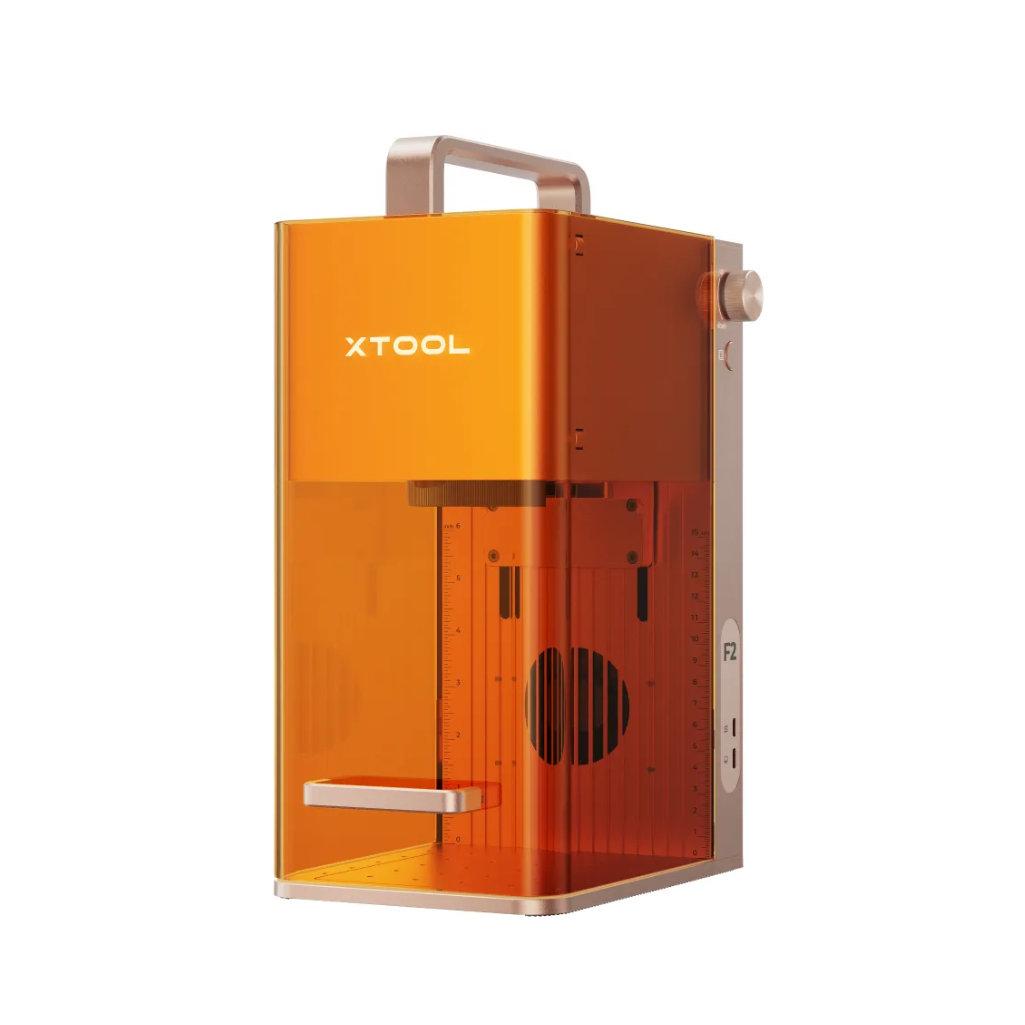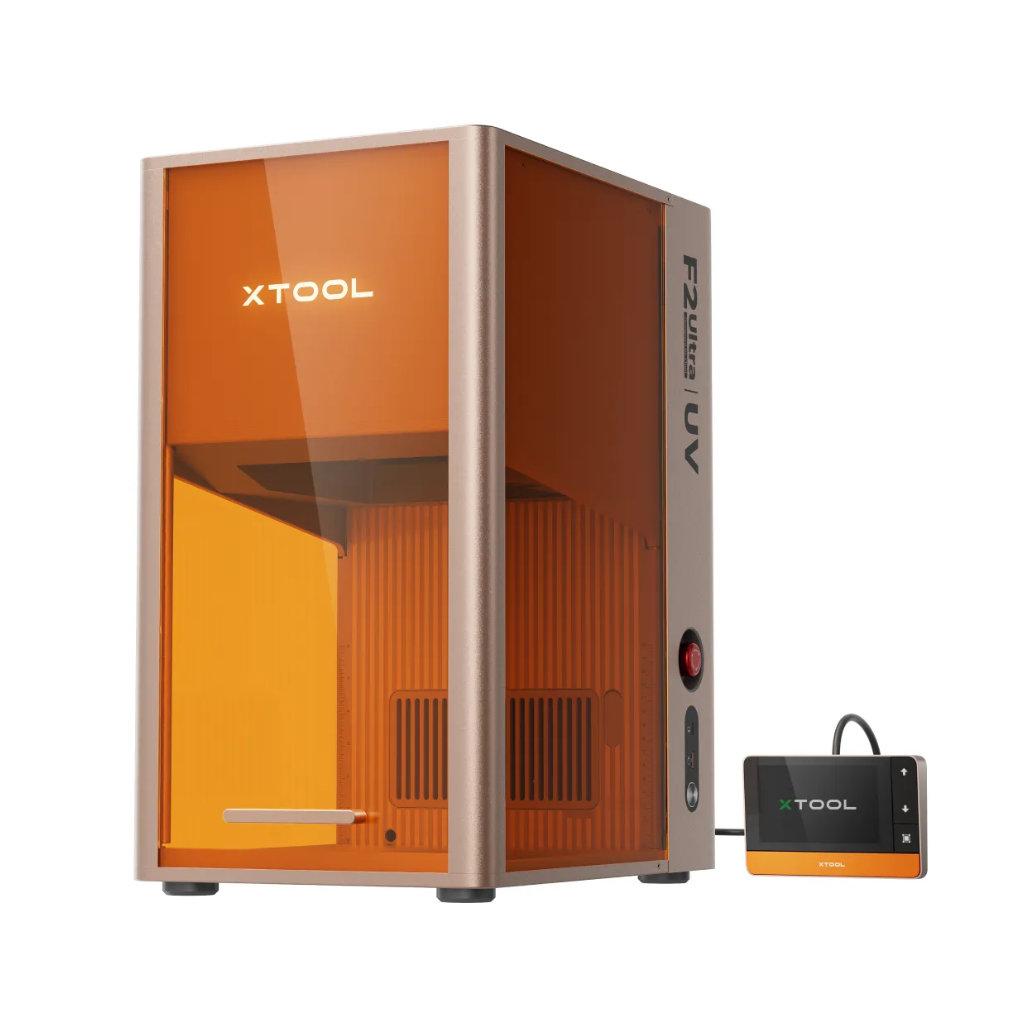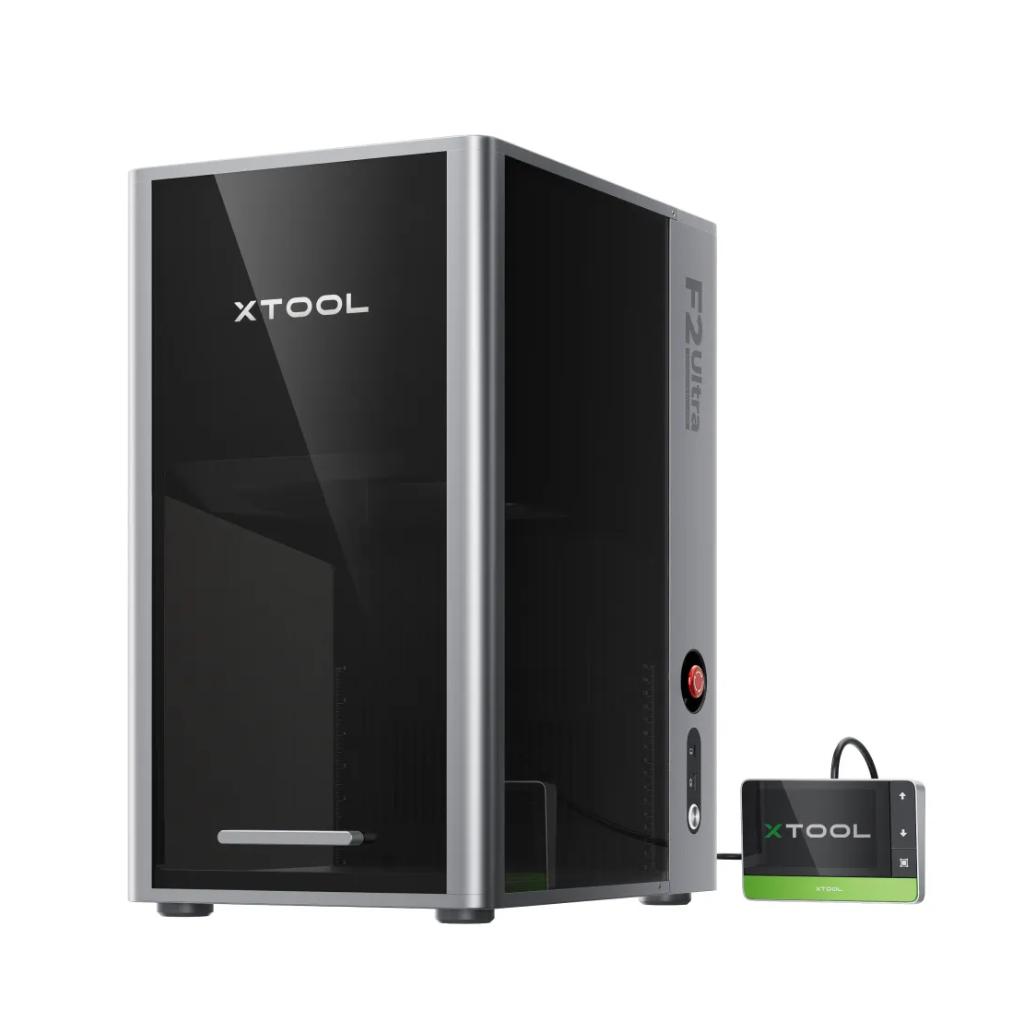







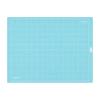
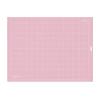
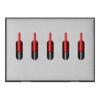
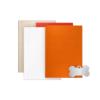

xTool Fire Safety Set - M1/P2
699,99złincl. tax
🎁 Buy a Silhouette cutting machine and get a 20€ gift card for just 1 grosz! Shop now
Do you have any questions? We'll be happy to help!
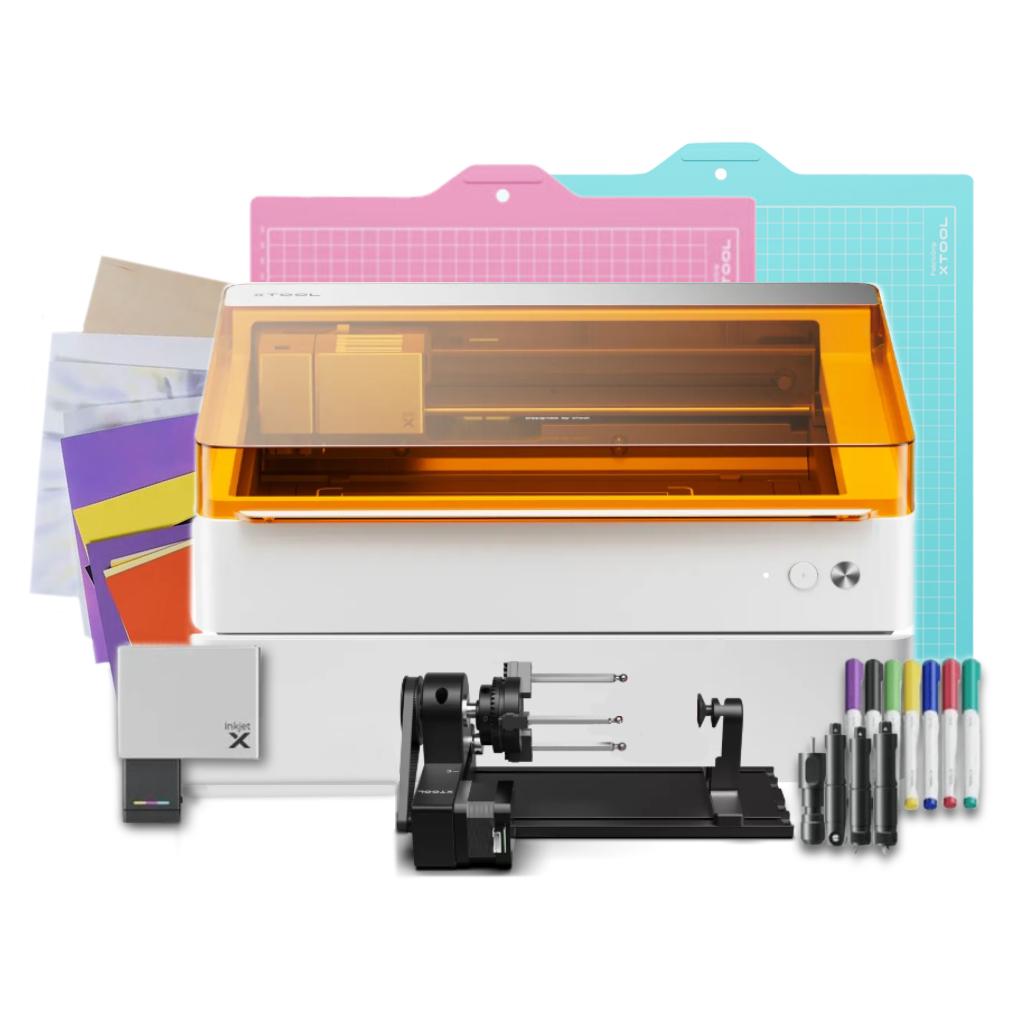
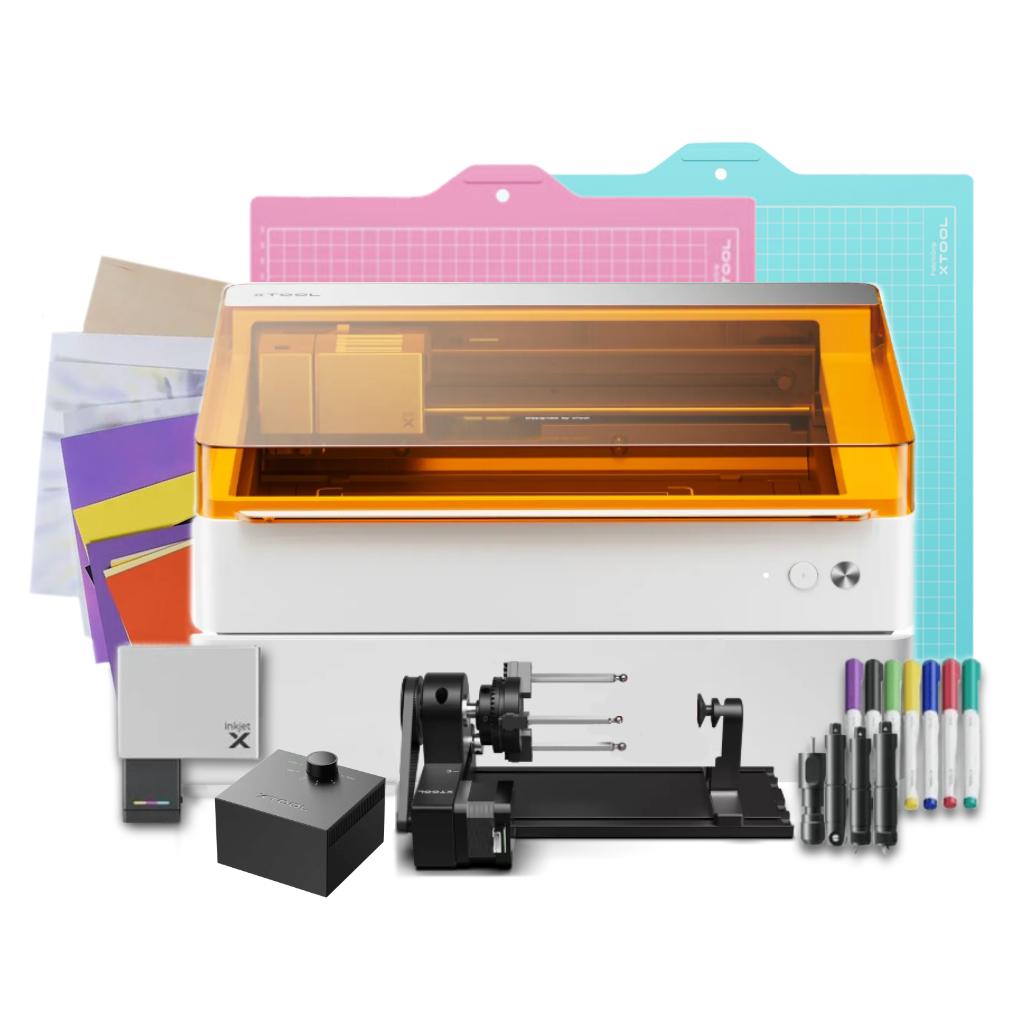
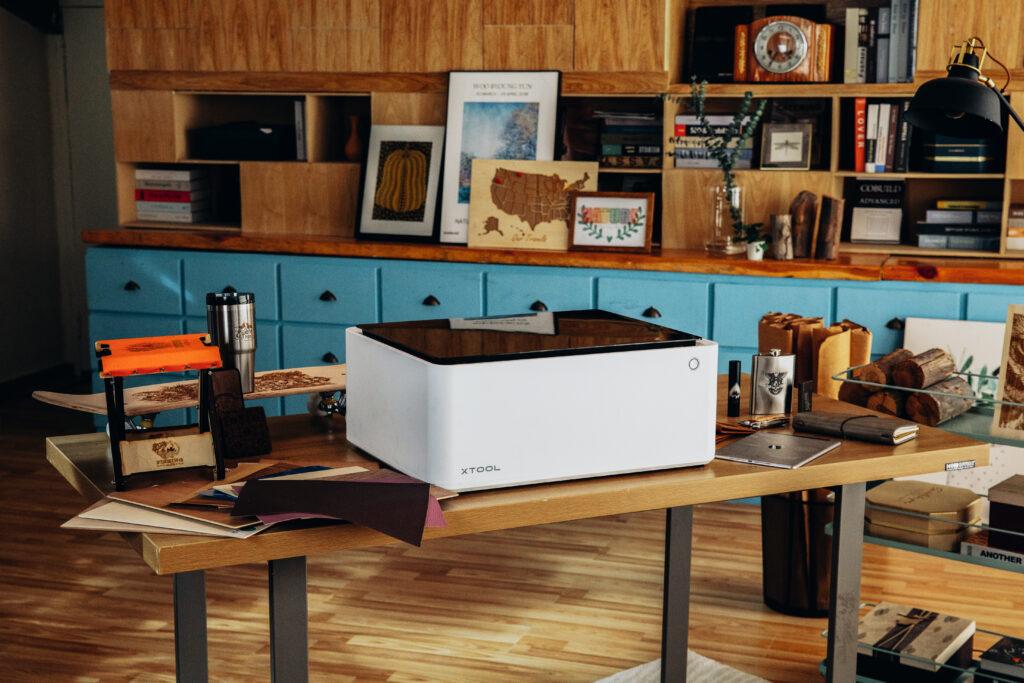
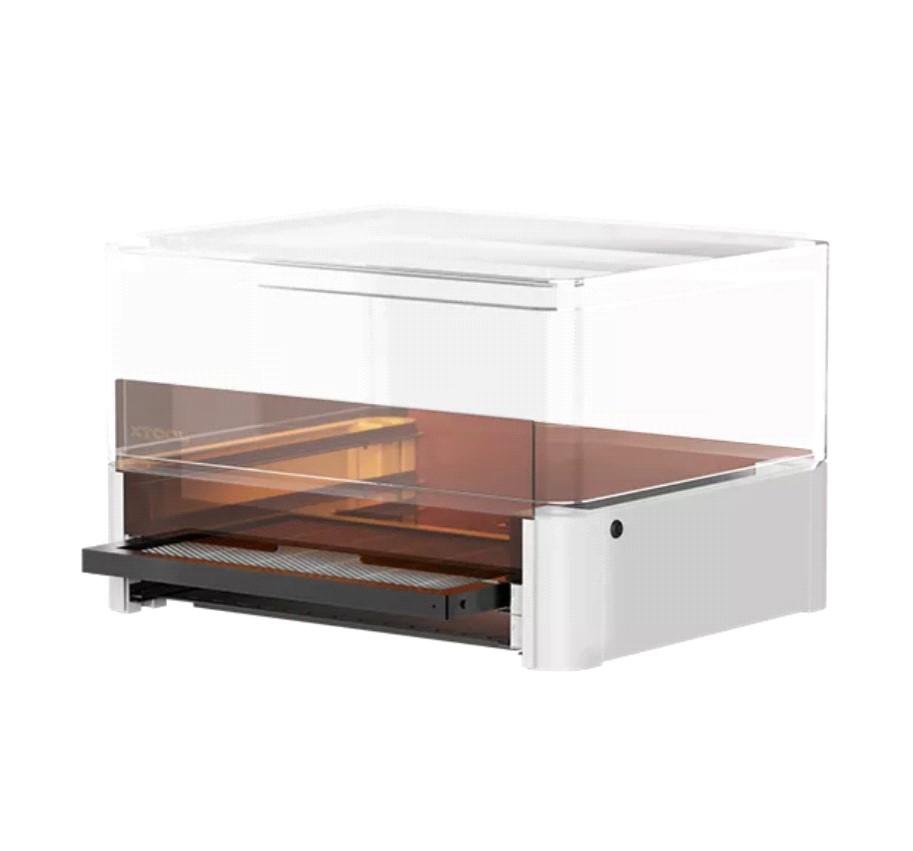
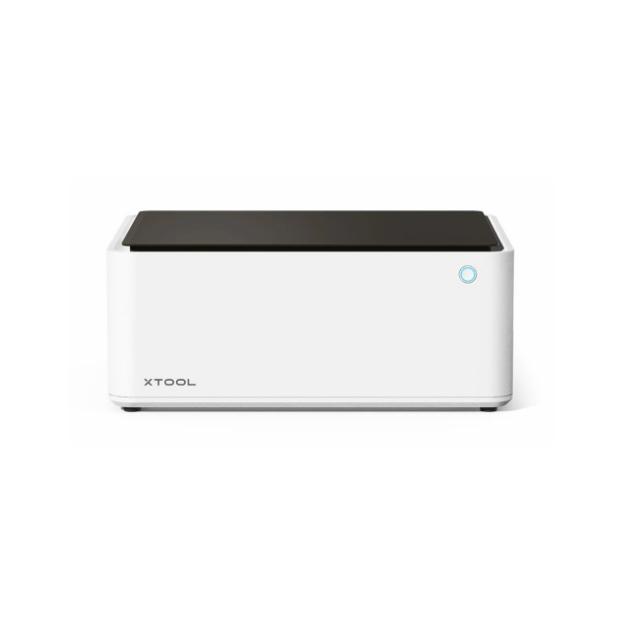
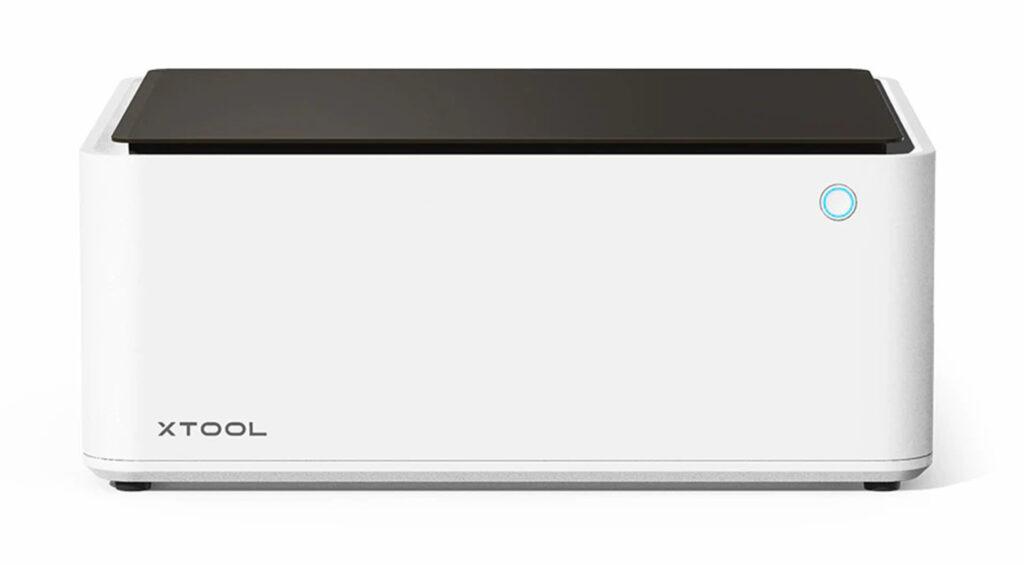
xTool M1 - Starter Kit includes the xTool M1 hybrid plotter and accessories that will allow you to create projects from a wide variety of materials.
4599,99zł/pcs.
3869,99zł/pcs.
999,99zł/pcs.
899,99zł/pcs.
Unavailable
1299,99zł/pcs.
1199,00zł/pcs.
4299,99zł/pcs.
3699,99zł/pcs.
699,99zł/pcs.
599,99zł/pcs.
149,99zł/pcs.
0,00zł/pcs.
PLN 10,268.96 incl. tax
Lowest promotional price of the last 30 days: 9869,99złUnfortunately, this product is currently unavailable.
The product includes the following elements:
In Polish
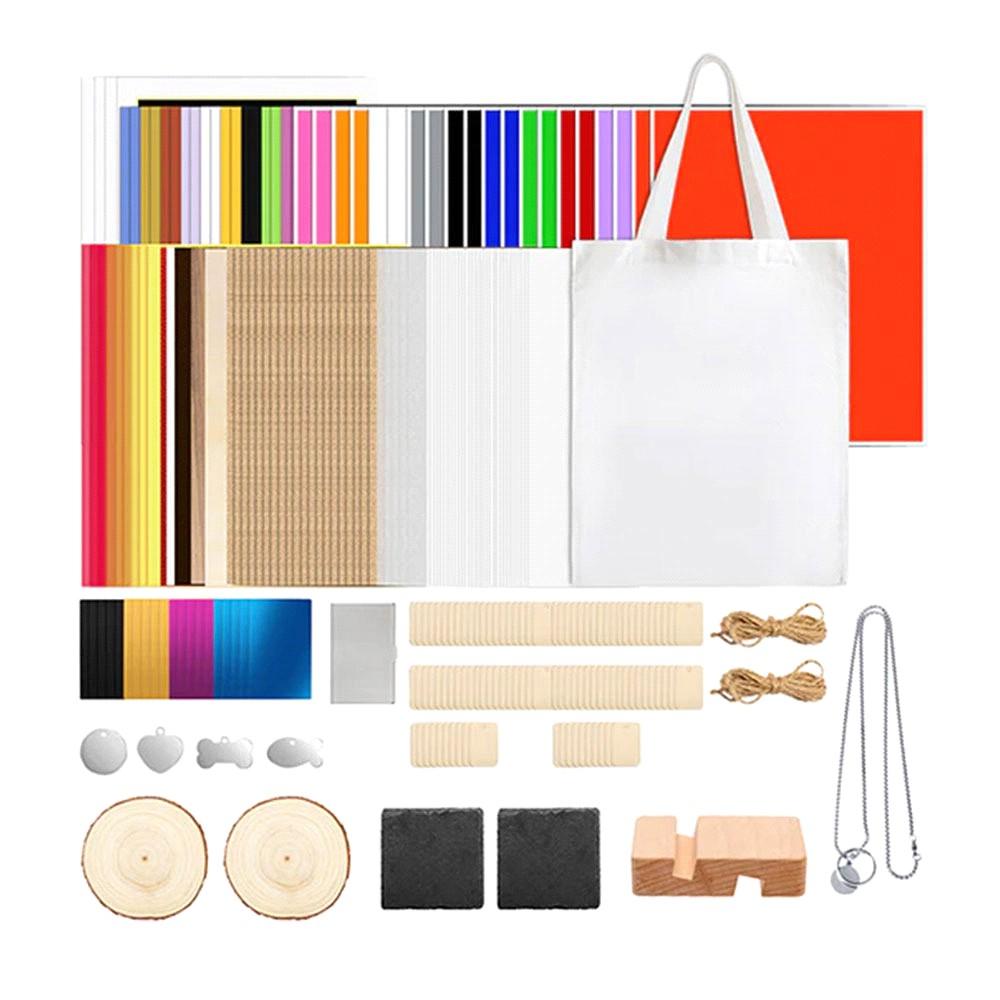
xTool M1 Starter Kit is a great solution for people who want to create a wide range of products. With a hybrid plotter equipped with both a blade and a laser beam, along with additional accessories, you can create amazing projects from paper, vinyl, felt, cardboard, or plywood. You can cut both thin and thicker, harder materials and engrave detailed patterns on their surfaces.
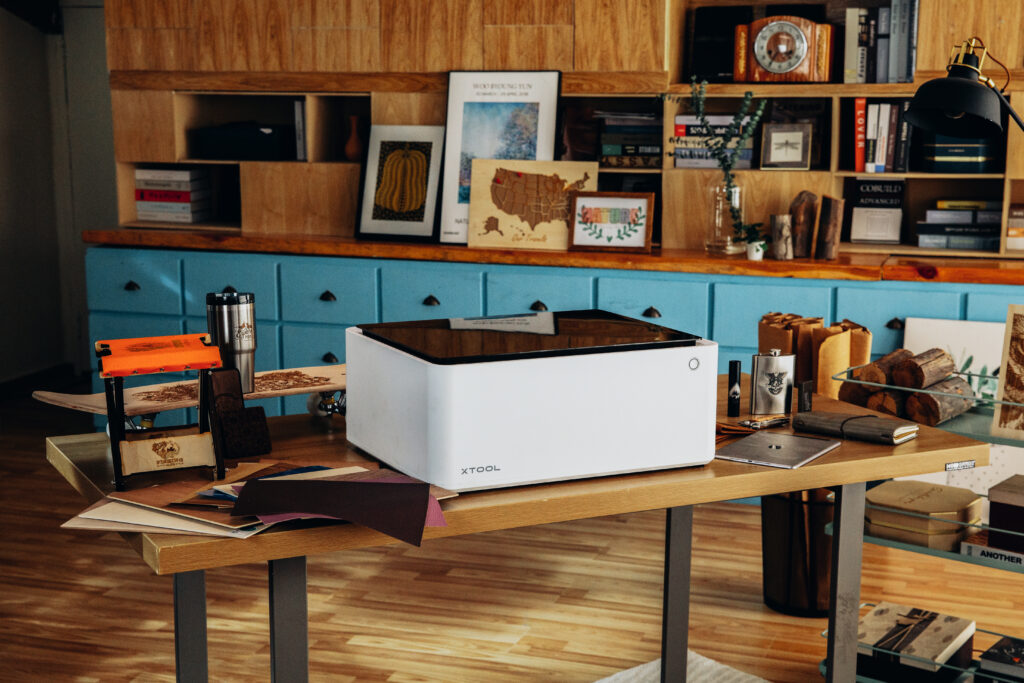
xTool M1 Hybrid Plotter
This is an exceptionally versatile device. If you are looking for a machine that allows processing of many materials, a hybrid plotter is the perfect choice. Thanks to the ability to cut using both a laser beam and a blade, you can create projects from paper, adhesive vinyl, heat transfer vinyl, as well as bookbinding cardboard, beermat board, felt, plywood, and many other materials. The plotter can cut precise shapes from selected materials and engrave patterns on many surfaces.
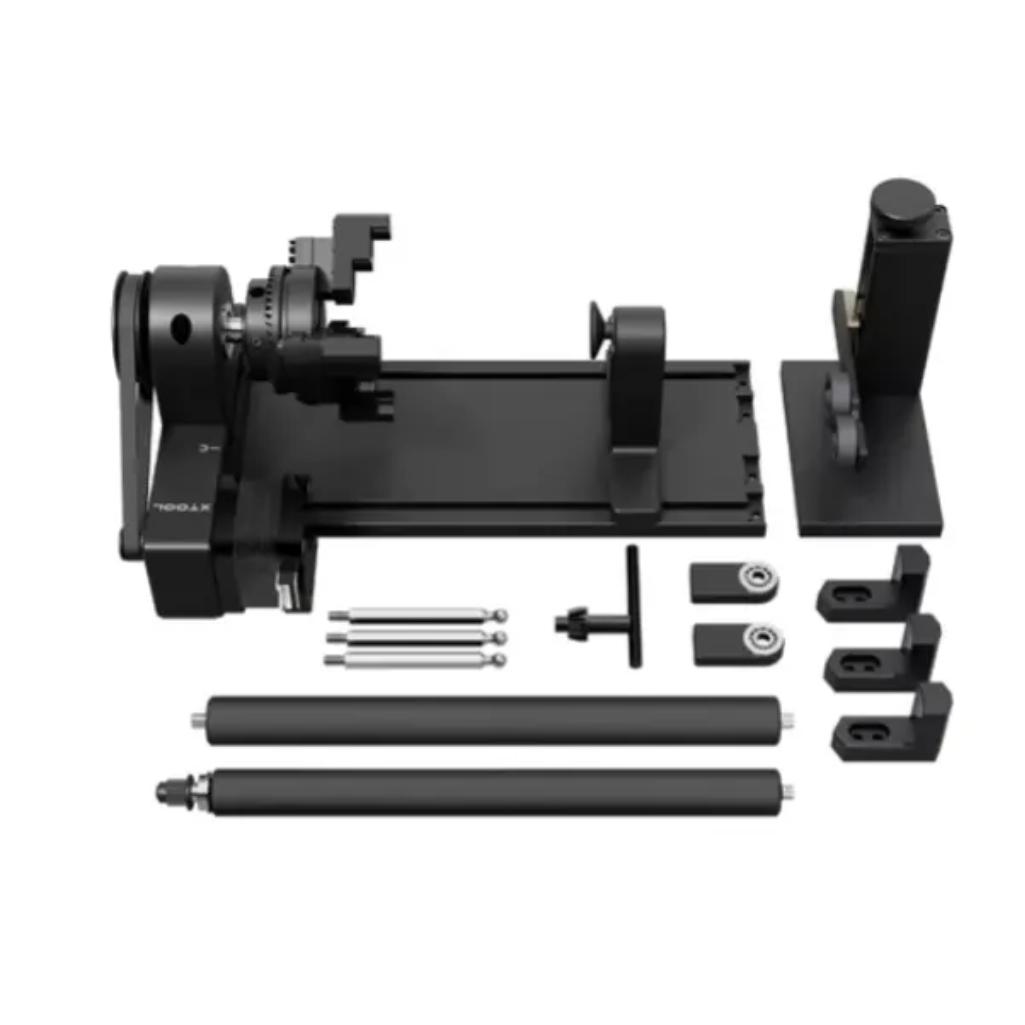
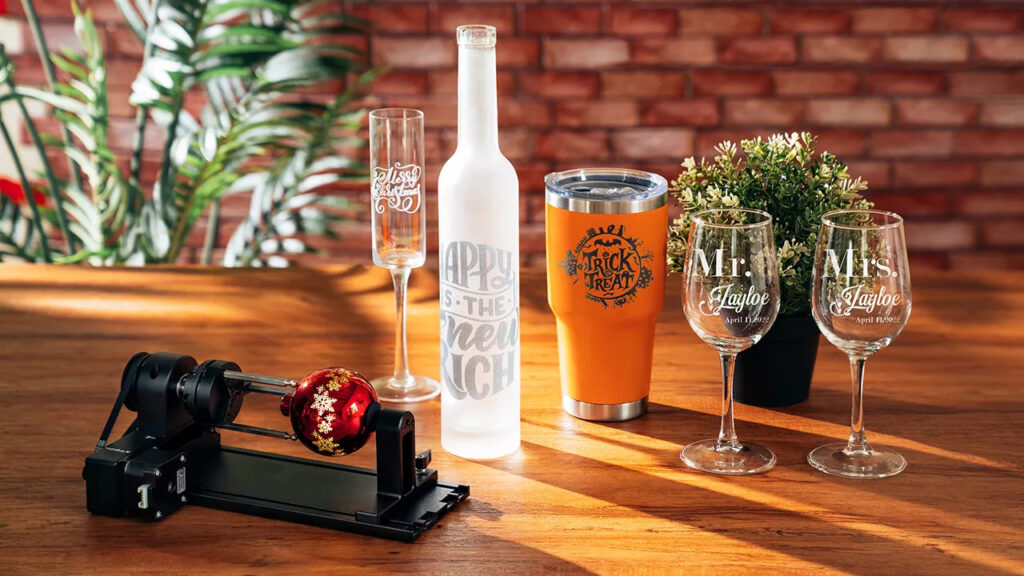
RA2 Rotary Module
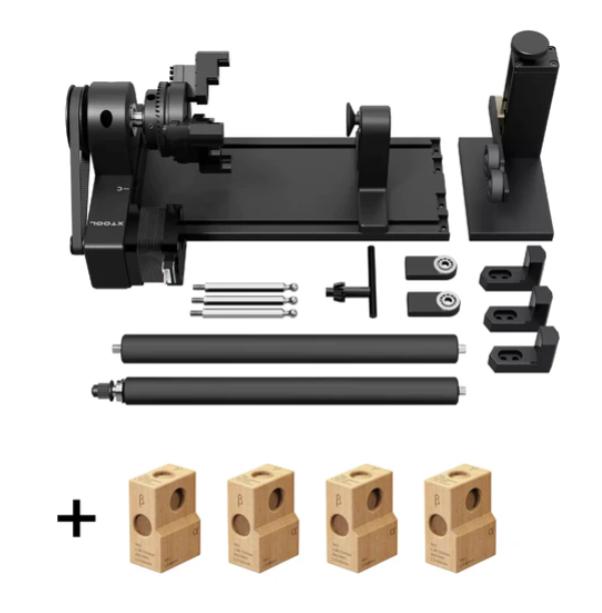
The rotary module is equipped with four attachments designed for engraving various cylindrical or rounded objects. This allows you to create personalized mugs, ornaments, rings, or thermoses.
(Glass engraving is possible after coating the surface with a layer of black paint, e.g., tempera.)
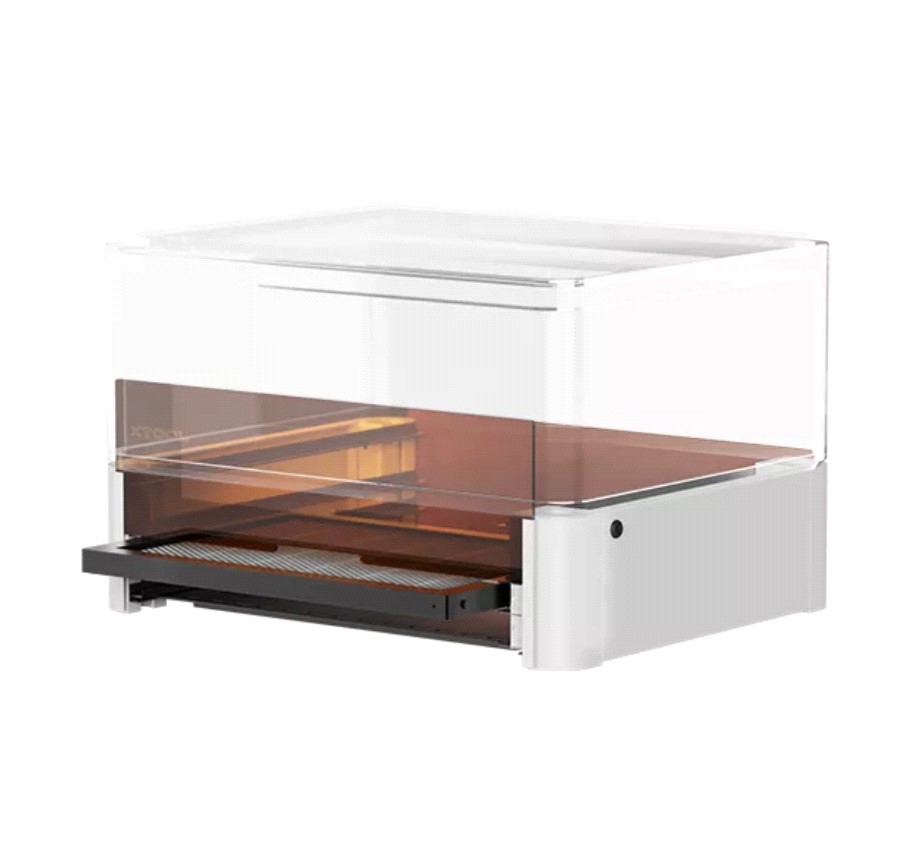
Riser Base with Honeycomb Panel
The riser base allows you to increase the working area of the plotter, making it easy to process larger objects such as boxes. The included honeycomb panel is perfect for laser cutting shapes from various materials while minimizing burn marks on the edges of your projects.
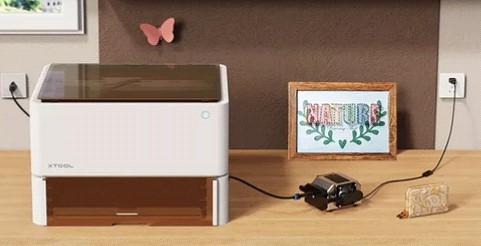
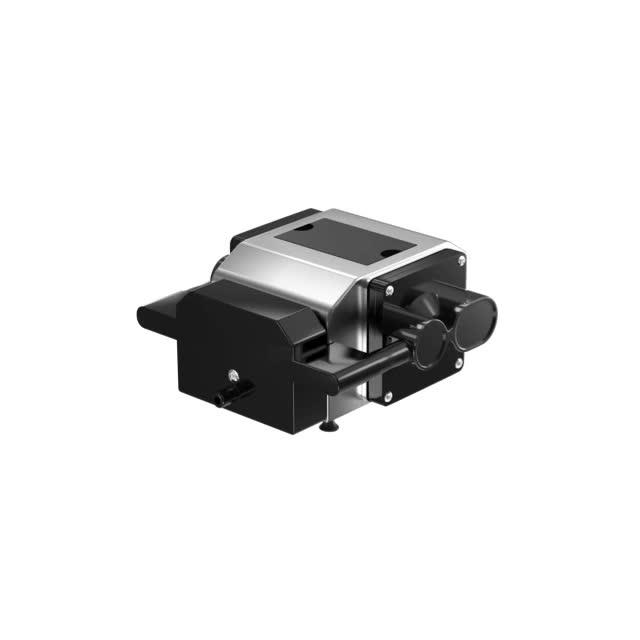
Air Assist Pump
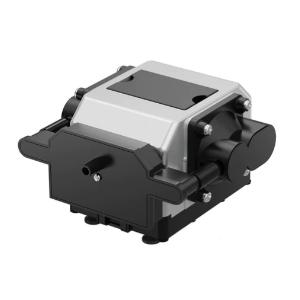
This is a great way to achieve even more refined cutting results. The pump reduces edge burn when cutting materials such as plywood. Additionally, it reduces contamination of the laser lens and its interior, making cleaning easier and extending the lifespan of components.
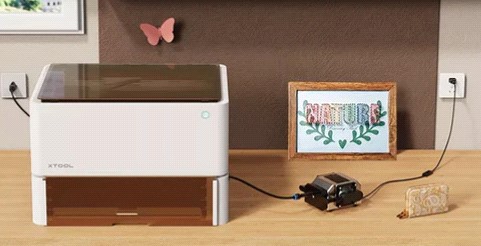
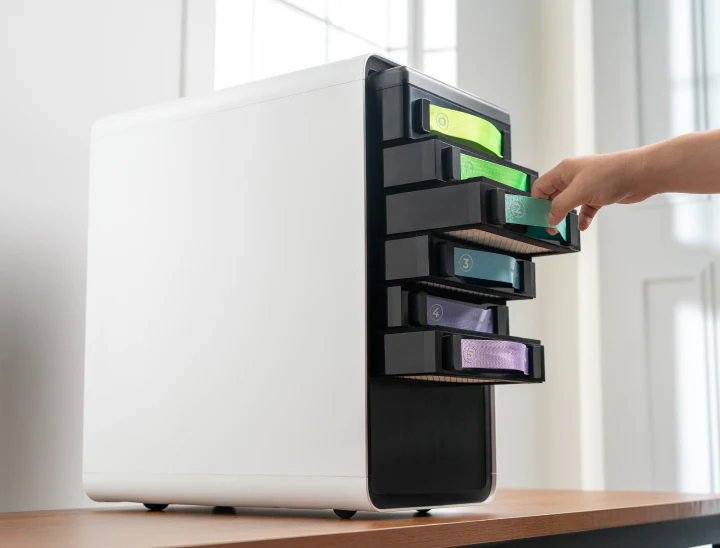
Filter with Replaceable Cartridges
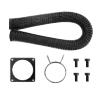
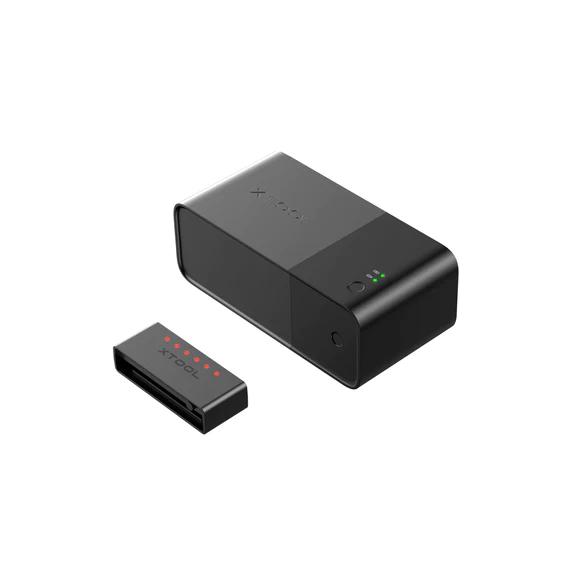
The device removes fumes generated during laser processing ensuring safety and comfort during work. It is a great solution if you do not have the option to install a dedicated ventilation outlet for the plotter’s exhaust pipe.
Laser plotters are not intended for cutting materials such as adhesive vinyl or heat transfer vinyl, but this does not apply to the xTool M1 hybrid plotter! Equipped with a blade holder, it can cut designs such as decorations from adhesive or heat transfer vinyl. It can also cut shapes from thin paper or stickers.

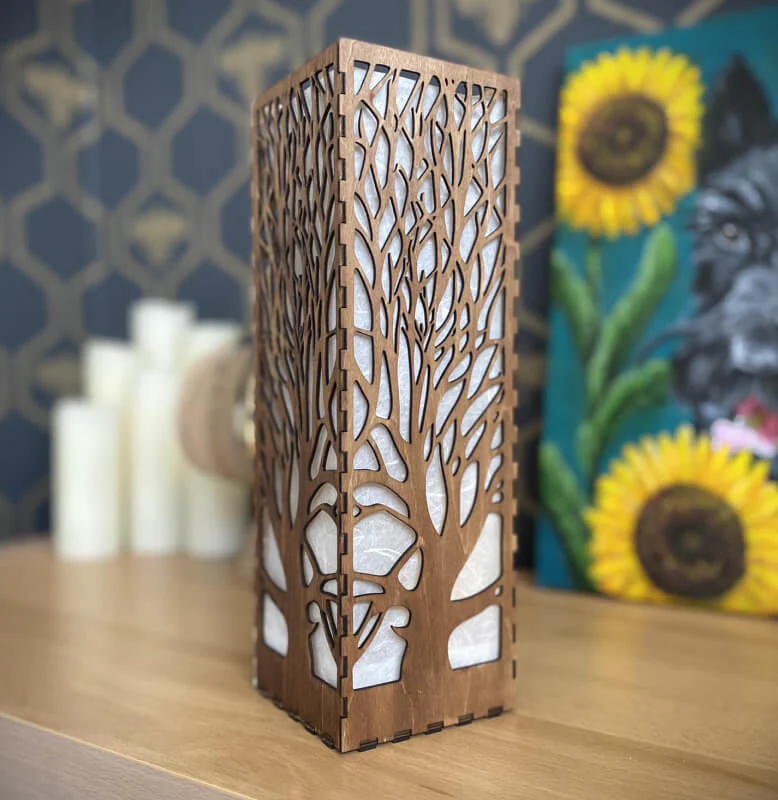
3D Projects
Using the plotter, you can create 3D projects such as boxes, candle holders, figurines, and decorations. It’s a great way to decorate your home, as well as a perfect gift idea or a unique product to sell.
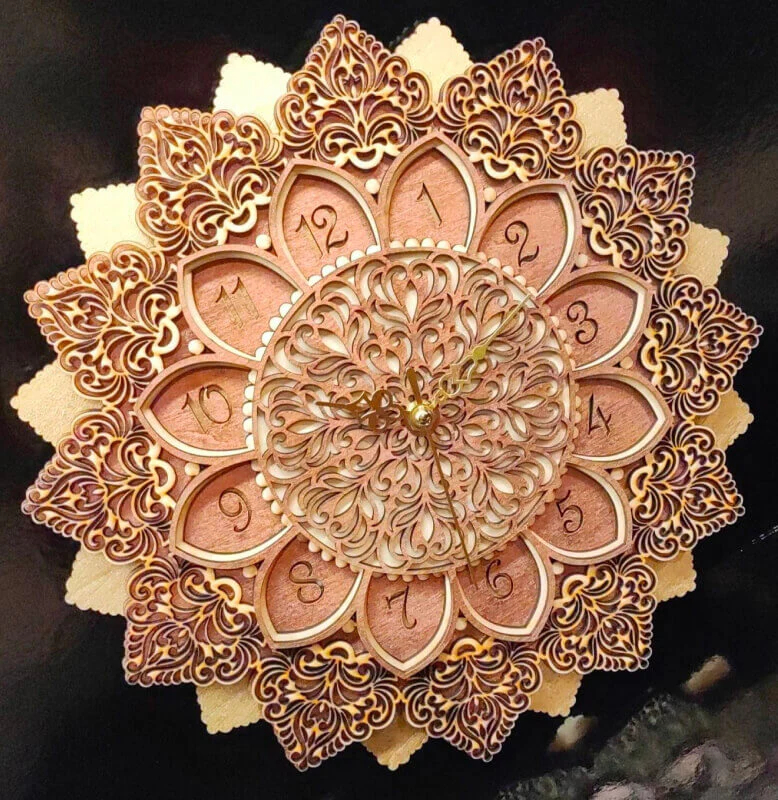
Layered Projects
xTool M1 will create shapes that allow you to make layered projects such as clock faces, wall decorations, and coasters.
The software included with the xTool M1 hybrid plotter is characterized by exceptional ease of use and accessibility. The xTool Creative Space program works with Windows, macOS, Android, and iOS systems. This provides flexibility and allows you to operate the machine from both desktop devices and smartphones. Additionally, the software offers tools useful for designing your own patterns, as well as a library of 500 ready-made projects that can be edited. Currently, the software is available in English, but our team is working on translations into Polish, which will be available in the coming months.
The manufacturer, in addition to a clear instruction manual included with the device and a catalog of materials for engraving and cutting, provides many useful training materials, including videos, enabling you to start working with the machine from scratch.
| Title | Value |
|---|---|
| Model | M1 |
| Connection | USB, Wi-Fi |
| Software | xTool Creative Space |
| Unit Dimensions | 55,7 x 44,6 x 23 cm |
| Unit Weight | 9,8 kg |
| Working Area | 38,5 x 30 cm (Laser Processing) | 36,5 x 30 cm (Blade Cut Mode) |
| Laser Power | 10W |
| Speed | 160 mm/s |
| Cutting | 0 - 10 mm |
| Language | English |
| Outlet diameter | 75mm |
| Manufacturer Details | XTL US INC. 16035 Arrow Hwy. Irwindale, CA 91706, USA |
| EU Marketing Authorisation Holder | E-CrossStu GmbH Mainzer Landstr.6960329 Frankfurt am Mai Germany e-crossstu@outlook.com |
Products that may also interest you:
No one has added an opinion yet.
Be the first to do so!
Made by: Michał Desol