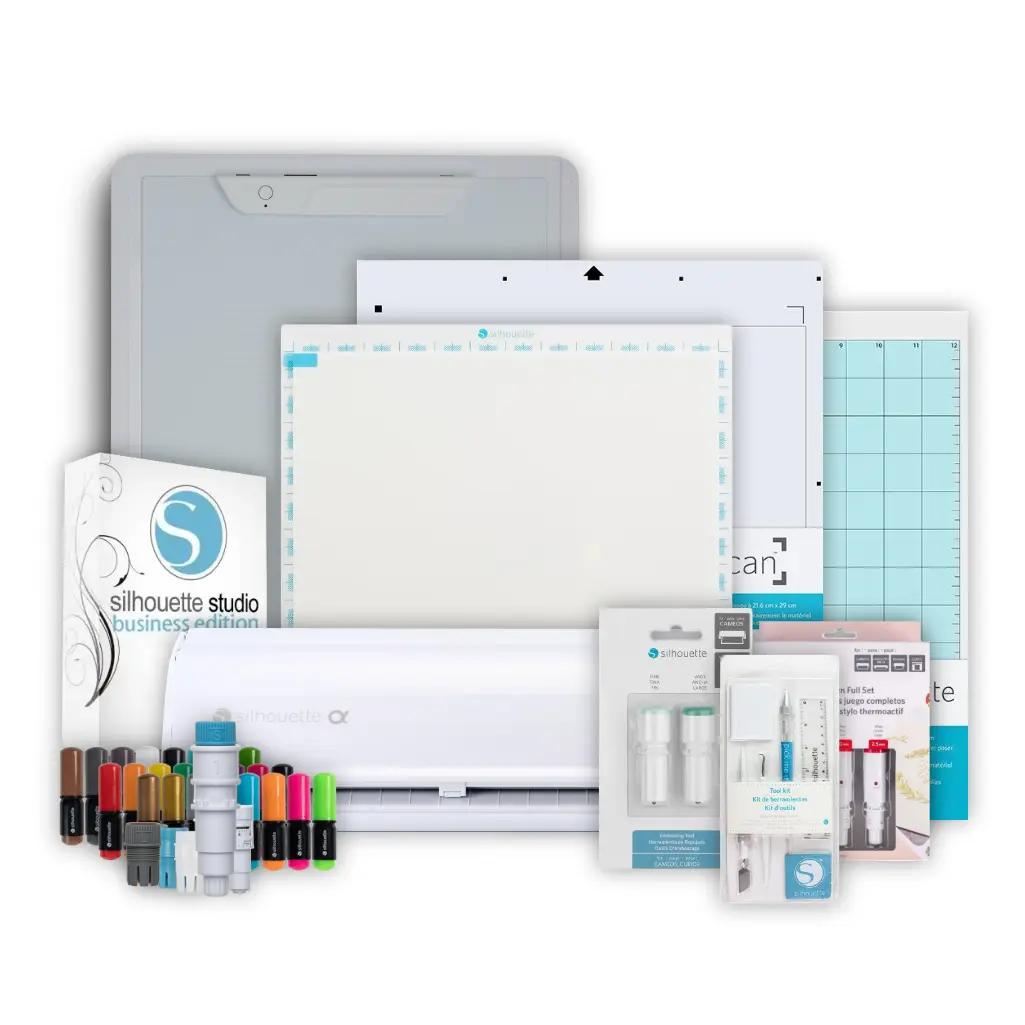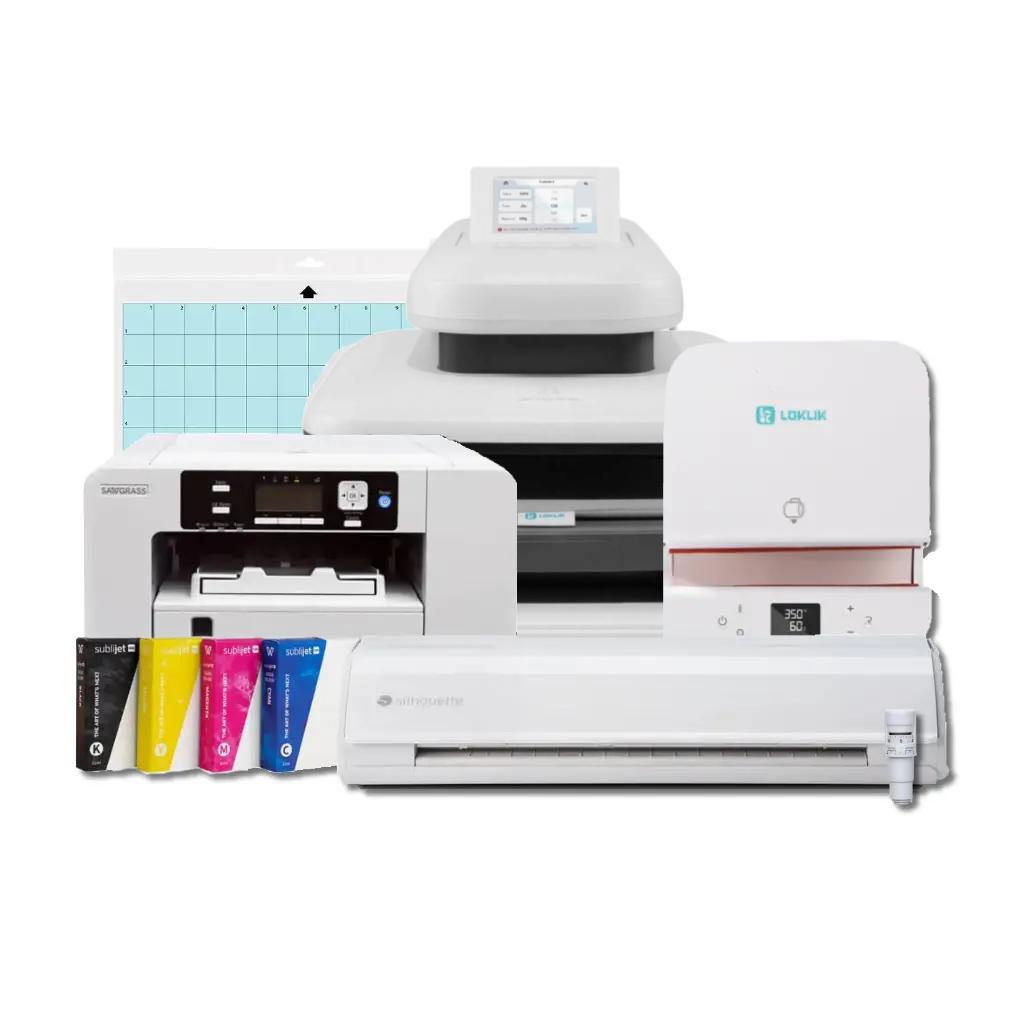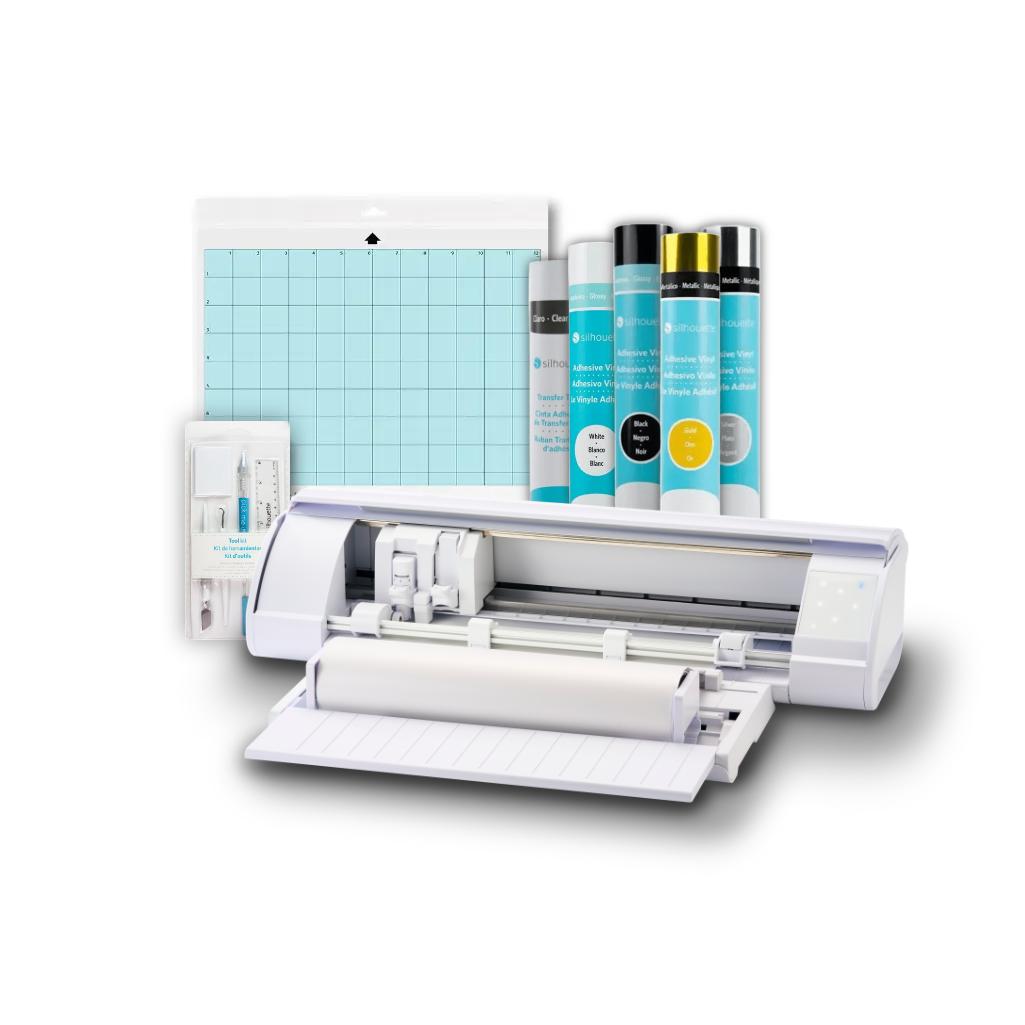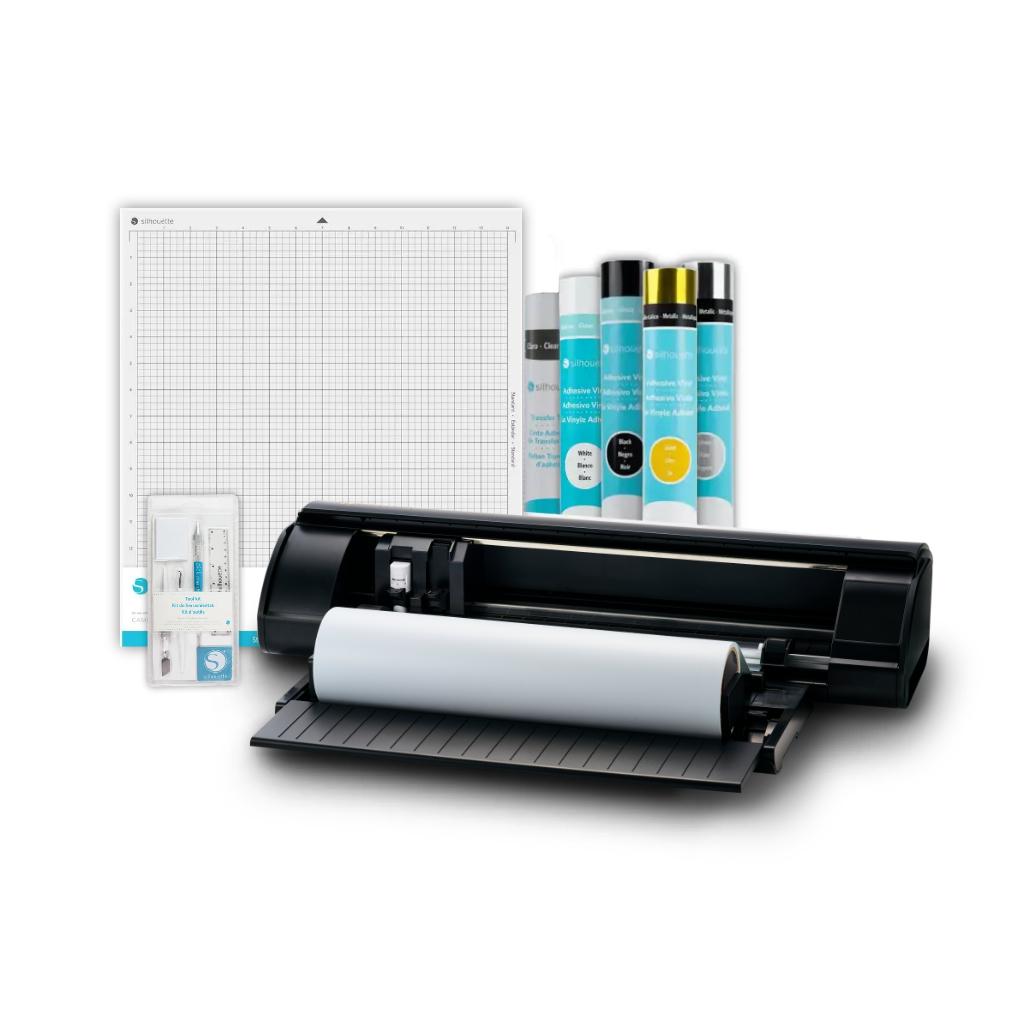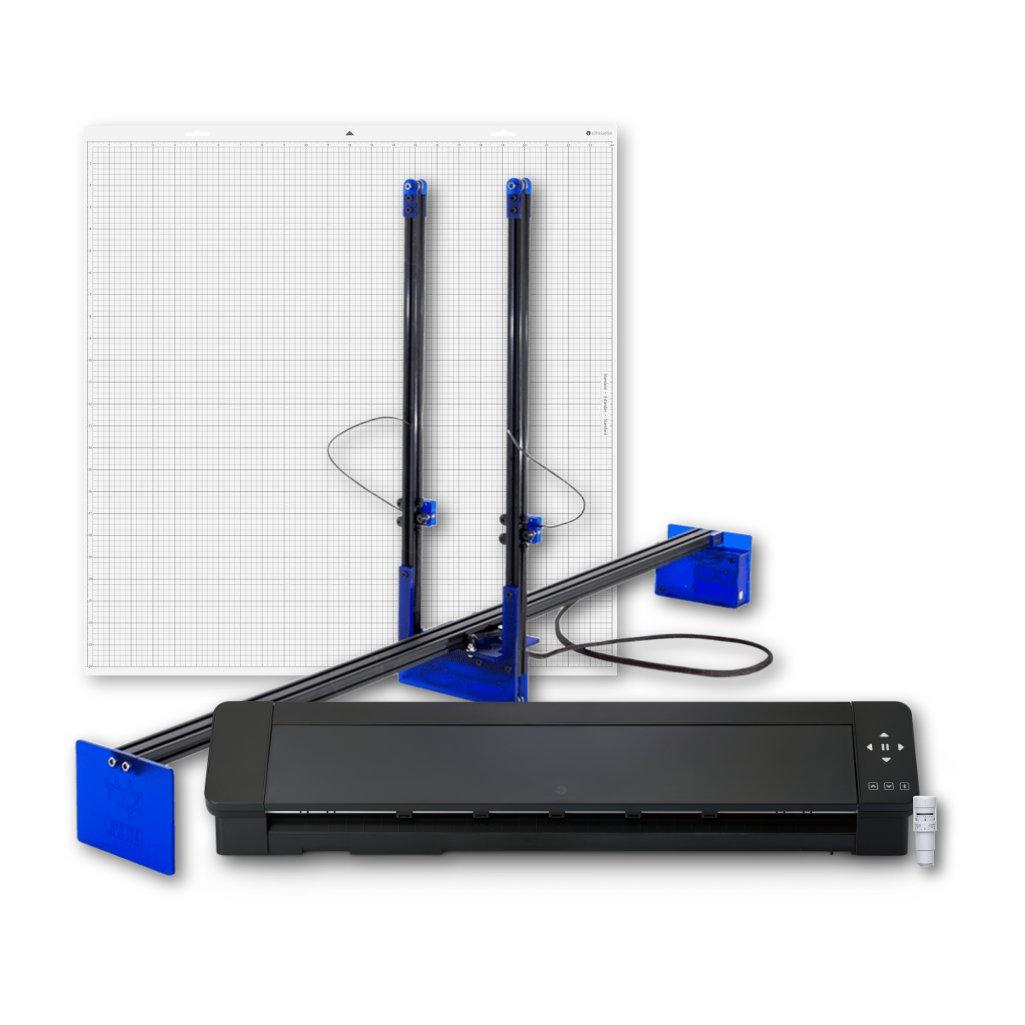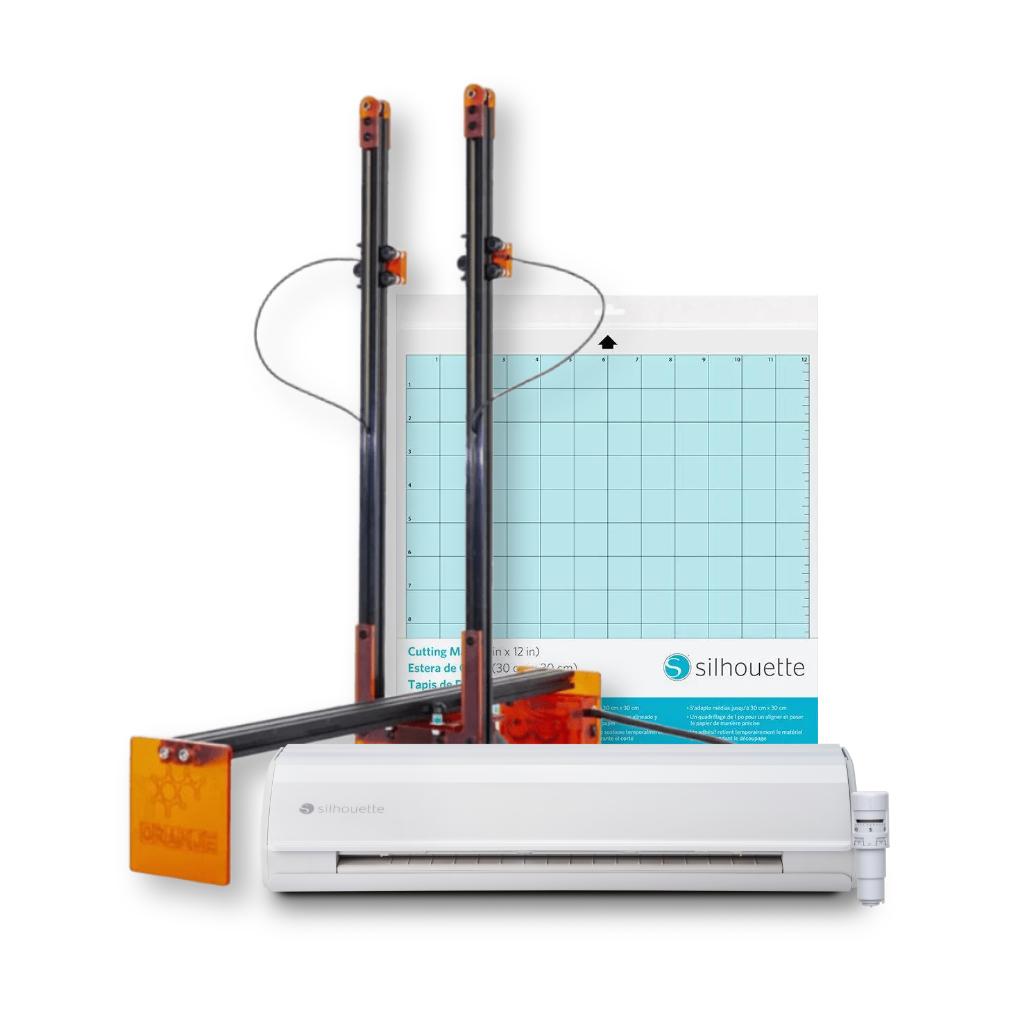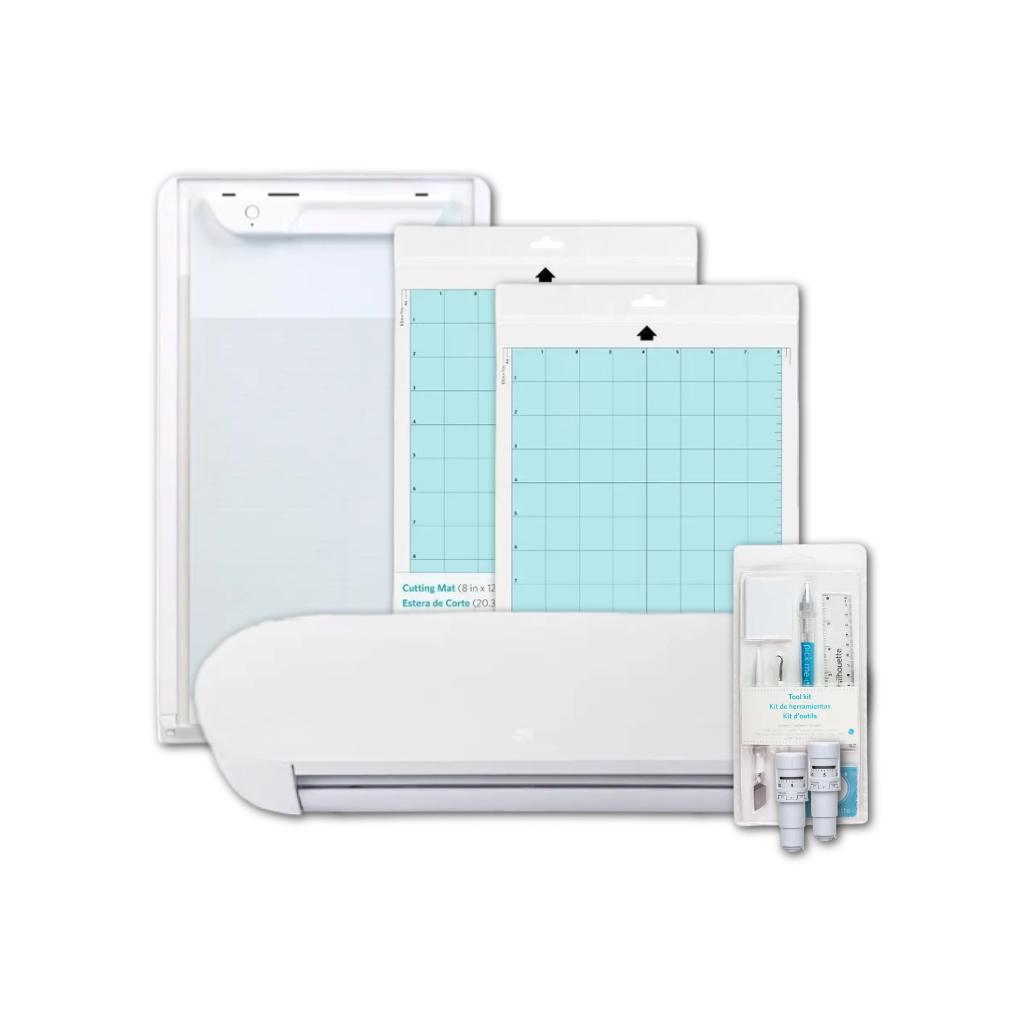
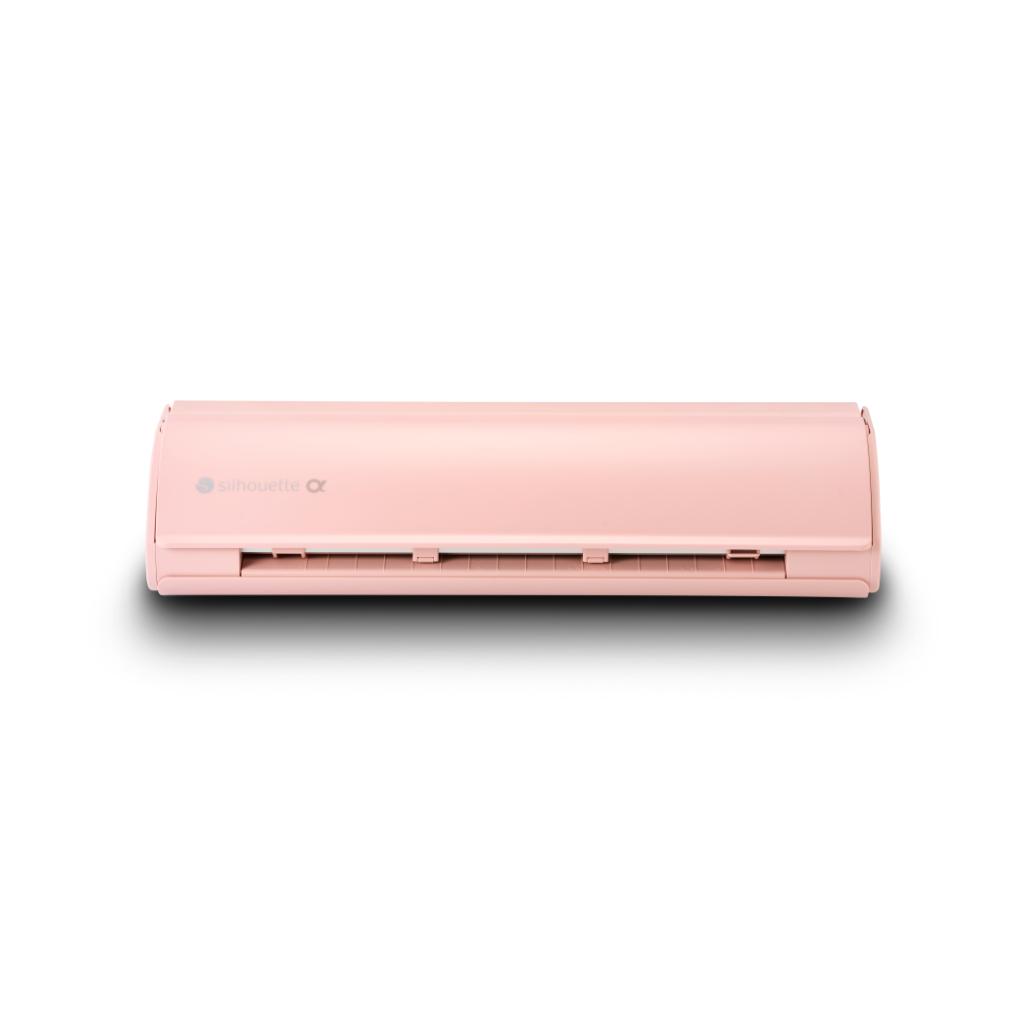



CAMEO5a - Electrostatic Set - Pink
2114,64złincl. tax
🎁 Buy a Silhouette cutting machine and get a 20€ gift card for just 1 grosz! Shop now
Do you have any questions? We'll be happy to help!
SKU: 810169381540
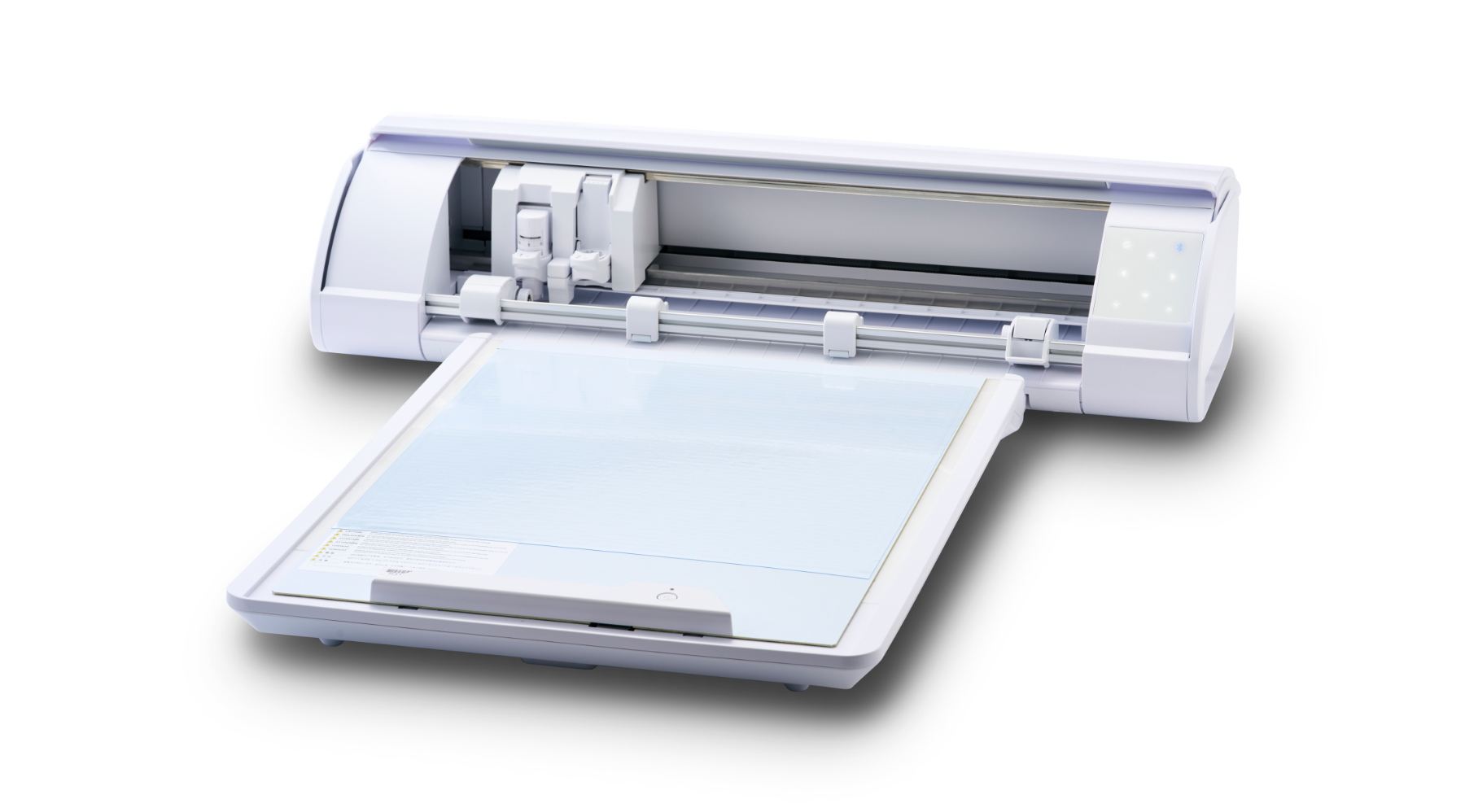
Silhouette CAMEO5a plotter is a versatile and modern device designed for precise cutting of a wide range of materials, such as paper, foils, thin felt, and selected fabrics. It allows you to complete both simple and more complex projects. Thanks to intuitive software and workflow-friendly features, including automatic tool recognition, operating the plotter is quick and convenient. The CAMEO5a is ideal for crafts, school workshops, and small businesses, offering the ability to create products fully tailored to individual needs.
1399,99zł incl. tax
Lowest regular price of the last 30 days: 1399,99złSilhouette CAMEO5a - Pink
1399,99zł
Buy together:
99,00zł
94,05zł
99,00zł
94,05zł
67,00zł
63,65zł
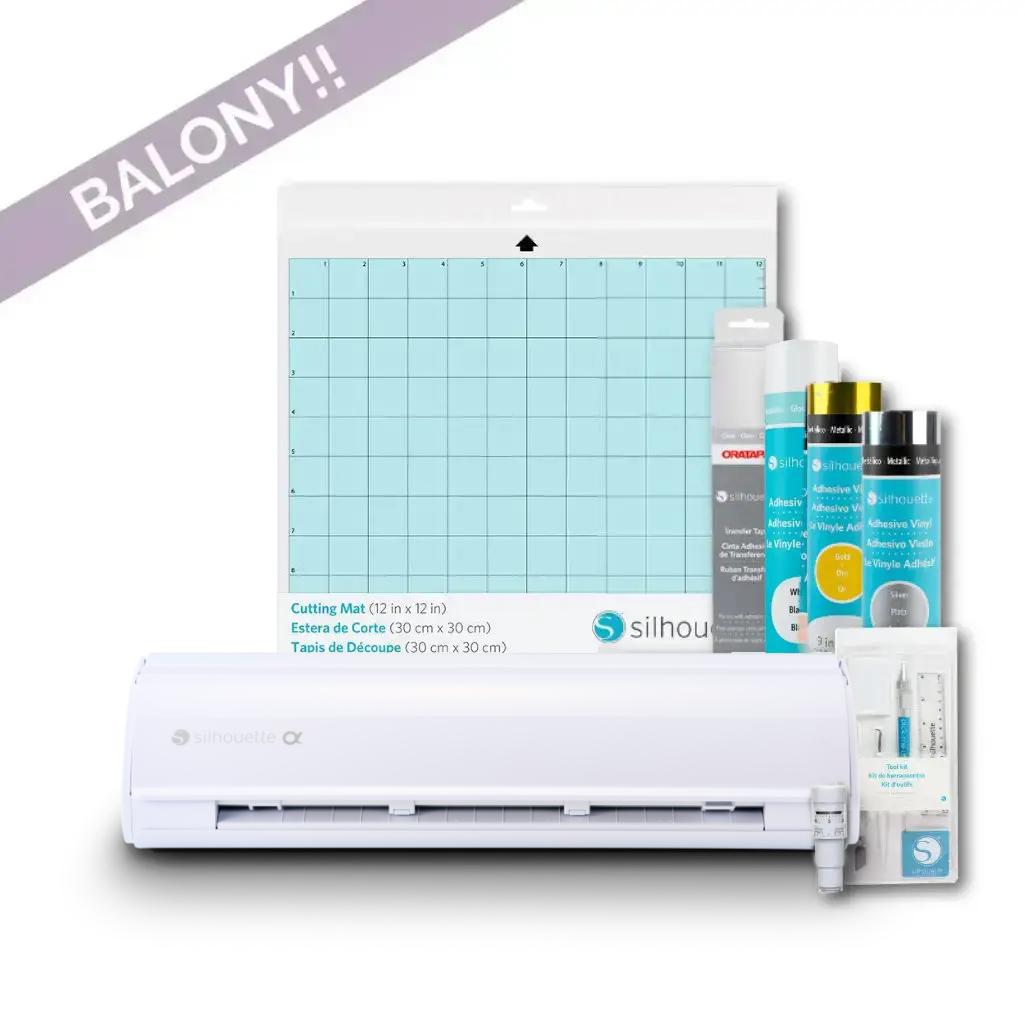
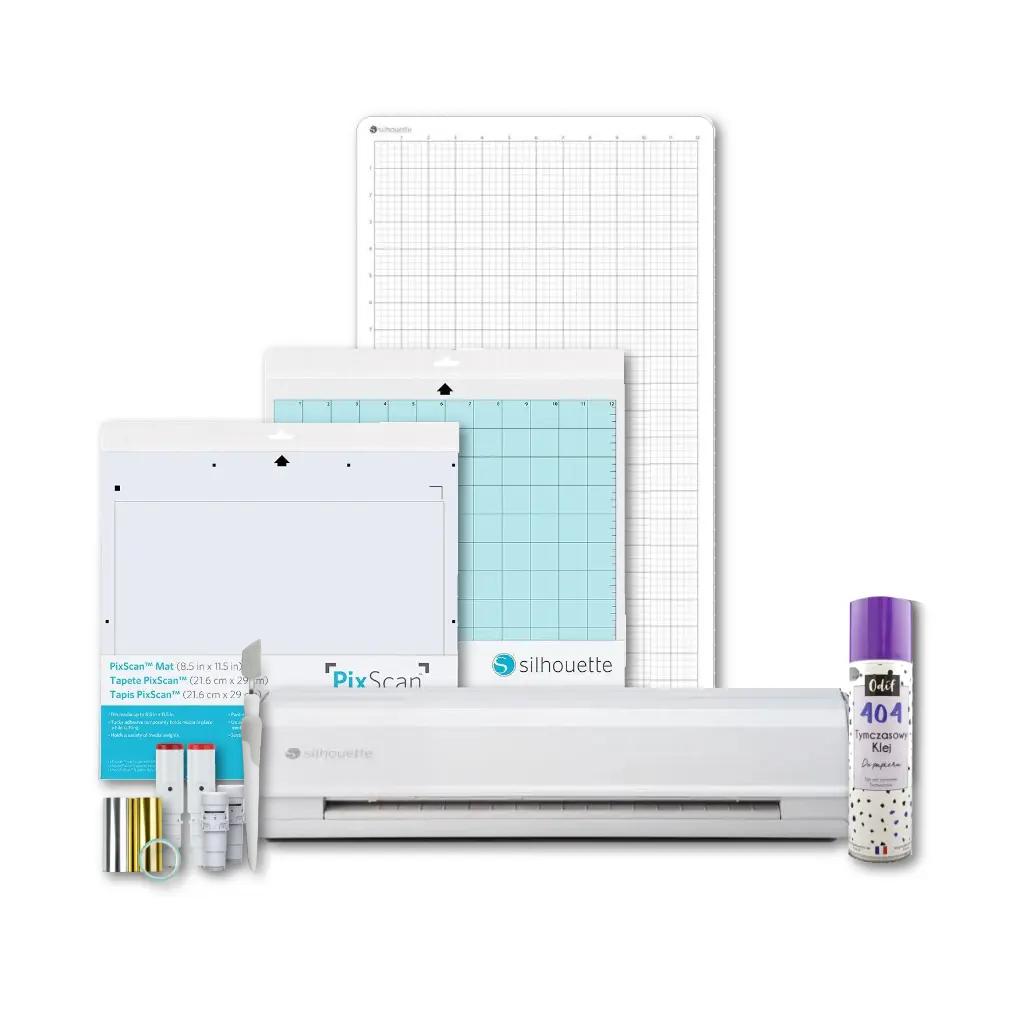
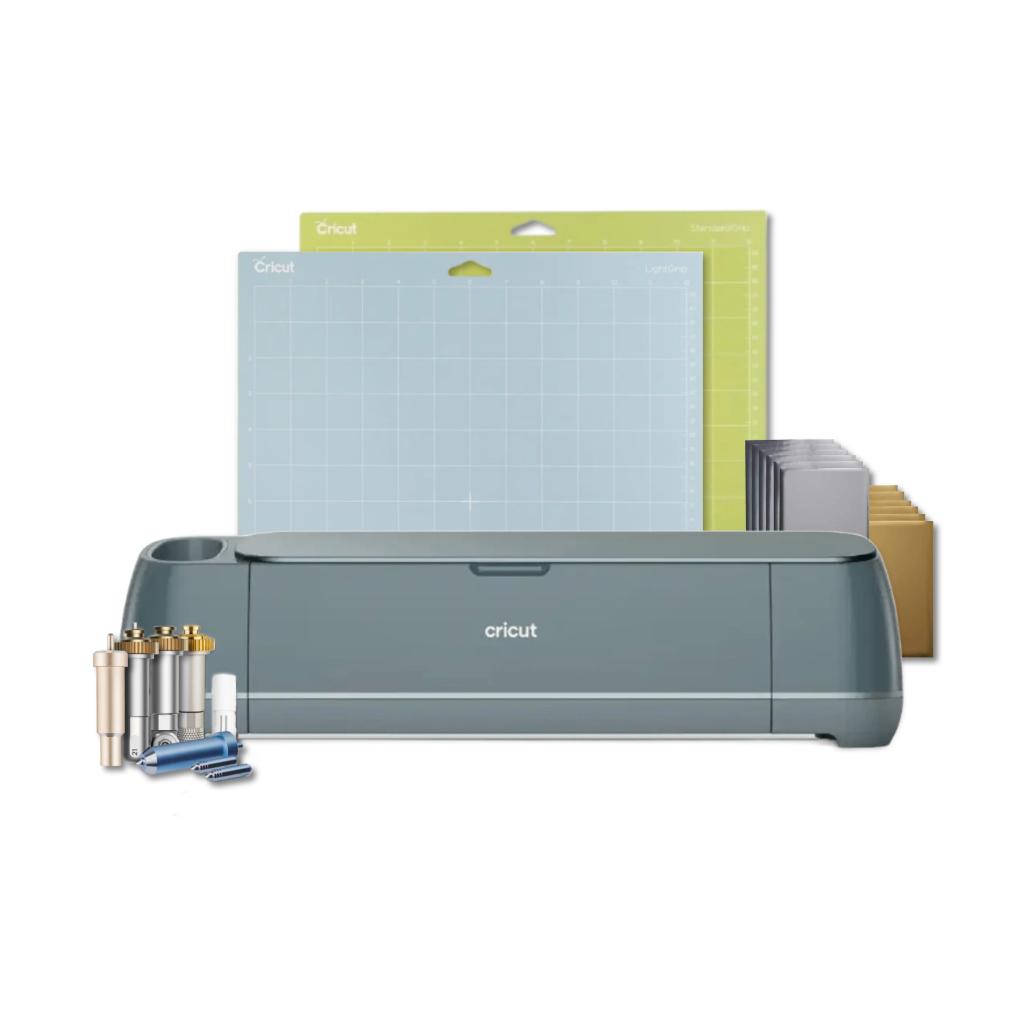
The product includes the following elements:
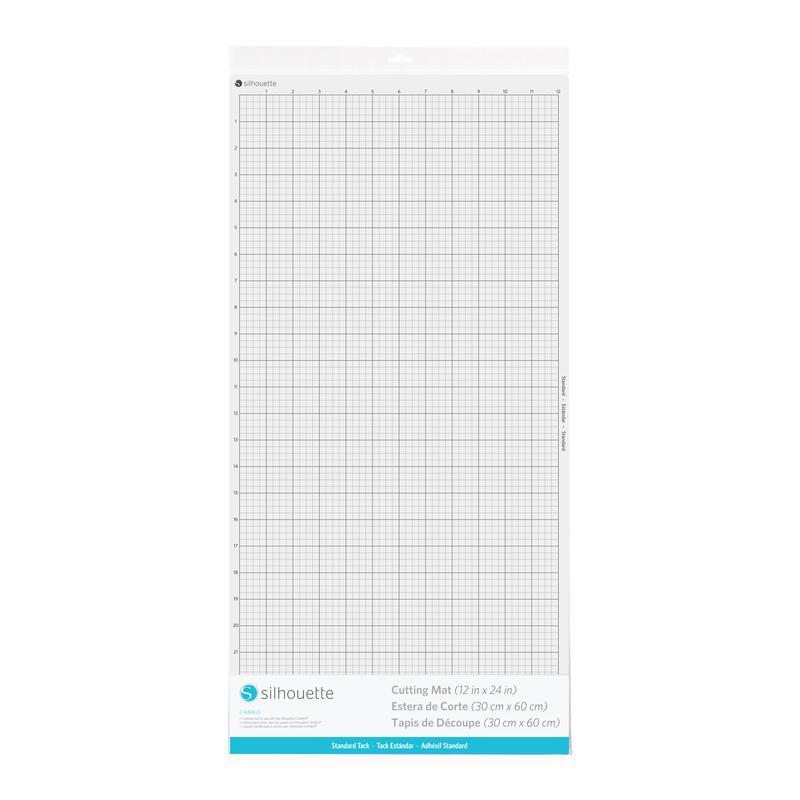
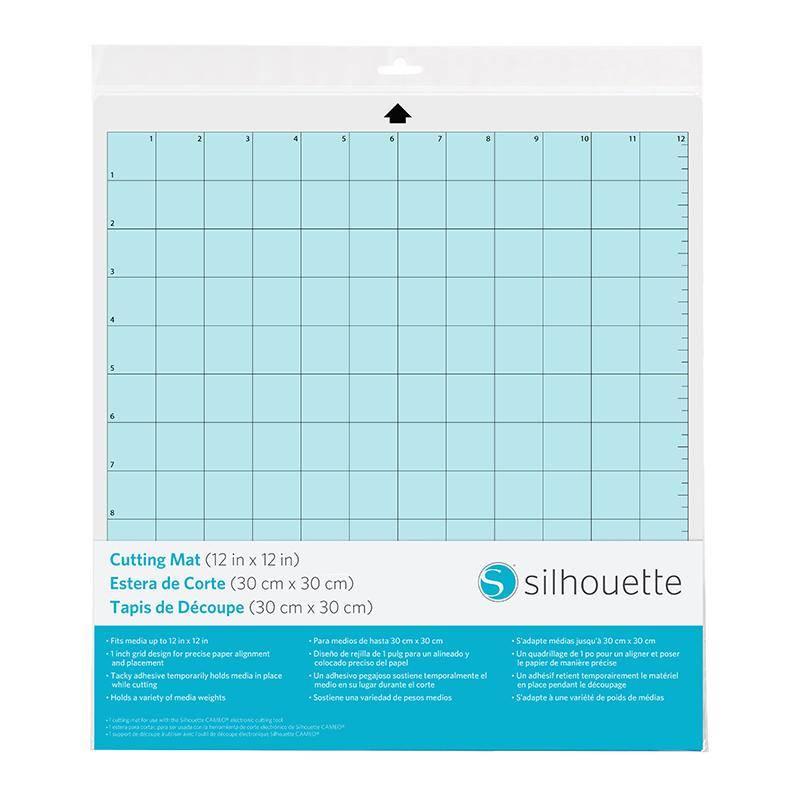
Mat with dimensions 30,5 x 30,5 cm.
In electronic form.
The Silhouette CAMEO5a (Alpha) combines the familiar and proven features of the Cameo 5 with a range of new features, creating a tool that's even more comfortable and precise for everyday work. Intuitive operation remains, ensuring even beginners quickly find their way around. Compatibility with a variety of tools and the ability to cut a wide range of materials, including select materials without the use of a mat, have also been retained. This makes the cutter incredibly versatile and suitable for a wide range of creative applications. The Silhouette CAMEO5a retains the best features of the previous model while offering even greater comfort, improved precision, and a modern design. It's ideal for both professional use and the home studio, wherever reliability and creative freedom are key.
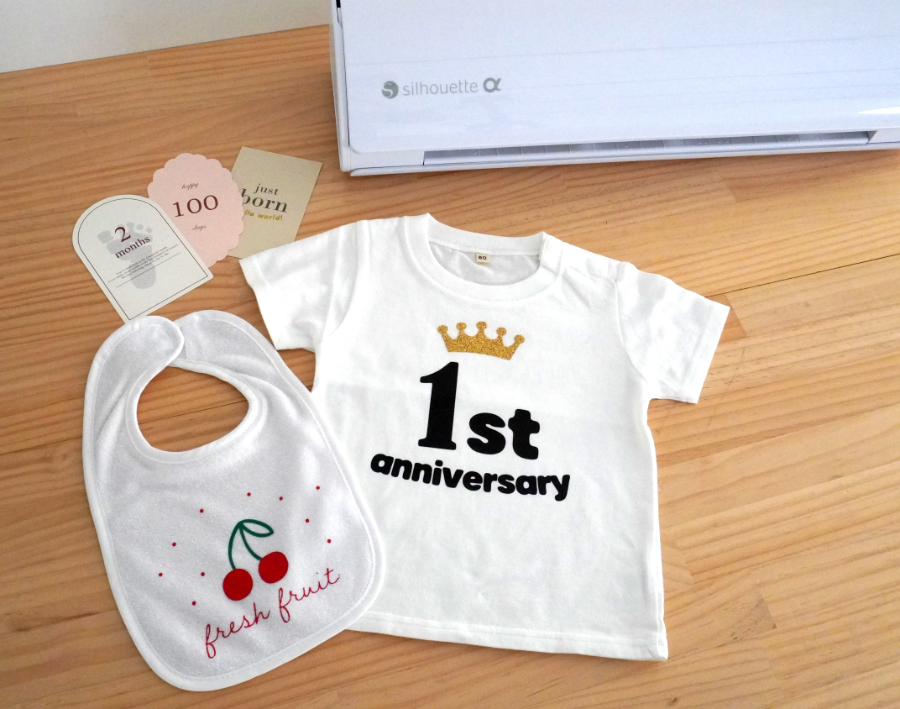
Cutting in self-adhesive and iron-on foils
Sketching (after purchasing manufacturer's pens or a universal holder)
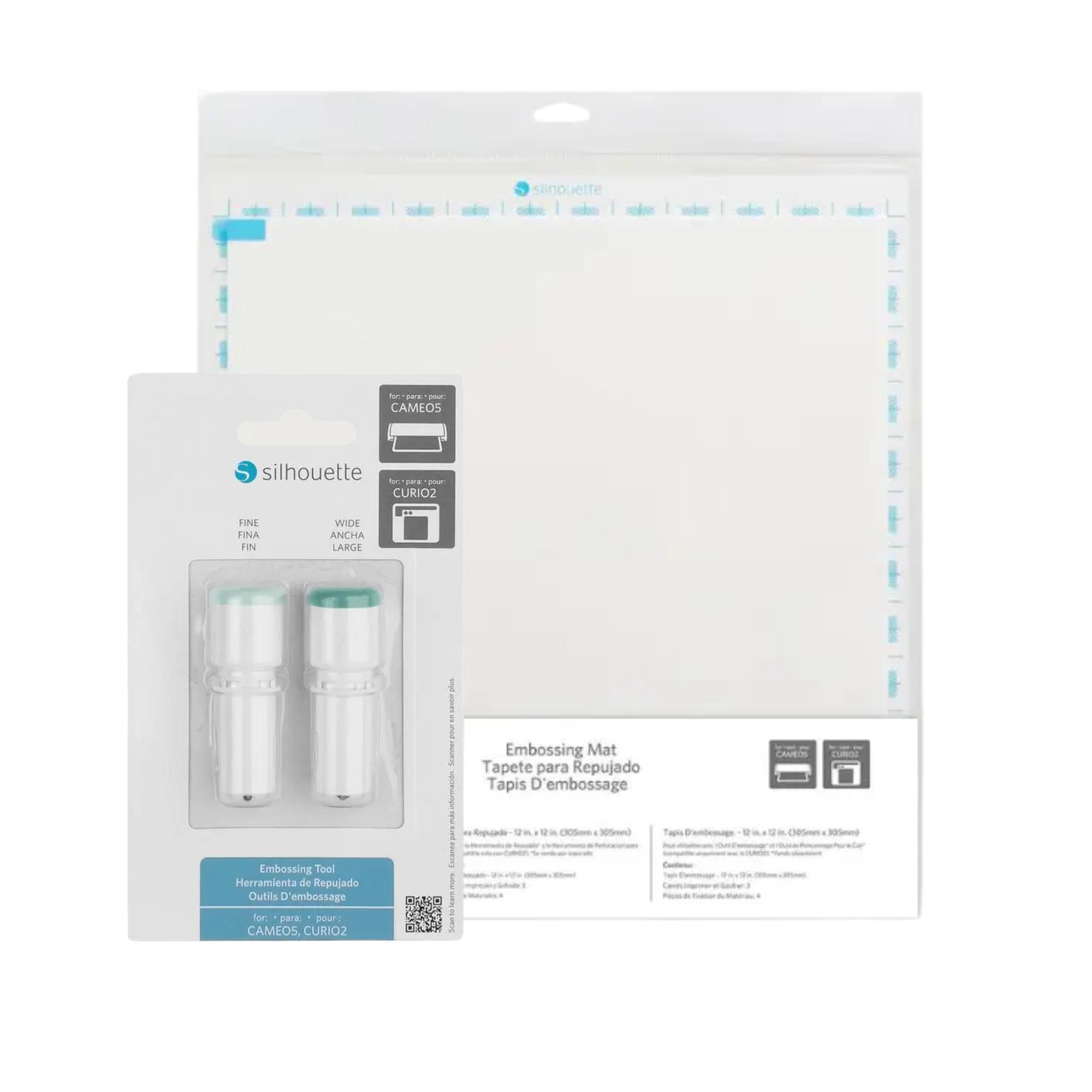
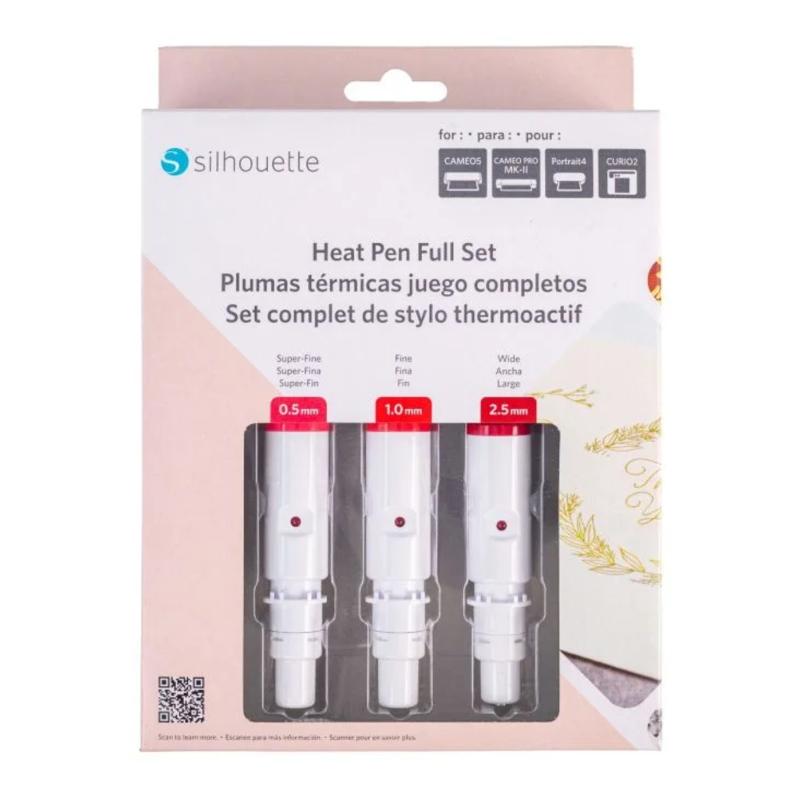
Gilding and embossing (after purchasing tools)
Cutting fabrics and felt up to 1mm thick (after purchasing a rotary blade)
Cutting in soft materials such as creative foam up to 3mm (after purchasing a Kraft blade)
Cutting in manufacturer's creative materials such as magnetic foils, tattoo foils, scratch sheets and many others
Silhouette
Studio software continues to be characterized by its ease of use and
extensive capabilities, making designing and personalizing graphics
accessible even for those new to cutting. The
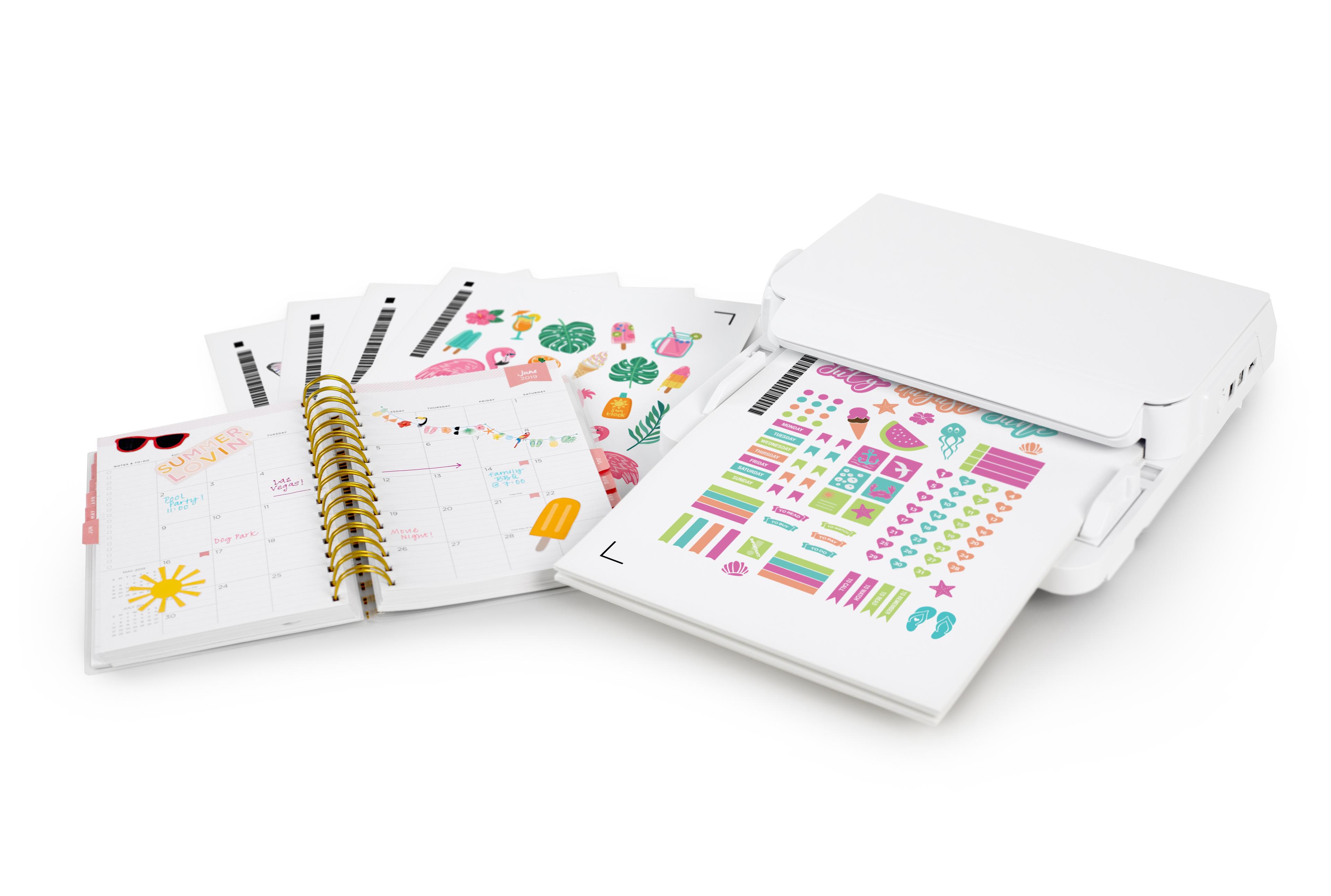
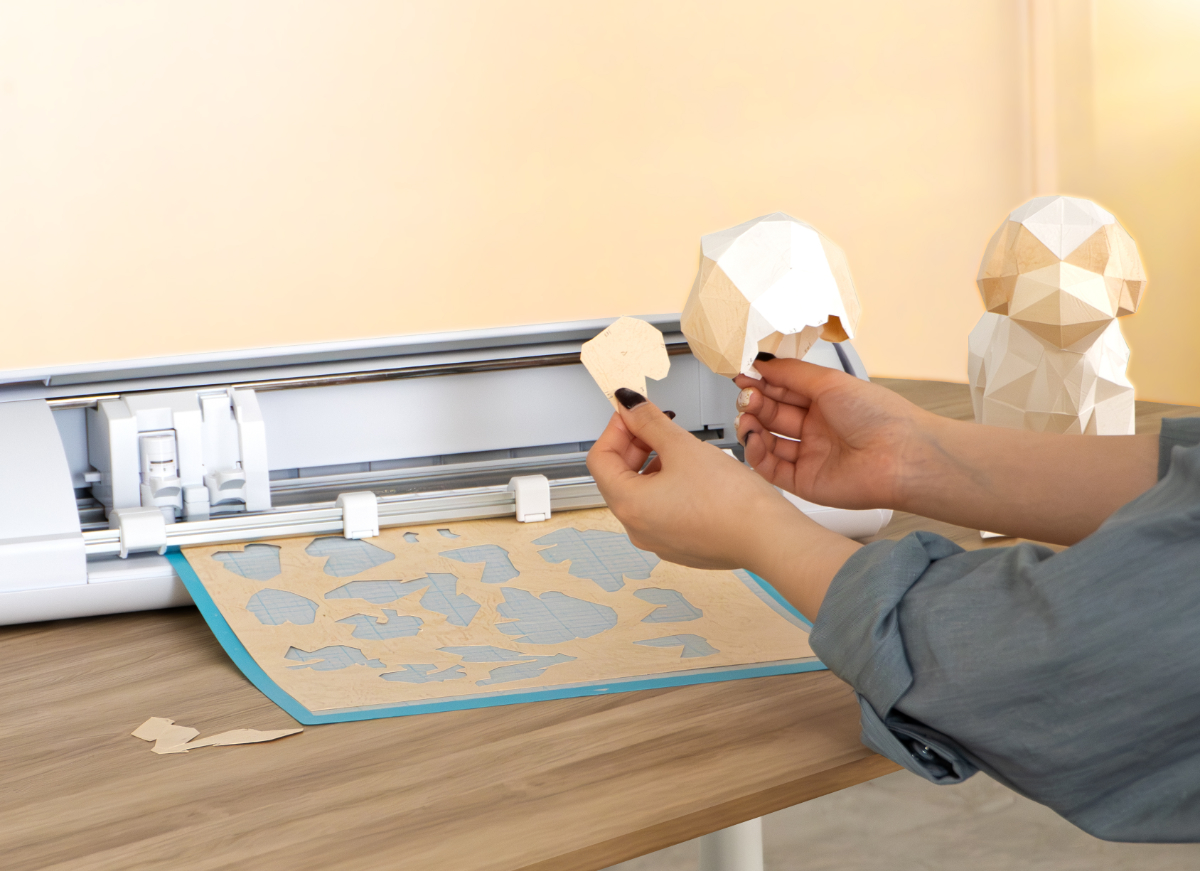
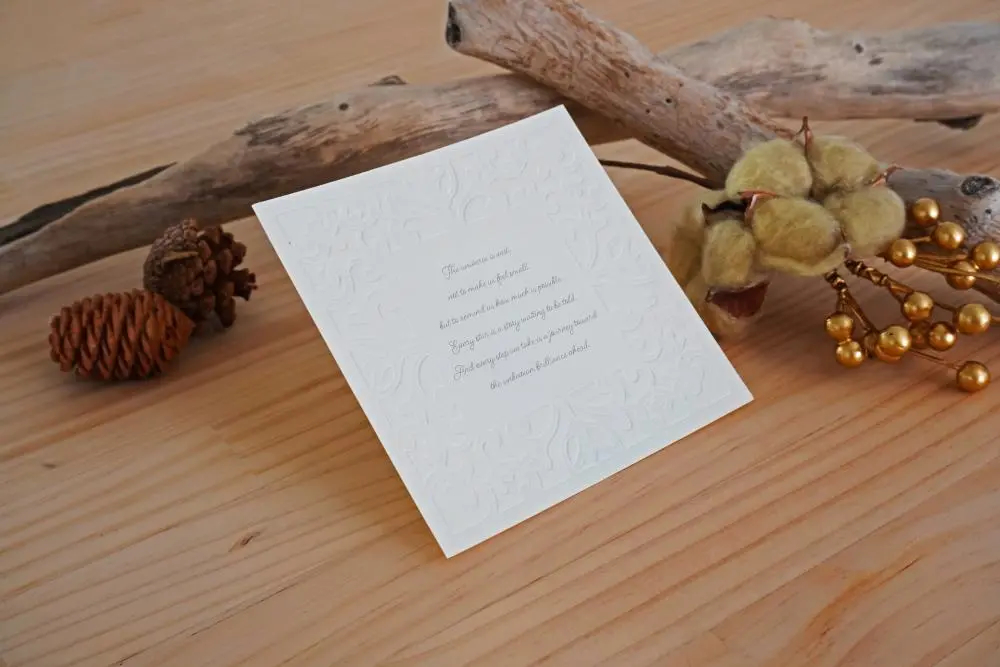
CAMEO5a is ideal for creating invitations, cards, decorations,
scrapbook elements, and many other paper projects where aesthetics and
precision are paramount.
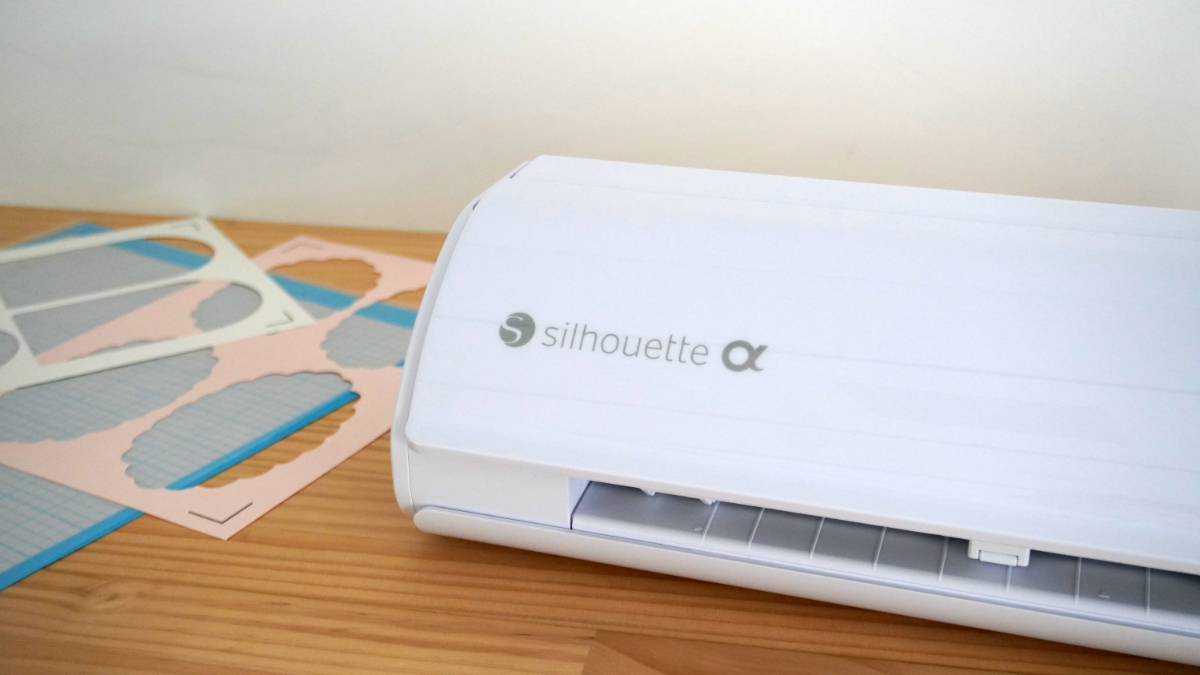
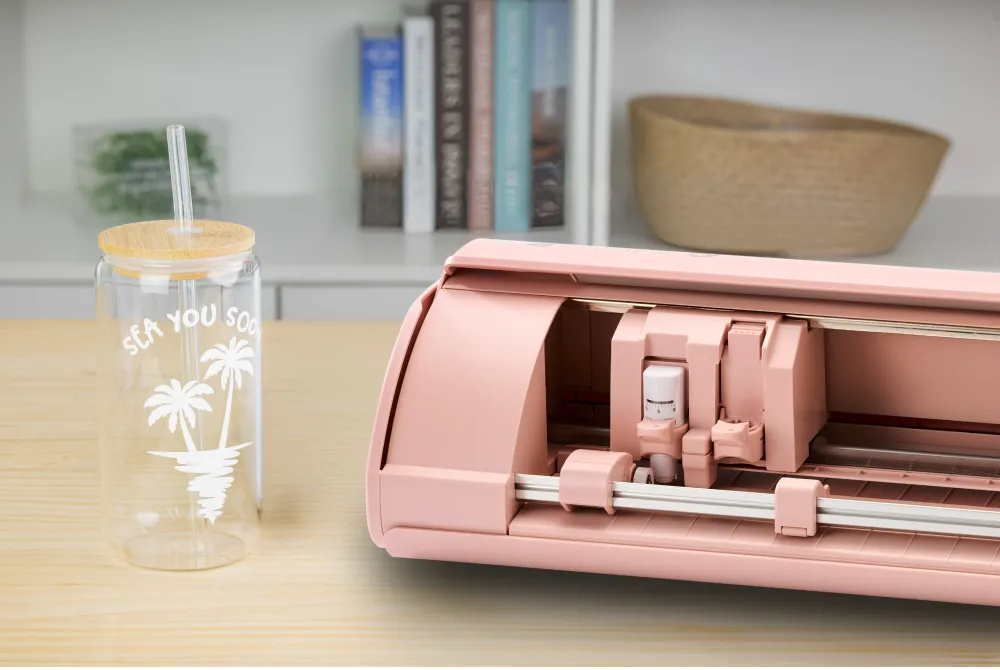
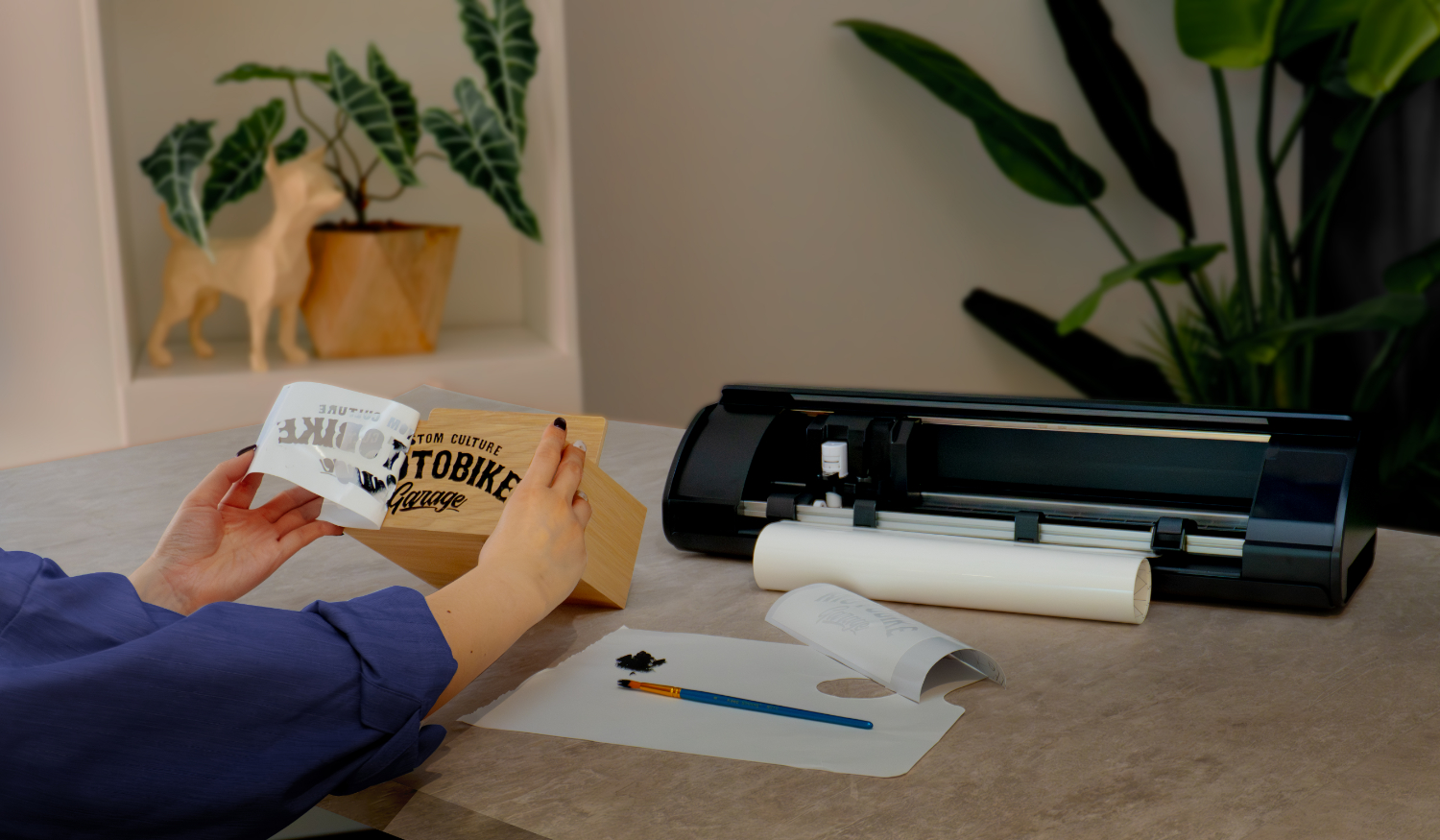
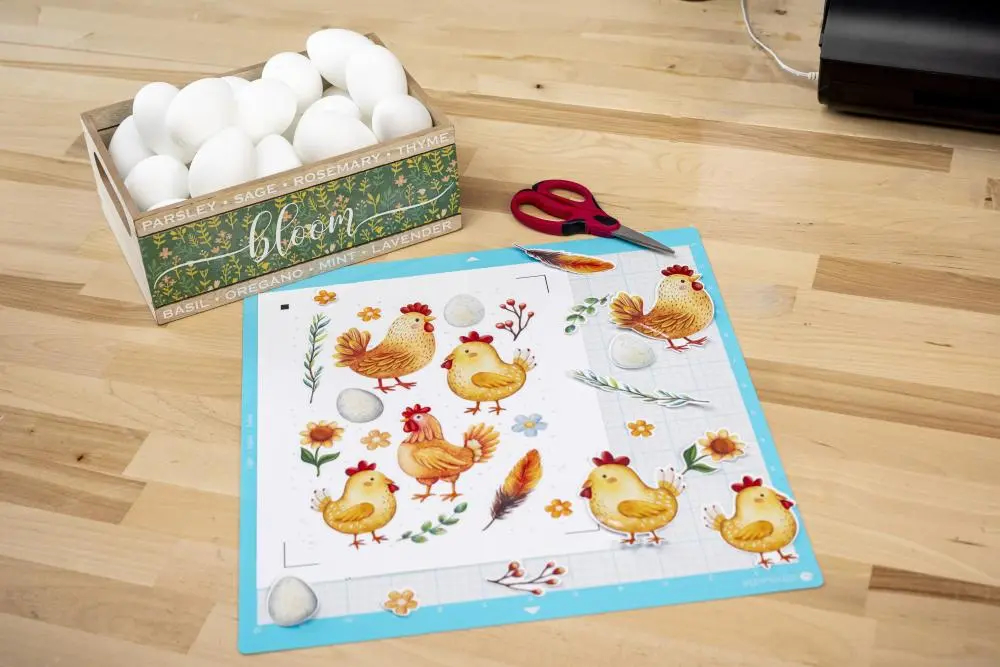
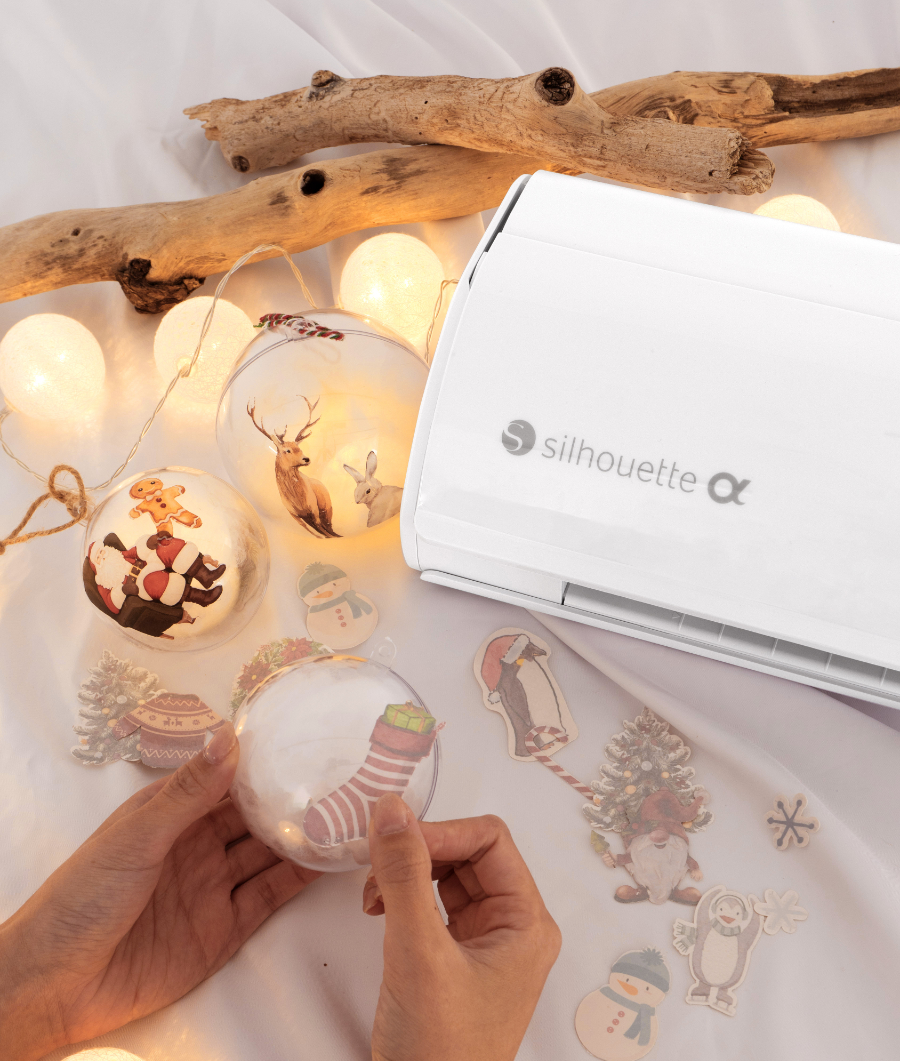
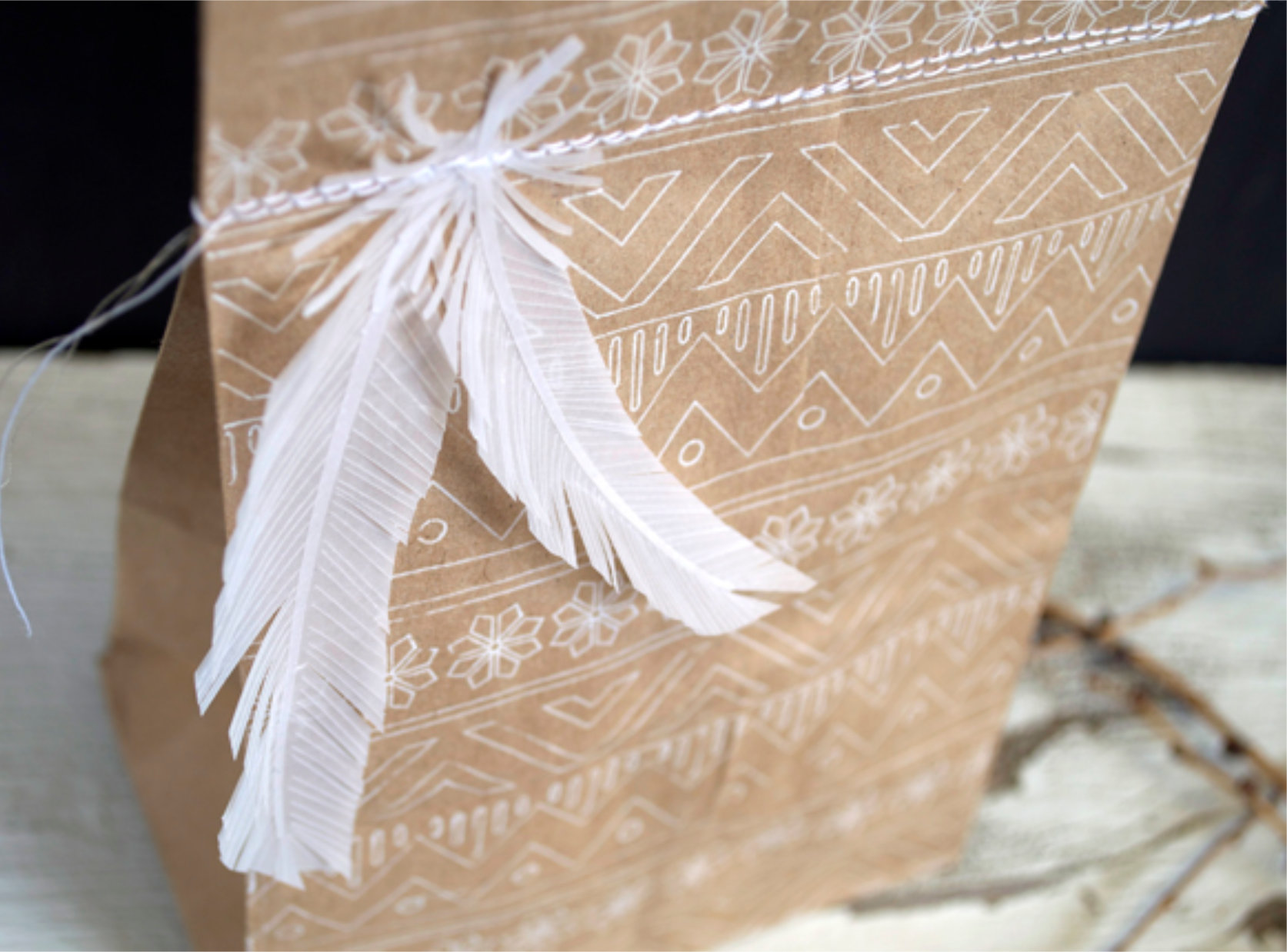
IPT is a solution that enables precise cutting of thin paper, previously considered too delicate for plotter cutting, while maintaining high precision. This technology expands the plotter's capabilities to cut an even wider range of materials!

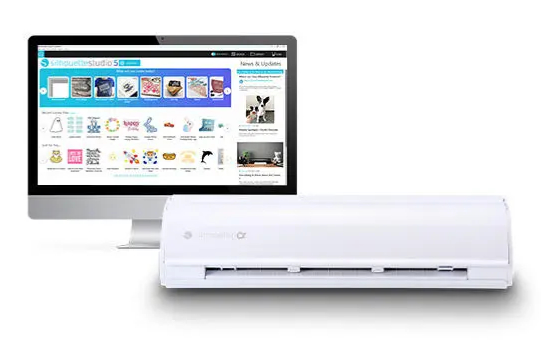
Silhouette Studio Basic Edition software is an invaluable tool for projects with the Silhouette CAMEO5a. This free program, available in Polish, allows users to easily and efficiently create, edit, and prepare graphics for cutting.
Silhouette Studio offers a wide range of features that allow you to design a variety of projects, from simple stickers to more advanced projects such as invitations, labels, decorations, scrapbooking elements, and even fabric prints for apparel. The program allows you to use ready-made templates from the manufacturer's store or design your own using available tools, fonts saved on your computer, or edit any graphics downloaded from the internet.
The basic version of the program supports .png, .jpeg, .bmp, .gif, and .tiff files.
Thanks to its new, intuitive interface, Silhouette Studio Basic Edition is easy to use, even for those new to cutting. Silhouette Studio Basic Edition is the perfect software that empowers your creativity, allowing you to create a wide range of projects - from personalized stickers to advanced print and cut projects.
Hardware requirements for Silhouette Studio to run:
It is also possible to use the Silhouette GO mobile application, available for both Android and iOS.
Due
to periodic changes in operating systems, please check the current and
applicable software requirements on the manufacturer's website:
https://silhouetteamerica.freshdesk.com/support/solutions/articles/35000273905
Silhouette Studio is a great tool for uploading and designing your own designs. It also allows you to conveniently use ready-to-cut designs purchased from the Silhouette Design Store. However, if you create in another vector graphics program or have your own designs, such as those in the popular .svg format, it's worth purchasing an upgrade to one of the two versions.

Silhouette Studio Business Edition is the most advanced version of the software, offering a full range of features ideal for professionals and companies involved in product manufacturing and personalization. Silhouette Studio Business Edition allows you to import and export SVG files, providing unlimited possibilities for working with designs created in other graphics programs, as well as enabling the creation and editing of more complex patterns. It also supports file formats such as .dst, .exp, .jef, .xxx, .ai, .eps, and .cdr. It also allows you to export files in .svg, .pdf, and .jpeg formats. The Business Edition also offers simultaneous cutting on two plotters, significantly increasing efficiency and saving time in production. Additionally, advanced layering options and precise vector editing tools provide complete control over every design, ensuring perfect cutting and high-quality results. Silhouette Studio Business Edition is the perfect choice for those who run a business that creates custom products such as personalized stickers, apparel, accessories, and decorations.
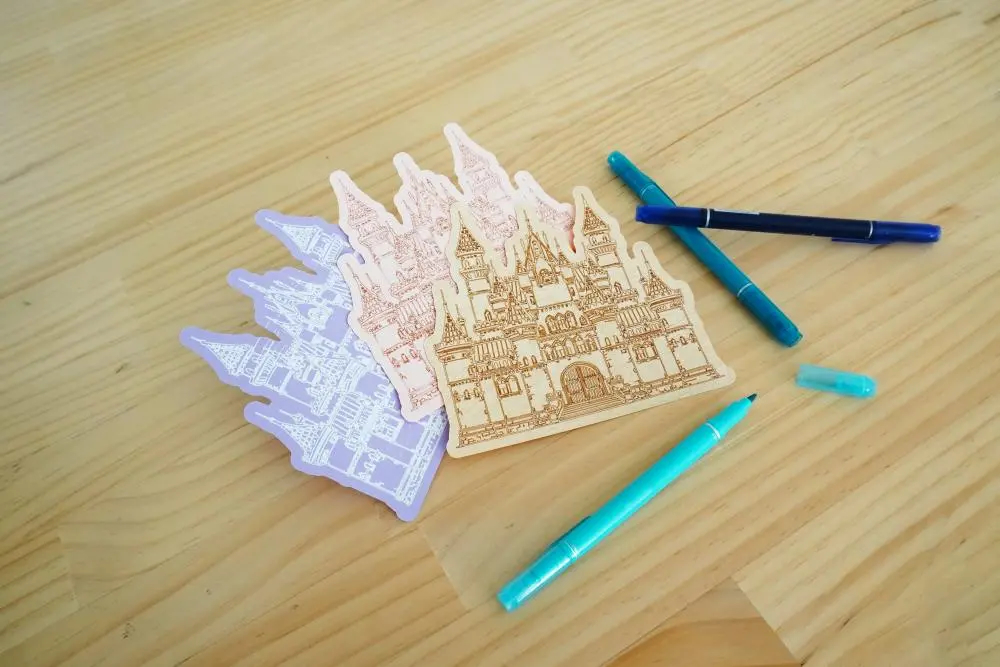
*pens and holder are available for purchase separately
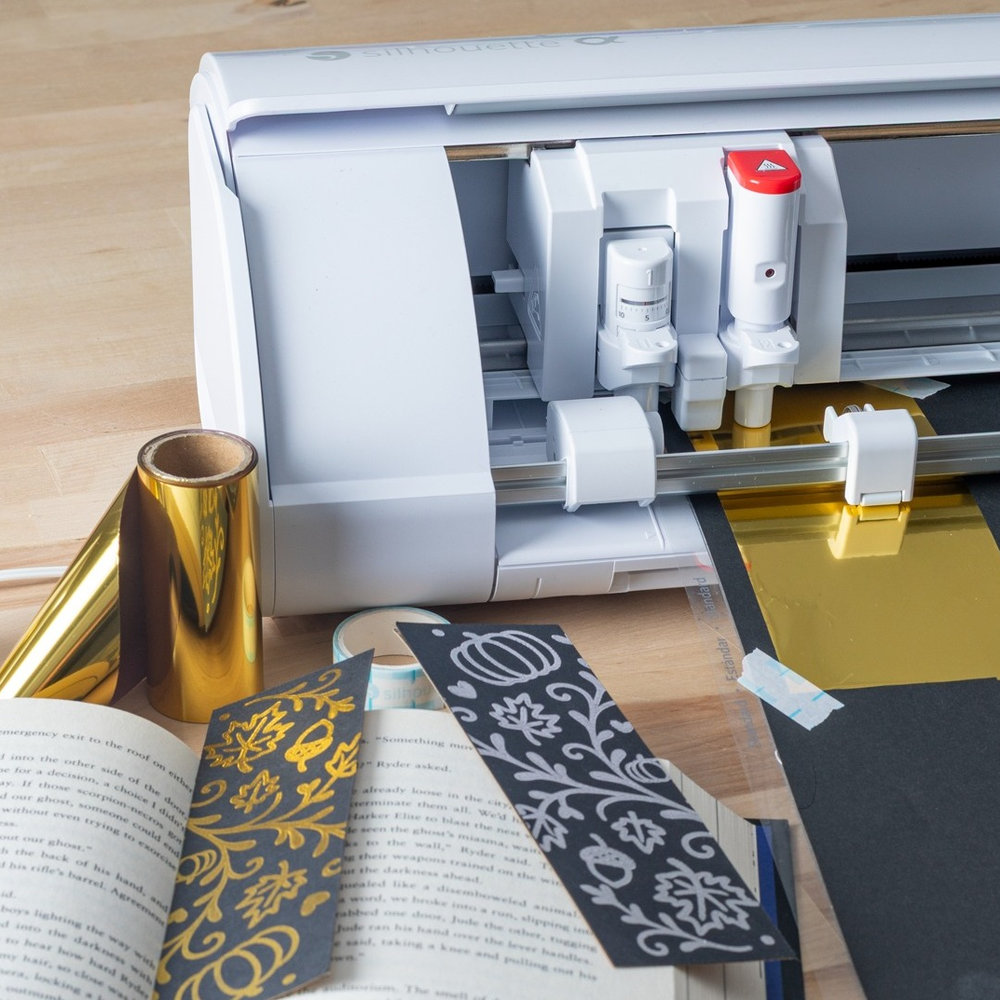
*Tool sold separately.
The
Silhouette CAMEO5a is a device that's perfect for both beginners and
more advanced artists looking for a versatile and precise tool. It's
perfect for creative projects like scrapbooking, making cards,
stickers, invitations, and various decorations, allowing you to realize
even the most demanding ideas. Therefore, it's also a good choice for small businesses that personalize products, such as textiles, mugs, and accessories.
The CAMEO5a is also valued by designers and crafters who need precise cutting of paper, foil, or selected fabrics. Its extensive cutting capabilities make it ideal for details and projects requiring high accuracy. It's also ideal for small advertising studios, allowing you to create labels, signs, and decorative elements.
This model is also user-friendly for beginners. The
intuitive, Polish-language Silhouette Studio software makes learning
easier and allows you to quickly utilize the cutter's full capabilities. By
choosing the Silhouette CAMEO5a, you get a device that will meet the
expectations of both hobbyists and professionals, offering high quality
and beautiful work results.
| Title | Value |
|---|---|
| Manufacturer Details | Silhouette America® Inc.618 N. 2000 W.Lindon, Utah 84042, USA support@silhouetteamerica.com |
| EU Marketing Authorisation Holder | Graphtec Europe B.V. address: Kruisweg 801-B, 2132NG, Hoofddorp, The Netherlands tel: 31611841511 support@silhouetteeurope.eu |
| Print & Cut Margins | On mat - 16mm on Each Side , Without mat - 16mm on the sides and top of the page; 25,4mm at the bottom of the page |
| Force | 5kg, 300g |
| Connection | USB, Bluetooth |
| Language | English, Polish |
| Software | Silhouette Studio (free), Adobe Illustrator - plug-in (paid extra), Corel DRAW - plug-in (paid extra), Silhouette Studio Designer Edition (paid extra), Silhouette Studio Business Edition (paid extra) |
| Unit Dimensions | 56,6 x 17,6 x 12,4 cm |
| Unit Weight | 5,05 kg |
| Cutting out graphics along the outline | Yes (the possible margin of error is 1/16 in.) |
| Maximum Cutting Area With Cutting Mat | 30,5 x 61 cm (12 x 24 in.) |
| Maximum Cutting Area Without Cutting Mat | 29,5 x 480 cm (11,6 in. x 16 ft.) |
| Free designs | 100 |
Products that may also interest you:
No one has added an opinion yet.
Be the first to do so!
Made by: Michał Desol