The
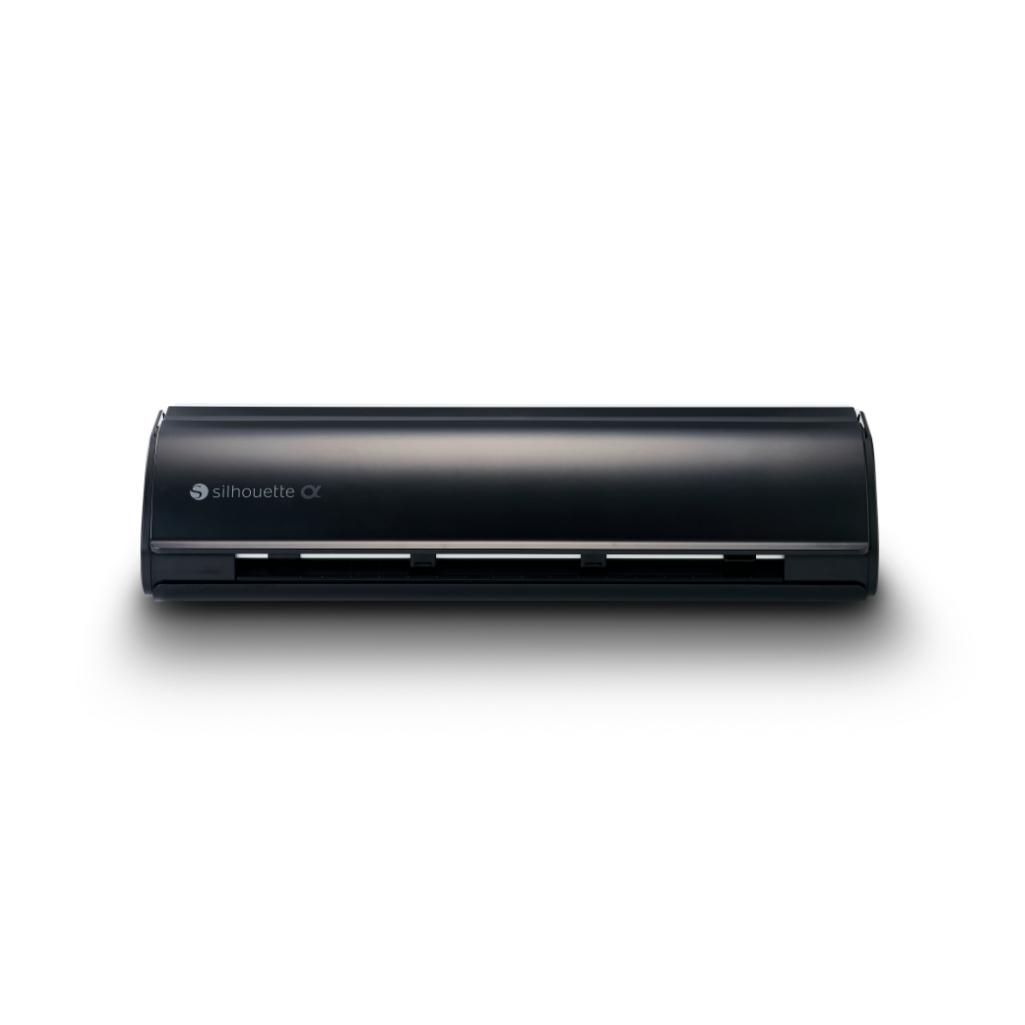
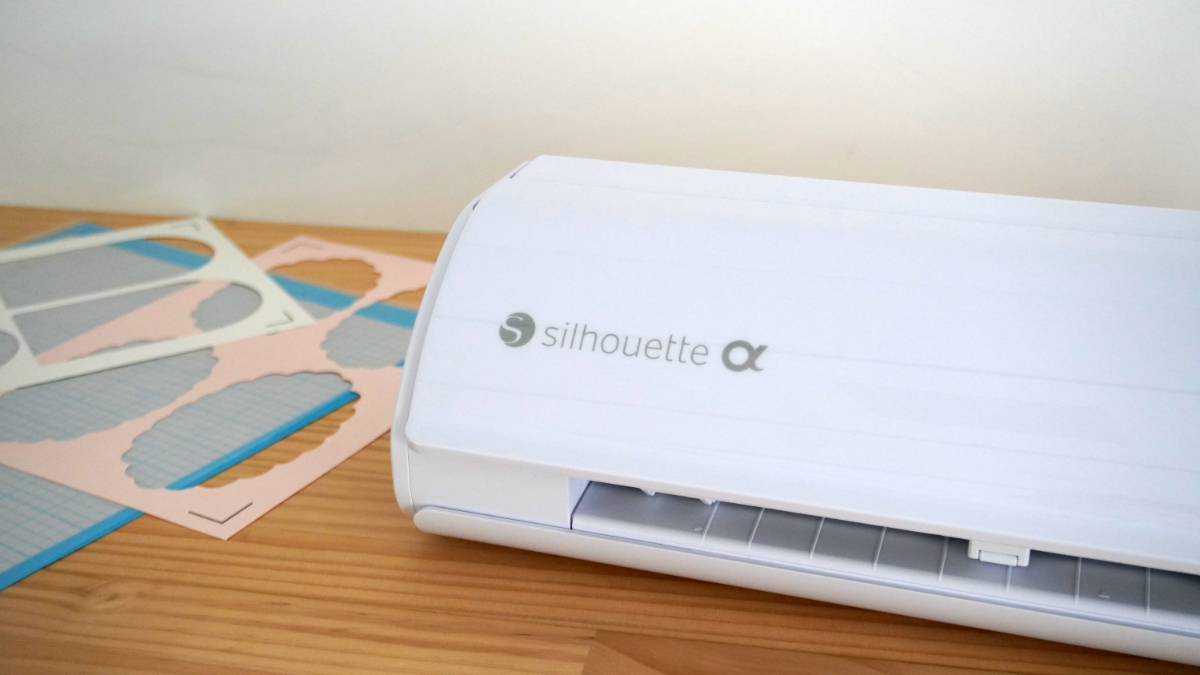
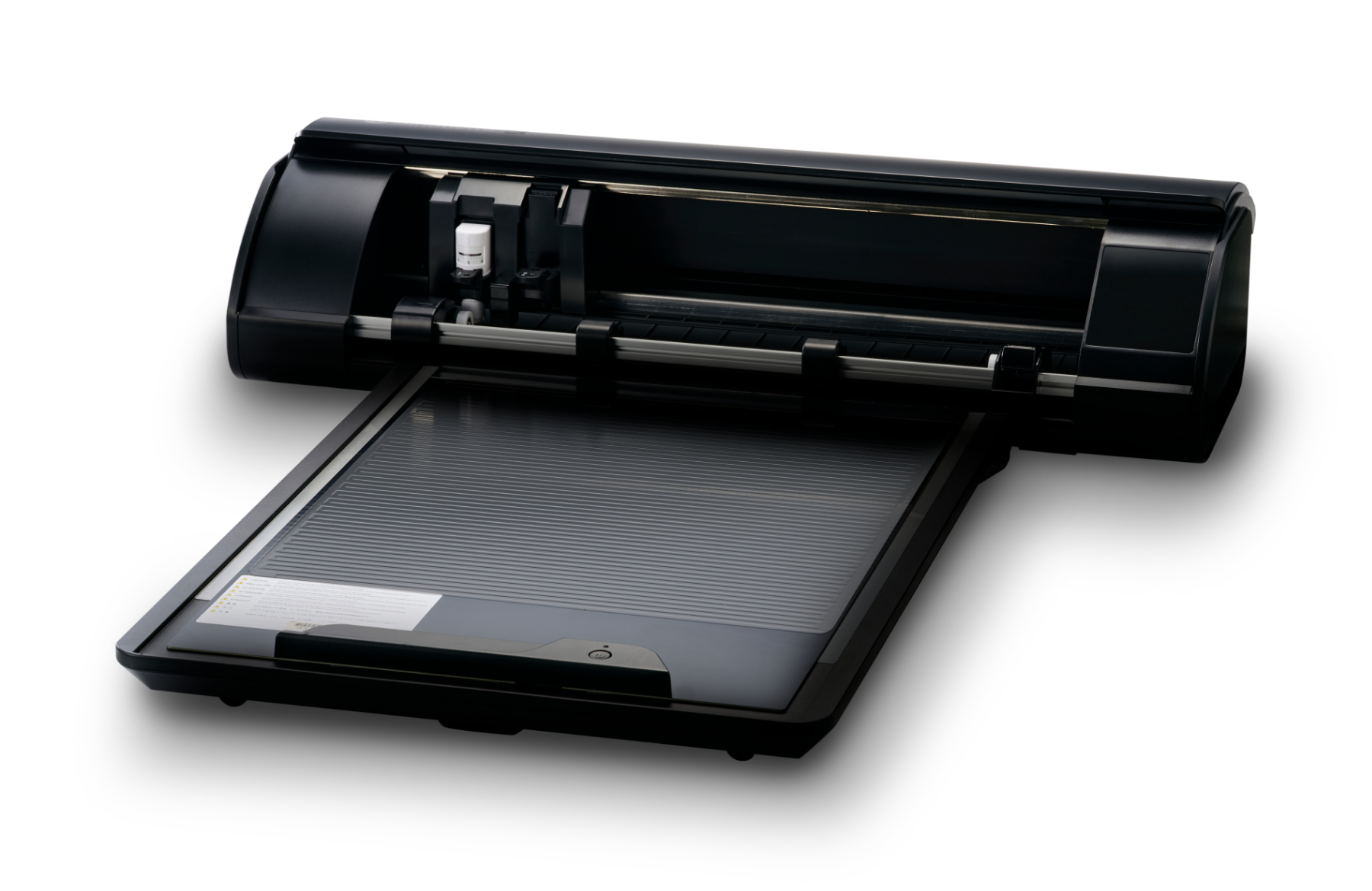
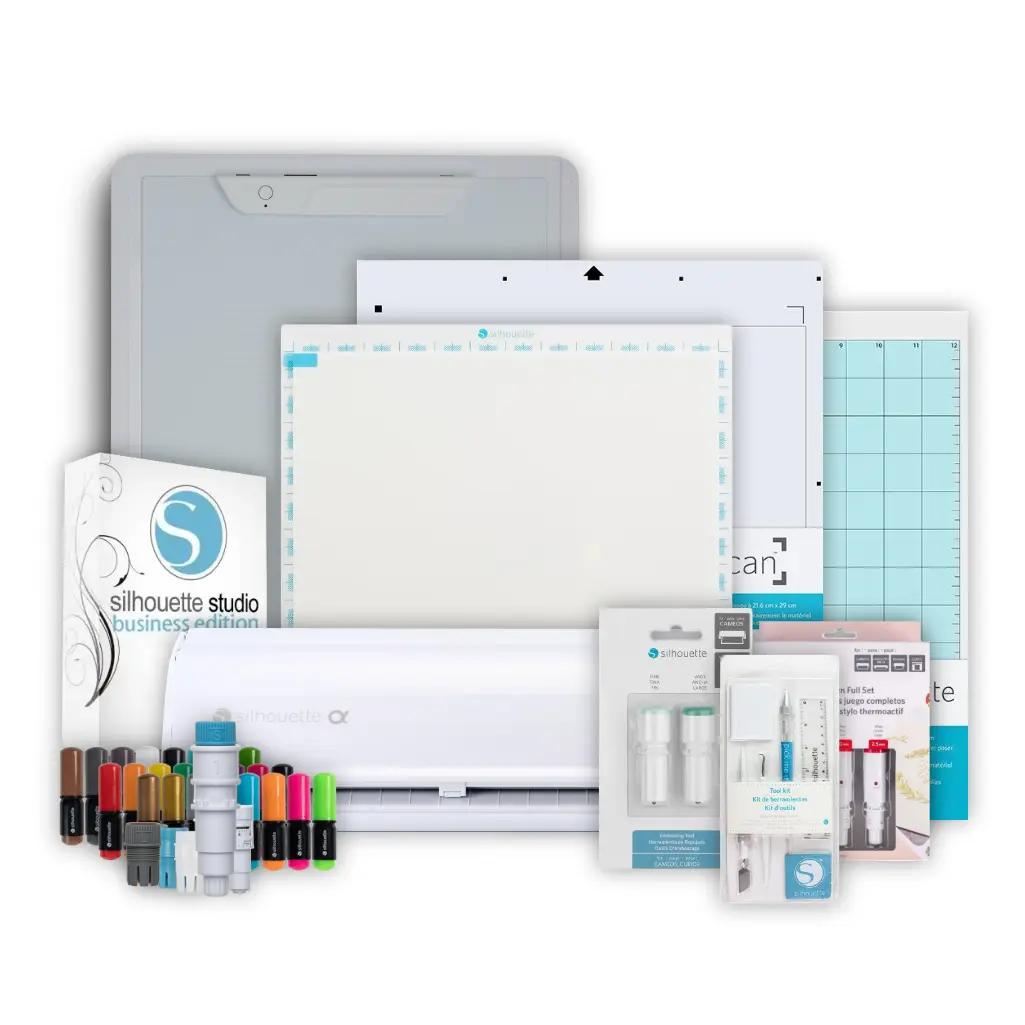
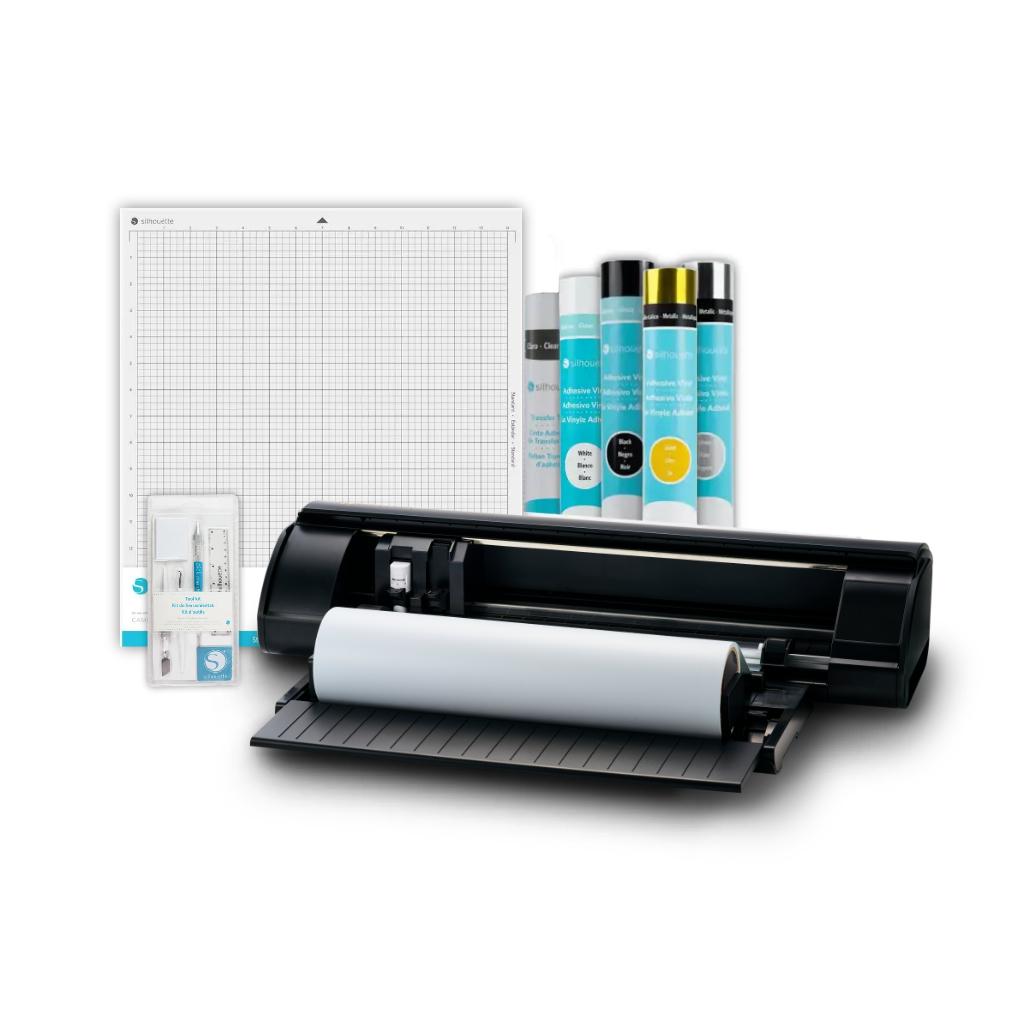
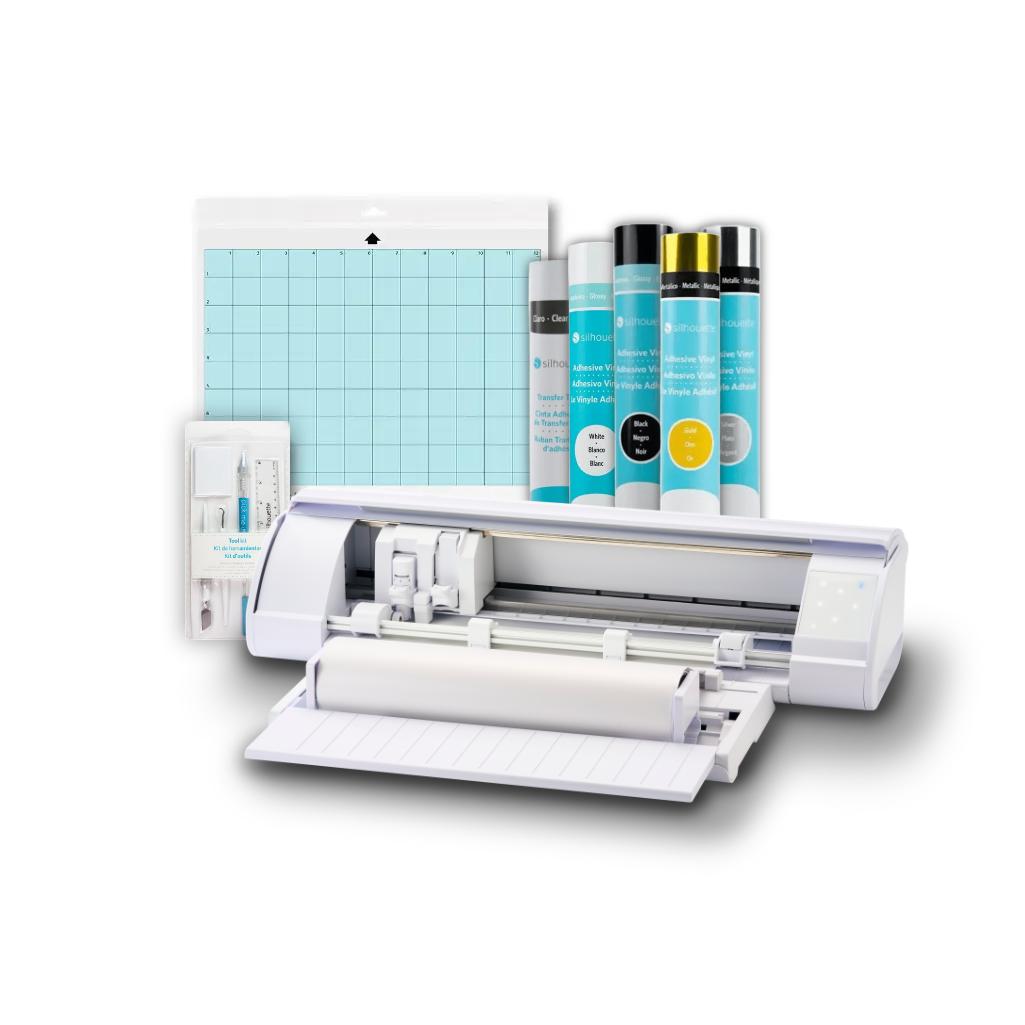
Silhouette CAMEO5a (Alpha) combines the familiar and proven features of
the Cameo 5 with a range of new features, creating a tool that's even
more comfortable and precise for everyday work. Intuitive operation remains, ensuring even beginners quickly find their way around. Compatibility
with a variety of tools and the ability to cut a wide range of
materials, including select materials without the use of a mat, have
also been retained. This makes the cutter incredibly versatile and suitable for a wide range of creative applications.
The Silhouette CAMEO5a retains the best features of the previous model
while offering even greater comfort, improved precision, and a modern
design. It's ideal for both professional use and the home studio, wherever reliability and creative freedom are key.
Plotter possibilities
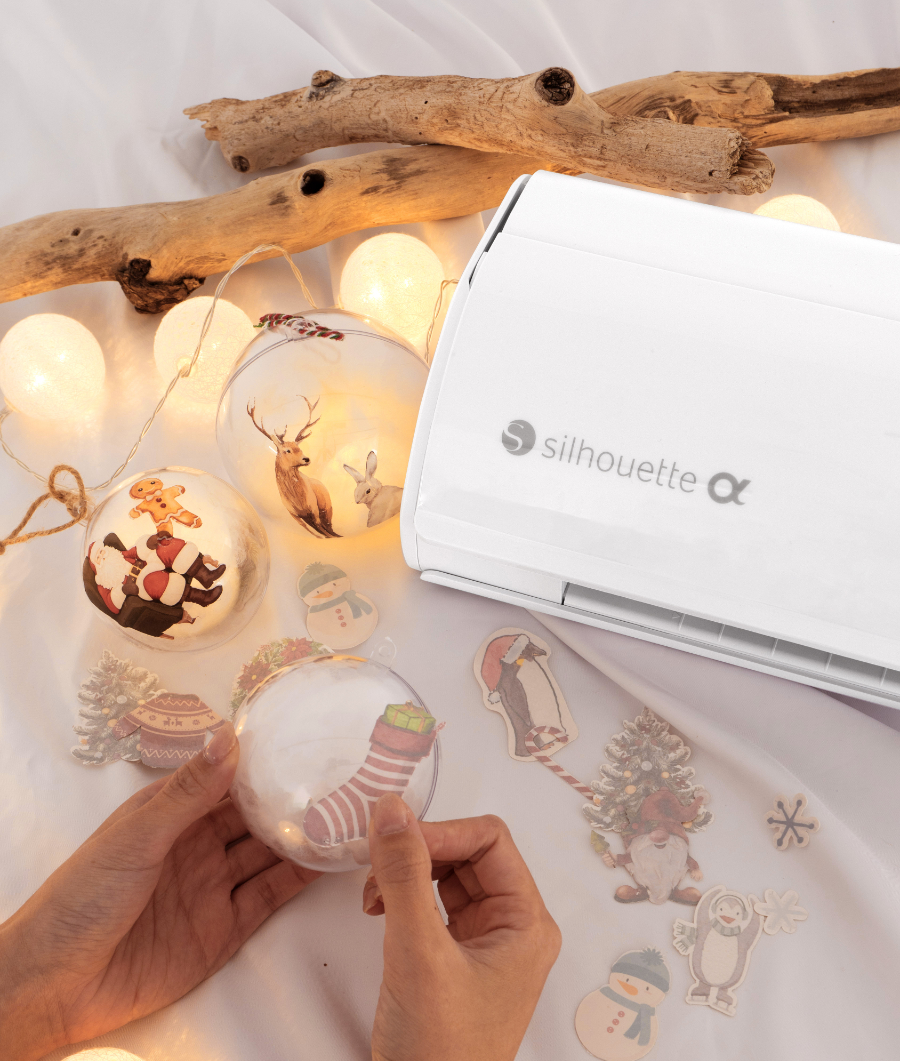
The plotter cuts in many materials and works with the latest tools from the manufacturer. Thanks to this, you can do many projects with its help, such as:
- Cutting in papers up to about 300g and self-adhesive papers
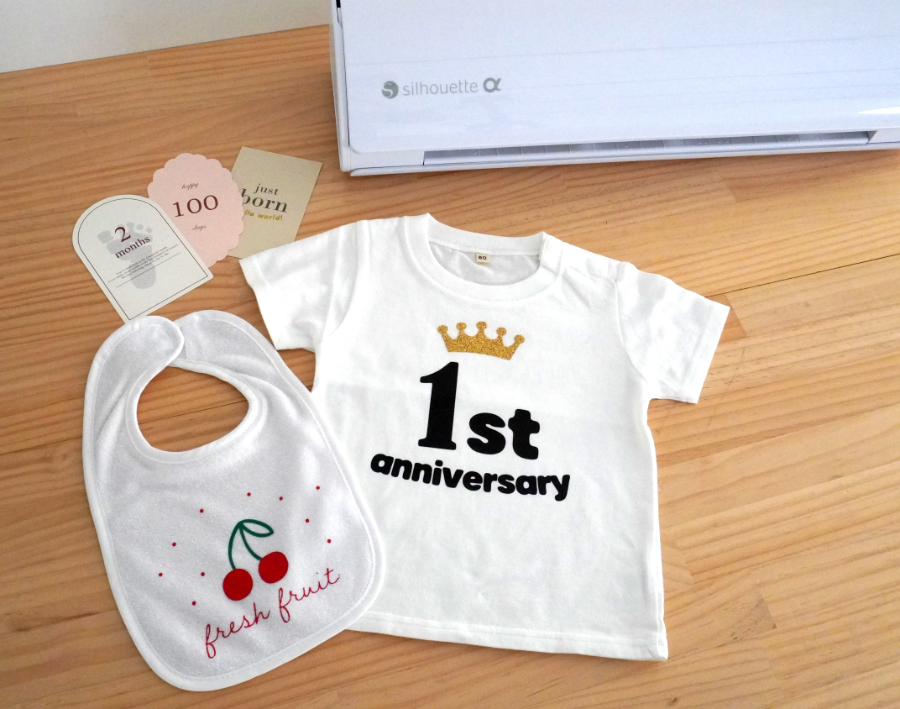
Cutting in self-adhesive and iron-on foils
Sketching (after purchasing manufacturer's pens or a universal holder)
Gilding and embossing (after purchasing tools)
Cutting fabrics and felt up to 1mm thick (after purchasing a rotary blade)
Cutting in soft materials such as creative foam up to 3mm (after purchasing a Kraft blade)
Cutting in manufacturer's creative materials such as magnetic foils, tattoo foils, scratch sheets and many others
Cutting in paper up to 300g
With
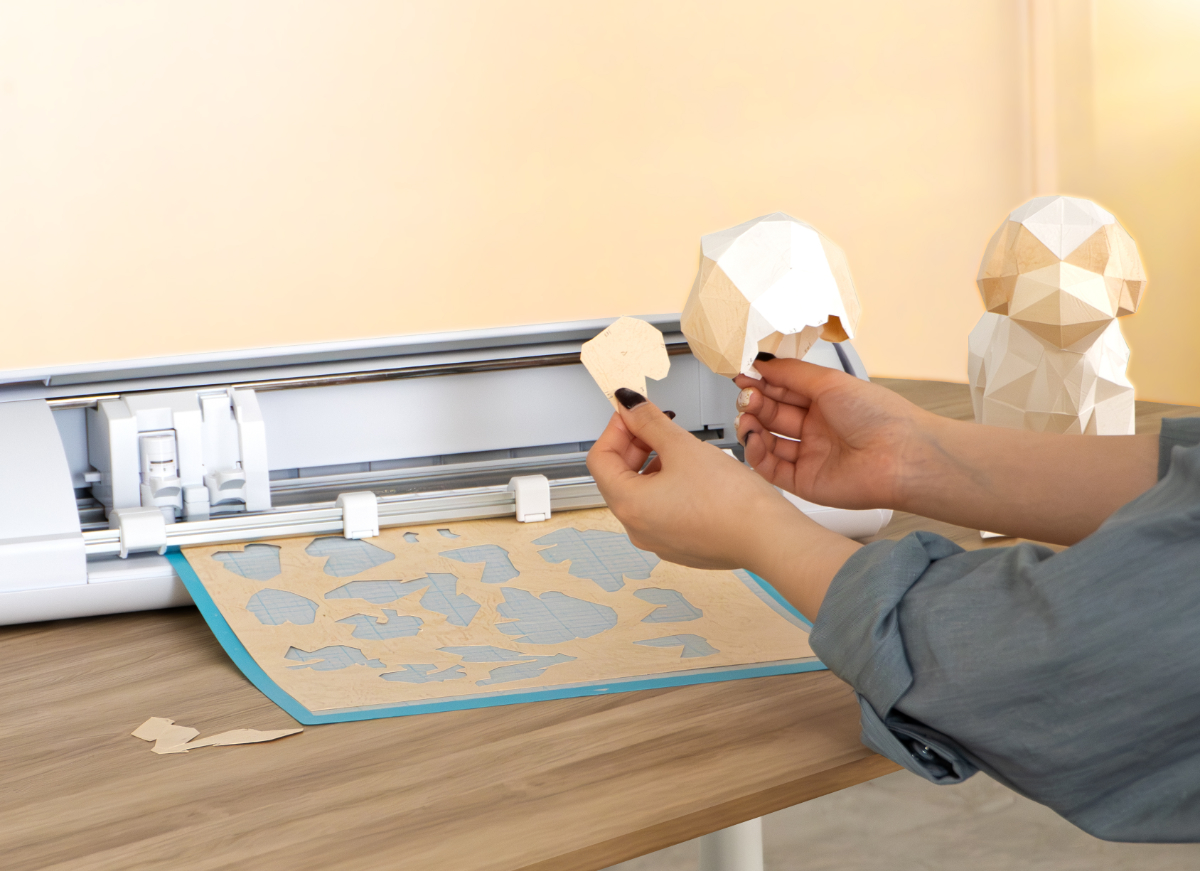
its ability to precisely cut papers up to approximately 300g, the
CAMEO5a allows you to create eye-catching cards, place cards, boxes,
toppers, ornaments, and many other creative projects. This
makes it ideal for small studios and craft businesses, as well as for
classes at schools, community centers, and hobby workshops.
The Silhouette CAMEO5a is an excellent choice for those working with
paper, whether they create occasionally or personalize products daily. With
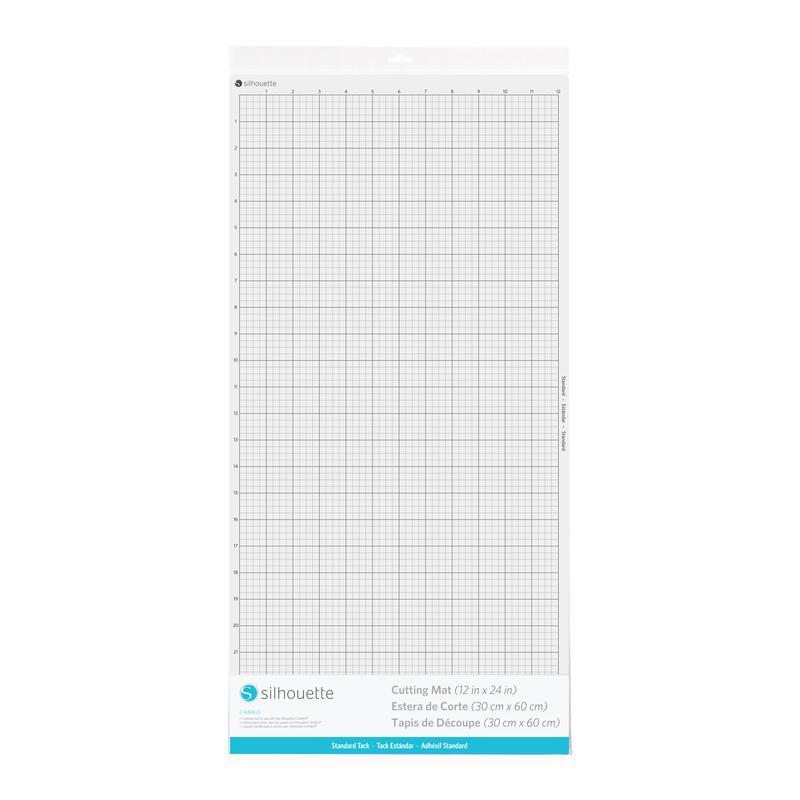
the optional mat, it allows you to work on a 30 x 60 cm area, allowing
you to complete larger projects without having to divide them,
facilitating consistency and accelerating the entire creative process.
Silhouette
Studio software continues to be characterized by its ease of use and
extensive capabilities, making designing and personalizing graphics
accessible even for those new to cutting. The
CAMEO5a is ideal for creating invitations, cards, decorations,
scrapbook elements, and many other paper projects where aesthetics and
precision are paramount.
The
Silhouette CAMEO5a cutter is perfect for cutting foils, whether in a
home studio, creative workshops, or a small business specializing in
product personalization. This
model handles various types of foils, such as vinyl, heat transfer
foils, stencils, and magnetic foils, offering a wide range of
possibilities for creating unique designs.
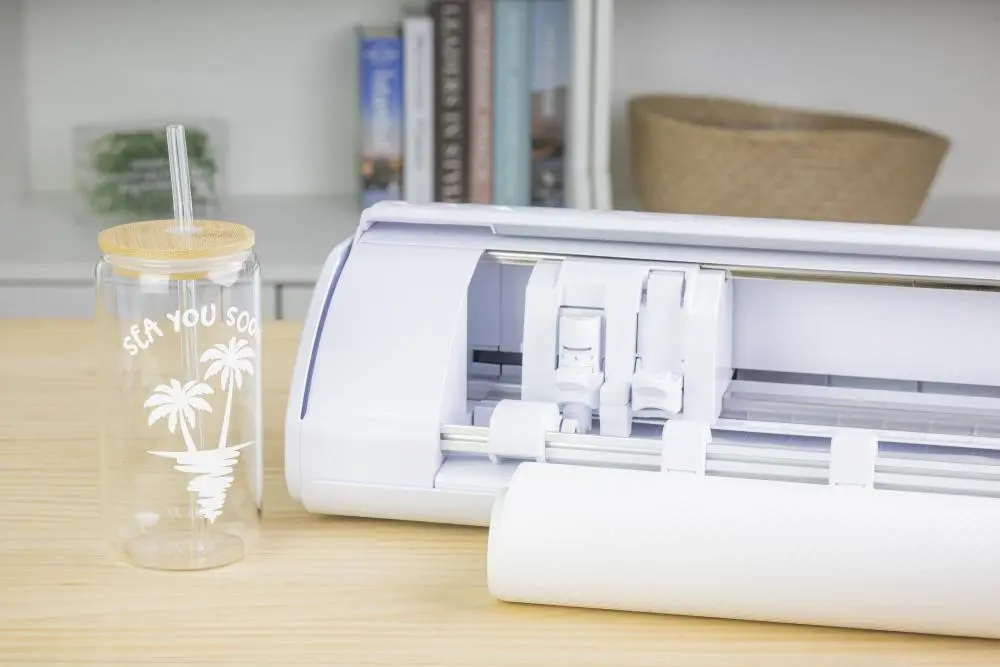
The CAMEO5a is perfect for creating personalized stickers, labels, wall
decorations, advertising signs, balloon and wall elements. It's
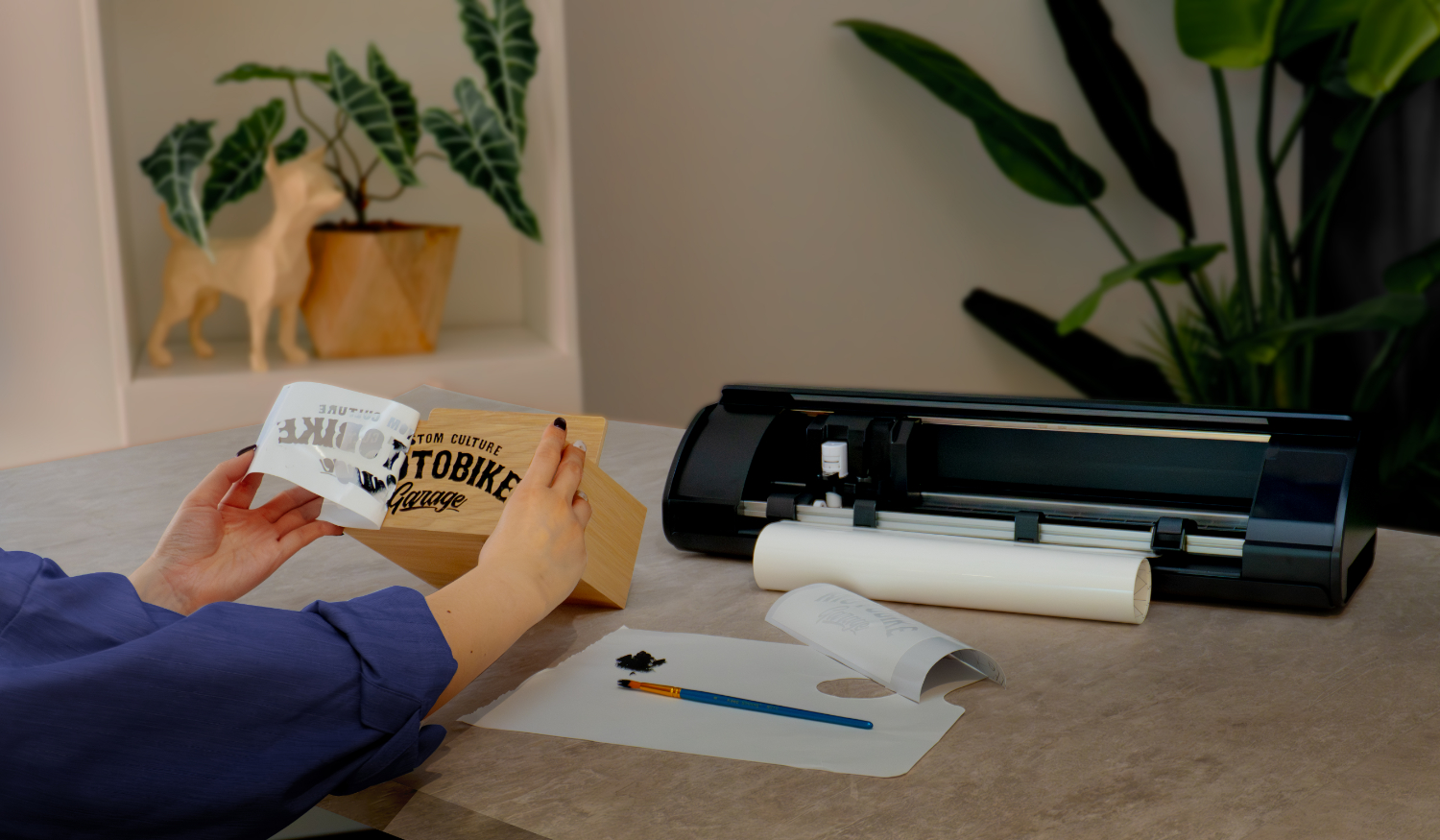
also suitable for creating iron-on transfers for clothing, bags, hats,
and other textiles, making it an attractive option for individuals and
businesses that need custom designs. The Alpha version does not include a foil feeder. However, it can be purchased separately to further streamline foil handling. This allows each user to tailor the device to their needs and workflow.
The plotter features an automatic cutter that can separate a section of fabric with a cut pattern from the roll. This ensures evenly cut fabric, which will be evenly guided by the rollers when fed back into the plotter.
The repeat button allows for maximum automation of the cutting process,
and thanks to its quiet operation, you can create undisturbed at home
even late into the evening.
Cutting Prints
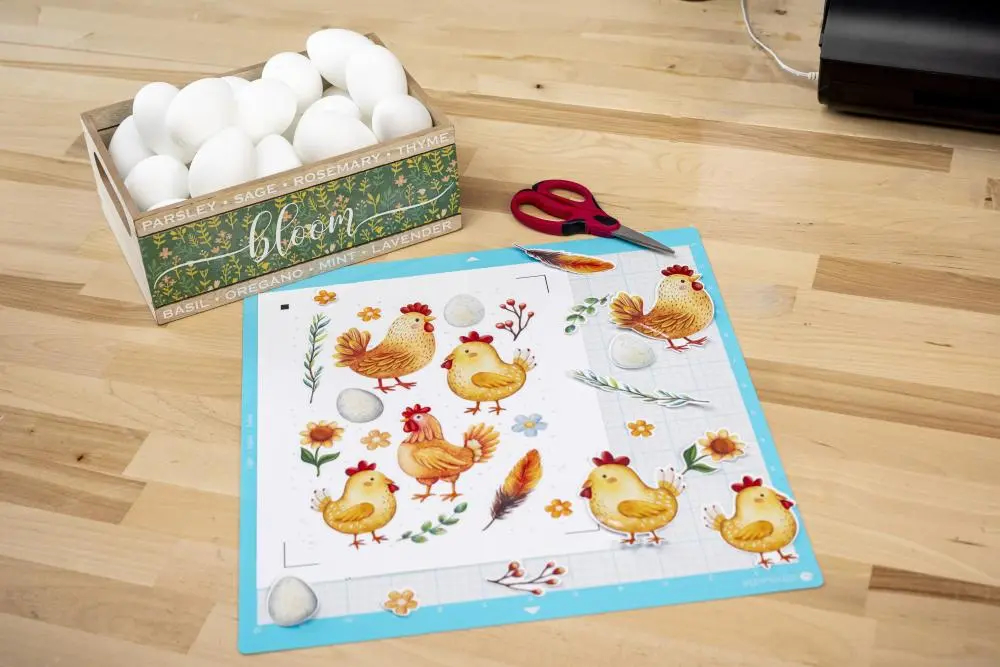
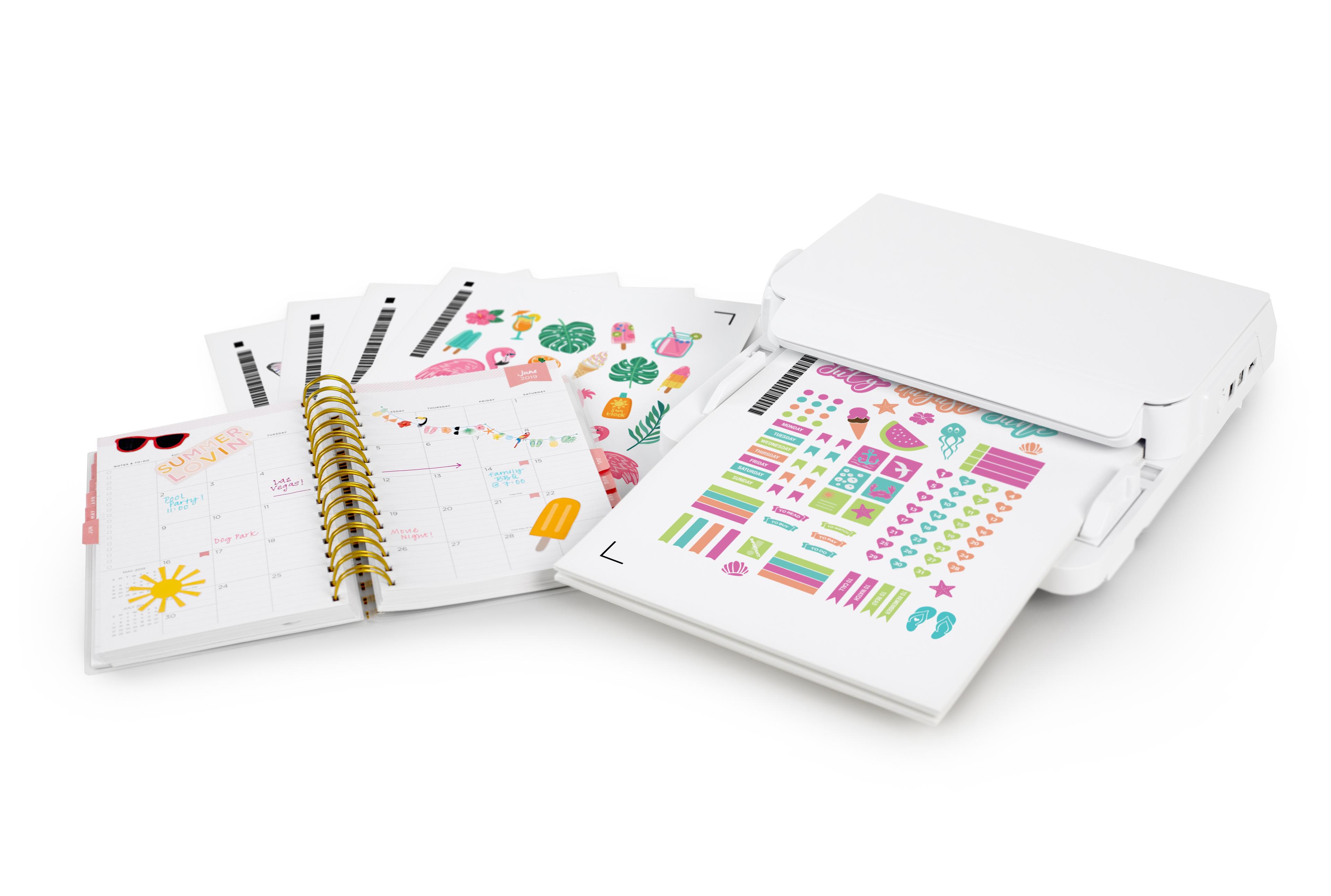
The Silhouette CAMEO5a is an excellent Print & Cut tool, designed for precise cutting of printed graphics. The new model features improved reading technology – previously, cutting prints was performed based on three markers. For
even greater cutting precision, both vertically and horizontally, the
device now uses four markers, allowing for even better detail
reproduction.
The CAMEO5a is ideal for creating stickers, labels, invitations, greeting cards, and decorative and advertising materials. It
allows for easy creation of personalized projects such as product
labels, candle stickers, toppers, garlands, and small event decorations
that require precise cutting to match the printed image. Print
& Cut, combined with the intuitive Silhouette Studio software,
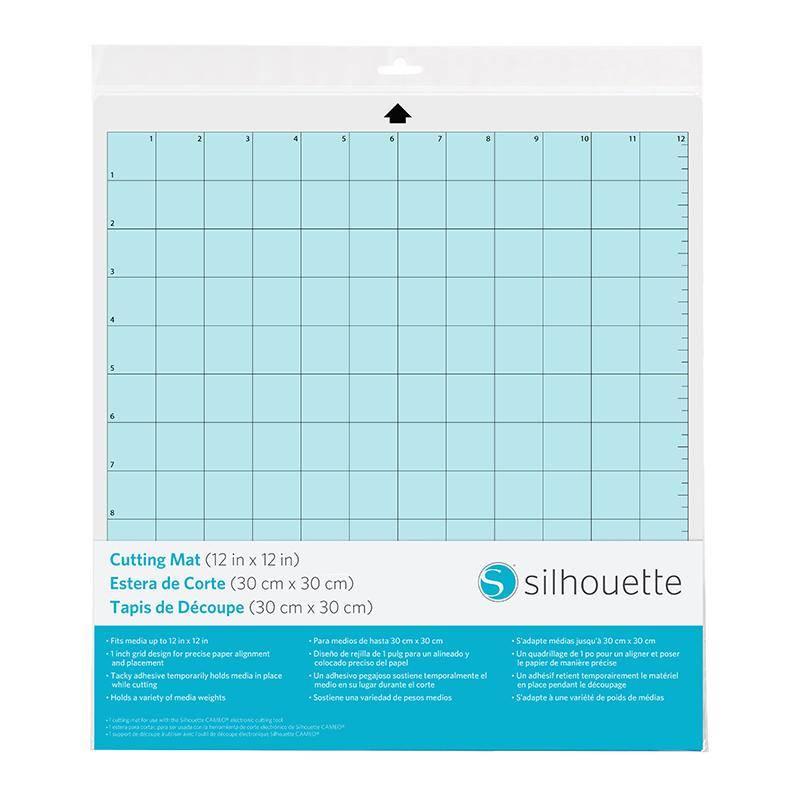
makes file preparation quick and easy, even for beginners. Simply enable markers in the program, print your design, and then place the sheet on the mat. The plotter will automatically read the registration marks and cut out the designed shapes.
An additional advantage is the ability to cut selected foils and
self-adhesive papers without using the mat, making sticker creation
easier. Another great feature is the repeat last job function, which makes batch production much faster and more convenient.
Sketch even faster
Silhouette plotters can sketch with markers, and the new CAMEO5a model sketches even faster! The
sketching speed of this new generation plotter reaches 400mm/s,
allowing you to create beautiful, unique designs even more efficiently
without sacrificing high precision.
Intelligent Path Technology
IPT
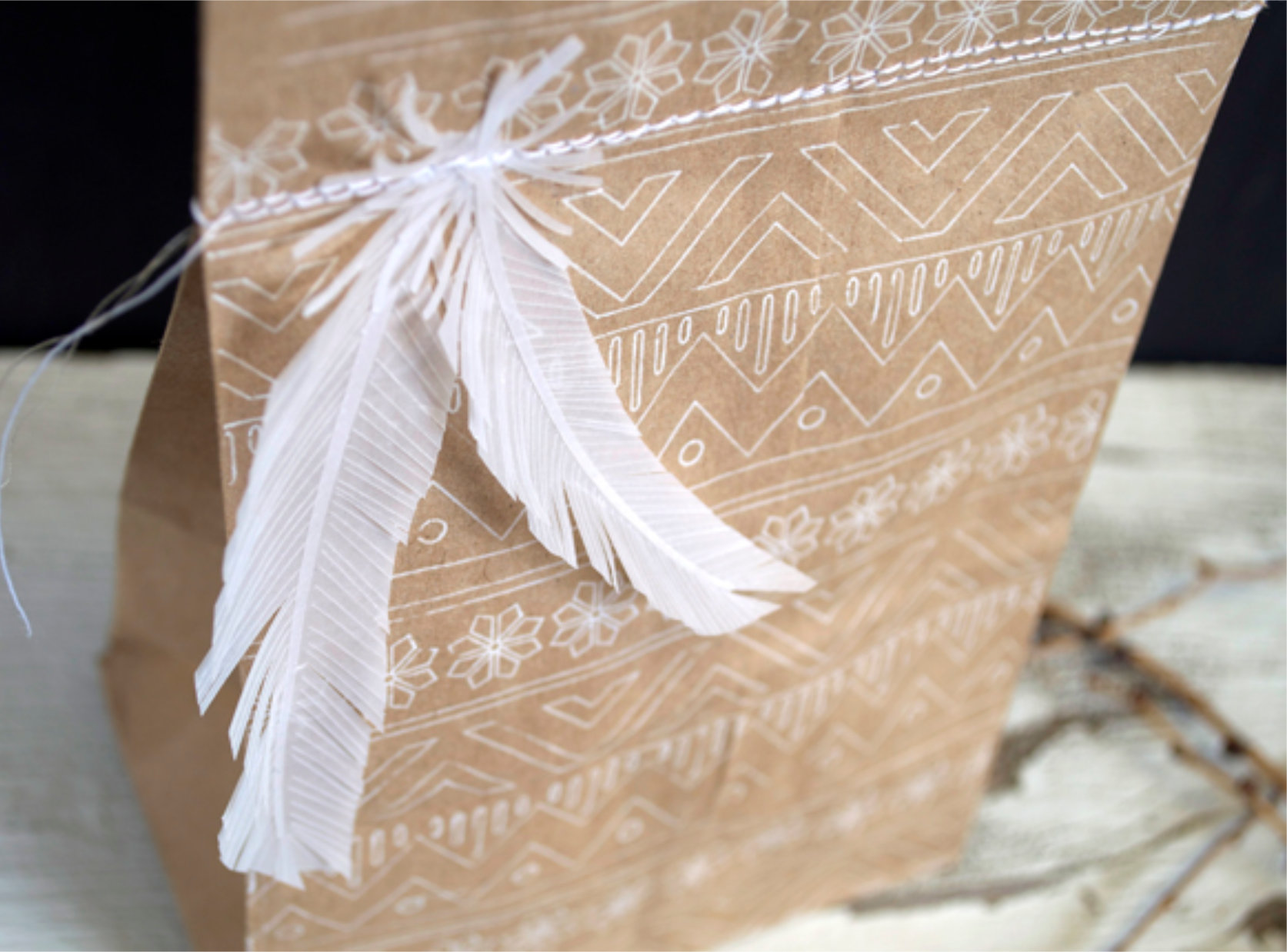
is a solution that enables precise cutting of thin paper, previously
considered too delicate for plotter cutting, while maintaining high
precision. This technology expands the plotter's capabilities to cut an even wider range of materials!
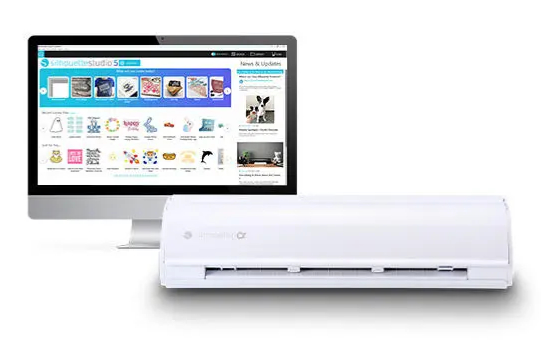
Silhouette Studio Basic Edition software is an invaluable tool for projects with the Silhouette CAMEO5a. This free program, available in Polish, allows users to easily and efficiently create, edit, and prepare graphics for cutting.
Silhouette Studio offers a wide range of features that allow you to
design a variety of projects, from simple stickers to more advanced
projects such as invitations, labels, decorations, scrapbooking
elements, and even fabric prints for apparel.
The program allows you to use ready-made templates from the
manufacturer's store or design your own using available tools, fonts
saved on your computer, or edit any graphics downloaded from the
internet.
The basic version of the program supports .png, .jpeg, .bmp, .gif, and .tiff files.
Thanks to its new, intuitive interface, Silhouette Studio Basic Edition is easy to use, even for those new to cutting.
Silhouette Studio Basic Edition is the perfect software that empowers
your creativity, allowing you to create a wide range of projects - from
personalized stickers to advanced print and cut projects.
System requirements
Hardware requirements for Silhouette Studio to run:
- Operating system: PC (Windows 11) or Mac (OS X 14 and higher)
- The software supports devices with 64-bit processors.
- For Chromebook systems, plotter operation is possible using the new online application - Silhouette WEB - https://www.silhouette-web.com/
- Internet connection: Recommended (for updating and upgrading
to Designer Edition)
- RAM: 4 GB RAM
- Processor: 2.5GHz (Intel Quad Core or AMD Quad Core) CPU
memory speed: 186 MB program memory (does not include additional memory
recommended for download)
- USB Port: USB 2.0 Port (or later)
It is also possible to use the Silhouette GO mobile
application, available for both Android and iOS.
Due
to periodic changes in operating systems, please check the current and
applicable software requirements on the manufacturer's website:
https://silhouetteamerica.freshdesk.com/support/solutions/articles/35000273905
It is also possible to use the free Silhouette GO mobile app, available for both Android and iOS.
Software Extensions
Silhouette Studio is a great tool for uploading and designing your own designs. It also allows you to conveniently use ready-to-cut designs purchased from the Silhouette Design Store. However,
if you create in another vector graphics program or have your own
designs, such as those in the popular .svg format, it's worth purchasing
an upgrade to one of the two versions.
Silhouette
Studio Designer Edition software is an advanced tool that expands the
capabilities of the basic software and allows you to fully utilize the
potential of your Silhouette cutter. This
version provides access to advanced features such as layer support,
advanced vector editing tools, and the ability to import .gsd, .dxf,
.svg, and .pdf files.
The Designer Edition allows you to open vector files from third-party
graphics programs or Canva.
Silhouette Studio Designer Edition is ideal for those involved in
professional design, creating personalized products, or running a small
business. The
ability to work with SVG files allows you to import ready-made designs
from other sources, significantly speeding up the creation process.
With Silhouette Studio Designer Edition, users can create more complex
designs, such as advanced invitations, embellishments, decorative
elements, as well as professional designs for cutting in a variety of
materials, from paper to fabric.
Silhouette
Studio Business Edition is the most advanced version of the software,
offering a full range of features ideal for professionals and companies
involved in product manufacturing and personalization.
Silhouette Studio Business Edition allows you to import and export SVG
files, providing unlimited possibilities for working with designs
created in other graphics programs, as well as enabling the creation and
editing of more complex patterns. It also supports file formats such as .dst, .exp, .jef, .xxx, .ai, .eps, and .cdr. It also allows you to export files in .svg, .pdf, and .jpeg formats.
The Business Edition also offers simultaneous cutting on two plotters,
significantly increasing efficiency and saving time in production. Additionally,
advanced layering options and precise vector editing tools provide
complete control over every design, ensuring perfect cutting and
high-quality results.
Silhouette Studio Business Edition is the perfect choice for those who
run a business that creates custom products such as personalized
stickers, apparel, accessories, and decorations.
Additional plotter functions
Beyond
cutting, the plotter also offers a range of additional features useful
for creating unique projects and projects, both for artisans and smaller
businesses. Thanks
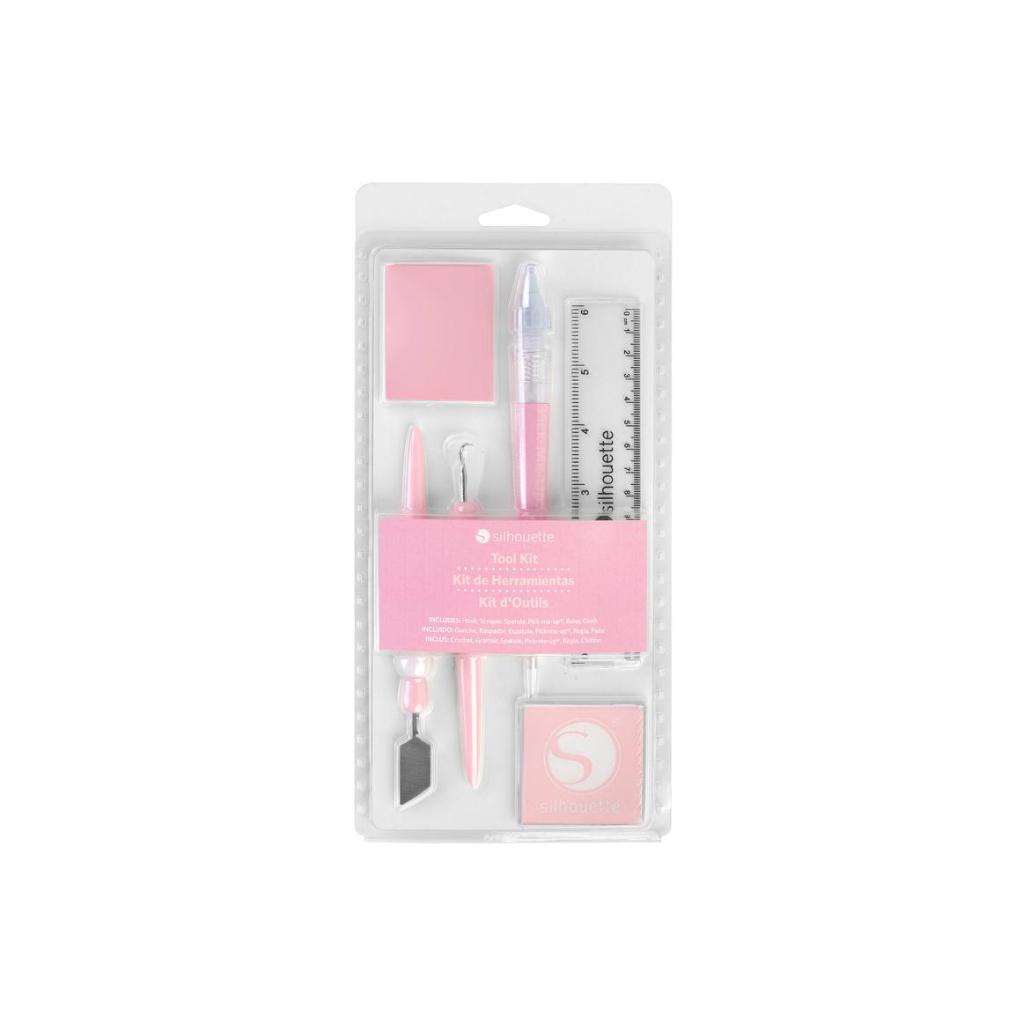
to dedicated tools and accessory sets, which you can purchase in our
store, you can create sketches, gilding, and embossing!
The
Silhouette CAMEO5a works with the innovative Silhouette electrostatic
mat, one of the most advanced solutions available in hobby plotters. This
special platform uses electrostatic charges to hold the material
firmly, eliminating the need for traditional adhesive mats or additional
tape. The
material remains even and does not warp, which is especially important
for projects requiring precision, such as invitations, cards, boxes,
stickers, and scrapbooking elements.
When used with the CAMEO5a model, the mat has increased holding power,
allowing it to hold impervious materials up to 0.5 mm thick, including
heavier papers. This
significantly expands the range of possible applications, making
working with thicker and stiffer sheets more stable and comfortable.
The electrostatic mat is easy to use and designed for repeated use, making it both economical and more environmentally friendly. Its
surface is not covered with glue, so it is also suitable for cutting
wafer and sugar paper*, allowing you to create unique confectionery
decorations.
*The electrostatic mat is not included with the plotter and must be purchased separately.
*The electrostatic mat and plotter are not certified for food contact.
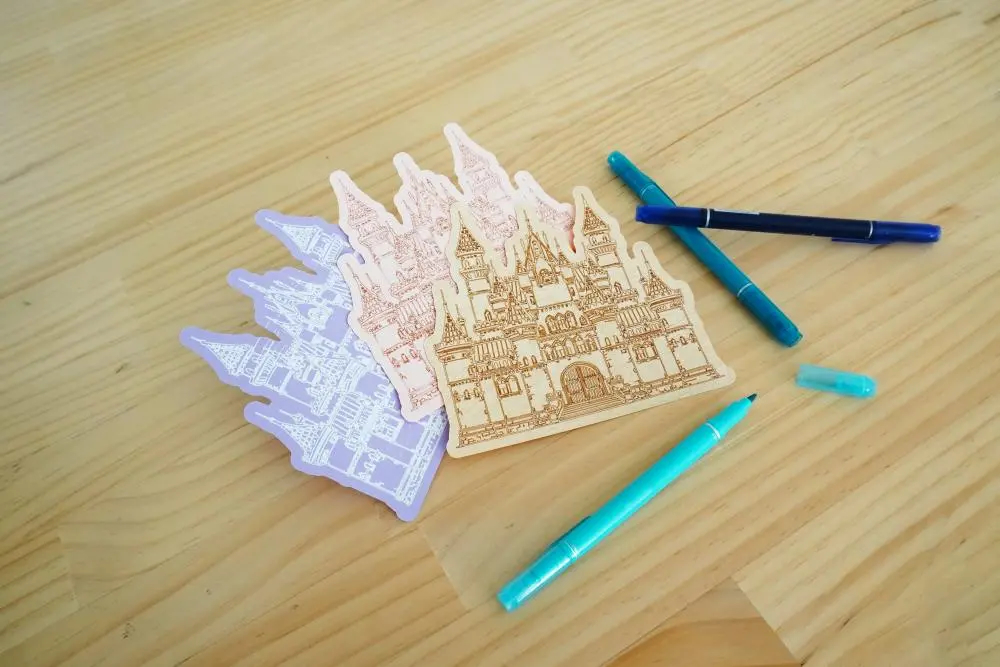
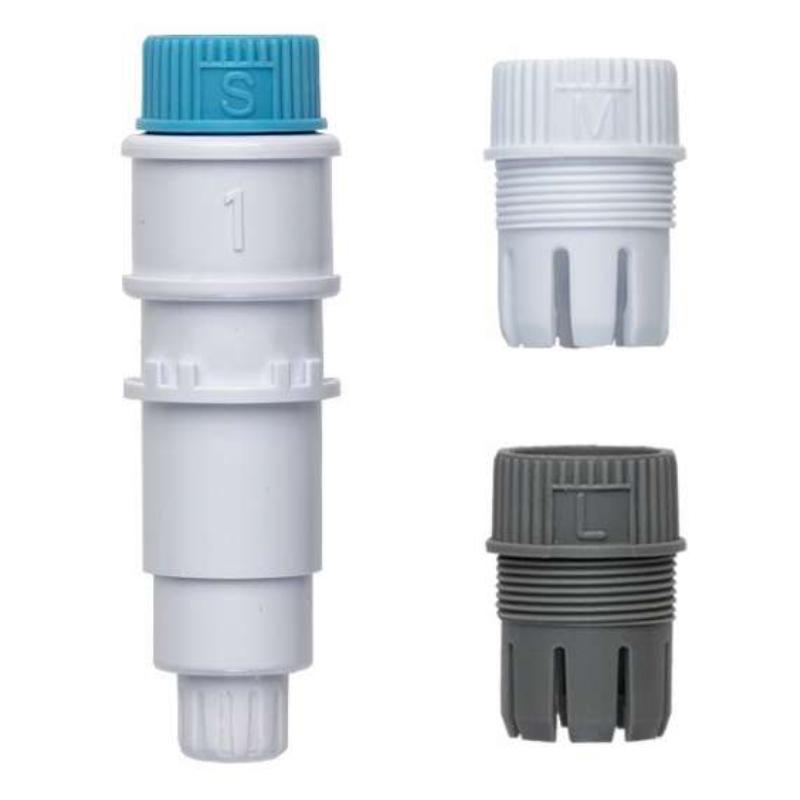
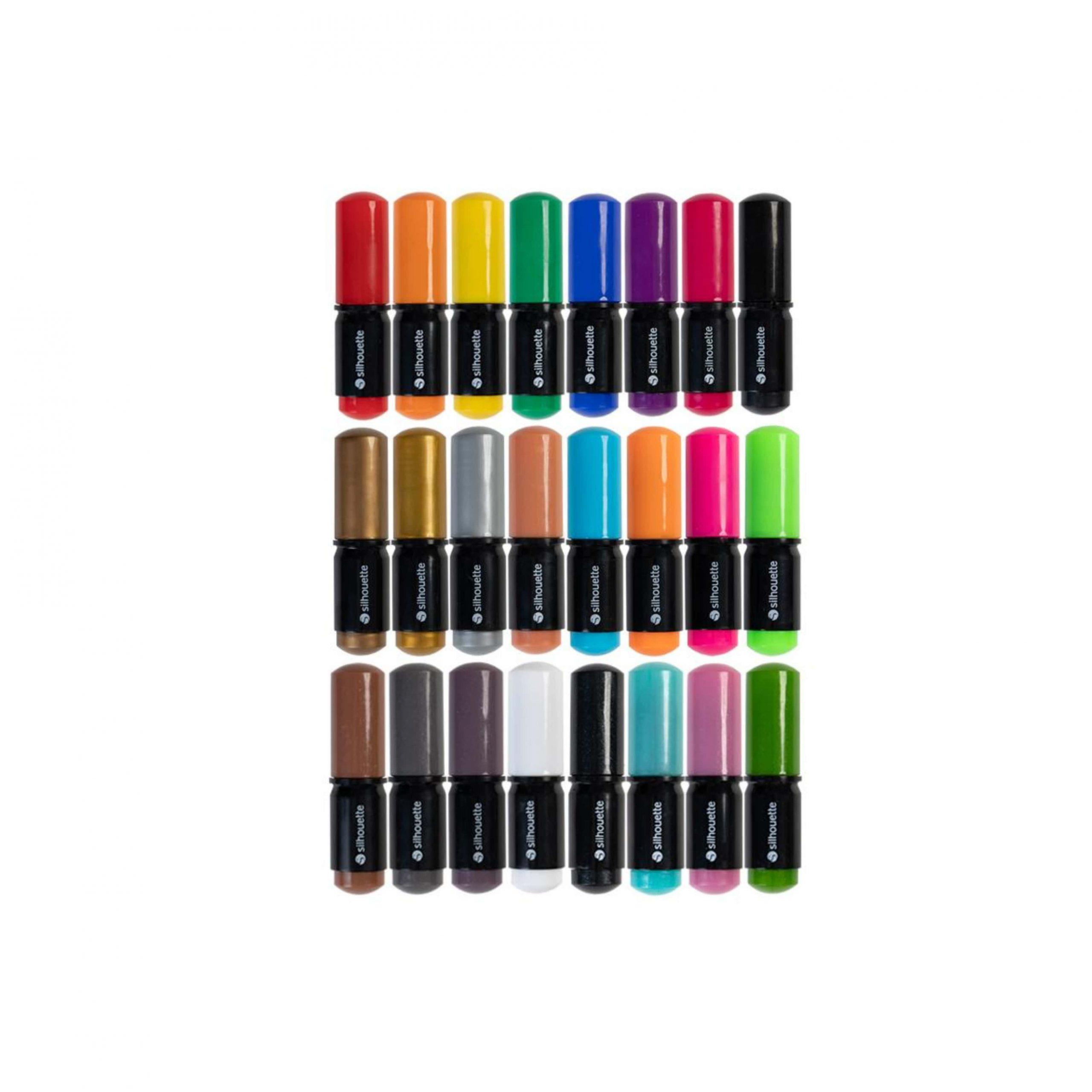
Instead of a standard blade, you can place your favorite marker in the universal holder and use the sketching function. This allows you to create even, repeatable lines and details that would be difficult to achieve with freehand drawing.
You can also use the manufacturer's markers designed for Silhouette plotters. This is a practical accessory for those who enjoy creative and illustrative projects. They
turn the plotter into a tool not only for cutting but also for creating
elegant lettering, graphics, and embellishments in your chosen colors.
*pens and holder are available for purchase separately
The
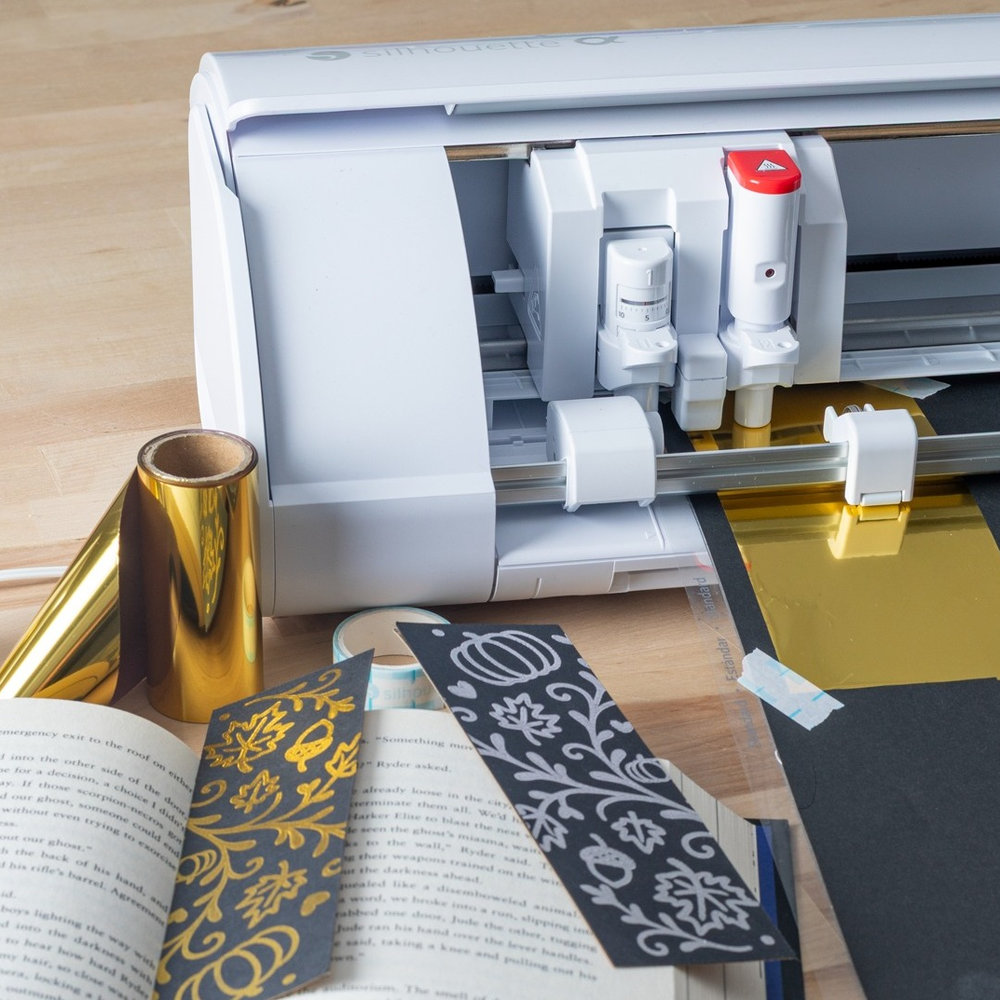
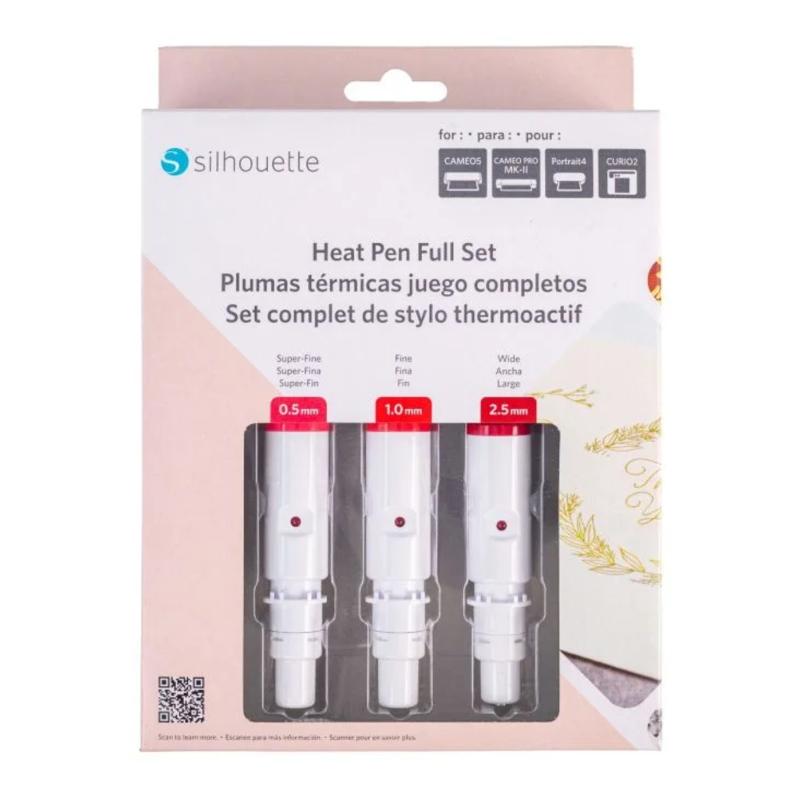
CAMEO5a cutter offers a dedicated Silhouette gilding kit, which allows
you to add an elegant, metallic touch to your projects. This
is an excellent option for those looking to achieve a hot stamping-like
effect without the need for specialized bookbinding equipment. The kit allows you to create gold and metallic embellishments on paper, eco-leather, and selected other surfaces.
The foil application itself is simple and precise, making it easy to
create luxurious invitations, greeting cards, labels, decorative
elements, and personalized home accessories. High-quality materials ensure durability and a professional look for the finished work.
The CAMEO5a cutter uses a dedicated power outlet built into the cutter's handle, requiring no additional external power supply. Unlike
some competing solutions, the Silhouette tip is heated, allowing for a
distinctive, long-lasting, and aesthetically pleasing effect.
*Tool sold separately.
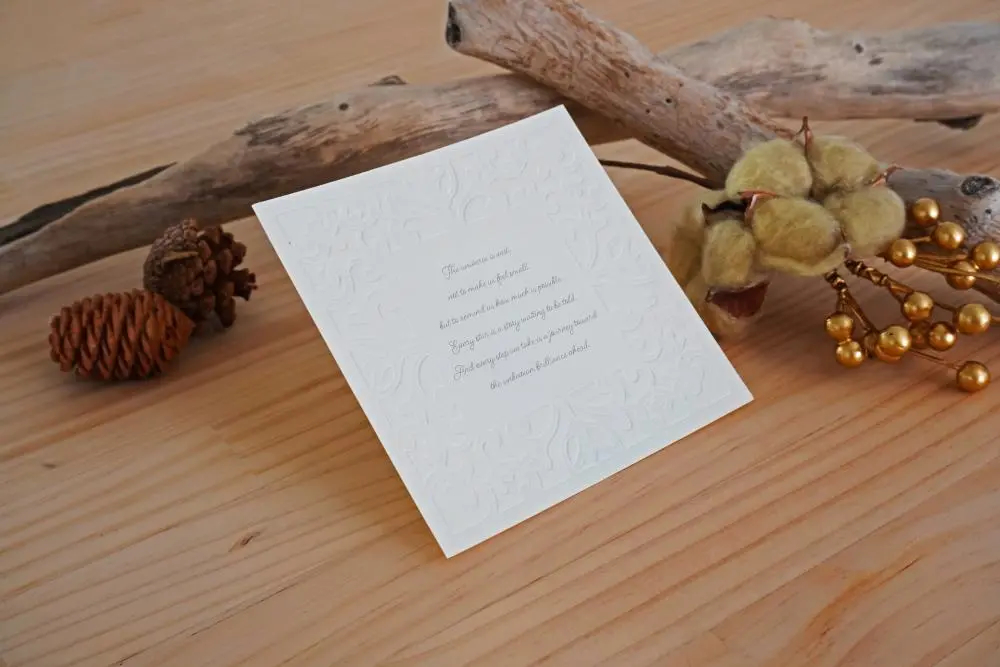
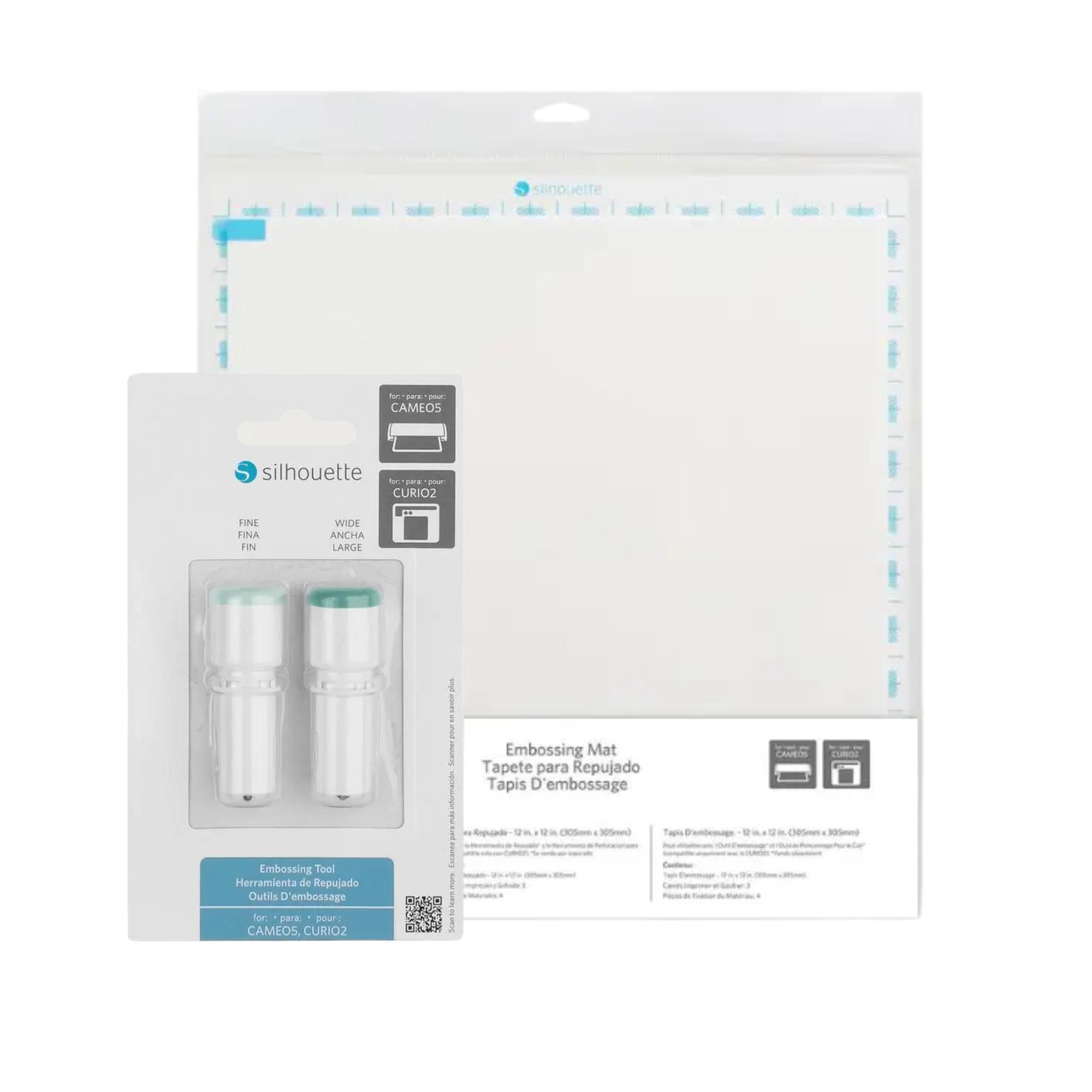
The Silhouette Embossing Set is a practical tool for those who want to enhance their projects with elegant, raised designs. It
allows you to create eye-catching embossing on paper, foil, and other
materials, giving your work a more professional and decorative touch.
Embossing is perfect for invitations, cards, scrapbooks, labels, and
home decor, and its simple operation allows even beginners to quickly
master the technique. The embossing tip also allows for creasing, or creating fold lines, which further enhances the tool's functionality.
By choosing the Silhouette Embossing Set, you gain the ability to create
aesthetically pleasing, distinctive designs at a high level.
*Tool sold separately.
The
Silhouette CAMEO5a is a device that's perfect for both beginners and
more advanced artists looking for a versatile and precise tool. It's
perfect for creative projects like scrapbooking, making cards,
stickers, invitations, and various decorations, allowing you to realize
even the most demanding ideas. Therefore, it's also a good choice for small businesses that personalize products, such as textiles, mugs, and accessories.
The CAMEO5a is also valued by designers and crafters who need precise cutting of paper, foil, or selected fabrics. Its extensive cutting capabilities make it ideal for details and projects requiring high accuracy. It's also ideal for small advertising studios, allowing you to create labels, signs, and decorative elements.
This model is also user-friendly for beginners. The
intuitive, Polish-language Silhouette Studio software makes learning
easier and allows you to quickly utilize the cutter's full capabilities. By
choosing the Silhouette CAMEO5a, you get a device that will meet the
expectations of both hobbyists and professionals, offering high quality
and beautiful work results.