





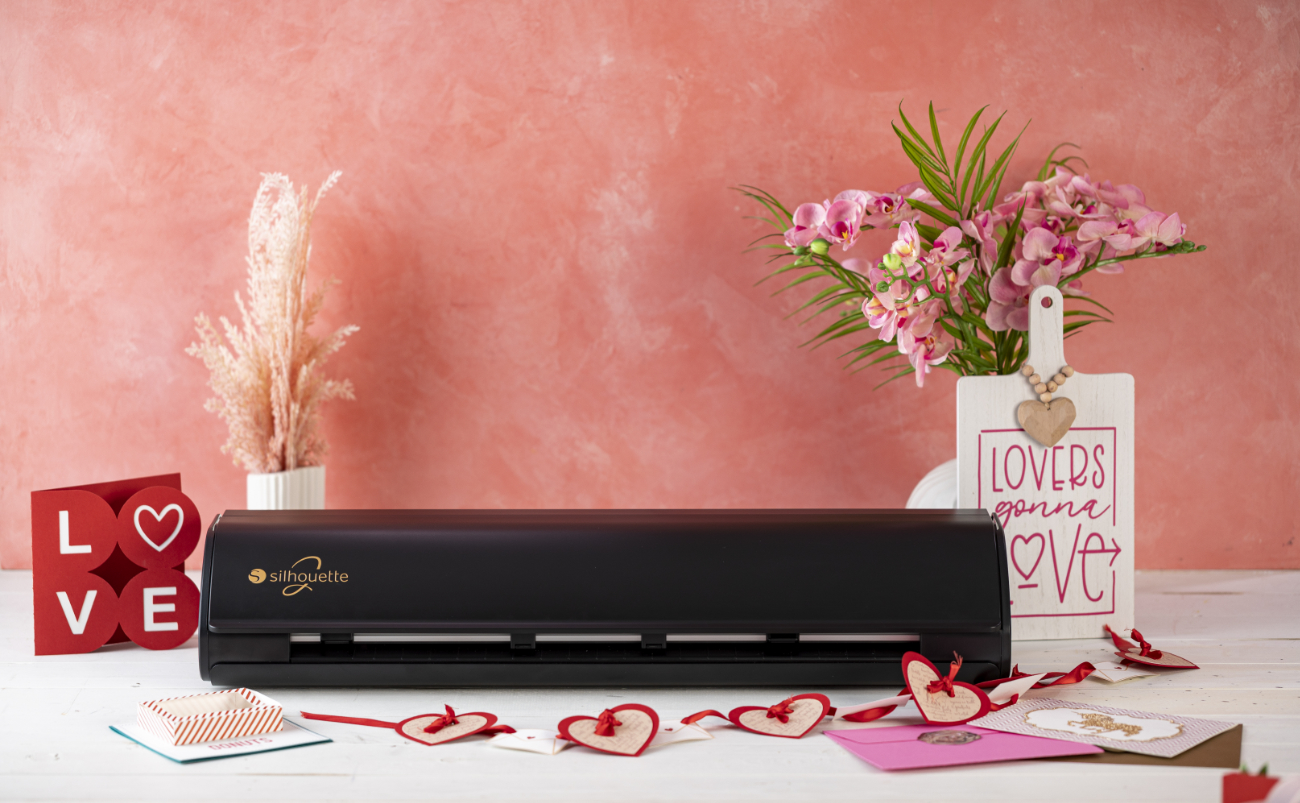
A welcome sign is a great way to give your home's entrance a unique, personal touch. Using a plotter, you can create your own welcome message, favorite quote, or household members' names and transfer it to a wooden or other decorative sign. This decoration works well by your front door, in your hallway, or on your patio, creating a warm and welcoming atmosphere from the moment you step inside. It's a simple project that allows you to create a unique decoration tailored to your style.
🎁 Buy a Silhouette cutting machine and get a 20€ gift card for just 1 grosz! Shop now
Chat with an expert
Do you have any questions? We'll be happy to help!
BONUS ZA 1gr!
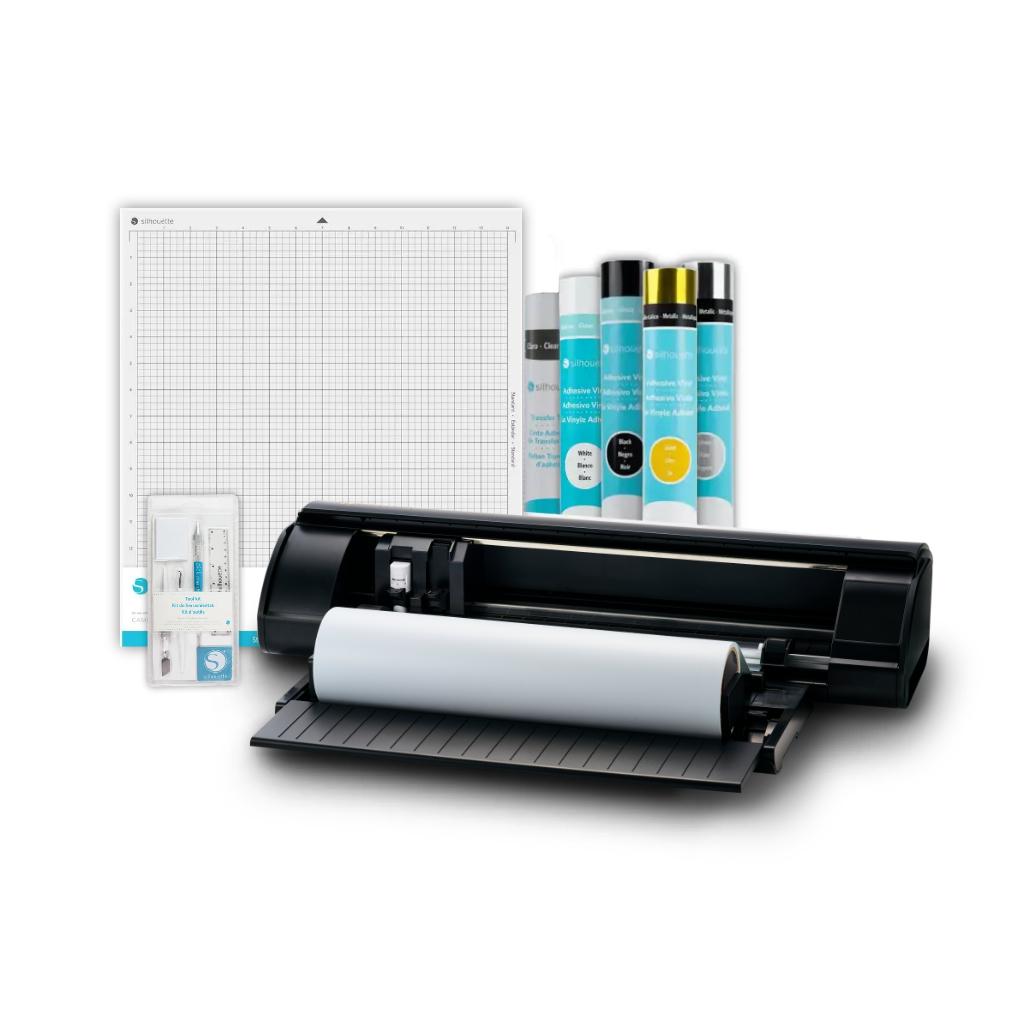
CAMEO5a Plus - Foil Cutting Set
CAMEO5a Plus - Foil Cutting Set allows you to easily create your own lettering, graphics, and decorations on walls, furniture, and everyday objects. The set includes a plotter, foil dispenser, tool kit, popular foil colors, and transfer foil – so you can start designing right out of the box.
In stock - shipping within 24 hours!
Order by 12:00 PM and we will ship the item to you today
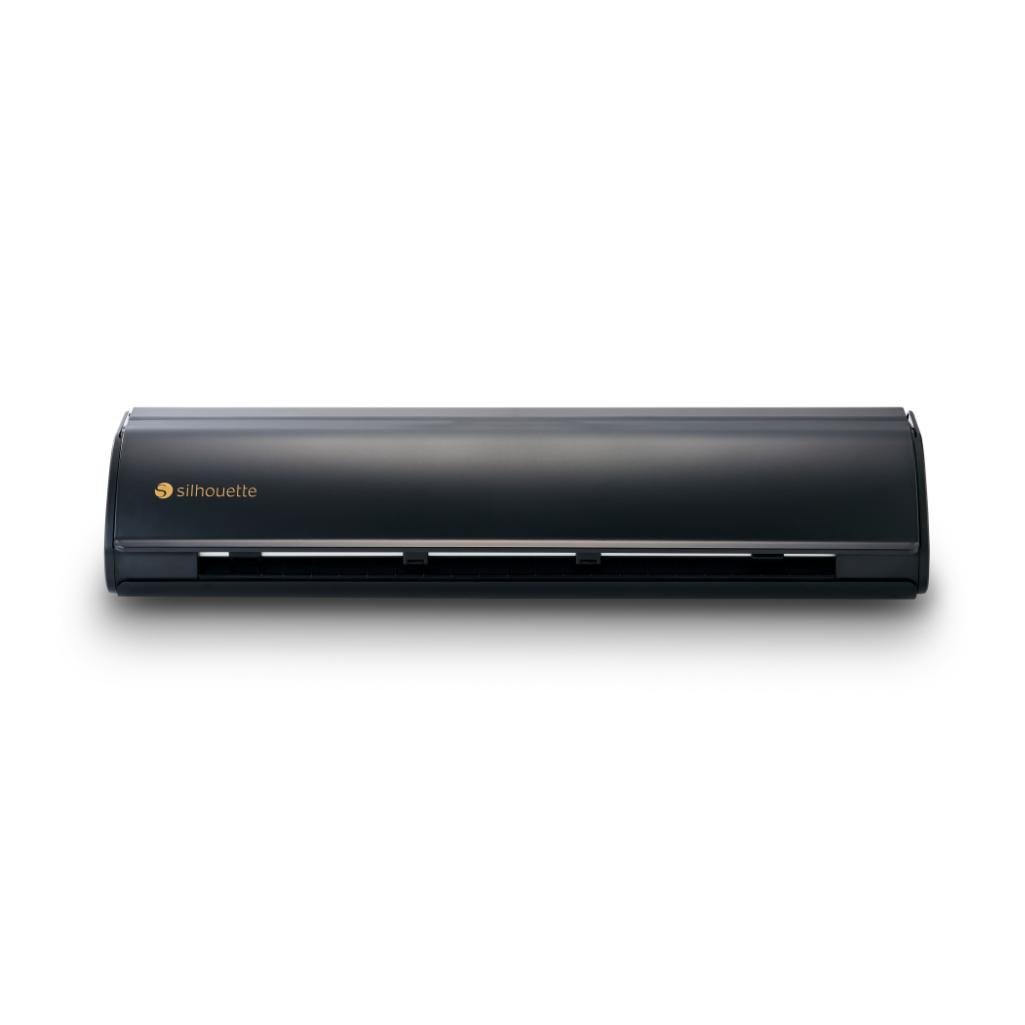
1x Silhouette CAMEO5a Plus
2399,00zł/pcs.
2279,05zł/pcs.
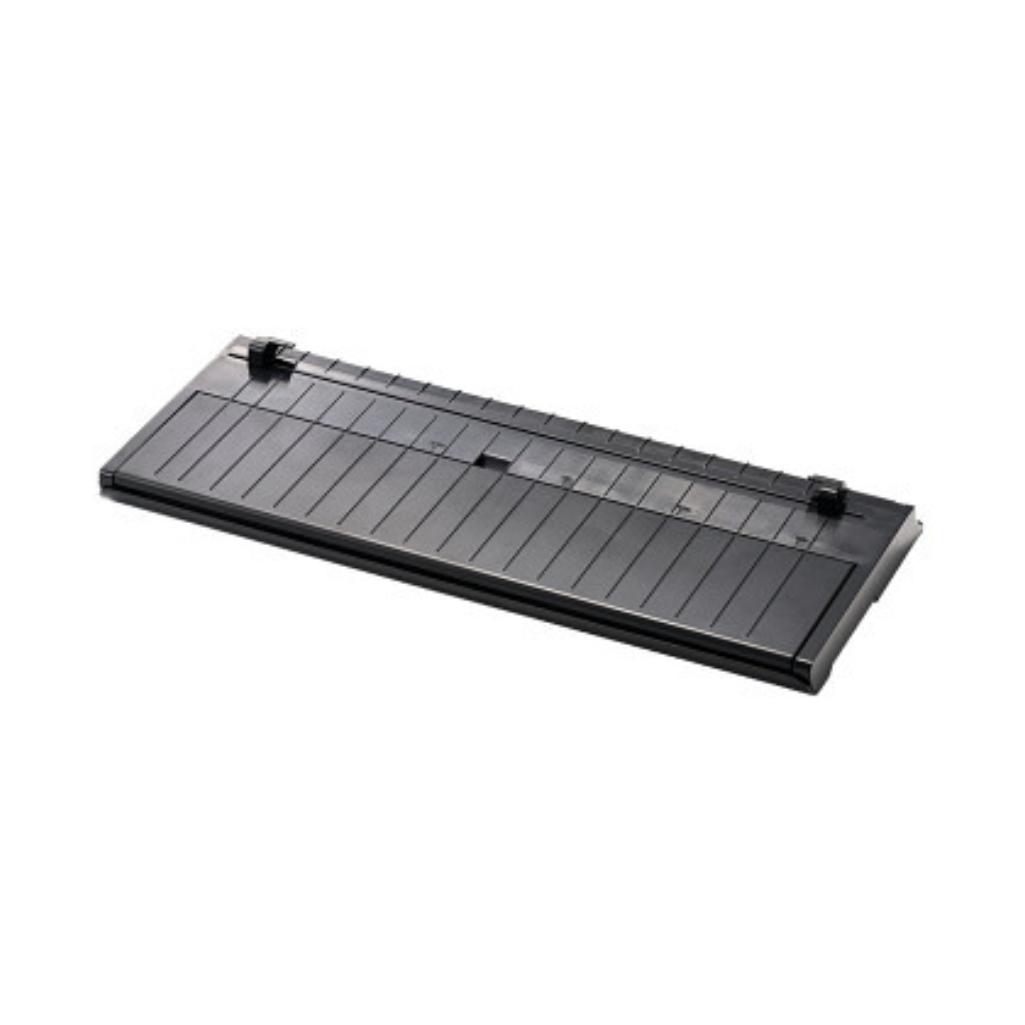
1x CAMEO5a Plus Roll Feeder - Black - 15"
199,99zł/pcs.
189,99zł/pcs.
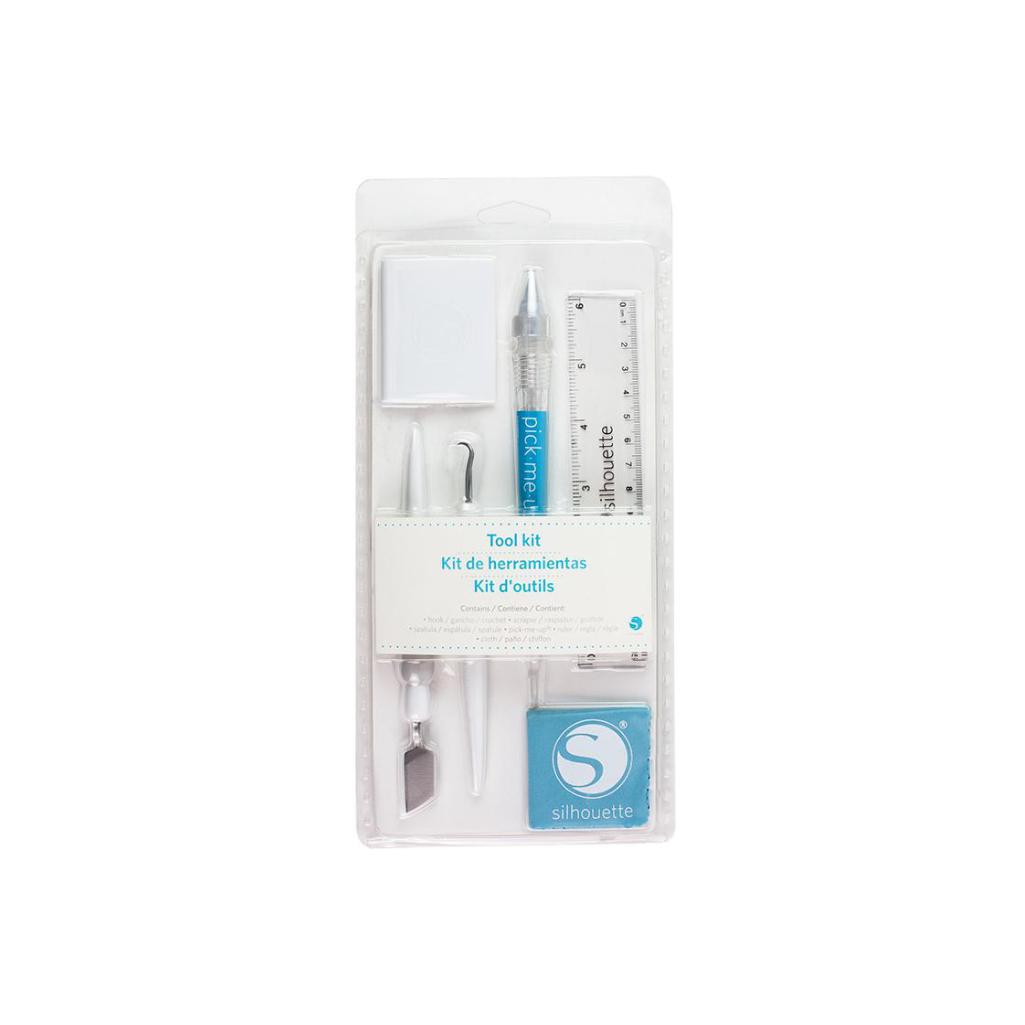
1x Silhouette Tool Kit - White
99,00zł/pcs.
94,99zł/pcs.
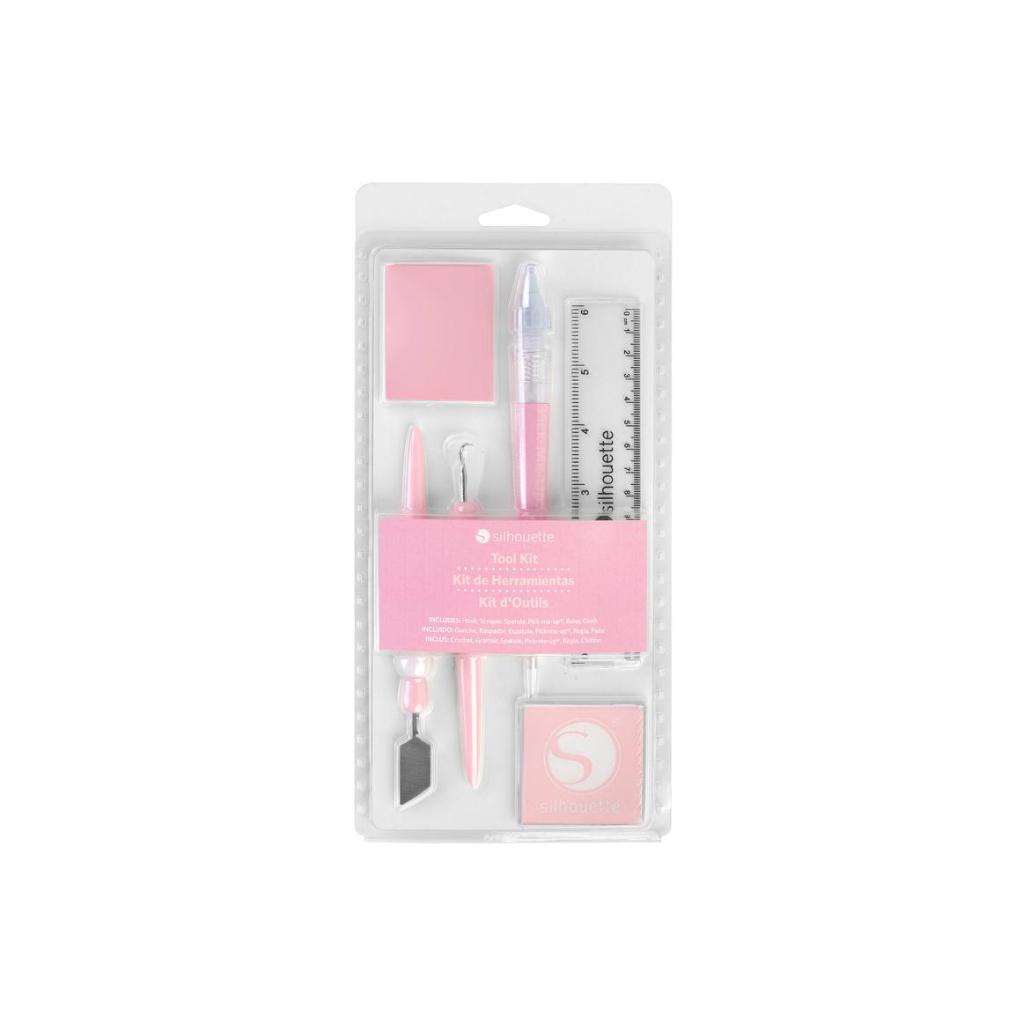
1x Silhouette Tool Kit - Pink
99,00zł/pcs.
94,99zł/pcs.
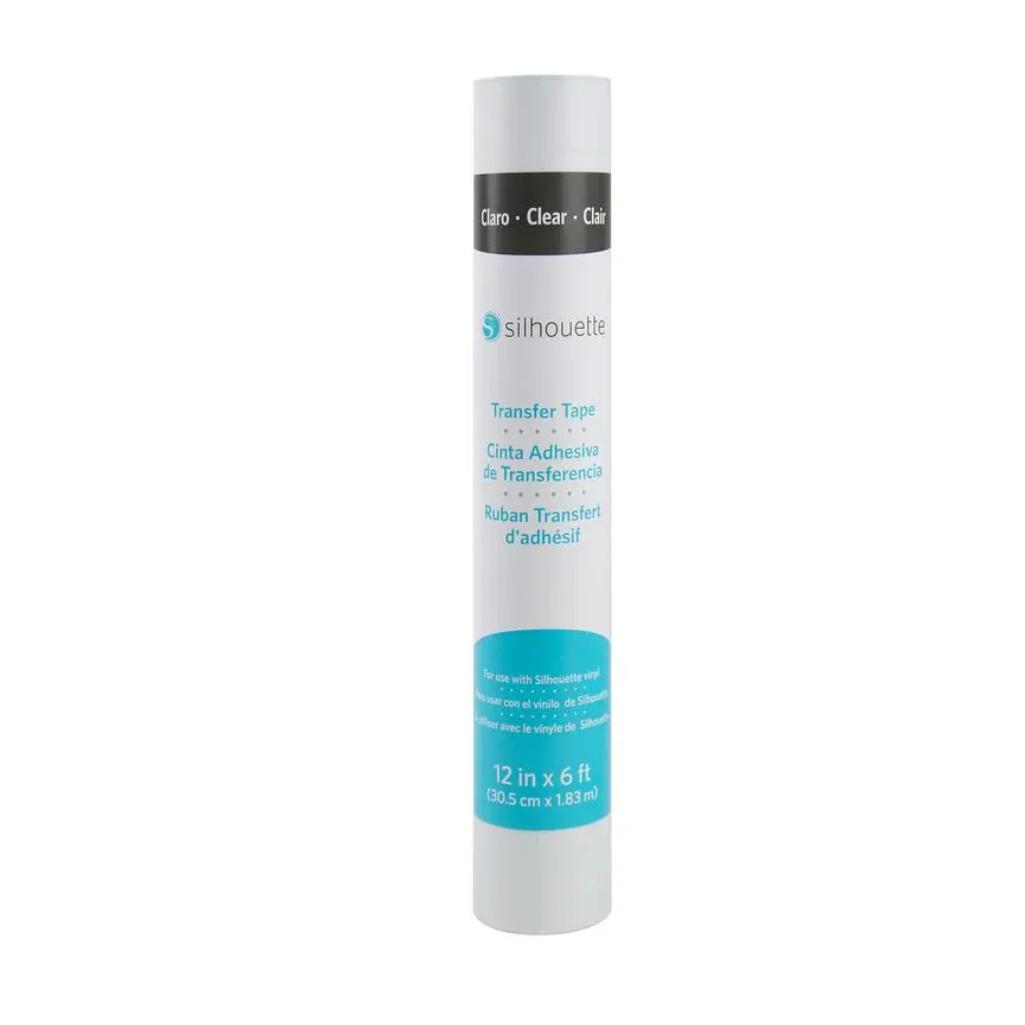
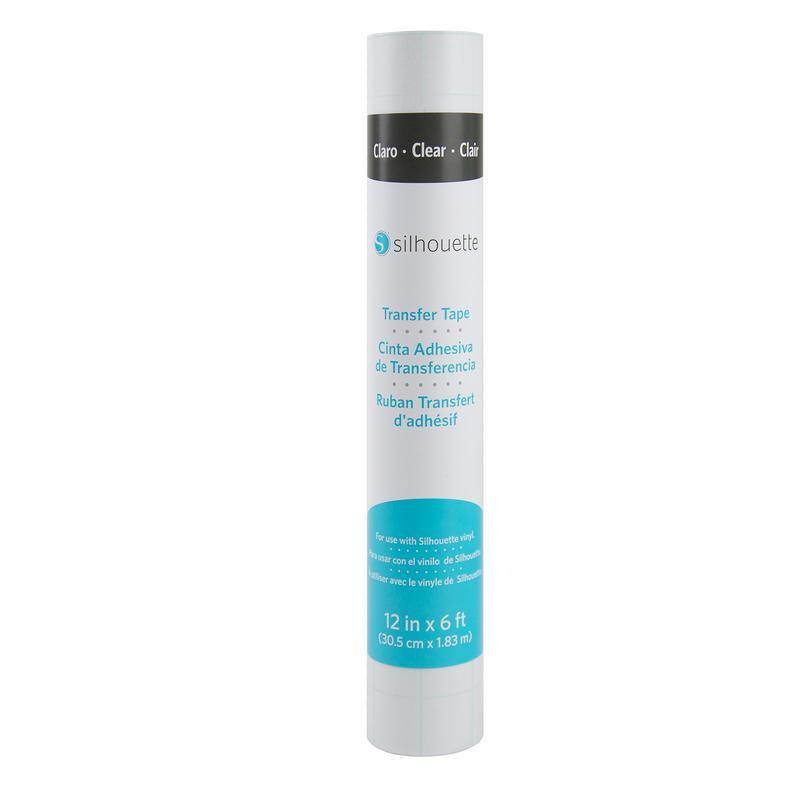
1x Silhouette Transfer Tape - 30,5cm x 183cm
49,99zł/pcs.
47,49zł/pcs.
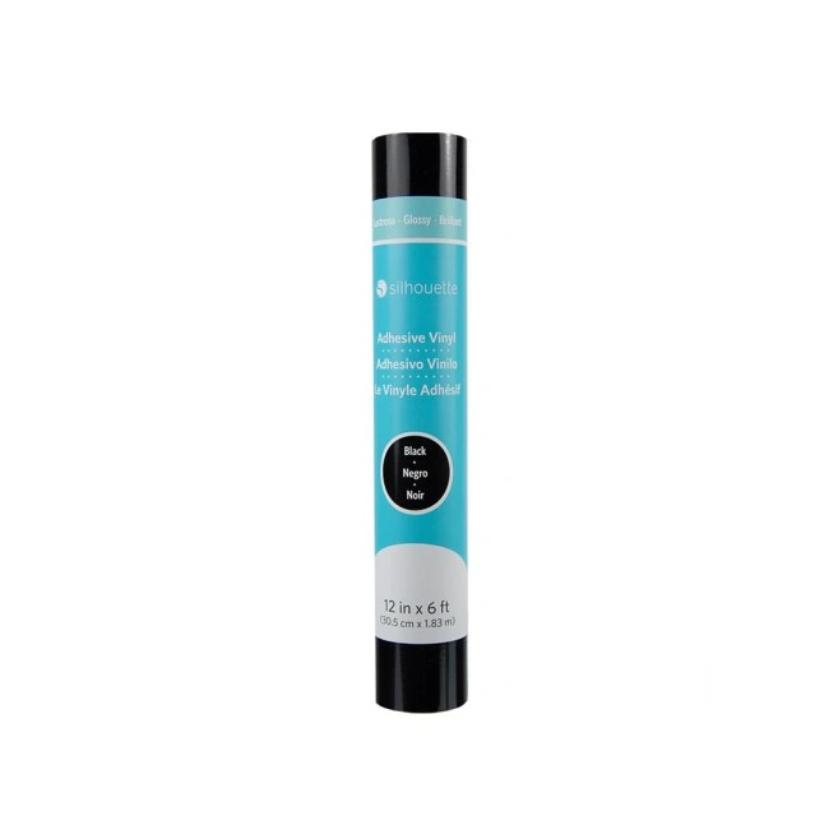
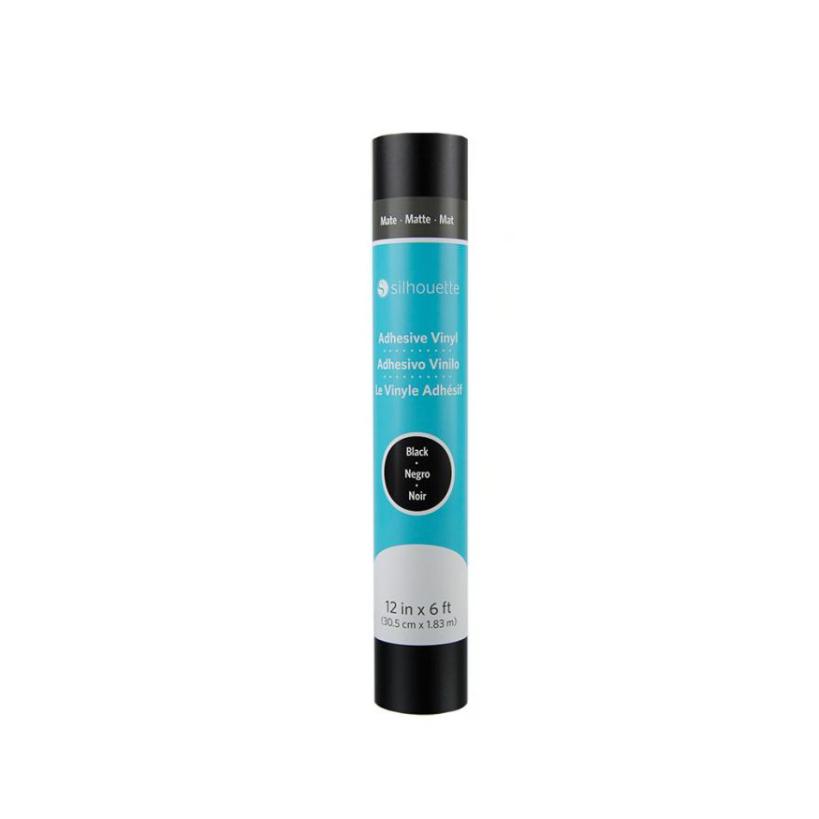
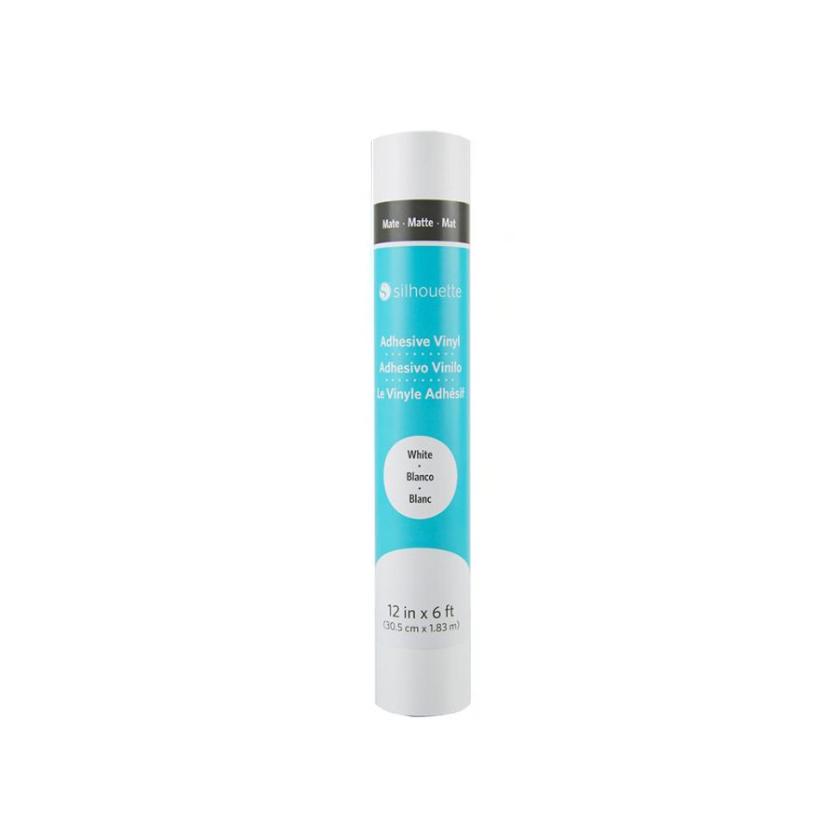
1x Silhouette Vinyl - Black - 30,5cm
49,99zł/pcs.
47,49zł/pcs.
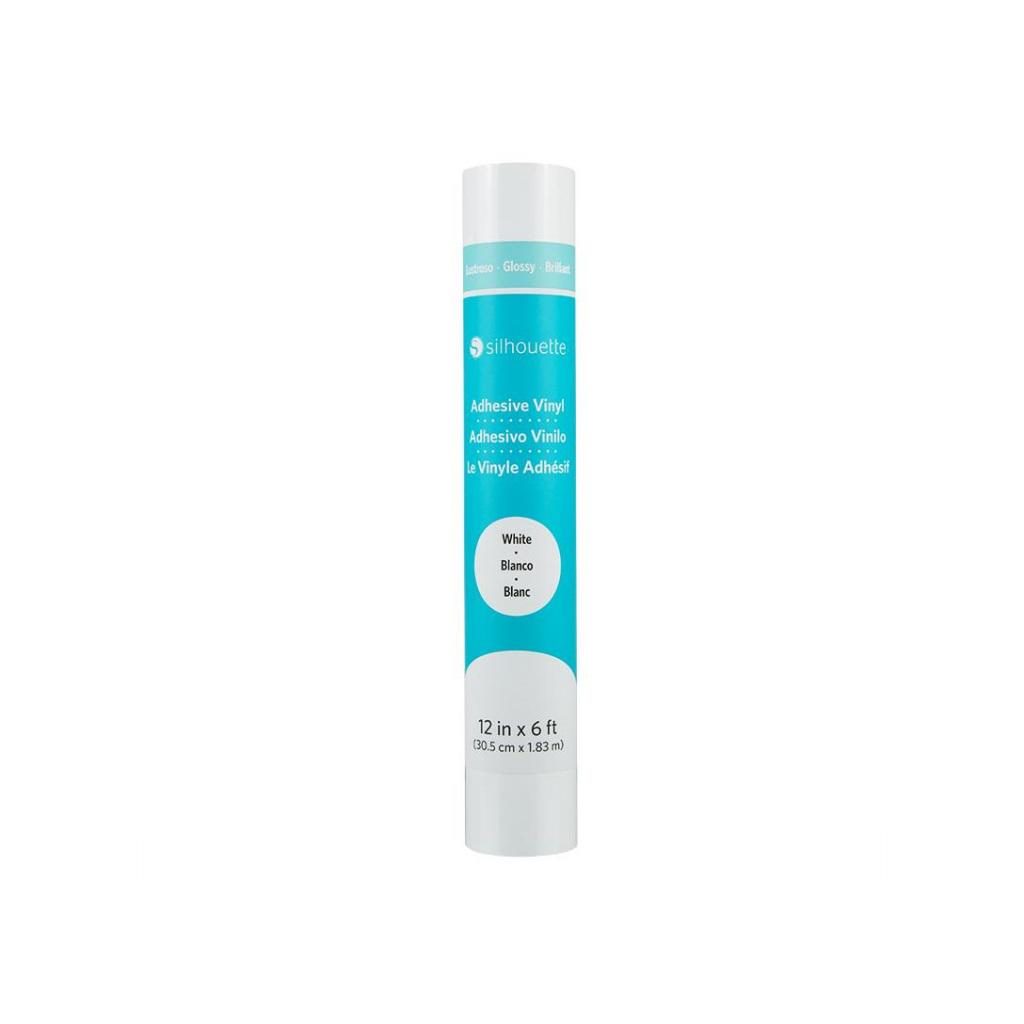
1x Silhouette Vinyl - White - 30,5cm
49,99zł/pcs.
47,49zł/pcs.
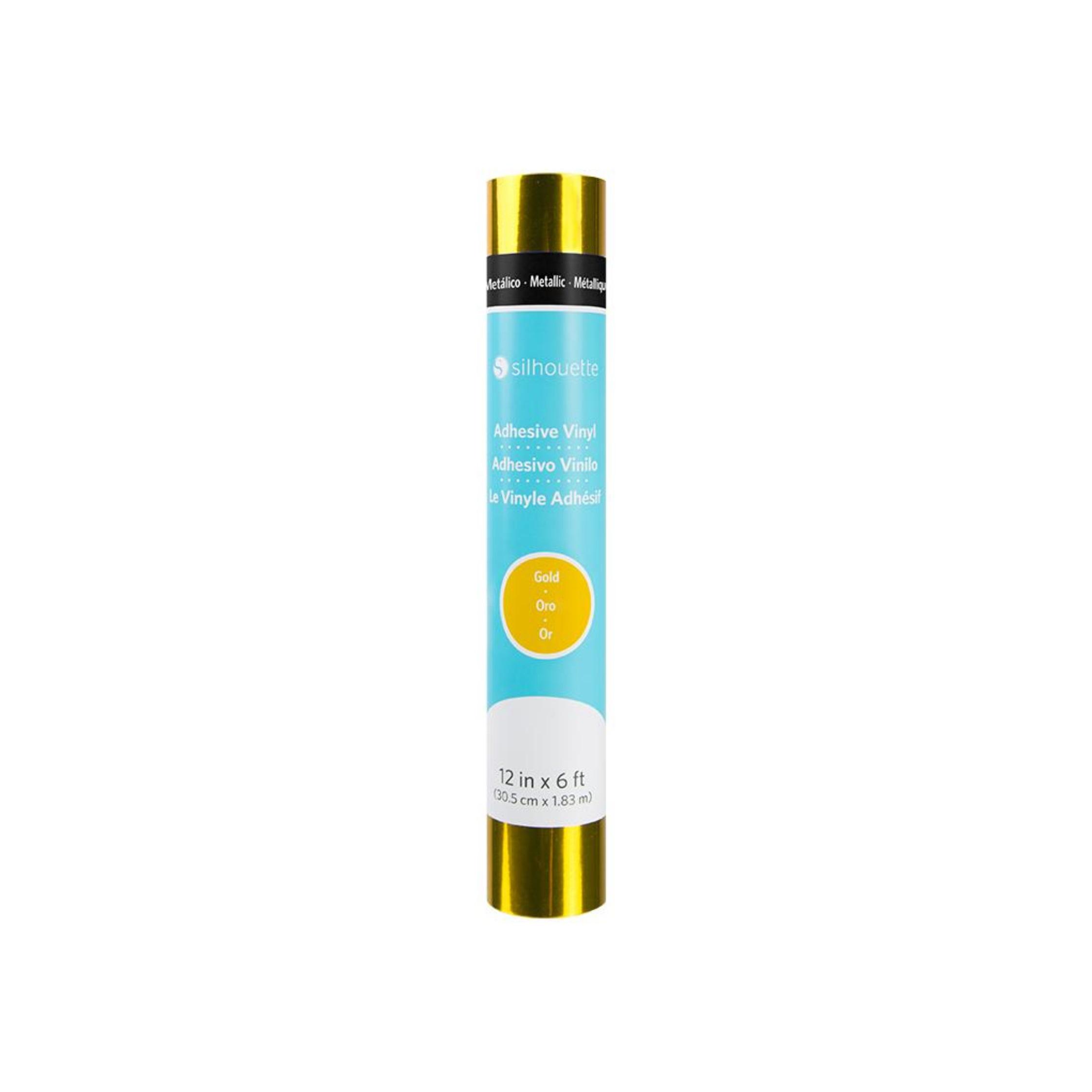
1x Silhouette Metallic Vinyl - Gold - 30.5cm
53,99zł/pcs.
51,29zł/pcs.
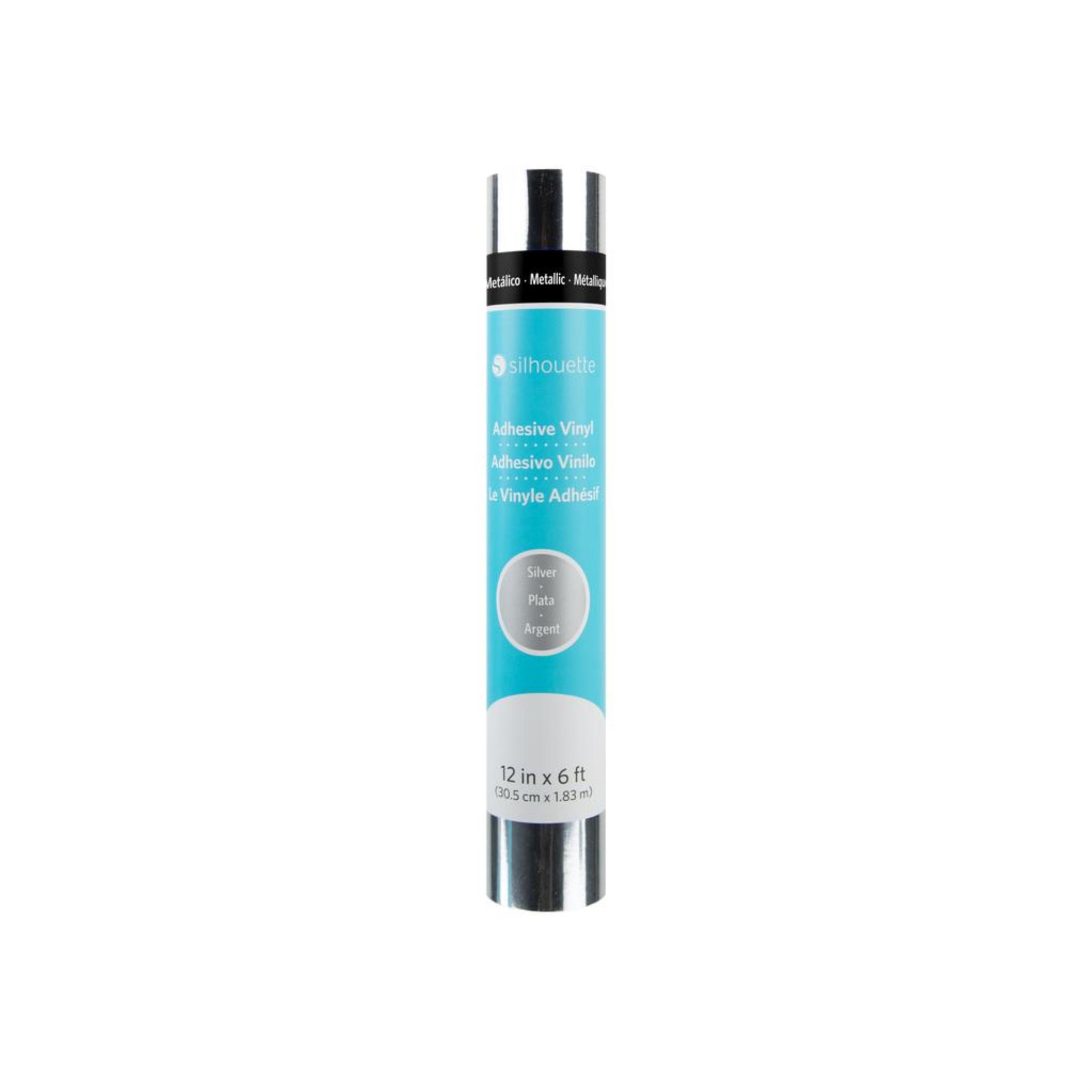
1x Silhouette Metallic Vinyl - Silver - 30,5cm
53,99zł/pcs.
51,29zł/pcs.
1x Silhouette $20 Download Code
75,00zł/pcs.
0,01zł/pcs.
PLN 3,030.94 incl. tax
PLN 2,809.09 incl. tax -7%
CAMEO5a Plus - Foil Cutting Set
1
Contents
The product includes the following elements:
Plotter
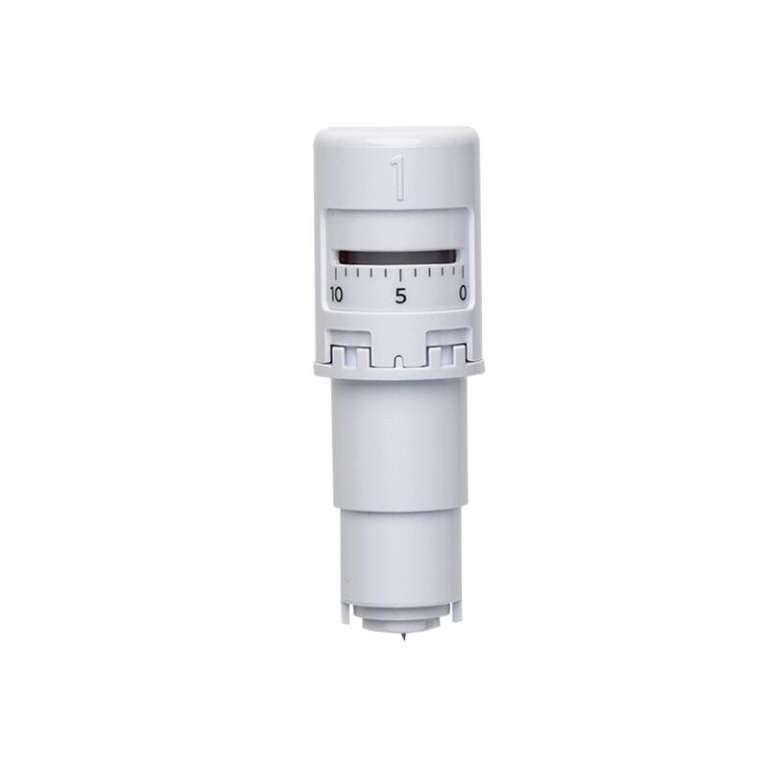
AutoBlade
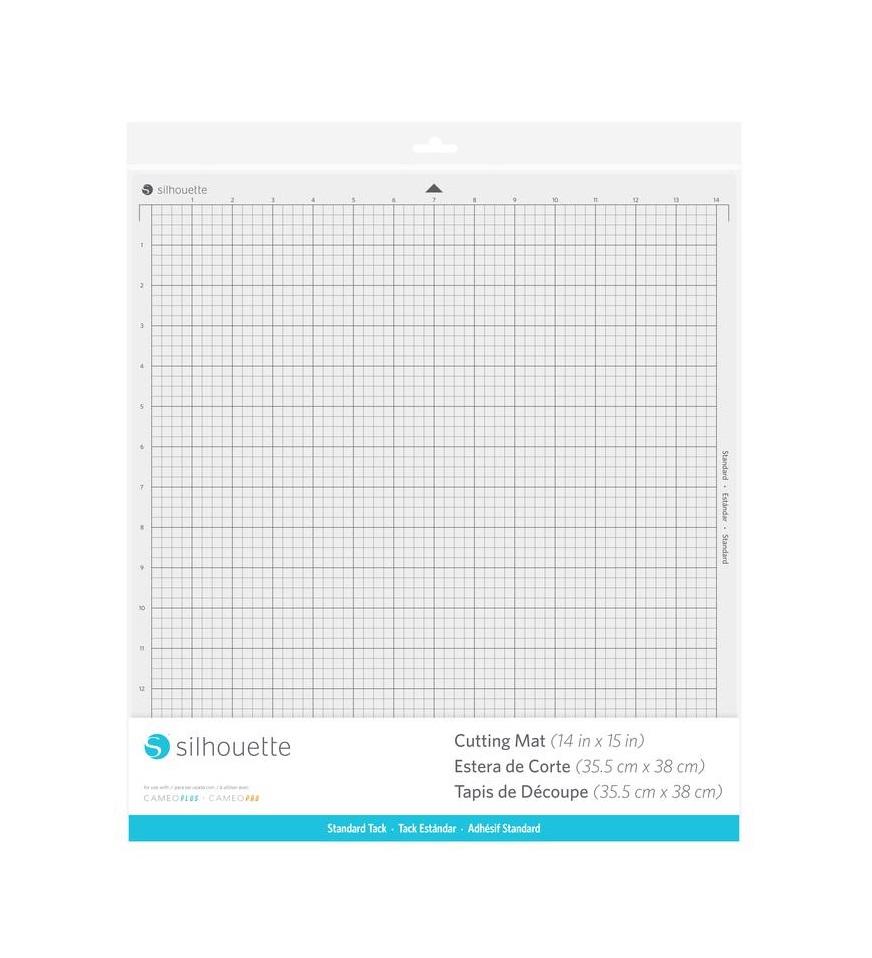
Cutting Mat
With dimensions 38 x 42 cm.
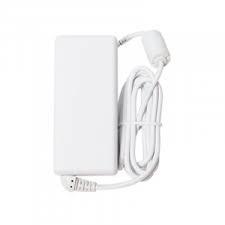
Power Cord
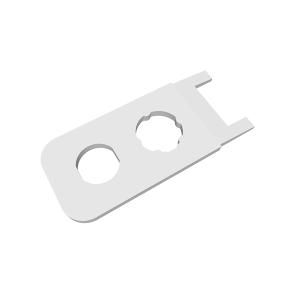
Blade Adjustment Tool
User Manual
In electronic form.
Free Silhouette Studio Software
Blue Adapter
Roll Feeder
Tool Kit
Transfer Tape
With dimensions 30,5 x 183cm.
Roll of Black Foil
With dimensions 30,5 x 183 cm.
Roll of White Foil
With dimensions 30,5 x 183 cm.
Roll of Metallic Silver Foil
With dimensions 30,5 x 183 cm.
Roll of Metallic Gold Foil
With dimensions 30,5 x 183 cm.
Description
CAMEO5a Plus set is an excellent option for those looking to start with a plotter but also want a larger workspace and the freedom to create larger projects. This model stands out for its ability to cut materials up to 38 cm wide, providing significantly more workspace, especially when creating larger signs or wall decorations. All the necessary components to get started are included in one kit, so you don't have to assemble accessories yourself or wonder what else is missing. This is a convenient solution for both beginners and those looking to quickly expand their business and work with larger formats right away.
Plotter possibilities
Cutting in paper up to 300g
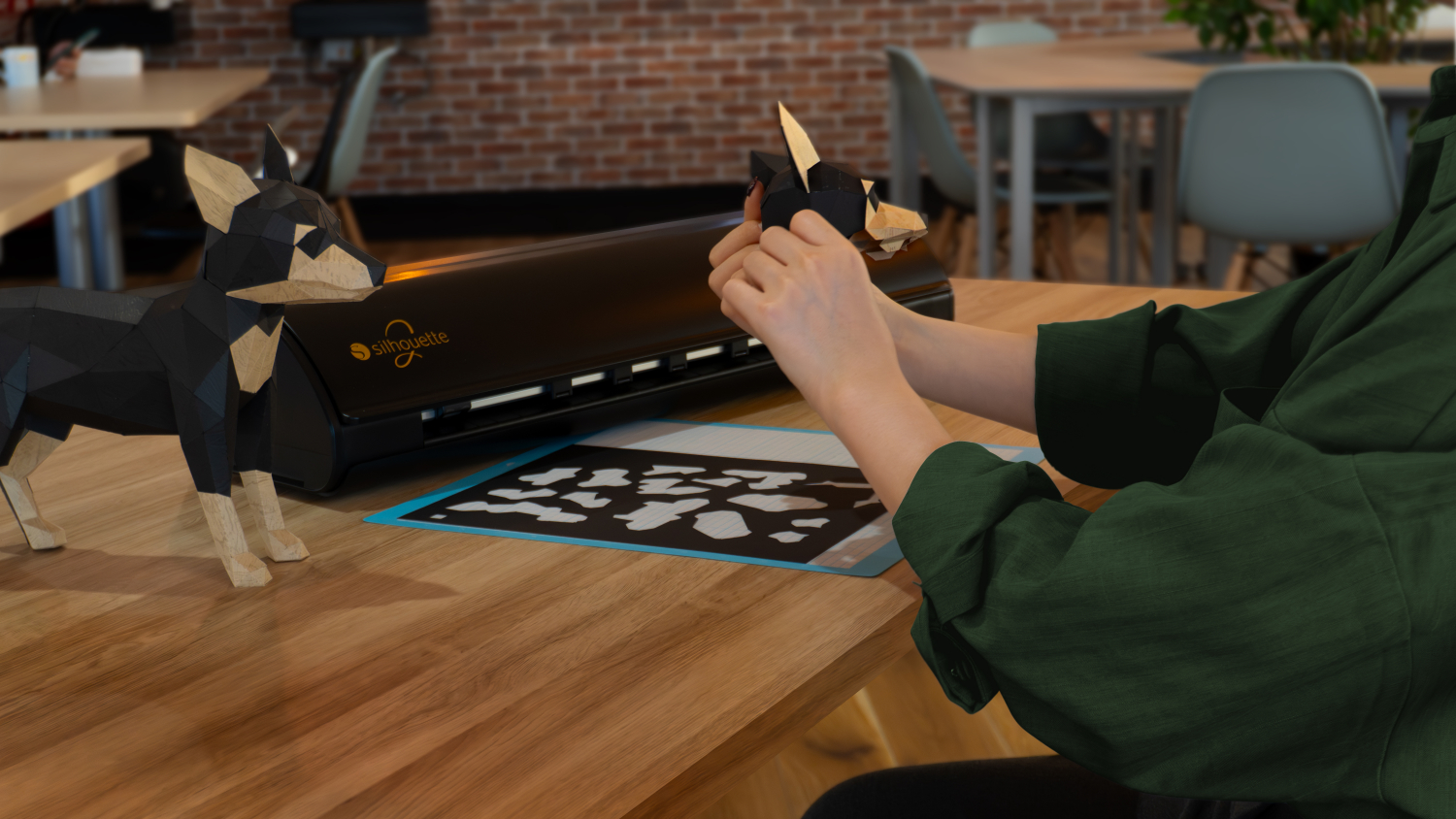
With the ability to cut in paper up to approximately 300g, you can create unique cards, place cards, boxes, toppers, decorations, and much more. This makes the CAMEO5a Plus suitable for small businesses, hobbyists, and various institutions, including educational institutions. Thanks to the cutting mat with a working area of 38 x 35.5 cm, you can cut larger projects like boxes or 3D shapes without having to divide the design.
With the ability to cut in paper up to approximately 300g, you can create unique cards, place cards, boxes, toppers, decorations, and much more. This makes the CAMEO5a Plus suitable for small businesses, hobbyists, and various institutions, including educational institutions. Thanks to the cutting mat with a working area of 38 x 35.5 cm, you can cut larger projects like boxes or 3D shapes without having to divide the design.
Foil Cutting
This plotter allows you to cut stickers from self-adhesive foil or unique iron-on transfers from flex foil. You can create personalized balloons, walls, original clothing, and textiles. With a cutting width of 38cm, you can create larger foil projects, and cutting material from a roll to lengths of up to 480cm* allows you to create long lettering for balloon walls, balloons, display cases, and much more.
*We recommend cutting the foil to a length of approximately 150cm to maintain cutting precision.
Cutting Prints
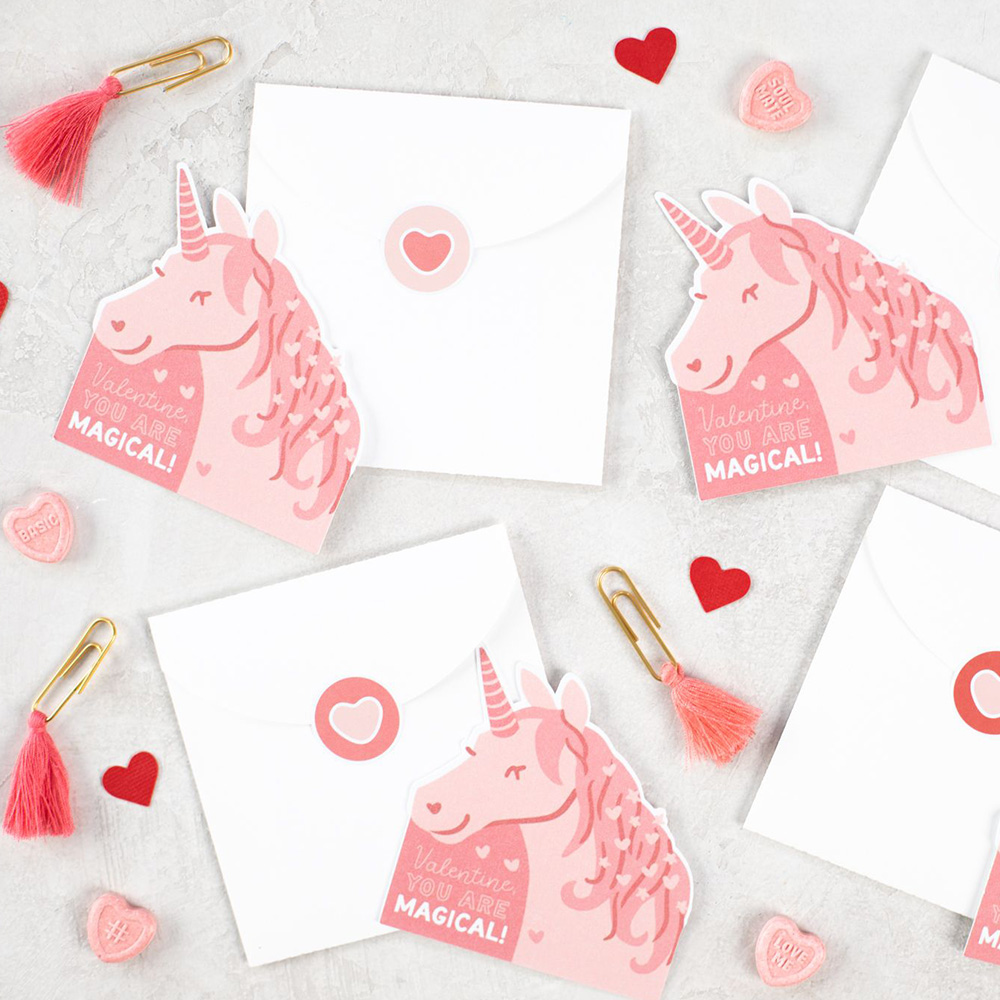
Cutting prints allows you to create unique stickers, place cards, educational cards, and many other original projects. Simply enable markers in the program and print the design on any laser or inkjet printer. After placing it on the plotter mat, the device will read the markers and cut along the lines marked in the program.
When cutting using Print & Cut, the working area is smaller compared to standard cutting due to the need to print the markers.
Software
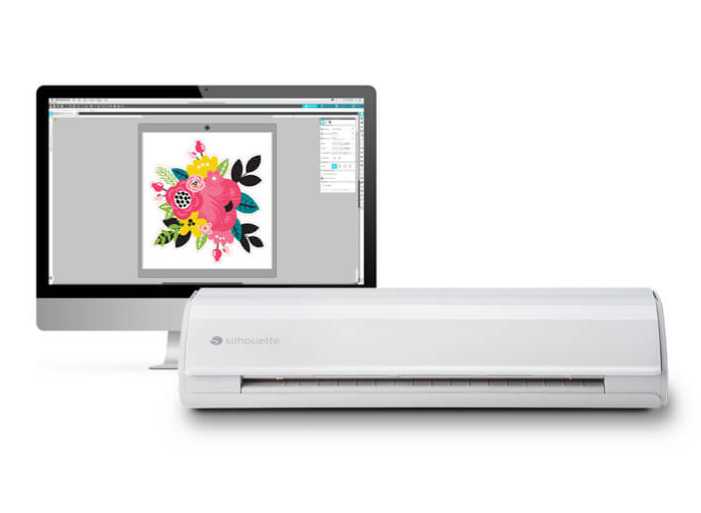
The plotter is operated via the proven Silhouette Studio software, which can be downloaded from the manufacturer's website after purchase. The free version of the software allows you to use ready-made templates from the manufacturer's store and design your own using available tools, fonts stored on your computer, or a vectorization tool for simple, high-contrast raster files. The program is available in Polish and supports .png, .jpeg, .bmp, .gif, and .tiff files in its basic version.
Intelligent Path Technology enables precise cutting of thin paper, previously considered too delicate for plotter cutting, while maintaining high precision. This technology expands the plotter's capabilities to cut an even wider range of materials!

Hardware requirements for Silhouette Studio:
Operating system:
- PC (Windows 11 or higher),
- macOS 14 (Sonoma) or higher
- The software supports devices with 64-bit processors.
- For Chromebook systems, you can control the plotter using the new online application - Silhouette WEB - https://www.silhouette-web.com/Internet
Connection: - Recommended (for downloading the program, performing updates, and upgrading to higher versions) RAM: 4 GB RAM
- Processor: 2.5 GHz (Intel Quad Core or AMD Quad Core)
- Processor Memory Speed: 186 MB of program memory (does not include the additional memory recommended for download)
- USB Port: USB 2.0 Port (or newer)
- Due to periodic changes in operating systems, please check the manufacturer's website for current and applicable software requirements:https://silhouetteamerica.freshdesk.com/support/solutions/articles/35000273905
- You can also use the free Silhouette GO mobile app, available for both Android and iOS.
Software Extensions
Silhouette Studio is a great tool for uploading and designing your own designs. It also allows you to conveniently use ready-to-cut designs purchased from the Silhouette Design Store. However, if you create in another vector graphics program or have your own designs, such as those in the popular .svg format, it's worth purchasing an upgrade to one of the two versions.
Designer Edition
Silhouette
Studio Designer Edition software is an advanced tool that expands the
capabilities of the basic software and allows you to fully utilize the
potential of your Silhouette cutter. This
version provides access to advanced features such as layer support,
advanced vector editing tools, and the ability to import .gsd, .dxf,
.svg, and .pdf files.
The Designer Edition allows you to open vector files from third-party
graphics programs or Canva.
Silhouette Studio Designer Edition is ideal for those involved in
professional design, creating personalized products, or running a small
business. The
ability to work with SVG files allows you to import ready-made designs
from other sources, significantly speeding up the creation process.
With Silhouette Studio Designer Edition, users can create more complex
designs, such as advanced invitations, embellishments, decorative
elements, as well as professional designs for cutting in a variety of
materials, from paper to fabric.
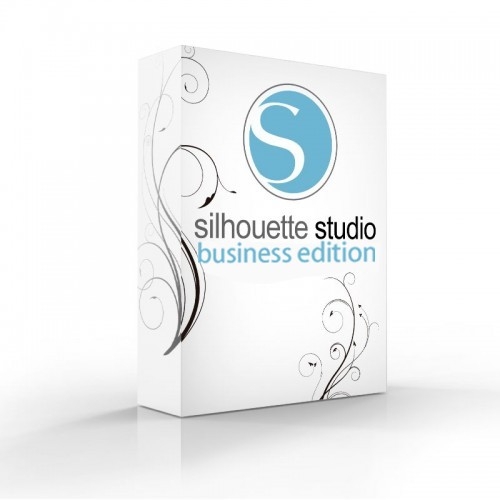
Business Edition
Silhouette Studio Business Edition is the most advanced version of the software, offering a full range of features ideal for professionals and companies involved in product manufacturing and personalization. Silhouette Studio Business Edition allows you to import and export SVG files, providing unlimited possibilities for working with designs created in other graphics programs, as well as enabling the creation and editing of more complex patterns. It also supports file formats such as .dst, .exp, .jef, .xxx, .ai, .eps, and .cdr. It also allows you to export files in .svg, .pdf, and .jpeg formats. The Business Edition also offers simultaneous cutting on two plotters, significantly increasing efficiency and saving time in production. Additionally, advanced layering options and precise vector editing tools provide complete control over every design, ensuring perfect cutting and high-quality results. Silhouette Studio Business Edition is the perfect choice for those who run a business that creates custom products such as personalized stickers, apparel, accessories, and decorations.
Additional plotter functions
In addition to cutting a wide range of materials, the plotter also offers a range of useful features for creating unique projects and projects, both for artisans and smaller businesses. Thanks to dedicated tools and accessory sets, which you can purchase in our store, you can create sketches, gilding, and embossing!
Automatic Lid
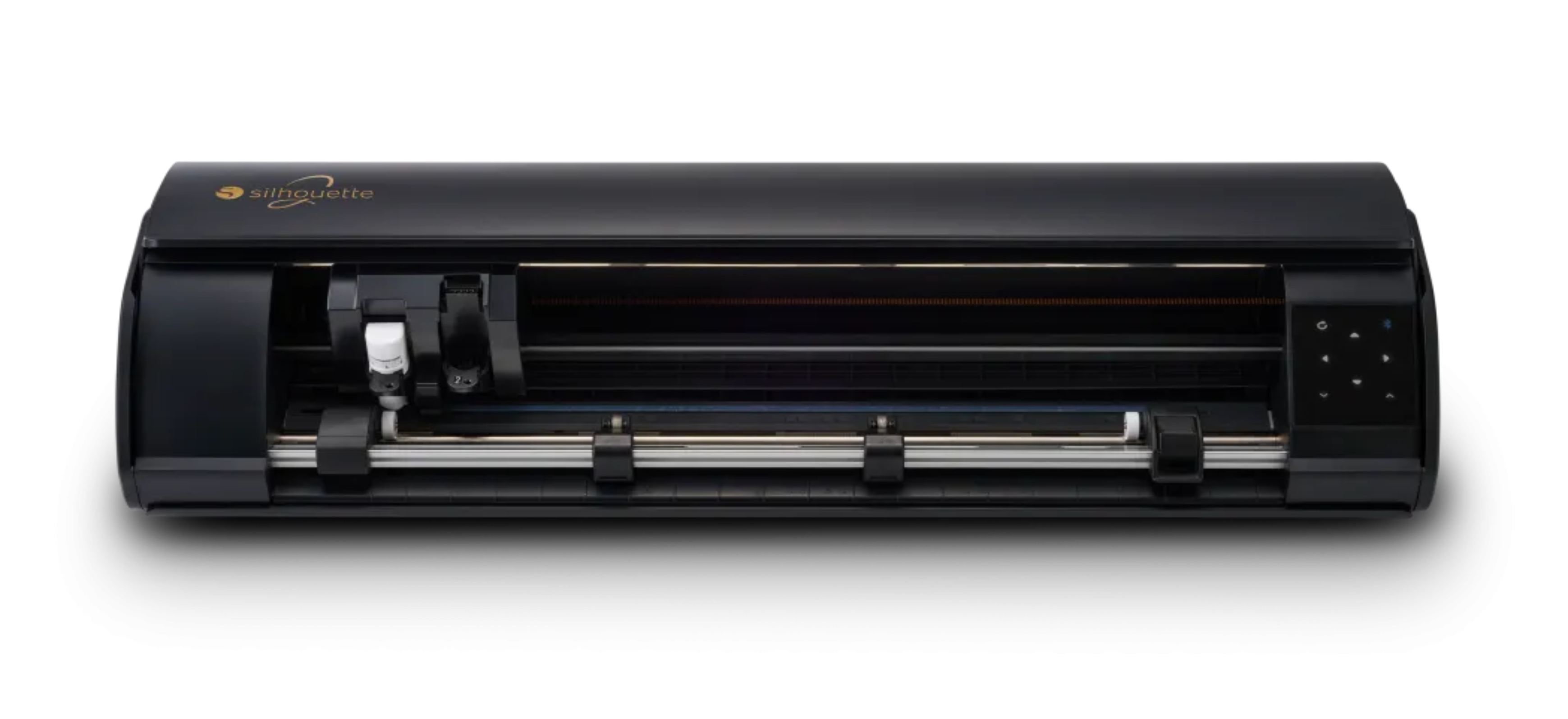
The plotter's lid automatically opens and closes when you turn the device on and off. This combination of convenience and modern design will further enhance your creative workspace!
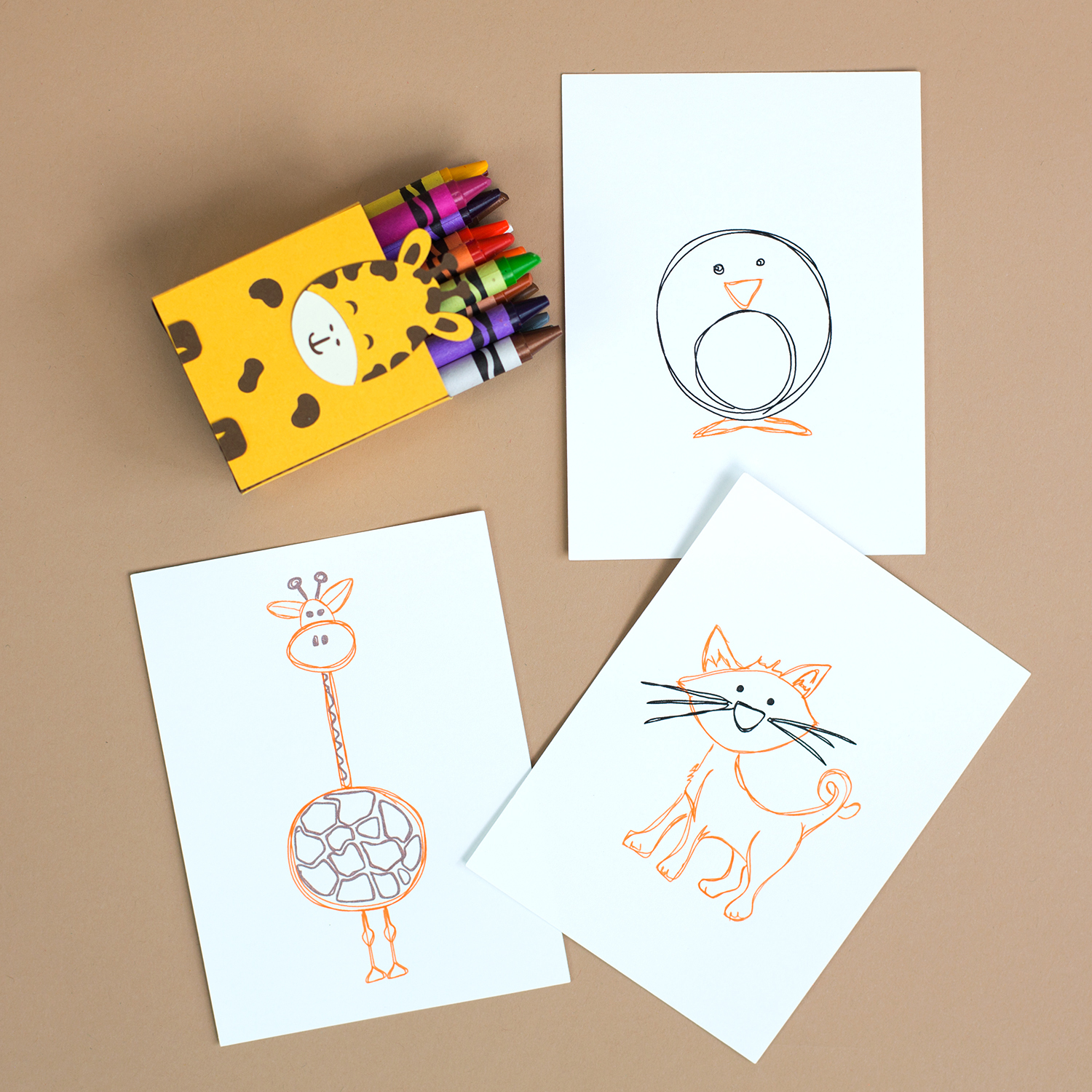
Sketching
Silhouette plotters can sketch with markers, and the new CAMEO5a Plus model sketches even faster! The sketching speed of this new generation plotter reaches 400mm/s, allowing you to create beautiful, unique designs even more efficiently without sacrificing high precision.Heat Pen
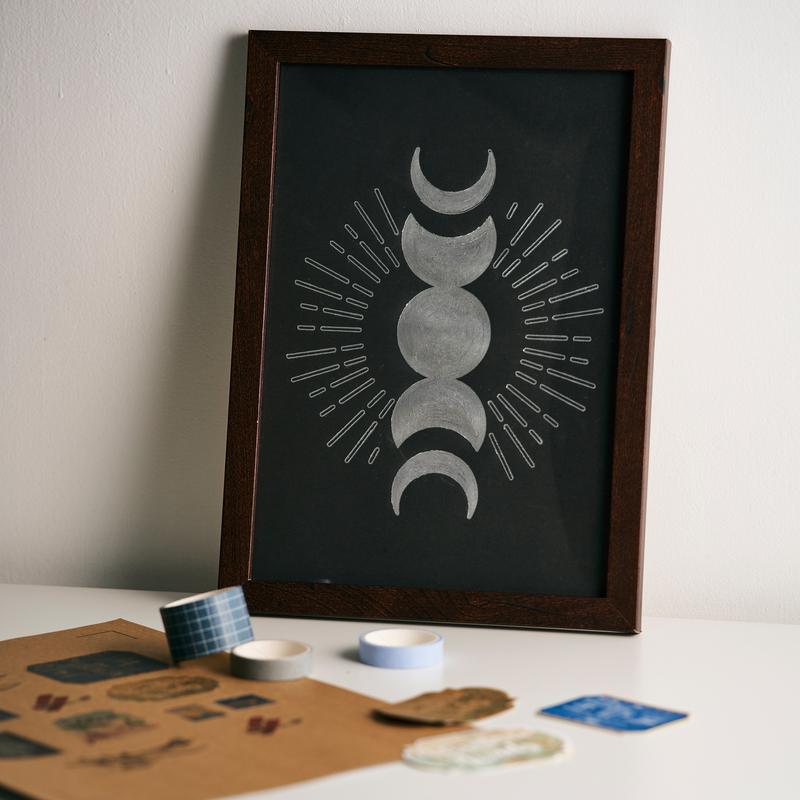
With the Silhouette Heat Pen you can create stunning embellishments, lettering, ornaments, and patterns. This will create elegant invitations, thank-you cards, and place cards.
Heat Pen Set sold separately.
Heat Pen Set sold separately.
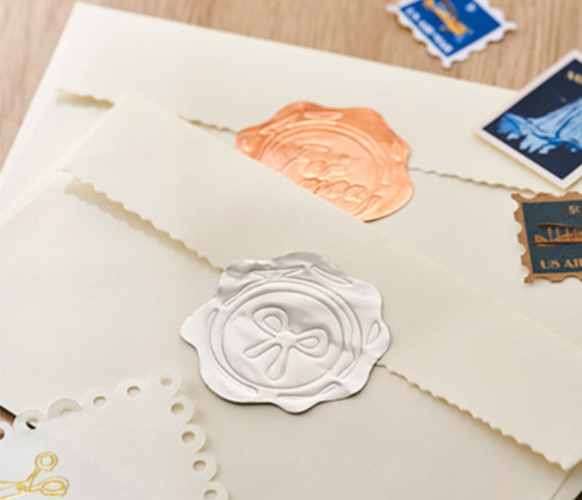
Using the embossing tool, you can create unique patterns on paper, foil, or thin metal sheets.These elements will give your projects a unique character.
The embossing tool is available for purchase separately.
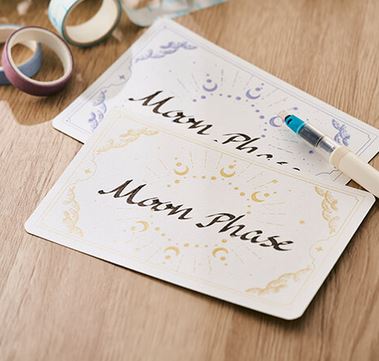
New Pen Holder
This holder allows you to hold the pen in a calligraphy-friendly manner. Create elegant and decorative lettering on cards, invitations, and thank-you notes!
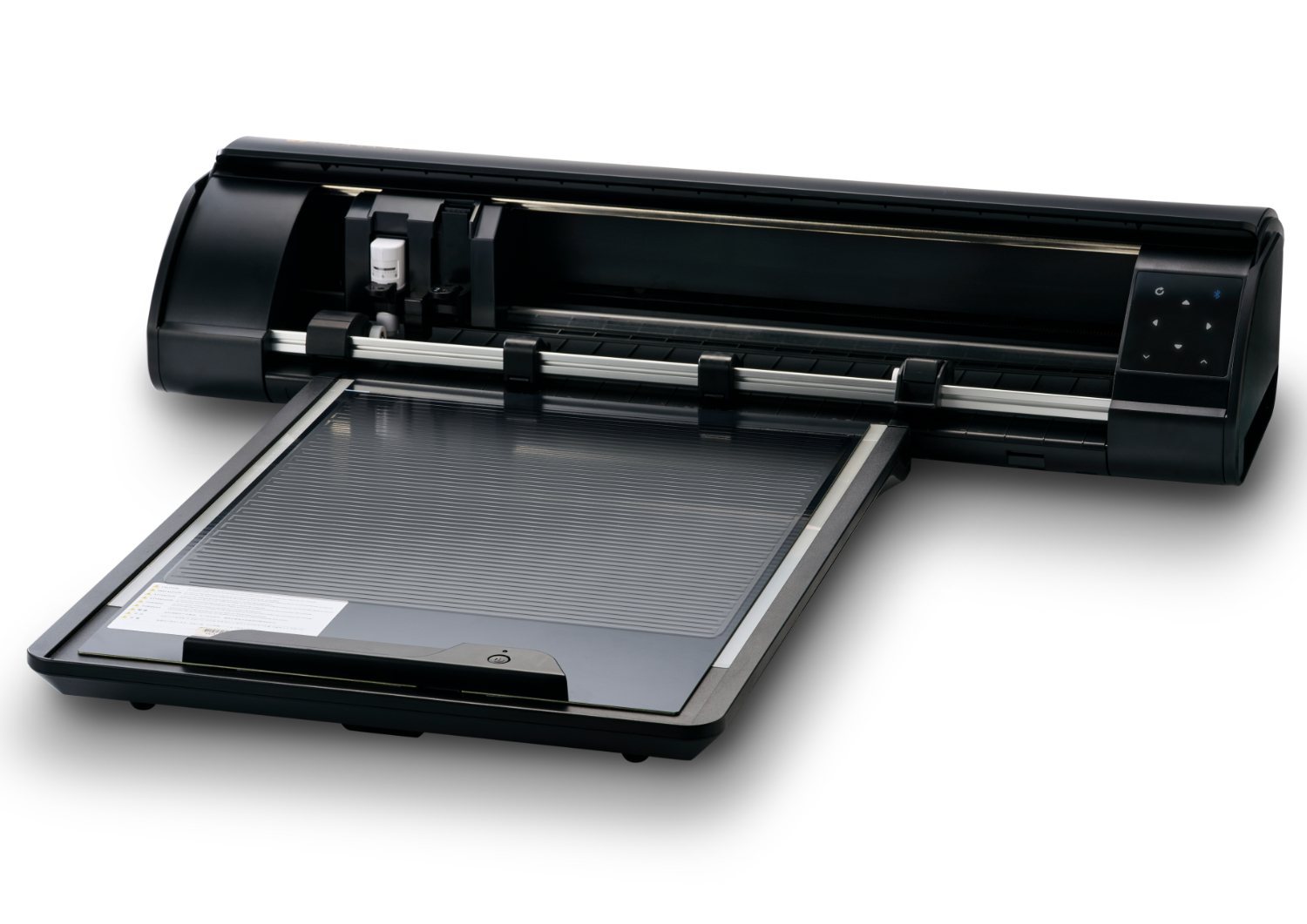
Electrostatic mat
This
completely new solution allows you to cut thin materials without using a
mat, minimizing the risk of tearing or curling the design when removing
it from the adhesive surface. This allows you to cut precise designs even from delicate sheets of tissue paper or thin paper.
The mat is not included and must be purchased separately.
Inspirations
The Silhouette CAMEO5a Plus plotter in a foil cutting set allows you to create unique projects. Discover our inspiration!
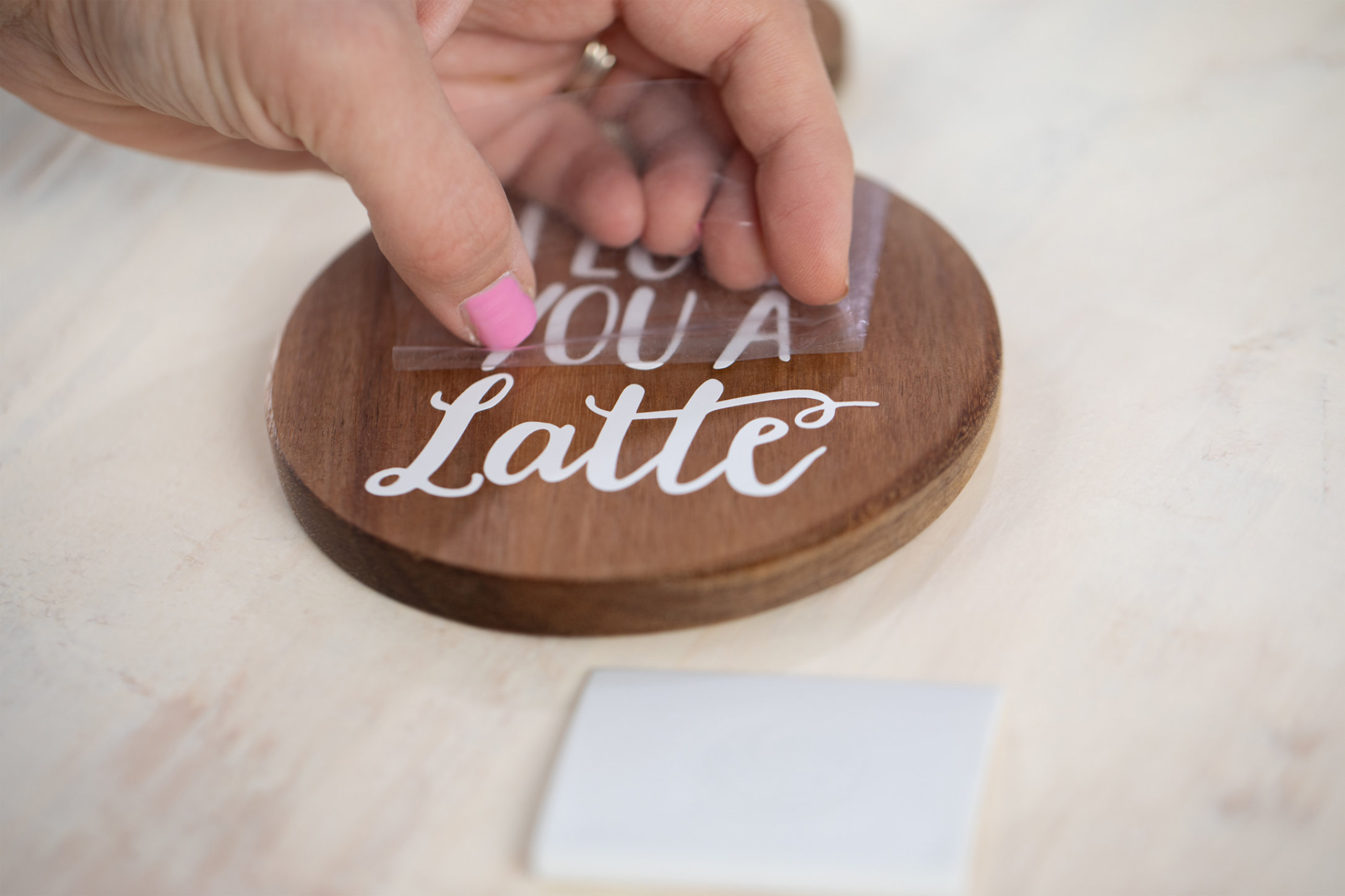
Using a plotter, you can cut any design from self-adhesive foil and transfer it to the target surface using transfer foil. This allows you to create your own inscriptions, graphics, and personalizations on a variety of surfaces—from coasters to decorations and gifts. This simple technique allows you to turn any idea into a finished project. Check out our inspiration and see just how much you can create with a plotter.
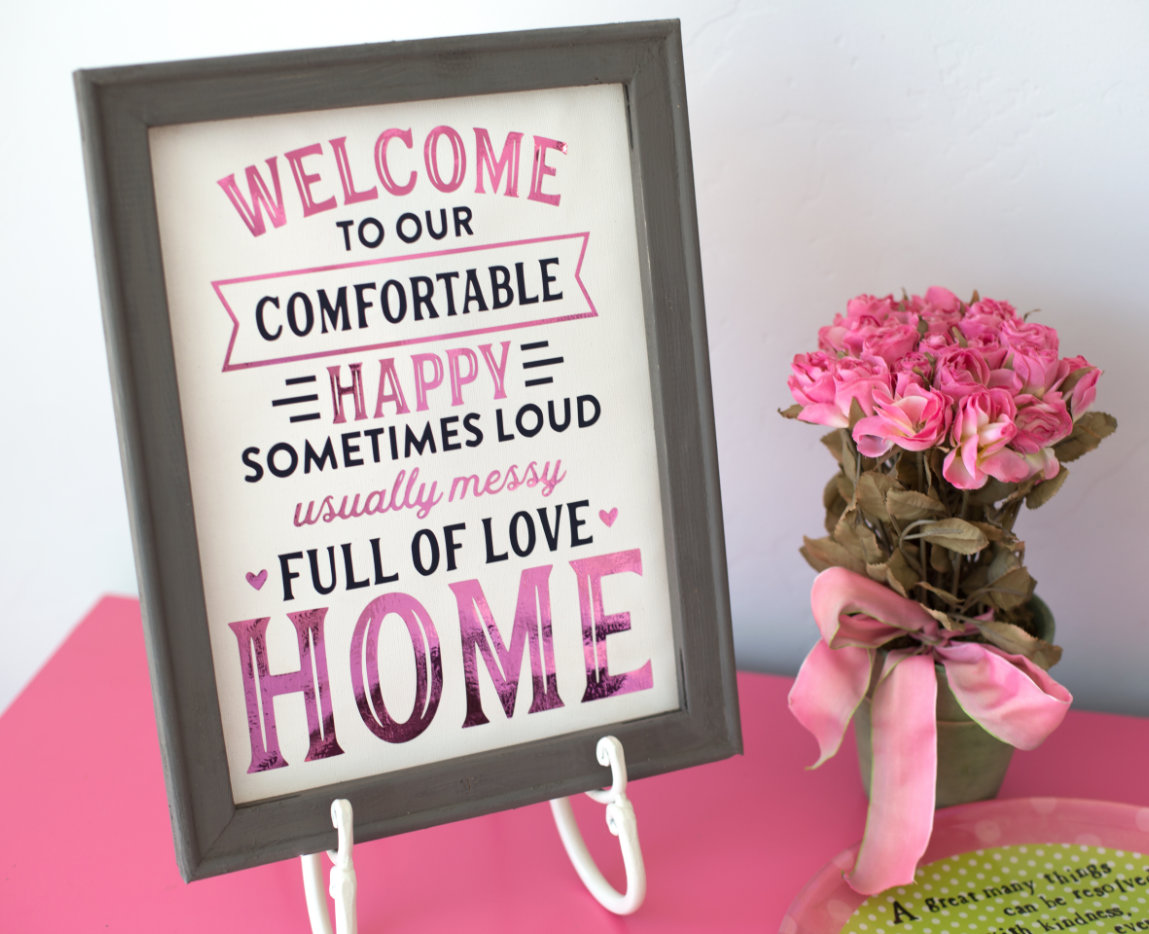
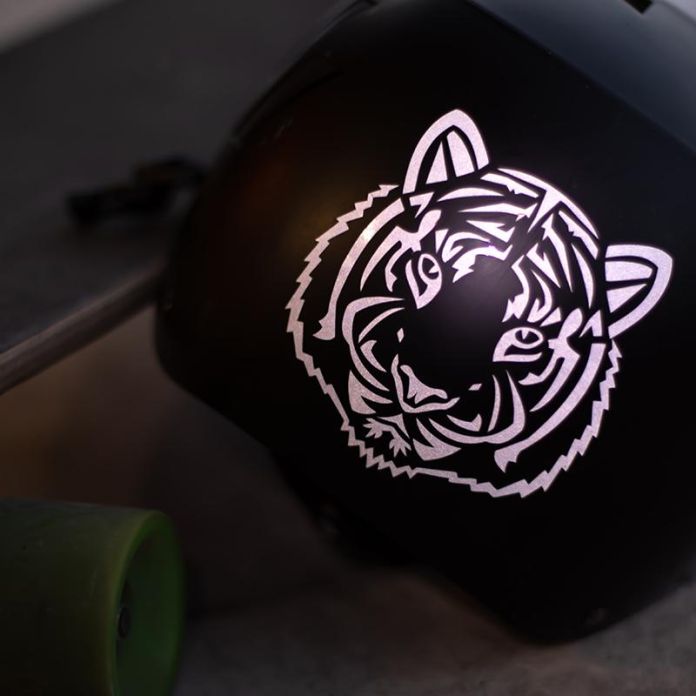
When working with a plotter, you can choose from a wide range of self-adhesive foils with different finishes. Classic smooth and matte foils are available, as well as more striking options, such as glitter foils that shimmer beautifully in the light. Glow-in-the-dark and reflective foils are also interesting options, giving projects a unique character and increasing their visibility. This allows you to tailor the appearance of the lettering or graphic to the exact design style and desired effect.
With a plotter, you can easily create wall decorations tailored to various spaces. Foil-cut inscriptions, quotes, and graphics work well both at home—in the living room, bedroom, or child's room—and in public spaces. It's also a popular solution in educational institutions, where motivational slogans or educational elements appear on the walls, as well as in companies that use such decorations to present their logo, values, or customer information. This allows any space to gain a unique character.
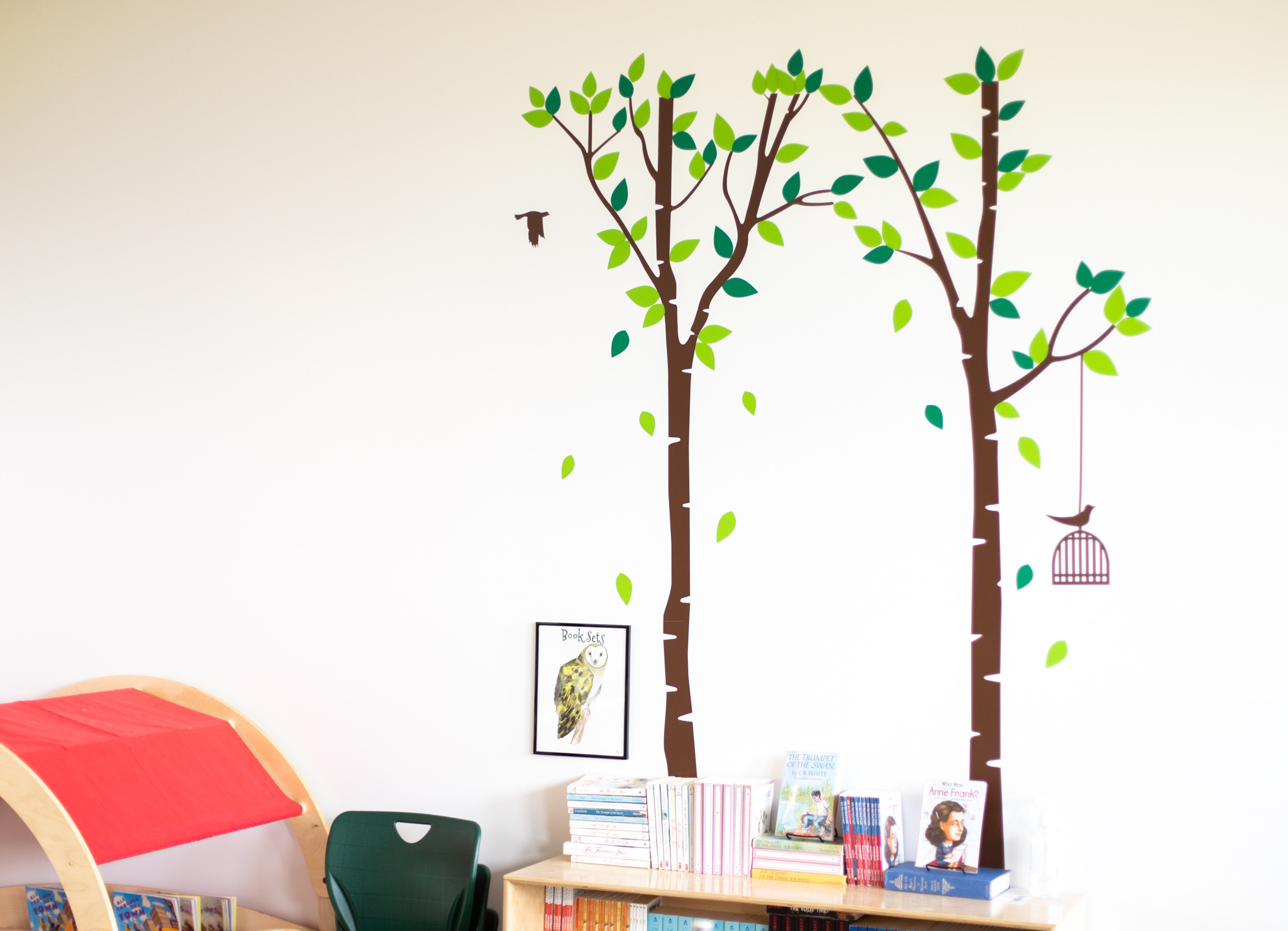
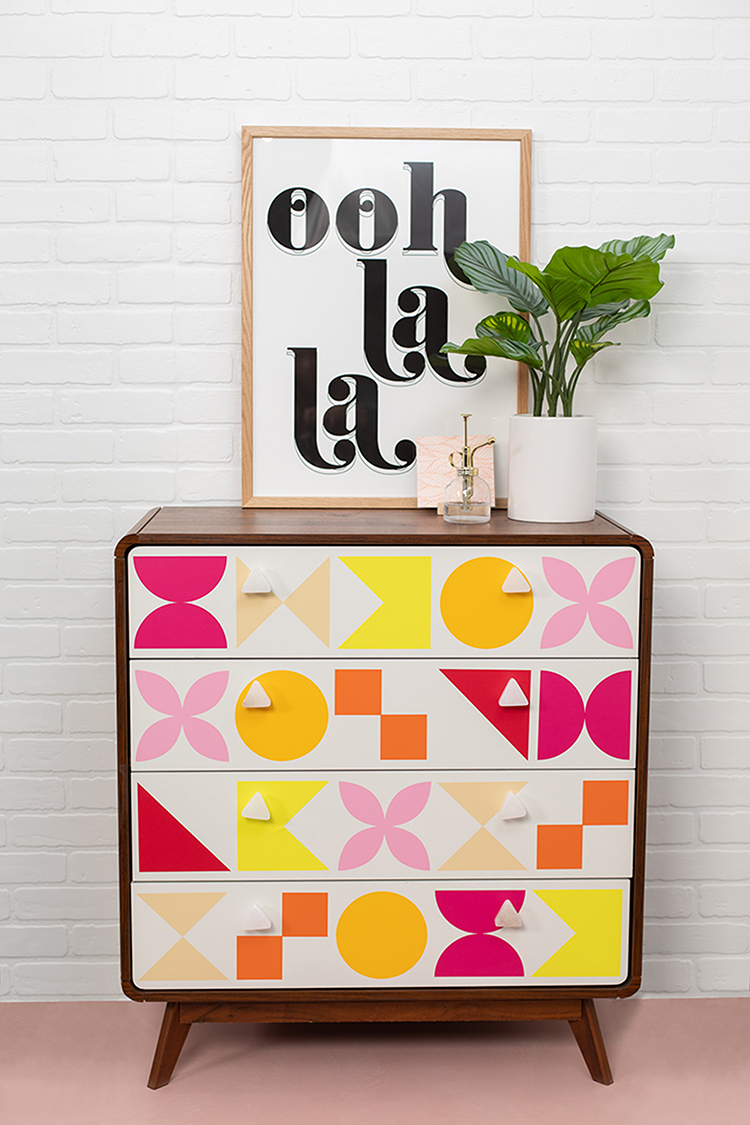
A plotter allows you to personalize not only walls but also furniture and other unusual objects. Using self-adhesive foil, you can add inscriptions, patterns, or graphics to cabinets, tables, boxes, planters, or decorations—practically any smooth surface. It's a simple way to give everyday objects a unique character and add personalized, creative accents to your interior.
Warranty
Specification
| Title | Value |
|---|---|
| Force | 5kg, 300g |
| Connection | USB, Bluetooth |
| Language | English, Polish |
| Software | Silhouette Studio (free), Adobe Illustrator - plug-in (paid extra), Corel DRAW - plug-in (paid extra), Silhouette Studio Designer Edition (paid extra), Silhouette Studio Business Edition (paid extra) |
| Maximum Cutting Area With Cutting Mat | 30,5 x 61 cm (12 x 24 in.), 37 x 38 cm (14,6 x 15 in.) |
| Maximum Cutting Area Without Cutting Mat | 37 x 480 cm |
| Cutting out graphics along the outline | Yes (the possible margin of error is 1/16 in.) |
| Unit Dimensions | 64,2 x 12,4 x 17,6 cm |
| Unit Weight | 5,73 kg |
| Free designs | 100 |
| Manufacturer Details | Silhouette America® Inc.618 N. 2000 W.Lindon, Utah 84042, USA support@silhouetteamerica.com |
| EU Marketing Authorisation Holder | Graphtec Europe B.V. address: Kruisweg 801-B, 2132NG, Hoofddorp, The Netherlands tel: 31611841511 support@silhouetteeurope.eu |
| Print & Cut Margins | On mat - 16mm on Each Side , Without mat - 16mm on the sides and top of the page; 25,4mm at the bottom of the page |
Additional accessories
Other customers bought also:

Reviews
Product rating
No one has added an opinion yet.
Be the first to do so!
Add review
Please wait...
See also

Made by: Michał Desol