




Will be back soon
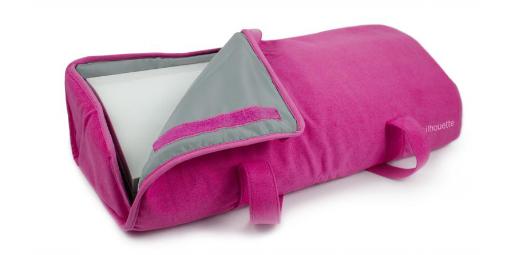
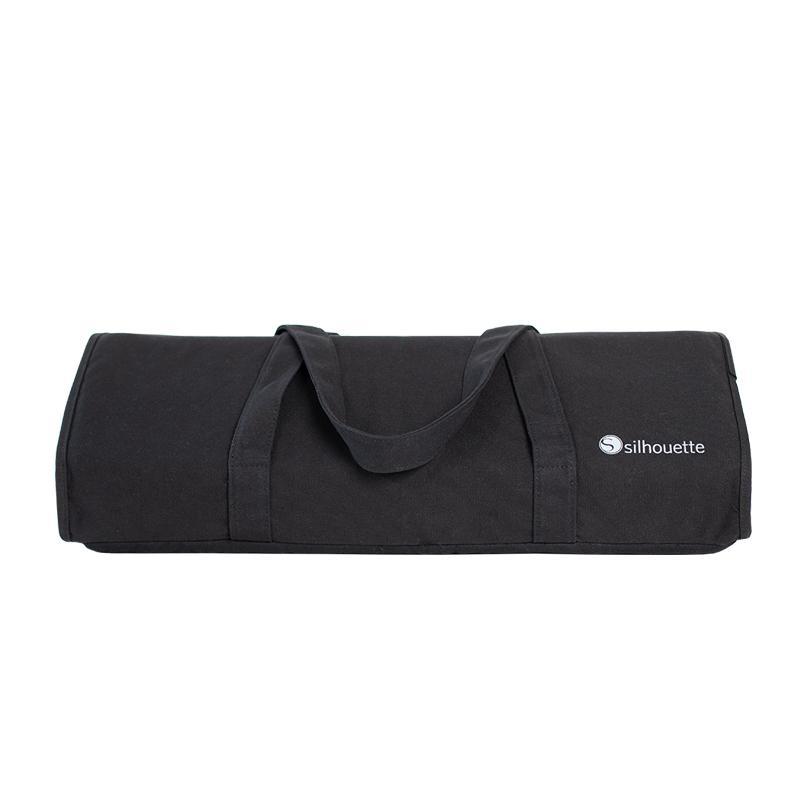
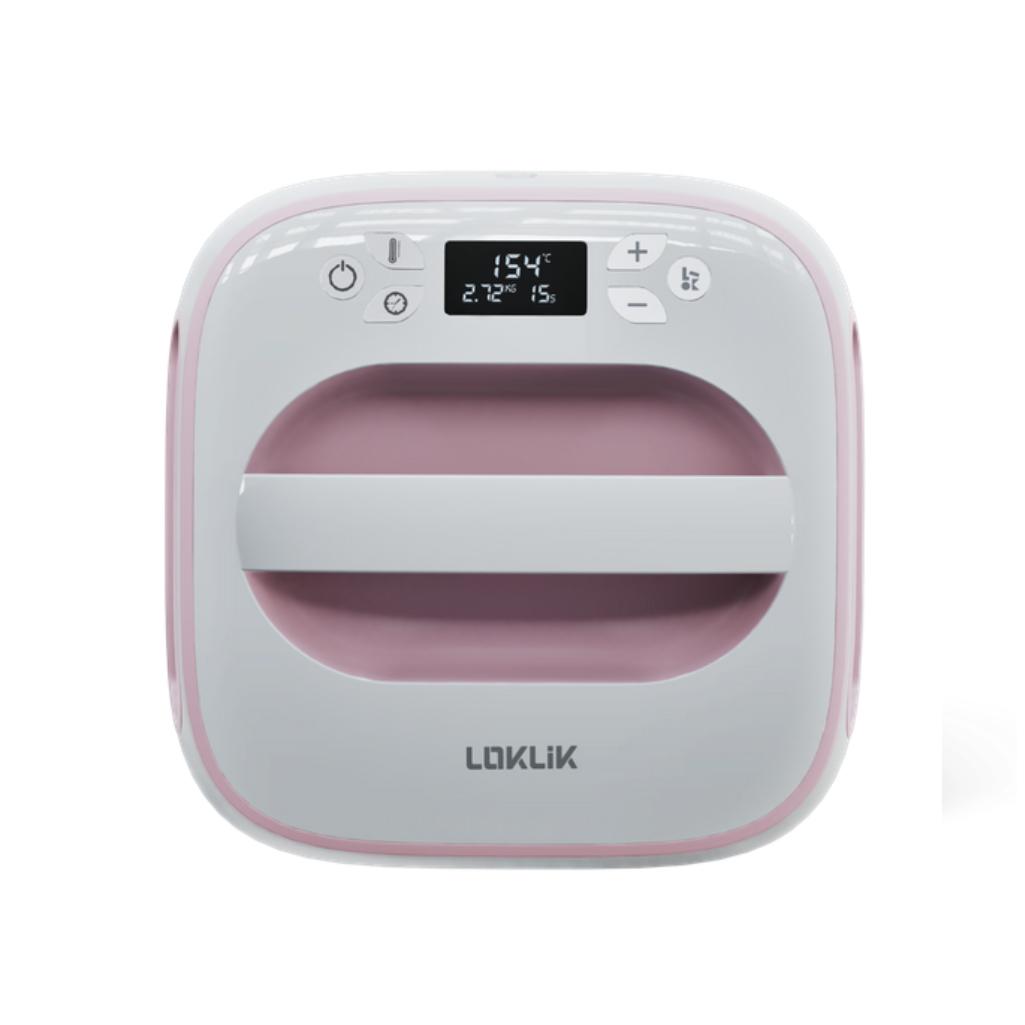
Cameo Light Tote - Pink
49,99złincl. tax
🔥 BLACK WEEK xTool!🔥 Rabaty do -27% SPRAWDŹ OKAZJĘ!
Do you have any questions? We'll be happy to help!
Were you unable to attend our live training? You can now access the full recording of the online training on how to use the Silhouette Cameo 5 and Cameo 5a and learn at your own pace – whenever and wherever you want.
79,99zł incl. tax
Lowest regular price of the last 30 days: 79,99złRecording of the live Silhouette Cameo 5/5a training session
79,99zł
It’s approximately 2.5 hours of practical knowledge, during which we show you step by step how to work with a cutting plotter and Silhouette Studio software.
The recording is ideal for beginners who have just purchased their first cutting plotter, as well as for users who want to organize their knowledge and make better use of the capabilities of their Cameo.
During the training, we cover, among other things:
the basics of operating Silhouette Cameo 5 and Cameo 5a,
the most important features of Silhouette Studio,
preparing your own design for cutting,
creating text and working with fonts,
merging elements, creating outlines, and basic design editing,
vectorizing JPG and PNG graphics,
preparing and cutting paper and cardstock,
working with adhesive vinyl,
working with heat transfer vinyl for iron-on designs,
selecting cutting settings for different materials,
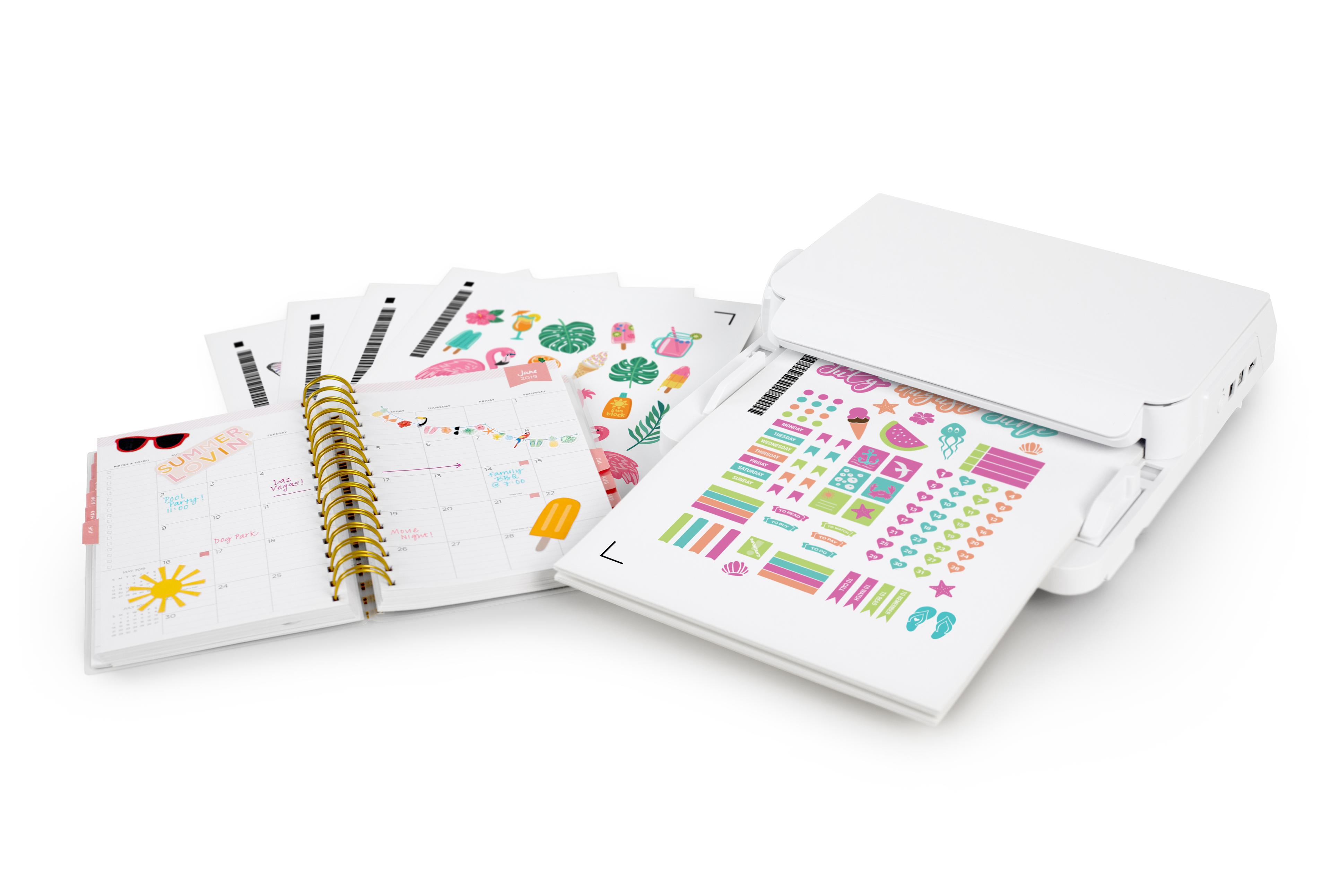
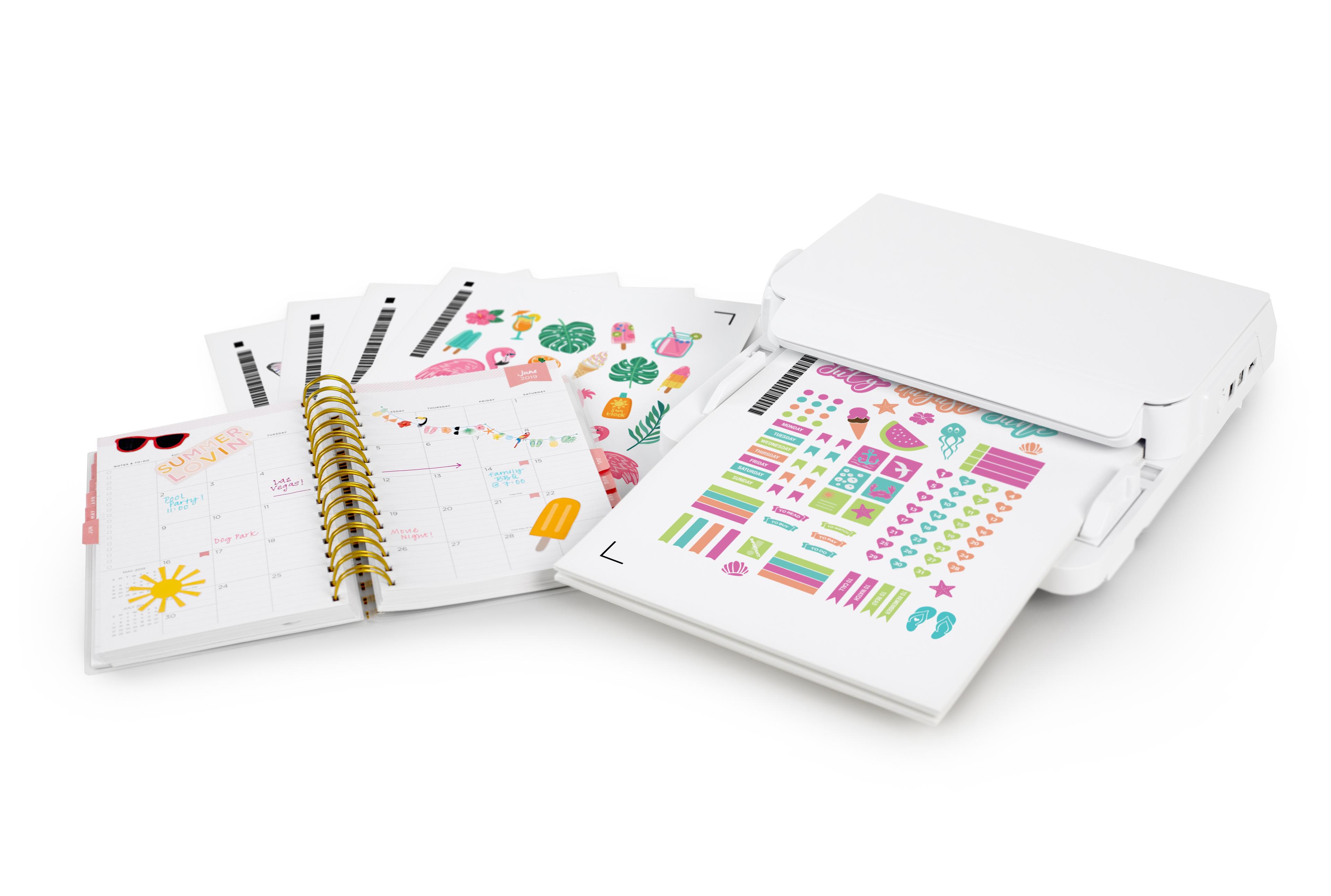
Print&Cut – preparing and cutting your own stickers,
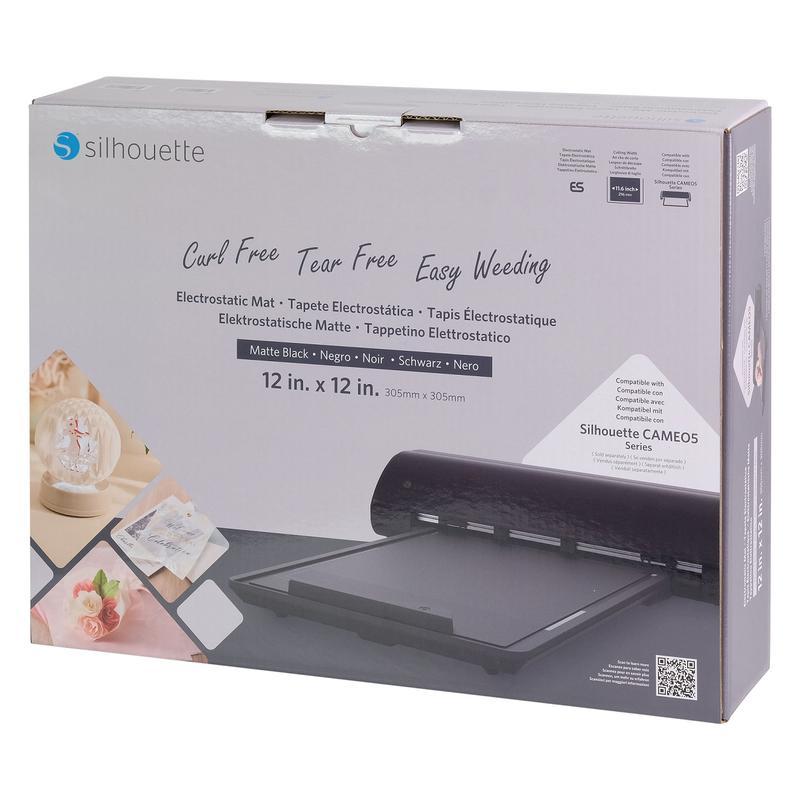
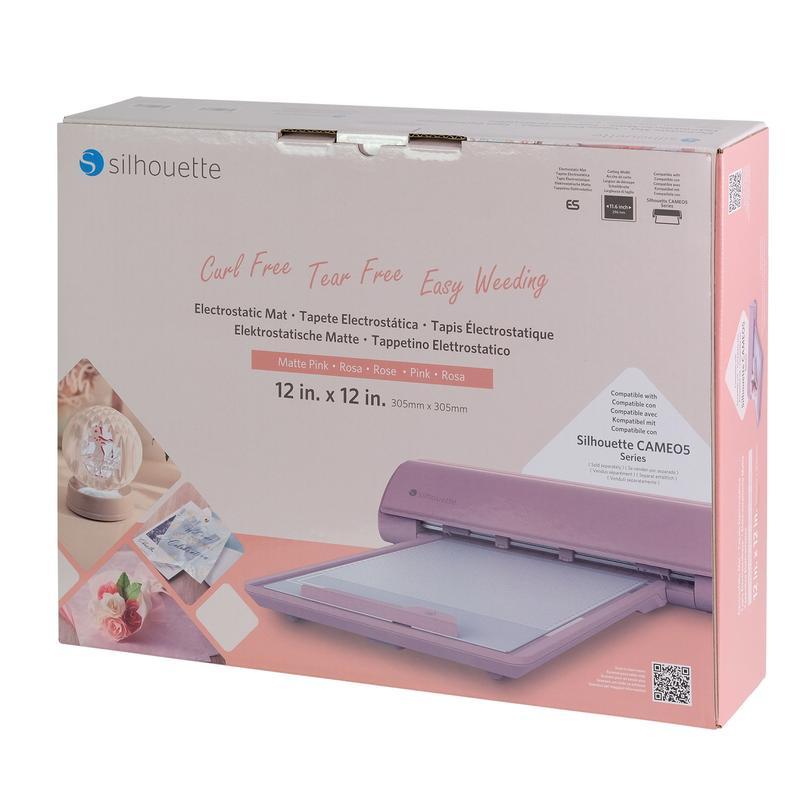
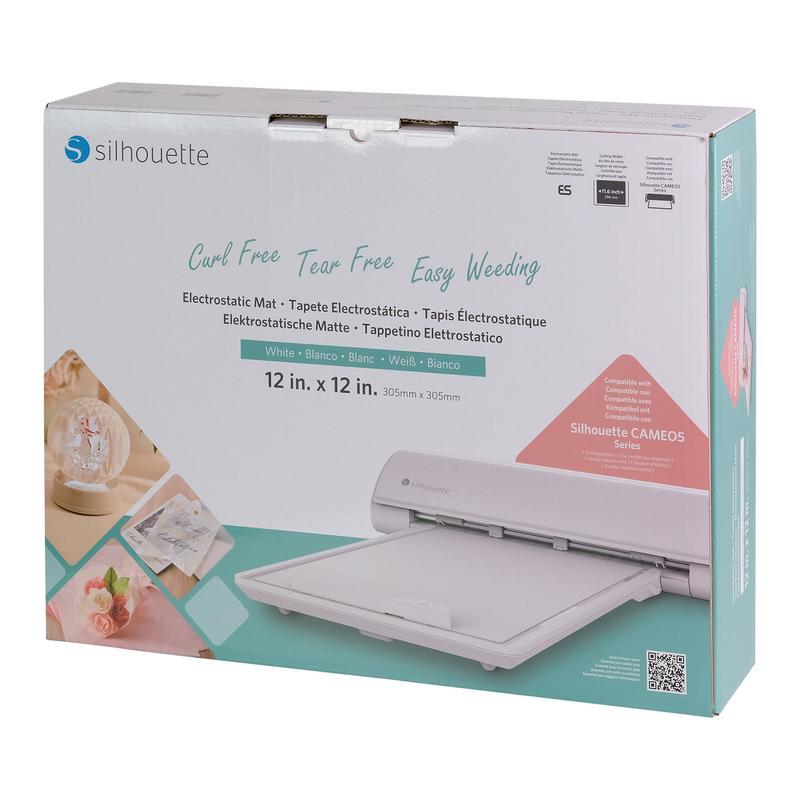
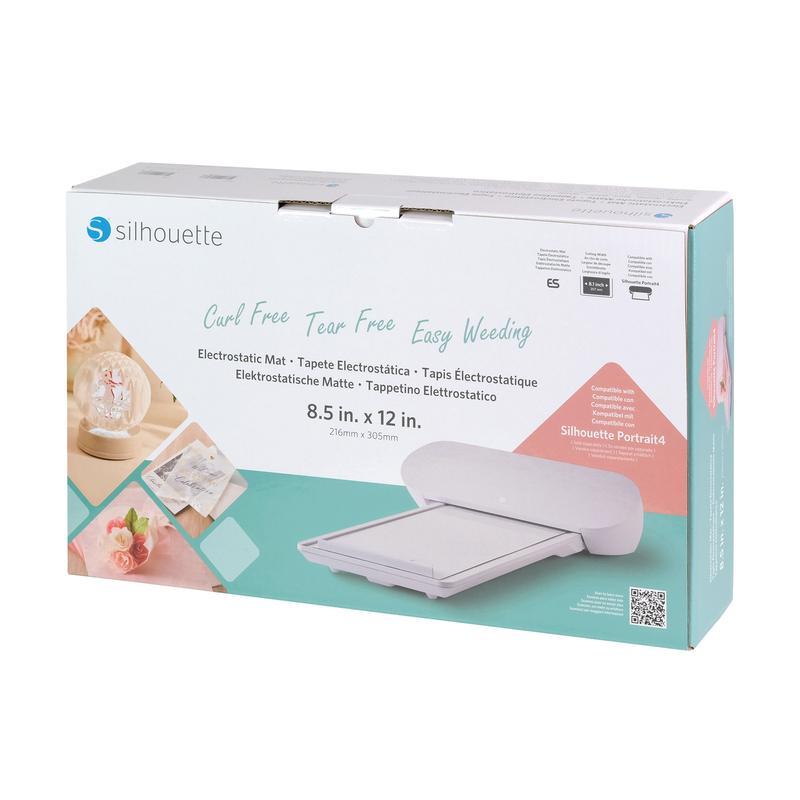
using the Silhouette ES electrostatic mat.
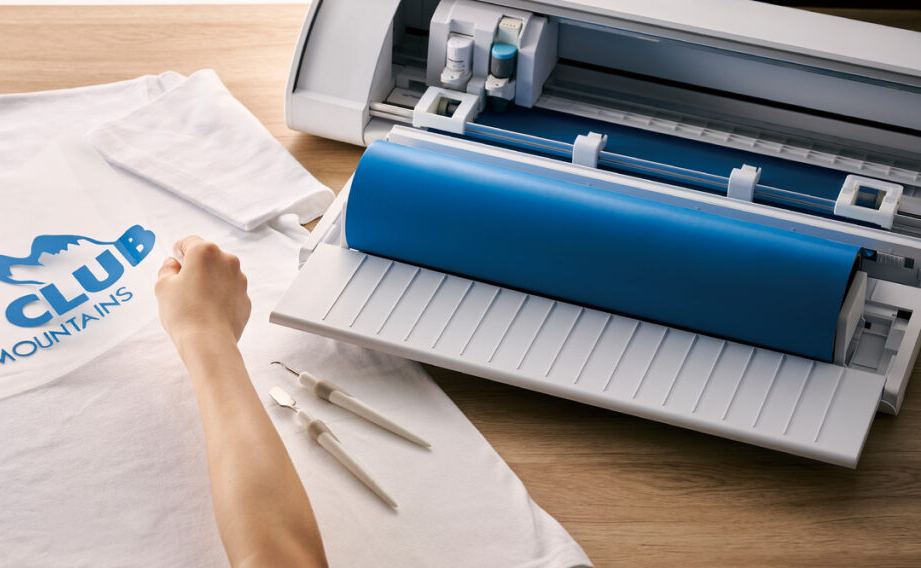
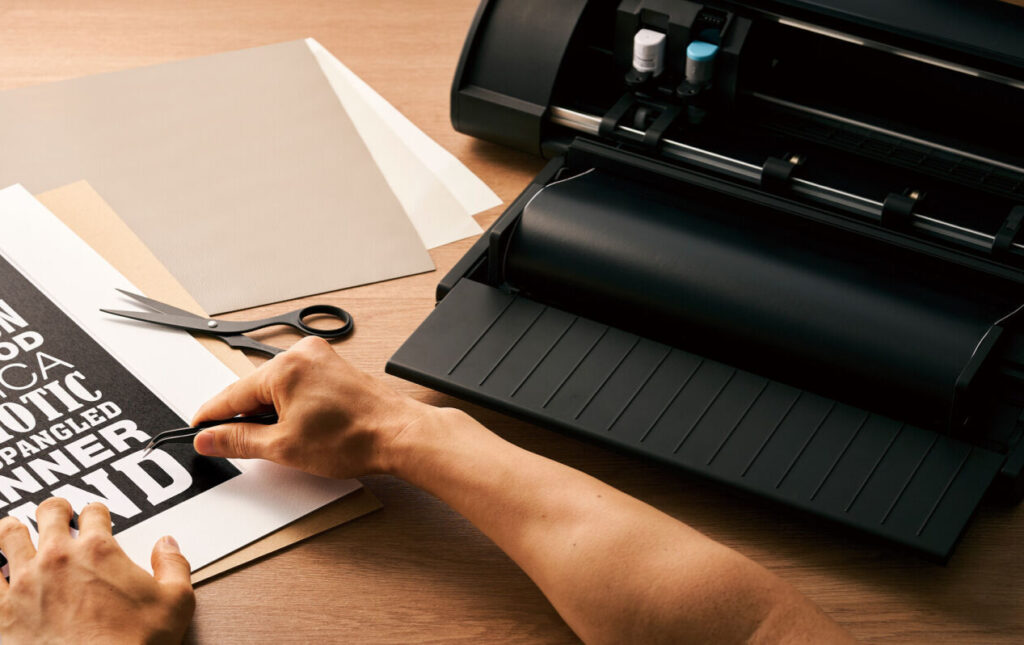
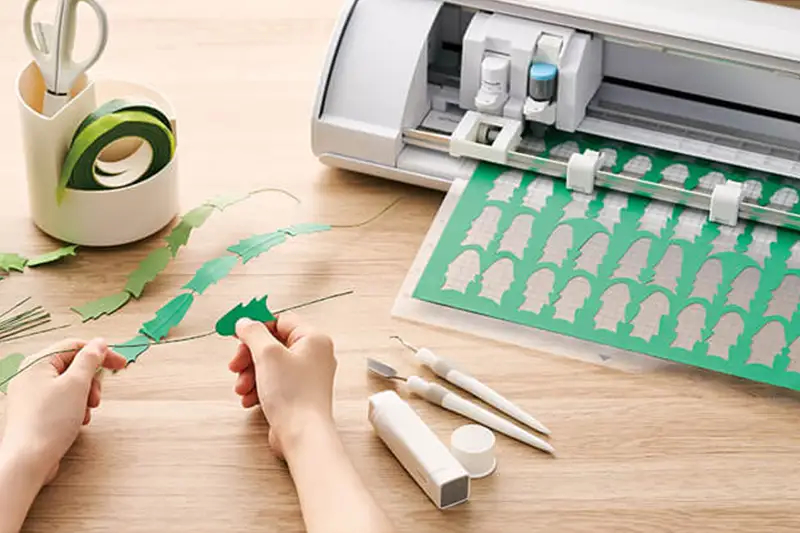
The biggest advantage of the recording is the ability to pause the material, rewind to an interesting section, and watch individual steps again while working independently with your cutting plotter.
You can watch the training while working in Silhouette Studio and immediately perform the demonstrated steps on your own device.
We especially recommend this recording if:
you are just starting your Silhouette journey,
you have a Cameo 5 or Cameo 5a and don’t know where to start,
you want to prepare your own designs independently,
you are interested in creating stickers, stationery, cake toppers, decorations, or iron-on designs,
you want to learn about different materials and the possibilities offered by your cutting plotter,
you prefer learning at a time that suits you rather than attending a live training session.
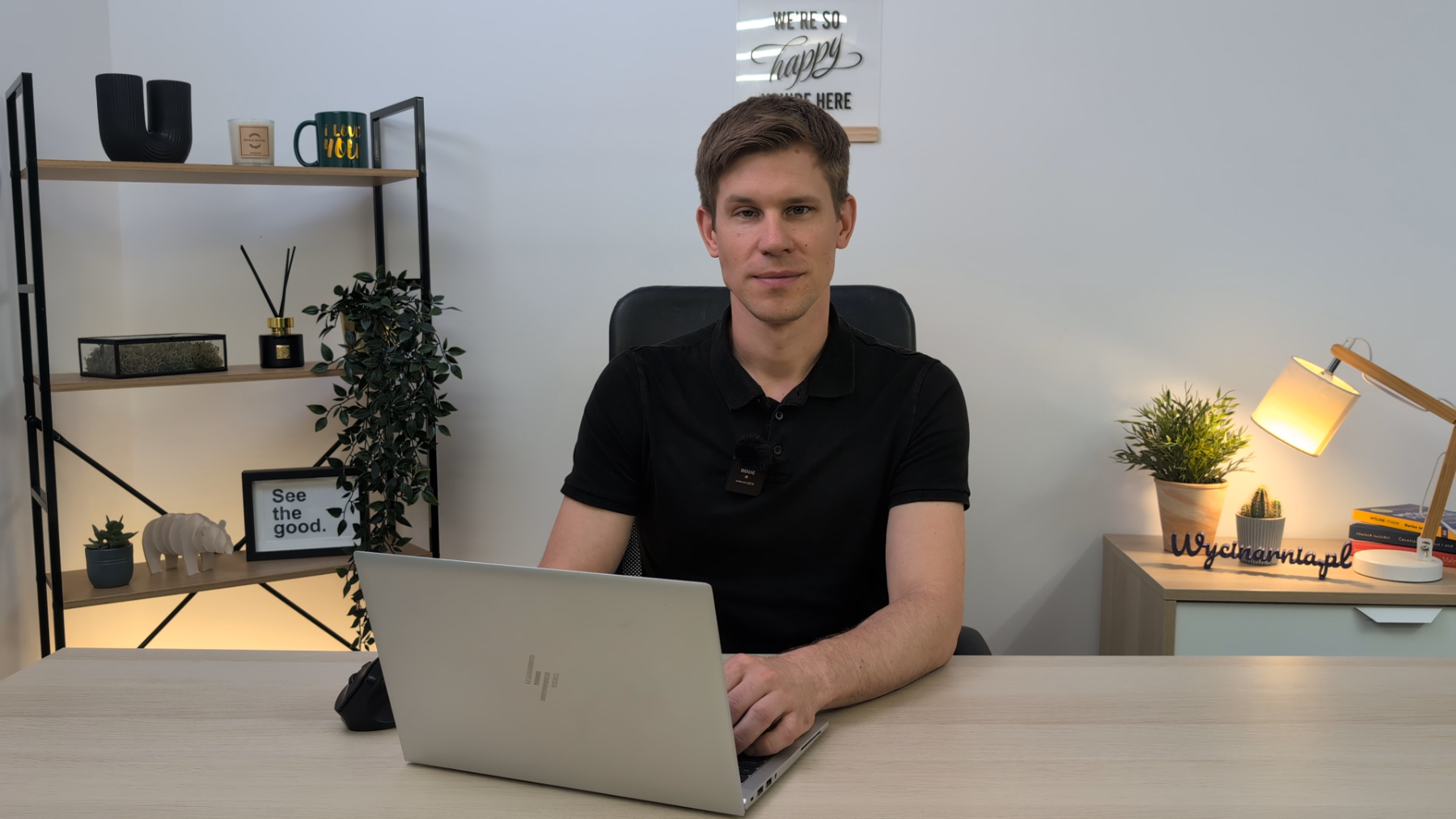
Instead of searching for answers in dozens of different videos, start with well-structured fundamentals. See the entire Silhouette Cameo workflow – from preparing your design in Silhouette Studio to the final cut.
Purchase the recording, launch Silhouette Studio, and start creating!
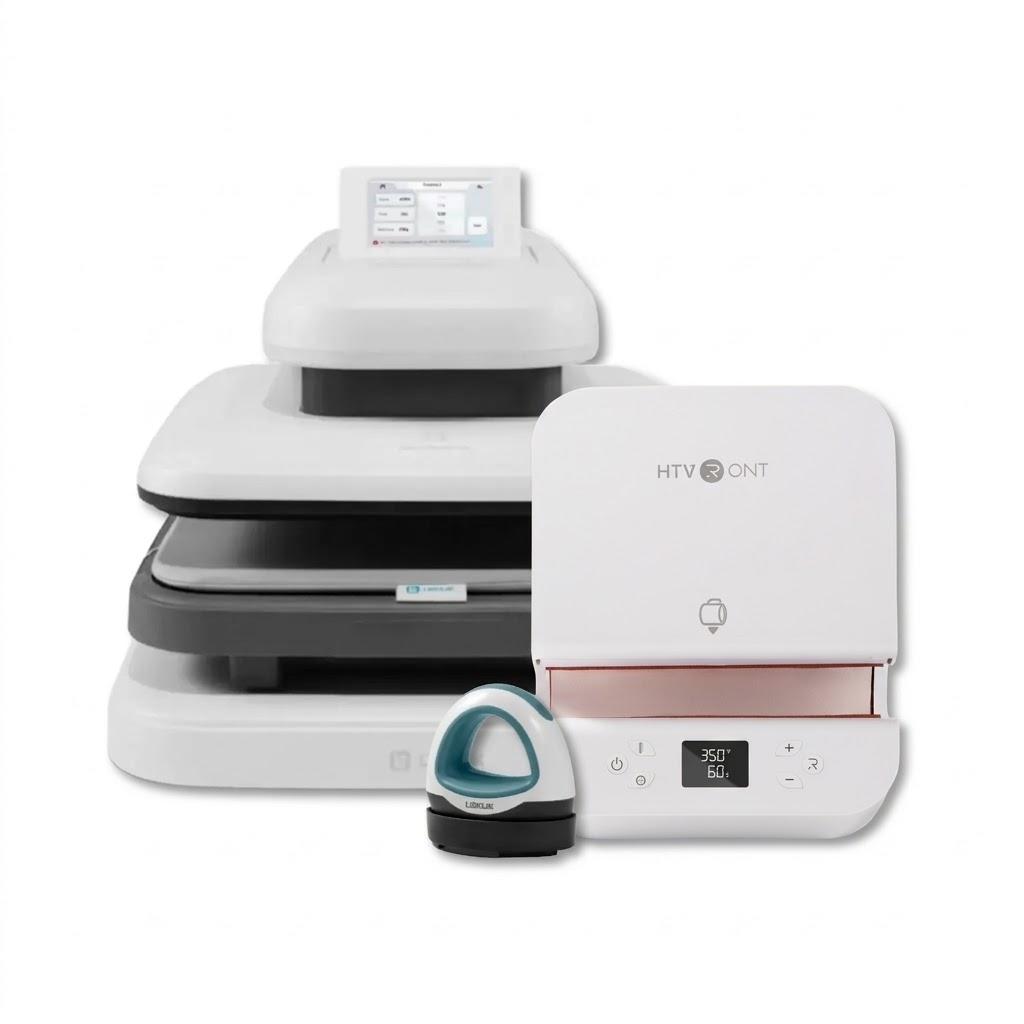
You can use this product with the following devices:
No one has added an opinion yet.
Be the first to do so!
Made by: Michał Desol