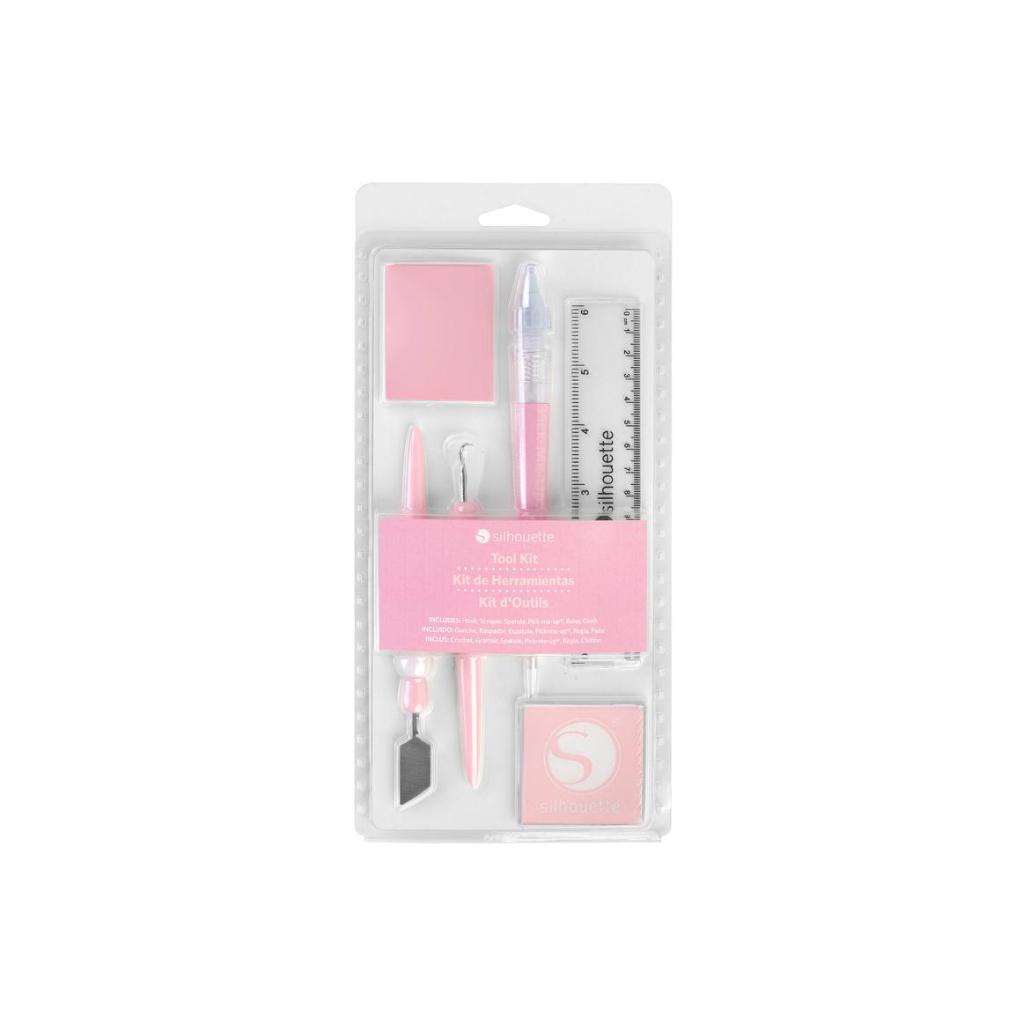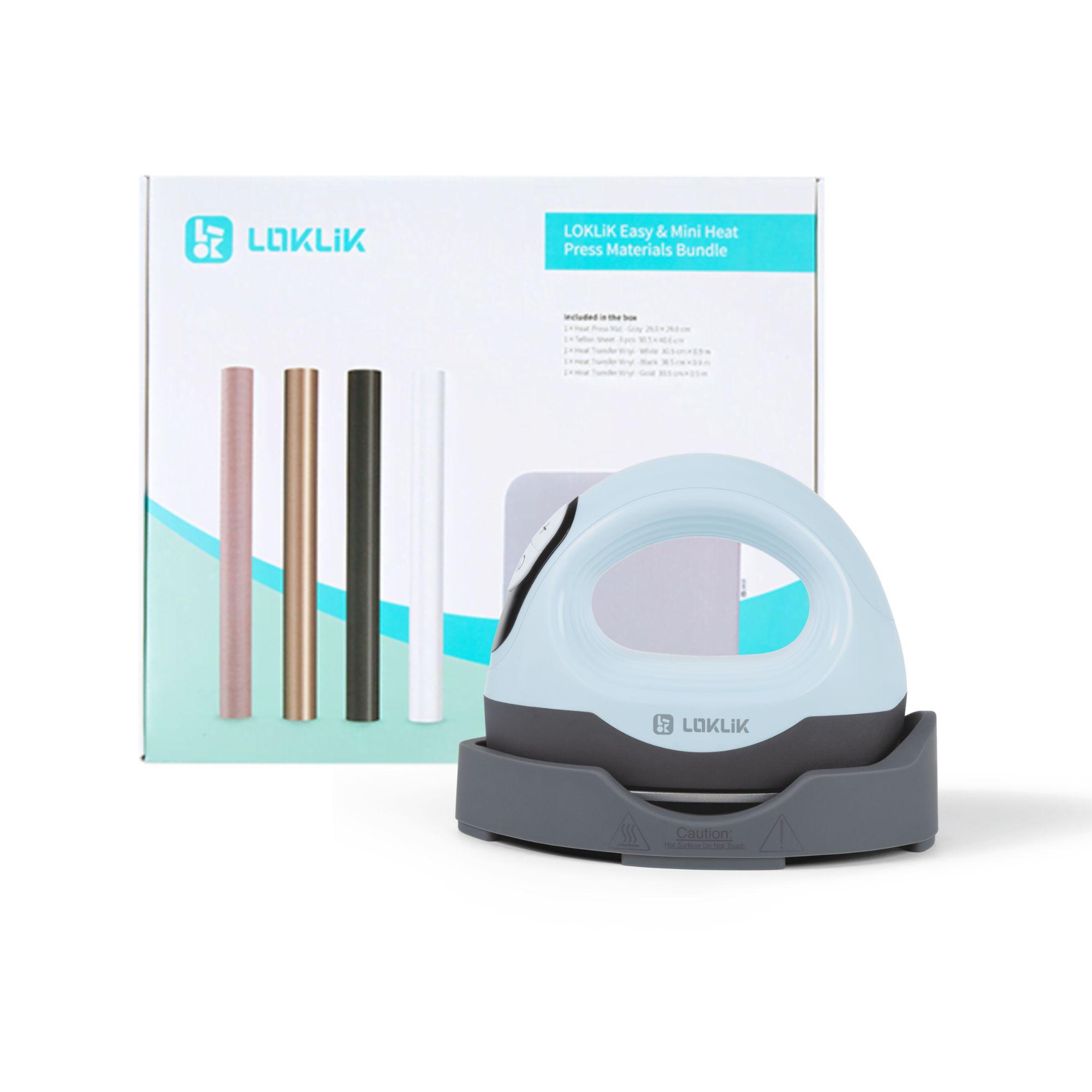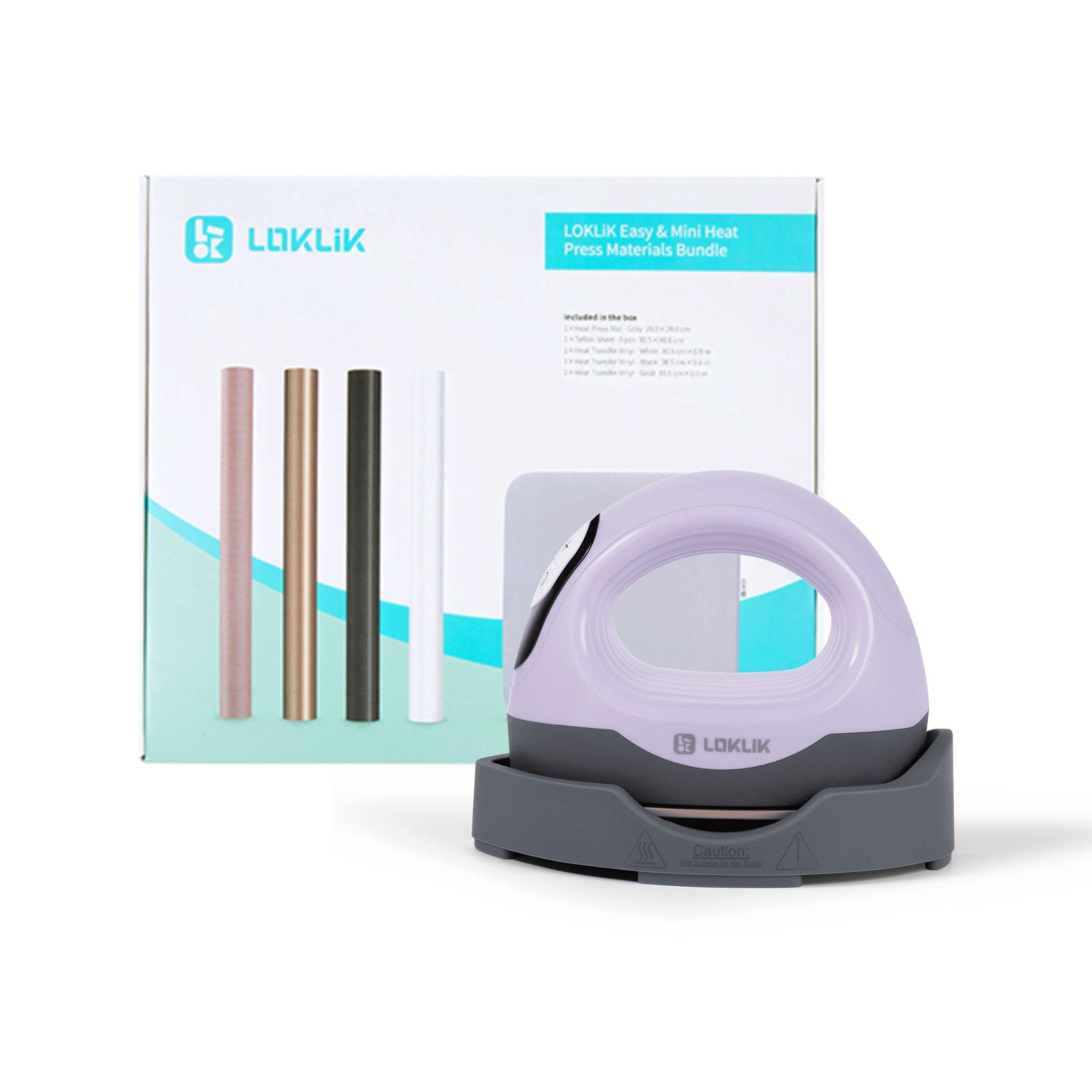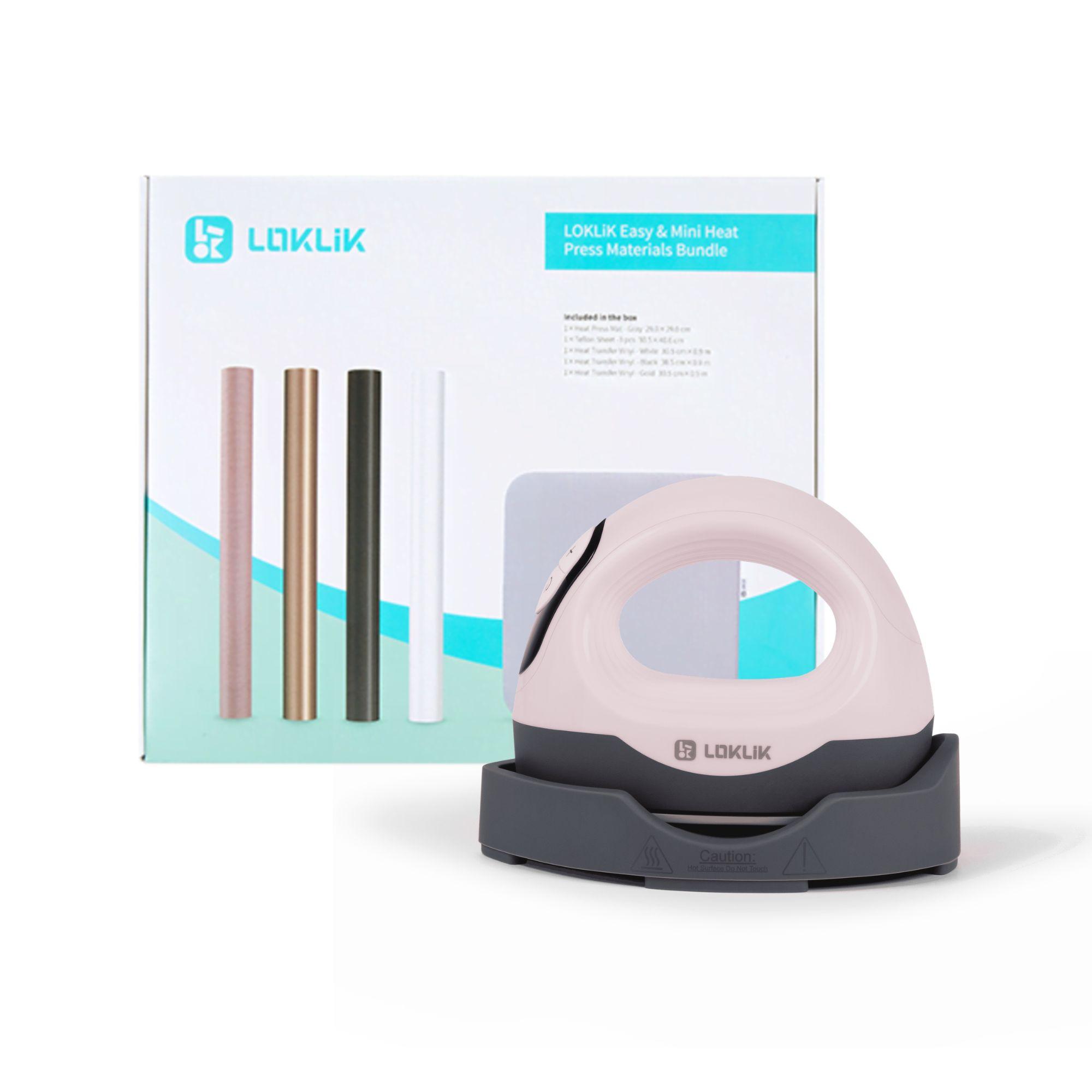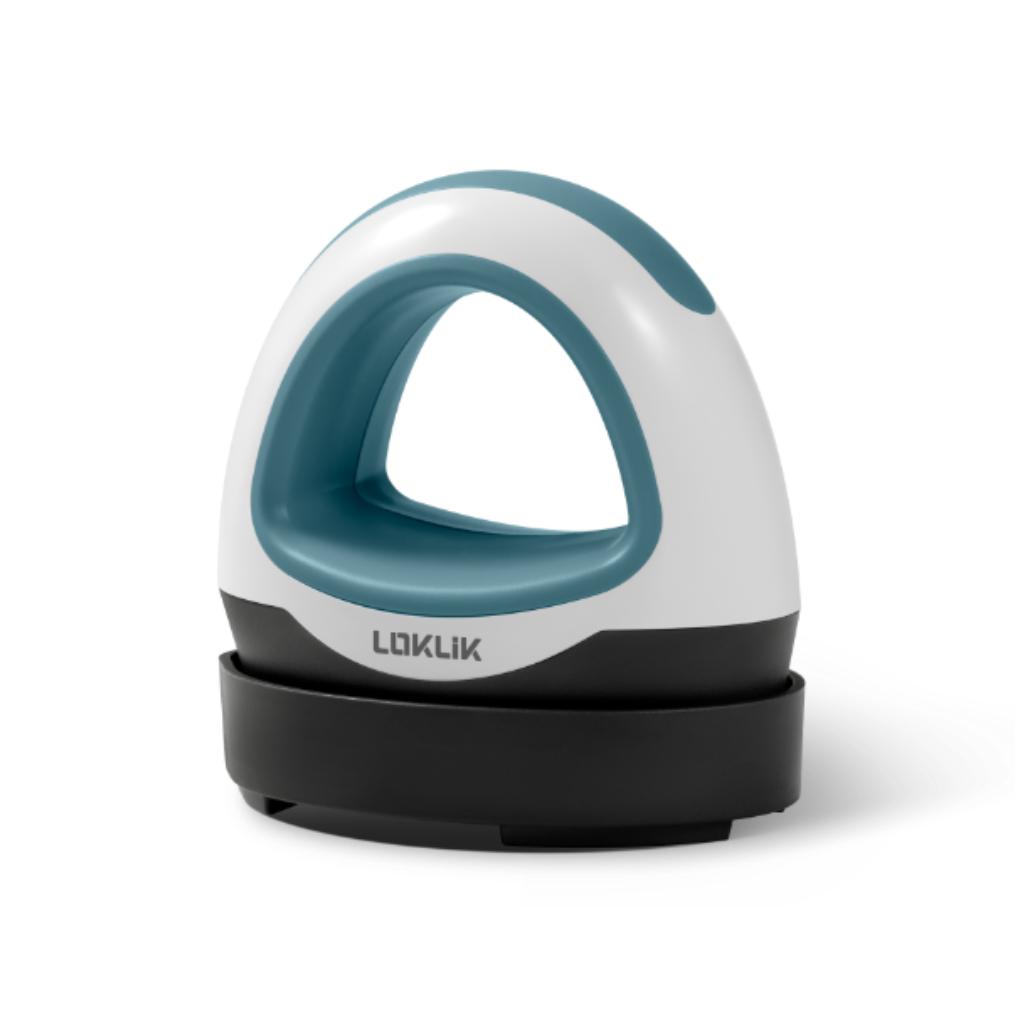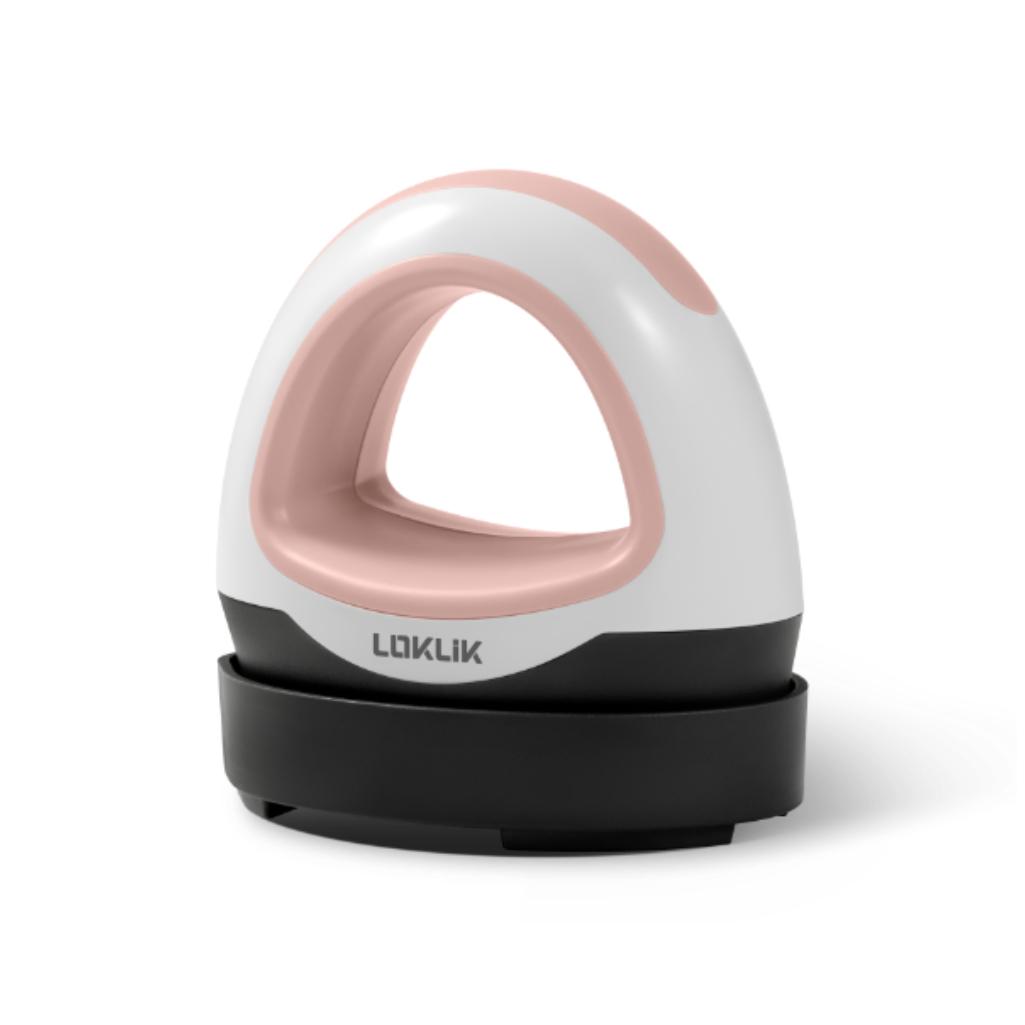




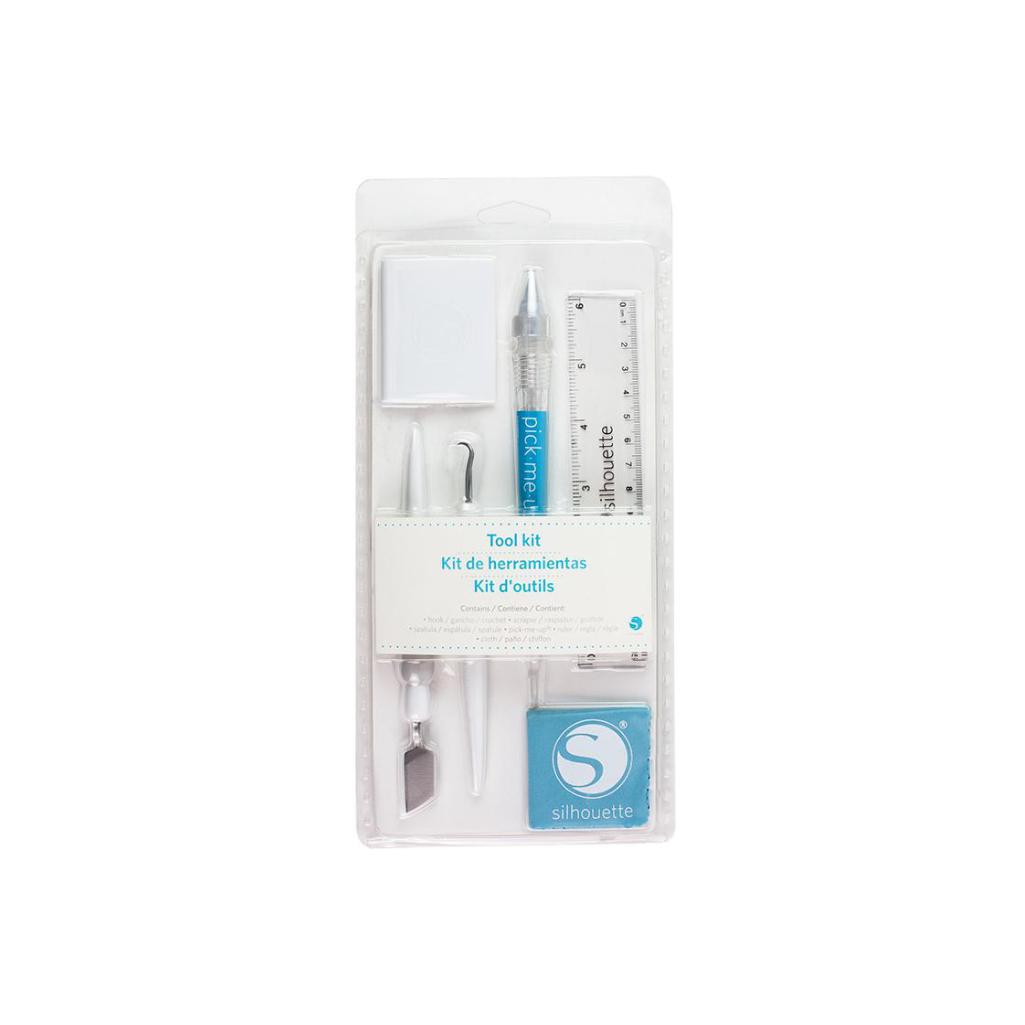
Silhouette Tool Kit - White
99,00złincl. tax
🔥 PolyShaper cutters – save up to 400 PLN! [Shop now →]
Do you have any questions? We'll be happy to help!
SKU: 814792020180
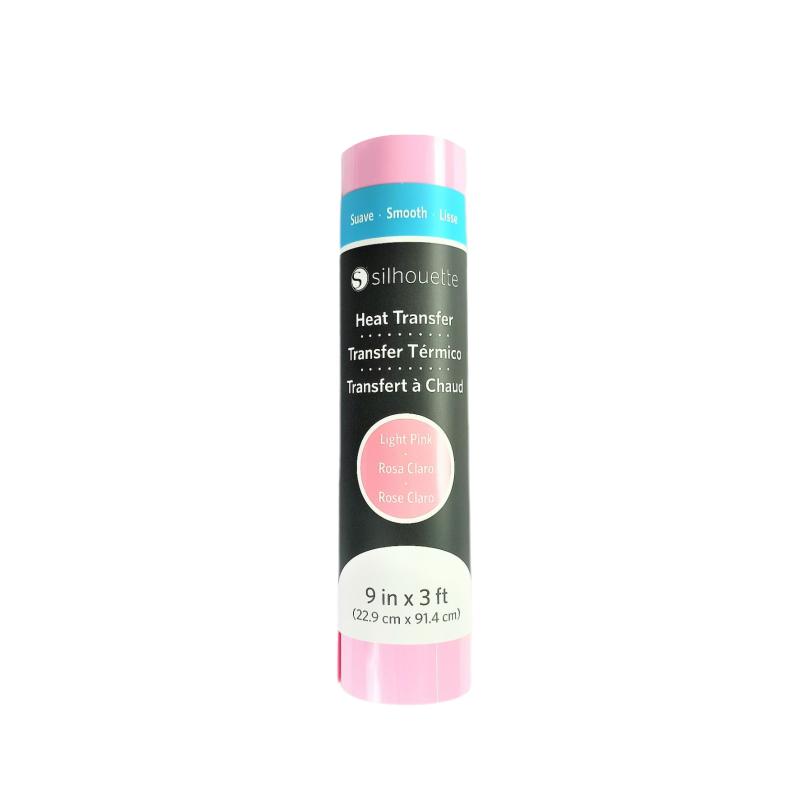
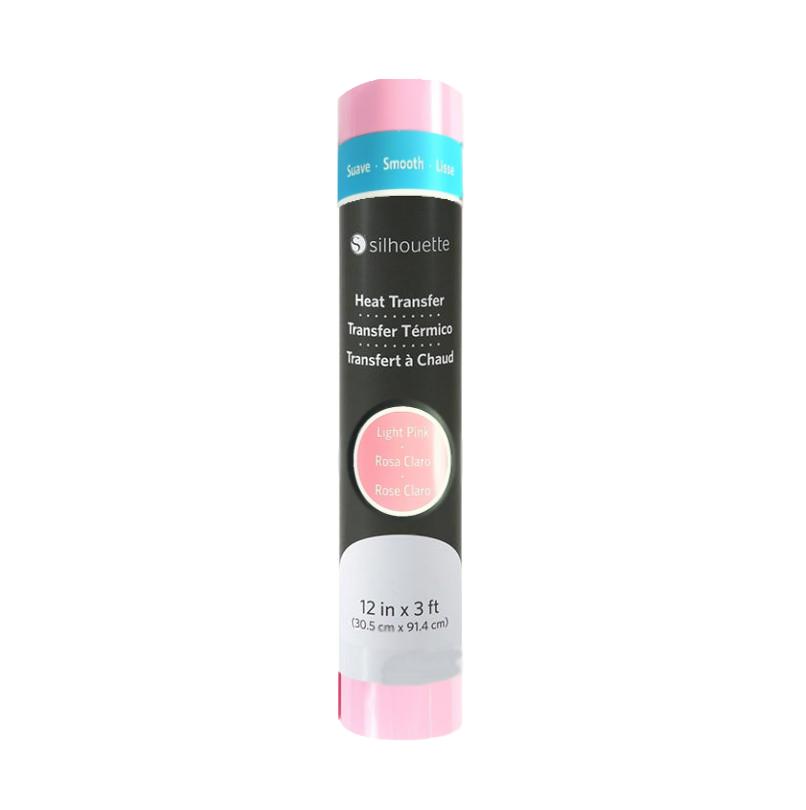
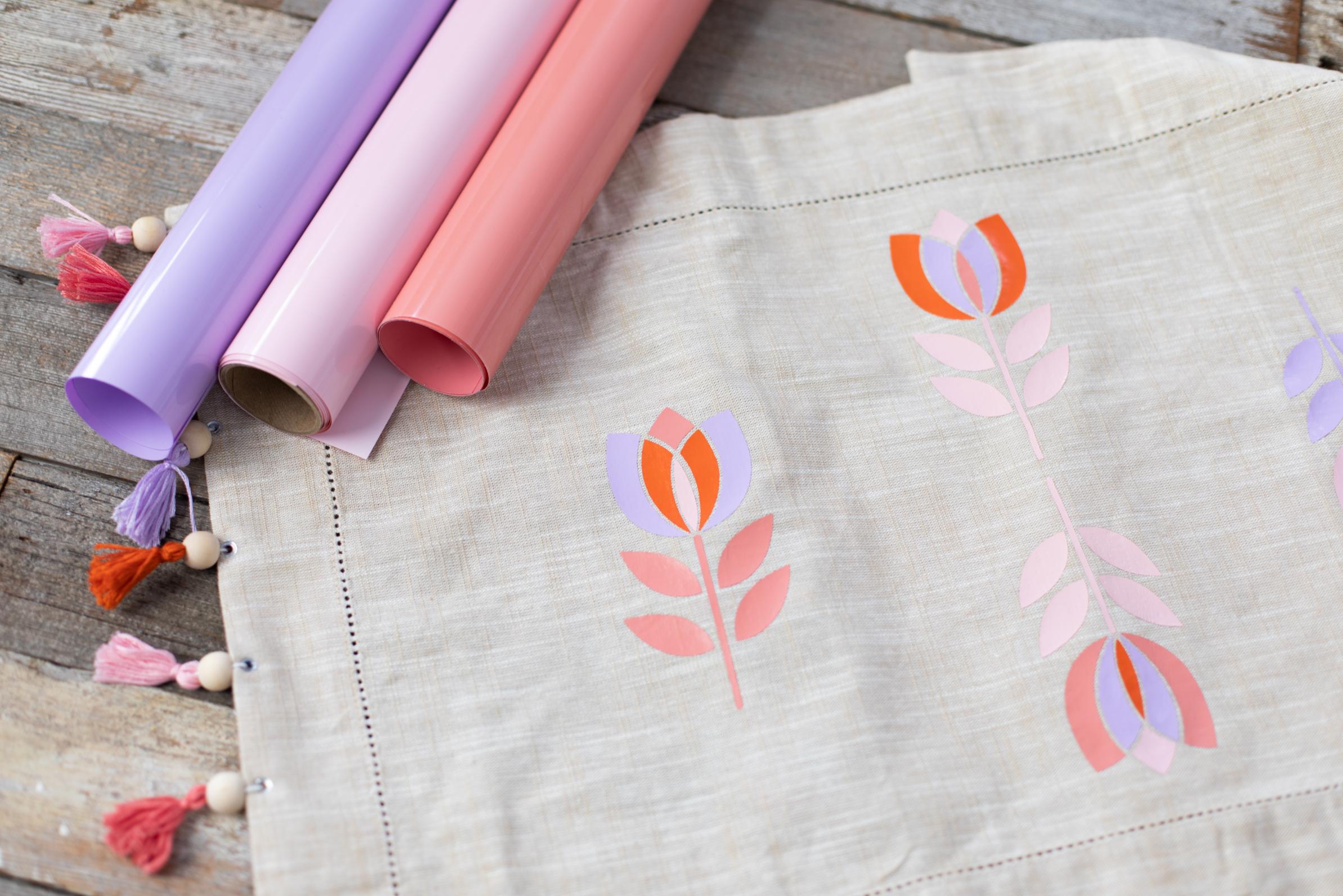
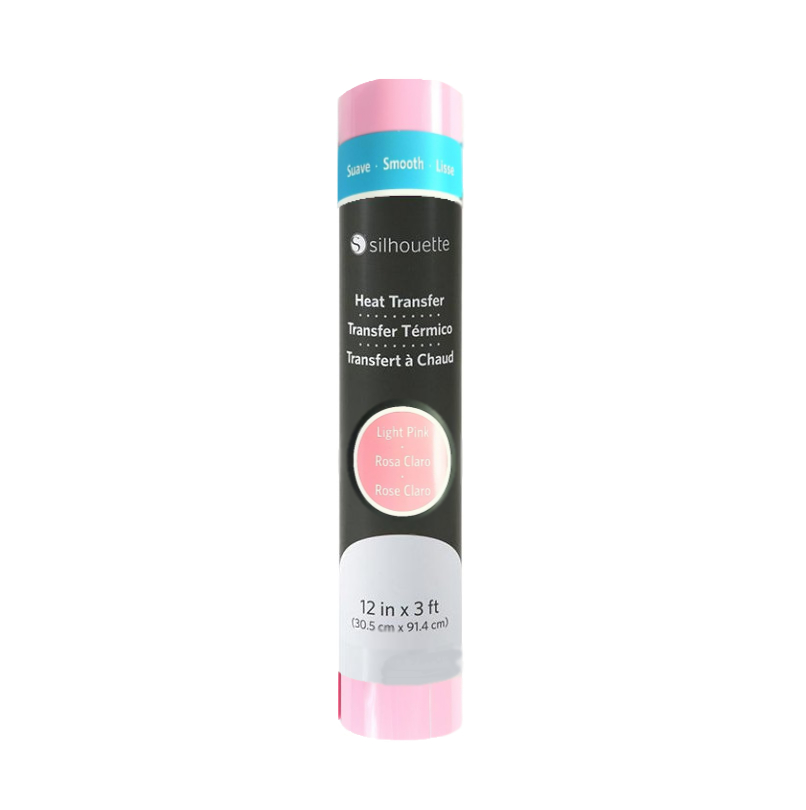
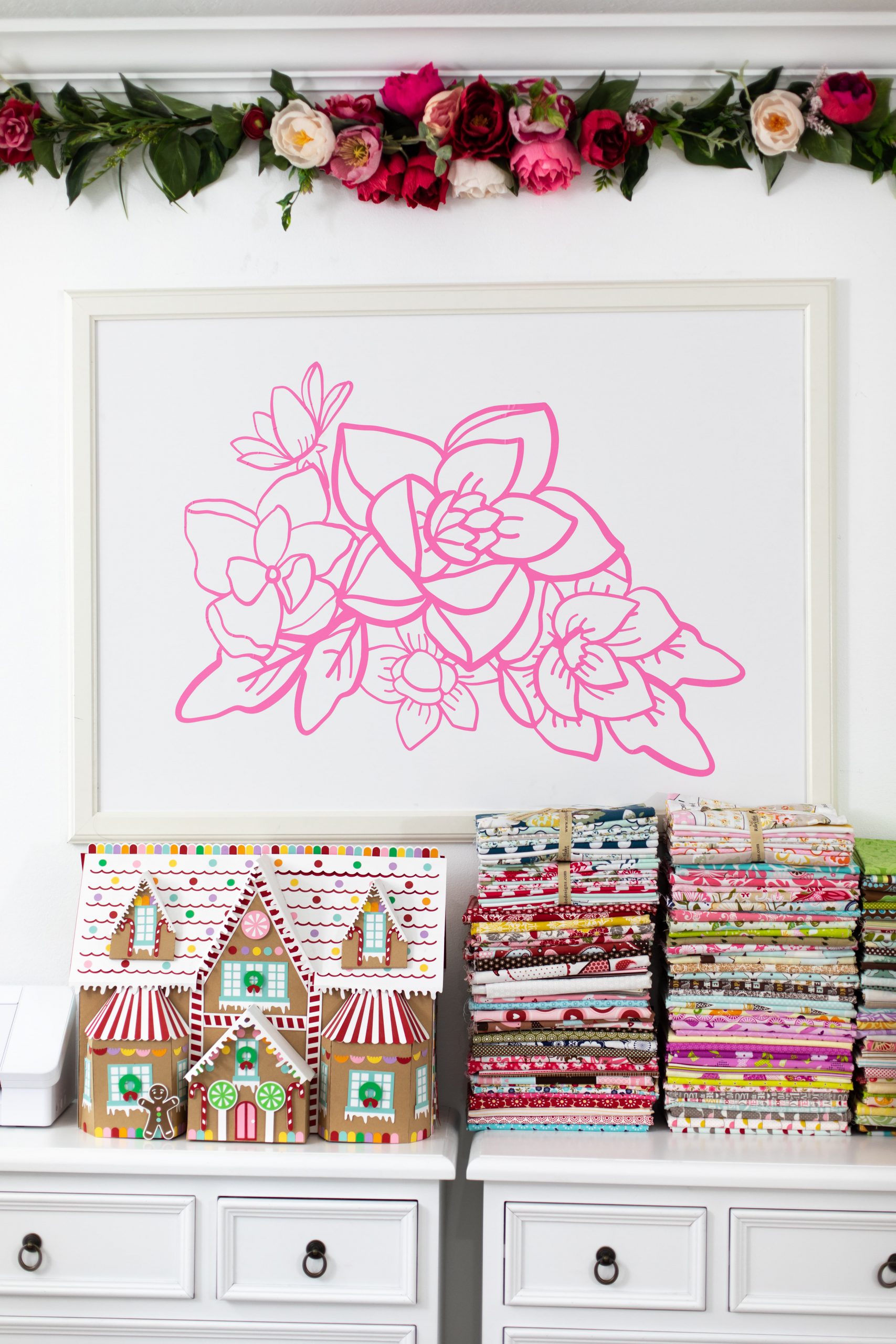
Silhouette Flex Film – 30.5 cm – Light Pink - create durable and attractive prints on clothing and textiles in a delicate light pink color. Silhouette Flex Film is a practical solution for anyone involved in garment customization, crafting, and creating creative projects for schools, preschools, and small businesses.
In stock - shipping within 24 hours!
Order by 12:00 PM and we will ship the item to you today
89,99zł
49,99zł incl. tax
Lowest regular price of the last 30 days: 89,99złSilhouette Heat Transfer - 30,5cm - Bright Pink
89,99zł49,99zł
The product includes the following elements:
Create durable and attractive prints on clothing and textiles in a delicate light pink color. Silhouette Flex Film is a practical solution for anyone involved in garment customization, crafting, and creating creative projects for schools, preschools, and small businesses.
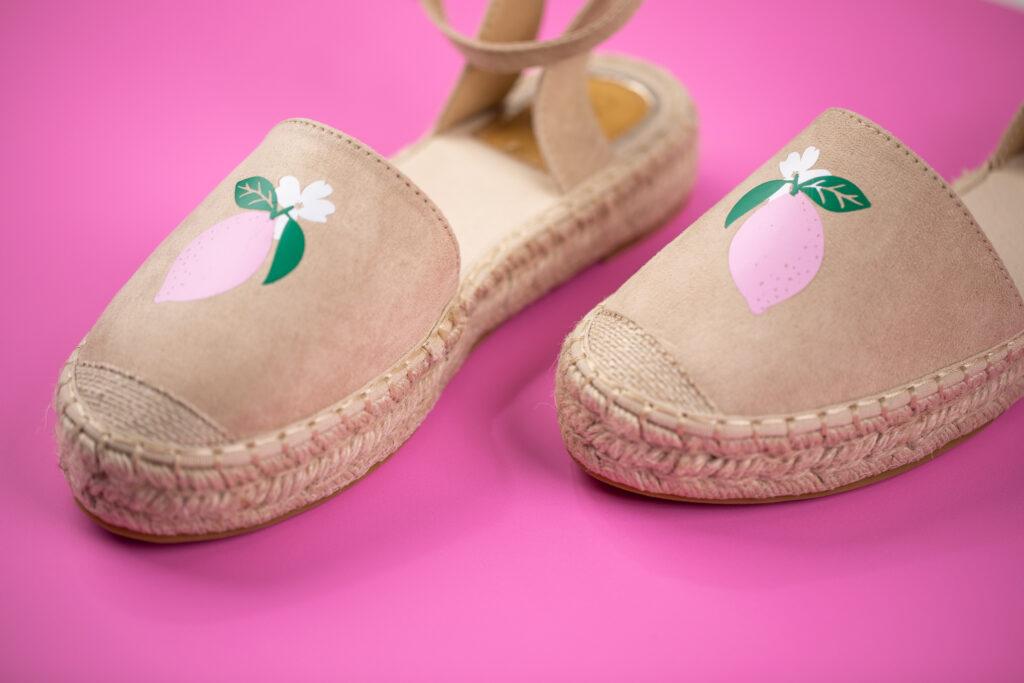
Thanks to heat transfer technology, you can easily create your own lettering, graphics, logos, and decorative designs on T-shirts, sweatshirts, and other textile materials. The light pink shade works perfectly for children's projects as well as elegant and subtle custom creations.
This heat transfer vinyl (HTV) allows you to quickly and precisely create personalized textile projects. It is commonly used for:
It is a solution that offers great creative freedom and allows you to produce both individual projects and small product runs.
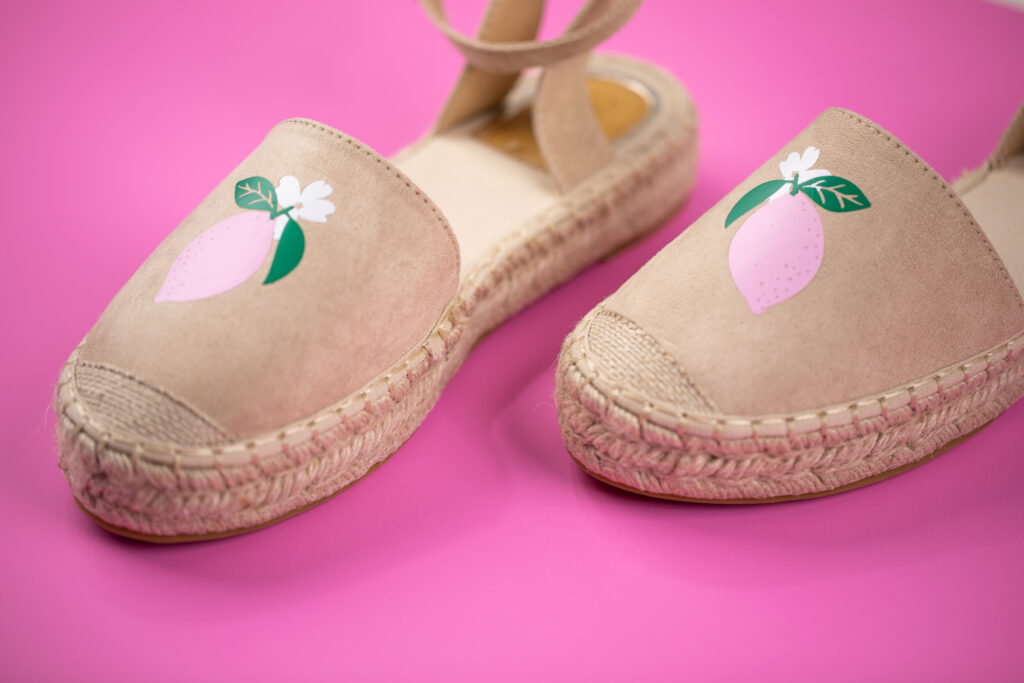
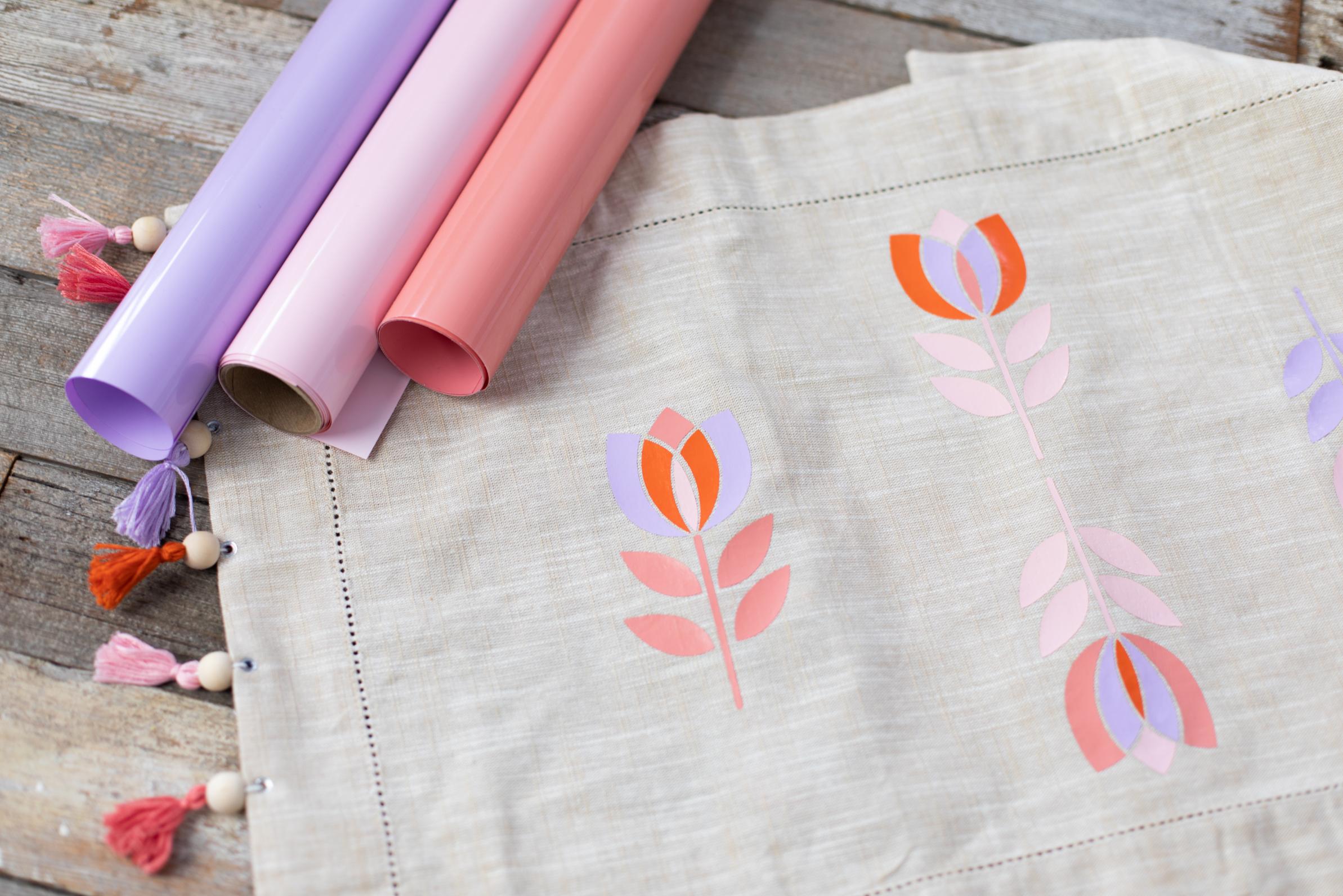
Silhouette Flex Film offers a wide range of possibilities for creators looking for durable, attractive, and professional results. Applications include:

What you will need:
Step 1: Design Your Artwork
Create your design in your cutting software. Remember to mirror the design because it will be applied in reverse.
Step 2: Set Up the Plotter and Cut
Place the film on the cutting mat with the glossy carrier side facing down. Set the appropriate cutting parameters—Flex Film usually requires low blade depth and cutting force settings (depending on your plotter model and film thickness). Then cut your design.
Step 3: Weed the Excess Material
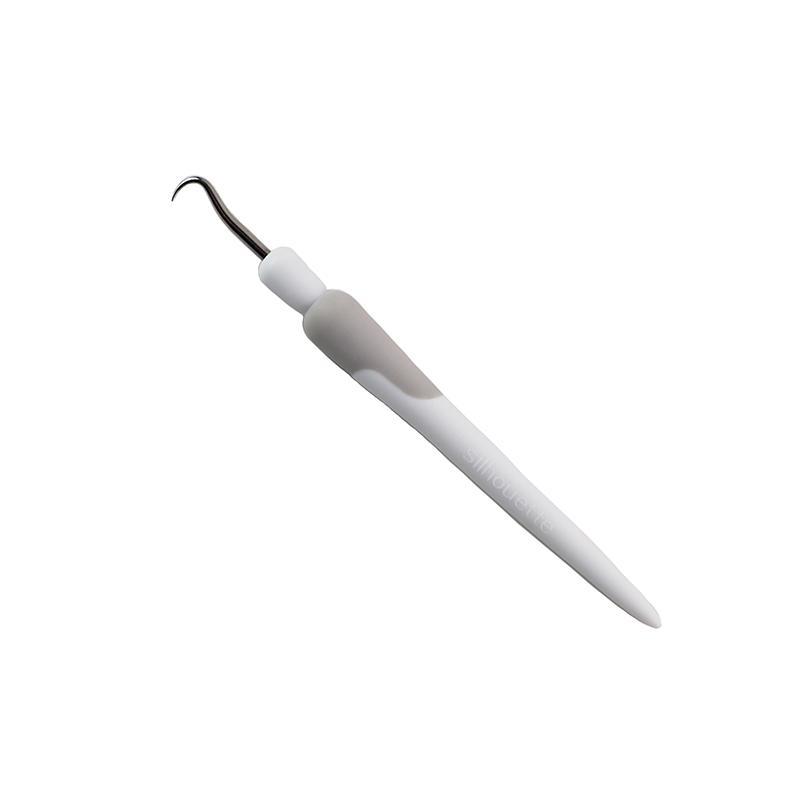
Remove unwanted film using a weeding tool. Only the desired design should remain on the transparent carrier sheet.
Step 4: Prepare the Fabric
Lay the fabric flat and lightly press it to remove wrinkles and moisture. Ensure the surface is clean and dry.
Step 5: Position the Design
Place the design on the fabric with the carrier sheet facing upward (the glossy side on top).
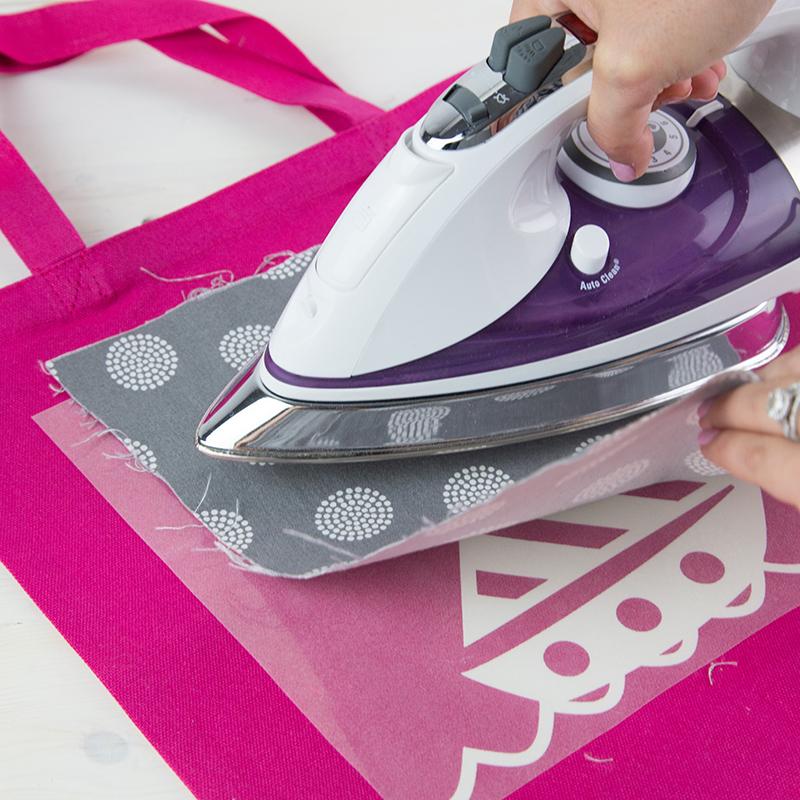
Step 6: Heat Application
Apply a heated press or iron (without steam). Temperature, time, and pressure should be set according to the film manufacturer's recommendations.
Step 7: Remove the Carrier Sheet
Wait a few seconds and carefully peel away the carrier sheet – Done!
Flex Film is not recommended for highly stretchable, silk, or very thin materials without prior testing.
| Title | Value |
|---|---|
| Heating Temperature | 305° F / 150° C |
| Heating Time Iron-on | 45 - 60 sec |
| Material dimensions | 30,5 x 91,44 cm |
| Surface | Smooth |
| Heating Time using Heat Press | 10 - 15 sec |
| Base | Heat activated adhesive |
| Material Thickness | 0,1 mm |
| Printable Surface | No |
| Cutting | With mat, Without mat |
| Peeling Condition | Warm |
| Manufacturer Details | Silhouette America® Inc.618 N. 2000 W.Lindon, Utah 84042, USA support@silhouetteamerica.com |
| EU Marketing Authorisation Holder | Graphtec Europe B.V. address: Kruisweg 801-B, 2132NG, Hoofddorp, The Netherlands tel: 31611841511 support@silhouetteeurope.eu |
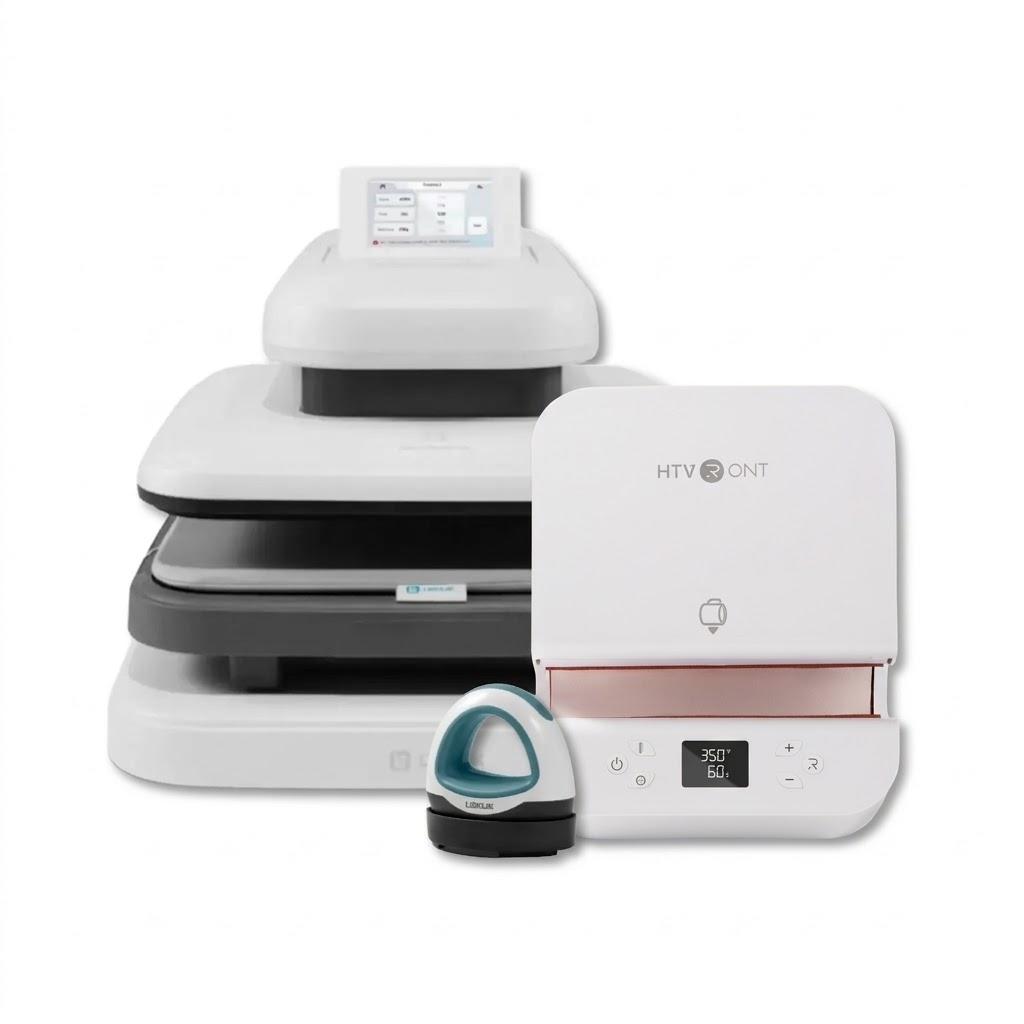
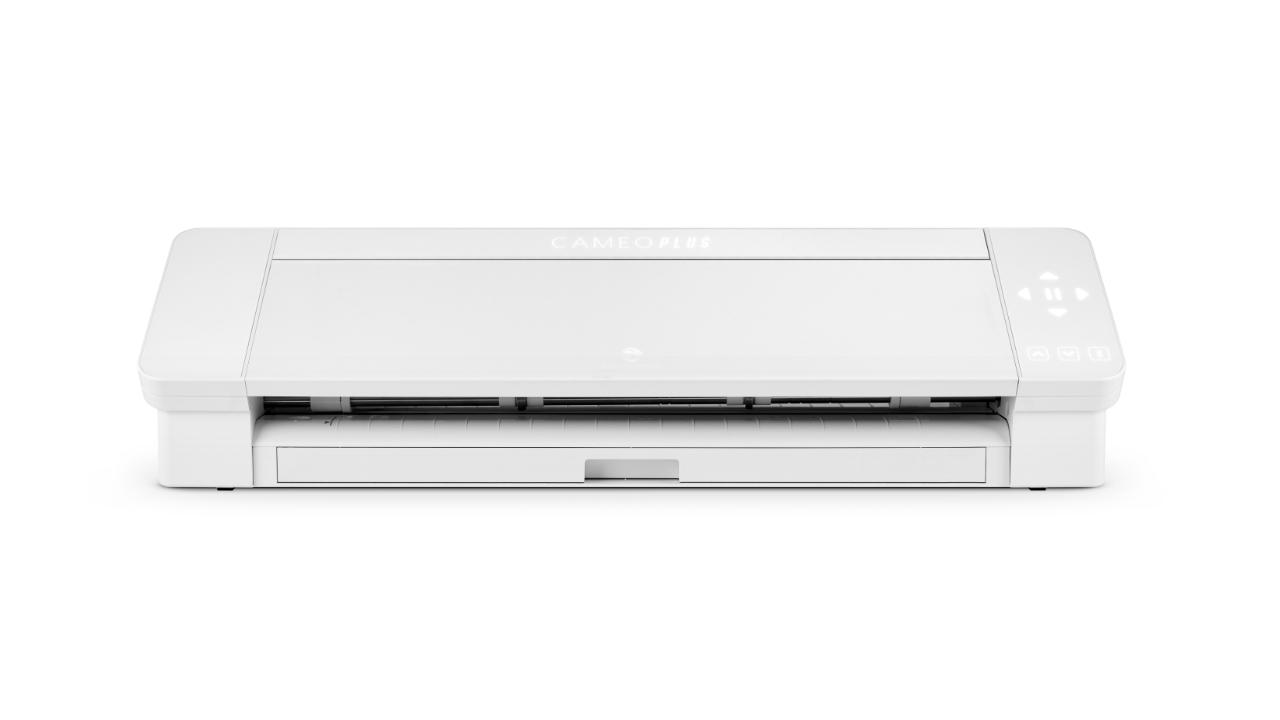
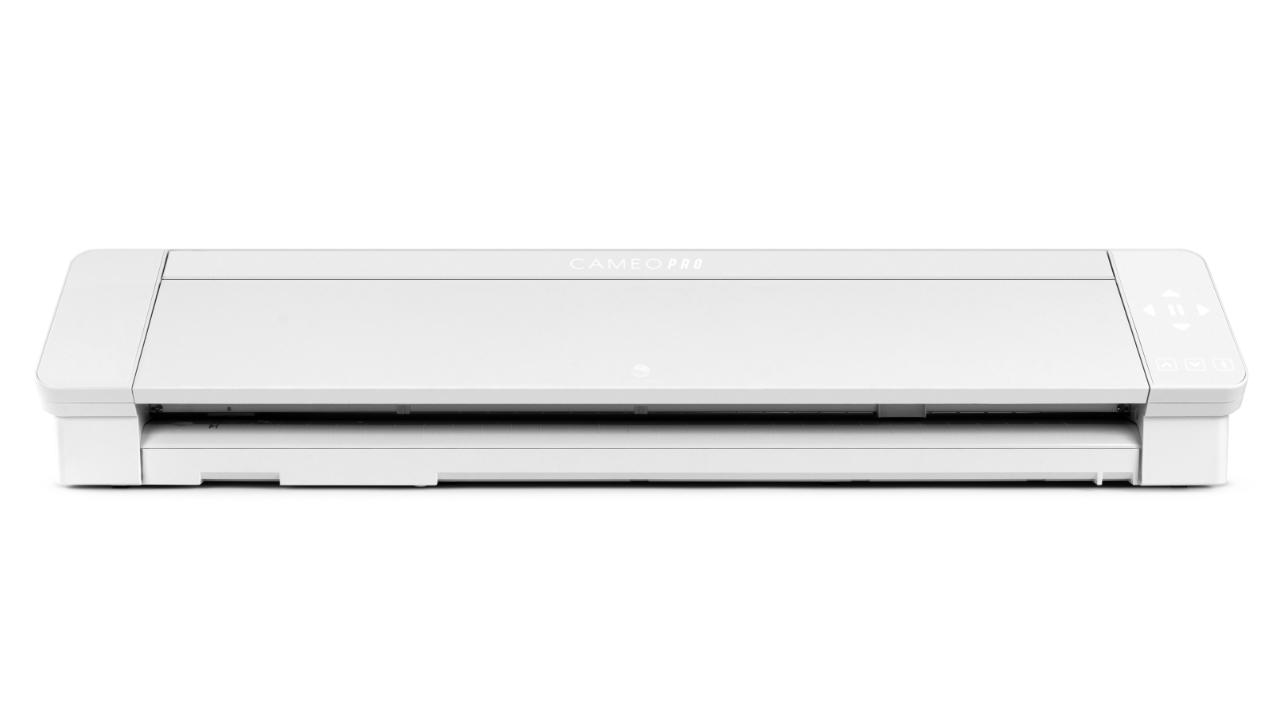
You can use this product with the following devices:
Other clients bought also:
No one has added an opinion yet.
Be the first to do so!
Made by: Michał Desol