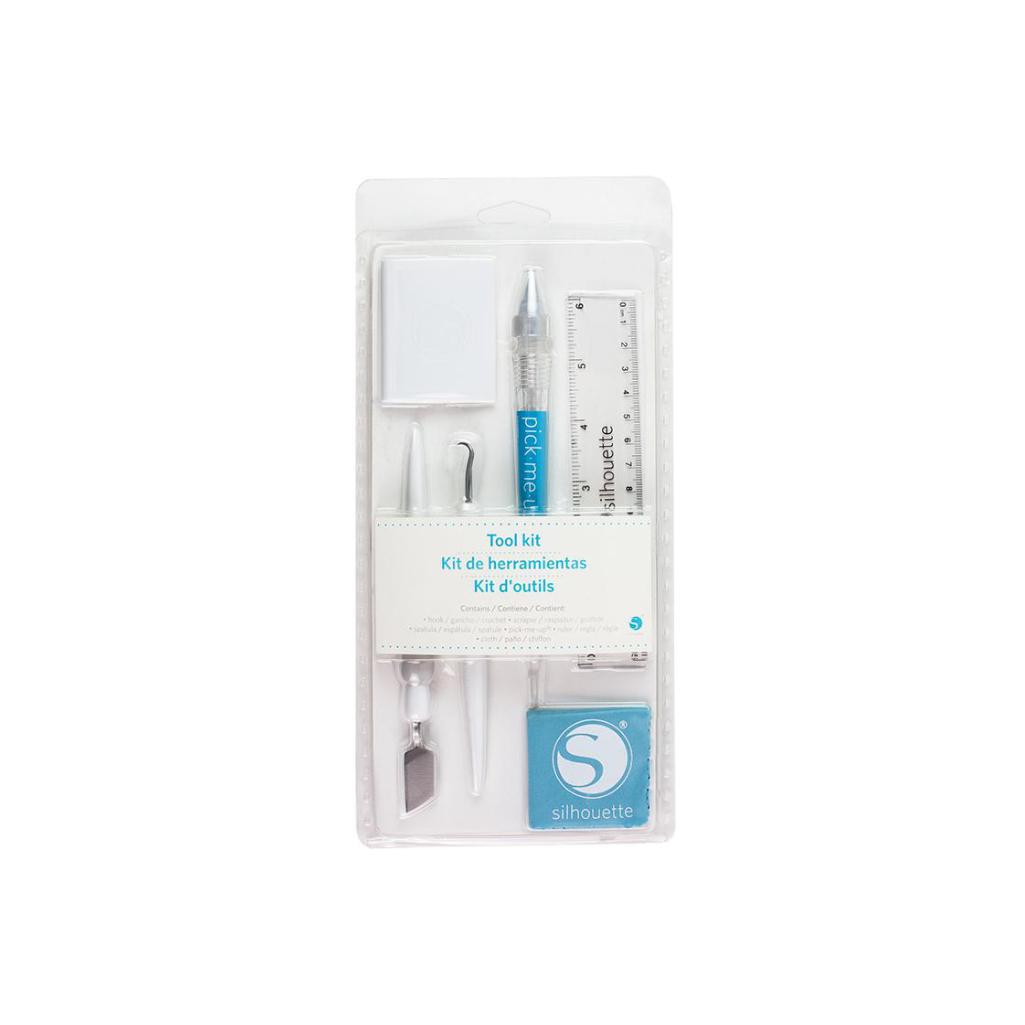






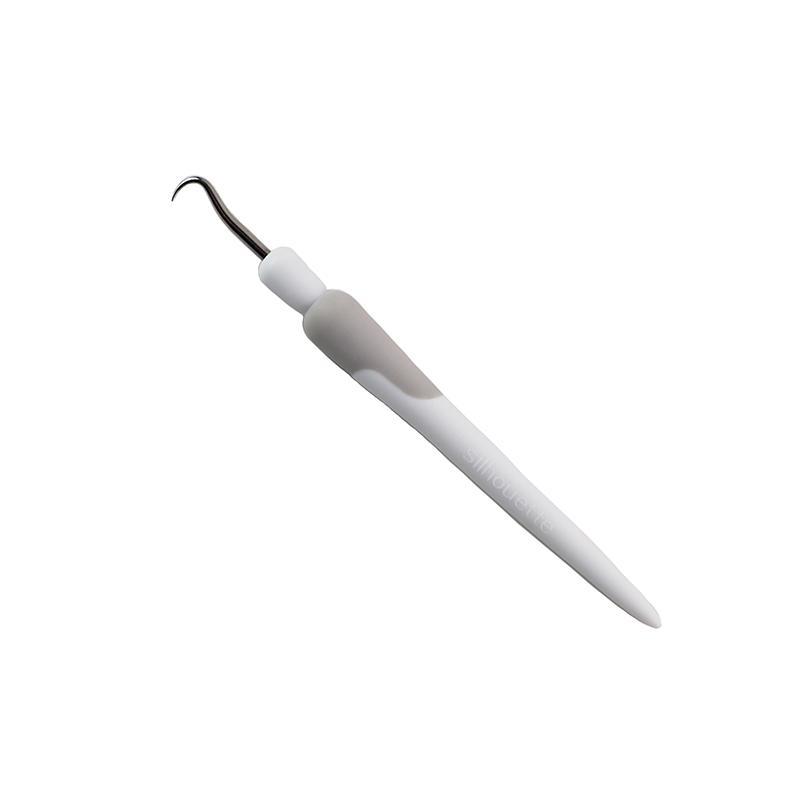
Silhouette Hook
35,00złincl. tax
🔥 Bestsellerowy CAMEO 5a – 150 zł TANIEJ! Kup teraz →
Do you have any questions? We'll be happy to help!
SKU: 814792019887
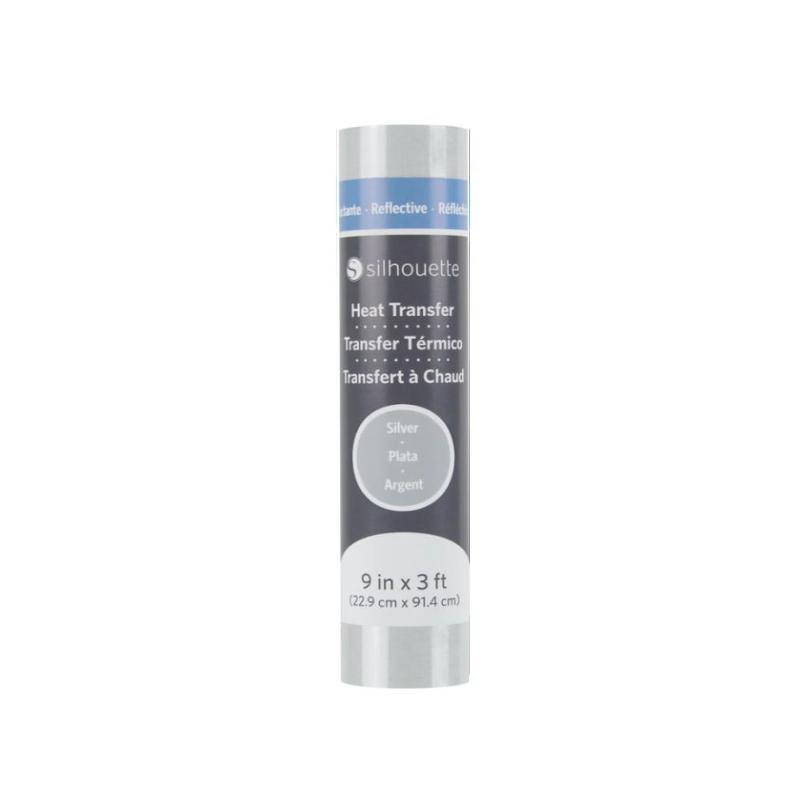
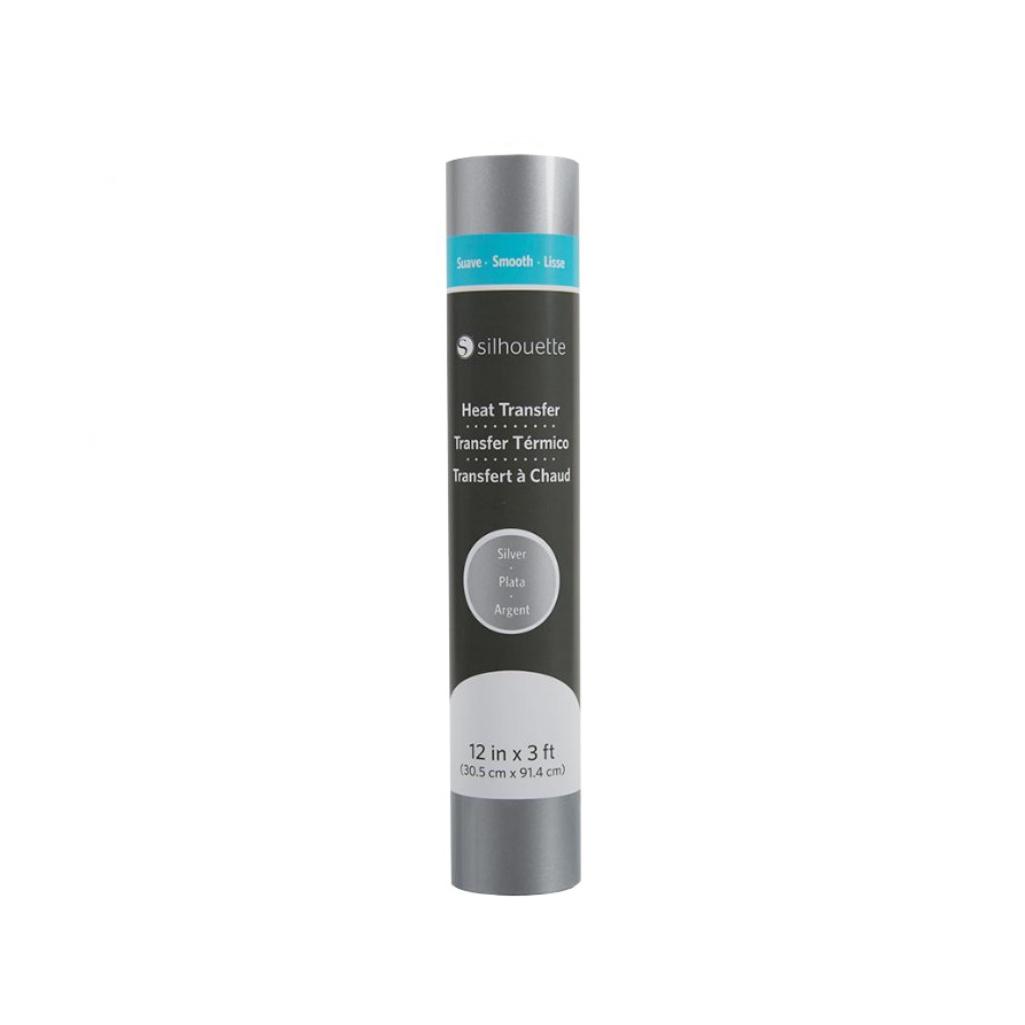
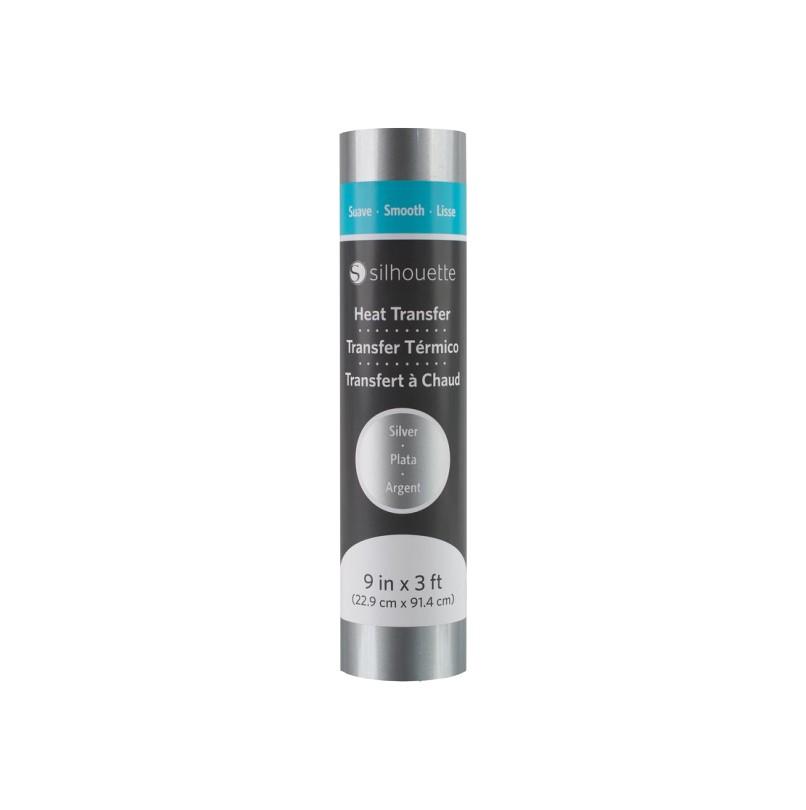
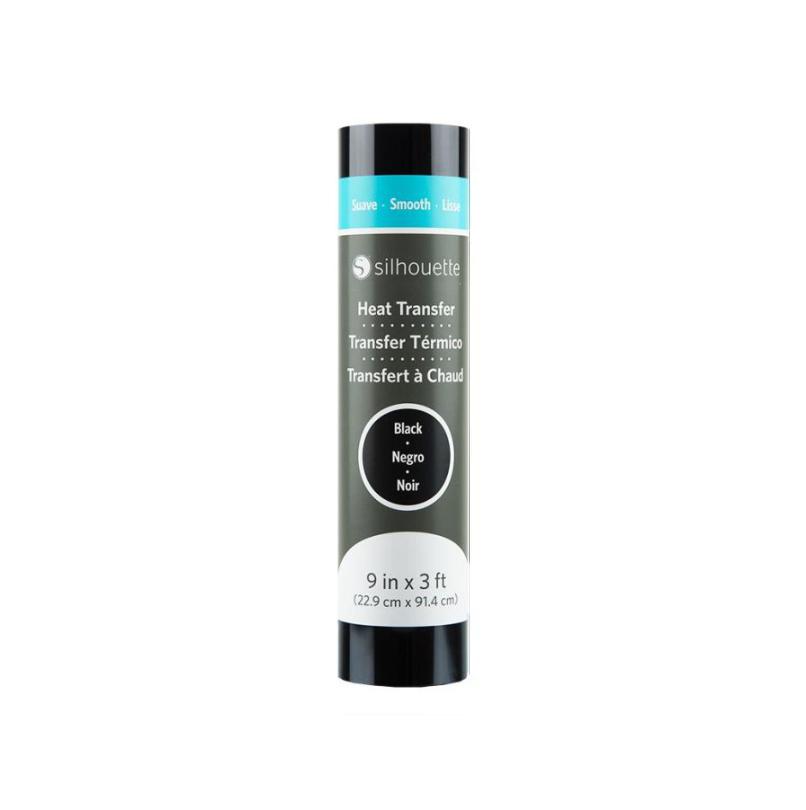
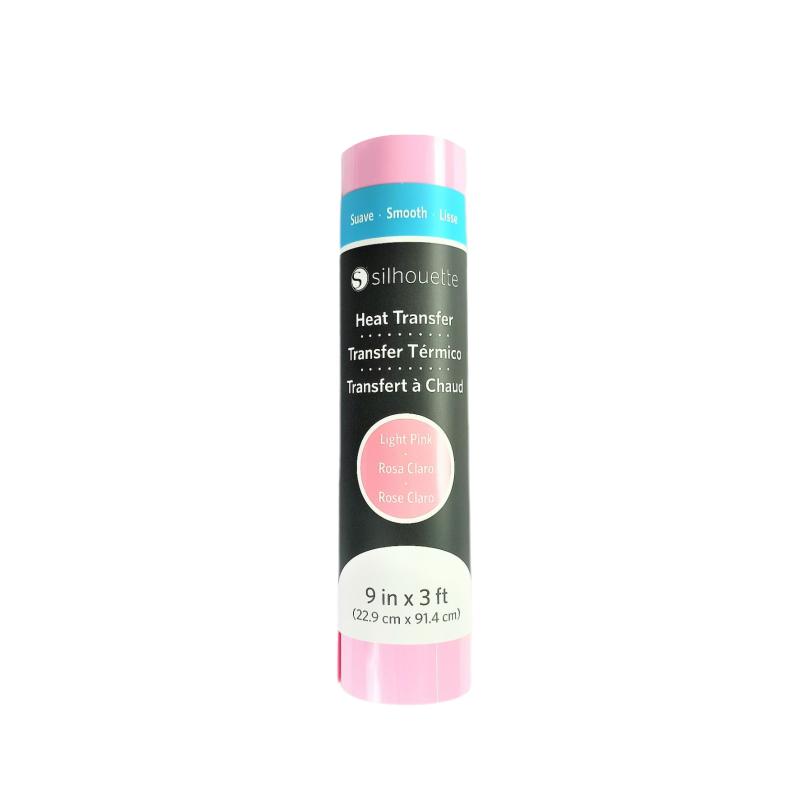
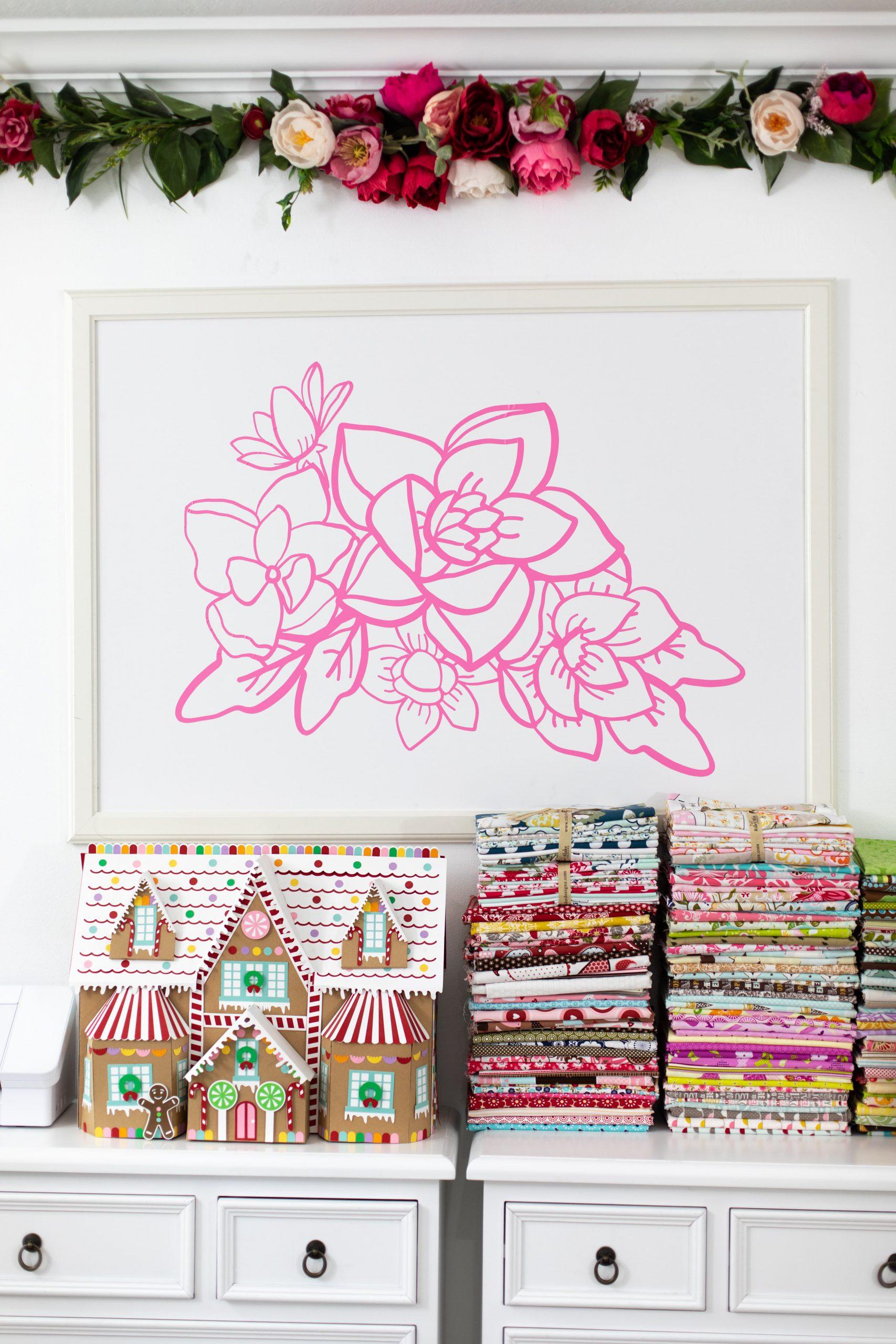
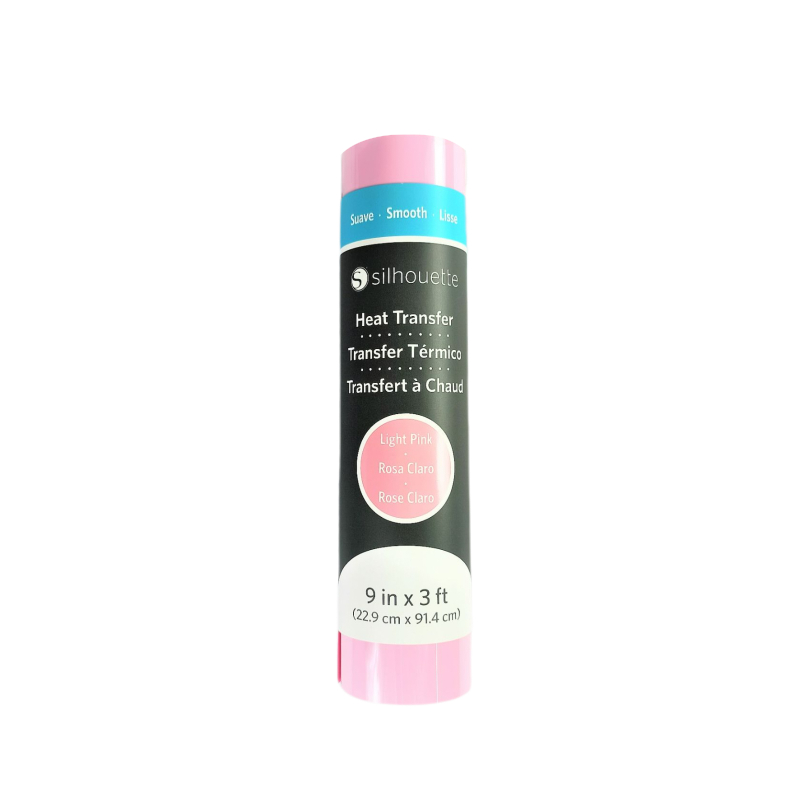
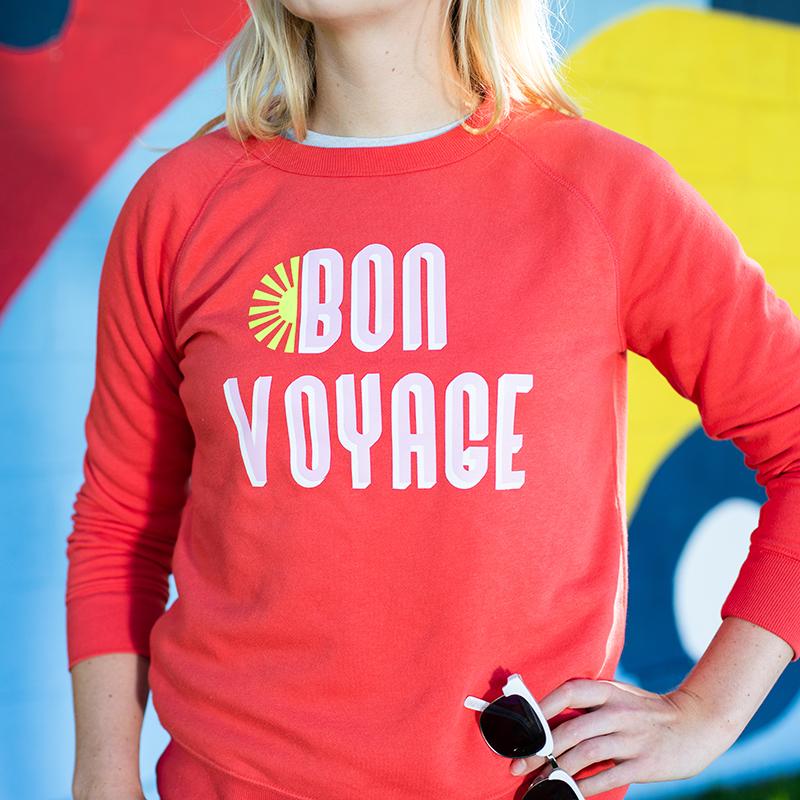
Silhouette Heat Transfer - 23cm - Bright Pink is perfect for cutting plotters. Create unique clothing and decorate T-shirts, bags or children's clothes, giving them a unique look.
79,99zł incl. tax
Lowest regular price of the last 30 days: 79,99złSilhouette Heat Transfer - 23cm - Bright Pink
79,99zł
The product includes the following elements:
With dimensions 23 x 91,44 cm.
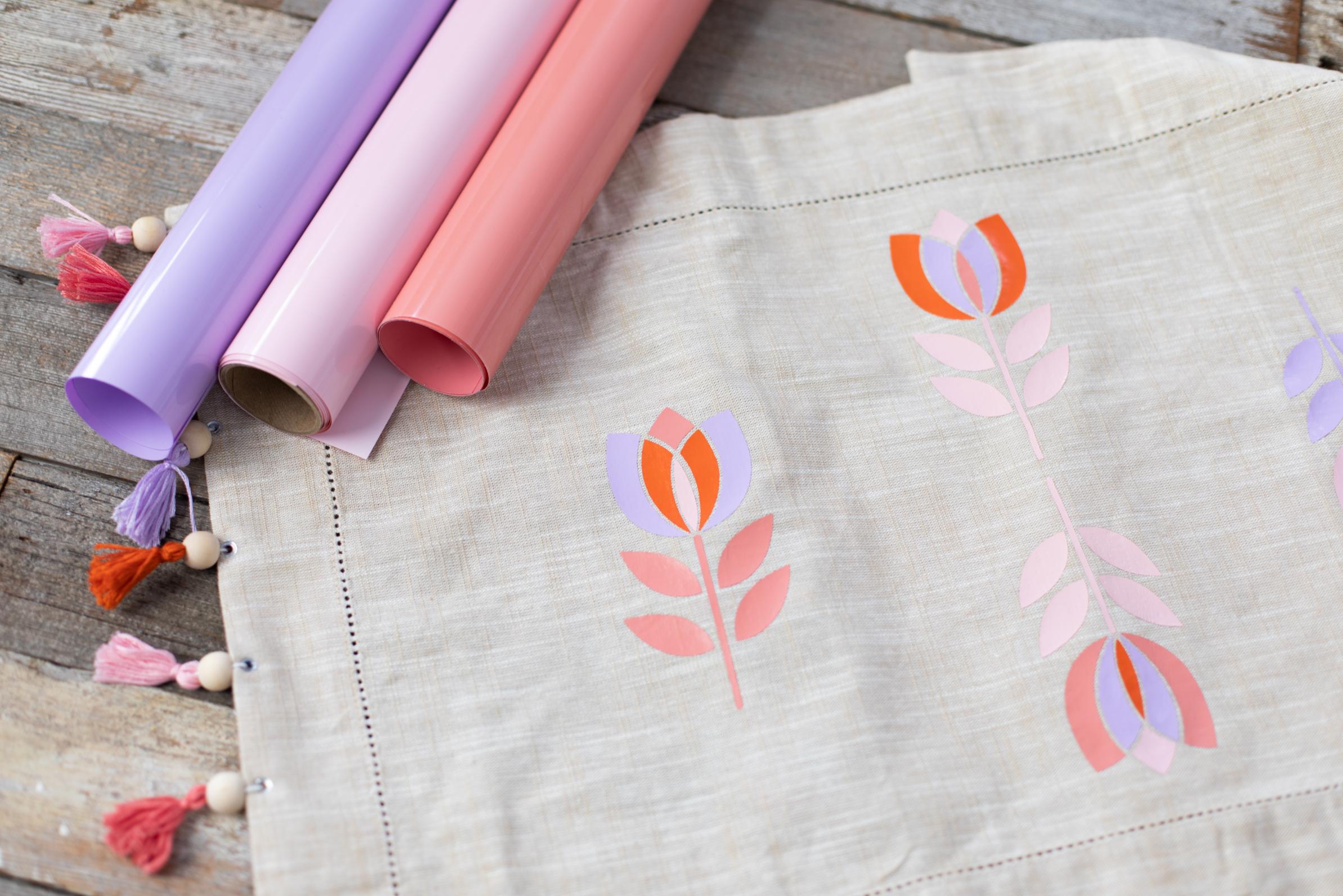
Create durable and attractive heat transfer designs on clothing and textiles in a light pink color. Silhouette Flex Vinyl is a practical solution for anyone involved in garment personalization, crafting, and creating creative projects for schools, kindergartens, and small businesses.
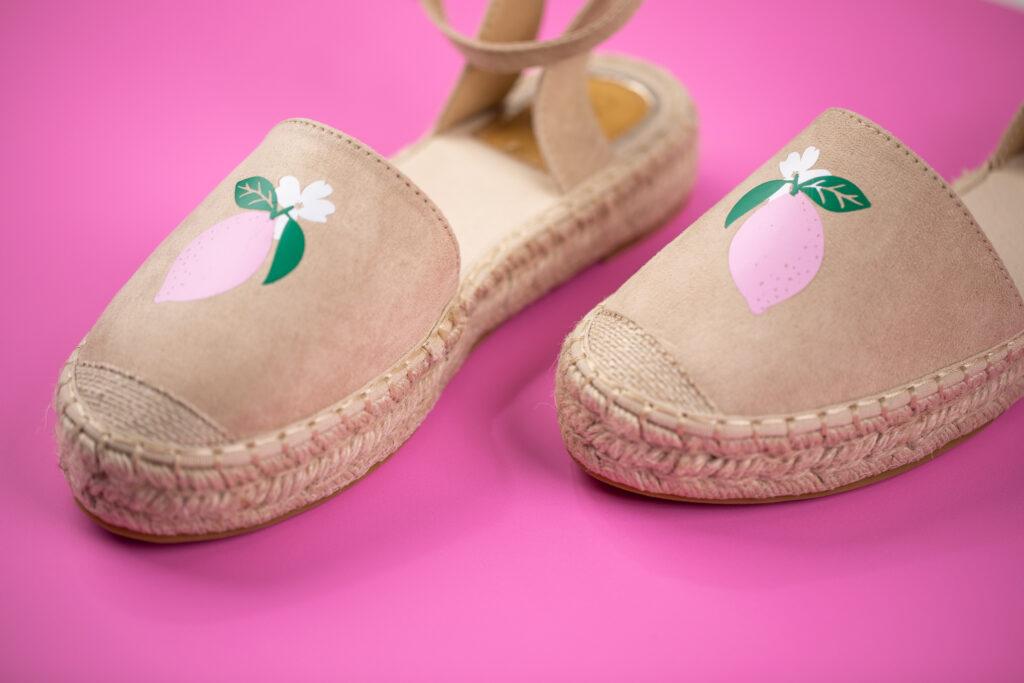
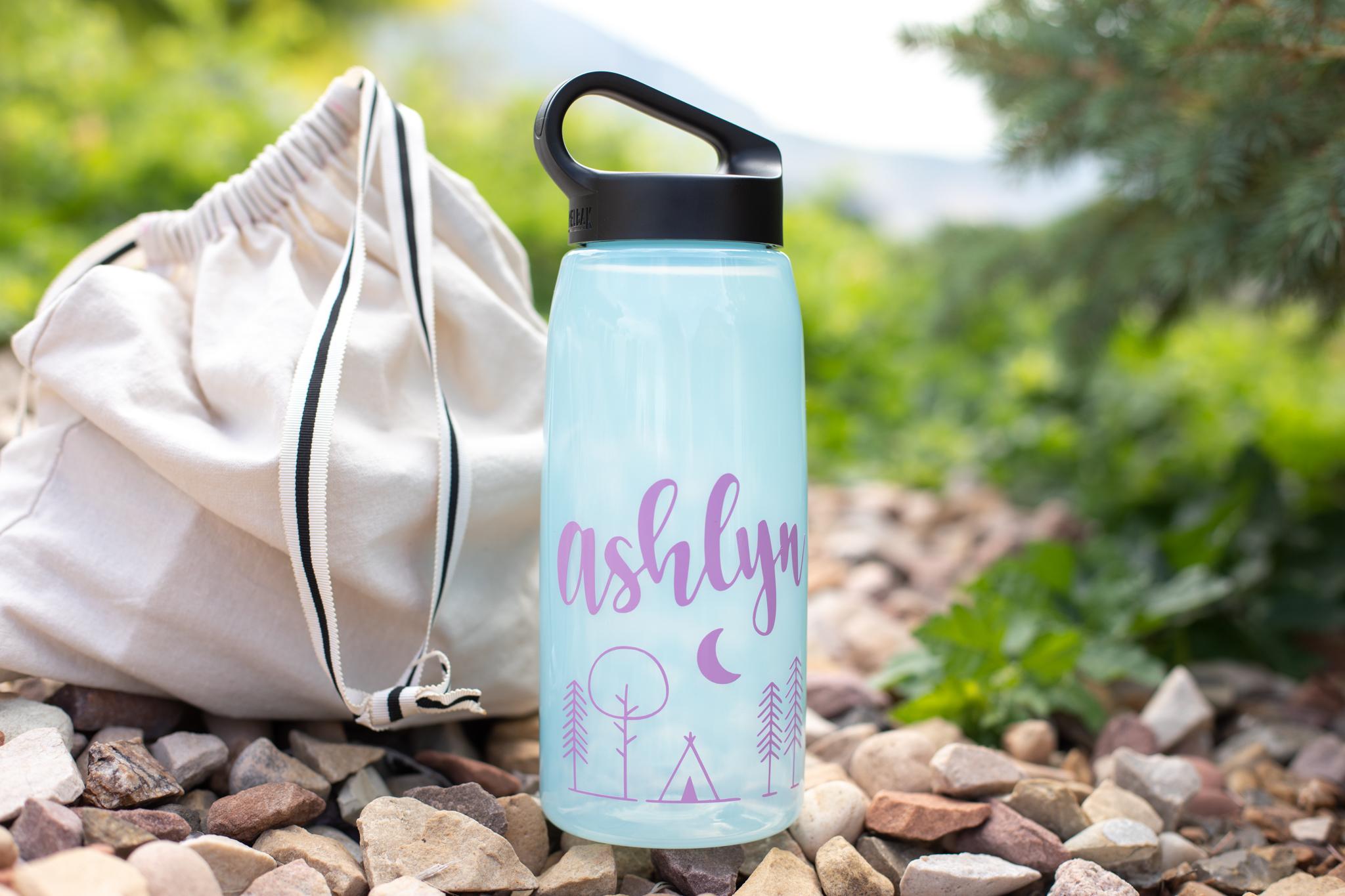
Thanks to heat transfer technology, you can easily create your own lettering, graphics, logos, or decorative designs on T-shirts, hoodies, and other textile materials. The light pink color is perfect for both elegant projects and subtle custom creations.
This heat transfer vinyl (HTV) allows you to quickly and precisely create personalized textile projects. It is commonly used for:
It is a versatile solution that provides creative freedom, making it suitable for both one-off custom projects and short production runs.
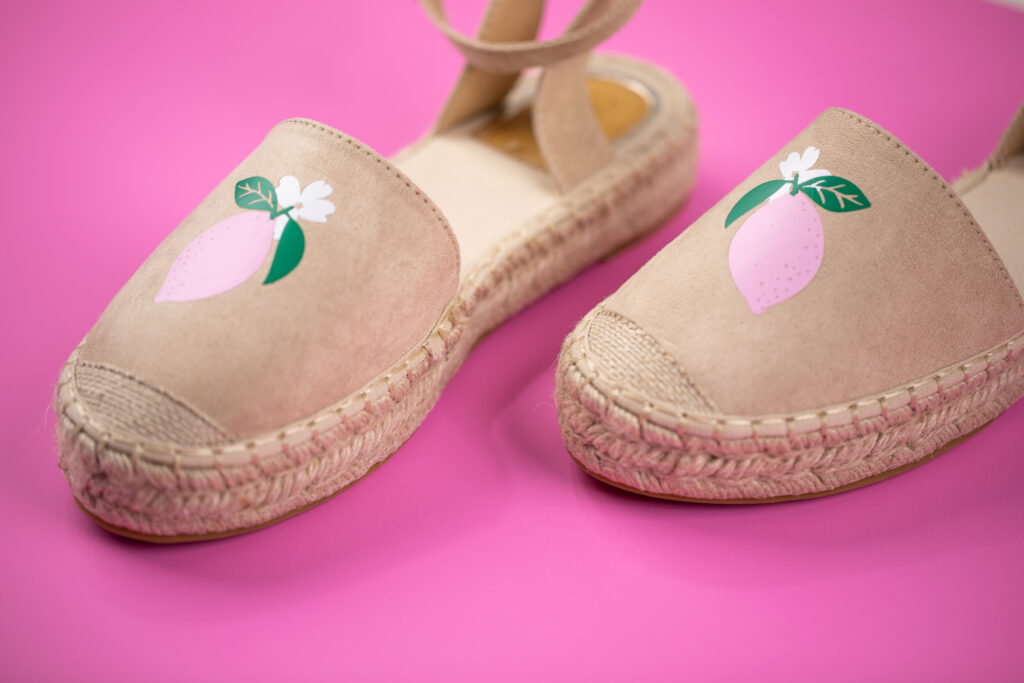

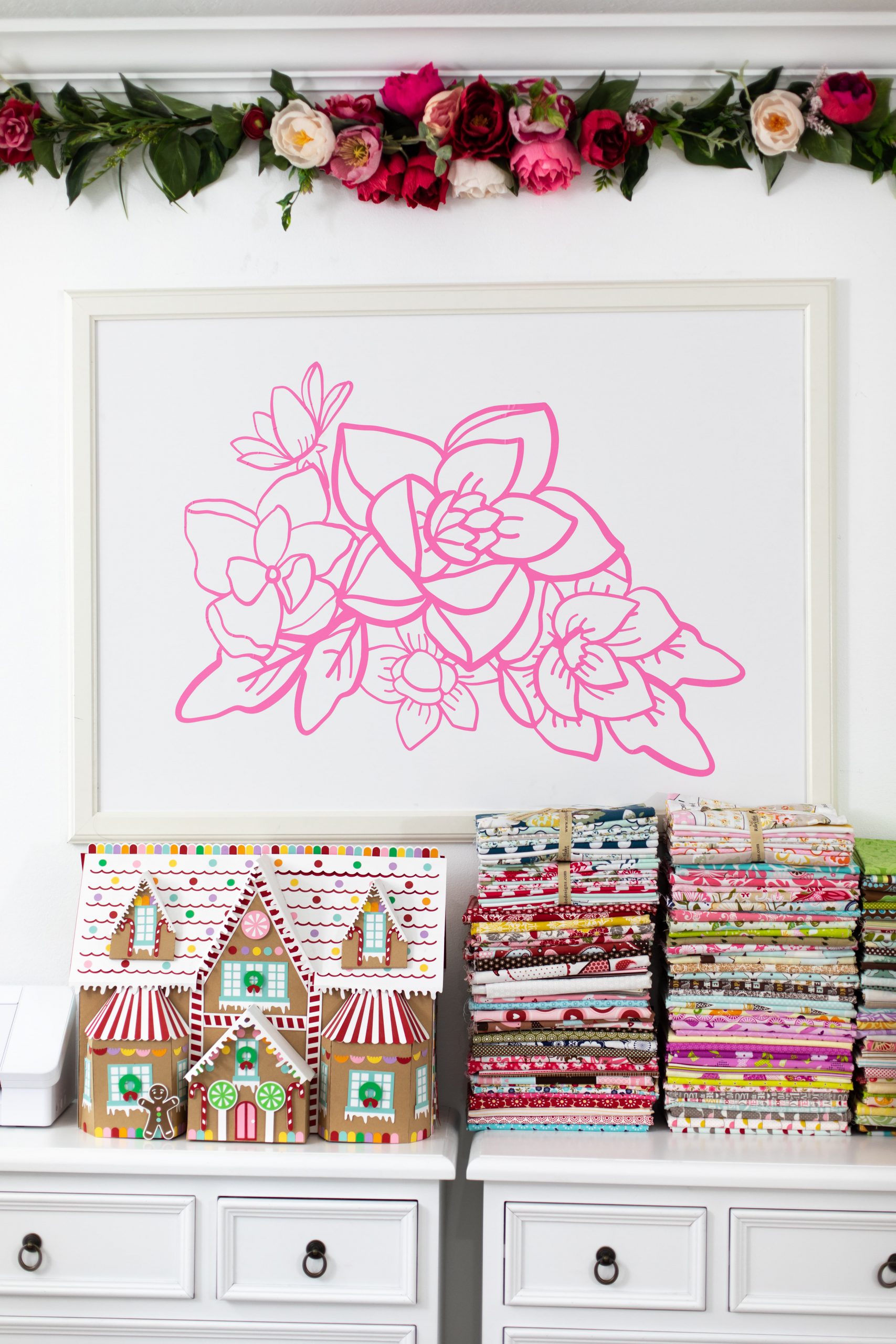
Silhouette Flex Vinyl offers numerous possibilities for creators looking for durable, attractive, and professional-looking results. It can be used for:

What you'll need:
Step 1: Create your design
Create your artwork in your cutting software. Remember to mirror the design before cutting, as it will be transferred in reverse.
Step 2: Set up the cutting plotter and cut the vinyl
Place the vinyl on the cutting mat with the glossy carrier sheet facing down. Select the appropriate cutting settings for Flex Vinyl, usually using low blade depth and cutting force depending on your plotter model and the vinyl thickness. Then cut the design.
Step 3: Weed the excess vinyl
Use a weeding tool to remove the unwanted vinyl, leaving only your design on the transparent carrier sheet.
Step 4: Prepare the fabric
Lay the fabric on a flat surface and pre-press it briefly to remove wrinkles and moisture. Make sure the surface is clean and dry.
Step 5: Position the design
Place the design onto the fabric with the carrier sheet facing upward (the glossy side on top).
Step 6: Heat press the design
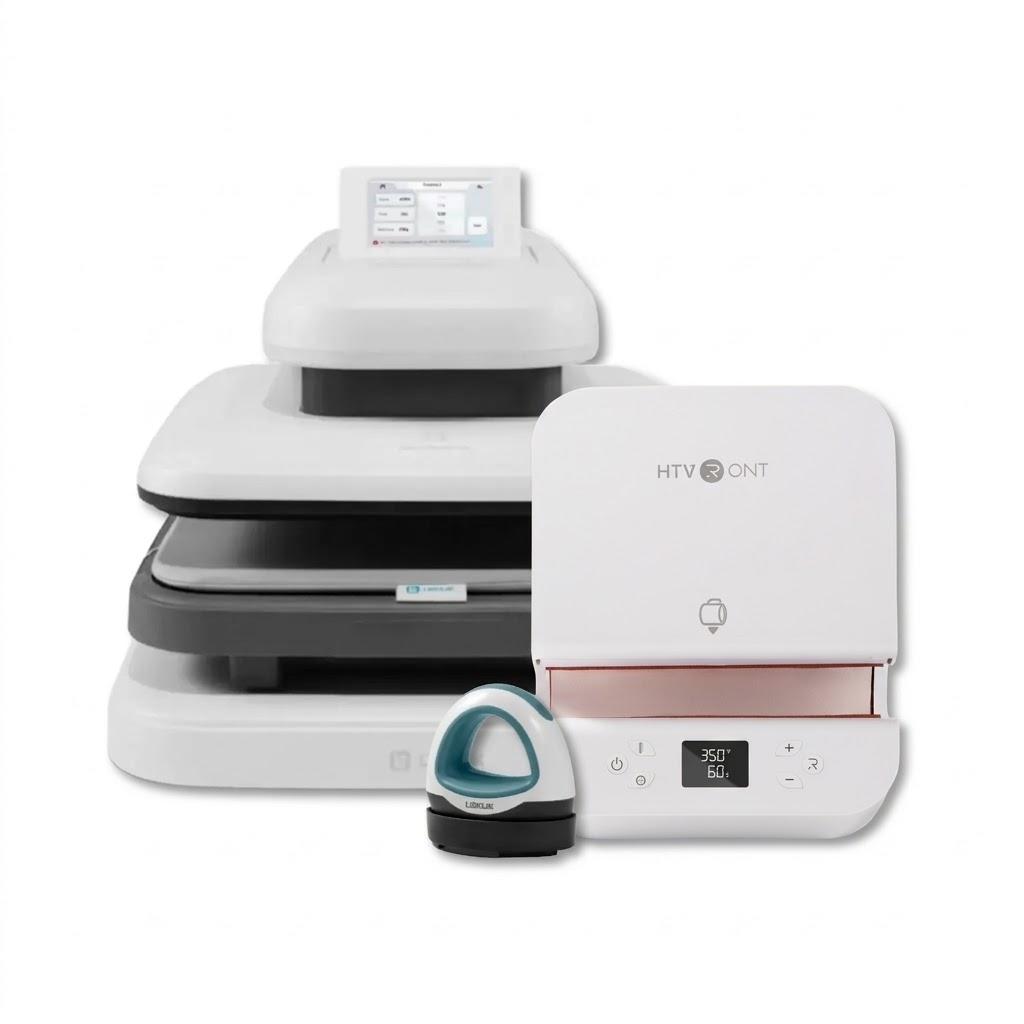
Apply the heat press or iron (without steam). Adjust the temperature, pressing time, and pressure according to the vinyl manufacturer's recommendations.
Step 7: Remove the carrier sheet
Wait a few seconds, then carefully peel away the carrier sheet — your project is ready!
Using Flex Vinyl on highly stretchable fabrics, silk, or very thin materials is not recommended without performing a test application first.

| Title | Value |
|---|---|
| Heating Temperature | 305° F / 150° C |
| Heating Time Iron-on | 45 - 60 sec |
| Material dimensions | 22,9 x 91,44 cm |
| Heating Time using Heat Press | 10 - 15 sec |
| Surface | Smooth |
| Base | Heat activated adhesive |
| Material Thickness | 0,1 mm |
| Printable Surface | No |
| Cutting | With mat, Without mat |
| Peeling Condition | Warm |
| Manufacturer Details | Silhouette America® Inc.618 N. 2000 W.Lindon, Utah 84042, USA support@silhouetteamerica.com |
| EU Marketing Authorisation Holder | Graphtec Europe B.V. address: Kruisweg 801-B, 2132NG, Hoofddorp, The Netherlands tel: 31611841511 support@silhouetteeurope.eu |
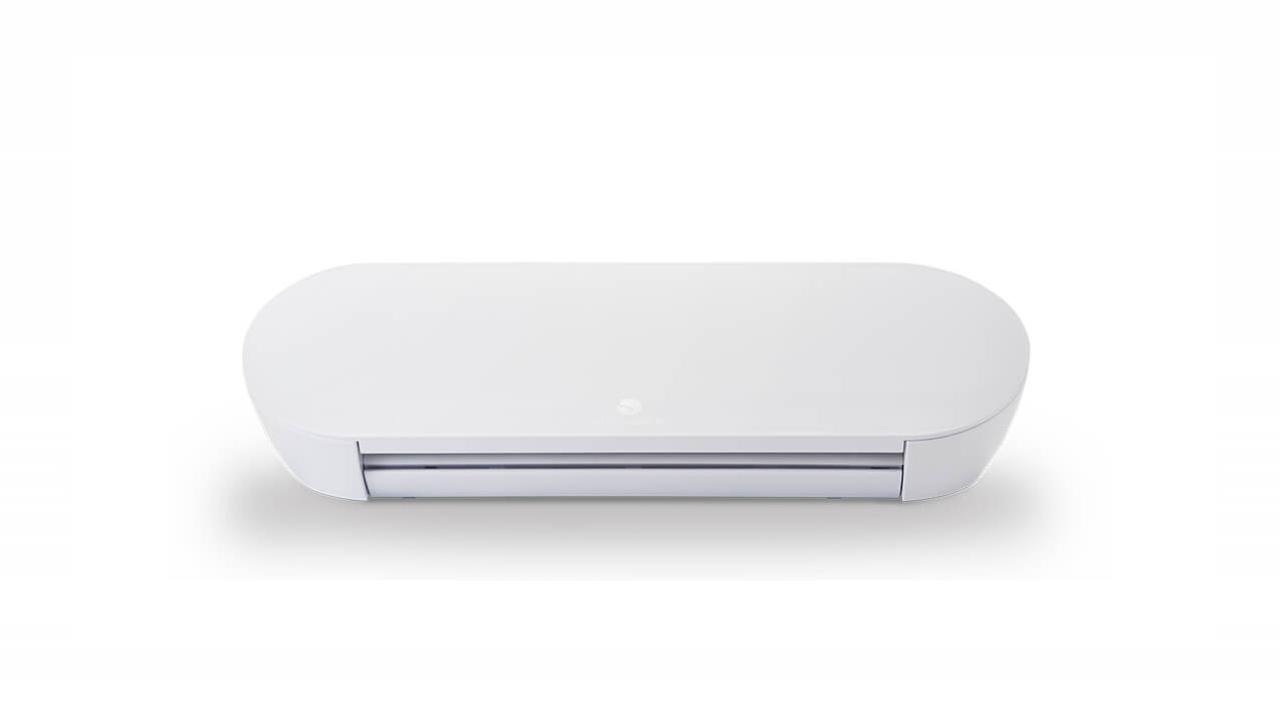
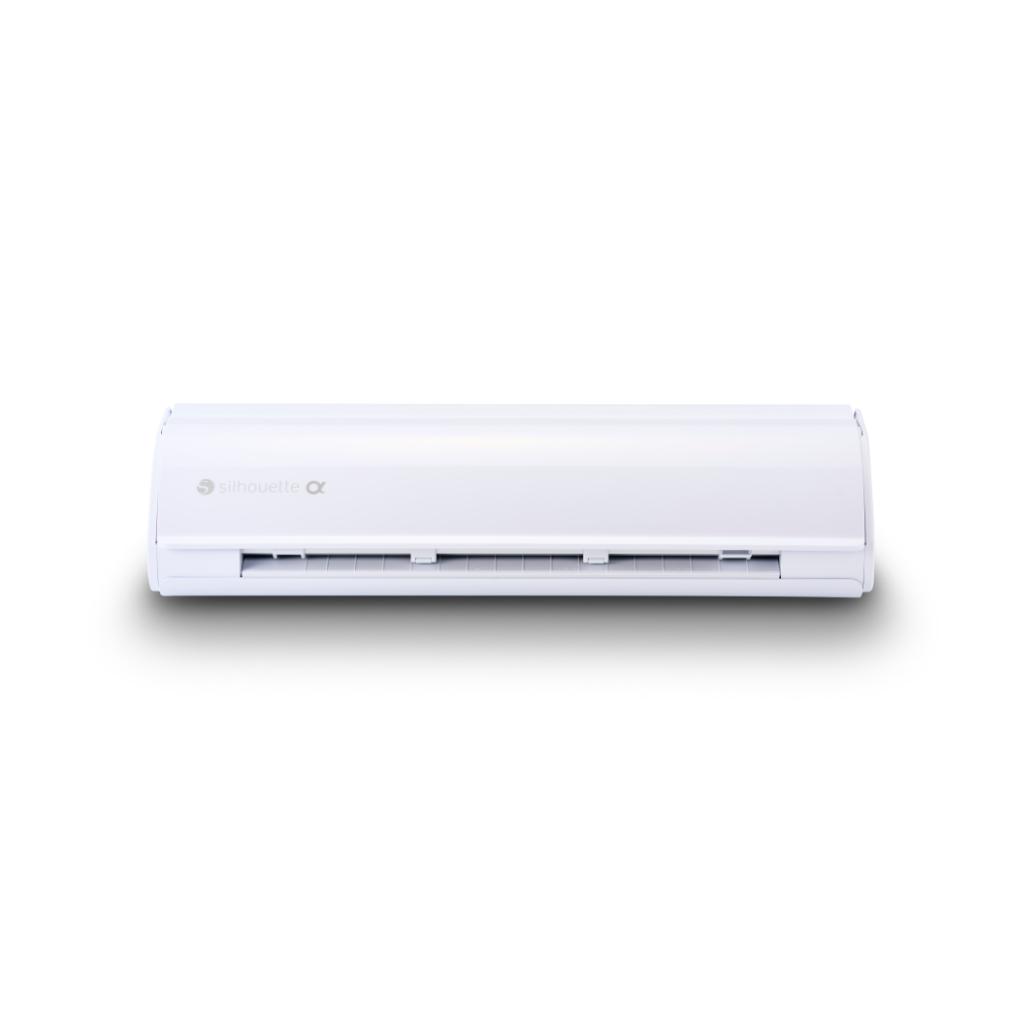
You can use this product with the following devices:
Other customers bought also:
No one has added an opinion yet.
Be the first to do so!
Made by: Michał Desol