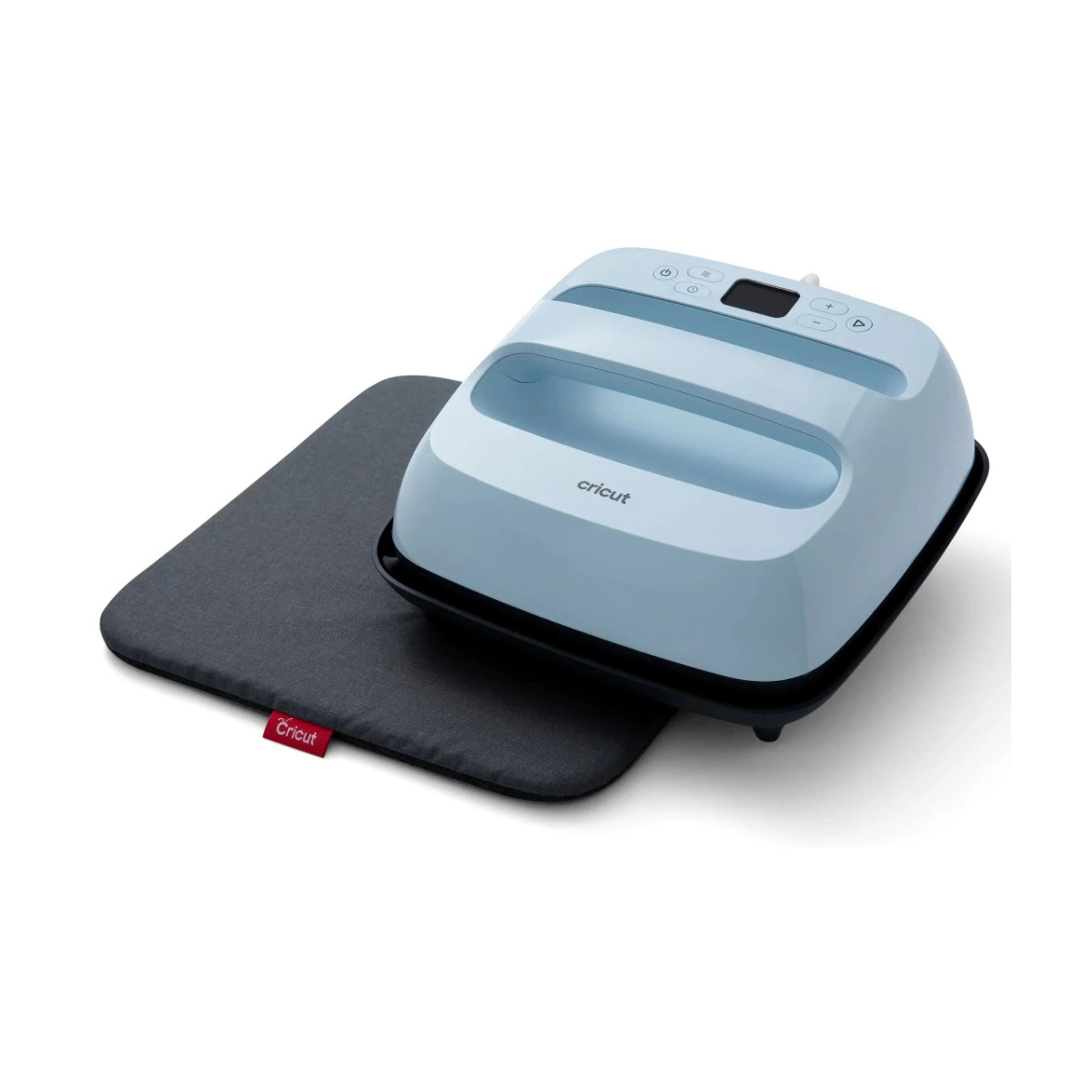
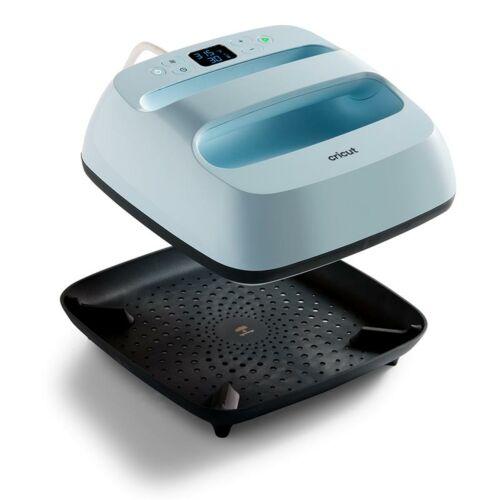
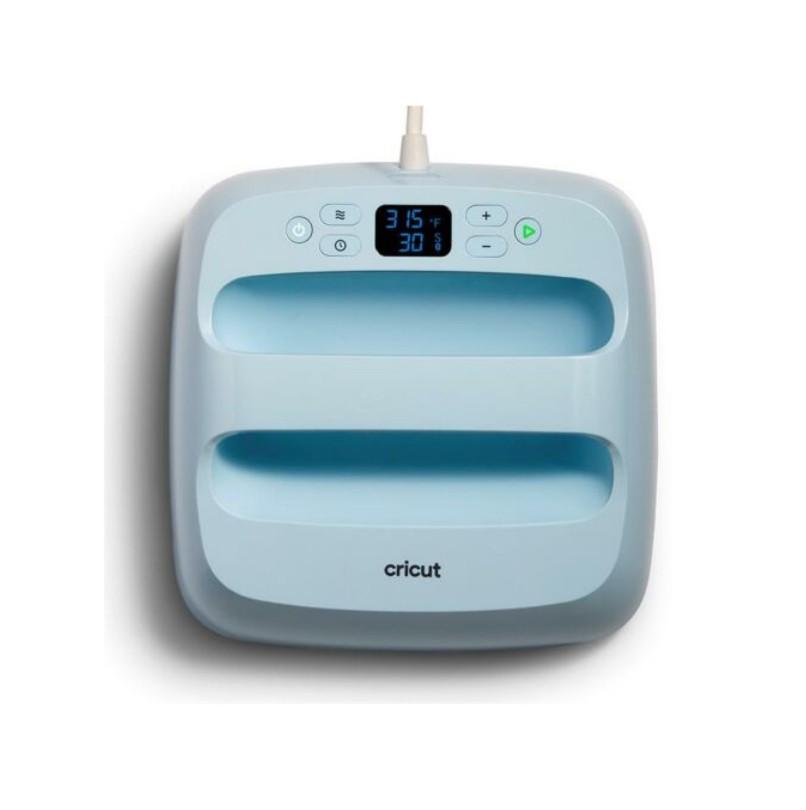
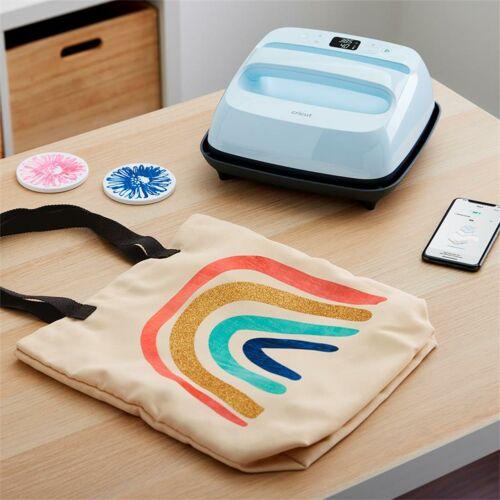
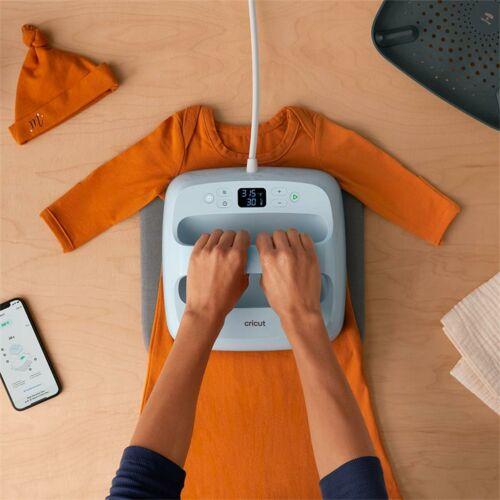
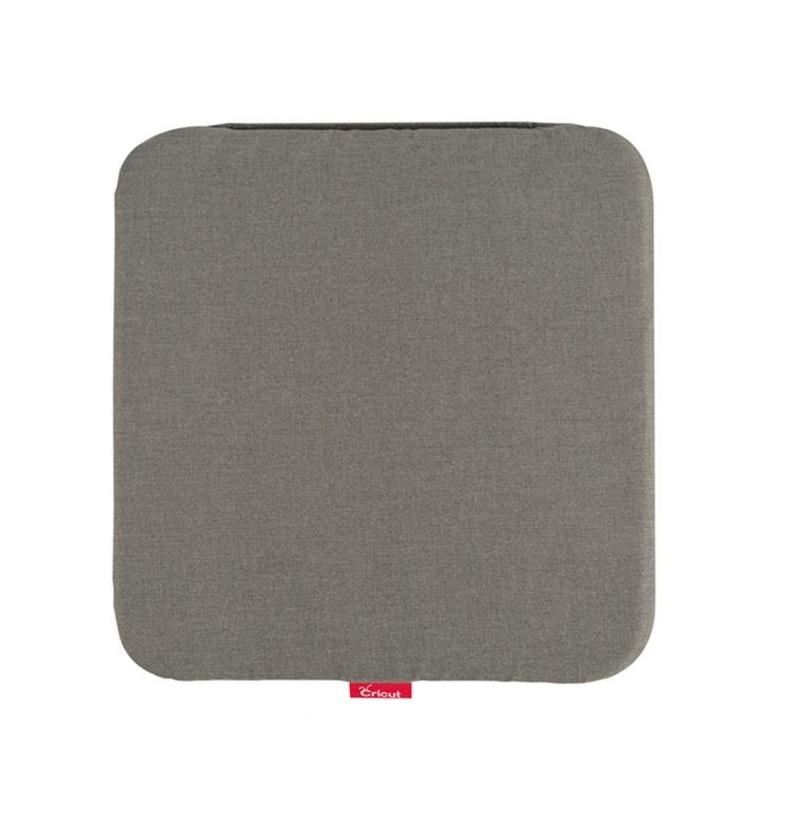
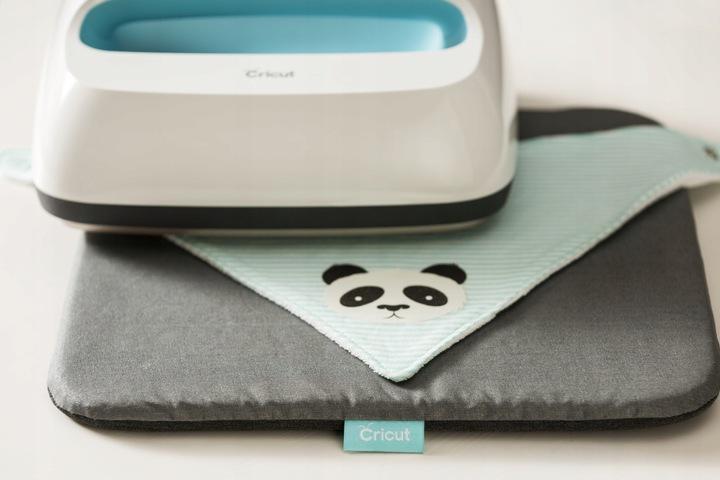
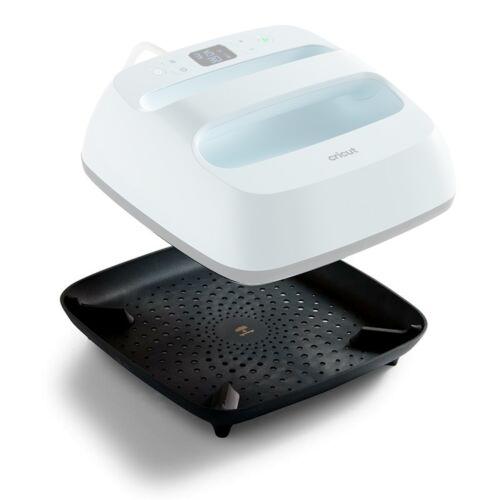
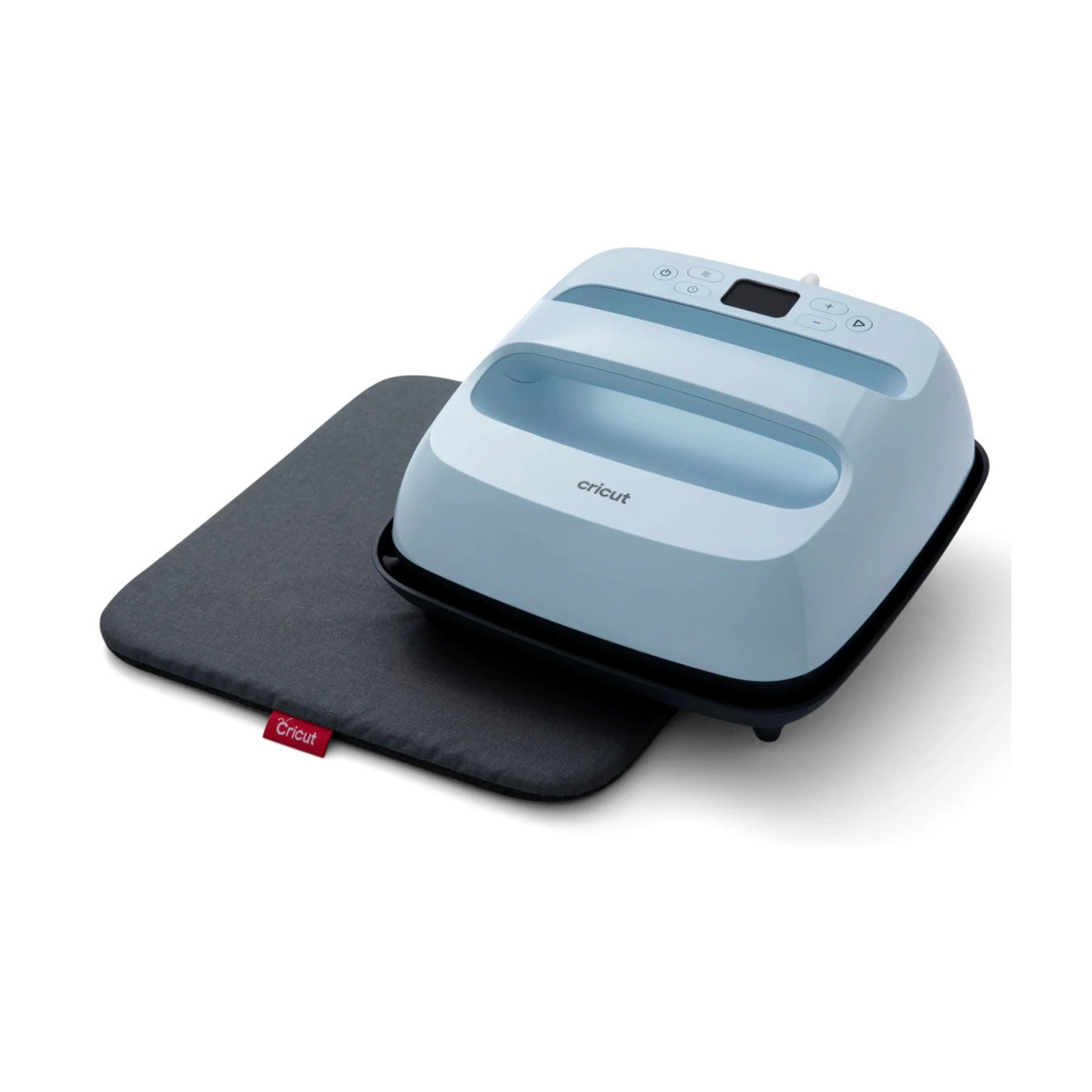
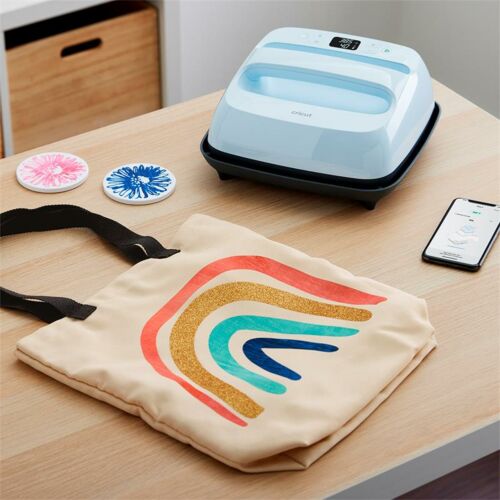
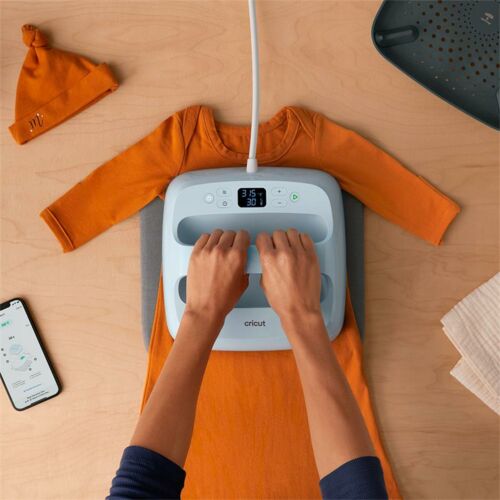
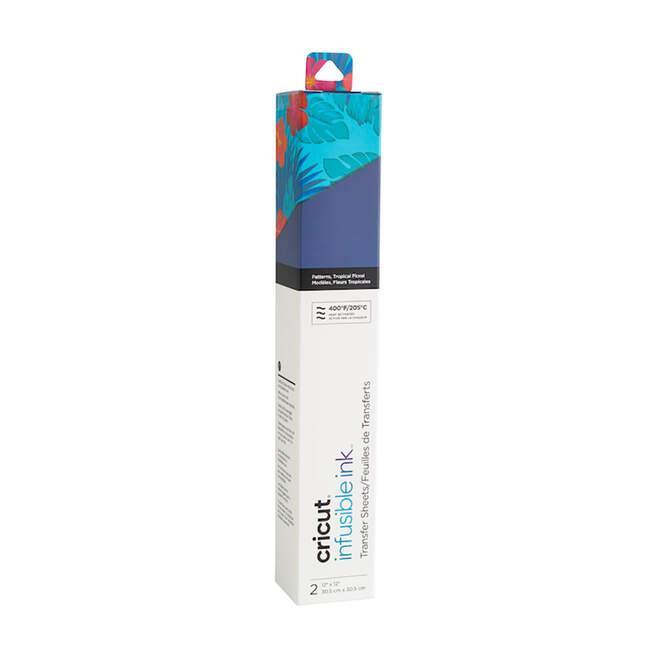
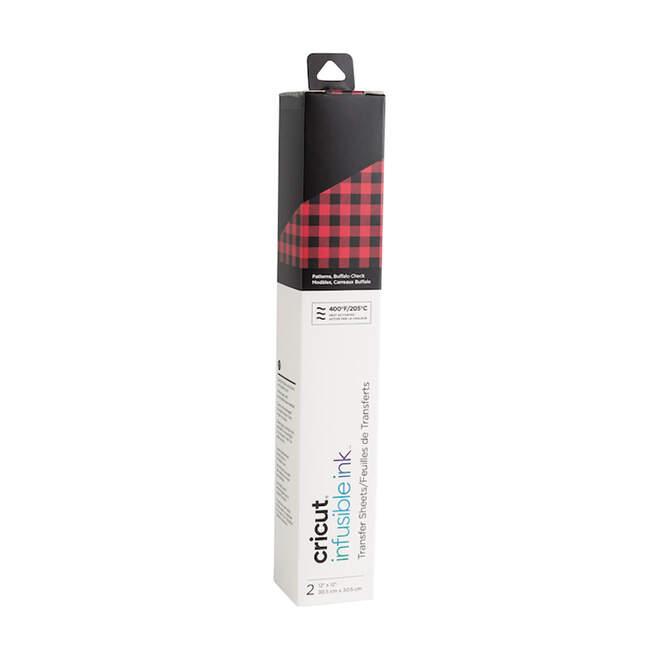
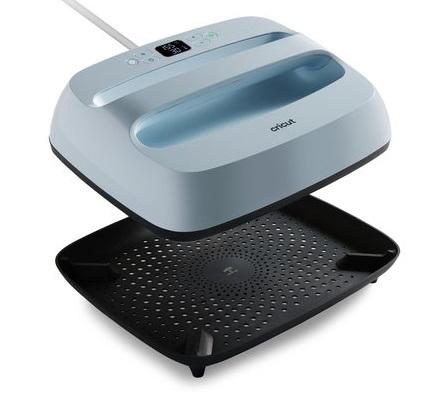
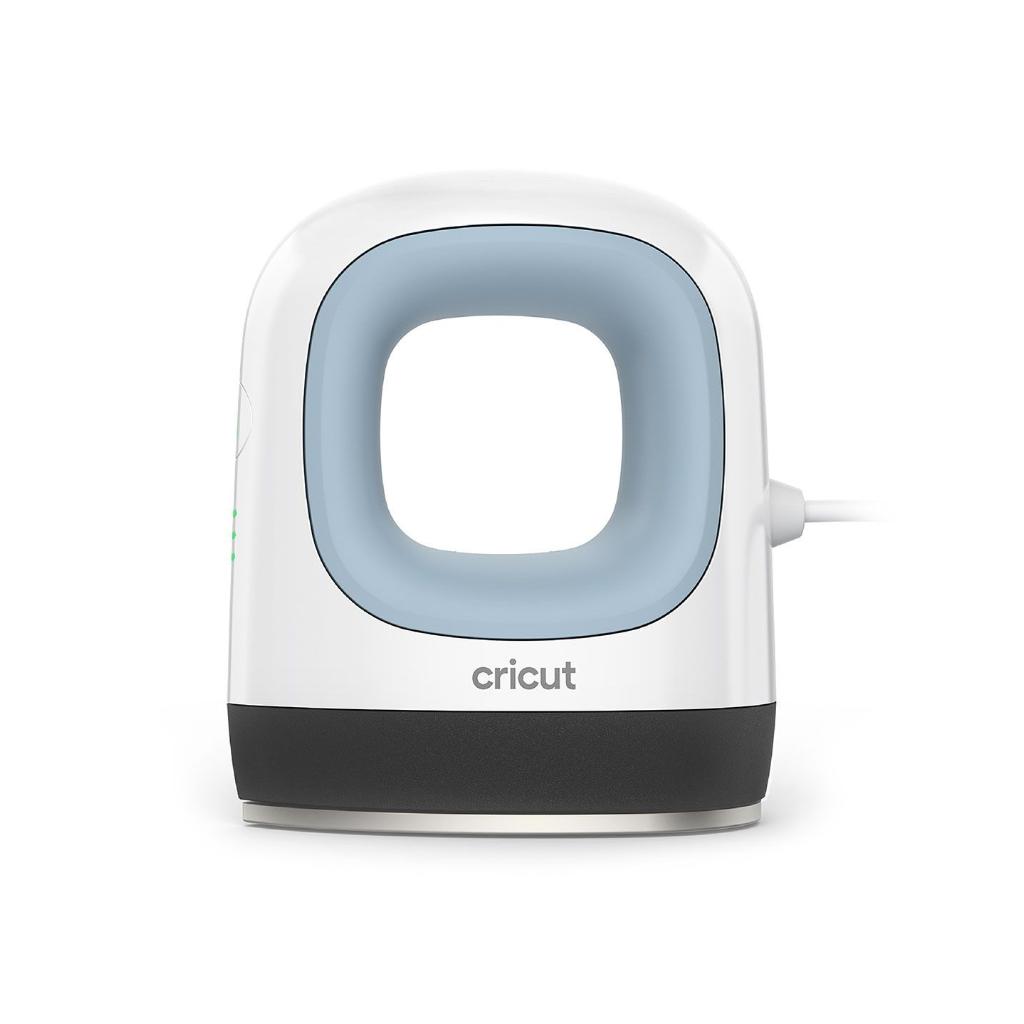
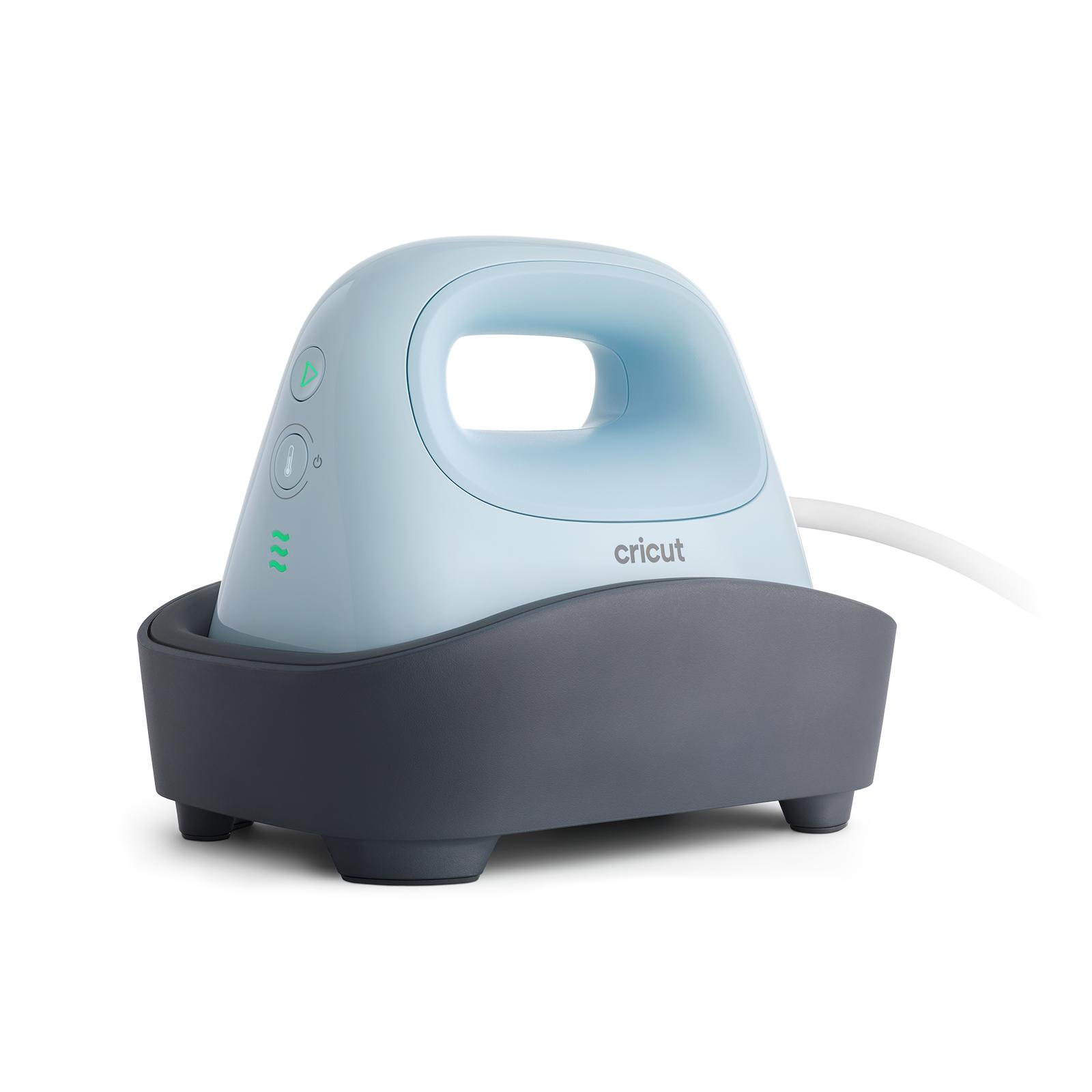
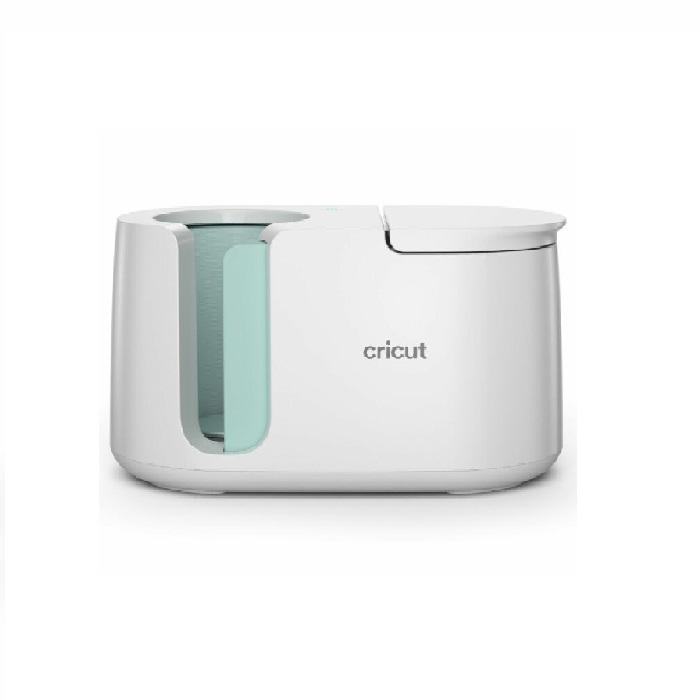
Cricut EasyPress 3 Bundle – 22x22 cm + Easy Press Mat 30×30 cm is a practical solution for anyone creating personalized heat transfer projects. Thanks to the combination of a modern heat press and a dedicated mat, you can easily prepare T-shirts, tote bags, pillows, and textile decorations with a clean and durable finish.
This bundle is perfect for home crafting, small creative studios, schools, and personalization businesses. Cricut EasyPress 3 has been designed to provide even heat distribution and simple operation, making it easy to complete projects even for beginners.
What can the Cricut EasyPress 3 bundle be used for?
Cricut heat presses are perfect for applying HTV vinyl, flock, sublimation, and other heat transfer materials onto fabrics and selected surfaces. Thanks to its compact 22x22 cm size, the device is ideal for everyday DIY projects and producing small batches of personalized products.
Easy Press Mat 30×30 cm improves working comfort and helps protect your workspace from heat. The proper base also provides better pressure and a more even transfer result.
This solution allows you to:
-
create personalized clothing and accessories,
-
prepare handmade gifts,
-
complete school and workshop projects,
-
grow a small business focused on prints and handmade products,
-
create professional-looking prints without the need for large industrial equipment.
Main benefits for the user
-
Even heat distribution – better transfer quality and longer-lasting designs.
-
Time-saving – quick heating and easy operation.
-
Greater work precision – easier temperature and pressing time adjustments.
-
Comfortable to use – compact size and practical protective mat.
-
Versatile applications – suitable for hobby and commercial projects.
Key product features
-
Cricut EasyPress 3 with a 22x22 cm pressing surface
-
Easy Press Mat 30×30 cm included
-
Ideal for HTV vinyl, flock, and sublimation projects
-
Even surface heating
-
User-friendly operation suitable for beginners
-
Compact size for easy storage
-
Perfect for home use, creative studios, schools, and small businesses
Cricut EasyPress 3 + Easy Press Mat Bundle is an ideal choice for anyone who wants to create clean and durable heat transfer projects without complicated equipment. It’s a great option if you value convenience, precision, and the freedom to bring your creative ideas to life.
System requirements for the application:
-
Android 9.0 or later
Mobile devices and tablets only
Chromebooks are not supported
Supported devices:
Samsung: Galaxy S, Galaxy Note, Galaxy Tab A, Galaxy Tab S series
Google: Pixel series
LG: G, K, or V series
Motorola: Droid G, Z, E, Turbo, or Moto series
-
iOS 14.5 or later
Supported devices:
iPhone
iPhone 13 mini, iPhone 13, iPhone 13 Pro, iPhone 13 Pro Max, iPhone 12 mini,
iPhone 12, iPhone 12 Pro, iPhone 12 Pro Max, iPhone 11,
iPhone 11 Pro, iPhone 11 Pro Max, iPhone XR, iPhone XS, iPhone XS Max,
iPhone X, iPhone SE (2nd generation), iPhone 8, iPhone 8 Plus,
iPhone 7, iPhone 7 Plus, iPhone 6s, iPhone 6s Plus,
iPhone SE (1st generation)
iPad
iPad Pro 12.9-inch (5th generation), iPad Pro 12.9-inch (4th generation),
iPad Pro 12.9-inch (3rd generation), iPad Pro 12.9-inch (2nd generation),
iPad Pro 12.9-inch (1st generation), iPad Pro 11-inch (3rd generation),
iPad Pro 11-inch (2nd generation), iPad Pro 11-inch (1st generation),
iPad Pro 10.5-inch, iPad Pro 9.7-inch, iPad Air (4th generation),
iPad Air (3rd generation), iPad Air 2, iPad Air,
iPad (9th generation), iPad (8th generation), iPad (7th generation),
iPad (6th generation), iPad (5th generation),
iPad mini (6th generation), iPad mini (5th generation), iPad mini 4
If your device is not listed above, you can leave a note with your order –
we will activate it for you (you will be able to use the press without the Cricut Heat app).
How to activate Cricut EasyPress 3
-
Download the Cricut Heat app from the
App Store
or
Google Play
and sign in.
If you already have a Cricut.com/Design Space account, we recommend using the same login credentials.
-
Unpack the press and make sure all packaging materials have been removed.
-
Plug the press into a wall outlet and turn it on by pressing the power button.
-
After turning the press on for the first time, you will notice a flashing APP message on the display.
This means the press must be connected to the Cricut Heat app in order to activate and register the device.
This is necessary for proper operation.
-
Cricut EasyPress 3 uses Bluetooth Lite technology to pair with your iOS or Android device and communicate with the Cricut Heat app.
-
Turn on the press within 2 meters of your device, making sure Bluetooth is enabled on your mobile device.
The devices will connect automatically.
-
In the Cricut Heat app, select Set Up to begin activating the device.
Choose your press model from the list and tap Connect.
-
The Cricut Heat app will display the message “Connecting to EasyPress 3” along with the Bluetooth icon.
-
The app will ask you to confirm activation of Cricut EasyPress 3 and display the email address where the device will be registered.
Check the box to accept Cricut’s Terms of Use and Privacy Policy, then tap Activate.
-
Cricut Heat will display a progress bar while Cricut EasyPress 3 is being activated.
-
Once completed, you will see the message: Success! indicating that the press is set up and ready to use.
-
Cricut EasyPress 3 will begin heating up and can be used with the Cricut Heat app or independently.