
xTool M1 – 2-in-1 laser cutter & engraver! SUPER PROMO!

32 441 28 83
Wycinarnia
htv-czarny-gladki-230
Cricut-Back-to-School30
loklik-starter-pack5
LOKLiK-Heat-Transfer-Starter-Pack
loklik-heat-transfer-vinyl-basic-pink-305-x-180-cm5
HappyGlamper_2

Chat with an expert

Do you have any questions? We'll be happy to help!

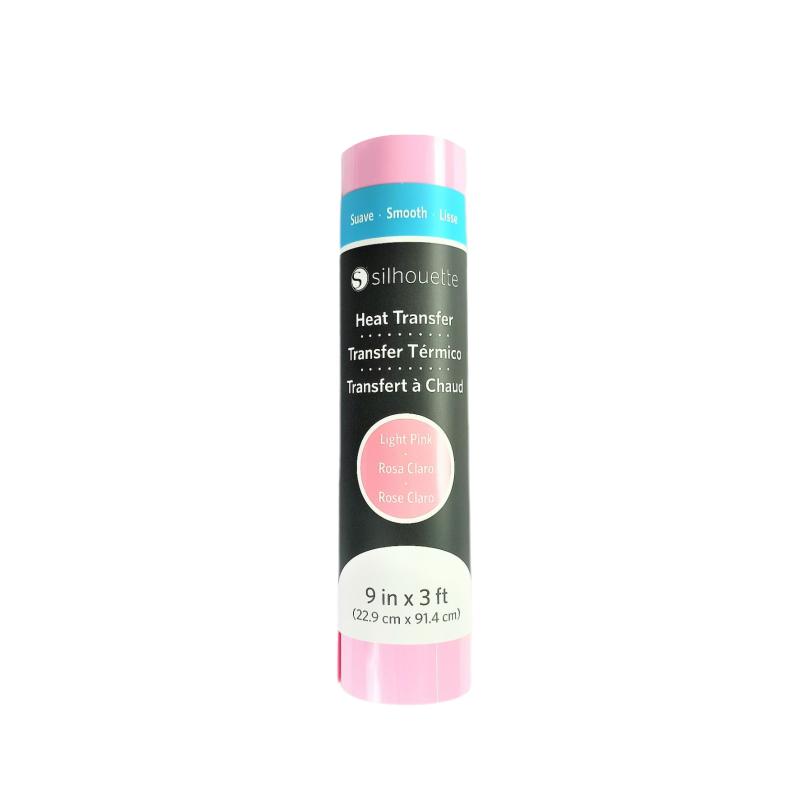
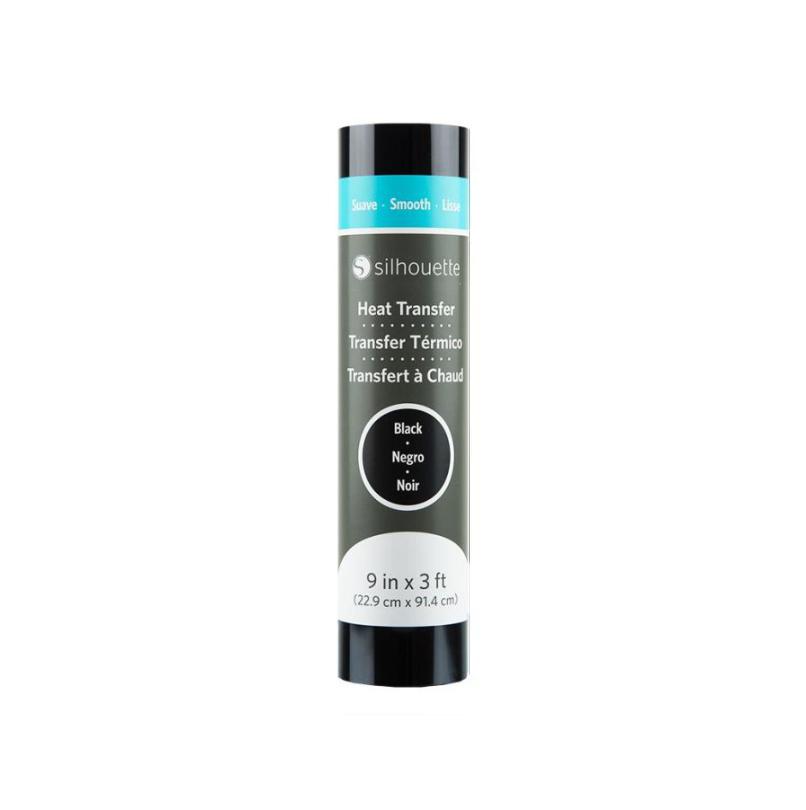
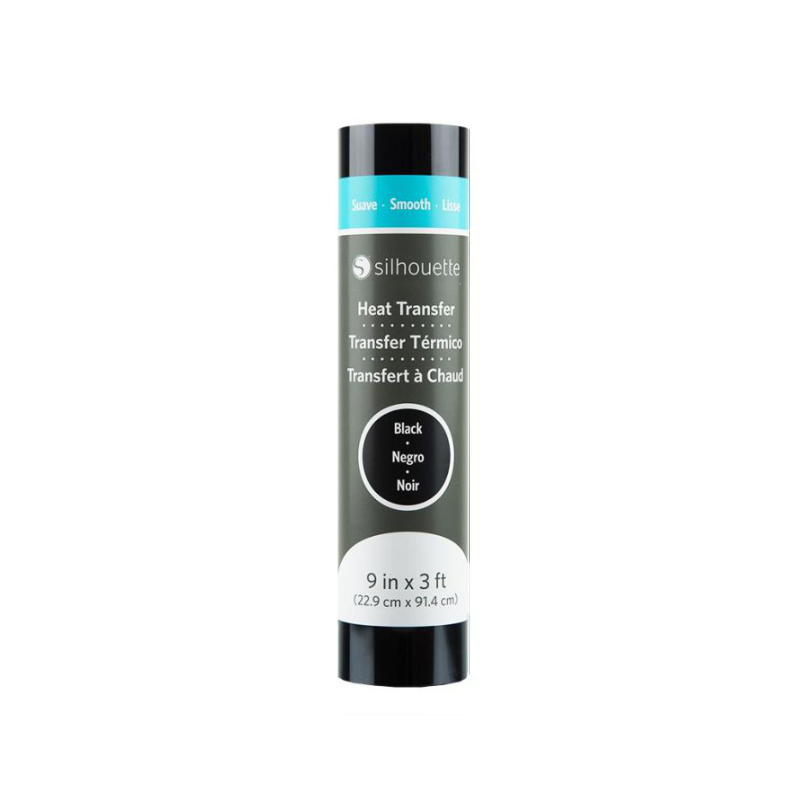
Silhouette Heat Transfer - 23cm - Black

SKU: 814792019801

Silhouette foil in black is a high-quality material that allows you to create iron-on transfers on a wide range of clothing and textiles. Thanks to its ease of cutting and application, it works perfectly in both handicrafts and commercial production, ensuring durability and color clarity. It is an excellent choice for those involved in personalizing clothing, designing textile accessories or creating unique projects tailored to individual needs.

79,99zł incl. tax

Lowest regular price of the last 30 days: 79,99zł
htv-czarny-gladki-230

Silhouette Heat Transfer - 23cm - Black

79,99zł

1
1

Contents

The product includes the following elements:

htv-czarny-gladki-230

1 Roll of foil

With dimensions 23 x 91,4 cm


Description

Silhouette Flex Film – 23 cm – Black

Create durable and aesthetically pleasing prints on clothing and textiles in black. Silhouette Flex Film is a practical solution for anyone involved in garment personalization, crafting, and creating creative projects for schools, kindergartens, and small businesses.

Using heat transfer technology, you can easily create your own text, graphics, logos, or decorative designs on T-shirts, sweatshirts, and other textile materials. The black color works perfectly for both elegant and subtle projects for customers.

What can Silhouette Flex Film be used for?

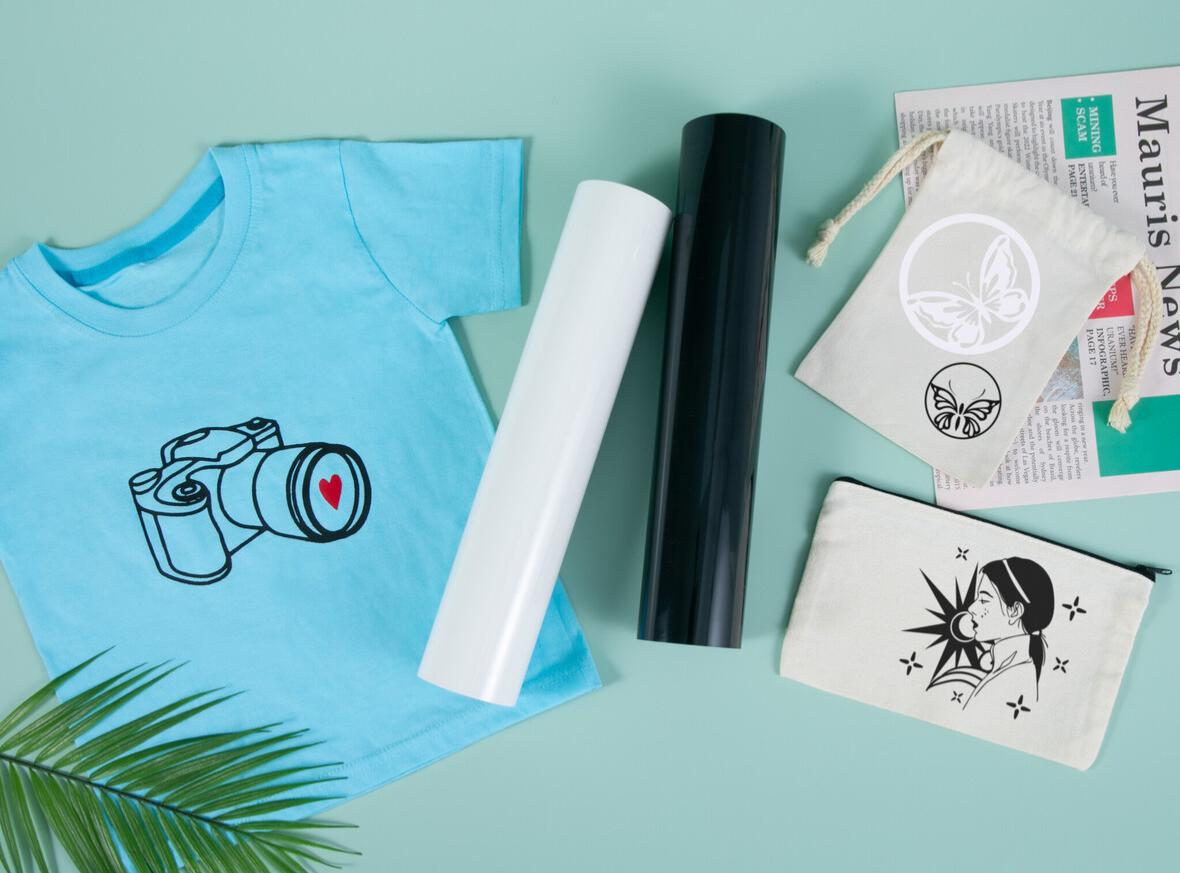
This heat transfer vinyl (HTV) allows you to quickly and accurately create personalized designs on textiles. It is commonly used for:

  • T-shirt and sweatshirt prints,
  • personalized children's clothing,
  • branded apparel with company logos,
  • decorations for cushions, bags, and other home textiles,
  • school, kindergarten, and special occasion projects.

It is a solution that offers great creative freedom and enables both one-off projects and short production runs.
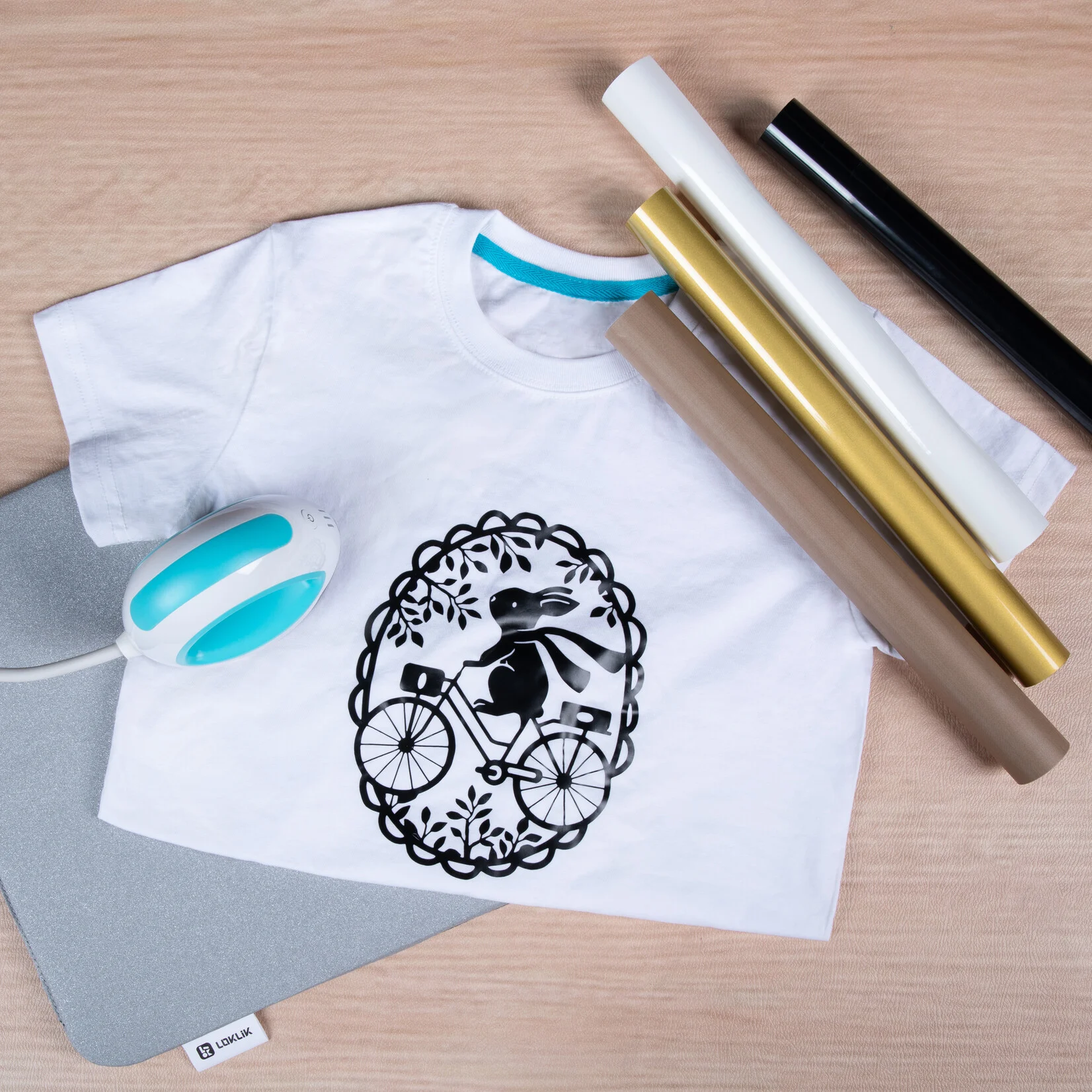
Sample Projects Made with Silhouette Flex Film

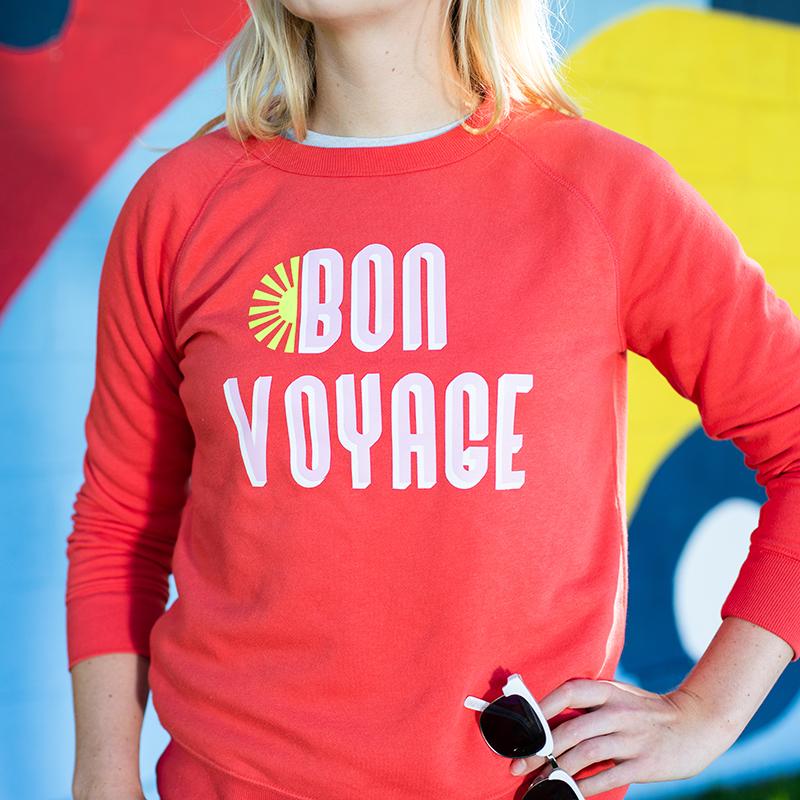
  1. Personalized T-Shirts – Create unique T-shirts with graphics, logos, or slogans that make perfect gifts or promotional items for company events.
  2. Sportswear – Flex Film is ideal for producing sportswear such as jerseys, shorts, and caps with custom numbers, names, and team logos.
  3. Bags and Backpacks – Thanks to the film's flexibility, it can be applied to bags, backpacks, and other accessories, allowing you to create products with unique prints.
  4. Caps and Workwear – Flex Film is perfect for applying company logos, names, or slogans to workwear, caps, and other accessories, ensuring long-lasting results.
  5. Decorative Cushions – Thanks to high-quality transfers, Flex Film is also an excellent material for personalizing decorative textiles such as cushions, pillowcases, and towels.

Product Capabilities

Silhouette Flex Film offers a wide range of possibilities for creators seeking durable, attractive, and professional-looking results. Possible applications include:

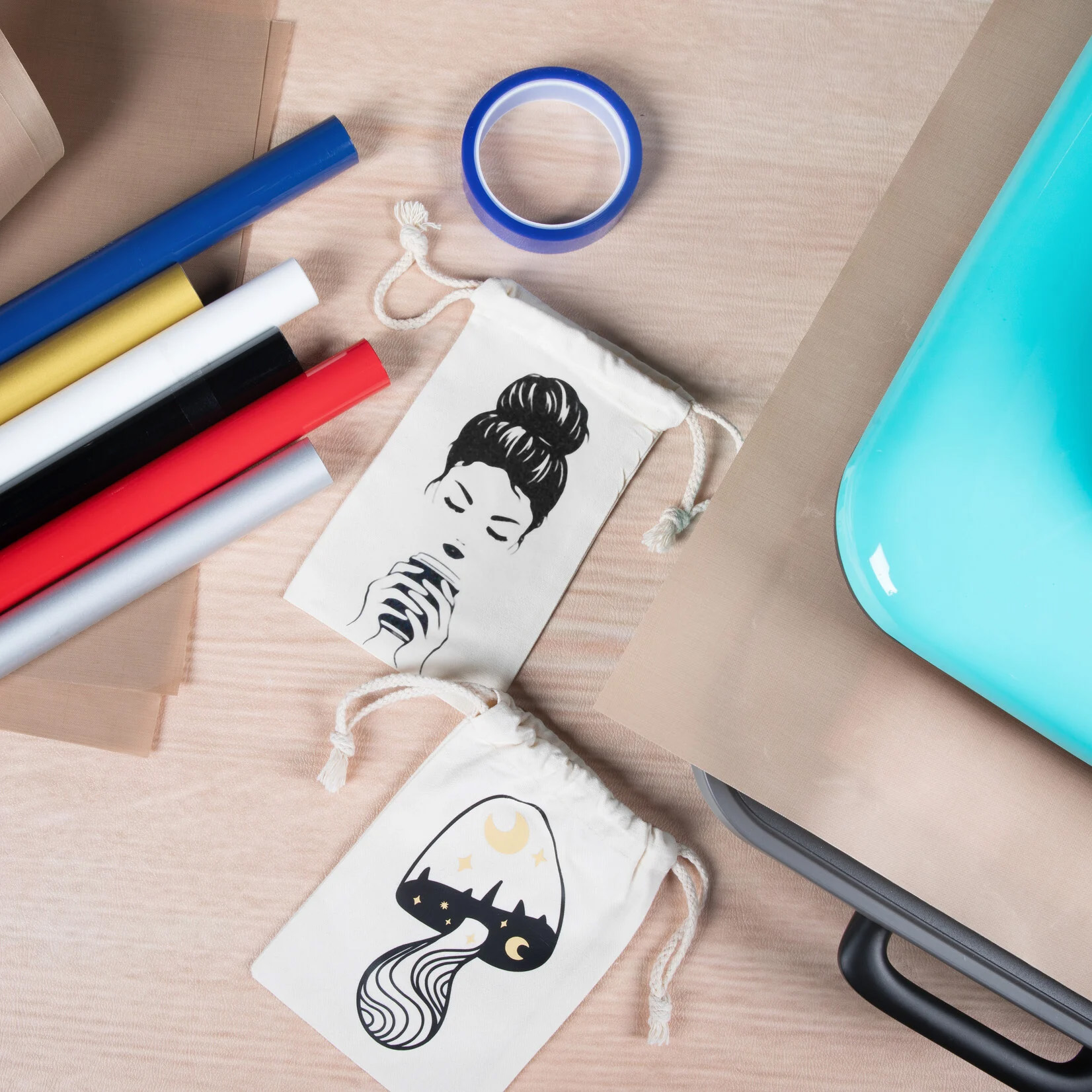
  • Creating precise prints – The film is easy to cut with a cutting plotter, allowing you to create sharp designs and lettering.
  • Excellent flexibility – The product adapts to the shape and material it is applied to, ensuring high wearing comfort.
  • Durable prints – Flex Film offers excellent resistance to wear, helping prints maintain their appearance over time.
  • Use on various materials – Compatible with many fabric types, including cotton, polyester, and performance textiles.
  • Suitable for both small and large production runs – Ideal for personalized projects as well as larger-scale production.

Benefits for the User

  • Time-saving – quick preparation and application of designs onto fabrics.
  • Precise cutting of fine details – ideal for lettering, graphics, and personalized projects.
  • Long-lasting results – finished prints look great on clothing and textiles.
  • Greater creativity – create your own unique designs and decorations.

Key Features

  • Flex film for heat transfer applications
  • width: 23 cm
  • color: black
  • designed for creating heat transfer designs on textiles
  • suitable for clothing personalization and fabric decoration
  • ideal for both hobby and commercial projects
  • enables clean, precise, and professional-looking prints

How to Create a Heat Transfer Design with Flex Film – Step by Step

What you will need:

  • Silhouette Flex Film (in your chosen color and finish),
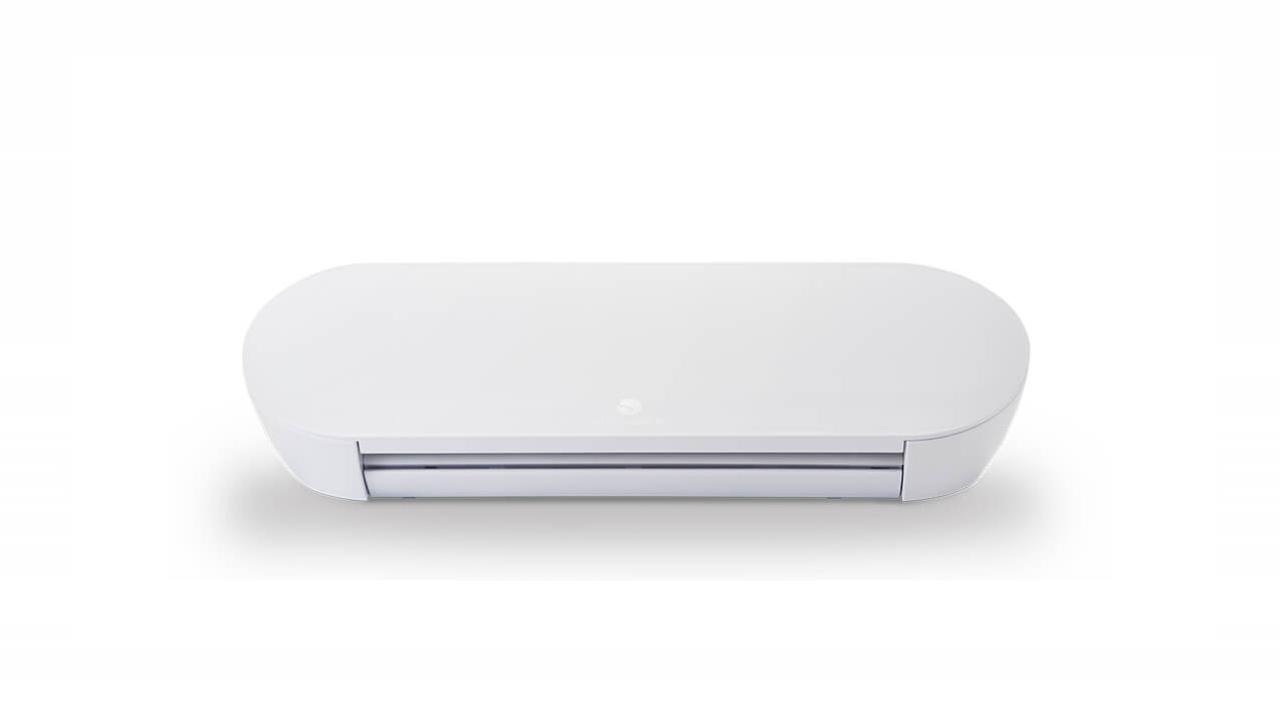
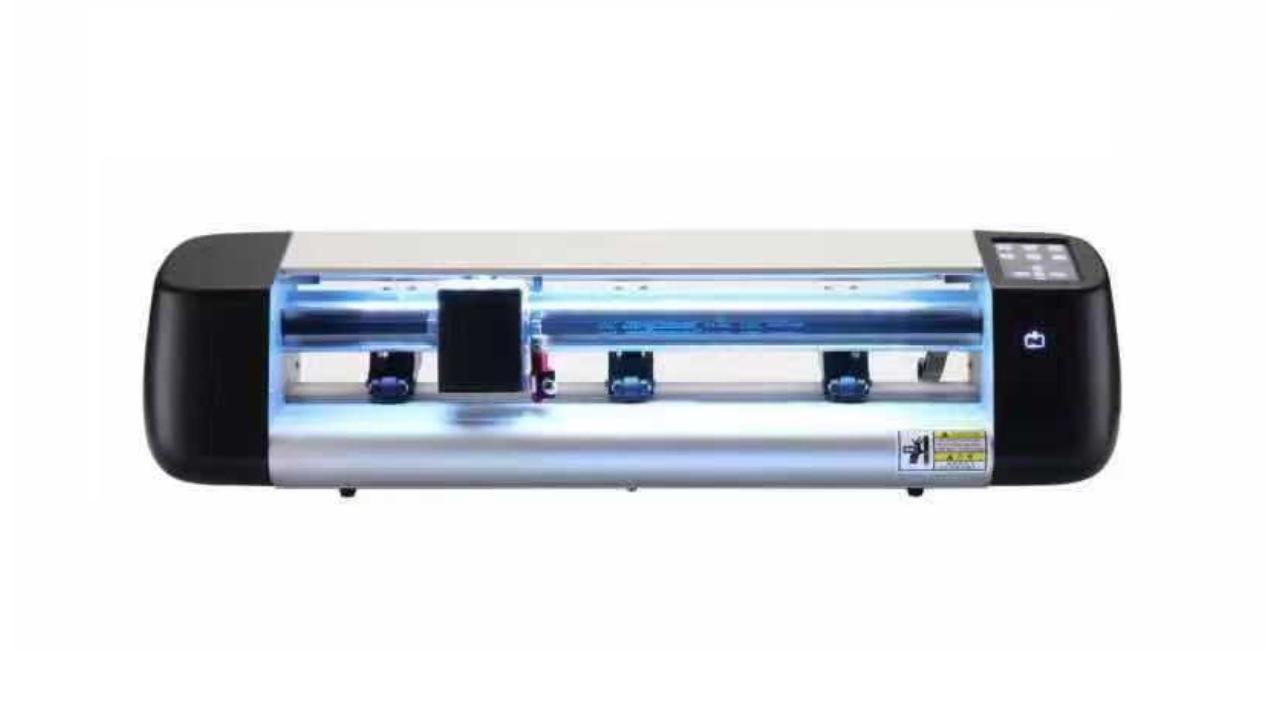
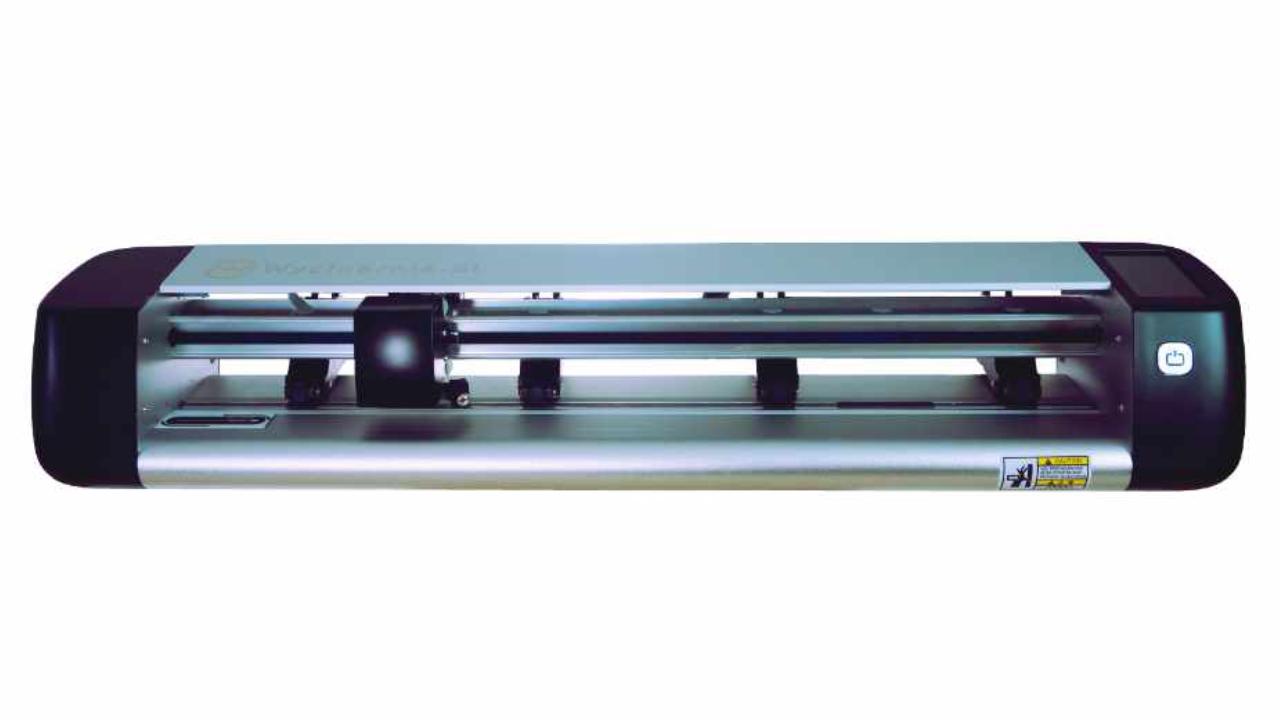
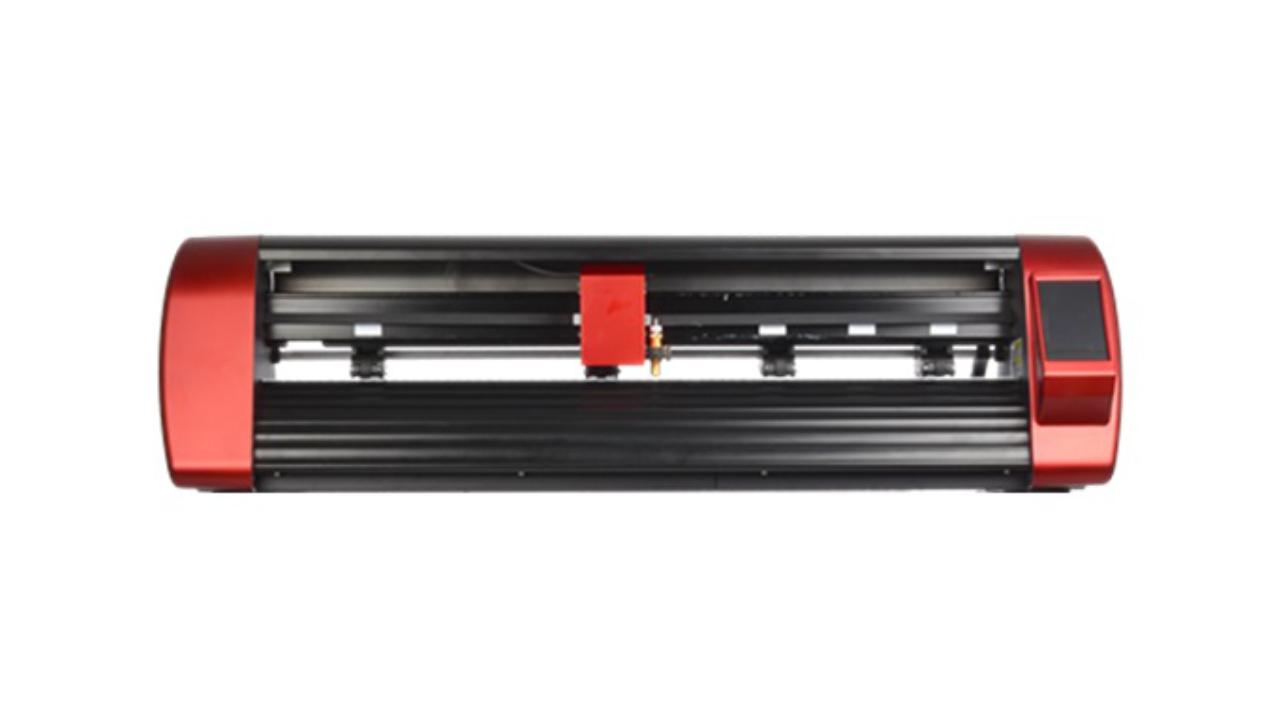
  • a cutting plotter (e.g., Silhouette Cameo),
  • a heat press or iron (preferably with temperature control),
  • the material to be decorated (e.g., a cotton T-shirt).

Step 1: Create Your Design

Create your design in your cutting software. Remember to mirror the artwork, as it will be applied in reverse.

Step 2: Set Up the Plotter and Cut the Design

Place the film on the cutting mat with the glossy carrier side facing down. Set the appropriate cutting parameters – Flex Film typically requires low blade depth and cutting force settings (depending on the plotter model and film thickness). Then cut the design.

Step 3: Weed the Excess Material

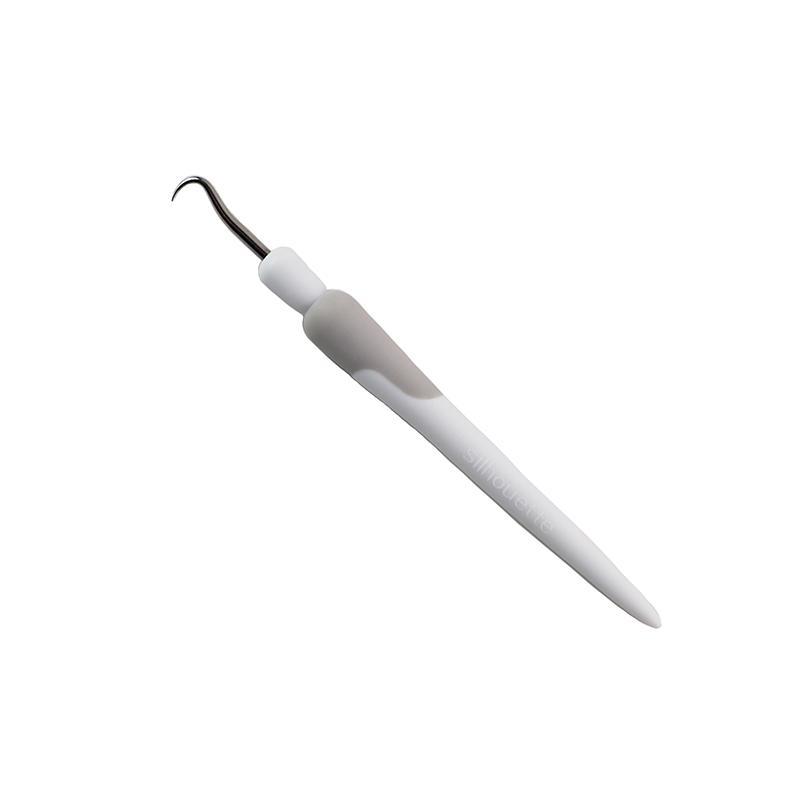
Remove unwanted film using a weeding hook or tool. Only the desired design should remain on the transparent carrier sheet.

Step 4: Prepare the Fabric

Lay the fabric flat and lightly press it to remove wrinkles and moisture. Make sure the surface is clean and dry.

Step 5: Position the Design on the Fabric

Place the design in the desired location with the carrier sheet facing upward (the glossy side visible on top).

Step 6: Heat Press Application

Apply a heated press or iron (without steam). Temperature, pressing time, and pressure should be adjusted according to the film manufacturer's recommendations.

Step 7: Remove the Carrier Sheet

Wait a few seconds and carefully peel off the carrier sheet – Done!


It is not recommended to apply Flex Film to highly stretchable, silk, or very thin materials without performing a prior test.
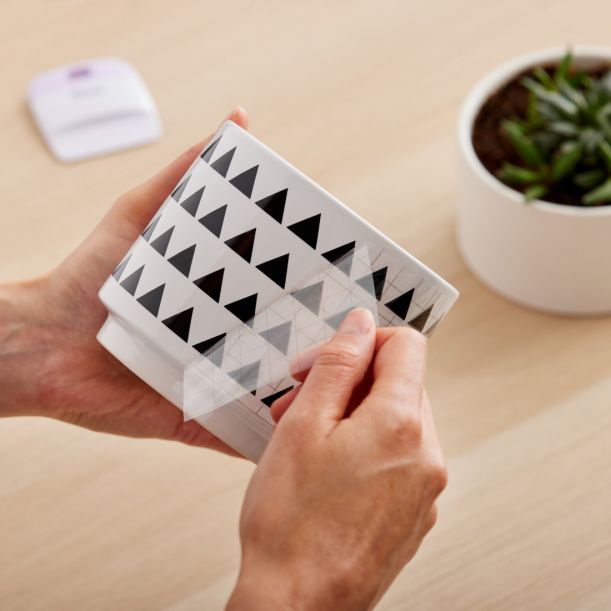
See How to Create a Heat Transfer Design!


Specification

TitleValue
BaseHeat activated adhesive
Heating Temperature305° F / 150° C
Heating Time Iron-on45 - 60 sec
Heating Time using Heat Press10 - 15 sec
Peeling ConditionWarm
Material dimensions22,9 x 91,44 cm
Printable SurfaceNo
SurfaceSmooth
CuttingWith mat, Without mat
Manufacturer DetailsSilhouette America® Inc.618 N. 2000 W.Lindon, Utah 84042, USA support@silhouetteamerica.com
EU Marketing Authorisation HolderSilhouette Europe B.V. Prinsengracht 572A 1017 KR Amsterdam tel: 31611841511 support@silhouetteeurope.eu

Compatible devices

You can use this product with the following devices:

portrait-4-miniaturka

Silhouette Portrait 4

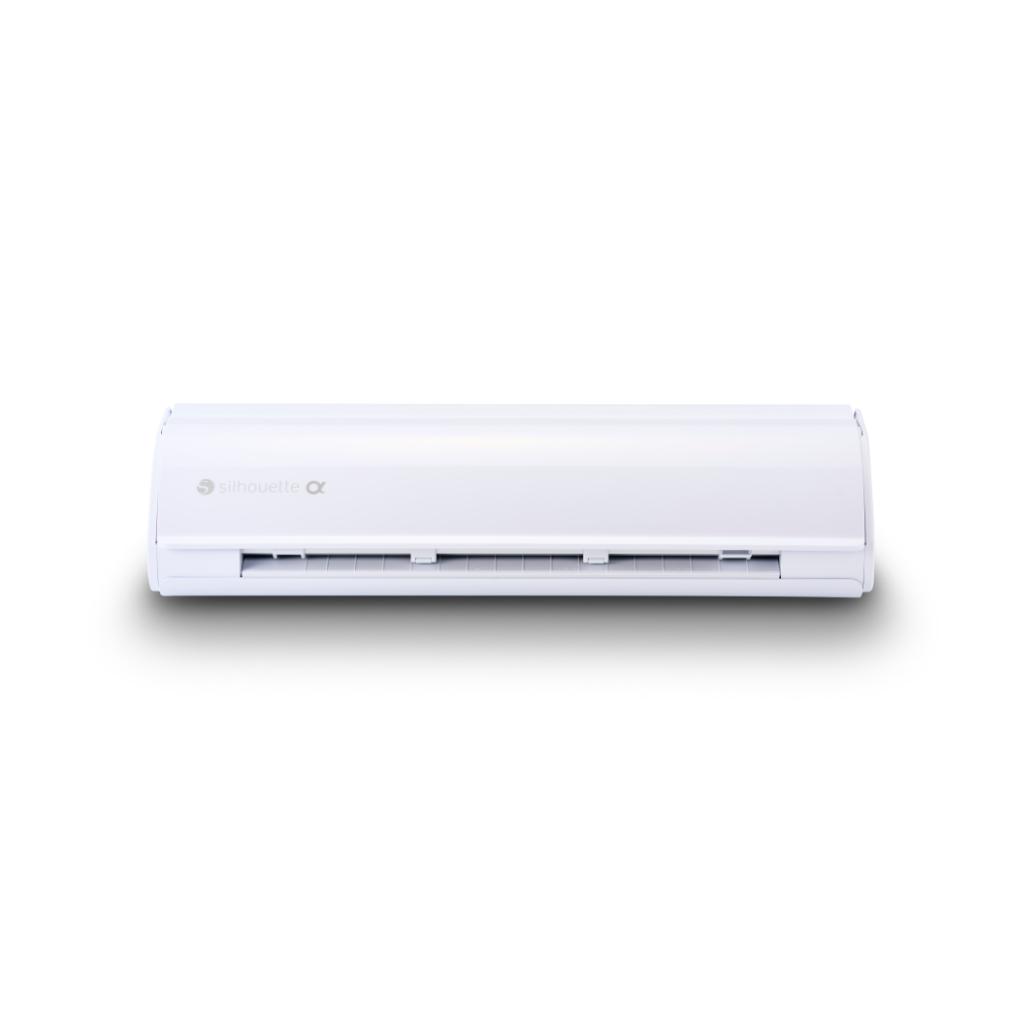
cameo-5-alpha-wht-mini

Silhouette CAMEO5a

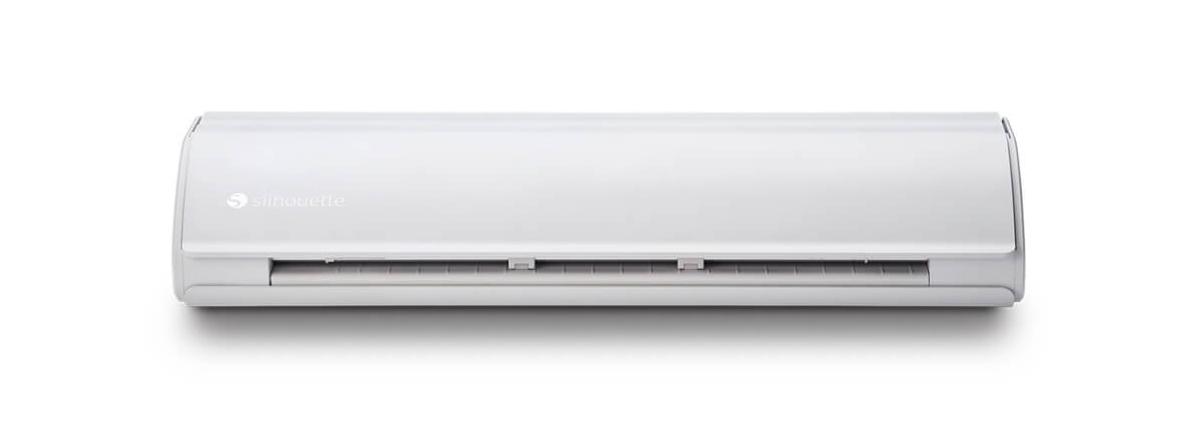
silh-cameo-5-wht-4t_01-xl

Silhouette Cameo 5

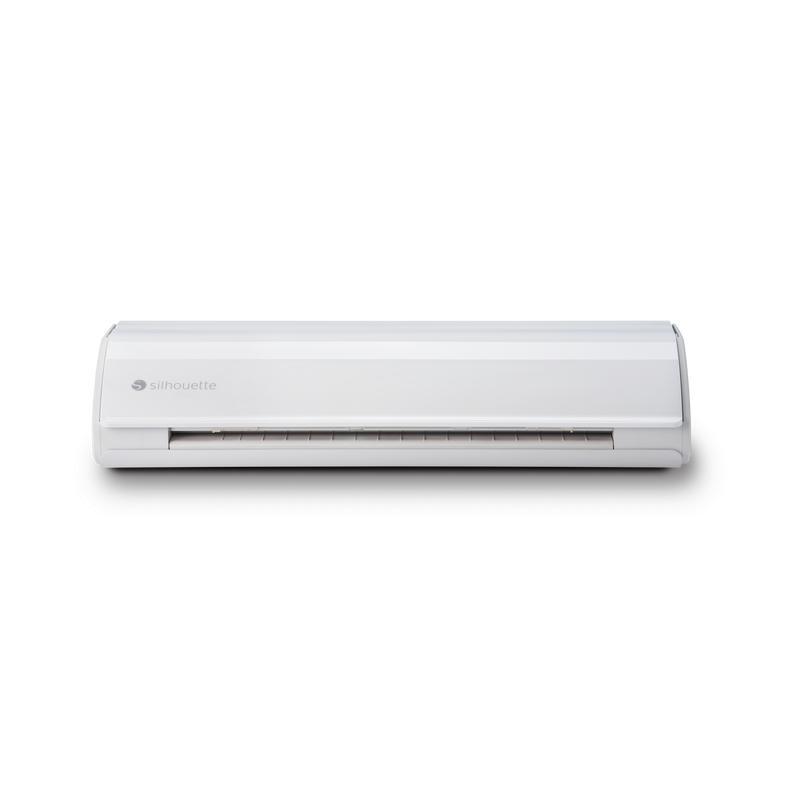
cameo5_plus_front-desktop

Silhouette Cameo 5 Plus

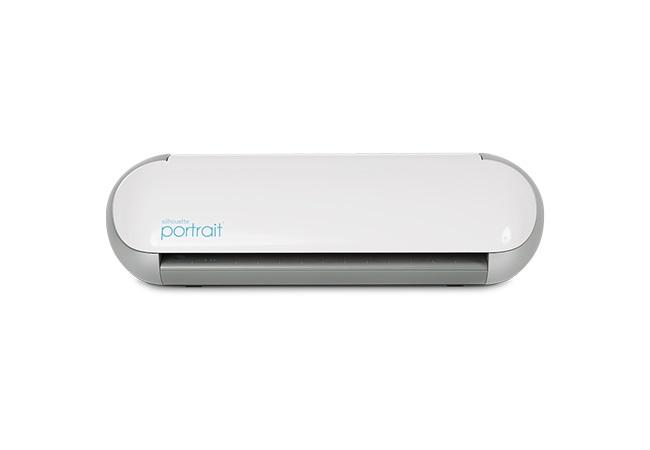
silhouette-portrait-3

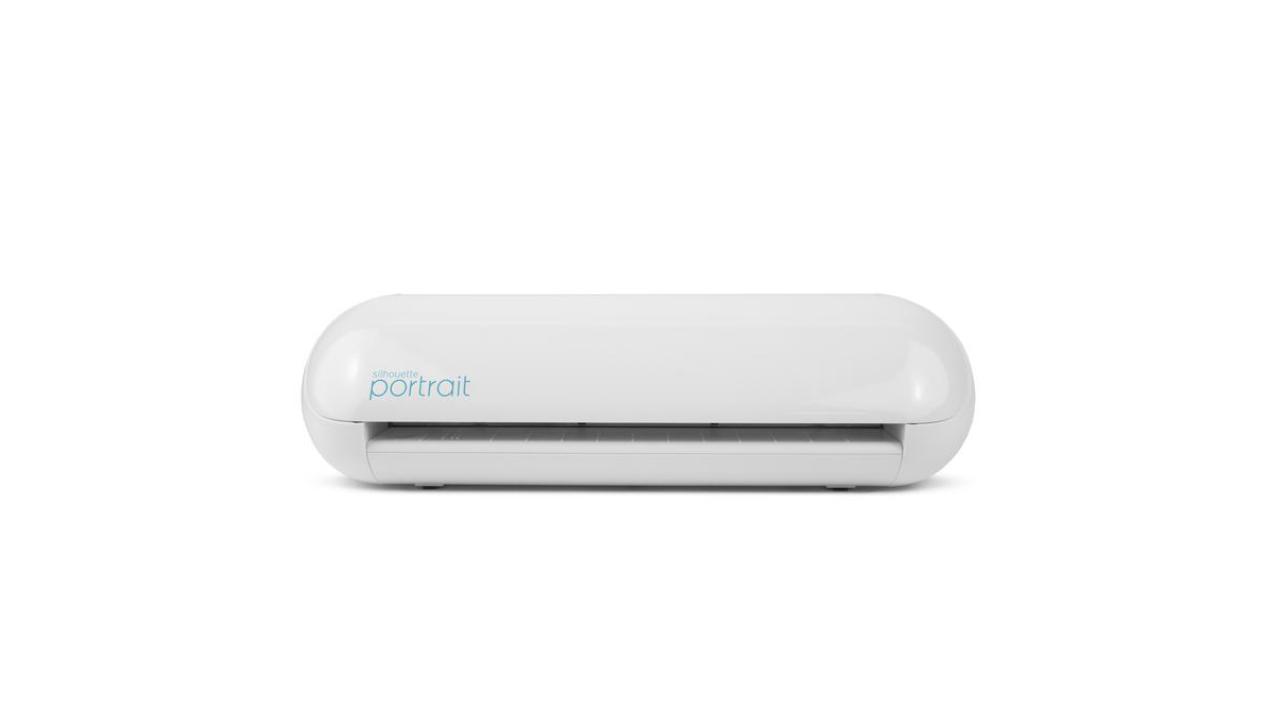
Silhouette Portrait 3

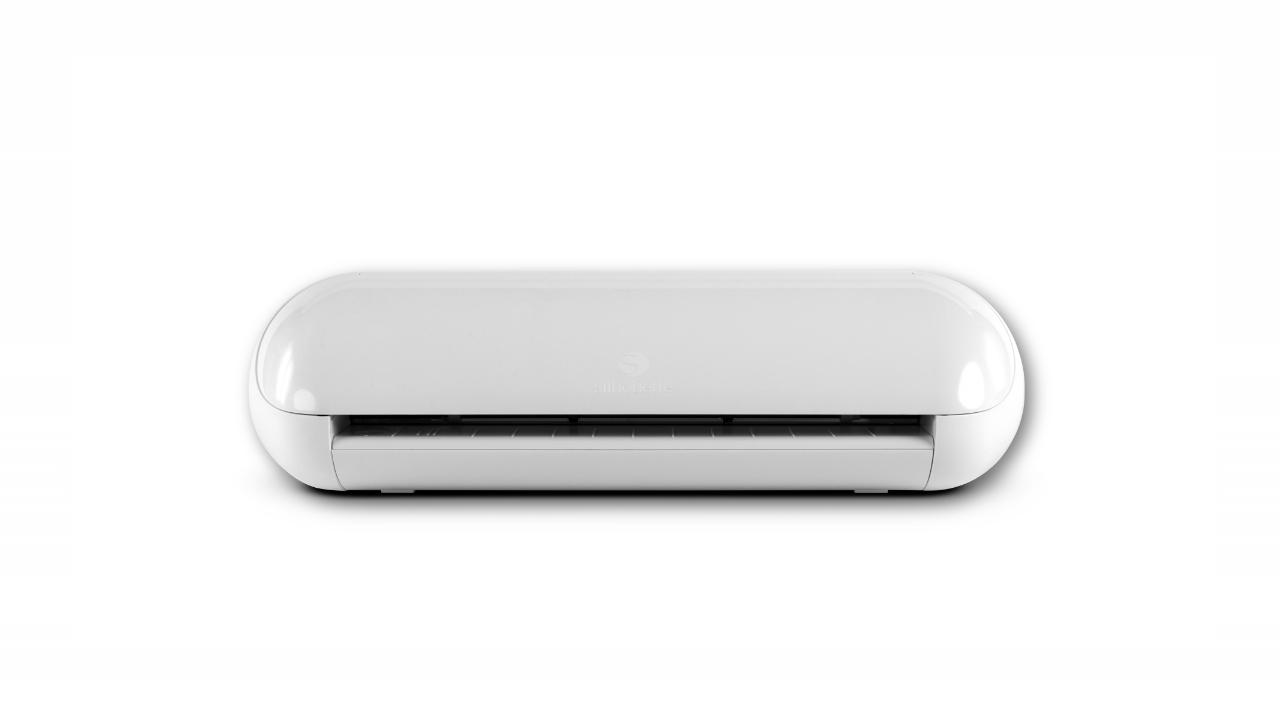
silhouette-cameo-4-plus

Silhouette Cameo 4

silhouette-cameo-4-plus

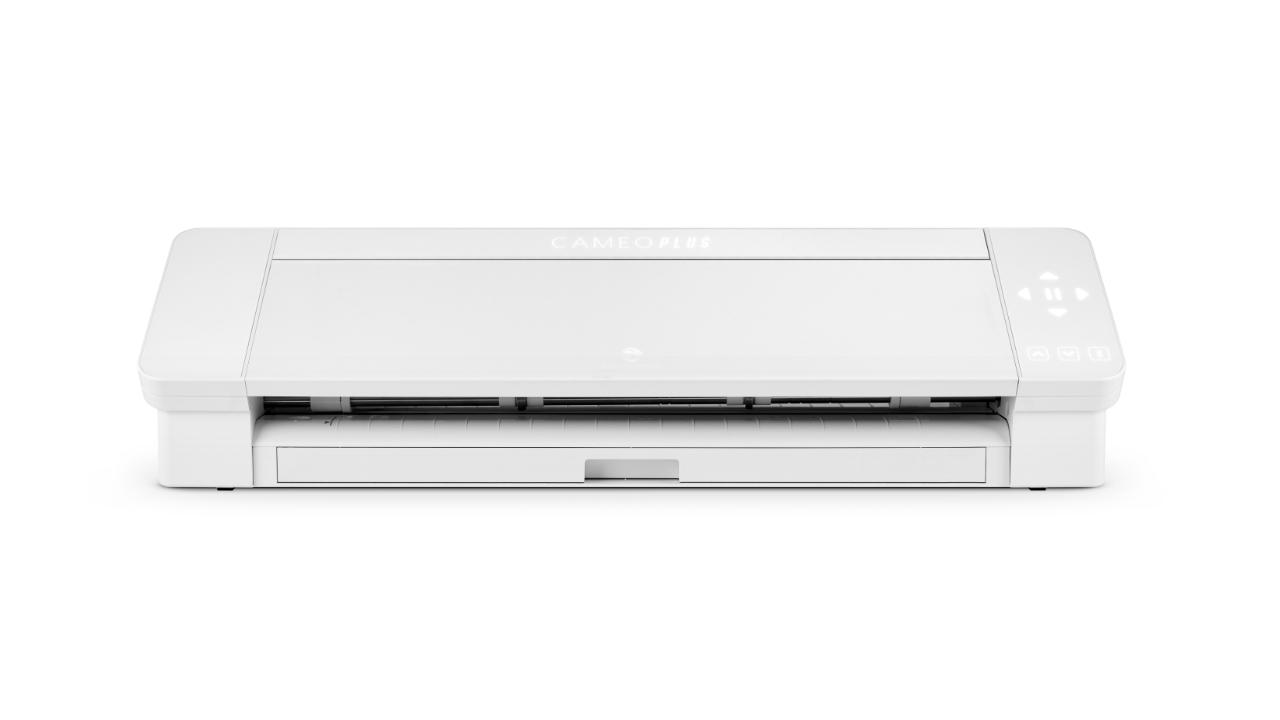
Silhouette Cameo 4 Plus

silhouette-cameo-4-pro

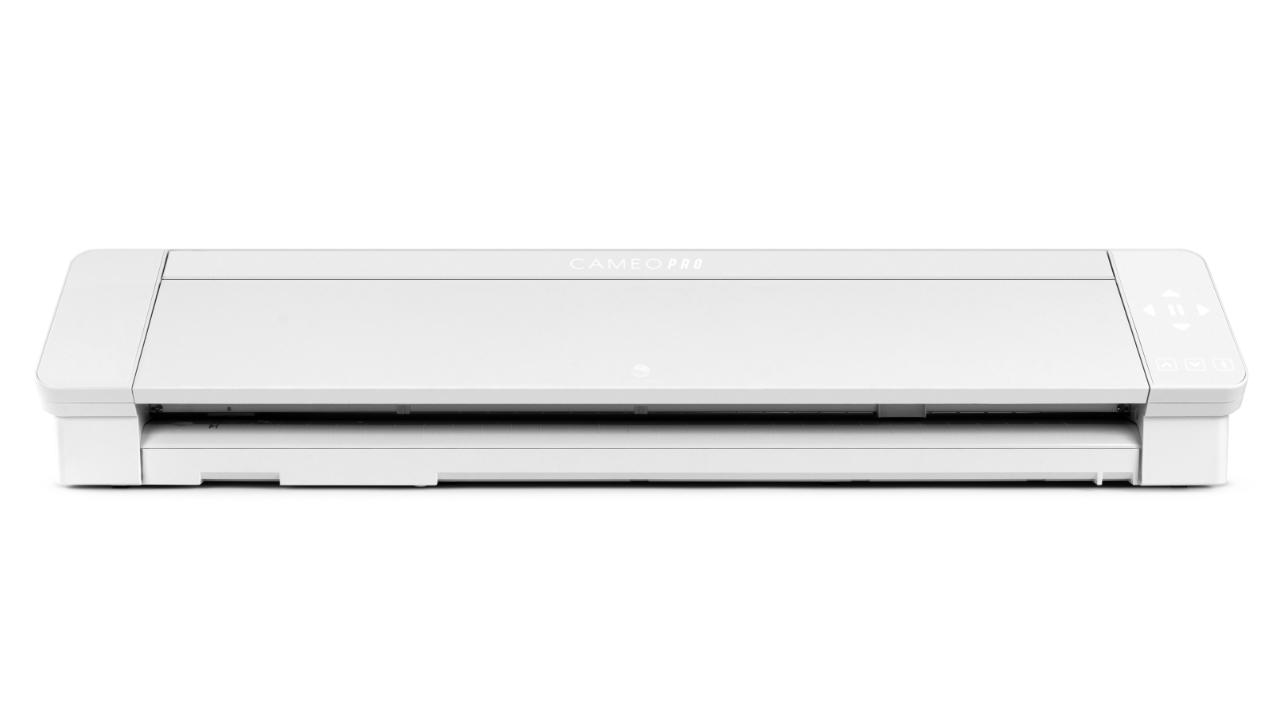
Silhouette Cameo 4 Pro

promk2

Cameo Pro MK II

silhouette-portrait-2

Silhouette Portrait 2

silhouette-cameo-3

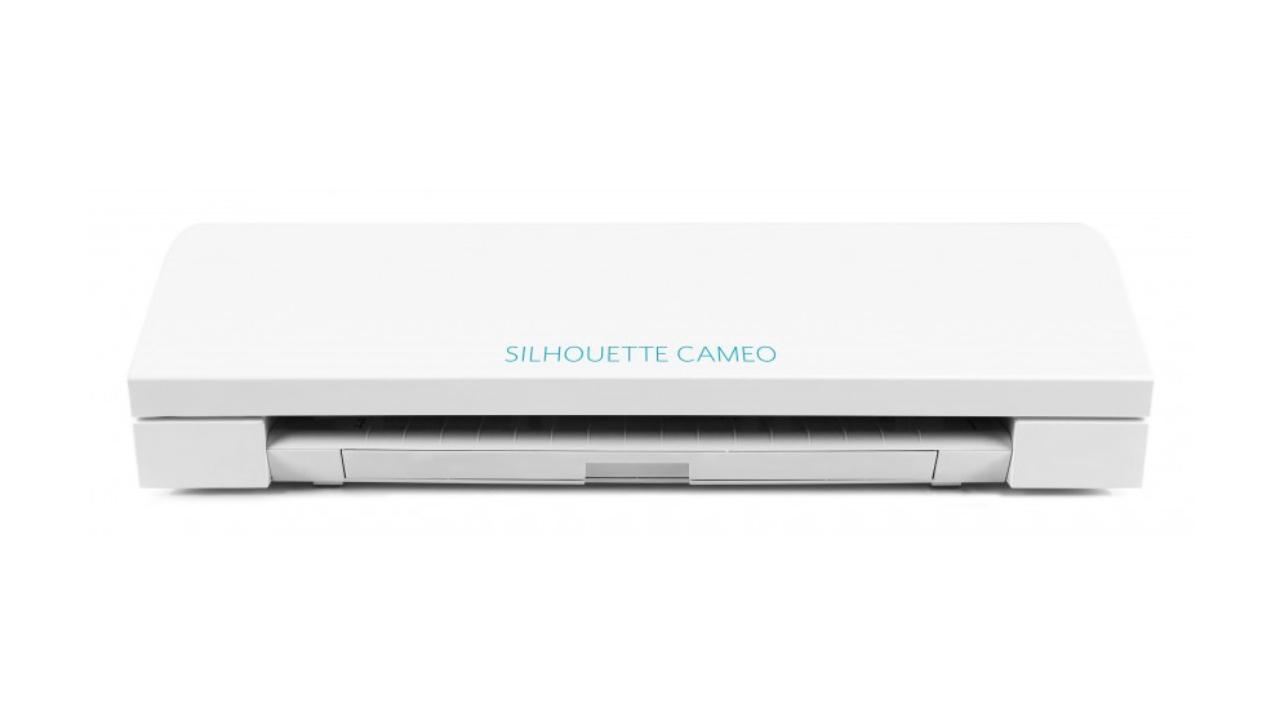
Silhouette Cameo 3

silhouette-portrait-1

Silhouette Portrait 1

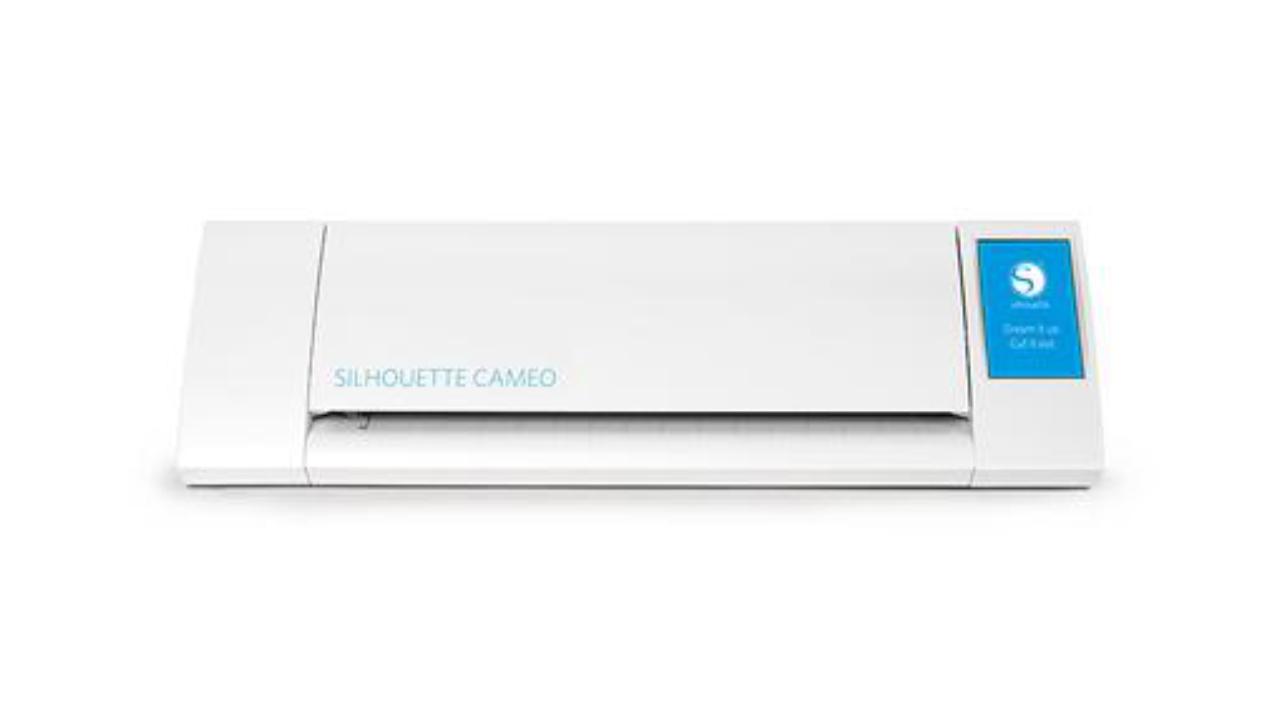
silhouette-cameo-2

Silhouette Cameo 2

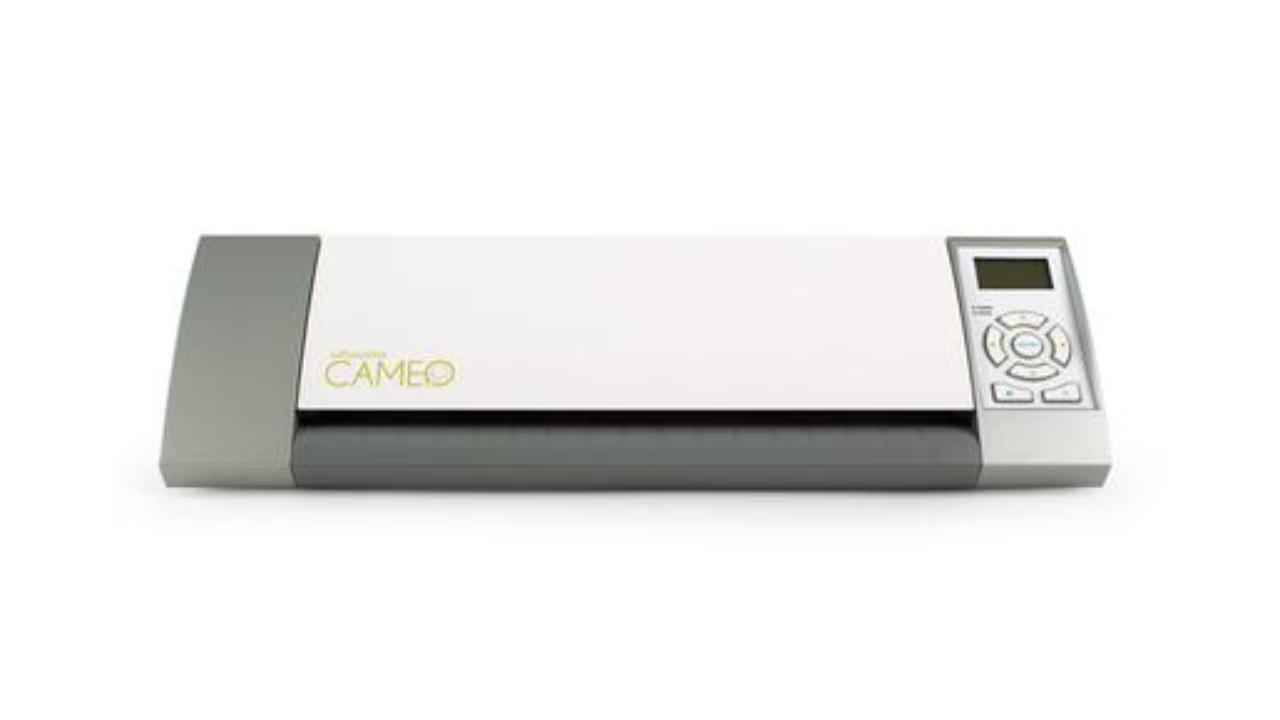
silhouette-cameo-1

Silhouette Cameo 1

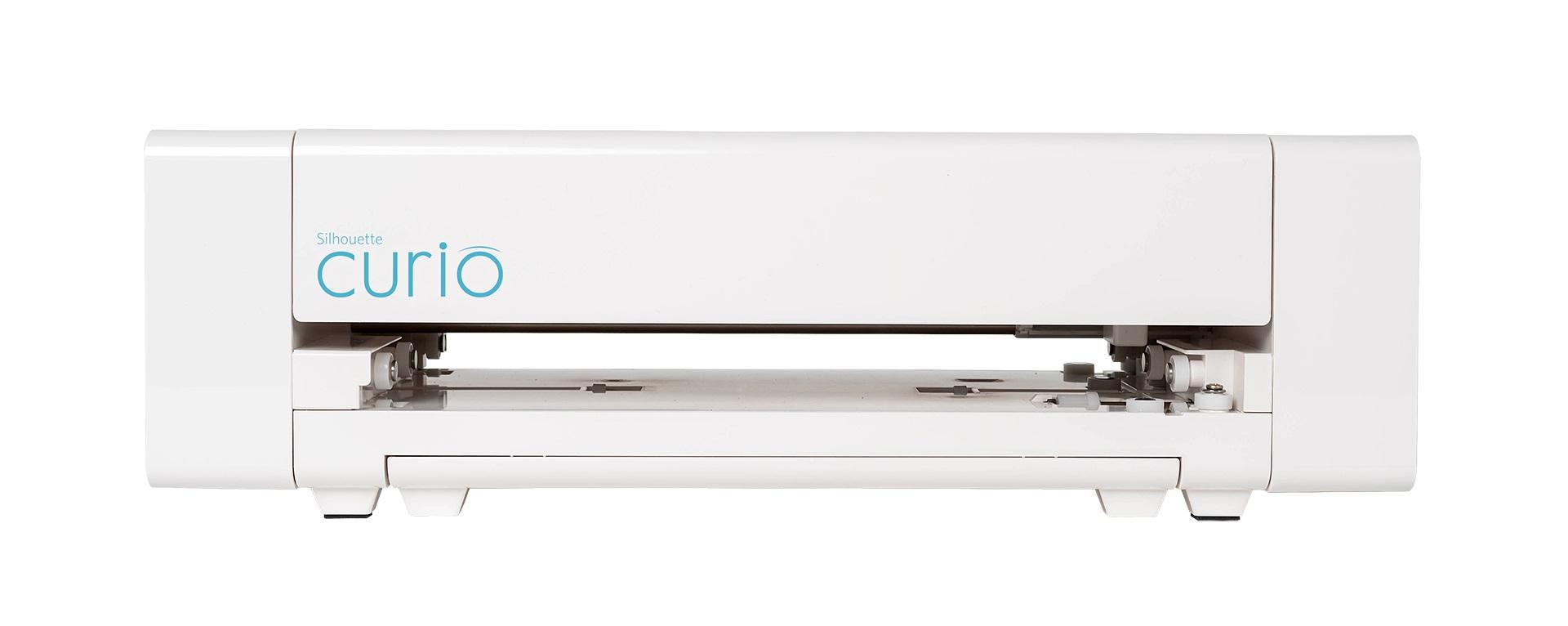
silhouette-curio

Silhouette Curio

skycut-cx16

Skycut CX16

skycut-cx24

Skycut CX24

skycut-d24

Skycut D24


Reviews

Product rating

No one has added an opinion yet.
Be the first to do so!

Add review

Please wait...

See also

Made by: Michał Desol