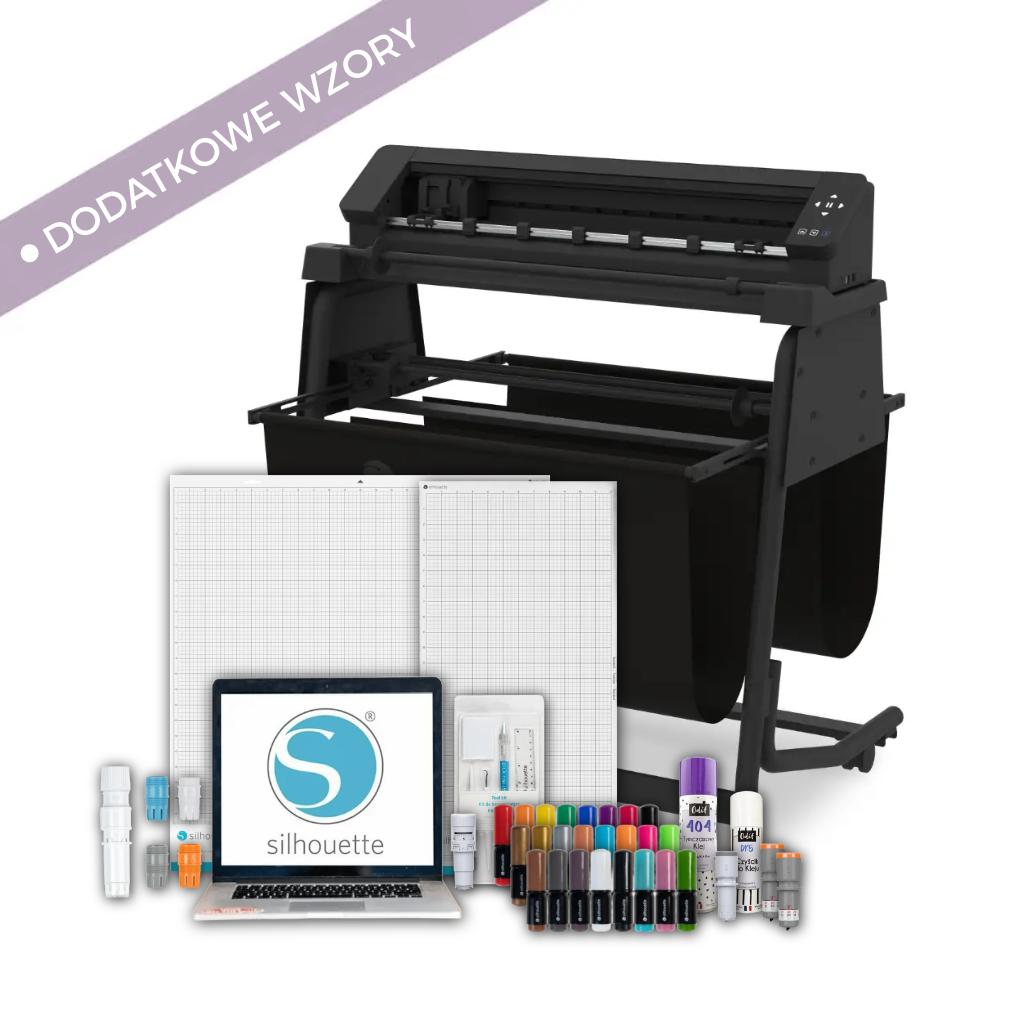
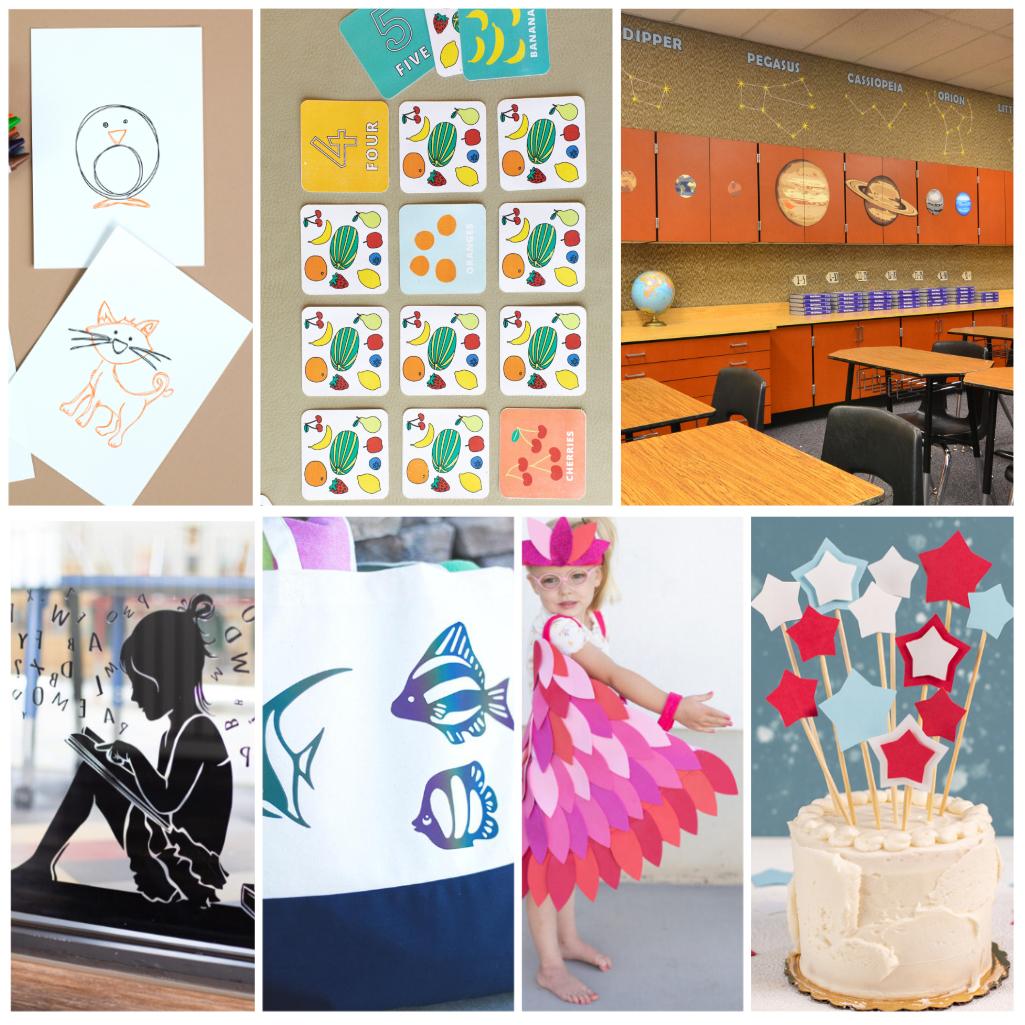
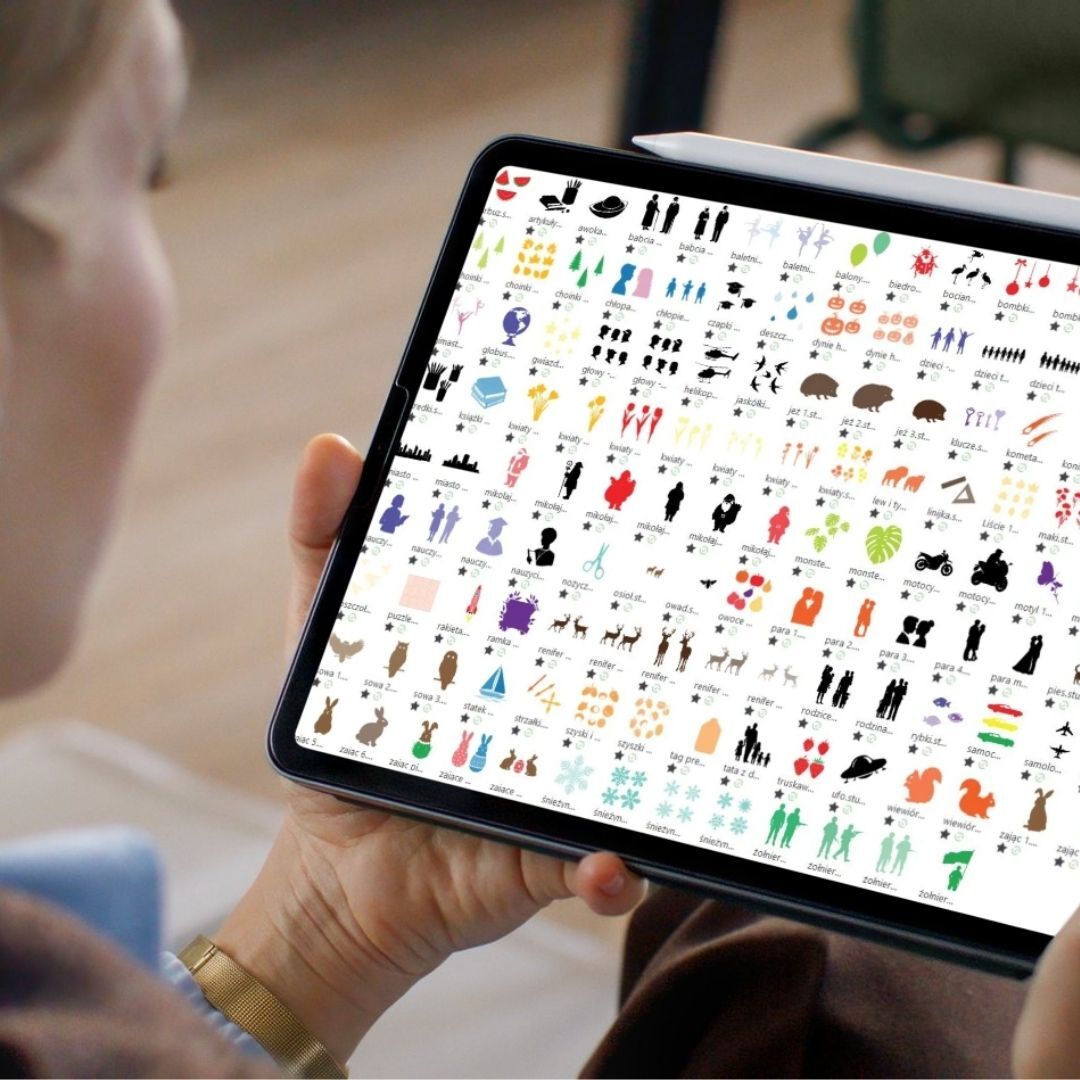
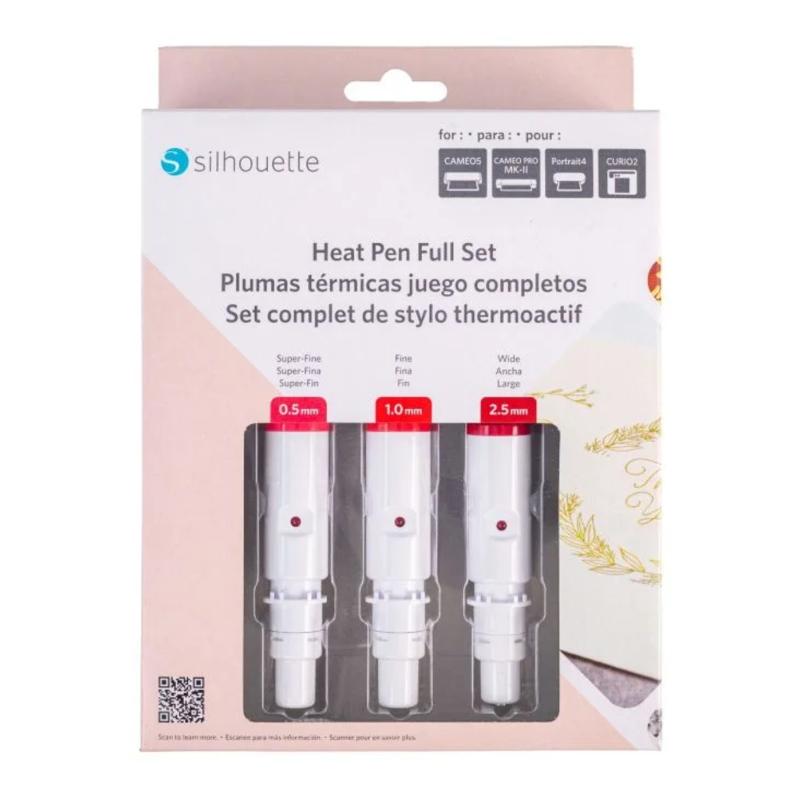
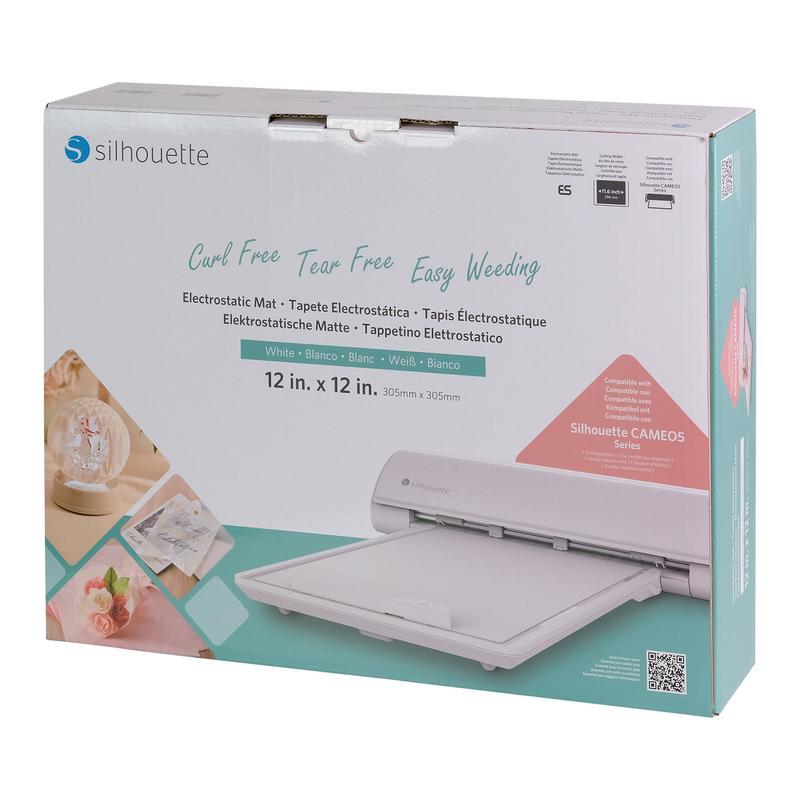
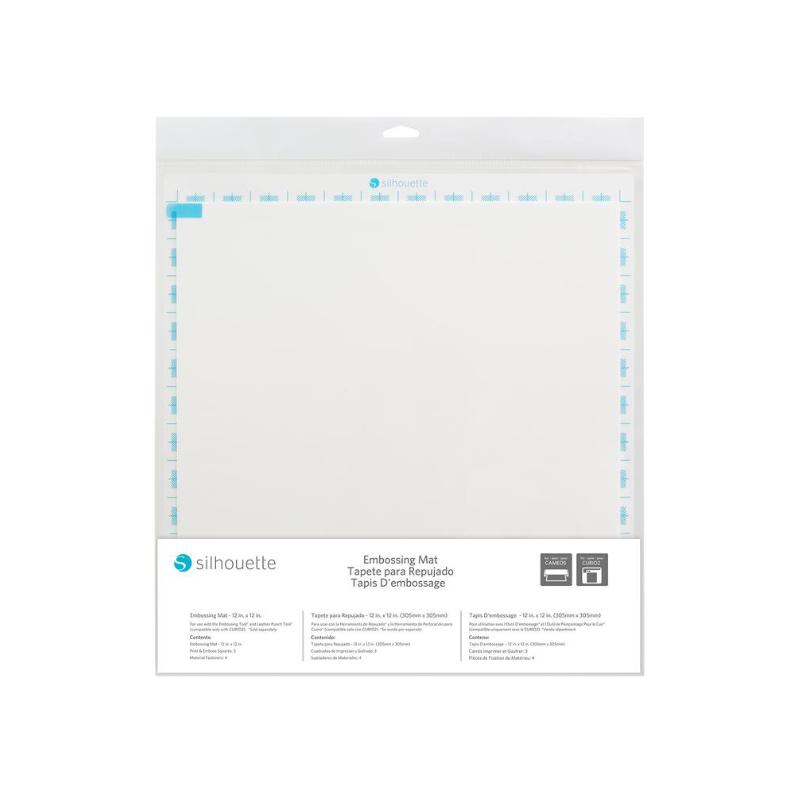
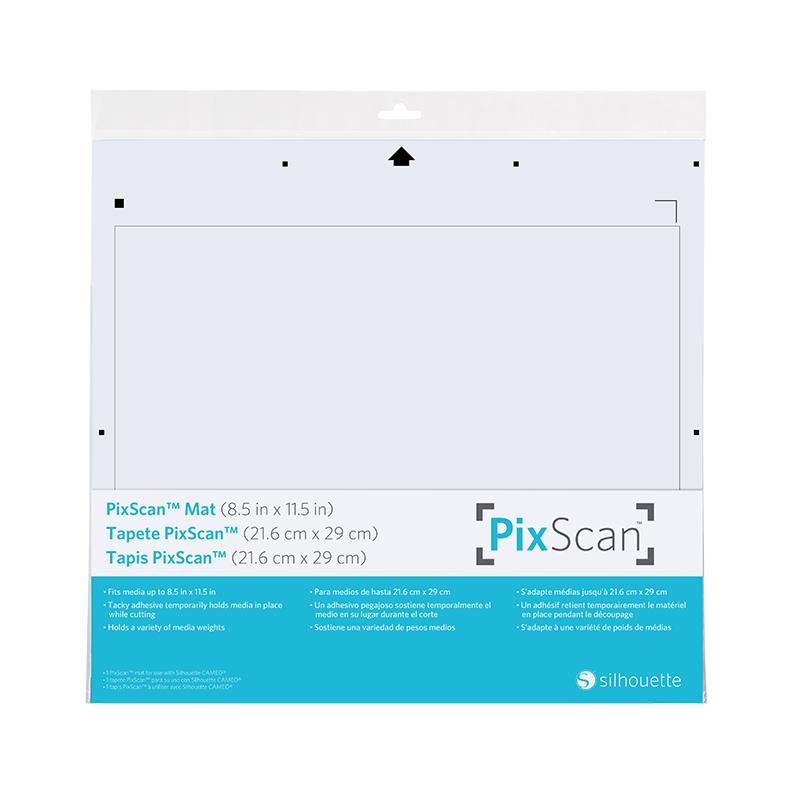
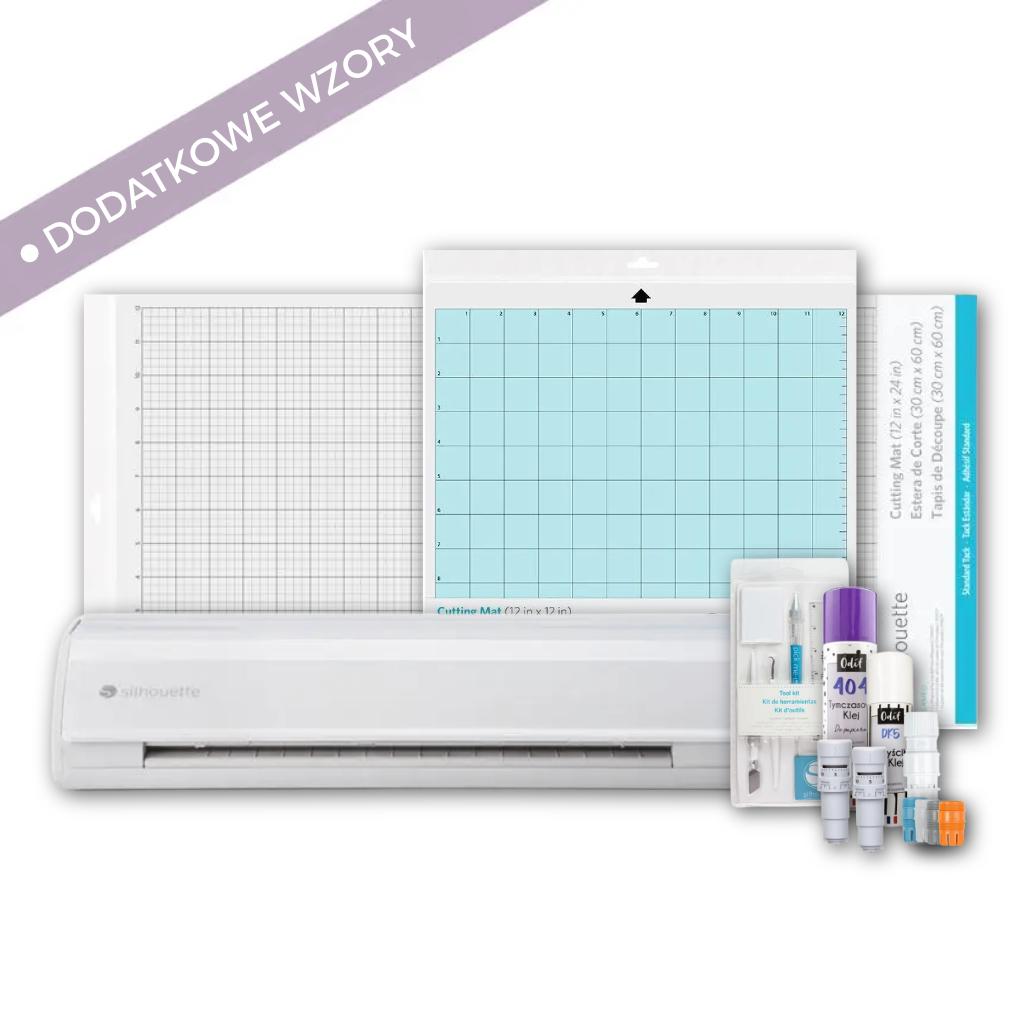
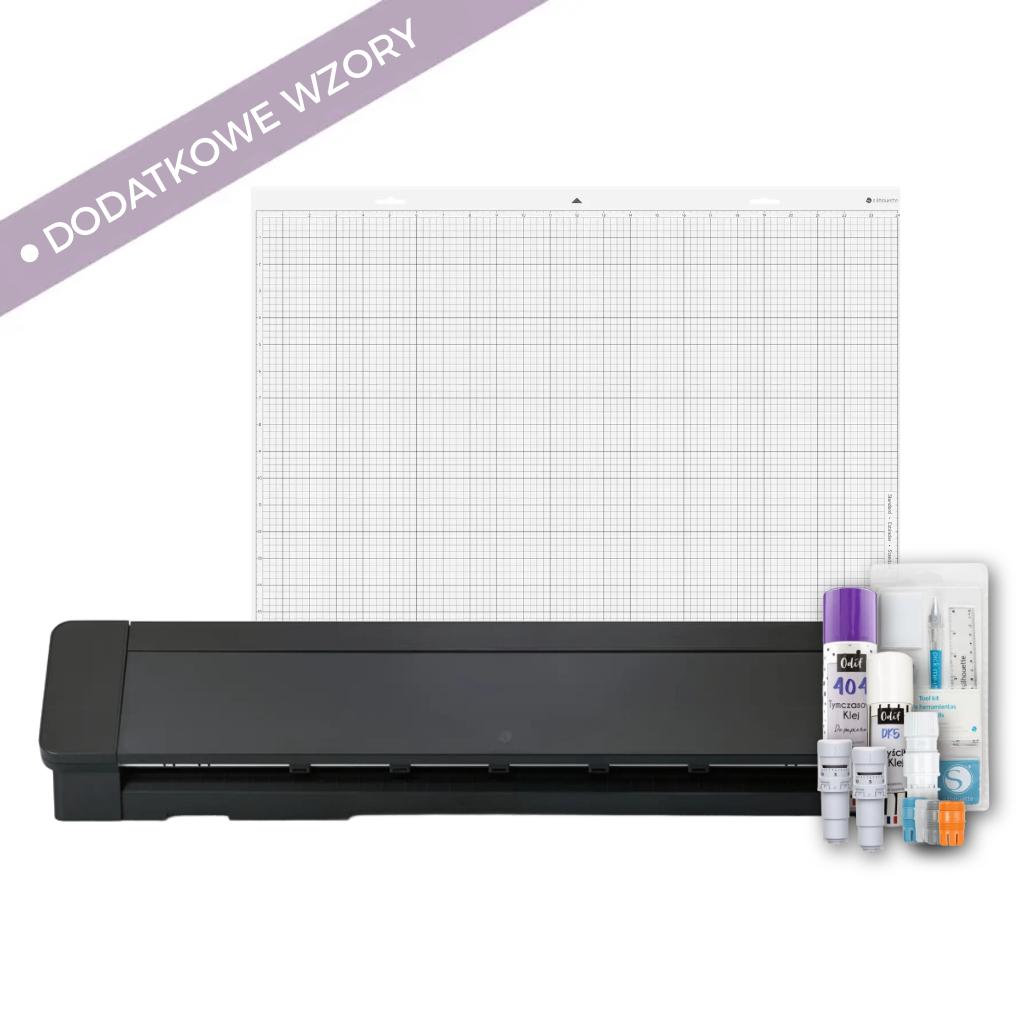
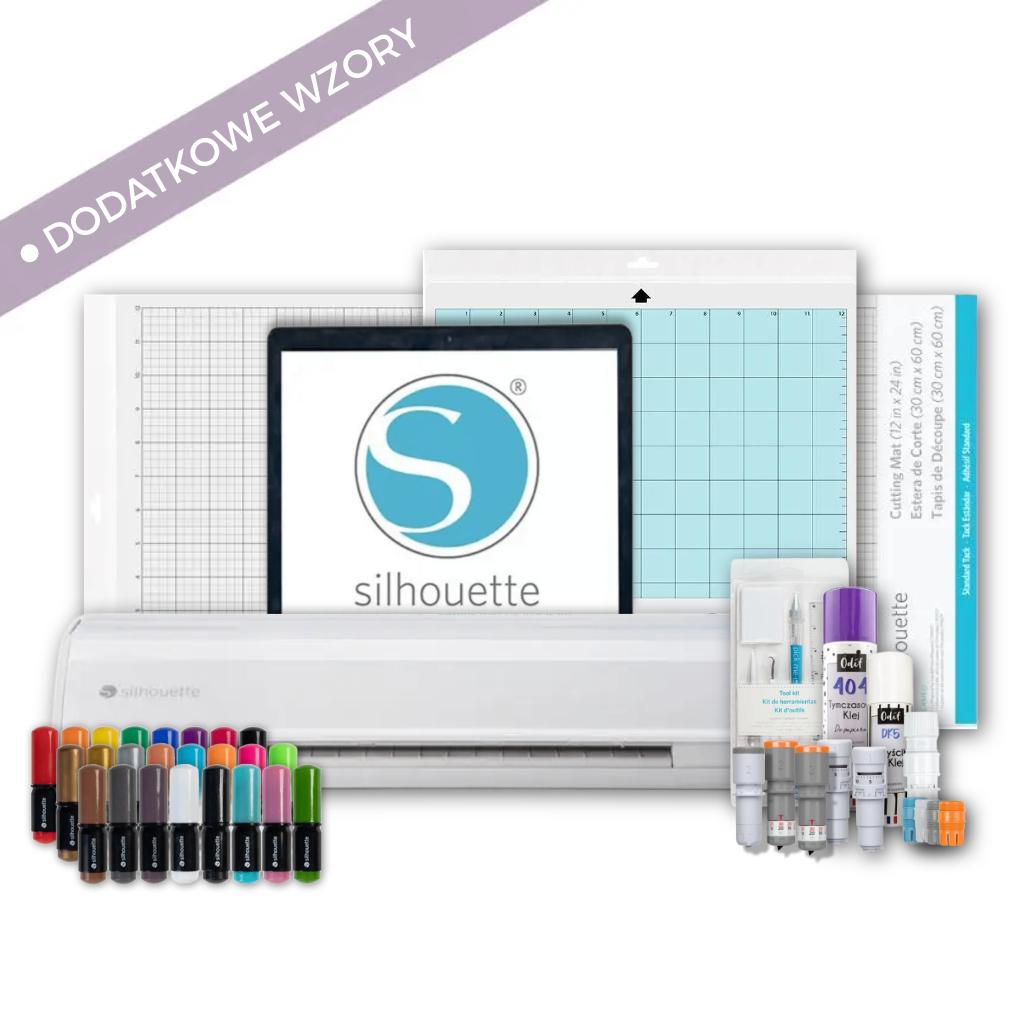
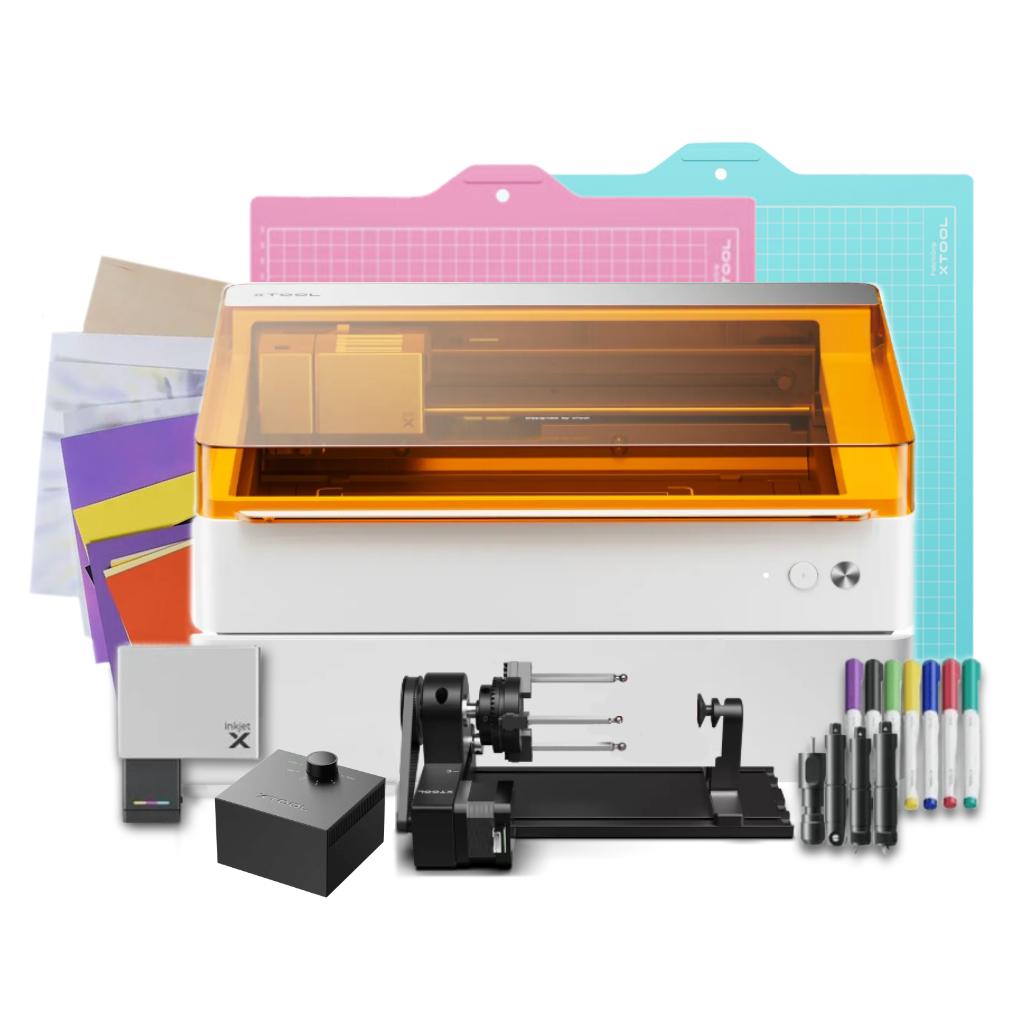
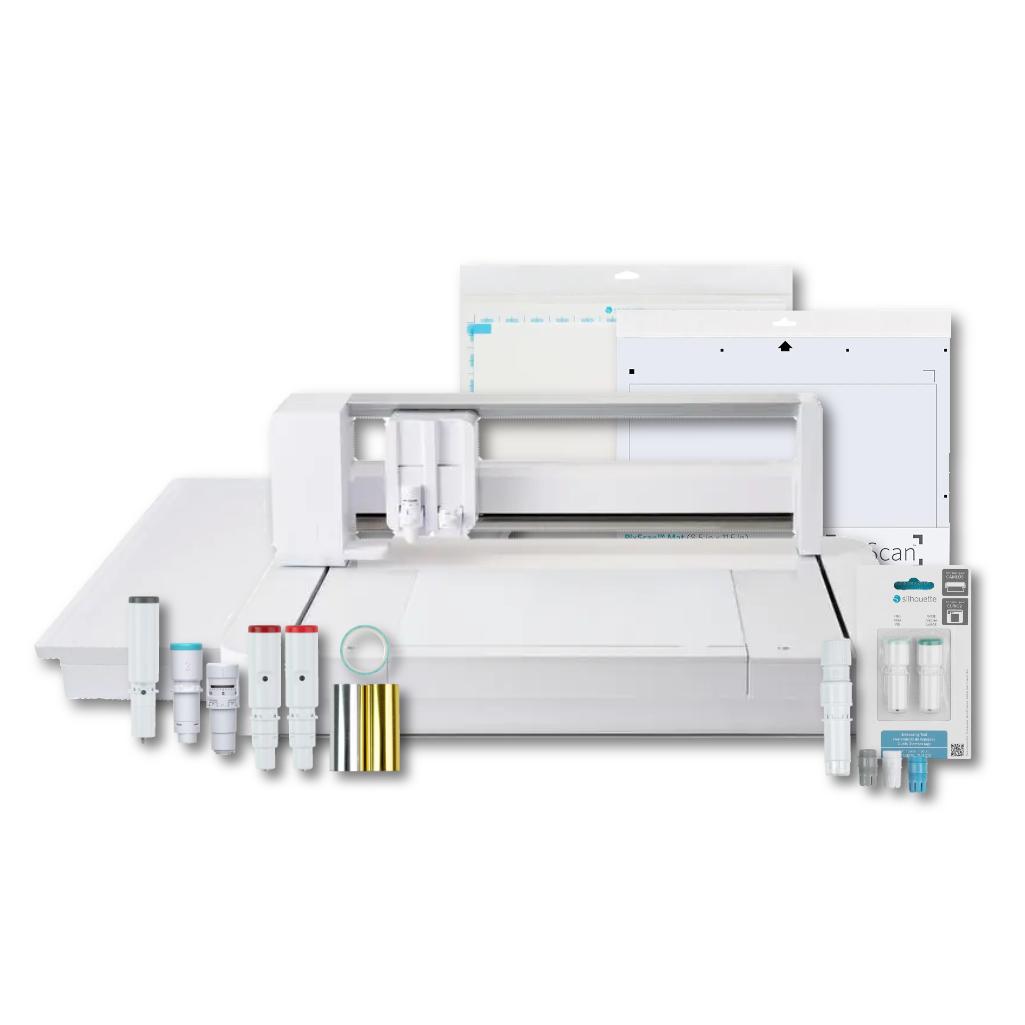
This kit is the perfect solution for schools, preschools, and creative studios. You don't have to search for accessories yourself everything is in one place. The kit includes 300 ready-made designs, perfect for art classes, decorating, and themed school projects.
Plotter possibilities


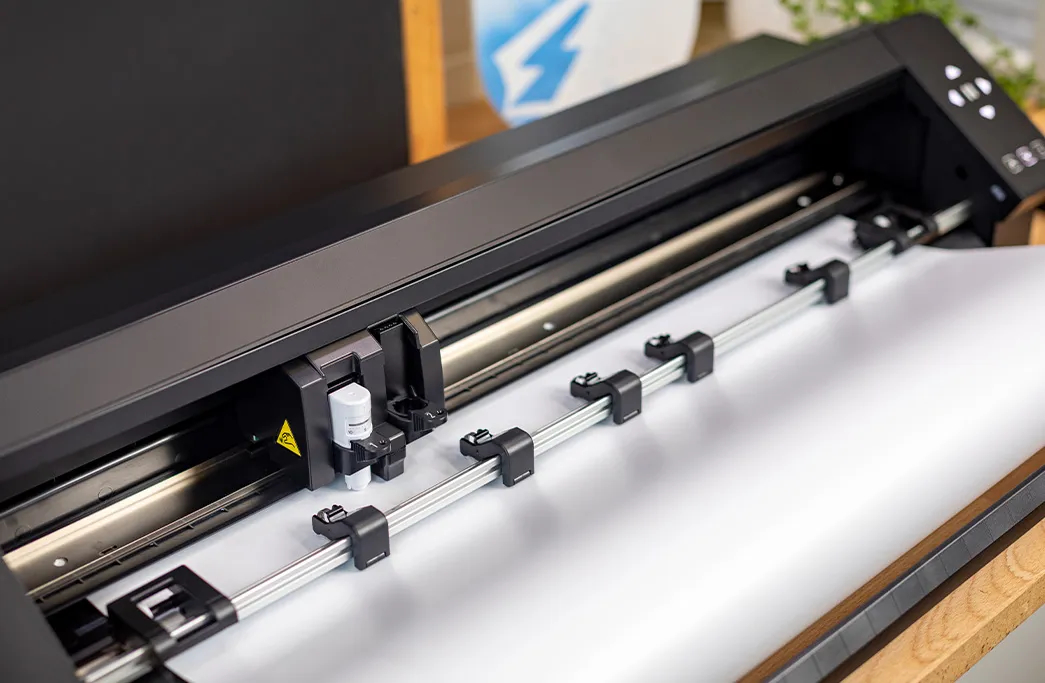
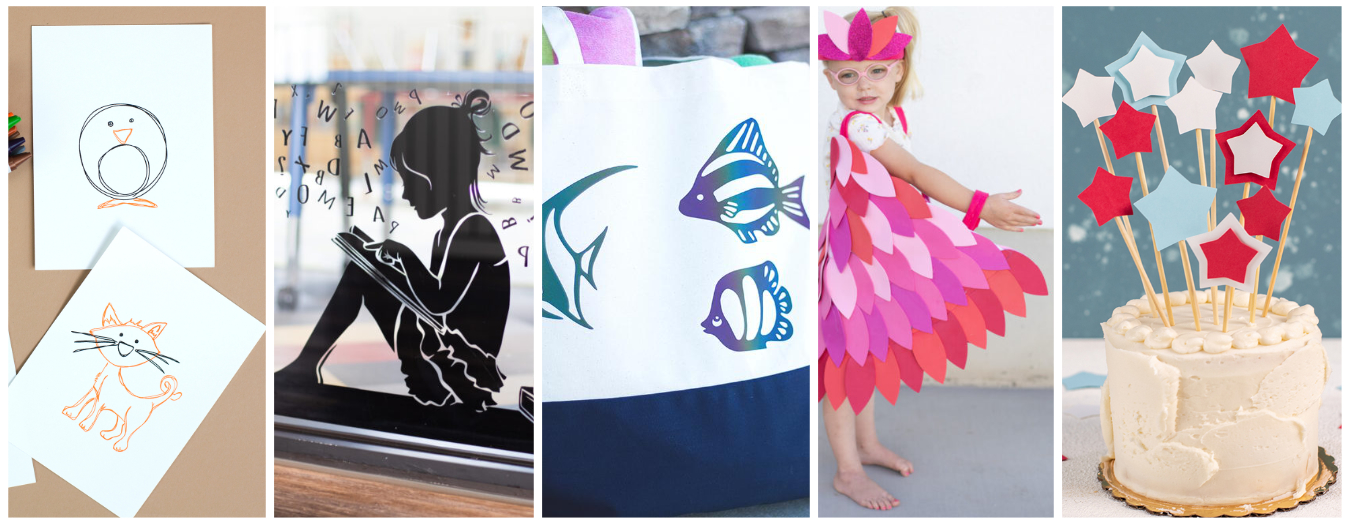
The Silhouette Pro MKII plotter is a modern tool for schools and teachers, perfect for teaching and creative work. Thanks to it, students and teachers can easily create both art projects and large-scale school decorations. When working with paper, the device uses a cutting mat, allowing you to cut elements from sheets of various thicknesses from thin card to stiff paper up to approximately 300g. This opens up a wide range of possibilities: creating decorations for school newsletters, elements for greeting cards, templates, teaching aids, and 3D paper models.
When working with foil, the cutter doesn't require a mat, allowing for convenient cutting of longer lengths of material. This is ideal for creating wall decals, locker and door labels, and labels for school supplies. The matless cutting function also simplifies the implementation of larger projects, saving time and speeding up work. Thanks to these features, the Silhouette Pro MKII supports schools and preschools in creating aesthetically pleasing decorations, enhancing art and craft classes, and engaging students in creative activities, developing their creativity and manual skills.
Cutting paper
The Silhouette Cameo Pro MKII cutting plotter handles paper very well, making it perfect for schools and preschools where creating colorful decorations, teaching aids, and art projects is common. The ability to cut paper up to 300g opens up a wide range of creative possibilities, especially in the school environment. Thanks to this feature, students can create not only classic art projects but also more advanced 3D projects, such as 3D models or mock-ups. The device is also perfect for creating teaching aids - from colorful boards, through educational puzzles, to elements for learning through play. The plotter supports creativity and the development of manual skills, becoming a valuable tool in art and engineering studios.
Cutting vinyl
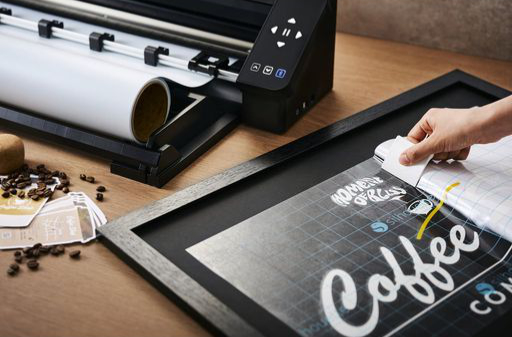
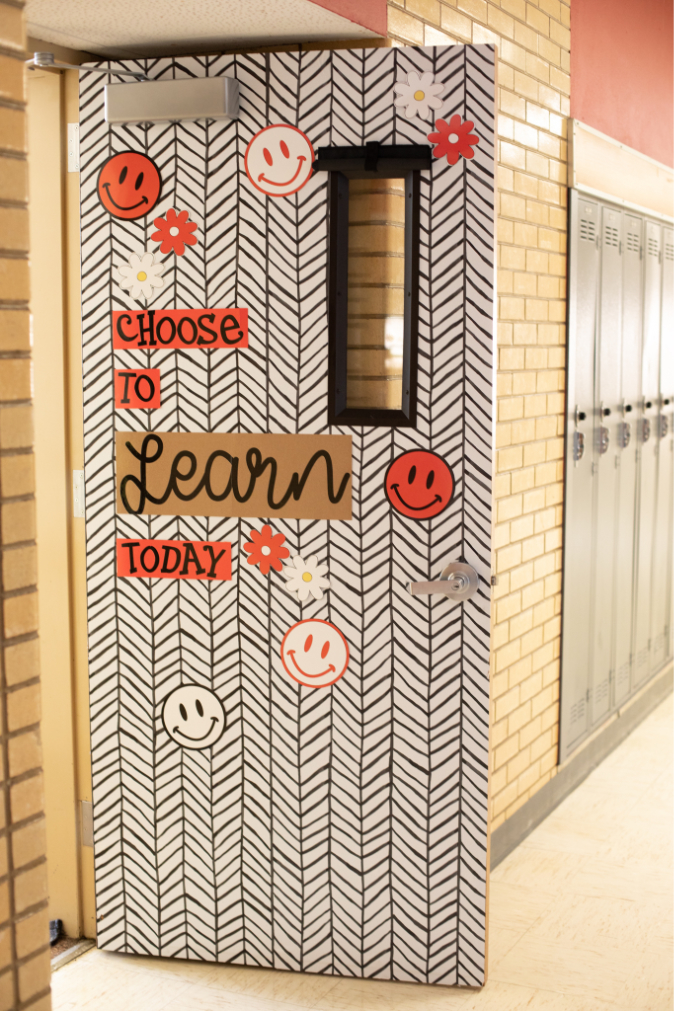
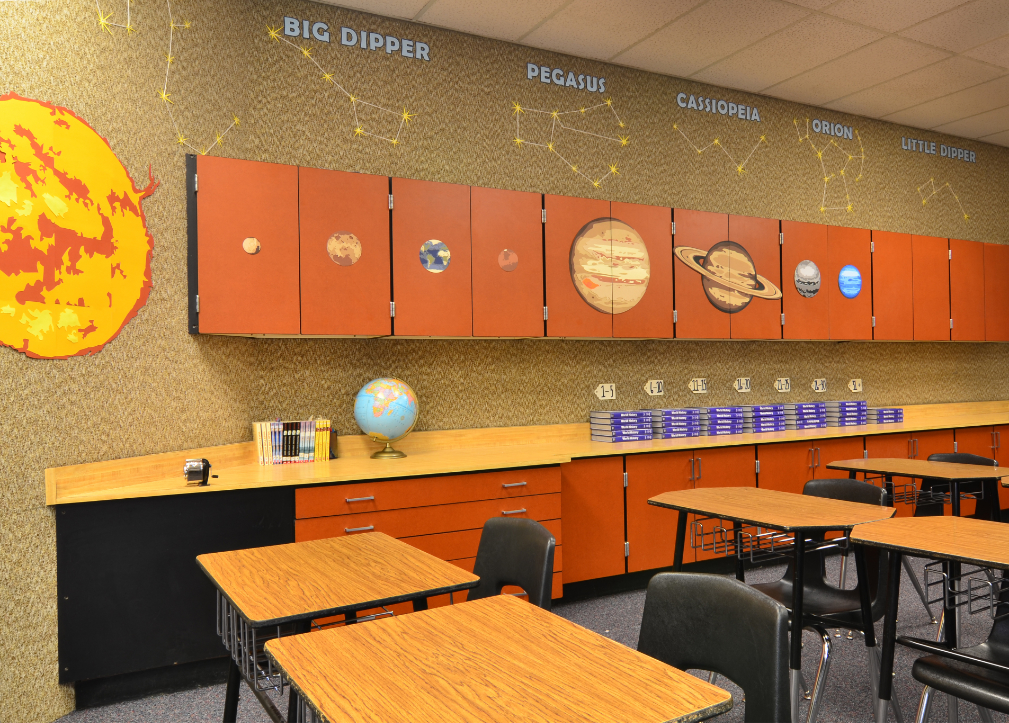
The plotter is excellent at cutting self-adhesive foil, making it the ideal tool for creating a variety of decorations. Using this material, you can create eye-catching inscriptions, graphics, and decorative patterns that are perfect for classrooms, school hallways, or thematic labs. Self-adhesive foil also allows you to personalize lockers, decorate walls, windows, and even equipment or teaching aids. This allows you to quickly and easily create functional, aesthetic, and inspiring educational spaces. Decorating a school this way offers many advantages.It creates a friendly, aesthetic, and motivating learning environment, fosters community integration around shared projects, and strengthens the school's sense of identity. Furthermore, it's a cost-effective and durable solution that can be easily adapted to various occasions or themes throughout the school year. Thanks to its roll-cutting capability, the plotter also allows for the creation of larger decorative elements, which is particularly useful when designing larger spaces.
Cutting HTV
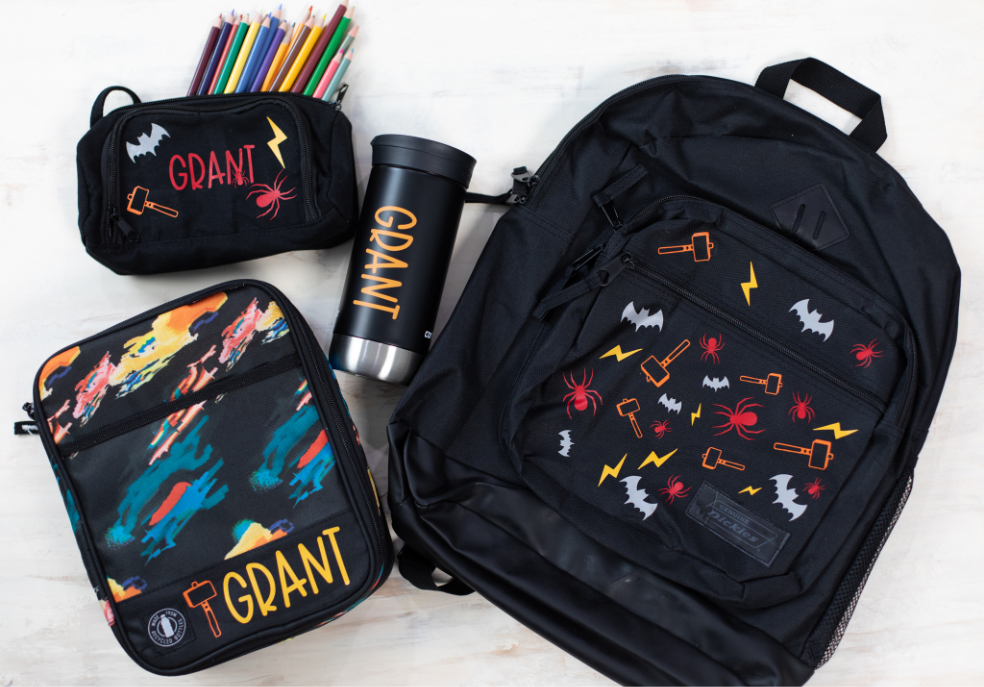
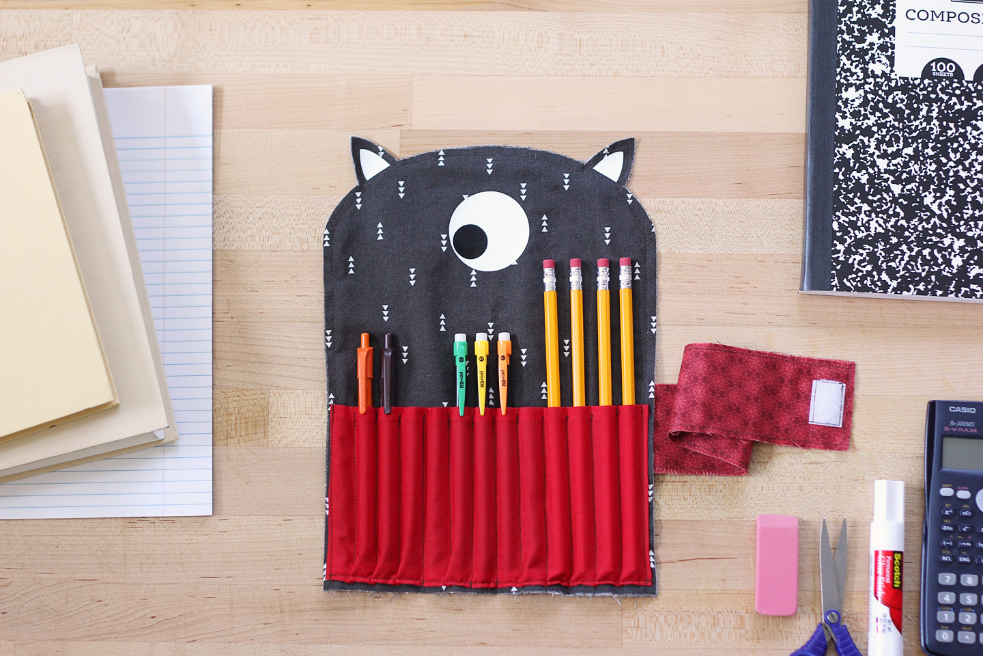
The plotter also allows for precise cutting of iron-on transfer foils, opening up entirely new creative possibilities in the school environment. This feature allows you to easily create unique graphics, lettering, and patterns, which can then be applied to fabrics using a heat press or iron. It's the perfect solution for personalizing clothing, fabric bags, pencil cases, and school supplies. Iron-on transfers are perfect for both art and craft classes, as well as creative workshops. Children can design their own motifs and immediately transfer them onto fabric, developing their imagination and design skills. They're also a great way to create personalized class T-shirts, event gifts, or school promotional products. Iron-on transfers are a durable, aesthetically pleasing, and effective solution that allows for an engaging combination of learning, fun, and hands-on creative activities.
Cutting prints
The plotter features contour cutting for printouts from any office printer, significantly expanding its potential for use in schools. This option allows you to create your own stickers, labels, badges, and colorful elements for art projects and educational projects.
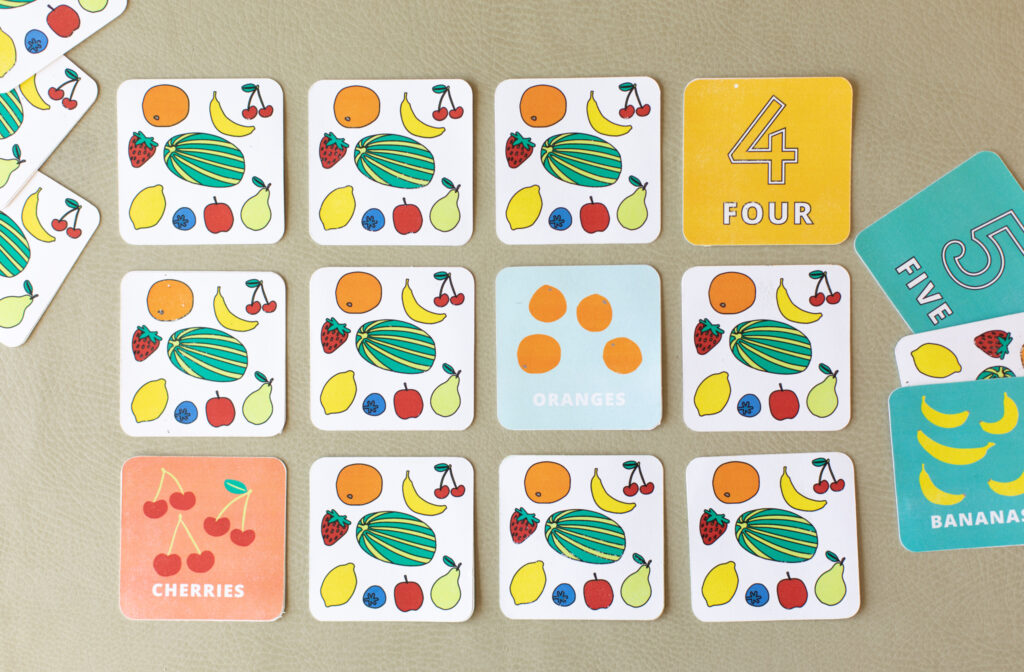
It's an ideal solution for creating engaging teaching aids, such as illustration sets, worksheets, educational games, or playful learning materials. Students can also personalize their notebooks, supplies, and other school items, fostering creativity and increasing engagement in class. Cutting out prints is also useful for larger artistic or decorative projects where aesthetics and precision are key. This feature makes the plotter a versatile tool that combines technology with creativity in everyday school work.
Sketching
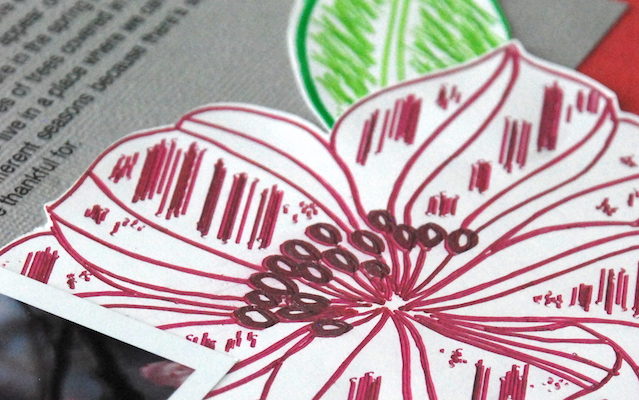
Sketching with a plotter and its universal holder is useful for both artistic and technical classes - students can create their own compositions, graphic designs, and even technical writing or diagrams. This function also allows for the creation of aesthetically pleasing inscriptions and decorative lettering, which is useful for classroom decorations, school newsletters, or special occasion materials. The ability to use different types of markers offers enormous creative freedom and allows for interesting visual effects that distinguish each work.
Cutting fabric, felt and foam
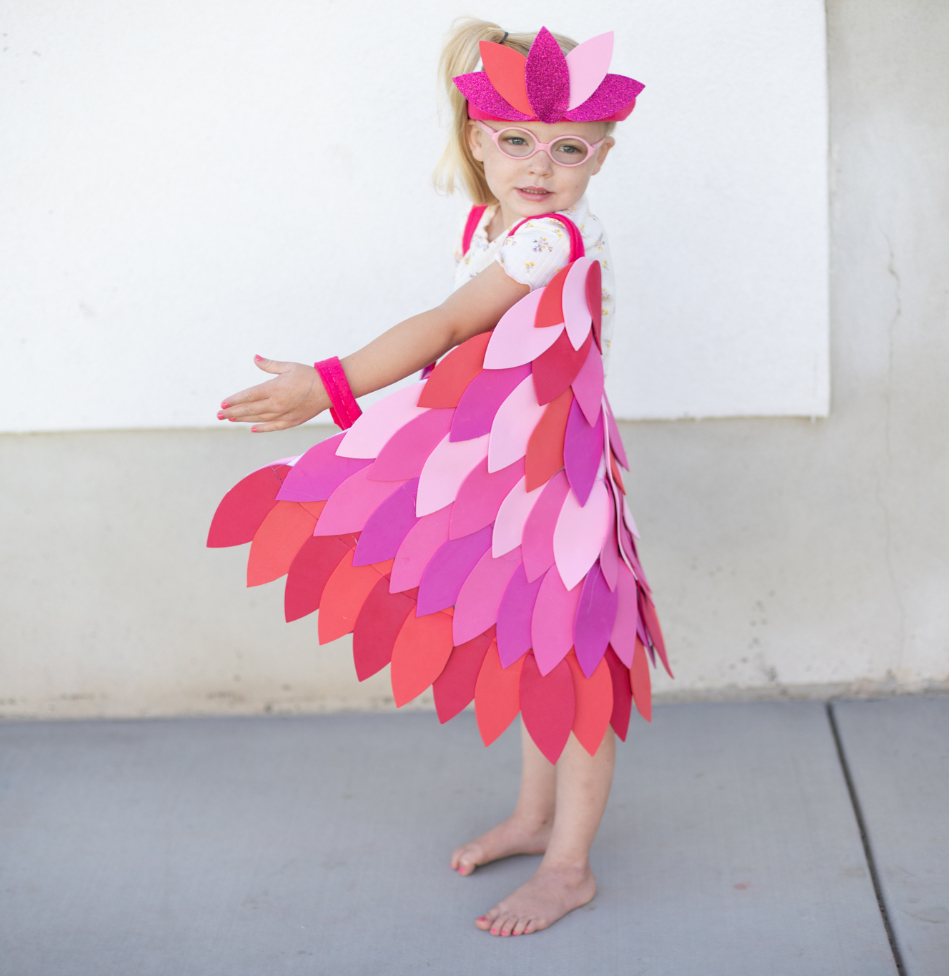
A plotter is an incredibly versatile tool that can be successfully used in schools for art and technology lessons, as well as cross-curricular projects. With the ability to cut a variety of materials, such as craft foam, thin fabrics, or felt up to approximately 1 mm thick, this device opens up entirely new creative possibilities for students and teachers. In school settings, the plotter can be used to create costume elements and masks, perfect for school plays, costume parties, or theater classes. It's also perfect for decorating classrooms and hallways - with the plotter, you can easily create aesthetic decorations for special occasions, such as holidays, the start of the school year, or Teacher's Day.
What can a plotter be used for at school:
-
Classroom and preschool decorations - large signs, garlands, and decorative elements for walls and windows.
Self-adhesive foil stickers - for walls, cabinets, doors, boards, containers, and other surfaces.
Labels and markings - personalized stickers with names, numbers, names of objects or rooms.
Teaching
aids - letters, numbers, geometric shapes, educational boards, clocks
for learning time, and other materials supporting learning.
Stencils for tracing or painting - ideal for art and technology activities.
Sensory and educational aids for children with special needs - shapes for tactile learning, colorful elements for arranging.
Materials for creative activities - scrapbooking, collages, theater, 3D paper crafts.
Packaging and greeting cards - personalized boxes, envelopes, cards for Teacher's Day, holidays, etc.
Information signs - e.g., "Quiet! Exam in progress," "Cafeteria," "Teacher's office," etc.
Hangers and name badges - e.g., for doors, for students, or for school events.
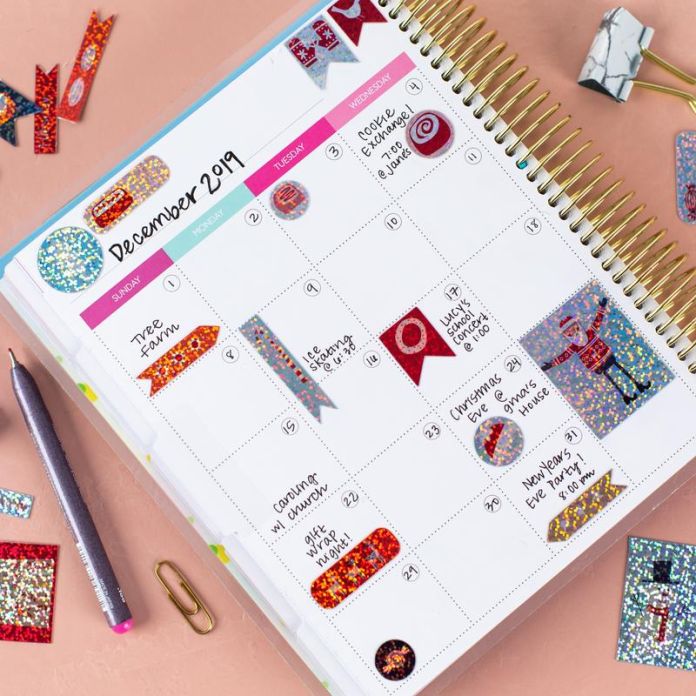
Calendars and lesson plans - aesthetically pleasing and tailored to the needs of the class or teacher.
The
plotter offers a multitude of possibilities that help make the school
space more colorful, organized and inspiring for students and teachers.
Additional accessories included
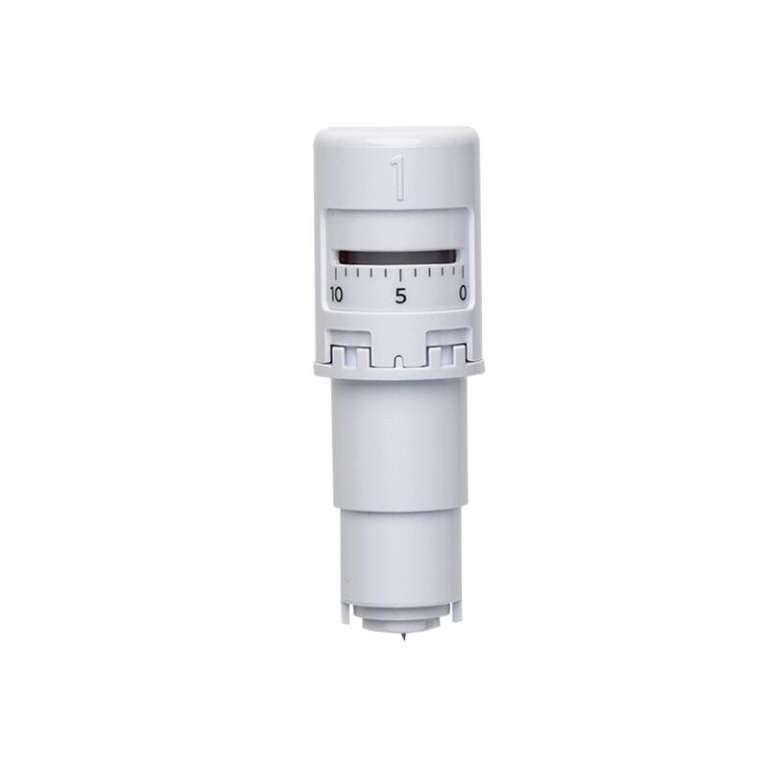
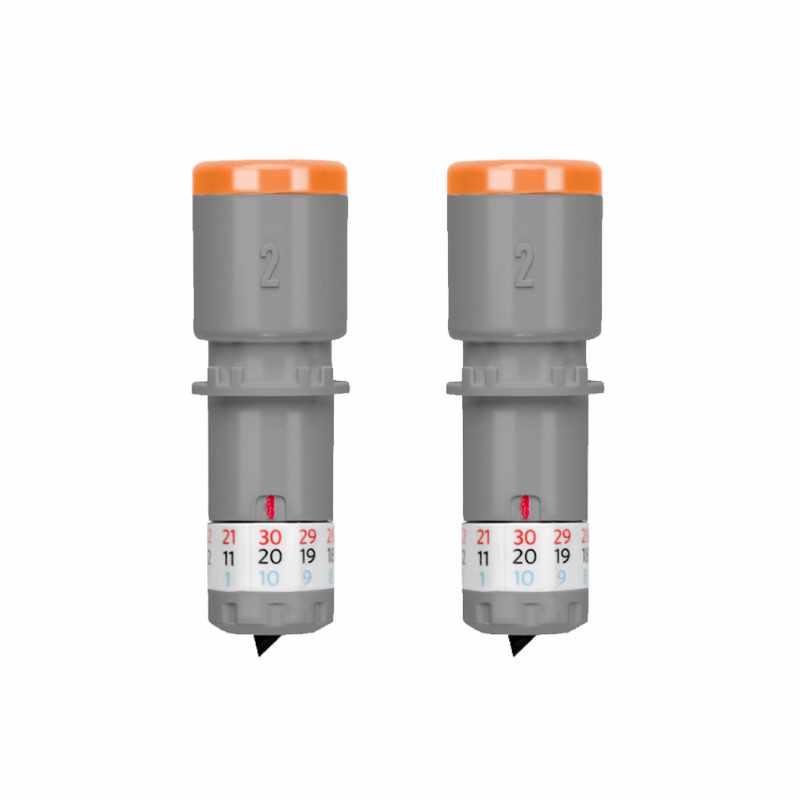
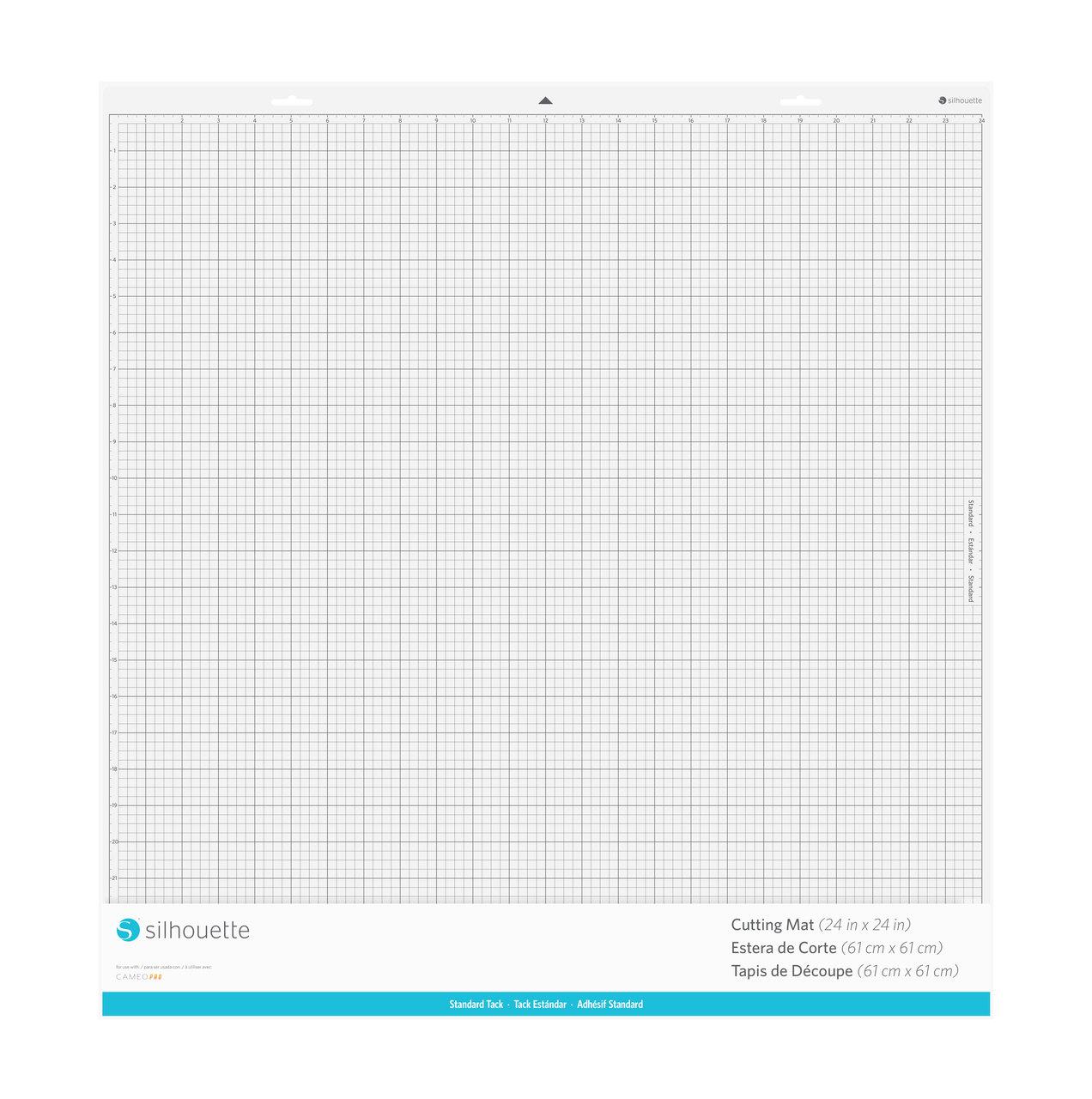
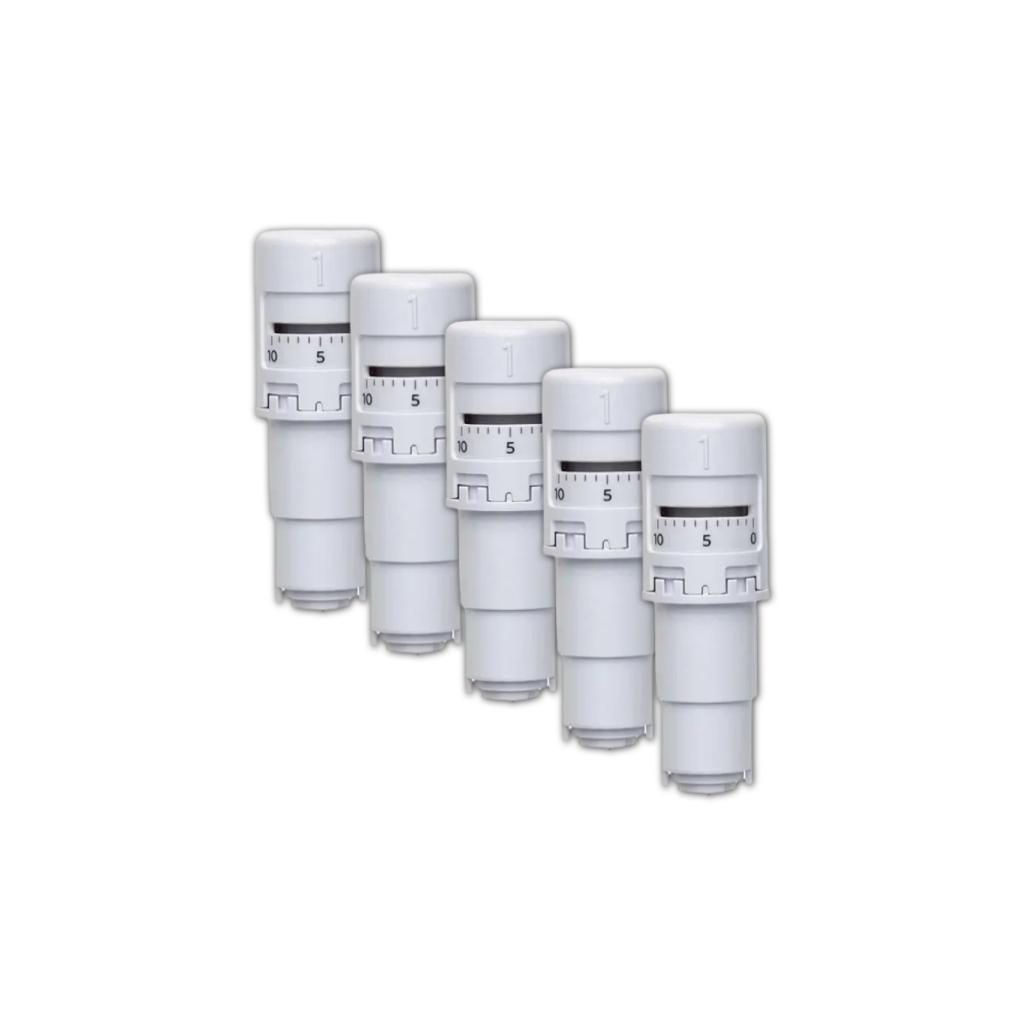
The plotter's box includes an automatic blade, ideal for paper and foil, and a 60x60 cm mat. These
products allow you to get started with the device, but it's worth
purchasing additional components that will simplify the process, allow
you to fully utilize the plotter's capabilities, and enable comfortable
work with various materials.
300 Free Patterns
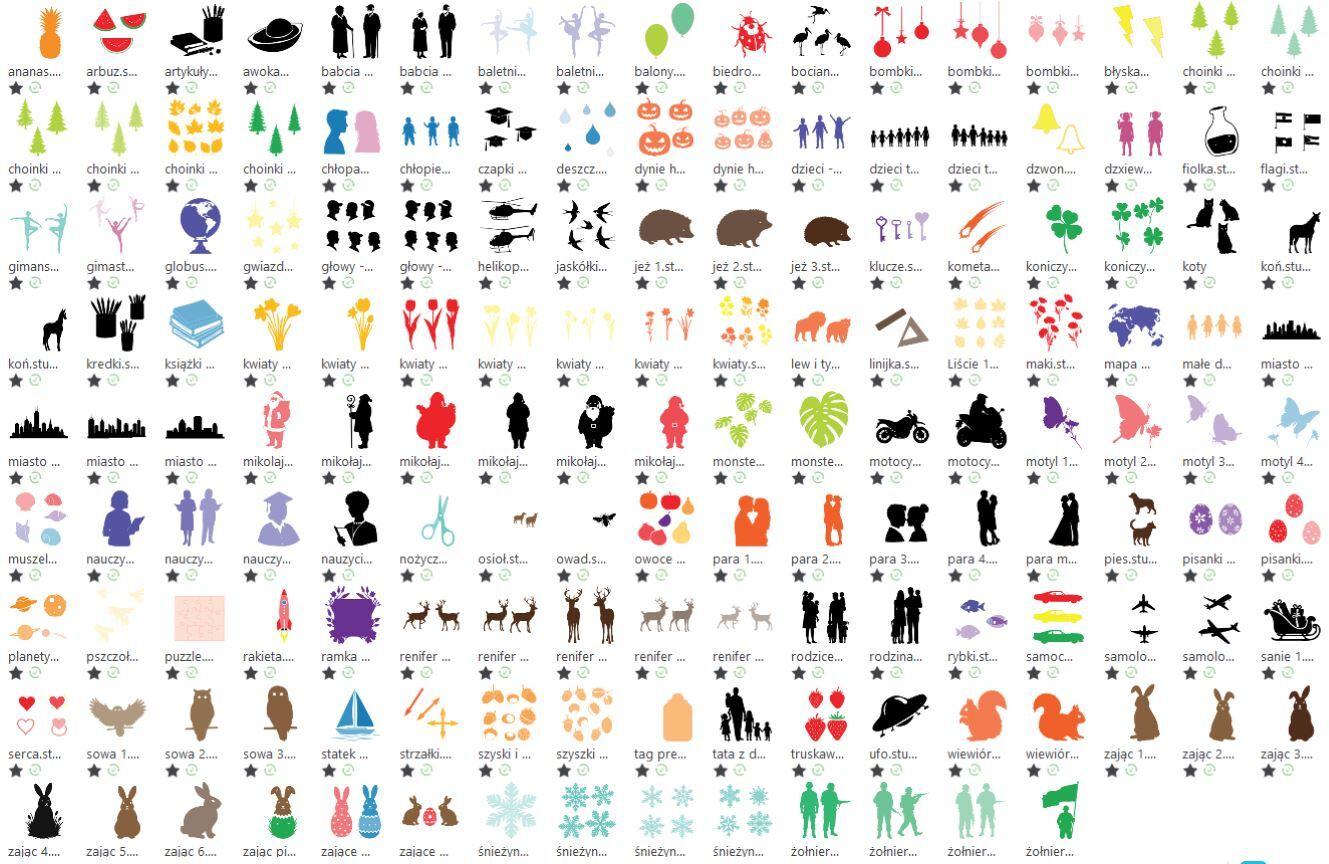
The kit includes a rich set of free educational and creative materials that will make getting started simple and inspiring: 300 patterns to cut out are included!
Includes:
- 100 patterns from the manufacturer - available after registering your device,
- 150 cutting patterns designed specifically for schools and preschools,
- plus 150 Print & Cut files.
With this kit, students and teachers can immediately begin creating unique projects, from classroom decorations and teaching aids to creative art projects.
Additional mats
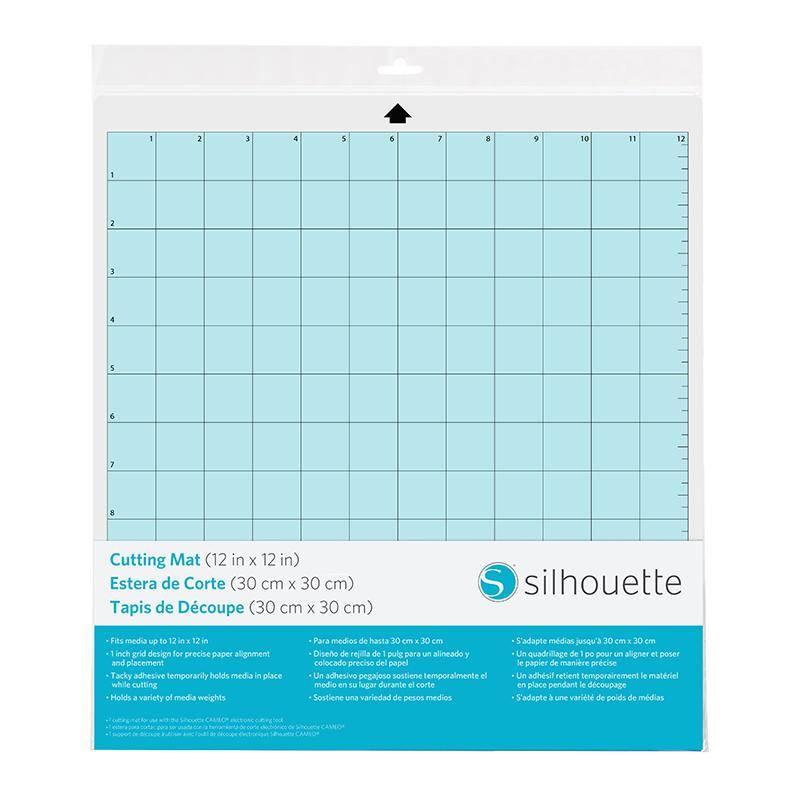
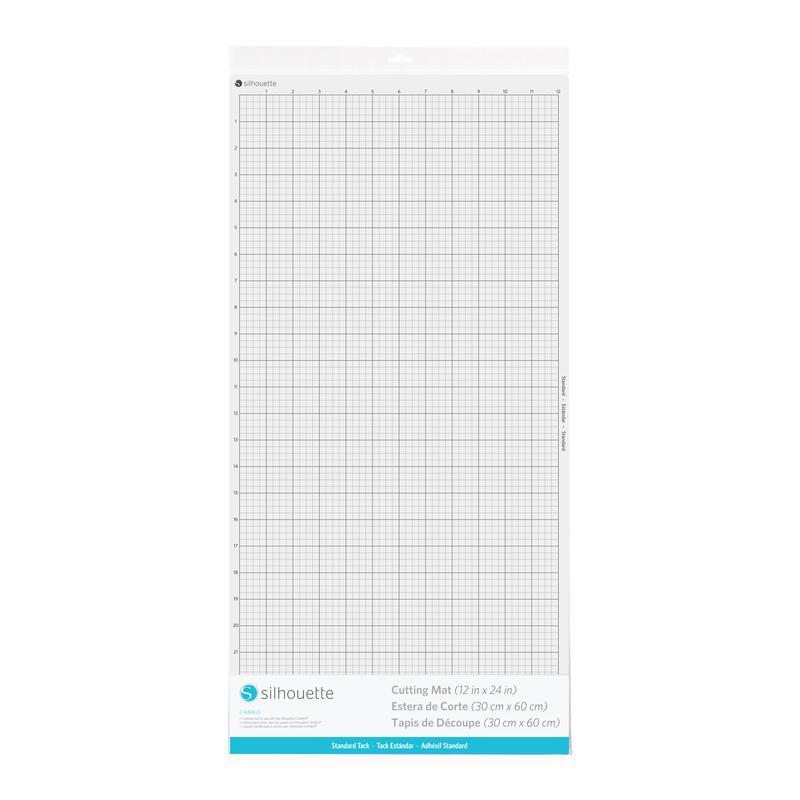
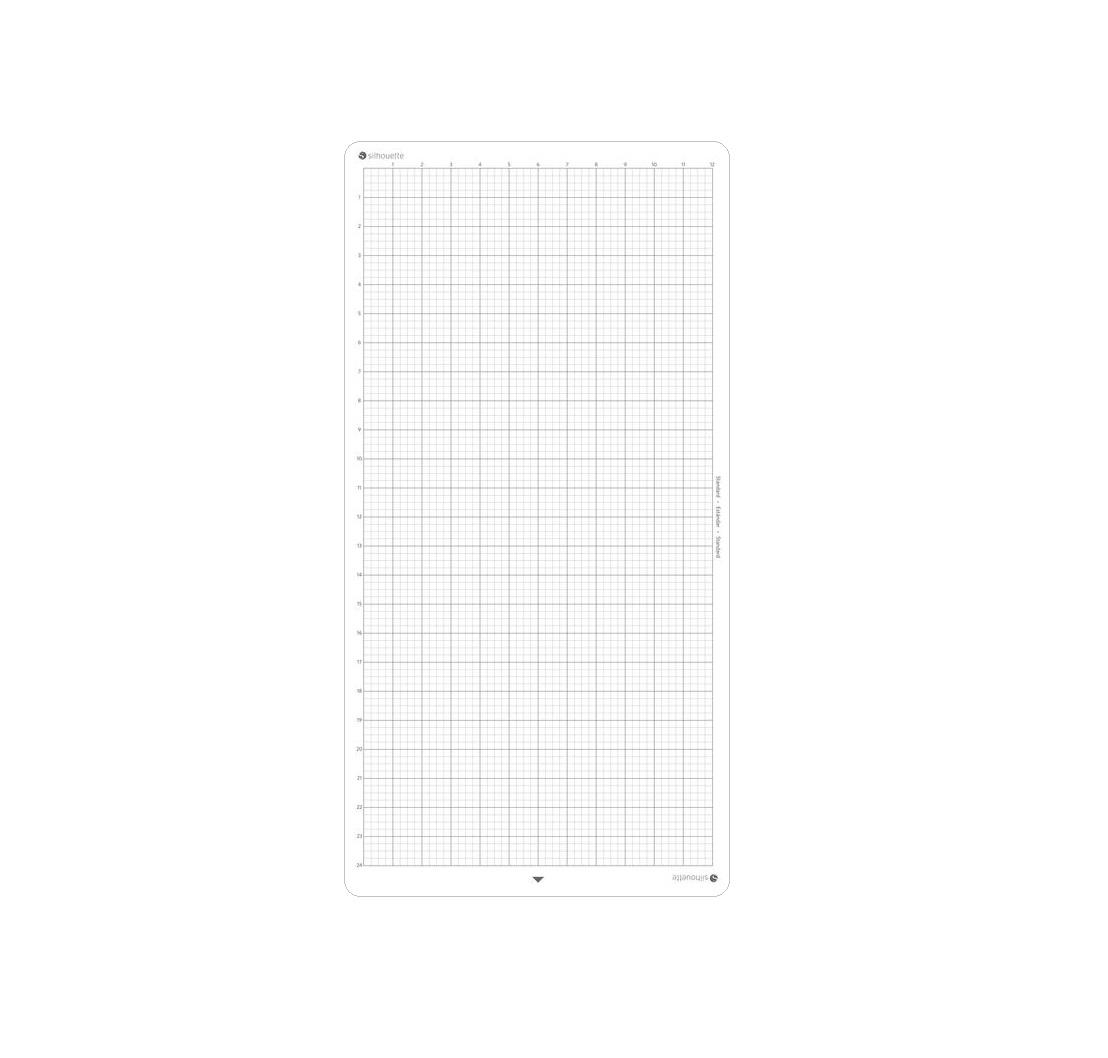
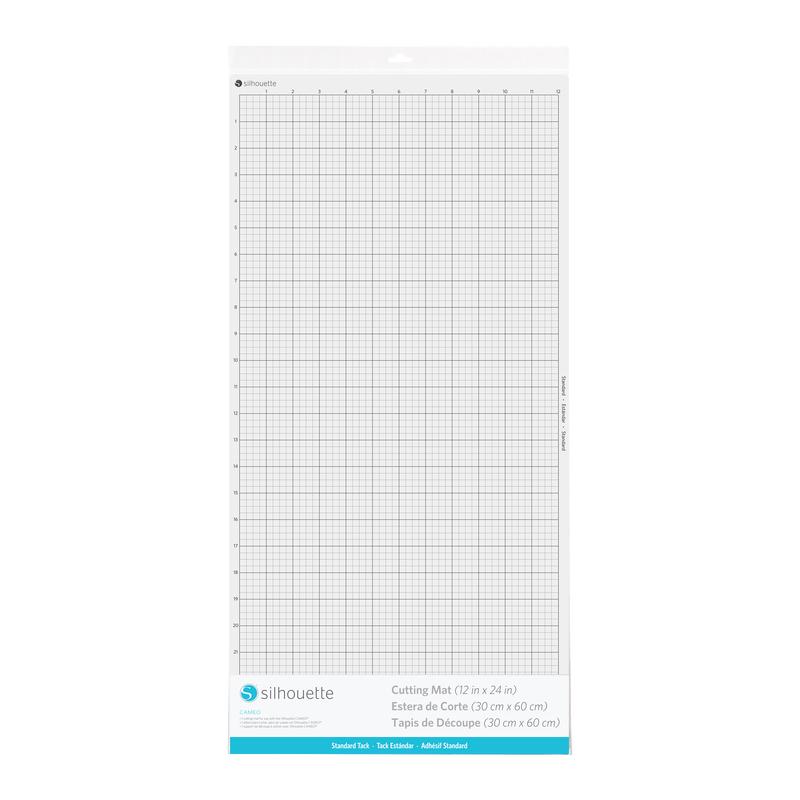
The set also includes two additional cutting mats, measuring 30x60 cm and 60x60 cm, which significantly expand the possibilities of using the plotter in schools. The 60x60 cm mat allows for the creation of large projects, such as decorations for school newsletters, signs, banners, or scenographic elements - an ideal solution for working with larger formats. Because the plotter already includes one such mat, they can be used interchangeably, speeding up workflows, especially when used intensively by a group of students.
The smaller 30x60 cm mat, on the other hand, is a handy tool perfect for smaller projects, such as stickers, stencils, greeting cards, or art supplies. Thanks to the different mat sizes, teachers can easily adapt the tool to the needs of a given task, while students enjoy greater comfort and reduce unnecessary trimming. Mat regeneration kit
During
intensive plotter use at school or preschool, the plotter mat can lose
its properties over time - the paper loses its grip, shifts, or falls
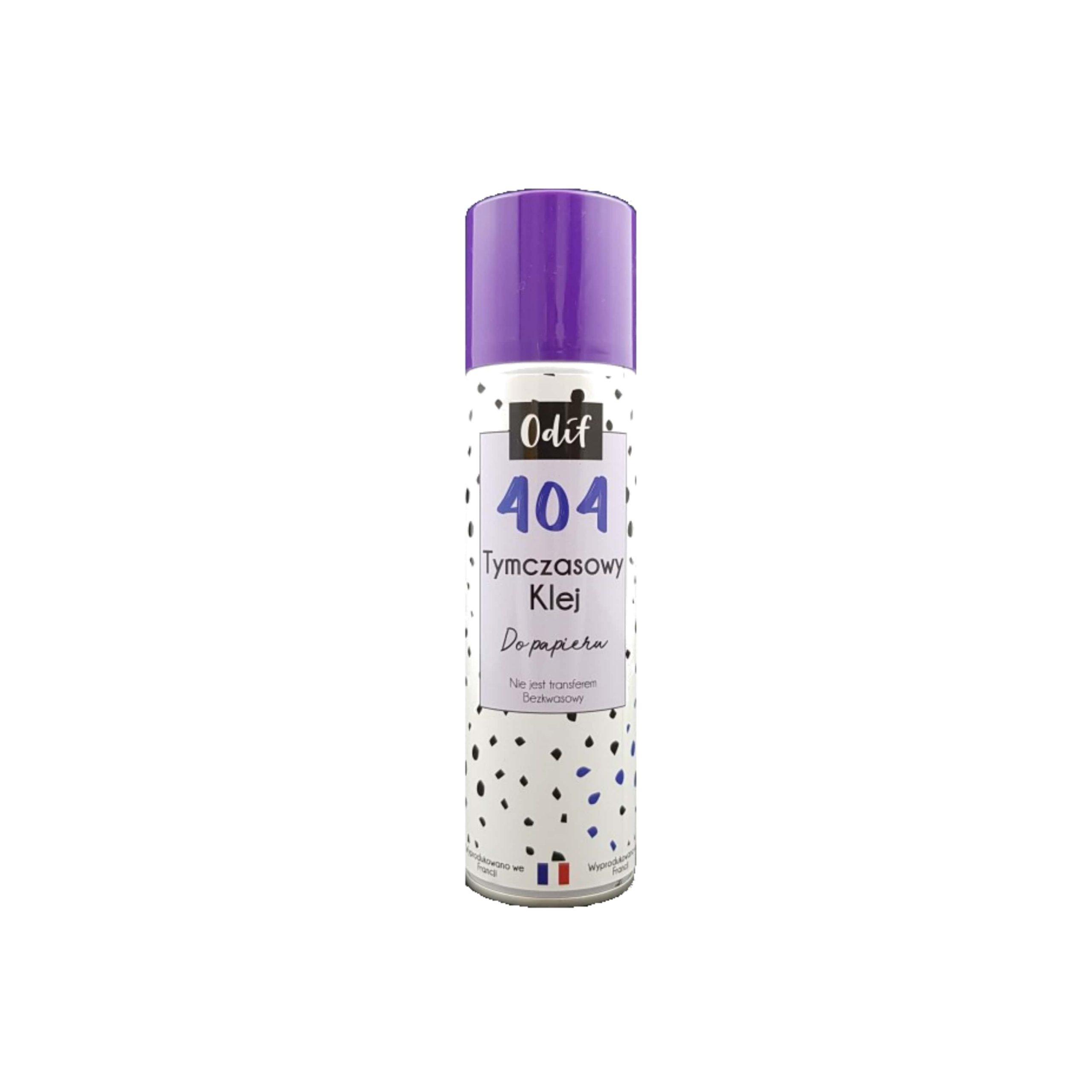
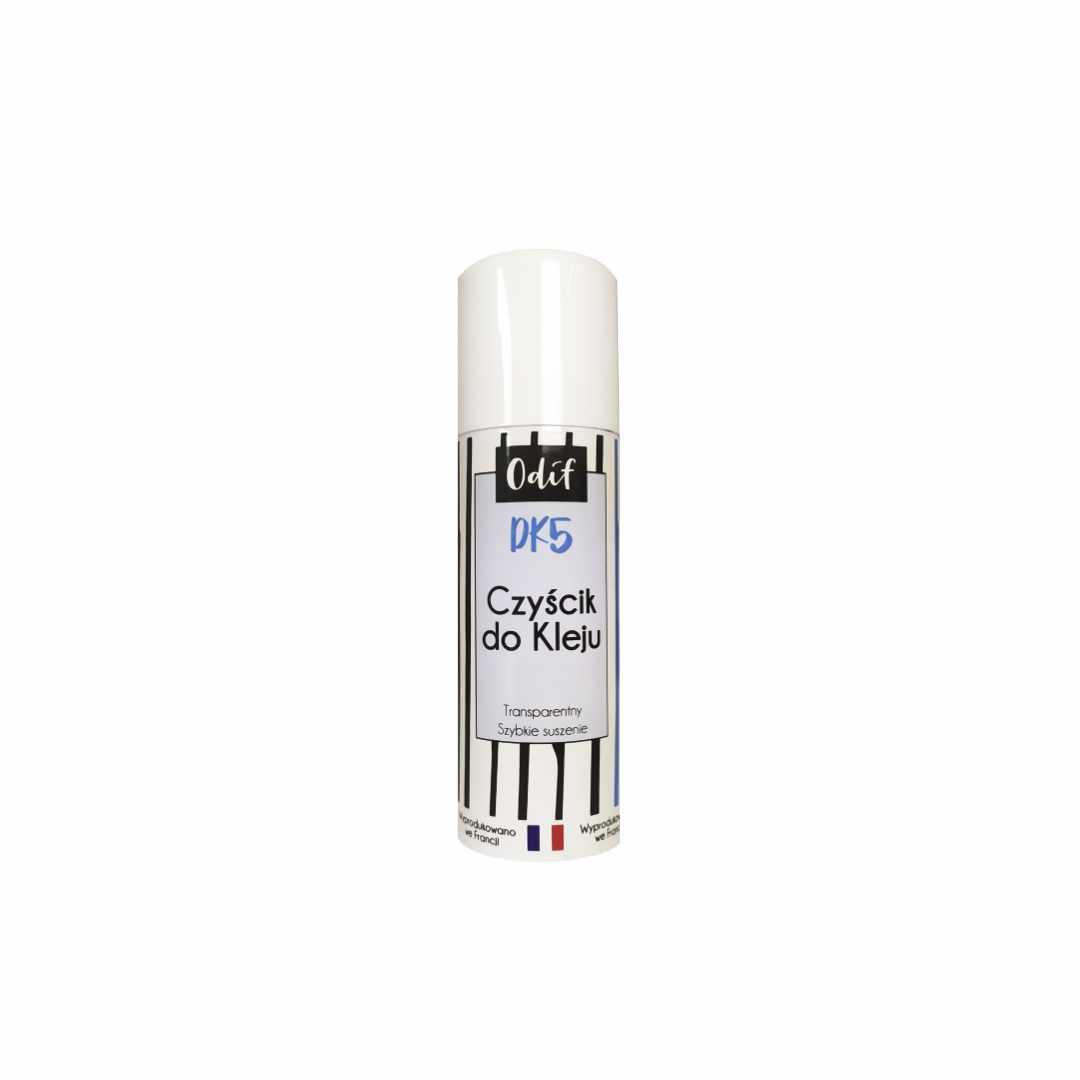
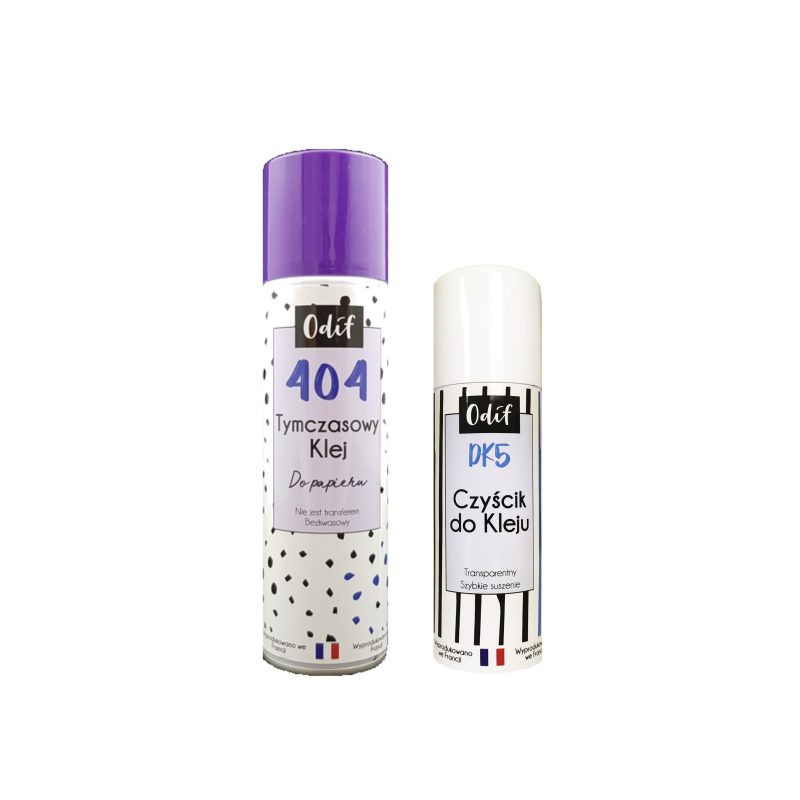
off. Instead of buying a new mat, you can easily renew it with a set of Odif 404 and DK5.
Odif 404 is a temporary spray adhesive that allows you to quickly return the mat to use. Simply spray the surface, wait a moment, and the mat will hold the paper securely again. This is an ideal solution when the mat's adhesive has worn off but the mat itself is in good condition.
However, if excessive glue residue, dust, and paper particles have
accumulated on the mat, it's worth first using Odif DK5 - a cleaning
agent that effectively removes the old adhesive layer. After cleaning the DK5 mat, simply spray it again with Odif 404, and the mat will be as good as new.
This reconditioning process can significantly extend the mat's lifespan and avoid unnecessary costs. A new mat should only be purchased if the current one is mechanically damaged - for example, severely scratched, bent, or worn.
The Odif set of products is a practical solution for schools and
preschools where mats are used extensively for cutting out decorations,
teaching materials, or art projects. It allows for efficient and convenient work without interruptions for changing accessories.
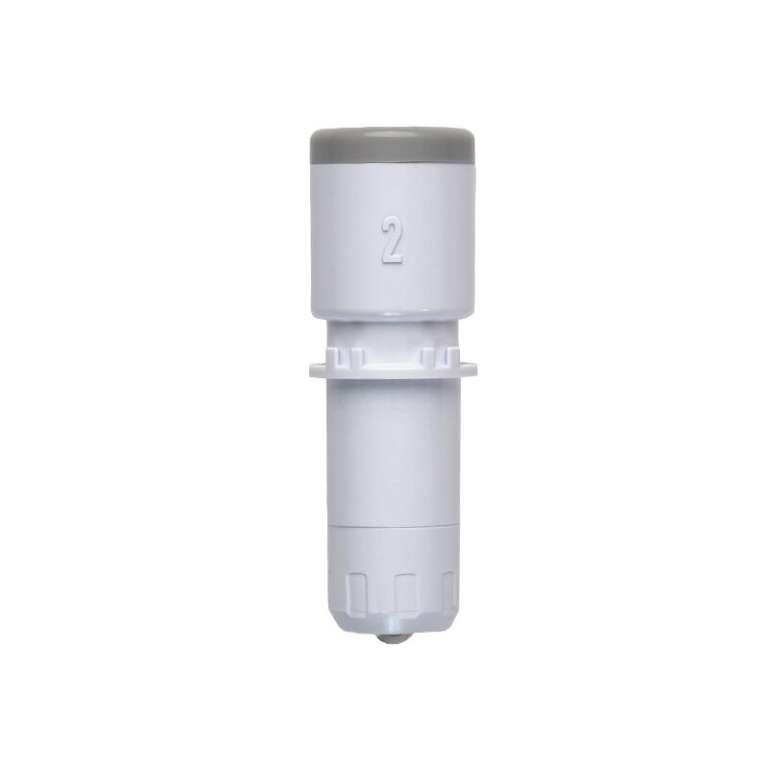
Spare blade
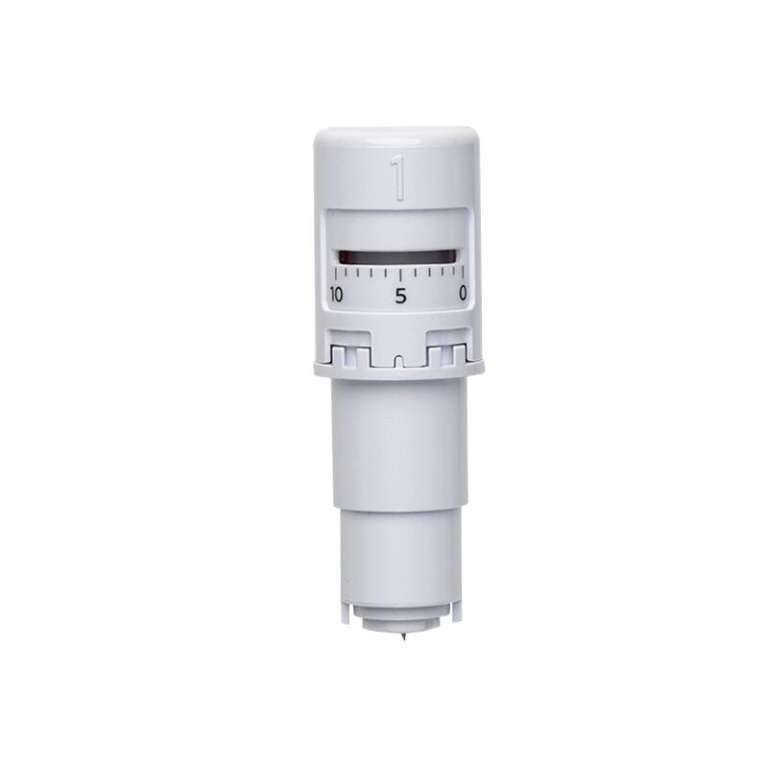
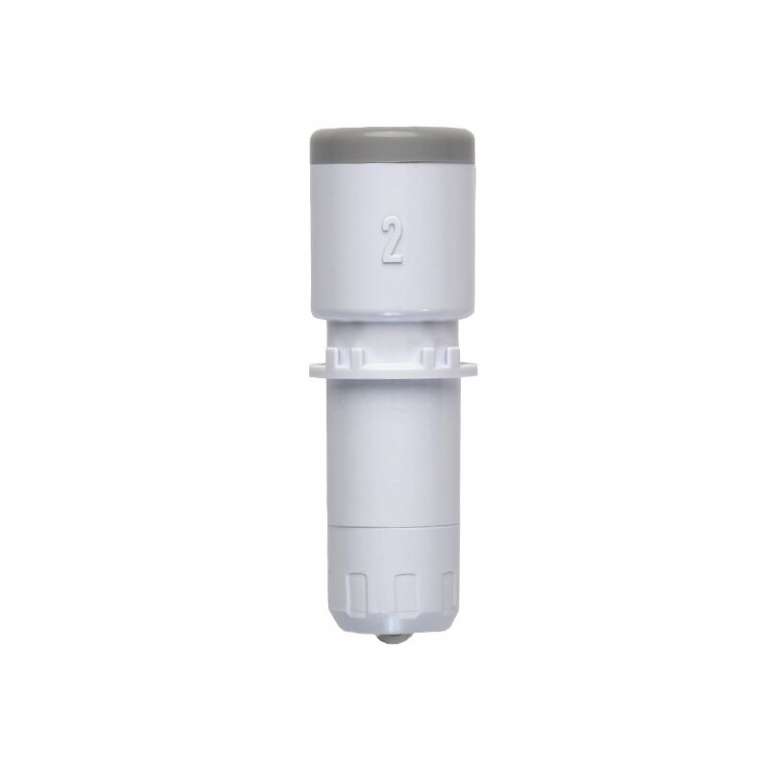
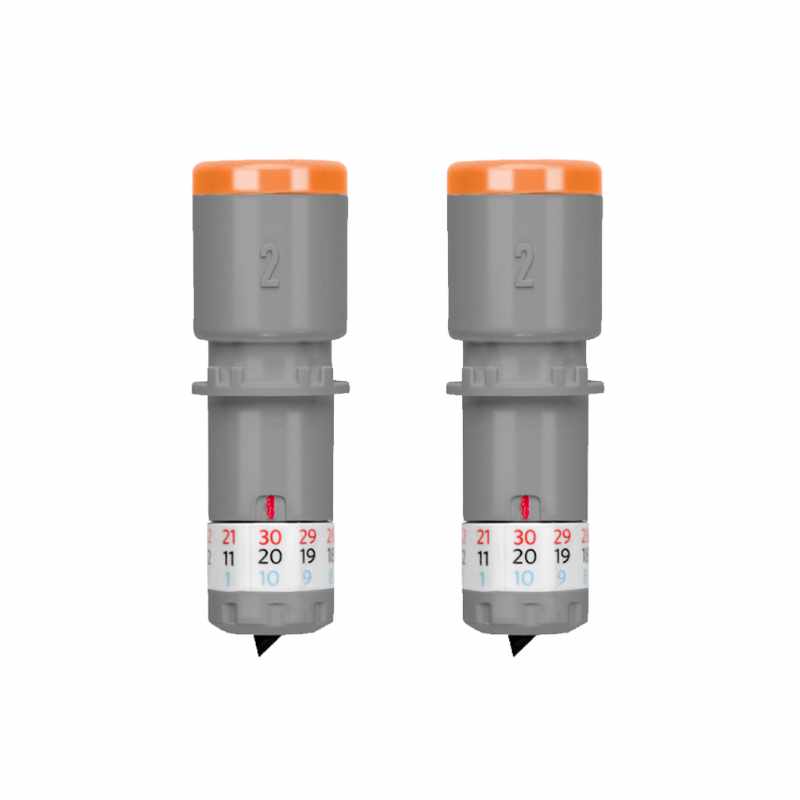
The Silhouette cutter comes with a spare automatic blade, a very practical feature. This means you always have a consumable on hand and can quickly replace it when the previous blade becomes dull. This helps avoid downtime that could disrupt your classes. This is a huge convenience, especially when using the cutter extensively for various educational and decorative projects.
Tool kit
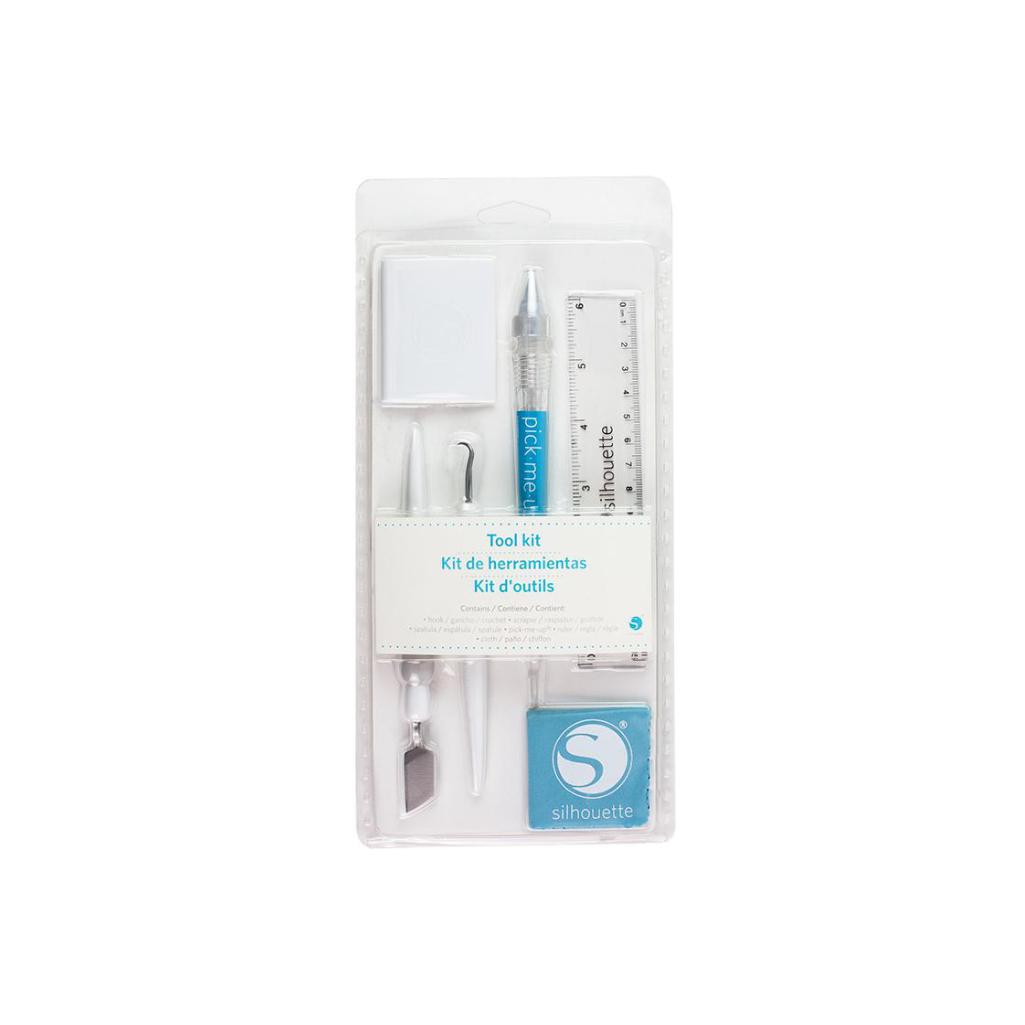
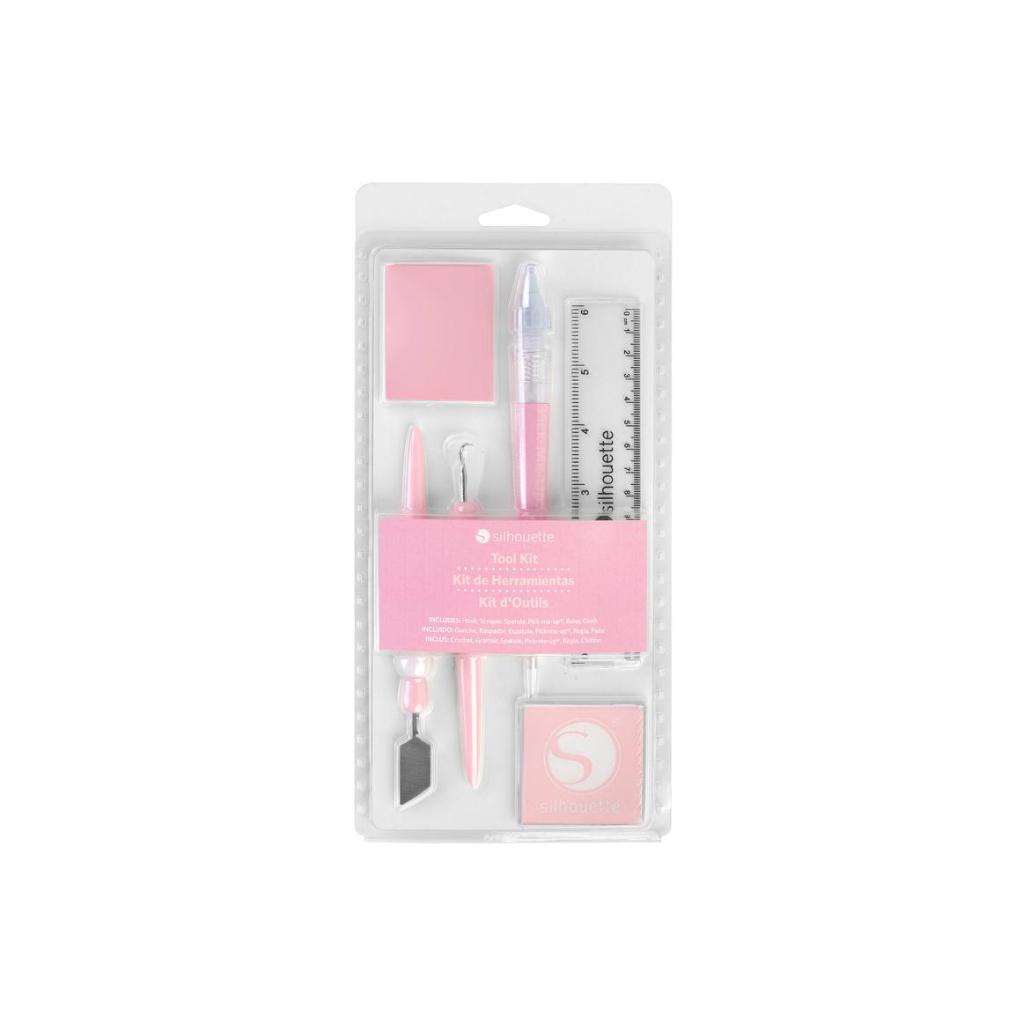
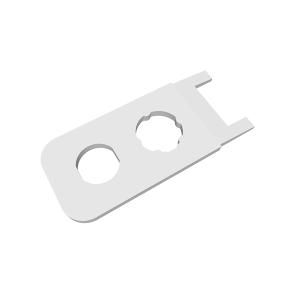
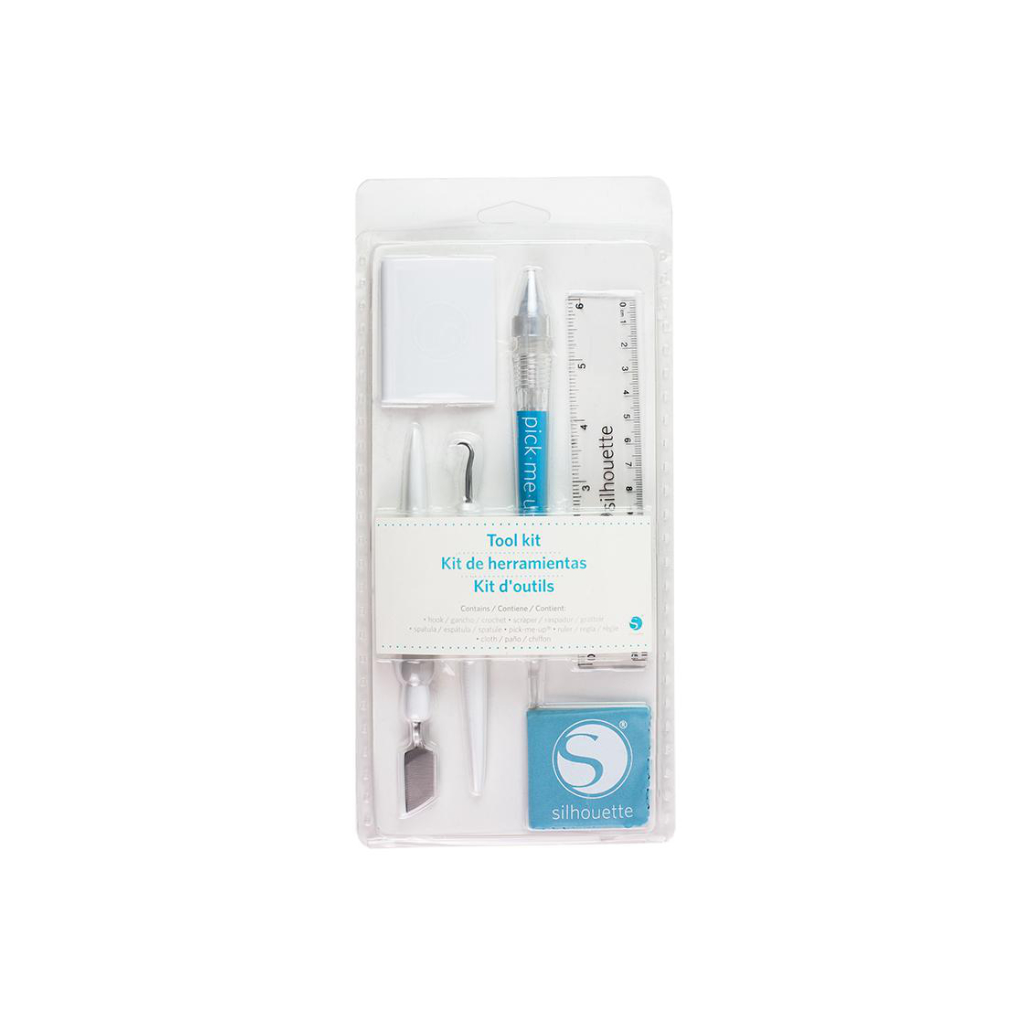
The Silhouette Tool Set is a practical
set of accessories that are perfect for working with a plotter,
especially in schools. It includes a spatula, hook, and scraper - each
tool has its specific purpose and facilitates precise cutting and
transferring of various materials, such as foil, paper, or vinyl. This
makes work more convenient, more accurate, and significantly faster.
It's an ideal solution that anyone working with a plotter will
appreciate, especially for larger projects and classes with students.
Pen holder
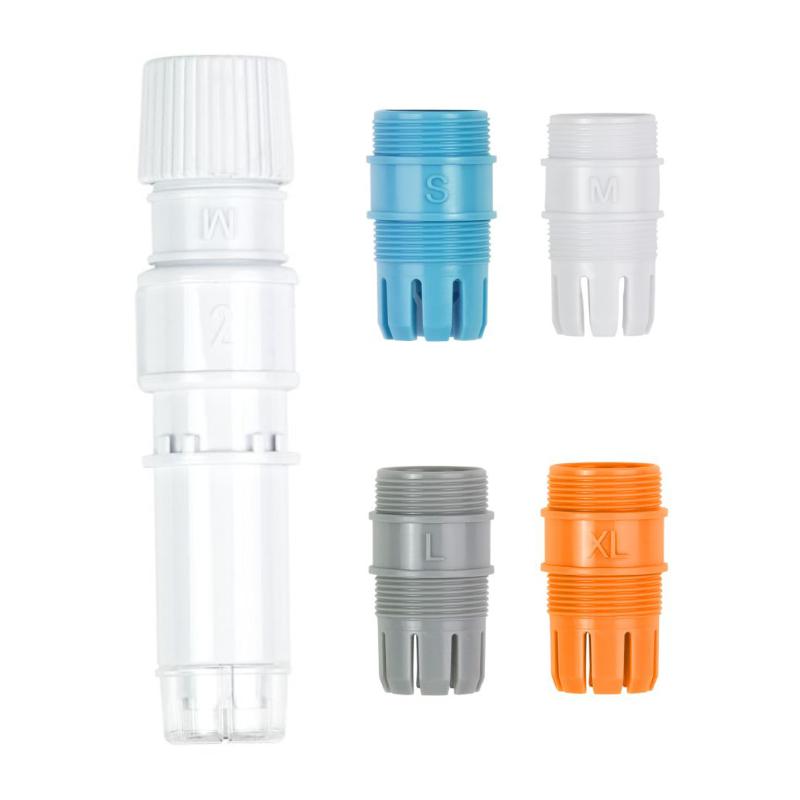
The
Silhouette marker holder is a practical accessory that allows for even
greater creative possibilities when working with Silhouette plotters. It
allows you to use a variety of markers and pens of different diameters,
significantly increasing the versatility of the device.
The holder allows for precise writing, drawing, and creating details on
paper and other materials, giving your projects a unique character.
The holder's simple installation allows you to get started quickly without the need for complicated setup.
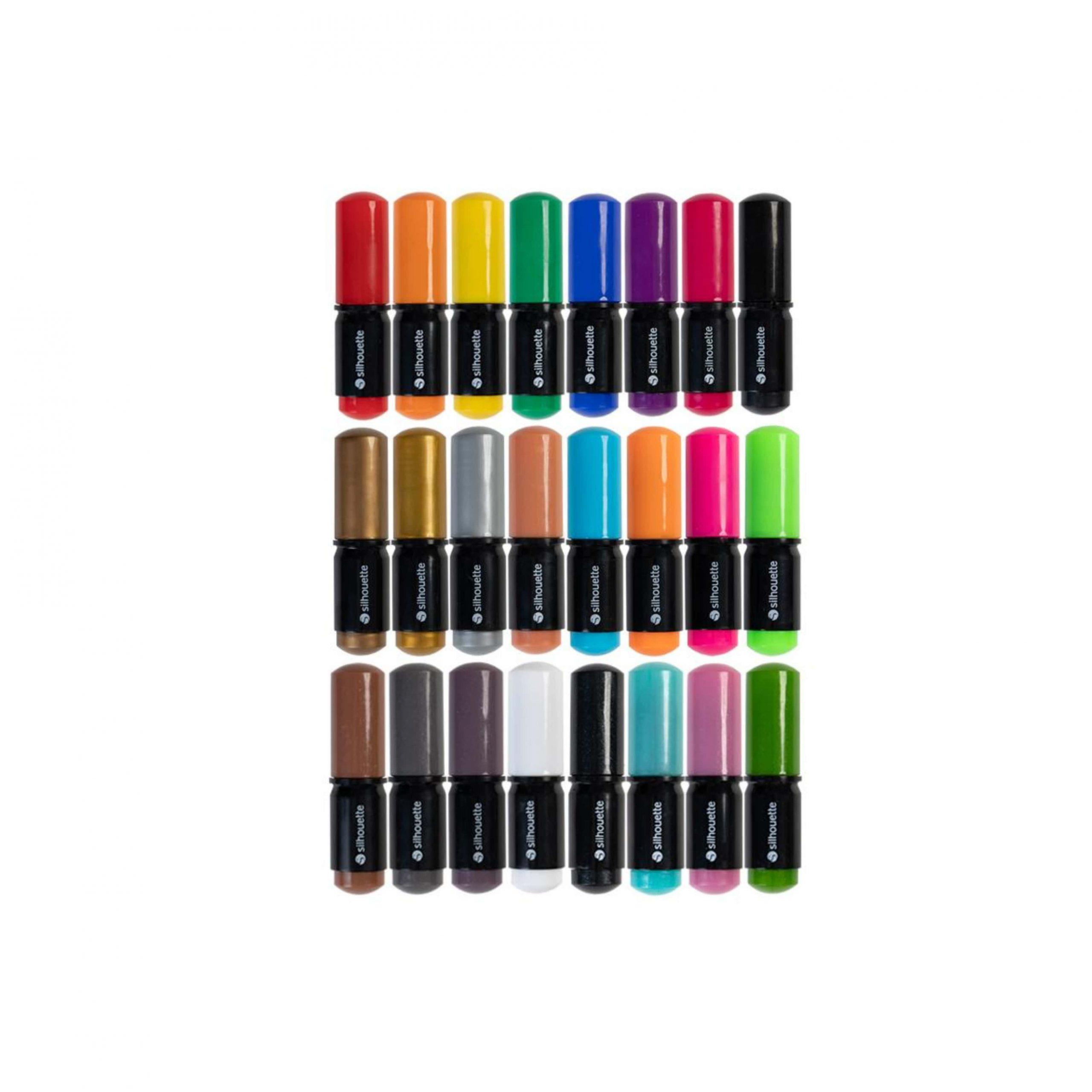
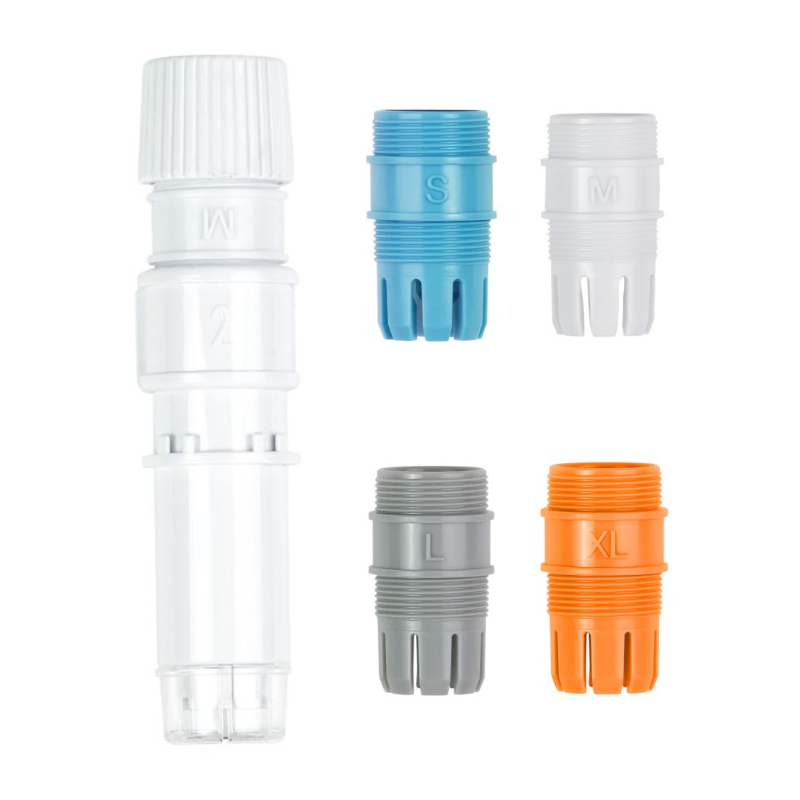
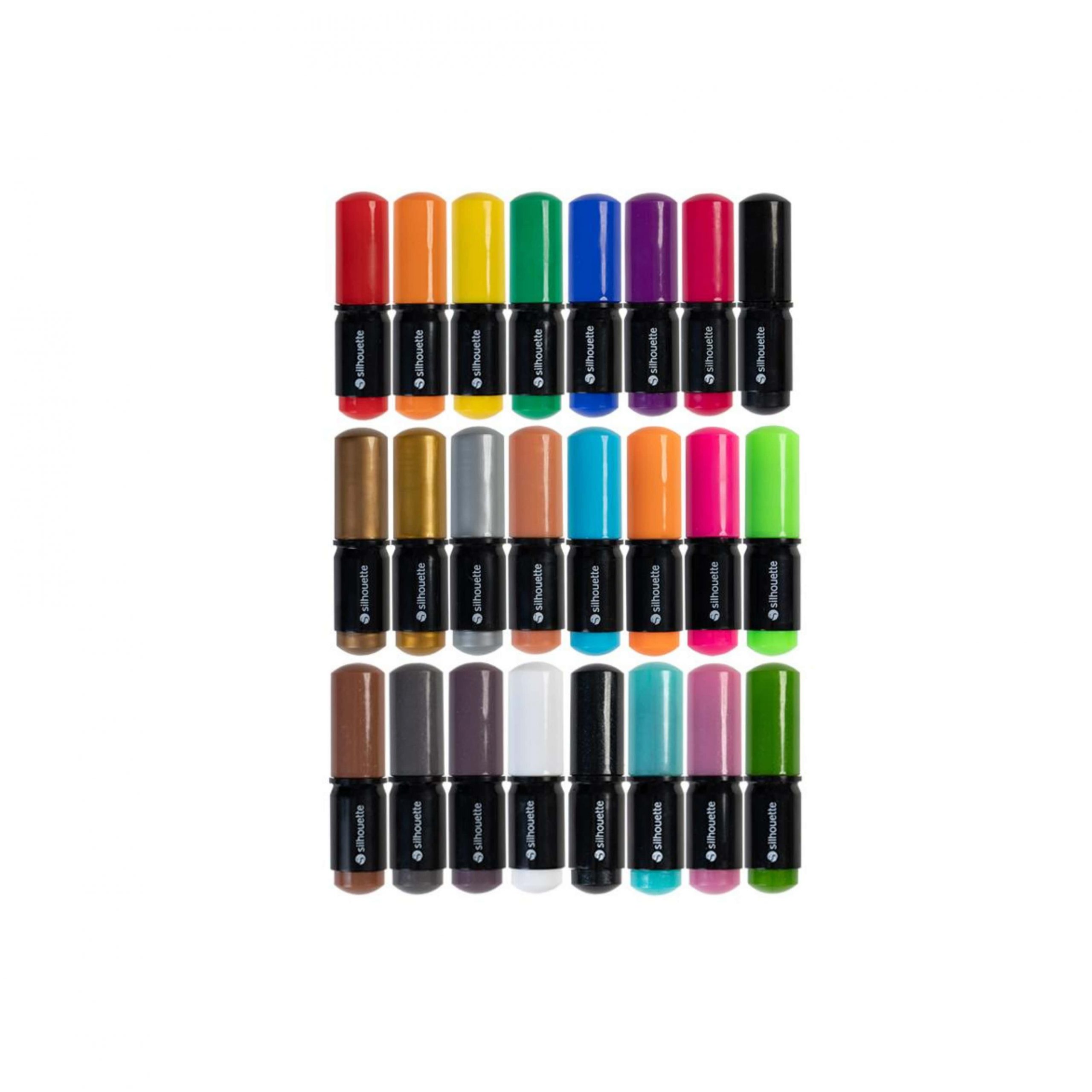
Silhouette Sketch Pens - 24 pcs.
The Silhouette marker set is a great addition to a school classroom or any creative learning space. The set includes 24 markers in various varieties: classic colors, metallic markers, reflective markers, and glitter markers, perfect for creating eye-catching lettering, drawings, and decorations.
The markers are designed for use with Silhouette plotters, which allow for precise drawing and writing instead of cutting. This allows students to create invitations, cards, art projects, and decorative elements quickly and professionally.
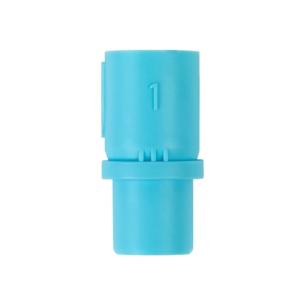
The set includes a dedicated blue adapter that allows for easy attachment of the markers to the plotter. There's no need for a universal holder, ensuring smooth operation and no technical issues.
This simple yet highly creative tool is perfect for schools, libraries, community centers, and community centers. The ready-made color set allows for immediate use, without the need to purchase additional accessories. Rotary Blade
The
rotary blade allows you to cut fabric and thin felt up to 1 mm thick
without the need for a special backing or gluing the material. This
allows teachers and students to easily create a variety of original
textile projects, from small decorations and appliqués to costume
elements, holiday decorations, bookmarks, patches, and simple stuffed
animals. The blade can handle a variety of fabrics, including cotton,
flannel, and felt. This opens up completely new possibilities for
technology lessons, creative classes, and art clubs.
Examples of school applications:
- preparing fabric elements for art projects,
- creating felt name badges,
- classroom and school exhibition decorations,
- simple hand-sewing projects from ready-made patterns,
- learning the basics of design combined with technology
This
is an excellent tool for teachers who want to introduce modern fabric
techniques and develop students' creativity in a practical way.
Silhouette Kraft Blade
The Kraft blade is a unique tool for the Silhouette plotter that allows you to cut soft, thicker materials up to 3 mm thick. It's perfect for working with craft foam, foamiran, and faux leather.
This blade opens up entirely new possibilities for art classes,
technical classes, and thematic projects in schools, preschools, and
community centers.
Students can create:- foamiran flowers,
- masks,
- keychains,
- decorative elements for theaters

Stand with basket

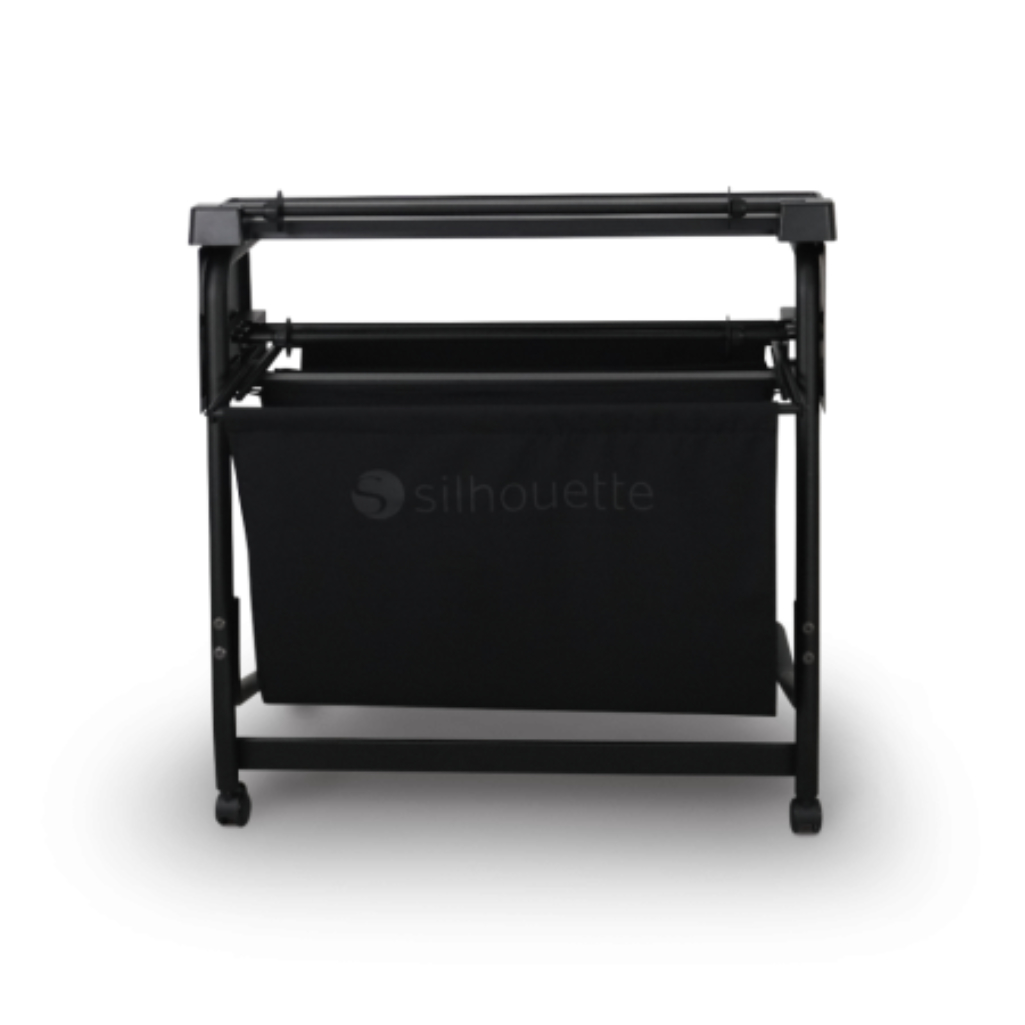
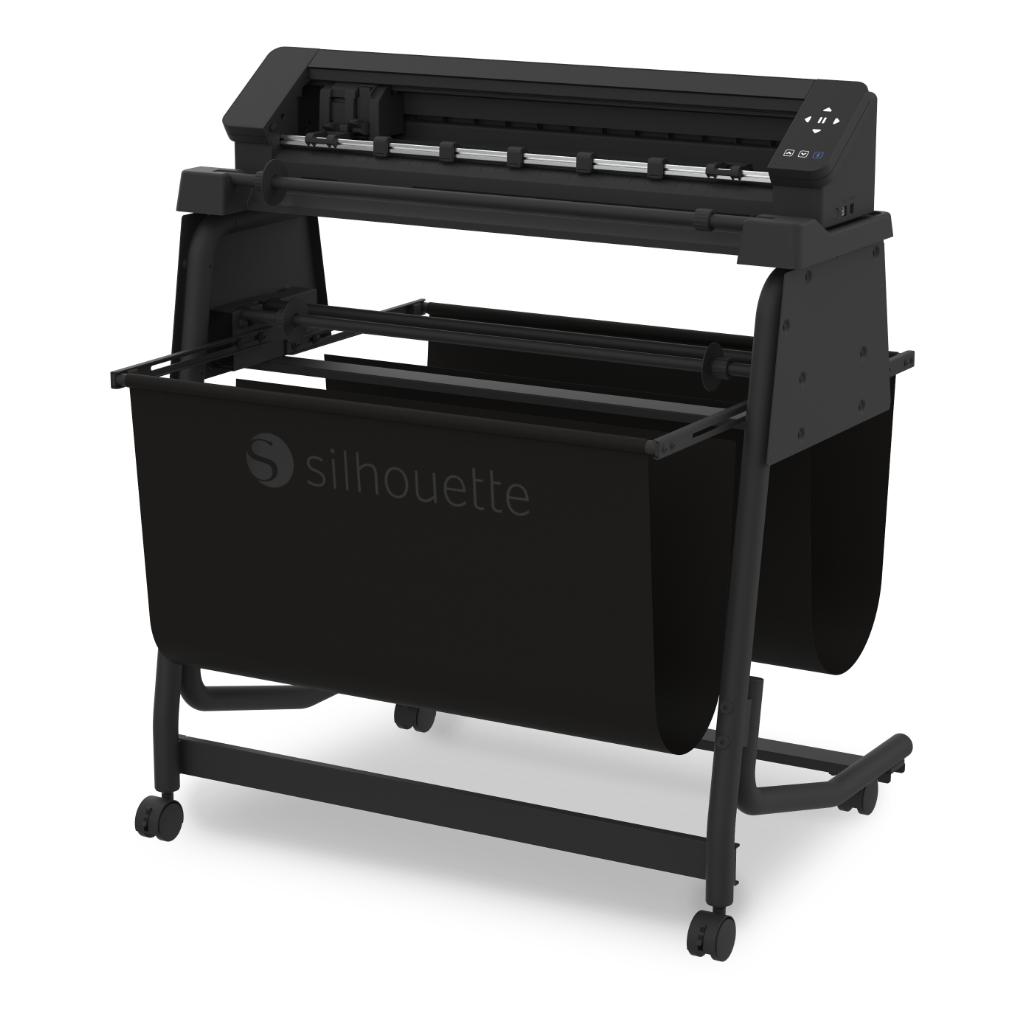
The Cameo Pro MKII plotter stand is an extremely practical solution, especially in a school environment where comfort and functionality are key.Its robust construction provides the plotter with a stable workspace at the appropriate height, significantly simplifying its operation. The stand is equipped with wheels, making it easy to move between classrooms or store after classes, which is especially useful in schools where space is often limited. An additional advantage is the built-in basket that collects cut film, preventing mess and facilitating order when working on large projects. It's the perfect complement to the Cameo Pro MKII plotter, increasing the comfort and efficiency of work in the school classroom.
Hardware requirements to run Silhouette Studio:
Operating System: PC (Windows 11 and above), macOS 14 (Sonoma) and above
The software supports devices with 64-bit processors.
- For Chromebook systems, plotter operation is possible using the new online application - Silhouette WEB - https://www.silhouette-web.com/
Internet connection: Recommended (for downloading the program, performing updates and upgrading it to higher versions)
- RAM: 4 GB RAM
- Processor: 2.5GHz (Intel Quad Core or AMD Quad Core)
processor Memory Speed: 186 MB Program Memory (not include additional recommended download memory)
- USB Port: USB 2.0 Port (or newer)