

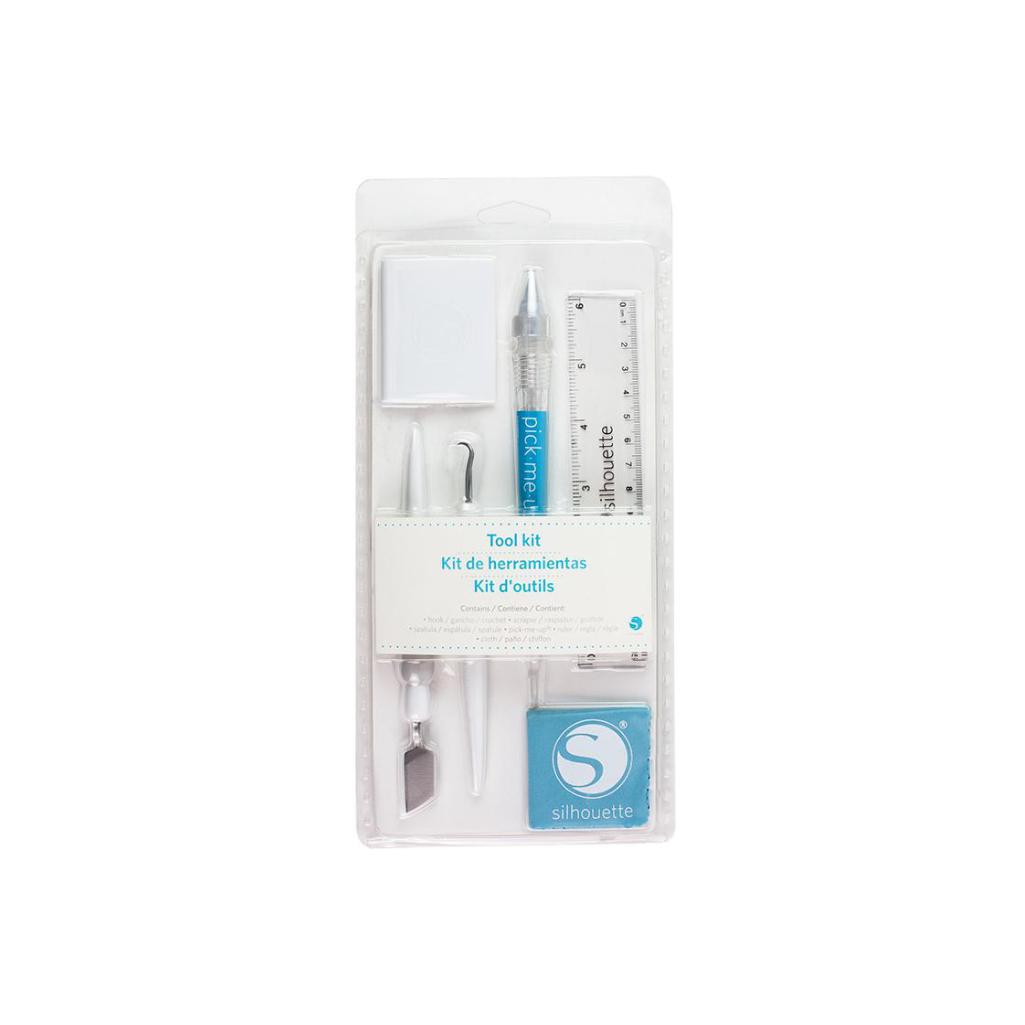
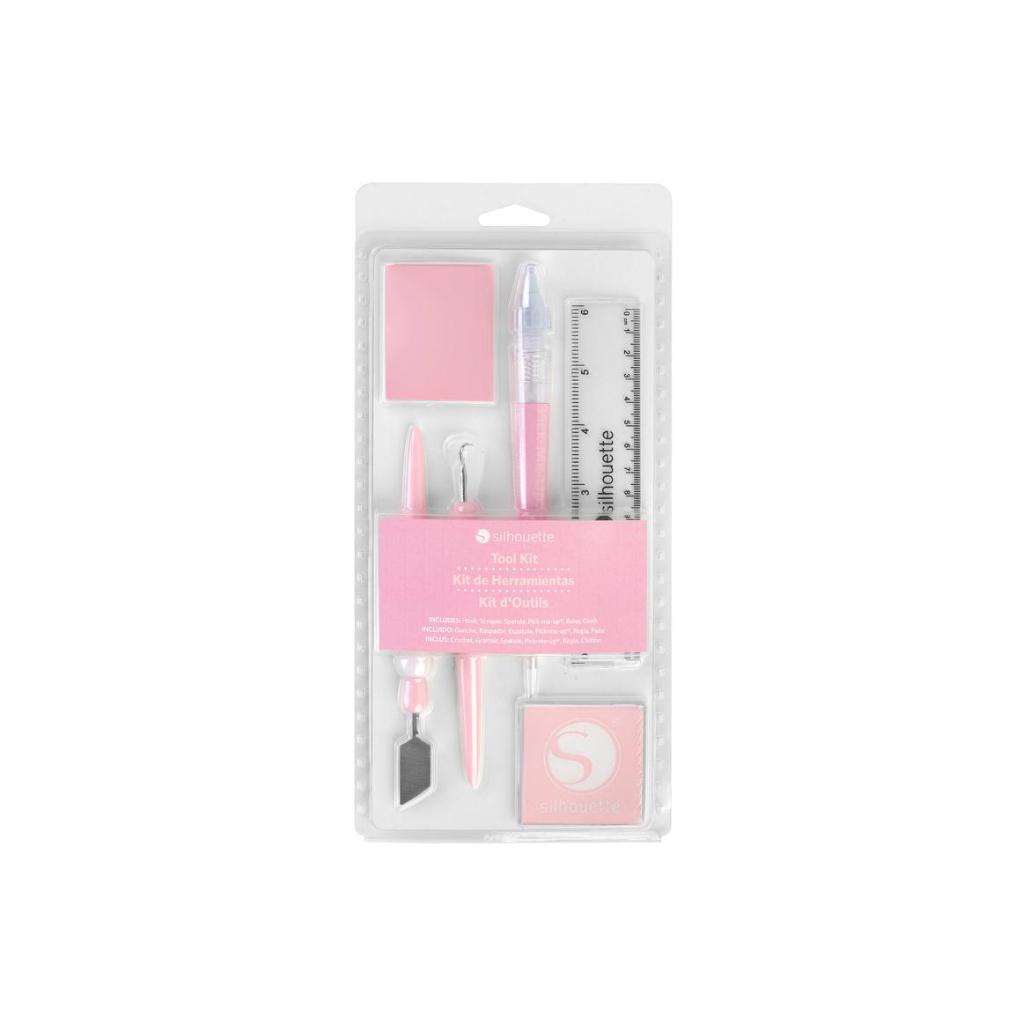
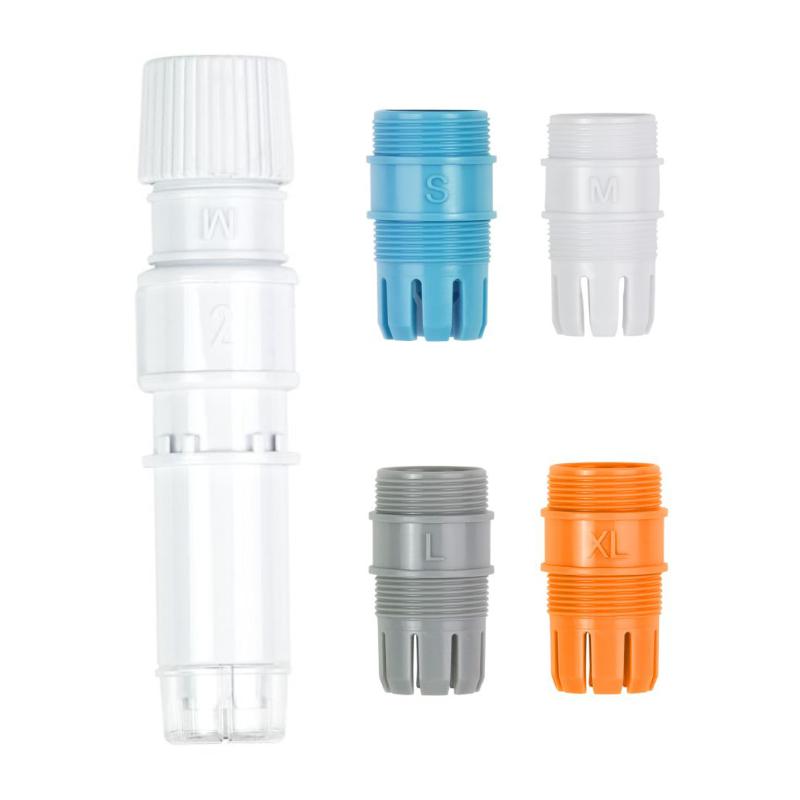


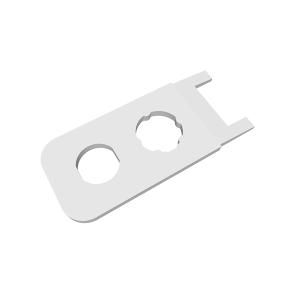

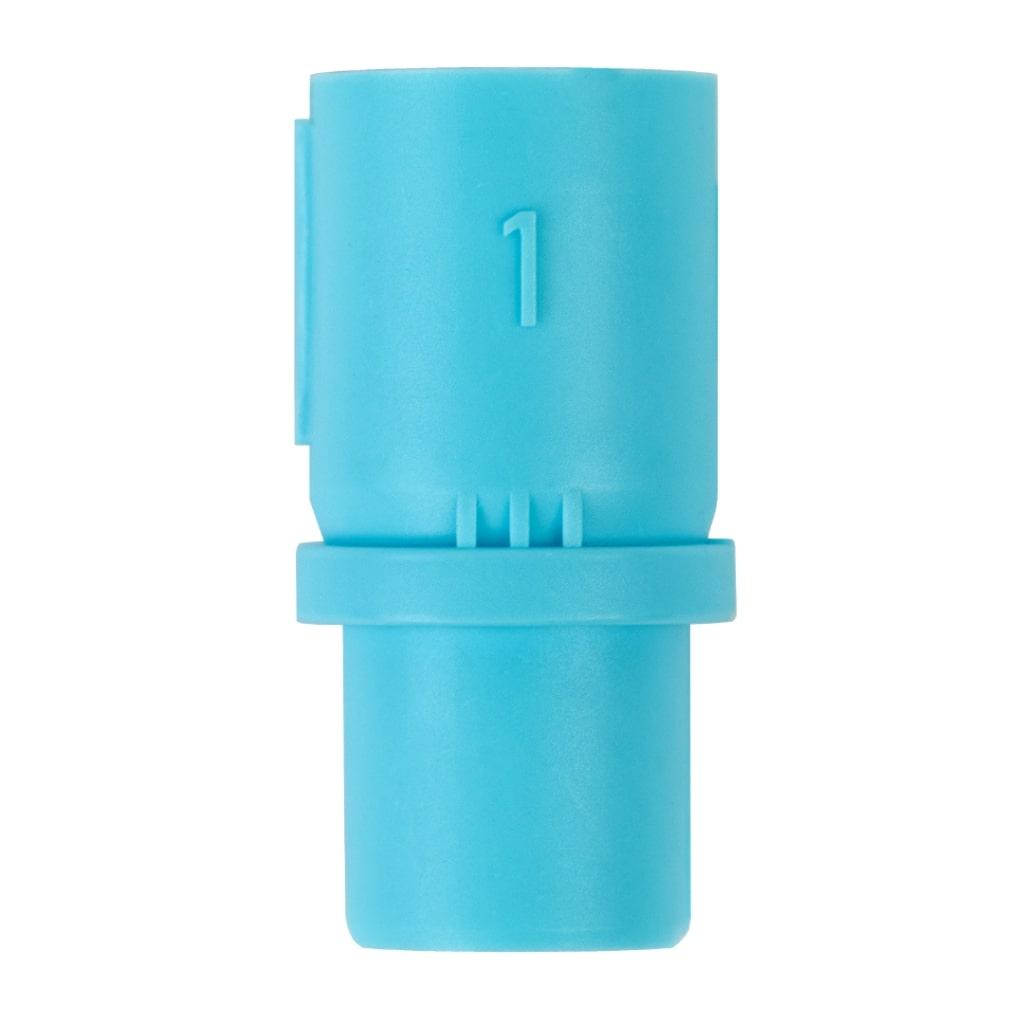
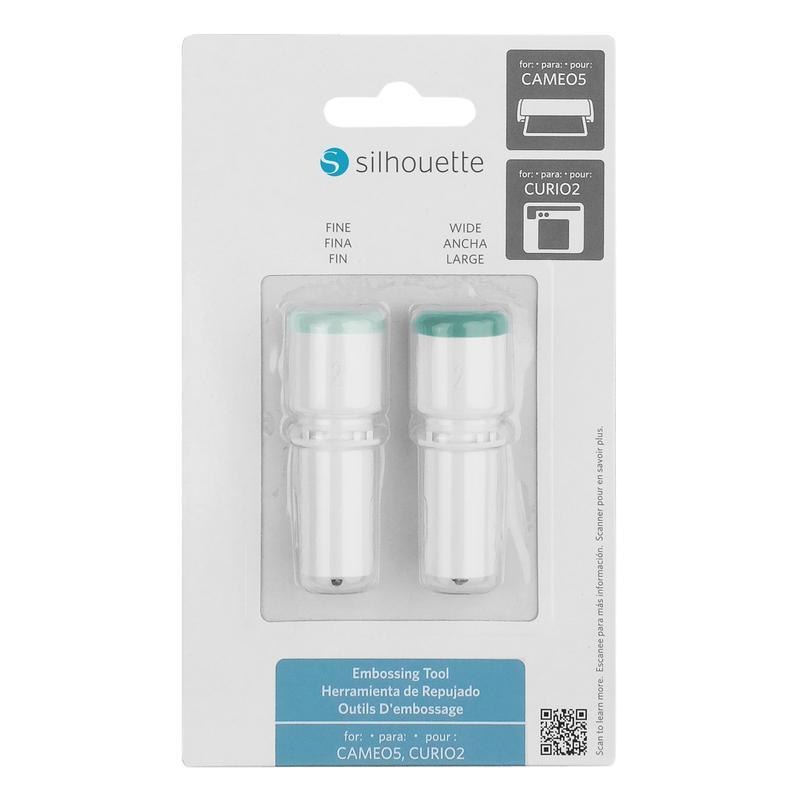
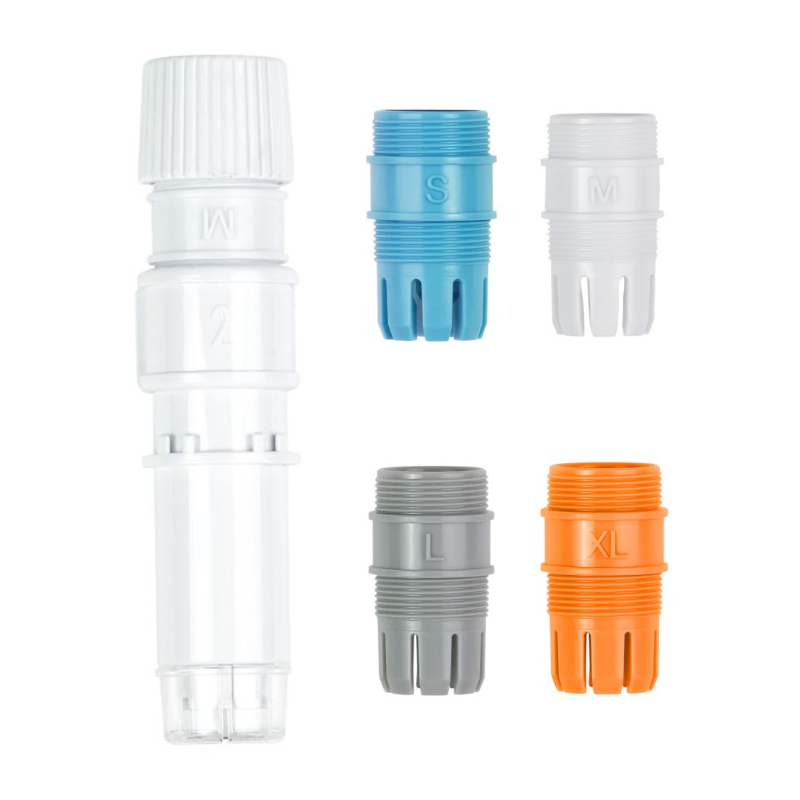
Silhouette Embossing Tool Set (Type C)
99,99złincl. tax
🎁 Buy a Silhouette cutting machine and get a 20€ gift card for just 1 grosz! Shop now
Do you have any questions? We'll be happy to help!
2699,99zł/pcs.
2564,99zł/pcs.
67,00zł/pcs.
63,65zł/pcs.
99,00zł/pcs.
94,05zł/pcs.
99,00zł/pcs.
94,05zł/pcs.
59,99zł/pcs.
56,99zł/pcs.
35,00zł/pcs.
33,25zł/pcs.
19,00zł/pcs.
18,05zł/pcs.
299,00zł/pcs.
0,00zł/pcs.
75,00zł/pcs.
0,01zł/pcs.
PLN 3,353.98 incl. tax
PLN 2,830.99 incl. tax -15%
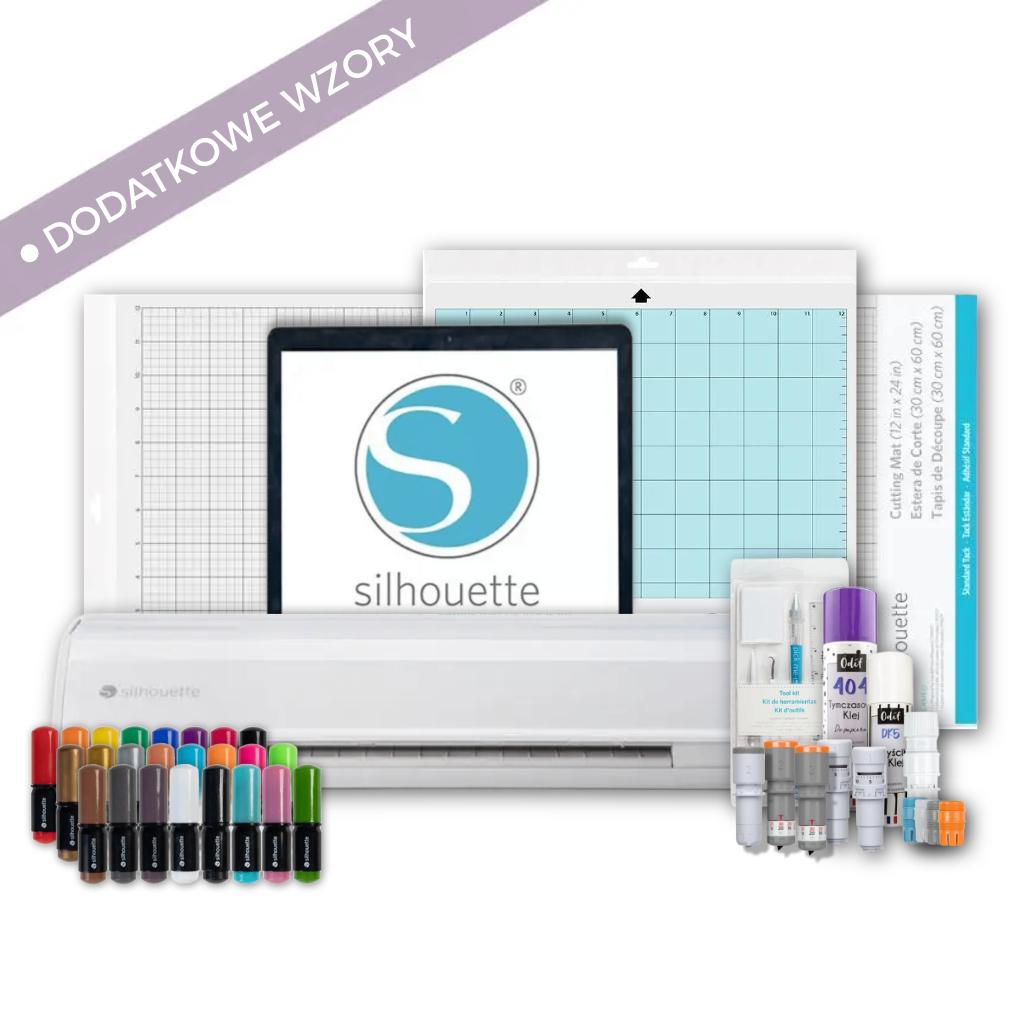
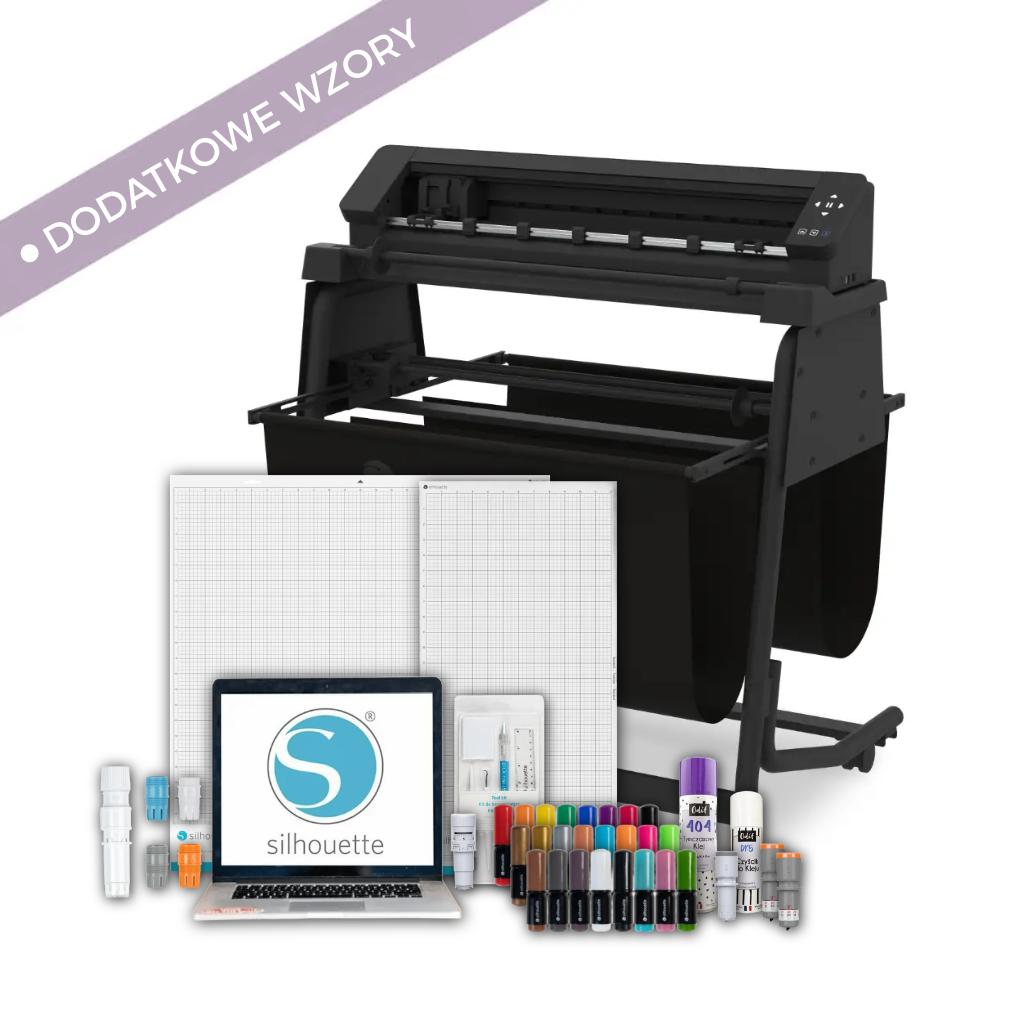
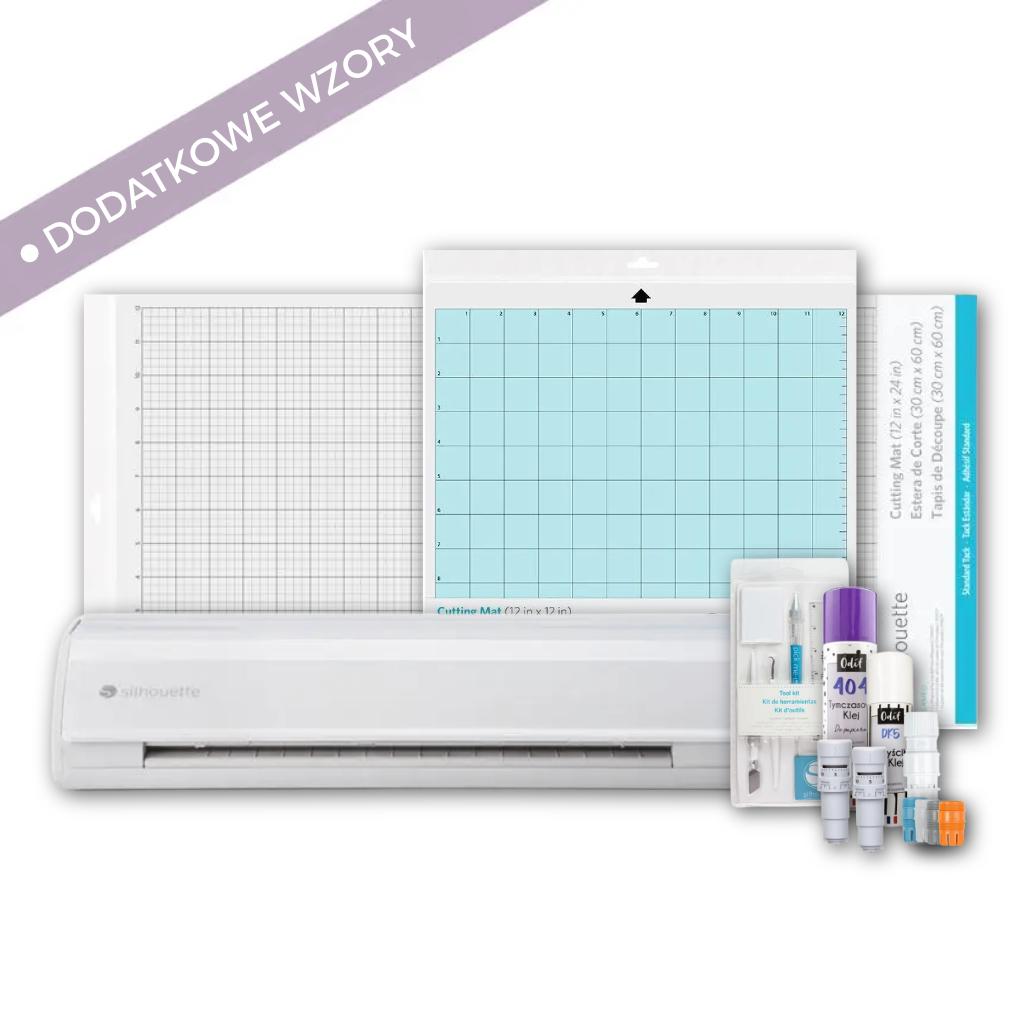
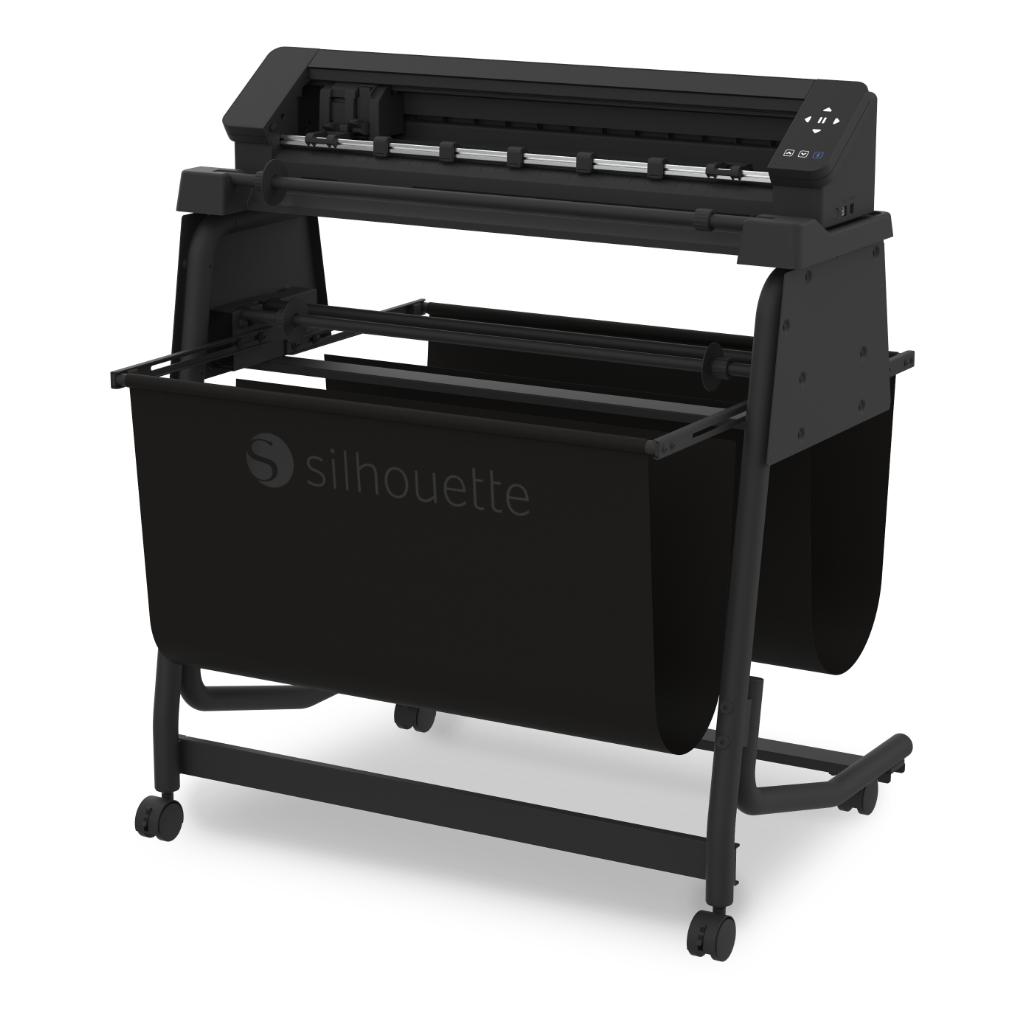
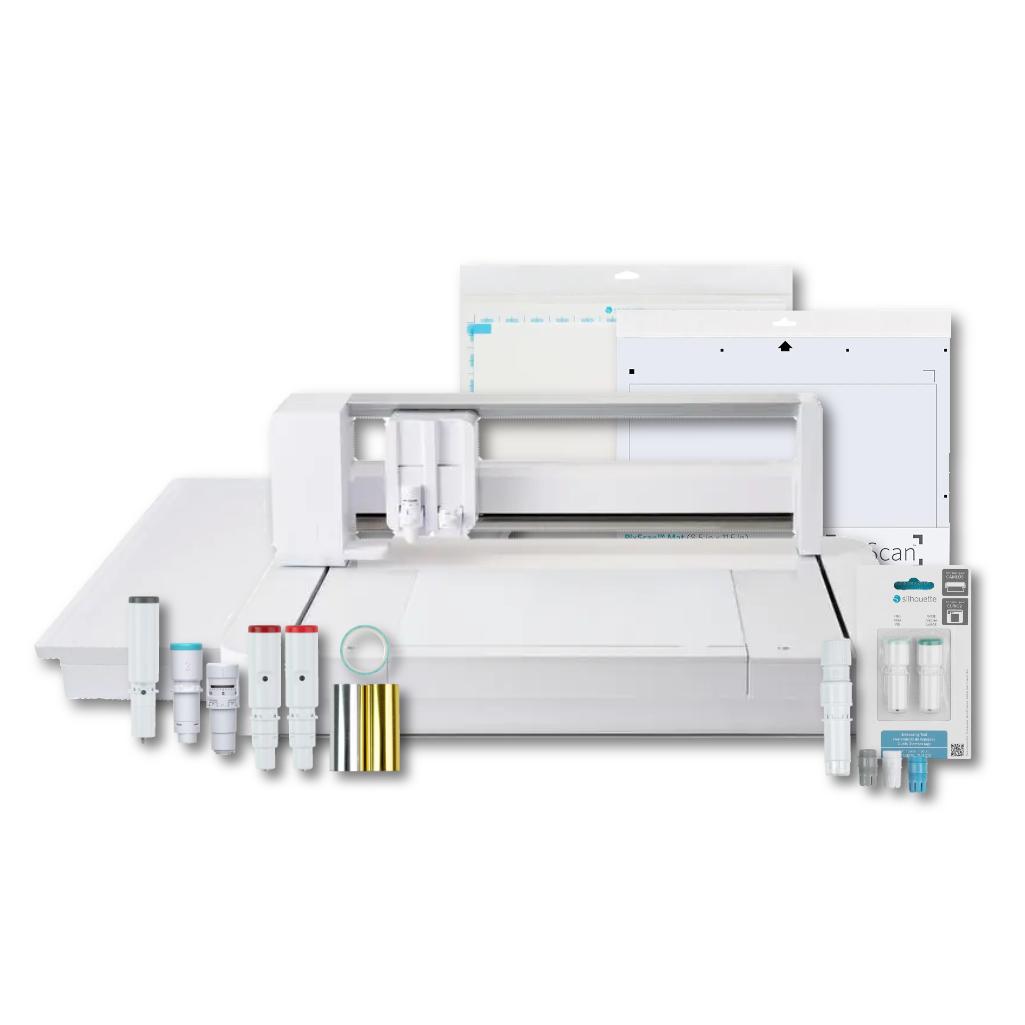
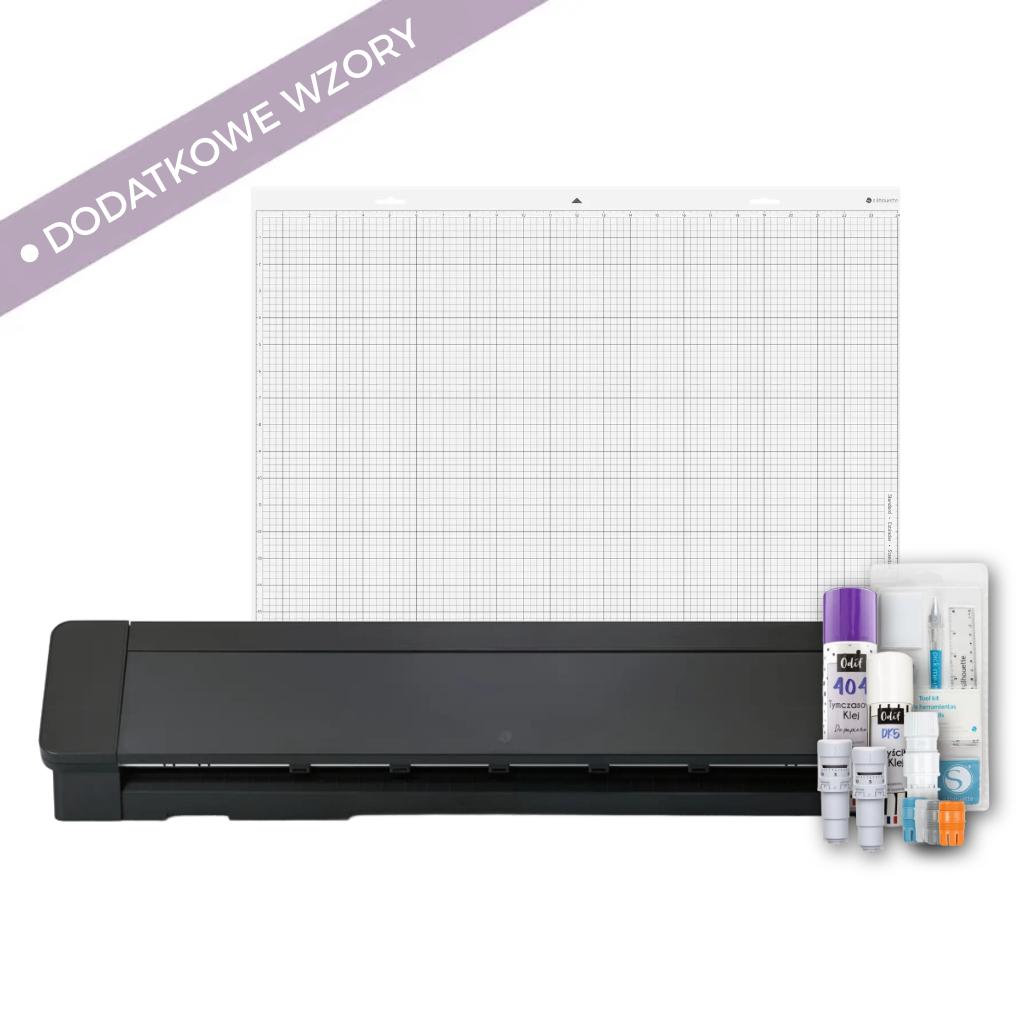
School Starter Kit - Cameo Pro MKII
The product includes the following elements:
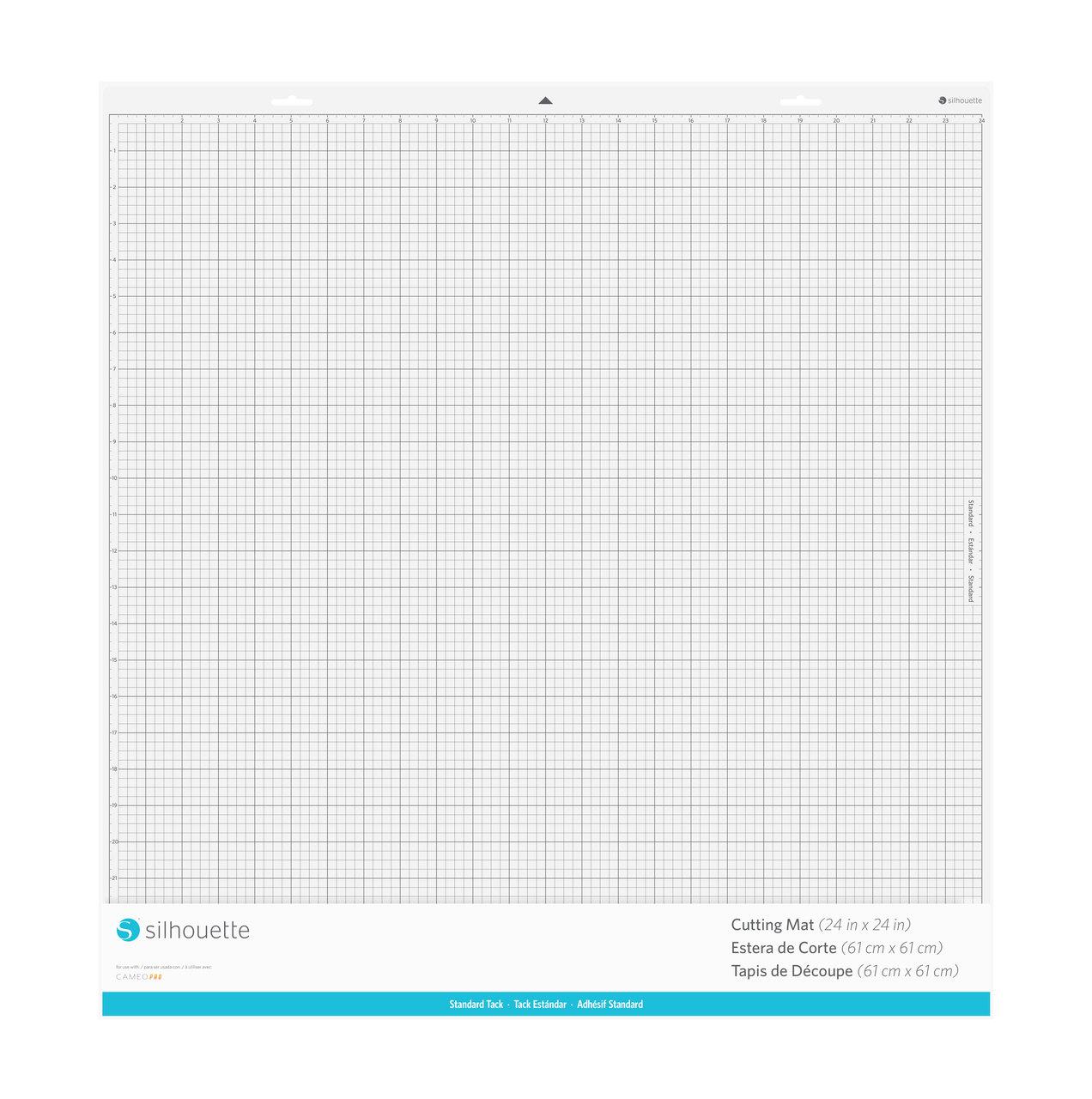
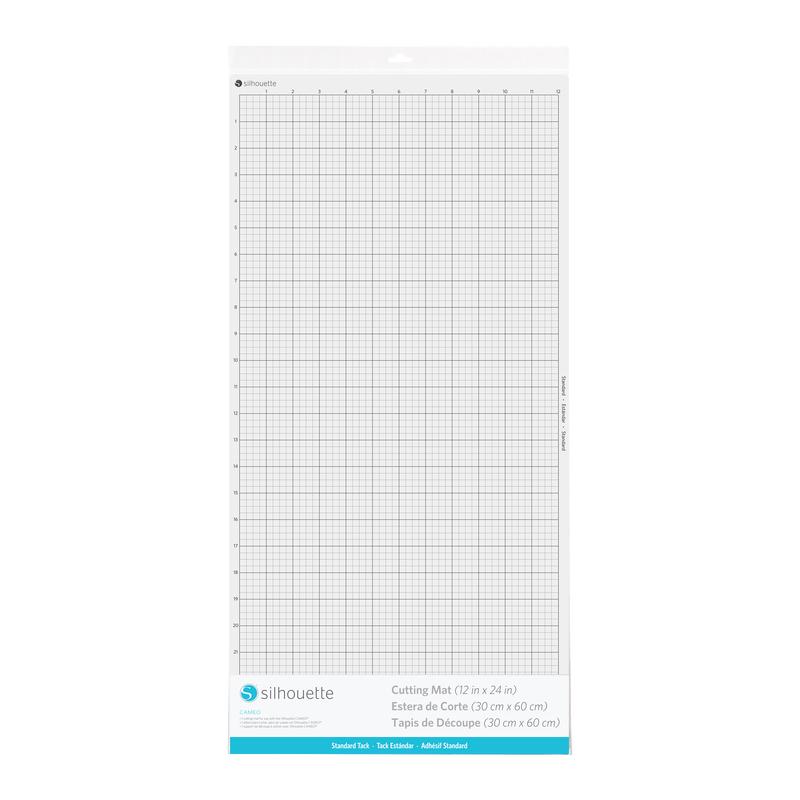
Standard, with dimensions 61 x 61 cm.
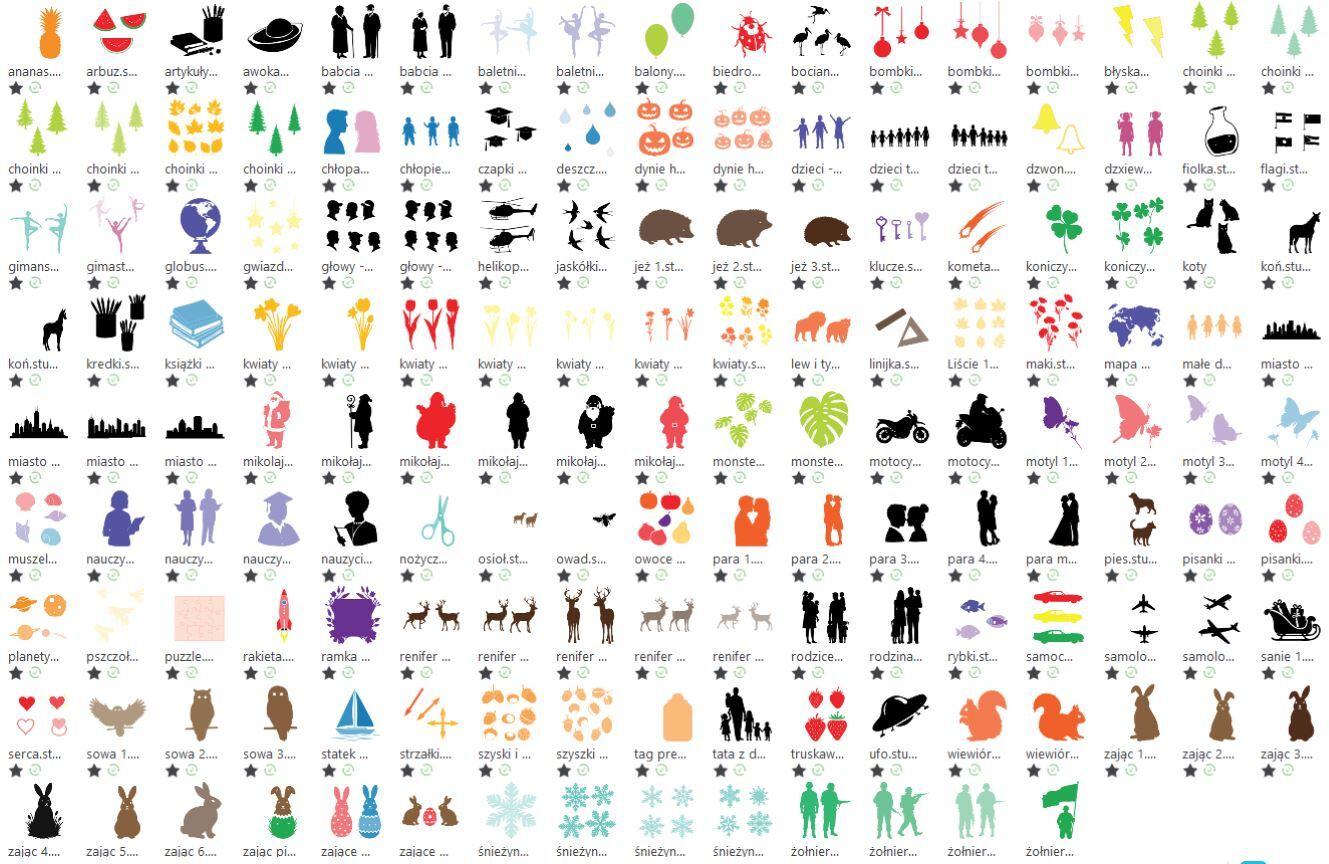
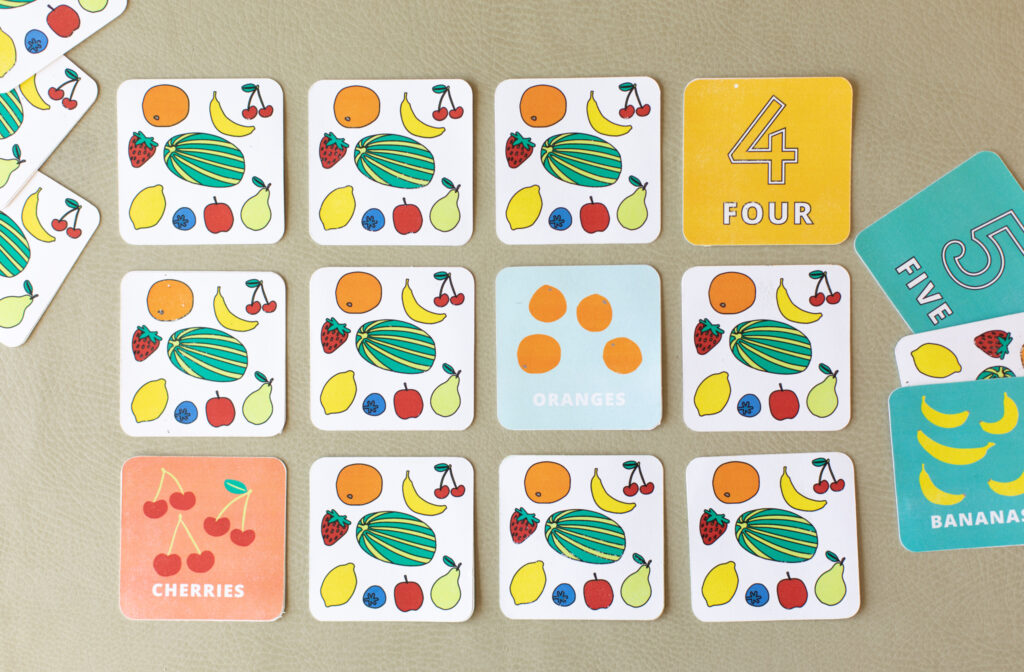
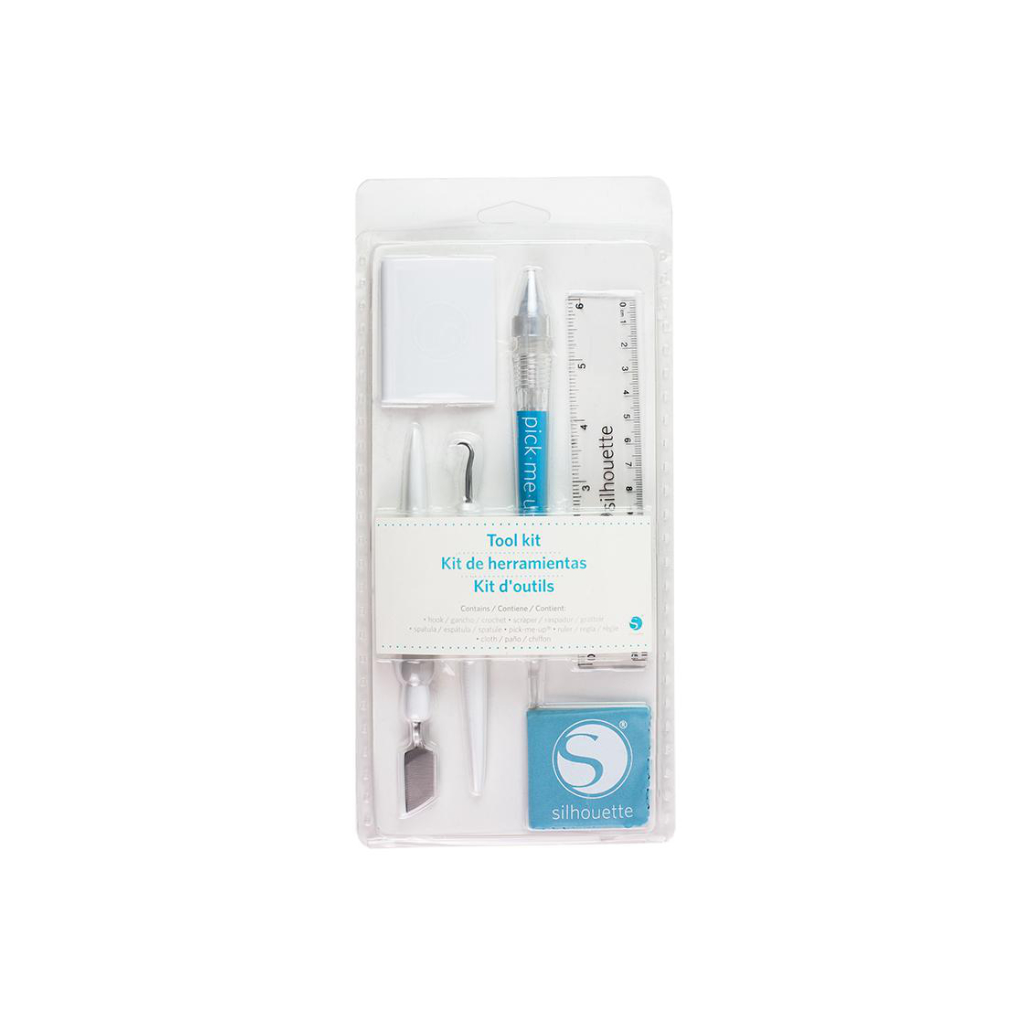
This set is the perfect solution for schools, preschools, and creative studios. It includes a Silhouette Pro MKII cutter and carefully selected accessories that will be useful from day one. You don't have to search for extras yourself - everything is in one place. The set includes 300 ready-made patterns, perfect for art classes, decorating, and themed school projects. Shopping is simple and convenient - we offer deferred payment for educational institutions, so schools can easily adjust to their budget. A major advantage of the Cameo Pro MKII model is its cutting format - up to 60x60 cm. This means you can cut truly large decorations, posters, or create many small elements from a single sheet. This saves time and materials. The set also includes essential accessories: a cutting mat, blades, and precision tools. This means you can start realizing your ideas right away - without any additional purchases. This is the perfect package to get you started with a cutter. It will prove useful both in everyday educational activities and when creating decorations for school events, newsletters or art projects.
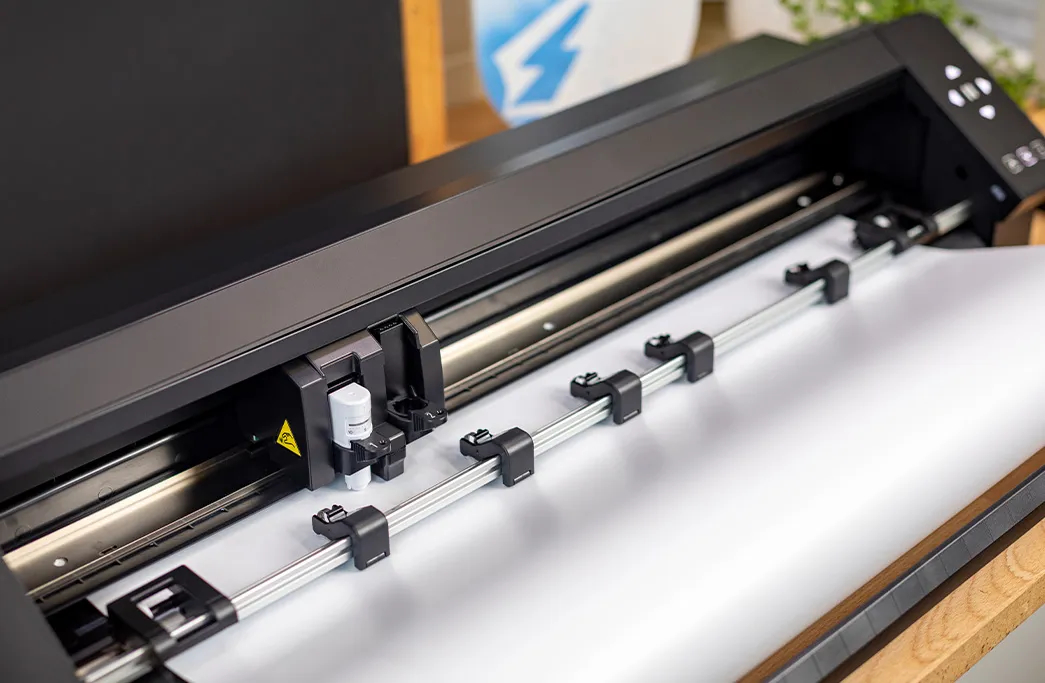


The Silhouette Cameo Pro MKII cutting plotter handles paper very well, making it perfect for schools and preschools where creating colorful decorations, teaching aids, and art projects is common.
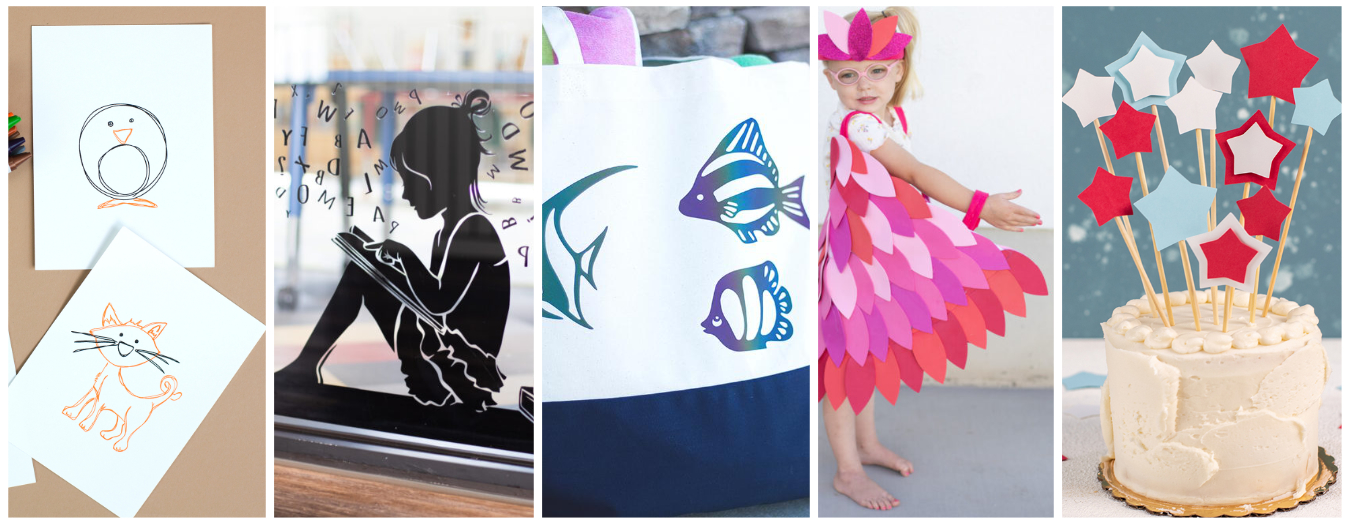
The ability to cut paper up to 300g opens up a wide range of creative possibilities, especially in the school environment. Thanks to this feature, students can create not only classic art projects but also more advanced 3D projects, such as 3D models or mock-ups. The device is also perfect for creating teaching aids - from colorful boards, through educational puzzles, to elements for learning through play. The plotter supports creativity and the development of manual skills, becoming a valuable tool in art and engineering studios.

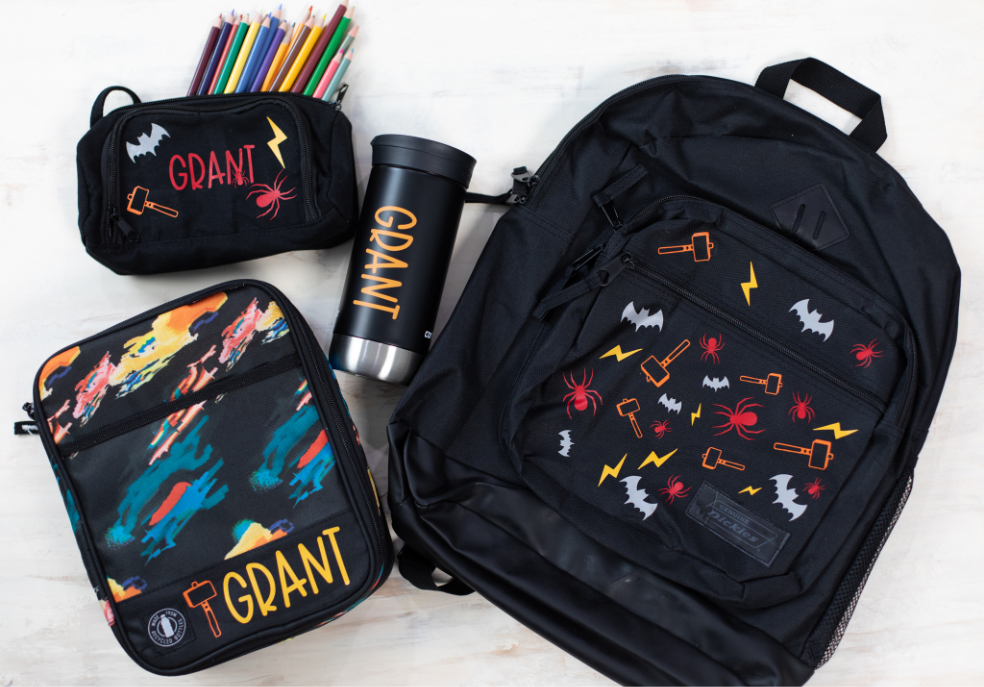

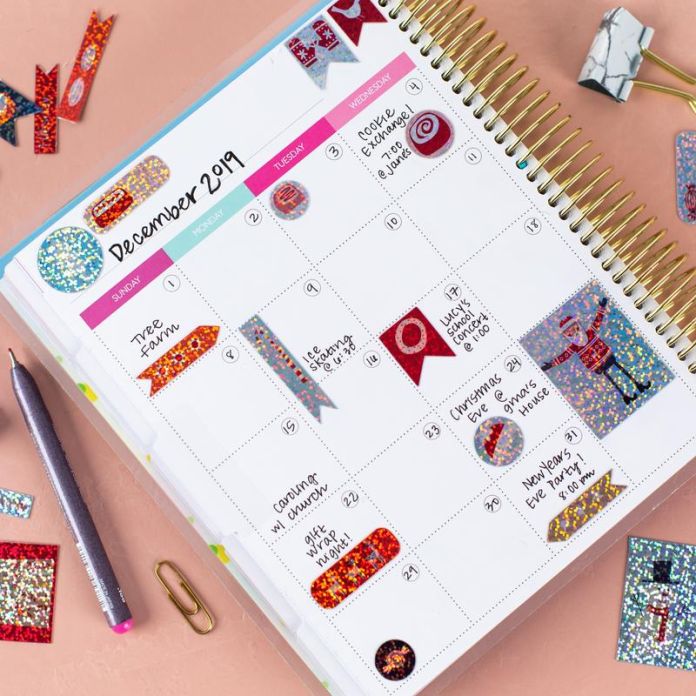
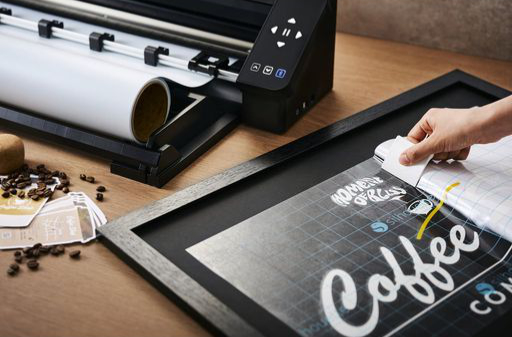
The plotter features contour cutting for printouts from any office printer, significantly expanding its potential for use in schools. This option allows you to create your own stickers, labels, badges, and colorful elements for art projects and educational projects.
It's an ideal solution for creating engaging teaching aids, such as illustration sets, worksheets, educational games, or playful learning materials. Students can also personalize their notebooks, supplies, and other school items, fostering creativity and increasing engagement in class. Cutting out prints is also useful for larger artistic or decorative projects where aesthetics and precision are key. This feature makes the plotter a versatile tool that combines technology with creativity in everyday school work.
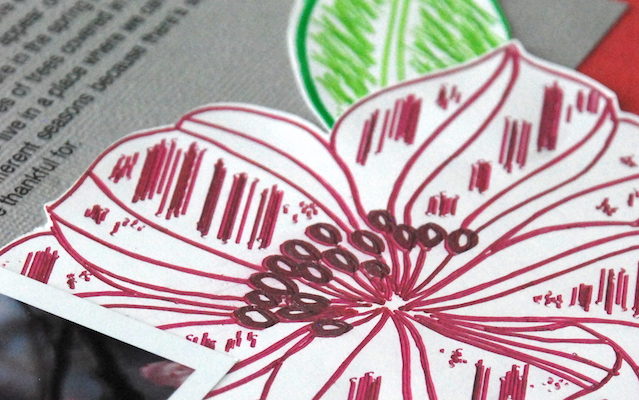
Sketching with a plotter and its universal holder is useful for both artistic and technical classes - students can create their own compositions, graphic designs, and even technical writing or diagrams. This function also allows for the creation of aesthetically pleasing inscriptions and decorative lettering, which is useful for classroom decorations, school newsletters, or special occasion materials. The ability to use different types of markers offers enormous creative freedom and allows for interesting visual effects that distinguish each work.
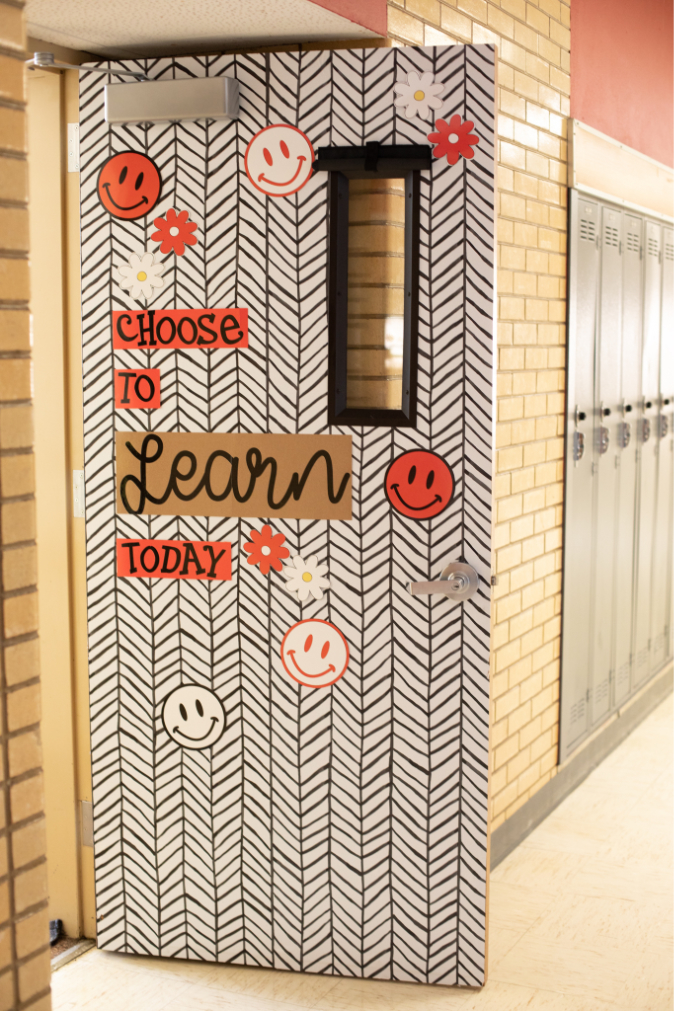
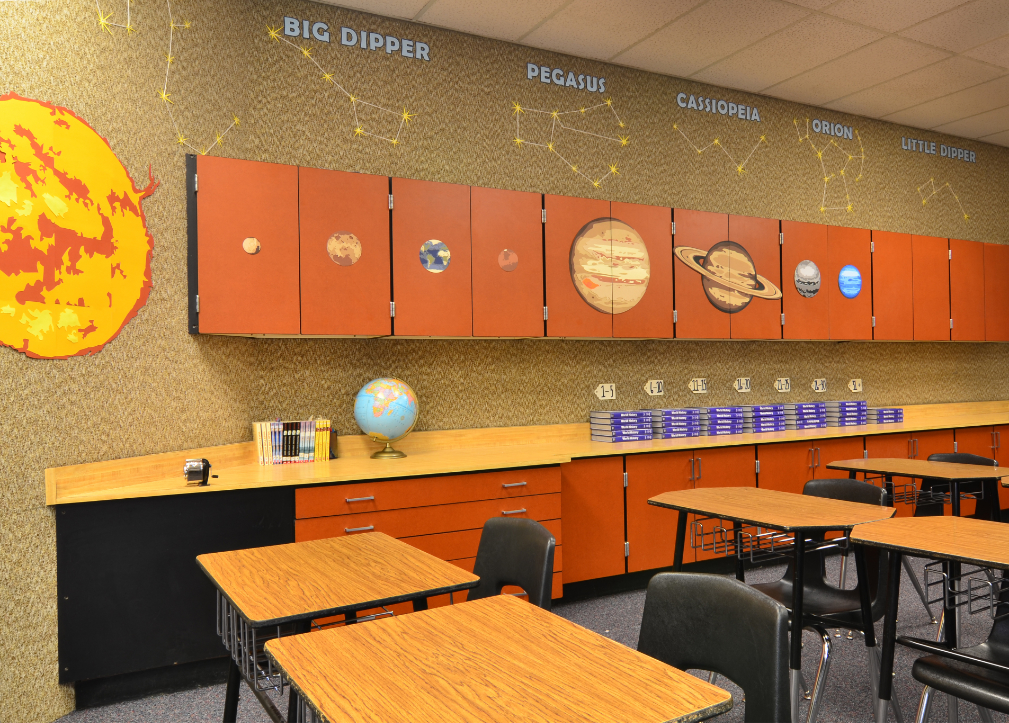
Classroom and preschool decorations - large signs, garlands, and decorative elements for walls and windows.
Self-adhesive foil stickers - for walls, cabinets, doors, boards, containers, and other surfaces.
Labels and markings - personalized stickers with names, numbers, names of objects or rooms.
Teaching aids - letters, numbers, geometric shapes, educational boards, clocks for learning time, and other materials supporting learning.
Stencils for tracing or painting - ideal for art and technology activities.
Sensory and educational aids for children with special needs - shapes for tactile learning, colorful elements for arranging.
Materials for creative activities - scrapbooking, collages, theater, 3D paper crafts.
Packaging and greeting cards - personalized boxes, envelopes, cards for Teacher's Day, holidays, etc.
Information signs - e.g., "Quiet! Exam in progress," "Cafeteria," "Teacher's office," etc.
Hangers and name badges - e.g., for doors, for students, or for school events.
Calendars and lesson plans - aesthetically pleasing and tailored to the needs of the class or teacher.
The plotter's box includes an automatic blade, ideal for paper and foil, and a 60x60 cm mat. These products allow you to get started with the device, but it's worth purchasing additional components that will simplify the process, allow you to fully utilize the plotter's capabilities, and enable comfortable work with various materials.
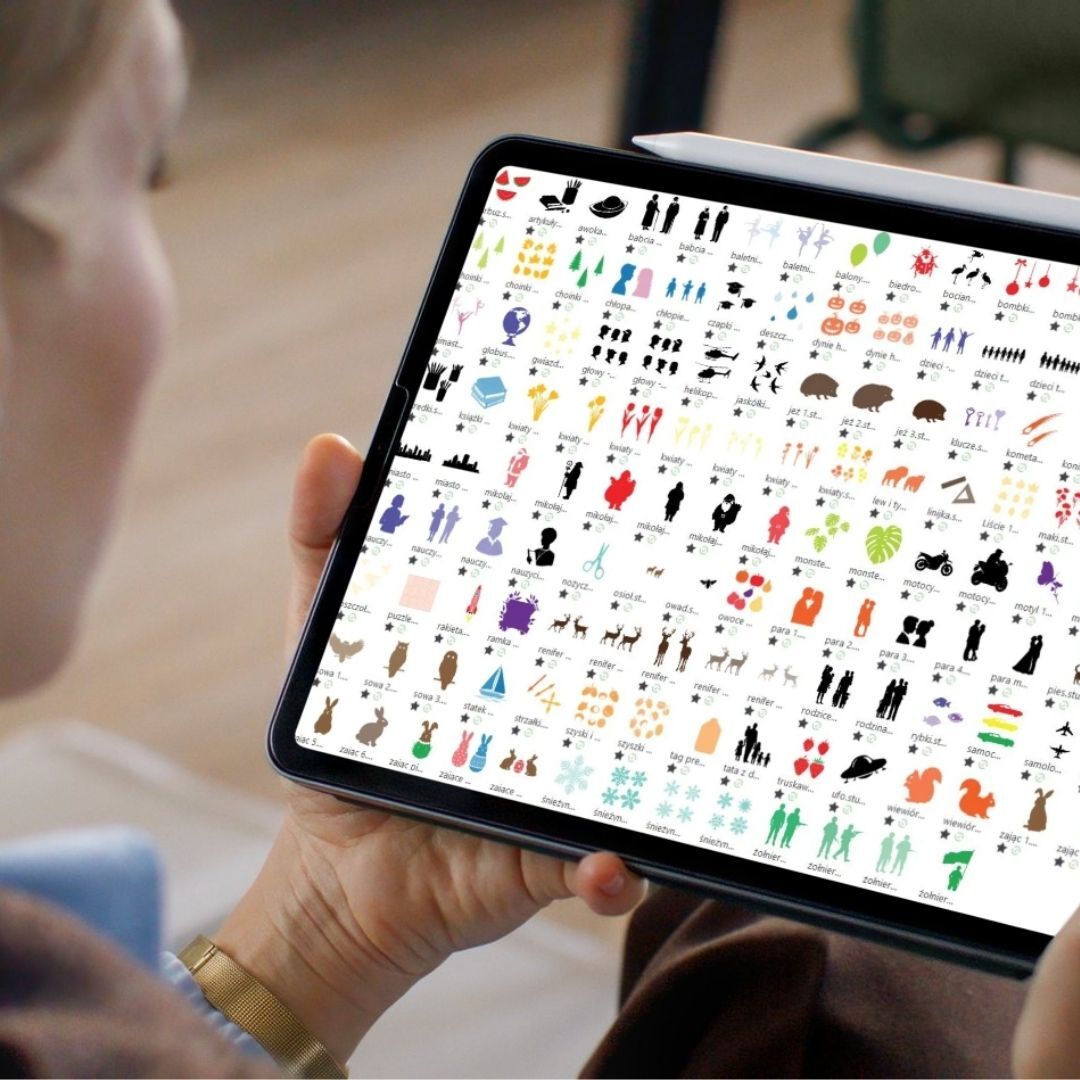
The kit includes a rich set of free educational and creative
materials that will make getting started simple and inspiring: 300
patterns to cut out are included!
Includes:
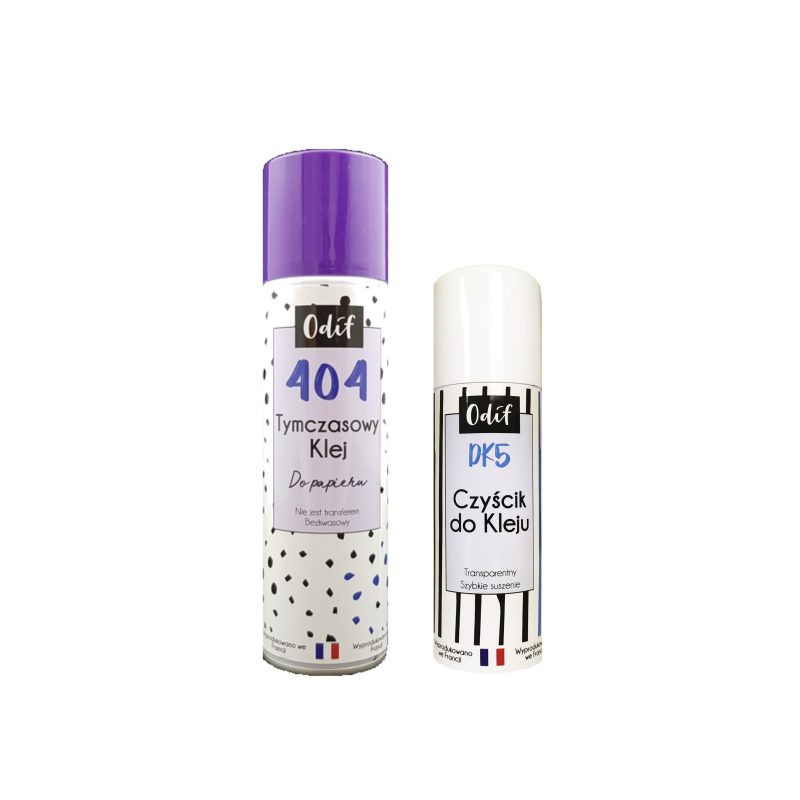
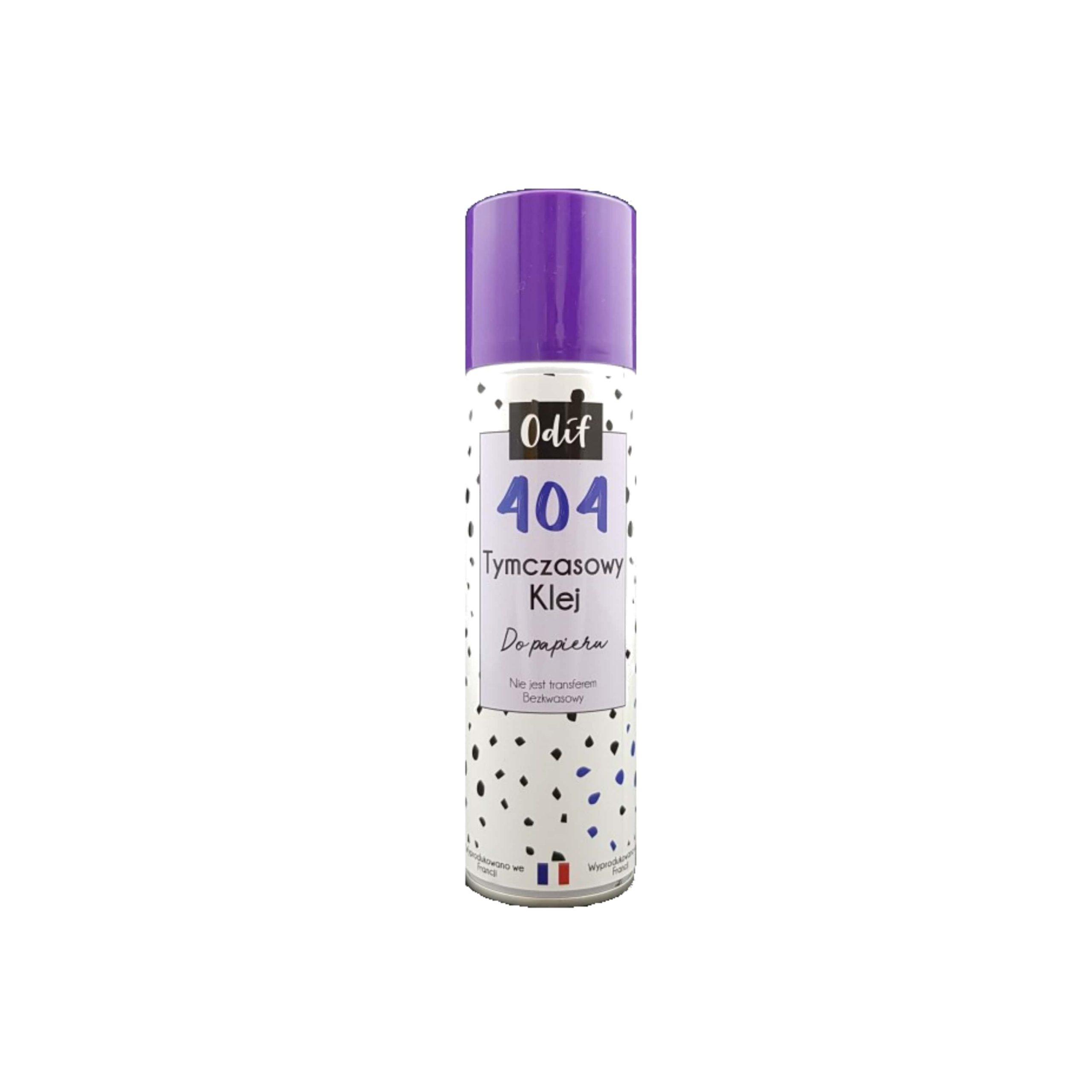
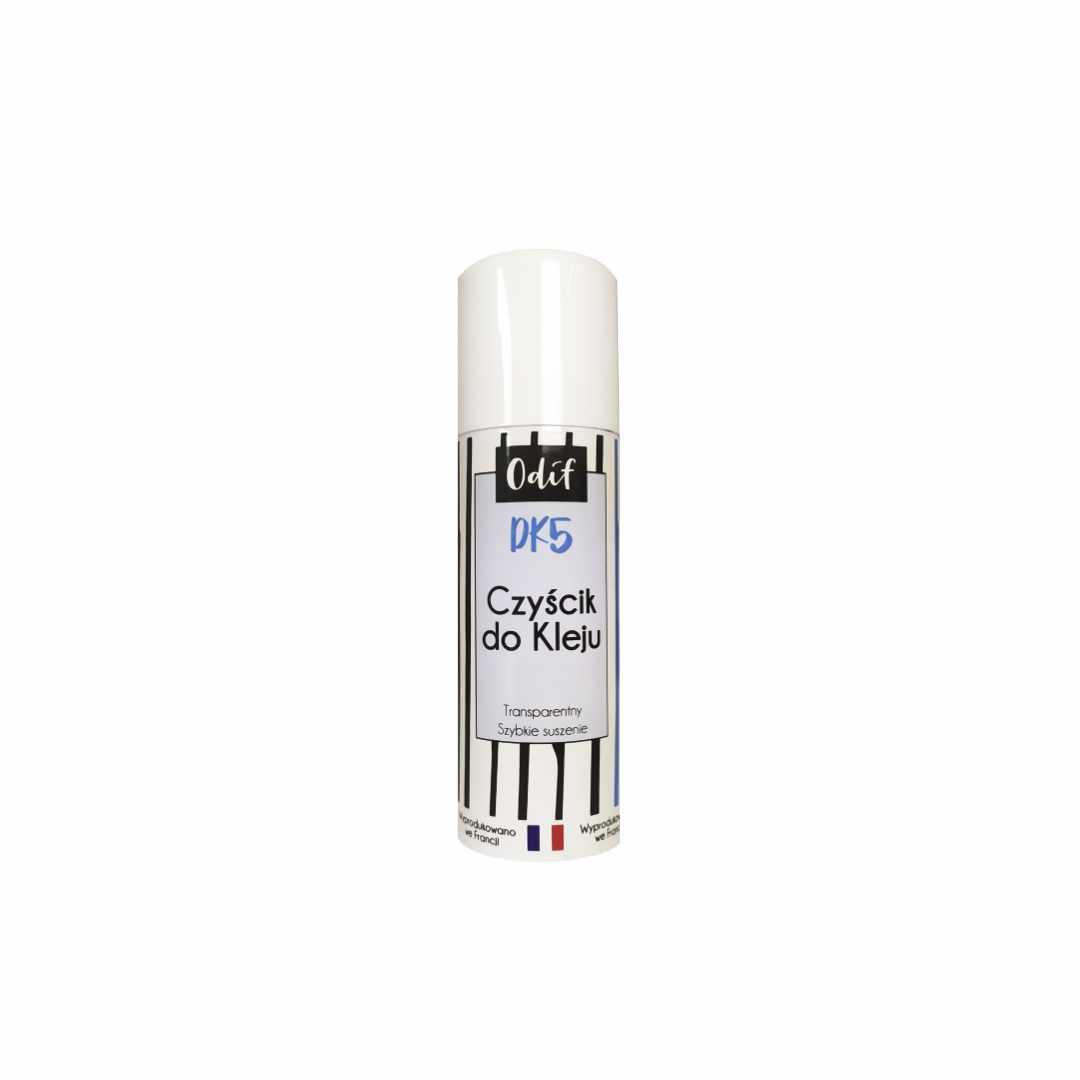
During intensive plotter use at school or preschool, the plotter mat can lose its properties over time – the paper loses its grip, shifts, or falls off. Instead of buying a new mat, you can easily renew it with a set of Odif 404 and DK5. Odif 404 is a temporary spray adhesive that allows you to quickly return the mat to use. Simply spray the surface, wait a moment, and the mat will hold the paper securely again. This is an ideal solution when the mat's adhesive has worn off but the mat itself is in good condition. However, if excessive glue residue, dust, and paper particles have accumulated on the mat, it's worth first using Odif DK5 – a cleaning agent that effectively removes the old adhesive layer. After cleaning the DK5 mat, simply spray it again with Odif 404, and the mat will be as good as new. This reconditioning process can significantly extend the mat's lifespan and avoid unnecessary costs. A new mat should only be purchased if the current one is mechanically damaged—for example, severely scratched, bent, or worn. The Odif set of products is a practical solution for schools and preschools where mats are used extensively for cutting out decorations, teaching materials, or art projects. It allows for efficient and convenient work without interruptions for changing accessories.
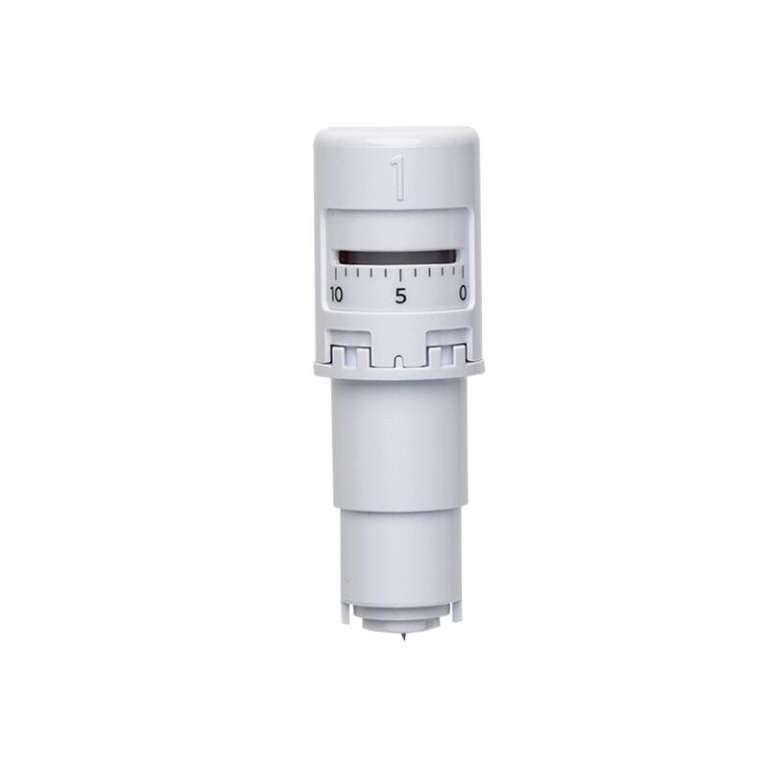
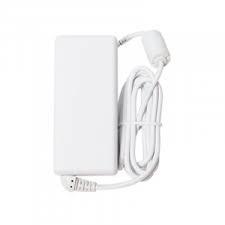
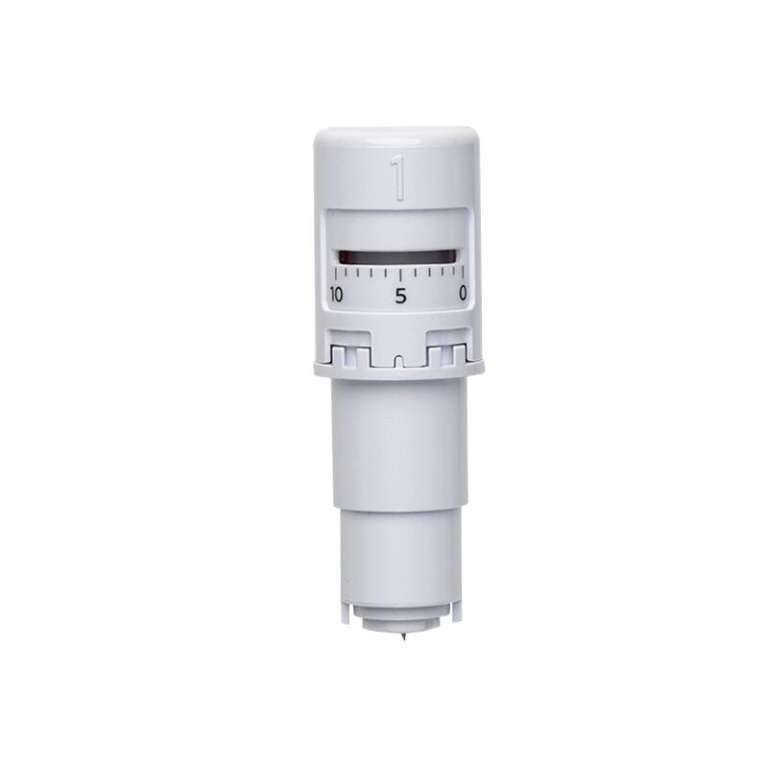
The Silhouette cutter comes with a spare automatic blade, a very practical feature. This means you always have a consumable on hand and can quickly replace it when the previous blade becomes dull. This helps avoid downtime that could disrupt your classes. This is a huge convenience, especially when using the cutter extensively for various educational and decorative projects.
| Title | Value |
|---|---|
| Connection | USB, Bluetooth |
| Cutting out graphics along the outline | Yes (the possible margin of error is 1/16 in.) |
| Force | Holder 1 - 300g; Holder 2 - not specified |
| Language | English, Polish |
| Maximum Cutting Area With Cutting Mat | 60,5 x 60,5 cm (24 x 24 in.) |
| Maximum Cutting Area Without Cutting Mat | 59 x 487 cm |
| Software | Silhouette Studio (free), Adobe Illustrator - plug-in (paid extra), Corel DRAW - plug-in (paid extra), Silhouette Studio Business Edition (paid extra), Silhouette Studio Designer Edition (paid extra) |
| Speed | 0 – 300 mm/s |
| Guaranteed Operating Environment | 16 to 32 deg.C,35 to70% R.H.(non-condensing) |
| Working Environment | 10 to 35 deg.C,35 to 75% R.H.(non-condensing) |
| Mechanical Resolution | 0.00625 mm |
| Programmable Resolution | 0.05 mm |
| Rated Power Supply | AC adapter 24 VDC(1.25A) |
| Print & Cut Margins | On mat - 16mm on Each Side , Without mat - 16mm on the sides and top of the page; 25,4mm at the bottom of the page |
Other customers bought also:
No one has added an opinion yet.
Be the first to do so!
Made by: Michał Desol