




Chat with an expert
Do you have any questions? We'll be happy to help!
School Starter Kit - Cameo 5 Plus



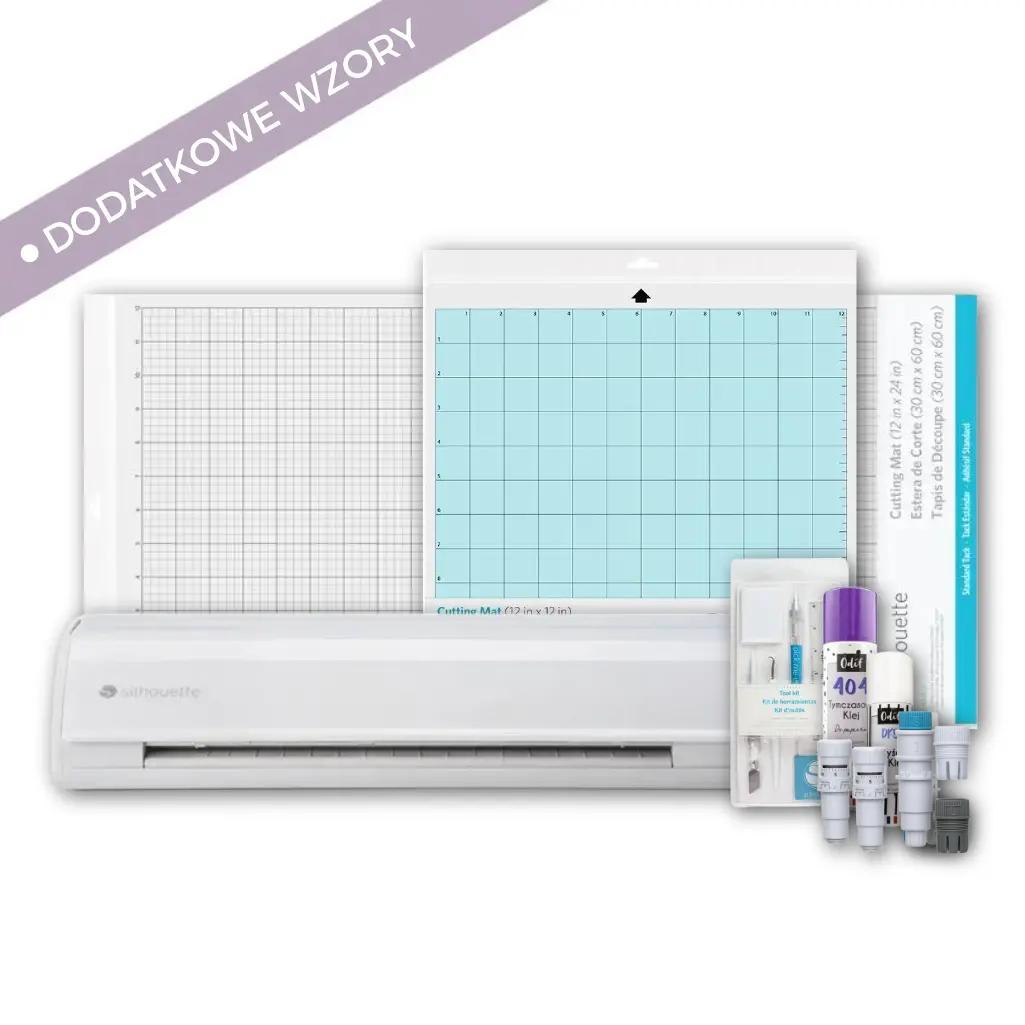
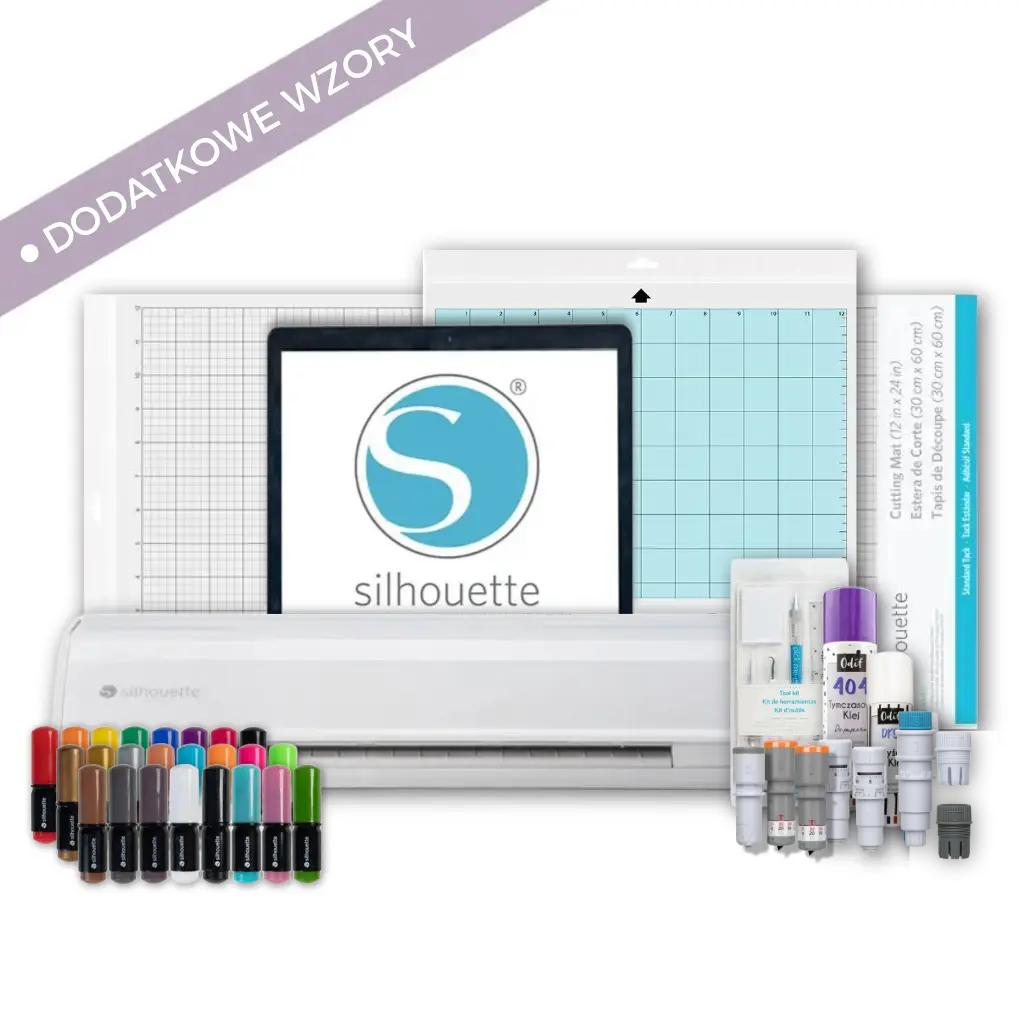
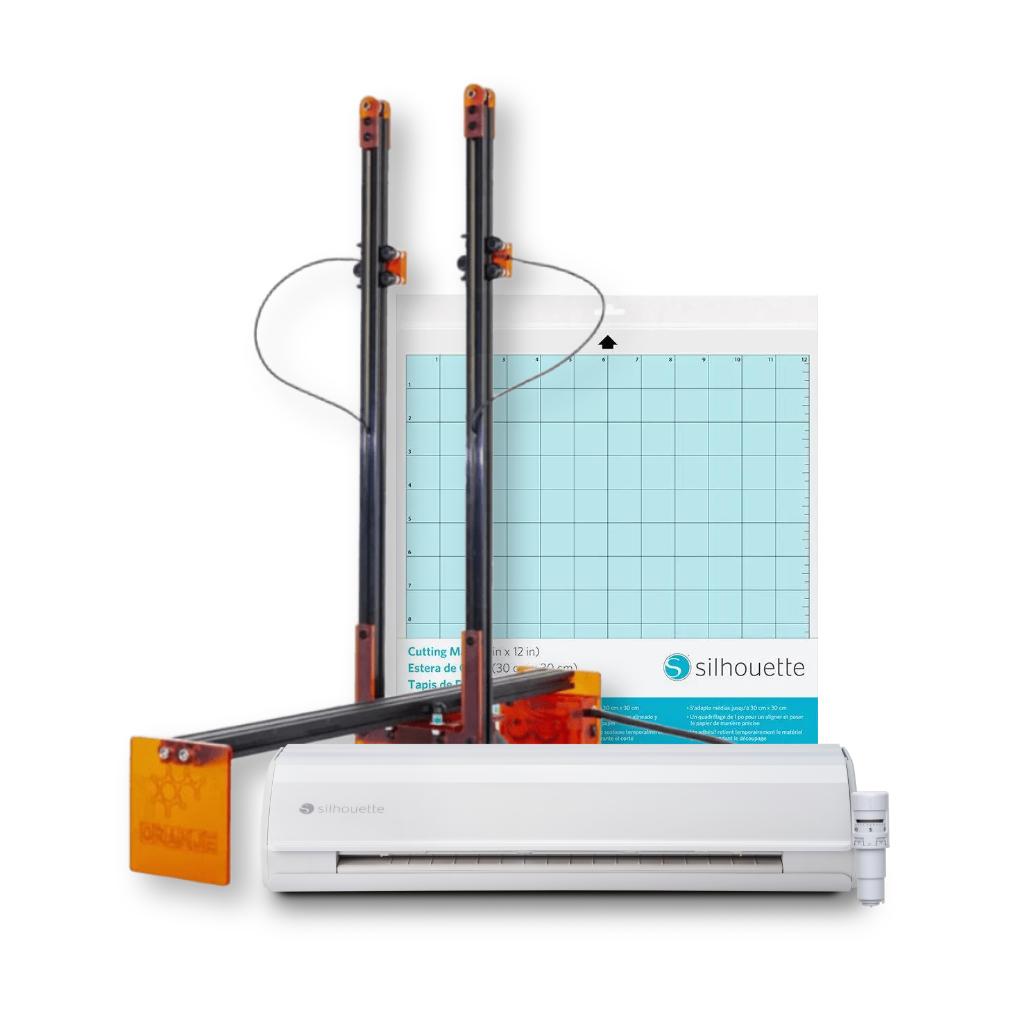
School Starter Kit - Cameo 5 Plus - It's the perfect solution for schools and preschools. Its 37 cm cutting width allows you to create large decorations and educational projects. The set includes all the necessary accessories and ready-made designs - everything you need to get started right away!
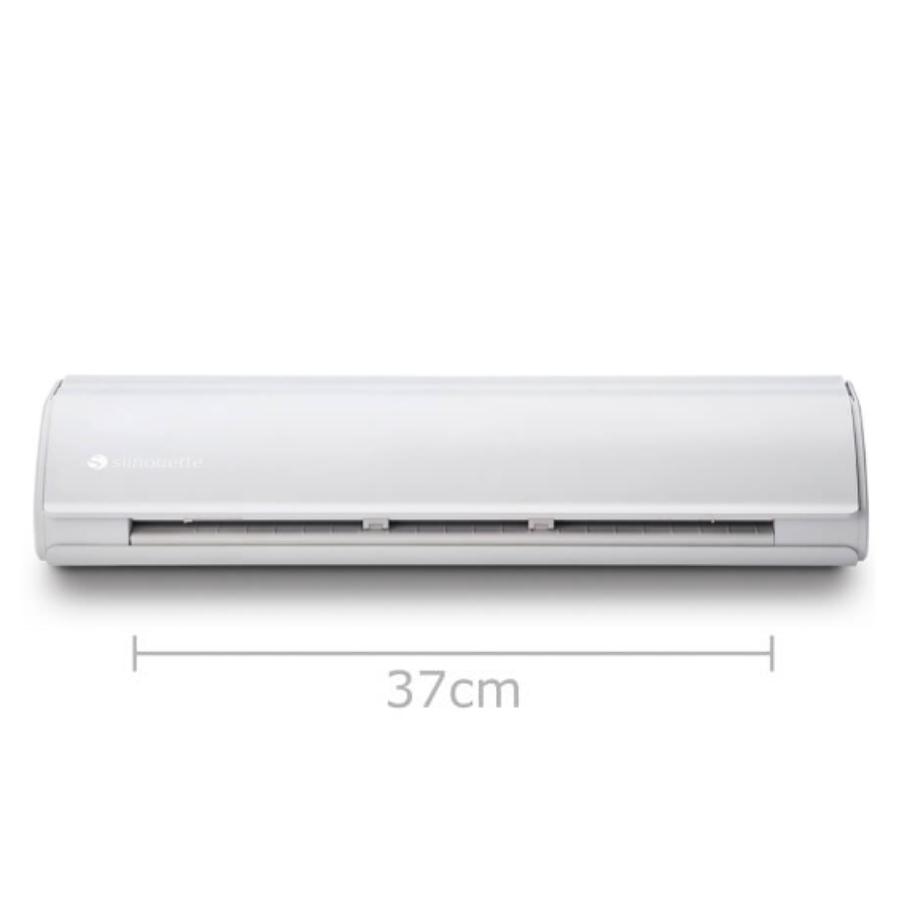
1x Silhouette Cameo 5 Plus
2399,00zł/pcs.
1999,99zł/pcs.
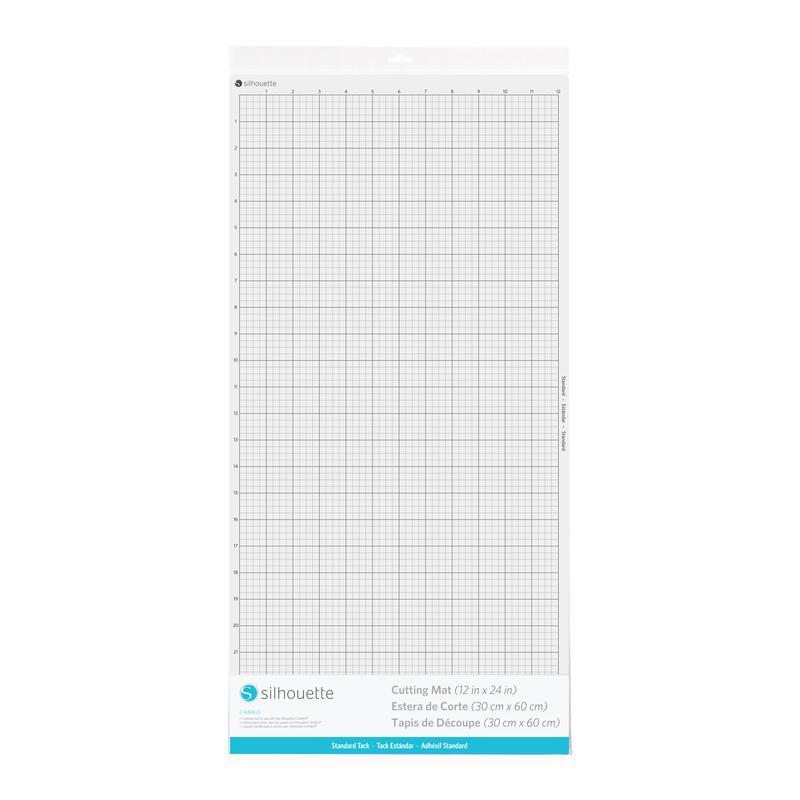
1x Cameo Cutting Mat - 12x24" - Standard Tack
99,00zł/pcs.
94,05zł/pcs.
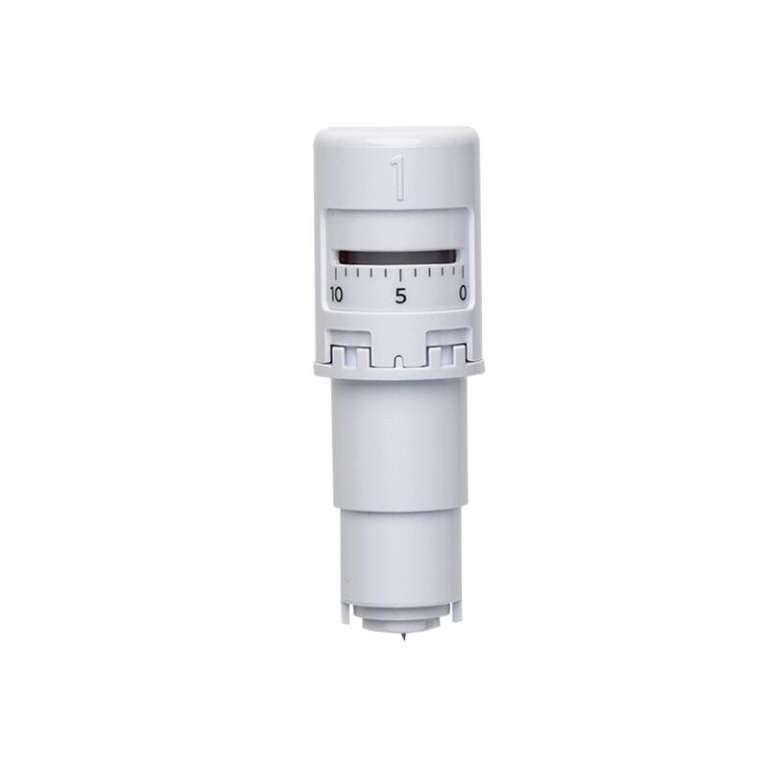
1x Silhouette AutoBlade (type B)
67,00zł/pcs.
63,65zł/pcs.
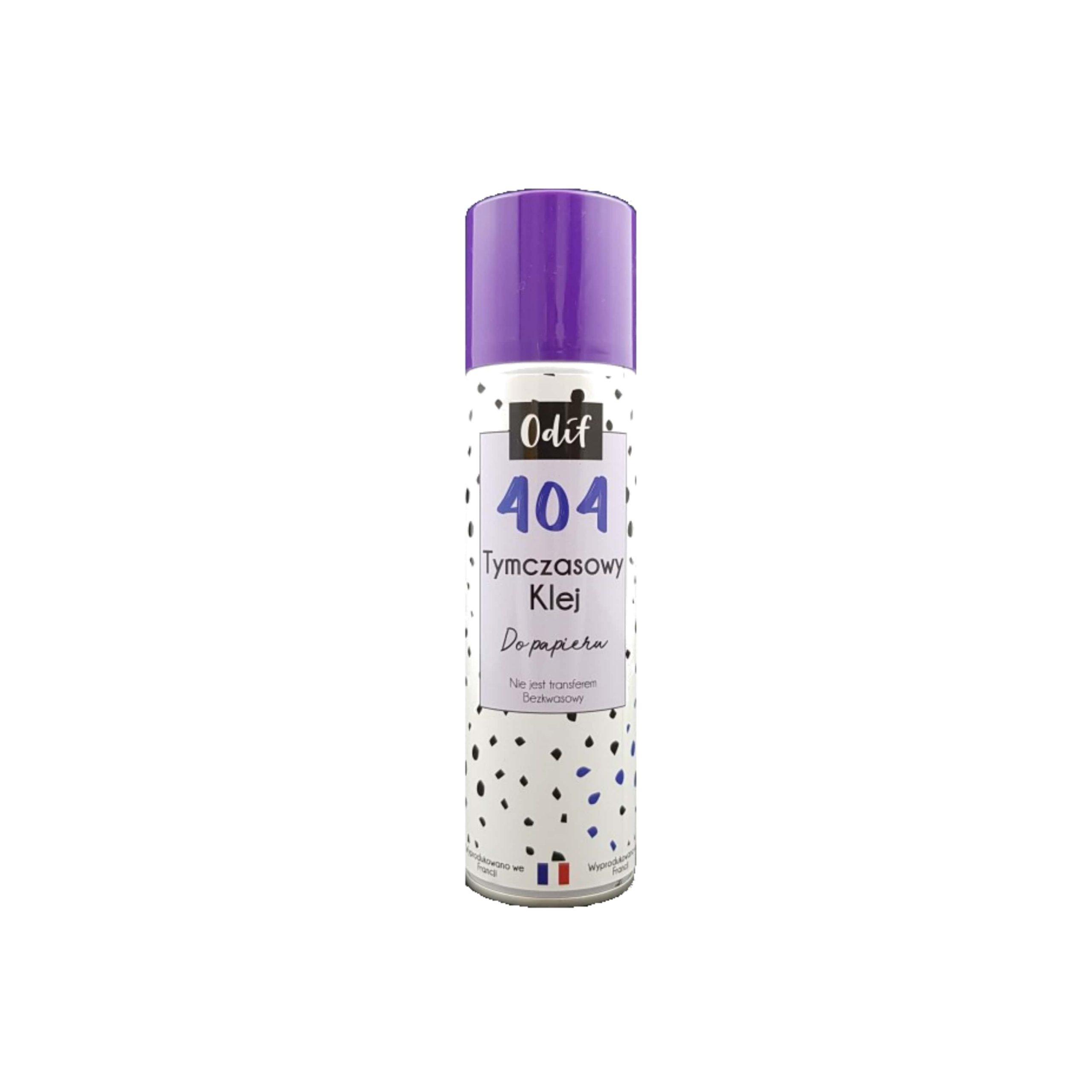
1x Odif 404 - adhesive for mat regeneration - 250ml
35,00zł/pcs.
33,25zł/pcs.
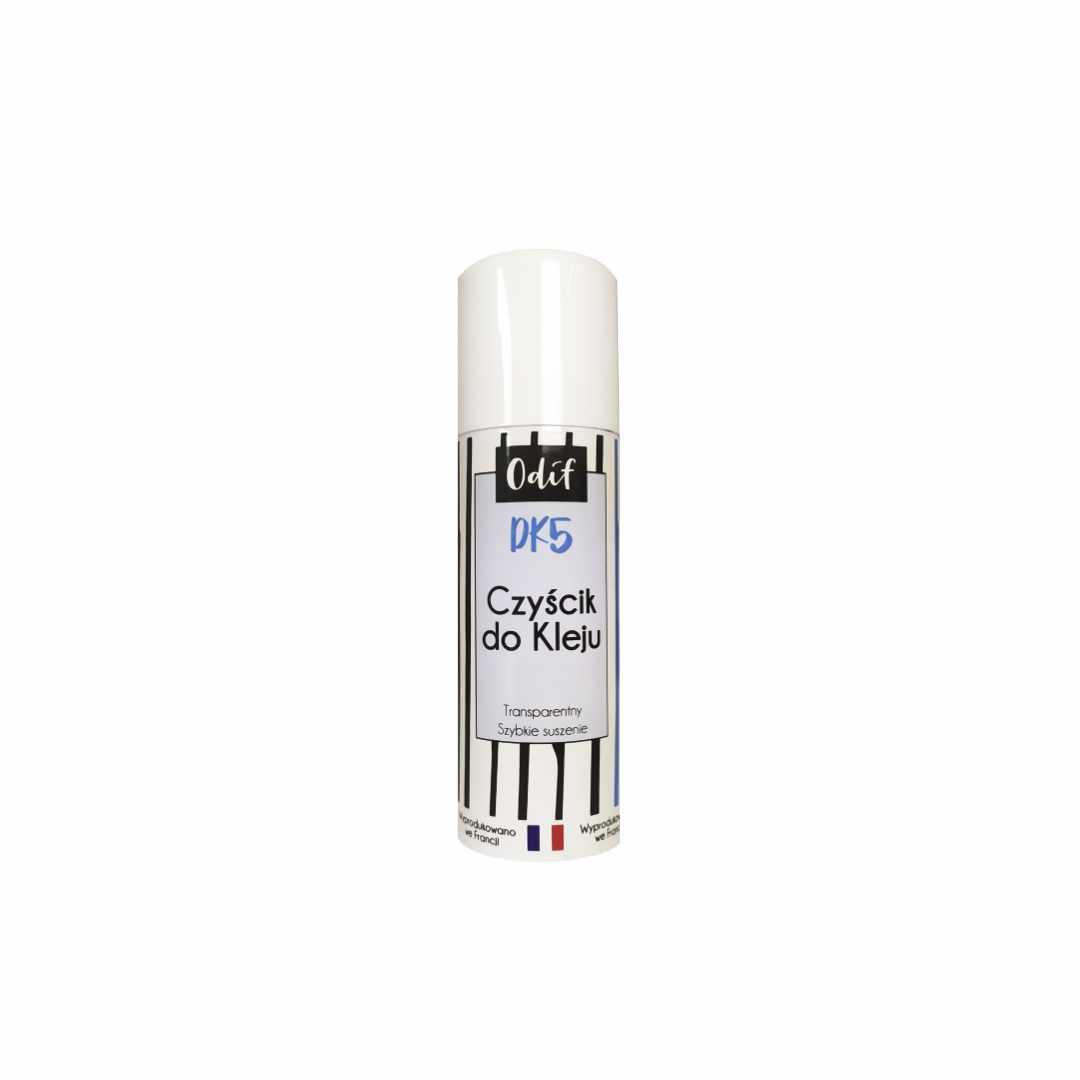
1x Odif DK5 - cleaning spray - 125ml
19,00zł/pcs.
18,05zł/pcs.
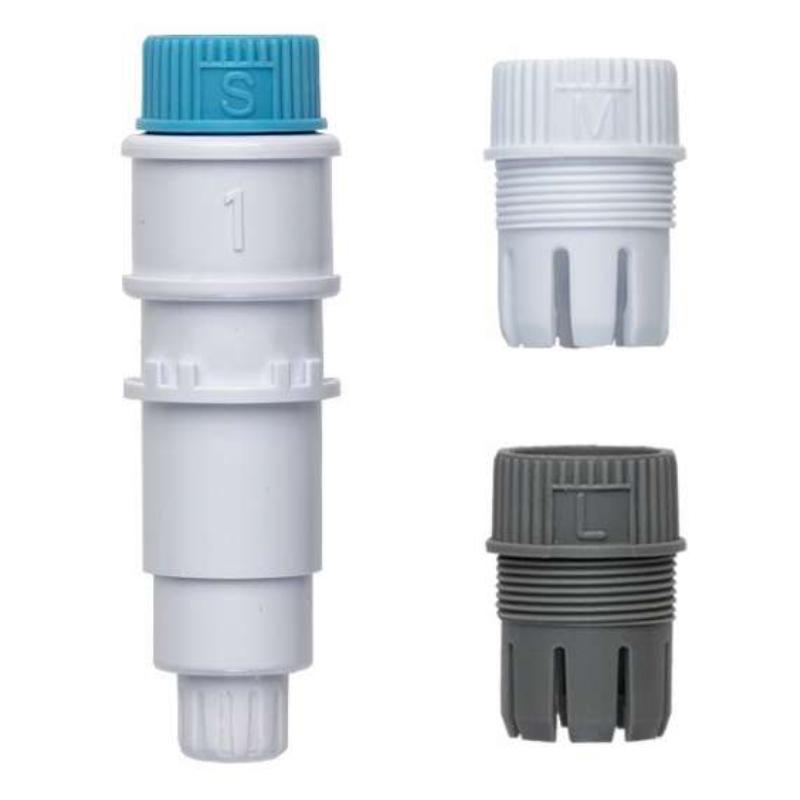
1x Silhouette Pen Holder (Type B)
48,00zł/pcs.
45,60zł/pcs.
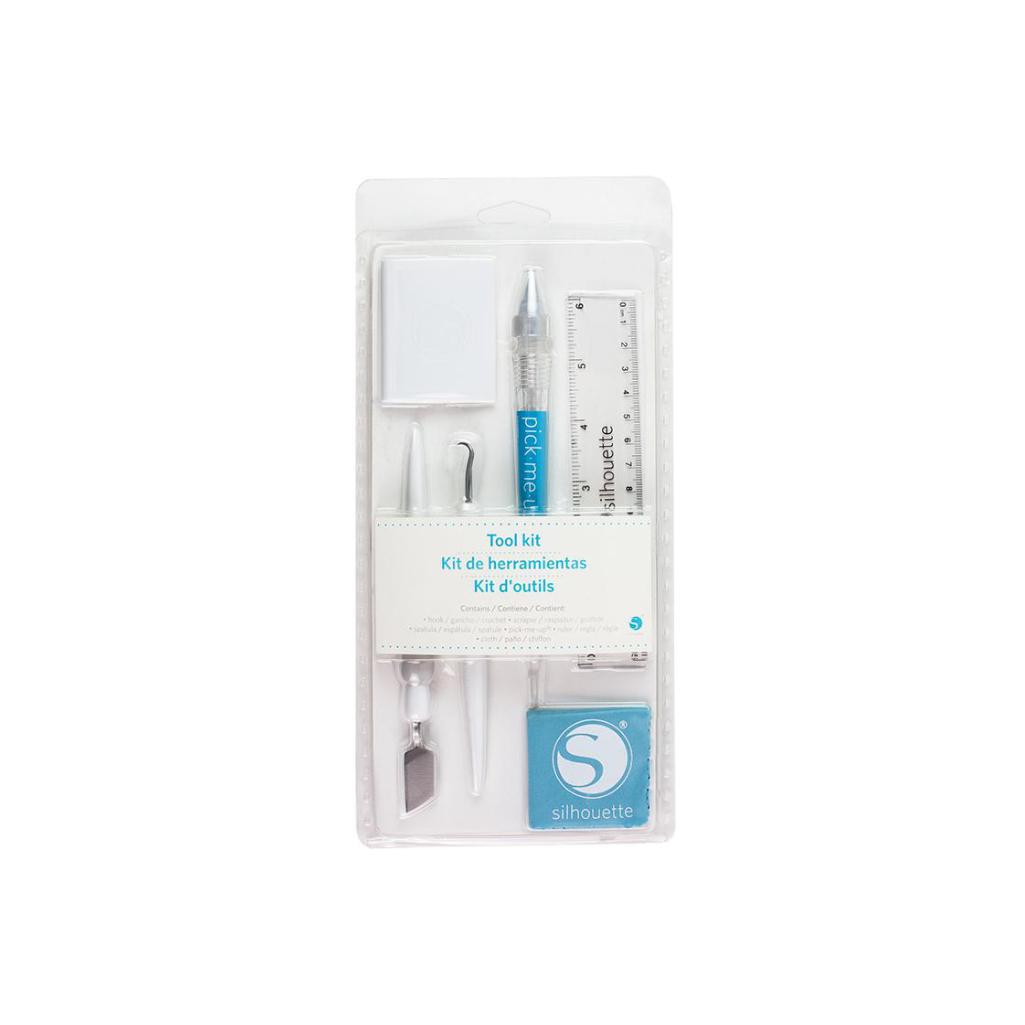
1x Silhouette Tool Kit - White
99,00zł/pcs.
94,05zł/pcs.
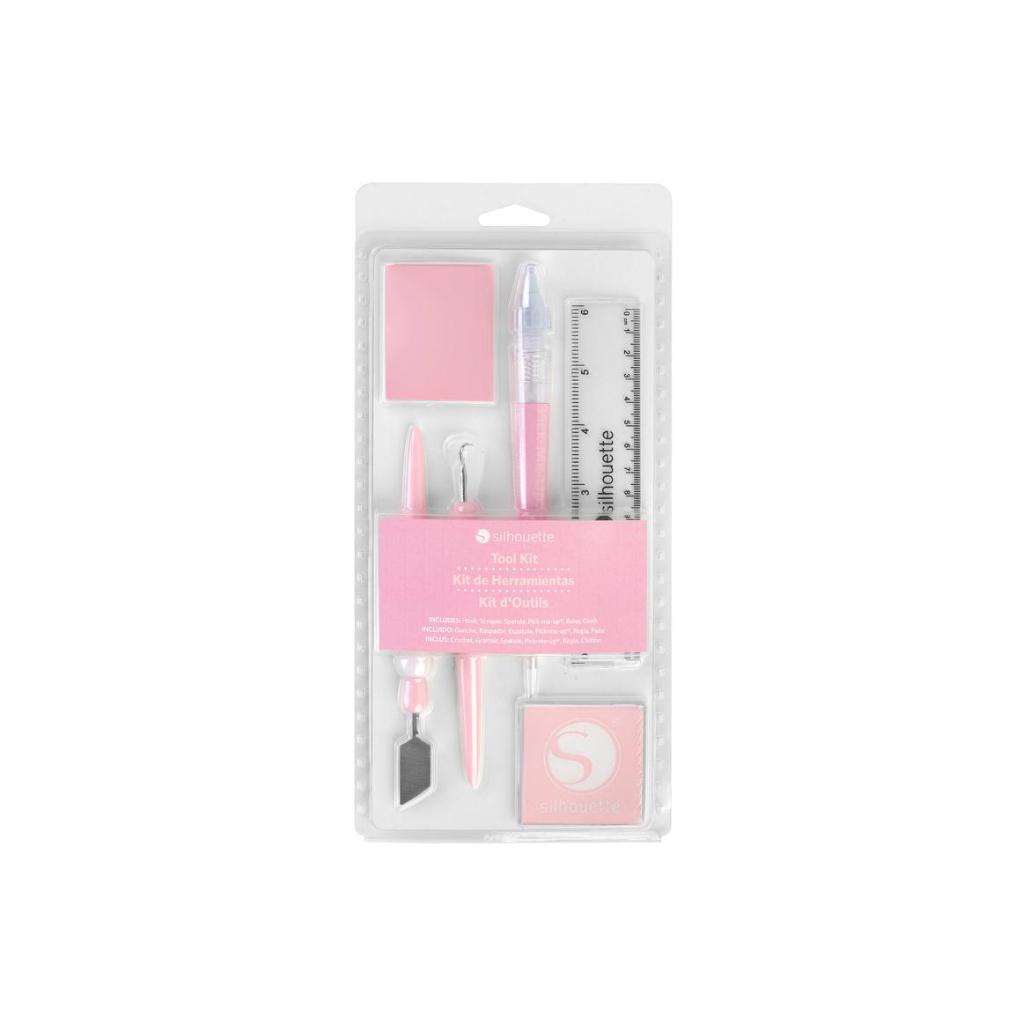
1x Silhouette Tool Kit - Pink
99,00zł/pcs.
94,05zł/pcs.
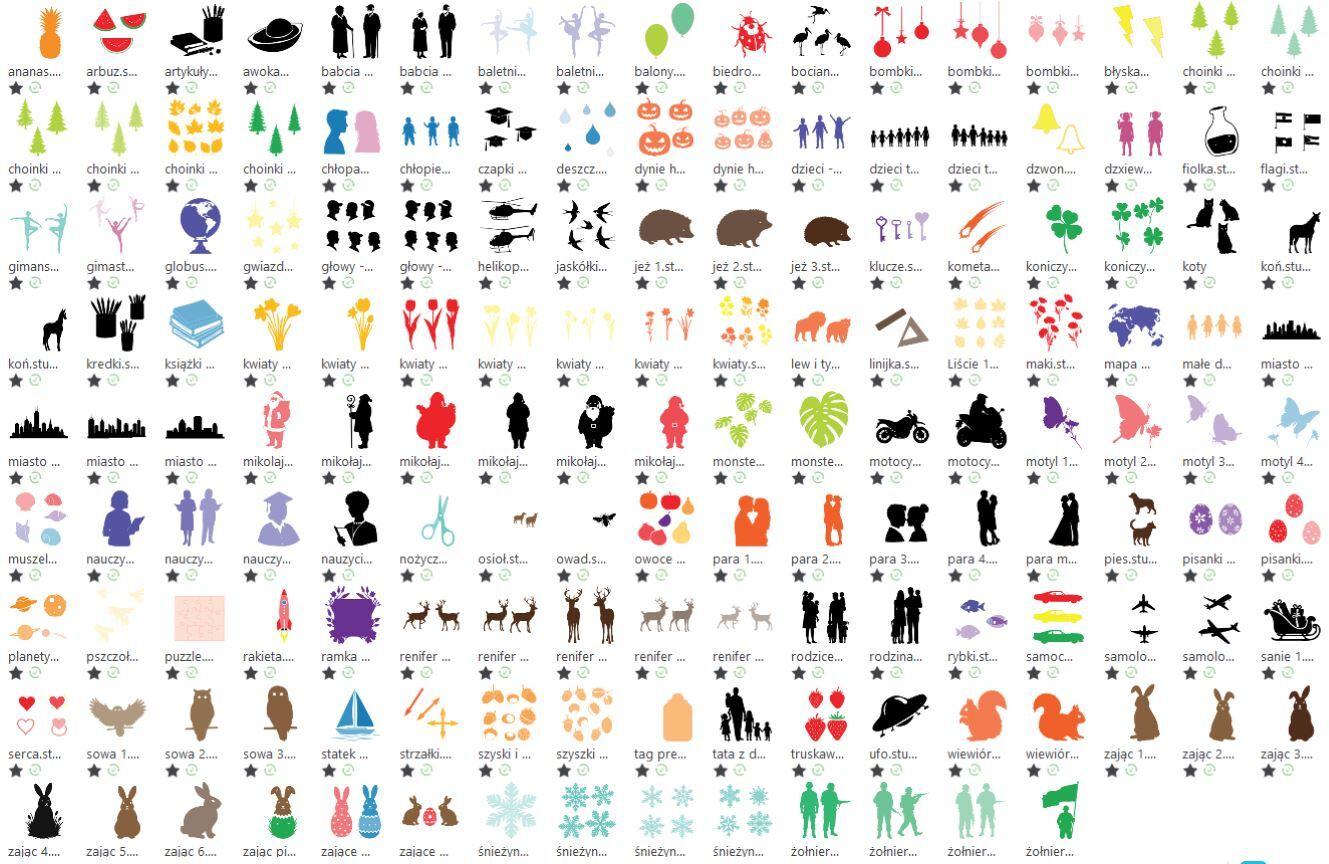
1x Set of 300 patterns for schools
299,00zł/pcs.
0,00zł/pcs.
PLN 3,065.00 incl. tax
PLN 2,348.64 incl. tax -23%
School Starter Kit - Cameo 5 Plus
1


Contents
The product includes the following elements:
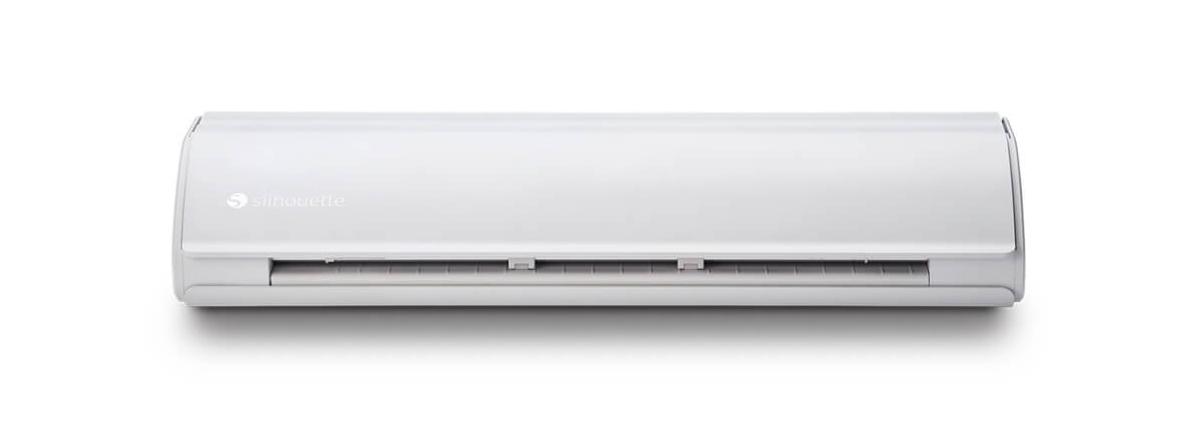
Plotter
2 AutoBlades
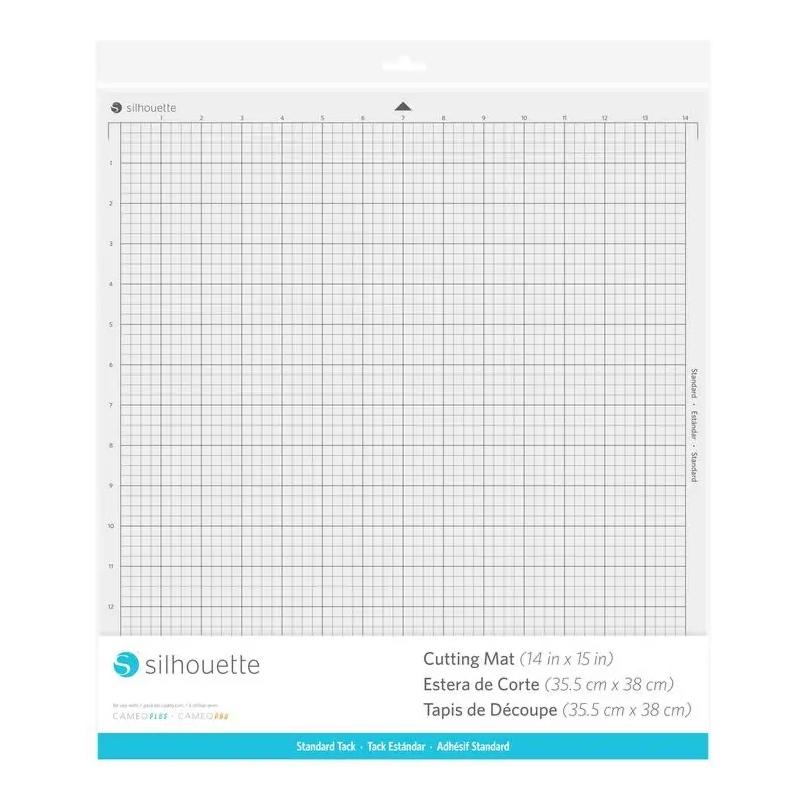
Cutting Mat
With dimensions 38 x 42 cm.
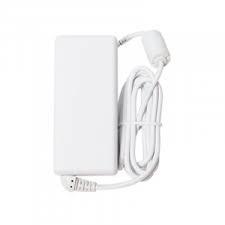
Power Cord
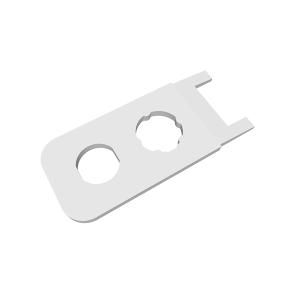
Blade Adjustment Tool
Roll Feeder
User Manual
In electronic form.
Free Silhouette Studio Software
Free "Quick Start" Instruction - In Video Format
Cutting Mat
With dimensions 30x60cm.
Pen Holder
Tool Kit
Odif 404
Odif DK5
Description
The school plotter kit is a complete educational solution that opens up a world of creativity and modern technology for teachers and students. Each kit includes 300 ready-made designs, perfect for art classes, decorating, and themed school projects. Purchasing is simple and convenient - we offer deferred payment for educational institutions, allowing schools to easily adapt to their budgets. It's not just a plotter, but also a practical educational tool that supports creativity, allows for the preparation of decorations for the entire school year, and significantly saves time and costs associated with traditional materials.
Cutting paper up to 300g
The Silhouette Cameo 5 Plus cutting plotter is a modern device that allows for precise cutting of various shapes from paper. It handles paper weights up to approximately 300g, meaning it can cut thicker paper, often used for art projects. This makes it perfect for schools and preschools where creating colorful decorations, teaching aids, and art projects is common.
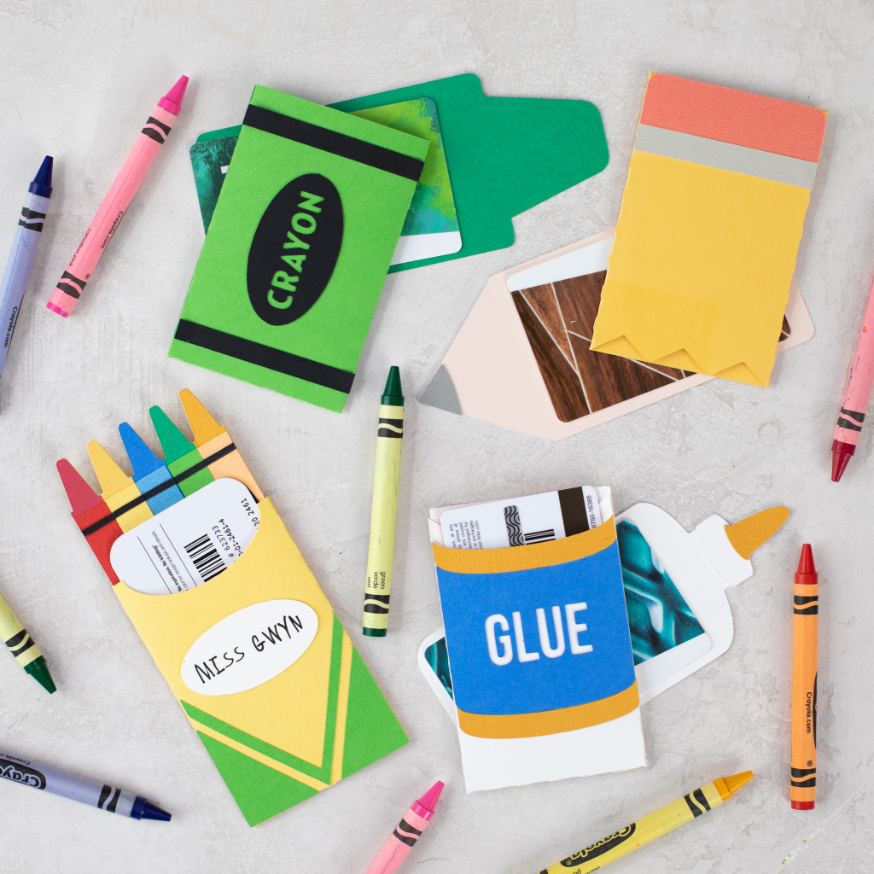
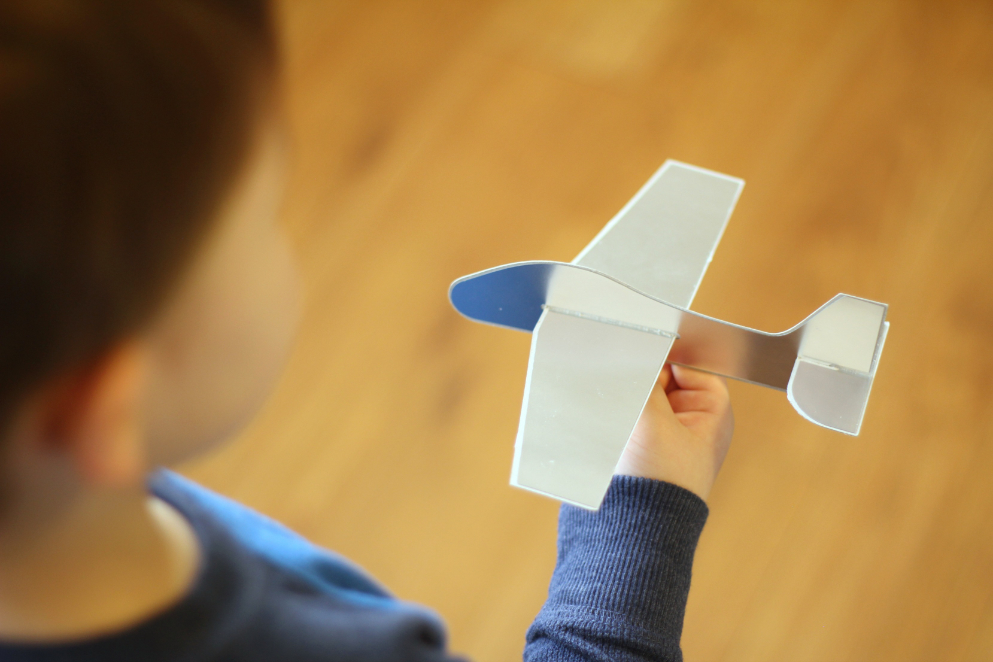
The
ability to cut paper up to 300g opens up a wide range of creative
possibilities, especially in the school environment. This feature allows
students to create not only classic art projects but also more advanced
3D projects, such as 3D models or mock-ups. The device is also perfect
for creating teaching aids - from colorful boards and educational
puzzles to elements for learning through play. The Cameo 5 Plus supports
creativity and the development of manual skills, becoming a valuable
tool in art and engineering studios.
Cutting vinyl
The Cameo 5 Plus cutter excels at cutting self-adhesive foil, making it the ideal tool for creating a variety of decorative items. Using this material, you can create eye-catching inscriptions, graphics, and decorative patterns that are perfect for classrooms, school hallways, or thematic labs. Self-adhesive foil also allows you to personalize lockers, decorate walls, windows, and even equipment and teaching aids. This allows you to quickly and easily create functional, aesthetic, and inspiring educational spaces.
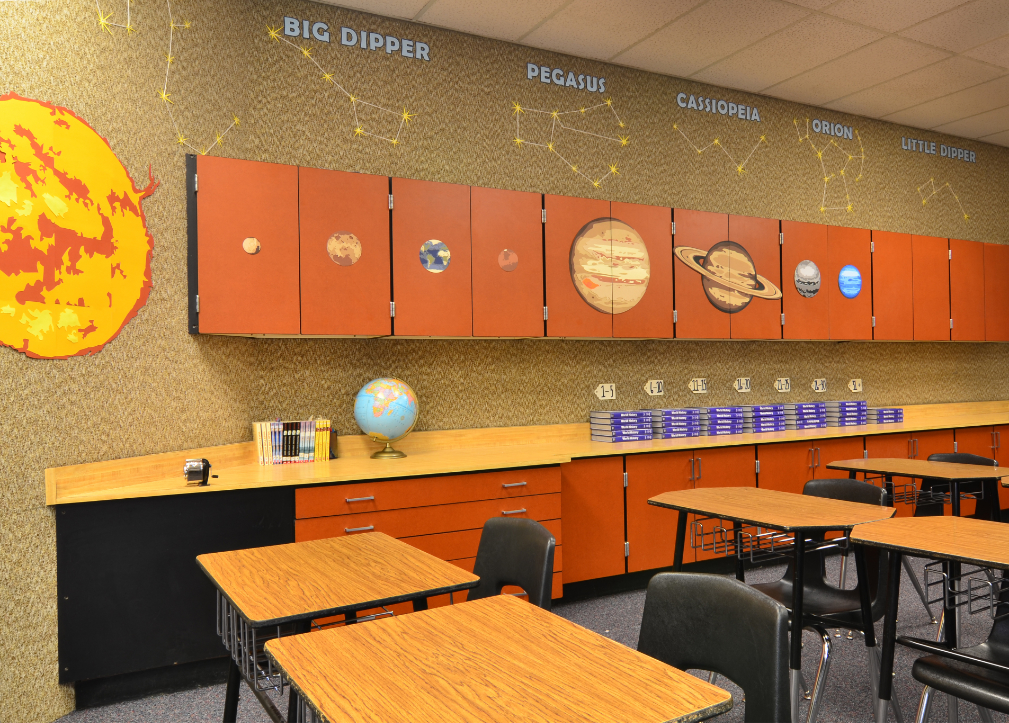
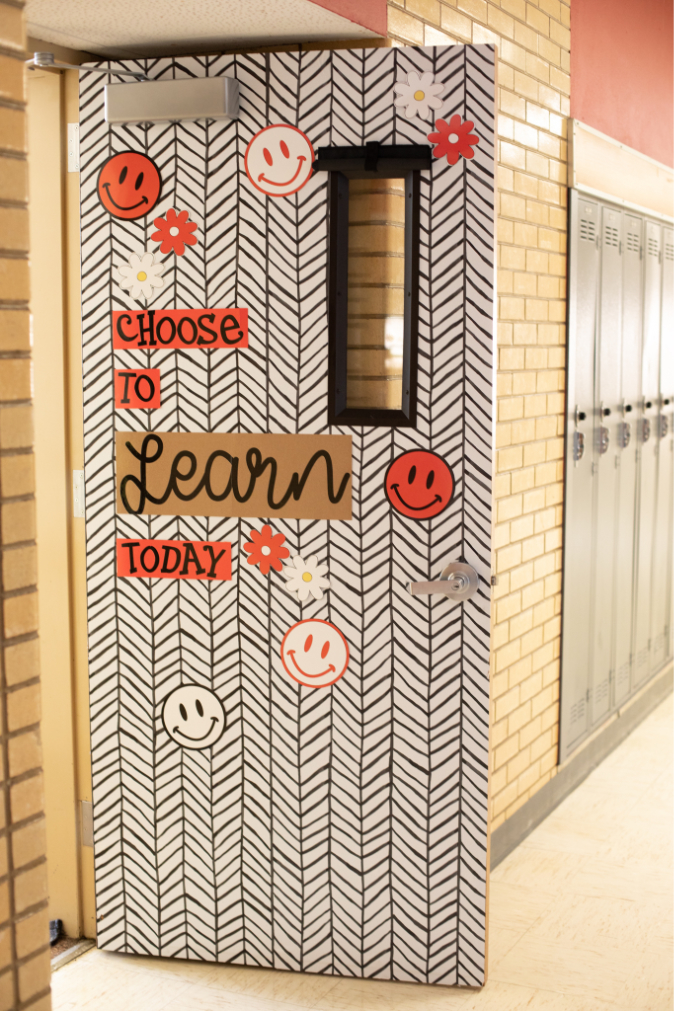
Decorating
a school this way offers many advantages.It creates a friendly,
aesthetic, and motivating learning environment, fosters community
integration around shared projects, and strengthens the school's sense
of identity. Furthermore, it's a cost-effective and durable solution that
can be easily adapted to various occasions or themes throughout the
school year.Thanks to its roll-cutting capability, the plotter also
allows for the creation of larger decorative elements, which is
particularly useful when designing larger spaces.
Cutting HTV foil
The plotter also allows for precise cutting of iron-on transfer foils, opening up entirely new creative possibilities in the school environment. This feature allows you to easily create unique graphics, lettering, and patterns, which can then be applied to fabrics using a heat press or iron. It's the perfect solution for personalizing clothing, fabric bags, pencil cases, and school supplies.
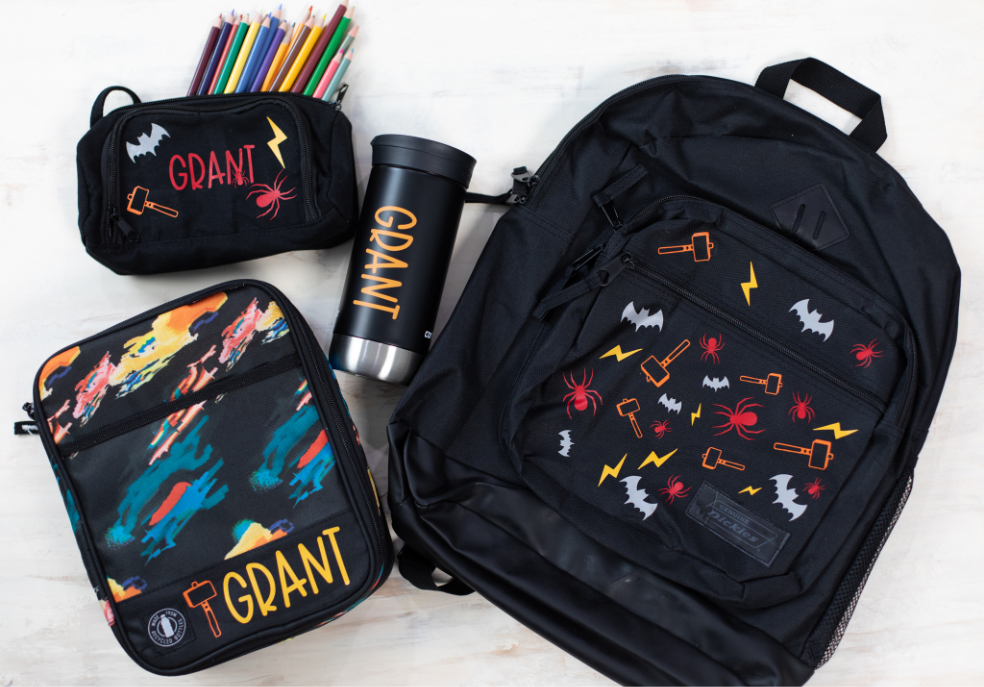
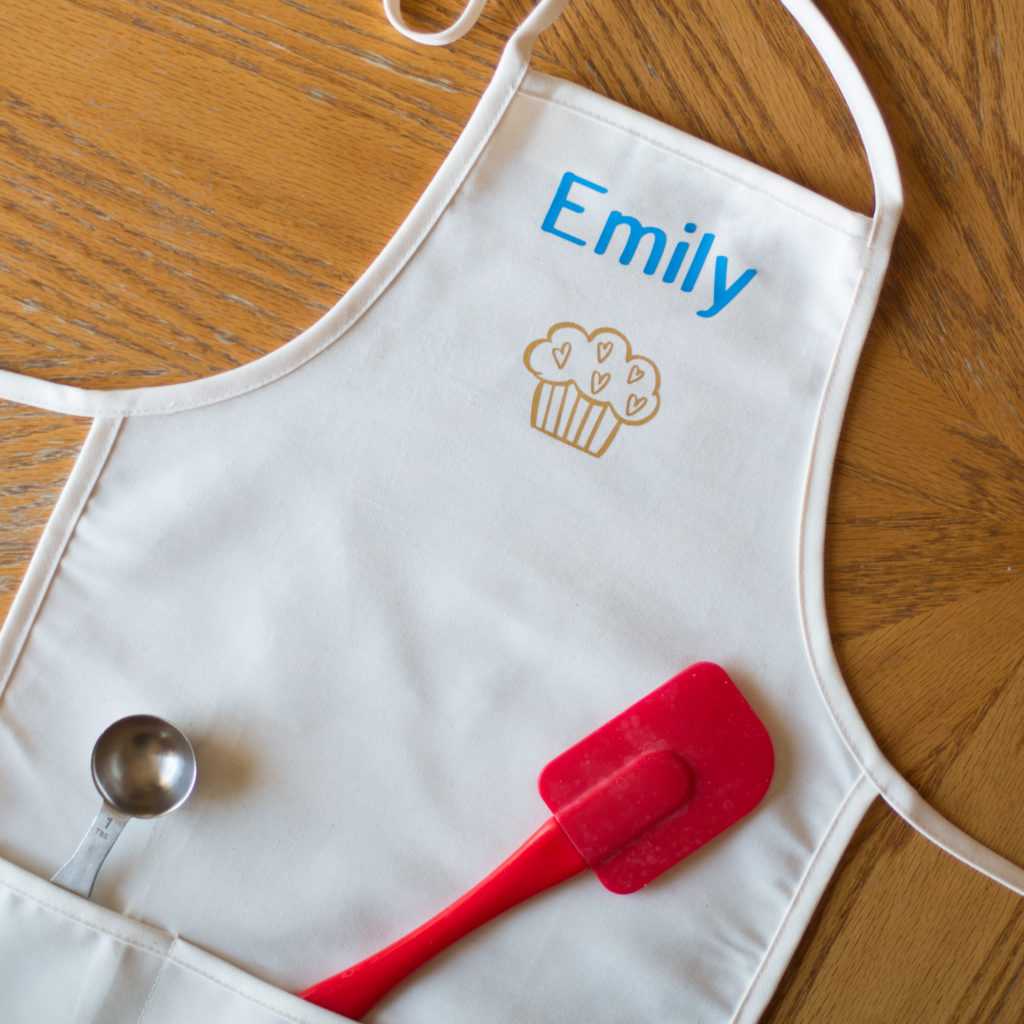
Iron-on transfers are perfect for both art and craft classes, as well as creative workshops. Children can design their own motifs and immediately transfer them onto fabric, developing their imagination and design skills. They're also a great way to create personalized class T-shirts, event gifts, or school promotional products. Iron-on transfers are a durable, aesthetically pleasing, and effective solution that allows for an engaging combination of learning, fun, and hands-on creative activities.
Cutting prints
The Cameo 5 Plus plotter features contour cutting for printouts from any office printer, significantly expanding its potential for use in schools. This option allows you to create your own stickers, labels, badges, and colorful elements for art projects and educational projects.
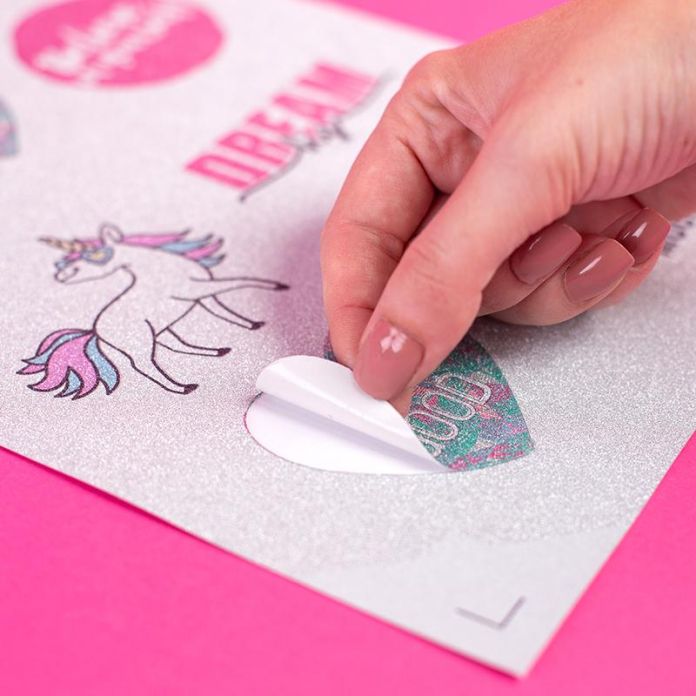
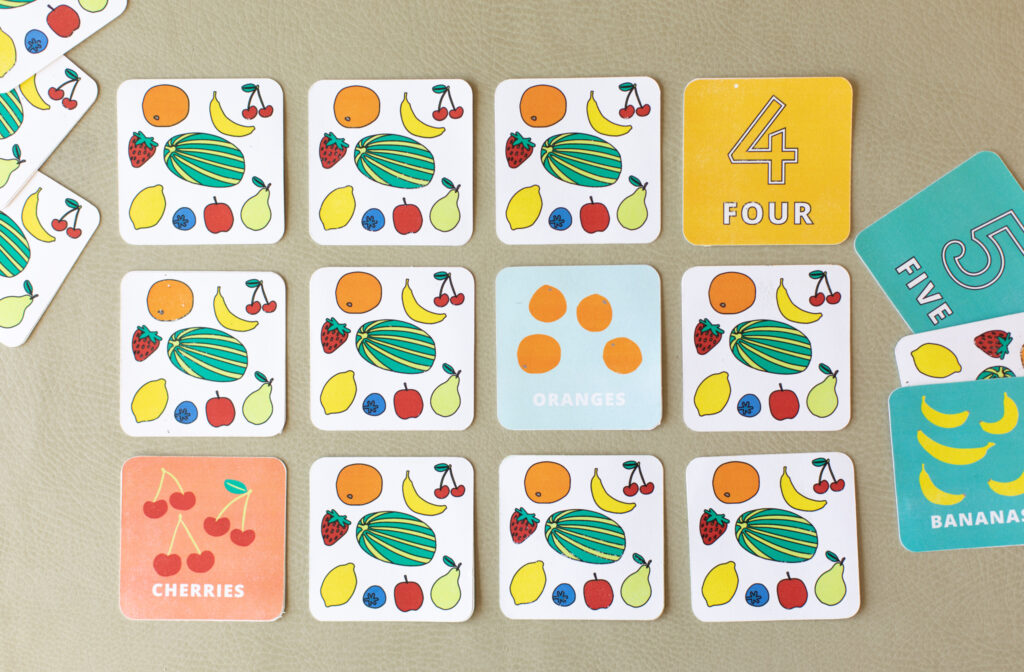
It's an ideal solution for creating engaging teaching aids, such as illustration sets, worksheets, educational games, or playful learning materials. Students can also personalize their notebooks, supplies, and other school items, fostering creativity and increasing engagement in class. Cutting out prints is also useful for larger artistic or decorative projects where aesthetics and precision are key. This feature makes the plotter a versatile tool that combines technology with creativity in everyday school work.
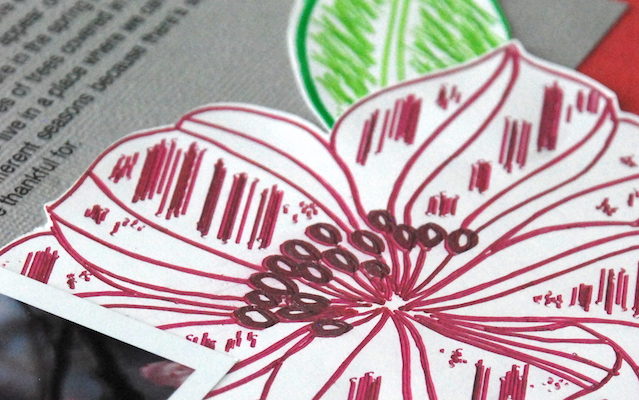
Sketching with pens
Sketching with a plotter and its universal holder is useful for both artistic and technical classes - students can create their own compositions, graphic designs, and even technical writing or diagrams. This function also allows for the creation of aesthetically pleasing inscriptions and decorative lettering, which is useful for classroom decorations, school newsletters, or special occasion materials. The ability to use different types of markers offers enormous creative freedom and allows for interesting visual effects that distinguish each work.
Hardware requirements to run Silhouette Studio:
- Operating System: PC (Windows 10 and above), macOS 12 (Monterey), MacmacOS 13 (Ventura), macOS 14 (Sonoma)
The software supports devices with 64-bit processors. - For Chromebook systems, plotter operation is possible using the new online application - Silhouette WEB - https://www.silhouette-web.com/
- Internet connection: Recommended (for downloading the program, performing updates and upgrading it to higher versions)
- RAM: 4 GB RAM
- Processor: 2.5GHz (Intel Quad Core or AMD Quad Core)processor Memory Speed: 186 MB Program Memory (not include additional recommended download memory)
- USB Port: USB 2.0 Port (or newer)
Additional accessories included
The plotter box includes an automatic blade, ideal for paper and foil, and a 30.5 x 30.5 cm mat. These
products allow you to get started with the device, but it's worth
purchasing additional components that will simplify the process, allow
you to fully utilize the plotter's capabilities, and enable comfortable
work with various materials.
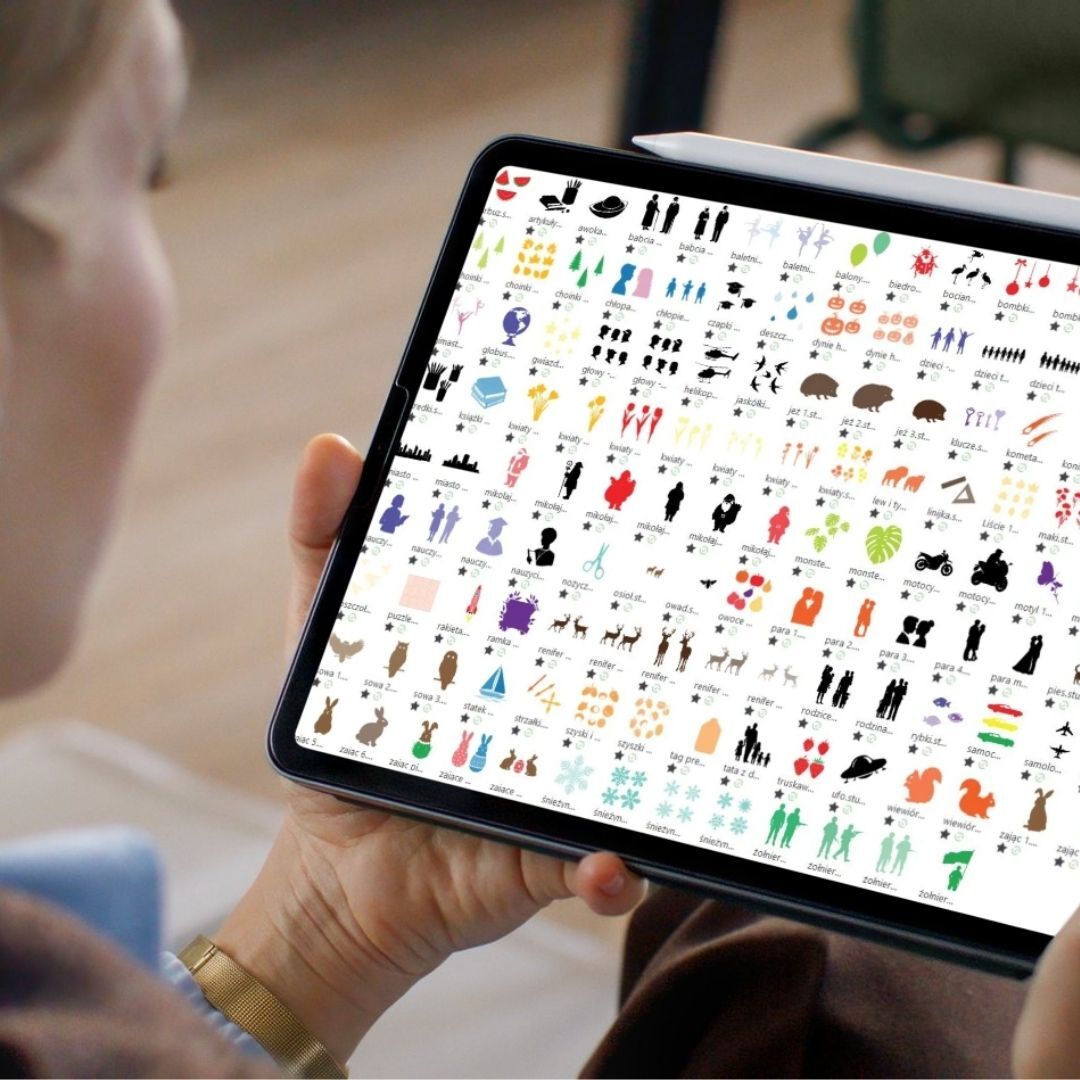
300 Free Patterns
The kit includes a rich set of free educational and creative materials that will make getting started simple and inspiring: 300 patterns to cut out are included!
Includes:
- 150 cutting patterns designed specifically for schools and preschools,
- plus 150 Print & Cut files.
With this kit, students and teachers can immediately begin creating unique projects, from classroom decorations and teaching aids to creative art projects.
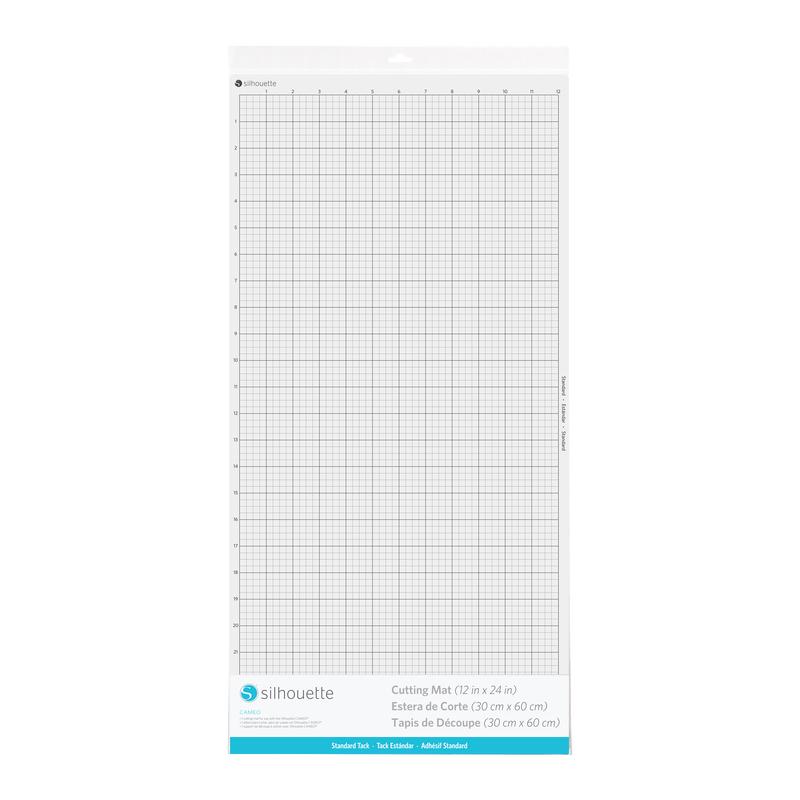
30x60 cm cutting mat
A 30x60 cm mat is perfect for schools and preschools. Its large size allows for cutting projects from A3 paper, which is very useful for creating larger classroom decorations or art projects. With this mat, teachers can prepare more elements at once, for example, several cutouts for a single newsletter, sets of holiday ornaments, teaching boards, or larger illustrations for storybooks. This saves significant time, especially when working with large groups of children. The 30x60 cm mat also allows for cutting larger projects without dividing them into pieces, making it easier to create things like door signs, large labels, posters, or decorative frames for newsletters. This ensures that all elements are even, aesthetically pleasing, and ready to use immediately after cutting. This practical tool expands the possibilities of working with a plotter and is perfect for schools and preschools, both for everyday activities and preparing for special events.
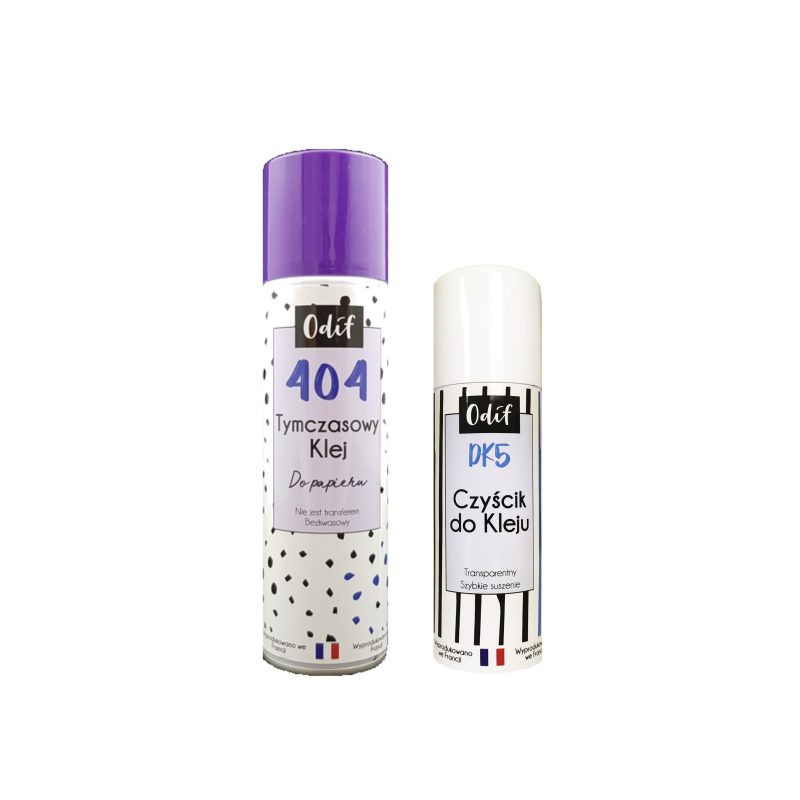
Mat regeneration kit
During
intensive plotter use at school or preschool, the plotter mat can lose
its properties over time – the paper loses its grip, shifts, or falls
off. Instead of buying a new mat, you can easily renew it with a set of Odif 404 and DK5.
Odif 404 is a temporary spray adhesive that allows you to quickly return the mat to use. Simply spray the surface, wait a moment, and the mat will hold the paper securely again. This is an ideal solution when the mat's adhesive has worn off but the mat itself is in good condition.
However, if excessive glue residue, dust, and paper particles have
accumulated on the mat, it's worth first using Odif DK5 – a cleaning
agent that effectively removes the old adhesive layer. After cleaning the DK5 mat, simply spray it again with Odif 404, and the mat will be as good as new.
This reconditioning process can significantly extend the mat's lifespan and avoid unnecessary costs. A new mat should only be purchased if the current one is mechanically damaged—for example, severely scratched, bent, or worn.
The Odif set of products is a practical solution for schools and
preschools where mats are used extensively for cutting out decorations,
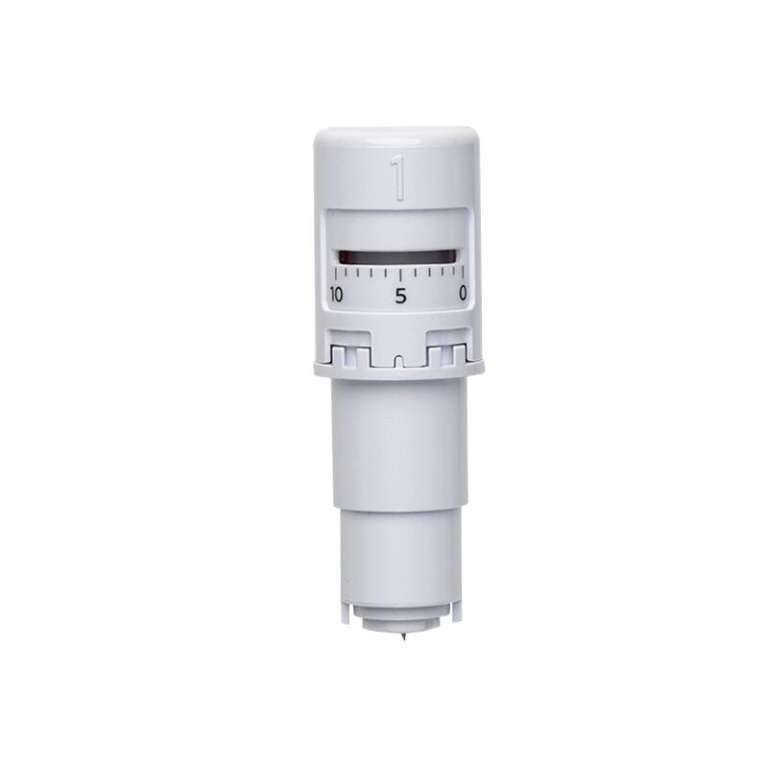
teaching materials, or art projects. It allows for efficient and convenient work without interruptions for changing accessories.Spare blade
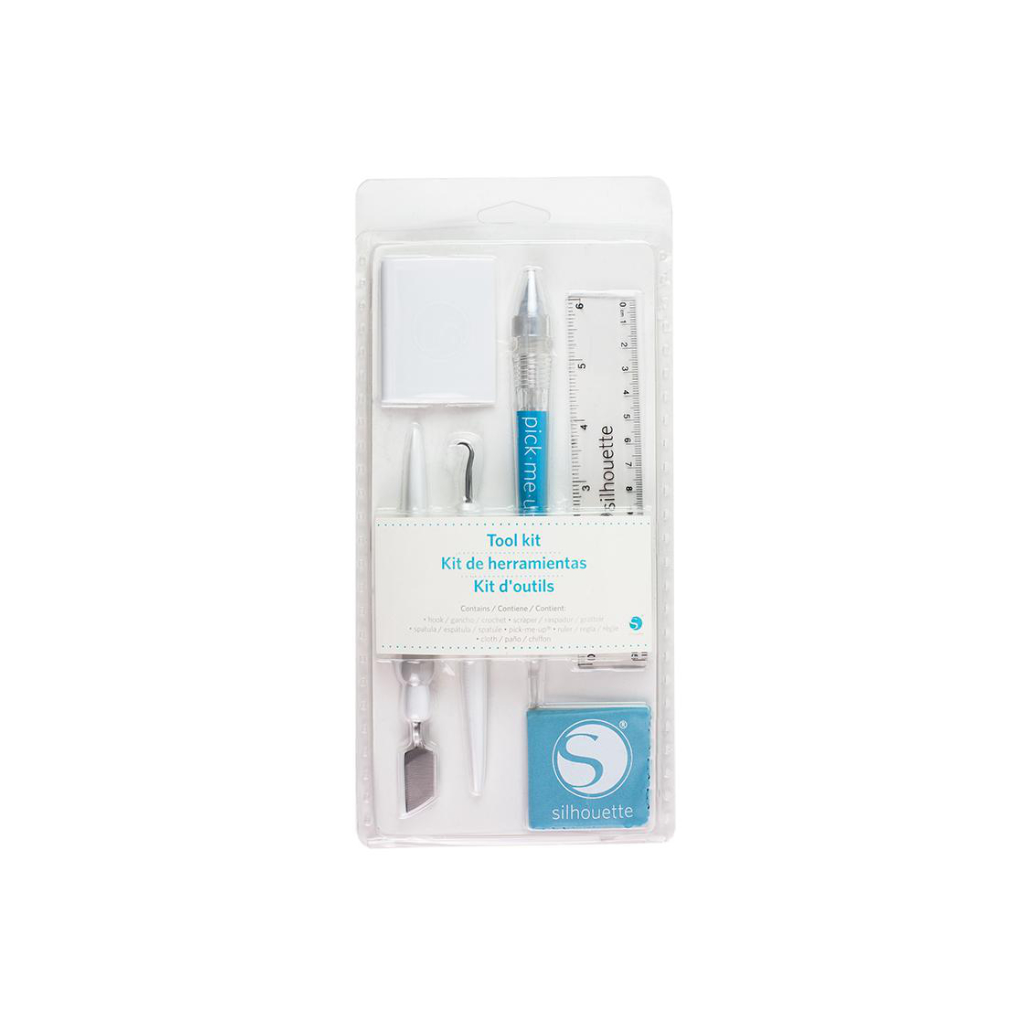
Tool kit
Pen holder

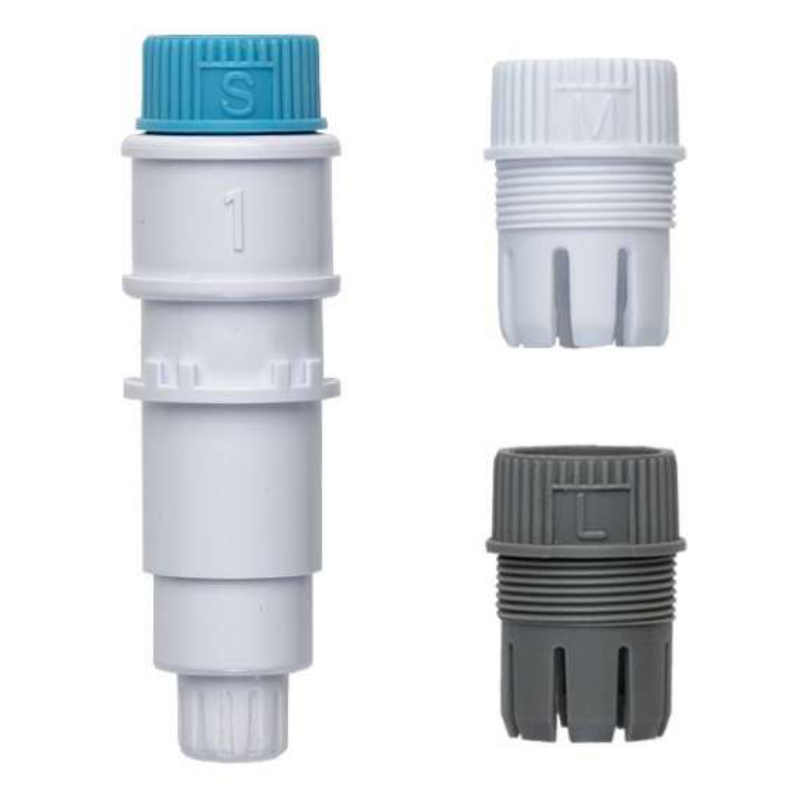
The
Silhouette marker holder is a practical accessory that allows for even
greater creative possibilities when working with Silhouette plotters. It
allows you to use a variety of markers and pens of different diameters,
significantly increasing the versatility of the device.
The holder allows for precise writing, drawing, and creating details on
paper and other materials, giving your projects a unique character.
The holder's simple installation allows you to get started quickly without the need for complicated setup.
The Silhouette Cameo 5 Plus Starter Kit is a comprehensive and well-thought-out solution, designed with the needs of schools and preschools in mind. Thanks to its larger cutting size (up to 37 cm), you can create large decorations, banners, teaching aids, or artwork without having to divide the project into sections. This is a huge advantage, especially when working with paper, foil, and other larger materials. The kit includes all the necessary accessories, including a spare blade, a large mat, a marker holder, a tool kit, and mat repair tools, allowing you to start working immediately without additional purchases. Additionally, schools or preschools receive 100 ready-made designs that can be used immediately, saving teachers time and energy. The Cameo 5 Plus is a modern device that supports children's creativity and simplifies the daily work of teachers. This ready-made kit eliminates the hassle of assembling equipment and ensures that everything works smoothly and seamlessly. It's not only a practical tool but also a great investment in the development of creative activities at your school.
Warranty
- 24 months
Specification
| Title | Value |
|---|---|
| Model | Cameo 5 Plus |
| Connection | USB, Bluetooth |
| Force | 5kg, 300g |
| Free designs | 100 |
| Language | English, Polish |
| Maximum Cutting Area With Cutting Mat | 30,5 x 61 cm (12 x 24 in.), 37 x 38 cm (14,6 x 15 in.) |
| Maximum Cutting Area Without Cutting Mat | 37 x 480 cm |
| Print & Cut Margins | Without mat - 16mm on the sides and top of the page; 25,4mm at the bottom of the page |
| Software | Silhouette Studio (free), Adobe Illustrator - plug-in (paid extra), Corel DRAW - plug-in (paid extra), Silhouette Studio Designer Edition (paid extra), Silhouette Studio Business Edition (paid extra) |
| Unit Dimensions | 64,2 x 12,4 x 17,6 cm |
| Unit Weight | 5,73 kg |
| Manufacturer Details | Silhouette America® Inc.618 N. 2000 W.Lindon, Utah 84042, USA support@silhouetteamerica.com |
| EU Marketing Authorisation Holder | Silhouette Europe B.V. Prinsengracht 572A 1017 KR Amsterdam tel: 31611841511 support@silhouetteeurope.eu |
Additional accessories
Other customers bought also:

Reviews
Product rating
No one has added an opinion yet.
Be the first to do so!
Add review
Please wait...
See also



Made by: Michał Desol