








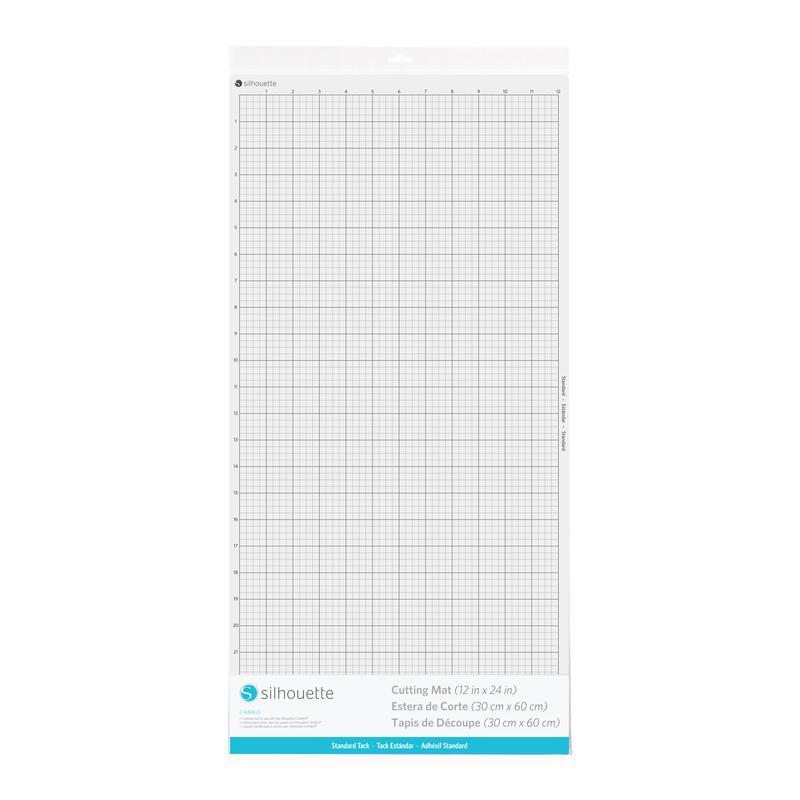
Cameo Cutting Mat - 12x24" - Standard Tack
99,00złincl. tax
Cameo 5 Alpha now available!
Do you have any questions? We'll be happy to help!
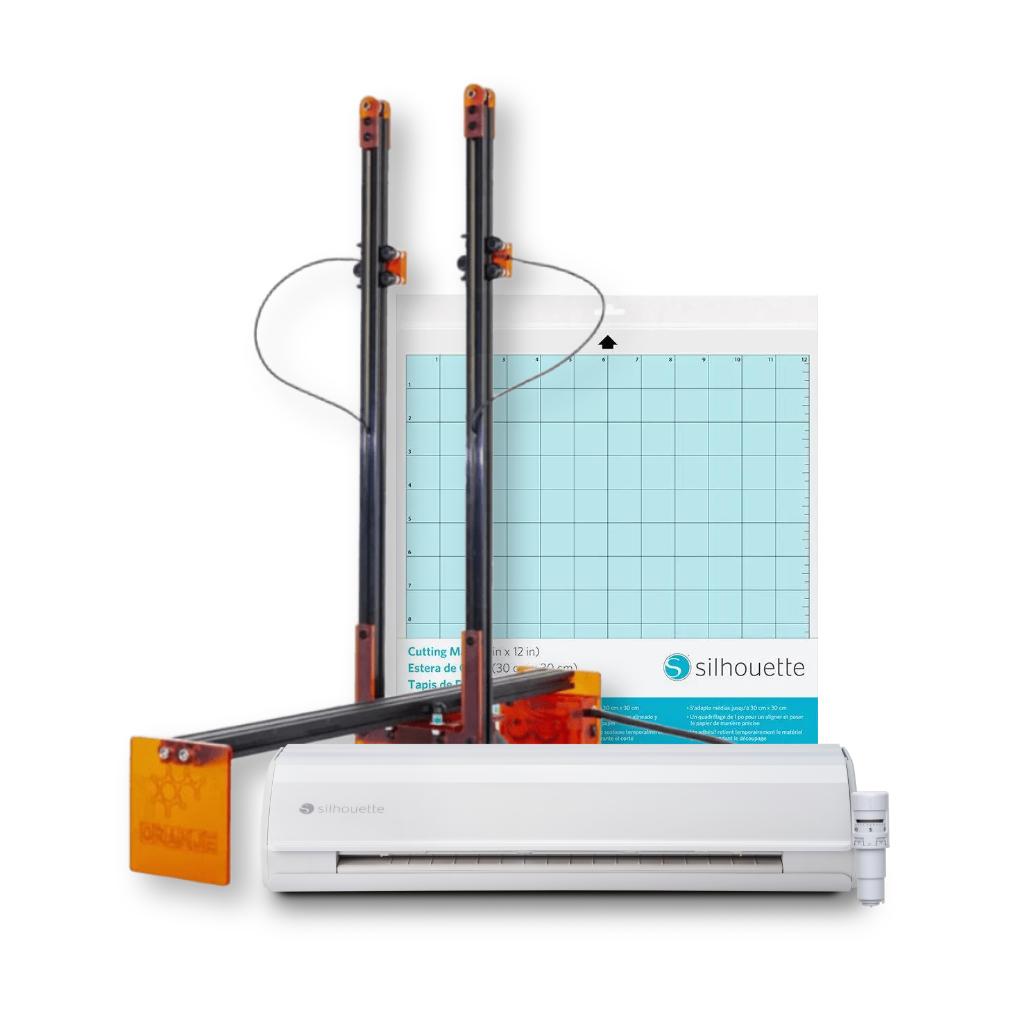
Polyshaper Oranje + Silhouette Cameo 5 - Decoration Set - Basic It's the perfect choice for creating eye-catching decorations for various special events. The set offers a wide range of options for working with a variety of materials, allowing for creative and personalized projects. Both devices are simple and intuitive to use, making them perfect for beginners. Purchasing the set offers a more affordable price compared to purchasing the devices separately. This is a practical solution for anyone who wants to develop their creativity and create professional-style decorations.
1899,99zł/pcs.
1766,99zł/pcs.
1649,99zł/pcs.
1199,00zł/pcs.
1649,99zł/pcs.
1199,00zł/pcs.
Unavailable
1649,99zł/pcs.
1199,00zł/pcs.
1649,99zł/pcs.
1199,00zł/pcs.
Unavailable
530,00zł/pcs.
503,50zł/pcs.
PLN 4,079.98 incl. tax
PLN 3,469.49 incl. tax -14%
Polyshaper Oranje + Silhouette Cameo 5 - Decoration Set - Basic
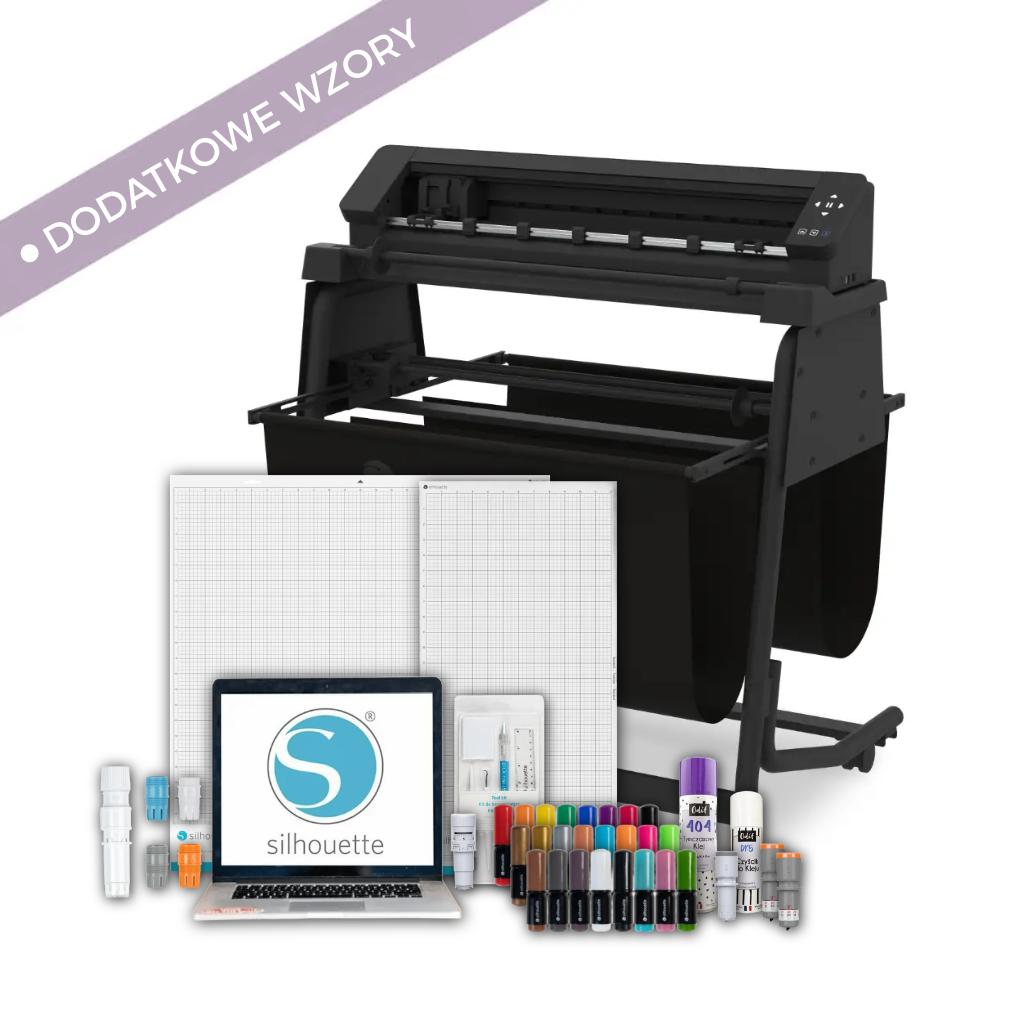
The product includes the following elements:
With dimensions 30,5 x 30,5 cm.
In electronic form.
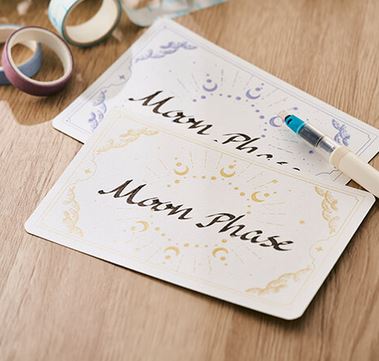
Polyshaper Oranje + Silhouette Cameo 5 - Decoration Set - Basic is a versatile solution for individuals and businesses creating decorations for various occasions. This perfectly matched duo of machines opens up a vast range of design possibilities - from event decorations and room arrangements to personalized special occasion accessories. The Polyshaper Oranje Thermal Cutter enables precise cutting of Styrofoam and Styrodur, allowing you to easily create 3D forms such as large letters, numbers, logos, silhouettes, and impressive 3D figures. The Silhouette Cameo 5, on the other hand, is perfect for working with paper and foil, allowing you to cut stickers for balloons, decorative walls, and display cases, as well as invitations, place cards, toppers, and other stationery elements. The combination of these two cutters creates a complete decoration set - one is responsible for 3D forms and construction, the other for details, personalization, and finishing. This allows you to create consistent, eye-catching designs for weddings, birthdays, corporate events, communions, and photo shoots, with full control over the creative process from concept to finished decoration.
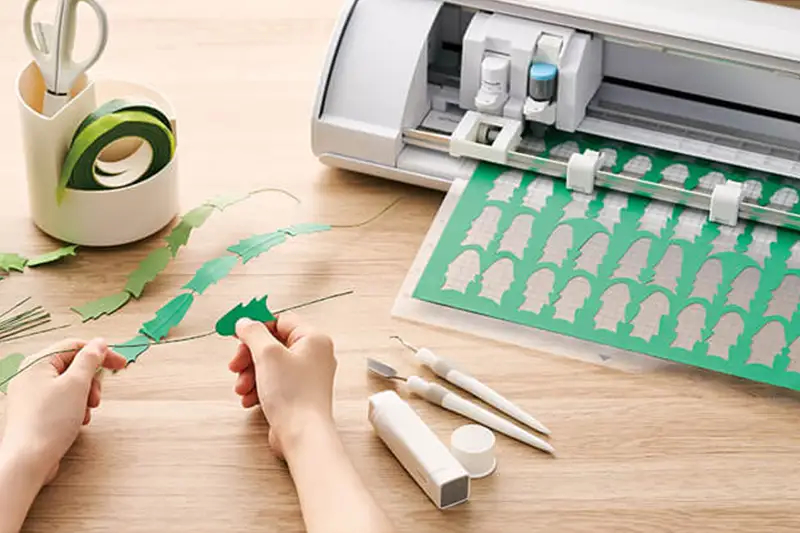
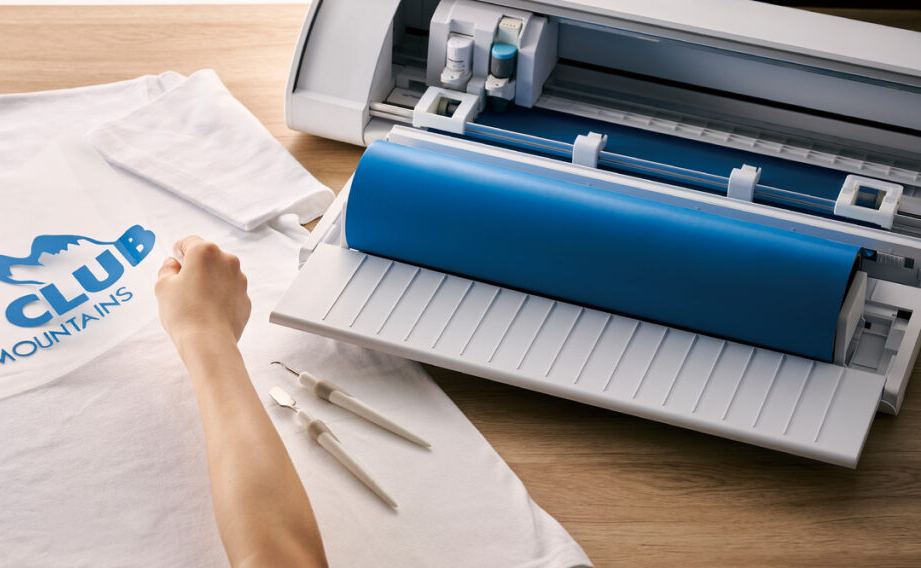
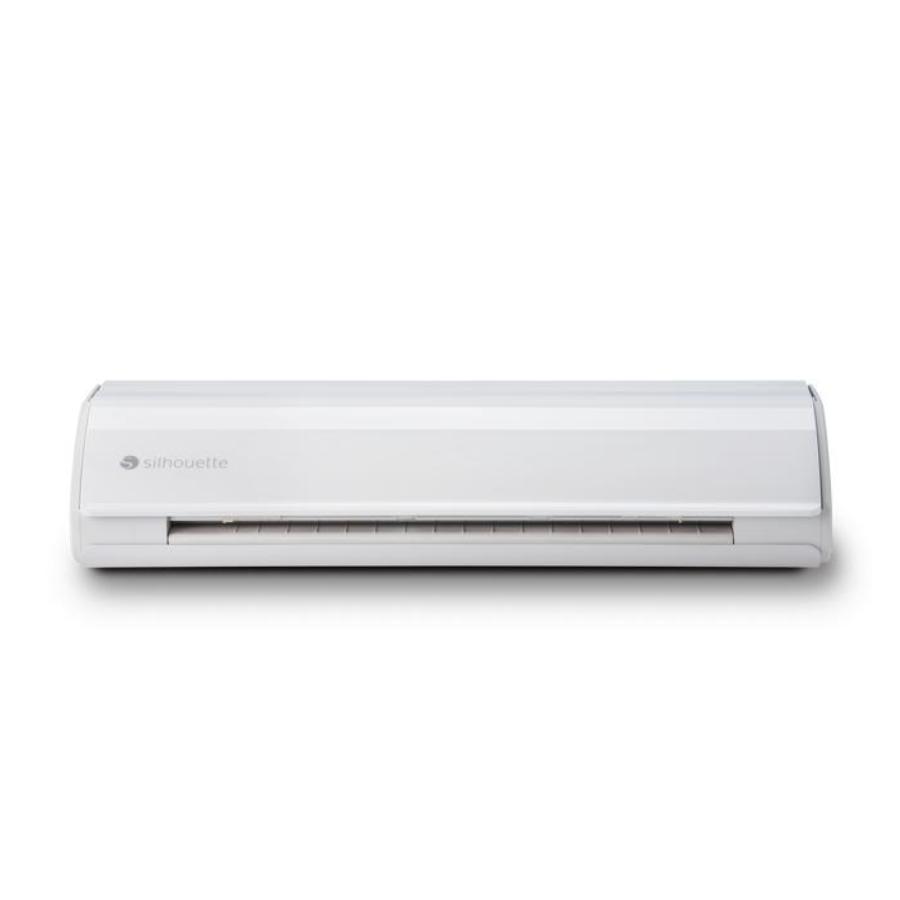
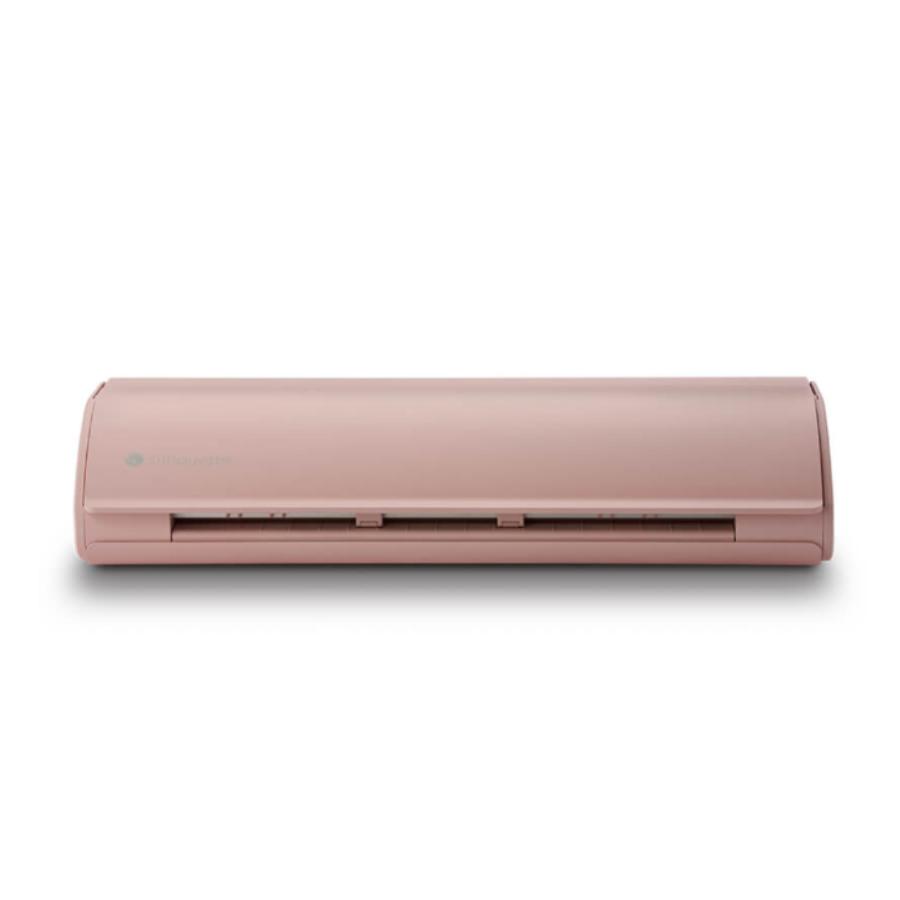
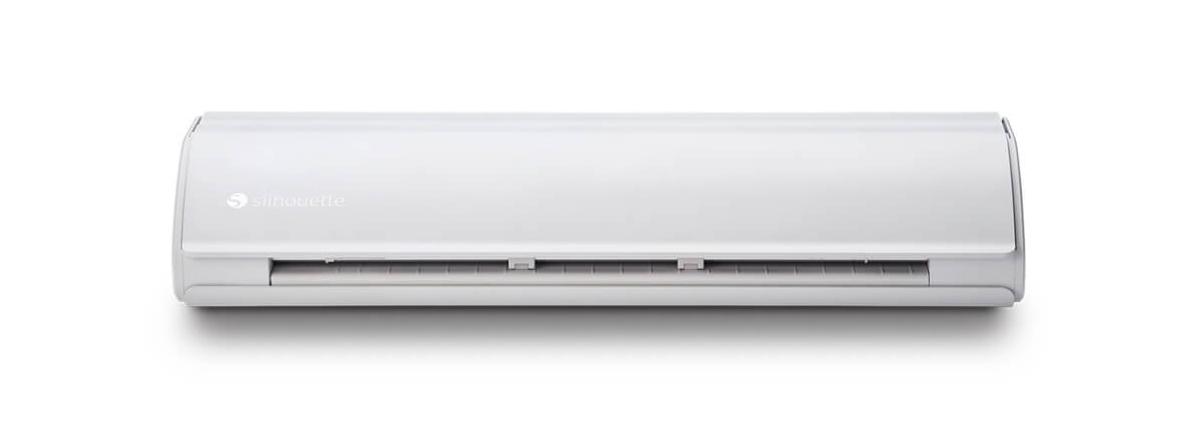
The Silhouette Cameo 5 is the ideal foil cutter, offering a wide range of applications for home use, creative workshops, and small businesses. The cutter handles a variety of foil types, including vinyl, heat transfer (HTV/FLEX/FLOCK), self-adhesive, stencil, and magnetic. The cutter excels at precisely cutting self-adhesive and flex foils for iron-on transfers, even directly from a roll. This allows for the quick creation of lettering and graphics for decorative walls, photo booths, mirrors, and other event décor elements. Its high cutting precision allows for cutting even the smallest letters and details, ensuring a professional finish. The cutter also allows for the creation of personalized ribbons, napkins, and textiles with iron-on names, dates, or slogans, perfect for special occasion decorations.
The Silhouette Cameo 5 is an excellent cutting tool for Print & Cut prints, offering a wide range of possibilities for creating precise, professional designs. This solution is perfect for creating place cards, bottle labels, invitation elements, greeting cards, and stickers. The cutter handles both simple shapes and more complex forms, maintaining aesthetically pleasing and even edges. This gives printed decorations a professional look and is fully tailored to the individual event concept. The Print & Cut function and intuitive Silhouette Studio software make designing and preparing files for cutting quick and easy, even for those without prior experience. Simply enable registration marks in the program and then print the design on any laser or inkjet printer. After placing the sheet on the cutter mat, the cutter will read the registration marks and cut along the lines marked in the program. Thanks to the ability to cut without using a mat, you can prepare any stickers even more easily, and the repeat function will allow you to quickly and conveniently duplicate your designs.
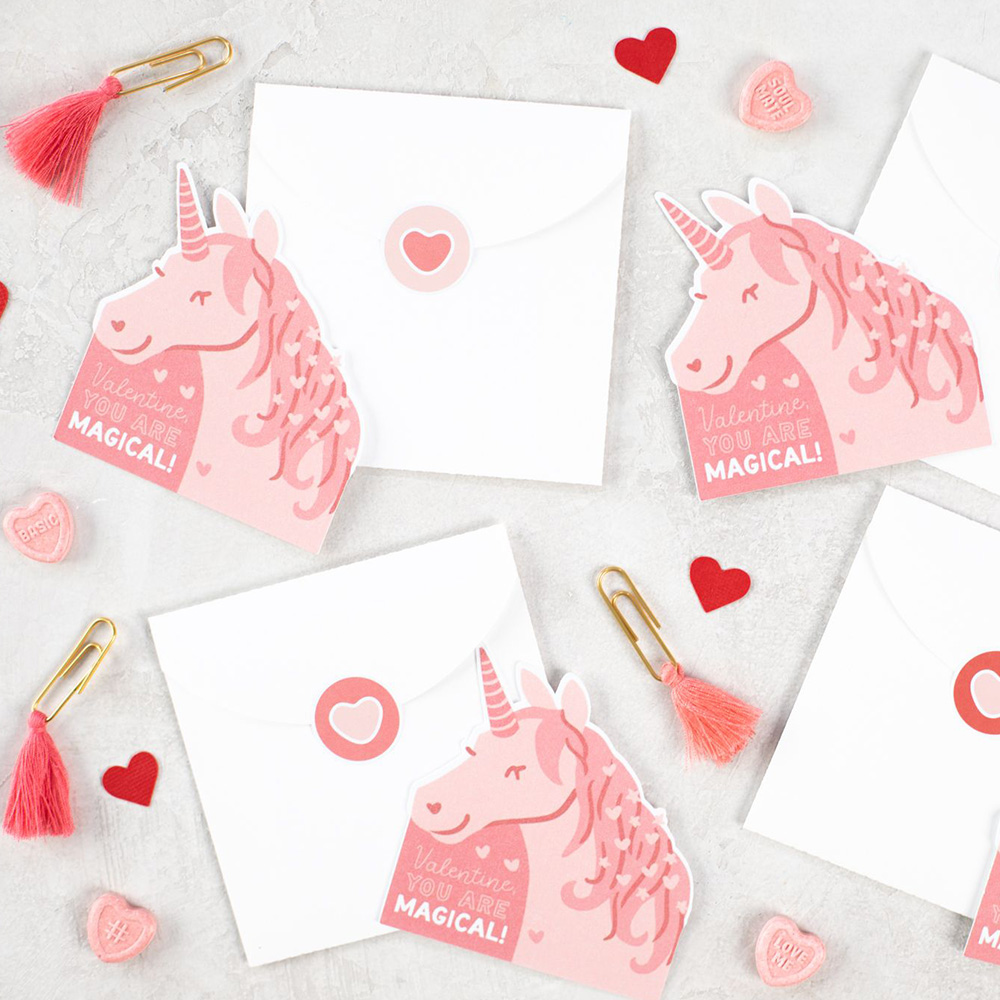
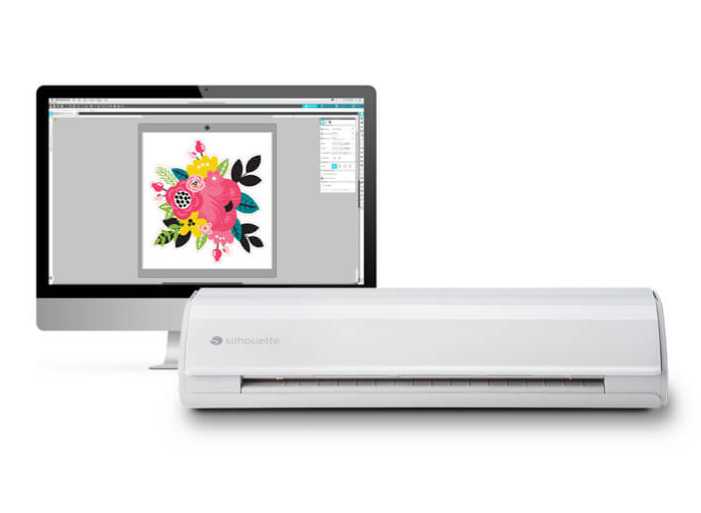
Silhouette Studio Basic Edition software is an invaluable tool for projects with the Silhouette Cameo 5 cutter. This free program, available in Polish, allows users to easily and efficiently create, edit, and prepare graphics for cutting. Silhouette Studio offers a wide range of features that allow you to design a variety of projects, from simple stickers to more advanced projects such as invitations, labels, decorations, scrapbooking elements, and even fabric prints. The program allows you to use ready-made templates from the manufacturer's store or design your own using available tools, fonts saved on your computer, or edit any graphics downloaded from the internet. The basic version of the program supports .png, .jpeg, .bmp, .gif, and .tiff files. Thanks to its new, intuitive interface, Silhouette Studio Basic Edition is easy to use, even for those new to cutting. Silhouette Studio Basic Edition is the ultimate software that empowers your creativity, allowing you to create a wide range of projects - from personalized stickers to advanced Print & Cut projects.
It is also possible to use the free Silhouette GO mobile app, available for both Android and iOS.
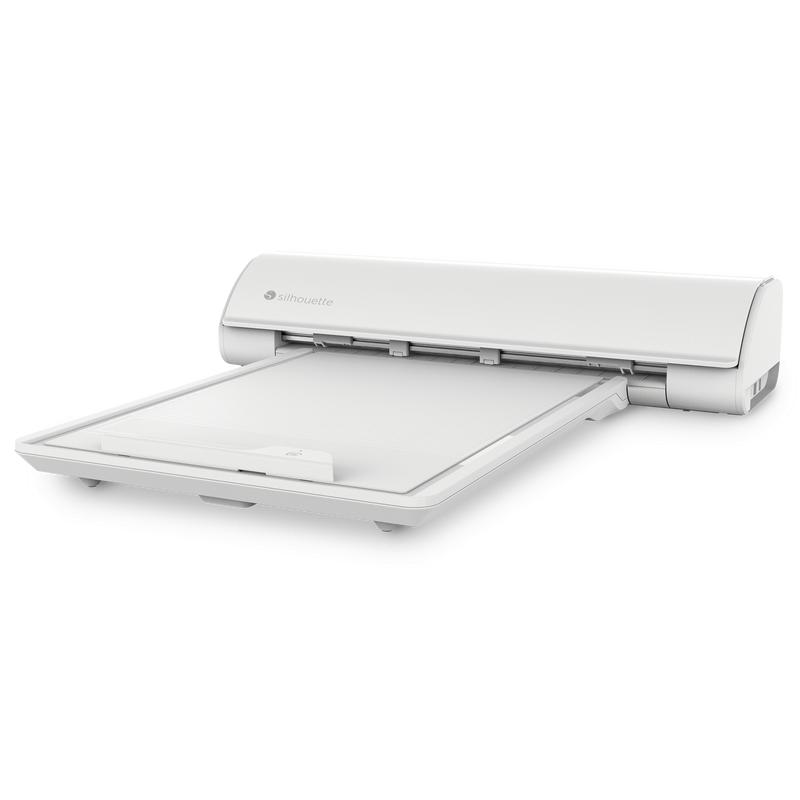
The Cameo 5 plotter is compatible with the latest technological solution available in craft plotters, which is the Silhouette electrostatic mat. This is an innovative accessory that significantly facilitates cutting paper without the need to use standard adhesive mats. Thanks
to its electrostatic properties, the platform holds materials stably
without the need to use additional glues or tapes, which eliminates the
risk of damage and creasing. This is an ideal solution for people creating projects such as invitations, cards, boxes, stickers, templates or scrapbooking elements.
The mat is easy to use and its durable construction ensures long-term use, and the possibility of repeated use makes it an ecological and economical solution. Due to the fact that the mat is not covered with glue, it is also possible to cut in wafer and sugar paper*, which will allow you to make personalized confectionery decorations.
*The electrostatic mat is not included with the plotter and must be purchased additionally
*The electrostatic mat and the plotter are not certified for contact with food
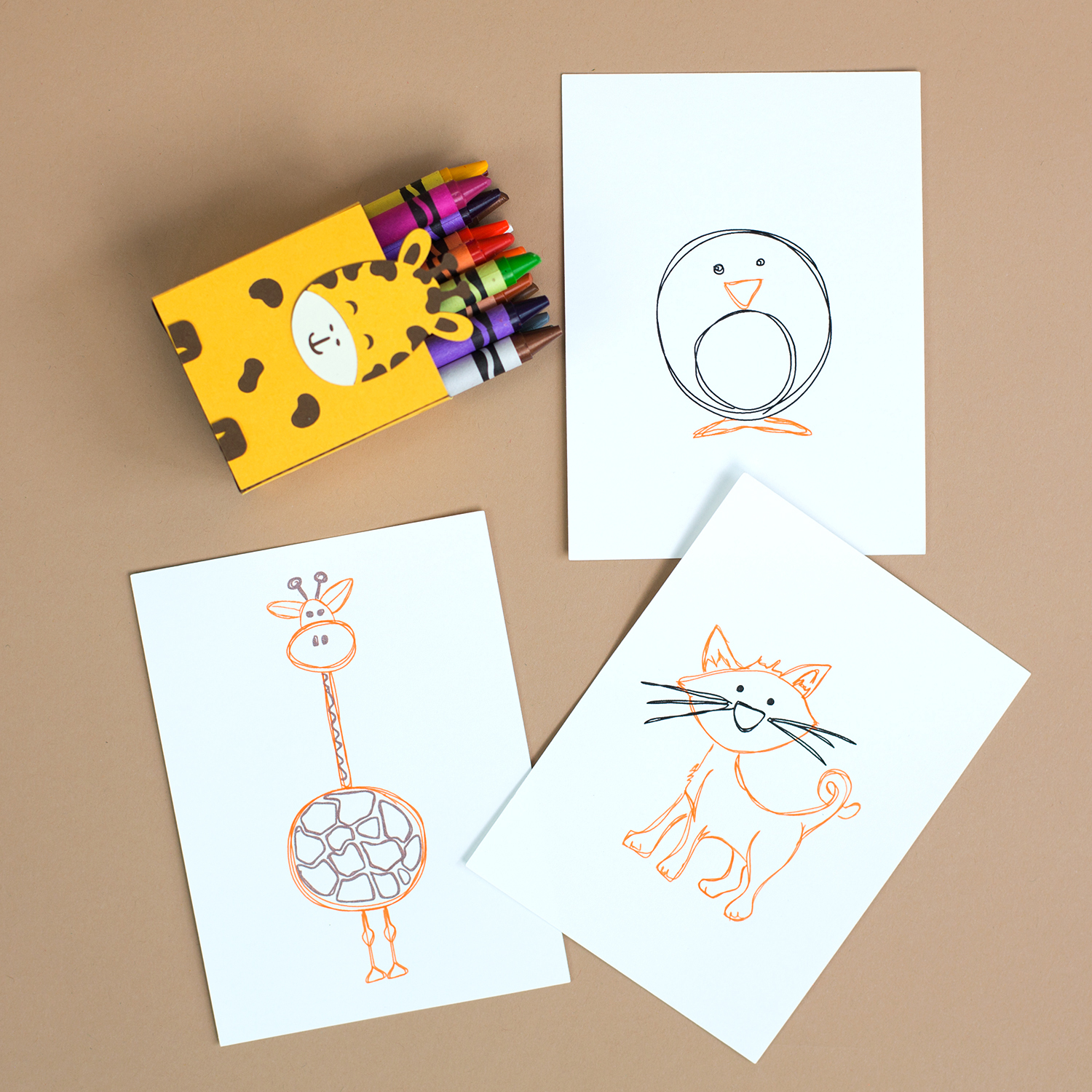
Replace the blade with a manufacturer's marker, or place your own marker in a dedicated universal holder and enjoy the option of sketching with your plotter. Thanks to this, you will achieve precision and repeatability impossible to achieve with manual sketching.
Silhouette plotter markers are an irreplaceable accessory for every lover of creating creative projects. Thanks to them, you can fully use the potential of your plotter, creating precise inscriptions, drawings and decorations in any colors.
*pens and holder require additional purchase
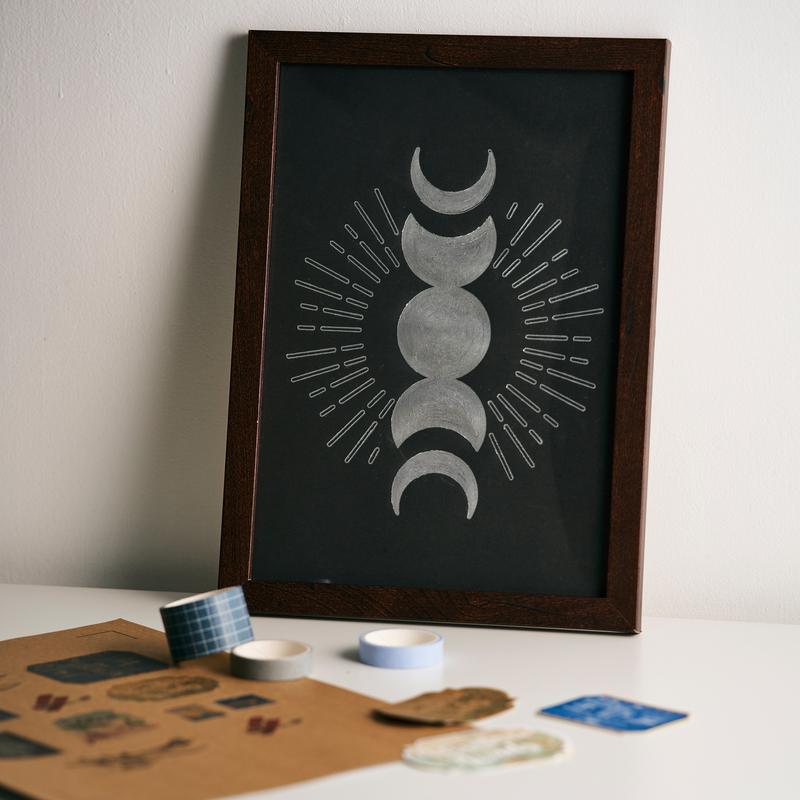
In the Cameo 5 plotter, you can use the dedicated Silhouette gilding kit, which is an ideal solution for people who want to add elegance and a luxurious look to their projects. Thanks to it, you can create beautiful, metallic decorations on paper, foil and other surfaces, similar to the bookbinding method of hot stamping.
The process of applying gilding is simple and precise, which allows you to create unique DIY projects, such as invitations, greeting cards, labels or home decorations. High quality materials ensure durability and aesthetics of the finished works.
Thanks to the latest solutions used in the Cameo 5, the foil application tool does not require additional power cables because it uses a dedicated power socket in the plotter handle.
Unlike other solutions (e.g. Cricut, Brother), the Silhouette gilding tip heats up, which allows you to achieve durable and aesthetic effects.
*Tool sold separately.
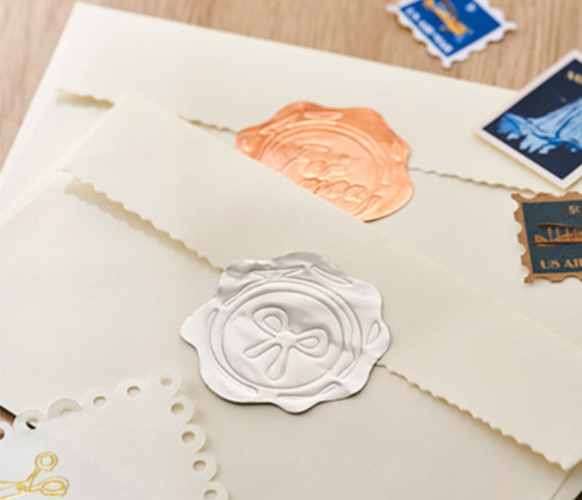
The Silhouette embossing set is a great tool for people who want to enrich their projects with elegant, embossed patterns and textures. With this set, you can create professional embossing on paper, foil and other materials, giving your work a unique character.
Embossed patterns are perfect for creating invitations, greeting cards, albums, labels or home decorations. Simple operation means that even beginners can quickly learn the embossing technique and create unique decorations.
Thanks to the embossing tip, it is also possible to crease lines (emboss fold lines), which makes the tool even more useful and versatile.
By investing in the Silhouette embossing set, you gain the opportunity to implement creative ideas at the highest level, adding exceptional elegance and a professional look to your work.
*Tool sold separately.
The Silhouette marker holder is a practical accessory that allows for even greater creative possibilities when working with Silhouette plotters. Thanks to it, you can use a variety of markers and pens of different diameters, which significantly increases the versatility of the device.
The holder allows for precise writing, drawing and creating details on paper, cardboard, foil and other materials, giving projects a unique character. It is an ideal solution for people creating personalized cards, invitations, labels or decorations.
Simple installation of the holder allows for a quick start to work without the need for complicated configuration.
You can install the new holder in the 2nd holder of the plotter, which means that you no longer have to change tools during work and you can make a sketch and cut in one project!
*Tool to be purchased separately.
The machine can cut polystyrene up to 5 cm thick and 50x50 cm in size. This allows you to make many original projects, including photo booth gadgets. The cut shapes can be painted or glued, depending on your needs and project.
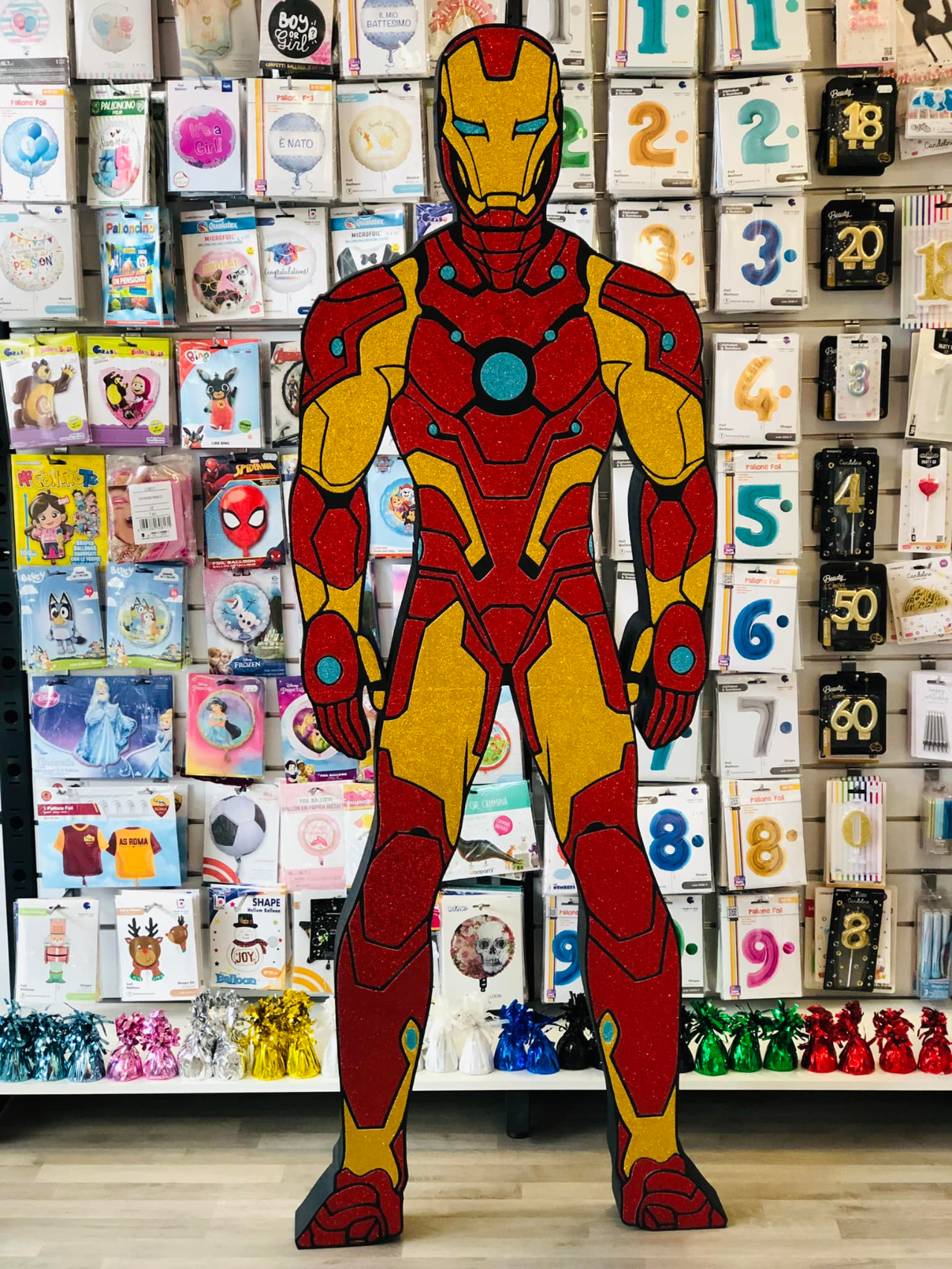
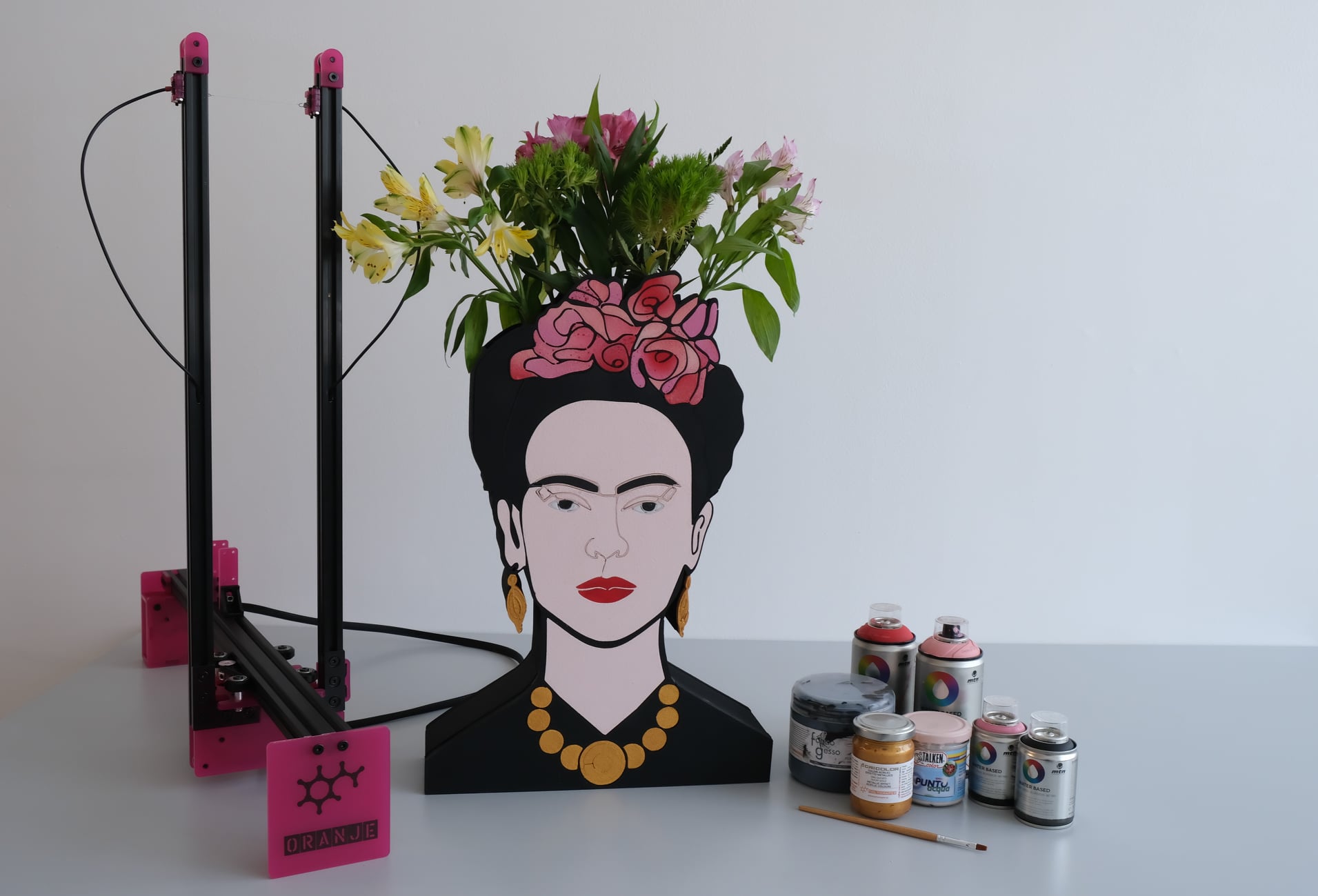
Polystyrene, as an easy-to-process material, will allow you to create many interesting projects. You can make silhouettes of characters from it, which you can then paint. You can also place a printout of the character on the shape created from polystyrene or decorate it with foil in any color.
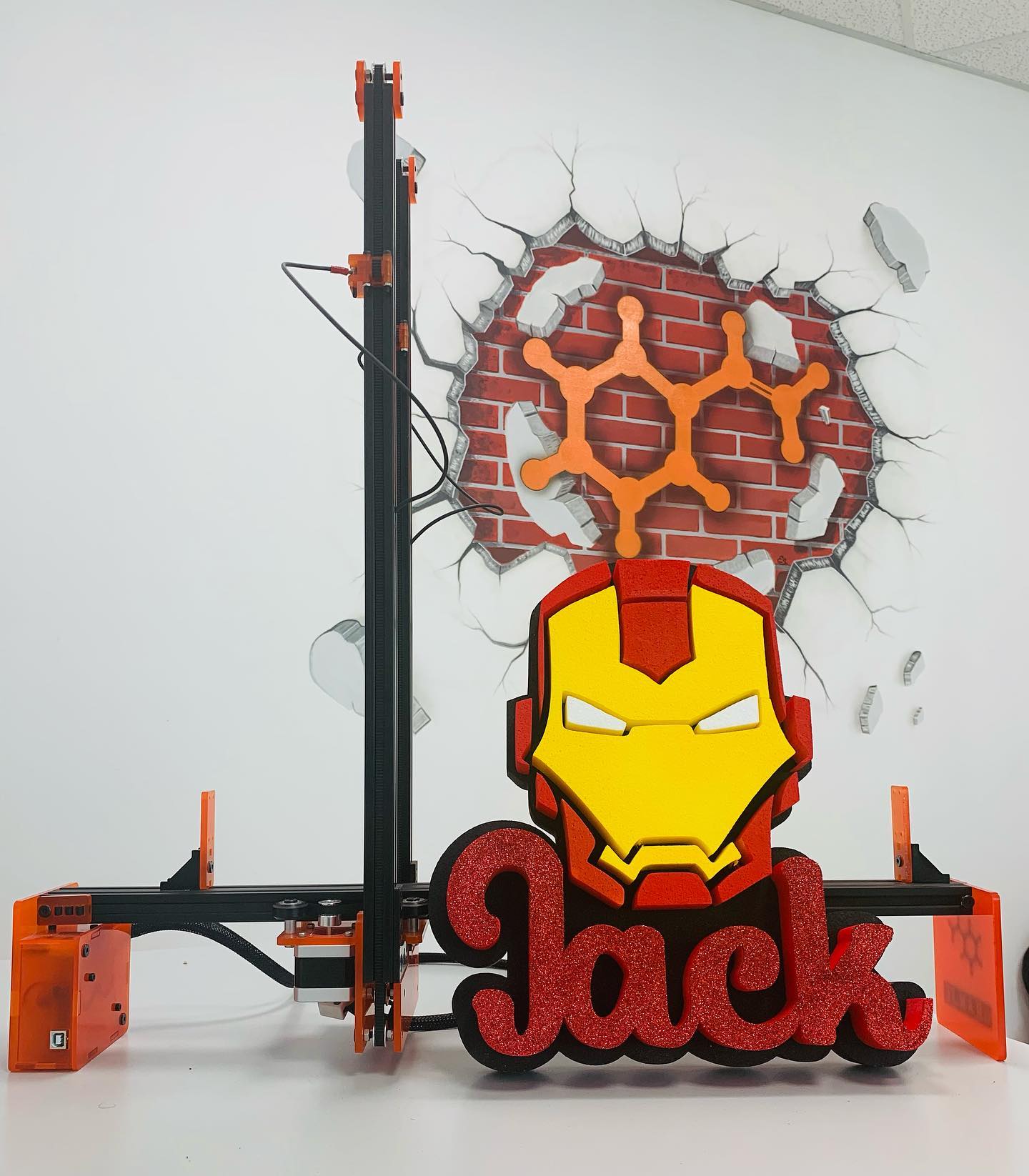
Polyshaper also cuts out letters, so you can make beautiful decorations for various events. Cut out single letters from 50x50cm polystyrene. If you want thicker letters, just connect several cut shapes 5cm thick. Then you can paint or glue them, and you will get a wonderful decoration for a wedding with the names of the bride and groom, or a great background for photos!
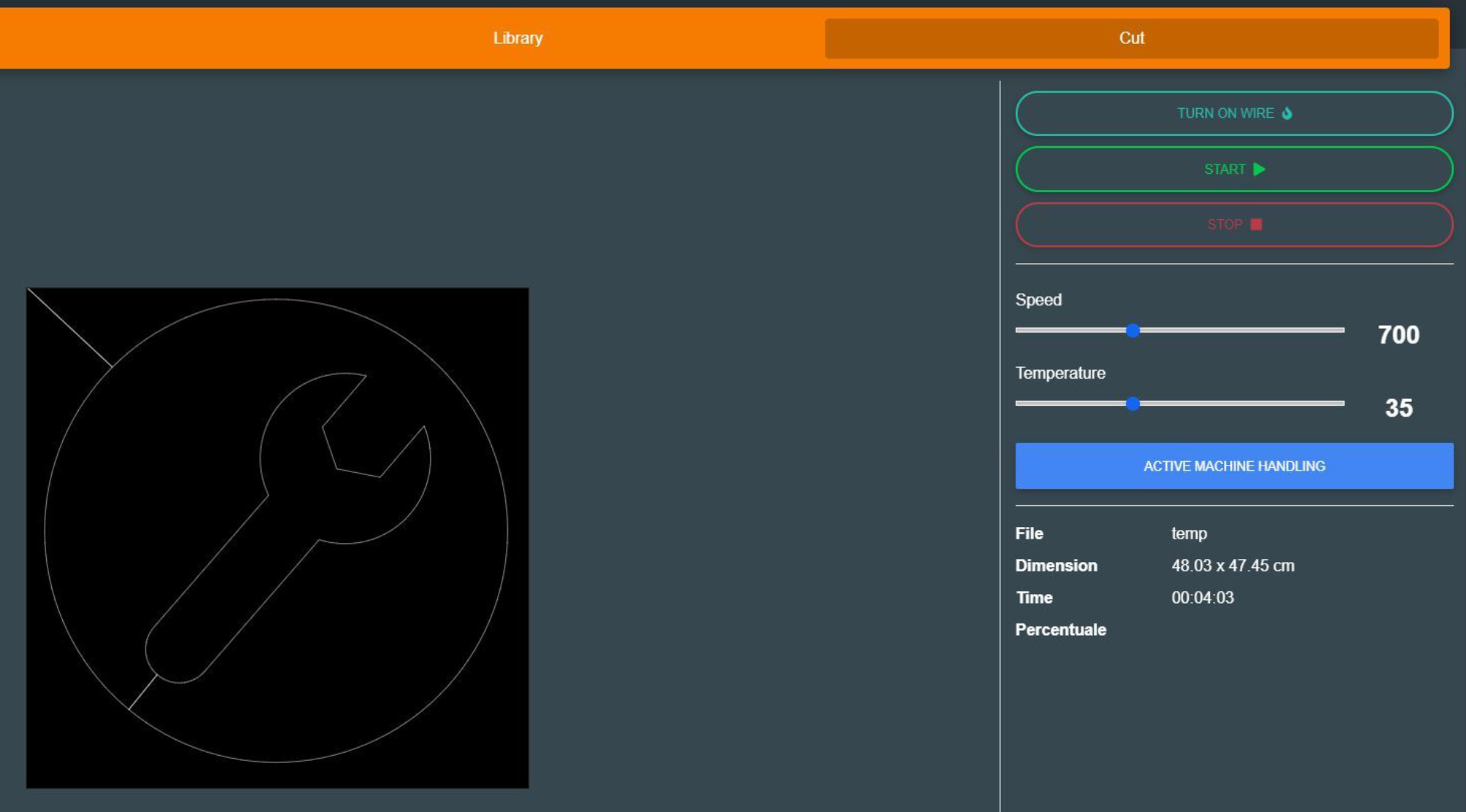
You don't have to worry about special preparation of the pattern for cutting with a plotter. ShaCo software has a dedicated algorithm, thanks to which your pattern will be properly adapted for cutting.
Thanks to thermal plotter, you can make various shapes from polystyrene quickly and precisely, which is impossible to achieve with manual work. Projects
made in this way, regardless of their size, do not pose a threat to
event participants, because the structure is lightweight. So you do not have to worry about children enjoying dancing on the dance floor of a wedding or birthday party hall.
In addition, shapes cut out with the device can be decorated in many ways. Both
spray paints, traditional painting, large-format printing or
self-adhesive foil wrapping will work well to additionally personalize
projects. If
you make wedding and birthday decorations, create elements of shop
displays, gadgets for photo booths, organize various events, then
Polyshaper is a device created for you!
Ease of use and a built-in WIFI module are additional advantages of this unique device.
The plotter is operated by the free ShaCo program, which can be downloaded from the manufacturer's website. The program is intuitive and easy to use. It
is primarily used to send finished projects to the plotter, and thanks
to its compatibility with the SVG format, you can import patterns
created in external programs, such as Silhouette Studio in the Business
Edition version or the free Inkscape*.
The software is compatible with 64-bit Windows and MacOS later than Catalina.
*Silhouette Studio Business Edition and Inkscape are recommended programs because they are native SVG editors
Silhouette Studio Business Edition software is the most advanced version of the software,
which offers a full range of functions, ideal for professionals and
companies dealing with the production and personalization of products.
Silhouette Studio Business Edition allows you to import and export SVG
files, which gives you unlimited possibilities of working with designs
created in other graphics programs, and also allows you to create and
edit more complex patterns. It also supports files in .dst, .exp, .jef, .xxx, .ai, .eps, .cdr formats. In addition, it allows you to export files in .svg, .pdf, .jpeg formats.
Files created in Silhouette Studio Business Edition can be exported and opened in the Polyshaper thermal cutter program - ShaCo. This is an extremely convenient solution for designing and cutting with the Silhouette cutter, as well as creating graphics ideal for cutting from Styrofoam.
This decoration kit is the perfect solution for those who want to embark on an adventure in creating eye-catching decorations for various special events. Combining the modern Silhouette Cameo 5 cutter with the Polyshaper Oranje device offers vast design possibilities and allows you to realize both simple and more advanced ideas. The kit allows you to work with a wide range of materials, allowing you to easily create personalized decorations, lettering, decorative elements, and event accessories. The machines are intuitive and easy to use, making the kit perfect for beginners just starting their creative journey. Purchasing the devices as a kit offers a more attractive price than purchasing each component separately, making it an exceptionally cost-effective option. This practical, versatile, and future-proof solution allows you to develop your creativity, save time, and create decorations tailored to any occasion.
| Title | Value |
|---|---|
| Model | Cameo 5 |
| Connection | USB, Bluetooth |
| Cutting out graphics along the outline | Yes (the possible margin of error is 1/16 in.) |
| Force | 5kg, 300g |
| Free designs | 100 |
| Language | English, Polish |
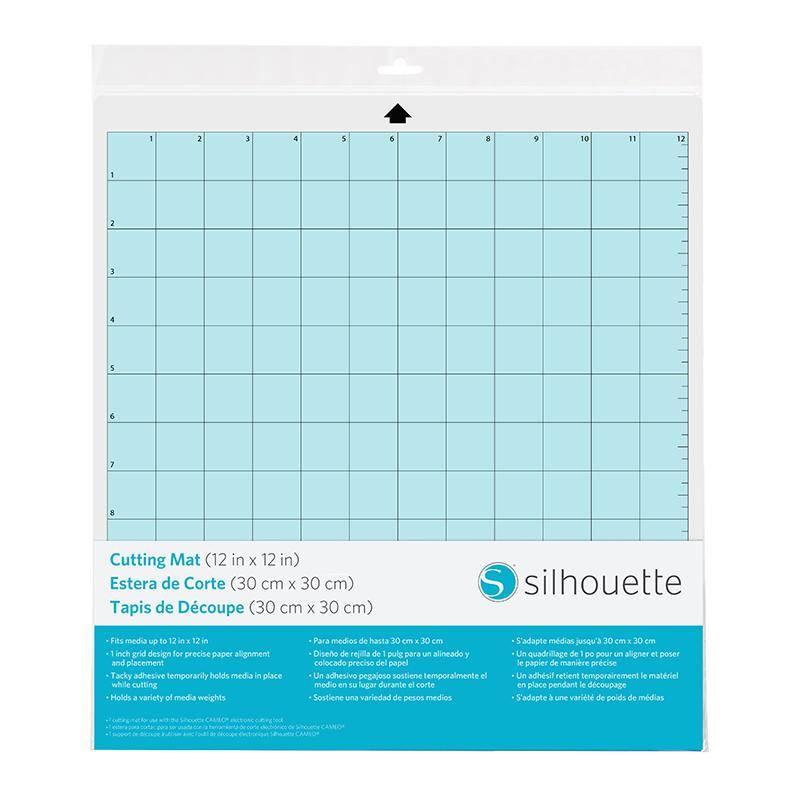
| Mat format | A4 (8x12 inch), 30,5x30,5cm (12x12 inch), 30,5x61cm (12x24 inch) |
| Maximum Cutting Area With Cutting Mat | 30,5 x 61 cm (12 x 24 in.) |
| Maximum Cutting Area Without Cutting Mat | 29,5 x 480 cm (11,6 in. x 16 ft.) |
| Print & Cut Margins | Without mat - 16mm on the sides and top of the page; 25,4mm at the bottom of the page, On mat - 16mm on Each Side |
| Software | Silhouette Studio (free), Adobe Illustrator - plug-in (paid extra), Corel DRAW - plug-in (paid extra), Silhouette Studio Designer Edition (paid extra), Silhouette Studio Business Edition (paid extra) |
| Unit Dimensions | 56,6 x 17,6 x 12,4 cm |
| Unit Weight | 5,05 kg |
| Manufacturer Details | Silhouette America® Inc.618 N. 2000 W.Lindon, Utah 84042, USA support@silhouetteamerica.com |
| EU Marketing Authorisation Holder | Silhouette Europe B.V. Prinsengracht 572A 1017 KR Amsterdam tel: 31611841511 support@silhouetteeurope.eu |
Other customers bought also:
No one has added an opinion yet.
Be the first to do so!
Made by: Michał Desol