Silhouette Cameo PRO MKII - great deal -300PLN!

32 441 28 83
Wycinarnia
Prasa termiczna Cricut EasyPress 3
cricut-easypress-3-12x10-inch-eu-2009152-9
cricut-easypress-3-12x10-inch-eu-2009152-6

Chat with an expert

Do you have any questions? We'll be happy to help!

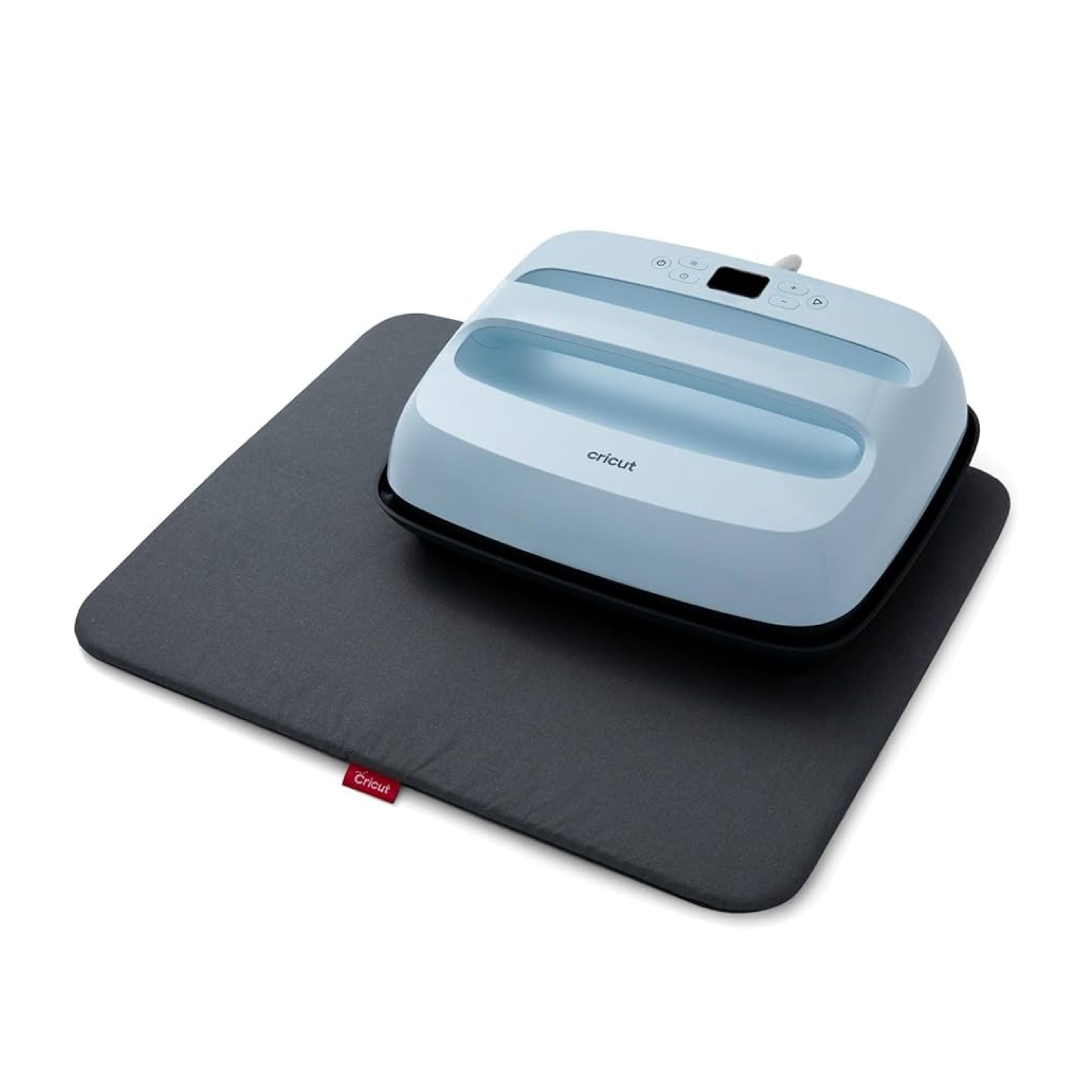
Cricut EasyPress 3 Press Set – 30x25cm + Easy Press Mat 50×40cm

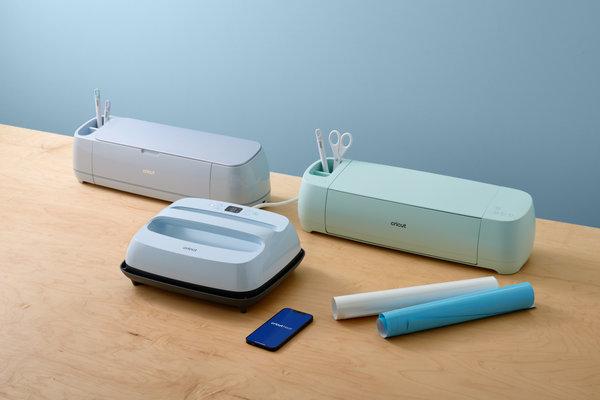
Create personalized projects faster and more conveniently with the modern Cricut EasyPress 3 Press set with a large protective mat. It is a practical solution for people involved in crafting, creating custom apparel prints, decorating textiles, or preparing unique handmade gifts.

The combination of an efficient heat press and a properly matched mat allows you to achieve even heating and precise results, even for larger projects.


PLN 1,398.99 incl. tax
PLN 889.98 incl. tax -36%

Lowest promotional price of the last 30 days: 889,98zł
Prasa termiczna Cricut EasyPress 3

Cricut EasyPress 3 Press Set – 30x25cm + Easy Press Mat 50×40cm

1

Contents

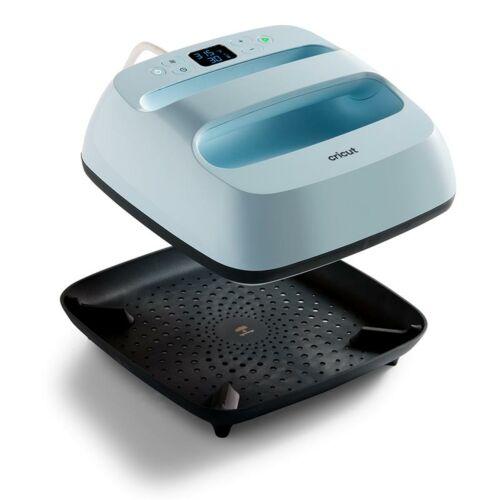
The product includes the following elements:

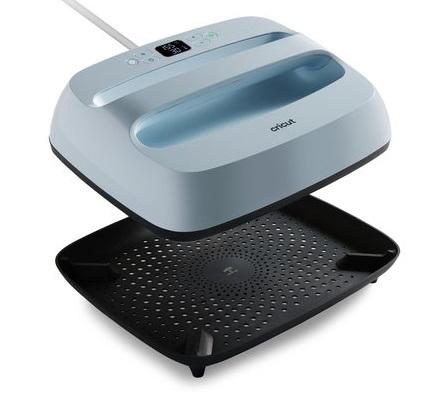
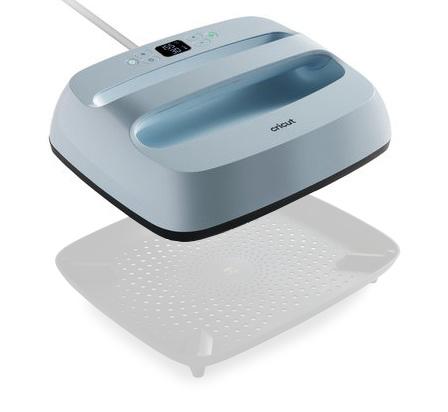
easypress-prasa

Press

With dimensions 25 x 30 cm.

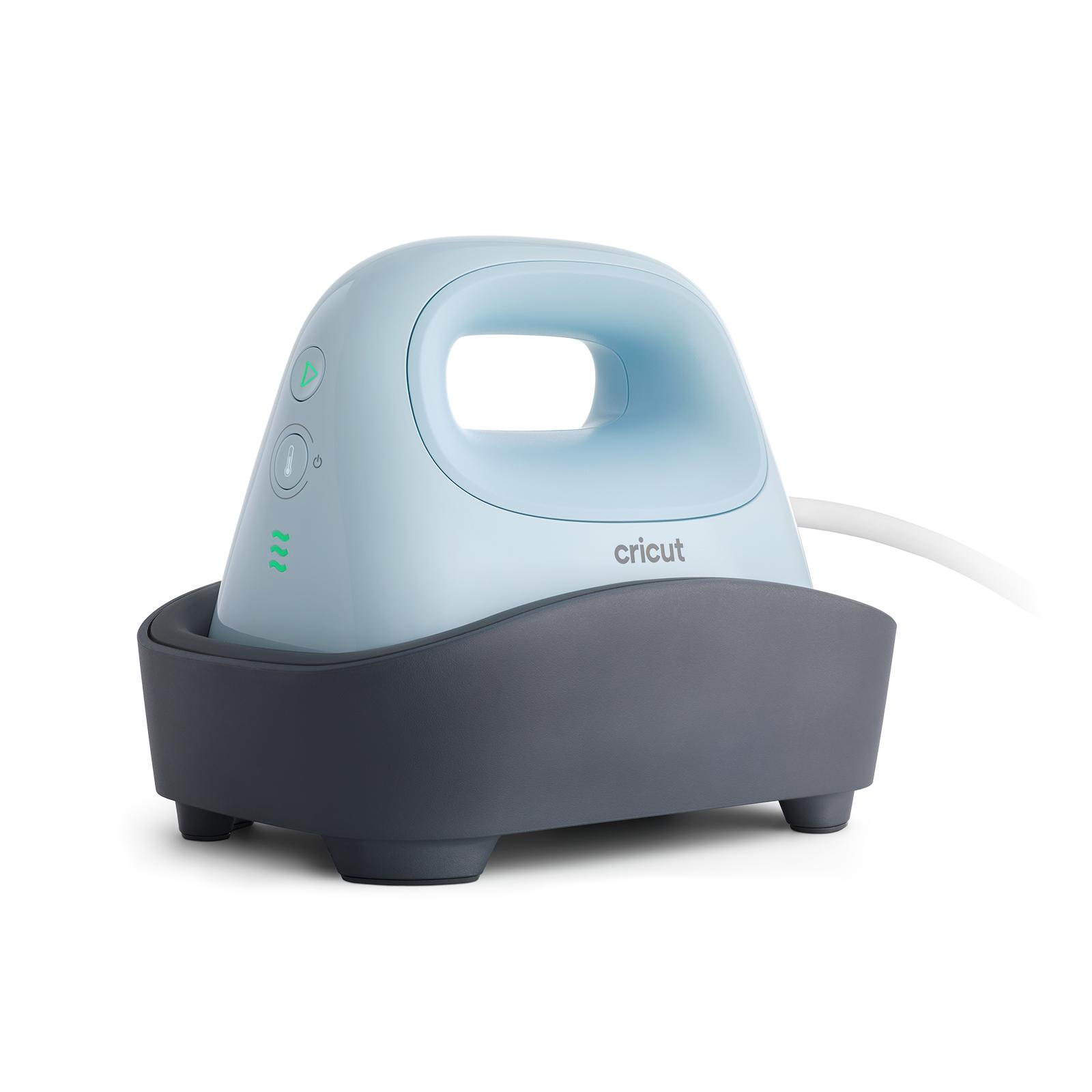
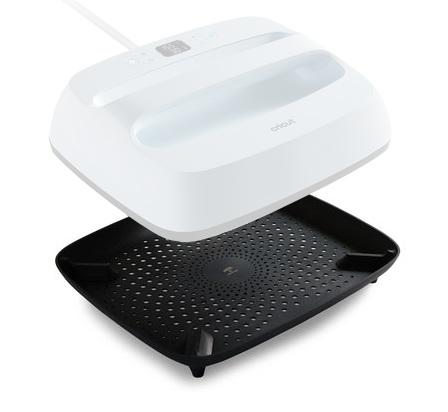
easypress-baza

Base

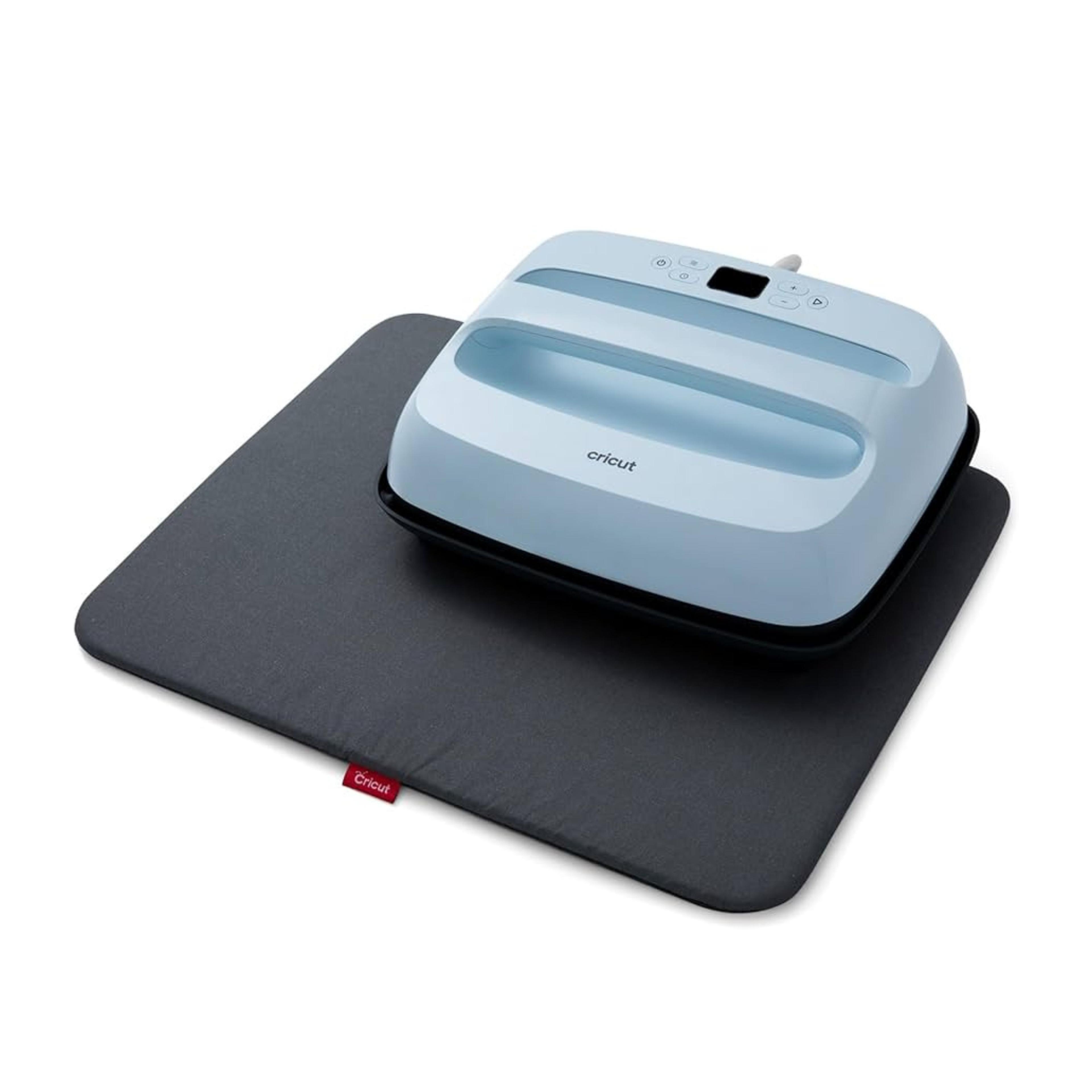
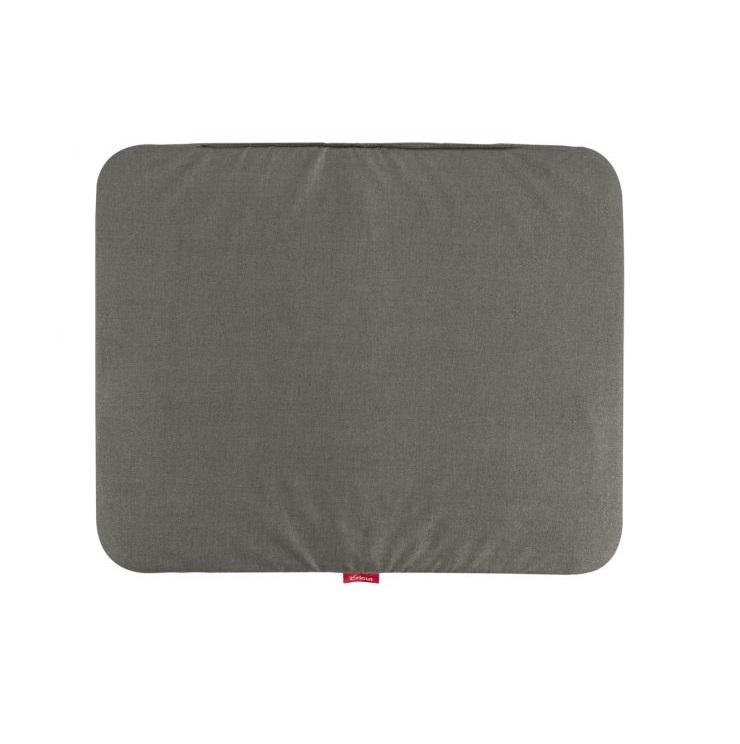
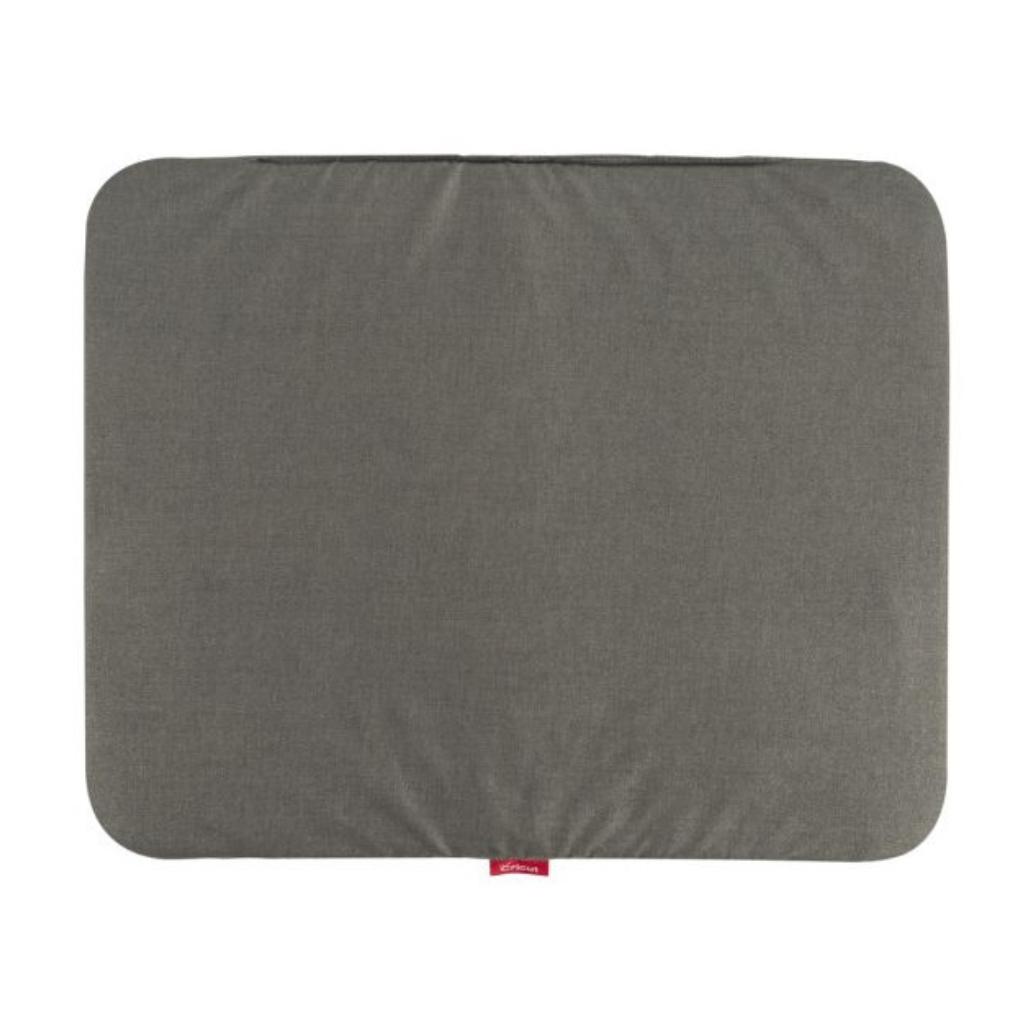
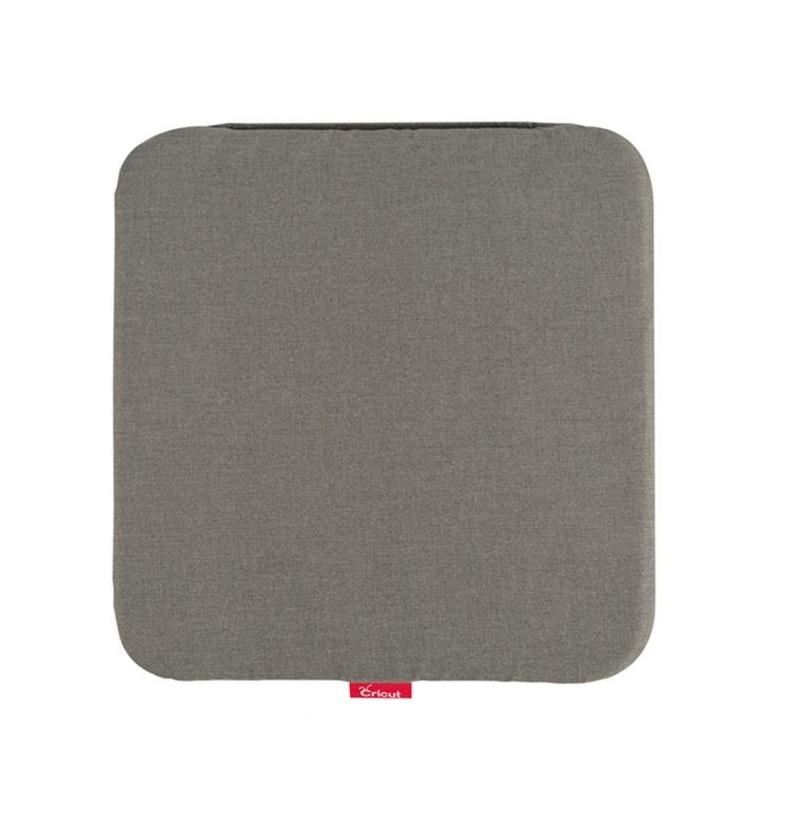
mata-crct

Cricut EasyPress Mat

With dimensions 50 x 40cm


Description

Create personalized projects faster and more conveniently with the modern Cricut EasyPress 3 Press set with a large protective mat. It is a practical solution for people involved in crafting, creating custom apparel prints, decorating textiles, or preparing unique handmade gifts.

The combination of an efficient heat press and a properly matched mat allows you to achieve even heating and precise results, even for larger projects.
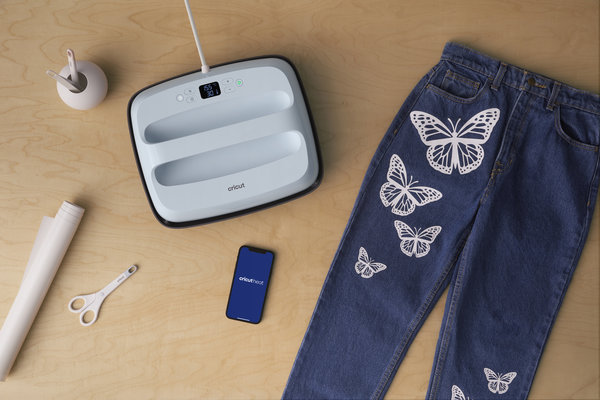

What can the Cricut EasyPress 3 set be used for?

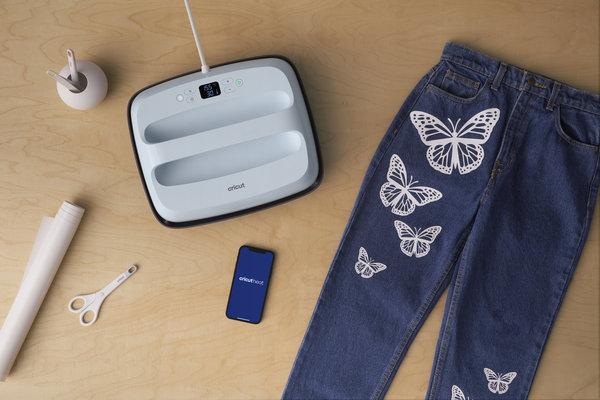
This set is perfect for creating heat transfer designs on T-shirts, bags, pillows, hoodies, and other textiles. Cricut heat presses are appreciated for their easy operation and accuracy, making them a popular choice among hobbyists and small creative studios alike.

The large 30 × 25 cm working surface allows comfortable work with larger graphics, while the 50 × 40 cm mat protects your workspace and helps distribute heat evenly. This makes it easier to avoid uneven prints or overheating the material.

A great choice for:
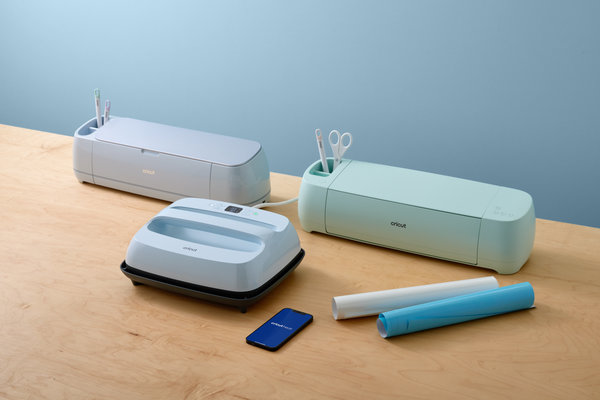
  • people creating personalized products,
  • handmade studios,
  • schools and kindergartens running creative projects,
  • small businesses preparing their own promotional prints,
  • people starting their journey with heat transfer projects.


Key benefits for users

  • Convenient and fast operation – the press heats up quickly and maintains a stable temperature, reducing project preparation time.
  • Precise print results – even heat distribution helps achieve aesthetically pleasing and durable designs.
  • More creative freedom – the large press format makes it possible to create more advanced projects.
  • Safe to use – the press mat protects your work surface and improves comfort during use.
  • Perfect for everyday crafting – suitable for both single projects and regular creation of personalized products.


Key product features

  • Cricut EasyPress 3 with a 30 × 25 cm surface
  • Large protective Easy Press 50 × 40 cm mat
  • Even temperature distribution
  • Intuitive operation
  • Suitable for heat transfer on textiles
  • Compact design for easier storage
  • Perfect for handmade and personalization projects
  • Great for both beginners and advanced users

The Cricut EasyPress 3 Set is a practical solution for people who want to create aesthetic prints without complicated equipment operation. It is a great choice if you value convenience, repeatable results, and greater freedom in bringing creative ideas to life.


Thanks to the Cricut Heat app, you can easily select and send precise time and temperature settings (up to 205°C) directly to the press. The app also provides step-by-step guidance for creating heat transfer projects. You can connect to the press via Bluetooth.

Note: The product requires activation before use through the Cricut Heat app and a mobile device connected to the Internet.


System requirements for the application:

  1. Android 9.0 or later
    Mobile devices and tablets only
    Chromebooks are not supported
    Compatible devices:
    Samsung: Galaxy S, Galaxy Note, Galaxy Tab A, Galaxy Tab S series
    Google: Pixel series
    LG: G, K, or V series
    Motorola: Droid G, Z, E, Turbo, or Moto series
  2. iOS 14.5 or later
    Compatible devices:
    iPhone
    iPhone 13 mini, iPhone 13, iPhone 13 Pro, iPhone 13 Pro Max, iPhone 12 mini, iPhone 12, iPhone 12 Pro, iPhone 12 Pro Max, iPhone 11, iPhone 11 Pro, iPhone 11 Pro Max, iPhone XR, iPhone XS, iPhone XS Max, iPhone X, iPhone SE (2nd generation), iPhone 8, iPhone 8 Plus, iPhone 7, iPhone 7 Plus, iPhone 6s, iPhone 6s Plus, iPhone SE (1st generation)
    iPad
    iPad Pro 12.9-inch (5th generation), iPad Pro 12.9-inch (4th generation), iPad Pro 12.9-inch (3rd generation), iPad Pro 12.9-inch (2nd generation), iPad Pro 12.9-inch (1st generation), iPad Pro 11-inch (3rd generation), iPad Pro 11-inch (2nd generation), iPad Pro 11-inch (1st generation), iPad Pro 10.5-inch, iPad Pro 9.7-inch, iPad Air (4th generation), iPad Air (3rd generation), iPad Air 2, iPad Air, iPad (9th generation), iPad (8th generation), iPad (7th generation), iPad (6th generation), iPad (5th generation), iPad mini (6th generation), iPad mini (5th generation), iPad mini 4

WARNING!
If your device is not listed above, you can leave a note with your order – we will activate it for you (you will be able to use the press without the Cricut Heat app).


How to activate Cricut EasyPress 3

  • Download the Cricut Heat app from the App Store or Google Play and sign in.
    If you already have a Cricut.com/Design Space account, we recommend signing in with the same credentials.
  • Unpack the press and make sure all packaging materials have been removed.
  • Plug the press into a wall outlet and turn it on by pressing the power button.
  • After turning on the press for the first time, you will notice a flashing APP message on the display. This means the press needs to connect to the Cricut Heat app to activate and register the device. This is required for proper operation.
  • Cricut EasyPress 3 uses Bluetooth Lite technology to pair with your iOS or Android device and communicate with the Cricut Heat app.
  • Turn on the press within 2 meters of your device, making sure Bluetooth is enabled on your mobile device. The devices will connect automatically.
  • In the Cricut Heat app, select Set Up to begin device activation. Choose your press model from the list and tap Connect.
  • The Cricut Heat app will display the message “Connecting to EasyPress 3” along with the Bluetooth logo.
  • The app will ask you to confirm activation of your Cricut EasyPress 3 and display the email address where the device will be registered. Check the box to accept Cricut’s Terms of Use and Privacy Policy, then tap Activate.
  • Cricut Heat will display a progress bar while activating Cricut EasyPress 3.
  • Once complete, you will see the message: Success! indicating that the press has been configured and is ready to use.
  • Cricut EasyPress 3 will begin heating up and can be used with the Cricut Heat app or independently.


Warranty

• 24 months for private persons

• 12 months for companies


Specification

TitleValue
Manufacturer DetailsCricut, Inc. 10855 S River Front Pkwy, South Jordan, UT 84095, USA tel877 727 4288 support@cricut.com
EU Marketing Authorisation HolderCricut Germany GmbH  Bleichstr. 8-10,  40211 Düsseldorf, Germany  tel8000008389 support@cricut.com

Instrukcja Bezpieczeństwa


Reviews

Product rating

No one has added an opinion yet.
Be the first to do so!

Add review

Please wait...

Made by: Michał Desol