

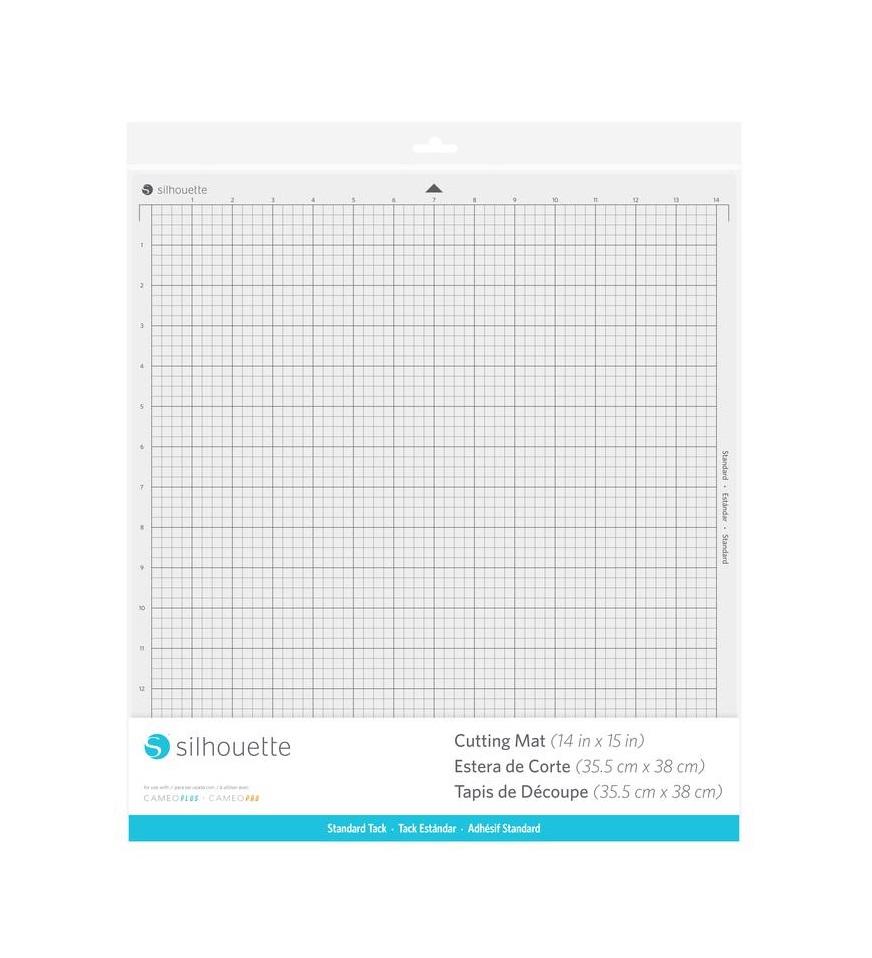
Cameo Cutting Mat - 12x24" - Standard Tack
99,00złincl. tax
🔥 PolyShaper cutters – save up to 400 PLN! [Shop now →]
Do you have any questions? We'll be happy to help!
SKU: 810169381663
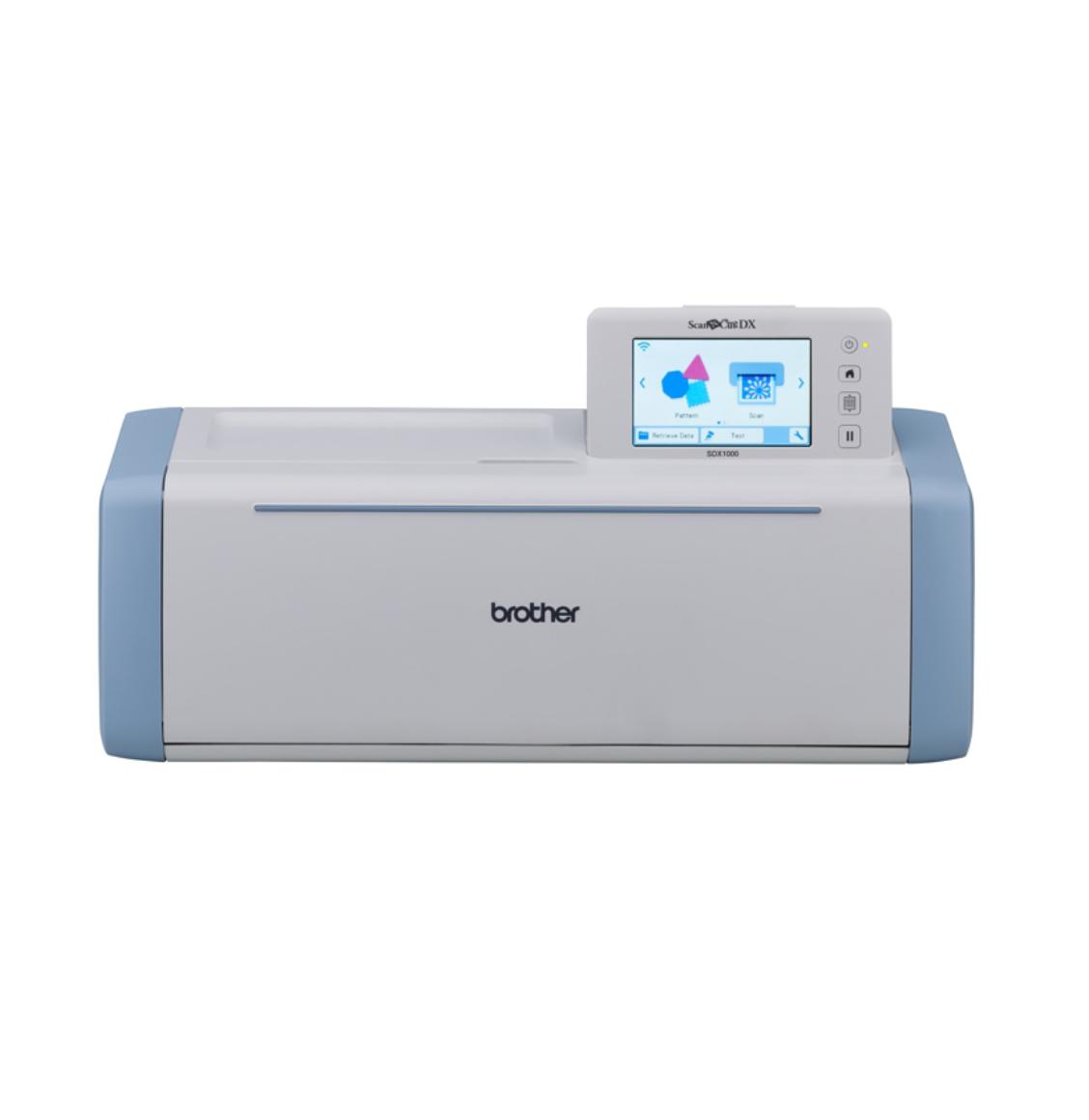
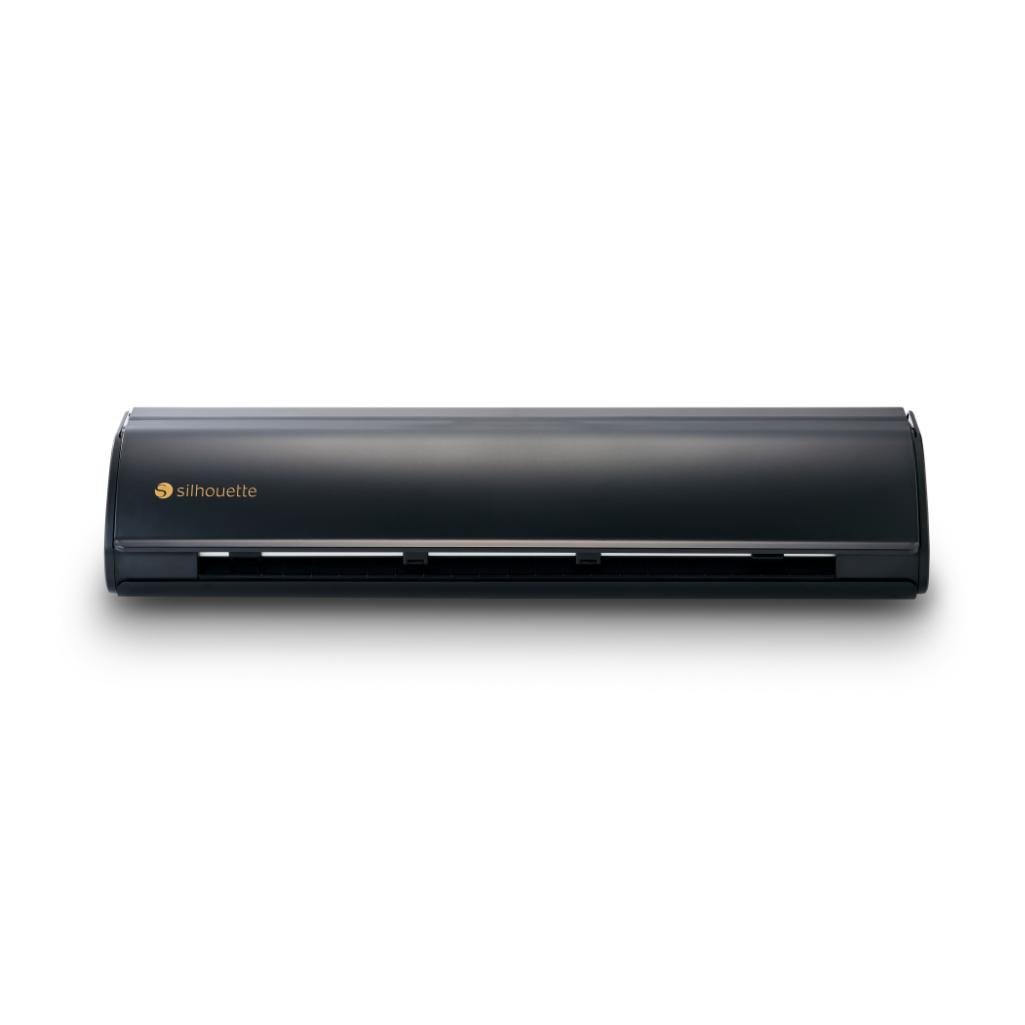
Silhouette CAMEO5a Plus is a plotter with the ability to cut materials up to 38 cm wide.
The plotter is equipped with a powered handle for gilding, embossing and calligraphy using dedicated tools.
The plotter also has the option of connecting an electrostatic platform, ideal for cutting thin and delicate materials.
In stock - shipping within 24 hours!
Order by 12:00 PM and we will ship the item to you today
2399,00zł incl. tax
Lowest regular price of the last 30 days: 2399,00złSilhouette CAMEO5a Plus
2399,00zł
Buy together:
99,00zł
94,05zł
67,00zł
63,65zł
The product includes the following elements:
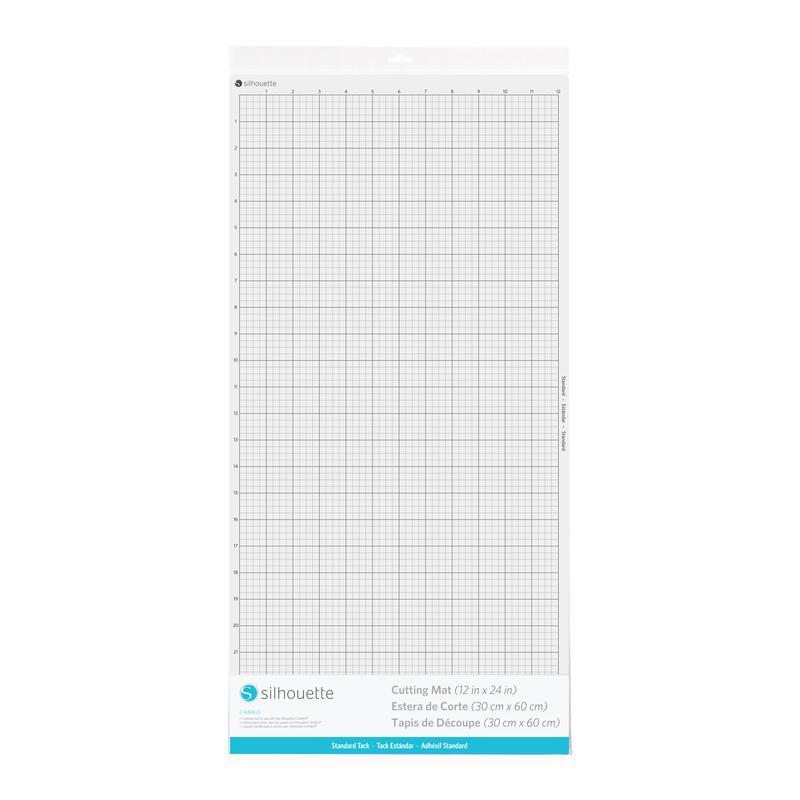
With dimensions 38 x 42 cm.
In electronic form.
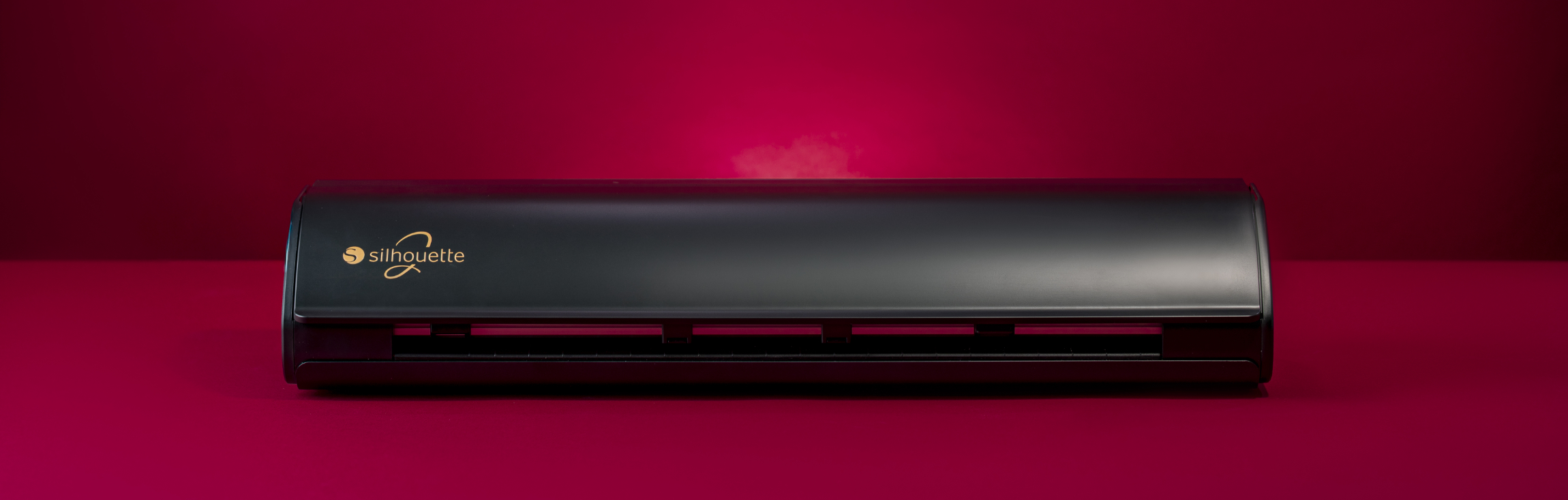
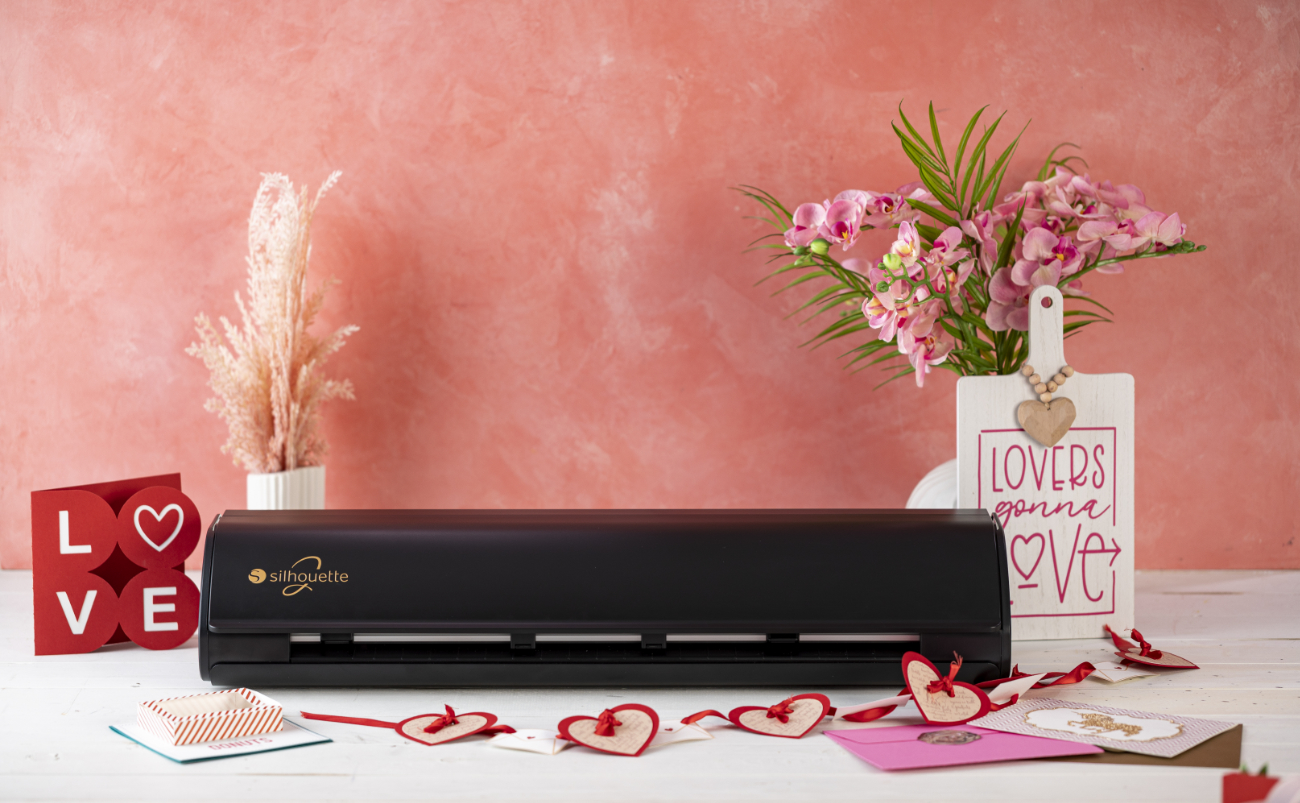
The Silhouette CAMEO5a Plus is a plotter capable of cutting materials up to 38 cm wide. It combines the advantages of previous models with new features designed to streamline and speed up workflows, making designs even more precise and original. At the same time, the machine remains compatible with the new generation of mats and tools previously used with the Cameo 4 and Cameo 5 plotters.
Foil Cutting
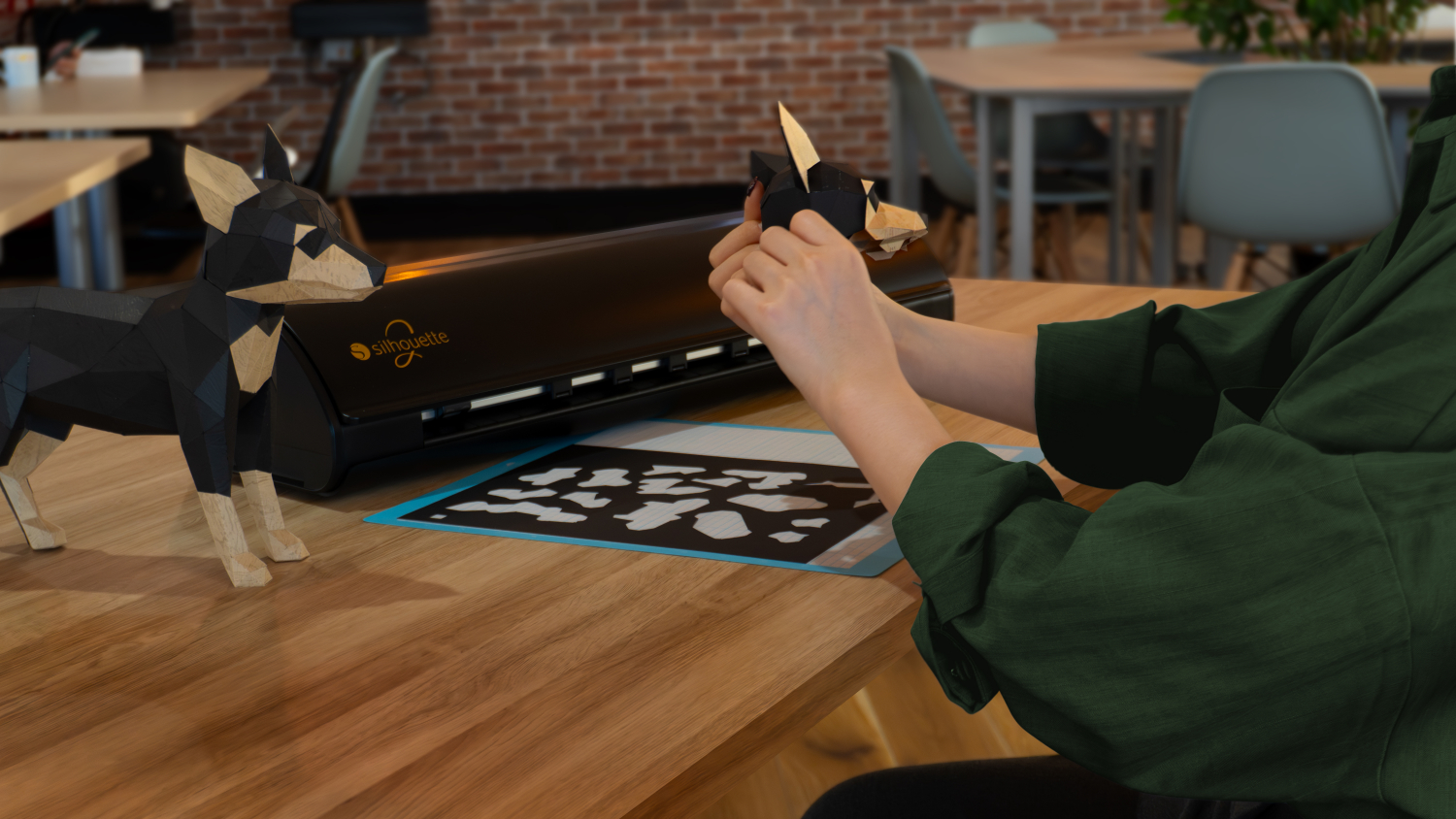
This plotter allows you to cut stickers from self-adhesive foil or unique iron-on transfers from flex foil. You can create personalized balloons, walls, original clothing, and textiles. With a cutting width of 37cm, you can create larger foil projects, and cutting material from a roll to lengths of up to 480cm* allows you to create long lettering for balloon walls, balloons, display cases, and much more.
*We recommend cutting the foil to a length of approximately 150cm to maintain cutting precision.
Cutting Prints
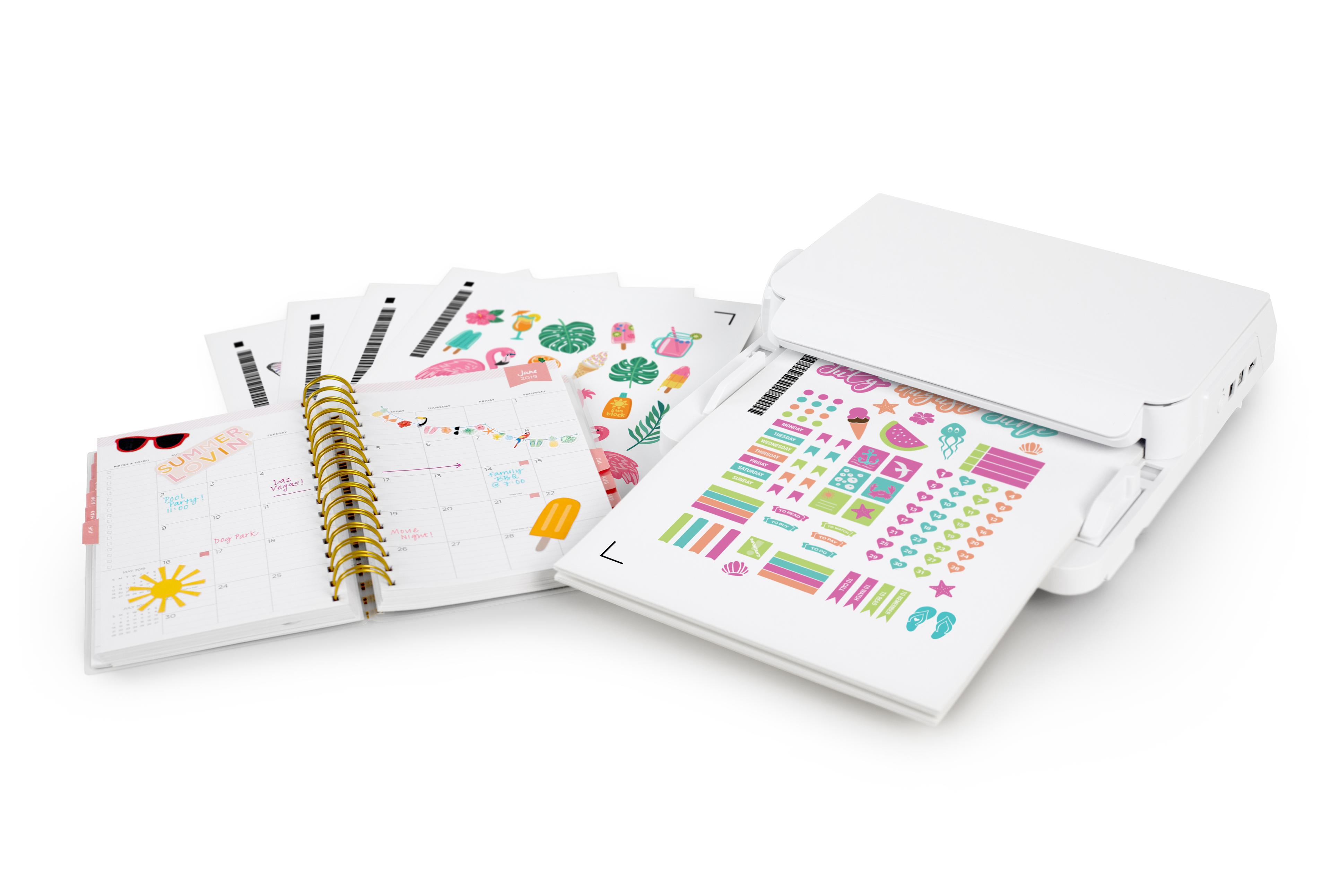
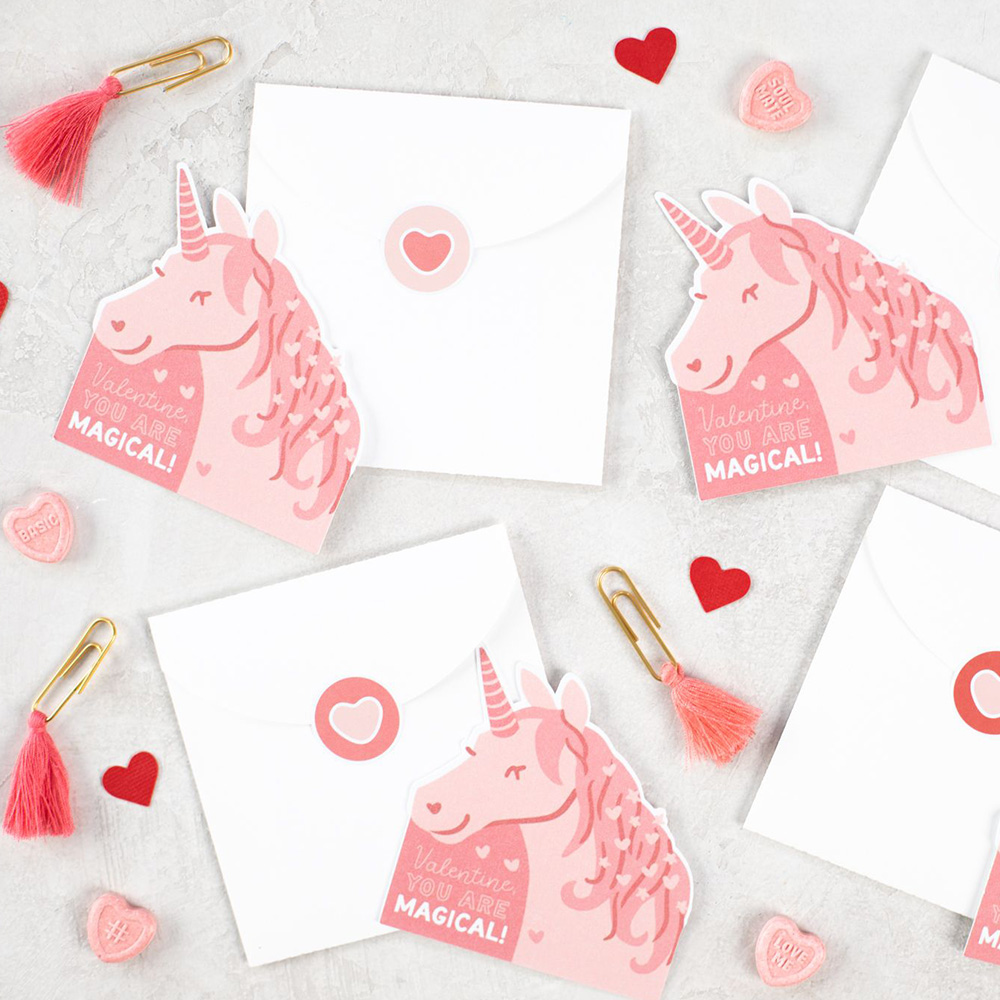
Cutting prints allows you to create unique stickers, place cards, educational cards, and many other original projects. Simply enable markers in the program and print the design on any laser or inkjet printer. After placing it on the plotter mat, the device will read the markers and cut along the lines marked in the program.
When cutting using Print & Cut, the working area is smaller compared to standard cutting due to the need to print the markers.
Software
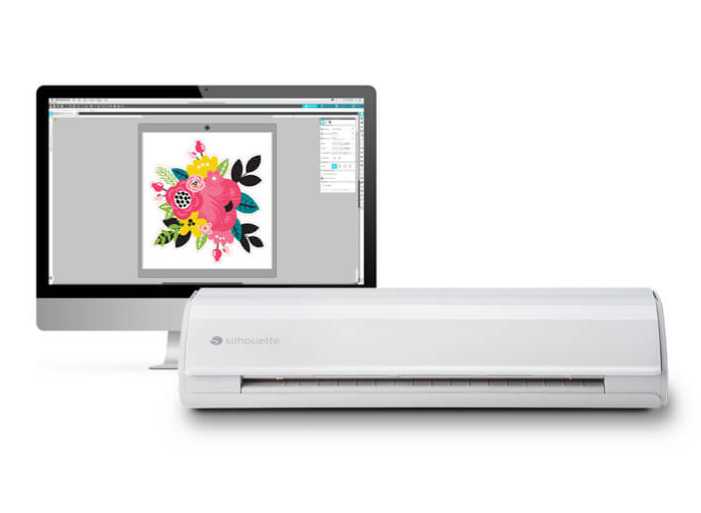
The plotter is operated via the proven Silhouette Studio software, which can be downloaded from the manufacturer's website after purchase. The free version of the software allows you to use ready-made templates from the manufacturer's store and design your own using available tools, fonts stored on your computer, or a vectorization tool for simple, high-contrast raster files. The program is available in Polish and supports .png, .jpeg, .bmp, .gif, and .tiff files in its basic version.
Operating system:
Silhouette Studio is a great tool for uploading and designing your own designs. It also allows you to conveniently use ready-to-cut designs purchased from the Silhouette Design Store. However, if you create in another vector graphics program or have your own designs, such as those in the popular .svg format, it's worth purchasing an upgrade to one of the two versions.

Silhouette Studio Business Edition is the most advanced version of the software, offering a full range of features ideal for professionals and companies involved in product manufacturing and personalization. Silhouette Studio Business Edition allows you to import and export SVG files, providing unlimited possibilities for working with designs created in other graphics programs, as well as enabling the creation and editing of more complex patterns. It also supports file formats such as .dst, .exp, .jef, .xxx, .ai, .eps, and .cdr. It also allows you to export files in .svg, .pdf, and .jpeg formats. The Business Edition also offers simultaneous cutting on two plotters, significantly increasing efficiency and saving time in production. Additionally, advanced layering options and precise vector editing tools provide complete control over every design, ensuring perfect cutting and high-quality results. Silhouette Studio Business Edition is the perfect choice for those who run a business that creates custom products such as personalized stickers, apparel, accessories, and decorations.
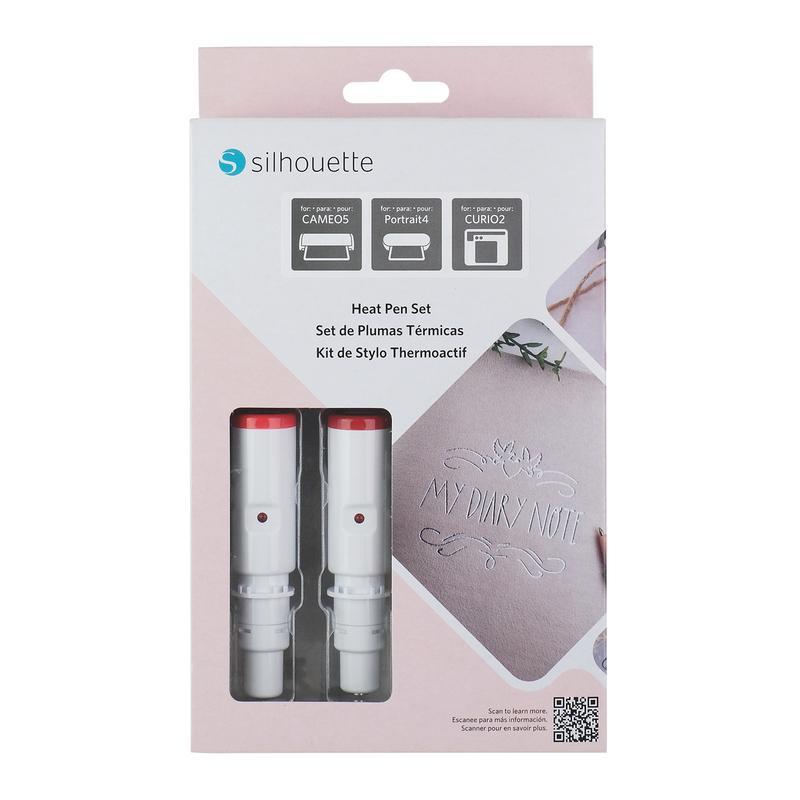
In addition to cutting a wide range of materials, the plotter also offers a range of useful features for creating unique projects and projects, both for artisans and smaller businesses. Thanks to dedicated tools and accessory sets, which you can purchase in our store, you can create sketches, gilding, and embossing!
Automatic Lid
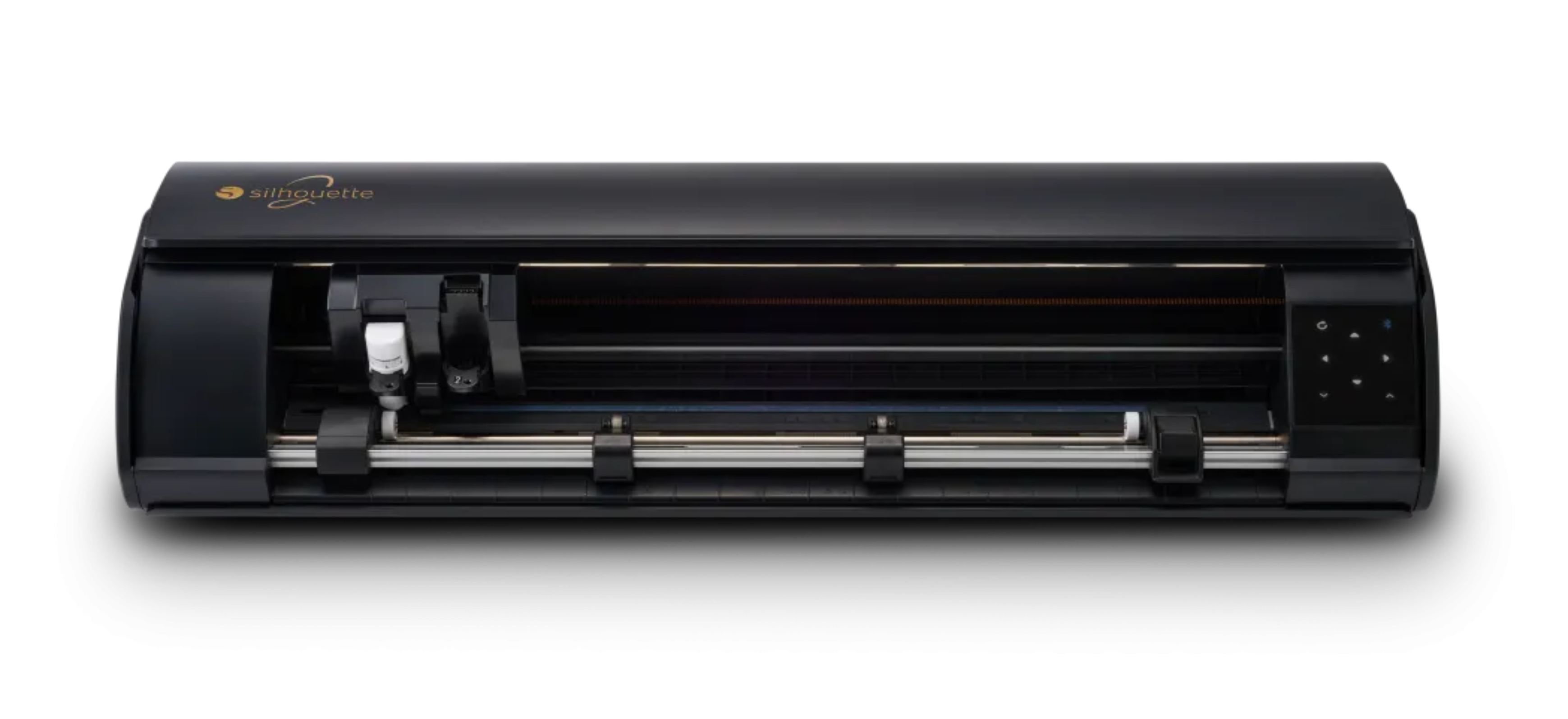
The plotter's lid automatically opens and closes when you turn the device on and off. This combination of convenience and modern design will further enhance your creative workspace!
Roll Feeder
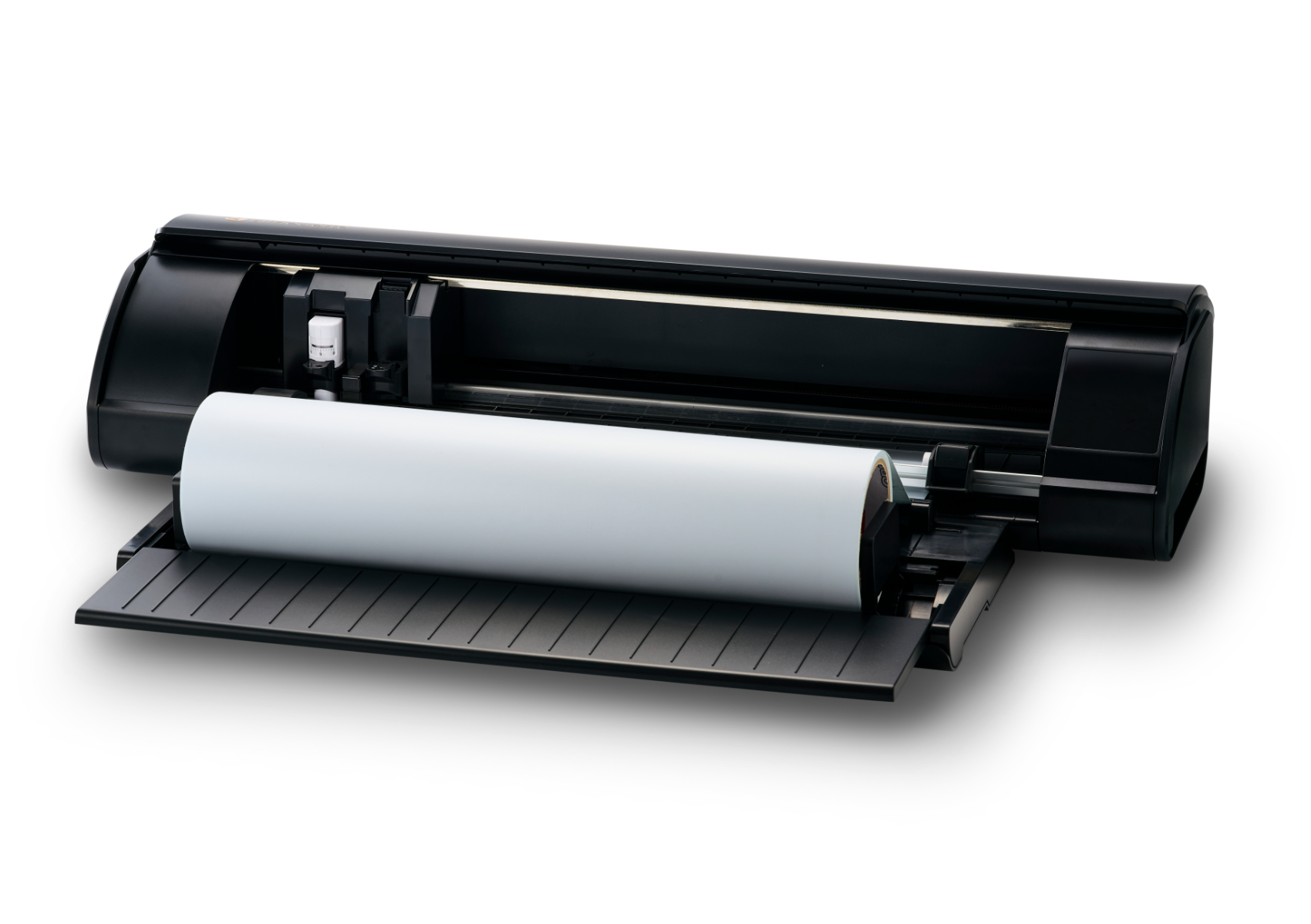
This accessory makes working with foil easier when cutting from a roll. Once the material is placed in the feeder, it is evenly guided by the rollers, preventing the roll from rolling off the countertop, which increases work comfort.
The feeder is not included and must be purchased separately.
Electrostatic mat
This completely new solution allows you to cut thin materials without using a mat, minimizing the risk of tearing or curling the design when removing it from the adhesive surface. This allows you to cut precise designs even from delicate sheets of tissue paper or thin paper.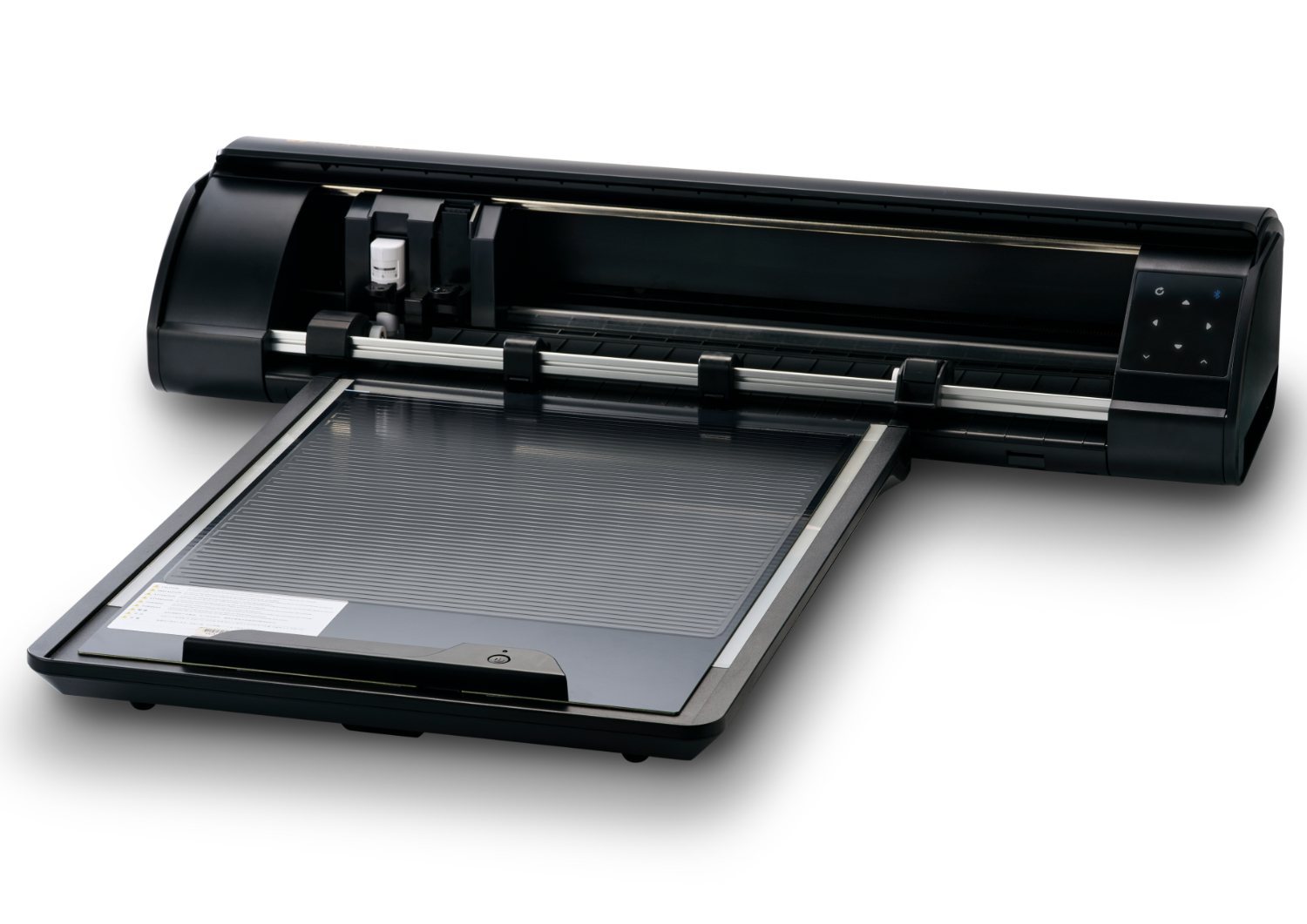
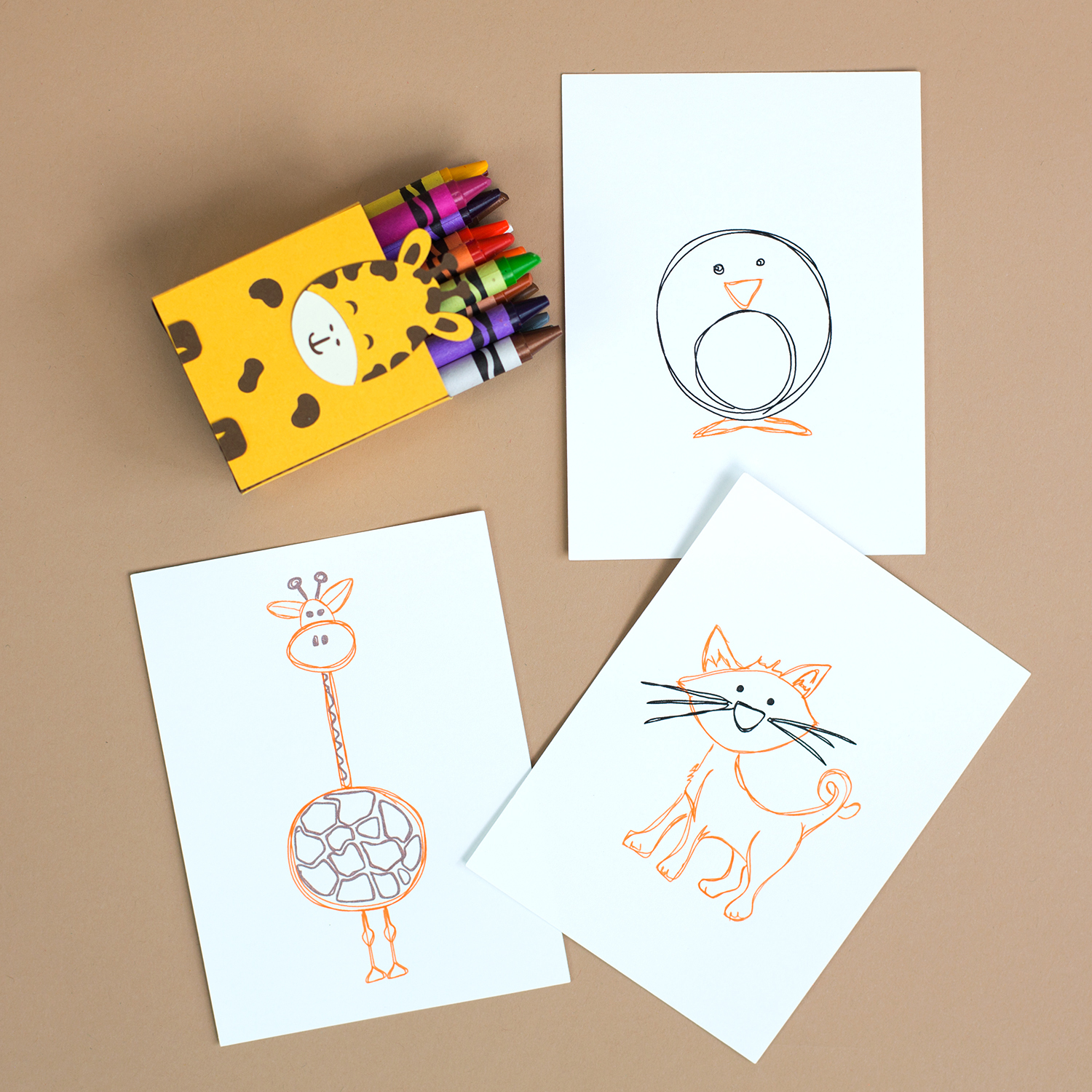
Sketching
Silhouette plotters can sketch with markers, and the new CAMEO5a Plus model sketches even faster! The sketching speed of this new generation plotter reaches 400mm/s, allowing you to create beautiful, unique designs even more efficiently without sacrificing high precision.Heat Pen
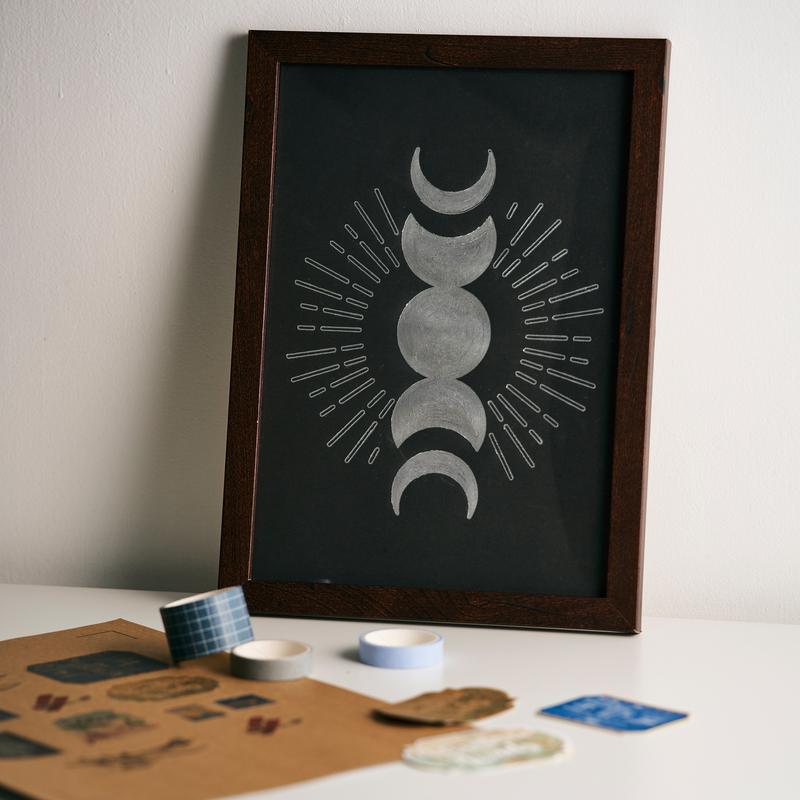
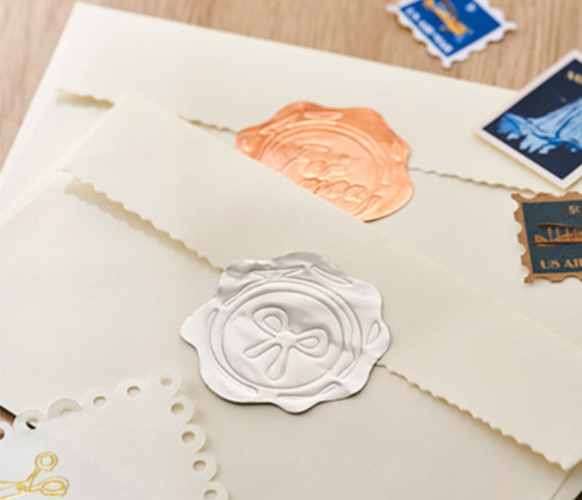
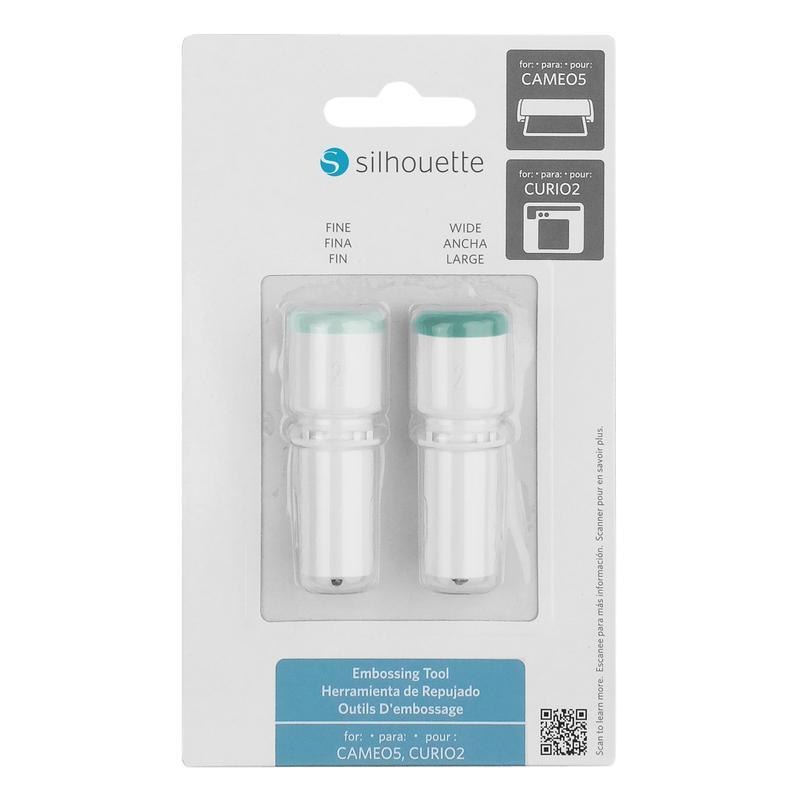
Using the embossing tool, you can create unique patterns on paper, foil, or thin metal sheets.These elements will give your projects a unique character.
The embossing tool is available for purchase separately.
New Pen Holder
The Silhouette CAMEO5a plotter, combining the advantages of older models with innovative solutions, is the perfect device for starting your crafting adventure. It maximizes the automation of the creation process, while also accelerating it and facilitating the achievement of desired results. Thanks to its easy-to-use software and numerous available accessories and materials, it offers a wide range of possibilities, and the brand's popularity has led to numerous publicly available guides in written and video formats. Its compact size and quiet operation also make it a perfect plotter for home use.
| Title | Value |
|---|---|
| Force | 5kg, 300g |
| Connection | USB, Bluetooth |
| Language | English, Polish |
| Software | Silhouette Studio (free), Adobe Illustrator - plug-in (paid extra), Corel DRAW - plug-in (paid extra), Silhouette Studio Designer Edition (paid extra), Silhouette Studio Business Edition (paid extra) |
| Maximum Cutting Area With Cutting Mat | 30,5 x 61 cm (12 x 24 in.), 37 x 38 cm (14,6 x 15 in.) |
| Maximum Cutting Area Without Cutting Mat | 37 x 480 cm |
| Cutting out graphics along the outline | Yes (the possible margin of error is 1/16 in.) |
| Unit Dimensions | 64,2 x 12,4 x 17,6 cm |
| Unit Weight | 5,73 kg |
| Free designs | 100 |
| Manufacturer Details | Silhouette America® Inc.618 N. 2000 W.Lindon, Utah 84042, USA support@silhouetteamerica.com |
| EU Marketing Authorisation Holder | Graphtec Europe B.V. address: Kruisweg 801-B, 2132NG, Hoofddorp, The Netherlands tel: 31611841511 support@silhouetteeurope.eu |
| Print & Cut Margins | On mat - 16mm on Each Side , Without mat - 16mm on the sides and top of the page; 25,4mm at the bottom of the page |
Other customers bought also:
No one has added an opinion yet.
Be the first to do so!
Made by: Michał Desol