












Silhouette Cameo Pro MKII Stand
1799,00złincl. tax
🔥 BLACK WEEK xTool!🔥 Rabaty do -27% SPRAWDŹ OKAZJĘ!
Do you have any questions? We'll be happy to help!
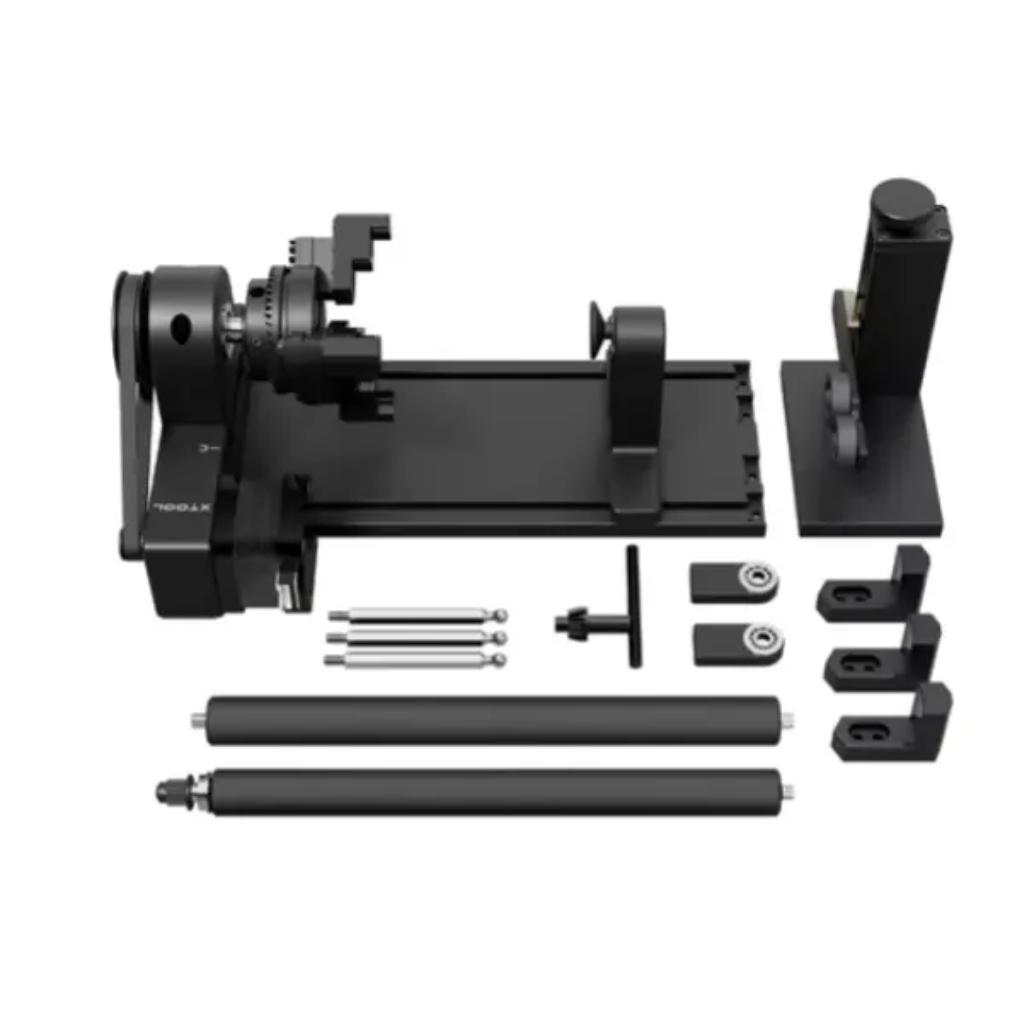
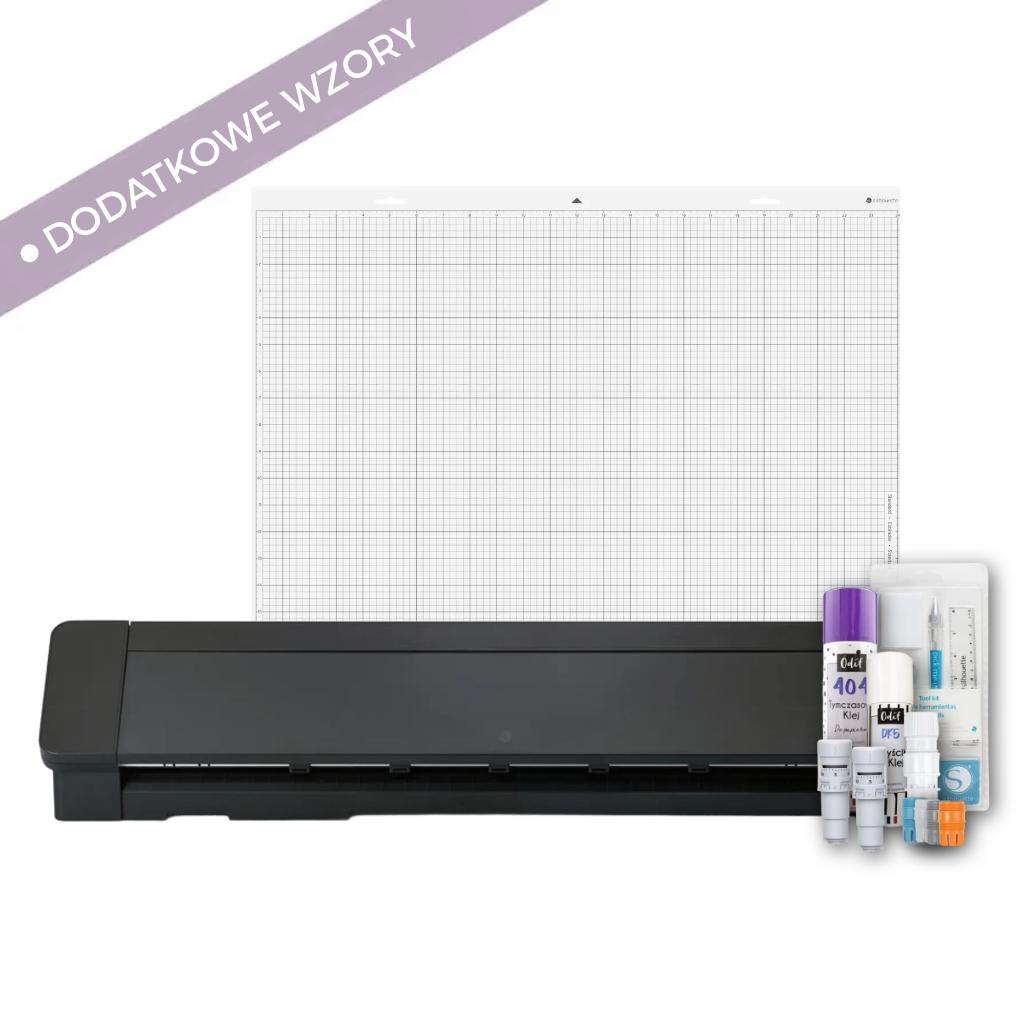
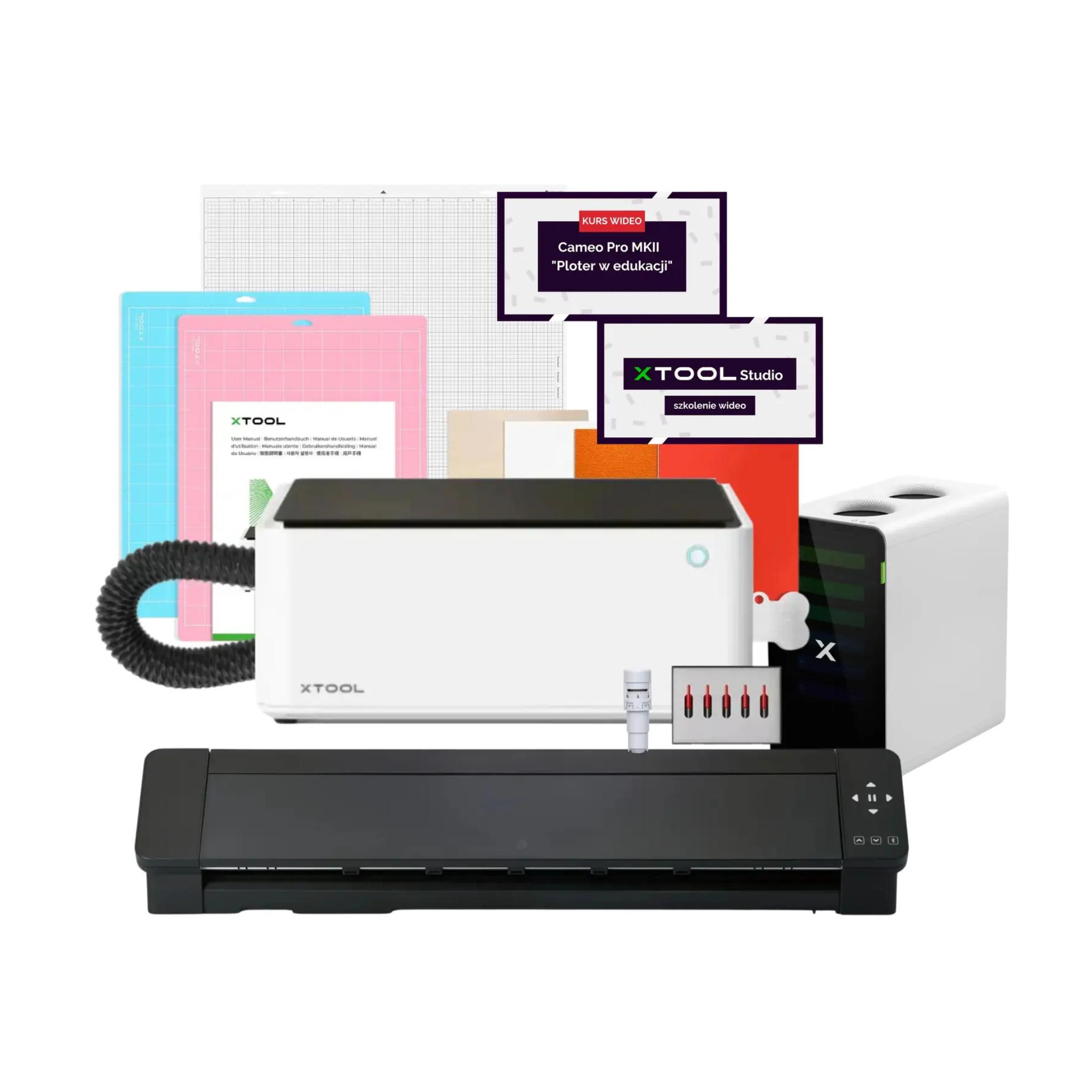
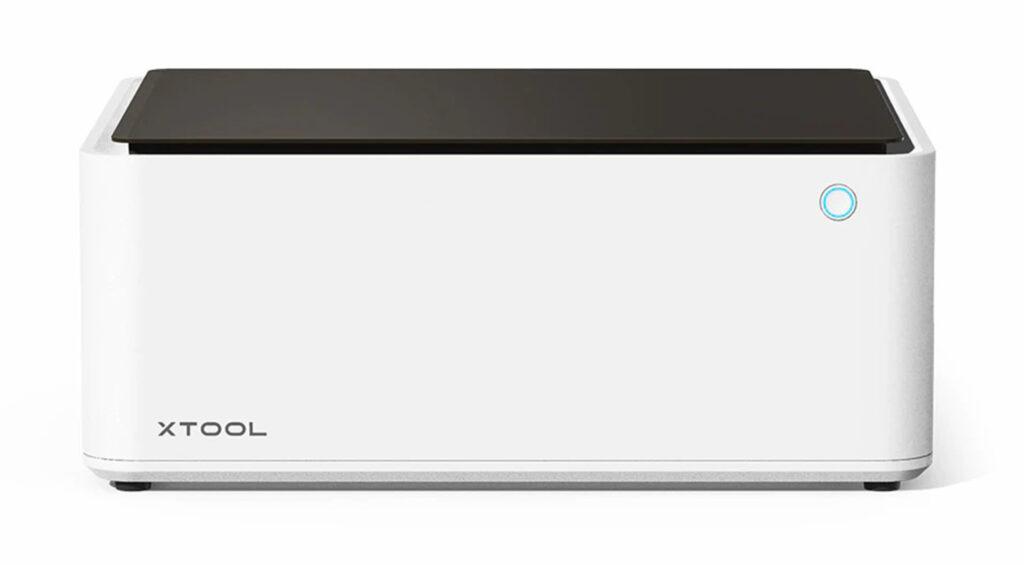
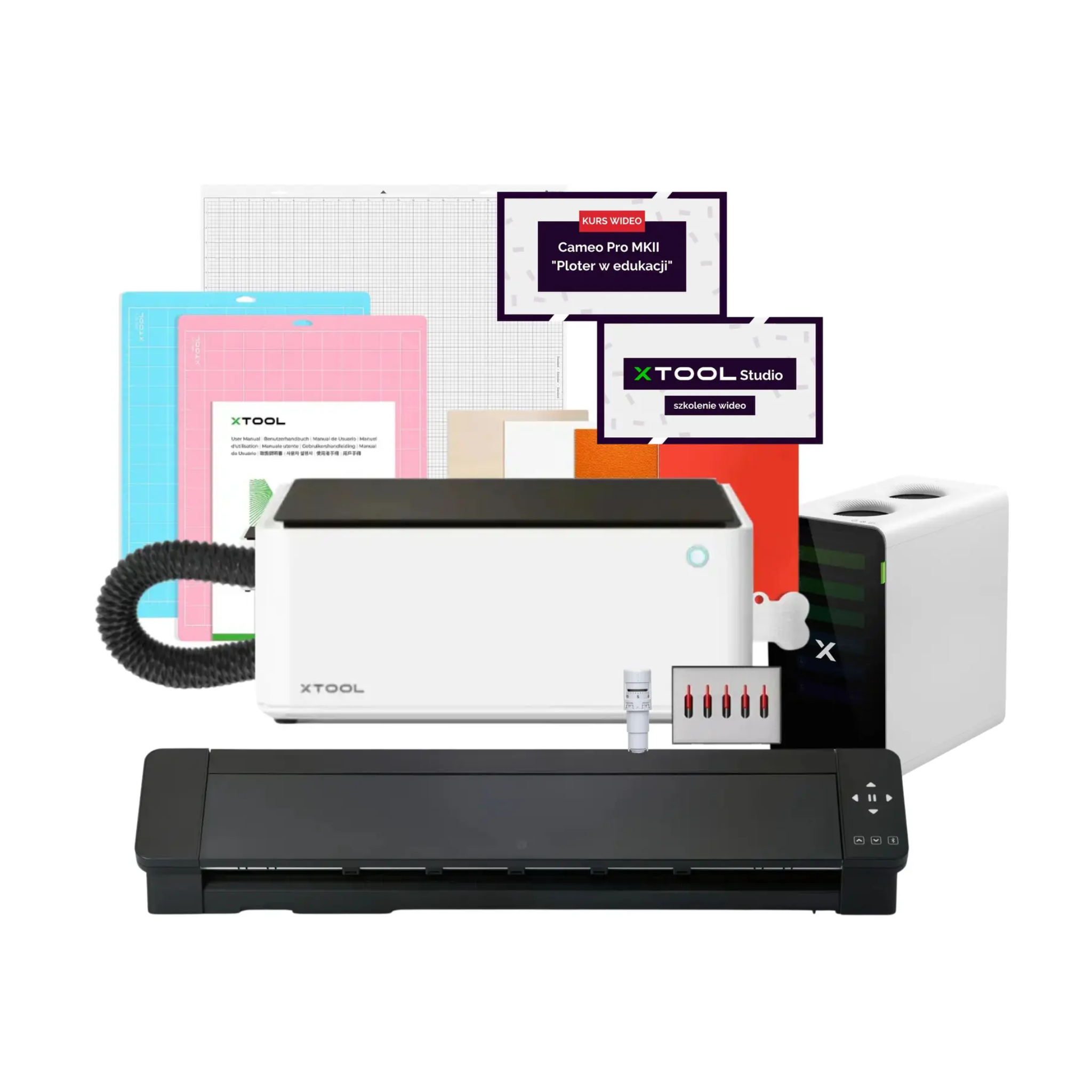
The 2in1 Creative Workshop bundle combines the Silhouette Cameo Pro MK II large-format cutting plotter with the xTool M1 hybrid laser engraver and a professional SafetyPro AP2 air filter. These two complementary technologies enable the creation of advanced combined projects using wood, plywood, vinyl, paper, and textiles. Complete with dedicated video courses, this set is designed for safe education and creative production in schools, kindergartens, and therapy centers.
2699,99zł/pcs.
2294,99zł/pcs.
4599,99zł/pcs.
3999,99zł/pcs.
149,99zł/pcs.
0,00zł/pcs.
4299,99zł/pcs.
3869,99zł/pcs.
579,99zł/pcs.
399,99zł/pcs.
PLN 12,329.95 incl. tax
PLN 10,564.96 incl. tax -14%
Creative Workshop 2in1 CAMEO PRO MK II + xTool M1
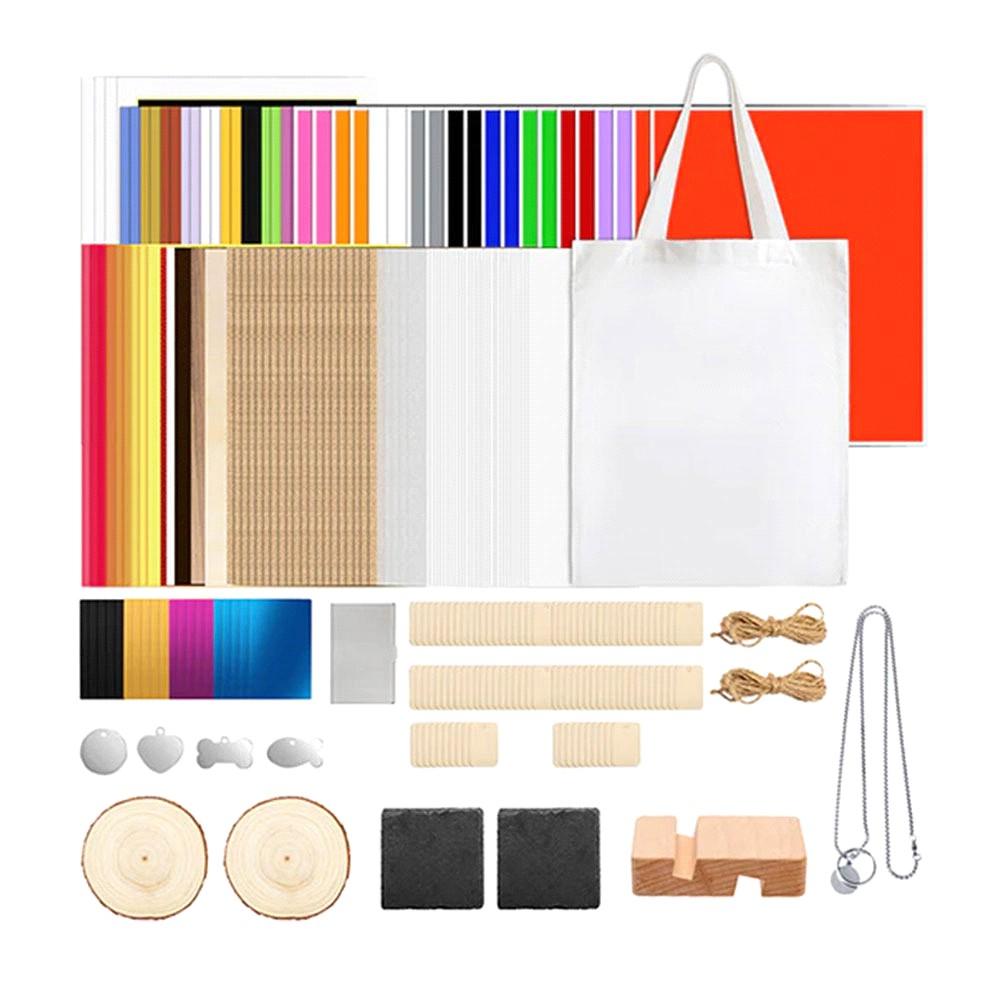
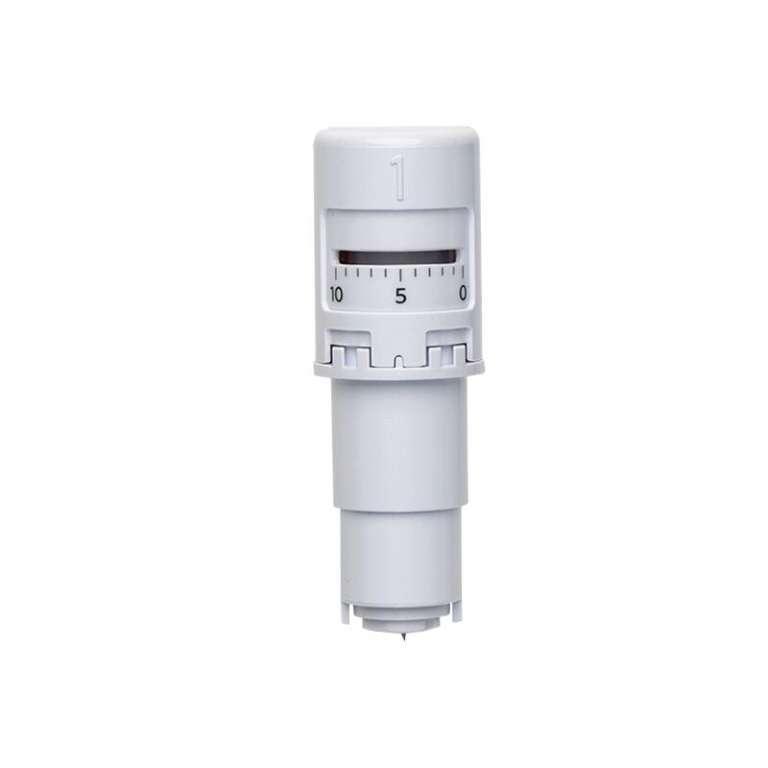
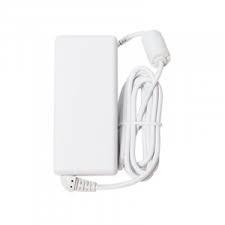
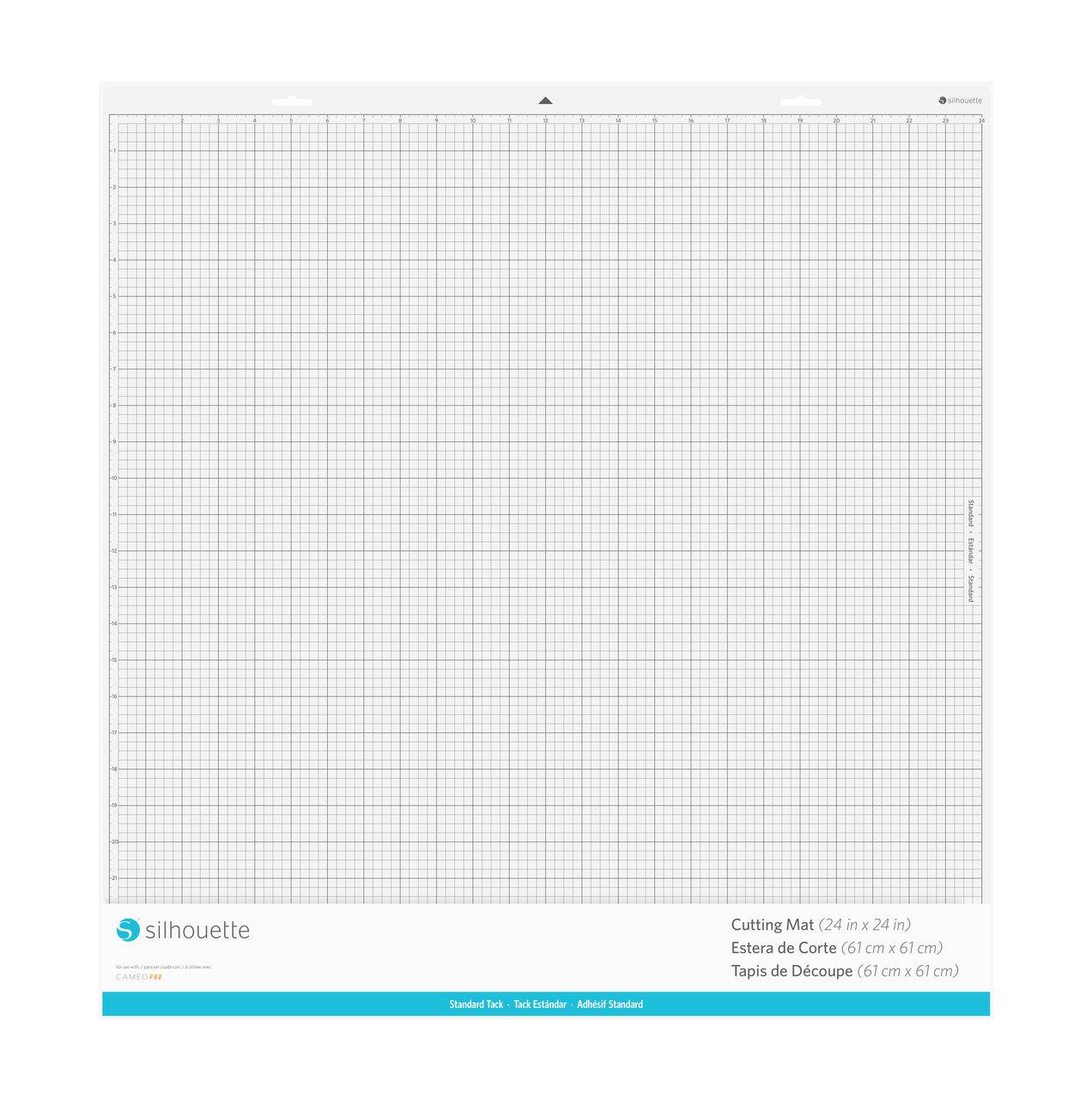
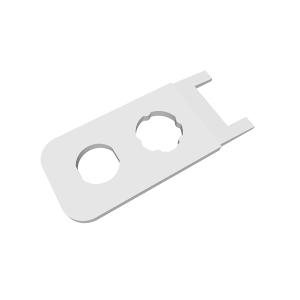
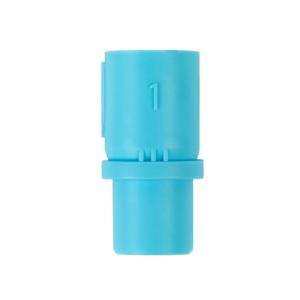
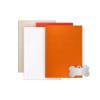
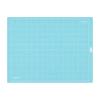
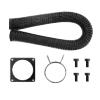
The product includes the following elements:
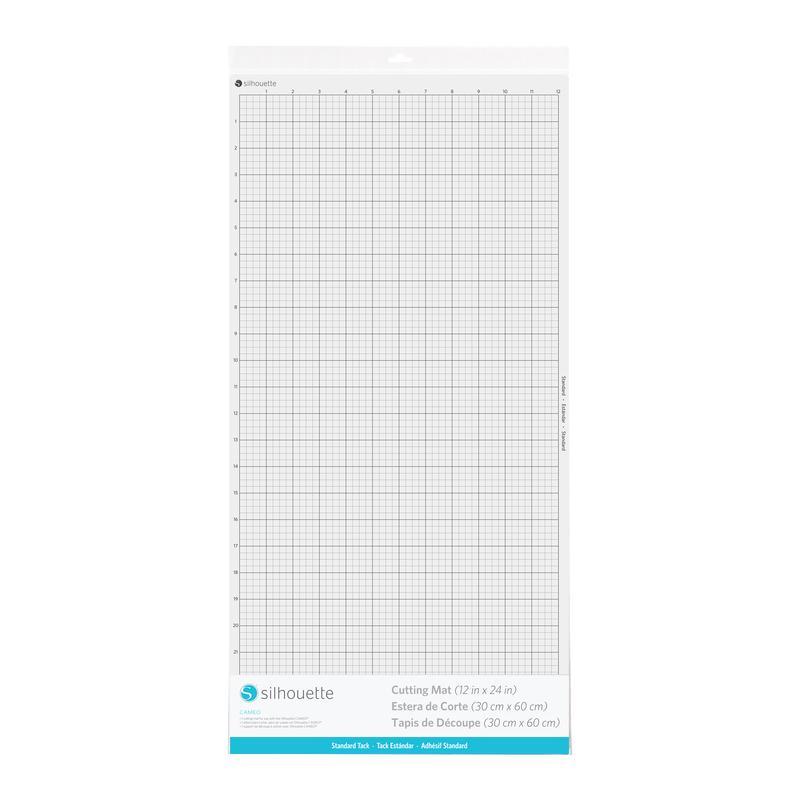
Standard, with dimensions 61 x 61 cm.
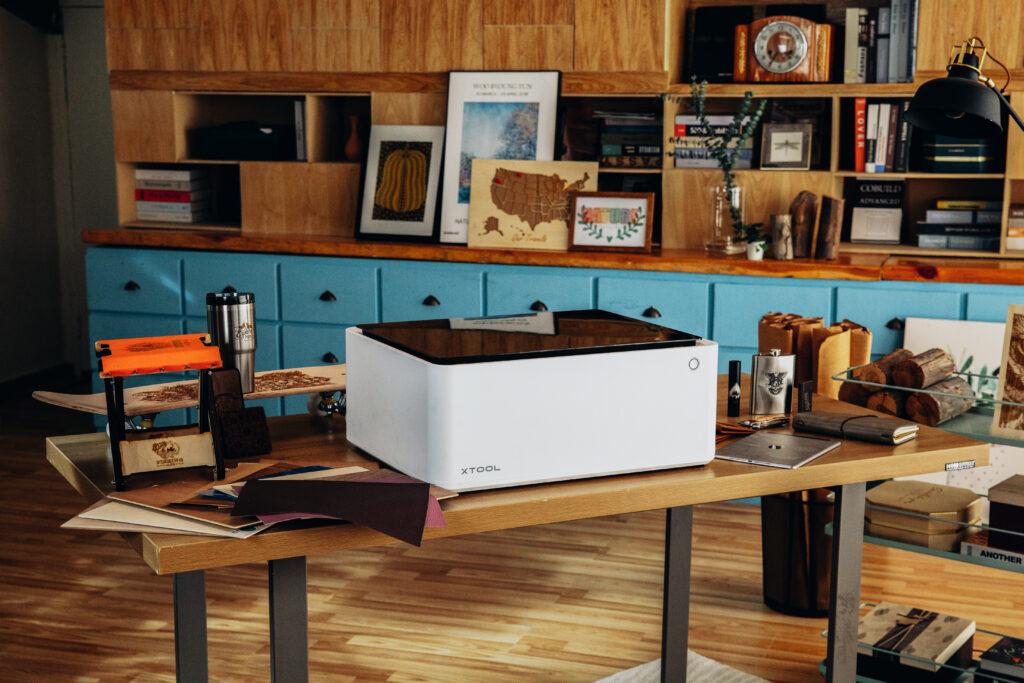
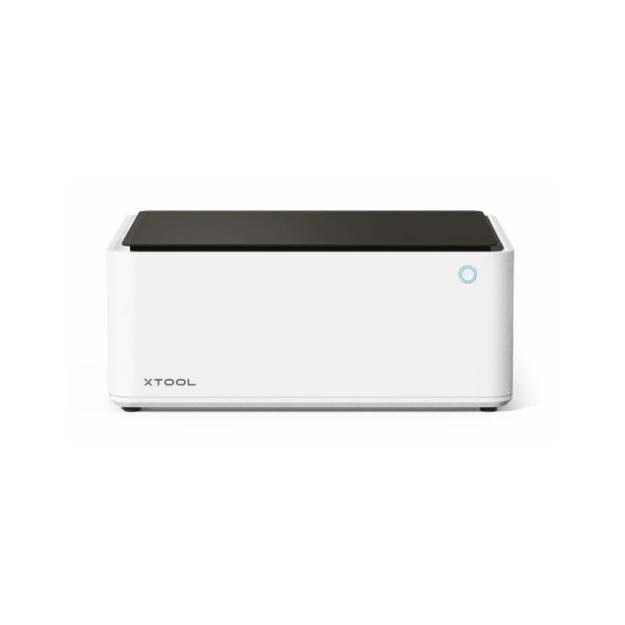
This bundle of two complementary devices – the large-format cutting plotter Silhouette Cameo Pro MK II and the versatile hybrid engraver xTool M1 (10W laser + blade) with the professional xTool SafetyPro AP2 air filter and two video training courses – forms a complete, safe manufacturing environment. The set was designed with schools, kindergartens, occupational therapy workshops (WTZ), community self-help centers (ŚDS), libraries, and cultural centers in mind. Combining precise large-format cutting of vinyl and paper with laser engraving and cutting capabilities in wood and plywood enables the execution of advanced combined projects that foster the manual, technical, and creative skills of students and participants.

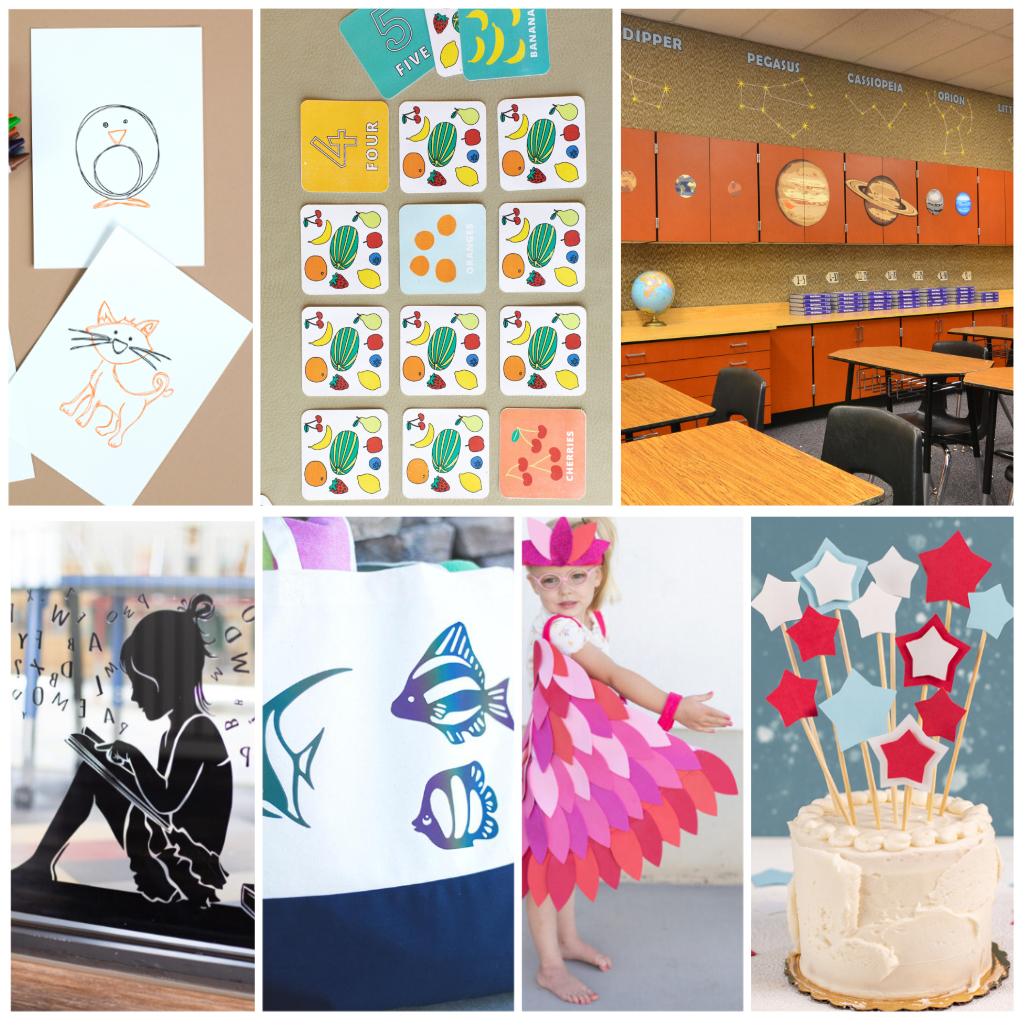
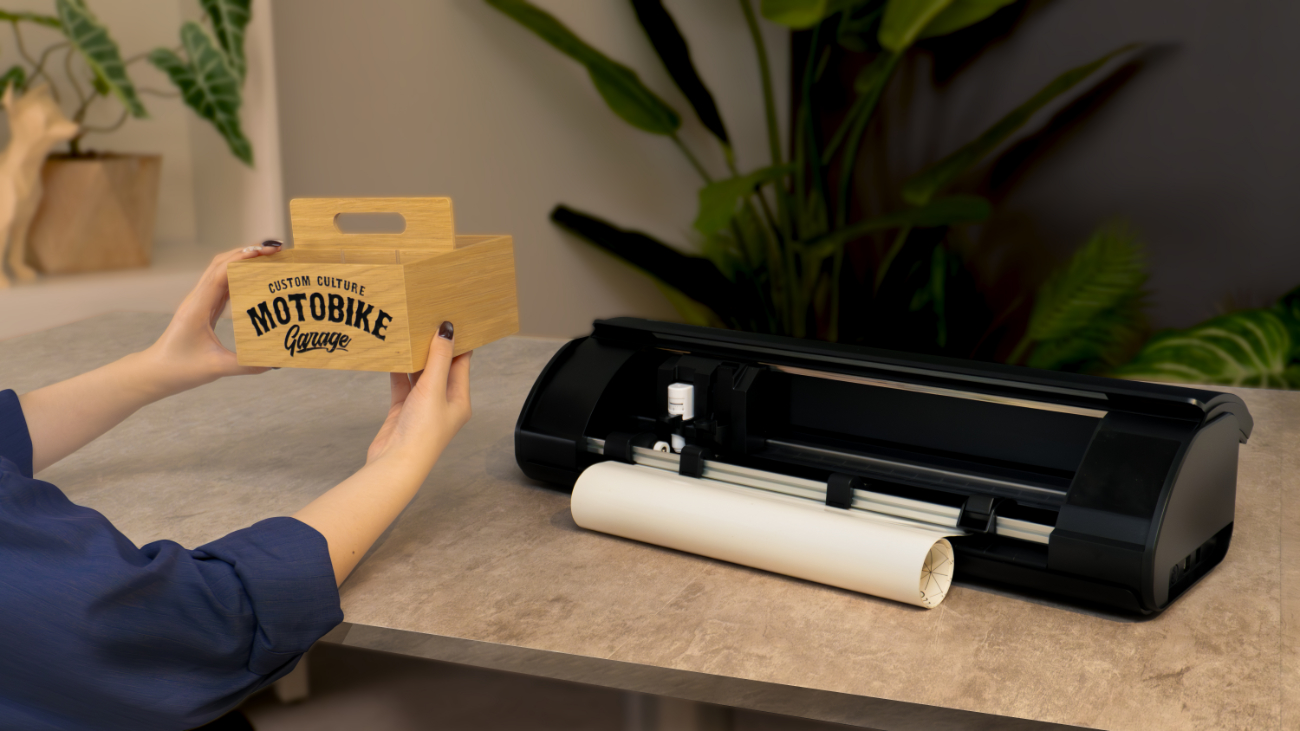
Wooden educational aids with custom engraving from the xTool M1 combined with precise, colorful vinyl labels and text made on the Cameo Pro.
3D architectural or natural scale models: laser-cut plywood bases complemented by detailed paper and plant elements cut on the vinyl plotter.
Personalized class T-shirts, tote bags, and event apparel featuring Flex/Flock heat transfer vinyl designs cut on the Cameo Pro.
Commemorative engraved medals, keychains, and plywood or acrylic plaques from the xTool M1 decorated with precision vinyl stickers.
Large-format lettering, wall decorations, and visual displays for school assemblies and ceremonies.
Laminated reusable worksheets, board games, and educational puzzles (Print & Cut feature: print + outline cut).
Wooden organizers for school supplies and art materials laser-engraved with students' names.
Unique handmade crafts, holiday decorations, and finished high-aesthetic consumer products.
Professional signage and labels for classroom doors, lockers, and chairs across the facility.
Decorative elements and stage props for theatrical performances and school hobby clubs.
The set serves as an outstanding foundation for modern STEAM education (Science, Technology, Engineering, Arts, Mathematics), as well as practical technical classes, art, IT, and entrepreneurship. Students gain tools to transform their own engineering and artistic concepts into finished physical objects, moving seamlessly from digital software design to fabrication. Working with these devices teaches logical thinking, spatial planning, and the fundamentals of modern manufacturing and business.

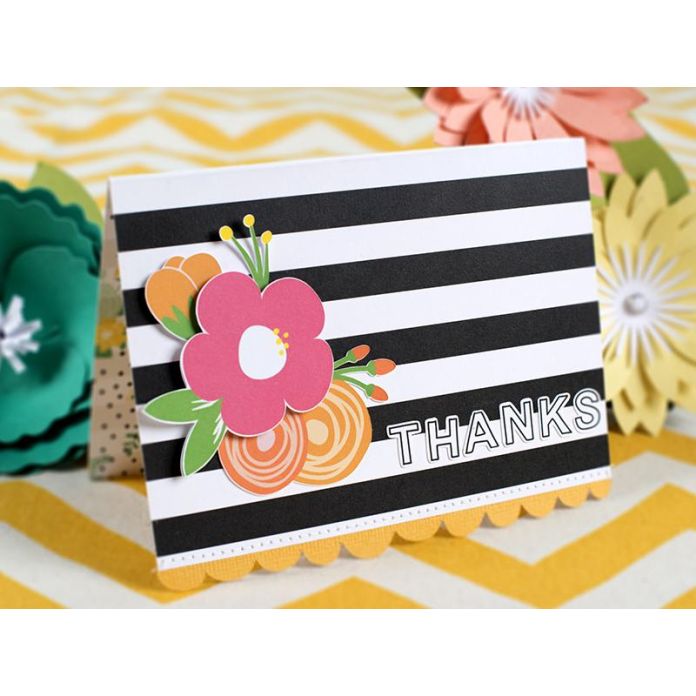
For teachers and educators, this kit provides endless possibilities for crafting durable teaching aids, stencils, colorful locker stickers, room decorations, and event props. Thanks to the Print & Cut contour-cutting feature, educators can quickly produce reusable activity sheets, puzzle pieces, or personalized gifts for children,significantly cutting down on lesson preparation time.
The bundle allows institutions to conduct engaging workshops in handicrafts and the production of finished items meeting high market standards. Participants can work on projects with varying degrees of complexity – from simple vinyl weeding and gluing to digital design and machine operation. Working with wood, plywood, and vinyl supports hand-eye coordination, fine motor skills, and delivers immense satisfaction from creating professional, functional items and decor.

The creative process relies on the synergy of two digitally controlled technologies:
Design: The user creates graphics in the free Silhouette Studio software (for Cameo Pro) or xTool Creative Space (for xTool M1), using ready-made templates, custom drawings, or AI design tools.
Flat and large-format material processing (Silhouette Cameo Pro MK II): The blade plotter rapidly cuts vinyl lettering, paper decorative elements up to 300g, Flex/Flock heat transfer films, or produces stickers using the Print & Cut feature.
Laser and hybrid processing (xTool M1 with SafetyPro AP2 filter): Simultaneously, the laser engraver precisely cuts and engraves elements from plywood, wood, acrylic, or leather, while the integrated filtration system ensures clean air and safety inside the room.
Assembly of combined projects: Finished wooden or plywood pieces from the xTool M1 are permanently combined with precise vinyl, paper, or fabric overlays made on the Cameo Pro, creating a cohesive, multi-layered final product.
Video Course – Silhouette Cameo Pro MKII "Plotter in Education" (Over 9 hours, 30 lessons): A comprehensive course created specifically for teachers and instructors. It covers device setup, Silhouette Studio software operation, creating educational materials, decorations, Print & Cut projects, using Canva and AI, and troubleshooting. Participants receive a personalized certificate of completion.
Video Course – "xTool Studio Basics" (Approx. 80 minutes): A practical introductory course covering xTool Creative Space software, including interface navigation, scaling, grouping, text on path, offset functions, importing graphics, and preparing files for laser cutting and engraving.

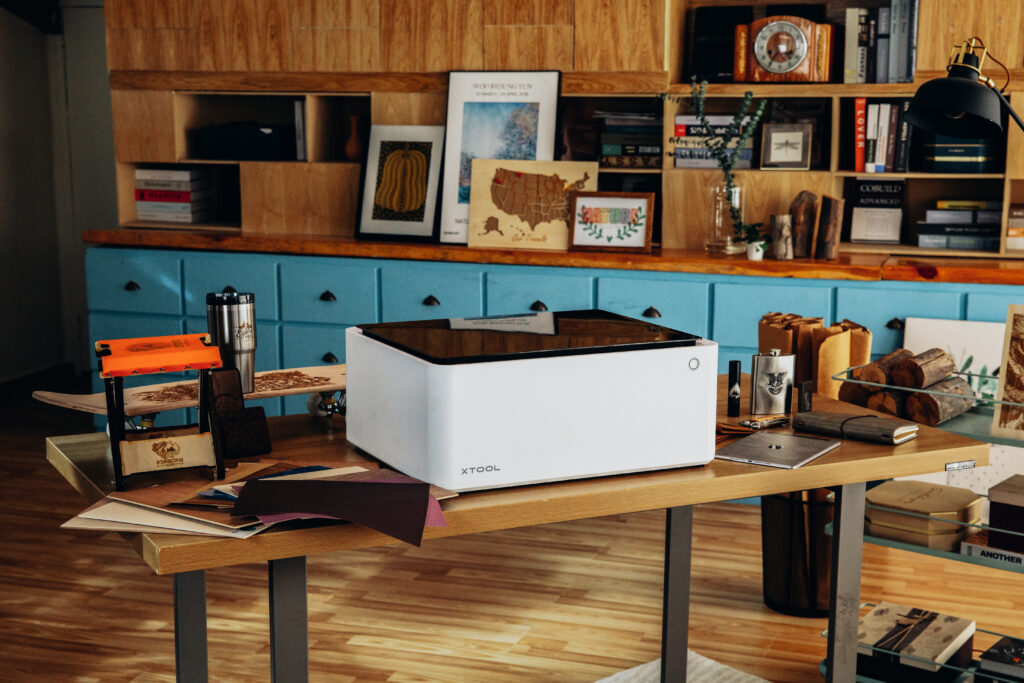
Completeness and compatibility: You receive a fully integrated ecosystem of hardware, materials, software, filtration, and video training ready for immediate deployment in your institution.
Safety as standard: The inclusion of the professional xTool SafetyPro AP2 filter and the enclosed xTool M1 housing ensures complete health protection by eliminating fumes and exhaust.
Skill development: Dedicated video courses allow educational staff to quickly get up to speed without needing external training.
Educational and production versatility: Combining a large-format blade plotter with a precision laser opens the door to an unlimited array of projects using paper, vinyl, wood, and textiles.
| Title | Value |
|---|---|
| Unit Dimensions | 87,6 x 19,5 x 17 cm |
| Unit Weight | 9 kg |
| Connection | USB, Bluetooth |
| Cutting out graphics along the outline | Yes (the possible margin of error is 1/16 in.) |
| Force | Holder 1 - 300g; Holder 2 - not specified |
| Free designs | 100 |
| Language | English, Polish |
| Maximum Cutting Area With Cutting Mat | 59 x 61 cm |
| Maximum Cutting Area Without Cutting Mat | 59 x 487 cm |
| Power consumption | 27W |
| Software | Silhouette Studio (free), Adobe Illustrator - plug-in (paid extra), Corel DRAW - plug-in (paid extra), Silhouette Studio Designer Edition (paid extra), Silhouette Studio Business Edition (paid extra) |
| Manufacturer Details | Silhouette America® Inc.618 N. 2000 W.Lindon, Utah 84042, USA support@silhouetteamerica.com |
| EU Marketing Authorisation Holder | Graphtec Europe B.V. address: Kruisweg 801-B, 2132NG, Hoofddorp, The Netherlands tel: 31611841511 support@silhouetteeurope.eu |
| Speed | 0 – 300 mm/s |
| Max. Material Thickness | 3 mm |
| Guaranteed Operating Environment | 16 to 32 deg.C,35 to70% R.H.(non-condensing) |
| Working Environment | 10 to 35 deg.C,35 to 75% R.H.(non-condensing) |
| Mechanical Resolution | 0.00625 mm |
| Programmable Resolution | 0.05 mm |
| Rated Power Supply | AC adapter 24 VDC(1.25A) |
| Print & Cut Margins | On mat - 16mm on Each Side , Without mat - 16mm on the sides and top of the page; 25,4mm at the bottom of the page |
Products that may also interest you:
No one has added an opinion yet.
Be the first to do so!
Made by: Michał Desol