




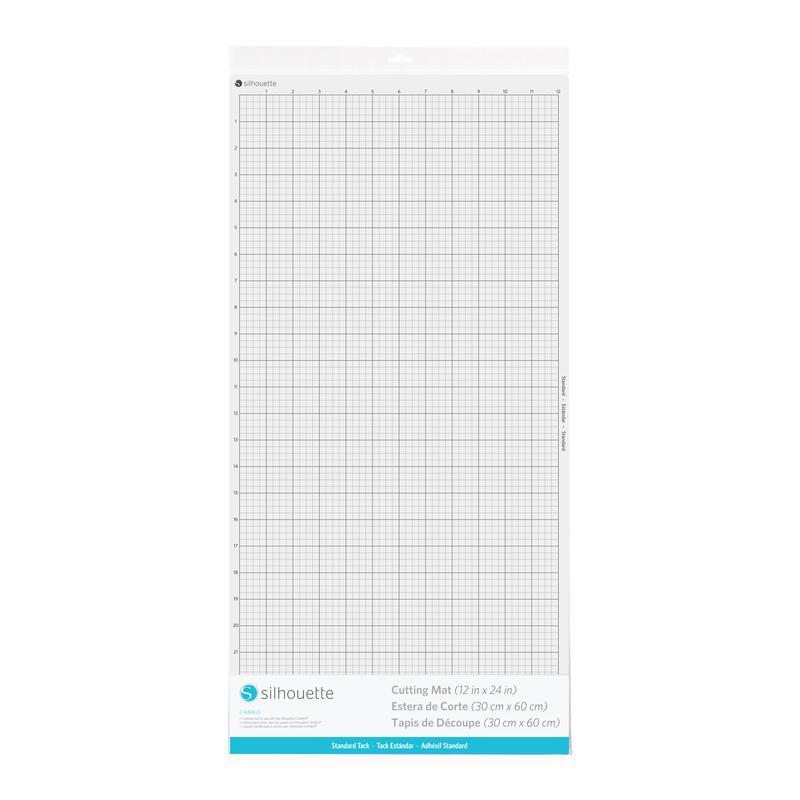
Cameo Cutting Mat - 12x24" - Standard Tack
99,00złincl. tax
⚡ xTool UP TO 15% OFF! Total Clearance Sale → SHOP NOW
Do you have any questions? We'll be happy to help!
Silhouette
Cameo 4/5/5a/Plus plotter group training – Online is a great solution if you want
to learn the basics of plotter operation, its functions and
capabilities, while not focusing entirely on one issue. If you don't like 1-on-1 meetings, this form will certainly meet your expectations. The purchase is for access to training for one person.
150,00zł incl. tax
Lowest regular price of the last 30 days: 150,00złUnfortunately, this product is currently unavailable.
Buy together:
50,00zł
35,00zł
Jasne! Oto naturalne, zachęcające tłumaczenie na angielski:
Course Information:
Duration: 2.5 hours
Language: Polish
Date: 22.02, Sunday, 9:00 AM
Location: Online (Google Meet)
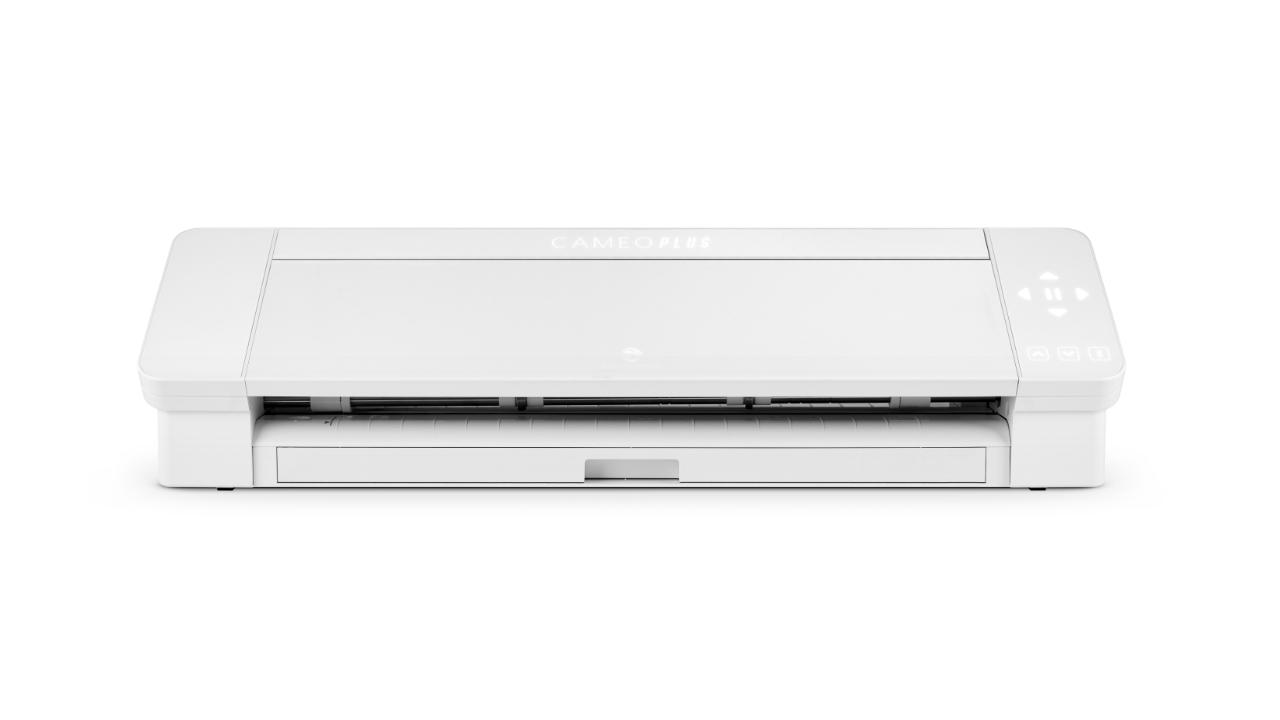
Topics: Operating the Silhouette Cameo 4 / Cameo 5 / Cameo 5a / Plus plotter and Silhouette Studio software
What you need for the training:
You don’t need to prepare anything special to join the training.
Don’t have a plotter yet or no prior cutting experience? No problem 😊
To ensure everything runs smoothly, please make sure your computer has a stable internet connection and any web browser.
Check that your speakers or headphones (even built-in laptop speakers work) are functioning properly so you can comfortably follow the training.
A camera and microphone are not required, so comfortable clothes are all you need. Kids in the next room won’t be a problem either 😊
And finally — a good coffee or tea and an open mind ready to learn something new!

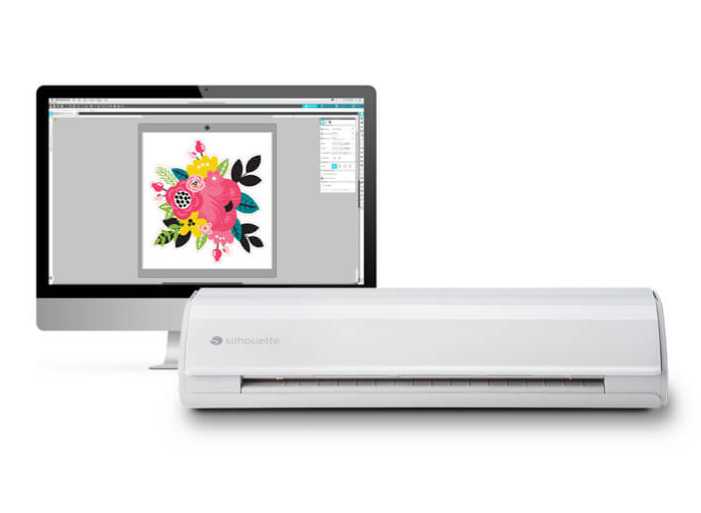
A good start to working with a plotter is to familiarize yourself with the functions of the software in the basic version. During
the training, you will learn how to make a simple design or inscription
using fonts saved in the computer, and how to prepare the design for
cutting.
The plotter supports vector files, which means that it will not handle popular raster graphics formats such as .jpg. However,
nothing is lost, in the Silhouette Studio program you will find a
vectorization function, which our trainer will explain. Thanks
to this, you will learn how to transform contrasting, simple raster
graphics into vector graphics suitable for cutting with a plotter.
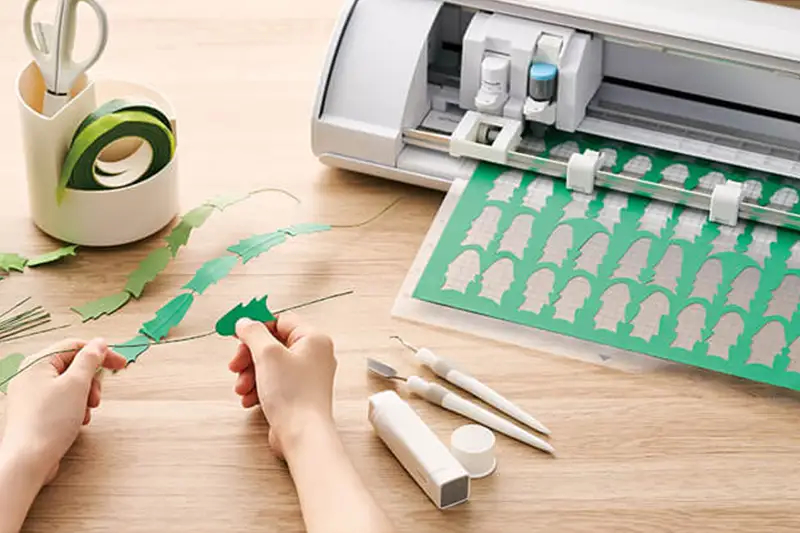
Learn the secrets of cutting paper sheets up to 300g. During
the training, you will learn how to use the ability to cut patterns in
paper to create unique cards, invitations, decorations, toppers and many
other original projects.
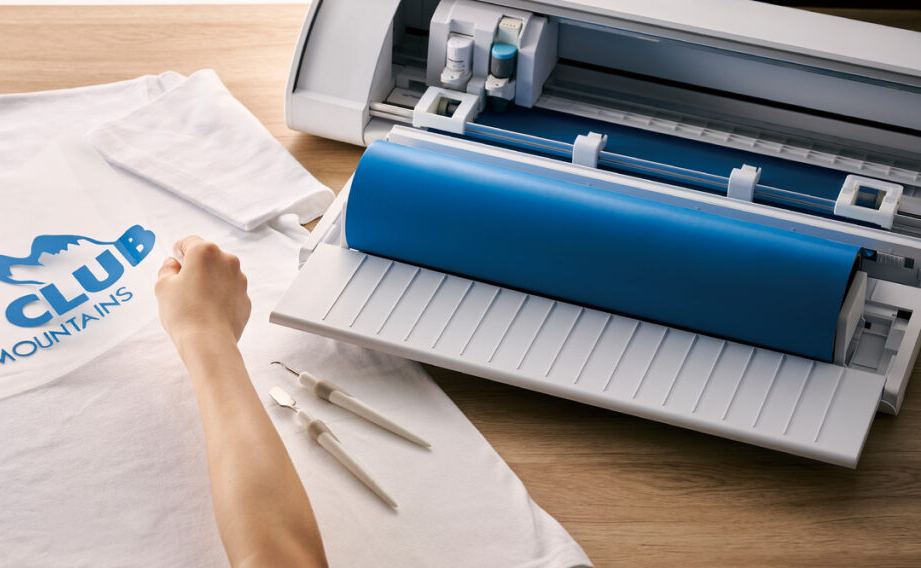
With Cameo 5 you can cut patterns from self-adhesive or iron-on foils both on a mat and directly from a roll. During the training you will learn how to choose cutting and side settings so that working with foils is simple and enjoyable.
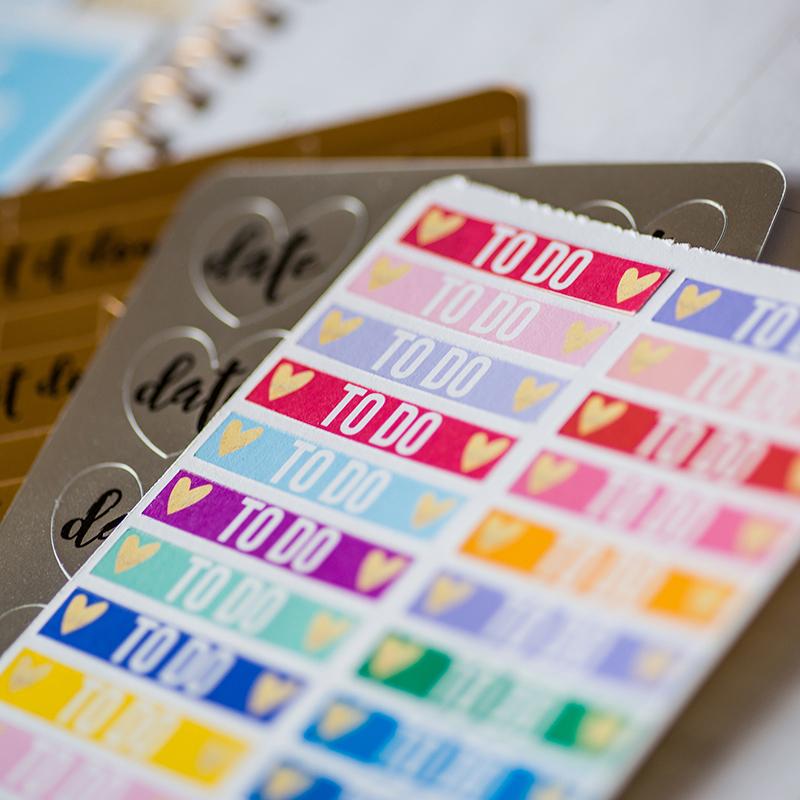
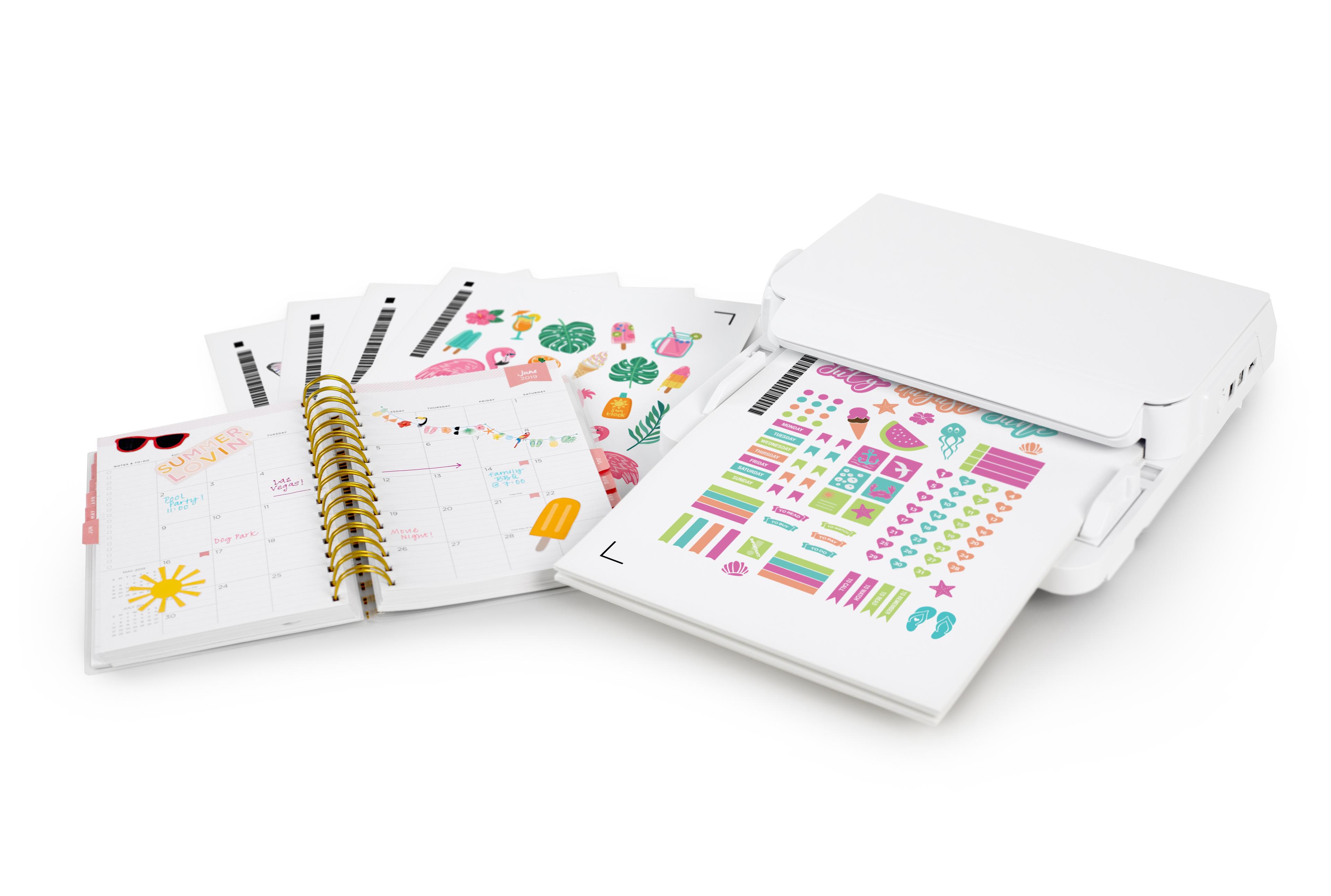
Want to create your own stickers? During the training, you will learn the Print&Cut printout cutting function. You will learn to cut out patterns printed on any printer along the cutting lines marked in the program.
In order for a group training to take place, a group of at least 5 people must gather. We conduct group training online and they take place on specific dates. If
the number of people willing to take part in the training is not
sufficient, we will refund your money or offer you participation in the
training on a subsequent date. We
will contact you by e-mail no later than the day before the planned
training date to confirm your participation in the training.
You can also choose a training option with a video recording that you will receive for download after the meeting. Thanks to this, you can easily return to the discussed content at a time convenient for you.
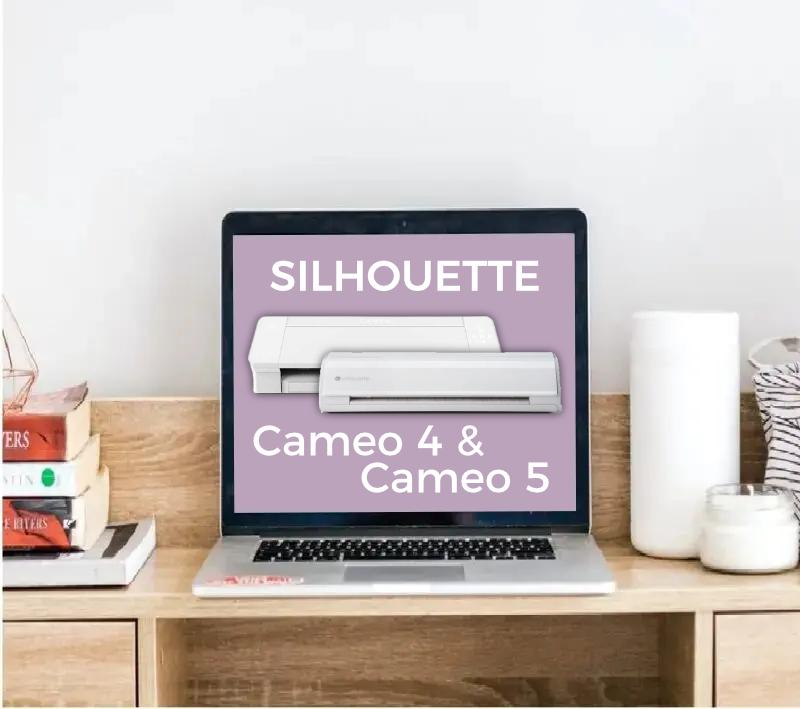
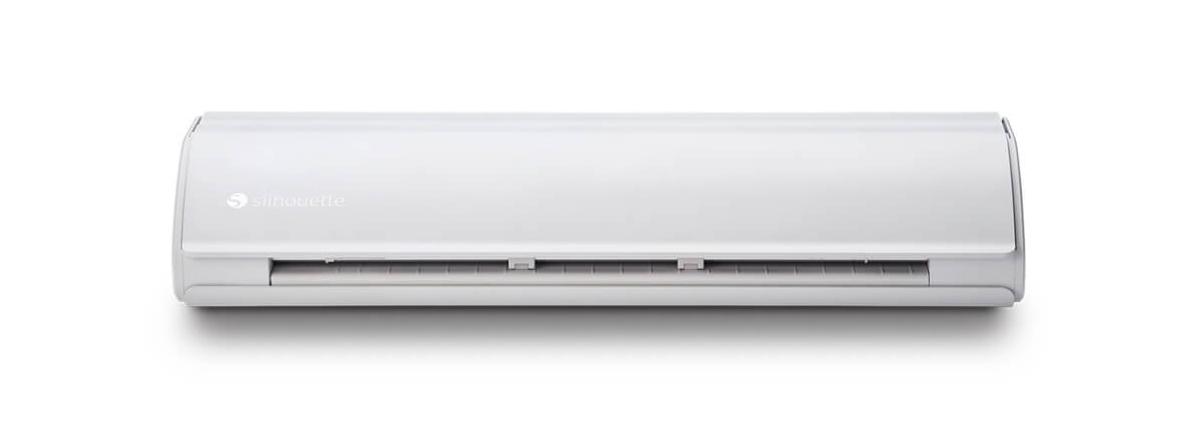
You can use this product with the following devices:
Other customers bought also:
35,00zł
We will send the course recording to your email address, so you can return to it at any time.
No one has added an opinion yet.
Be the first to do so!
Made by: Michał Desol