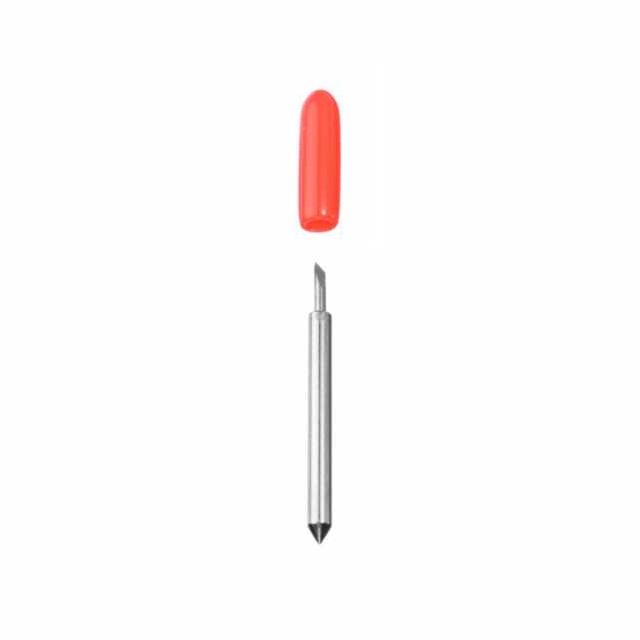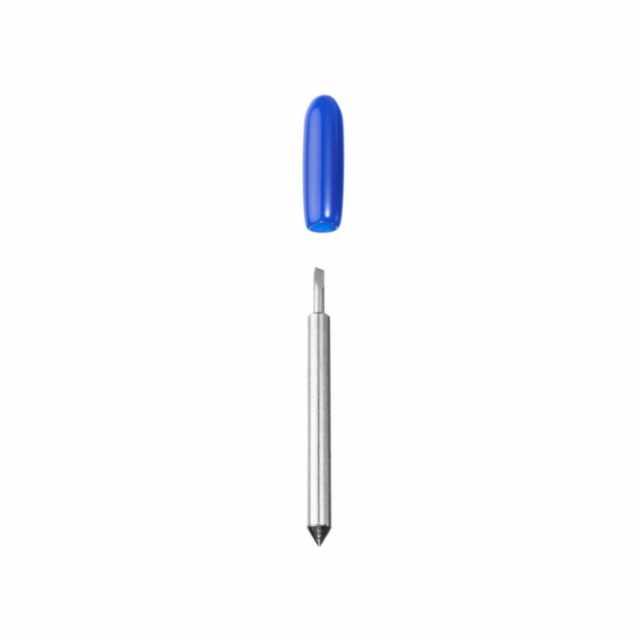




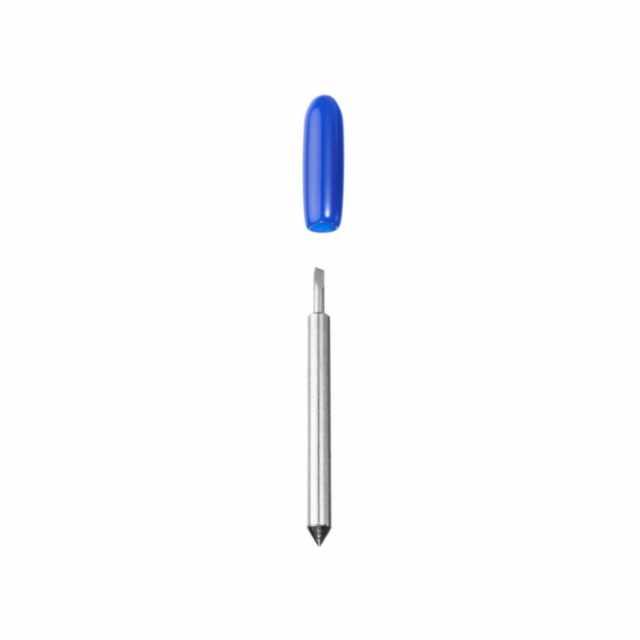
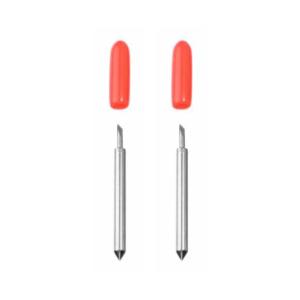
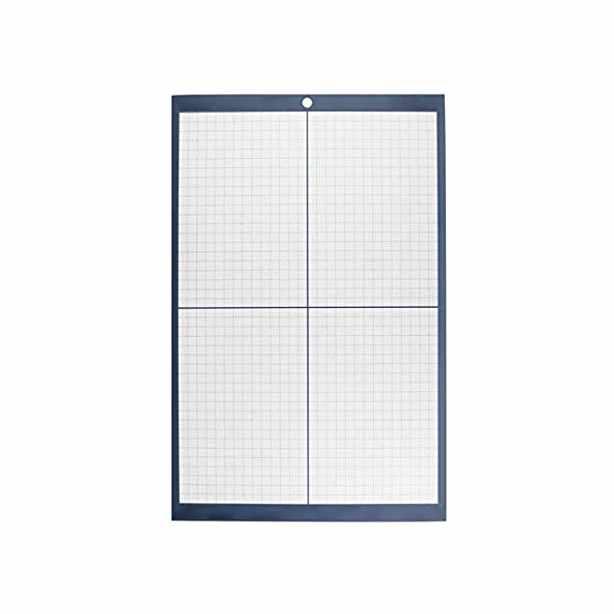
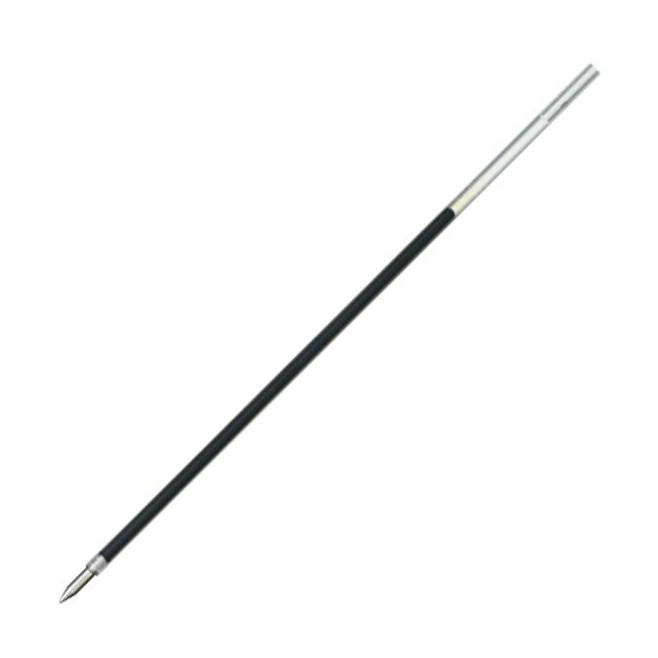
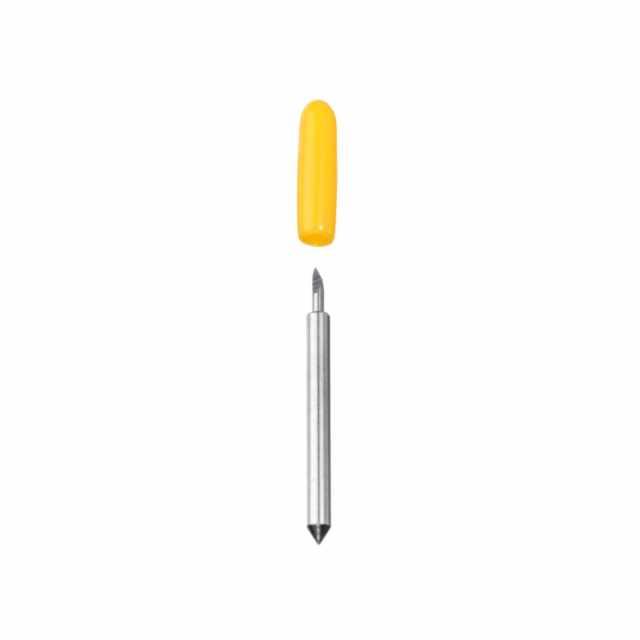
Skycut Blade - 30°
31,99złincl. tax
🎁 Buy a Silhouette cutting machine and get a 20€ gift card for just 1 grosz! Shop now
Do you have any questions? We'll be happy to help!
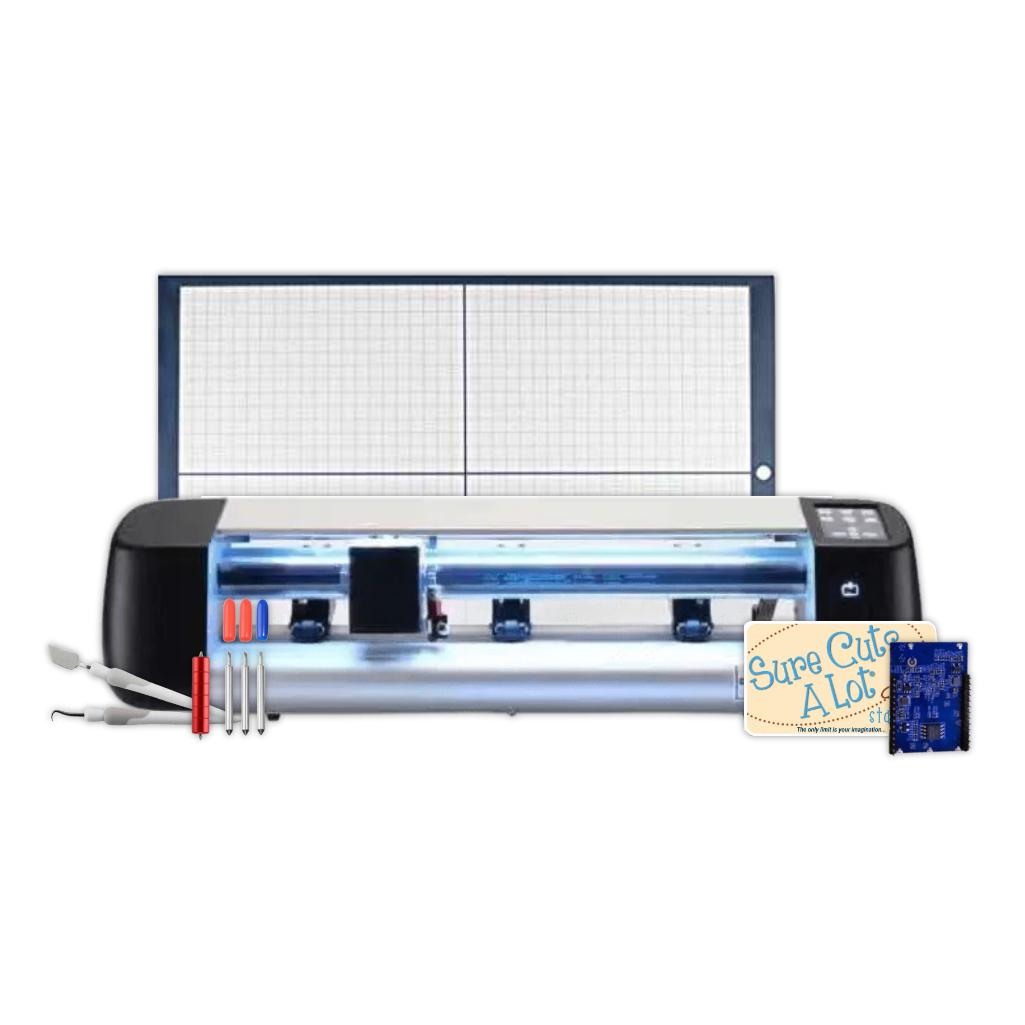
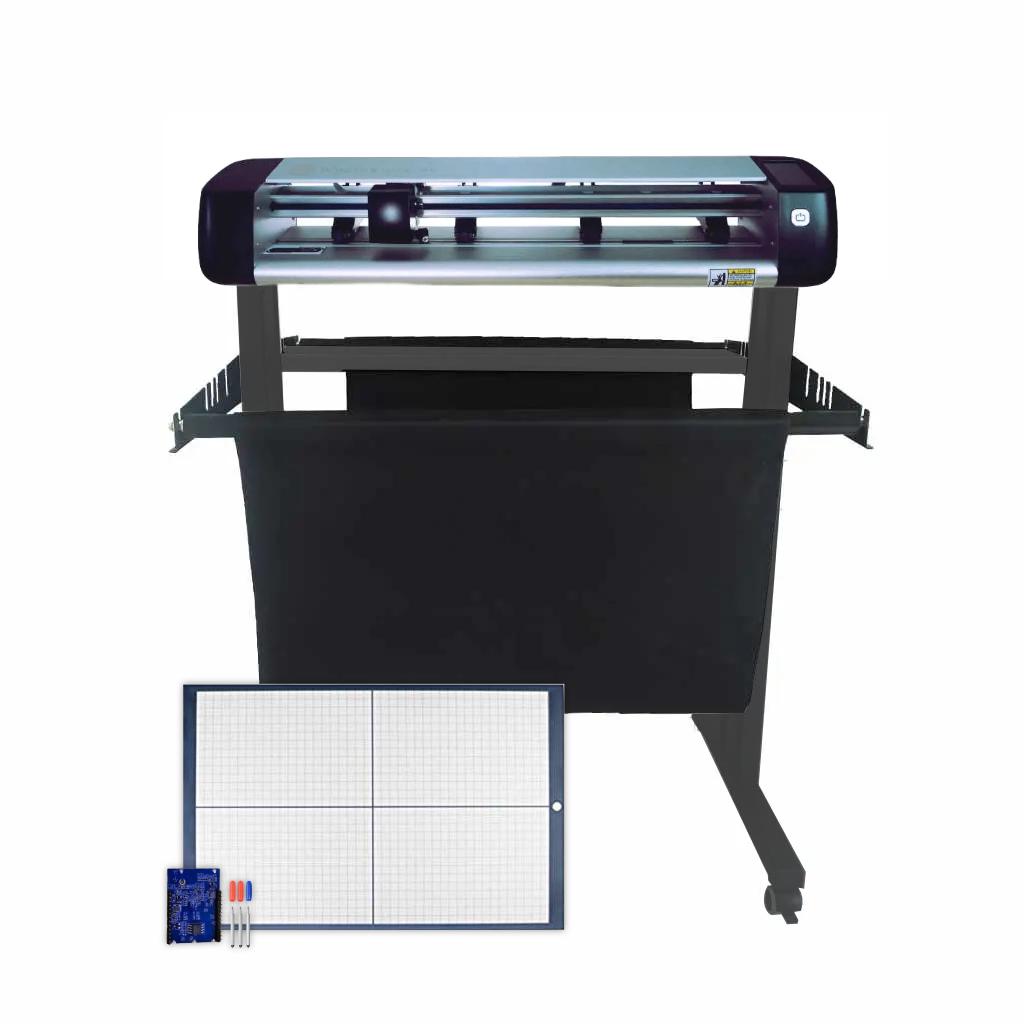
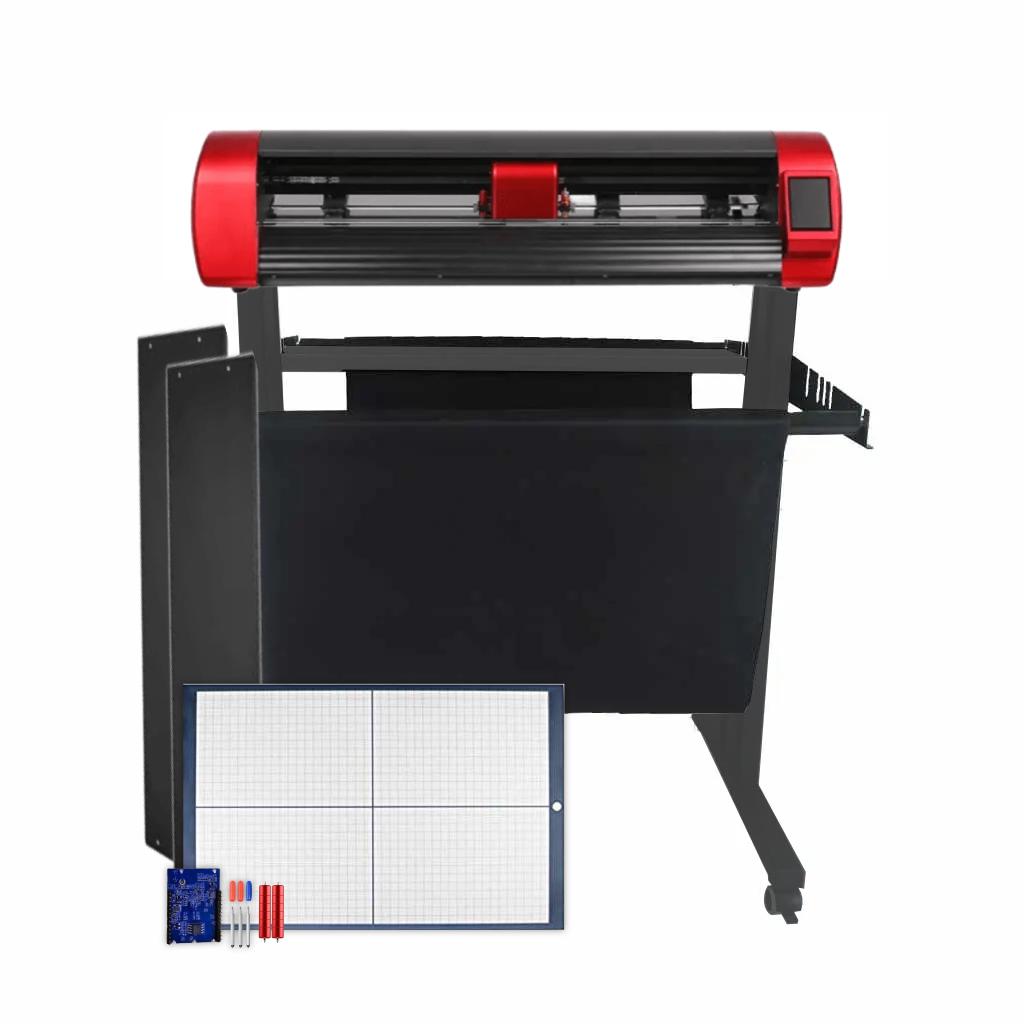
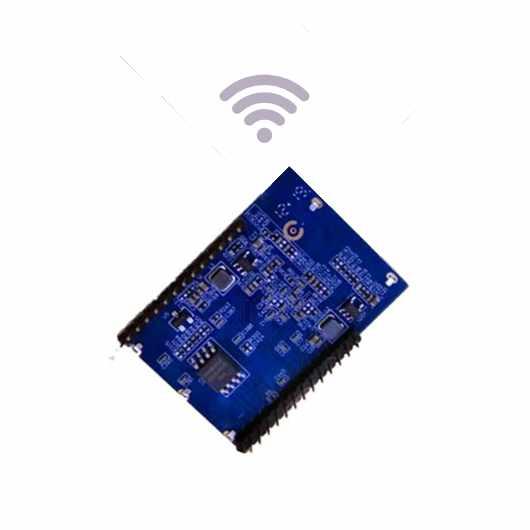
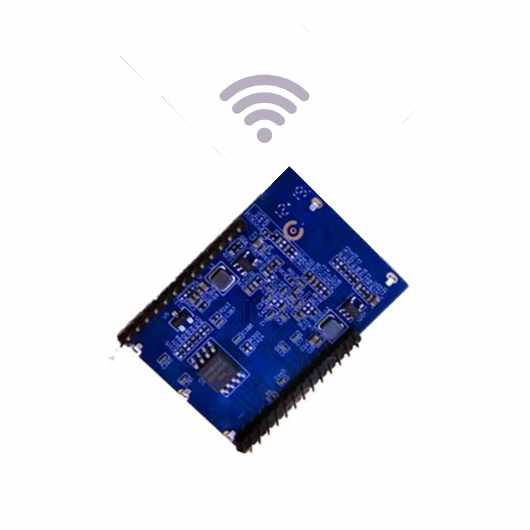
Skycut D24 - Professional Set for Companies allows you to cut, creasing, and engrave a variety of materials. Thanks to its dual-head design and extensive accessories, including a mat table and Wi-Fi module, it ensures comfortable and efficient everyday work.
In stock - shipping within 24 hours!
Order by 12:00 PM and we will ship the item to you today
4599,00zł/pcs.
4139,10zł/pcs.
349,00zł/pcs.
314,10zł/pcs.
200,00zł/pcs.
180,00zł/pcs.
349,00zł/pcs.
314,10zł/pcs.
149,00zł/pcs.
134,10zł/pcs.
289,00zł/pcs.
260,10zł/pcs.
PLN 5,935.00 incl. tax
PLN 5,341.50 incl. tax -9%
Skycut D24 - Professional Set for Companies
The product includes the following elements:
With dimensions 30 x 48 cm.
Free license for 3 months (Windows and Mac).
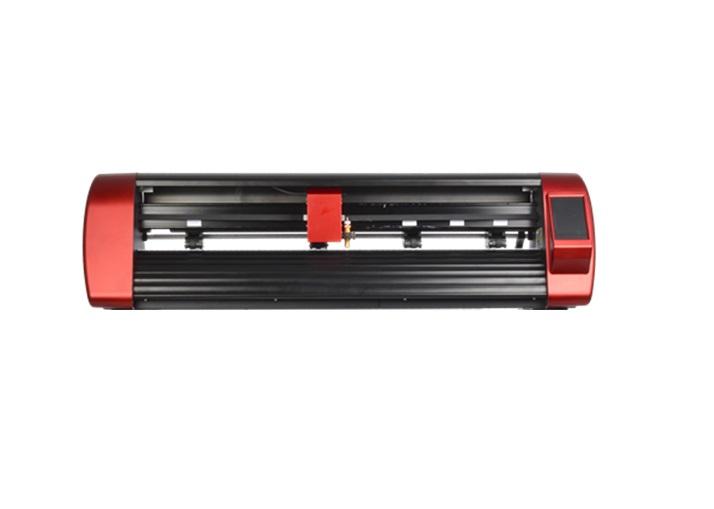
Skycut D24 - Professional Set for Companies is a versatile solution designed for working with various types of foils and paper up to 400g. Thanks to its well-thought-out design and contoured housing, the plotter excels at precise cutting, while the dual head allows for simultaneous cutting and creasing, significantly speeding up work. The kit also includes a mat support table, which increases comfort and accuracy when working with paper. A stand, basket, and Wi-Fi module complete the package, providing a complete, professional system ready for operation. It's an excellent choice for businesses that need a reliable and versatile device for everyday production.
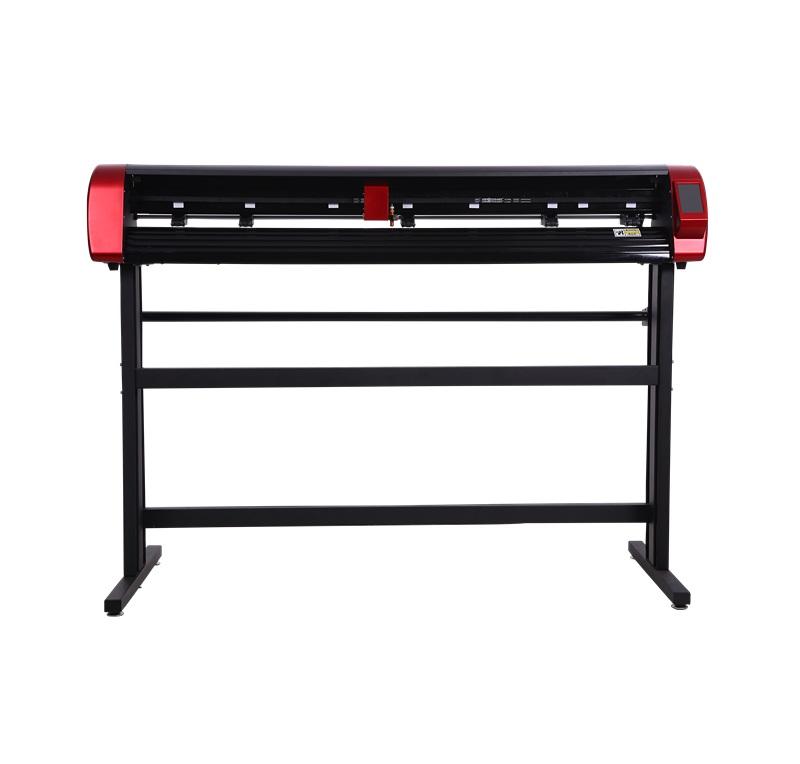
The Skycut D24 plotter is a high-quality device. It is a highly versatile tool suitable for many industries. The plotter's cutting width is 56cm, making it ideal for cutting self-adhesive foils, flex, and flock directly from a roll, as well as cutting from large sheets of paper.
Double head
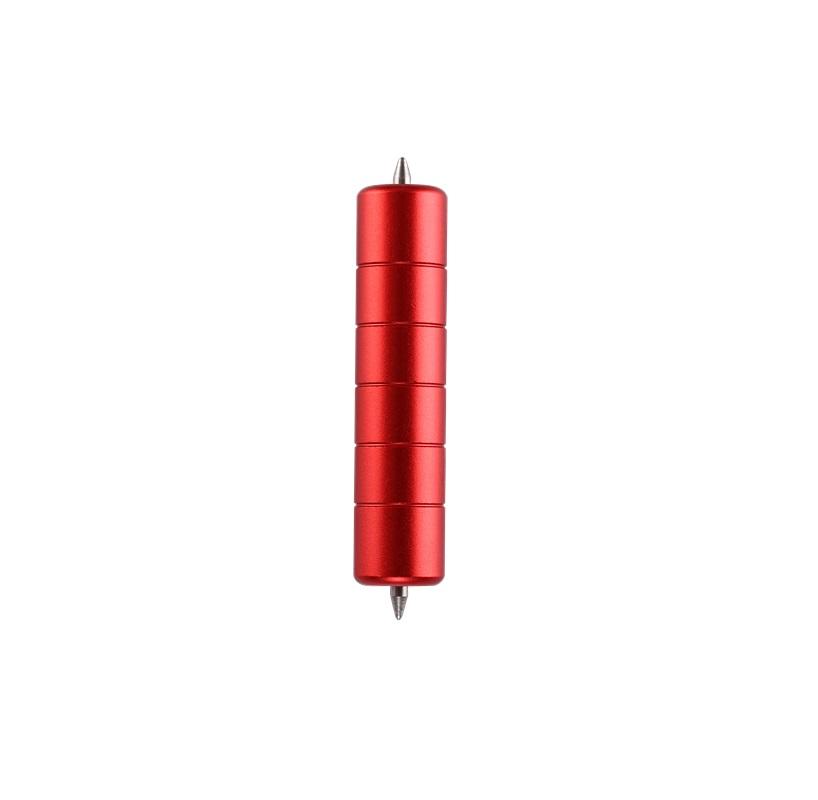
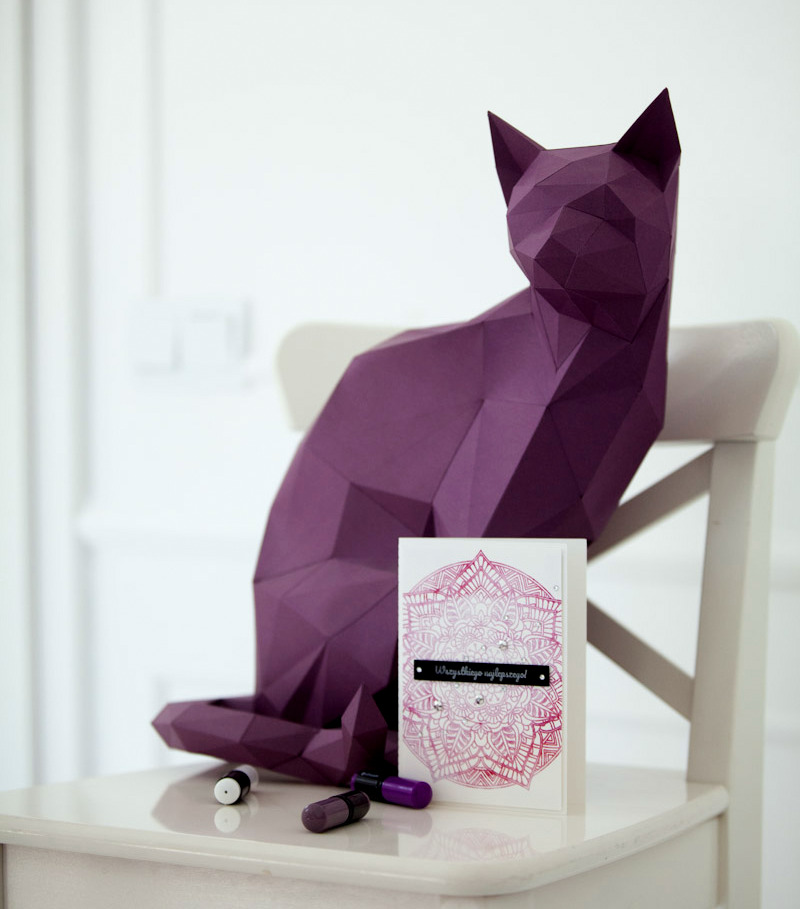
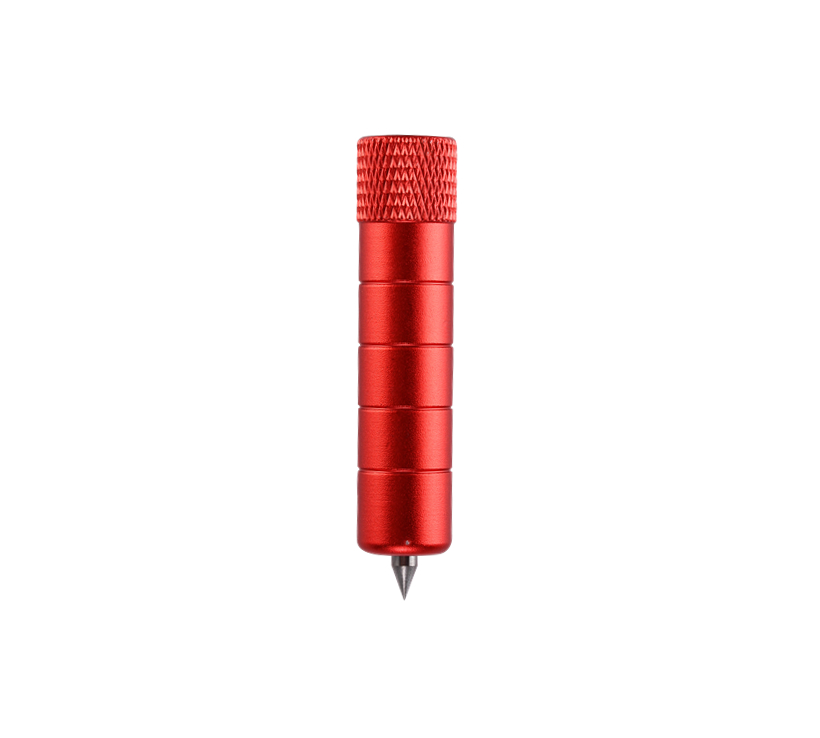
The double head allows you to place two tools in the plotter at the same time. Thanks to this, it is possible to simultaneously crease and cut in one project to create, for example, boxes or 3D sculptures. The embossed fold line looks much more aesthetic compared to other techniques, which gives the work a professional character.
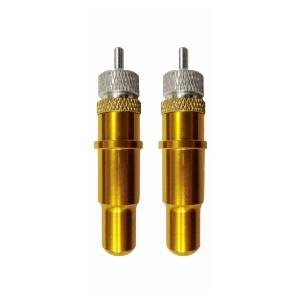
You can also place 2 blades in the holder at the same time and cut with them with different settings. This allows you to simultaneously cut the foil and cut it through (when cutting on a mat).
Cutting prints
Skycut plotters have a built-in high-quality camera that allows cutting prints. The technology used ensures high precision and cutting speed.
The camera can read tags in any color, printed on many different materials, such as: papers, reflective foils, vinyl, flex, flock, or even transparent foil sheets.
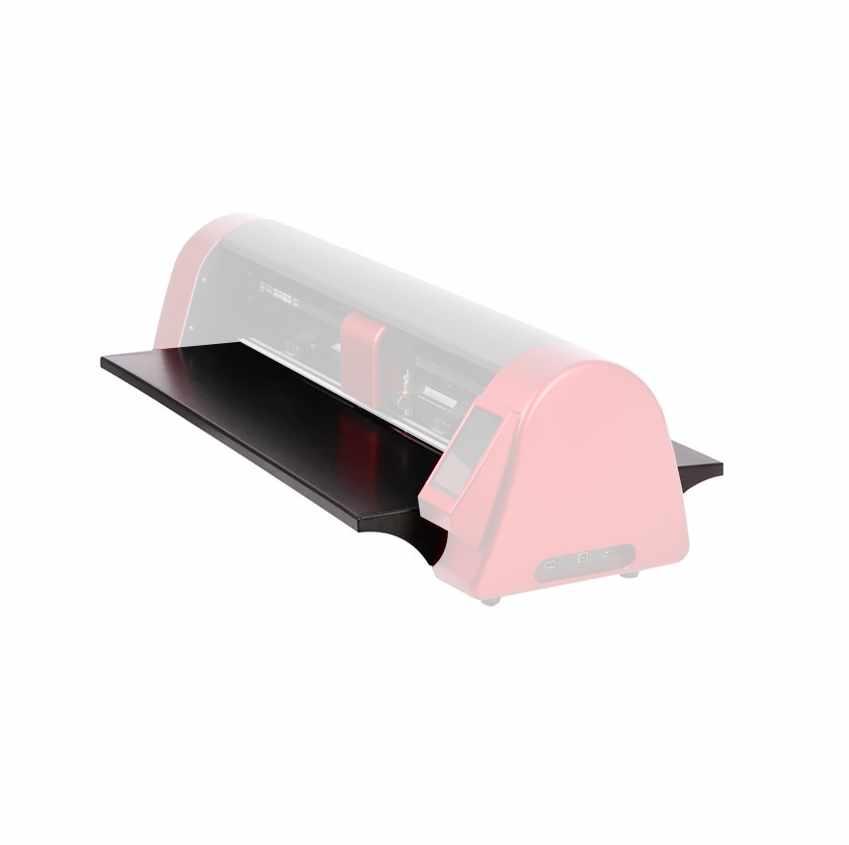
Table Attachment
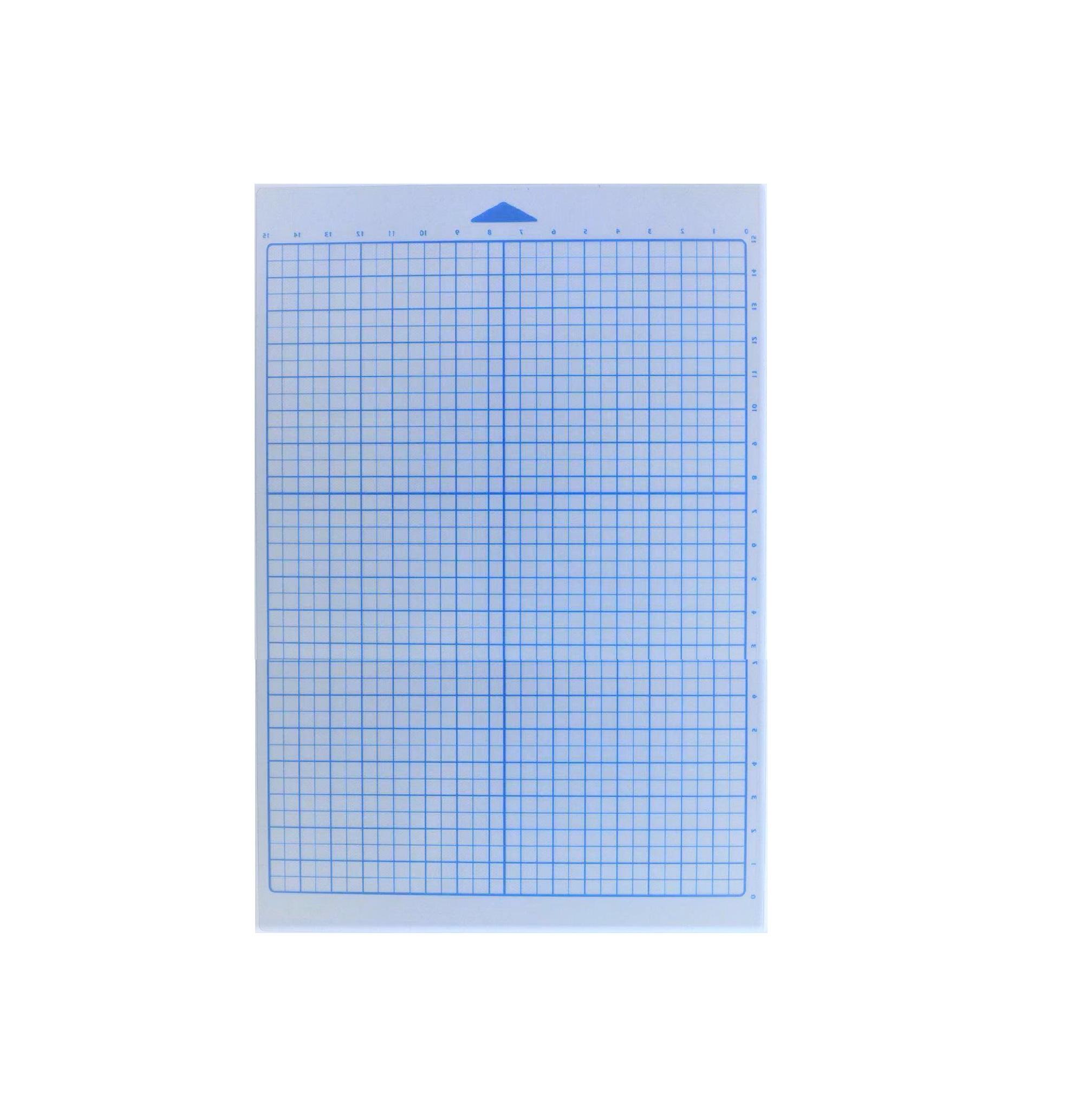
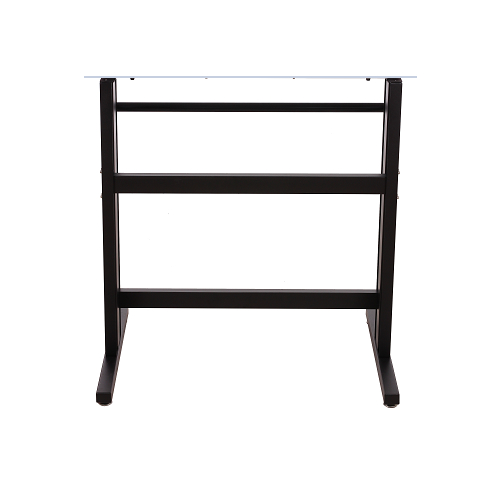
A dedicated table can be attached to the plotter. This is a great solution for cutting paper using a mat. The table stabilizes the mat and paper and prevents the paper from separating from the mat during cutting.
*For Mac, SignCut does not include the SignCut Draw drawing program.
**
Works with Adobe Illustrator CS6, Adobe Illustrator 2015, Adobe
Illustrator 2017, Adobe Illustrator 2018, Adobe Illustrator 2019, Adobe
Illustrator 2020, Adobe Illustrator 2021. Plugin with limited
functionality. The plugin does not support the latest versions of the program. For full functionality and control over the device, we recommend using the software.
*** Plugin with limited functionality.
The plugin does not support the latest versions of the program. For full functionality and control over the device, we recommend using the software.
Plugins for Adobe Illustrator and CorelDraw have limited functionality and do not allow you to use the full capabilities of the plotter, therefore we recommend using the Sign Master program to fully support Skycut plotters. System requirements of programs consistent with the specifications of the selected plotter program. We recommend purchasing the Sign Master program additionally due to the perpetual license and greater availability of training materials. The Sign Master program allows you to operate the plotter from Windows.
For Windows, we recommend Sign Master or Sure Cuts A Lot, and for Mac, we recommend Sure Cuts A Lot.
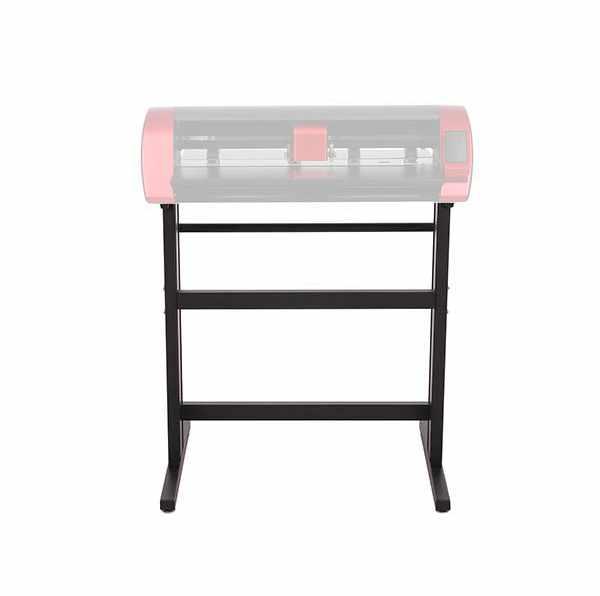
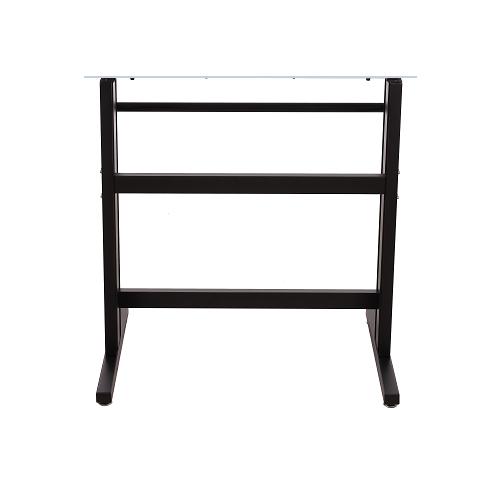
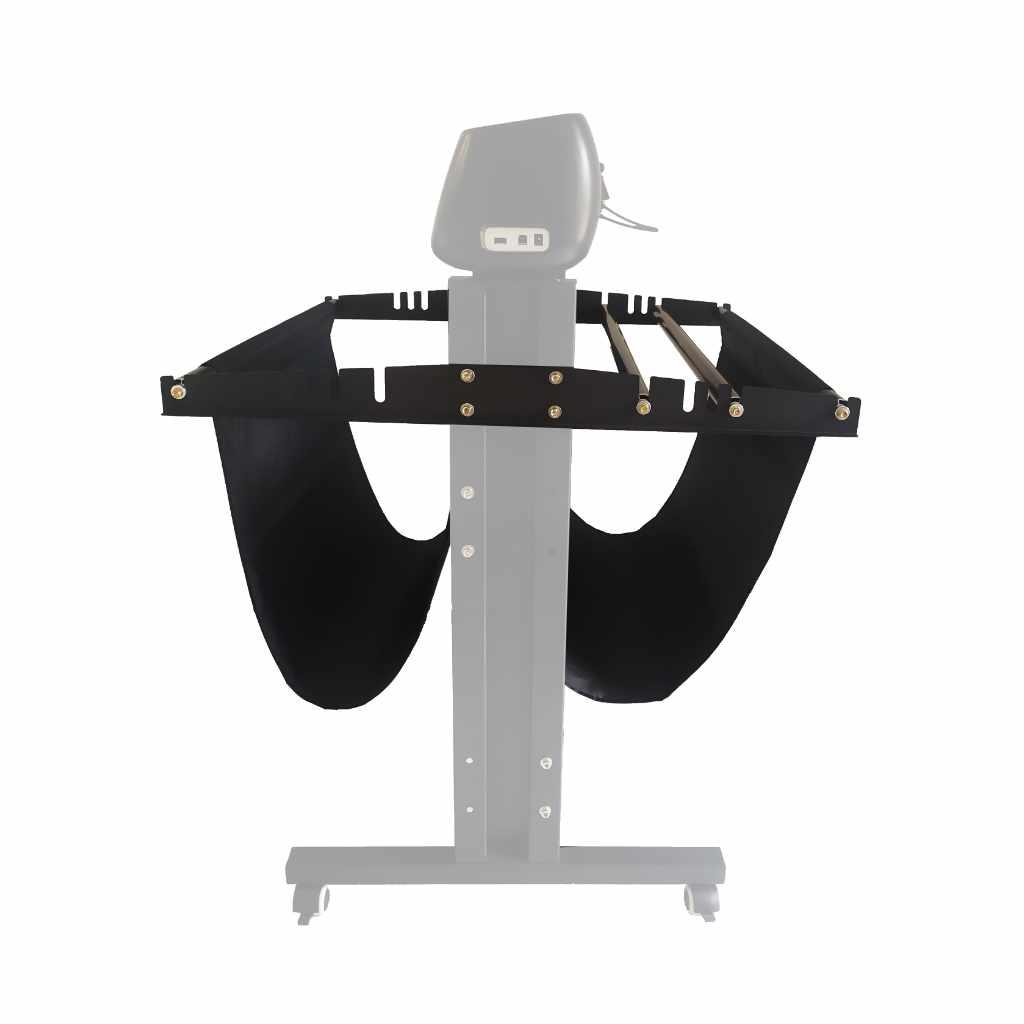
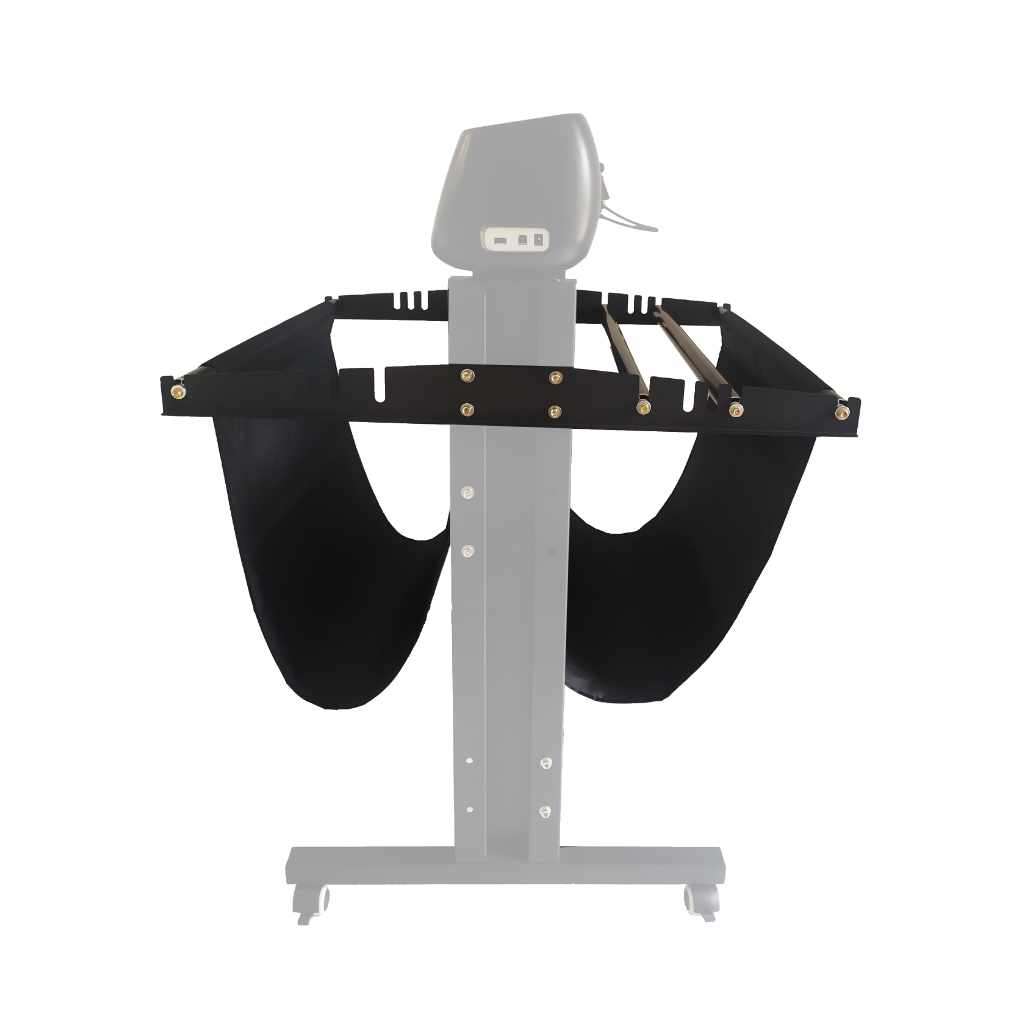
A dedicated stand allows for stable positioning of the plotter. The stand includes a holder for the film, which you can then load into the device. The stand is made of metal and has adjustable feet, allowing for easy positioning of the device even on uneven surfaces. This accessory eliminates the need to worry about providing adequate space around the plotter on a desk or counter. An additional convenience is the built-in film feeder. This allows for easy insertion of the film into the plotter when cutting directly from the roll.
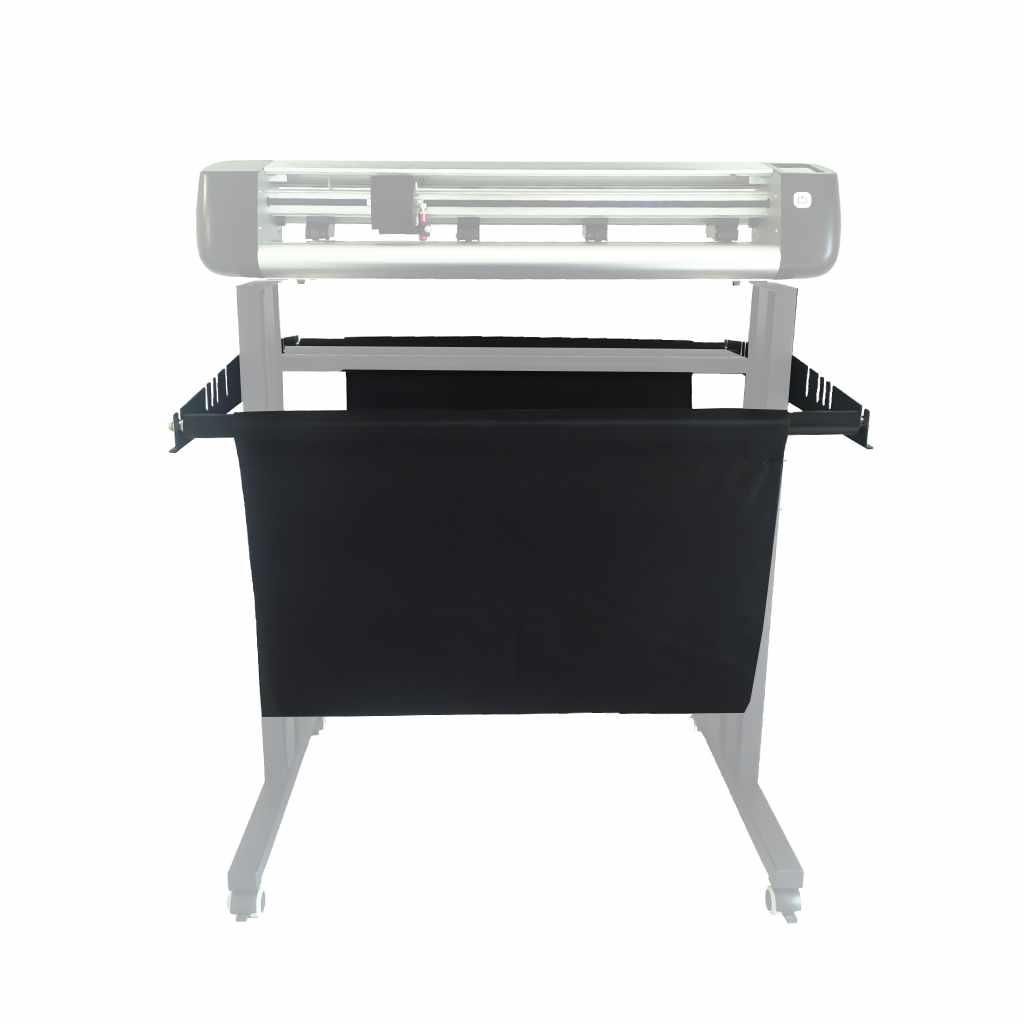
The Skycut cutter basket is the perfect accessory for cutting film. It protects long pieces of film from getting dirty and crushed. The basket attaches to the Skycut stand.
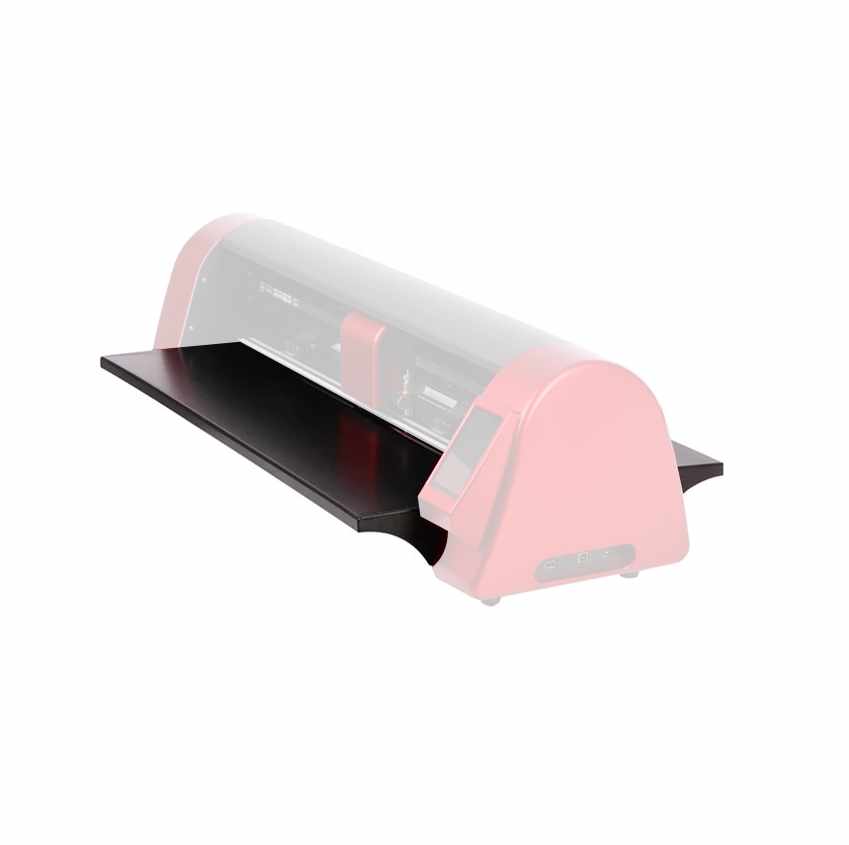
It allows the plotter mat to remain horizontal. It supports it during cutting, thus increasing precision and quality. Assembling the table is very simple. It can be quickly and easily installed and removed. The table is excellent for cutting and creasing. It supports the mat during cutting, keeping the material straight. Using the table ensures that sheets of paper placed on the mat slide evenly across its surface, preventing shifting and movement of the material on the mat.
| Title | Value |
|---|---|
| Model | D24 |
| Force | 2kg |
| Connection | USB, Wi-Fi (optional) |
| Language | English |
| Software | Sign Cut, Sign Cut Pro 2, Sure Cuts A Lot, Flexi 12, SignMaster (paid extra) |
| Cutting | With mat, Without mat |
| Cutting Precision | +/- 0,01 mm |
| Motor | Stepper |
| Maximum media width | 720 mm |
| Maximum cutting width | 560 mm |
| Maximum prints cutting width | 450 mm |
| Memory | 128 MB |
| Sound Intensity | 75 dB |
| Manufacturer Details | SHENZHEN JINGWEIXIAN TECHNOLOGY CO.,LTD. Address: Building C, XinHang Technology Park, No. 229, Qingshui Road, Wulian Community, Longgang Street, Longgang District, Shenzhen 518116, China Email:info@sky-cut.com Mobile: 008616620910421 |
| EU Marketing Authorisation Holder | Impress Creatives sp. z o.o. Pierwiosnków 11 40-750 Katowice NIP 9542821471 tel: +48 32 441 28 83 / kontakt@wycinarnia.pl |
| Unit Dimensions | 88 x 27 x 25 cm |
| Unit Weight | 13,6 kg |
Products that may also interest you:
No one has added an opinion yet.
Be the first to do so!
Made by: Michał Desol