



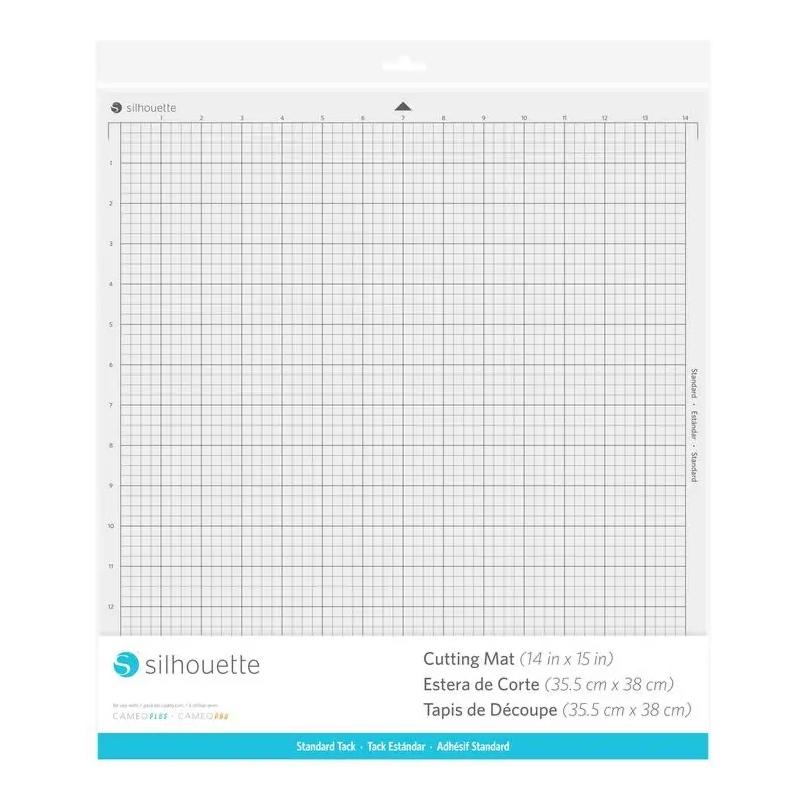
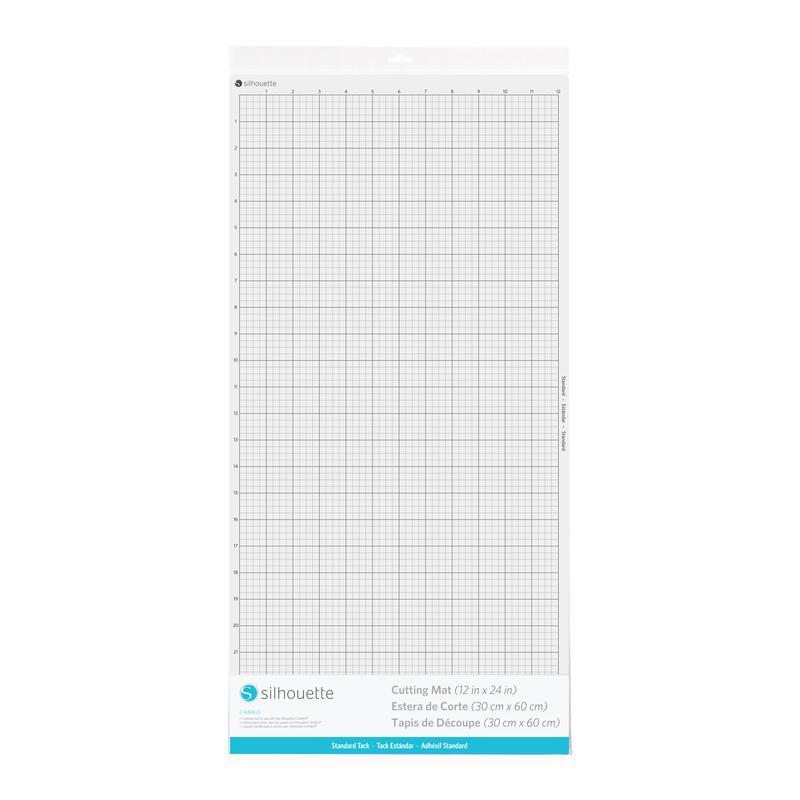
Cameo Cutting Mat - 12x24" - Standard Tack
99,00złincl. tax
Do you have any questions? We'll be happy to help!
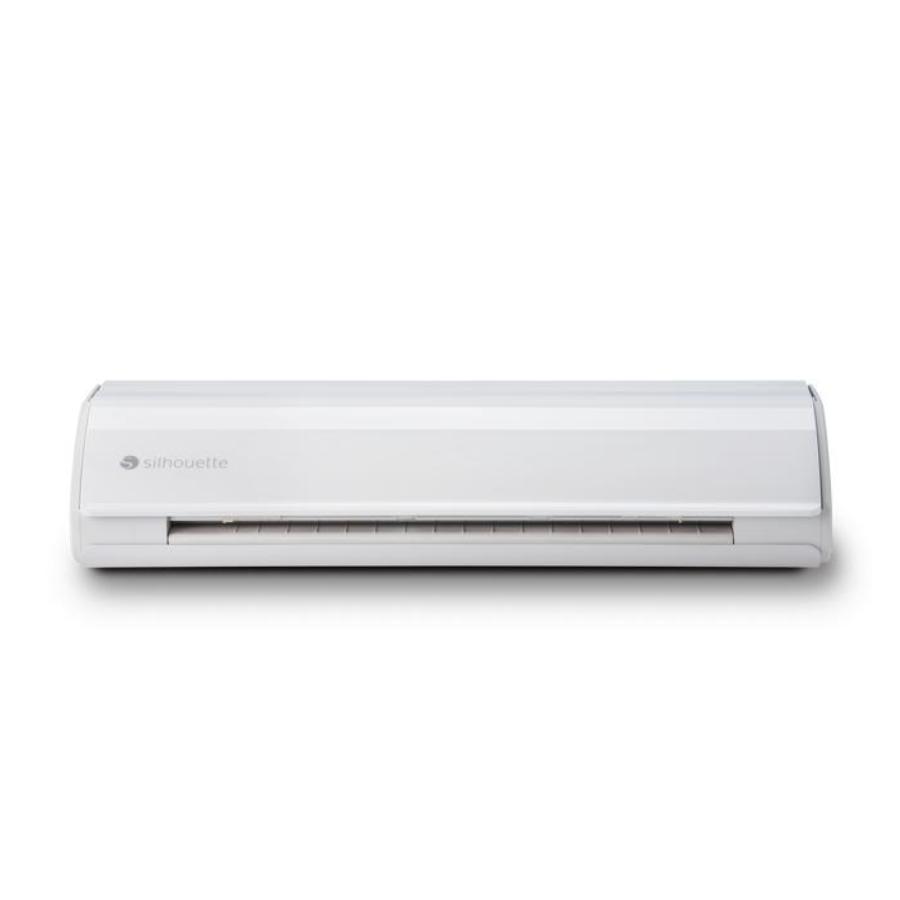
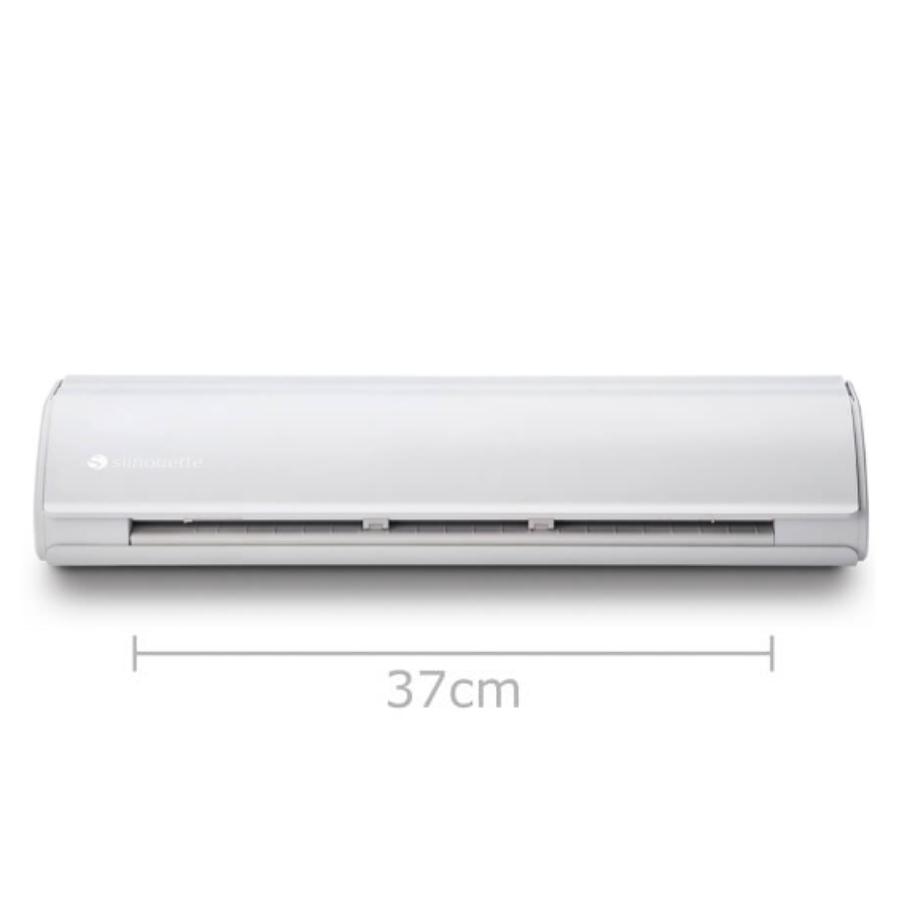
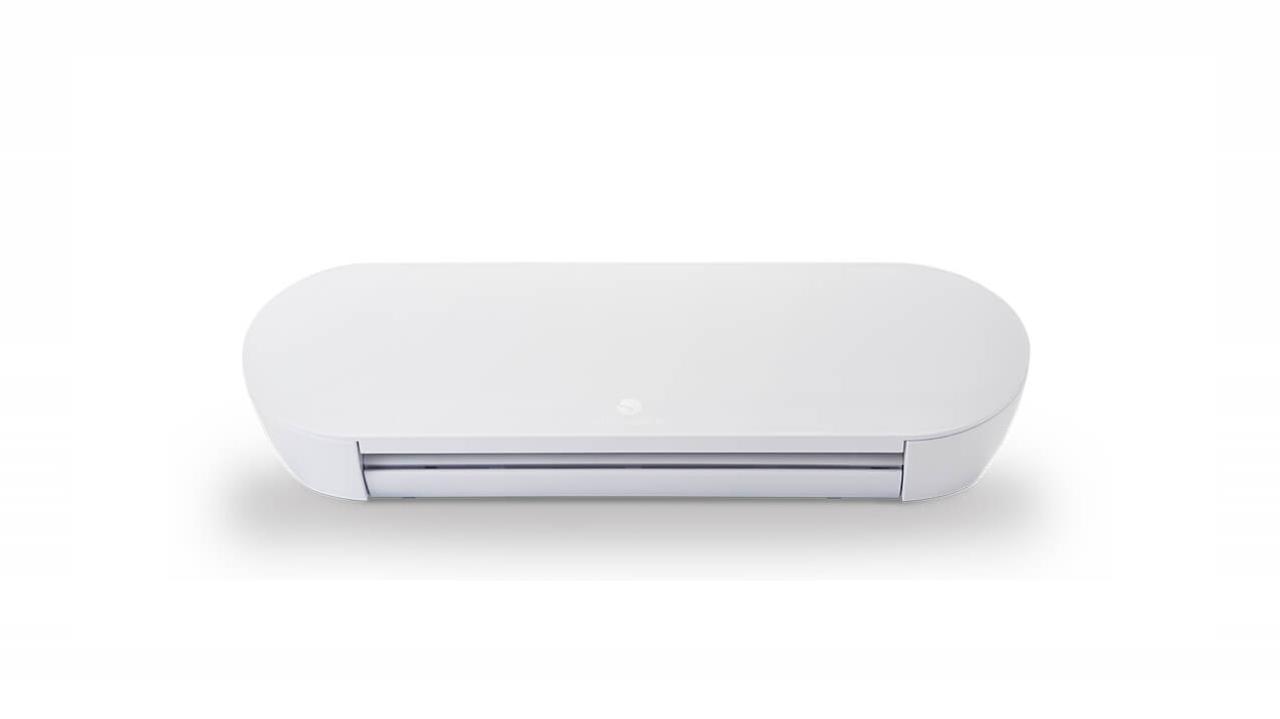
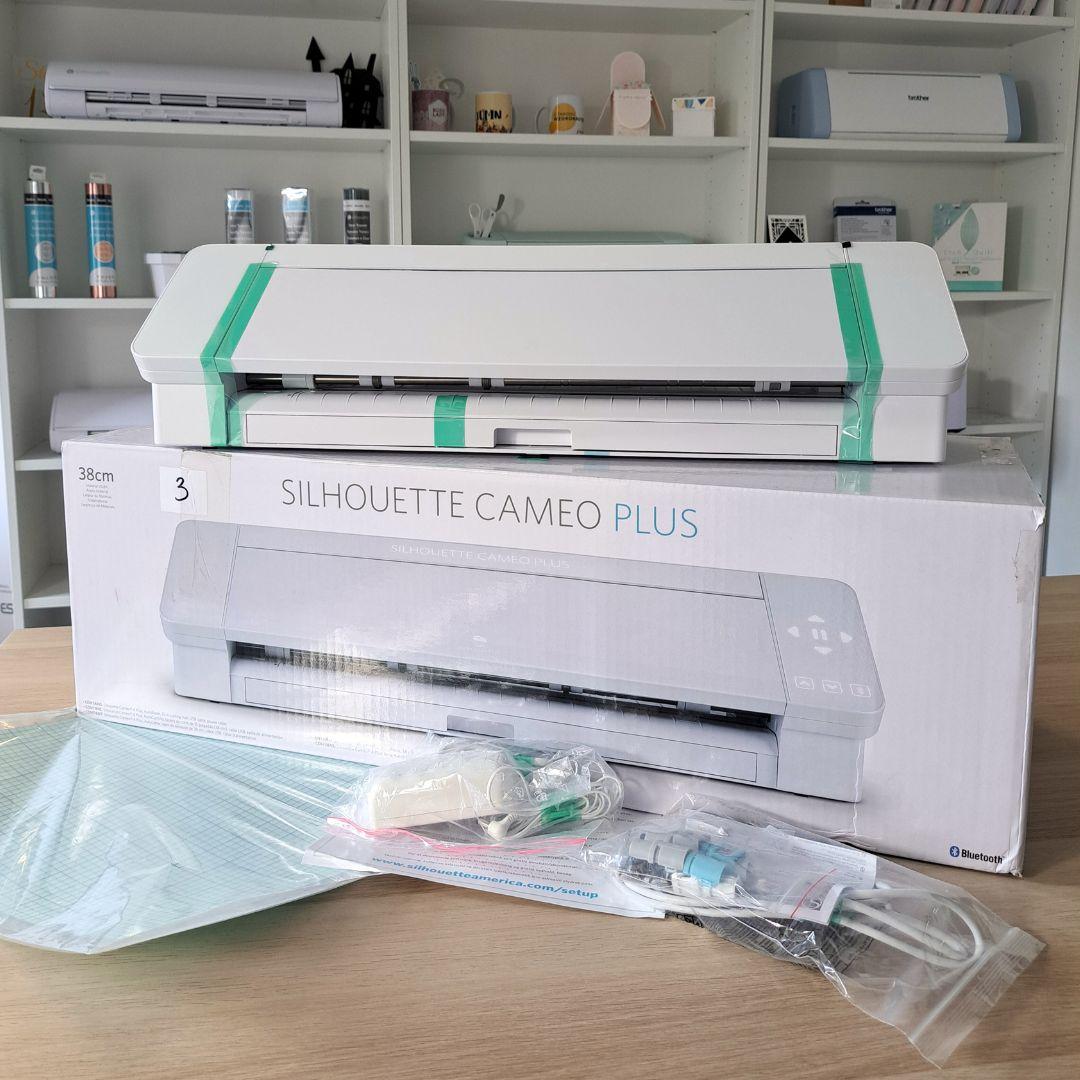
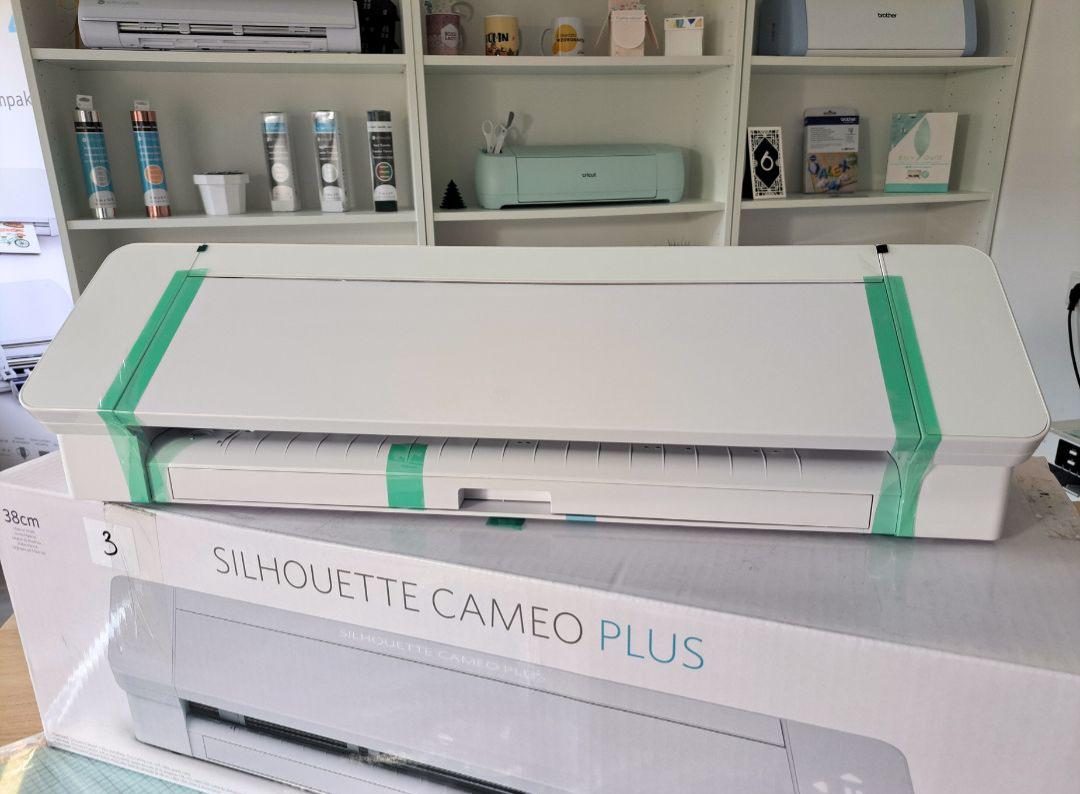
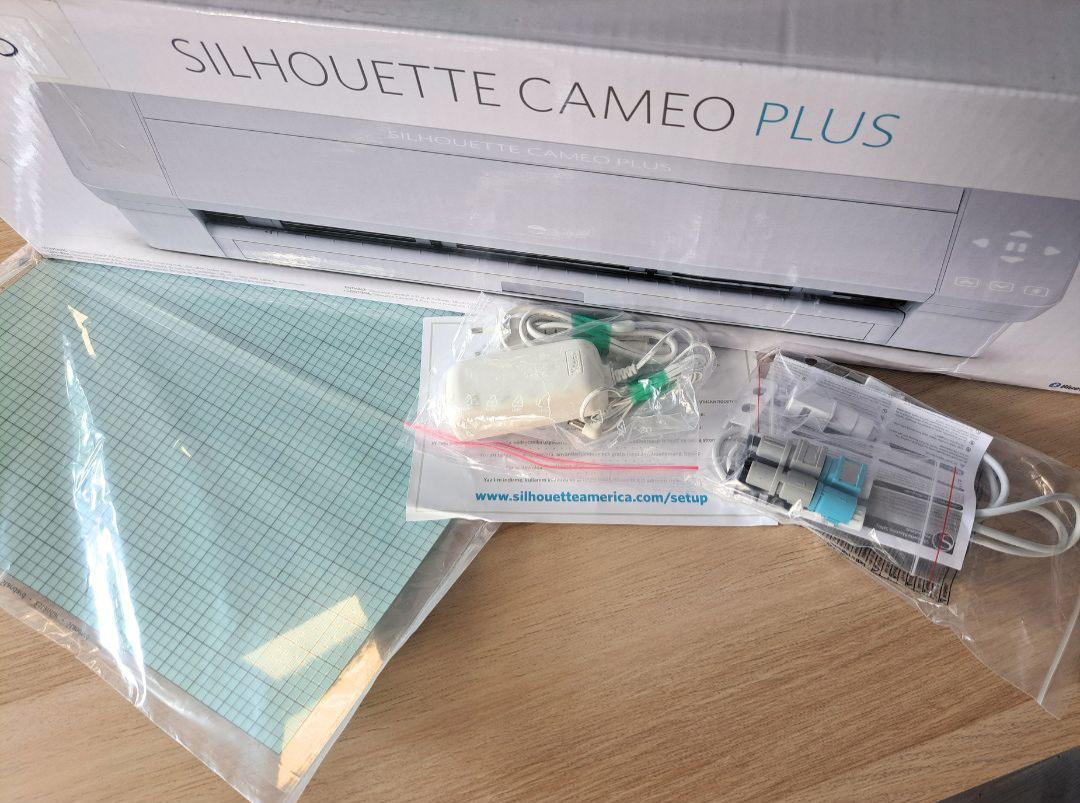
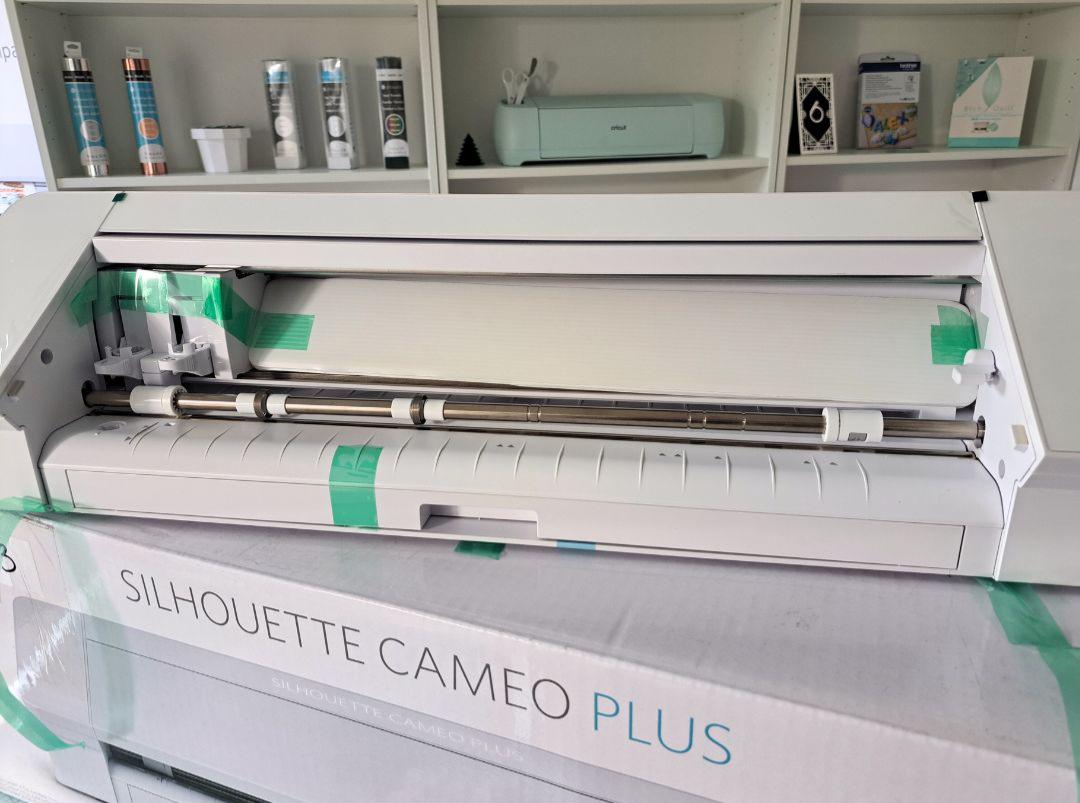
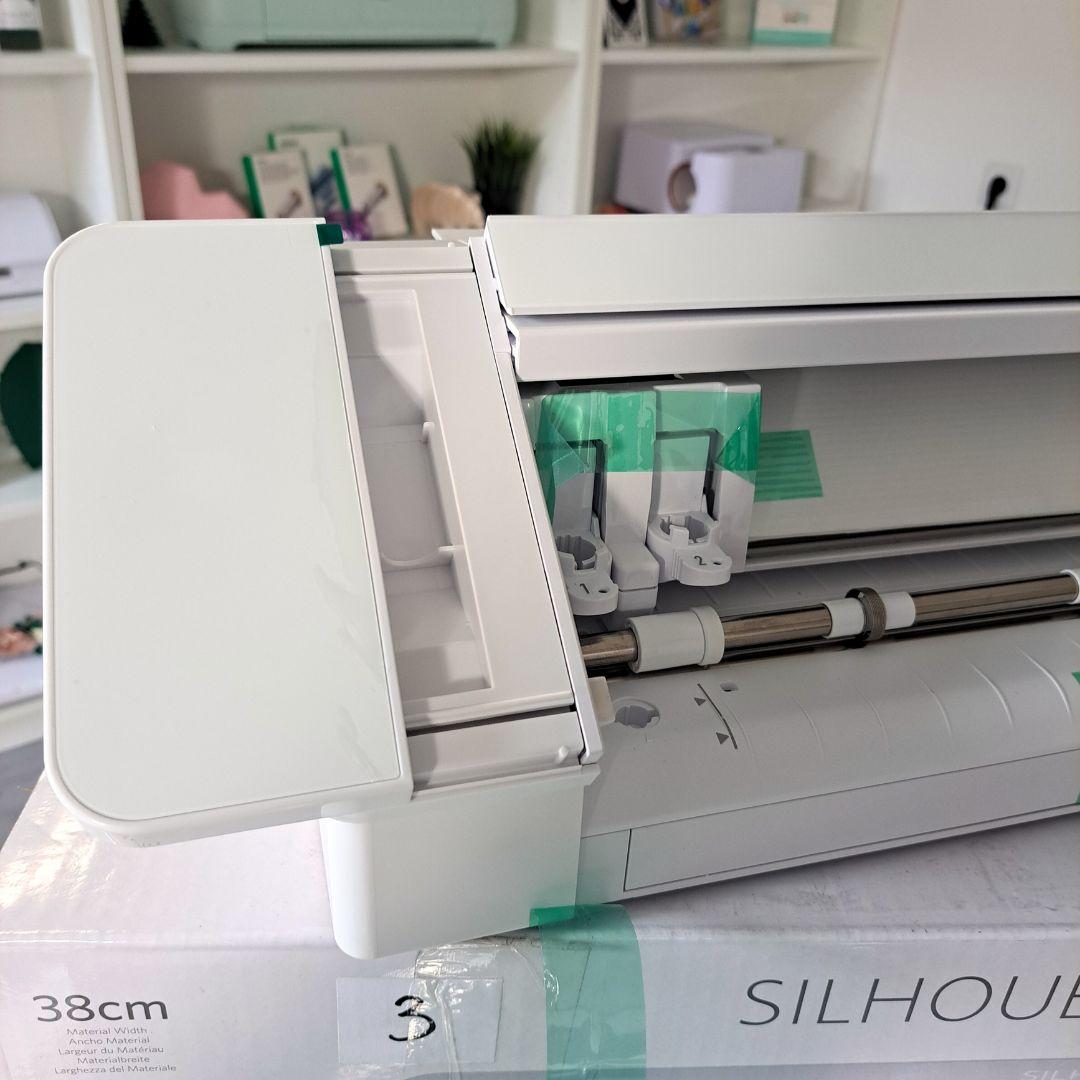
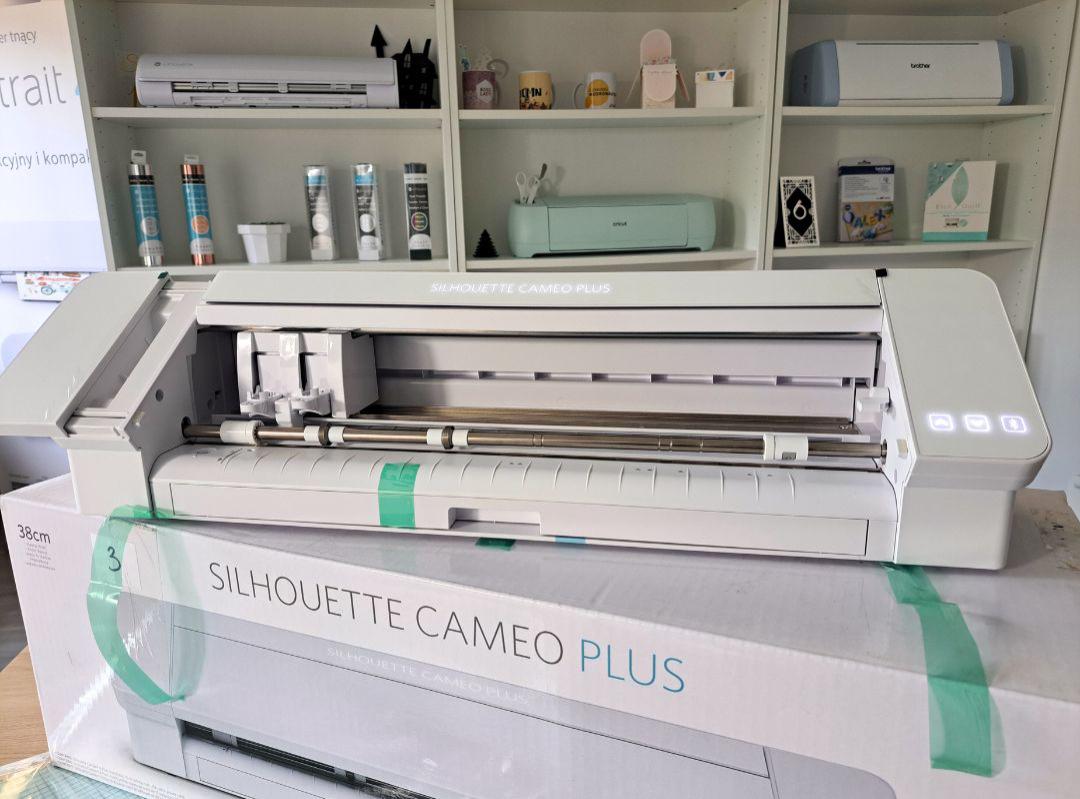
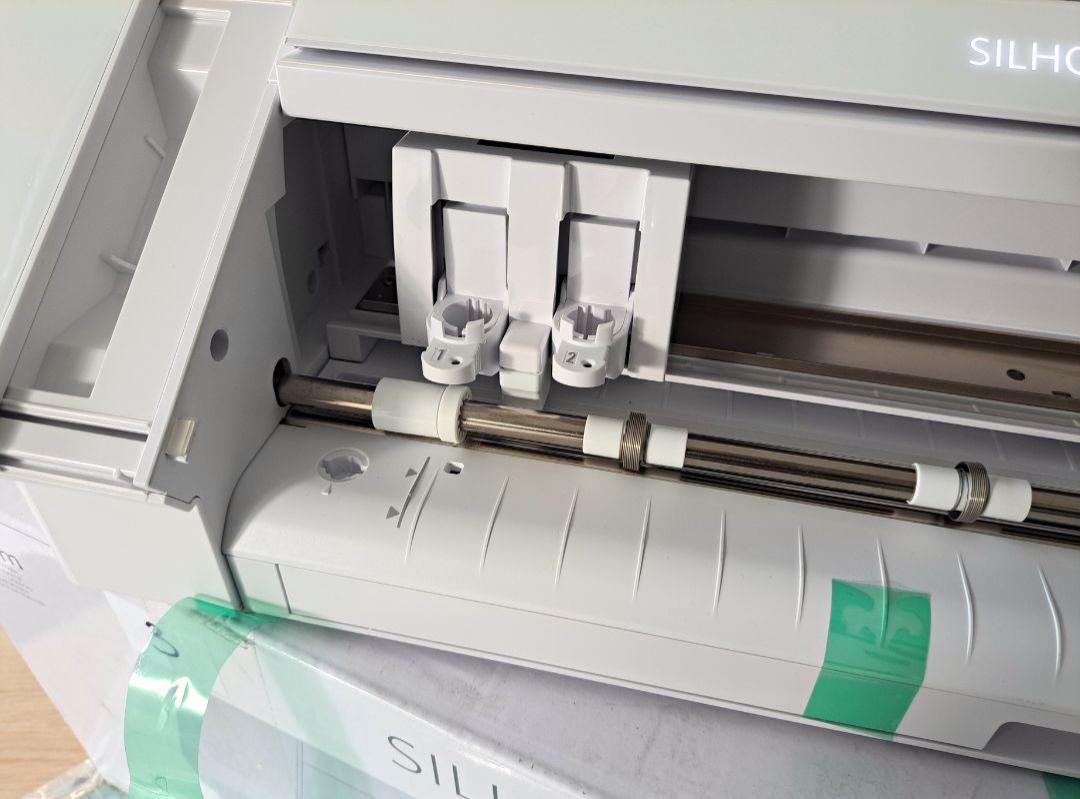
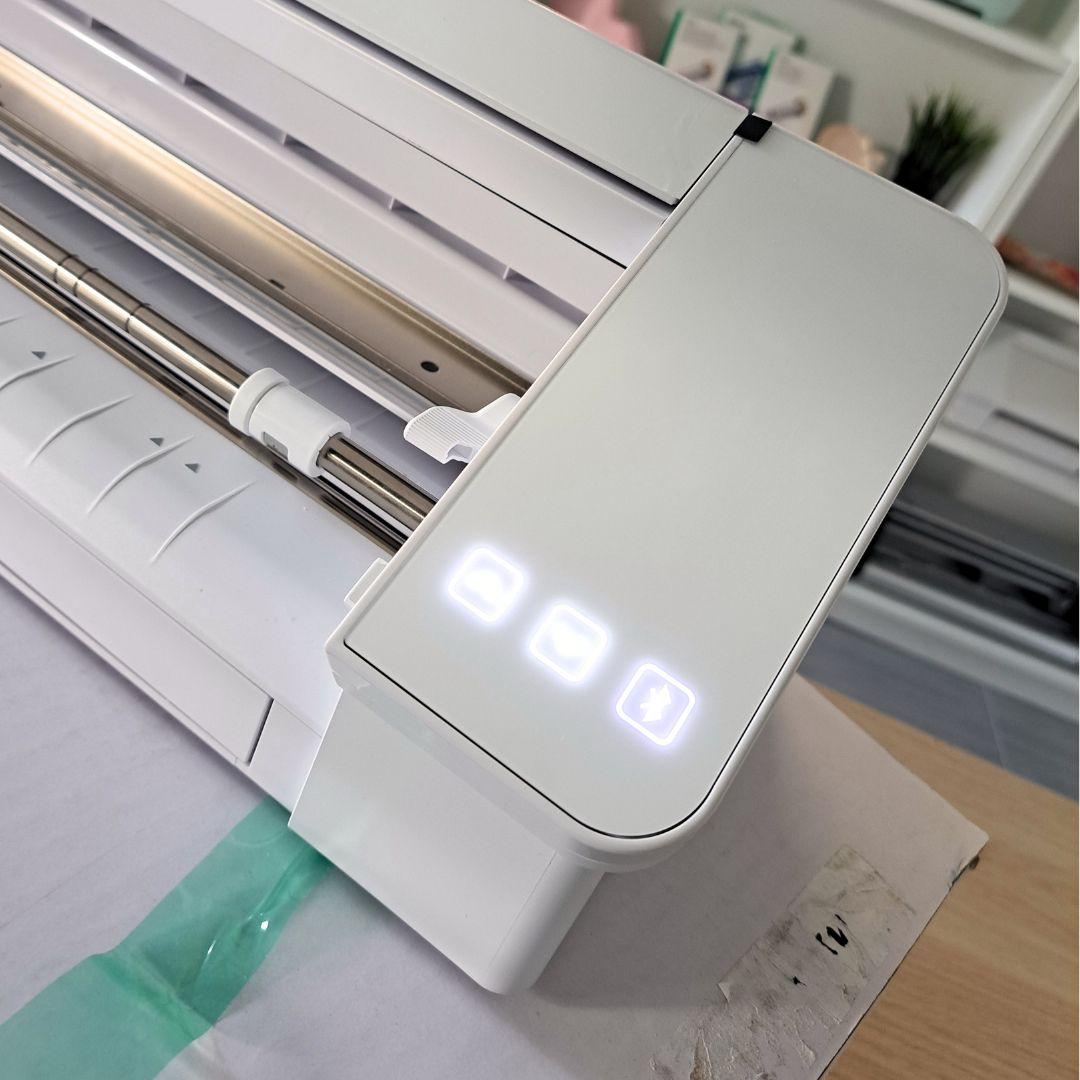
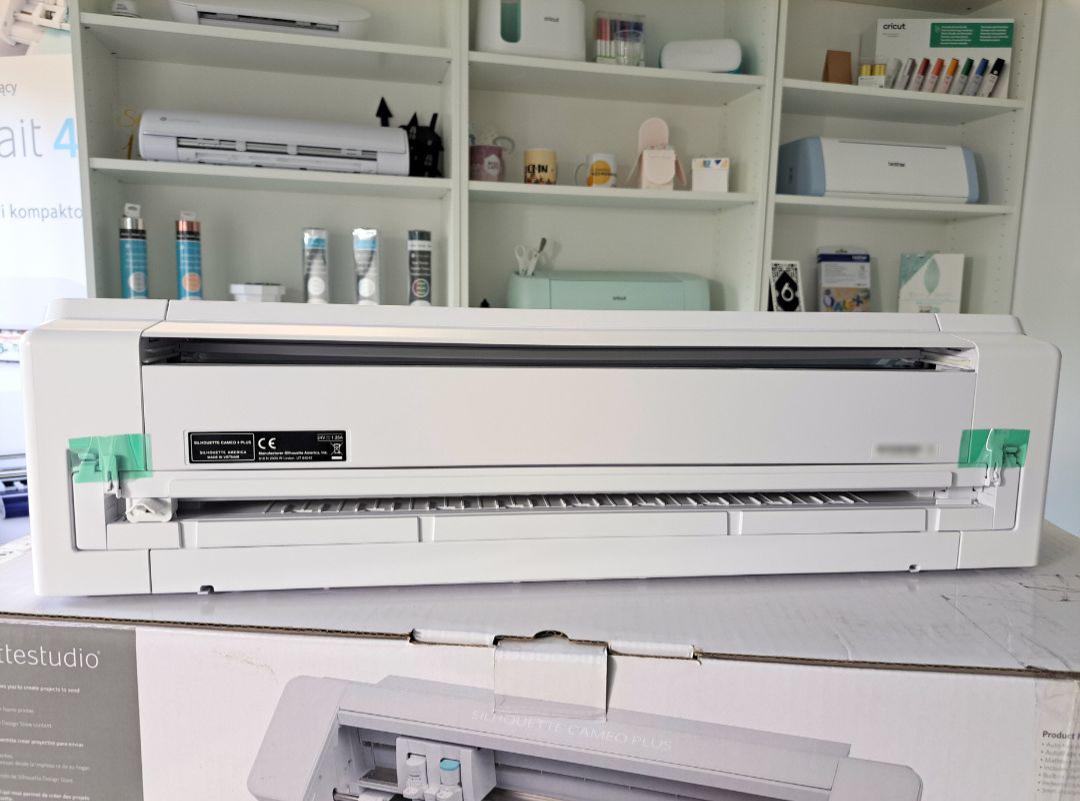
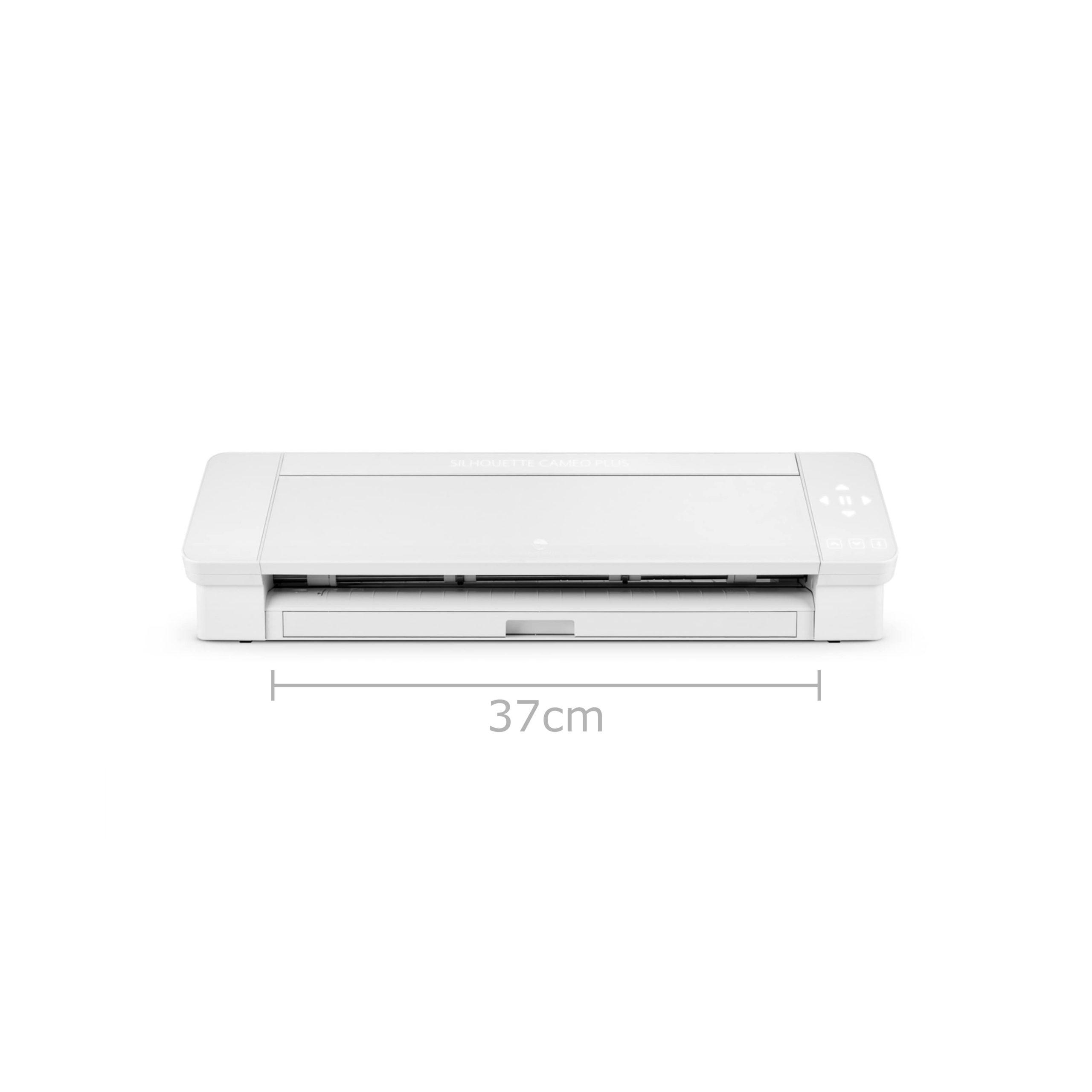
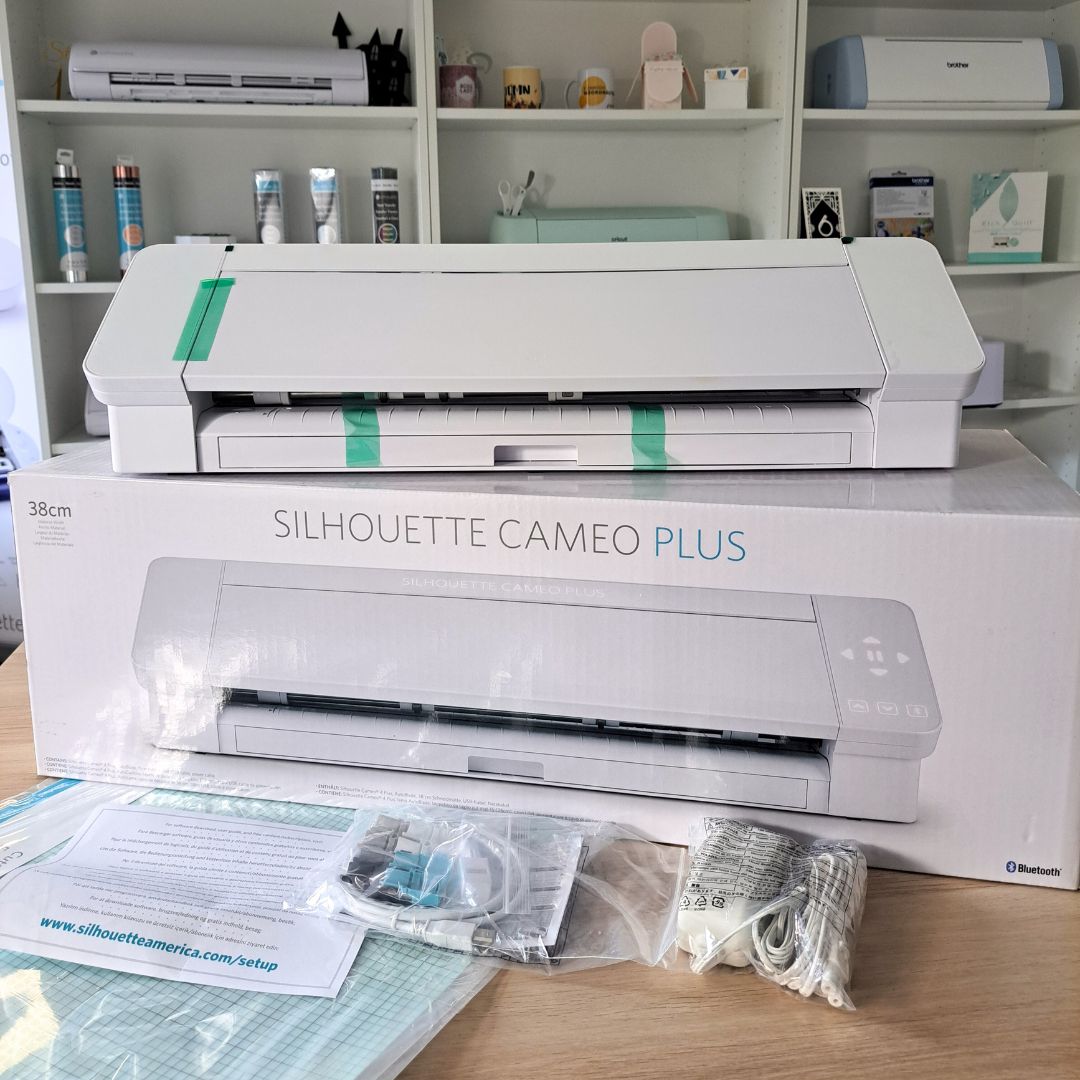
Silhouette Cameo 4 Plus - Refurbished, a consumer return, in like-new condition. The device shows no signs of use. Only the protection on the touch panel has been broken. Cameo 4 Plus offers an enlarged working area with a cutting width of up to 37 cm.
2200,00zł
1549,00zł incl. tax
Lowest regular price of the last 30 days: 2200,00złSilhouette Cameo 4 Plus - Refurbished | R112G***465
2200,00zł1549,00zł
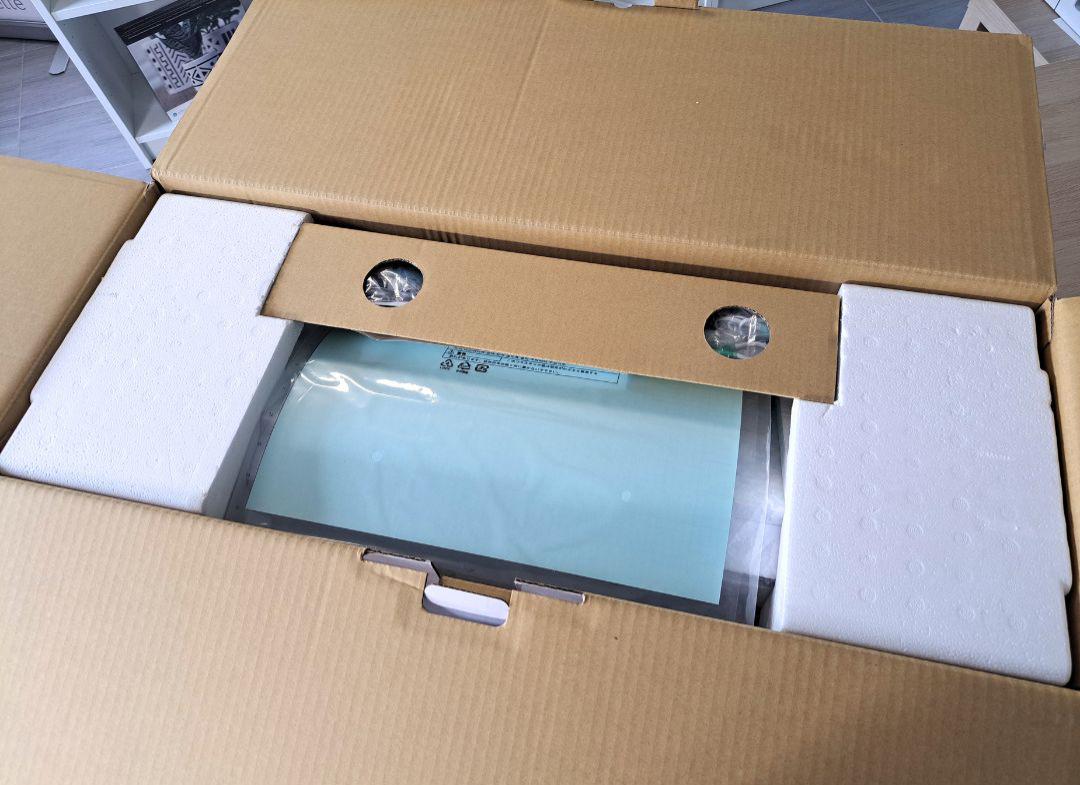
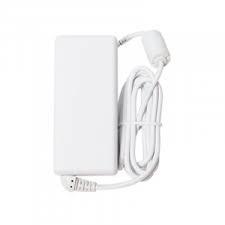
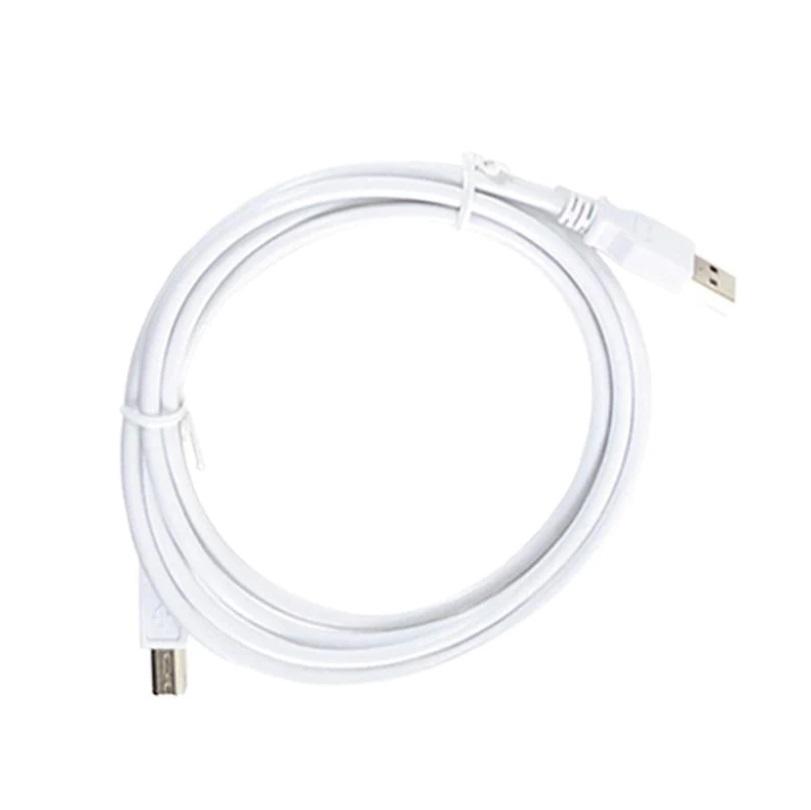
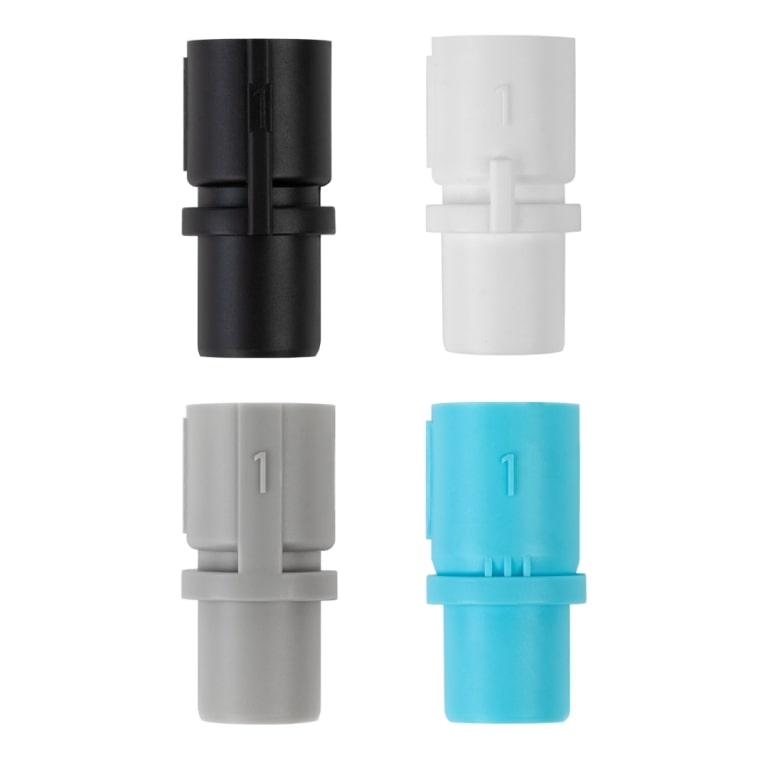
The product includes the following elements:
Silhouette Cameo 4 Plus - a consumer return, in like-new condition. The device shows no signs of use. Only the protection on the touch panel has been broken. Cameo 4 Plus offers an enlarged working area with a cutting width of up to 37 cm.
The plotter has not been registered on the Silhouette website - the new owner can register it and receive 100 free patterns for their library.
The possibilities of Silhouette Cameo 4 Plus:
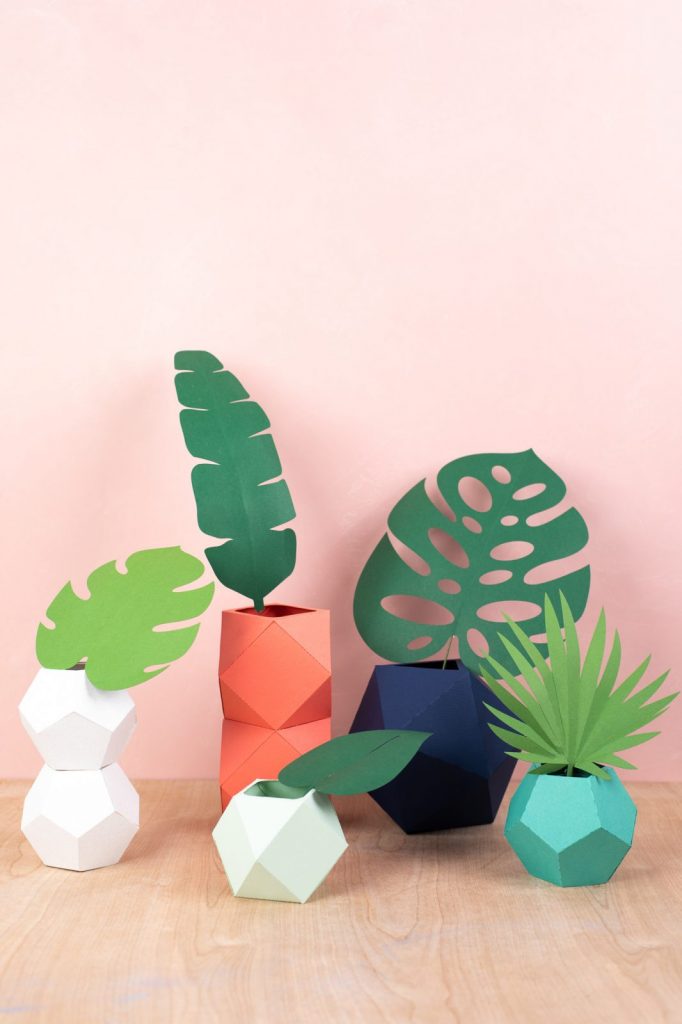
The plotter cuts in:
Software:
You can operate the plotter using the free, Polish-language Silhouette Studio software, which in its basic version supports files in .studio3, .png, .jpeg, .bmp, .gif, .tiff formats. It allows you to design patterns yourself and edit free designs available in the library. Extensive
design tools will give you enormous possibilities, and the intuitive
structure of the application will make it easier to become familiar with
computer graphics. If
you need even more functions, Silhouette Studio will not disappoint you
either - there are also 2 paid program extensions available - Designer Edition and Business Edition. Extended versions work with more formats.
For Designer Edition these are: .png, .jpeg, .bmp, .gif, .tiff, .gsd, .dxf, .svg, .pdf.
For Business Edition these are: .jpeg, .bmp, .gif, .tiff, .gsd, .dxf, .dst, .exp, .jef, .xxx, .svg, .ai, .eps, .cdr, .pdf .
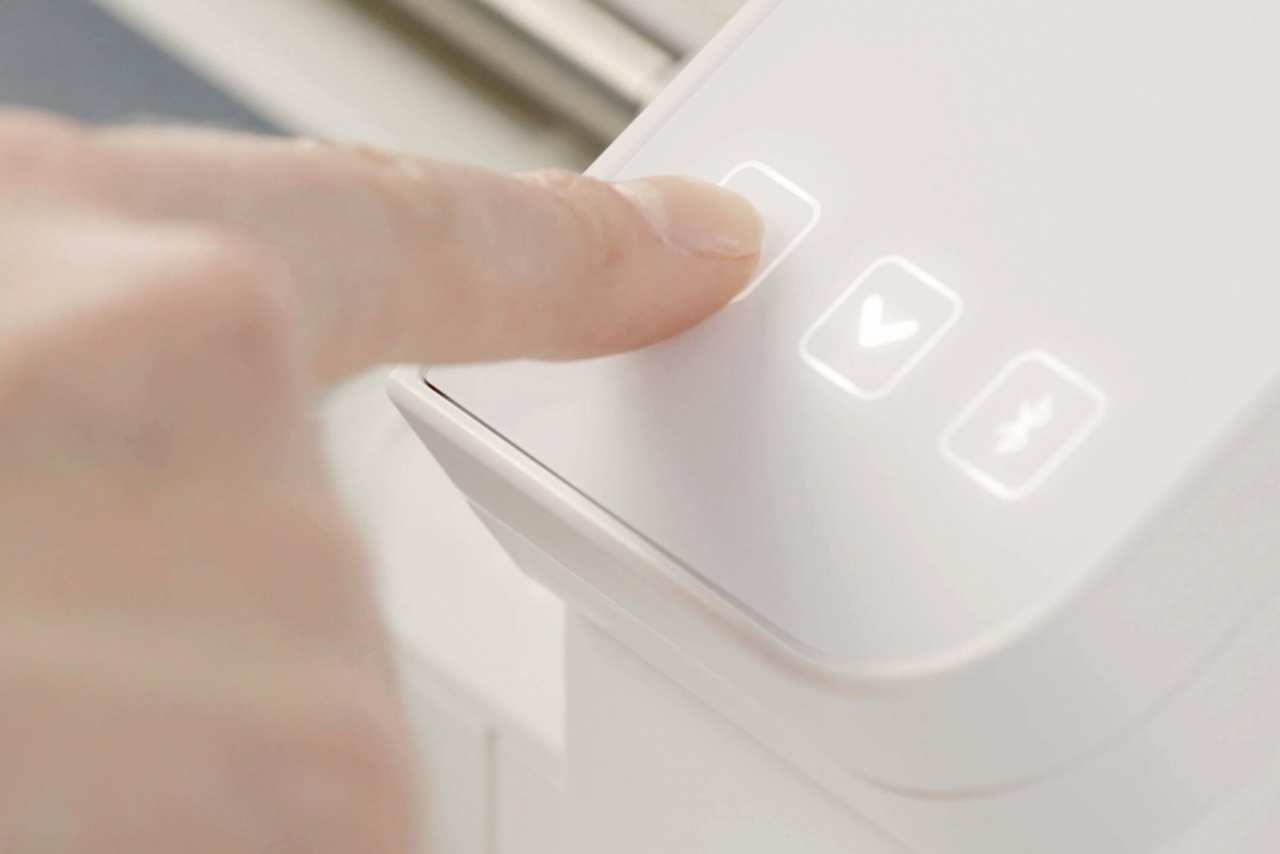
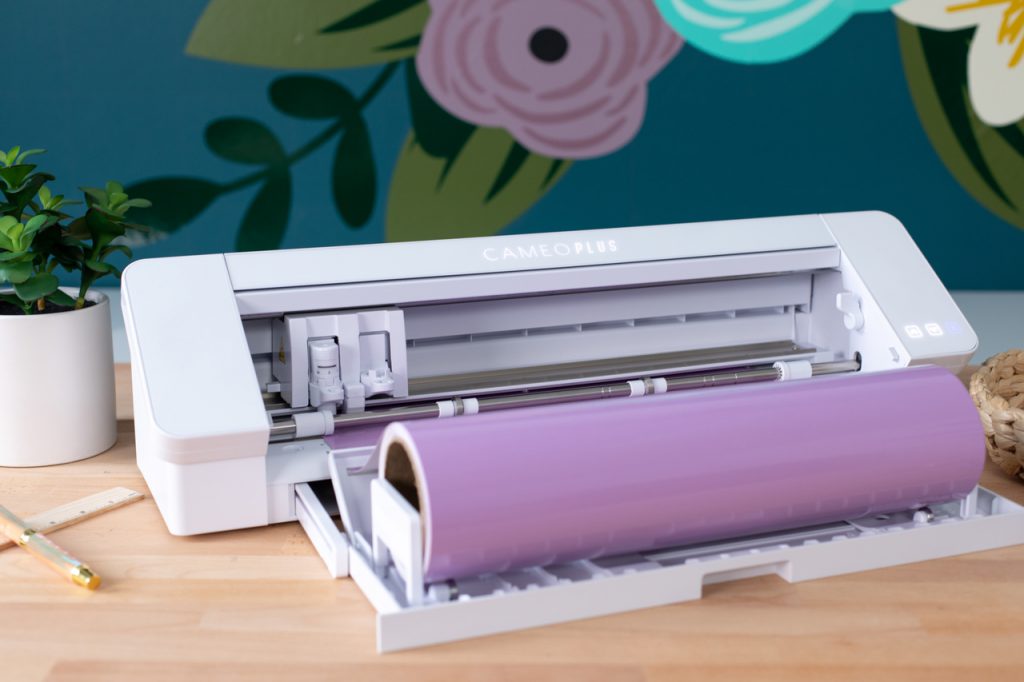
Silhouette Cameo 4 PLUS and foil cutting
Cameo
4 PLUS can cut up to 3m in length without the use of a mat, so it is
ideal for cutting self-adhesive or flex and flock foil. Additionally,
the plotter has a built-in foil feeder with adjustable width and a
cutter that makes it easier to separate the pattern from the roll.
However, the width of the rolls of 40 cm is not adapted to typical foils sold in Poland. If you plan to cut mainly foils straight from the roll, it is worth considering purchasing a Cameo 4 PRO plotter with a maximum working area of 60 cm, which allows you to cut the popular 50 cm foils.
It is also possible to use the free Silhouette GO mobile app, available for both Android and iOS.*
*The mobile app has less functionality in terms of graphic tools than Silhouette Studio for computers and is primarily used to send text or ready-made designs previously prepared on a computer.
Also, for the convenience of working with graphics, we recommend preparing projects in Silhouette Studio or other graphic programs.
Silhouette Studio is a great tool for uploading and designing your own patterns. It also allows you to conveniently use ready-to-cut patterns purchased in the manufacturer's Silhouette Design Store. However, if you create in another vector graphics program or have your own patterns, for example in the popular .svg format, it is worth purchasing a program extension to one of two versions.
Designer Edition
It allows you to import files in .gsd, .dxf, .svg and .pdf formats. It also offers more advanced tools for vectorization, modifying patterns and organizing fonts into folders. Allows you to create guides and layers. It can be installed on three devices and support 1 plotter.

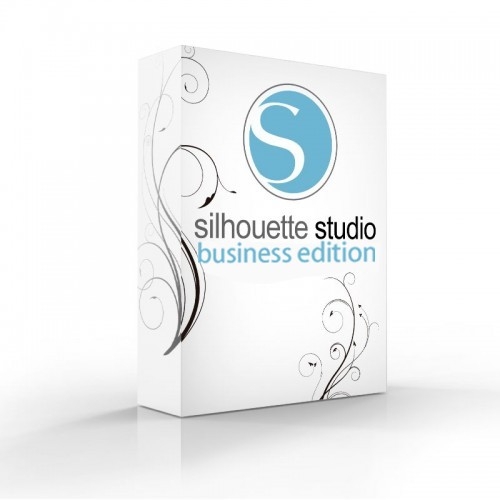
Business Edition
It offers functions useful for people running small businesses, such as operating three Silhouette plotters from one computer. Additionally, it supports files in .dst, .exp, .jef, .xxx, .ai, .eps, .cdr formats. Additionally, it allows you to export files in .svg, .pdf, .jpeg formats. With its help, you can automatically create guide lines for convenient removal of the foil.
| Title | Value |
|---|---|
| Connection | USB, Bluetooth |
| Force | 210g, 5kg |
| Free designs | 100 |
| Language | English, Polish |
| Maximum Cutting Area With Cutting Mat | 37 x 38 cm (14,6 x 15 in.) |
| Maximum Cutting Area Without Cutting Mat | 37 x 300 cm (14,6 in. x 10 ft.) |
| Print & Cut Margins | On mat - 16mm on Each Side , Without mat - 16mm on the sides and top of the page; 25,4mm at the bottom of the page |
| Cutting out graphics along the outline | Yes (the possible margin of error is 1/16 in.) |
| Software | Silhouette Studio (free), Adobe Illustrator - plug-in (paid extra), Corel DRAW - plug-in (paid extra), Silhouette Studio Designer Edition (paid extra), Silhouette Studio Business Edition (paid extra) |
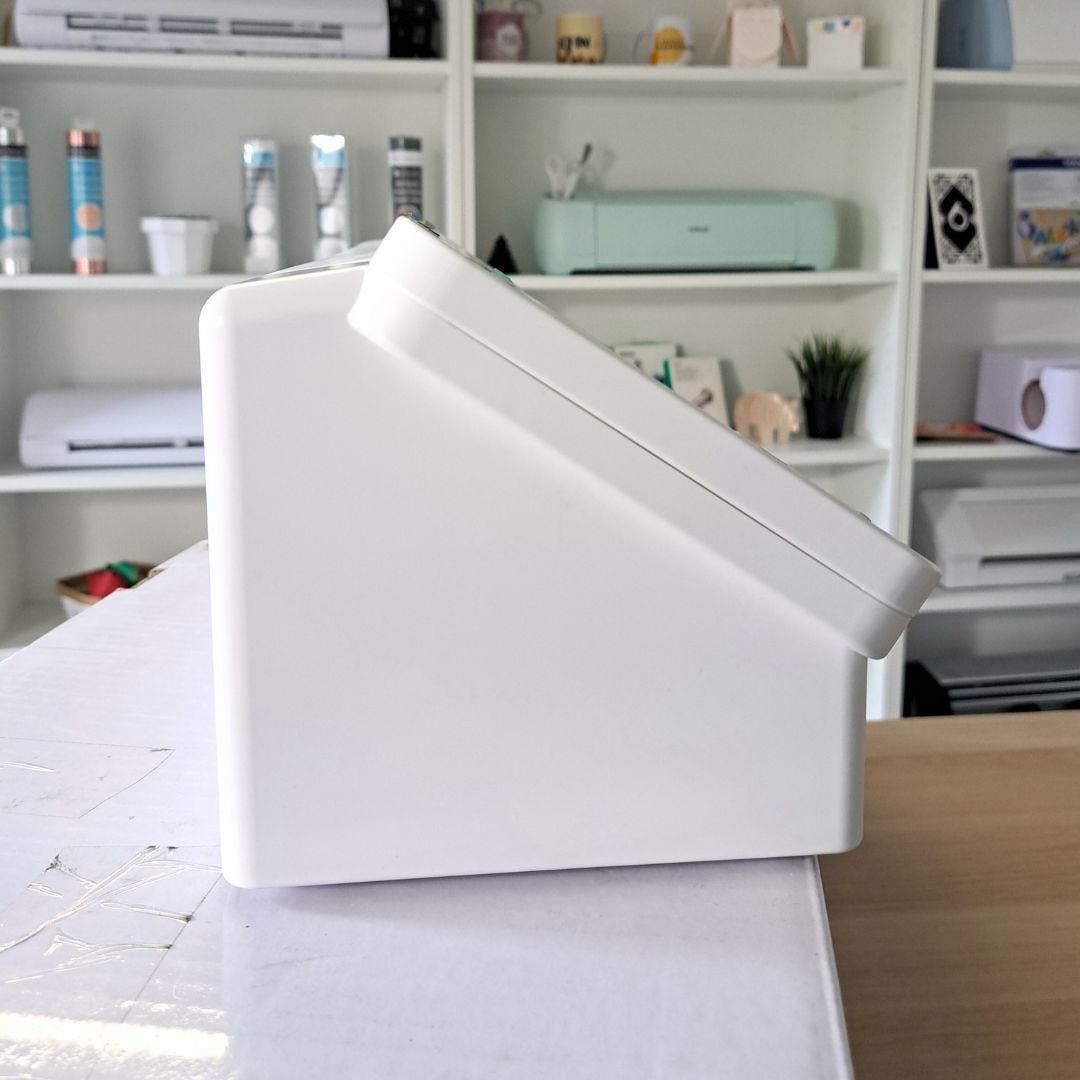
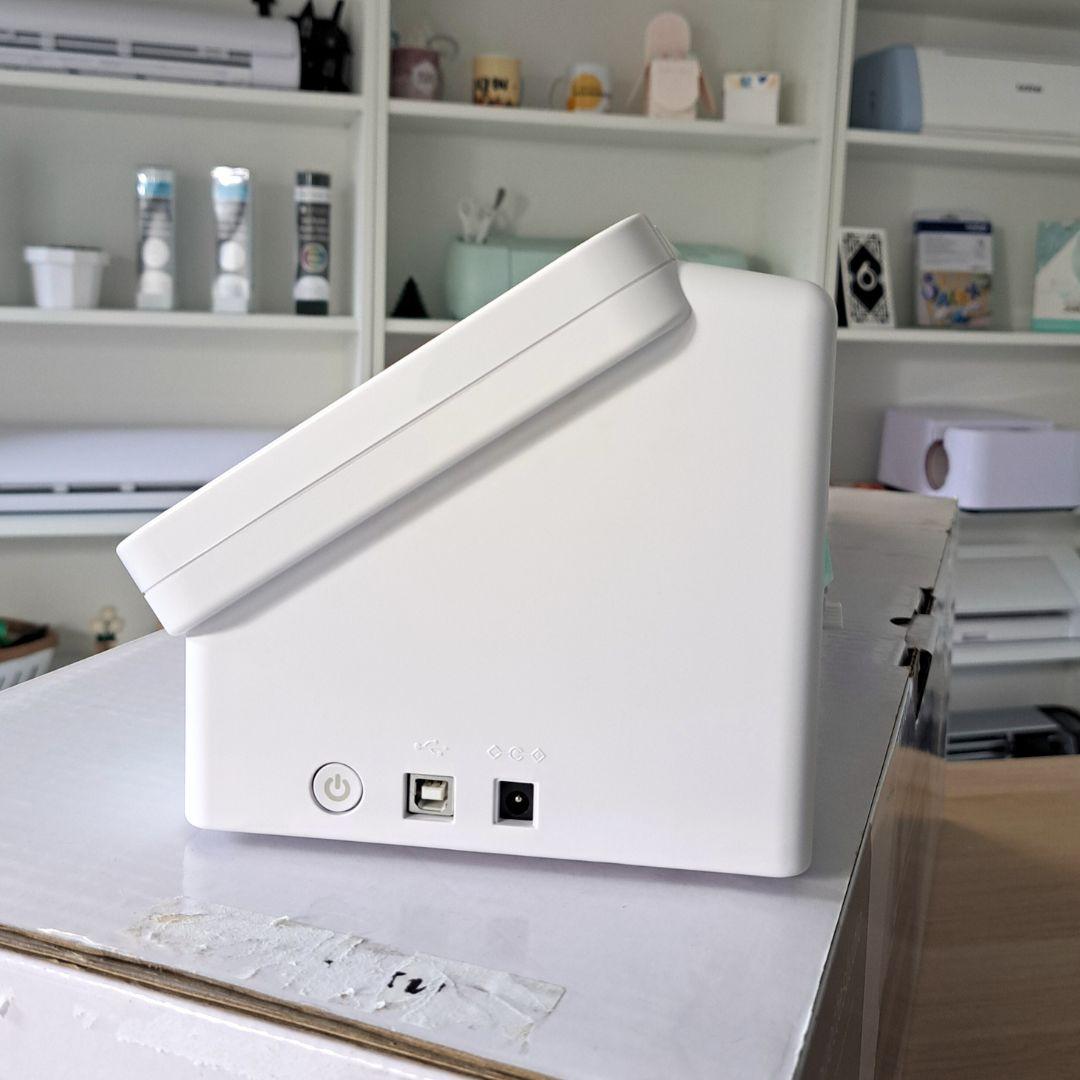
| Unit Dimensions | 65 x 19,5 x 17 cm |
| Unit Weight | 5,4 kg |
| Manufacturer Details | Silhouette America® Inc.618 N. 2000 W.Lindon, Utah 84042, USA support@silhouetteamerica.com |
| EU Marketing Authorisation Holder | Silhouette Europe B.V. Prinsengracht 572A 1017 KR Amsterdam tel: 31611841511 support@silhouetteeurope.eu |
Other customers bought also:
No one has added an opinion yet.
Be the first to do so!
Made by: Michał Desol