












Silhouette Cameo Pro MKII Stand
1799,00złincl. tax
🔥 BLACK WEEK xTool!🔥 Rabaty do -27% SPRAWDŹ OKAZJĘ!
Do you have any questions? We'll be happy to help!
Short Summary (3 sentences):
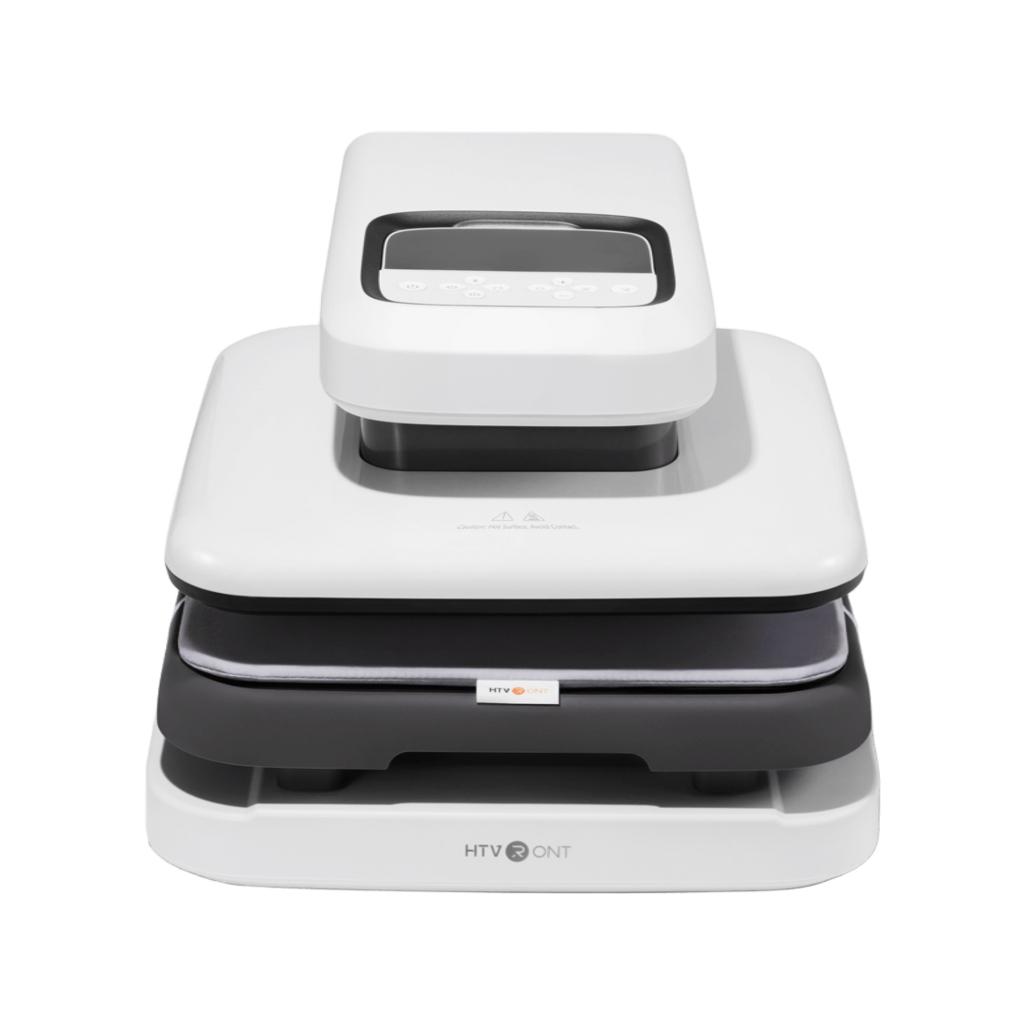
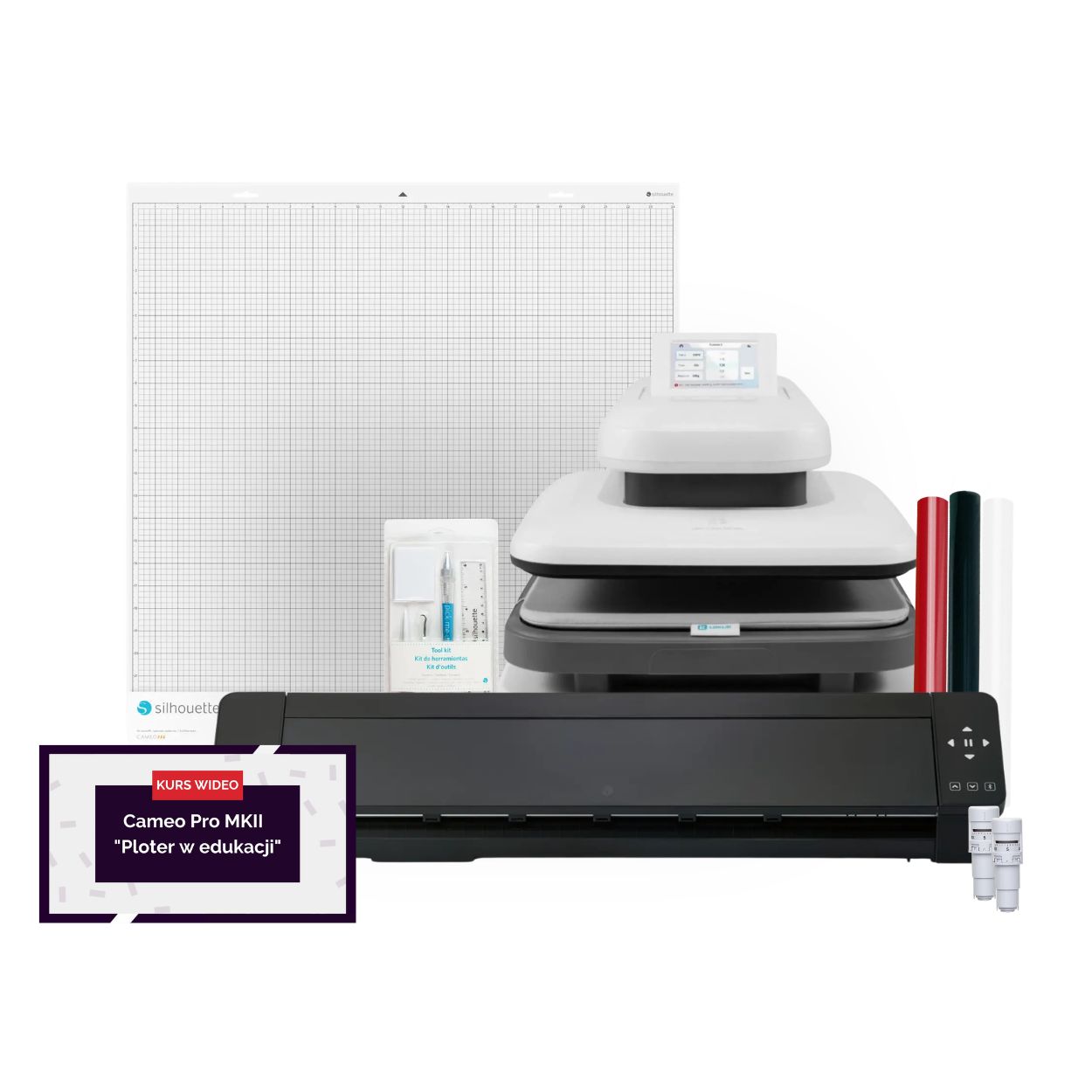
The PRO Heat Transfer Studio is a comprehensive technological solution for schools, kindergartens, care facilities, and cultural centers, combining the Silhouette Cameo Pro MK II cutting plotter, the ImPress Auto 2 Smart automatic heat press, dedicated tools, and FLEX foils. The kit enables institutions to independently,quickly, and professionally create personalized textile materials, such as sports t-shirts, tote bags, and teaching aids. The package is complemented by the practical "Plotter in Education" course, which helps teaching staff seamlessly integrate modern technology into their classes.
2699,99zł/pcs.
2429,99zł/pcs.
499,99zł/pcs.
399,99zł/pcs.
1899,99zł/pcs.
1710,90zł/pcs.
1899,99zł/pcs.
1710,90zł/pcs.
Unavailable
67,00zł/pcs.
60,30zł/pcs.
99,00zł/pcs.
89,10zł/pcs.
59,99zł/pcs.
53,99zł/pcs.
55,99zł/pcs.
50,39zł/pcs.
55,99zł/pcs.
50,39zł/pcs.
PLN 5,437.94 incl. tax
PLN 4,845.05 incl. tax -10%
PRO Heat Transfer Studio
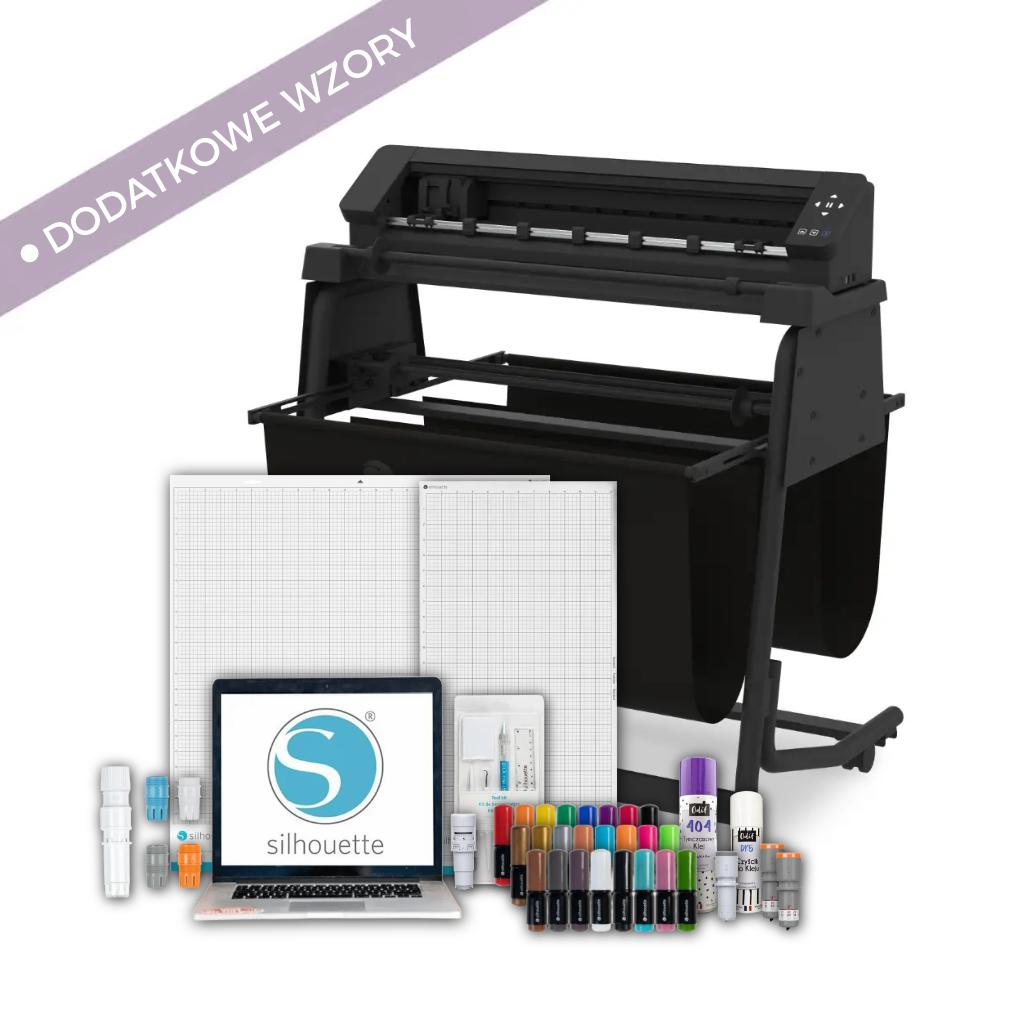
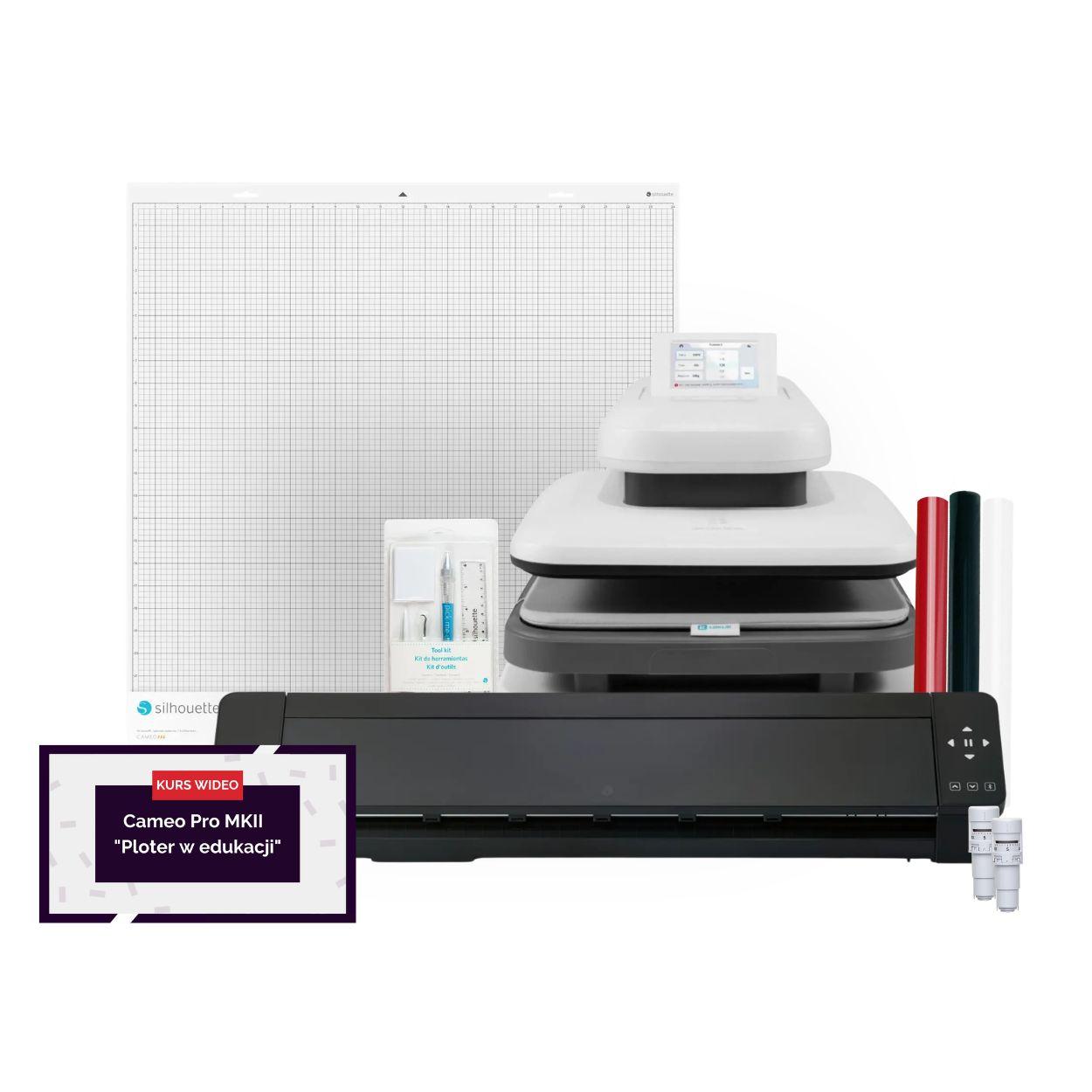
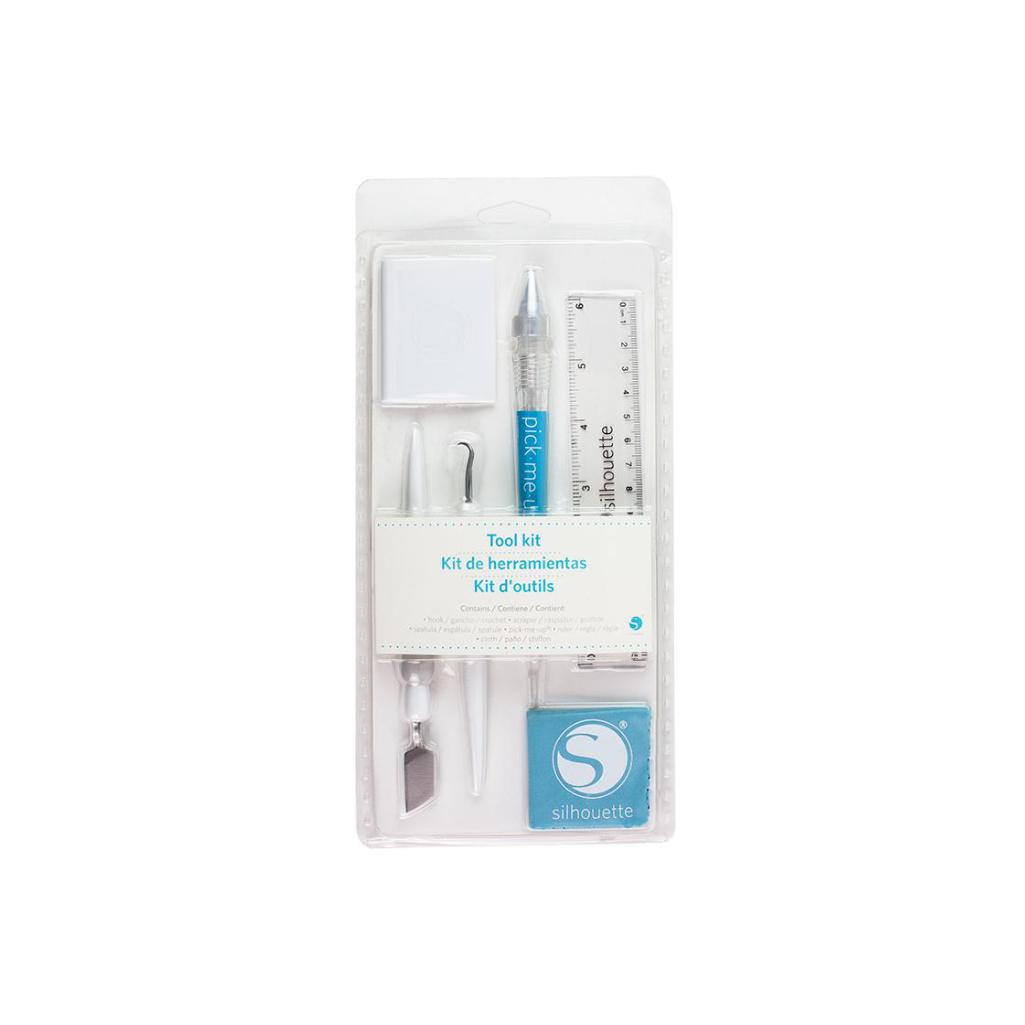
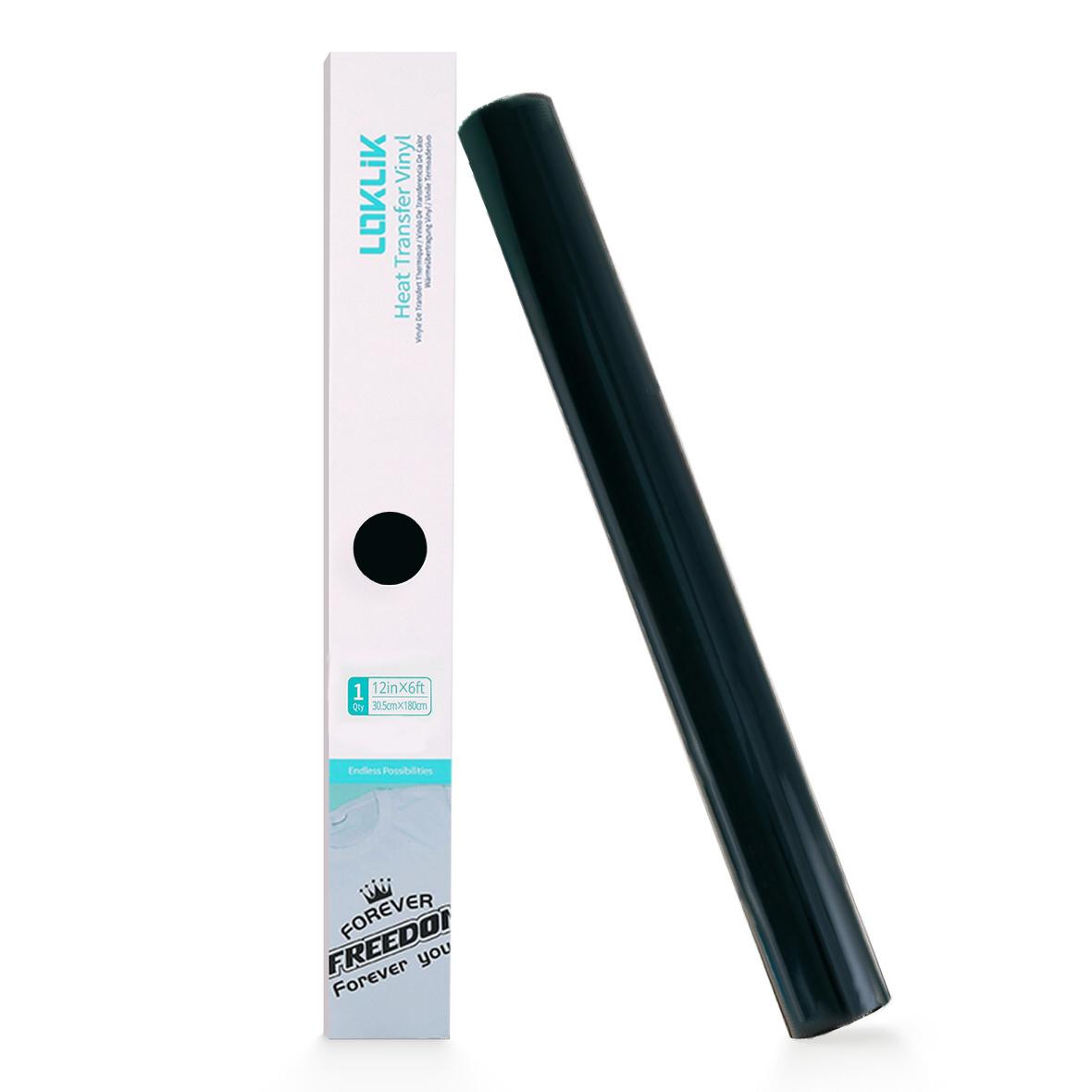
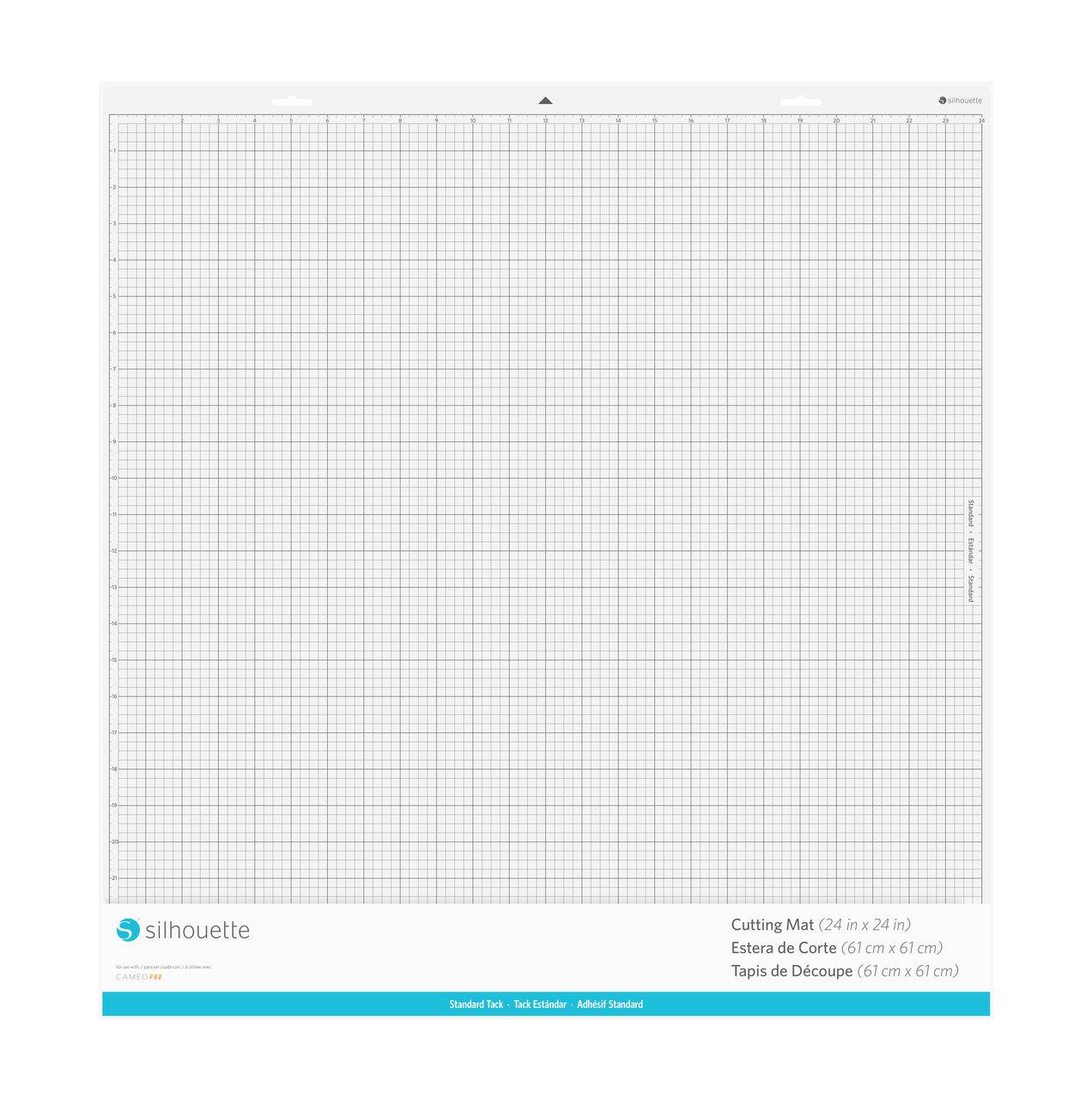
The product includes the following elements:
Standard, with dimensions 61 x 61 cm.
The PRO Heat Transfer Studio is an integrated, comprehensive technological solution designed specifically for schools, kindergartens, occupational therapy workshops (WTZ), social integration centers (ŚDS), culture houses, and libraries. Instead of a random assortment of devices, the institution receives a fully compatible ecosystem for professional textile branding.
The studio includes:
This solution effectively eliminates the lack of professional facilities for creating personalized textile materials, removing the need to rely on external companies for events, sports competitions, performances, or fairs.
Representative and sports t-shirts with numbers and institutional emblems for inter-school tournaments.
Cotton tote bags with custom designs created for charity bazaars.
Shoe and gym clothing bags with clear names for preschoolers.
Costumes and theatrical elements for school and kindergarten performances.
Personalized aprons for technical and home economics classes.
Textile organizers and covers with workstation labels for WTZ and ŚDS workshops.
Hoodies with club, historical society, or volunteer logos.
Commemorative t-shirts and bags for school enrollment, Earth Day, or institutional jubilees.
Textile markings for work and protective clothing used during practical classes.
Fabric flags and banners promoted during school open houses.
The studio is an excellent complement to technical, art, and computer science classes, fitting into the modern STEAM education model by combining digital design with manual work and craftsmanship. In entrepreneurship classes, students go through the full business cycle: from market analysis and graphic design, through material cost calculations of FLEX foils, to production and sales of finished products during school bazaars. In interest clubs, young people develop design skills by creating unique gadgets and visual identity elements for school organizations.

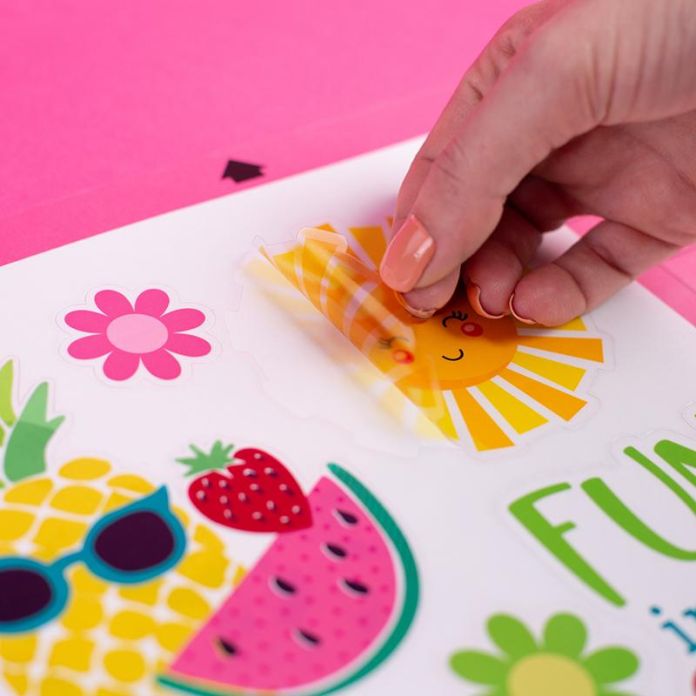
For kindergarten teachers, the studio enables quick and independent preparation of professional teaching aids, such as fabric educational boards, sensory elements, or blankets and pillows with group labels. The devices allow for the rapid creation of uniform group t-shirts for trips, costumes for kindergarten celebrations and performances, as well as personalized gifts for Boy’s Day, Grandmother’s and Grandfather’s Day, or graduation.
The kit supports participants of Occupational Therapy Workshops and Social Integration Centers in conducting creative workshops and classes in handicrafts and material processing. Design work involving the plotter and heat press develops hand-eye coordination, precision, and manual skills. Participants perform repetitive yet focus-demanding tasks, resulting in fully functional, finished utility products intended for display and sale at arts and crafts exhibitions.
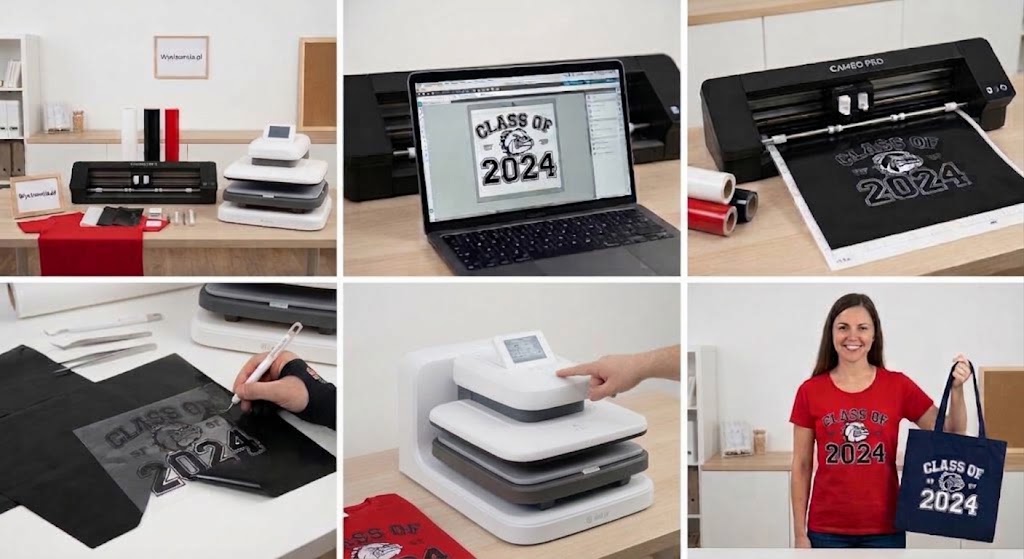
The manufacturing process using the studio is based on an intuitive, four-step technological and production workflow that fully integrates the capabilities of both devices:
Design: The user prepares or modifies a graphic design in the dedicated Silhouette Studio software and sends it to the Cameo Pro MK II plotter.
FLEX Cutting: The plotter precisely cuts the programmed shape into the FLEX heat transfer foil (black, white, or red) using the AutoBlade.
Weeding: Using the included tool kit, the operator removes unwanted foil fragments from outside the design, leaving the correct graphic on the carrier sheet.
Heat Pressing: The finished element is placed on the textile, and the automatic ImPress Auto 2 Smart heat press is activated, permanently bonding the foil to the fabric under precisely selected temperature and pressure.
Thanks to this process, an institution can transform a plain textile blank into a professional, finished apparel product within minutes.
An important element of the set is the dedicated "Plotter in Education" course, designed for teachers, instructors, and educational staff with no prior experience in vinyl cutting technology. The training guides the user practically and methodically through equipment configuration, software operation, design principles, and parameterization of cutting and pressing various types of foil.
The training program includes methods for incorporating the plotter into regular lessons and workshop classes. The actual duration and detailed scope of the material are tailored to the needs of educational institutions, and upon completing the course, participants receive a personalized certificate confirming their qualifications to operate and supervise cutting equipment at their facility.
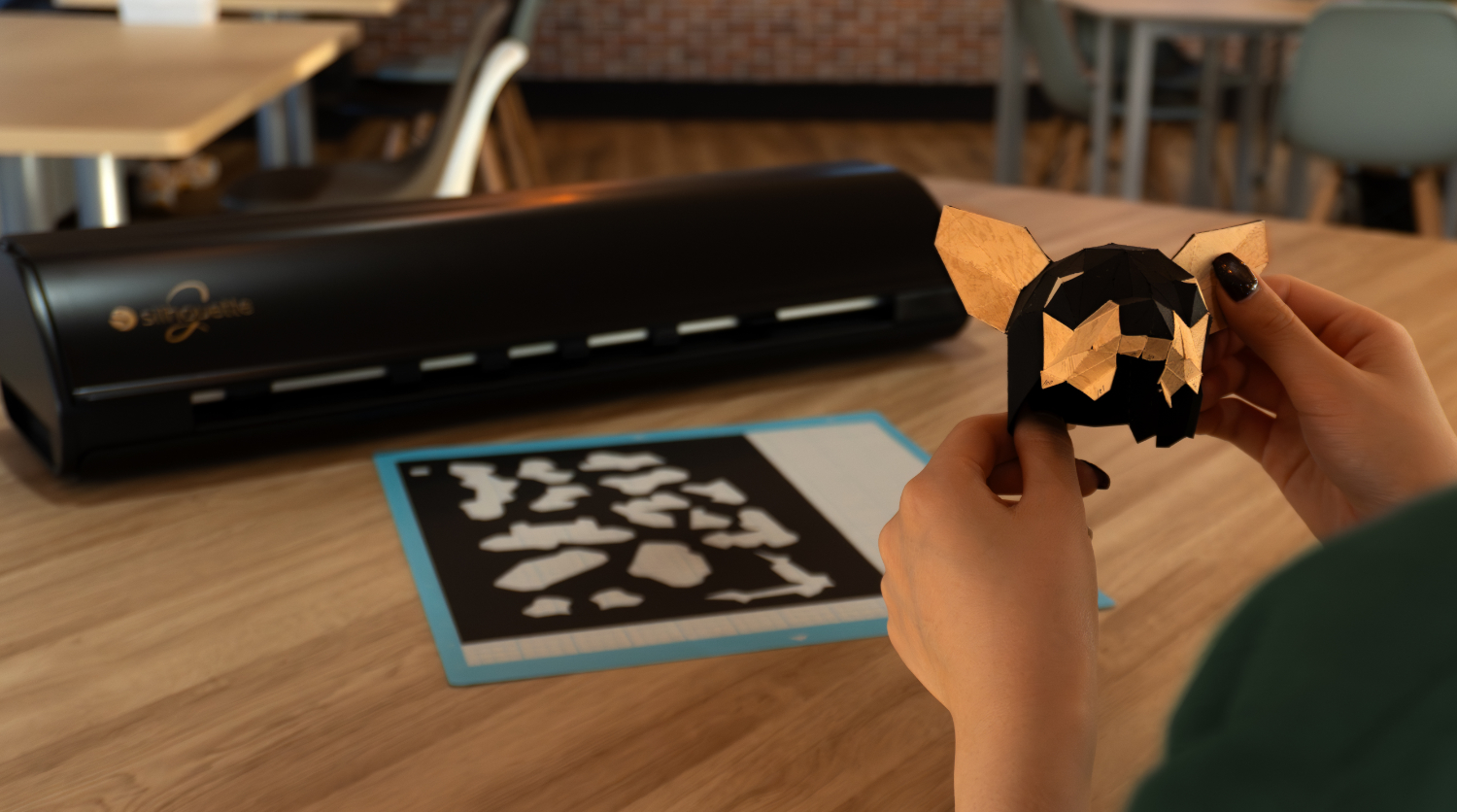
Purchasing the PRO Heat Transfer Studio as a complete solution guarantees full technological compatibility between the wide-format Silhouette plotter and the smart automatic press. The devices have been selected so that immediately after delivery and unpacking—thanks to the included tools and FLEX foil pack—the institution can start working without purchasing any primary accessories separately. The inclusion of the professional "Plotter in Education" course removes the technological entry barrier for the teaching staff, and the built-in bundle discount provides tangible savings of public or budget funds compared to purchasing each item separately. The set also serves as an open foundation that can be easily expanded in the future with additional consumables and branding technologies.
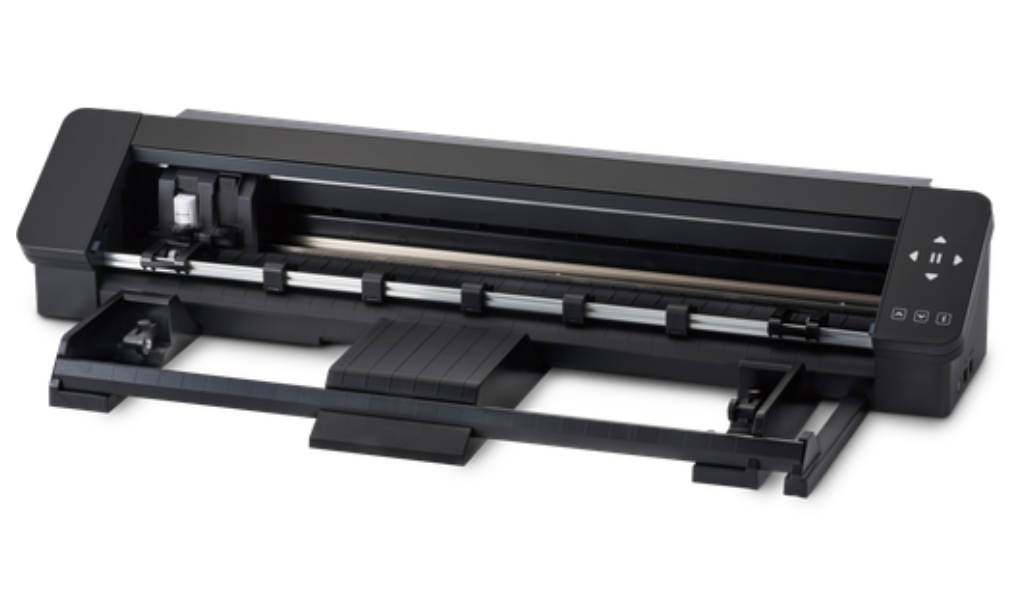
Repeating a task
The function that allows you to repeat a previous task, expected by many users, will allow you to automate the cutting process in various types of materials. Simply click the flashing button on the plotter housing, and the machine will repeat the last cut.
Modernized rollers
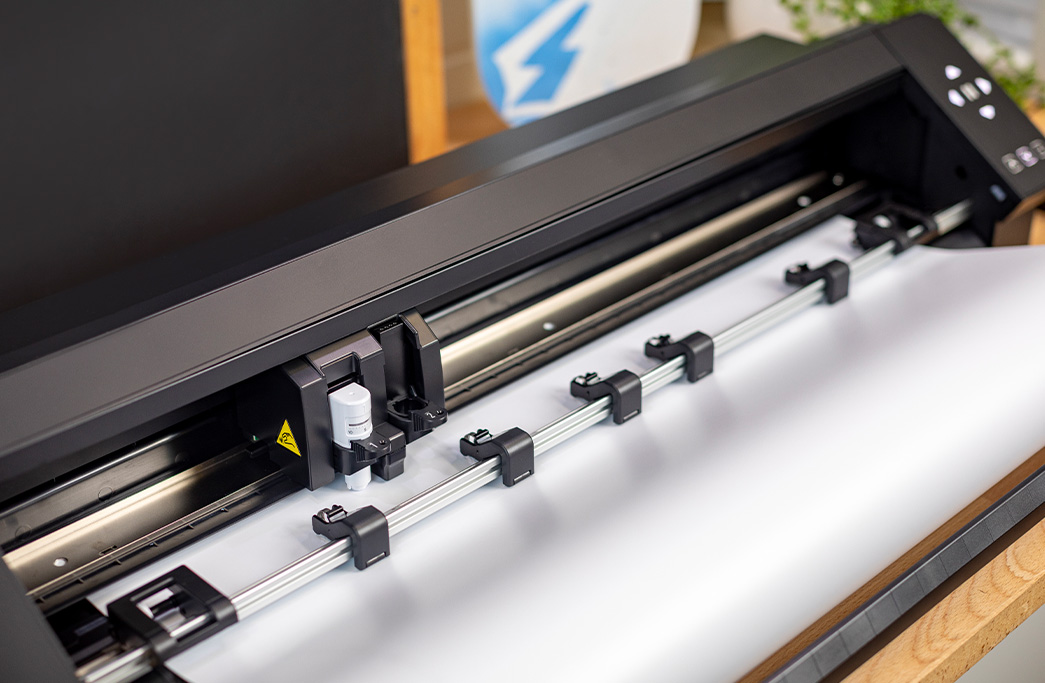
Thanks to the modernized rollers, it is possible to cut even narrow materials with a width of about 13 cm without using a mat. In addition, the manufacturer, in order to obtain the best possible stabilization during work, and thus cutting precision, placed removable auxiliary rollers on the plotter rail, especially useful for larger projects.
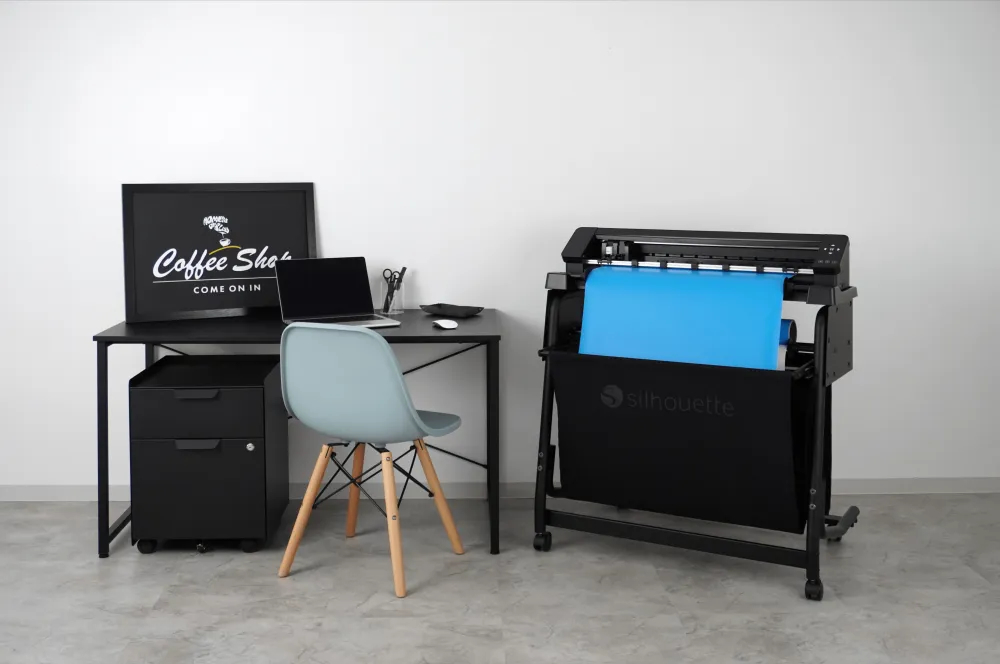
Stand with basket
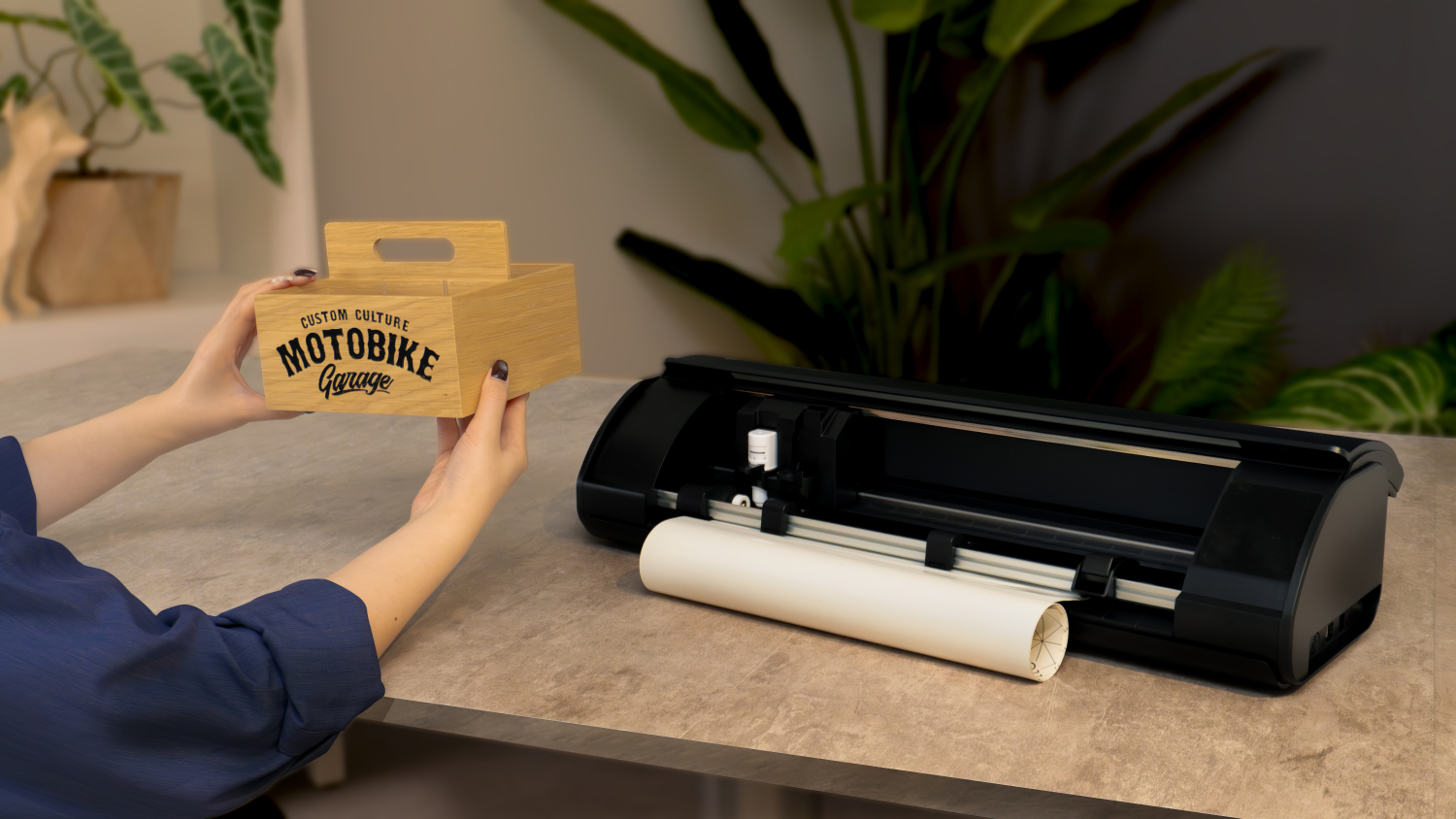
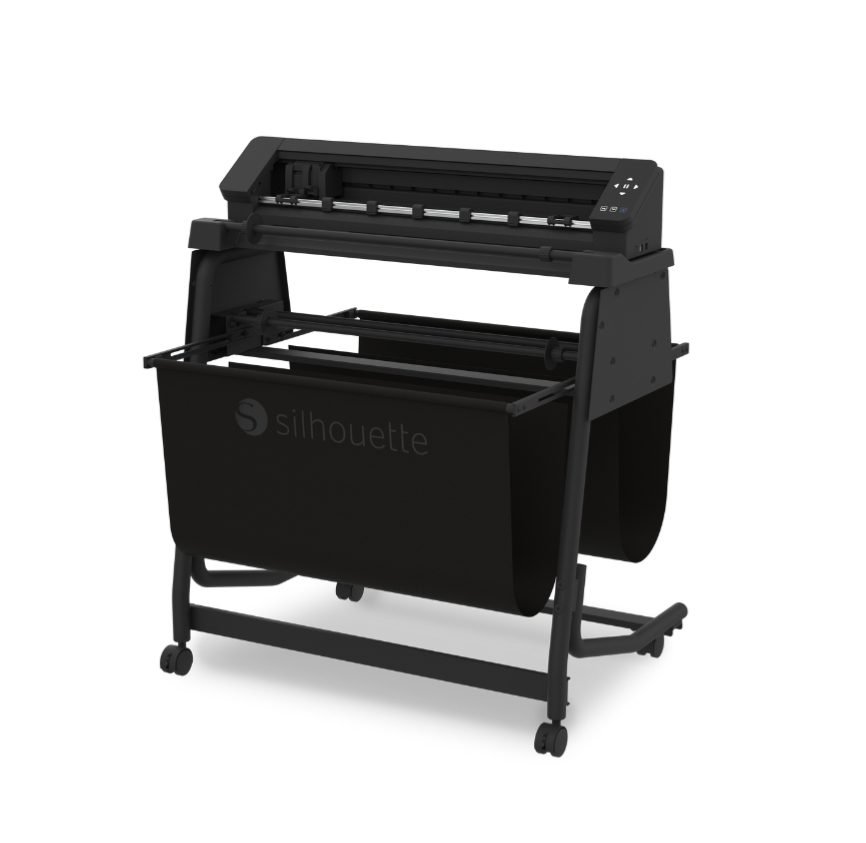
The stand with the basket must be purchased separately, it is not necessary to use the plotter, but it is a particularly helpful solution when cutting many projects from foil directly from the roll. It allows for work automation, thanks to which you can save time, especially in combination with the built-in cutter, which you can use manually or mark automatic cutting of material fragments. Using the stand also allows for convenient use of the plotter even in a small studio and ensures mobility.
Compatibility with gilding and embossing tools
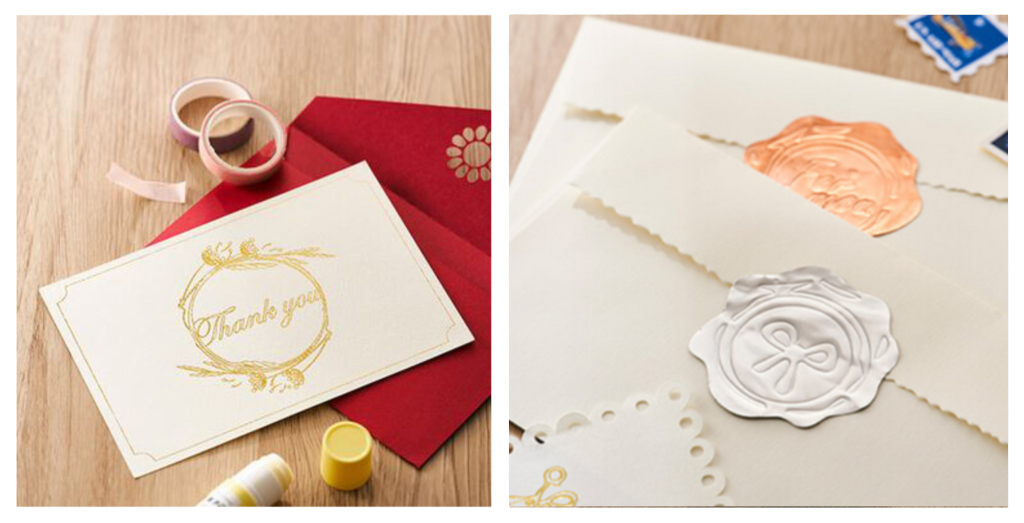
The modernized carriage, similarly to the latest Cameo 5 model, allows you to use tools for gilding and embossing. You can therefore make unique decorations, inscriptions and ornaments, and the embossing tool will also allow you to make fold lines and make invitations or 3D sculptures.
Segmented markers (recursive)
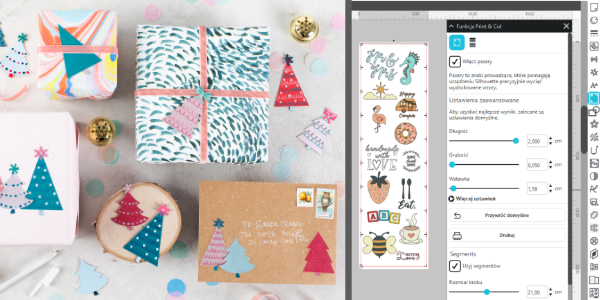
This is a new feature introduced in the Cameo Pro MKII model. It allows you to cut prints (Print&Cut) in much larger formats that were previously unavailable thanks to sequential reading of markers.
Thanks to this, if you have a larger printer or plotter, you will create even larger stickers, decorations, or paper projects and increase the efficiency of cutting multiple projects on one previously printed sheet.
*Using segmented markers requires having the Silhouette Studio Business Edition software.
Hardware requirements for Silhouette Studio to run:
It is also possible to use the Silhouette GO mobile application, available for both Android and iOS.
Silhouette Studio is a great tool for uploading and designing your own patterns. It also allows you to conveniently use ready-to-cut patterns purchased in the manufacturer's Silhouette Design Store. However, if you create in another vector graphics program or have your own patterns, for example in the popular .svg format, it is worth purchasing a program extension to one of two versions.
Designer Edition
It
allows you to import files in .gsd, .dxf, .svg and .pdf formats. It also offers more advanced tools for vectorization, modifying patterns and organizing fonts into folders. Allows you to create guides and layers. It can be installed on three devices and support 1 plotter.
Business Edition
It
offers functions useful for people running small businesses, such as
operating three Silhouette plotters from one computer. Additionally, it
supports files in .dst, .exp, .jef, .xxx, .ai, .eps, .cdr formats.
Additionally, it allows you to export files in .svg, .pdf, .jpeg
formats. With its help, you can automatically create guide lines for
convenient removal of the foil.
| Title | Value |
|---|---|
| Unit Dimensions | 87,6 x 19,5 x 17 cm |
| Unit Weight | 9 kg |
| Connection | USB, Bluetooth |
| Cutting out graphics along the outline | Yes (the possible margin of error is 1/16 in.) |
| Force | Holder 1 - 300g; Holder 2 - not specified |
| Free designs | 100 |
| Language | English, Polish |
| Maximum Cutting Area With Cutting Mat | 59 x 61 cm |
| Maximum Cutting Area Without Cutting Mat | 59 x 487 cm |
| Power consumption | 27W |
| Software | Silhouette Studio (free), Adobe Illustrator - plug-in (paid extra), Corel DRAW - plug-in (paid extra), Silhouette Studio Designer Edition (paid extra), Silhouette Studio Business Edition (paid extra) |
| Manufacturer Details | Silhouette America® Inc.618 N. 2000 W.Lindon, Utah 84042, USA support@silhouetteamerica.com |
| EU Marketing Authorisation Holder | Graphtec Europe B.V. address: Kruisweg 801-B, 2132NG, Hoofddorp, The Netherlands tel: 31611841511 support@silhouetteeurope.eu |
| Speed | 0 – 300 mm/s |
| Max. Material Thickness | 3 mm |
| Guaranteed Operating Environment | 16 to 32 deg.C,35 to70% R.H.(non-condensing) |
| Working Environment | 10 to 35 deg.C,35 to 75% R.H.(non-condensing) |
| Programmable Resolution | 0.05 mm |
| Rated Power Supply | AC adapter 24 VDC(1.25A) |
| Print & Cut Margins | On mat - 16mm on Each Side , Without mat - 16mm on the sides and top of the page; 25,4mm at the bottom of the page |
Products that may also interest you:
No one has added an opinion yet.
Be the first to do so!
Made by: Michał Desol