



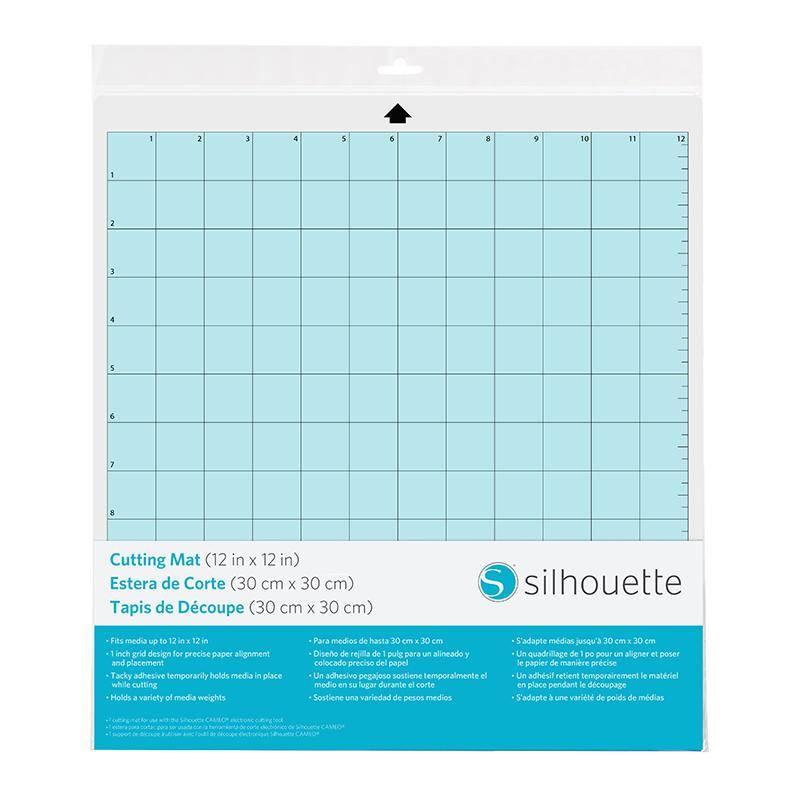
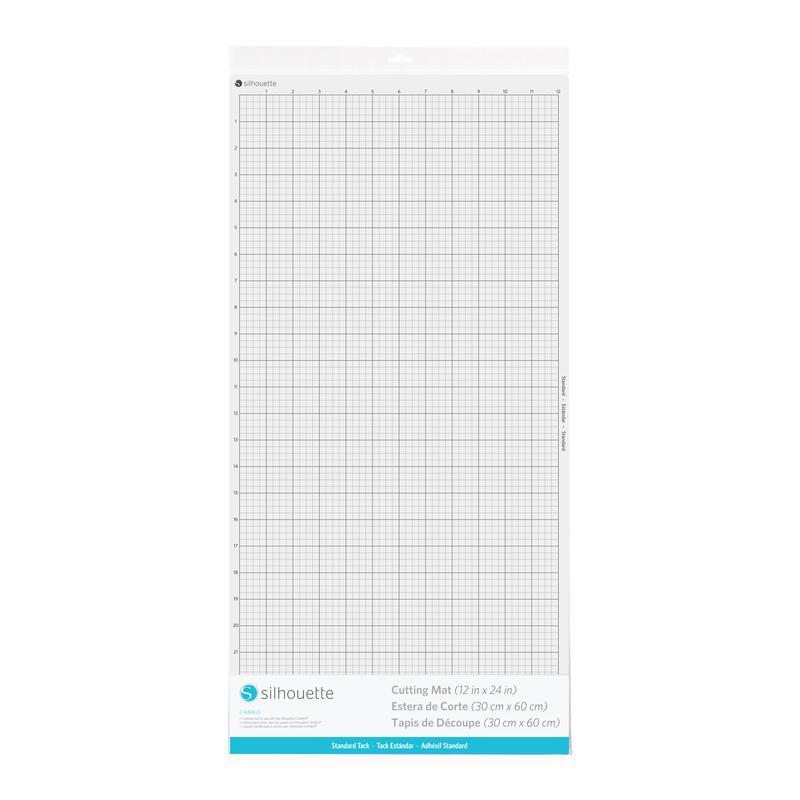
Cameo Cutting Mat - 12x24" - Standard Tack
99,00złincl. tax
Silhouette accessories -10% code: święta2025
Do you have any questions? We'll be happy to help!
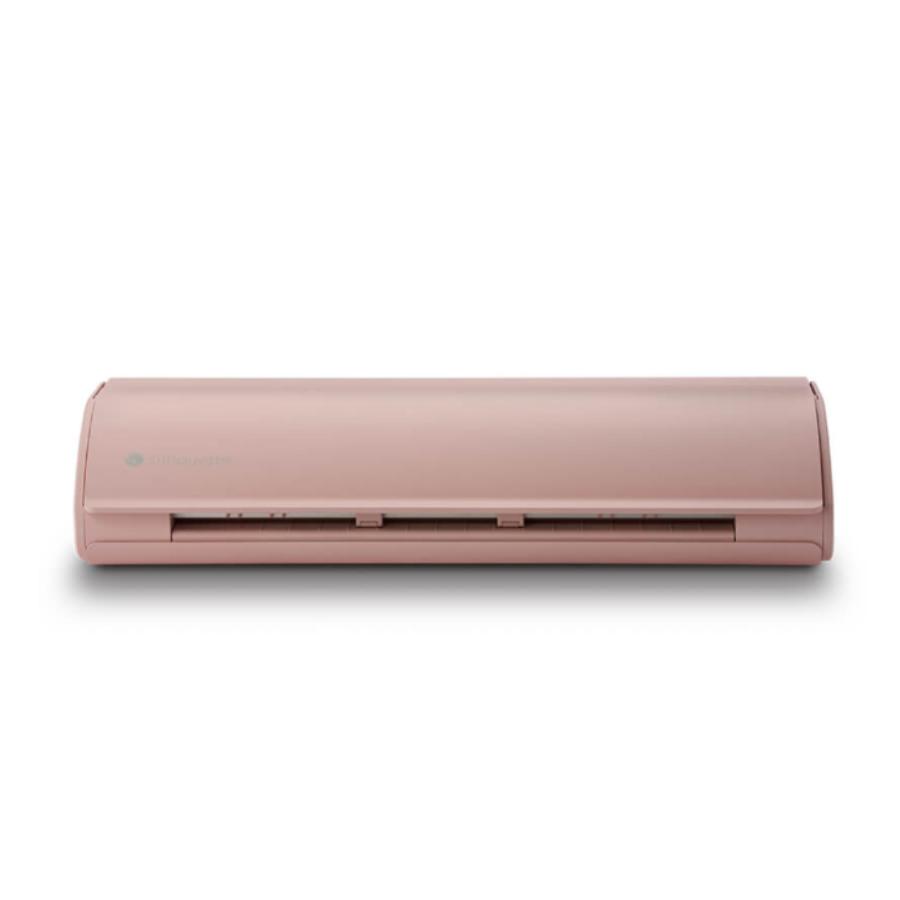
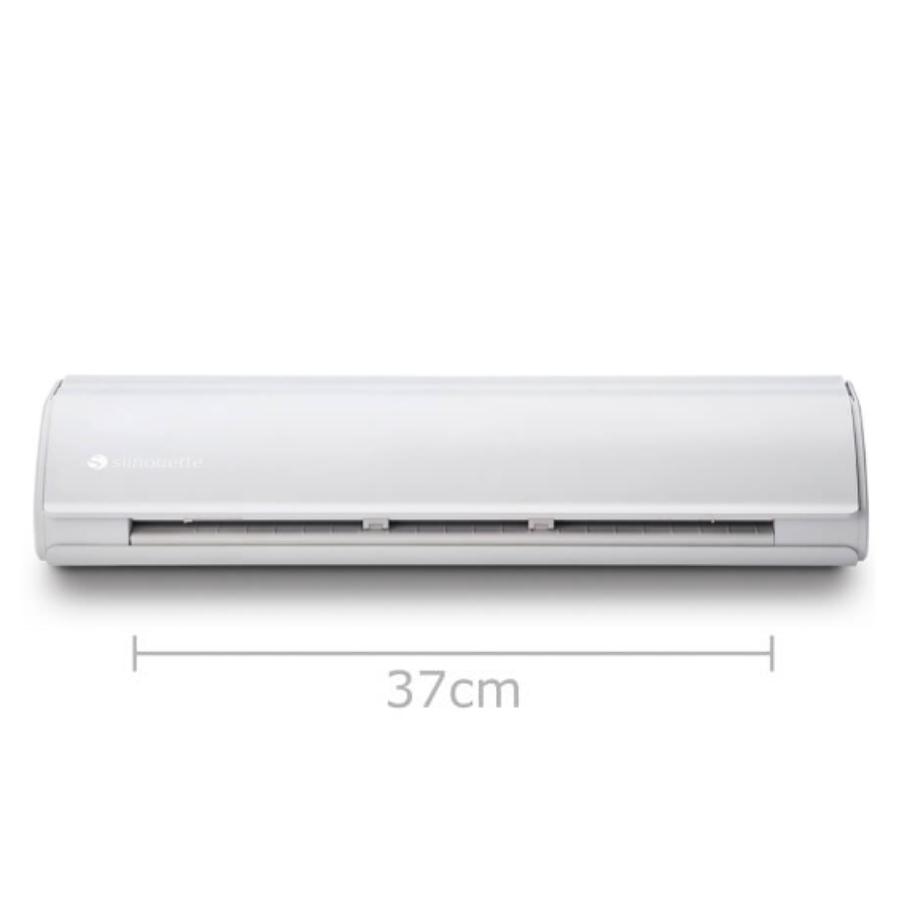
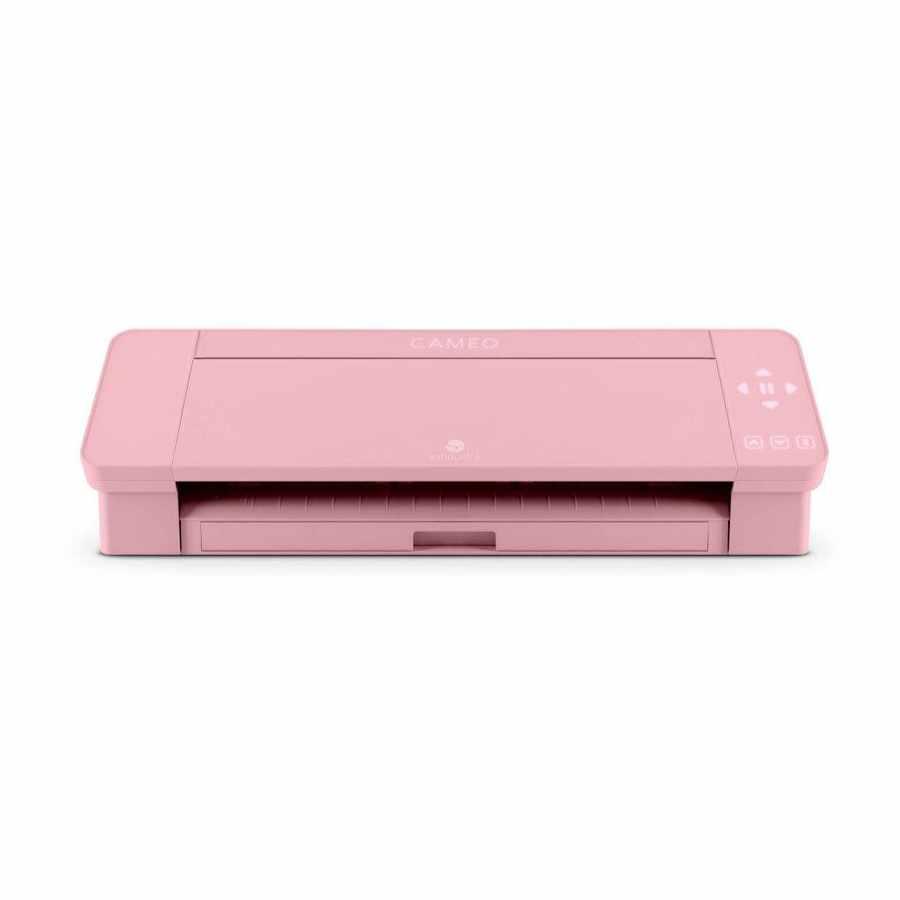
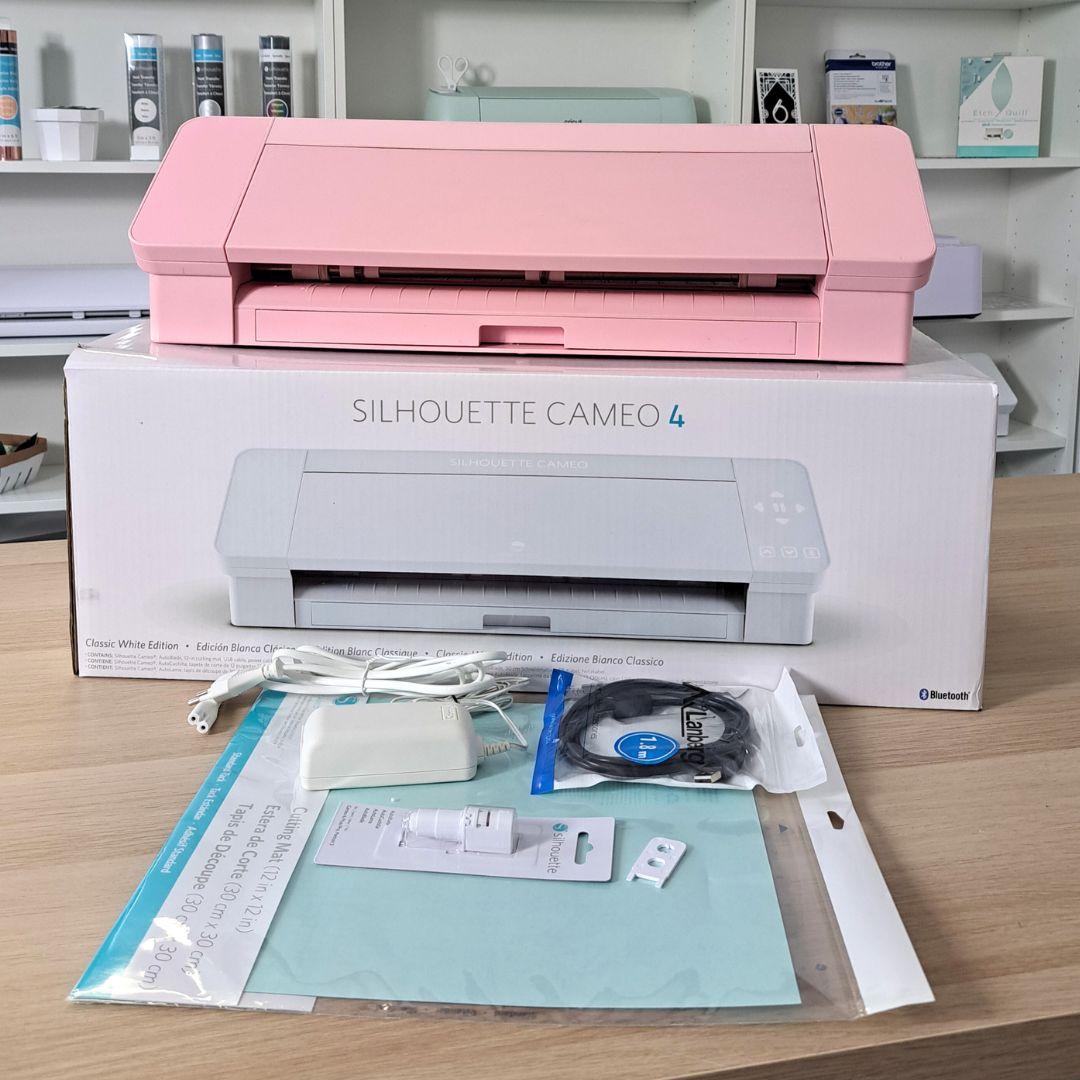
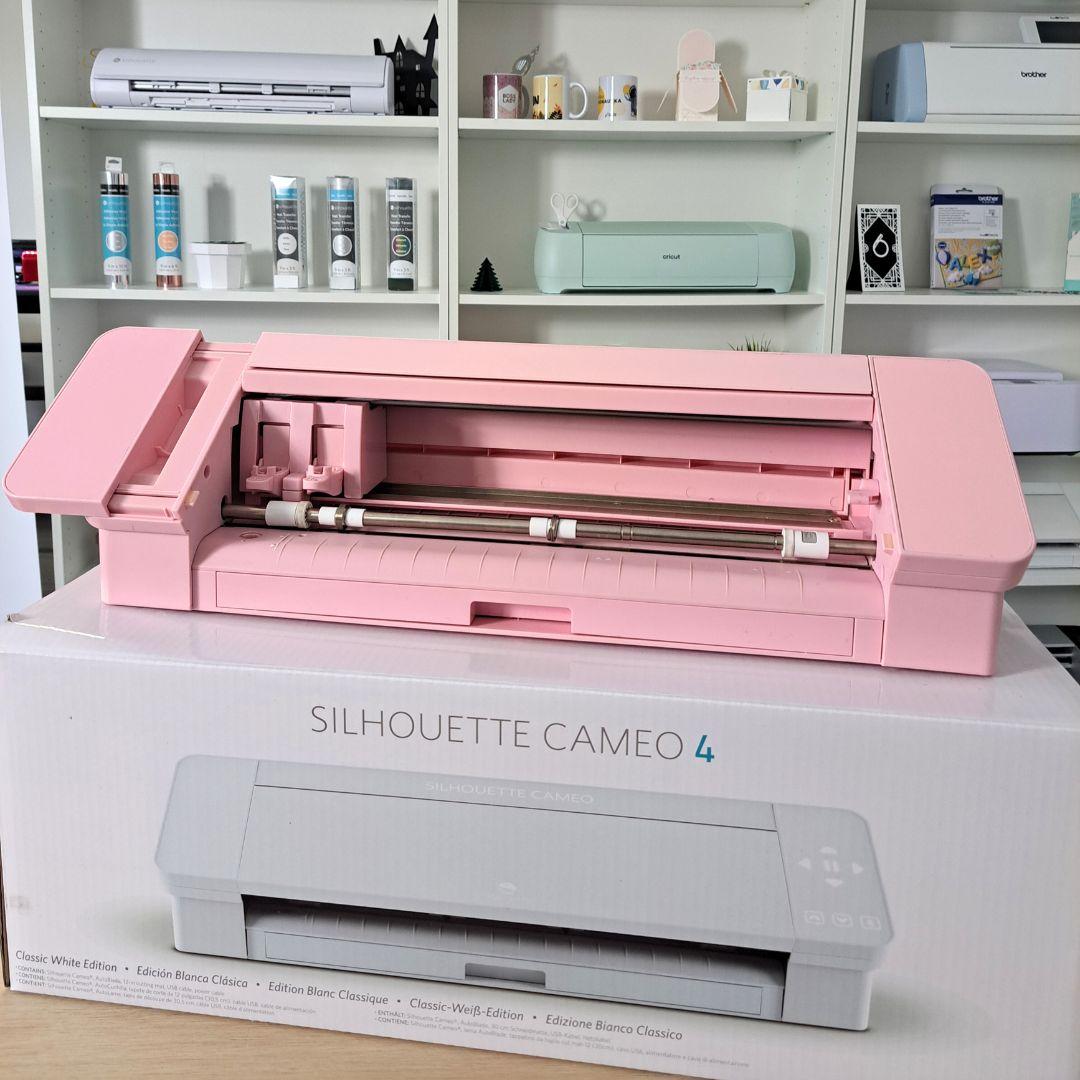
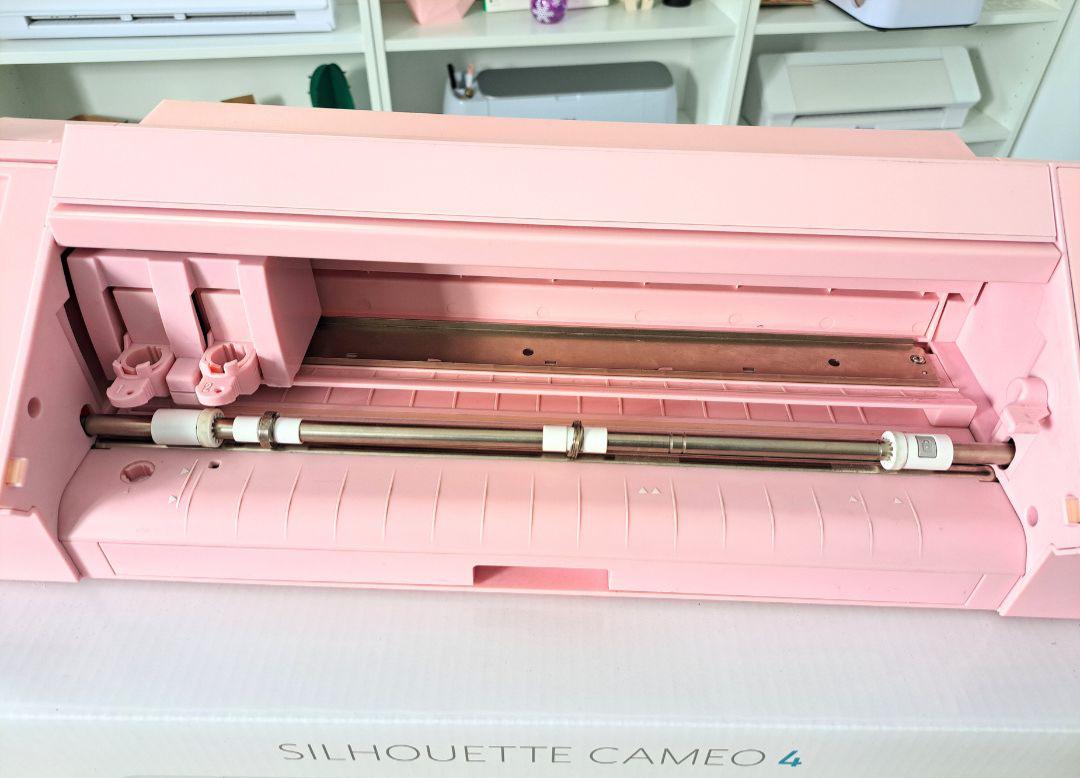
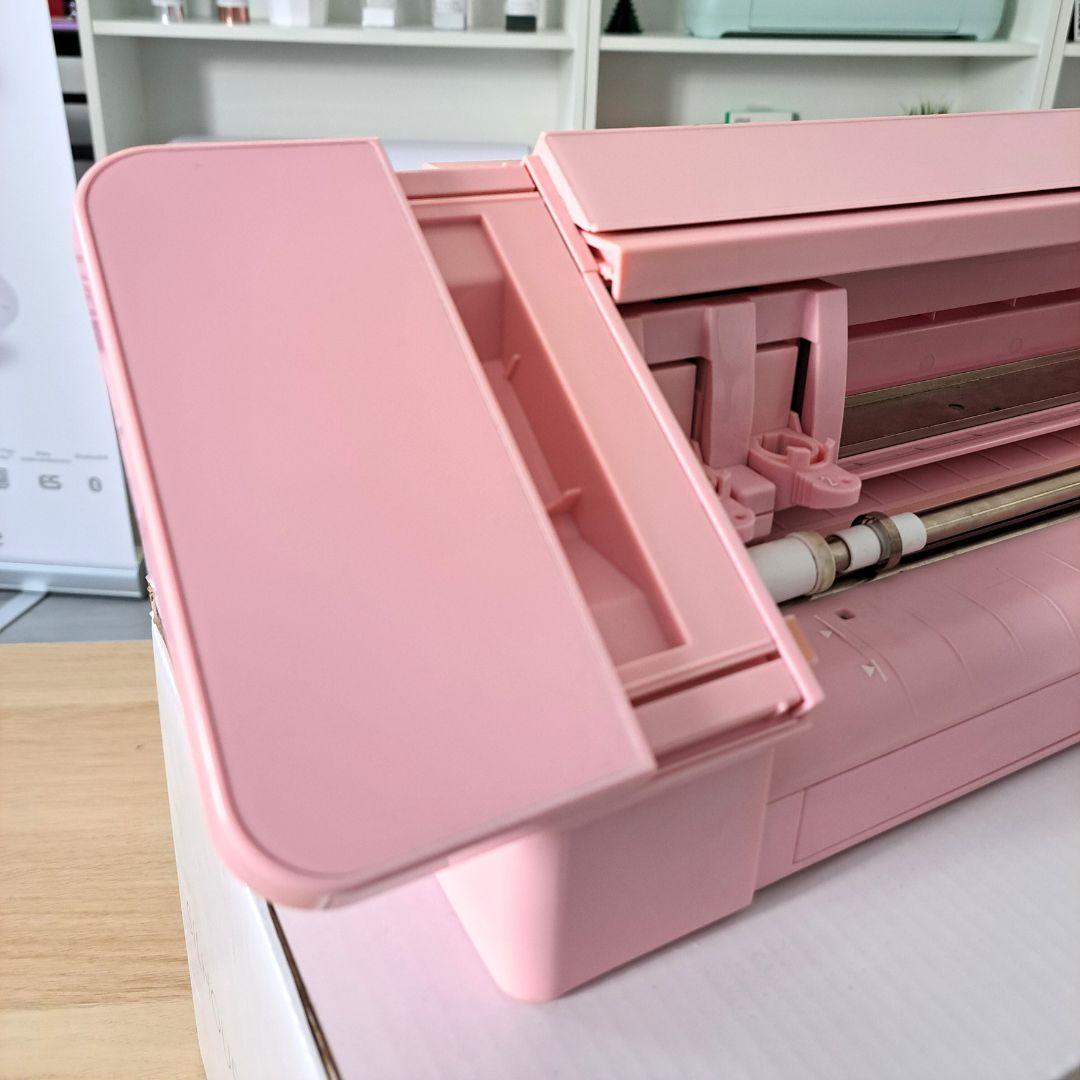
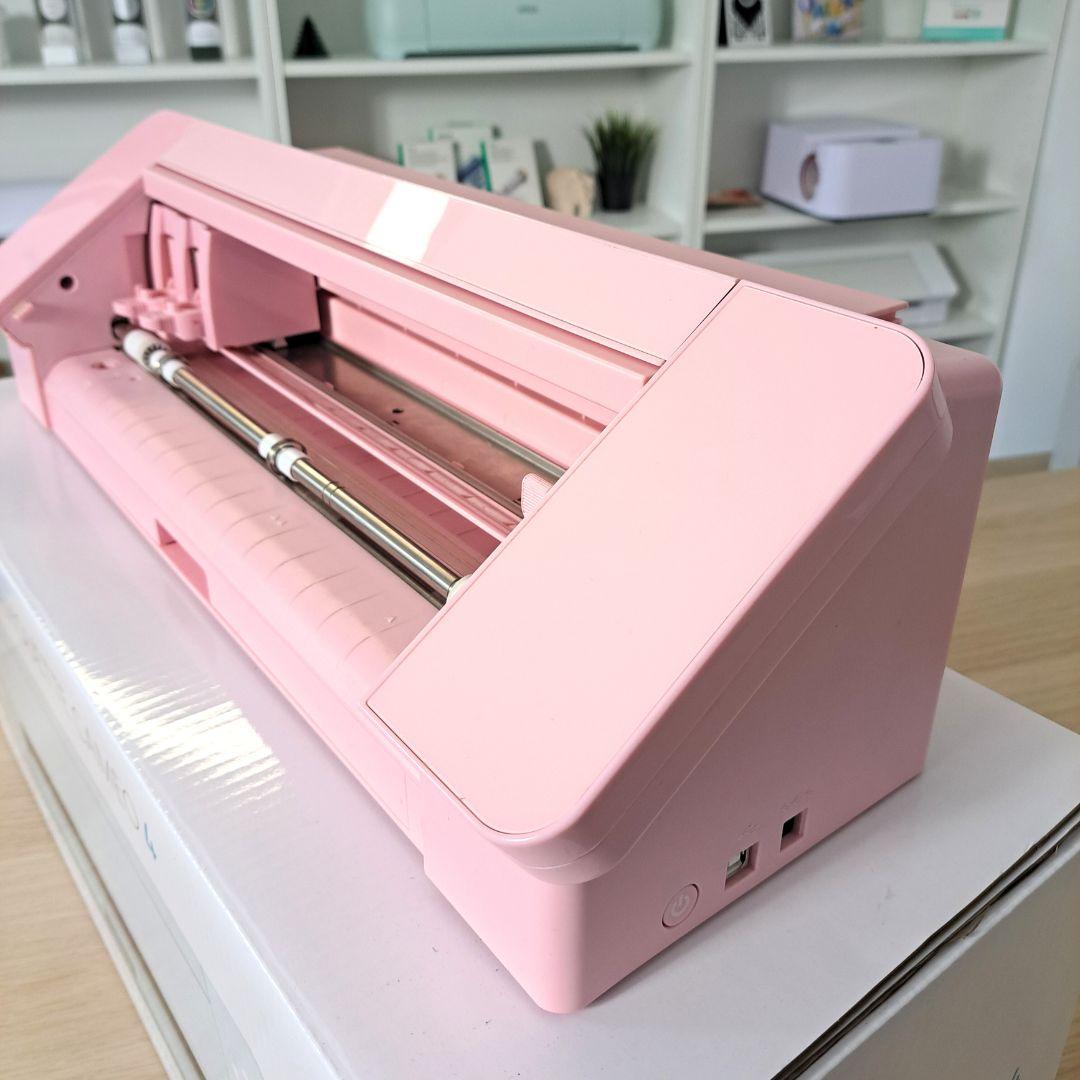
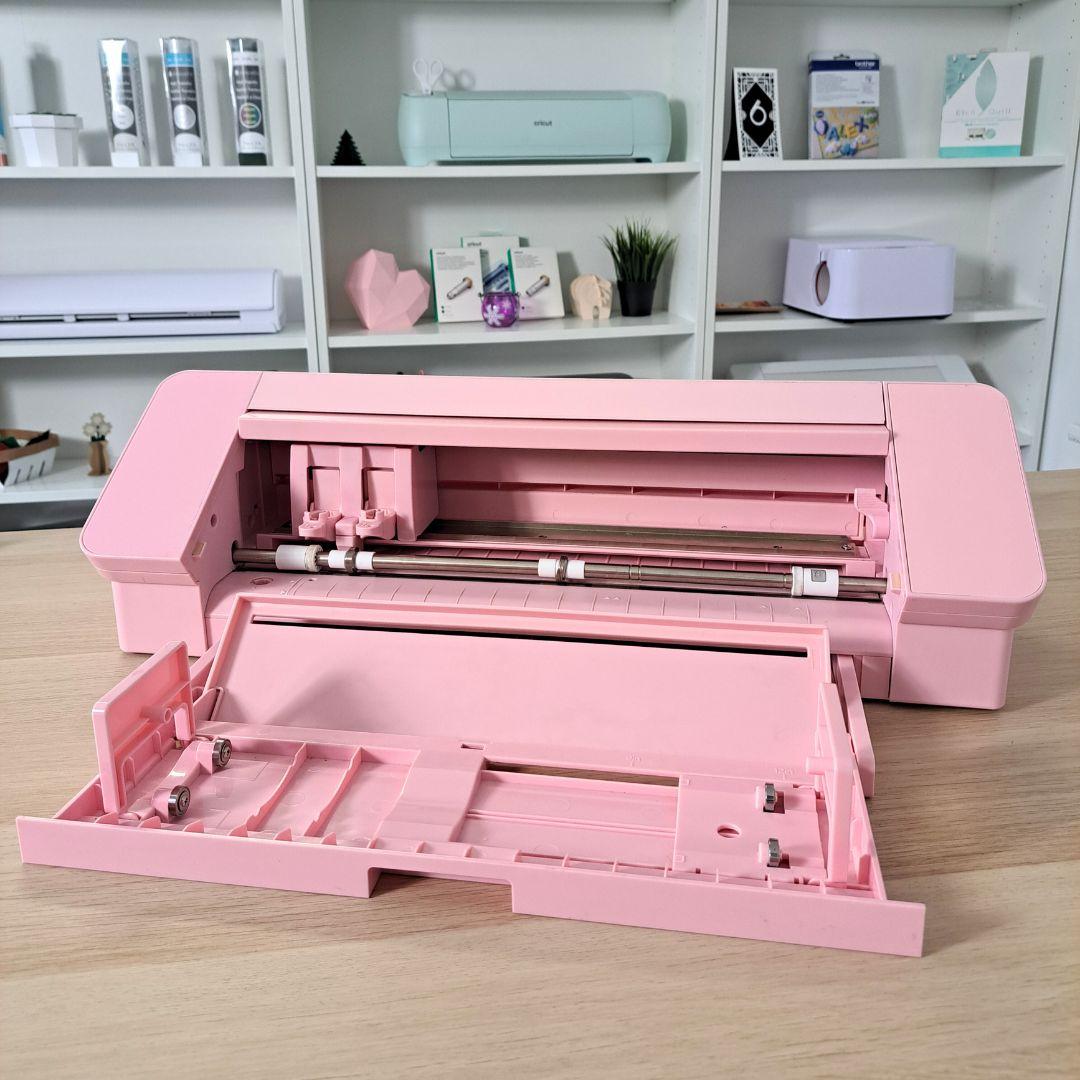
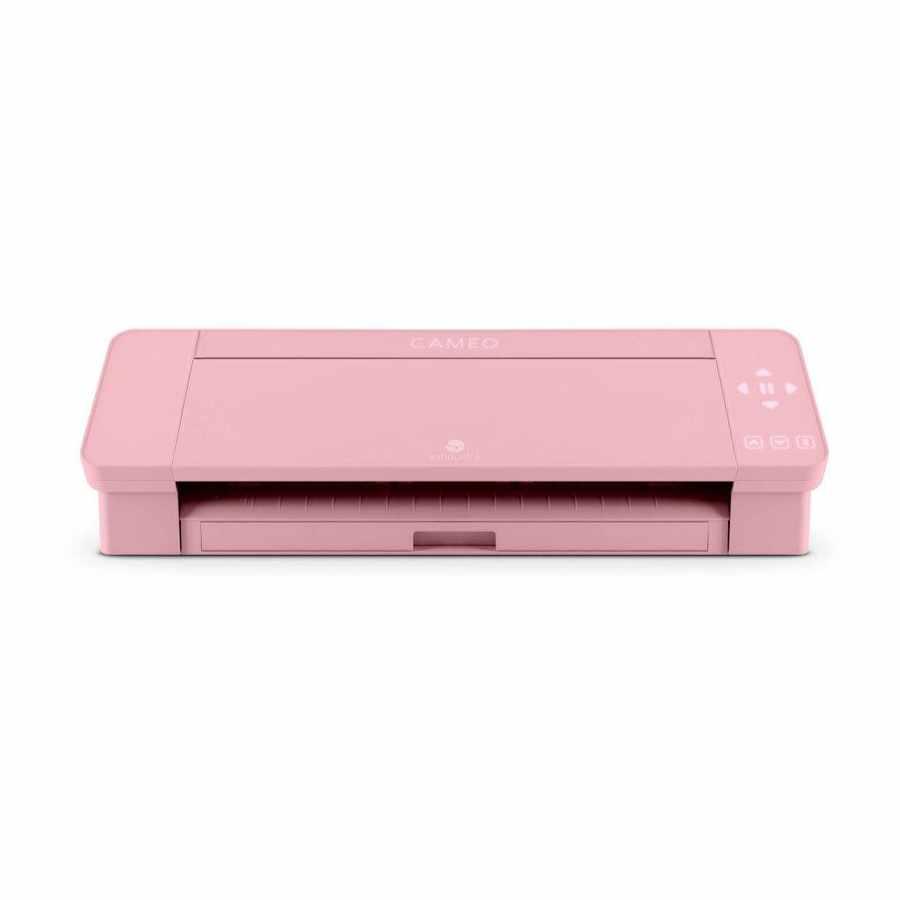
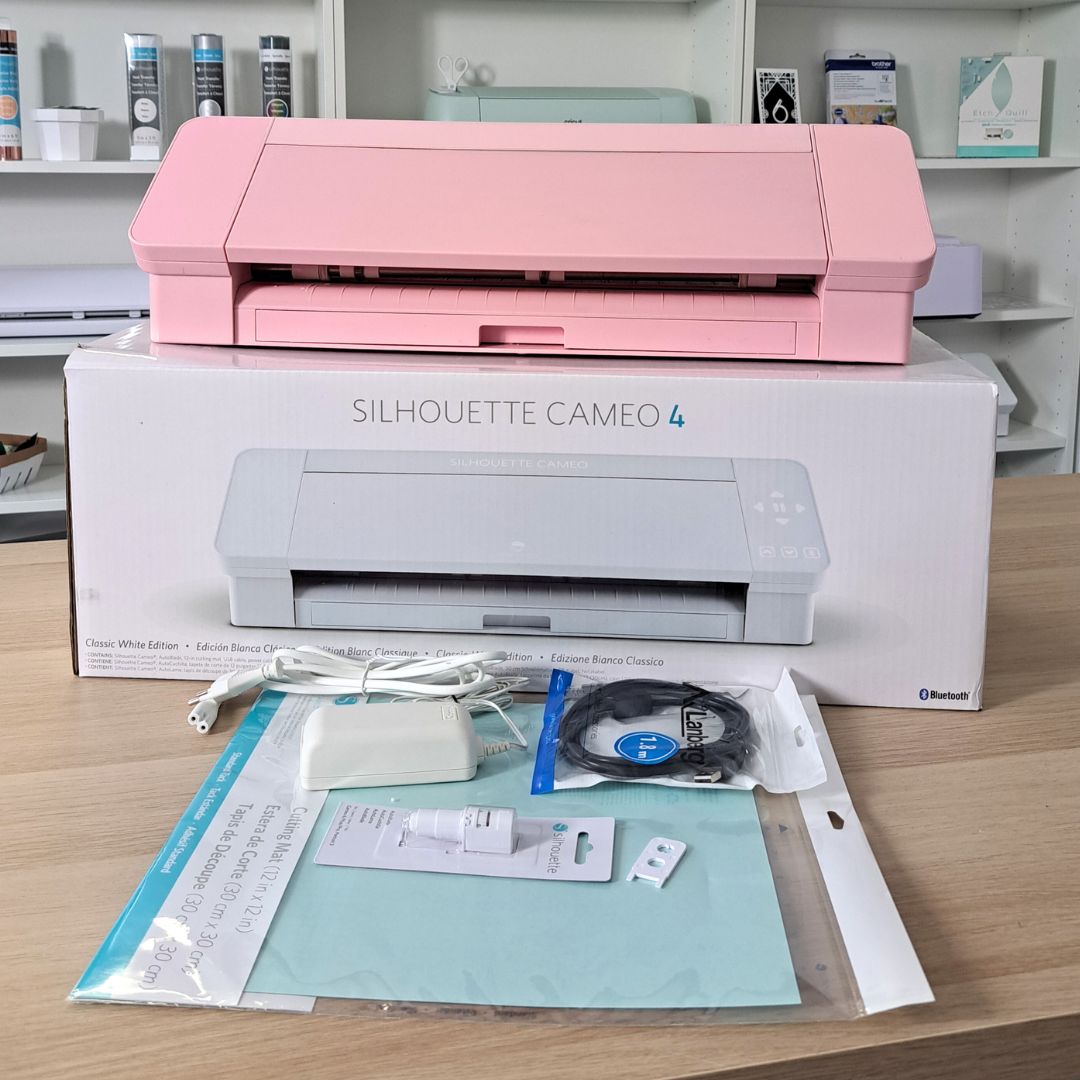
Silhouette Cameo 4 - pink - Refurbished | T011F***812 fully functional, with signs of use and light soiling. The factory protective covers have been removed from the front and side panels.
1500,00zł
899,00zł incl. tax
Lowest regular price of the last 30 days: 1500,00złSilhouette Cameo 4 - pink - Refurbished | T011F***812
1500,00zł899,00zł
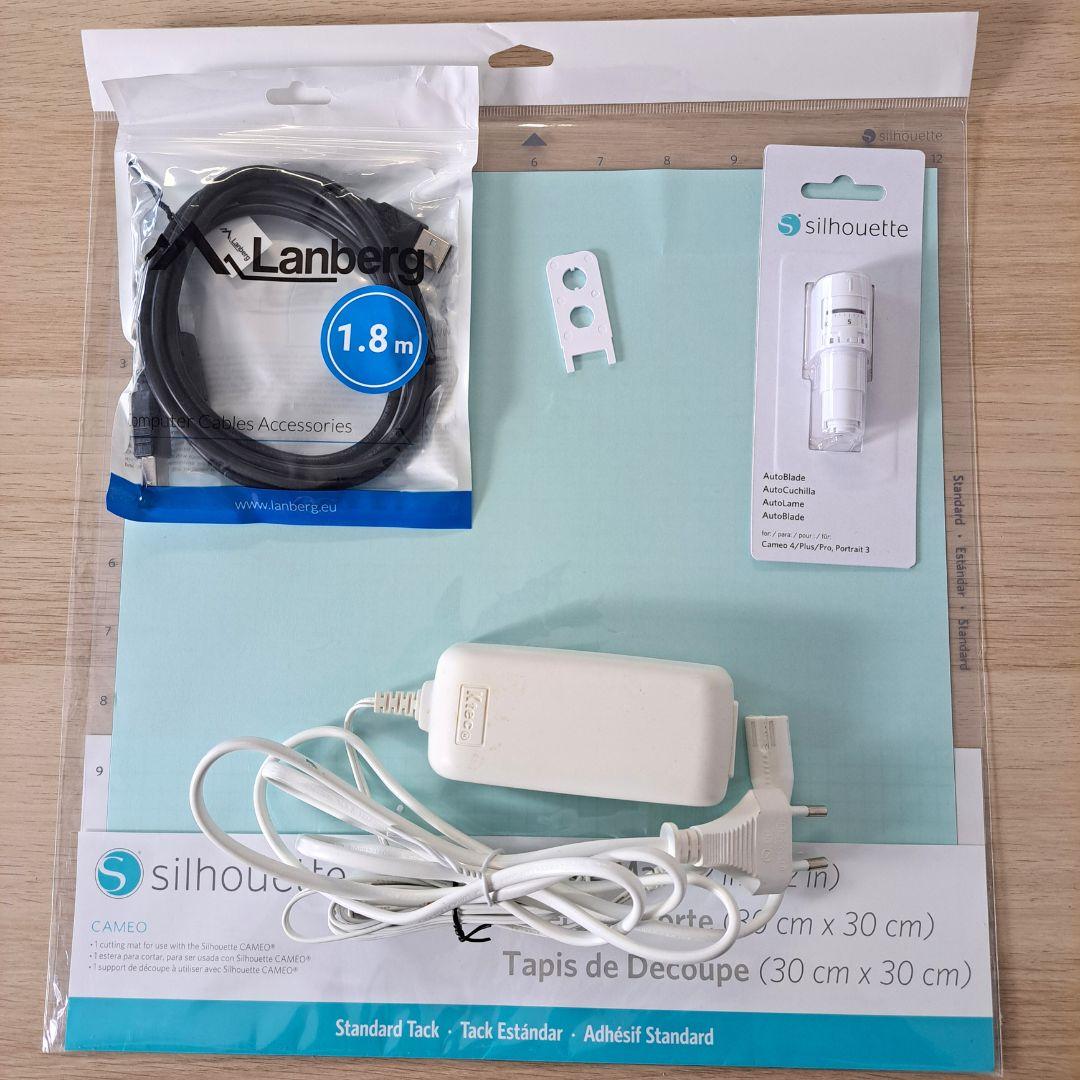
The product includes the following elements:
Adapters are not included - they must be purchased separately.
The plotter has not been registered on the Silhouette website - new owners can register it and receive 100 free patterns for their library.
Silhouette Cameo 4 is characterized by versatility. Cutting various types of materials is only part of the functions offered by this unique device. Here are some of the features and uses of the Silhouette Cameo 4:
The Silhouette Cameo 4 plotter is great at cutting a variety of materials, such as paper with a weight of up to approx. 300g, flex, flock and adhesive vinyl foil, thin fabrics and many others. Thanks to this, you can create unique patterns, inscriptions, stickers or iron-on stickers to decorate clothing and textiles.
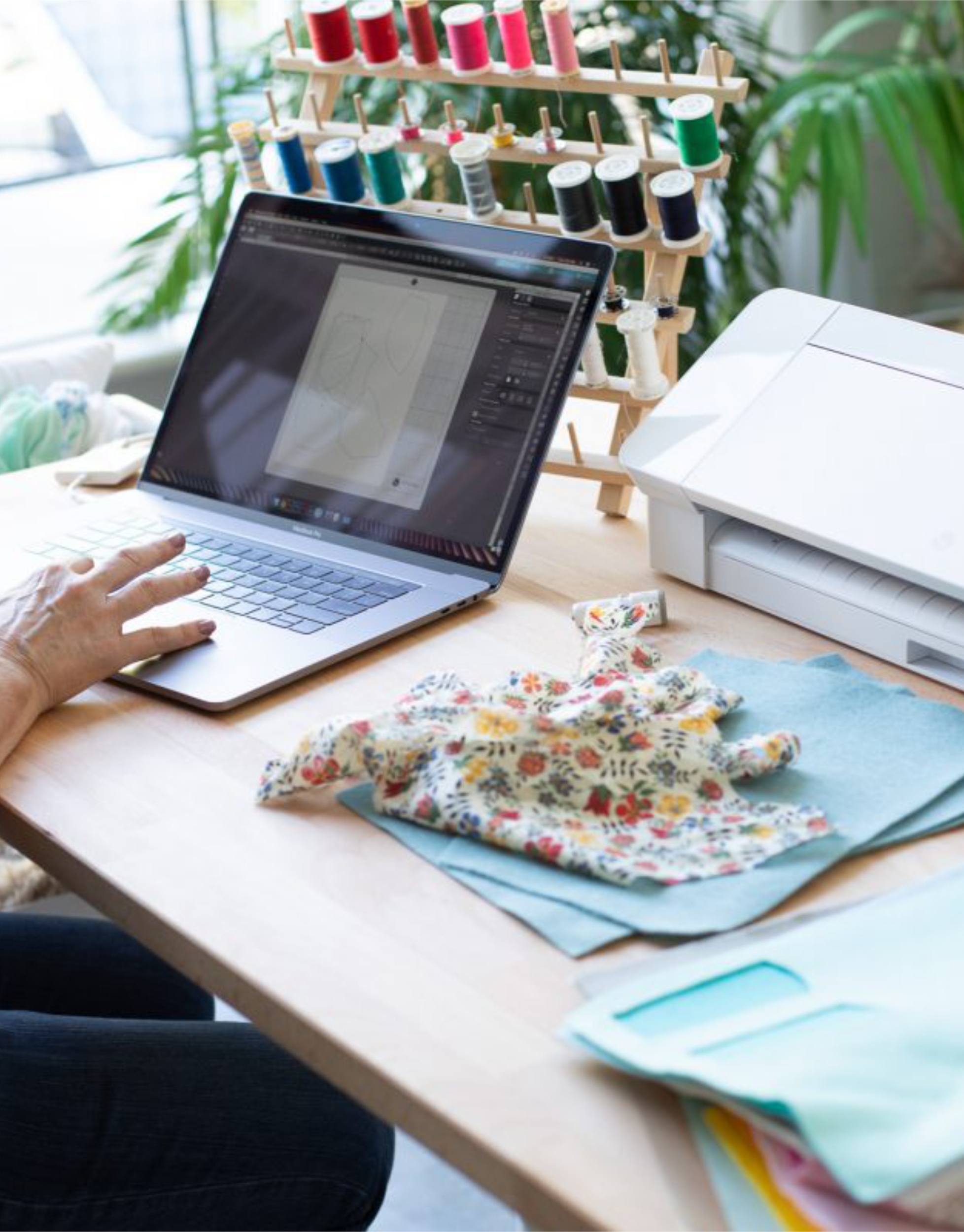
The free Polish-language Silhouette Studio software included with the plotter is the basic version of the program that allows you to open files from the Silhouette Design Store. Thanks to it, you can also design your own patterns using useful design tools. Using the fonts stored on your computer, you can create subtitles, and you can merge, rotate and transform individual shapes and letters.
In order to extend the scope of the software's capabilities with additional, useful functions, you need to purchase one of the two available extensions - Designer or Business Edition. Extensions offer more possibilities in terms of pattern design, vectorization and editing. It is also necessary to open designs in popular formats such as SVG, which allows the use of files designed in external graphic programs or purchased on platforms such as Etsy or the Polish Cutting Space platform.
You will receive a perpetual license for Silhouette Studio, which is a one-time cost for paid versions. In addition, you can use the program on several computers, and in the case of the Business Edition also on several plotters at the same time.
Formats supported by the software:
Silhouette Studio basic version: .png, .jpeg, .bmp, .gif, .tiff, .dxf
Silhouette Studio Designer Edition: .png, .jpeg, .bmp, .gif, .tiff, .gsd, .dxf, .svg
Silhouette Studio Business Edition: .png, .jpeg, .bmp, .gif, .tiff, .gsd, .dxf, .svg, .dst, .exp, .jef, .xxx, .ai, .eps, .cdr, .pdf
If you create in Corel DRAW or Adobe Illustrator, you can get the Silhouette Connect plug-in, which you can use to transfer files to your device directly from the program. Please note that the plugin works with selected versions of the programs listed in the product
The Silhouette Cameo 4 plotter has a Print & Cut function that allows precise cutting of prints. This option is very useful in a variety of projects, especially in the creation of stickers, labels, greeting cards, decorative elements and much more.
The Print & Cut process consists in printing a pattern or graphic using an inkjet or laser printer, and then cutting the printout using the Cameo 4 plotter. Thanks to the Print & Cut option in the Cameo 4 plotter, you can achieve cutting precision impossible to achieve during manual work. It makes your work easier, more effective and visually attractive.
Print & Cut allows you to print cutting patterns on A4, A3 or larger sheets if your printer allows it. The printable area for A4 sheets (21 x 29.7 cm) is approximately 17.5 x 26.5 cm.
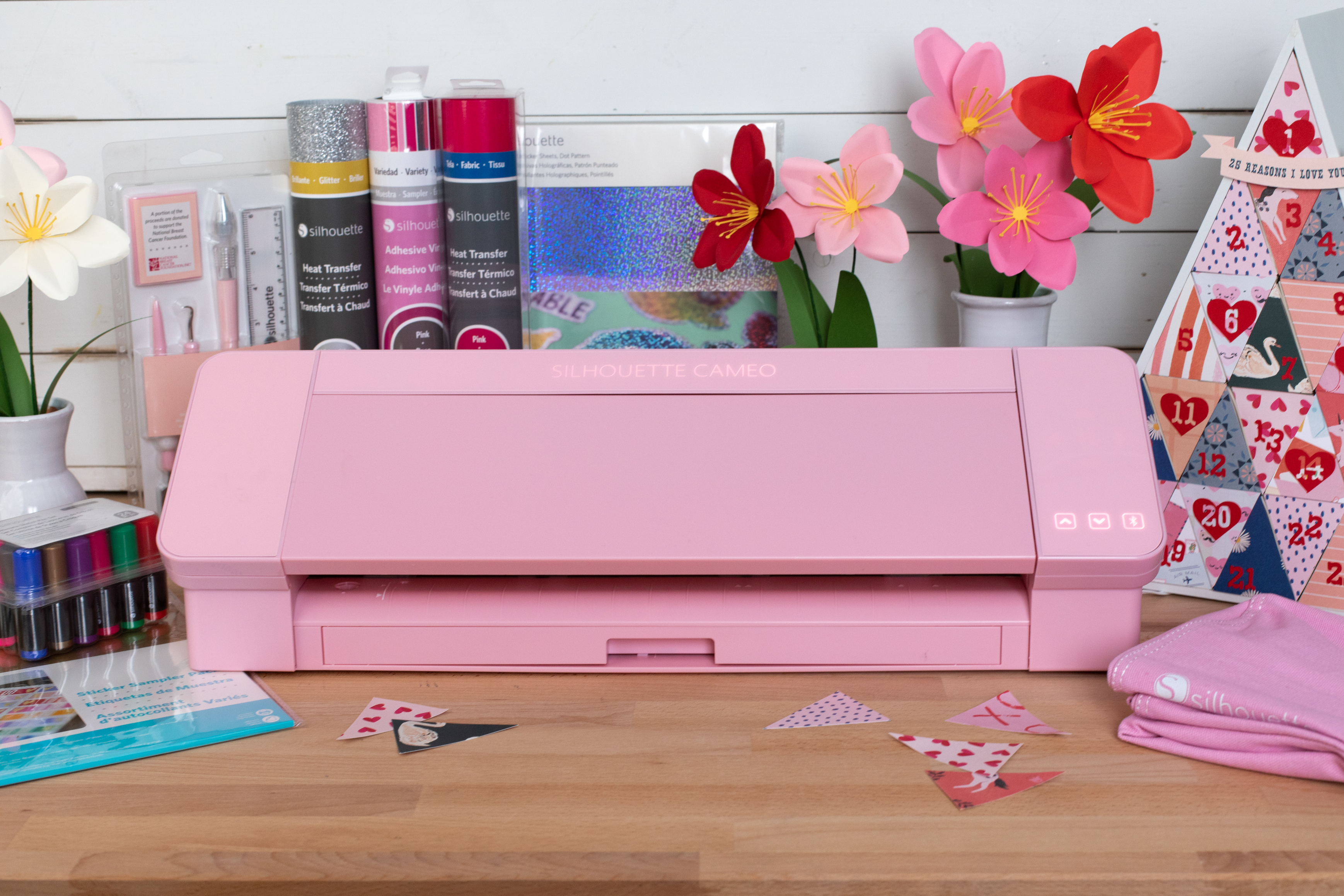
Cameo 4 plotter is popular in many creative industries, such as
scrapbooking, apparel decorating, sticker making, creating invitations and
wedding decorations, creating stickers for balloons and decorative walls,
packaging design, branding of advertising items and many more.
The device will also work in schools and kindergartens. With its help, you can create unique teaching aids that support children's development, such as educational cards, boards, puzzles or coloring books. Thanks to the ability to cut various materials, such as paper, foil or felt, you can create interactive tools that support the process of learning and playing. The Cameo 4 plotter also allows you to create decorations and decorative elements that can beautify classrooms, preschool group rooms or corridors. Teachers can create letter and number stickers, themed graphics, motivational posters and more. Combined with creativity, a plotter can create an inspiring learning environment where children can develop their skills and passions.
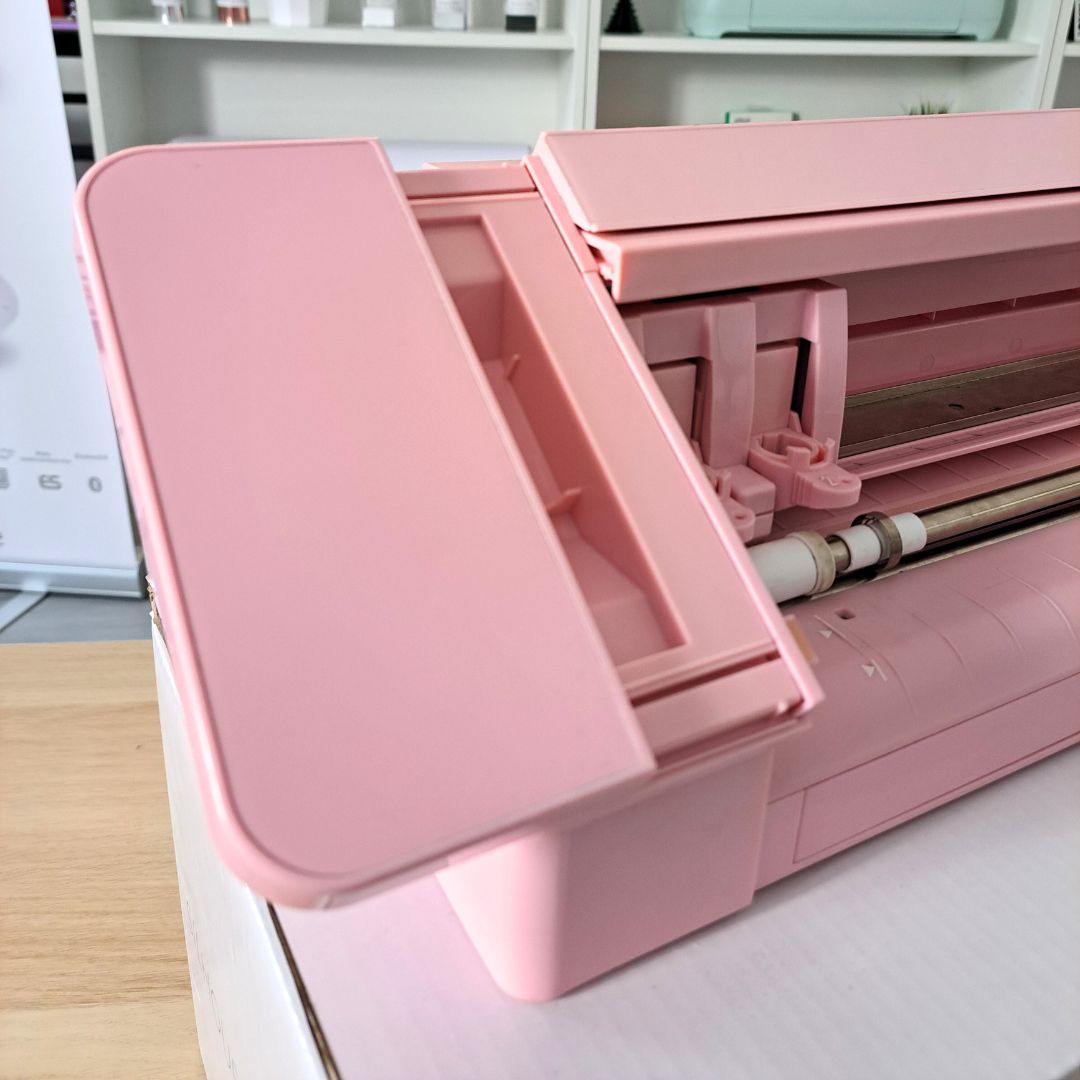
Cameo 4 is distinguished by its unique functionality compared to competing models. A perfect example are the innovative solutions used by the manufacturer, such as accessories built into the device - a feeder and a foil cutter. Thanks to this solution, they are handy, their storage is not a problem, and we do not have to worry about buying another accessory that will facilitate our work.
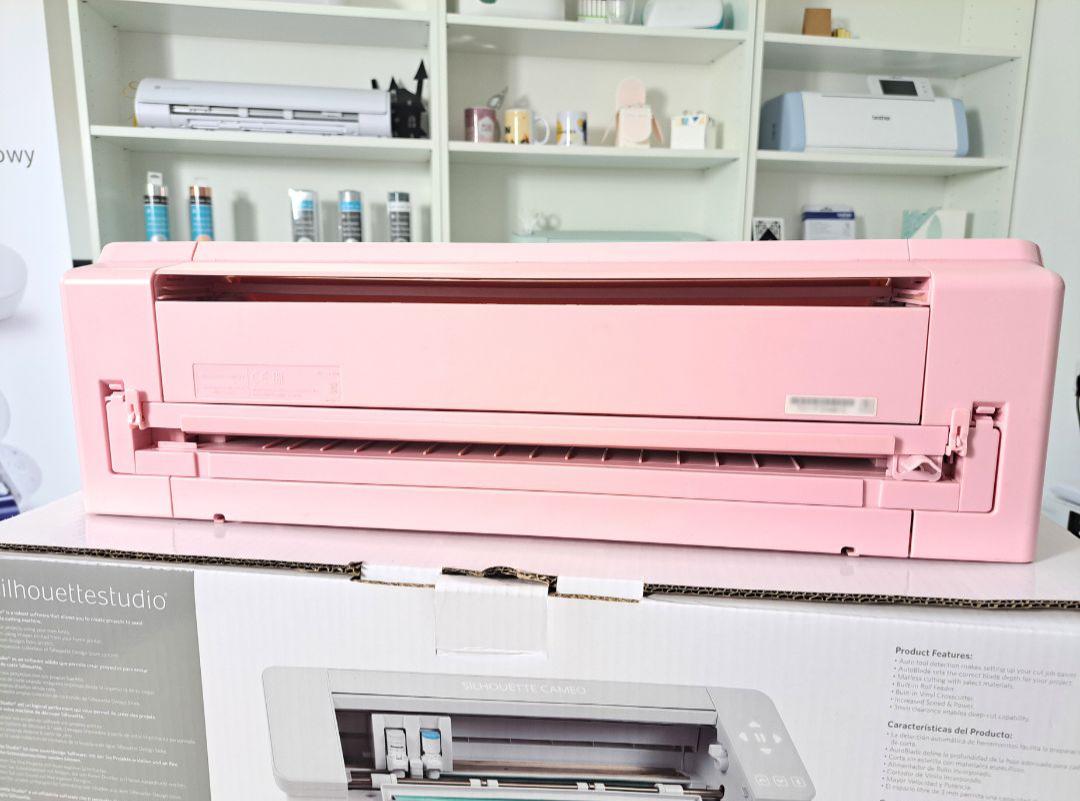
The foil cutter has been placed in the back wall of the plotter. It allows you to quickly and evenly cut the finished project from the foil remaining on the roll. Thanks to this, the next time you load the material, its edge will be perfectly matched to the machine rollers. This will also allow you to separate the cut pattern without removing the material from the machine.
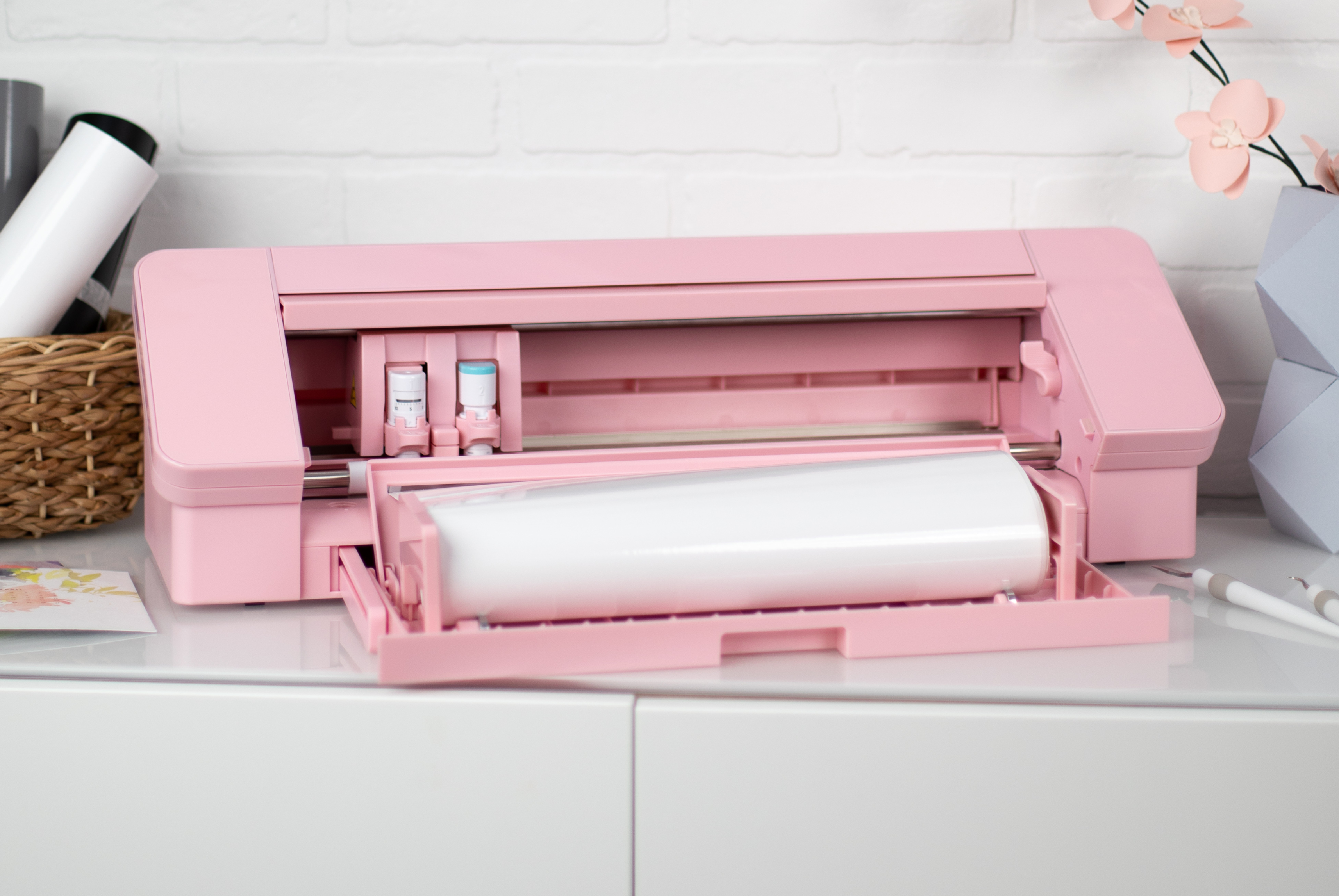
The foil feeder is located in a drawer in the front wall of the plotter. Just pull out the drawer and unfold the sides of the feeder, and then adjust their width to a 30.5 or 23 cm roll. The roll of material placed in the feeder will develop evenly during cutting and will not roll off the table, thanks to which you will avoid damage to the material and the project being cut.
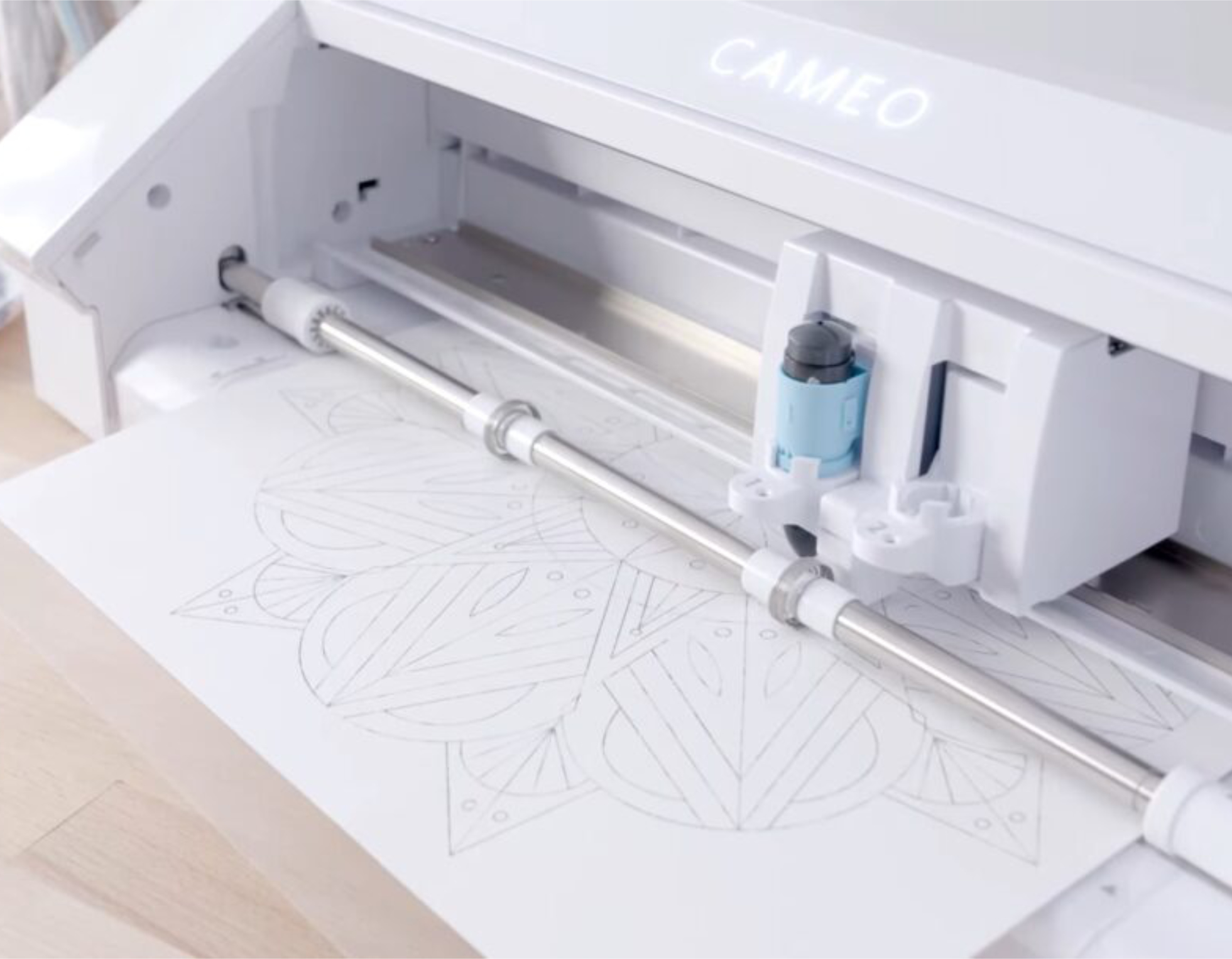
The Silhouette Cameo 4 plotter is not only about cutting in various materials. Thanks to this unique device and accessories available in our store, you can also make sketches and gilding, and using a dedicated blade you can also cut fabrics or felt!
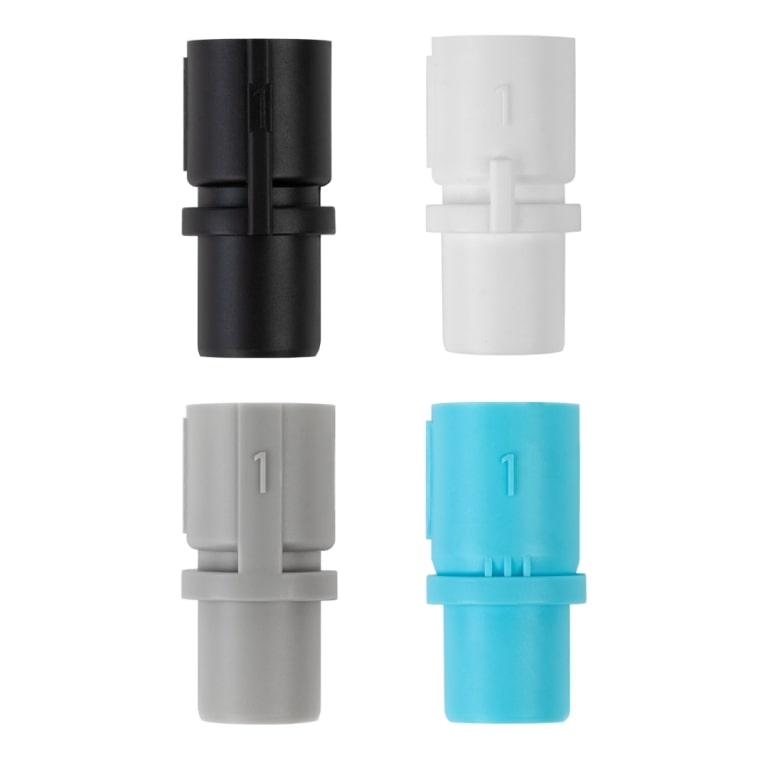
Sketching can be done using a special handle and three adapters with a diameter of 6.4 to 10 mm. In the adapter you can put your favorite pens, gel pens or felt-tip pens. You can also use dedicated Silhouette markers available on our website in 24 vivid colors.
Gilding will make each project gain a unique and elegant character. You can make them with the help of gilding products by We R Memory Keepers, for example the gilding kit containing three tools of different thicknesses, foils and all the necessary materials to create the first gilded inscriptions, ornaments or decorations.
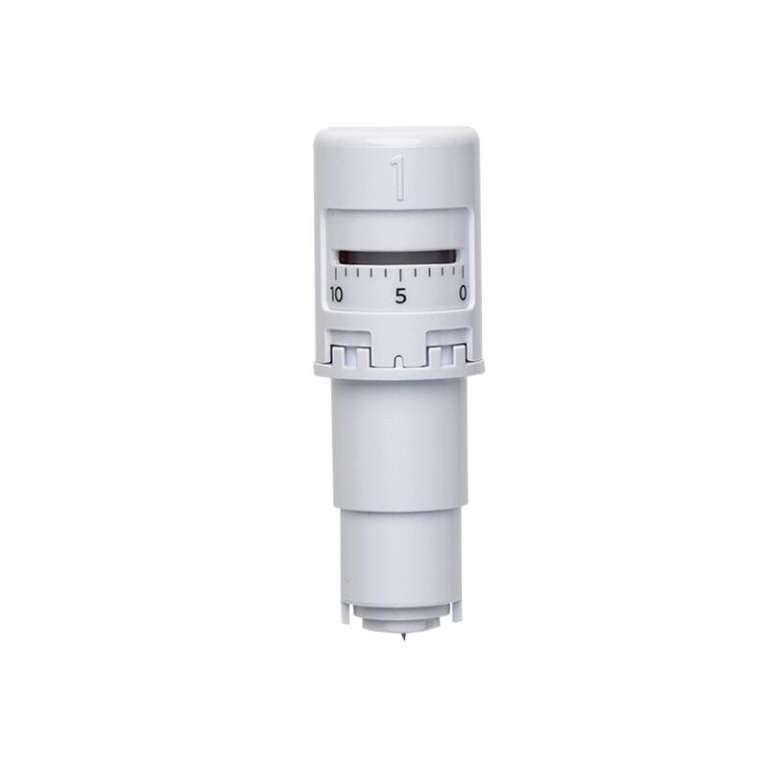
The rotary blade will allow you to cut fabrics and materials such as thin felt, cotton, wool, leather or crepe paper. In this way, you can make simple cuts to create mascots, bags or elements of clothing. For cutting materials without a backing, a mat covered with a strong adhesive will also be useful, which will hold the textiles and prevent them from moving during the cutting process.
These accessories are not part of the Silhouette Cameo 4 kit and can be purchased separately in our store.
Silhouette Studio is special software designed to design and manage Silhouette plotters, including the Silhouette Cameo 4. It is an intuitive tool that allows you to create and edit a variety of designs, import graphics, adjust cutting parameters and much more.
Silhouette Studio is a great tool for uploading and designing your own patterns. It also allows you to conveniently use ready-to-cut patterns purchased in the manufacturer's Silhouette Design Store. However, if you create in another vector graphics program or have your own patterns, for example in the popular .svg format, it is worth purchasing a program extension to one of two versions.
Designer Edition
It allows you to import files in .gsd, .dxf, .svg and .pdf formats. It also offers more advanced tools for vectorization, modifying patterns and organizing fonts into folders. Allows you to create guides and layers. It can be installed on three devices and support 1 plotter.

Business Edition
It offers functions useful for people running small businesses, such as operating three Silhouette plotters from one computer. Additionally, it supports files in .dst, .exp, .jef, .xxx, .ai, .eps, .cdr formats. Additionally, it allows you to export files in .svg, .pdf, .jpeg formats. With its help, you can automatically create guide lines for convenient removal of the foil.
| Title | Value |
|---|---|
| Connection | USB, Bluetooth |
| Force | 210g, 5kg |
| Free designs | 100 |
| Language | English, Polish |
| Maximum Cutting Area With Cutting Mat | 30,5 x 61 cm (12 x 24 in.) |
| Maximum Cutting Area Without Cutting Mat | 29,7 x 360 cm |
| Software | Silhouette Studio (free), Adobe Illustrator - plug-in (paid extra), Corel DRAW - plug-in (paid extra), Silhouette Studio Designer Edition (paid extra), Silhouette Studio Business Edition (paid extra) |
| Unit Dimensions | 57 x 19,5 x 17 cm |
| Unit Weight | 4,7 kg |
| Cutting out graphics along the outline | Yes (the possible margin of error is 1/16 in.) |
| Print & Cut Margins | On mat - 16mm on Each Side , Without mat - 16mm on the sides and top of the page; 25,4mm at the bottom of the page |
| Manufacturer Details | Silhouette America® Inc.618 N. 2000 W.Lindon, Utah 84042, USA support@silhouetteamerica.com |
| EU Marketing Authorisation Holder | Silhouette Europe B.V. Prinsengracht 572A 1017 KR Amsterdam tel: 31611841511 support@silhouetteeurope.eu |
Other customers bought also:
No one has added an opinion yet.
Be the first to do so!
Made by: Michał Desol