





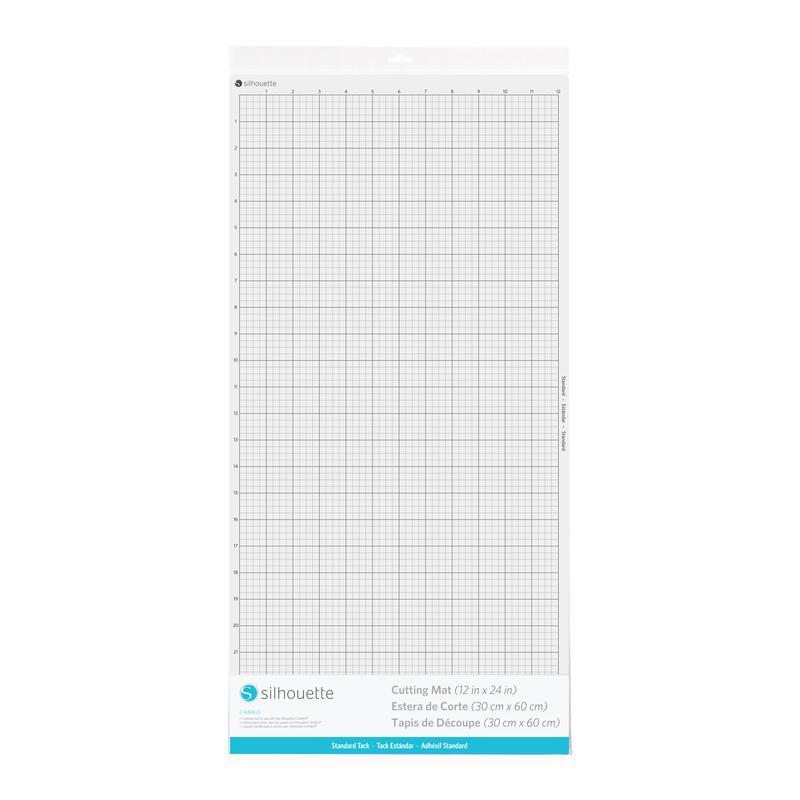
Cameo Cutting Mat - 12x24" - Standard Tack
99,00złincl. tax
Silhouette accessories -10% code: święta2025
Do you have any questions? We'll be happy to help!
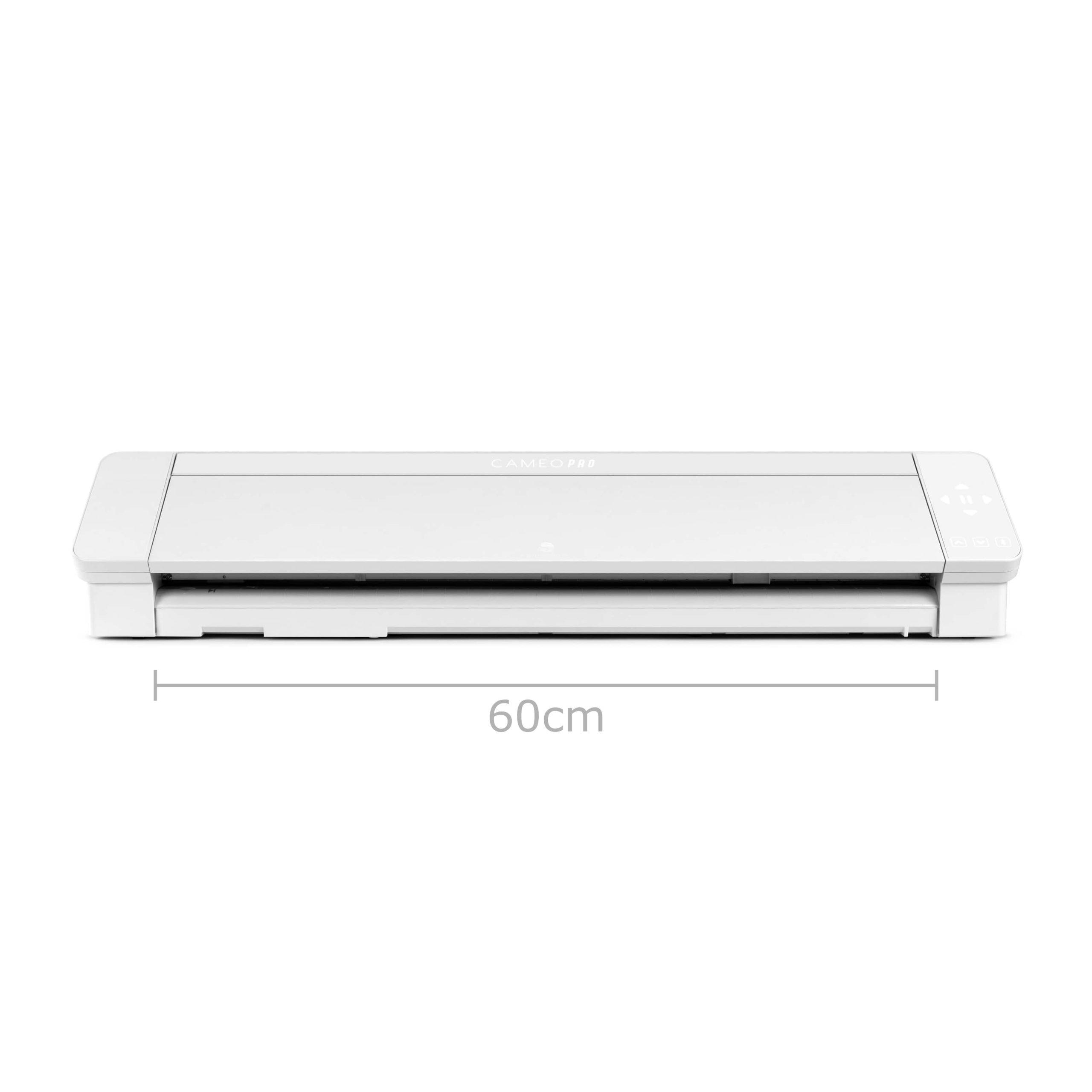
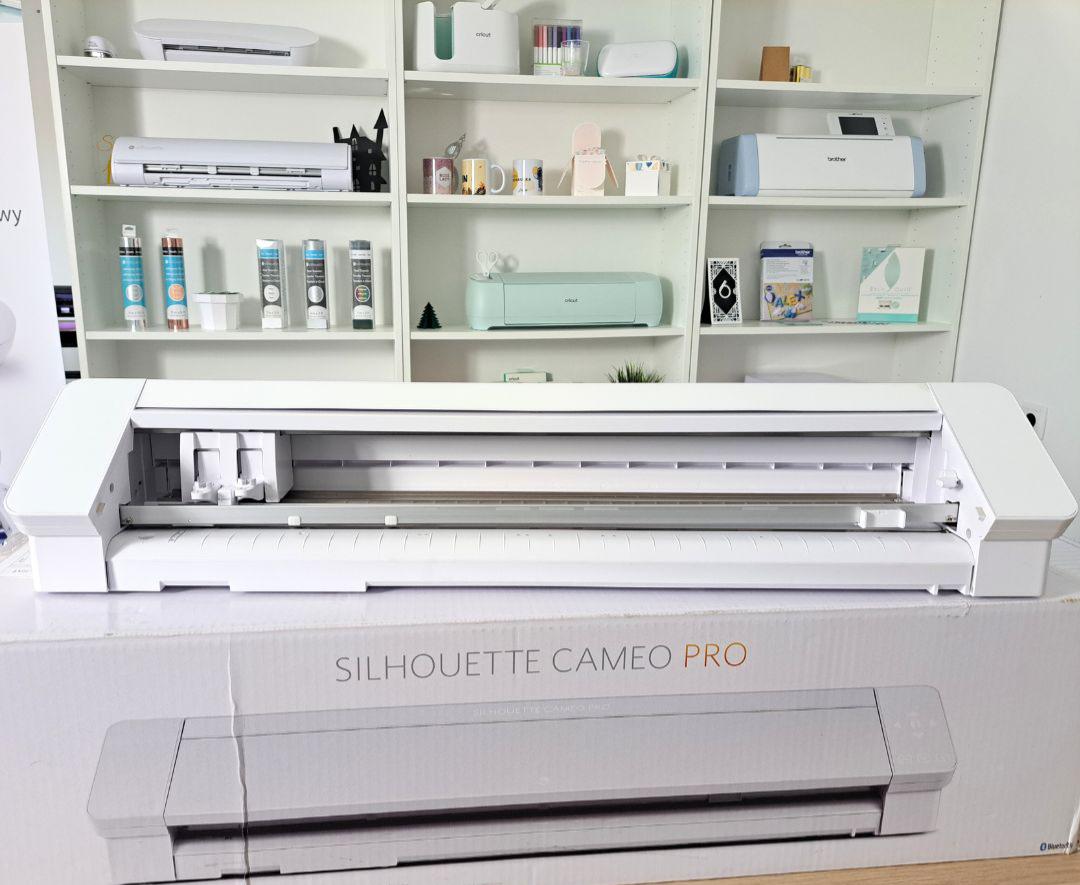
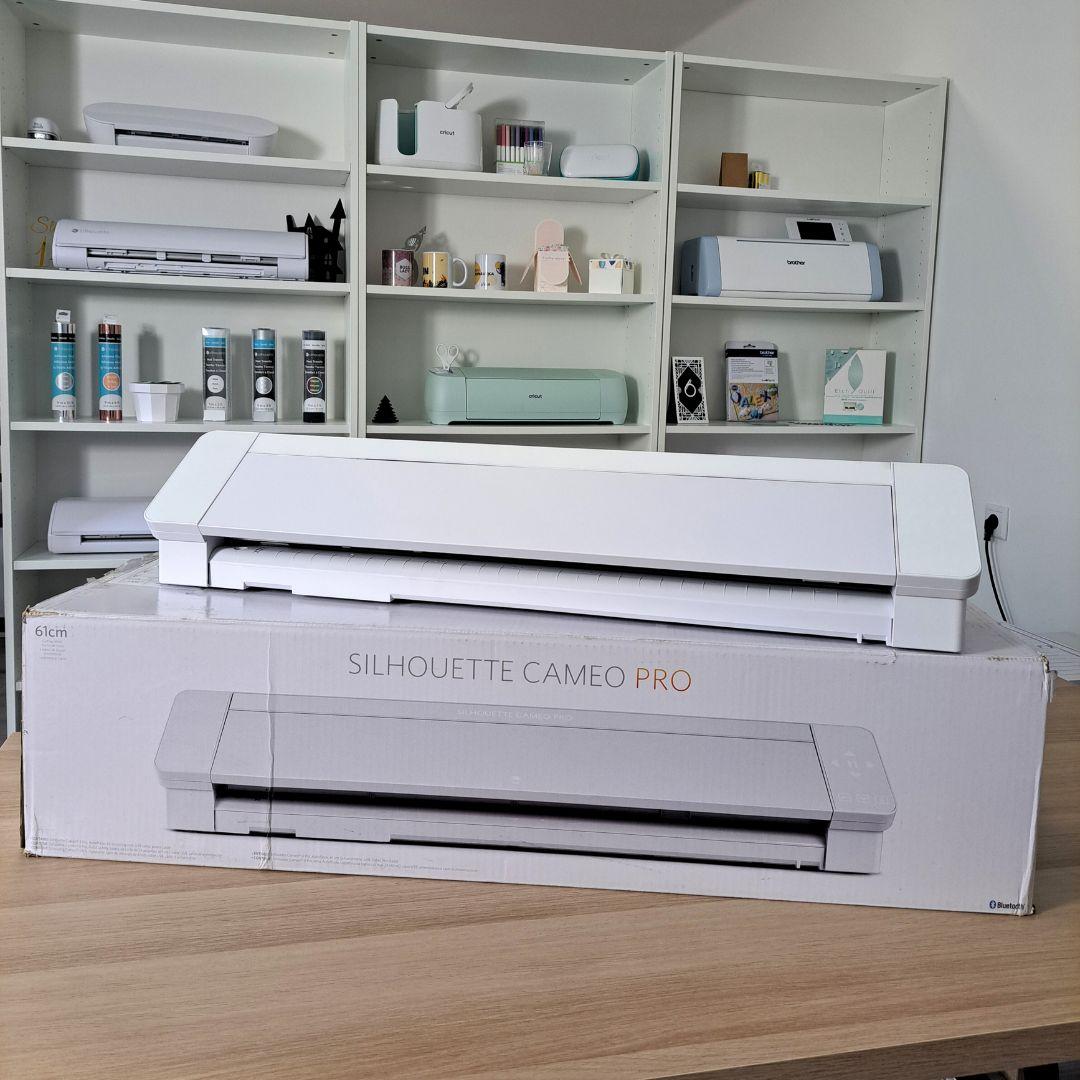
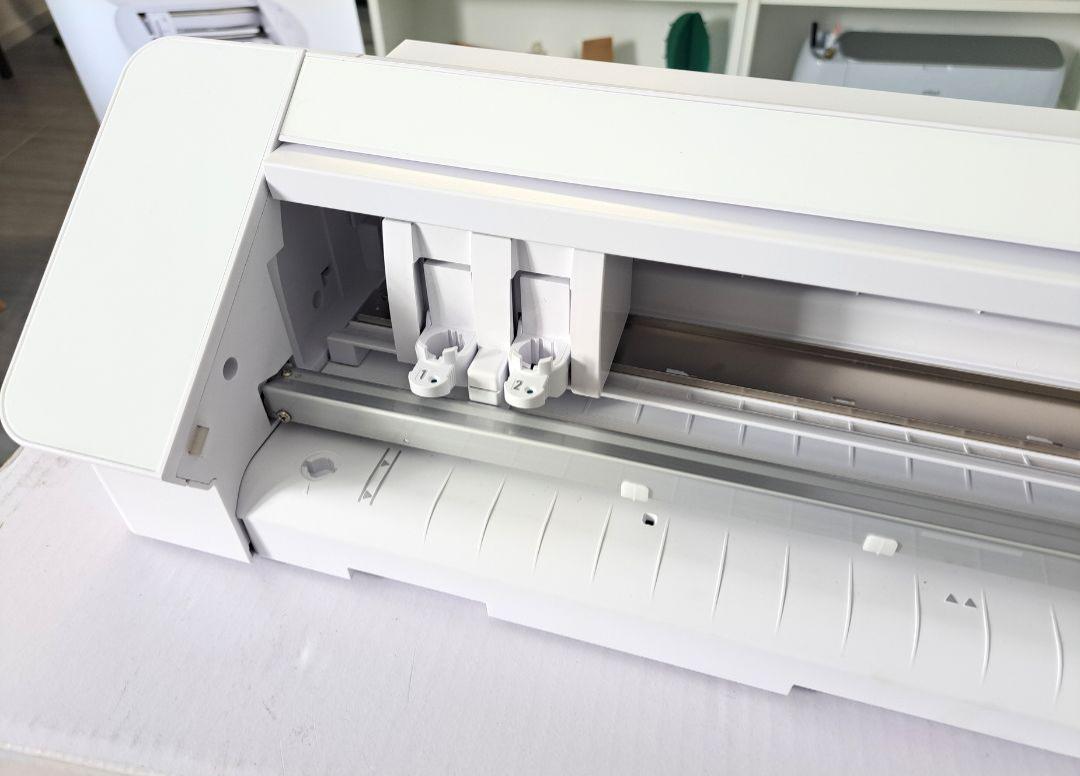
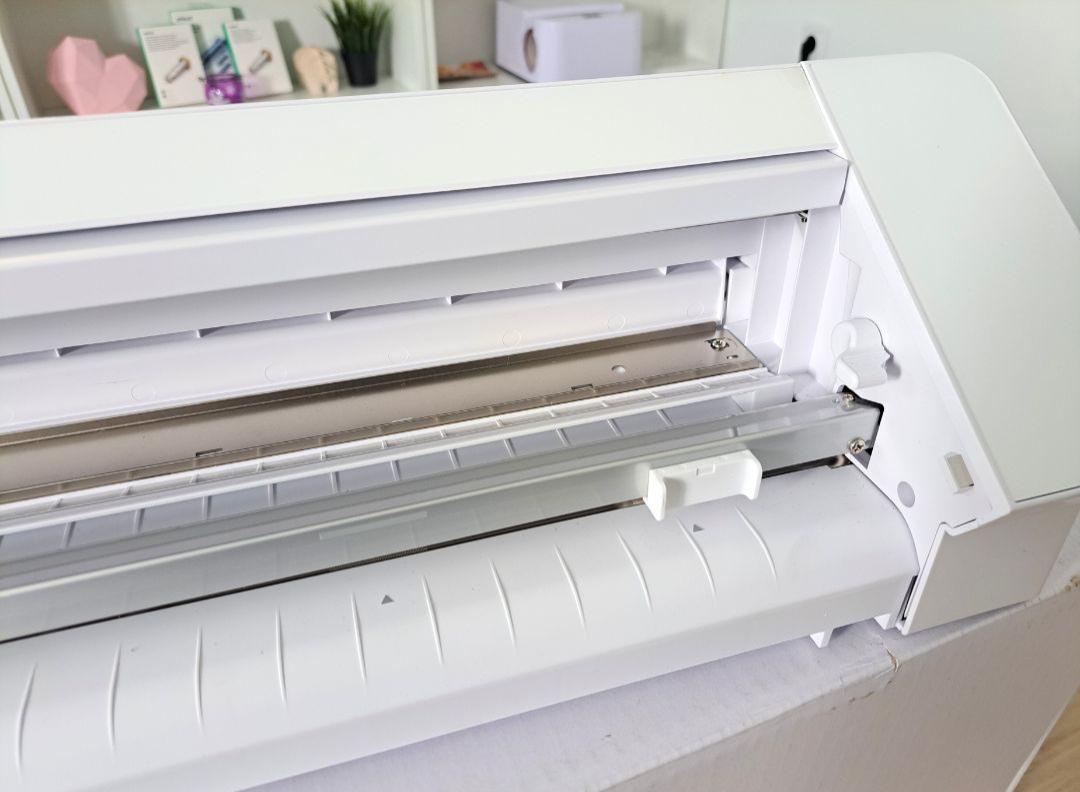
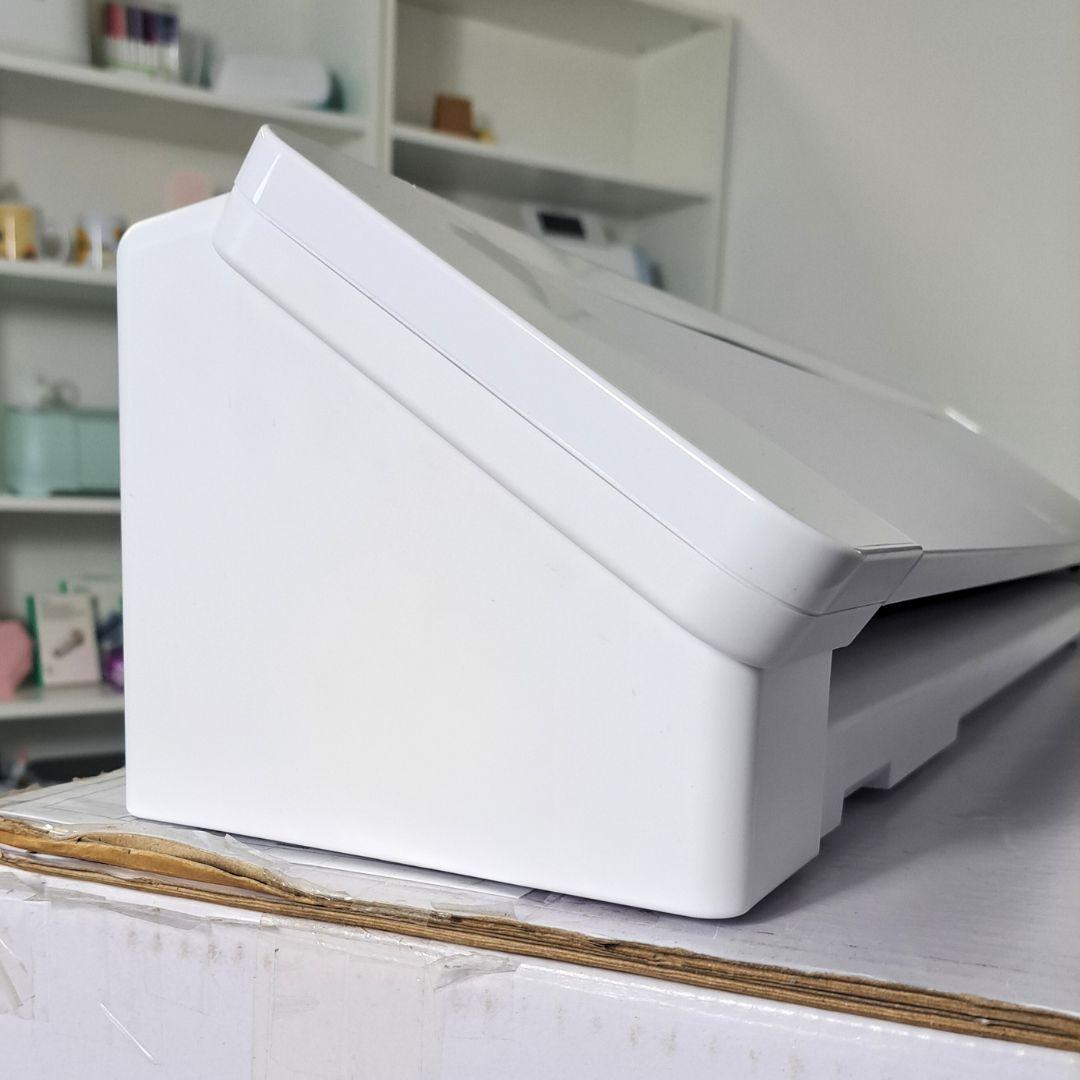
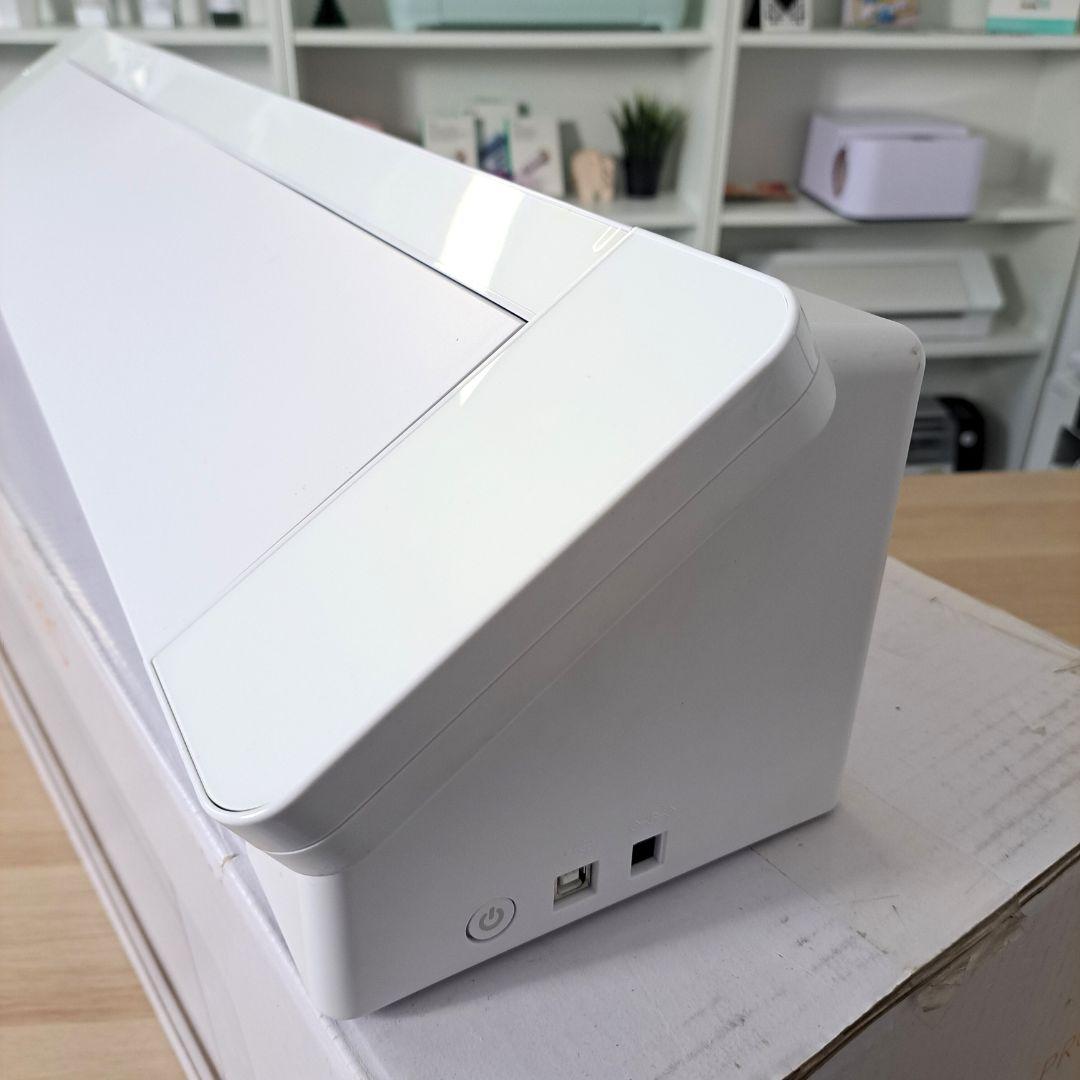
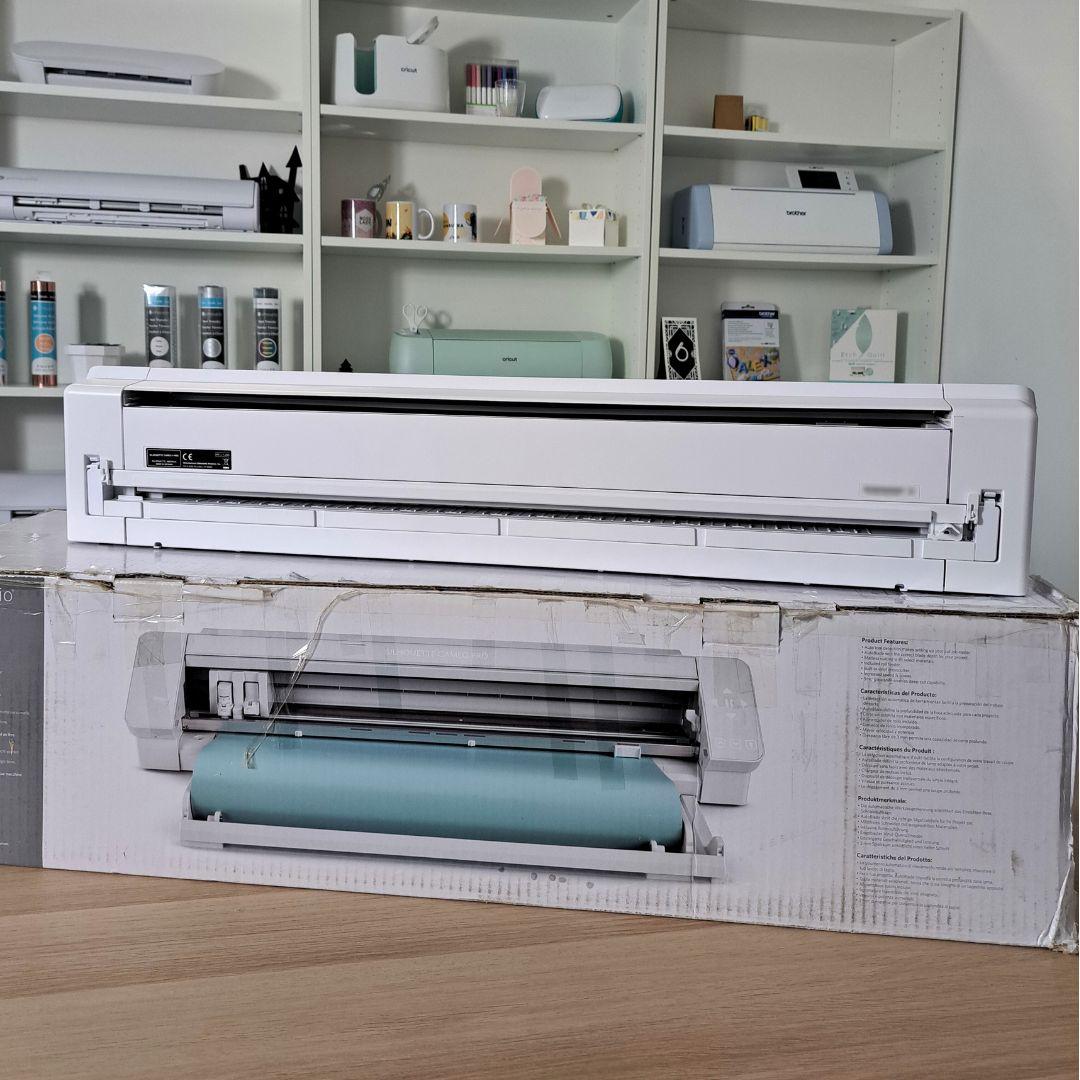
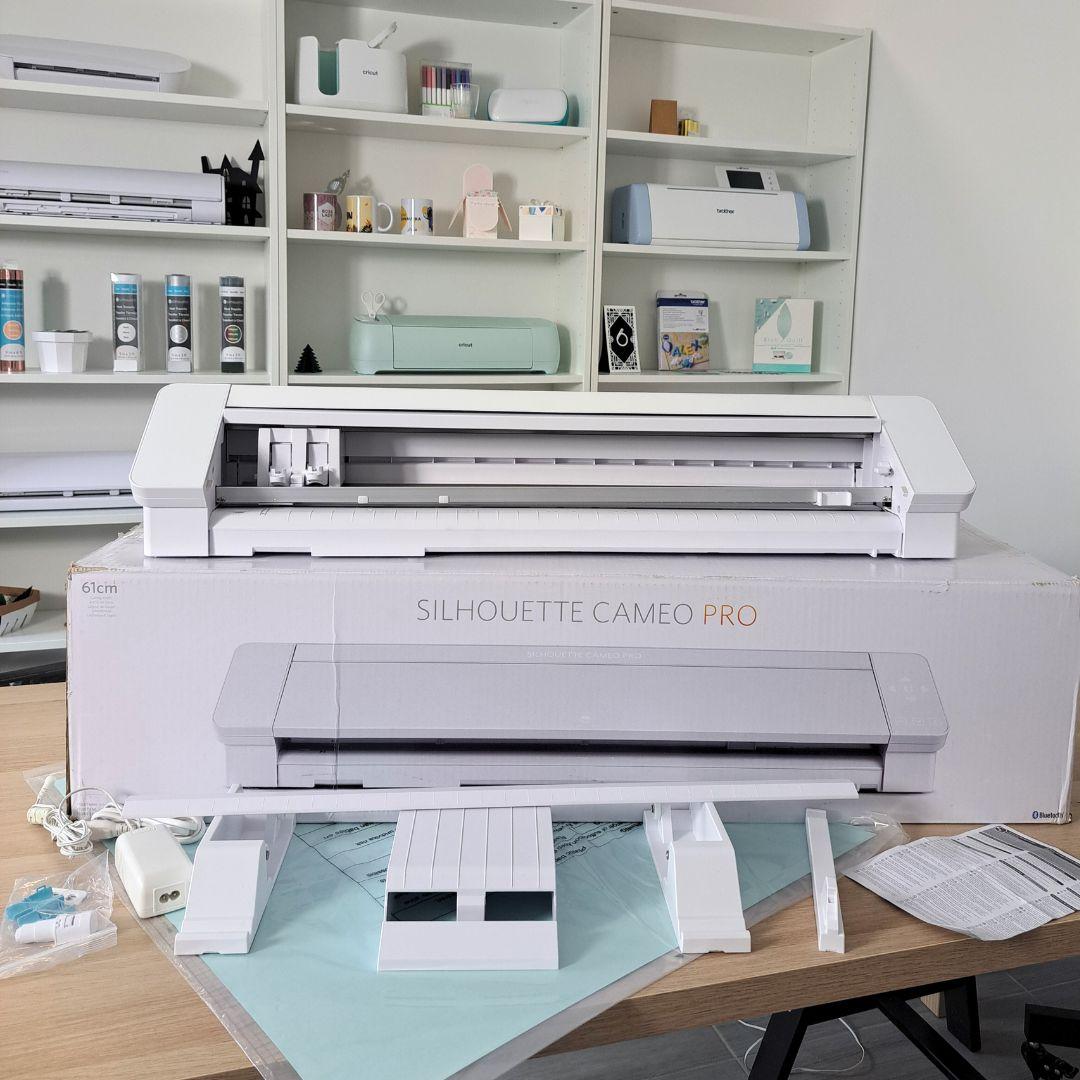
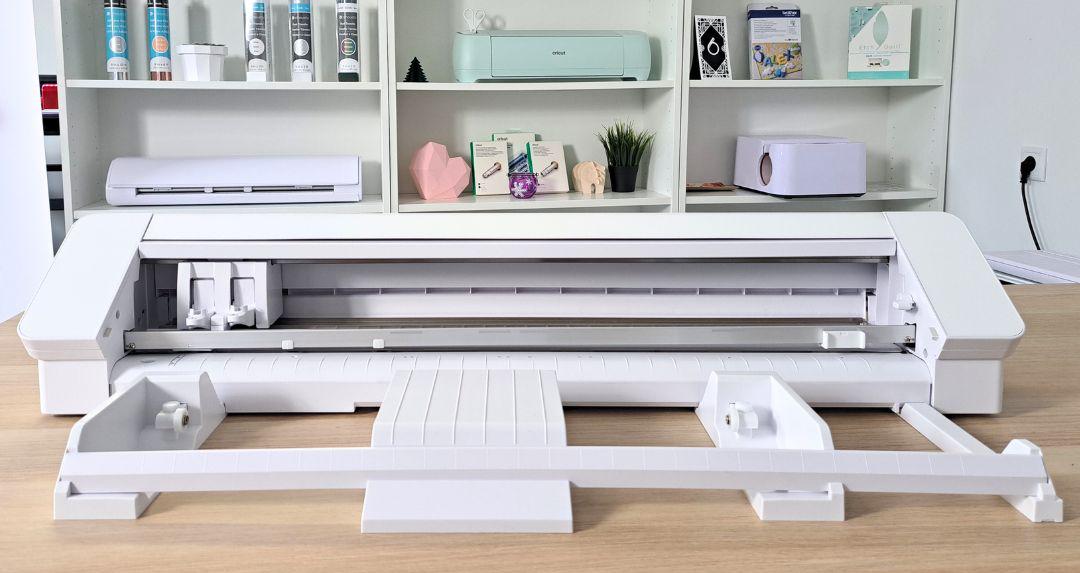
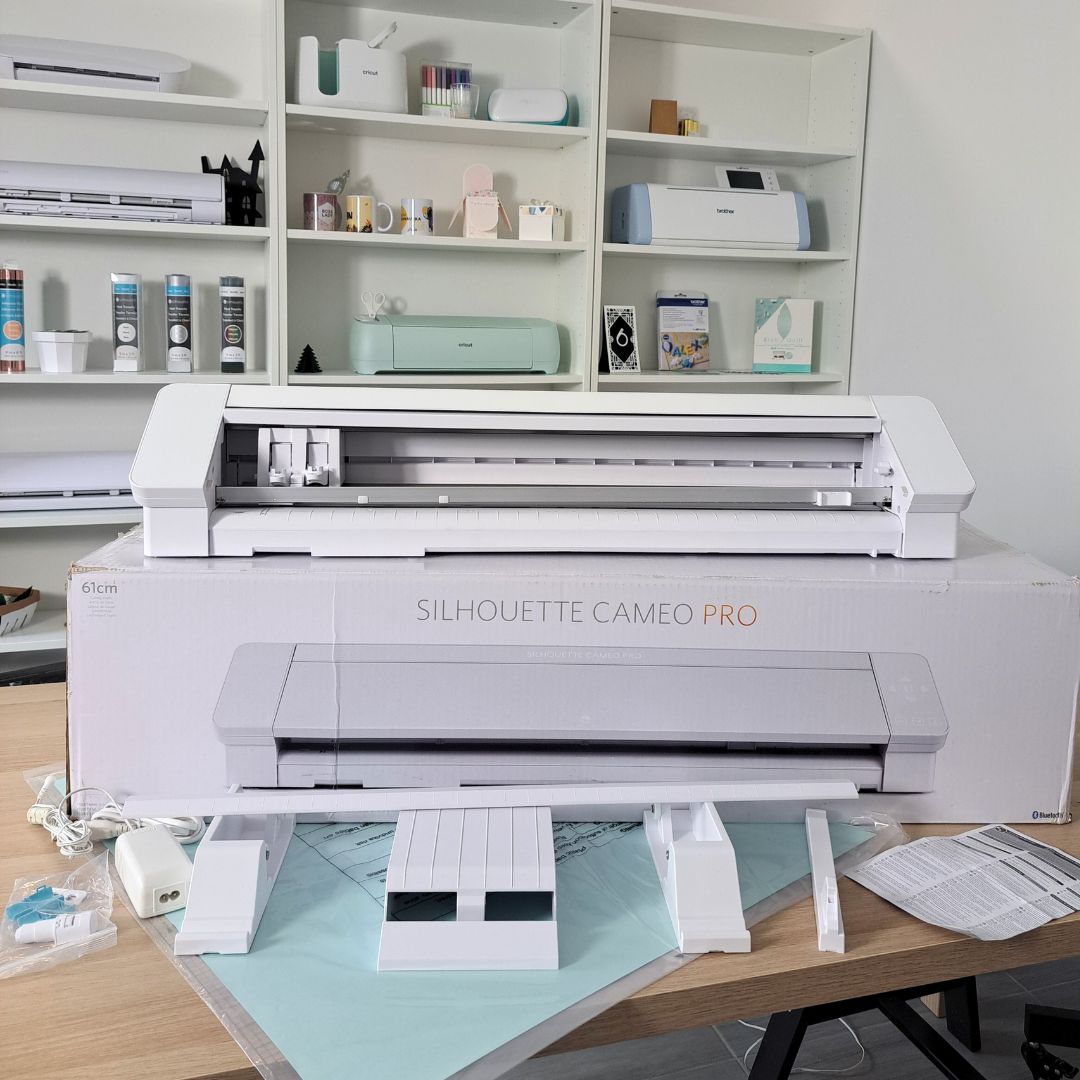
Silhouette Cameo 4 Pro - Refurbished - customer return, fully functional, shows minor signs of wear, and has the safety covers removed from the side panels. The original packaging is also slightly damaged.
3299,00zł
1899,00zł incl. tax
Lowest regular price of the last 30 days: 3299,00złSilhouette Cameo 4 Pro - Refurbished | R209H***946
3299,00zł1899,00zł
Buy together:
67,00zł
63,65zł
35,00zł
33,25zł
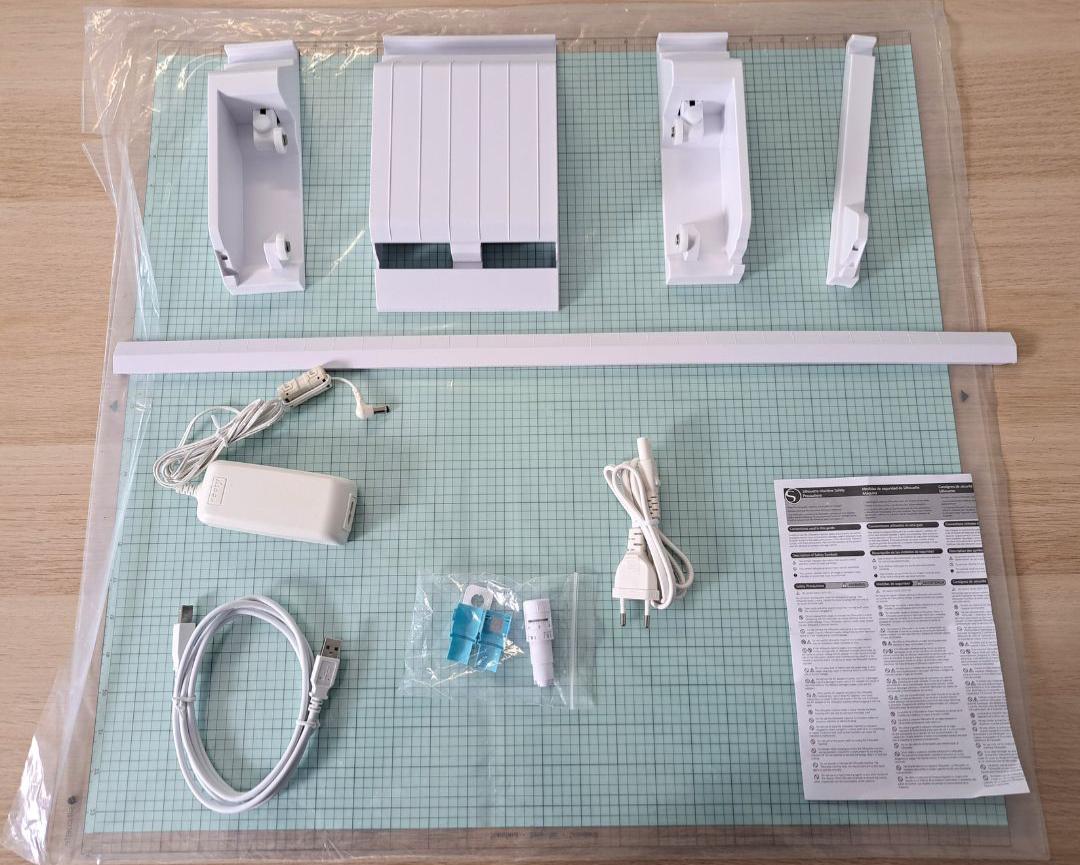
The product includes the following elements:
Cameo 4 Pro
Standard, with dimensions 61 x 61 cm.
In electronic form.
The device is fully functional, shows minor signs of wear, and has the safety covers removed from the side panels. The original packaging is also slightly damaged.
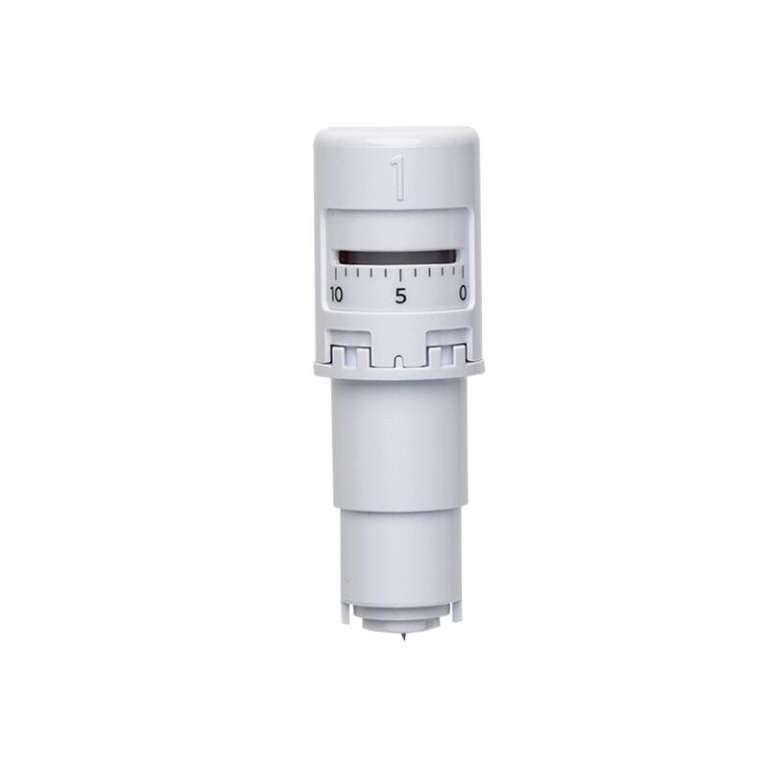
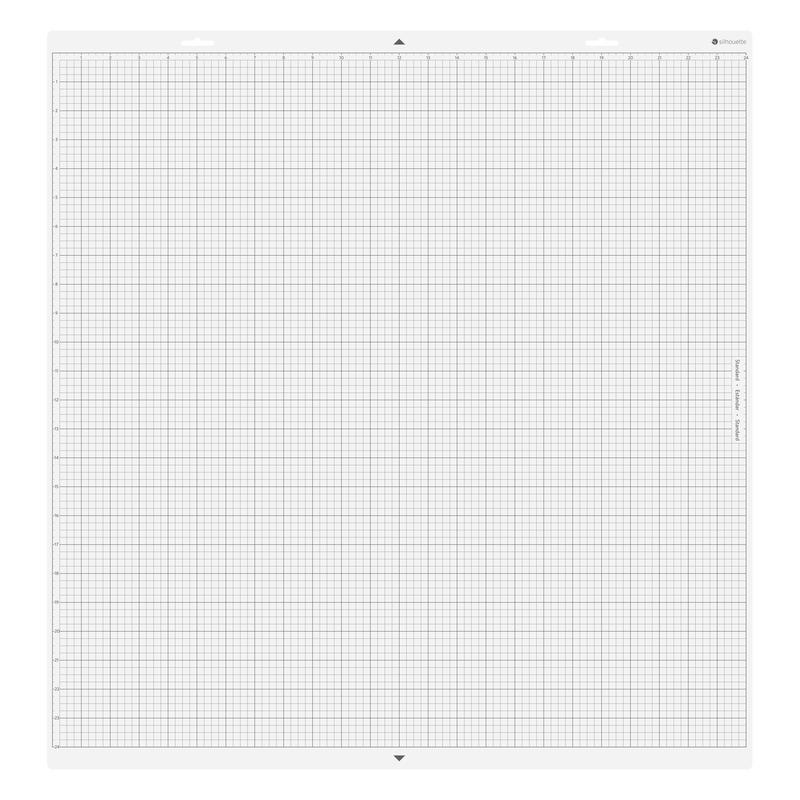
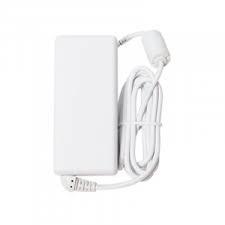
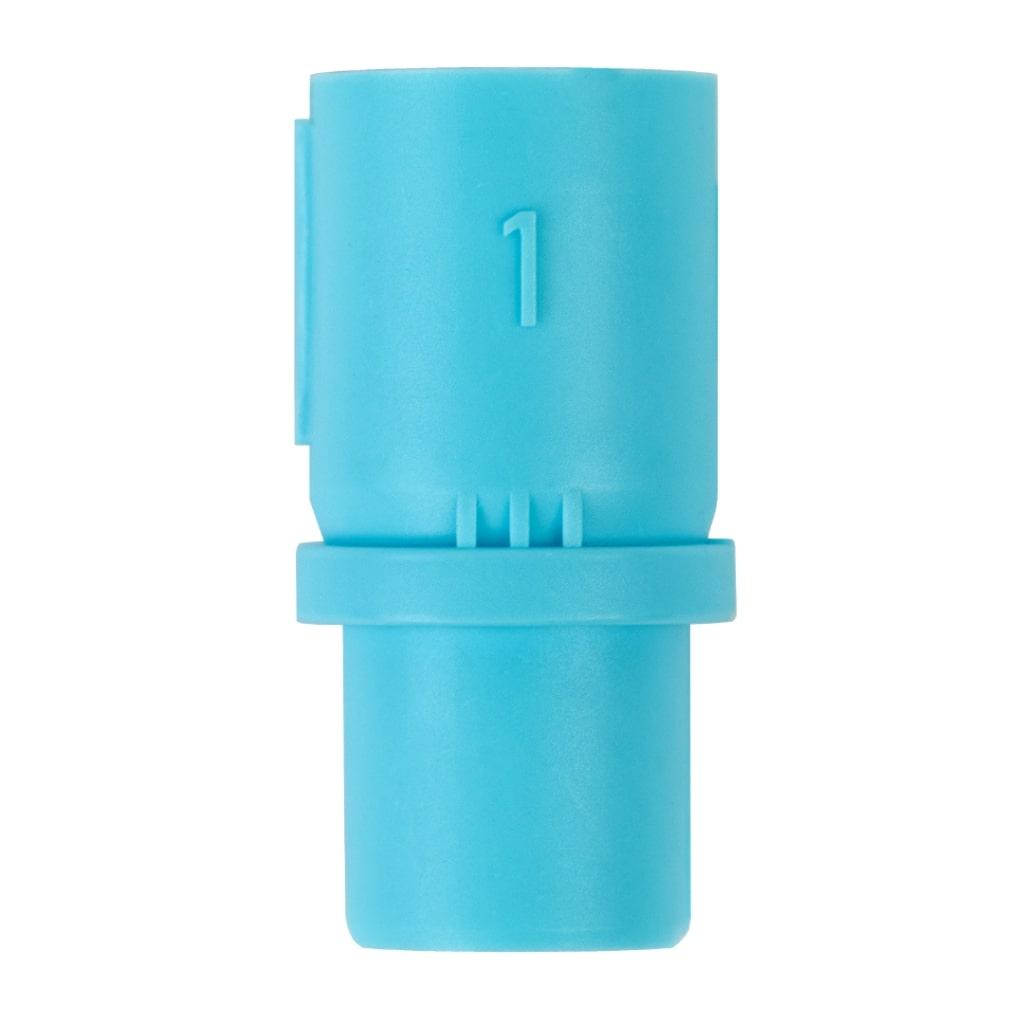
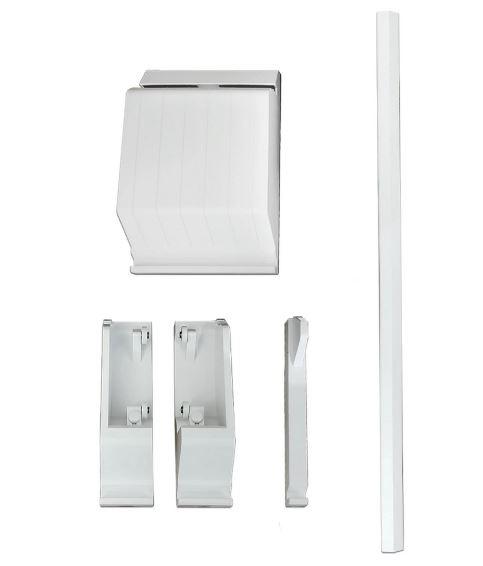
The device comes with a new cutting mat and blade, as well as all manufacturer's accessories (power supply, blade key, blue adapter, and film feeder).
The plotter has not been previously registered - the new owner will be able to activate it on the Silhouette website and gain access to 100 free designs.
This is a great opportunity to start or expand your large format cutting adventure!
The possibilities of Silhouette Cameo 4 PRO:
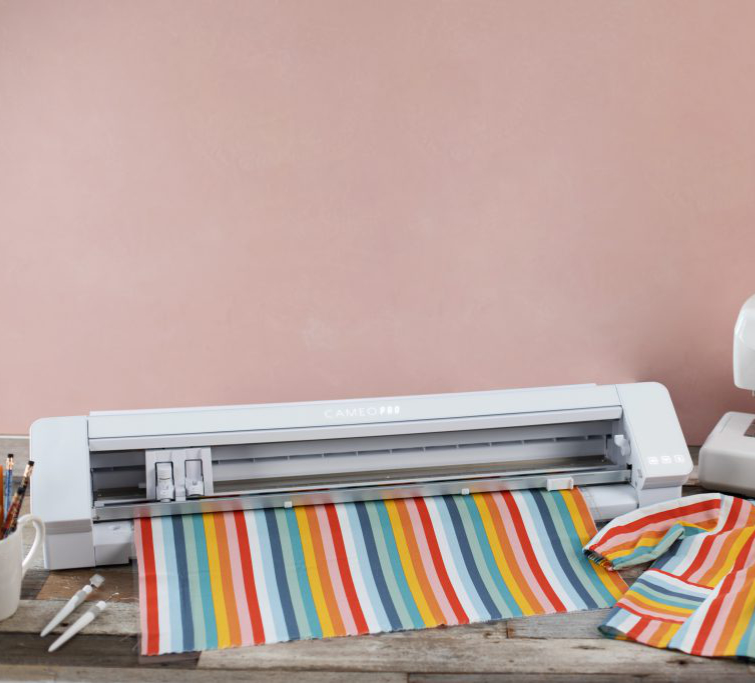
The plotter cuts in:
Software:
You can operate the plotter using the free, Polish-language Silhouette Studio software, which in its basic version supports files in .studio3, .png, .jpeg, .bmp, .gif, .tiff formats. It allows you to design patterns yourself and edit free designs available in the library. Extensive design tools will give you enormous possibilities, and the intuitive structure of the application will make it easier to become familiar with computer graphics. If you need even more functions, Silhouette Studio will not disappoint you either - there are also 2 paid program extensions available - Designer Edition and Business Edition. Extended versions work with more formats.
For Designer Edition these are: .png, .jpeg, .bmp, .gif, .tiff, .gsd, .dxf, .svg, .pdf.
For Business Edition these are: .jpeg, .bmp, .gif, .tiff, .gsd, .dxf, .dst, .exp, .jef, .xxx, .svg, .ai, .eps, .cdr, .pdf .

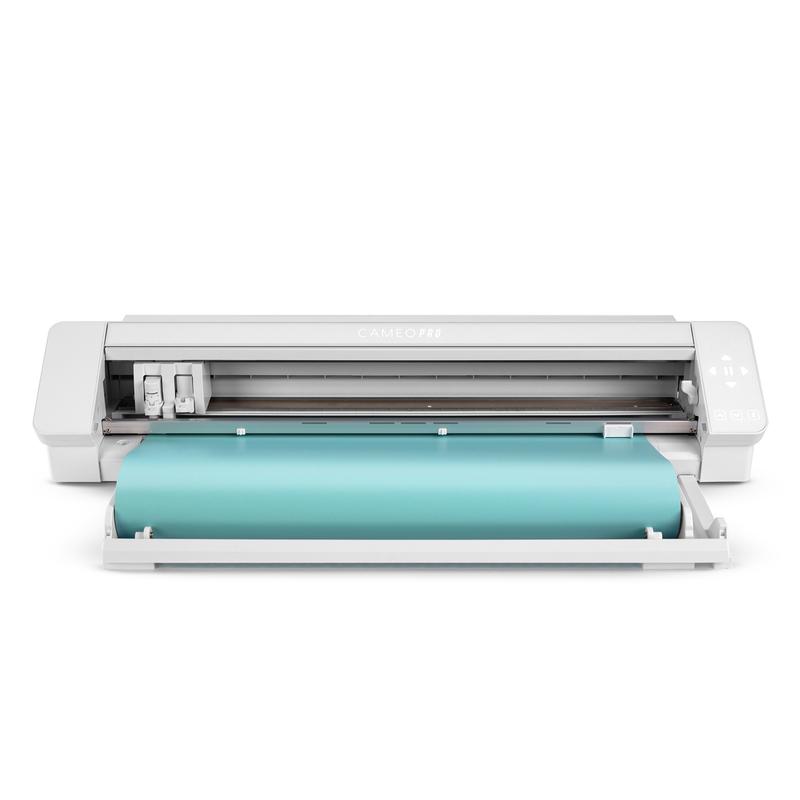
Silhouette Cameo 4 PRO and foil cutting
The plotter has an external foil feeder with adjustable width and a cutter that makes it easier to separate the pattern from the roll. However, in this model, in the case of longer sheets, it is recommended to cut them on a plotter mat.
Additionally, the Cameo 4 Pro model is 60 cm wide, which allows it to accommodate the most popular foils available in Poland. Foils of this width are easily available and much cheaper than their narrower counterparts.
Silhouette Cameo 4 Pro is perfect for hobby and craft use. Working with this model is efficient and faster compared to older Silhouette models. The device also has 3x faster speed than the previous Cameo 3 model.
Hardware requirements for Silhouette Studio to run:
It is also possible to use the Silhouette GO mobile application, available for both Android and iOS.
Silhouette Studio is a great tool for uploading and designing your own patterns. It also allows you to conveniently use ready-to-cut patterns purchased in the manufacturer's Silhouette Design Store. However, if you create in another vector graphics program or have your own patterns, for example in the popular .svg format, it is worth purchasing a program extension to one of two versions.
Designer Edition
It allows you to import files in .gsd, .dxf, .svg and .pdf formats. It also offers more advanced tools for vectorization, modifying patterns and organizing fonts into folders. Allows you to create guides and layers. It can be installed on three devices and support 1 plotter.

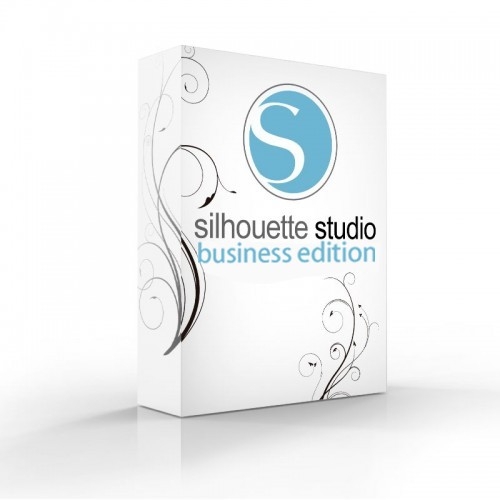
Business Edition
It
offers functions useful for people running small businesses, such as
operating three Silhouette plotters from one computer. Additionally, it
supports files in .dst, .exp, .jef, .xxx, .ai, .eps, .cdr formats.
Additionally, it allows you to export files in .svg, .pdf, .jpeg
formats. With its help, you can automatically create guide lines for
convenient removal of the foil.
| Title | Value |
|---|---|
| Model | Cameo 4 Pro |
| Mat width | 24" |
| Mat length | 24" |
| Cutting length without mat | 3m |
| Force | 210g, 5kg |
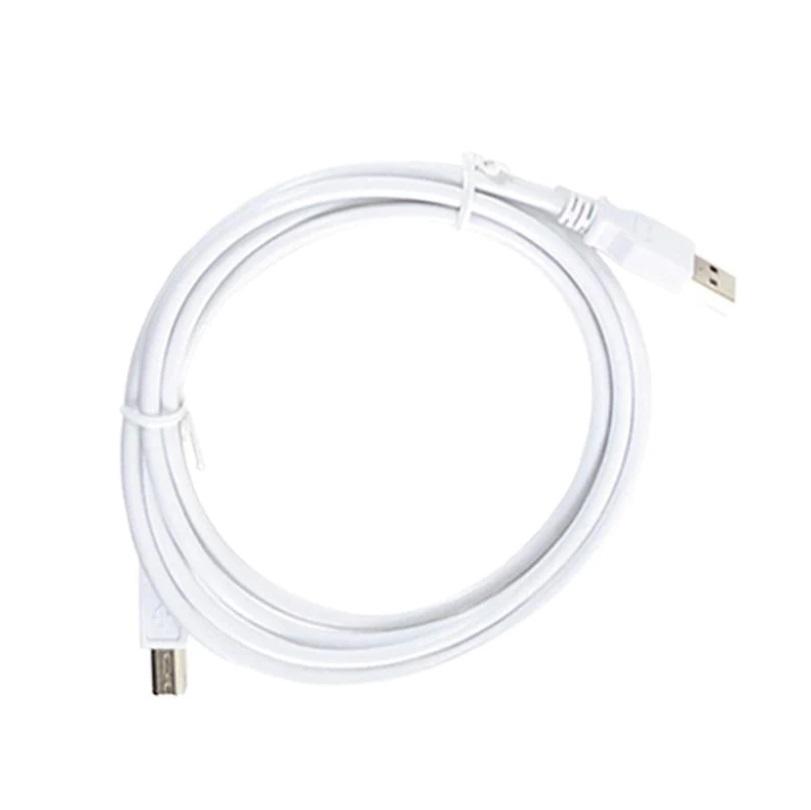
| Connection | USB, Bluetooth |
| Language | English, Polish |
| Free designs | 100 |
| Software | Silhouette Studio (free), Adobe Illustrator - plug-in (paid extra), Corel DRAW - plug-in (paid extra), Silhouette Studio Designer Edition (paid extra), Silhouette Studio Business Edition (paid extra) |
| Maximum Cutting Area With Cutting Mat | 60,5 x 60,5 cm (24 x 24 in.) |
| Maximum Cutting Area Without Cutting Mat | 59,8 x 300 cm (12 in. x 10 ft.) |
| Unit Dimensions | 87,6 x 19,5 x 17 cm (34.5 x 7.68 x 6.69 in.) |
| Unit Weight | 8,8 kg (19 lbs 6.4 oz) |
| Cutting out graphics along the outline | Yes (the possible margin of error is 1/16 in.) |
No one has added an opinion yet.
Be the first to do so!
Made by: Michał Desol