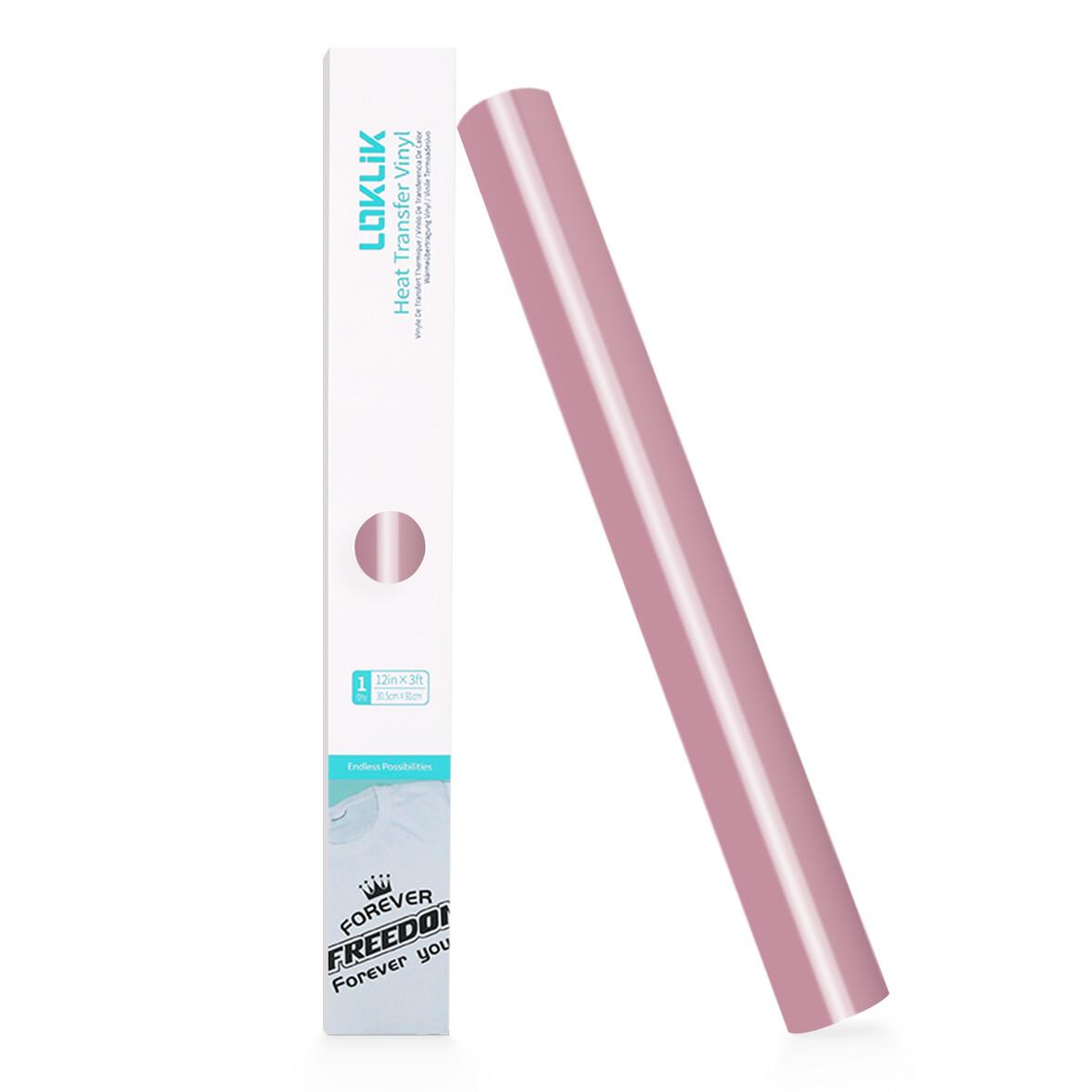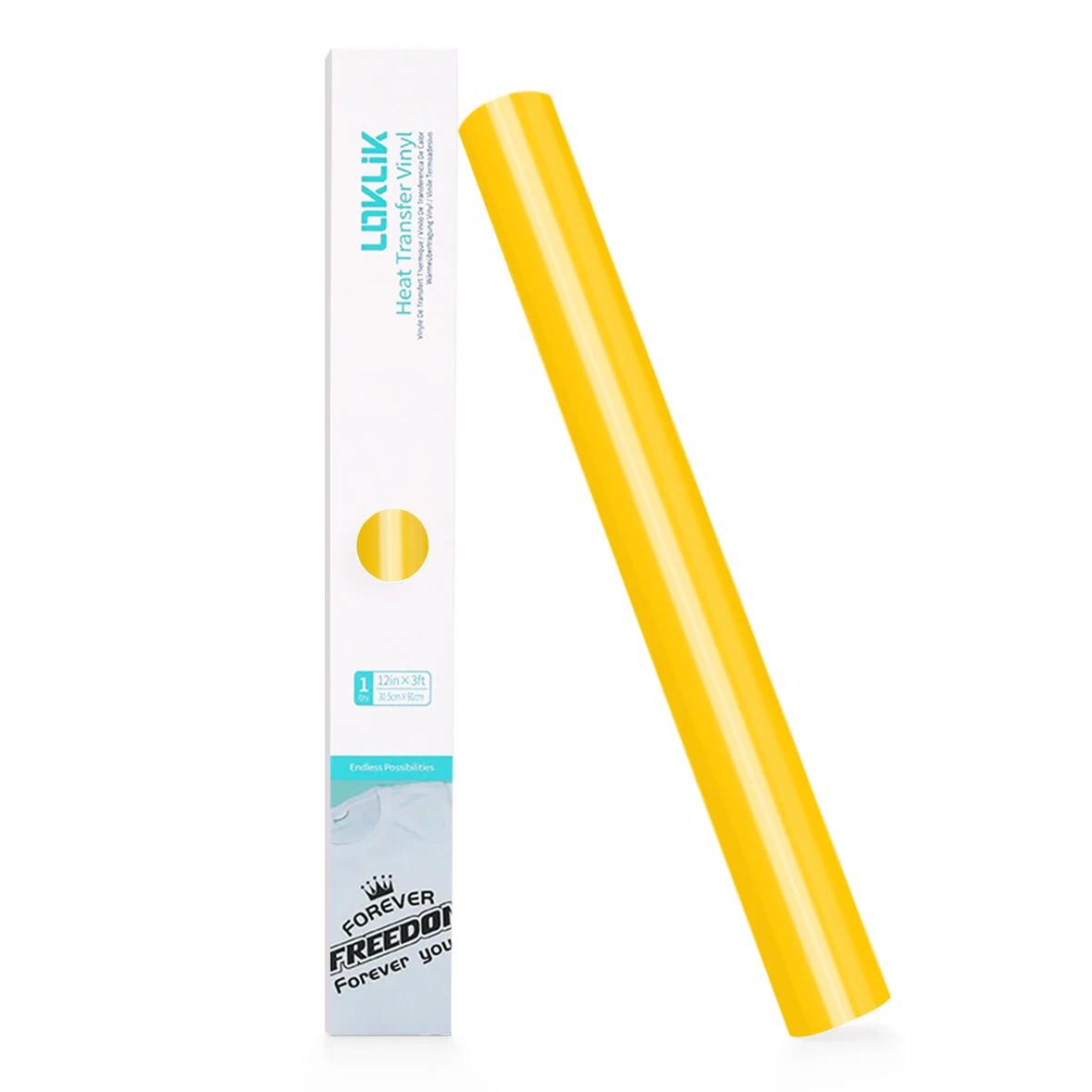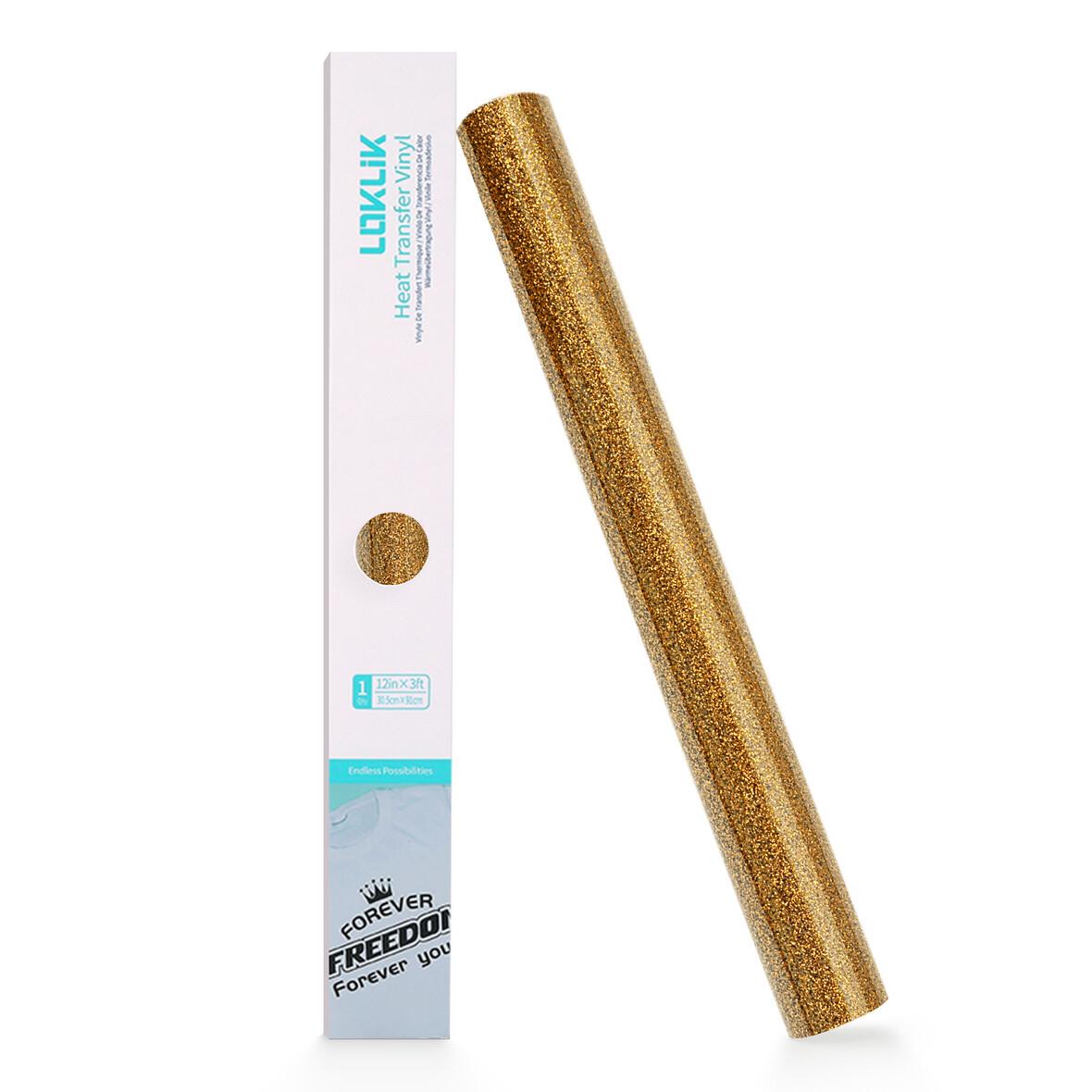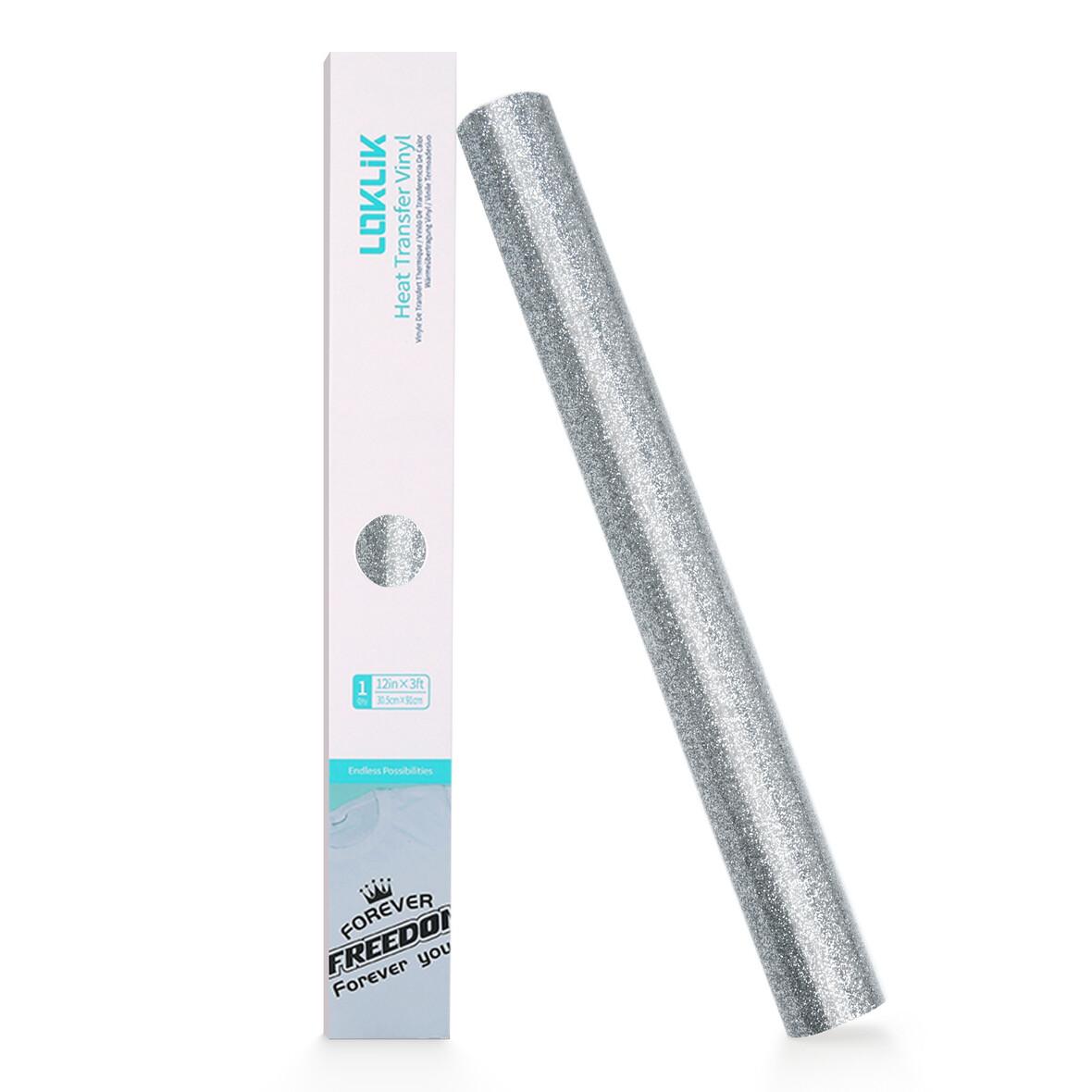


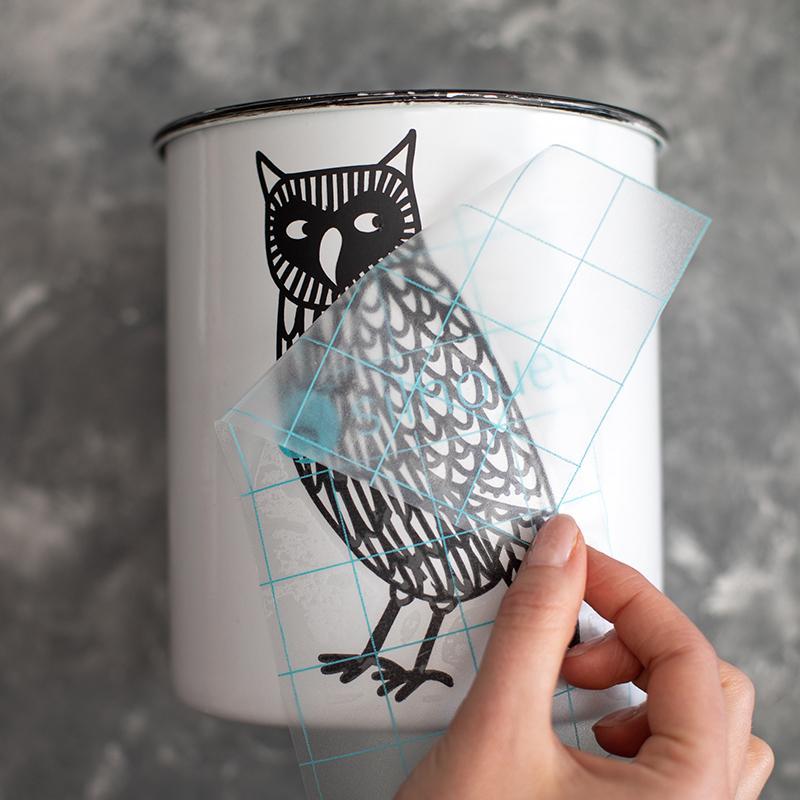



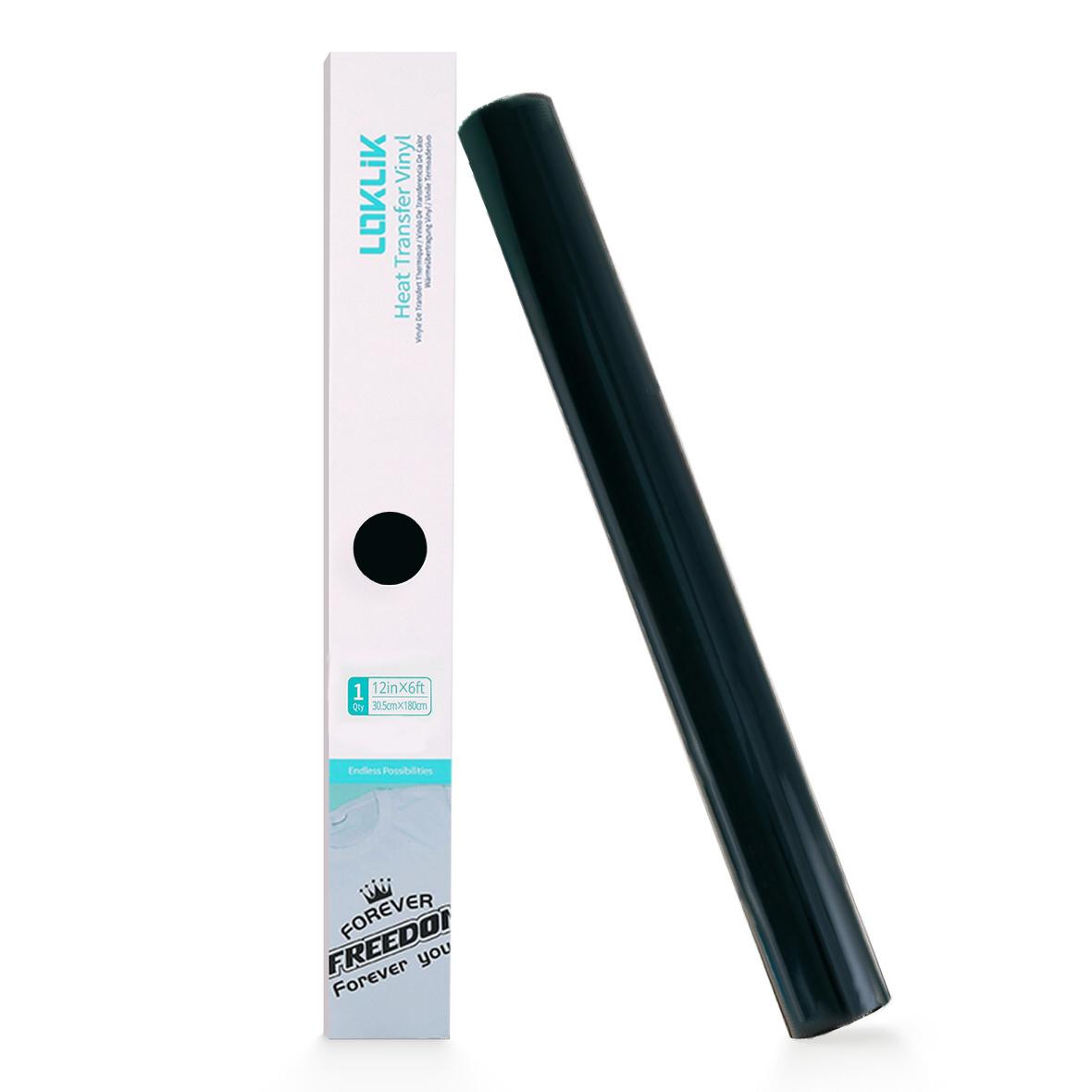
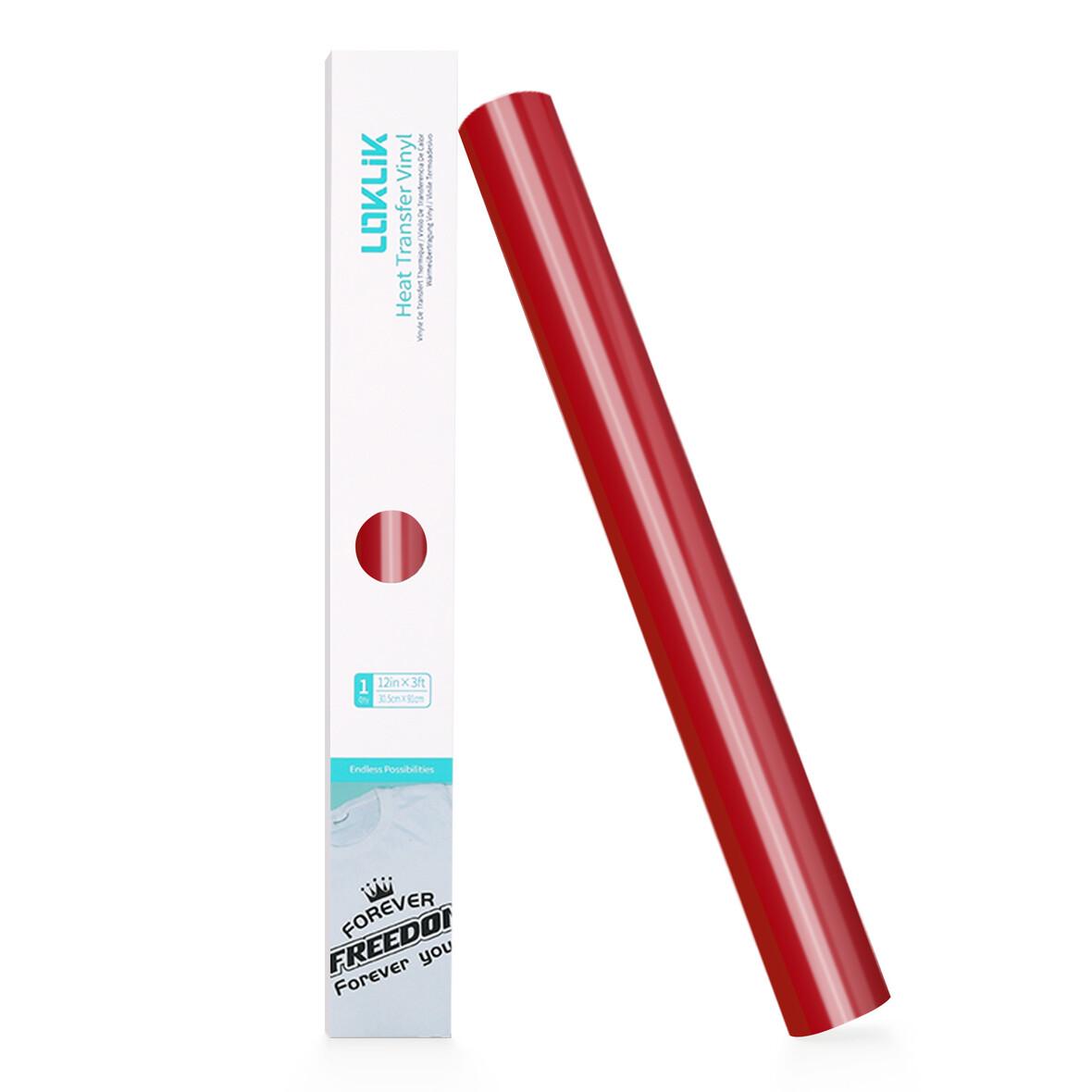
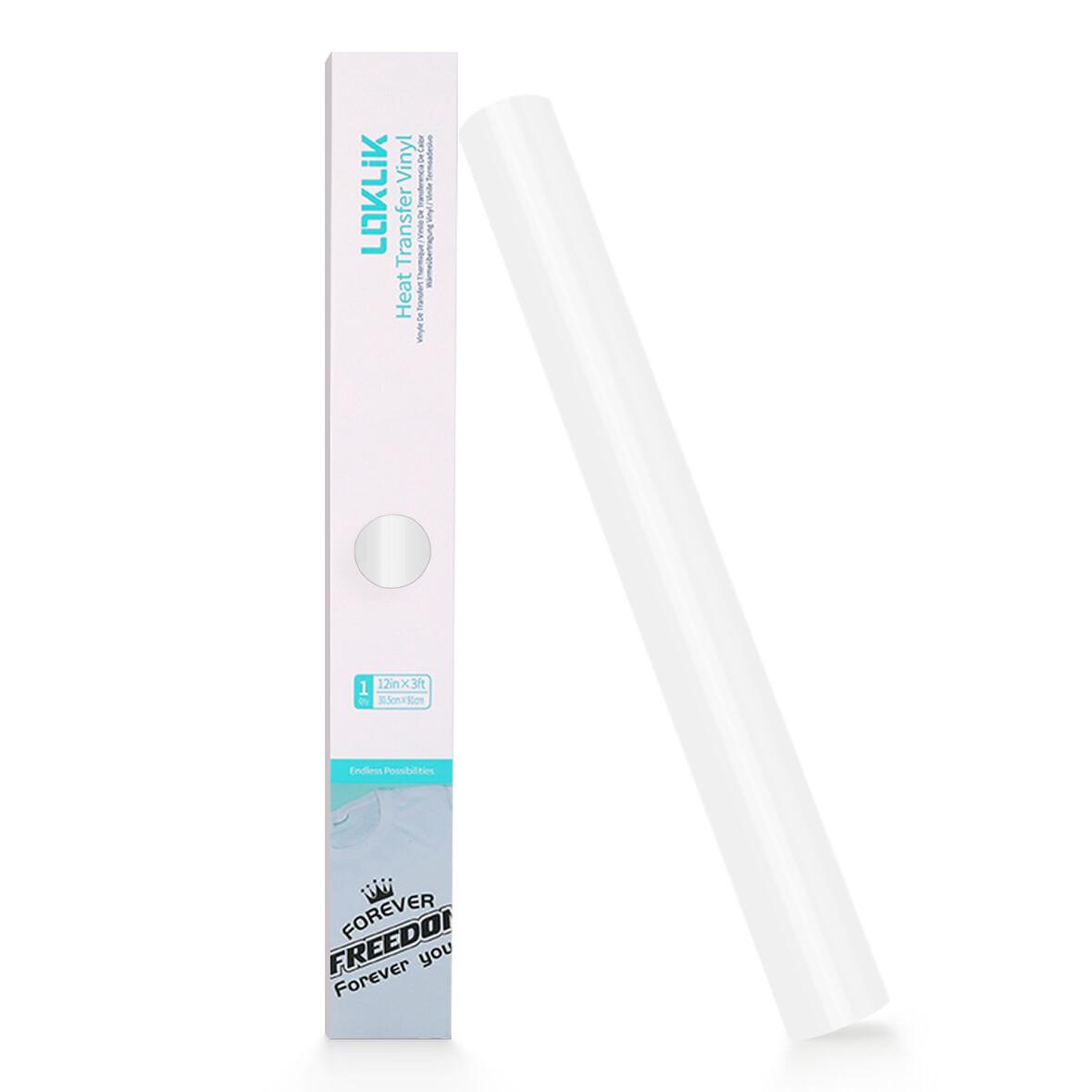






LOKLiK Heat Transfer Vinyl Basic - Ocean Blue - 30,5 x 180 cm
55,99złincl. tax
🔥 BLACK WEEK xTool!🔥 Rabaty do -27% SPRAWDŹ OKAZJĘ!
Do you have any questions? We'll be happy to help!
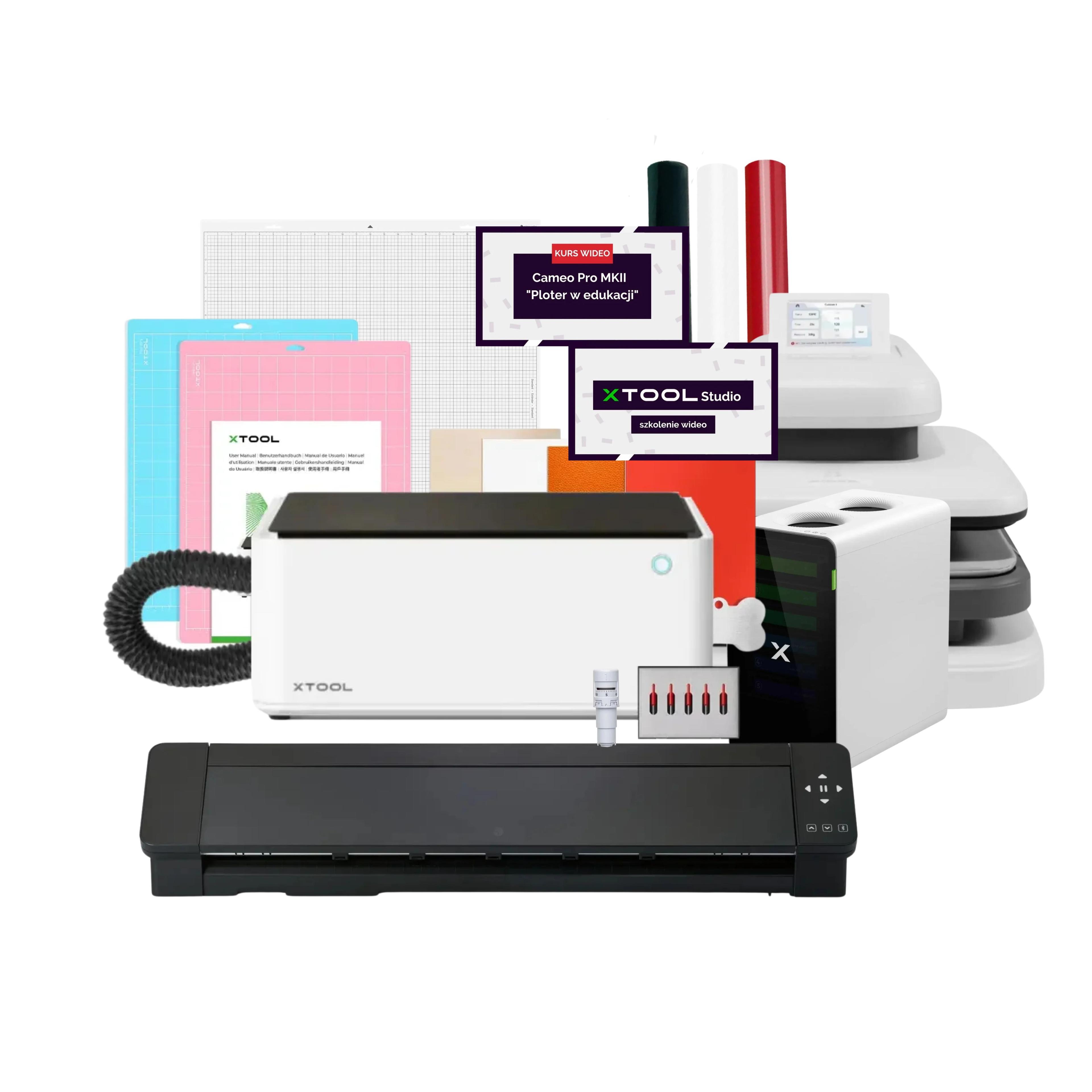
The Complete Creative Studio PRO 3-in-1 combines the Cameo Pro MK II plotter, the xTool M1 laser with accessories, the ImPress Auto 2 Smart heat press, flex vinyls, and training courses for schools, kindergartens, and workshops (WTZ and ŚDS). The solution enables the creation of custom-printed T-shirts and tote bags, engraved and cut signs, puzzles, models, stickers, and decorations during educational and project-based classes. This complete package allows you to smoothly move from design to a finished product while maintaining workplace safety standards.
2699,99zł/pcs.
2294,99zł/pcs.
4599,99zł/pcs.
3999,99zł/pcs.
149,99zł/pcs.
0,00zł/pcs.
4299,99zł/pcs.
3654,99zł/pcs.
579,99zł/pcs.
399,99zł/pcs.
55,99zł/pcs.
50,39zł/pcs.
59,99zł/pcs.
53,99zł/pcs.
55,99zł/pcs.
50,39zł/pcs.
1899,99zł/pcs.
1710,89zł/pcs.
1899,99zł/pcs.
1710,89zł/pcs.
PLN 14,401.91 incl. tax
PLN 12,215.62 incl. tax -15%
Complete Creative Studio PRO 3-in-1
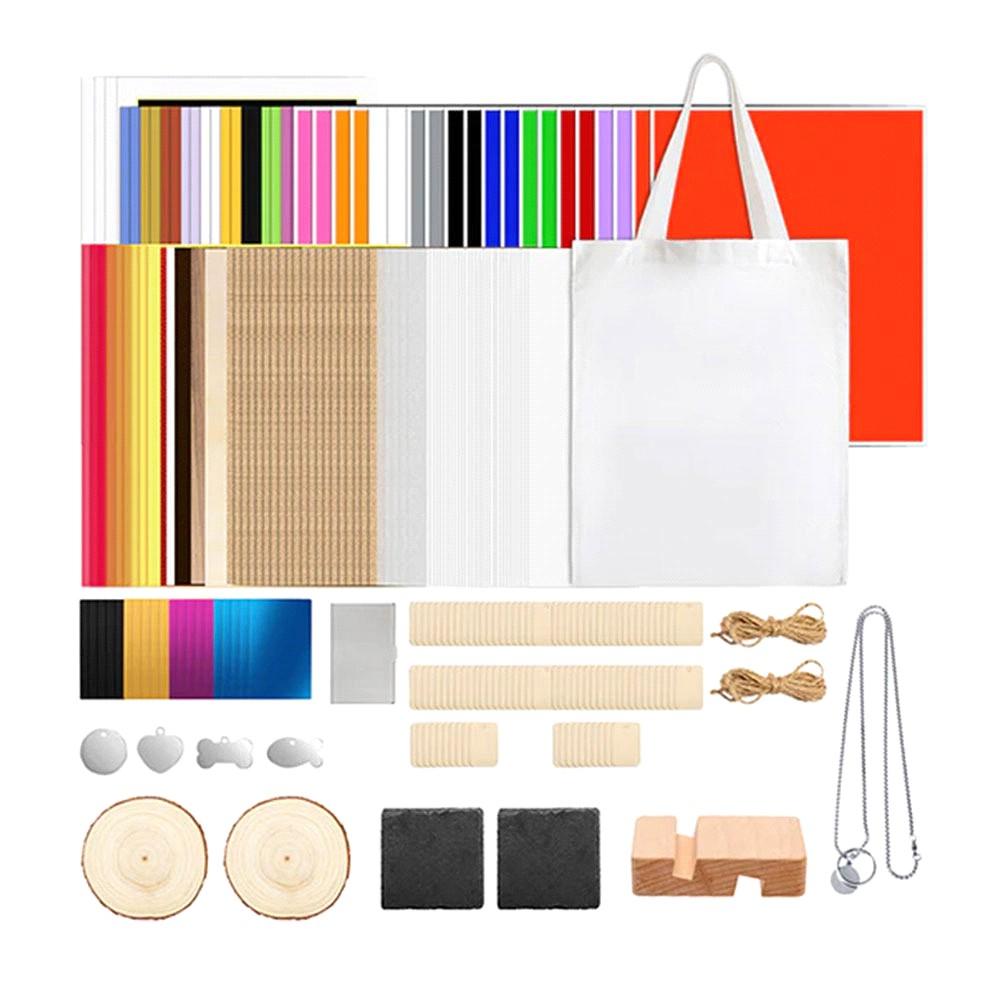
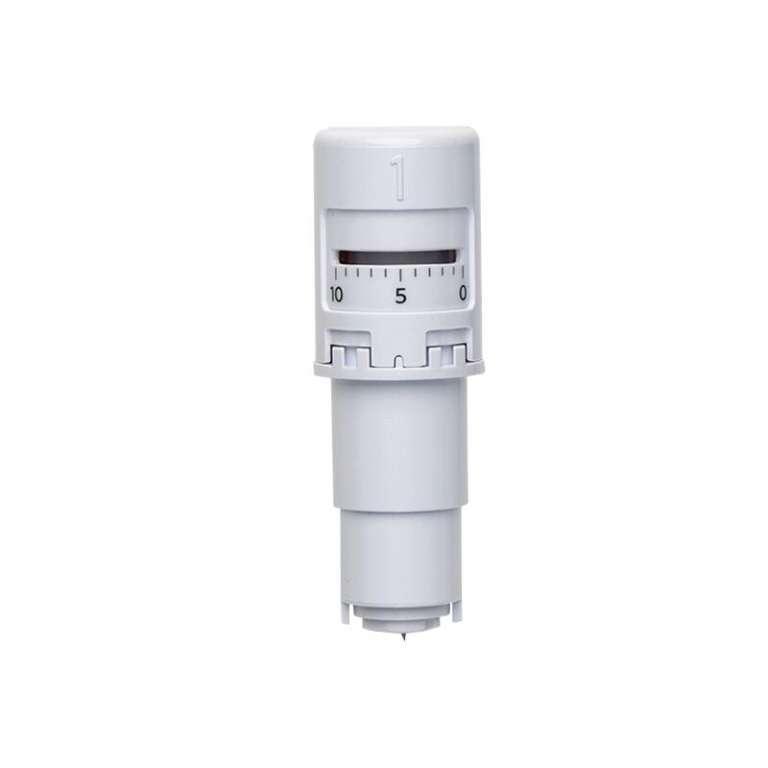
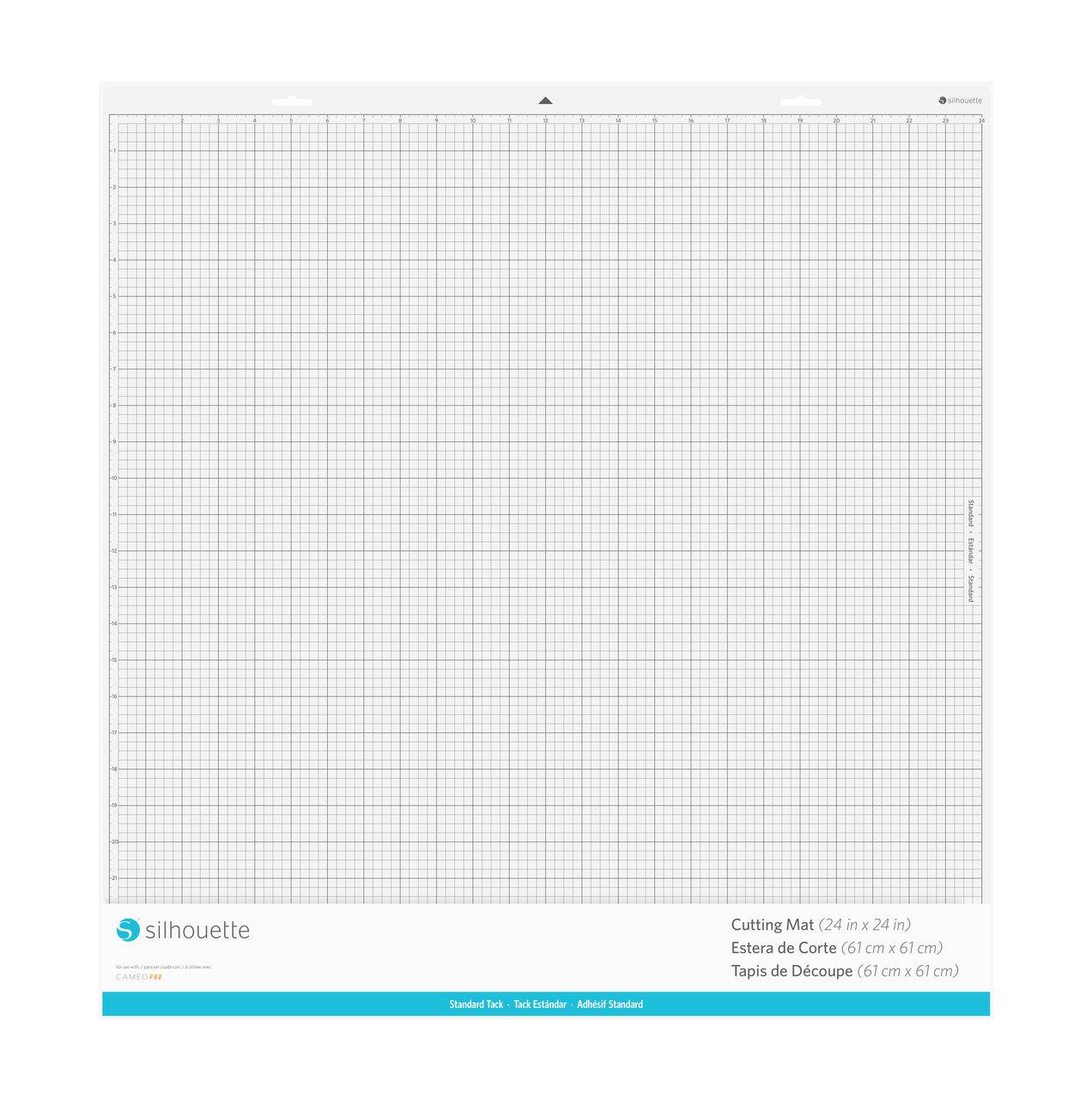
The product includes the following elements:
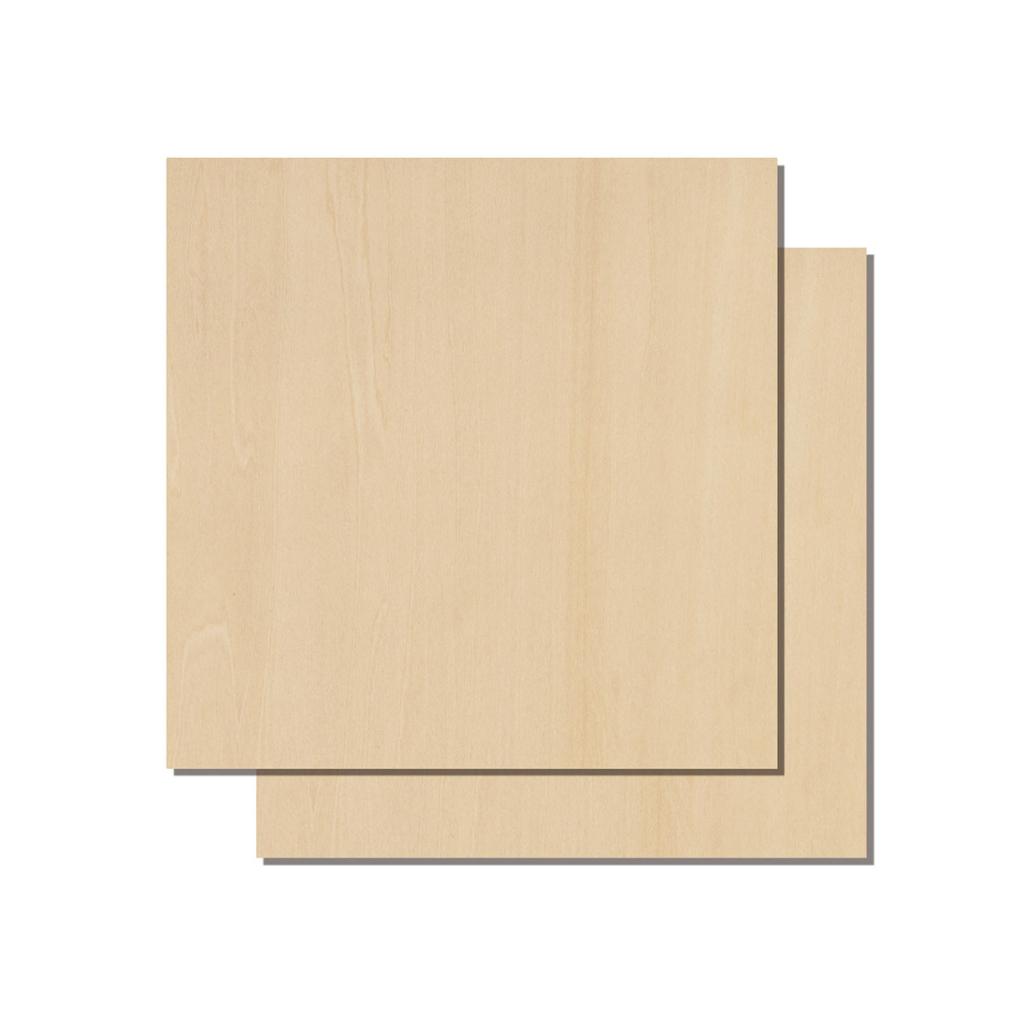
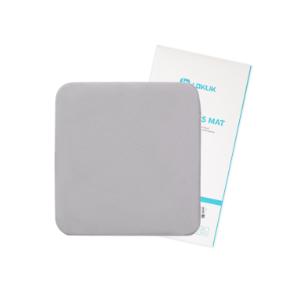
Standard, with dimensions 61 x 61 cm.
The Complete Creative Studio PRO 3-in-1 is a comprehensive workstation combining plotter cutting, laser processing, and heat transfer.
The solution is designed for schools, kindergartens, occupational therapy workshops, community self-help homes, libraries, community centers, and other educational and workshop facilities that want to carry out their own projects from graphic design to a finished product.
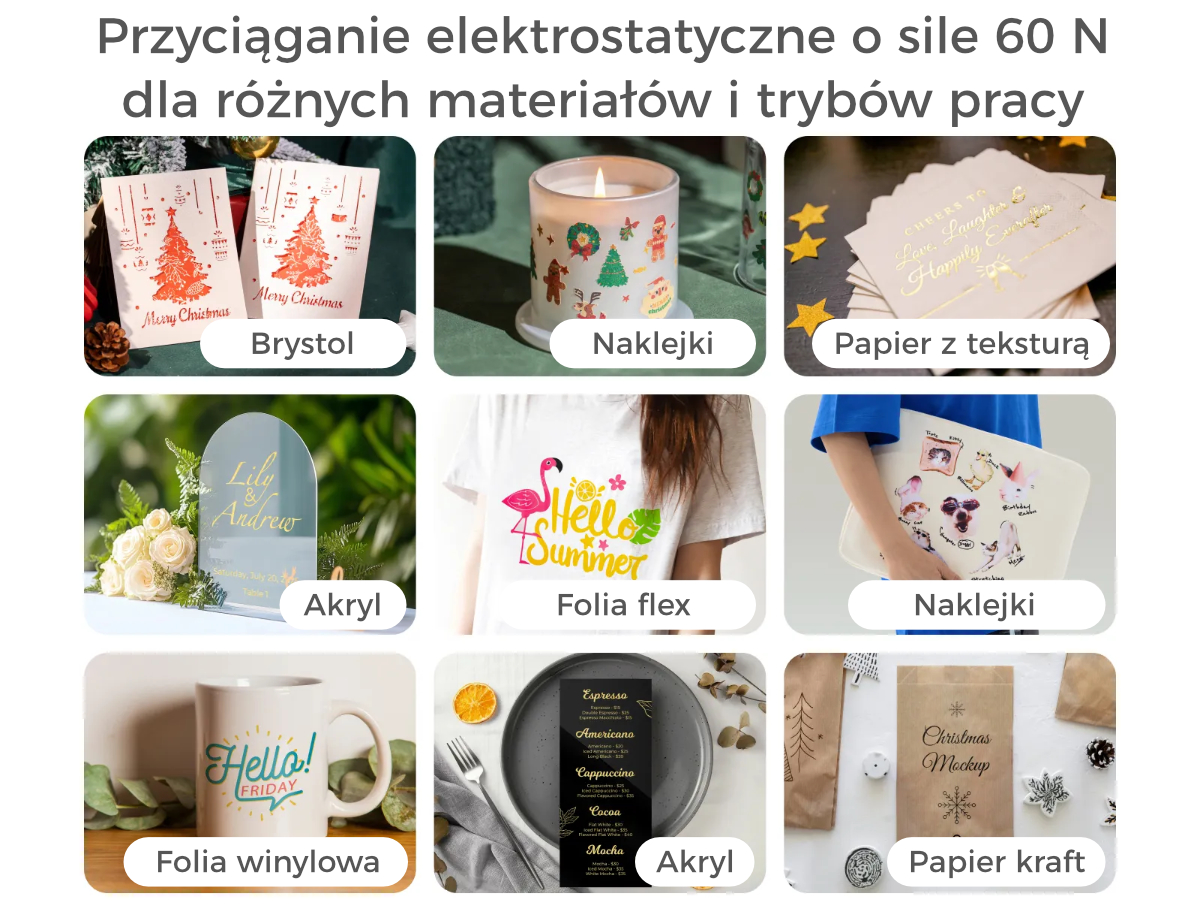
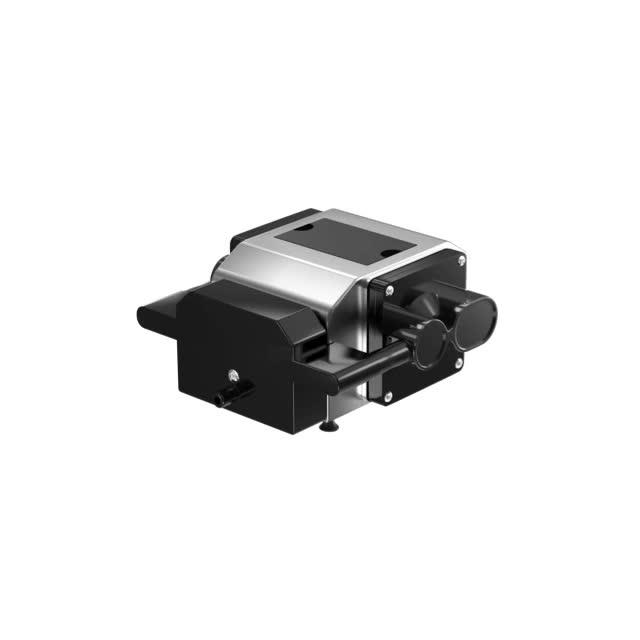
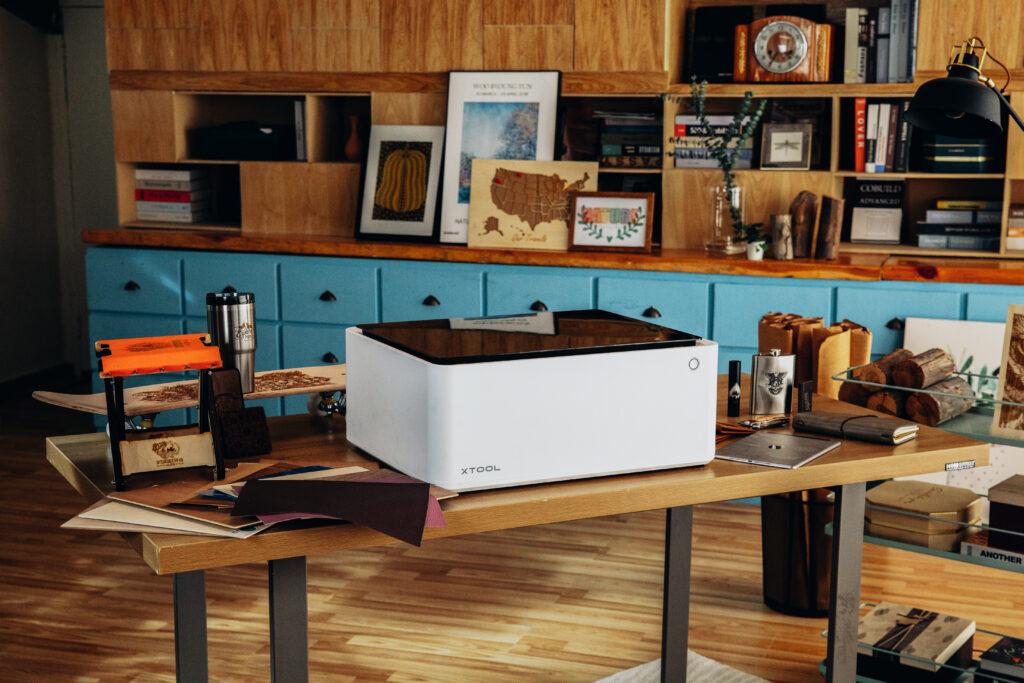
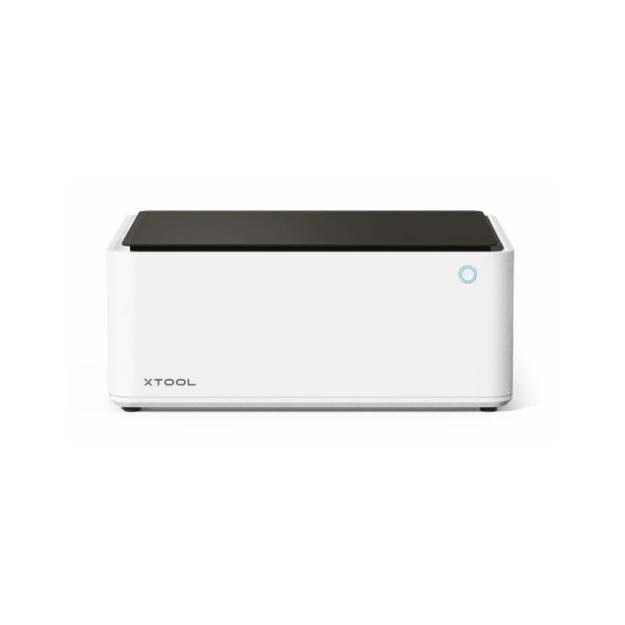
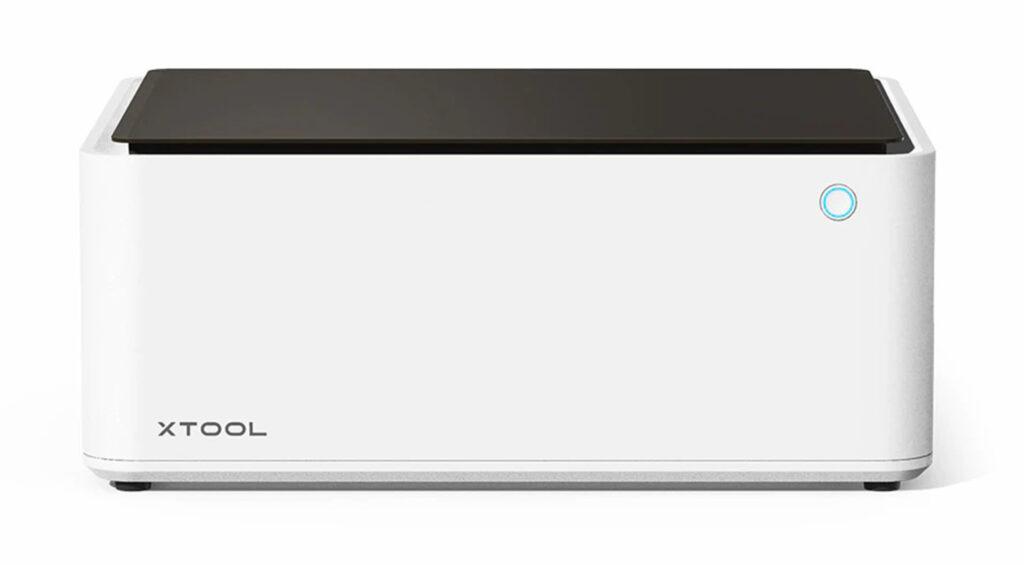
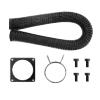
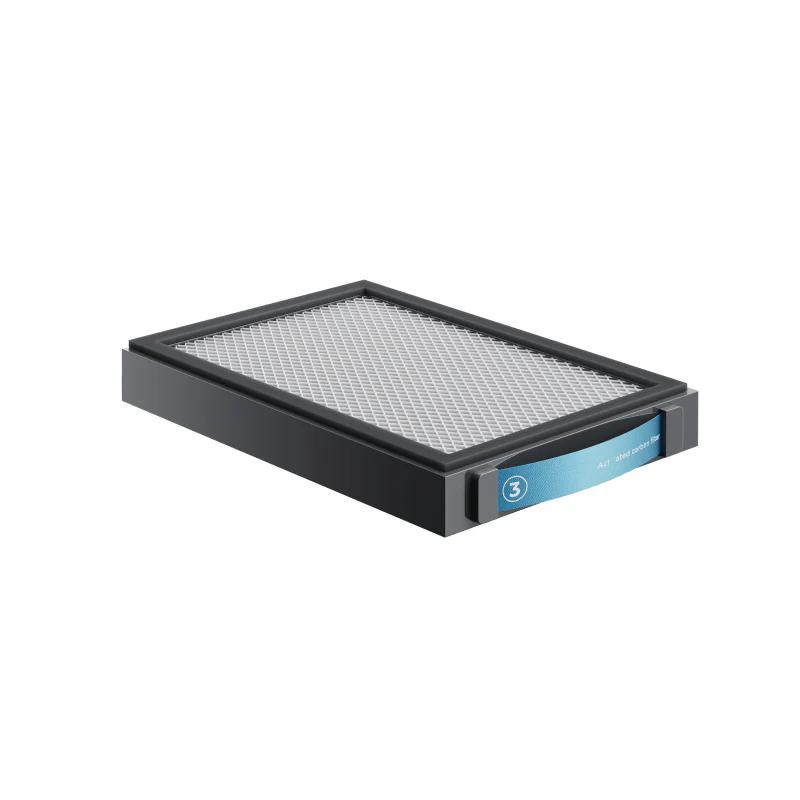
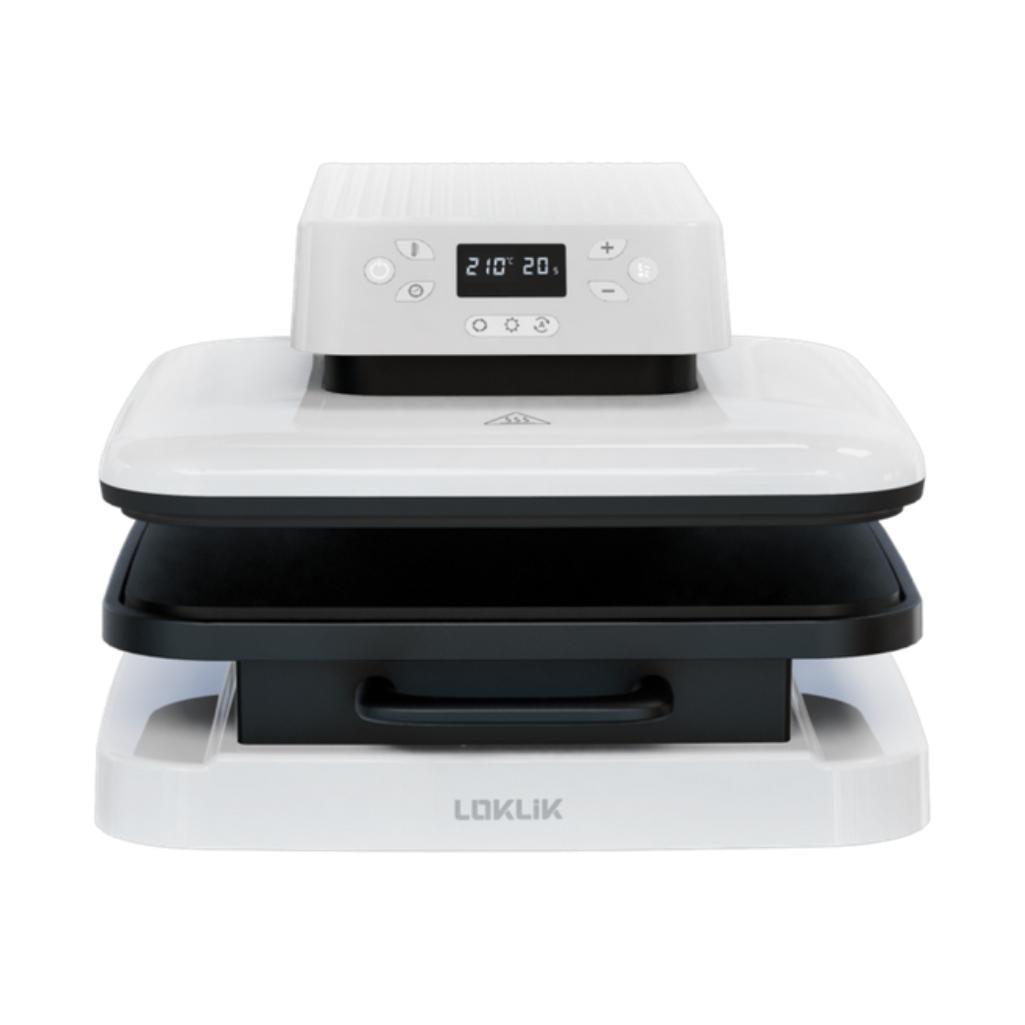
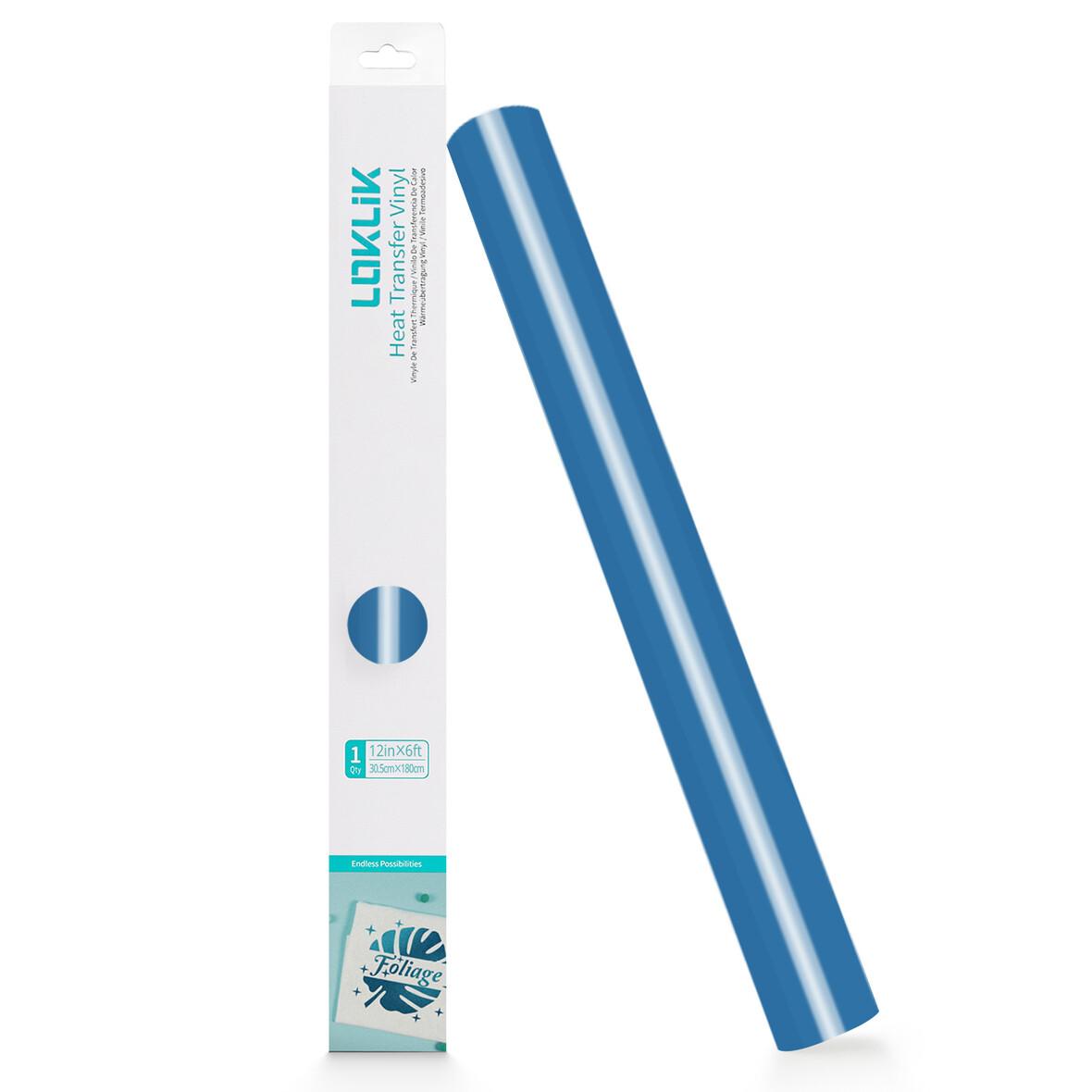
The facility receives a complete set of equipment and accessories: the Cameo Pro MK II plotter, the xTool M1 laser with a filter, the ImPress Auto 2 Smart heat press, heat transfer flex vinyl in three colors (black, white, red), and training courses.
This selection of tools makes it possible to become independent of external print shops, shorten the time needed to prepare materials for classes and events, and allow participants to independently create durable projects.
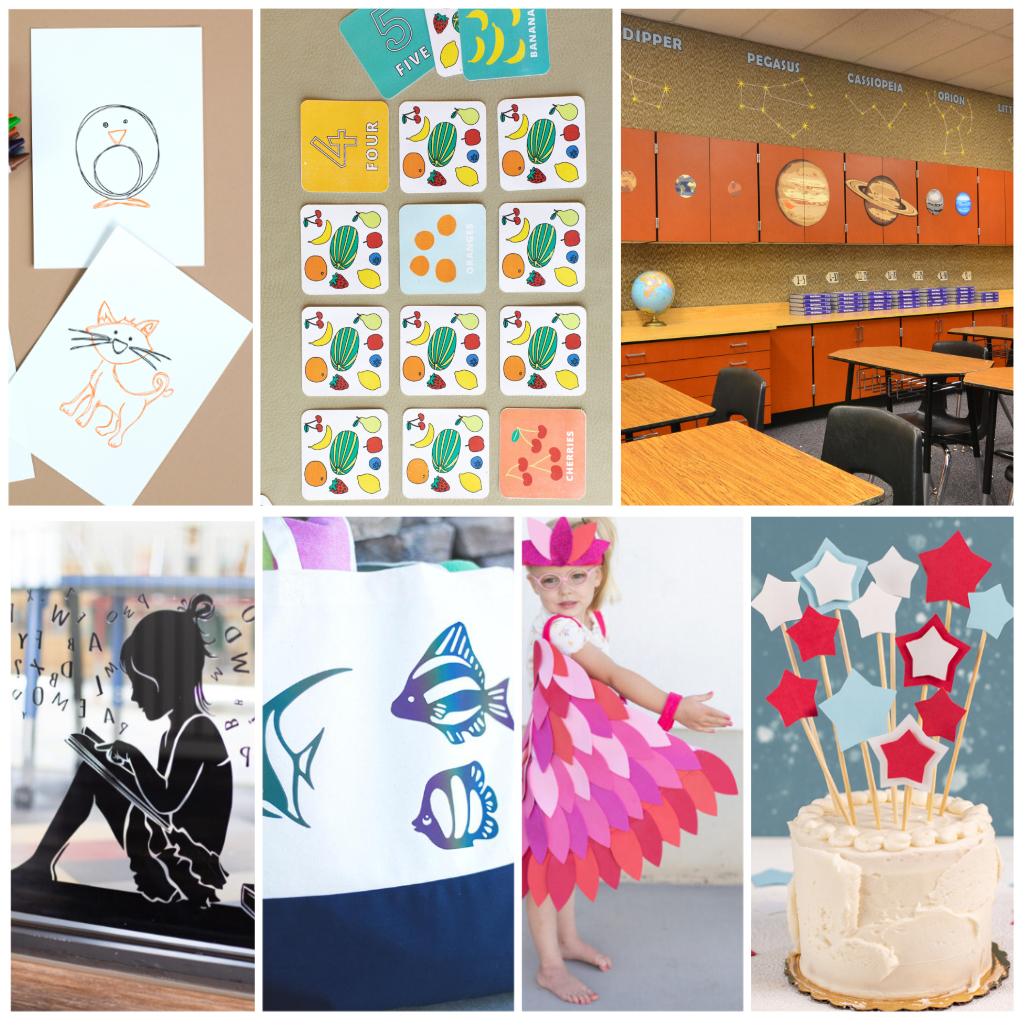
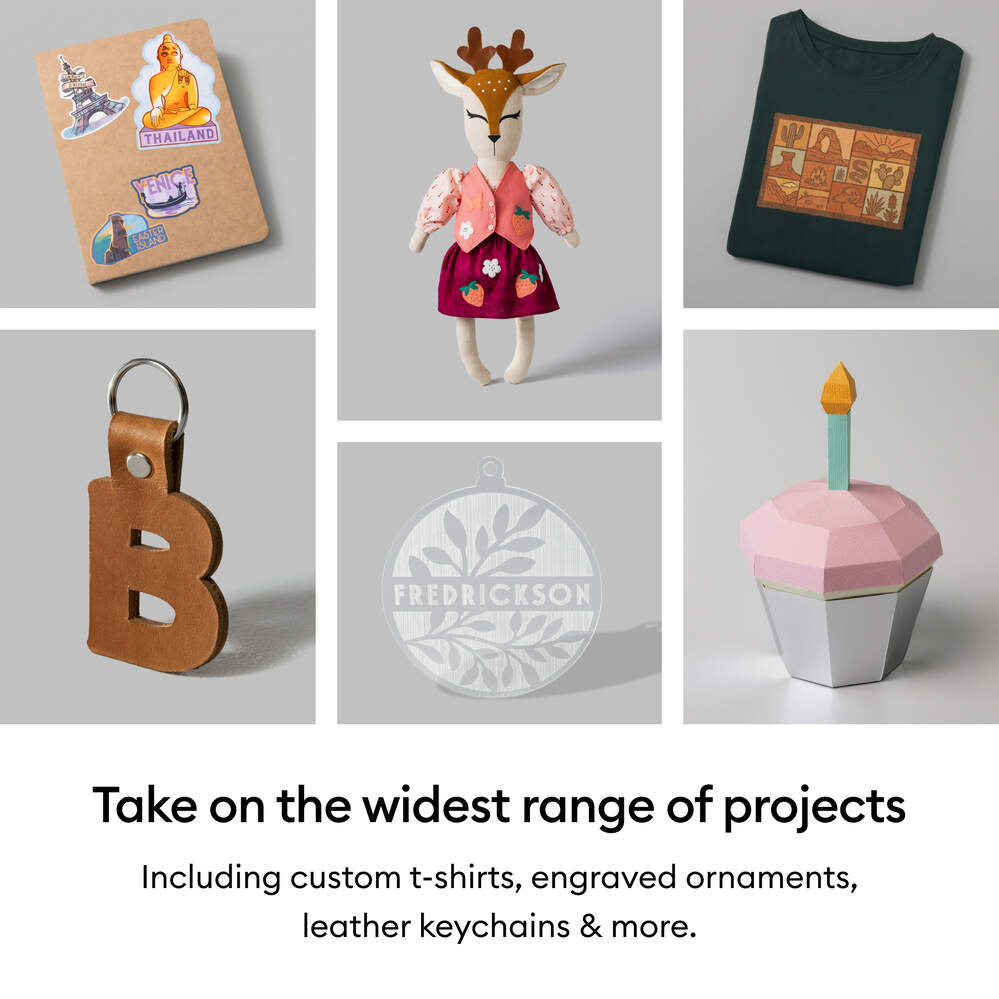
Combining a plotter, laser, and heat press enables you to prepare a wide range of projects across three main areas:
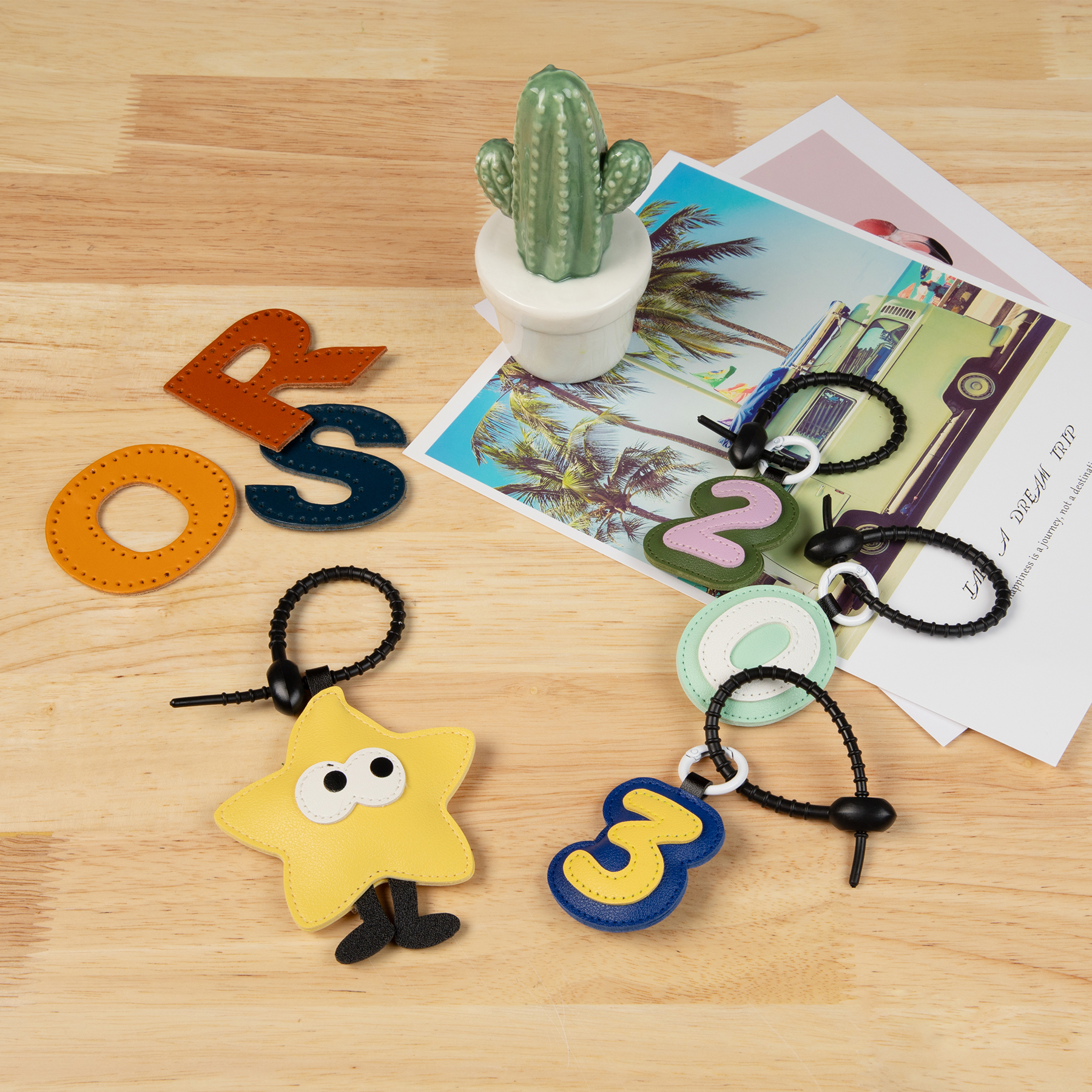
Plotter: informational and decorative stickers, lettering and elements for special occasion decorations, templates for art projects, packaging elements, and labels.
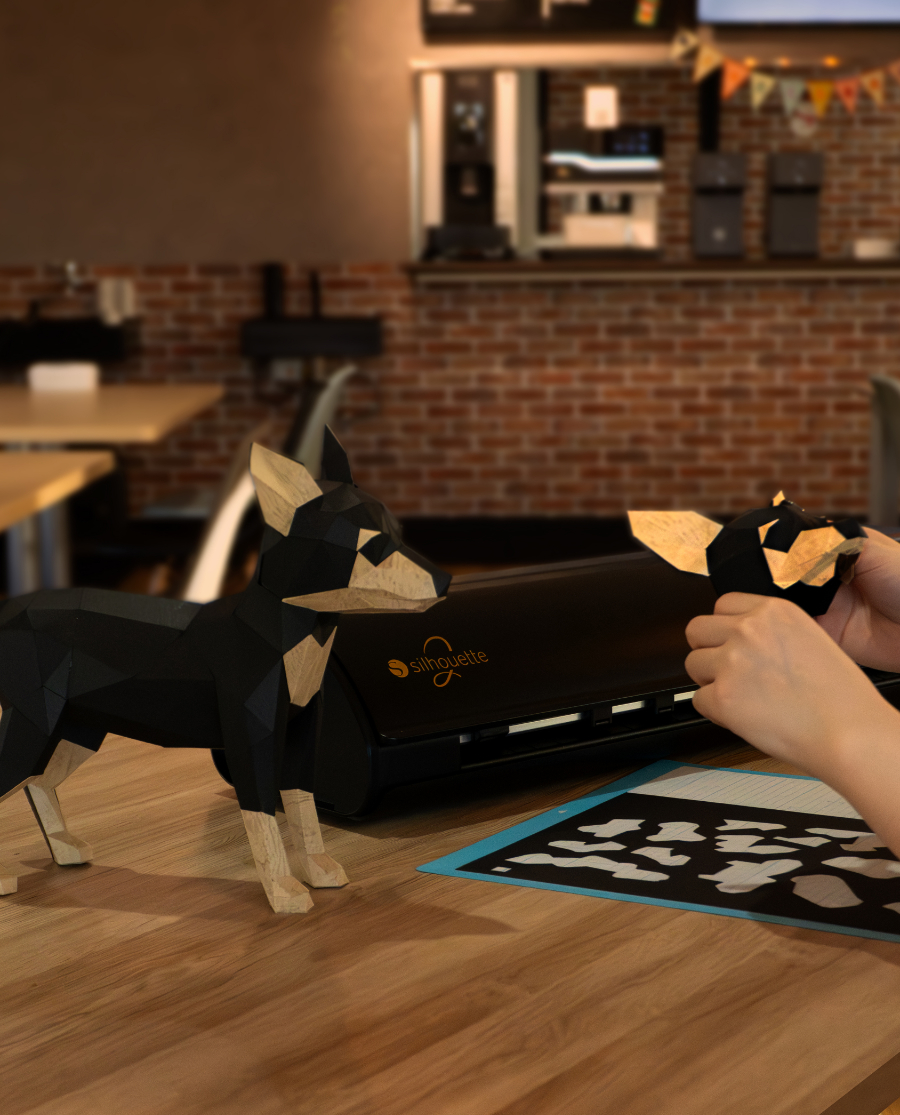
Laser: classroom signs and room labels, educational puzzles, architectural and teaching models, plywood decorative elements, engraved gifts, and display stand components.
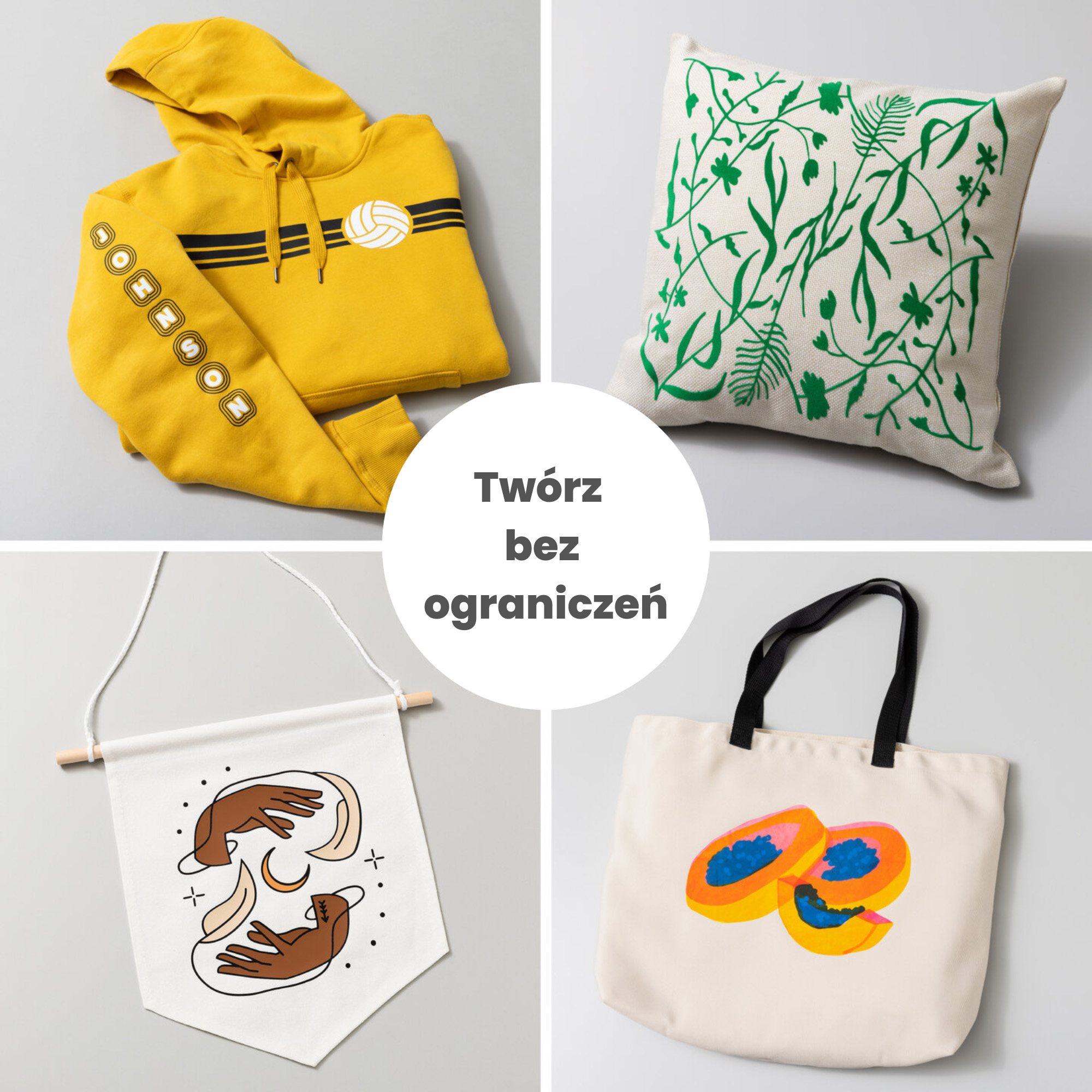
Heat transfer: T-shirts for teams, classes, and event participants, cotton bags and drawstring bags with custom graphics, hoodies, and workshop apparel with flex vinyl prints.
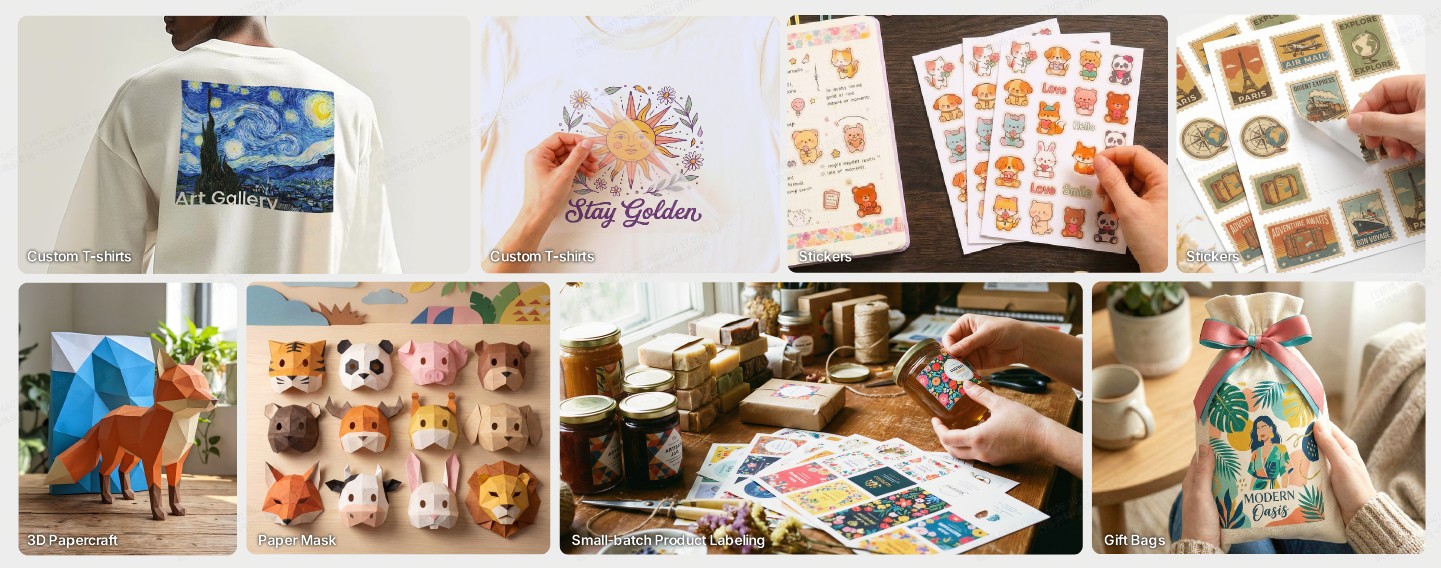
Class T-shirts and T-shirts for volunteers or school event participants,
Cut or engraved signs for classrooms, studios, and offices,
Educational puzzles and teaching games made from plywood or thicker materials,
3D models for technical subjects and research projects,
Decorations for school assemblies, ceremonies, and institutional events,
Tote bags and drawstring bags with custom graphics made using flex vinyl and a heat press,
Products for a school fair or workshop sale, such as tags, magnets, or engraved items,
Thematic stickers and organizational labels for students and workshop participants,
Labels for bookcases, shelves, and zones in a library, common room, or studio,
A complete branding and decor package for a school event: T-shirts for organizers, wooden signs, stickers, and decorations.
Example: when organizing a school event, a team creates branding and visual elements in a single, consistent style. Using flex vinyl (black, white, or red), they cut prints for T-shirts or tote bags and heat-press them with the ImPress Auto 2 Smart. At the same time, they use the xTool M1 laser to make wooden or engraved signs and stage design elements, while preparing stickers and decorative pieces on the Cameo Pro MK II plotter.
The set includes training materials to support team onboarding and a safe start to work:
"Plotter in Education" course: designed for teachers and institution staff to show practical uses of the plotter in teaching and workshop activities.
xTool Studio course: the set includes training on operating the xTool software.
Choosing a ready-made set allows you to launch a multifunctional studio without having to source each component separately. The devices complement one another, making it possible to carry out paper and vinyl projects as well as woodworking, engraving, and textile work within a single facility.
The included courses facilitate staff onboarding and a smooth transition from unboxing the equipment to running the first classes with students or workshop participants.The set also provides a solid foundation for further expanding the studio with additional accessories and consumables as the institution's needs grow.
| Title | Value |
|---|---|
| Unit Dimensions | 87,6 x 19,5 x 17 cm |
| Unit Weight | 9 kg |
| Connection | USB, Bluetooth |
| Cutting out graphics along the outline | Yes (the possible margin of error is 1/16 in.) |
| Force | Holder 1 - 300g; Holder 2 - not specified |
| Free designs | 100 |
| Language | English, Polish |
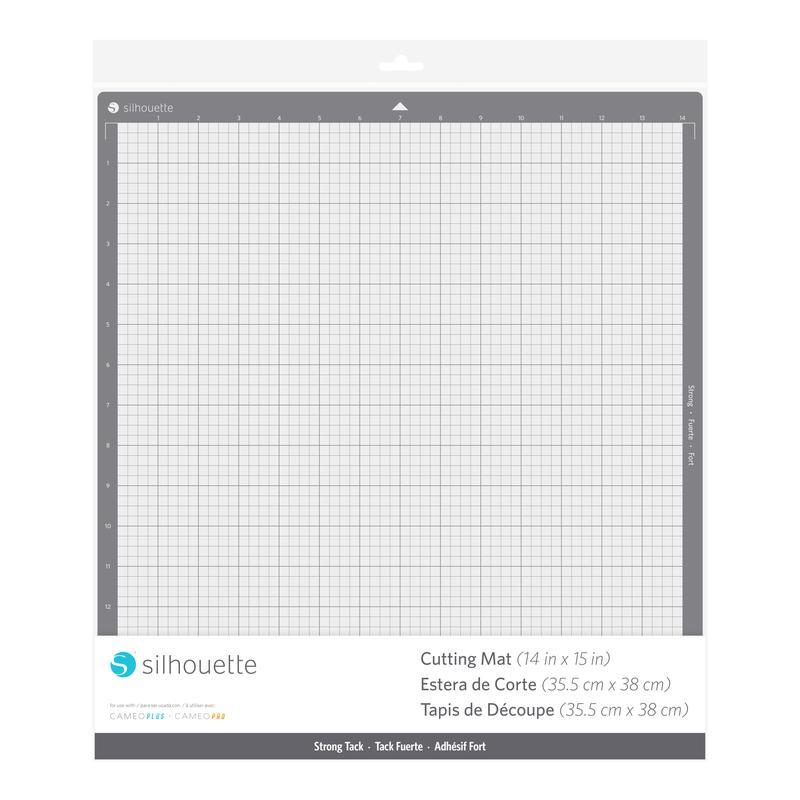
| Maximum Cutting Area With Cutting Mat | 59 x 61 cm |
| Maximum Cutting Area Without Cutting Mat | 59 x 487 cm |
| Power consumption | 27W |
| Software | Silhouette Studio (free), Adobe Illustrator - plug-in (paid extra), Corel DRAW - plug-in (paid extra), Silhouette Studio Designer Edition (paid extra), Silhouette Studio Business Edition (paid extra) |
| Manufacturer Details | Silhouette America® Inc.618 N. 2000 W.Lindon, Utah 84042, USA support@silhouetteamerica.com |
| EU Marketing Authorisation Holder | Graphtec Europe B.V. address: Kruisweg 801-B, 2132NG, Hoofddorp, The Netherlands tel: 31611841511 support@silhouetteeurope.eu |
| Speed | 0 - 300 mm/s |
| Max. Material Thickness | 3 mm |
| Guaranteed Operating Environment | 16 to 32 deg.C,35 to70% R.H.(non-condensing) |
| Working Environment | 10 to 35 deg.C,35 to 75% R.H.(non-condensing) |
| Mechanical Resolution | 0.00625 mm |
| Programmable Resolution | 0.05 mm |
| Rated Power Supply | AC adapter 24 VDC(1.25A) |
| Print & Cut Margins | On mat - 16mm on Each Side , Without mat - 16mm on the sides and top of the page; 25,4mm at the bottom of the page |
Products that may also interest you:
No one has added an opinion yet.
Be the first to do so!
Made by: Michał Desol