












Silhouette Cameo Pro Cutting Mat - Standard Tack
139,99złincl. tax
Do you have any questions? We'll be happy to help!
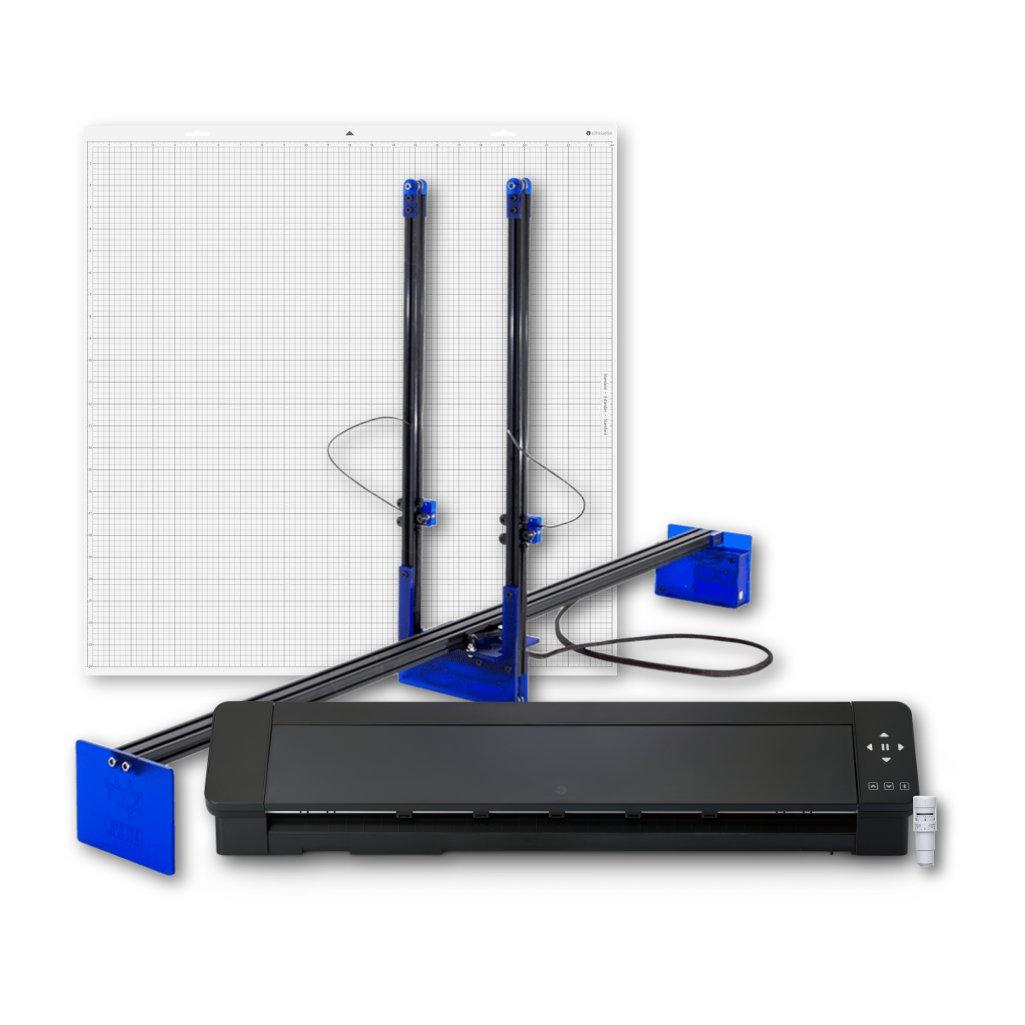
Polyshaper Azul + Silhouette Cameo Pro MKII - Decoration Set - Professional combines the Silhouette Cameo Pro MKII cutting plotter and the Polyshaper Azul thermal plotter, offering complete freedom in designing both flat and three-dimensional decorations. Large work areas enable large-format work, and a wide range of supported materials from paper and foil to polystyrene and styrodur allows you to create high-quality lettering, graphics, 3D letters, and scenography elements. It's the perfect solution for decorating studios, event companies, and custom decoration creators who want to implement projects comprehensively and without compromise.
2699,99zł/pcs.
2510,99zł/pcs.
3999,00zł/pcs.
3719,00zł/pcs.
530,00zł/pcs.
503,50zł/pcs.
PLN 7,228.99 incl. tax
PLN 6,733.49 incl. tax -6%
Polyshaper Azul + Silhouette Cameo Pro MKII - Decoration Set - Professional
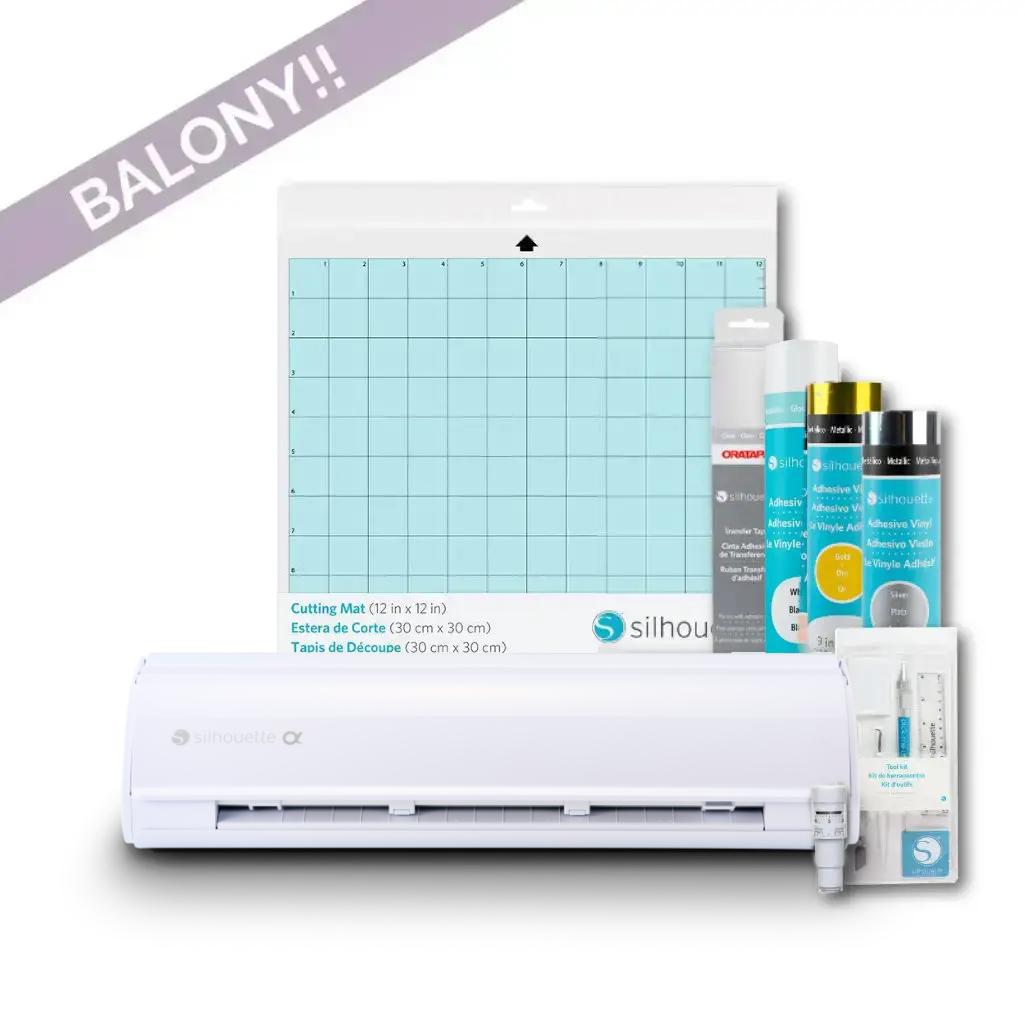
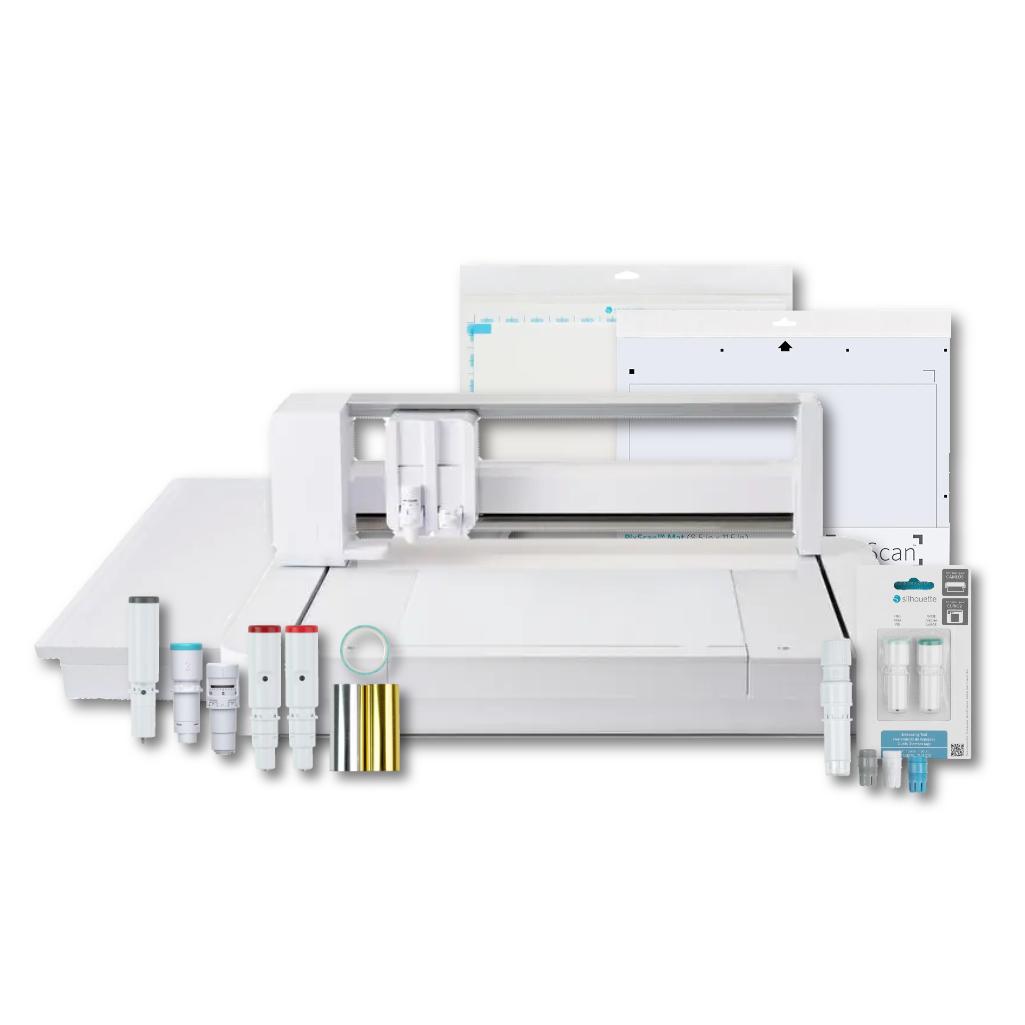
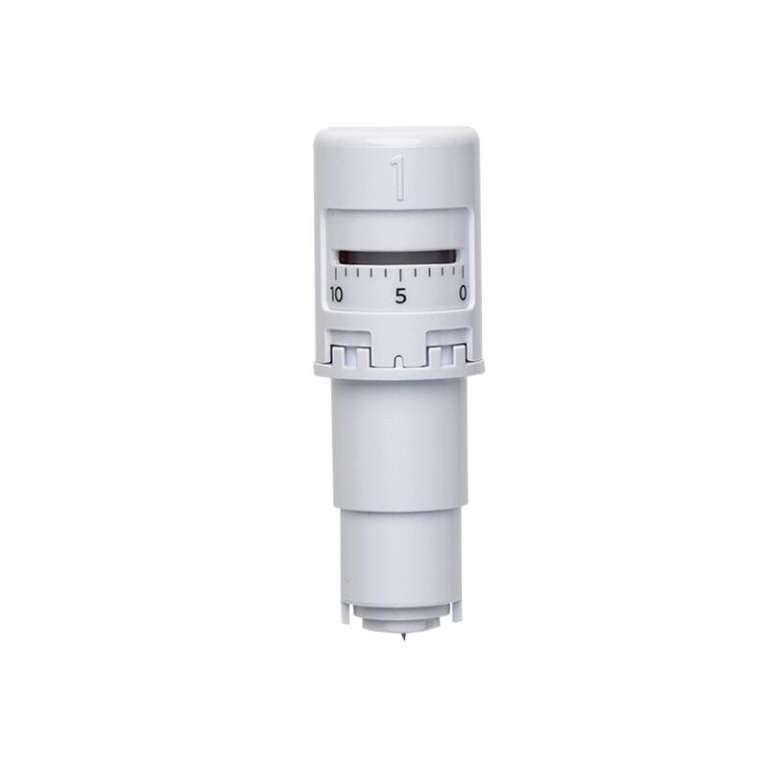
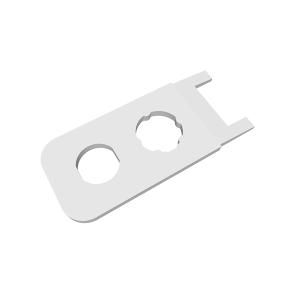
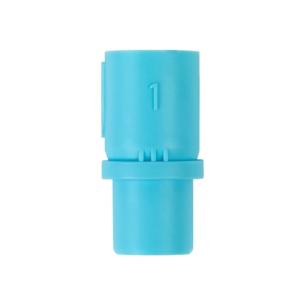
The product includes the following elements:
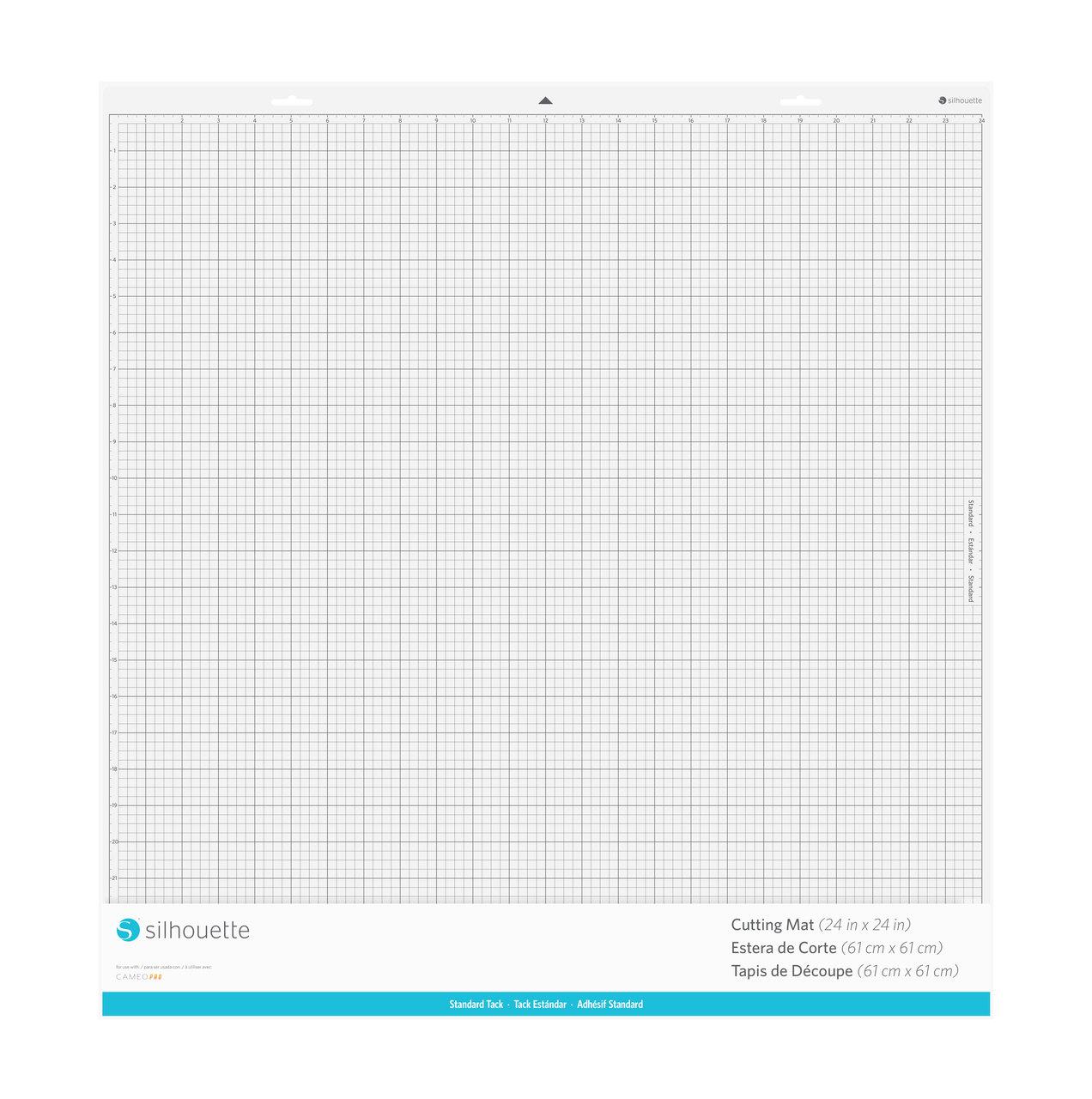
Standard, with dimensions 61 x 61 cm.
The decoration creation kit is a professional solution for those involved in high-end decoration design and implementation. The combination of the Silhouette Cameo Pro MKII cutting plotter and the Polyshaper Azul thermal cutter offers a wide range of creative possibilities, from flat designs to striking three-dimensional forms. The kit was created for decorating studios, event companies, and custom decoration creators who want to work in large formats and maintain complete quality control. The large work areas of both devices distinguish this kit and allow for the implementation of projects that previously required outsourcing.


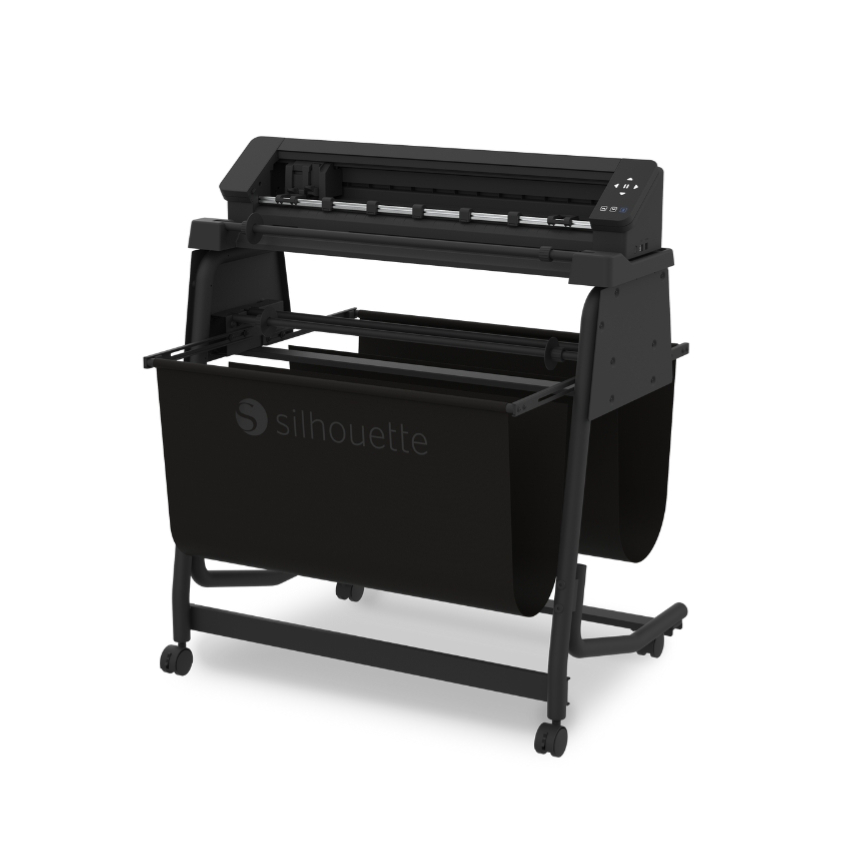
The Silhouette Cameo Pro MKII is a cutting plotter designed for large-format decorations. Its 60 x 60 cm cutting mat allows for cutting A2 paper, and its roll support allows for working with foils up to 60 cm wide and projects up to 1.5 m long. The device is perfect for creating lettering, graphics, and decorations for balloon walls, mirrors, welcome signs, and event backdrops. With additional accessories, the plotter can also sketch, gild, emboss, and cut fabric, felt, and foam.
The second component of the set is the Polyshaper Azul - a thermal plotter for cutting Styrofoam and Styrodur. It allows you to create 3D letters, logos, lettering, and professional-looking scenographic elements. The device allows for precise cutting of materials up to 10 cm thick and a maximum size of 50 x 100 cm. Thermal cutting technology ensures smooth edges, high aesthetics, and reduced processing time.
The Silhouette Cameo Pro MKII and Polyshaper Azul set is a comprehensive tool that allows you to go from digital design to finished decoration, enabling the creation of both lightweight paper and foil projects and robust, three-dimensional decorative forms.
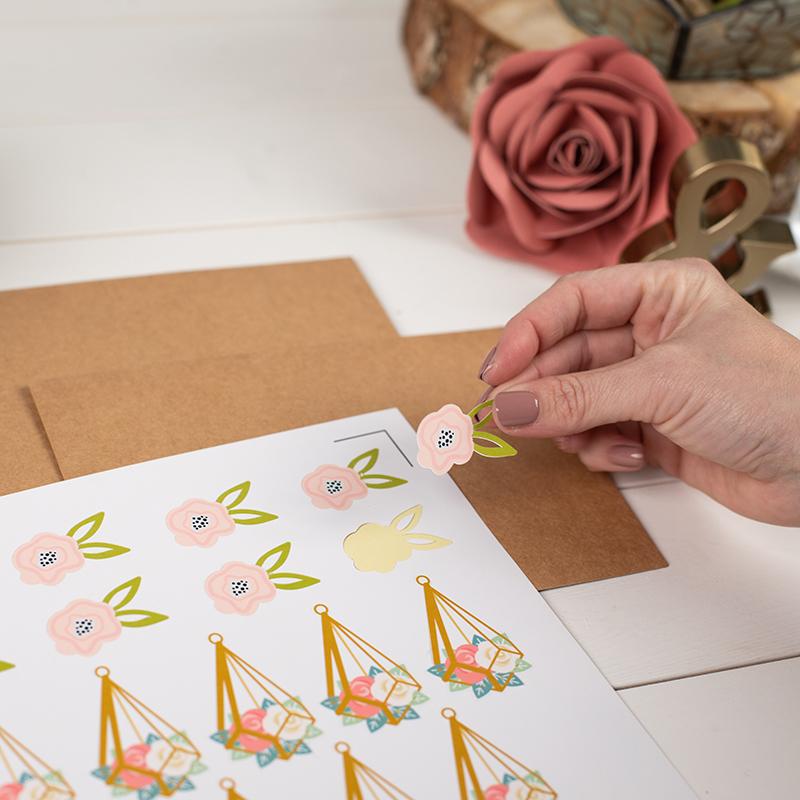
Cutting prints
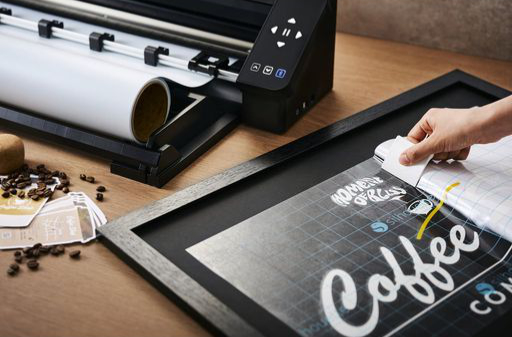
The plotter can cut prints using the Print&Cut function, and thanks to new reading technology, high cutting precision will be achieved. The Silhouette Cameo Pro MKII excels at precise print cutting, opening up a wide range of possibilities for the home decorating industry. With the contour cutting function, you can create personalized stickers, labels, wall decorations, and signage for commercial and event spaces. This allows for the efficient production of short runs and custom projects without the need to outsource production. As a result, you gain greater control over quality, faster turnaround times, and the ability to flexibly respond to customer needs.Software
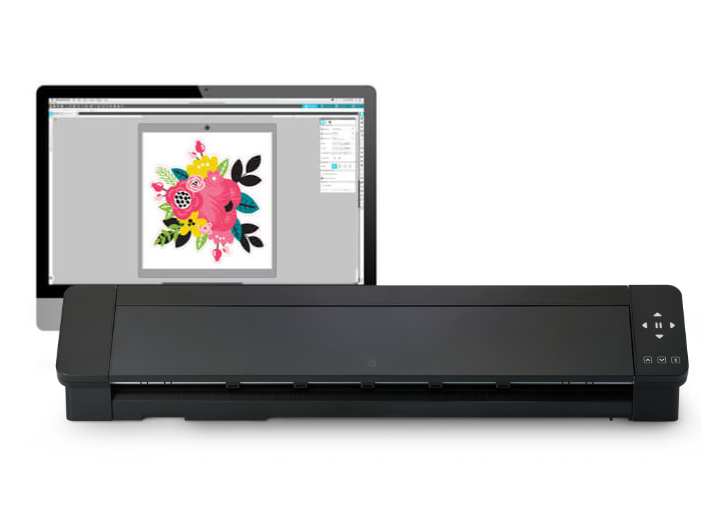
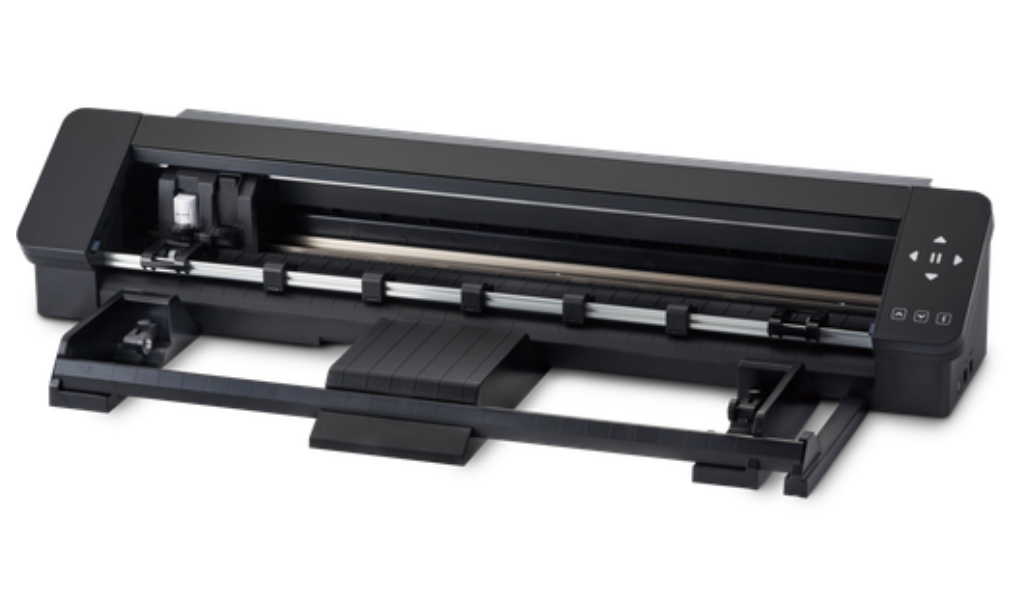
Repeating a task
The highly anticipated repeat function will automate the cutting process in a variety of materials. Simply click the flashing button on the plotter's housing, and the machine will repeat the last cut without having to go to the computer!Modernized rollers
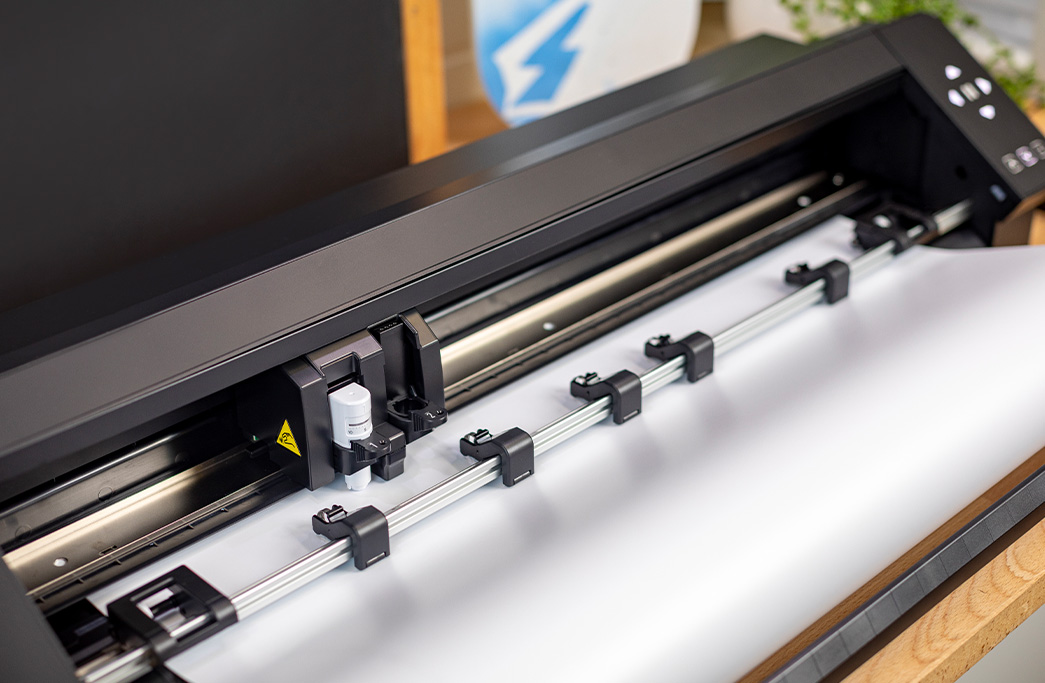
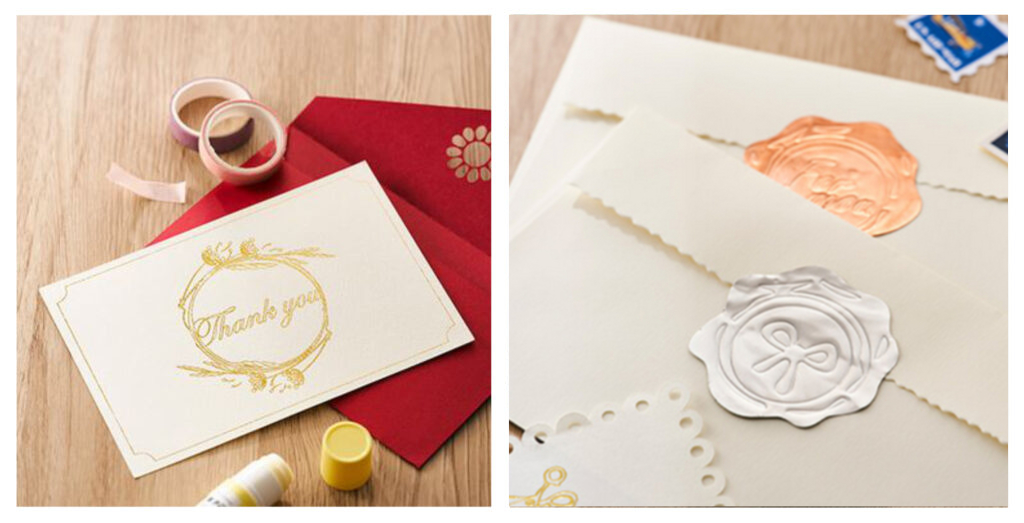
Compatibility with gilding and embossing tools
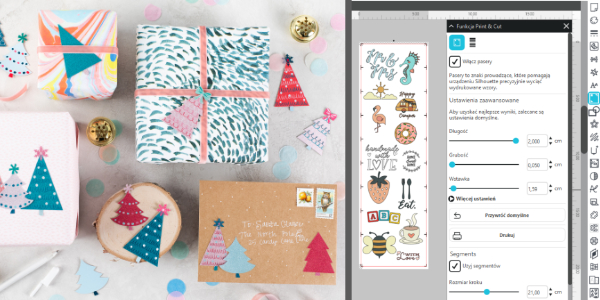
Segmented (recursive) marks
Hardware requirements for Silhouette Studio to run:
It is also possible to use the Silhouette GO mobile application, available for both Android and iOS.
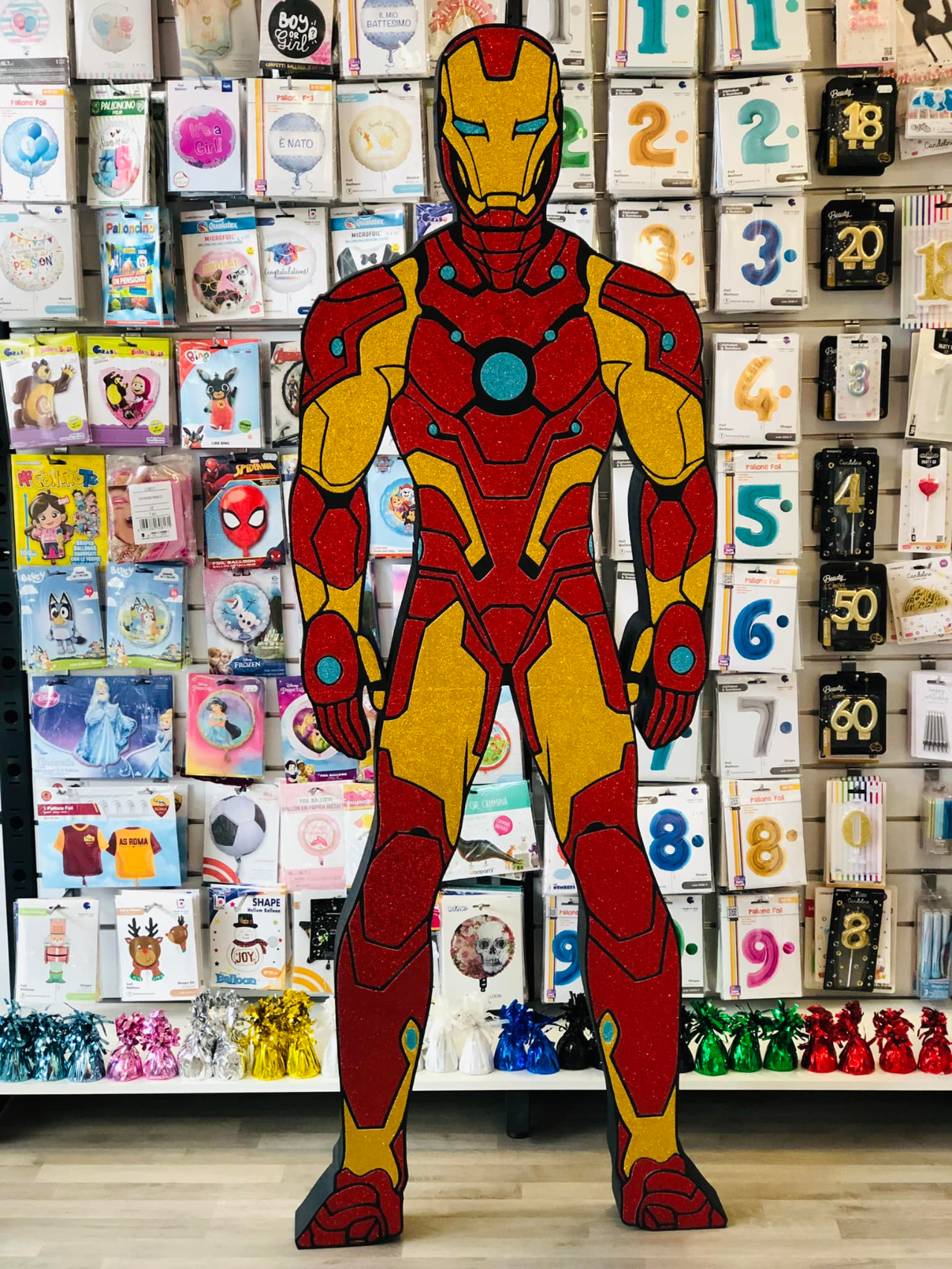

Cut individual 10cm-thick letters from 100x50cm polystyrene or Styrofoam. You can then paint or tape them to create a stunning wedding decoration with the bride and groom's names, or a great backdrop for photos!

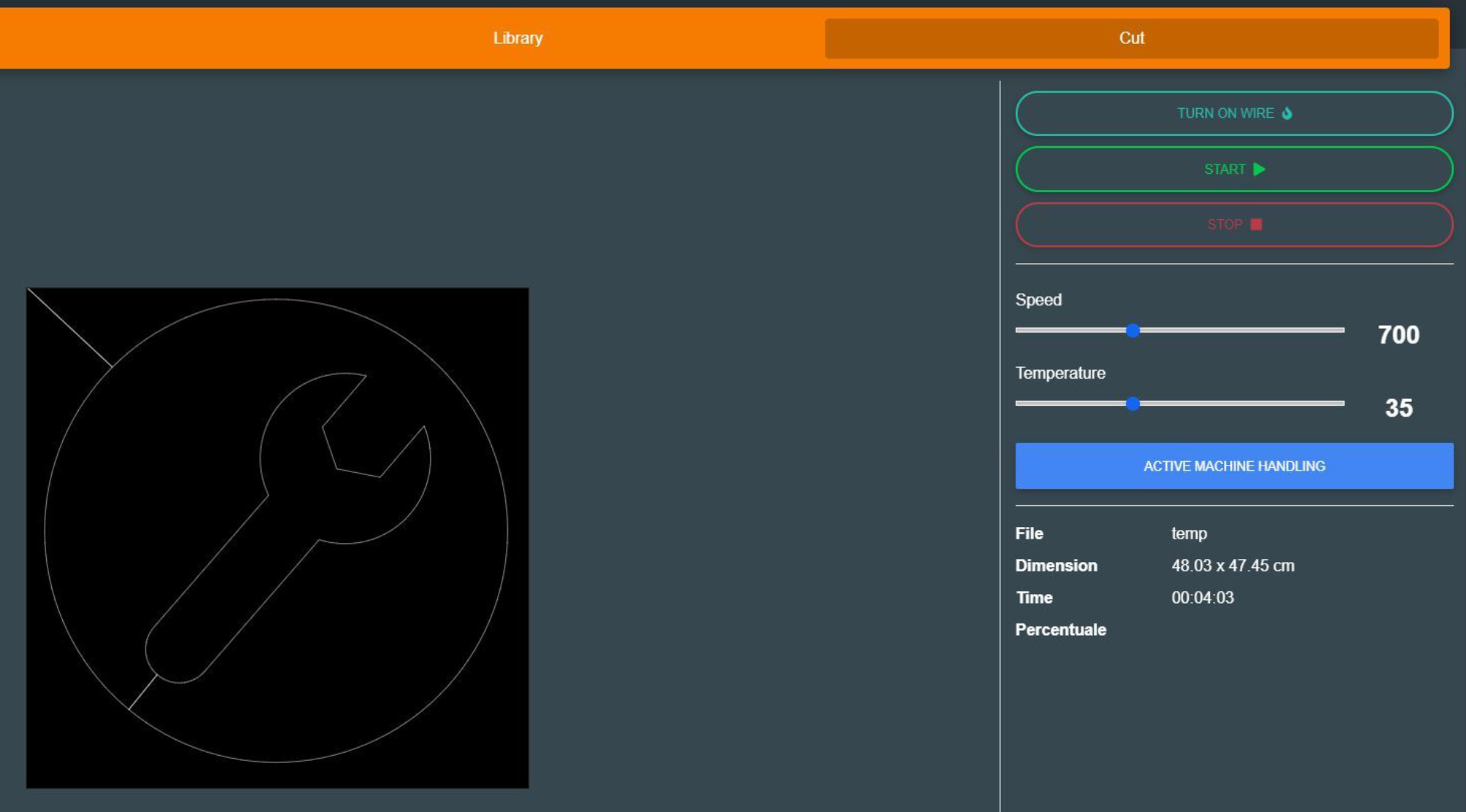
You don't have to worry about preparing your design for plotter cutting. ShaCo software has a dedicated algorithm that will properly adapt your design for cutting.
The plotter is operated using the free ShaCo software, available for download from the manufacturer's website. The program is intuitive and easy to use. It is primarily used for sending finished designs to the plotter. Since it supports the SVG format, you can import designs created in external programs such as Silhouette Studio Business Edition (included in the kit) or the free Inkscape*. ShaCo is available in Polish. The software is compatible with 64-bit Windows and MacOS later than Catalina. *Silhouette Studio Business Edition and Inkscape are recommended as they are native SVG editors.
Silhouette Studio Business Edition is the most advanced version of Silhouette software, offering a full range of features ideal for professionals and businesses involved in product manufacturing and personalization. Silhouette Studio Business Edition allows you to import and export SVG files, providing unlimited possibilities for working with designs created in other graphics programs, as well as enabling the creation and editing of more complex patterns. It also supports file formats such as .dst, .exp, .jef, .xxx, .ai, .eps, and .cdr. It also allows you to export files in .svg, .pdf, and .jpeg formats. Files created in Silhouette Studio Business Edition can be exported and opened in the ShaCo Polyshaper thermal cutter. This incredibly convenient solution allows you to design and cut with your Silhouette cutter, as well as create graphics ideal for cutting from Styrofoam.
The Silhouette Cameo Pro MKII plotter and Polyshaper Azul device are a comprehensive solution designed for decorators who demand maximum capabilities and creative freedom. The large workspaces of both devices allow for the implementation of both complex, large-scale projects and smaller, precise decorations, without the need to divide the work into stages. Combining these two machines allows for the processing of a wide variety of materials and the creation of a wide range of decorations, from lettering and graphics, through three-dimensional elements, to striking finishing details. This set significantly speeds up work, increases production capacity, and allows you to differentiate your offerings in the decorating market. It's an ideal investment for those looking to grow their business, implement more ambitious projects, and provide their clients with high-quality and diverse decorations.
| Title | Value |
|---|---|
| Unit Dimensions | 87,6 x 19,5 x 17 cm |
| Unit Weight | 9 kg |
| Connection | USB, Bluetooth |
| Cutting out graphics along the outline | Yes (the possible margin of error is 1/16 in.) |
| Force | Holder 1 - 300g; Holder 2 - not specified |
| Free designs | 100 |
| Language | English, Polish |
| Maximum Cutting Area With Cutting Mat | 59 x 61 cm |
| Maximum Cutting Area Without Cutting Mat | 59 x 487 cm |
| Power consumption | 27W |
| Software | Silhouette Studio (free), Adobe Illustrator - plug-in (paid extra), Corel DRAW - plug-in (paid extra), Silhouette Studio Designer Edition (paid extra), Silhouette Studio Business Edition (paid extra) |
| Manufacturer Details | Silhouette America® Inc.618 N. 2000 W.Lindon, Utah 84042, USA support@silhouetteamerica.com |
| EU Marketing Authorisation Holder | Silhouette Europe B.V. Prinsengracht 572A 1017 KR Amsterdam tel: 31611841511 support@silhouetteeurope.eu |
| Speed | 0 – 300 mm/s |
| Max. Material Thickness | 3 mm |
| Guaranteed Operating Environment | 16 to 32 deg.C,35 to70% R.H.(non-condensing) |
| Working Environment | 10 to 35 deg.C,35 to 75% R.H.(non-condensing) |
| Mechanical Resolution | 0.00625 mm |
| Programmable Resolution | 0.05 mm |
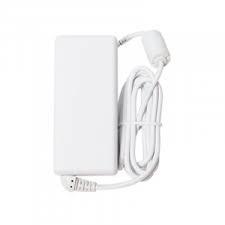
| Rated Power Supply | AC adapter 24 VDC(1.25A) |
| Print & Cut Margins | On mat - 16mm on Each Side , Without mat - 16mm on the sides and top of the page; 25,4mm at the bottom of the page |
Products that may also interest you:
No one has added an opinion yet.
Be the first to do so!
Made by: Michał Desol