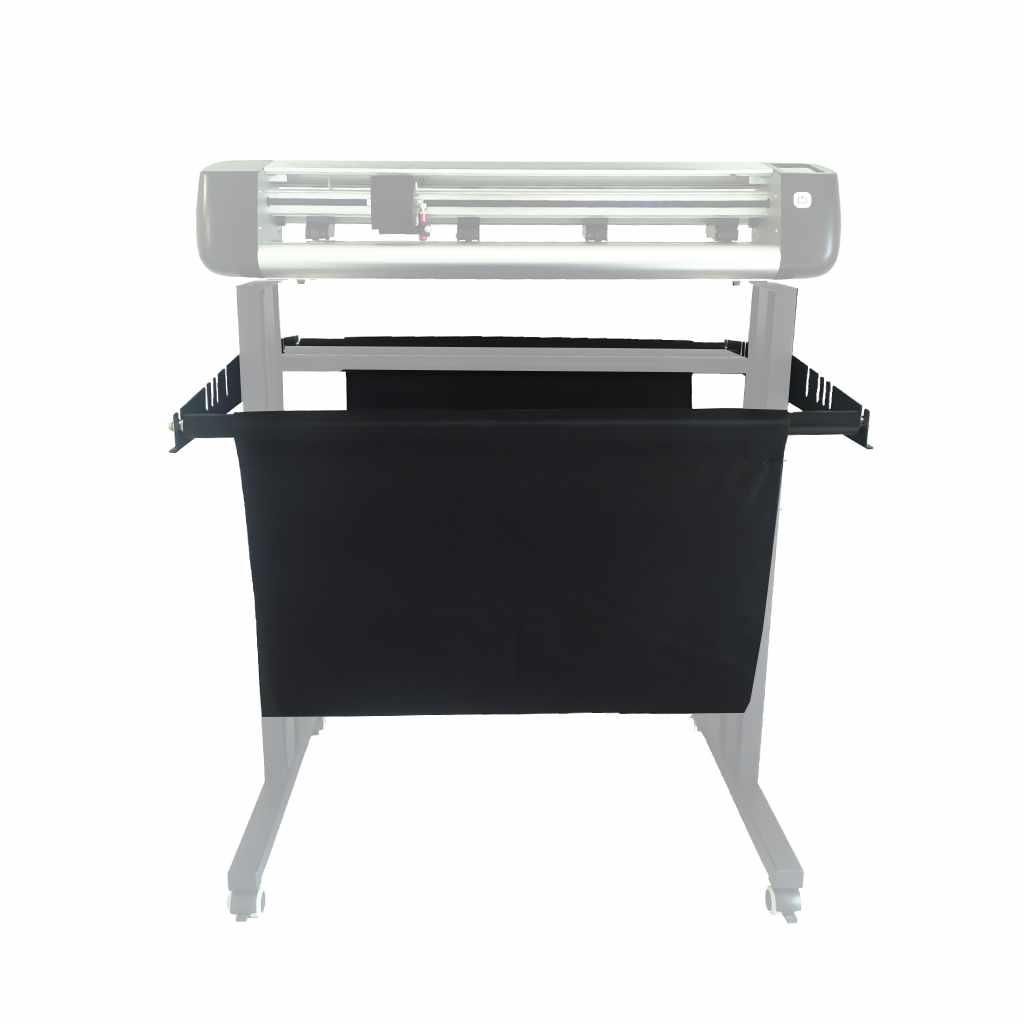




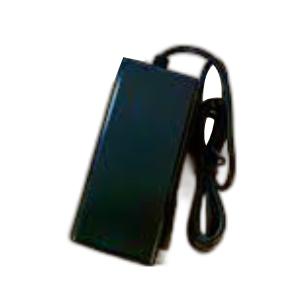
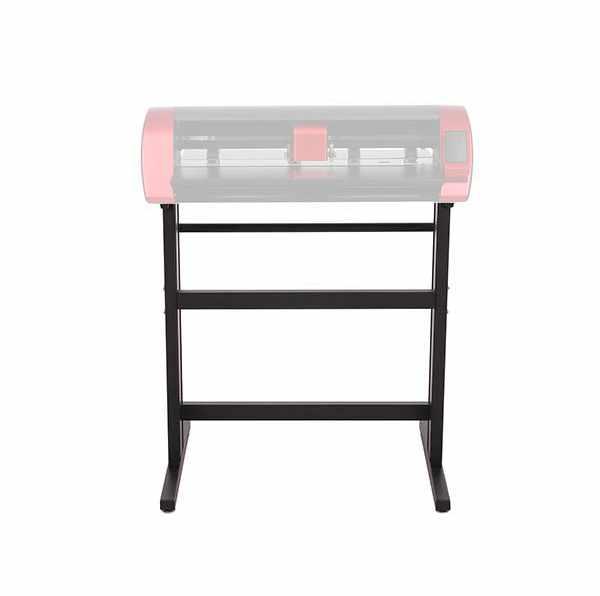
Skycut 24" Stand
349,00złincl. tax
🔥 PolyShaper cutters – save up to 400 PLN! [Shop now →]
Do you have any questions? We'll be happy to help!
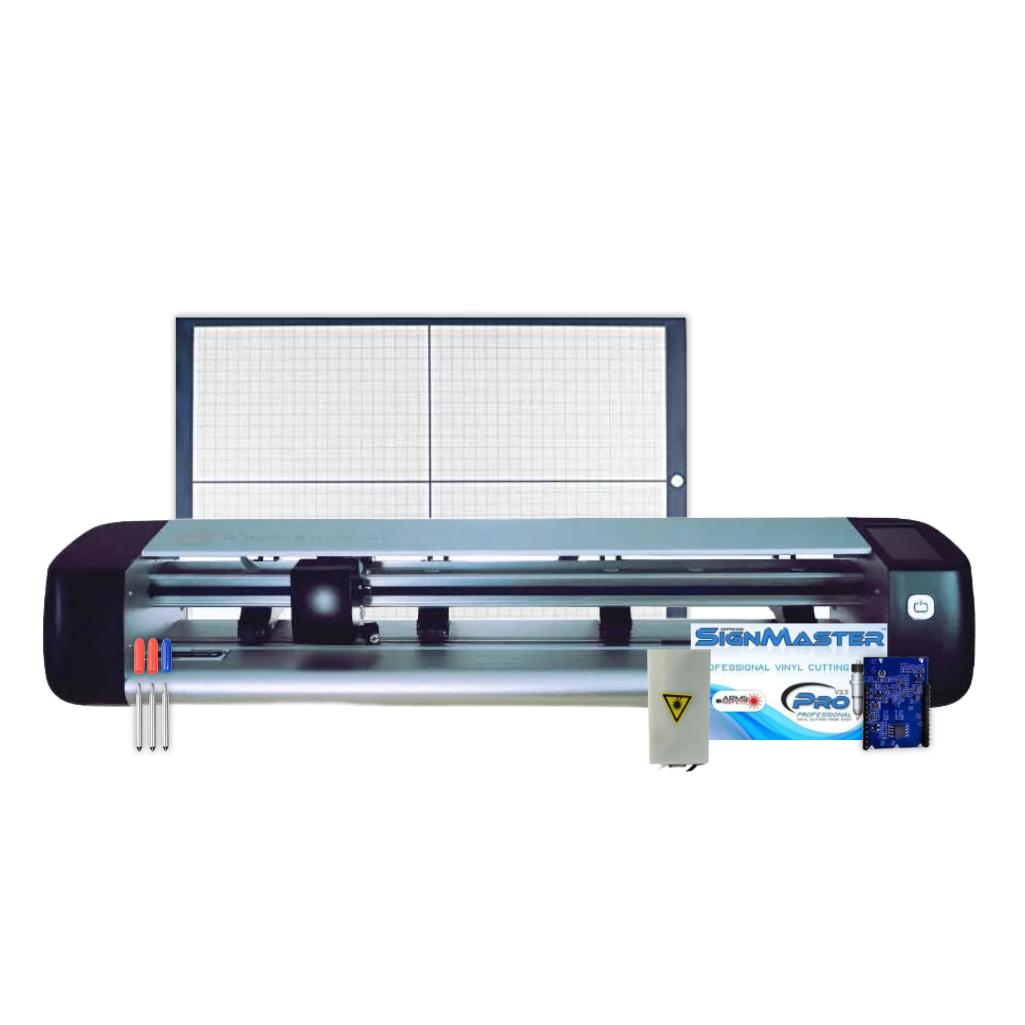
Skycut CX24 - Laser Set is a comprehensive tool for work and creation. It combines functionality, convenience, and cost-effectiveness, offering everything you need in one package. It's an excellent choice for those who want to develop their business or passion without unnecessary complications and additional costs.
3499,00zł/pcs.
3149,10zł/pcs.
349,00zł/pcs.
314,10zł/pcs.
1479,00zł/pcs.
1279,00zł/pcs.
549,00zł/pcs.
494,10zł/pcs.
PLN 5,876.00 incl. tax
PLN 5,236.30 incl. tax -10%
Skycut CX24 - Laser Set
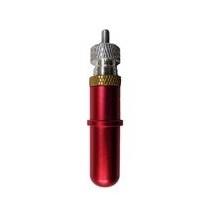
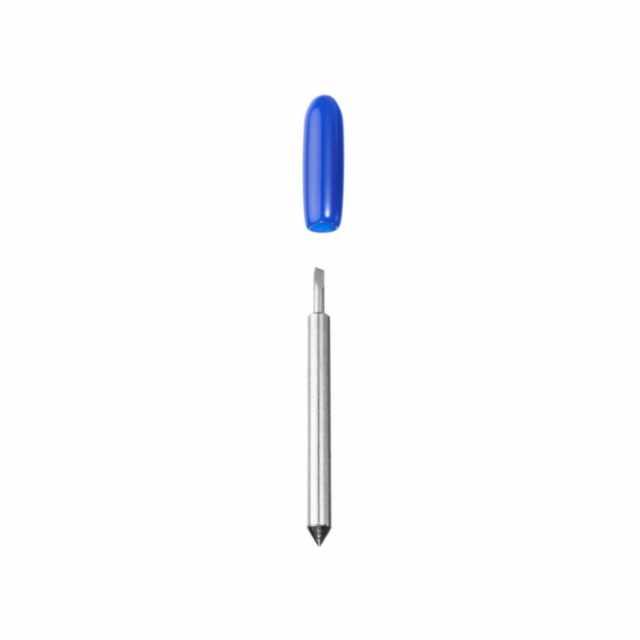
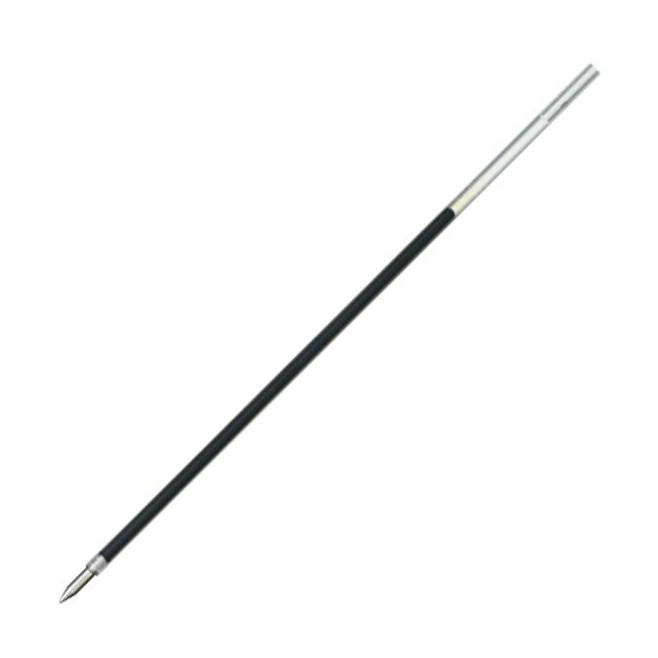
The product includes the following elements:
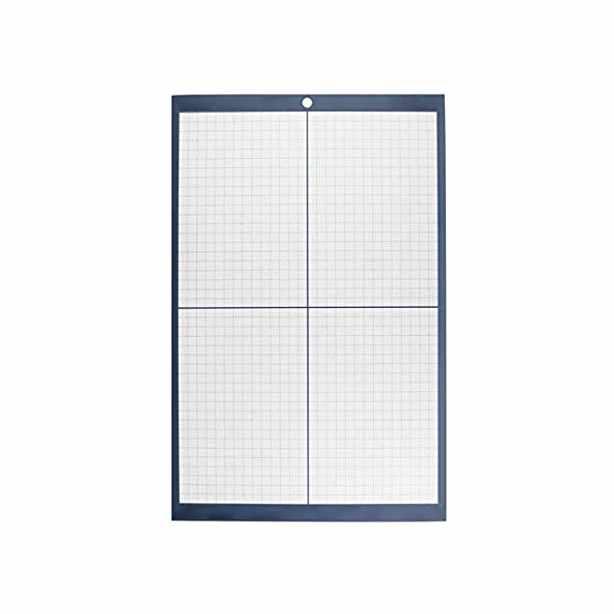
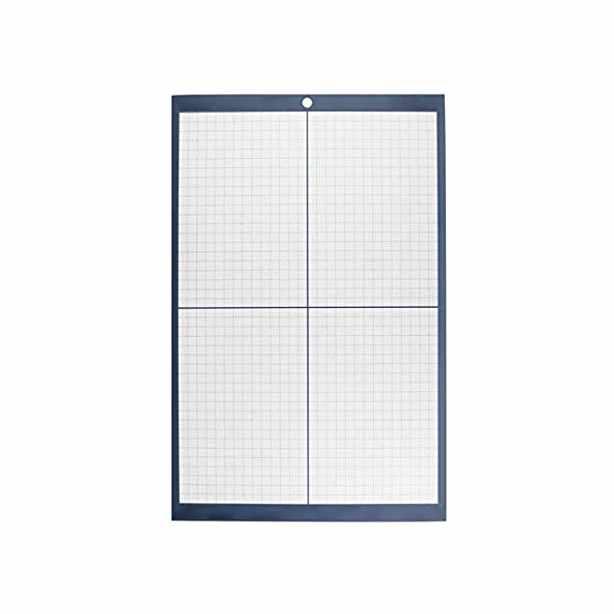
With dimensions 30 x 48 cm.
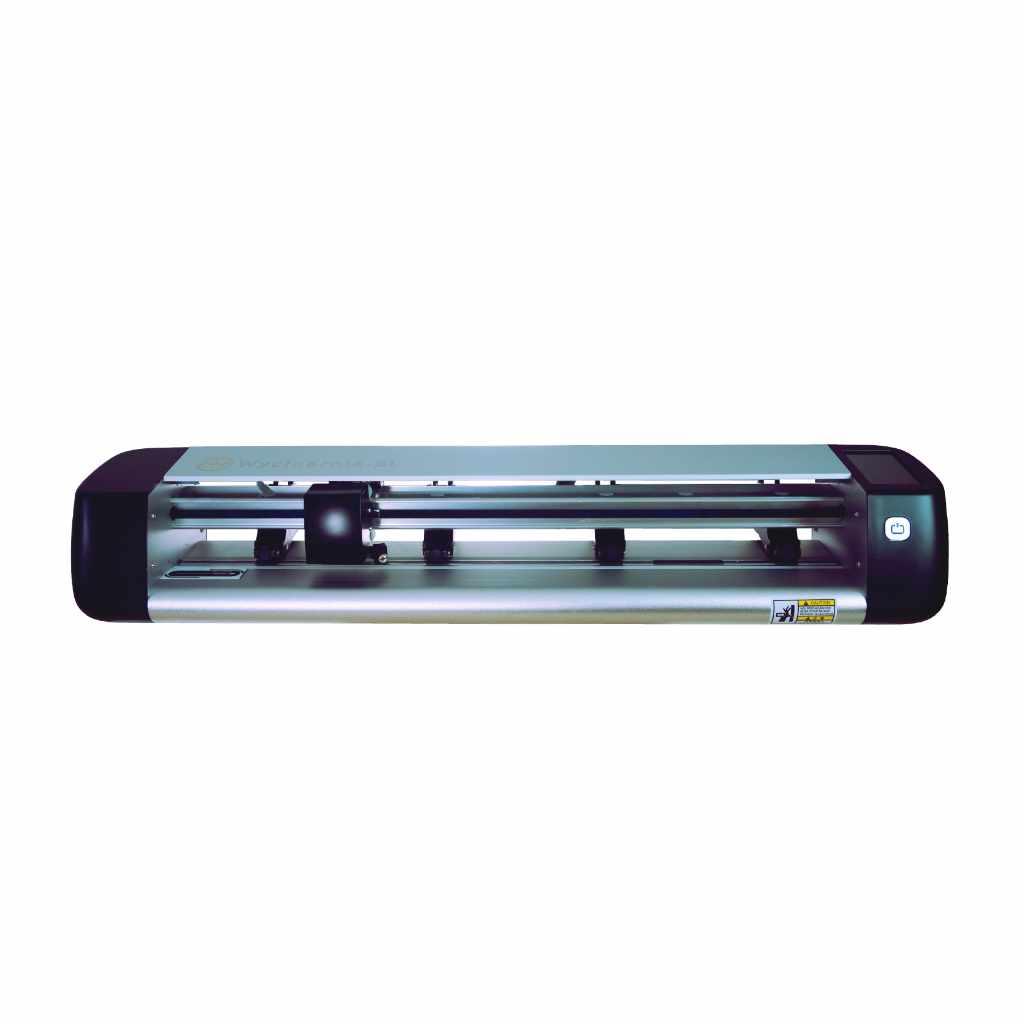
The Skycut CX24 kit with a laser module is a great option for those looking for a single, versatile device for a variety of applications. The kit includes the Skycut CX24 cutting plotter, renowned for its precision, reliability, and ease of use. The device handles a variety of materials, such as foils, paper, flex, and flock. This allows you to create stickers, stencils, decorations, advertising projects, and much more.
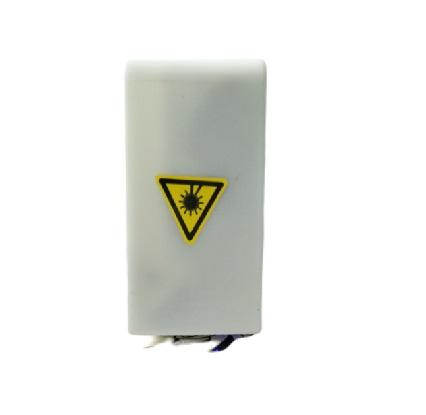
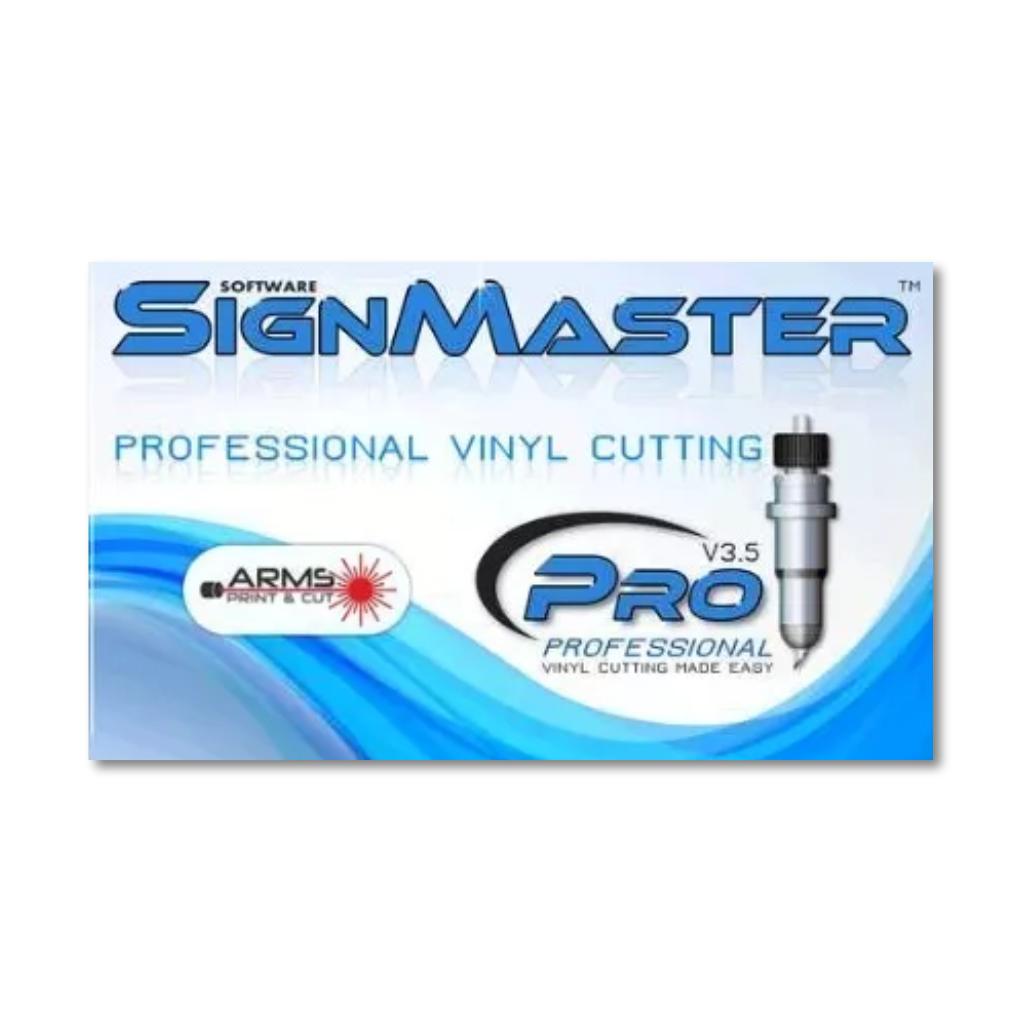
The kit includes a laser module that expands the plotter's capabilities. The laser module allows you to work with materials such as plywood or balsa, opening up entirely new possibilities – from personalized gifts and decorations to model elements and crafts. It's an ideal solution for creative individuals and small studios. The kit also includes SignMaster Pro software, which allows for full control of the plotter and integration with the laser module. The program offers extensive design options and allows you to prepare files for cutting and engraving. This allows you to easily go from concept to finished product, without having to use multiple applications.
Foil cutting
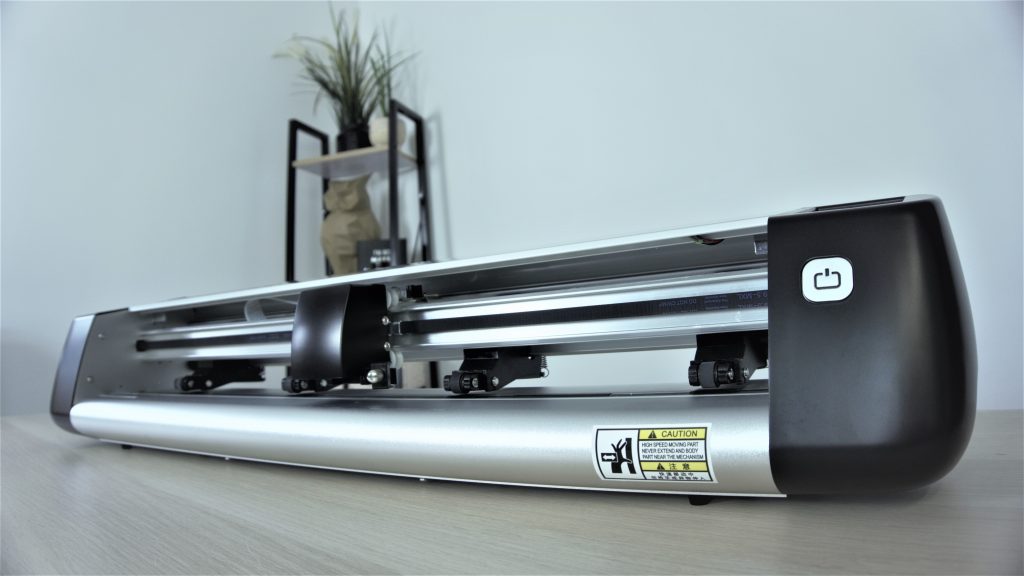
The Skycut CX24 plotter is perfect for cutting backing materials straight from the roll. Thanks to the 61-centimeter cutting width, the most popular film rolls in Poland can be loaded into the device. The adjustable roller spacing allows you to make the most of your foil. The plotter can also cut small pieces of foil with a width of only 10 cm without a mat.
You can also buy an additional stand for the Skycut plotter to make working with foils easier. The stand has a dedicated holder in which you place the roll of foil and then load it into the plotter. This definitely increases the comfort of working with the device.
Cutting prints
Skycut plotters have a built-in high-quality camera that allows cutting prints. The technology used ensures high precision and cutting speed.
The camera can read tags in any color, printed on many different materials, such as: papers, reflective foils, vinyl, flex, flock, or even transparent foil sheets.
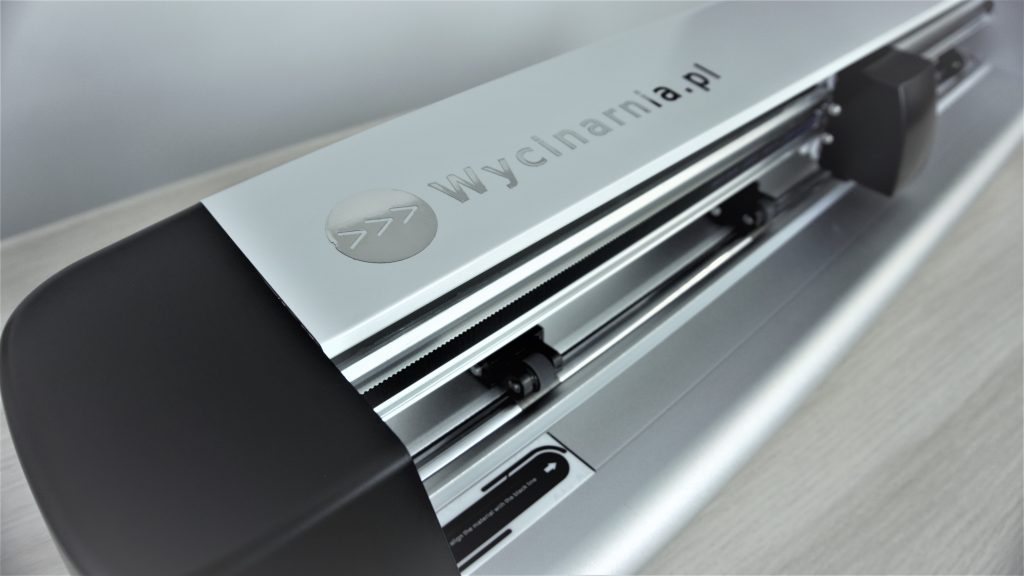
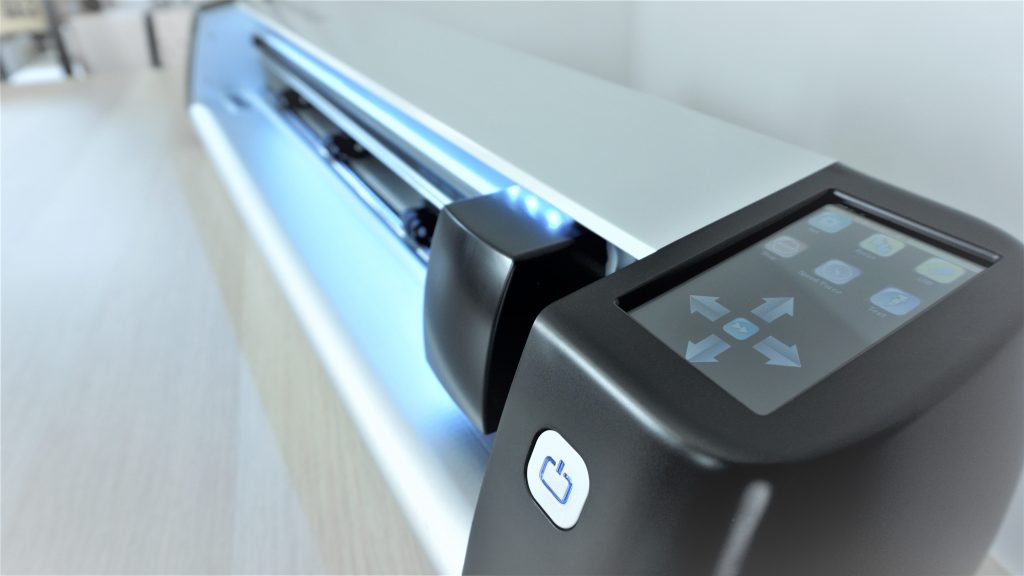
The device has a high-sensitivity color touch screen. It allows for easy operation of the device by providing the most important functions of the Skycut CX24 plotter. It includes operations such as repeating the last action or multiple pattern duplication. Thanks to this option, you can set the repetition based on the table grid by selecting the number of columns and rows, as well as the distance between the repeated patterns.
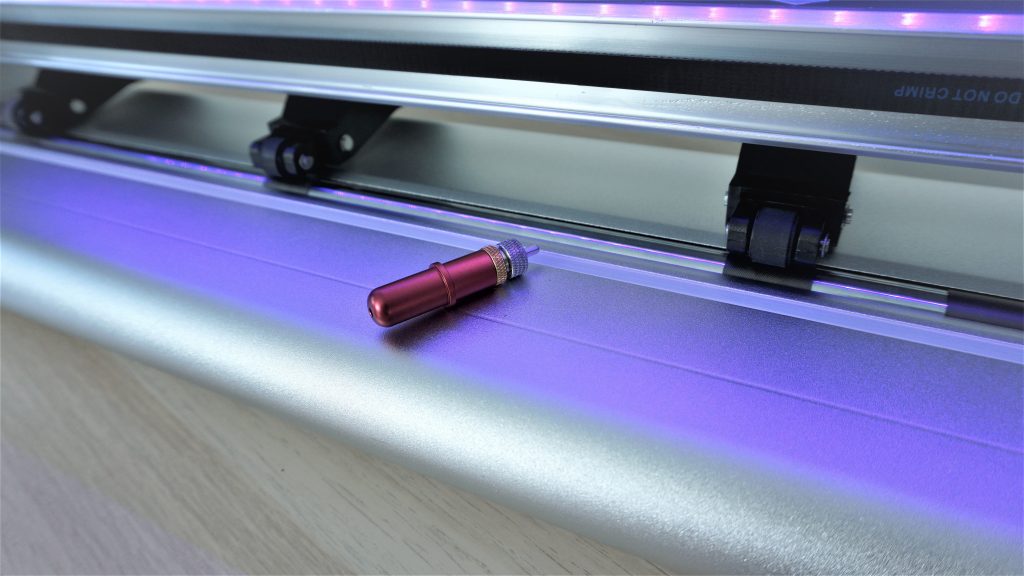
The position of each clamping roller can be individually set to adjust their spacing to the material being cut. This allows you to use the plotter without a cutting mat.
The plotter casing is made of metal, which makes it much more durable and stable. The device also has a professional, modern design.
The plotter has built-in LED lighting with the ability to change the color of the light. This makes it easier to work in dark rooms and when cutting in the evening. The lighting also improves the precision of reading tags for the Print&Cut function.
SignMaster Pro software is an intuitive graphic program dedicated ONLY to operating Skycut cutting plotters. The software license is perpetual and allows installation on one computer. The activation code for the program is sent electronically.
The license can be transferred multiple times to other devices, for example when changing computers.
The software is compatible with: Windows 11, 10, 8, 7, Vista and XP (32/64 Bit).
The program is not supported by Mac.
The offered code only supports Skycut devices.
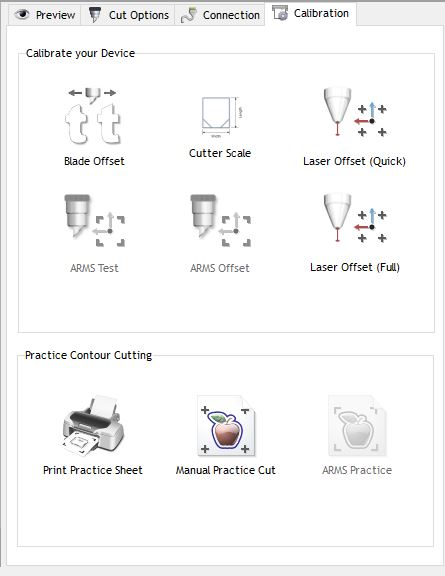
SignMaster software has many design possibilities, including:
In the program database you will find:
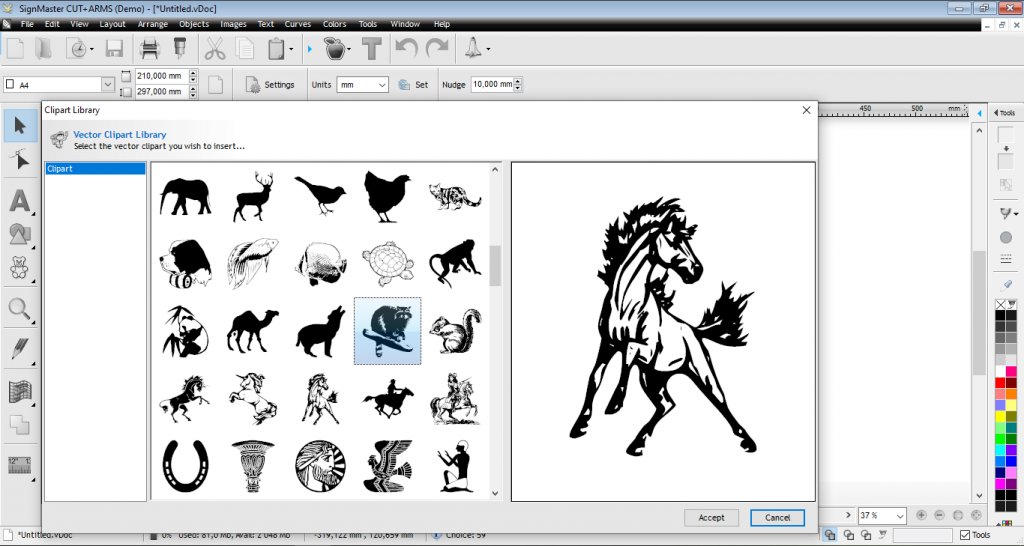
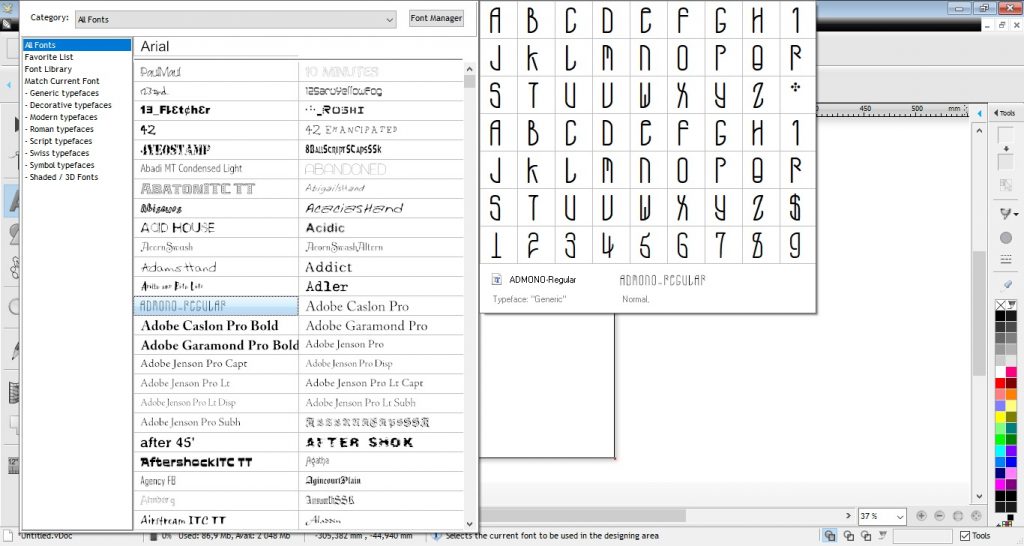
The program shows all fonts installed on your computer and offers many options for advanced text editing and customizing it to your needs. Thanks to this, you can design and then cut, for example, toppers or inscriptions for balloons, cars, or shop windows.
The program has
an interactive cut-out wizard. Thanks to it, you will first print the
graphics on the selected printer. Then the wizard will guide you through
the function of cutting prints using a plotter.
The program also allows you to send the finished project for cutting using a plotter with just two clicks. It also allows you to set the number of copies of a given project and set the spacing between individual elements.
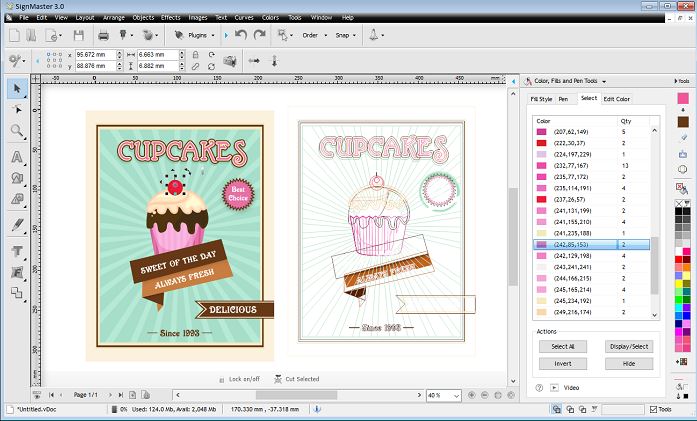
In the SignMaster program you will also find tools to facilitate the removal of cut self-adhesive foils and flex/flock (weeding lines).
The professional tools of the SignMaster Pro program also provide options such as automatic rotation, mirroring and automatic removal of foil waste.
* The recommended monitor resolution is 1920 x 1080 px, high 4K resolution is not supported properly.
Turn your Skycut plotter into an engraving tool.
The 2.5W Skycut semiconductor laser can be mounted on the cutting head
of C and CX series plotters. It allows you to engrave many different
materials up to 6 mm thick.
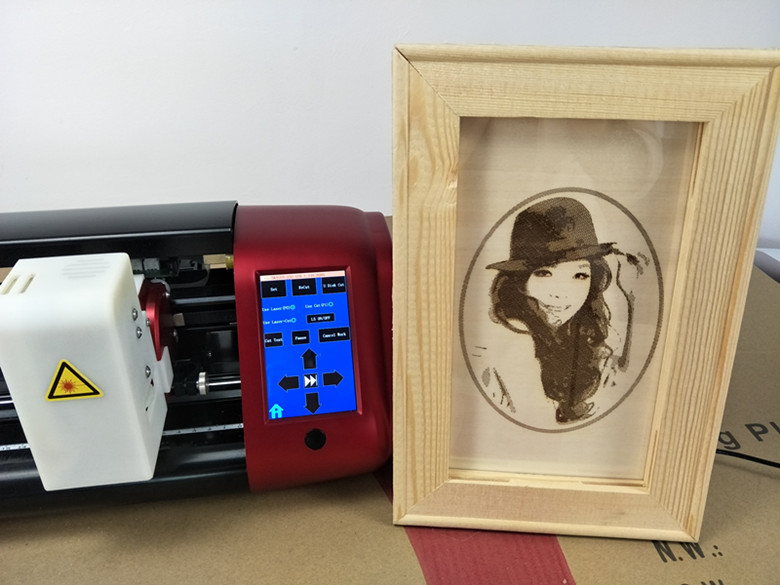
Using a laser, you can create your own pet pendants or dog tags with personalized engraving. Use wood or balsa wood for unique decorations in a rustic style, creating pictures from photos, home decorations, or place cards for boho-style parties.
To operate the laser, a higher version of the program is required - SignMaster PRO. It allows you to automatically generate laser lines that will cover the selected surface.
The movement of the laser along a
dense grid of lines will create the impression of a colored (burned)
area. By adjusting the line density, you can create an engraving in many
shades, which will allow you to achieve interesting effects on your
works.
Laser assembly:
https://www.youtube.com/watch?v=QbnKUOaHE0o&list=PLbPjMBFbCiZ_6op8eY_ivJGTH0Bh3KWFb
Security:
DO NOT use the laser accessory on the following materials:
ALWAYS wear the safety glasses provided when using the laser accessory. We also recommend using a protective mask with a filter.
NEVER look into the laser beam while it is operating.
NEVER allow pets or children into the room while operating the laser engraver.
NEVER leave a laser accessory unattended while it is in operation.
Store the laser accessory out of the reach of children and teenagers. It may ONLY be used by persons who have read and fully understand all safety guidelines.
Work ONLY in a well-ventilated area.
Keep flammable materials away from the laser when it is in use. This includes flammable liquids as well as materials such as cardboard scraps, loose clothing, curtains, etc.
The laser module is not used for through-cutting, its use is for surface engraving.
Have a fire extinguisher in the room where you work with the laser engraver.
| Title | Value |
|---|---|
| Model | CX24 |
| Force | 50 - 800 g |
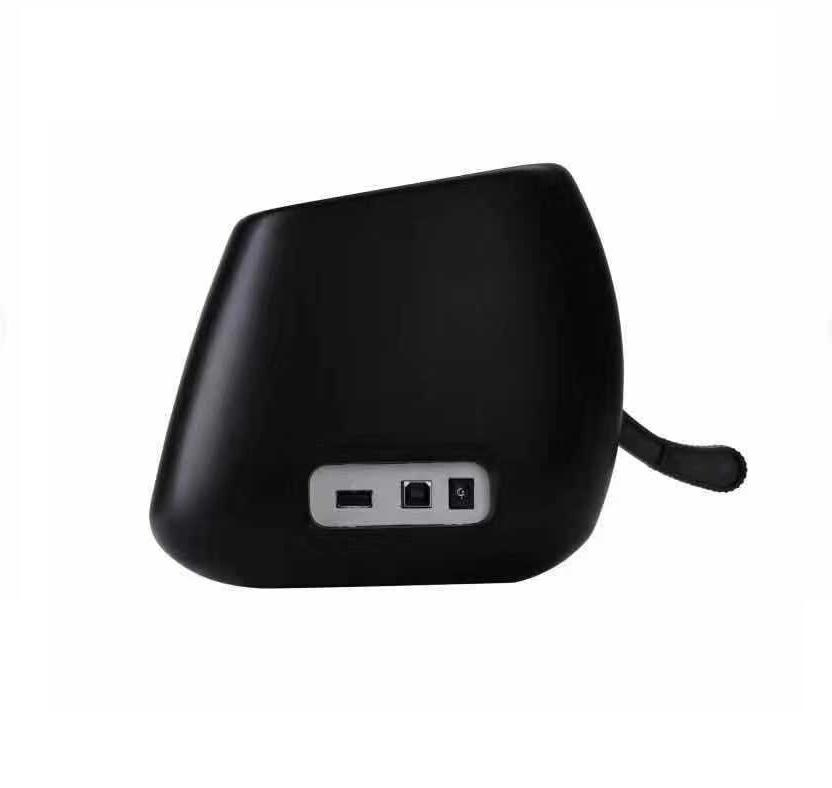
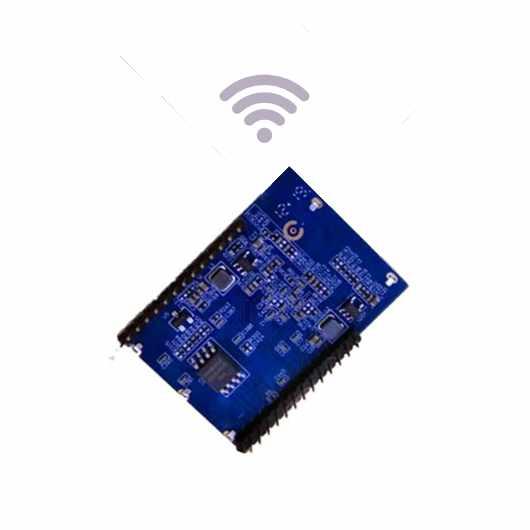
| Connection | USB, Wi-Fi (optional) |
| Software | Sign Cut, Sign Cut Pro 2, Sure Cuts A Lot, Flexi 12, SignMaster (paid extra) |
| Cutting | With mat, Without mat |
| Speed | 0 - 600 mm/s |
| Cutting Precision | +/- 0,01 mm |
| Motor | Stepper |
| Maximum media width | 720 mm |
| Maximum cutting width | 610 mm |
| Maximum prints cutting width | 570 mm |
| Memory | 128 MB |
| Language | English |
| Manufacturer Details | SHENZHEN JINGWEIXIAN TECHNOLOGY CO.,LTD. Address: Building C, XinHang Technology Park, No. 229, Qingshui Road, Wulian Community, Longgang Street, Longgang District, Shenzhen 518116, China Email:info@sky-cut.com Mobile: 008616620910421 |
| EU Marketing Authorisation Holder | Impress Creatives sp. z o.o. Pierwiosnków 11 40-750 Katowice NIP 9542821471 tel: +48 32 441 28 83 / kontakt@wycinarnia.pl |
| Unit Dimensions | 94 x 16 x 16 cm |
| Unit Weight | 11 kg |
Other customers bought also:
No one has added an opinion yet.
Be the first to do so!
Made by: Michał Desol