🔥 BLACK WEEK xTool!🔥 Rabaty do -27% SPRAWDŹ OKAZJĘ!




Chat with an expert
Do you have any questions? We'll be happy to help!
VIDEO COURSE – Cameo Pro MKII – "Master Your Cutting Plotter"
Discover the full potential of the Silhouette Cameo Pro MKII and start creating without limits. "Master Your Cutting Plotter" is a practical video course designed for anyone who wants to quickly master their cutting machine, avoid costly mistakes, and achieve professional-quality results from the very beginning. In over 5 hours of hands-on video lessons, you'll learn how to design in Silhouette Studio, cut a wide range of materials, create custom stickers, heat transfer designs, cake toppers, and Print & Cut projects. Learn at your own pace with lifetime access to the course, and use your new skills for personal crafting projects or to grow your creative business.
329,99zł
289,99zł incl. tax
Lowest regular price of the last 30 days: 329,99złLowest promotional price of the last 30 days: 289,99zł
VIDEO COURSE – Cameo Pro MKII – "Master Your Cutting Plotter"
329,99zł289,99zł


Description
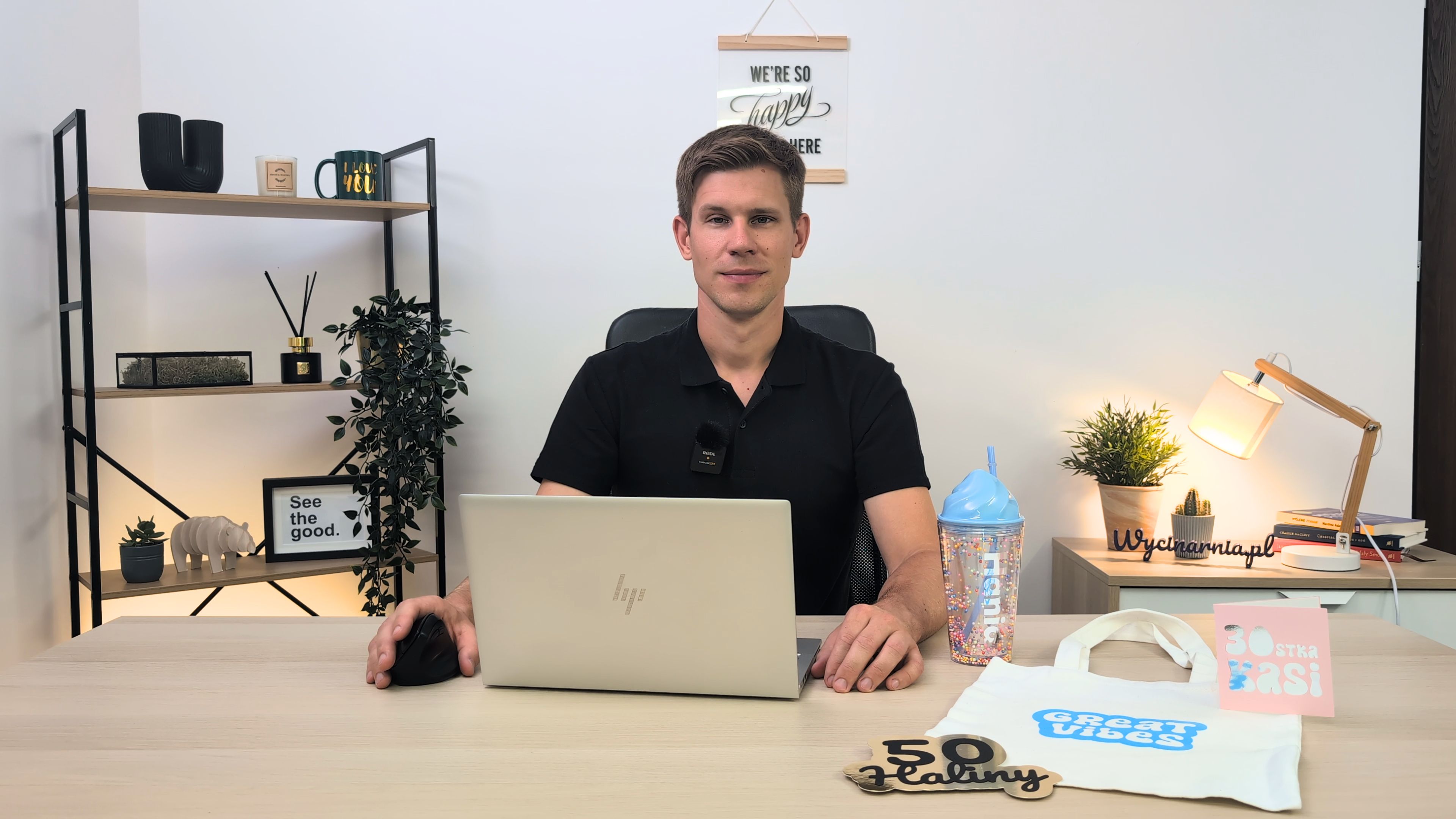
Why should you choose this course?
Buying a cutting plotter is only the beginning. To unlock its full potential, you need the right knowledge to work confidently, efficiently, and without frustration.
The "Master Your Cutting Plotter" video course was created specifically for Silhouette Cameo Pro MKII users who want to achieve professional results from day one. Instead of learning through trial and error, you'll gain proven, step-by-step guidance based on years of practical experience working with Silhouette cutting machines.
After completing this course, you will be able to:
- Set up and configure your Silhouette Cameo Pro MKII independently.
- Navigate Silhouette Studio with confidence.
- Design your own text, graphics, and stickers.
- Prepare cutting files and vectorize images.
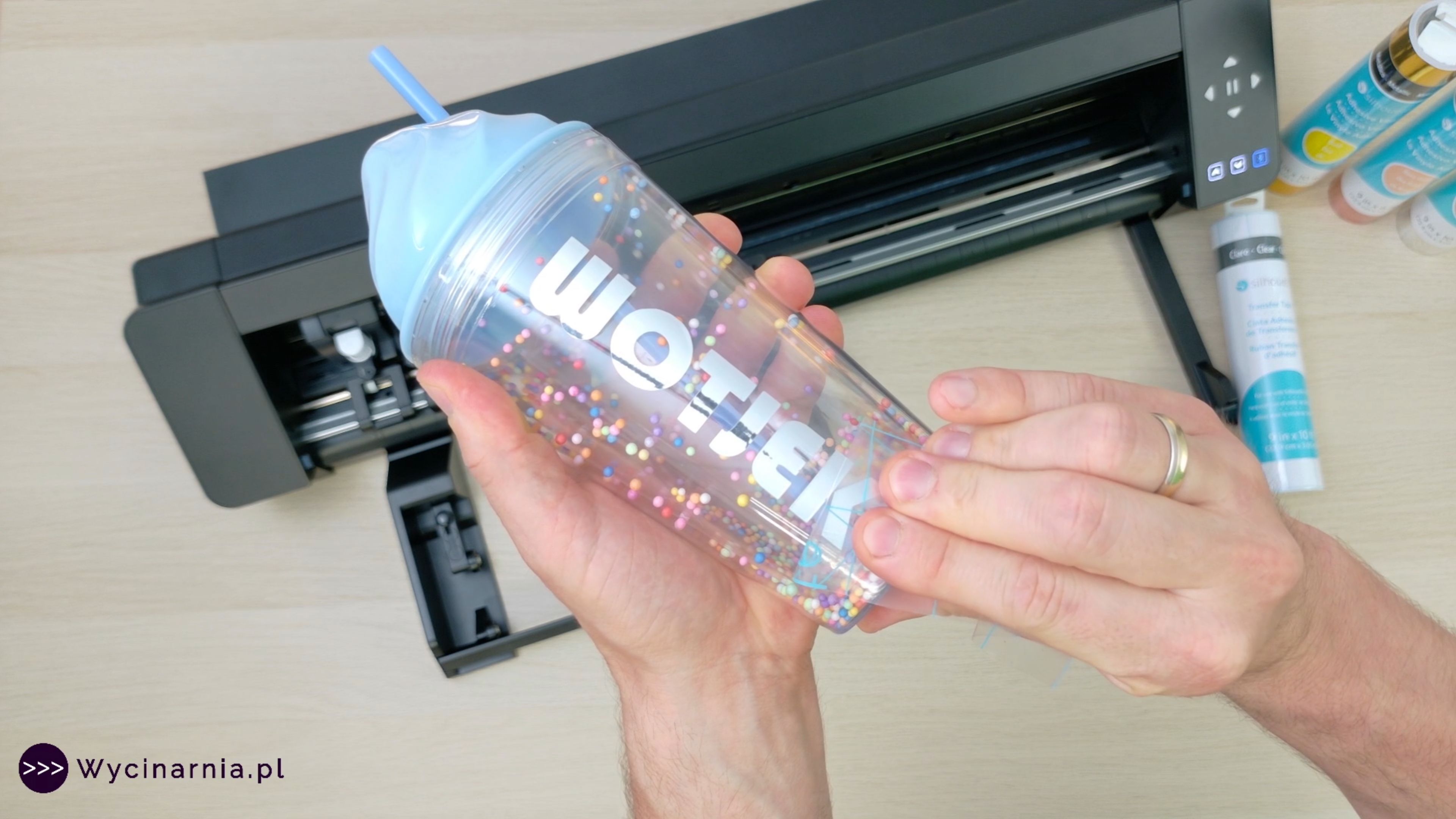
- Cut paper, adhesive vinyl, Flex HTV, and Flock HTV.
- Create projects using the Print & Cut feature.
- Make cake toppers, greeting cards, and personalized decorations.
- Select the correct cutting settings for different materials.
- Troubleshoot the most common issues without wasting time or materials.
Course Curriculum
The course includes 20 practical video lessons with a total runtime of 5 hours and 20 minutes. Learn at your own pace, with each module guiding you step by step—from setting up your machine for the first time to creating advanced custom projects.
Module 1 – Getting Started with Your Plotter
- Creating your account and installing the software
- Preparing the machine for use
- Your first paper cutting project
From the very first lessons, you'll correctly configure your machine and complete your first project.
Module 2 – Working in Silhouette Studio
- Rotating, resizing, and duplicating objects
- Safely removing projects from the cutting mat
- Understanding different cutting mats
- Creating text designs
- Installing and using fonts
- Welding shapes
- Creating offsets
You'll master the essential features of Silhouette Studio, allowing you to prepare your own cutting projects with confidence.
Module 3 – Materials & Creative Projects
- Your first adhesive vinyl project
- Matless cutting
- Creating Flex and Flock heat transfer designs
- Paper cake topper project
- Greeting card project
- Print & Cut workflow
- Graphic types, importing files, and vector tracing
- Creating custom stickers
- Restoring and maintaining cutting mats
- Troubleshooting common cutting issues
By the end of the course, you'll be able to complete both beginner-friendly hobby projects and more advanced creations suitable for selling or running your own craft business.
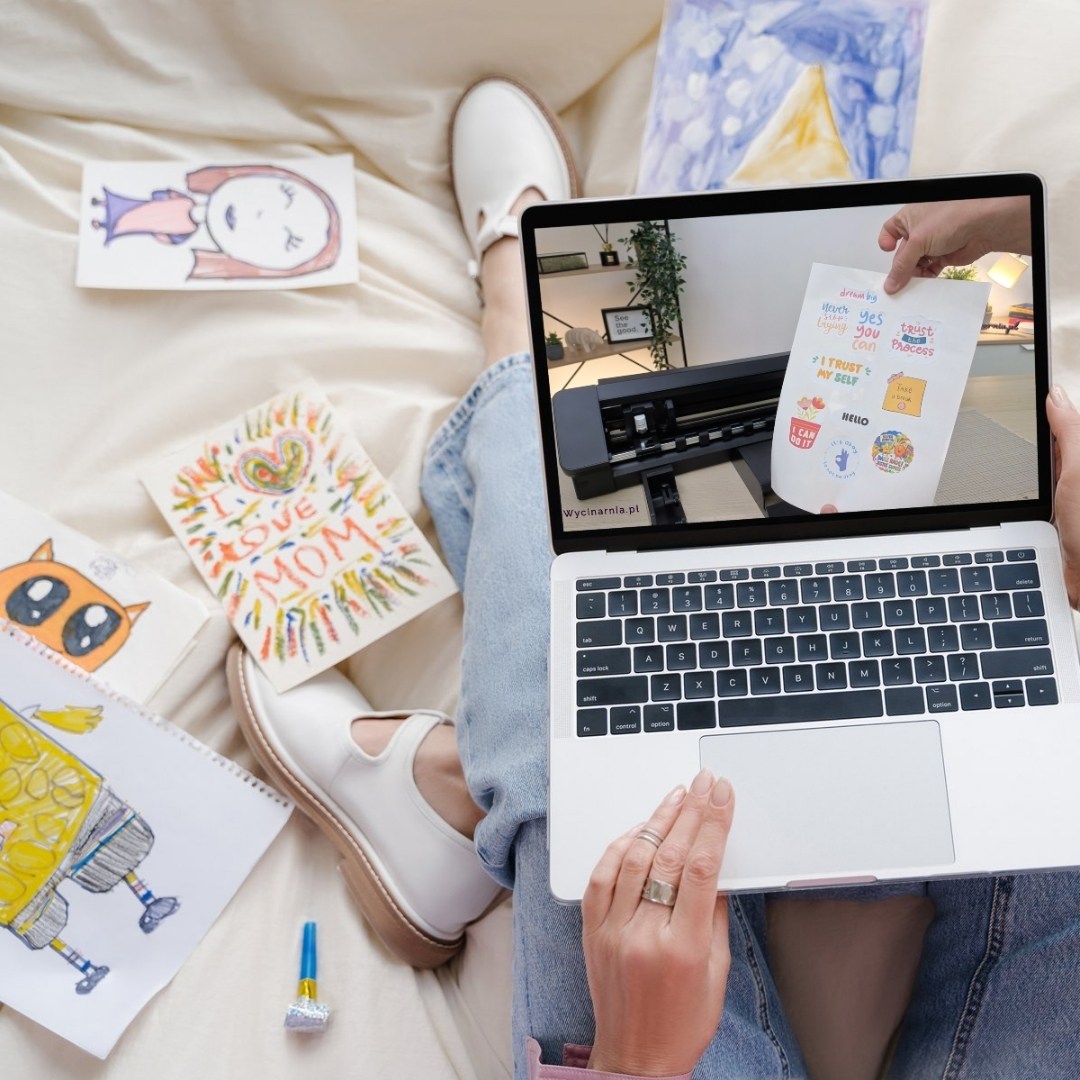
What You'll Get
- Over 5 hours of practical video training in polish
- 20 detailed, step-by-step lessons
- 24/7 online access from your computer, tablet, or smartphone
- Lifetime access - the course never expires, so you can revisit the lessons anytime
- Learn at your own pace
- A personalized Certificate of Completion after finishing the course
Bonus!
- A reference list of recommended cutting settings for the most popular paper weights
- A downloadable collection of recommended fonts with Polish characters
Stop wasting time searching through random tutorials online.
Gain practical, proven knowledge, unlock the full potential of your Silhouette Cameo Pro MKII, and start creating projects exactly the way you envision them.
Compatible devices
You can use this product with the following devices:

Cameo Pro MK II
Reviews
Product rating
No one has added an opinion yet.
Be the first to do so!
Add review
Made by: Michał Desol