🔥 Bestsellerowy CAMEO 5a – 150 zł TANIEJ! Kup teraz →




Chat with an expert
Do you have any questions? We'll be happy to help!
MINI VIDEO COURSE – Cameo Pro MKII – Getting Started
Get started with your Silhouette Cameo Pro MKII with confidence and avoid common beginner mistakes. "Quick Start Training" is a practical video course featuring over one hour of step-by-step lessons that will help you master the basics of your cutting plotter and Silhouette Studio, so you can complete your very first project with ease.
- Over 1 hour of practical, step-by-step video lessons
- Install, set up, and complete your first cut with confidence
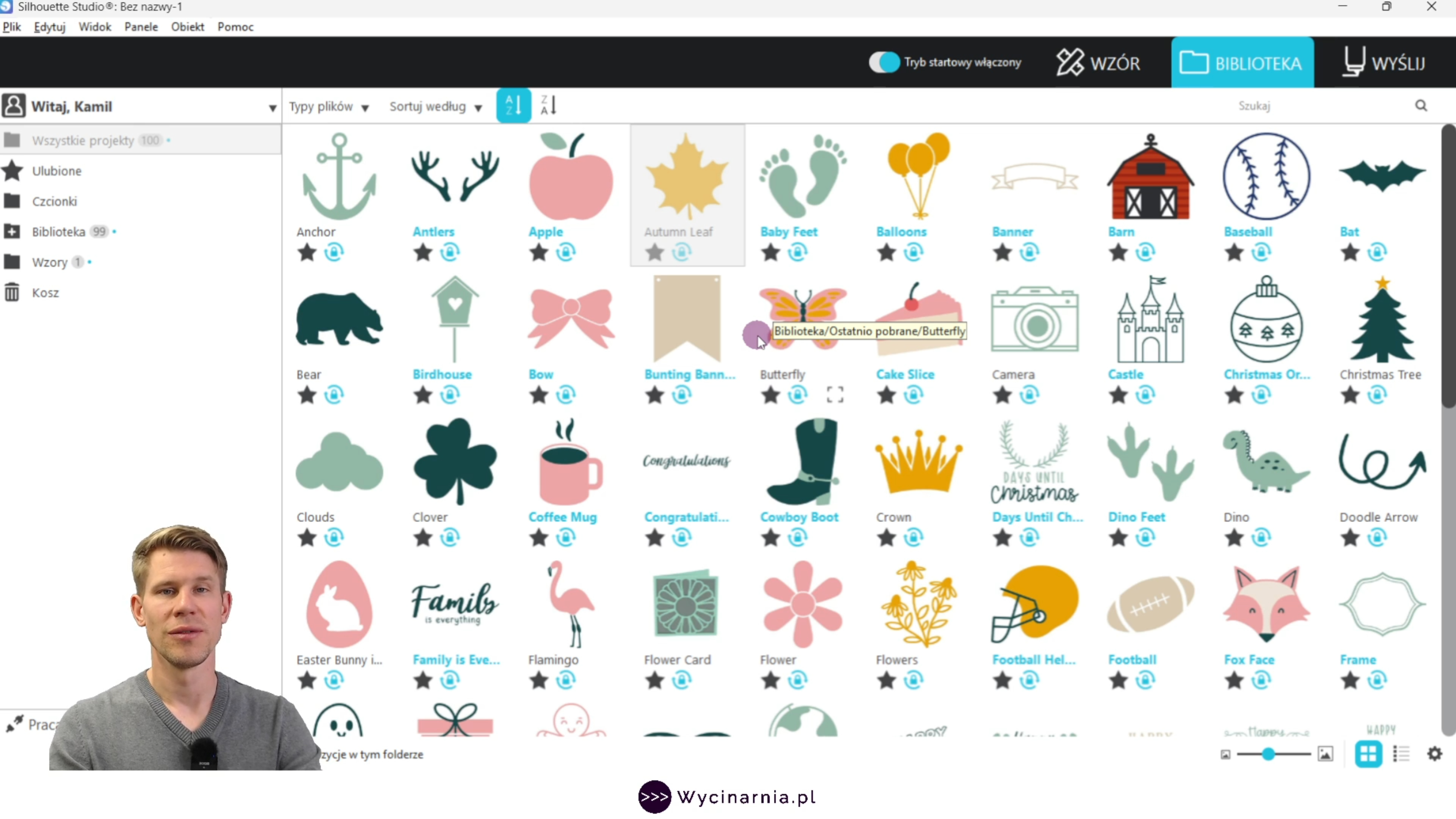
- Learn the basics of Silhouette Studio
- Lifetime access and a personalized Certificate of Completion
59,99zł
49,99zł incl. tax
Lowest regular price of the last 30 days: 59,99złLowest promotional price of the last 30 days: 49,99zł
MINI VIDEO COURSE – Cameo Pro MKII – Getting Started
59,99zł49,99zł


Description
Why Choose This Course?
This isn't a long, theory-heavy course.
It's a practical video training designed to help you get started with your cutting plotter quickly and confidently, so you can begin creating your first projects right away.
- Create your own Silhouette account.
- Install and set up Silhouette Studio correctly.
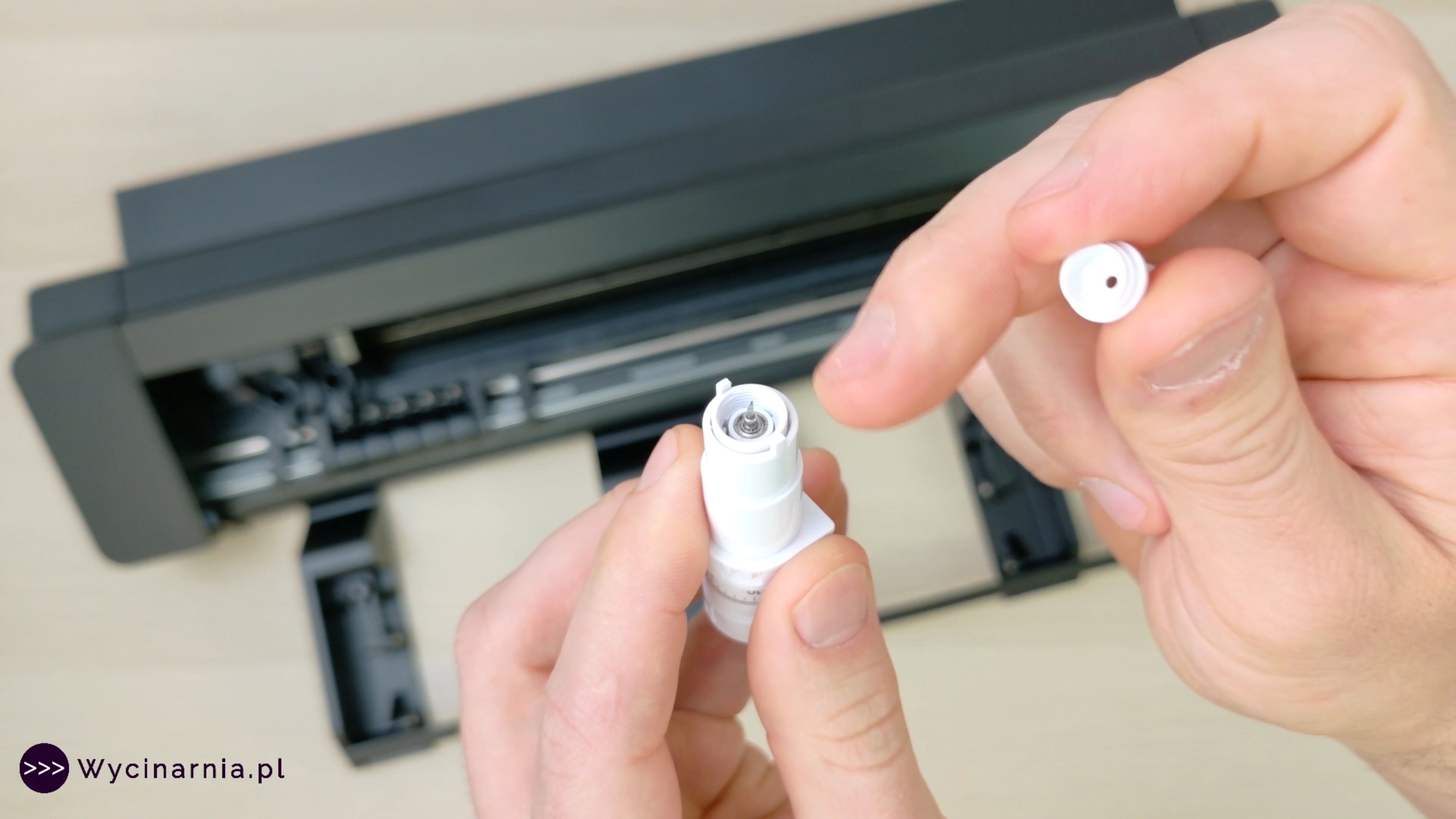
- Prepare your cutting plotter for first-time use.
- Understand the basic operation of your machine.
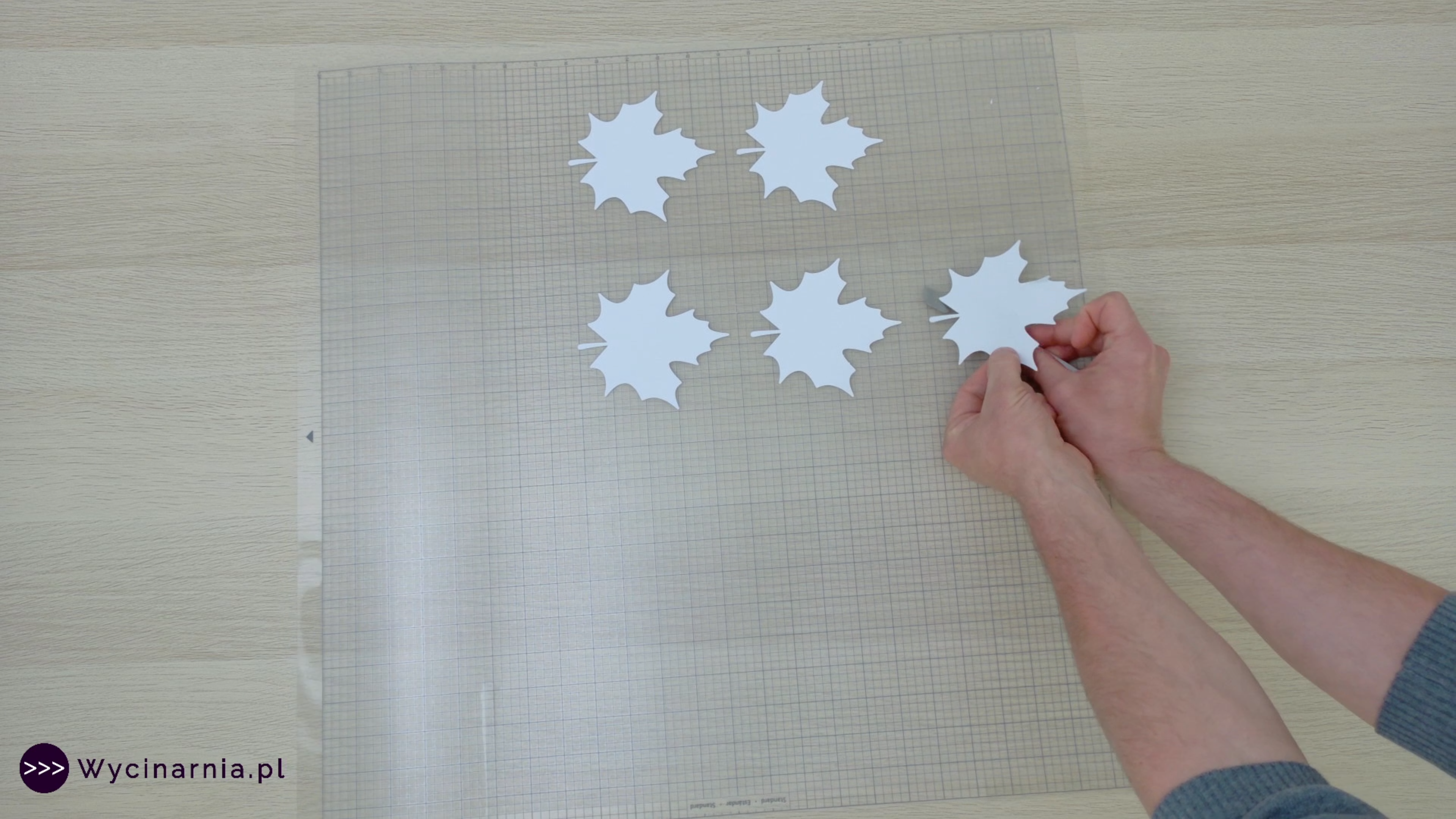
- Complete your first paper cutting project.
- Rotate, resize, and duplicate objects in Silhouette Studio.
- Safely remove finished projects from the cutting mat.
Course Curriculum
The course includes over 60 minutes of practical video lessons that you can complete at your own pace.
Each lesson guides you step by step-from setting up your machine for the first time to completing your very first project.
What You'll Get
- Over 60 minutes of practical video lessons in Polish
- A personalized Certificate of Completion after finishing the course
- Learn at your own pace
- Lifetime access – the course never expires
- 24/7 online access from your computer, tablet, or smartphone
- Step-by-step video instruction
- A reference guide with recommended cutting settings for the most popular paper weights
Why Start with This Course?
Your first hours with a cutting plotter are the most important.
This is when beginners are most likely to make mistakes that can lead to failed projects, wasted materials, and unnecessary frustration.
"Quick Start Training" helps you avoid those mistakes.
In just over an hour, you'll learn the essential basics of using your Silhouette Cameo Pro MKII and Silhouette Studio, giving you the confidence to start creating your own projects from day one.
It's the perfect first step before moving on to more advanced training and the fastest way to unlock the full potential of your Silhouette Cameo Pro MKII.
Compatible devices
You can use this product with the following devices:

Cameo Pro MK II
Reviews
Product rating
No one has added an opinion yet.
Be the first to do so!
Add review
Made by: Michał Desol