🎁 Buy a Silhouette cutting machine and get a 20€ gift card for just 1 grosz! Shop now


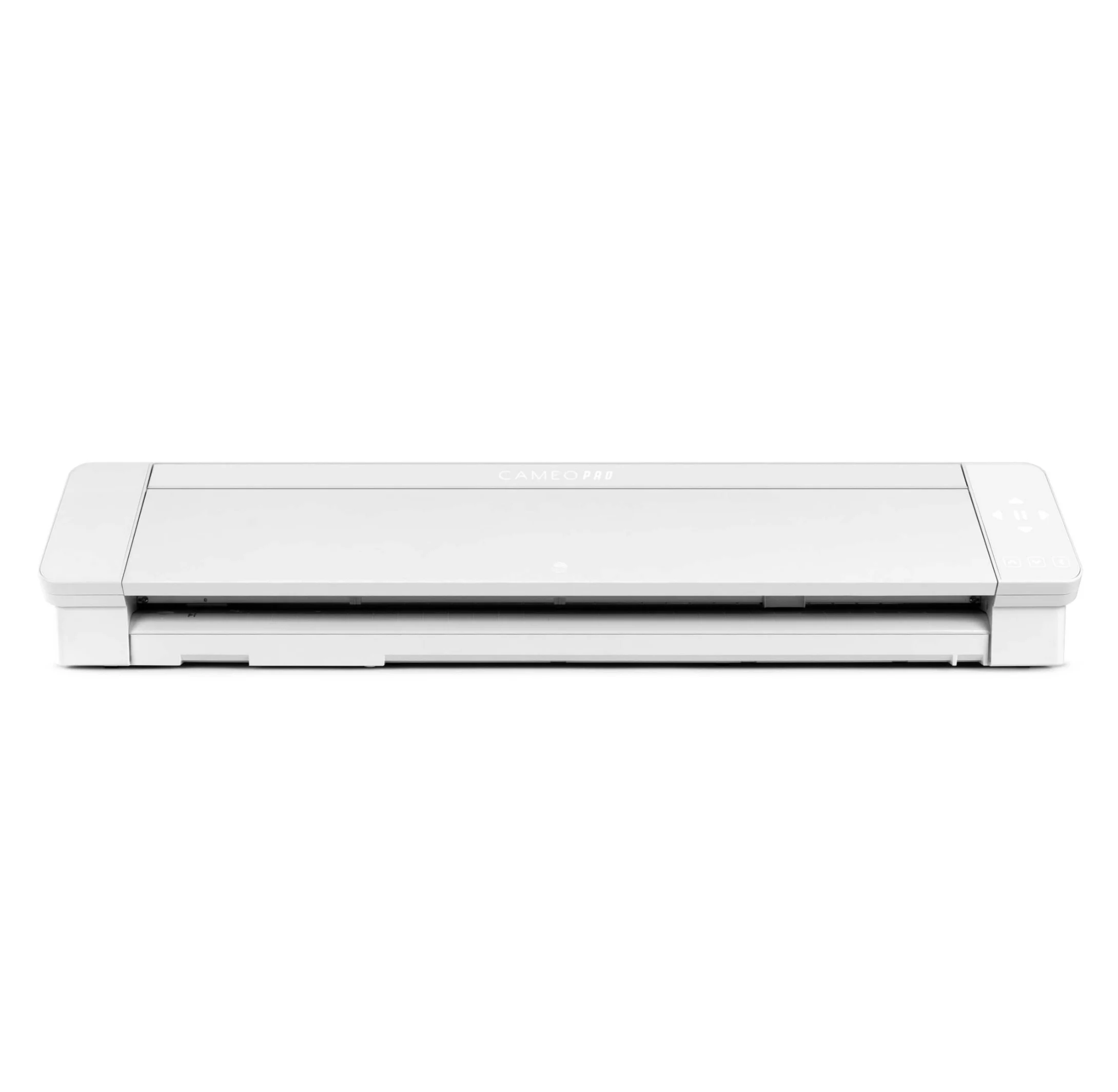
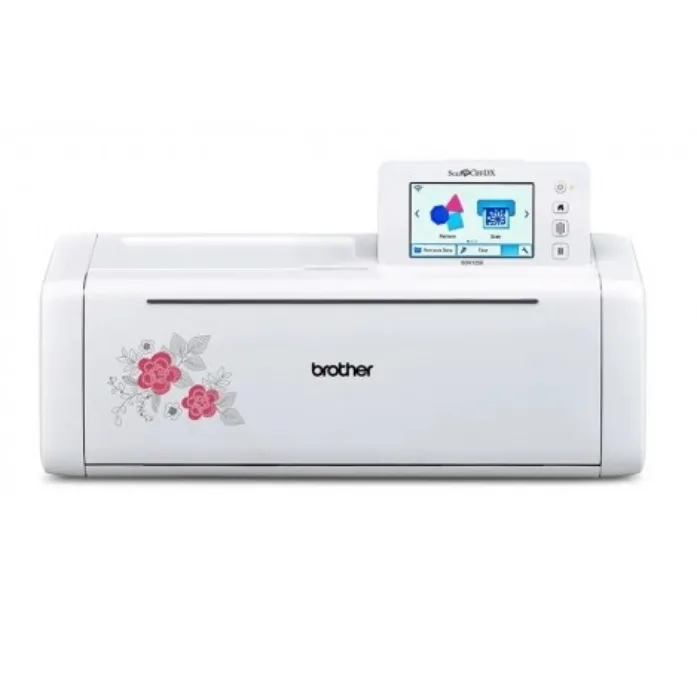
Cutting area with mat
Cameo 4 Pro
60,5 x 60,5 cm (24 x 24 in.)
Brother SDX1250
29,7 x 61 cm (11.7 x 24")
Cutting area without mat
Cameo 4 Pro
59,8 x 300 cm (12 in. x 10 ft.)
Brother SDX1250
30,5 x 178 cm (only with roll feeder)
Print and cut
Cameo 4 Pro
Yes, markers detection with sensor (margin of error 1/16 inch)
Brother SDX1250
Yes, paid extra
Language
Cameo 4 Pro
Polish
English


Brother SDX1250
English
Connection
Cameo 4 Pro
Bluetooth
USB


Brother SDX1250
USB
Wifi

Supported formats
Cameo 4 Pro
.studio, .png, .jpeg, .bmp, .gif, .tiff Additional options: .gsd, .dxf, .svg, .pdf, .dst, .exp, .jef, .xxx, .ai, .eps, .cdr,
Brother SDX1250
svg, fcm, pes, phc, phx, jpg, gif, png, bmp
Free designs
Cameo 4 Pro
100
Brother SDX1250
1303, 17 fonts,
Scanning area
Cameo 4 Pro
Not applicable. Pixscan mat: 215 x 292 mm
Brother SDX1250
29,7 x 61 cm
Software
Cameo 4 Pro
Silhouette Studio
Adobe Illustrator - plugin paid extra
Corel Draw - plugin paid extra
Brother SDX1250
CanvasWorkspace
Adobe Illustrator - plugin
Touchscreen
Cameo 4 Pro
No
Brother SDX1250
Yes
Mobile app
Cameo 4 Pro
Yes
Brother SDX1250
Yes
Plotter dimensions
Cameo 4 Pro
87.6 x 19.5 x 17 cm
Brother SDX1250
53,1 x 21,5 x 17,3 cm
Plotter weight
Cameo 4 Pro
8,8 kg
Brother SDX1250
5,8 kg
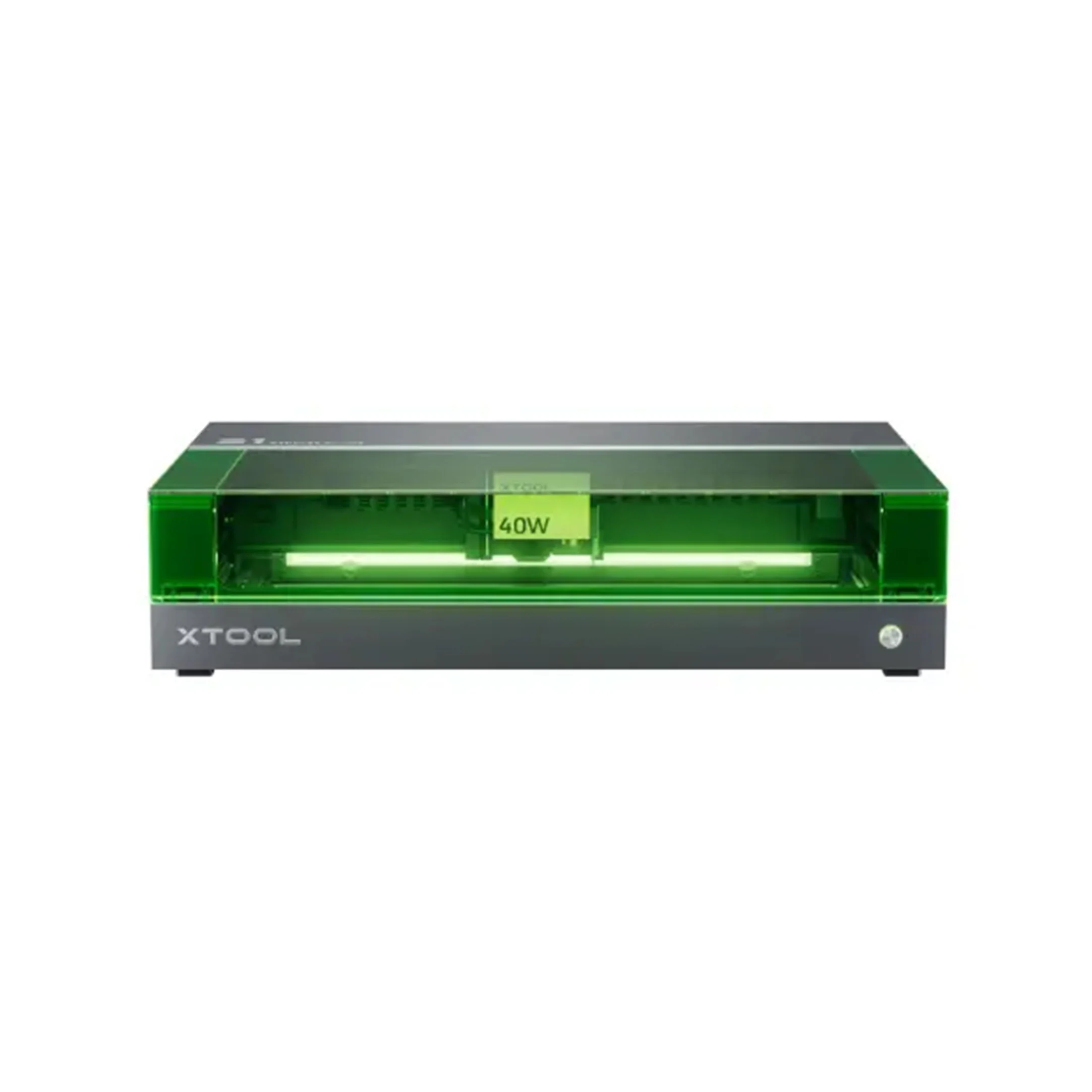
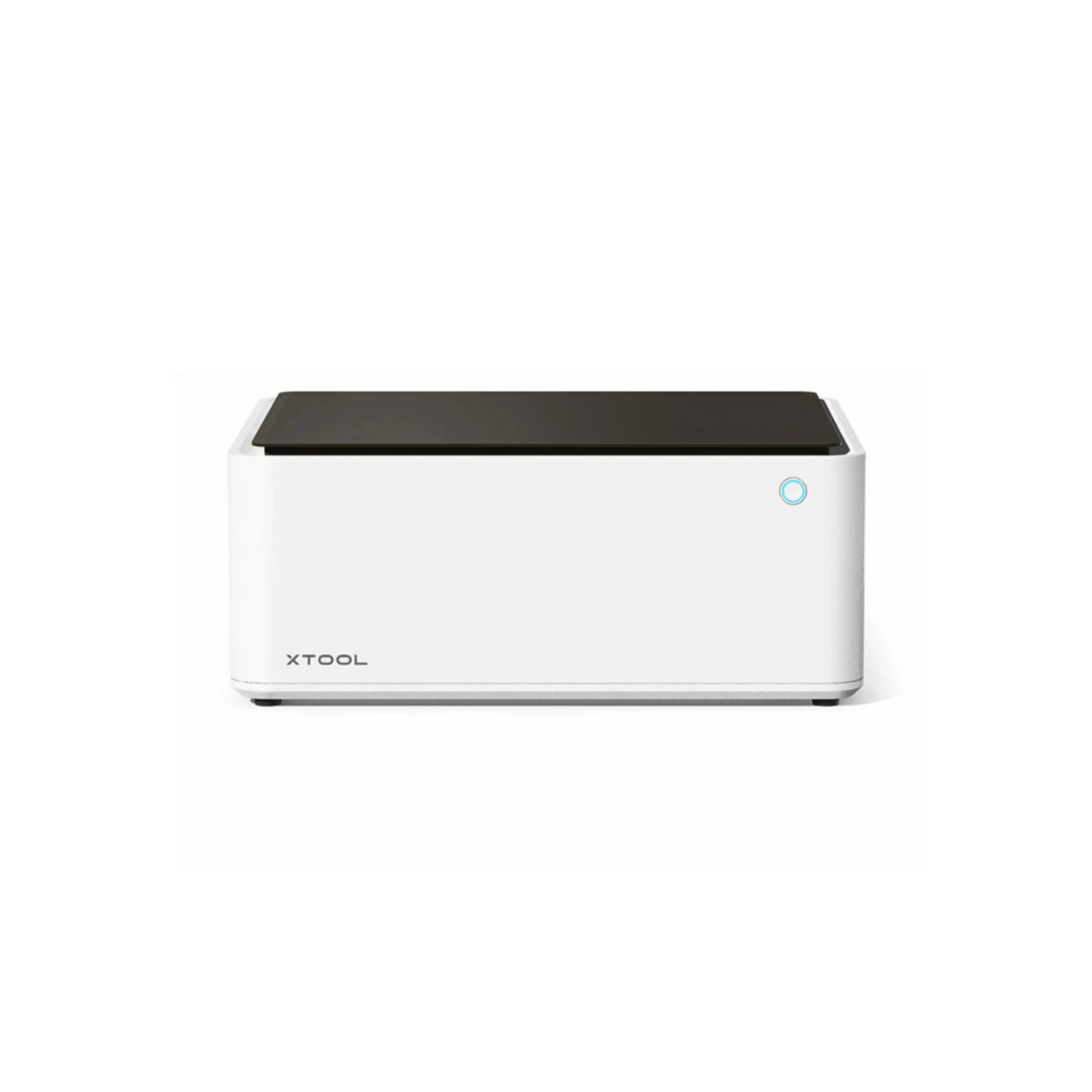
Laser power
xTool S1
40W Diode Laser + 2W 1064nm Infrared Laser
xTool M1
10W
Laser type
xTool S1
Diode / Infrared
xTool M1
Diode
Positioning system
xTool S1
Pin-point™
xTool M1
16MP camera
Software
xTool S1
xTool Creative Space - free with the machine
LightBurn - extra paid
xTool M1
xTool Creative Space
Laserbox app
Supported formats
xTool S1
xTool Creative Space: SVG / DXF / JPG / JPEG / PNG / BMP
LightBurn: AI / PDF / SVG / DXF / PLT / PNG / JPG / GIF / BMP
xTool M1
xTool Creative Space: SVG / DXF / JPG / JPEG / PNG / BMP
Language
xTool S1
English
xTool M1
English
Connection
xTool S1
Wifi
USB
xTool M1
Wifi
USB
Autofocus
xTool S1
Yes
xTool M1
Yes
Air Assist
xTool S1
Yes
xTool M1
Yes - additional paid
Speed
xTool S1
600 mm/s
xTool M1
160 mm/s
Worktable type
xTool S1
Honeycomb Panel
xTool M1
Knife table with prism, Honeycomb - extra paid with raiser base
Workspace size
xTool S1
49,8 x 31,9 cm
xTool M1
38,5 x 30 x 1,6 cm
Maximum object height
xTool S1
42mm
xTool M1
16 mm, to 120mm with raiser base (extra paid)
Plotter dimensions
xTool S1
76,5 x 56,1 x 18,3 cm
xTool M1
55,7 x 45,3 x 23 cm
Plotter weight
xTool S1
20 kg
xTool M1
9,8 kg
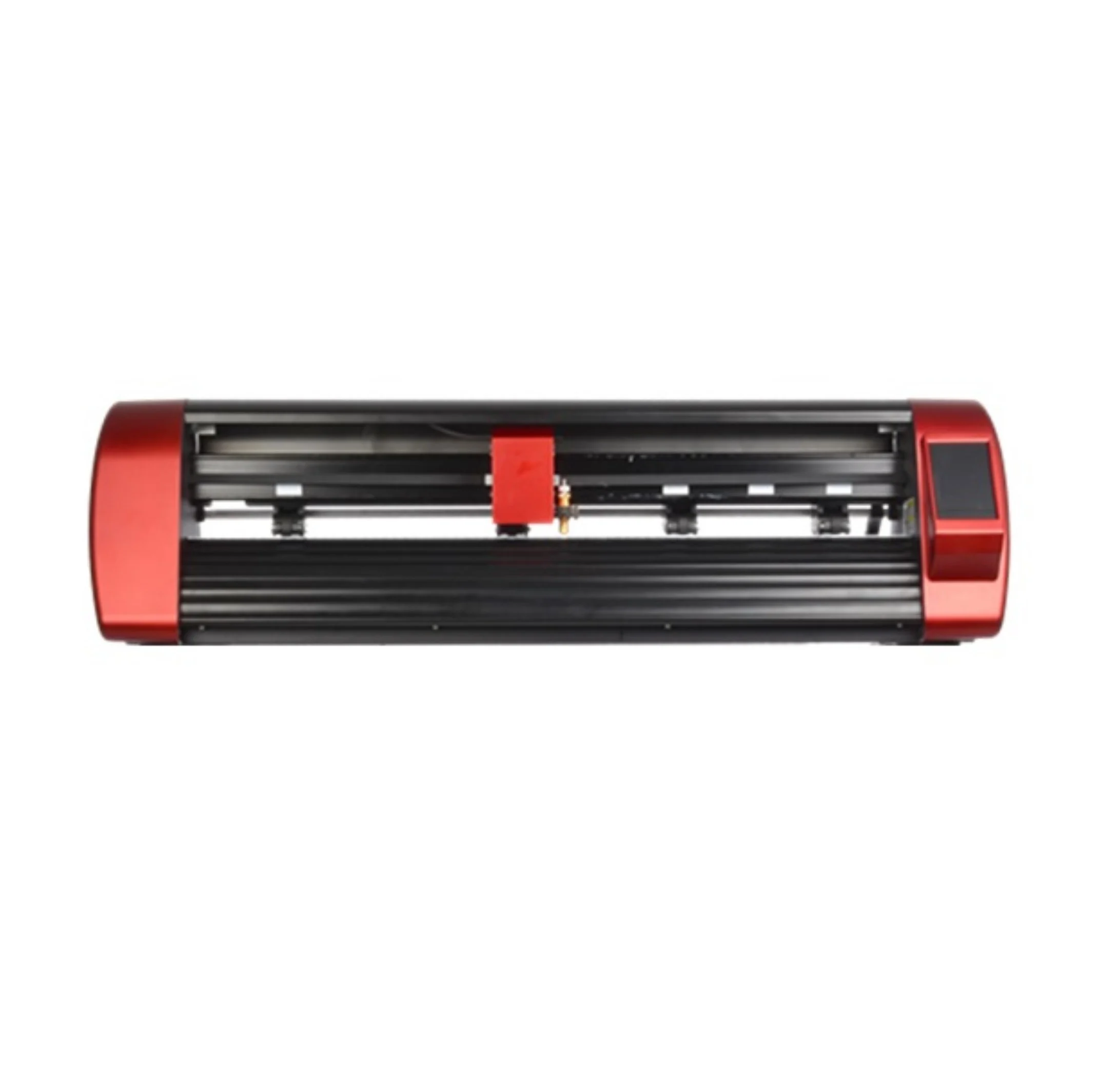
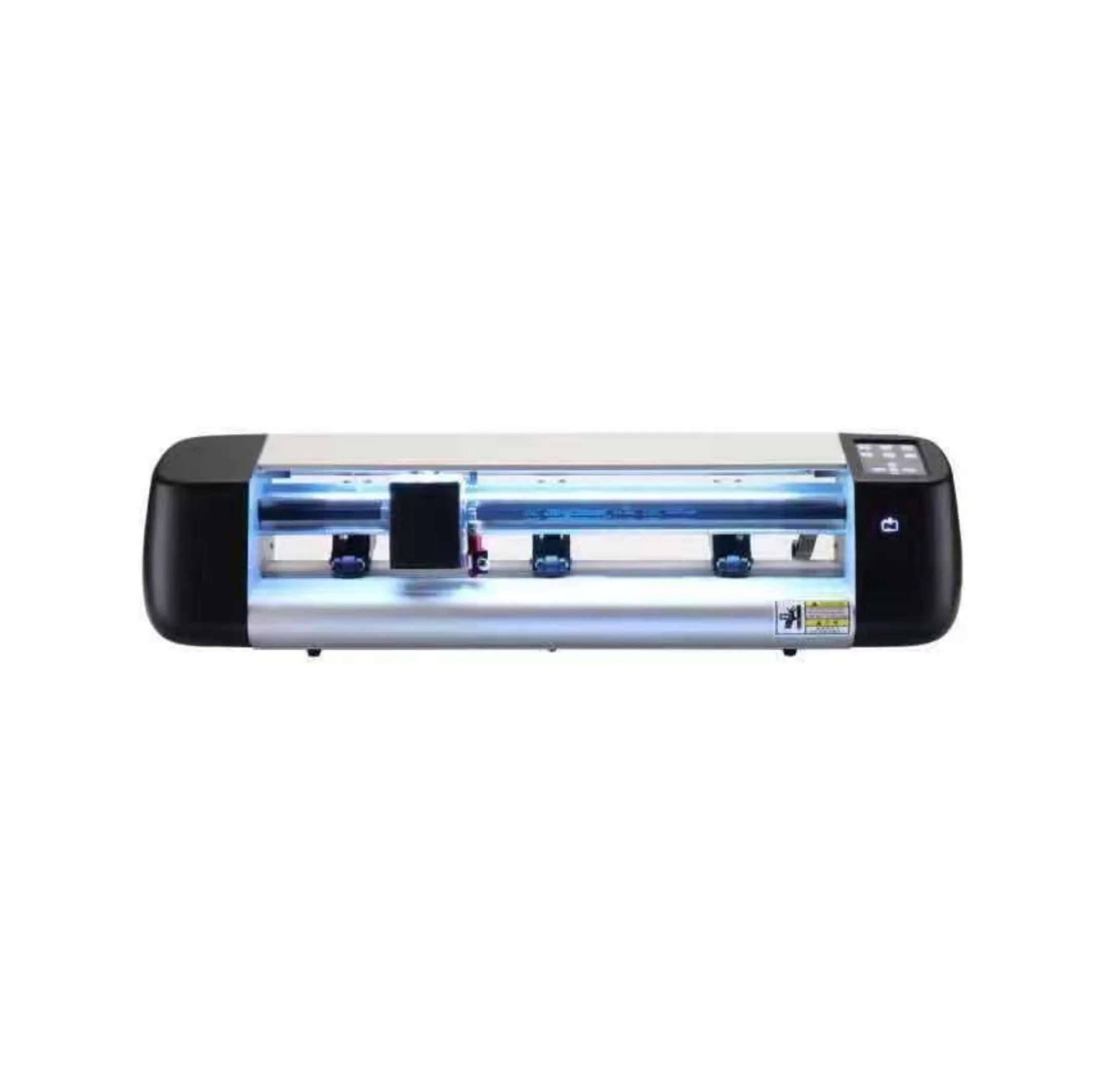
Cutting area with mat
Skycut D24
56x81cm (or any other mat with a maximum width of 72 cm)
Skycut CX16
48x30 cm (or any other mat with a maximum width of 35 cm)
Cutting area without mat
Skycut D24
61x500 cm (backing materials)
Skycut CX16
39x500 cm (backing materials)
Print and cut
Skycut D24
Yes, markers detection with camera
Skycut CX16
Yes, markers detection with camera
Language
Skycut D24
English
Skycut CX16
English
Connection
Skycut D24
Wifi - optional
USB
Skycut CX16
Wifi - optional
USB
Supported formats
Skycut D24
Depending on the selected program:
- SignMaster standard: Ai, .Dxf, .Eps, .Pdf, .Svg., .pDoc, .vClip, .vDoc, .vLogo
- SignMaster Pro: Ai, .Dxf, .Eps, .Pdf, .Svg., .pDoc, .vClip, .vDoc, .vLogo, TrueType, Type 3, OpenType
- SignCut Pro 2: .sc, .scpro2, .ai, .eps, .ps .cdr,.pdf, .svg, .emf, .plt, .rtf, wpc., pes., pec., hus., jef., sew., vip.,
Skycut CX16
Depending on the selected program:
- SignMaster standard: Ai, .Dxf, .Eps, .Pdf, .Svg., .pDoc, .vClip, .vDoc, .vLogo
- SignMaster Pro: Ai, .Dxf, .Eps, .Pdf, .Svg., .pDoc, .vClip, .vDoc, .vLogo, TrueType, Type 3, OpenType
- SignCut Pro 2: .sc, .scpro2, .ai, .eps, .ps .cdr,.pdf, .svg, .emf, .plt, .rtf, wpc., pes., pec., hus., jef., sew., vip.,
Free designs
Skycut D24
Depending on the selected program
Skycut CX16
Depending on the selected program
Scanning area
Skycut D24
Not applicable.
Skycut CX16
Not applicable.
Software
Skycut D24
SignMaster
SignCut Pro 2
Adobe Illustrator (free plugin)
CorelDraw (free plugin)
Sure Cuts A Lot
Flexi 12
Skycut CX16
SignMaster
SignCut Pro 2
Adobe Illustrator (free plugin)
CorelDraw (free plugin)
Sure Cuts A Lot
Flexi 12
Touchscreen
Skycut D24
Yes
Skycut CX16
Yes
Mobile app
Skycut D24
No
Skycut CX16
No
Plotter dimensions
Skycut D24
88x27x25 cm
Skycut CX16
72x16x16 cm
Plotter weight
Skycut D24
13,6 kg
Skycut CX16
9 kg
Made by: Michał Desol