




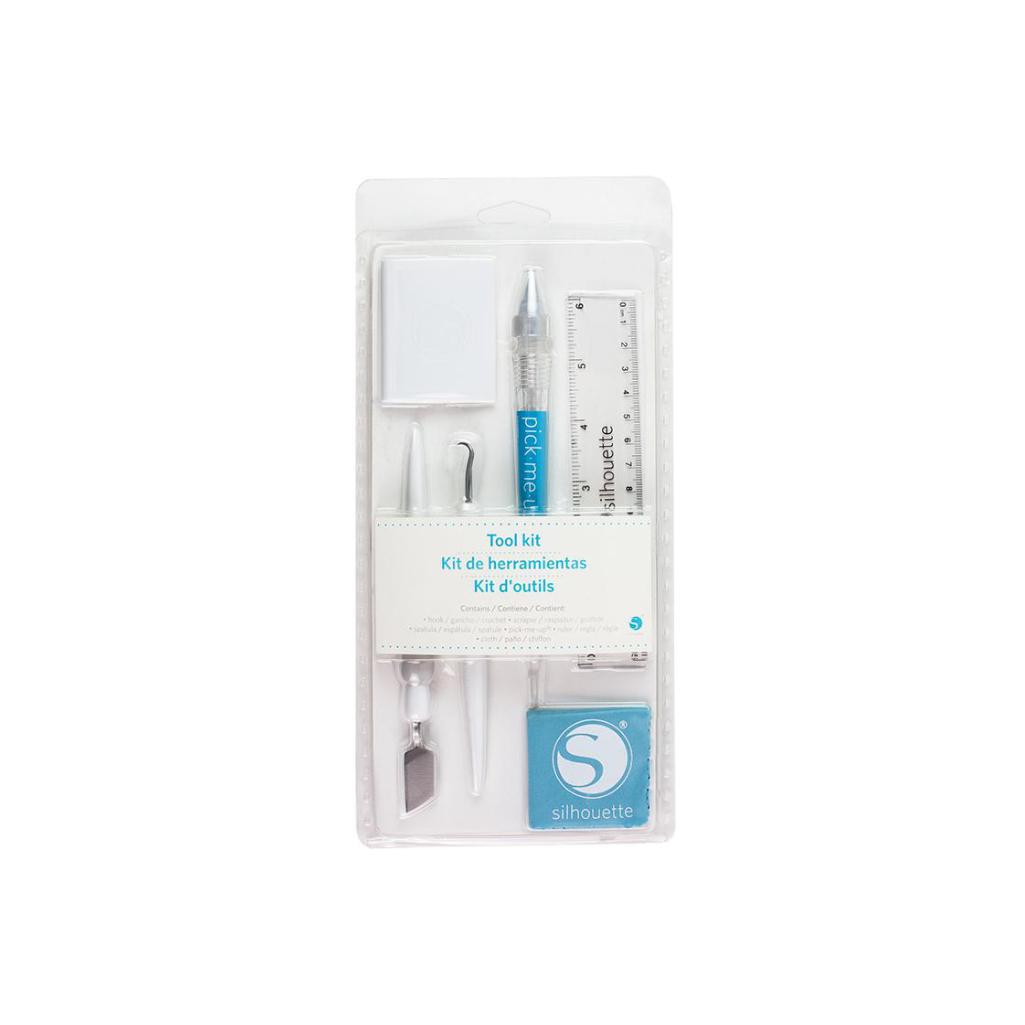
Silhouette Tool Kit - White
99,00złincl. tax
CODE: CYBERWEEK -30% OFF SILHOUETTE SOFTWARE
Do you have any questions? We'll be happy to help!
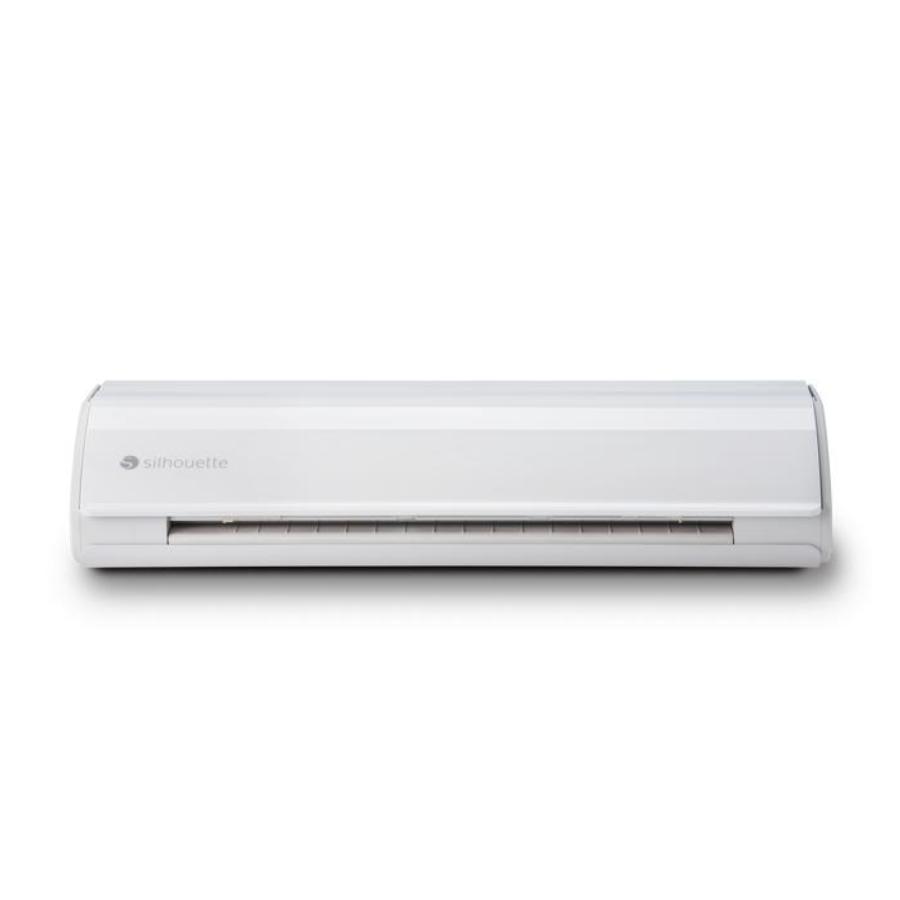
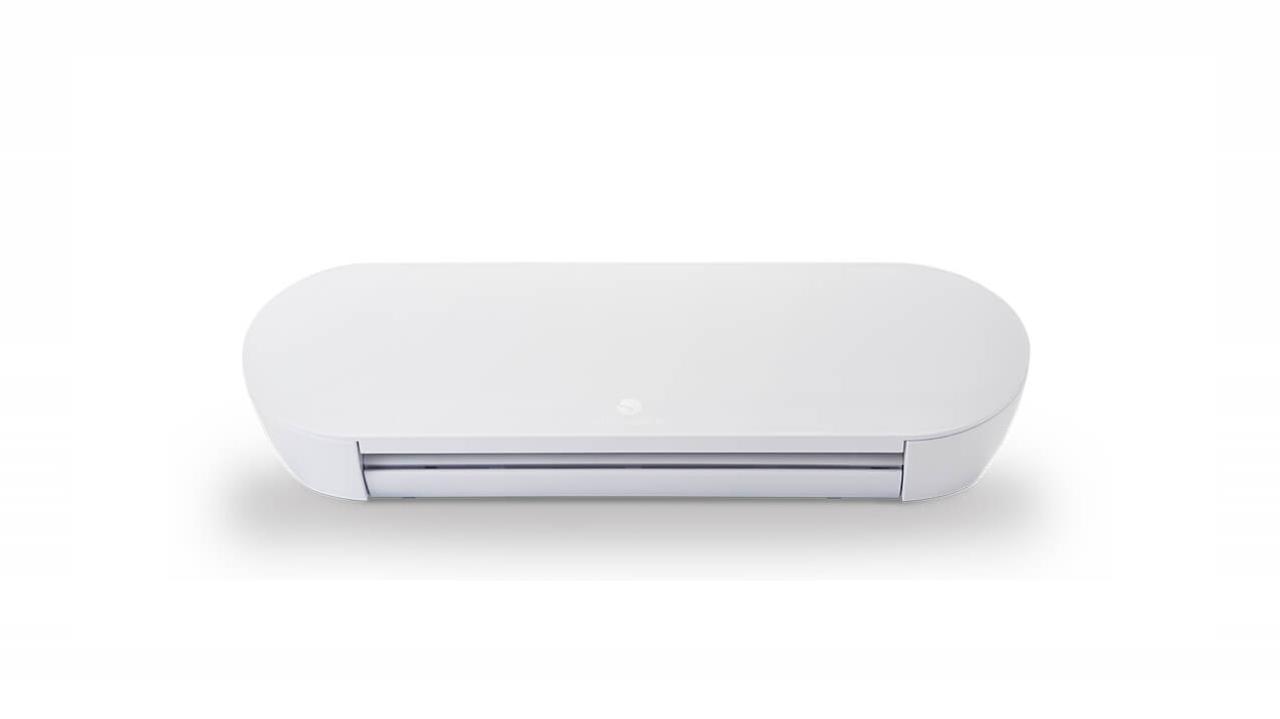
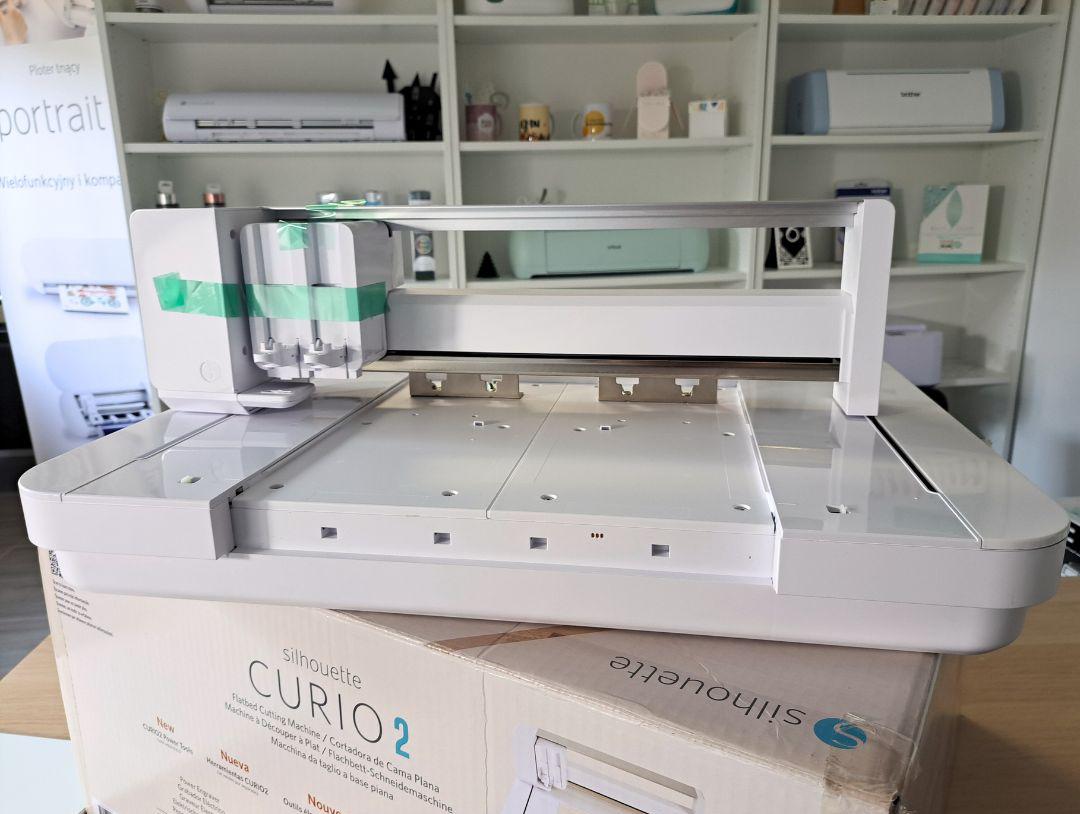
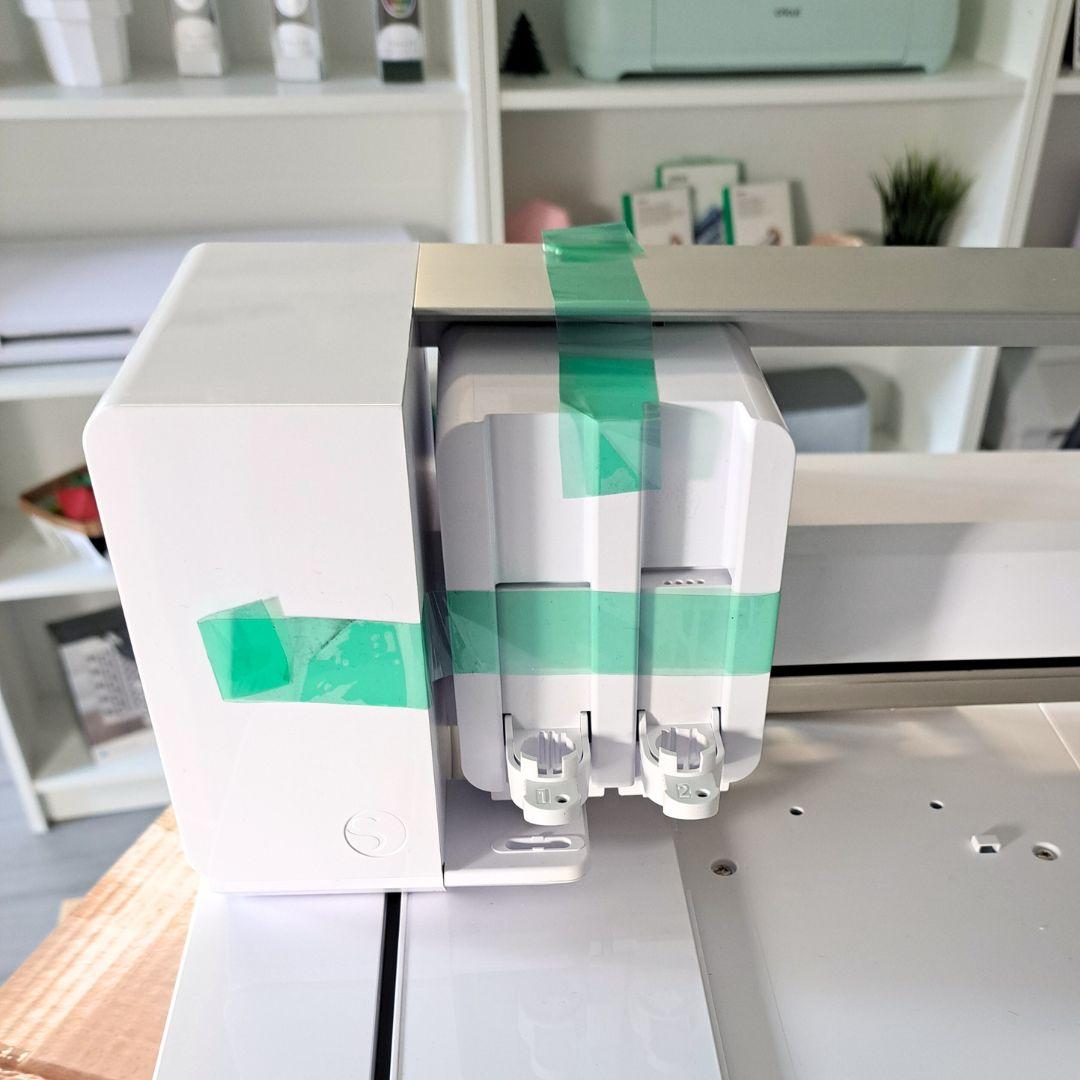
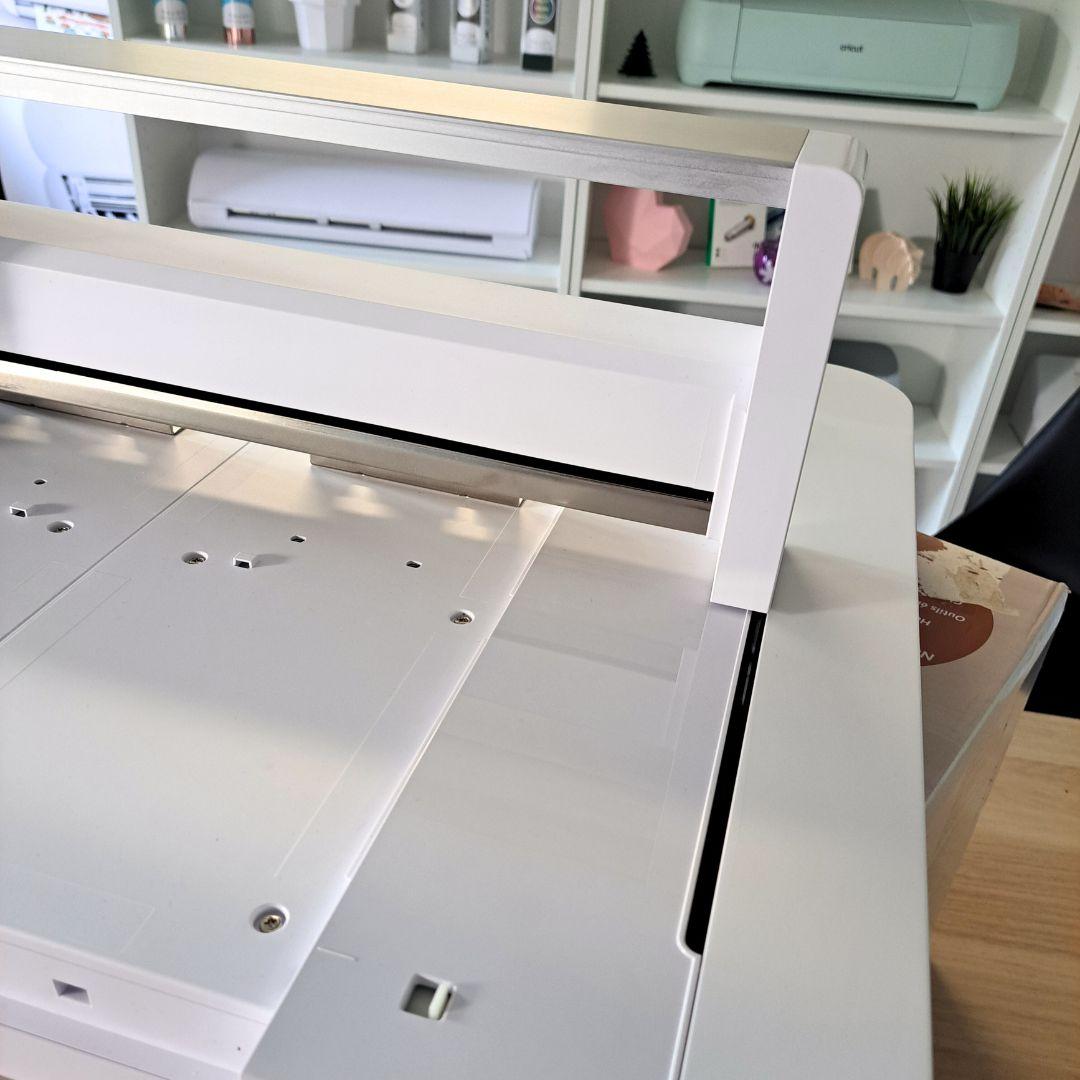
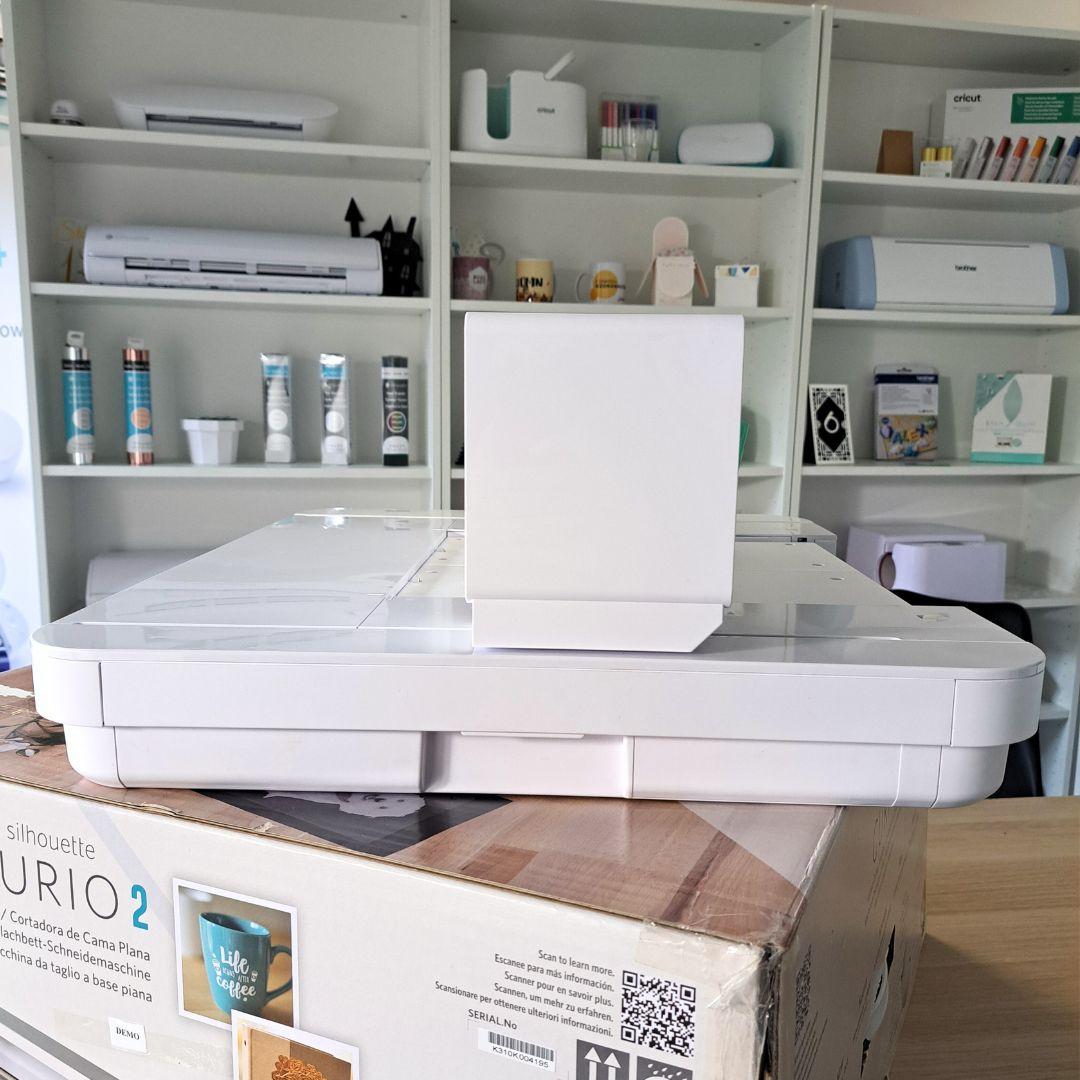
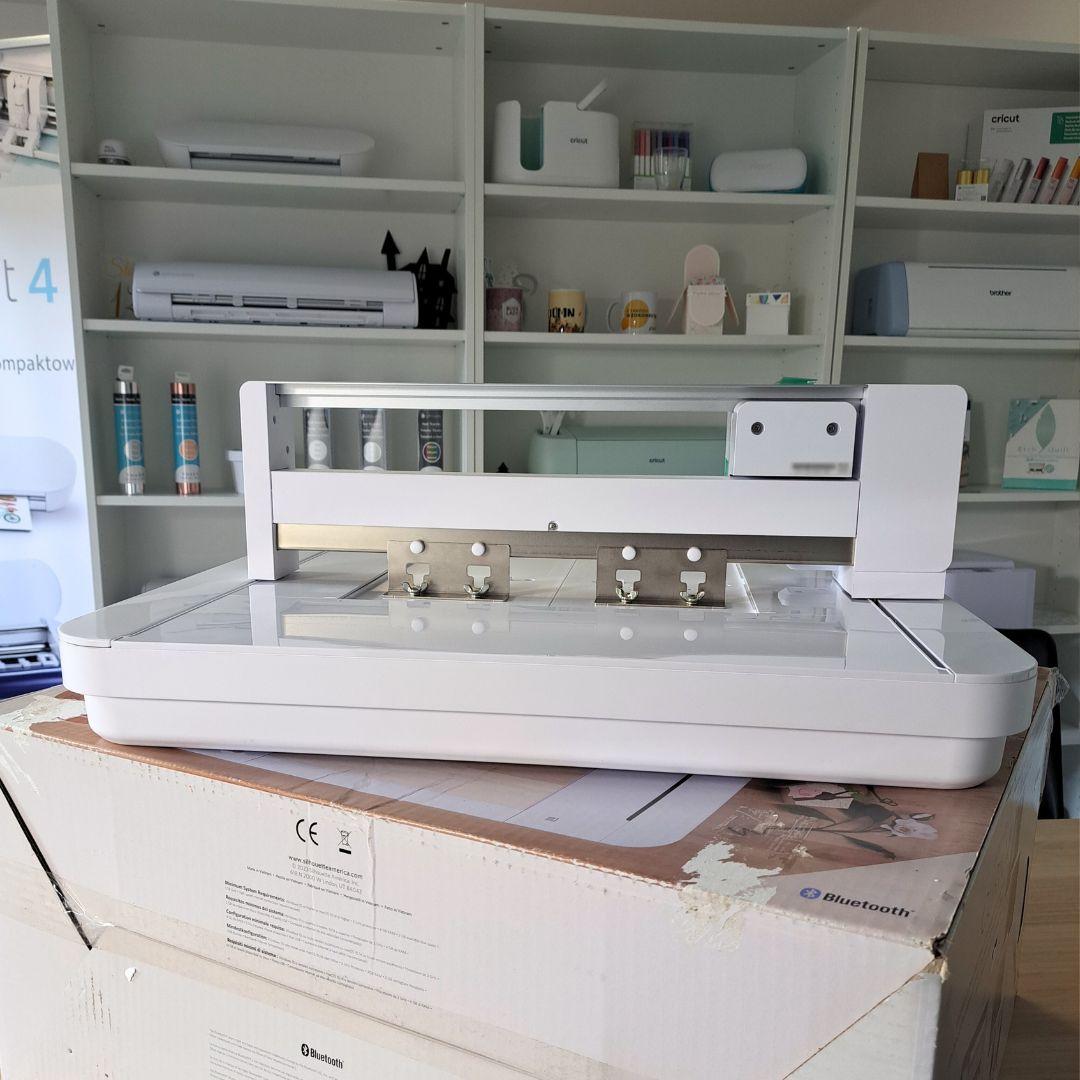
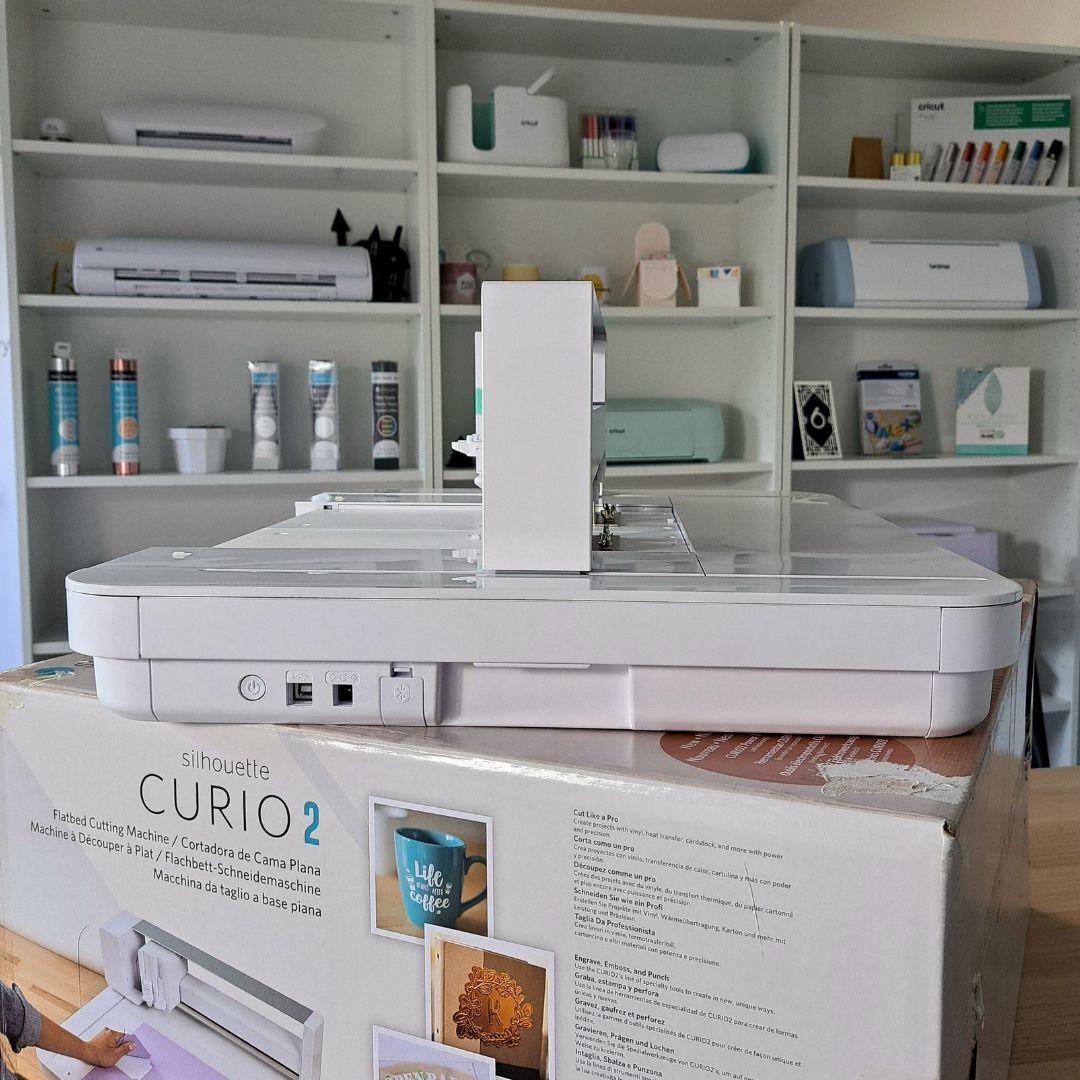
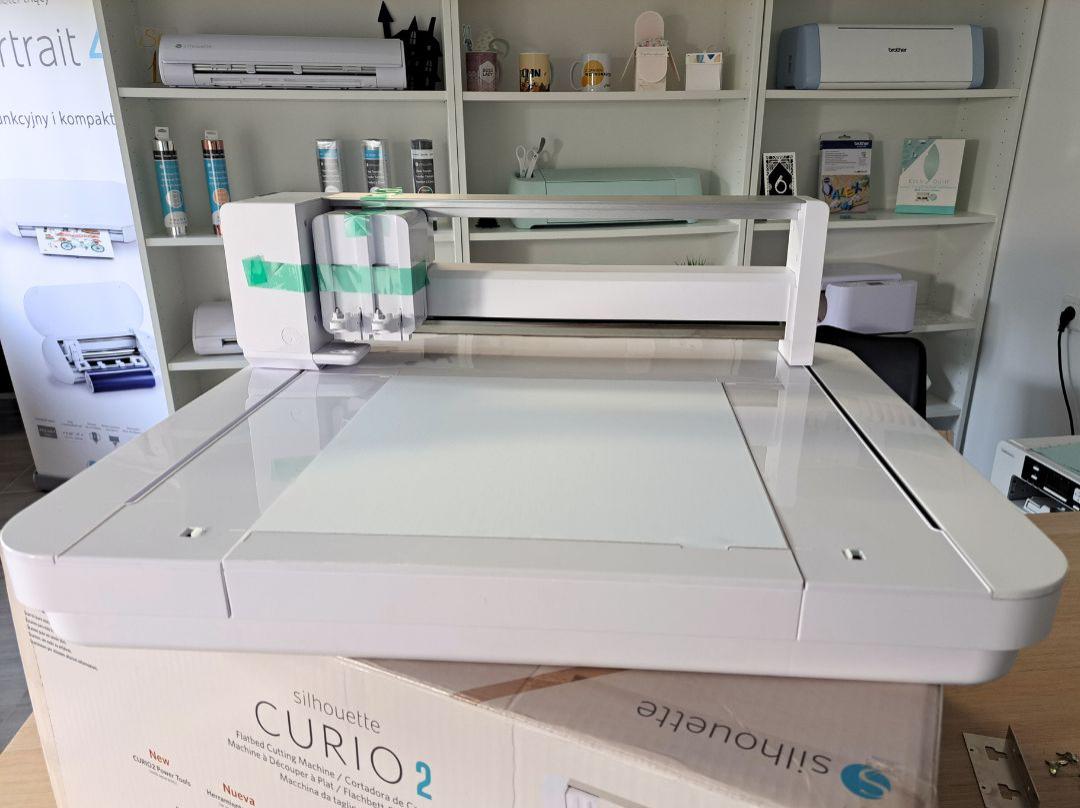
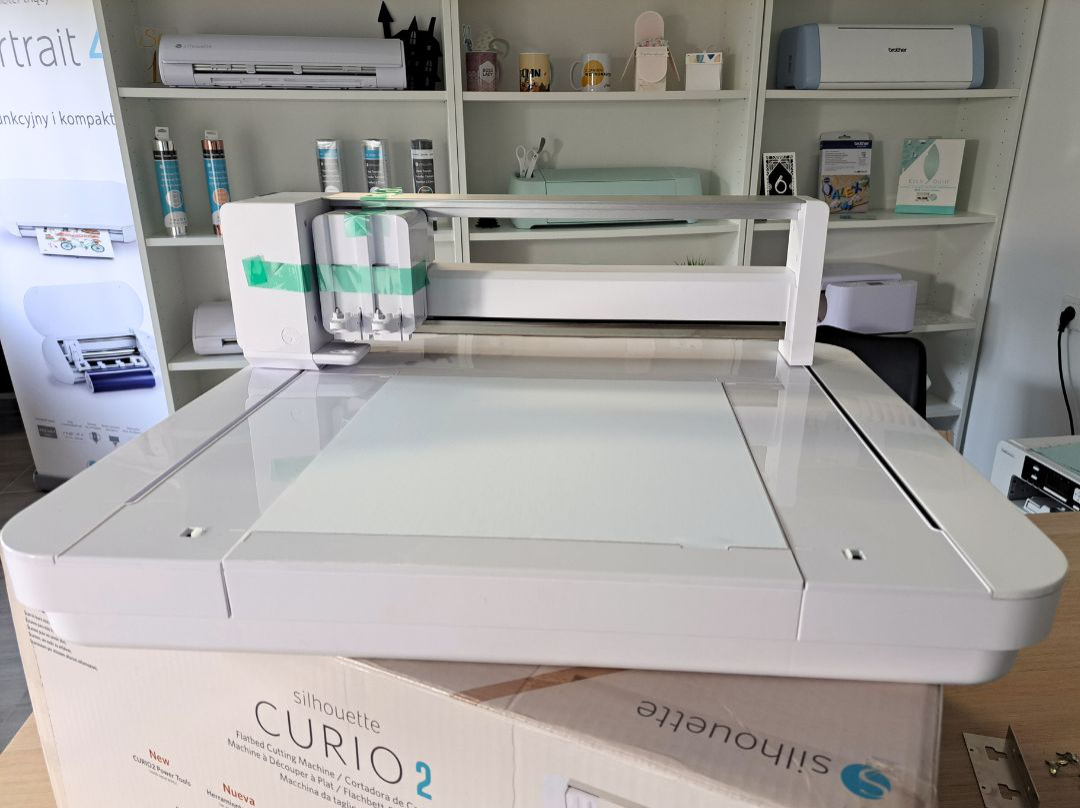
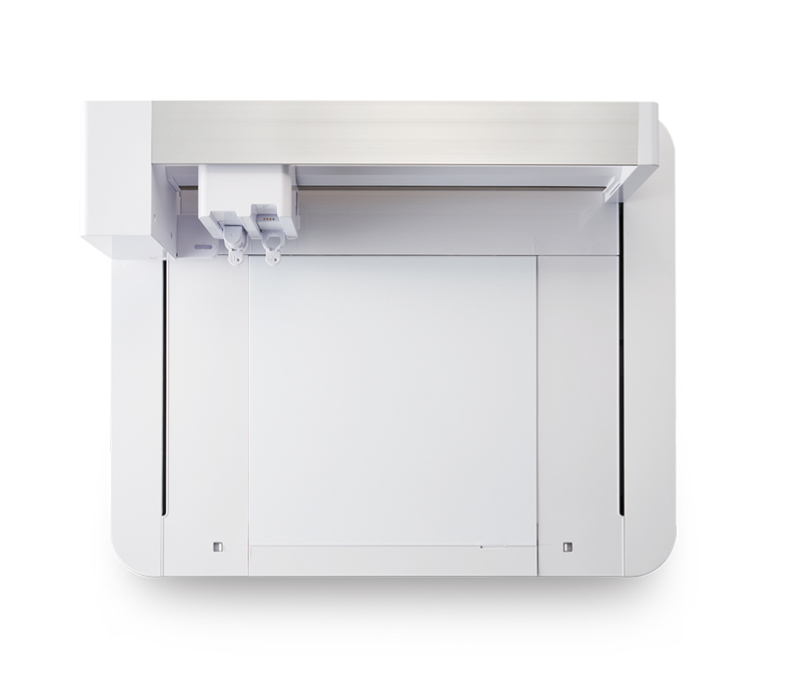
Silhouette Curio 2 - Refurbished | K310K***195 used as a demonstration model in our store. Used sporadically, for demonstration purposes – it shows virtually no signs of use. The device is in perfect technical and visual condition.
2299,00zł
1800,00zł incl. tax
Lowest regular price of the last 30 days: 2299,00złSilhouette Curio 2 - Refurbished | K310K***195
2299,00zł1800,00zł
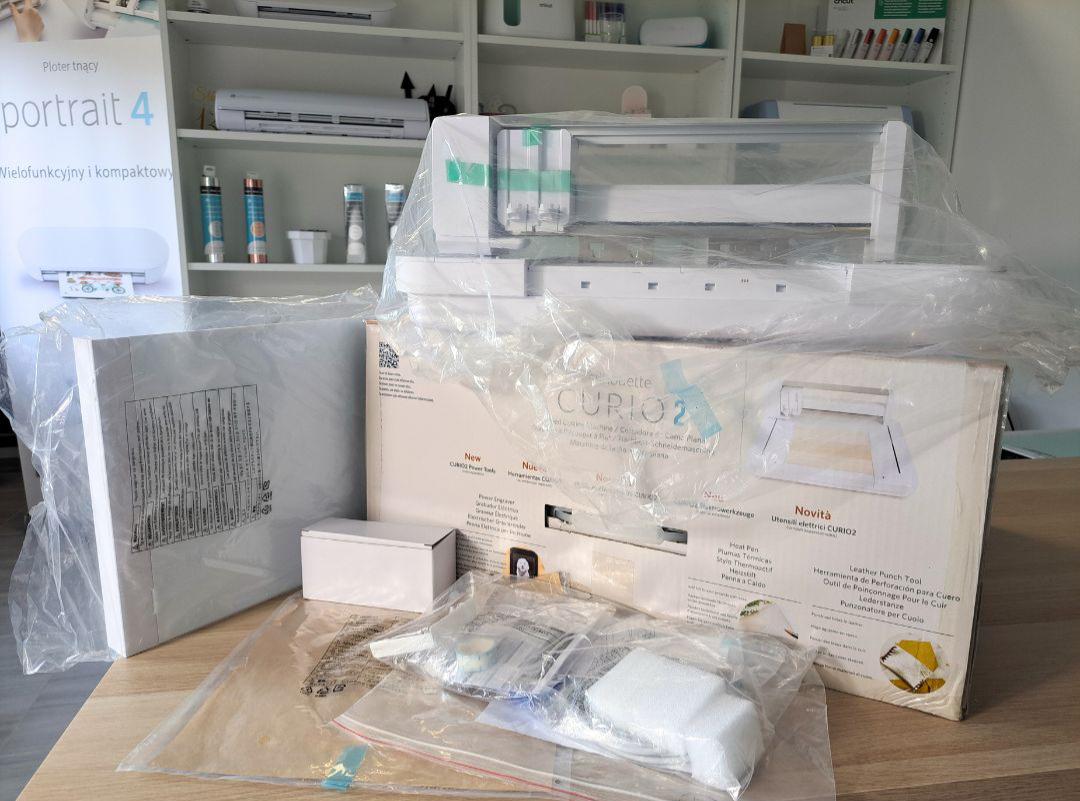
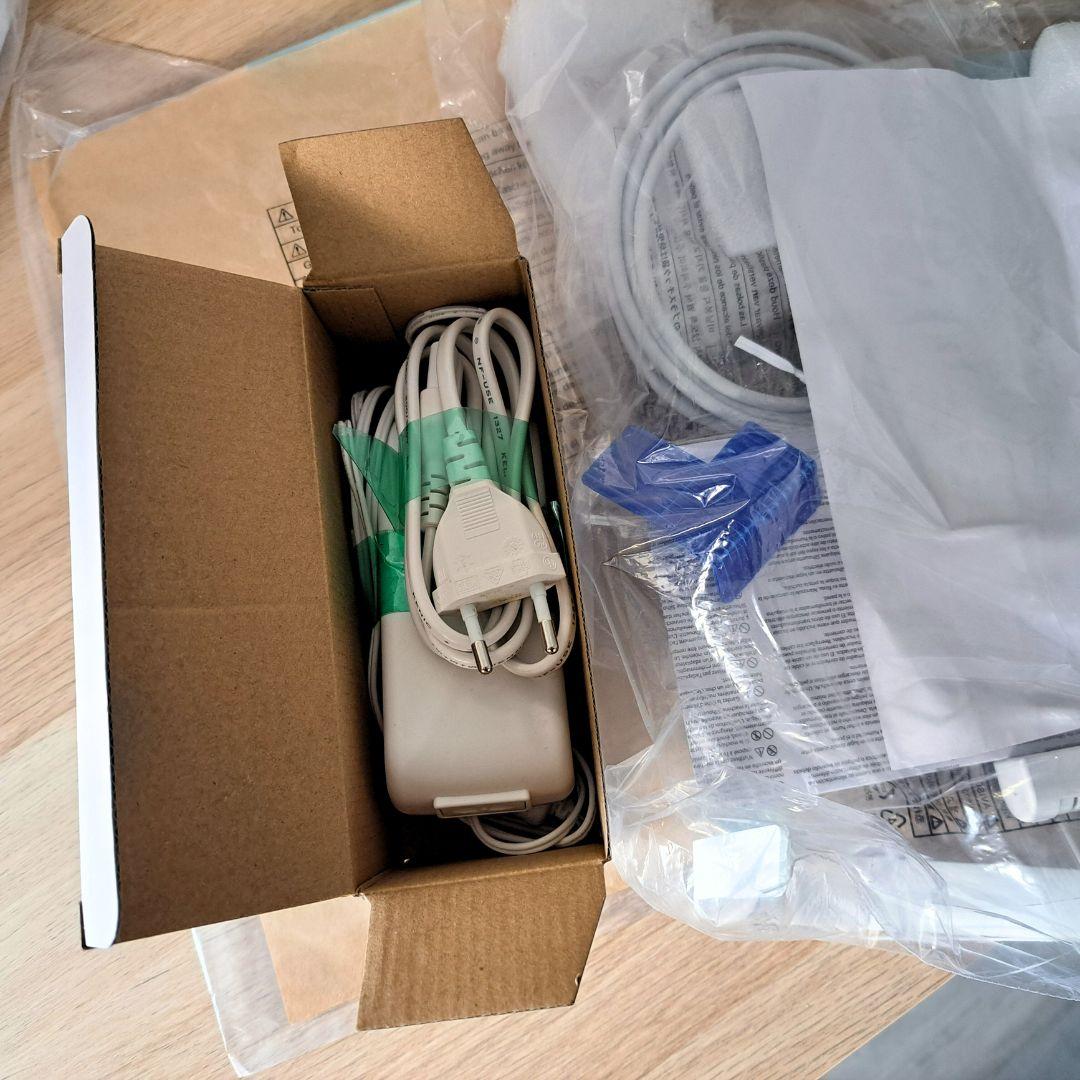
The product includes the following elements:
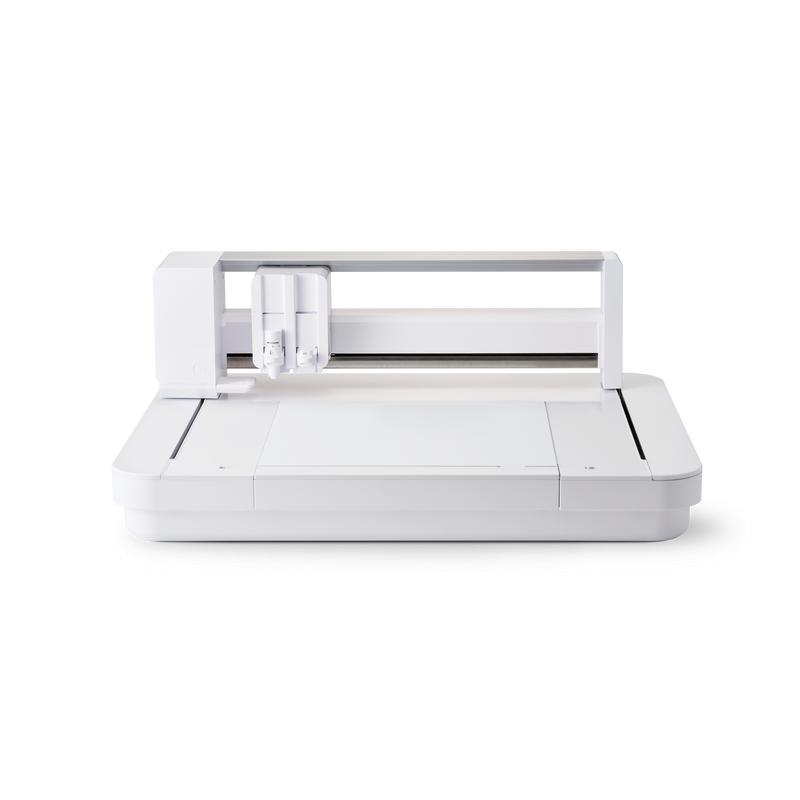
For sale is a Silhouette Curio 2 plotter, which was used as a demonstration model in our store. Used sporadically, for demonstration purposes – it shows virtually no signs of use. The device is in perfect technical and visual condition.
The plotter has not been registered on the manufacturer's website, which allows the new owner to register the device on the manufacturer's website and receive 100 free patterns for their library. This is a great opportunity to purchase the device at a reduced price – ready to work right out of the box.
Cutting in paper up to 300g and foil
Thanks to the ability to cut paper weighing up to approximately 300 g, it is possible to create unique cards, vignettes, boxes, toppers, decorations and many other projects. Using Curio 2, you can also cut original shapes from sheets of self-adhesive or flex foil. This means that Curio 2 can be used both in small companies, for hobby use and in various types of institutions, including educational ones.
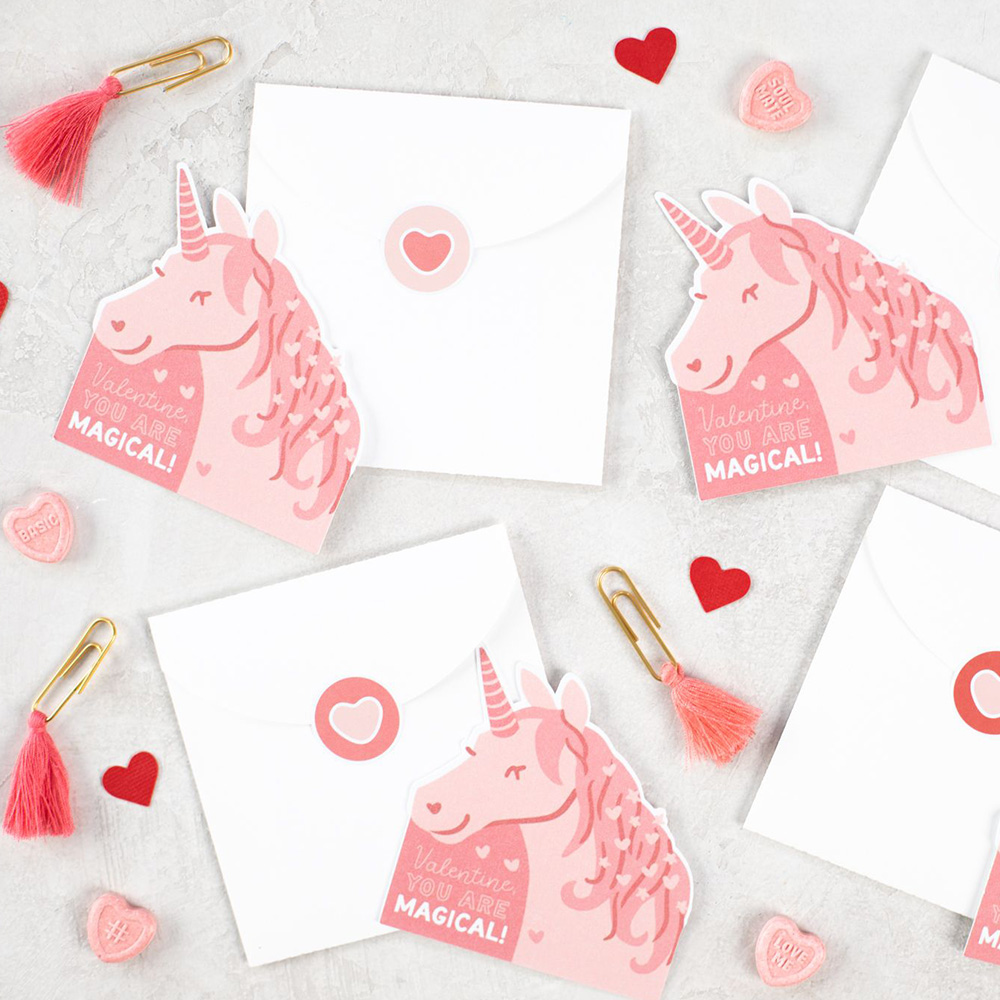
Cutting out prints
The ability to cut prints allows you to create unique stickers, place cards, educational cards and many other original designs. Just turn on the tags in the program and then print the project on any laser or inkjet printer. Then, after placing the plotter on the mat, the device will read the markers and cut along the lines marked in the program. The working area when cutting using Print & Cut is smaller compared to standard cutting due to the need to print markers.
Software
The plotter is operated via the proven Silhouette Studio
software, which must be downloaded from the manufacturer's website after
purchasing the device. The free version of the software allows you to
use ready-made patterns from the manufacturer's store and design your
own, using available tools, fonts saved on your computer or via a tool
for vectorizing simple and contrasting raster files. The program is
operated in Polish and in the basic version it supports .png, .jpeg,
.bmp, .gif, .tiff files.
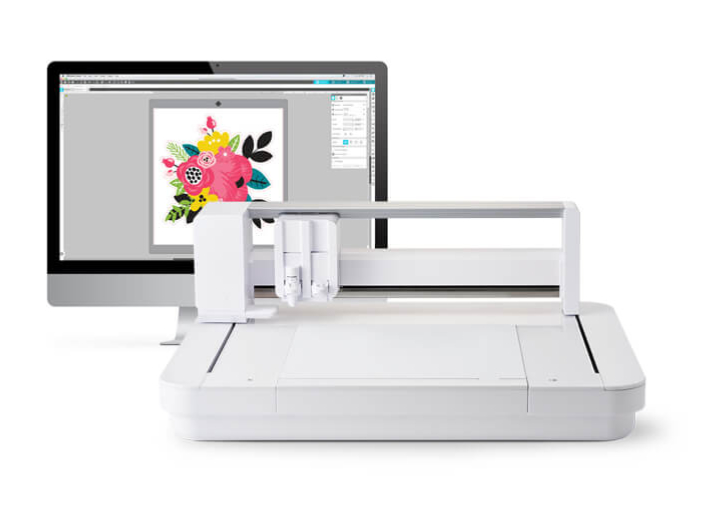
Hardware requirements for Silhouette Studio to run:
It is also possible to use the free Silhouette GO mobile app, available for both Android and iOS.*
*The mobile app has less functionality in terms of graphic tools than Silhouette Studio for computers and is primarily used to send text or ready-made designs previously prepared on a computer.
Also, for the convenience of working with graphics, we recommend preparing projects in Silhouette Studio or other graphic programs.
Silhouette Studio is a great tool for uploading and designing your own patterns. It also allows you to conveniently use ready-to-cut patterns purchased in the manufacturer's Silhouette Design Store. However, if you create in another vector graphics program or have your own patterns, for example in the popular .svg format, it is worth purchasing a program extension to one of two versions.
Designer Edition
It allows you to import files in .gsd, .dxf, .svg and .pdf formats. It also offers more advanced tools for vectorization, modifying patterns and organizing fonts into folders. Allows you to create guides and layers. It can be installed on three devices and support 1 plotter.

Business Edition
It offers functions useful for people running small businesses, such as operating three Silhouette plotters from one computer. Additionally, it supports files in .dst, .exp, .jef, .xxx, .ai, .eps, .cdr formats. Additionally, it allows you to export files in .svg, .pdf, .jpeg formats. With its help, you can automatically create guide lines for convenient removal of the foil.
Modernized carriage
The plotter has a carriage with handles, the first of which is compatible with available blades and tools from the second generation manufacturer, while the second handle has been equipped with a power supply and modified to enable the use of new accessories (sold separately) - tools for gilding, embossing, and pen holder (available soon). Thanks to the possibility of placing the pen in the second holder, you can cut and sketch at the same time, or sketch in two different colors.
Additional plotter functions
Apart from cutting many materials, the plotter also offers a number of possibilities useful when creating unique projects and implementations, both for craftsmen and smaller companies. Thanks to dedicated tools and accessory sets that you can buy in our store, you can create sketches, gilding or embossing!
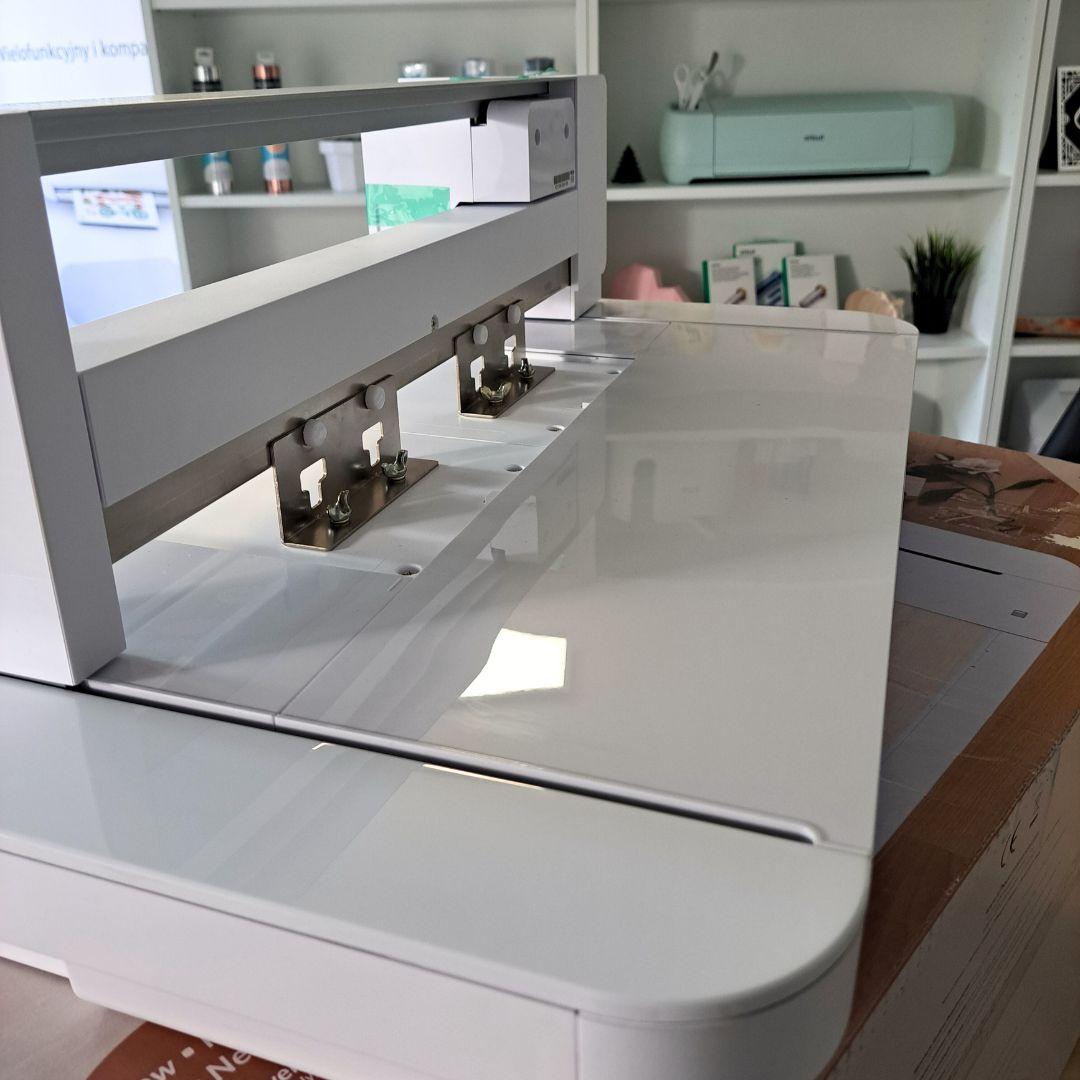
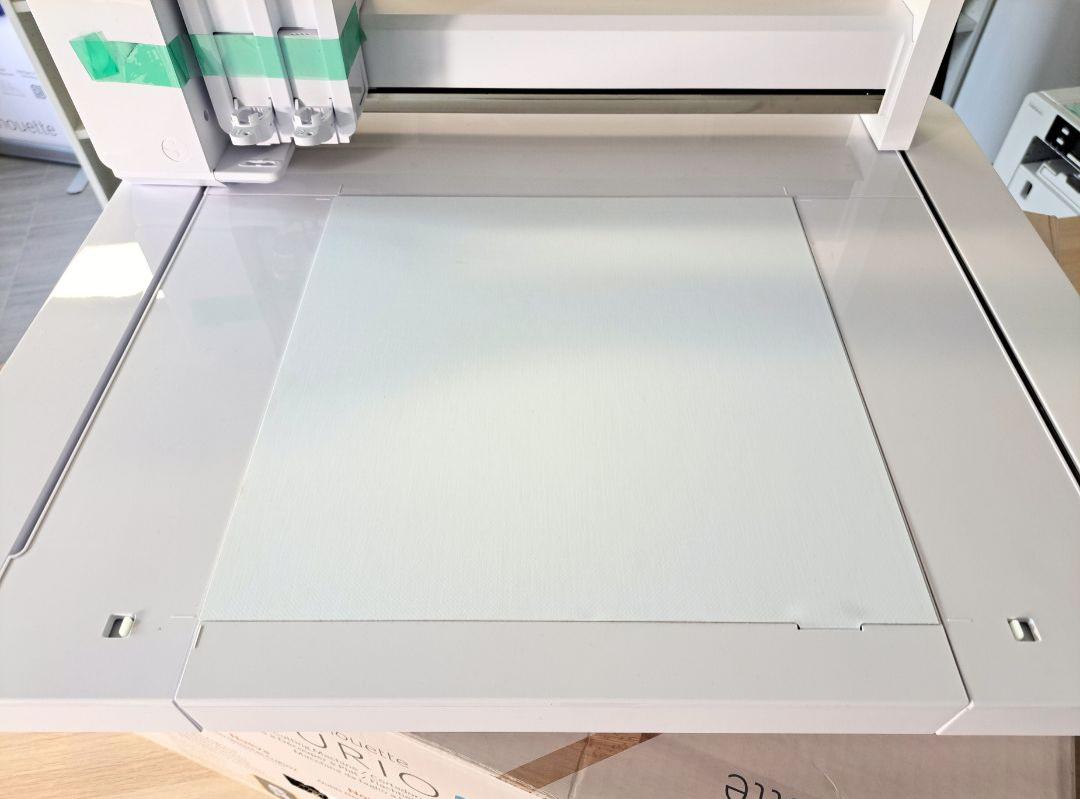
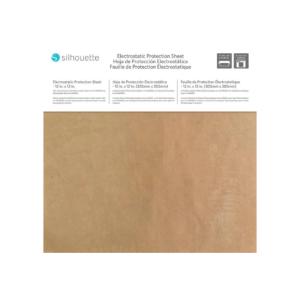
Electrostatic platform
This
is a completely new solution that allows you to cut thin materials
without using a mat, minimizing the risk of tearing or rolling the
project when removing it from the adhesive surface. This makes it
possible to cut out precise patterns even from delicate sheets of tissue
paper or thin paper.
An
interesting solution is the possibility of cutting patterns in wafer
paper on the platform, which allows you to make unique decorations for
cakes or cupcakes.*
*The electrostatic platform and plotter are not certified for contact with food.
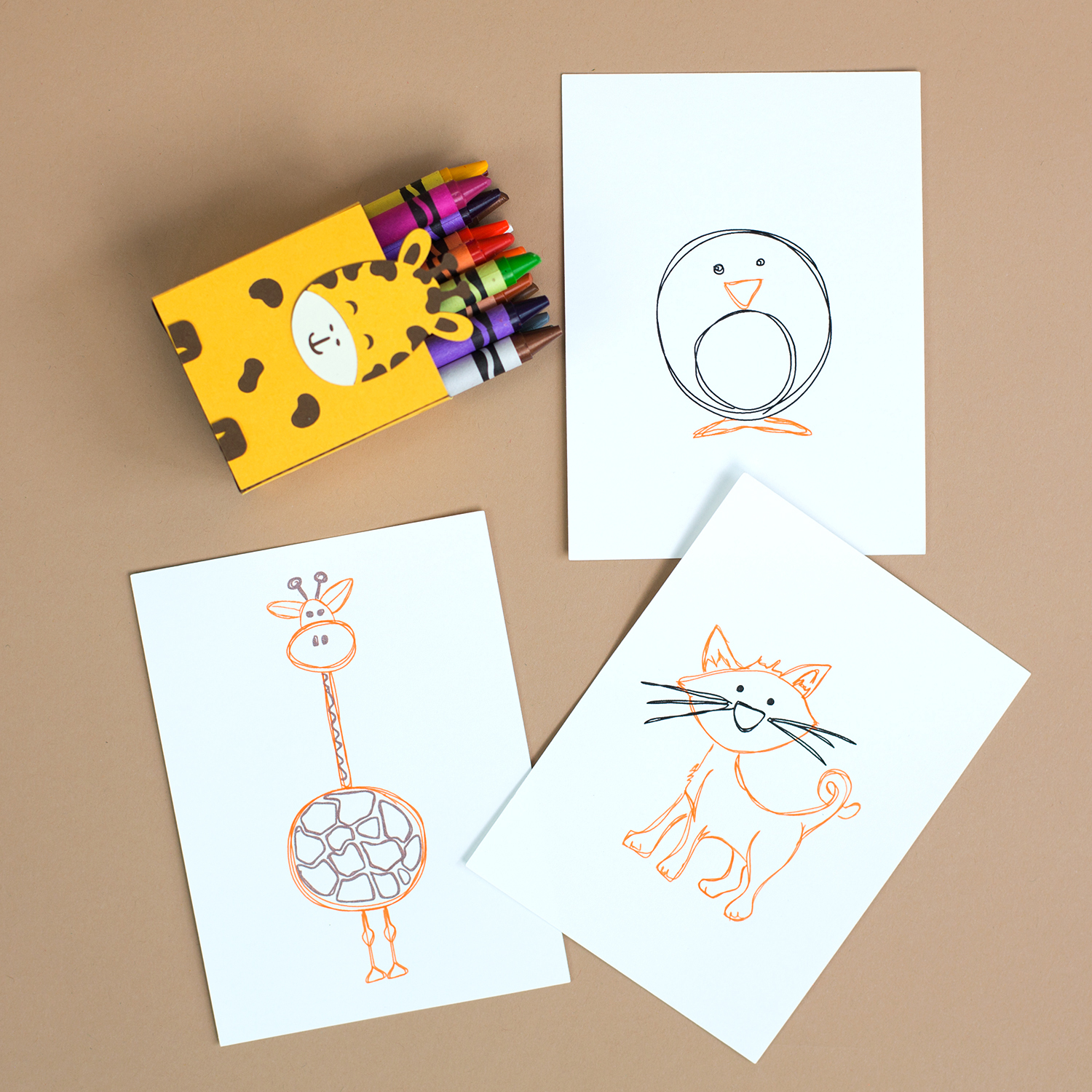
Sketching with markers
Replace the blade with the manufacturer's marker, or place your own marker in the universal holder and enjoy the option of sketching with your plotter. Thanks to this, you will achieve precision and repeatability impossible to achieve with a manual sketch.
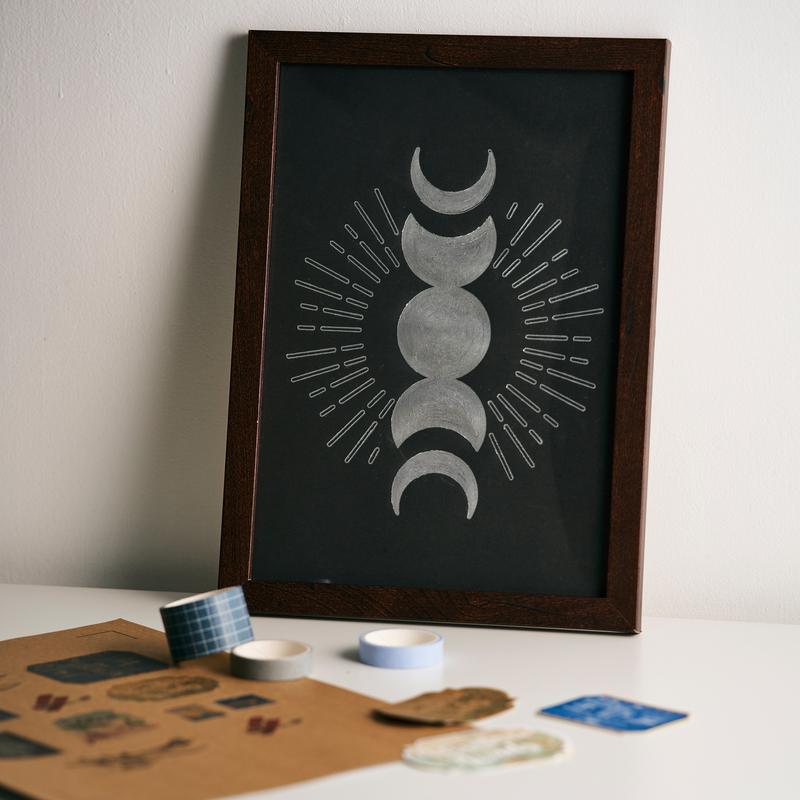
Gilding
Thanks to the powered holder and the
Silhouette gilding set, you can create wonderful decorations,
inscriptions, ornaments and patterns. This will create elegant
invitations, thank you cards and place cards. Possibility of processing
objects up to 2 cm thick.
Gilding set to be purchased separately.
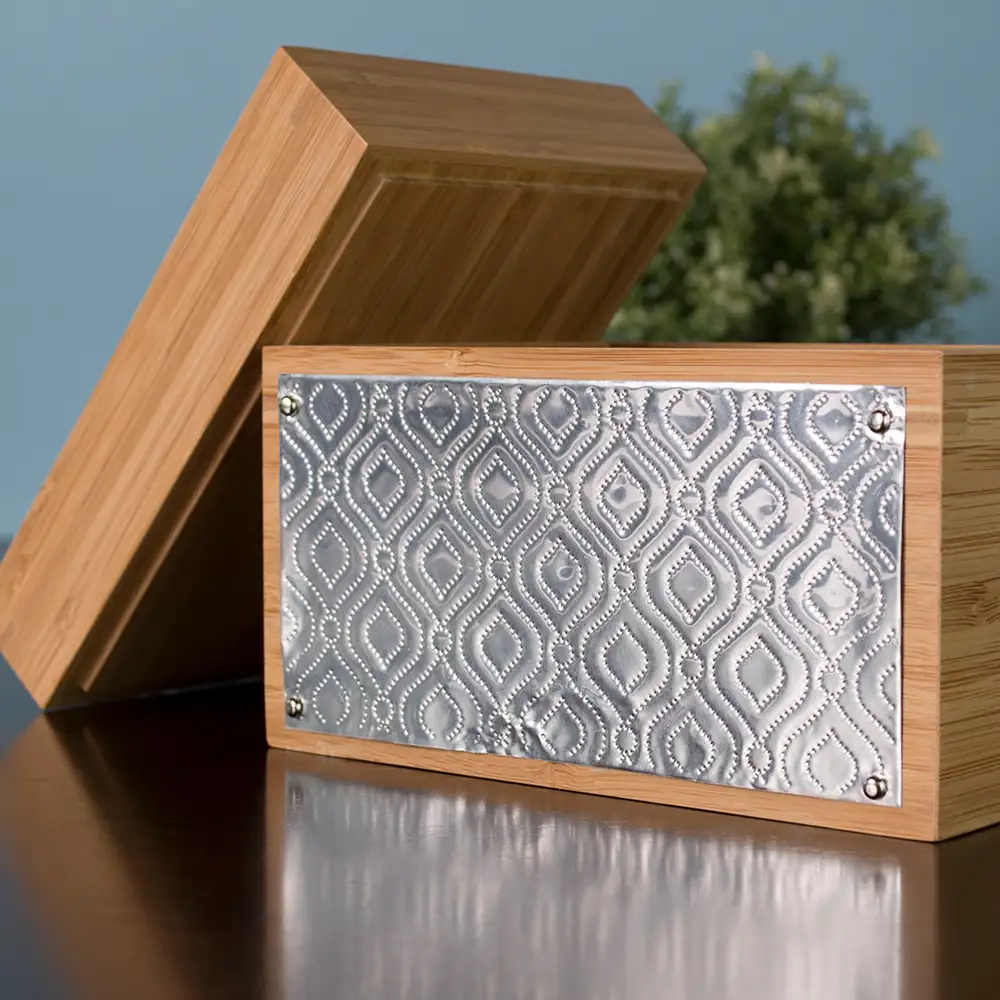
Embossing
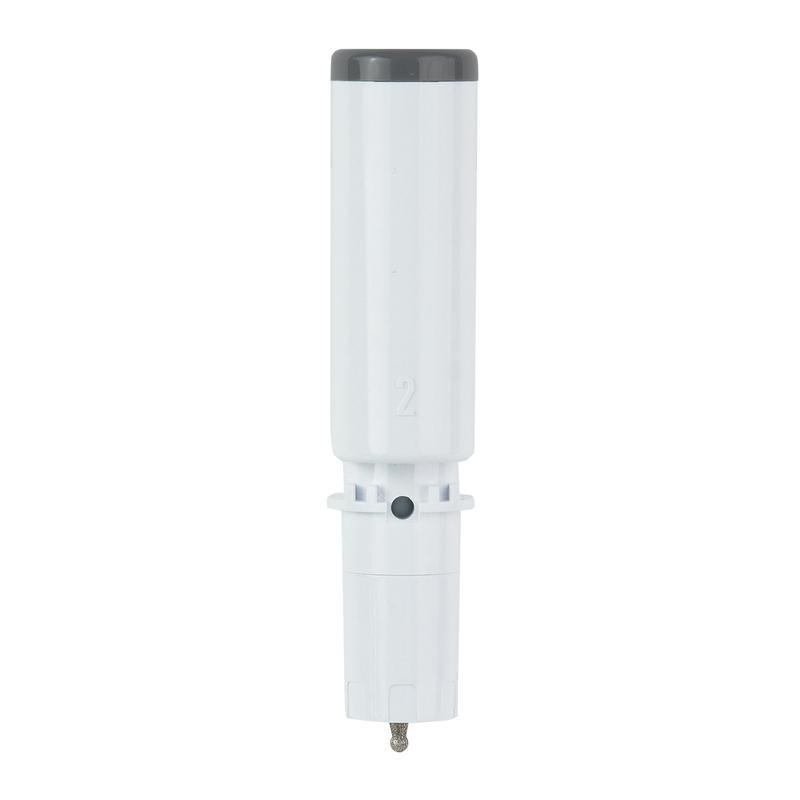
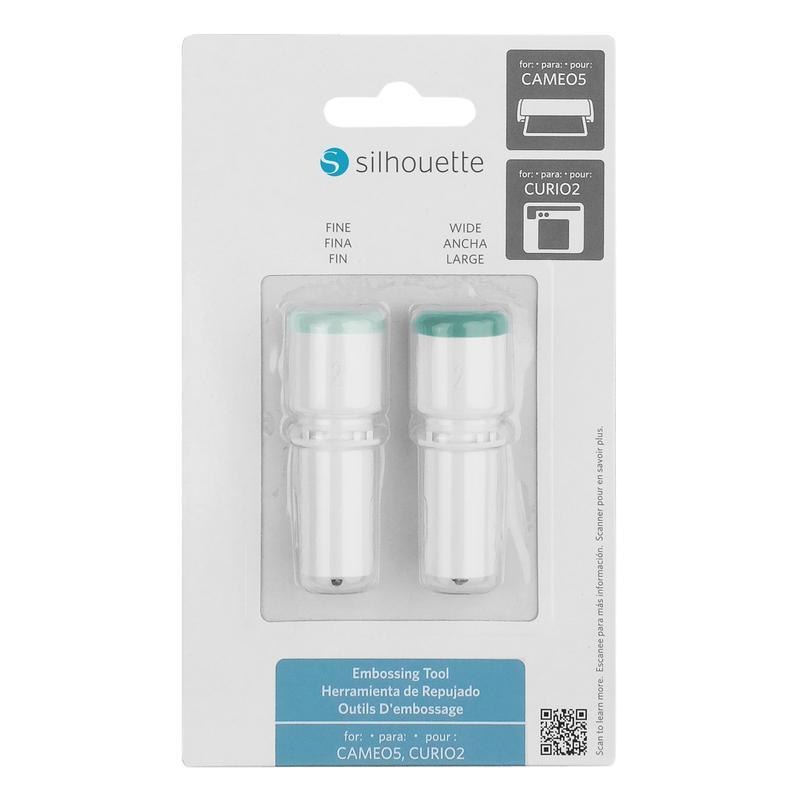
Using the embossing tool, you can create unique patterns on paper, foil or thin plates. Elements made in this way will give your projects a unique character. Embossing tool sold separately.
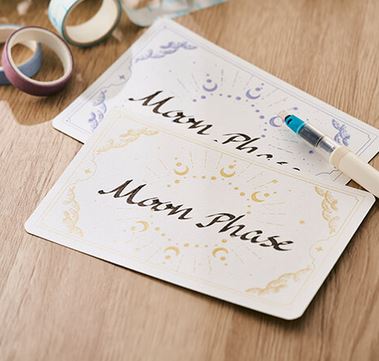
Calligraphy tool (coming soon)
This is a holder that allows you to guide the pen in a way that allows you to create calligraphy. Create elegant and decorative inscriptions on cards, invitations or thank you notes!
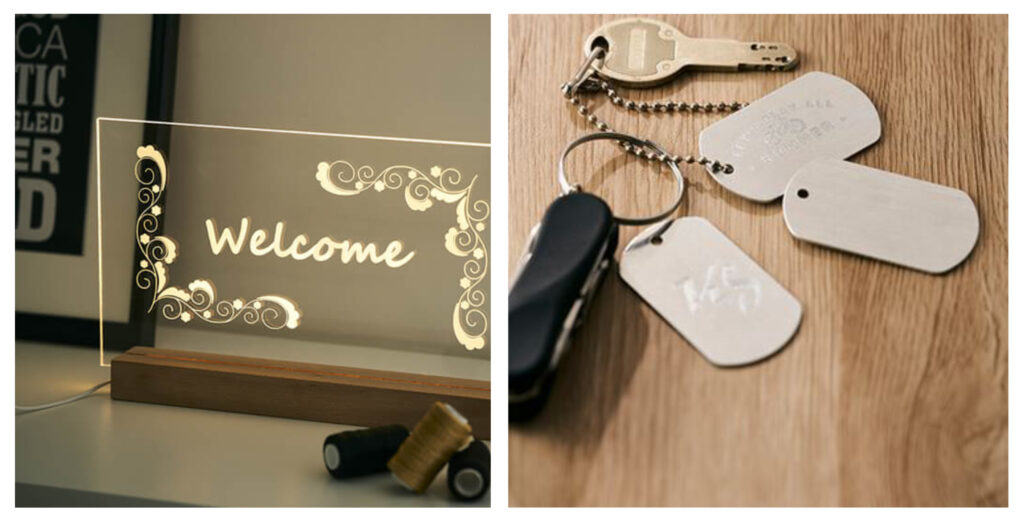
Engraving
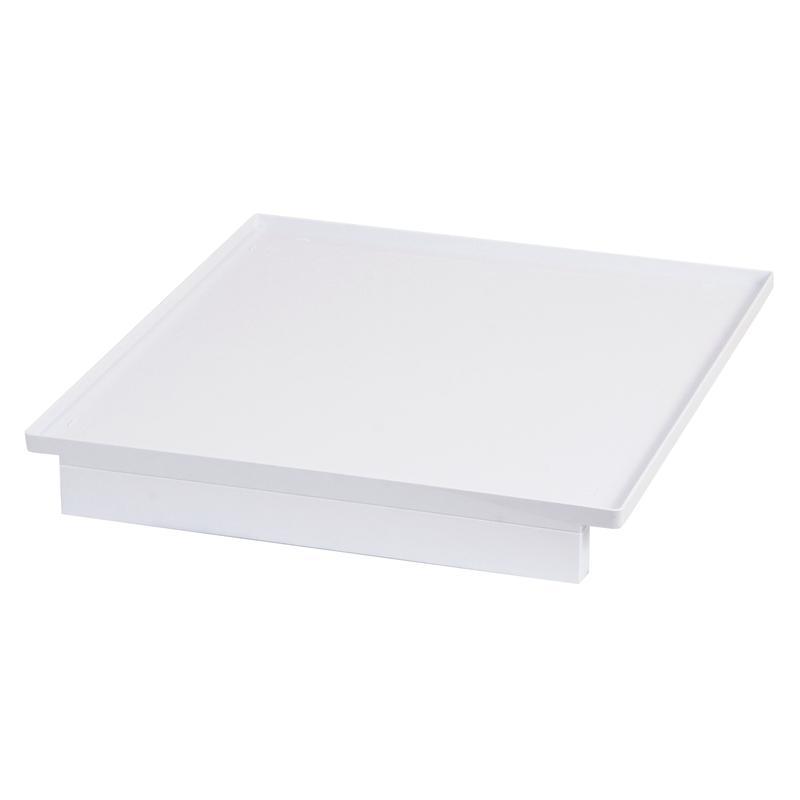
The rotary engraving tool will allow you to decorate thin metal plates and acrylic sheets up to 2 cm thick. This will create unique, personalized decorations. To protect the plotter mechanism, you should also purchase a tray for waste generated during engraving.
Punching
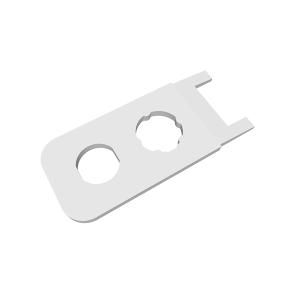
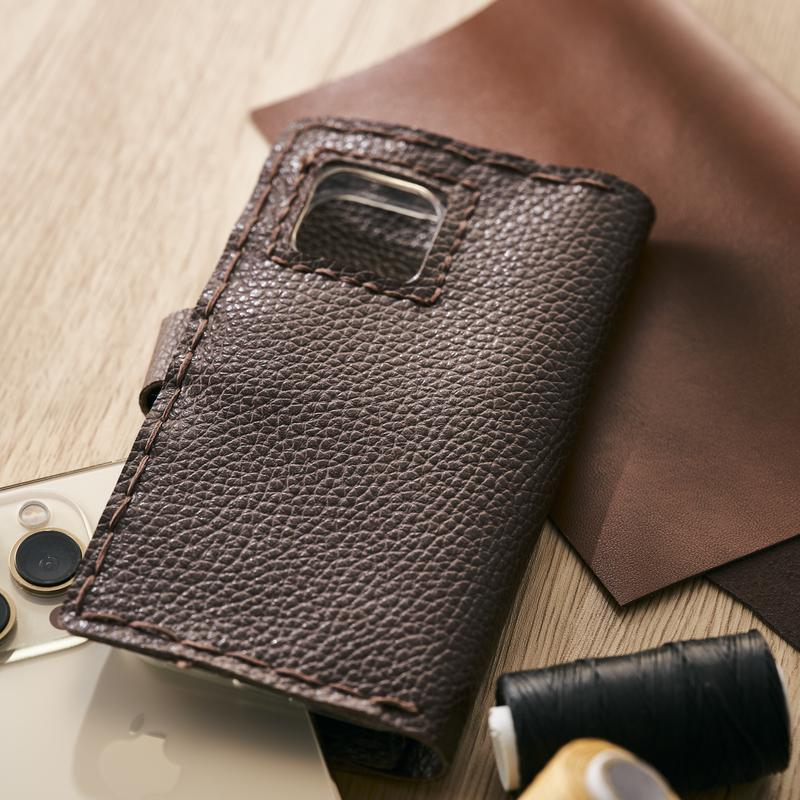
Do you create leather goods? Curio 2 will make even holes in the eco-leather for you using a dedicated tool. You can choose from three tip sizes and create holes for rivets, studs or regular stitching. Tool for use with an embossing mat.
| Title | Value |
|---|---|
| Connection | USB, Bluetooth |
| Force | 5kg, 300g |
| Language | English, Polish |
| Free designs | 100 |
| Cutting out graphics along the outline | Yes (the possible margin of error is 1/16 in.) |
| Maximum Cutting Area With Cutting Mat | 30,5 x 30,5 cm (12 x 12 in.) |
| Maximum Cutting Area Without Cutting Mat | 30,5 x 30,5 cm (12 x 12 in.) |
| Software | Silhouette Studio (free), Adobe Illustrator - plug-in (paid extra), Silhouette Studio Designer Edition (paid extra), Silhouette Studio Business Edition (paid extra), Corel DRAW - plug-in (paid extra) |
| Unit Dimensions | 61,1 x 50,5 x 23,9 cm |
| Unit Weight | 10,8 kg |
| Manufacturer Details | Silhouette America® Inc.618 N. 2000 W.Lindon, Utah 84042, USA support@silhouetteamerica.com |
| EU Marketing Authorisation Holder | Silhouette Europe B.V. Prinsengracht 572A 1017 KR Amsterdam tel: 31611841511 support@silhouetteeurope.eu |
Other customers bought also:
No one has added an opinion yet.
Be the first to do so!
Made by: Michał Desol